
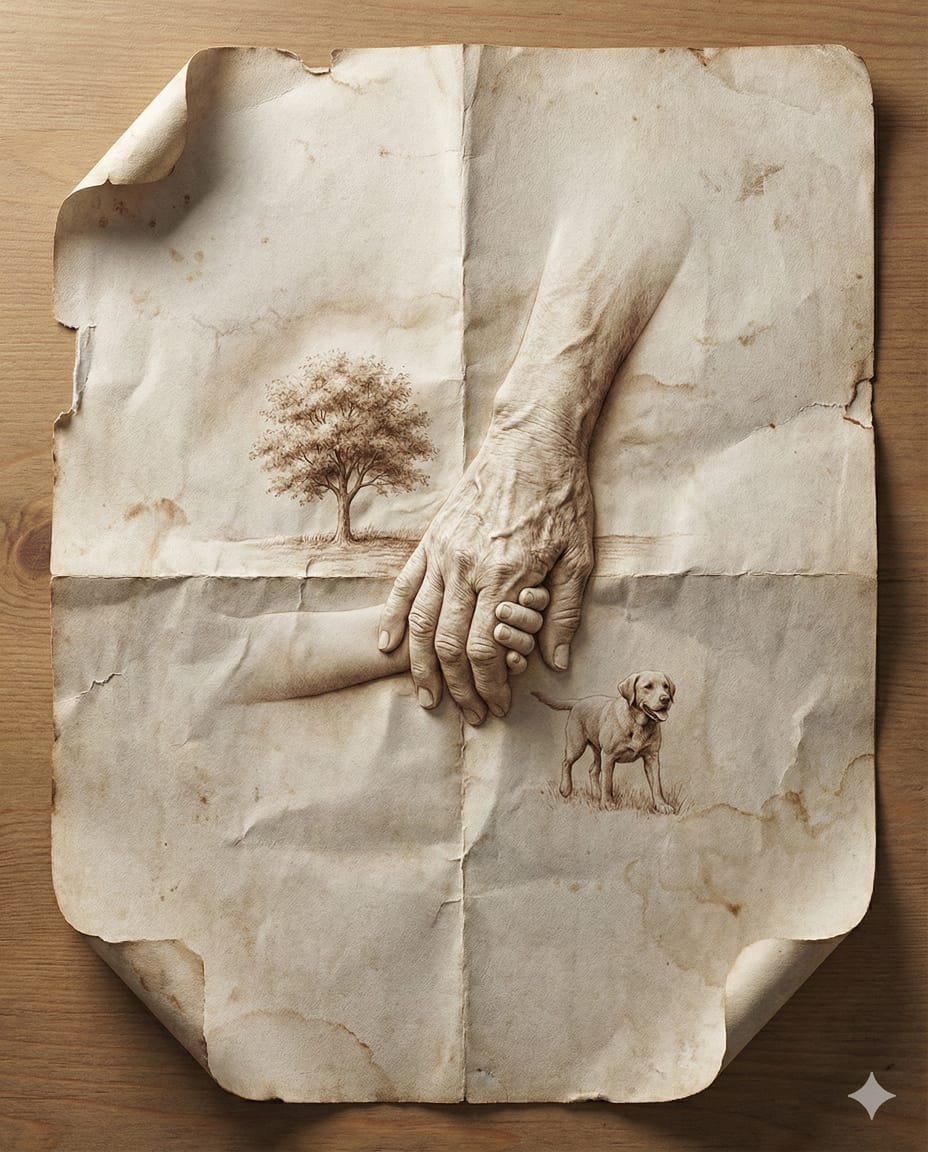
Master Aged Paper Memory — Folded Paper with Emerging Scene from Creases
Aged paper as a vessel for memory — a hyper-realistic folded sheet where scenes and memories emerge organically from the creases, wrinkles, and grain of the paper itself.
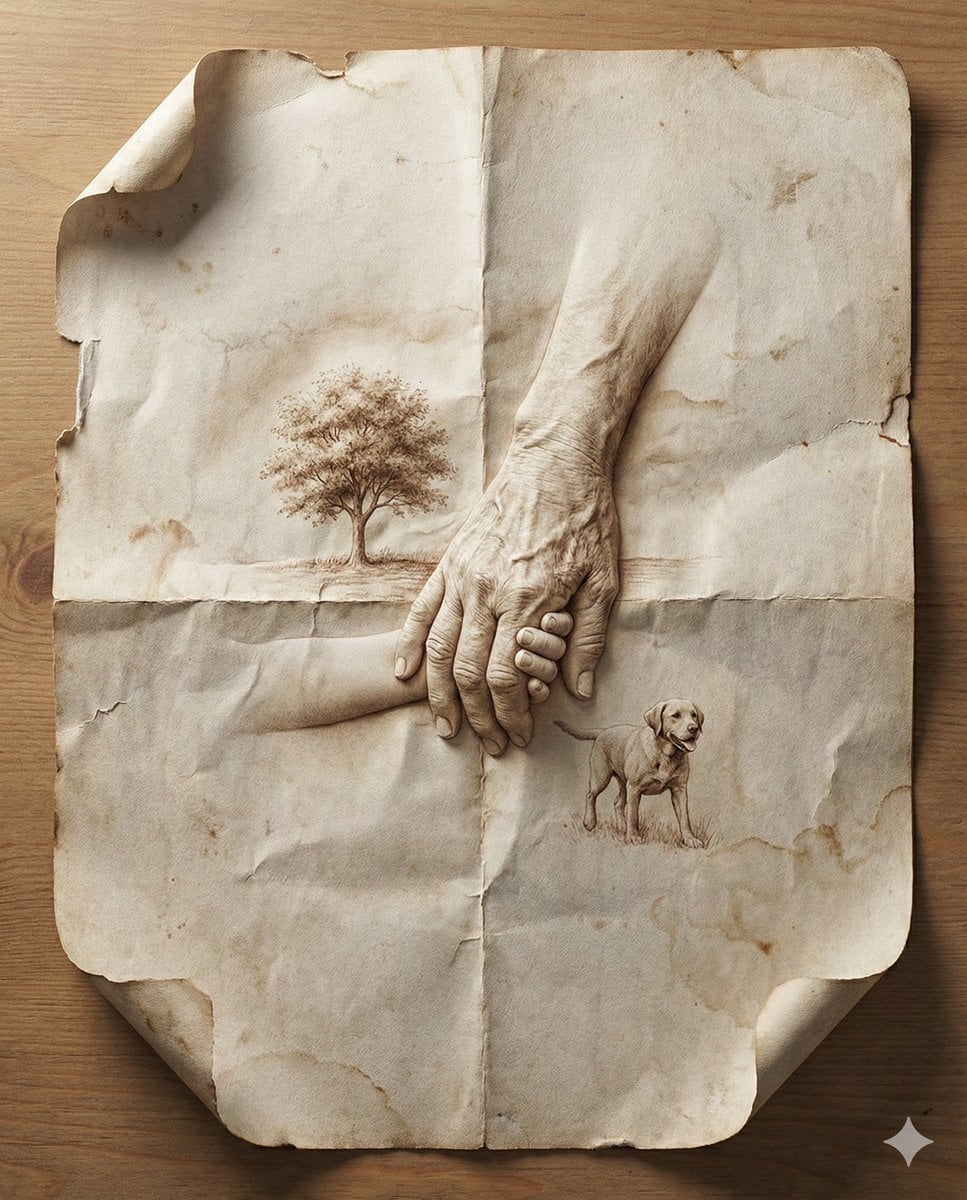
- Prompt included
- Model and format preset
- Premium template
The prompt behind this image
Copy the exact prompt behind Master Aged Paper Memory — Folded Paper with Emerging Scene from Creases, or open it in the studio and make it yours.
8K Ultra-Realistic Promotional Design a hyper-realistic close-up image of a folded sheet of aged paper. Within the paper's creases and surfaces, depict a [SCENE OR MEMORY] emerging naturally from the folds, like sculpted origami. The environment and figures (if present) appear embossed or printed directly into the paper, using wrinkles, grain, and ink textures to build the illusion. Include subtle shadows, curled edges, torn corners, and ink fading to enhance realism. Set the paper on a neutral tabletop with soft directional light from one side, casting gentle shadows and enhancing dimensional depth. Photorealistic, emotional storytelling, handcrafted visual illusion, 8K ultra-detail, and image size 4:5.
How to use Master Aged Paper Memory — Folded Paper with Emerging Scene from Creases in 3 steps
- 1
Open
The prompt is already in the box next to the preview, with the template's model and format selected.
- 2…a portrait of your subject in softgolden-hour light, 85mm…
Personalize
Edit the subject and creative details for your destination.
- 3Generate
Generate
Press Generate — your image is created in PicX Studio, so you can compare it with the original and refine one variable at a time.
More like this
Templates with the same subject, style or setup. Open one to see its prompt.
Master Aged Paper Memory — Folded Paper with Emerging Scene from Creases
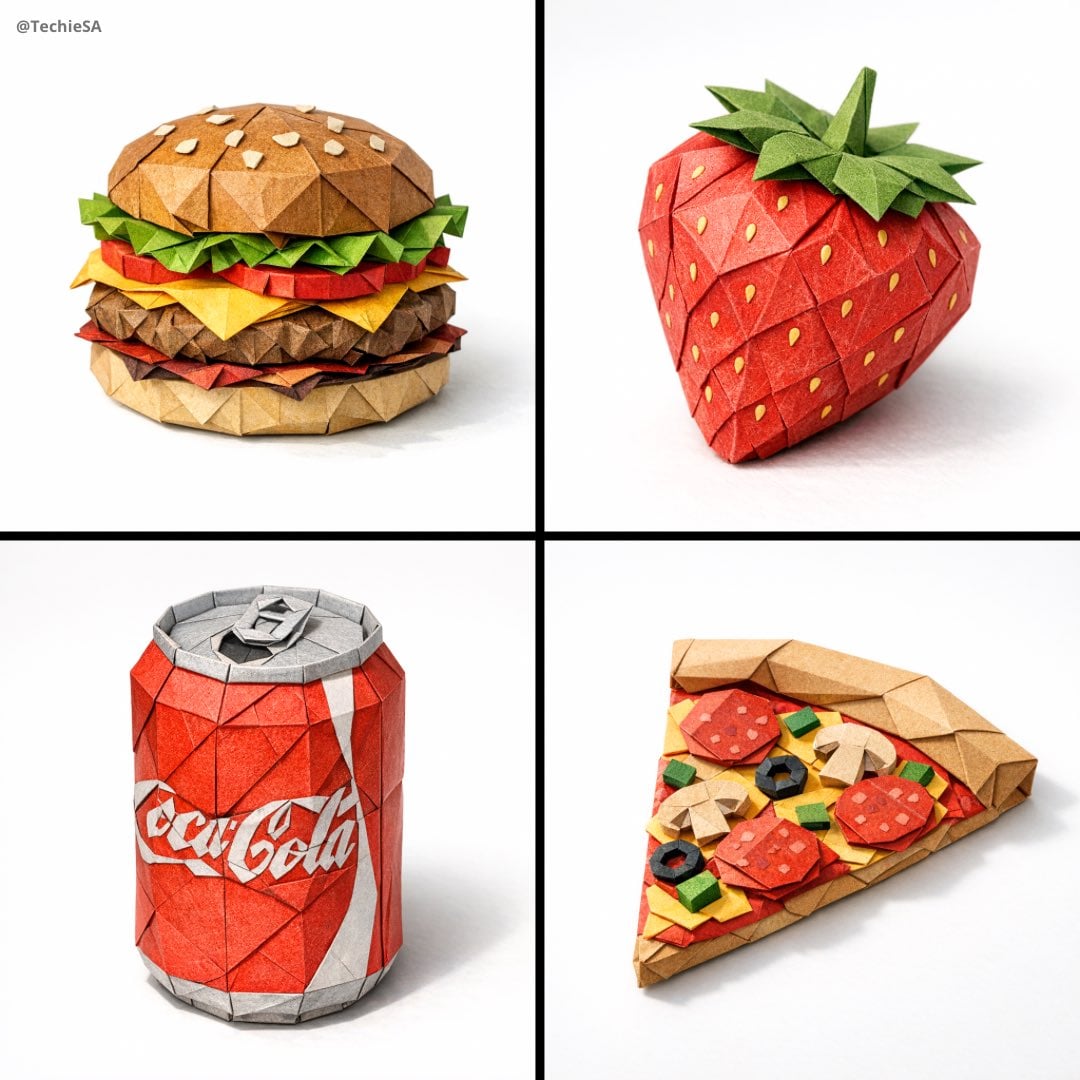
Paper Cut Wildlife Portrait
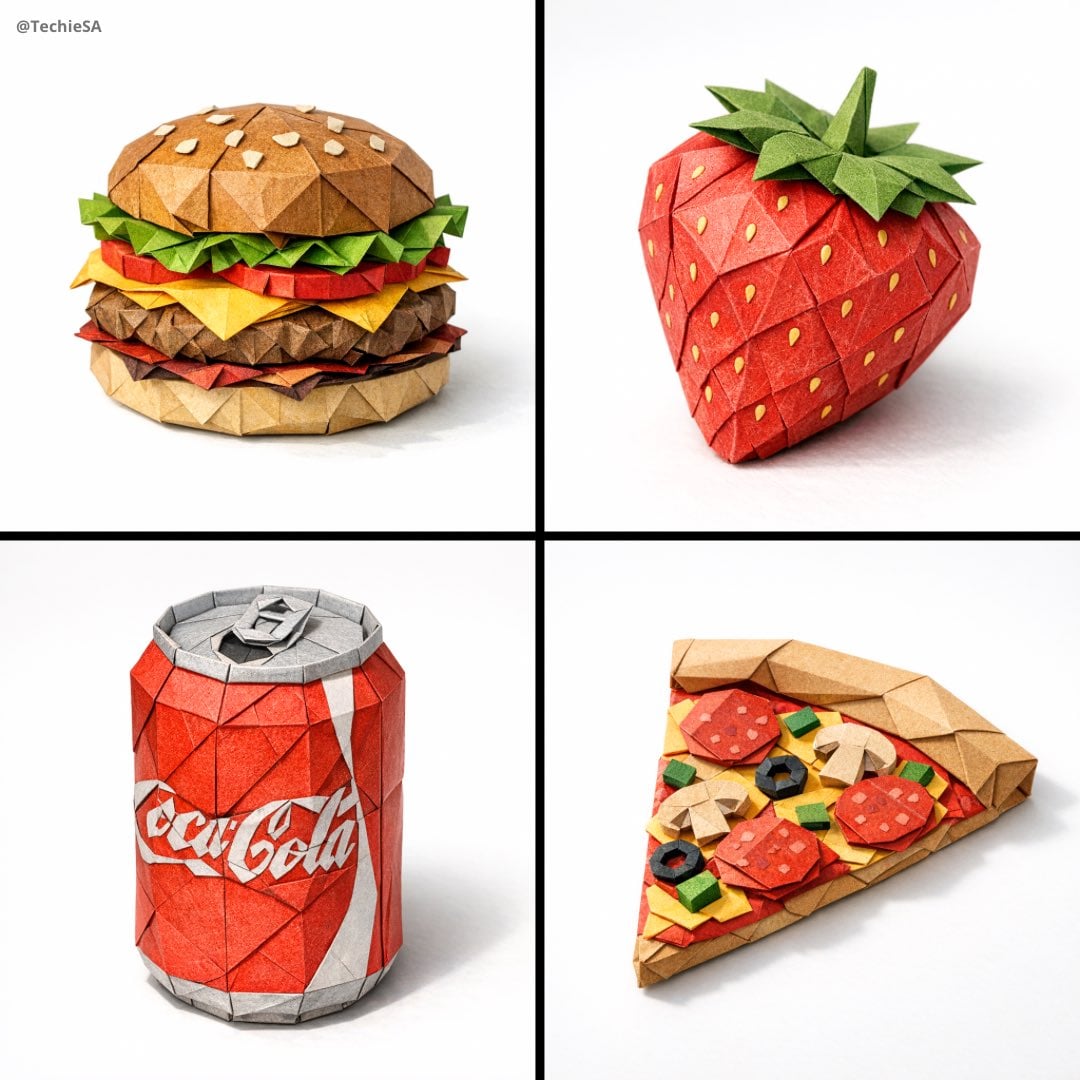
Master Origami Food Art — Hyper-Detailed Paper Folding Cuisine
Master Origami Food Art — Hyper-Detailed Paper Folding Cuisine
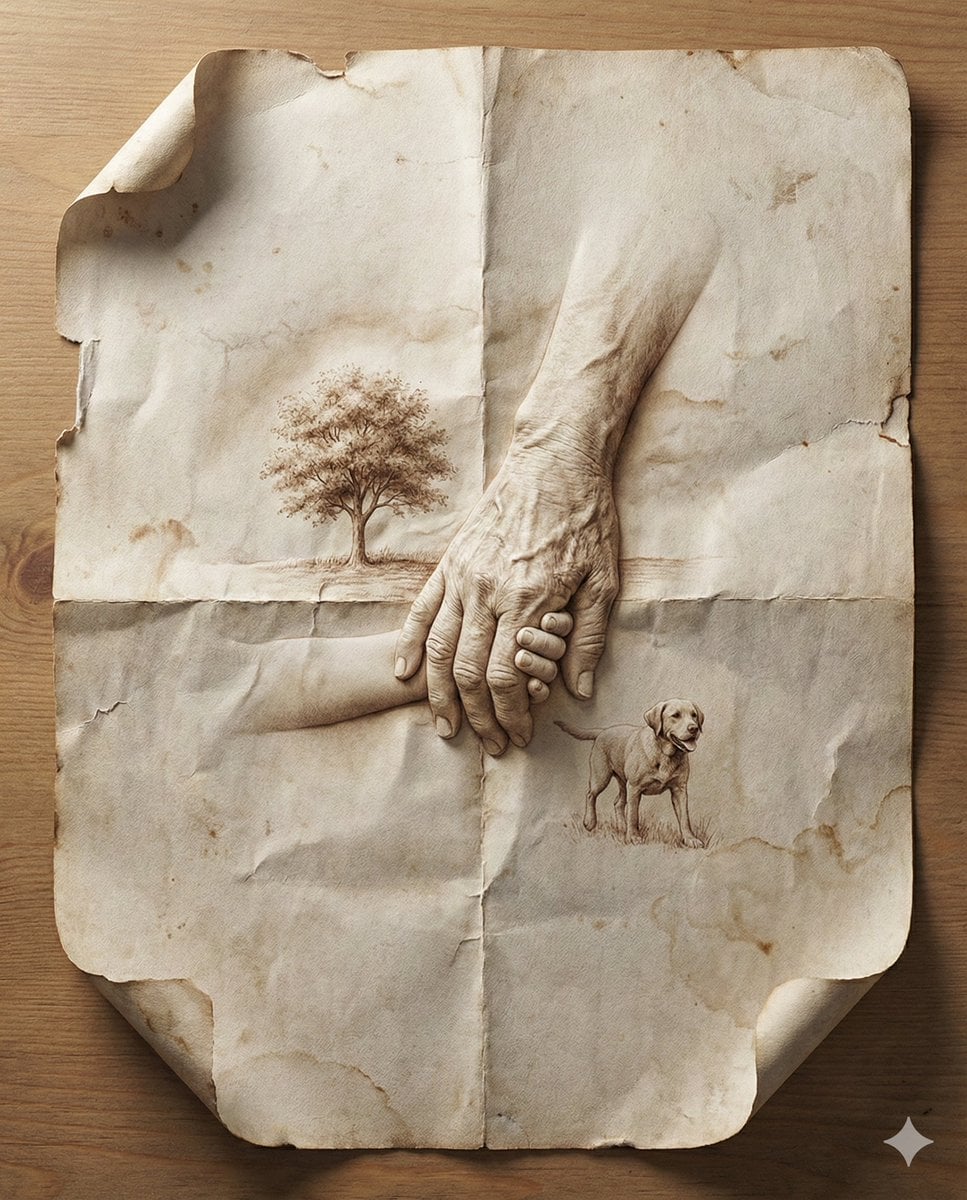
Paper Cut Musical Instrument
Paper Cut Fashion Editorial
Master Layered Paper Cut Illustration — Overlapping Shapes with Handcrafted Textures
Chinese Calligraphy Scroll on Aged Paper
Paper Texture Swatch Grid
Aged Paper Illusion Promotional Design

Two Tickets, One Night

If We Met in 1985
Make it yours
Master Aged Paper Memory — Folded Paper with Emerging Scene from Creases works as-is. These are the safest ways to change it without losing the look.
Change one field
Copy a single group, rewrite it, and generate again so you can see what that field is doing.
Keep the frame, change the subject
Hold the composition and light of Master Aged Paper Memory — Folded Paper with Emerging Scene from Creases, then swap wardrobe, props or the person for a new take.
| If the result… | Why | Fix |
|---|---|---|
| The result drifts from the preview | Too many fields changed at once. | Reuse Master Aged Paper Memory — Folded Paper with Emerging Scene from Creases as-is first, then change one group — subject, light, or setting. |
| The model over-stylizes the scene | The prose prompt leaves finish and camera underspecified. | Add one camera or lighting sentence and stay on PicX Studio. |
More image prompts
Fresh picks from across the catalog.
Cinematic Beauty Shot with Sapphire Crystals
Golden Hour Picnic Lifestyle Editorial Prompt
Owl-Shaped Nebula in Deep Space
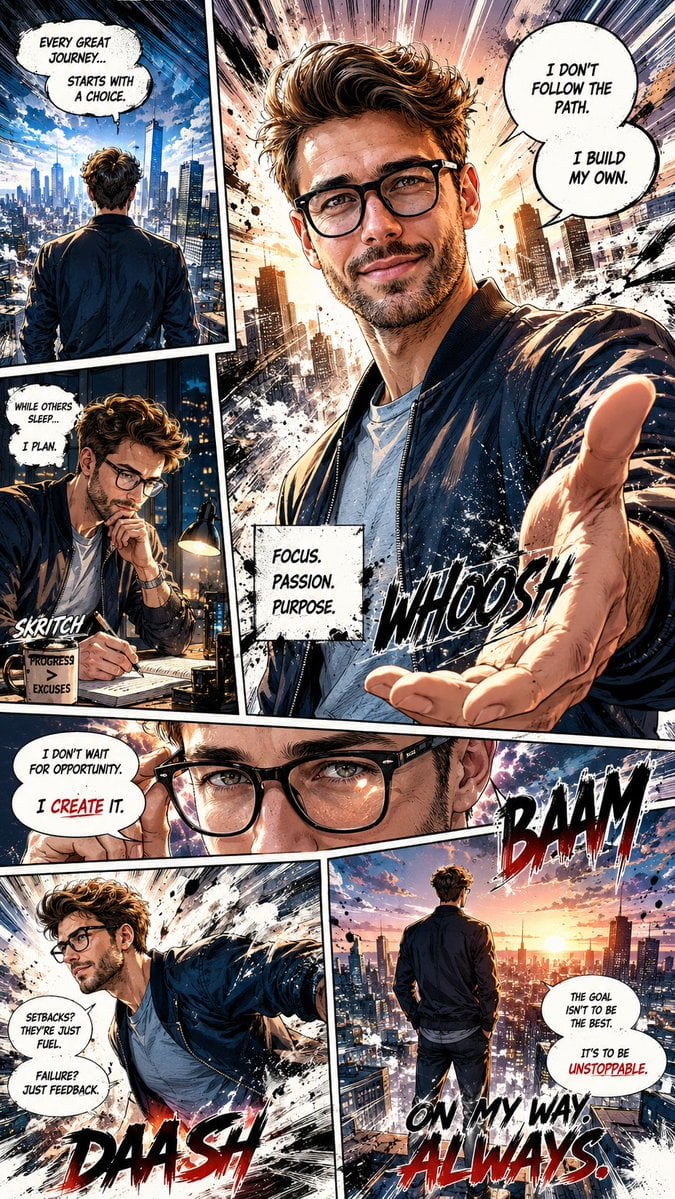
Dynamic Manga Page Illustration
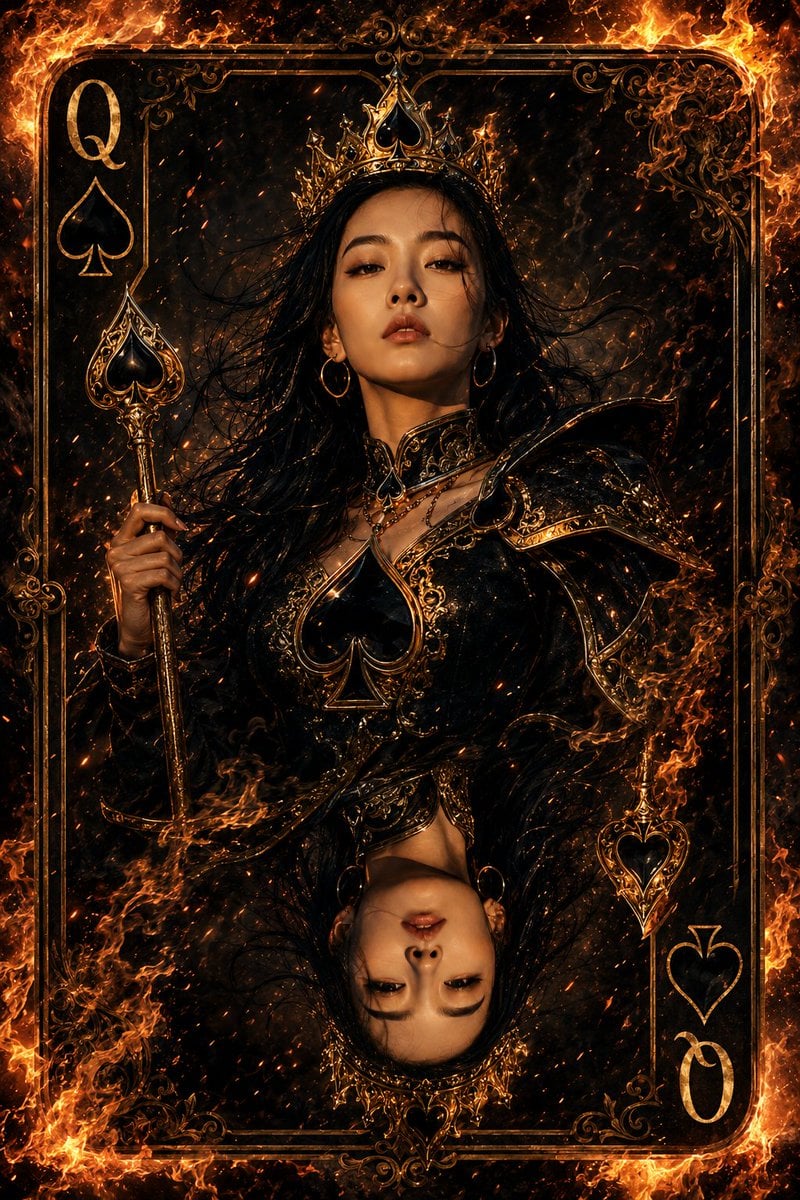
Queen of Spades Fantasy Playing Card

Scientific Macro Documentary Photography Prompt for Water Droplet on Leaf

Black Outfit Portrait in Snowy Mountains
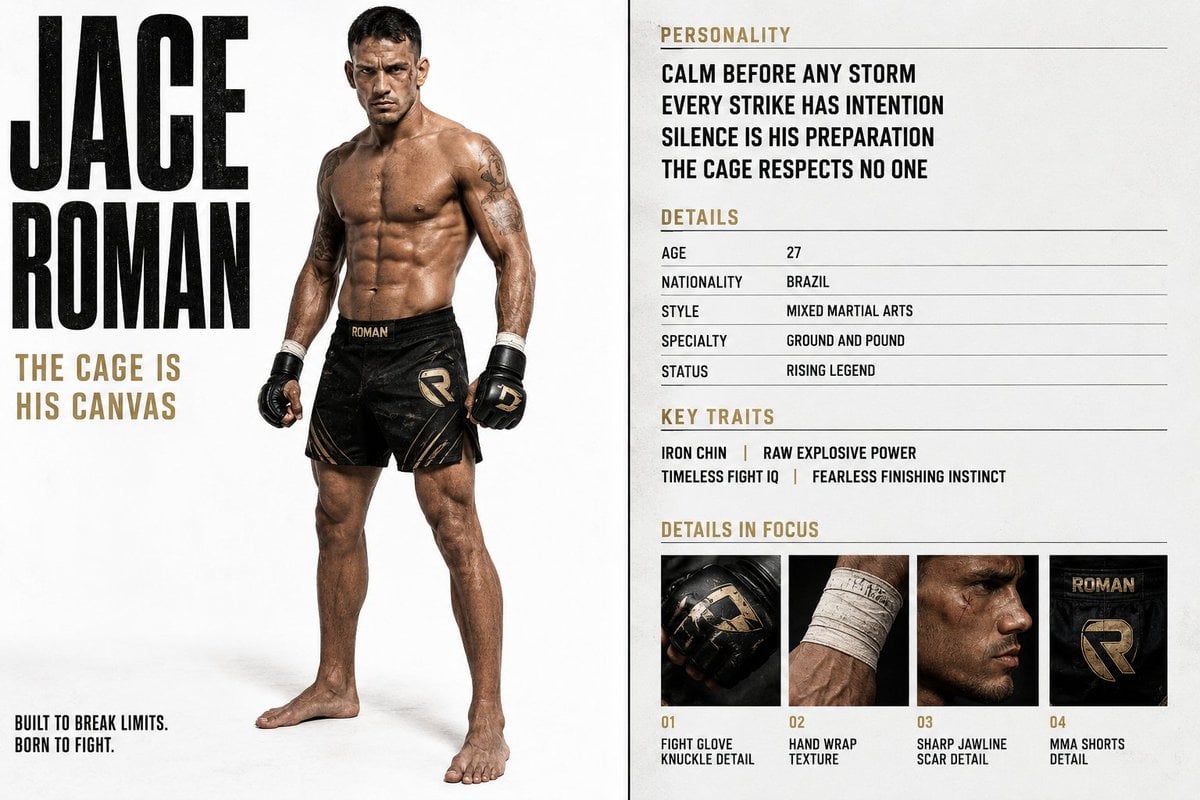
Luxury Editorial Character Spread
Nostalgic Disposable Camera Snap Prompt
Dark Fantasy Anime Girl at Shrine
Browse template categories
Master Aged Paper Memory — Folded Paper with Emerging Scene from Creases questions
How do I use the Master Aged Paper Memory — Folded Paper with Emerging Scene from Creases template?
Add your photo if the template asks for one, edit the prompt if you like — the template's model and format are already selected — and press Generate. Your version opens in PicX Studio.
Can I customize the Master Aged Paper Memory — Folded Paper with Emerging Scene from Creases template?
Yes. You can change the subject, setting, lighting, mood, format, and available model controls before creating your image.
Is the Master Aged Paper Memory — Folded Paper with Emerging Scene from Creases template free?
Opening and editing this template is free. Generating uses credits, shown on the Generate button when you are signed in.
Which AI model should I use?
Choose a compatible model in PicX Studio based on the style, speed, and output controls your project needs.
Looking for something else? Browse all templates.

Your photo, any look
Thousands of ready templates for every top image and video model, from one credit balance.