
Paper Cut Wildlife Portrait
Master Paper Cut AI Art template: Paper Cut Wildlife Portrait.
- Prompt included
- Model and format preset
- Free template
The prompt behind this image
Copy the exact prompt behind Paper Cut Wildlife Portrait, or open it in the studio and make it yours.
Majestic Siberian tiger portrait in hyper-realistic layered paper cut. Each stripe individually cut from charcoal paper on warm amber base layer. Whiskers: single strands of fine Japanese washi paper. Eyes: layered construction — black pupil, amber iris with radial cut lines, clear vellum catch-light. Fur texture achieved through thousands of micro-feathered cuts along layer edges. Nose and mouth in soft pink paper with embossed nostrils. Background: bamboo forest in graduated greens, each stalk a separate layer. Dramatic rim lighting from right separates subject from background. Master wildlife paper portraiture, 8K, aspect ratio 3:4
How to use Paper Cut Wildlife Portrait in 3 steps
- 1
Open
The prompt is already in the box next to the preview, with the template's model and format selected.
- 2…a portrait of your subject in softgolden-hour light, 85mm…
Personalize
Edit the subject and creative details for your destination.
- 3Generate
Generate
Press Generate — your image is created in PicX Studio, so you can compare it with the original and refine one variable at a time.
More like this
Templates with the same subject, style or setup. Open one to see its prompt.
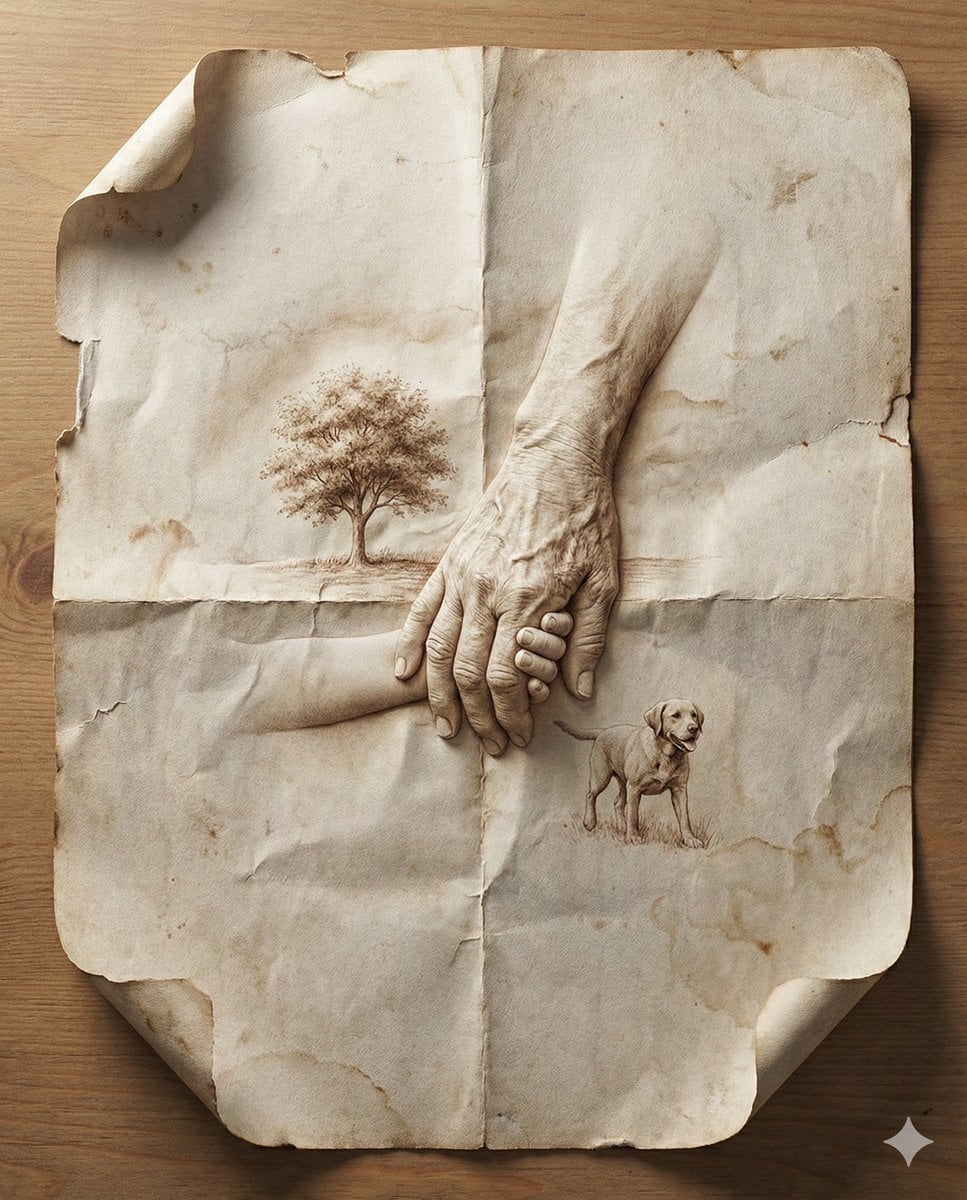
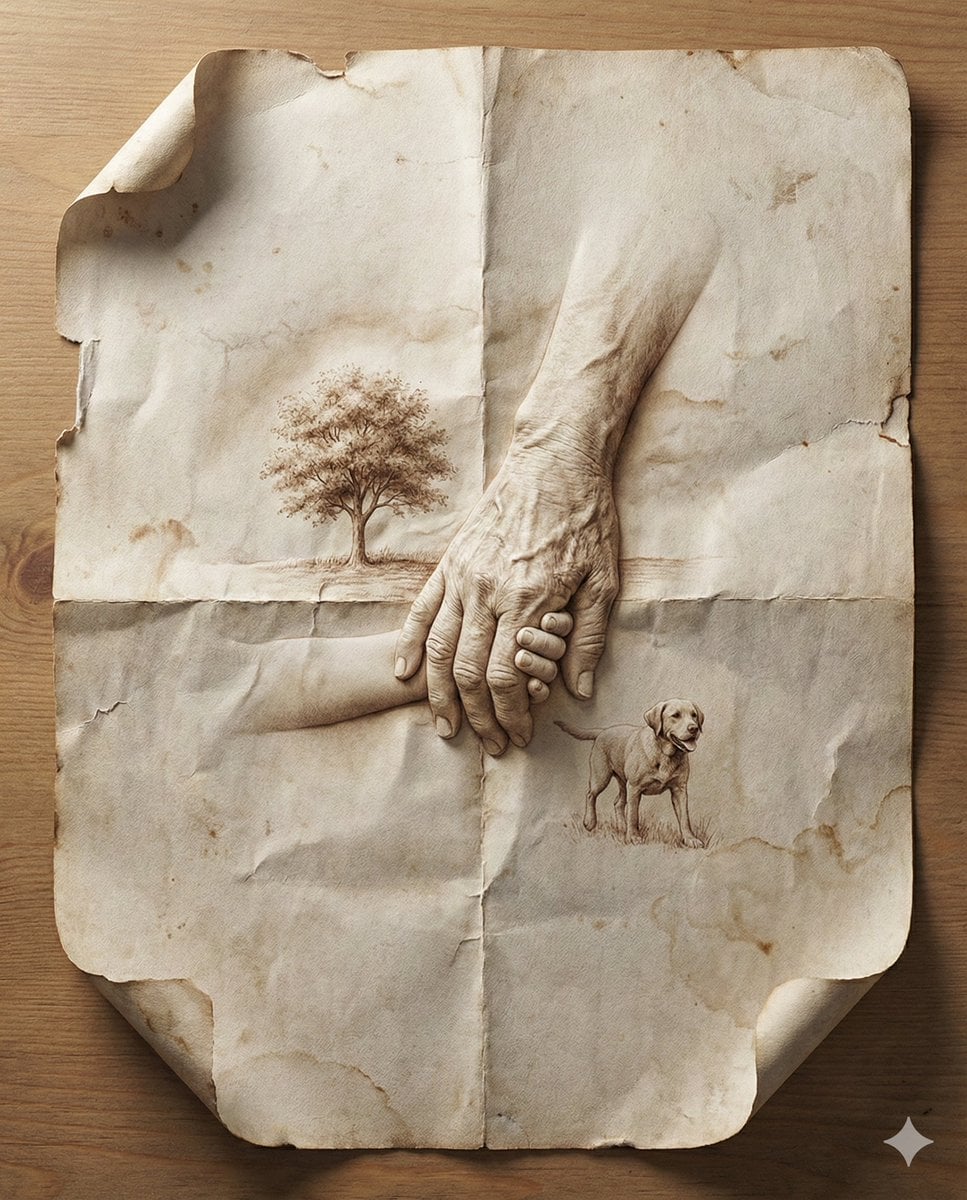
Master Aged Paper Memory — Folded Paper with Emerging Scene from Creases
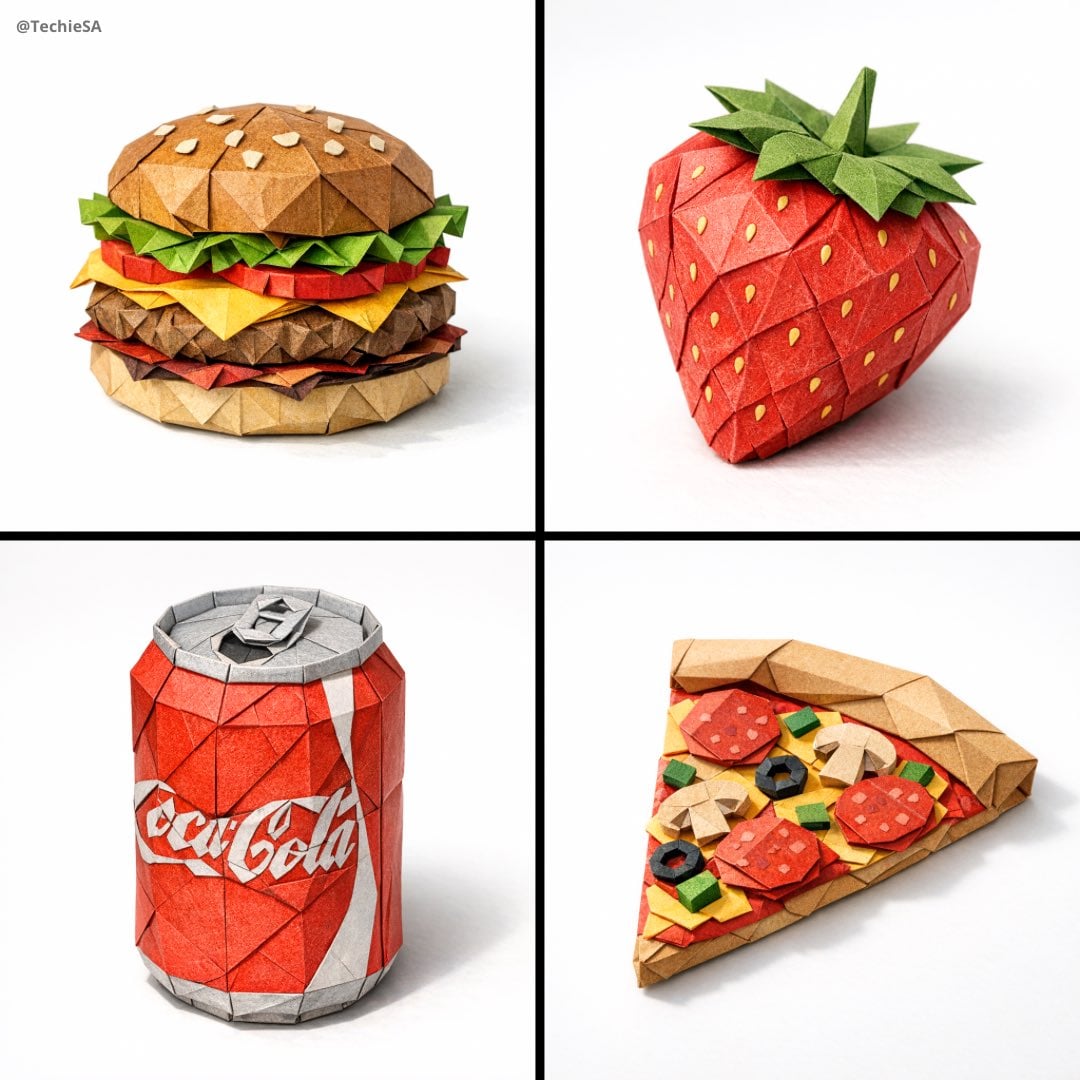
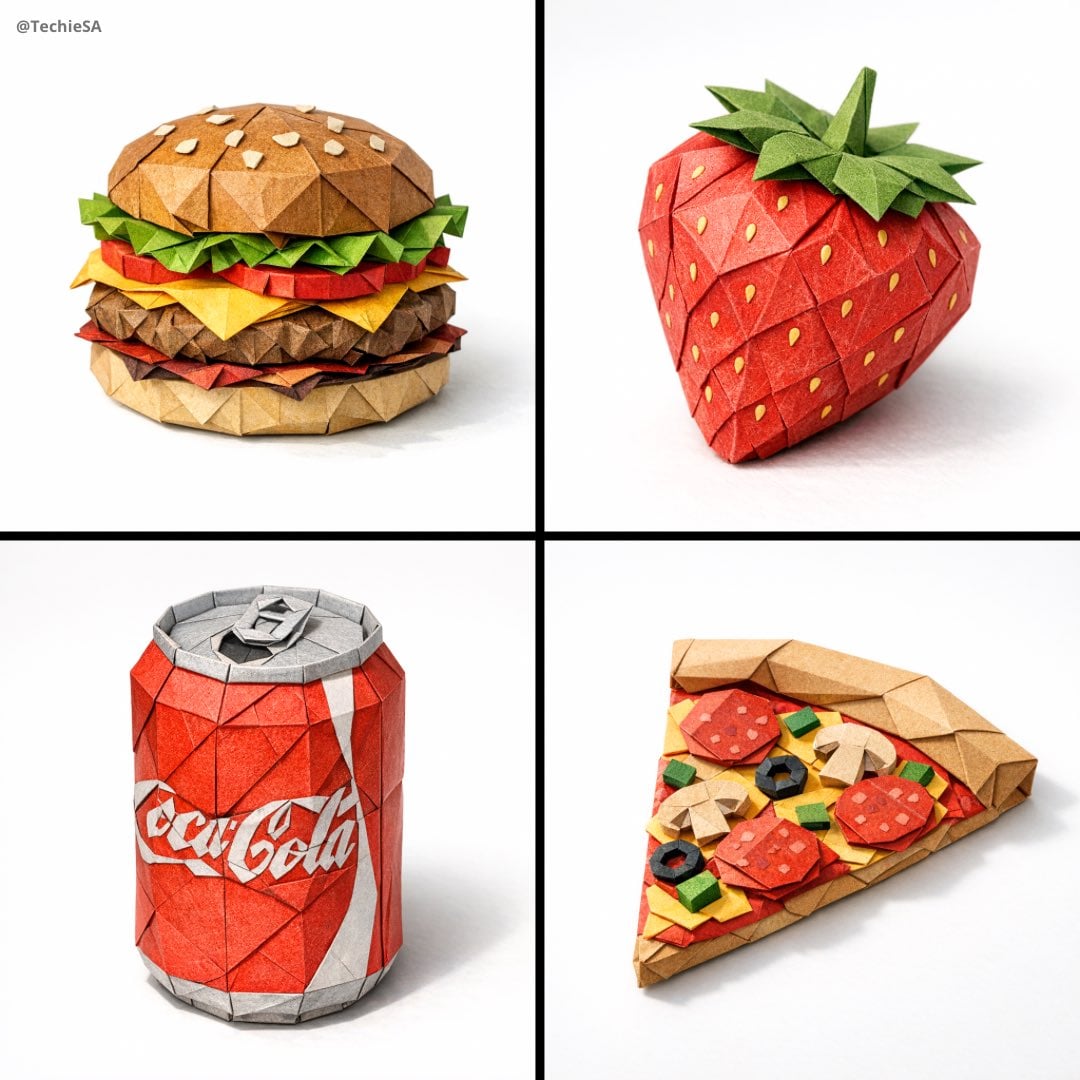
Master Origami Food Art — Hyper-Detailed Paper Folding Cuisine
Master Aged Paper Memory — Folded Paper with Emerging Scene from Creases
Master Origami Food Art — Hyper-Detailed Paper Folding Cuisine
Paper Cut Musical Instrument
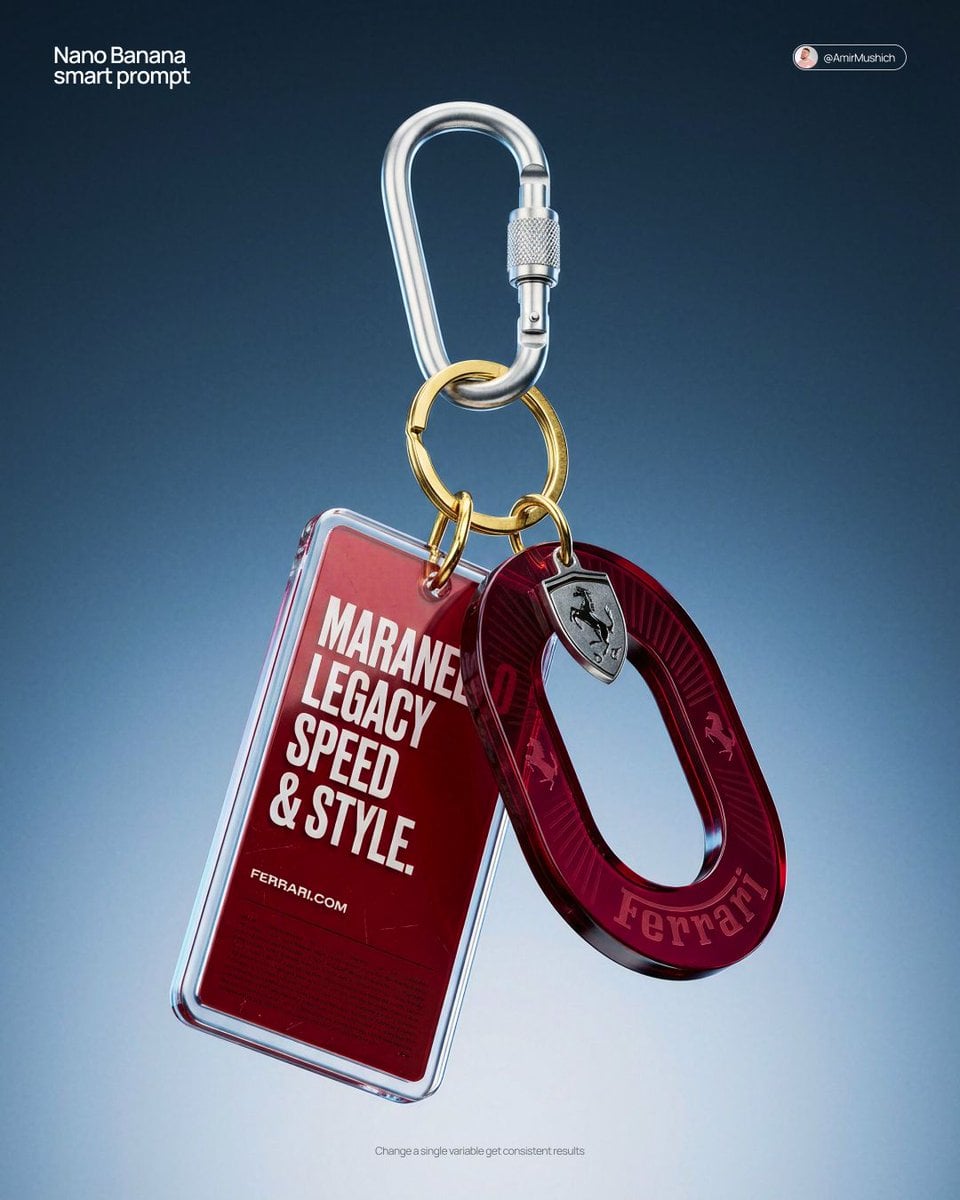
Paper Cut Fashion Editorial
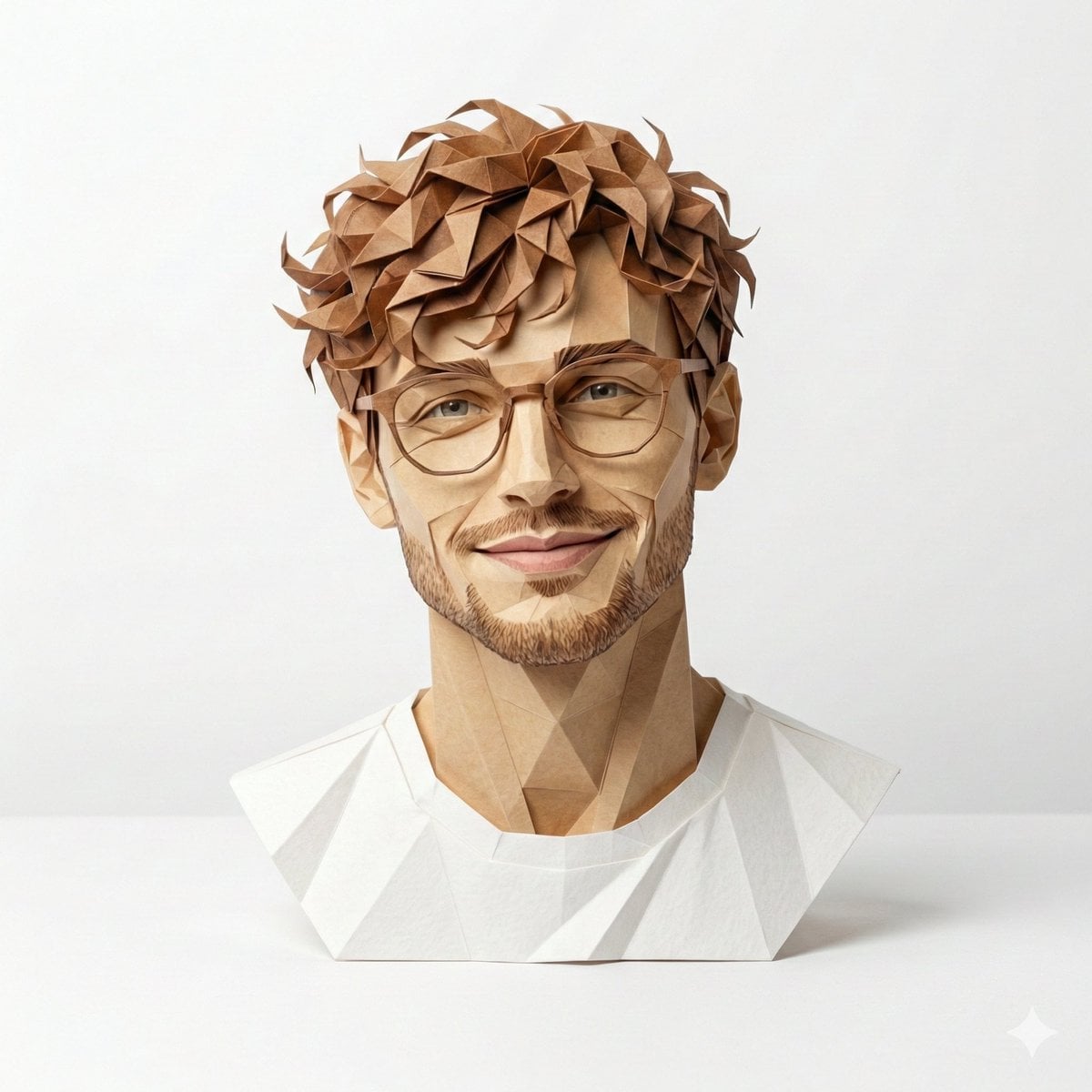
Origami Masterpiece Portrait
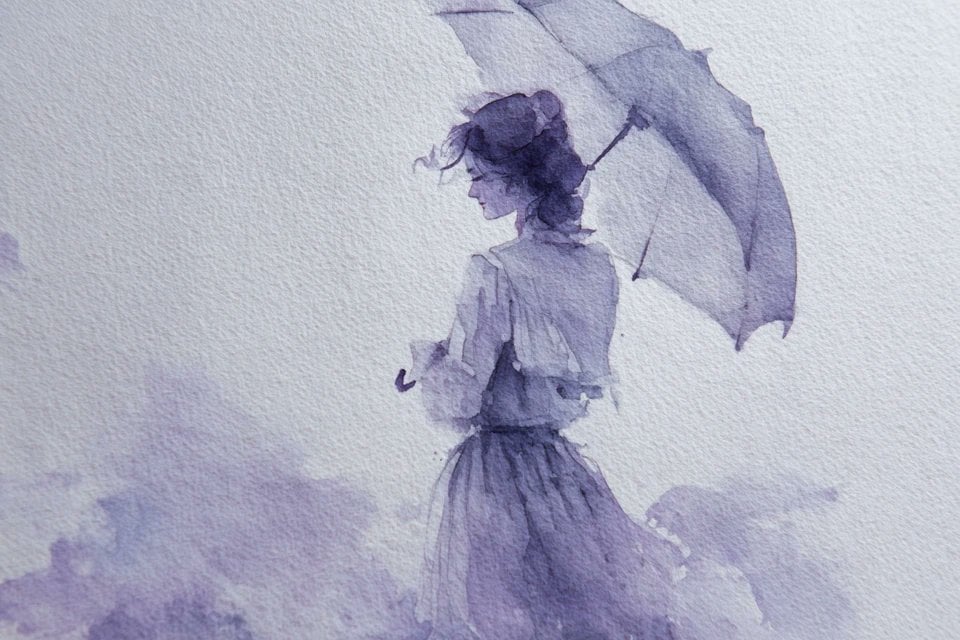
Watercolor Dreamscape — Nano Banana
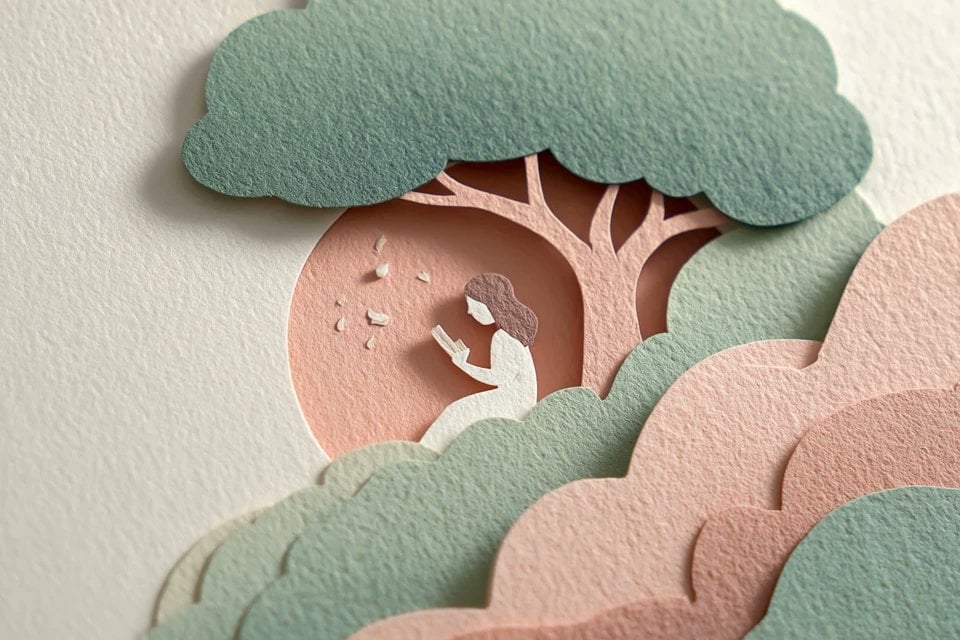
Master Layered Paper Cut Illustration — Overlapping Shapes with Handcrafted Textures
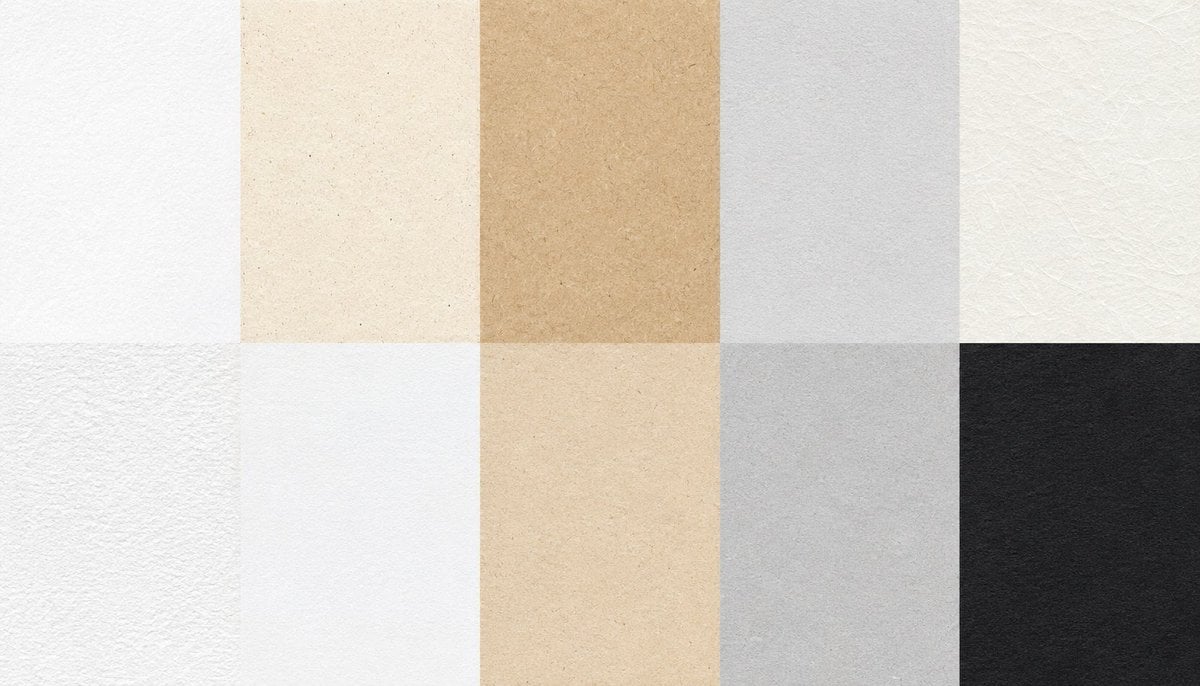
Paper Texture Swatch Grid
Paper Cut Mandala Meditation
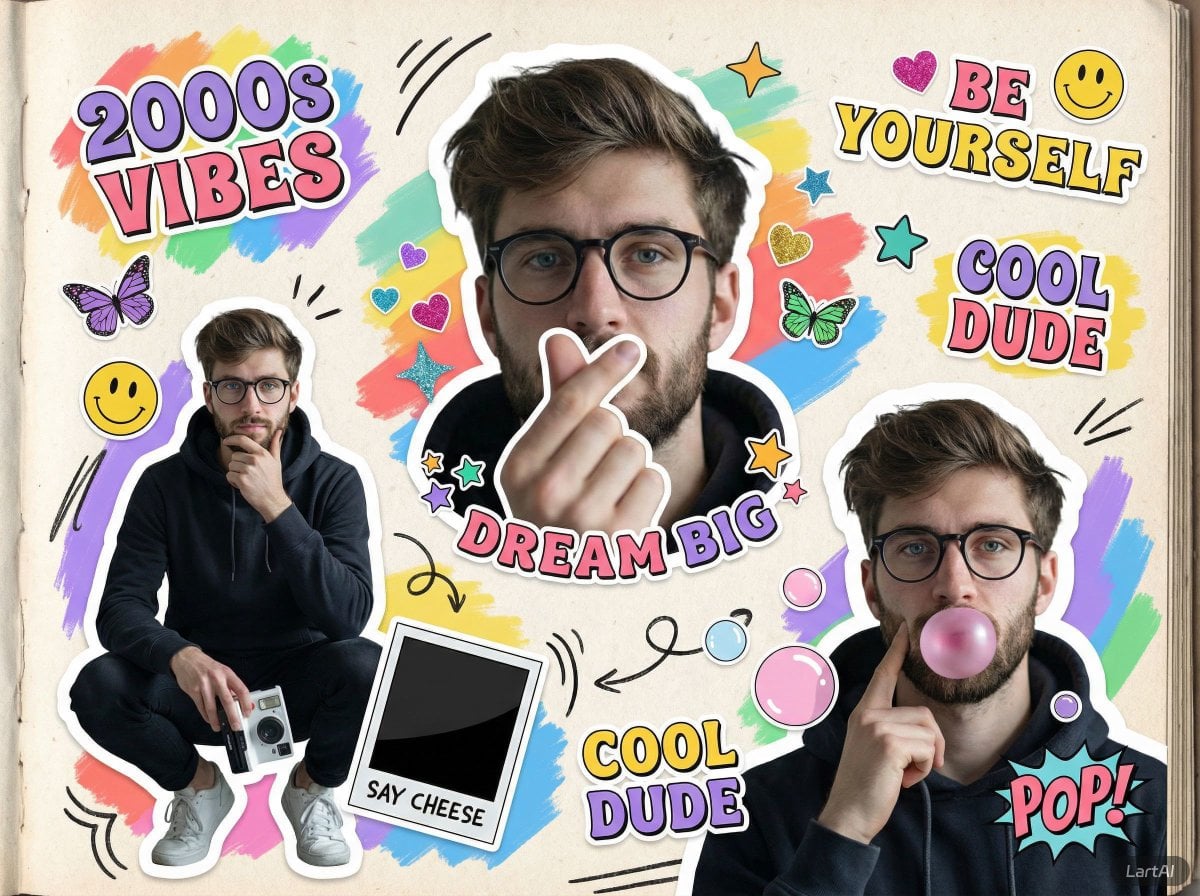
Paper Cut Fairy Tale Scene
Make it yours
Paper Cut Wildlife Portrait works as-is. These are the safest ways to change it without losing the look.
Change one field
Copy a single group, rewrite it, and generate again so you can see what that field is doing.
Keep the frame, change the subject
Hold the composition and light of Paper Cut Wildlife Portrait, then swap wardrobe, props or the person for a new take.
| If the result… | Why | Fix |
|---|---|---|
| The result drifts from the preview | Too many fields changed at once. | Reuse Paper Cut Wildlife Portrait as-is first, then change one group — subject, light, or setting. |
| The model over-stylizes the scene | The prose prompt leaves finish and camera underspecified. | Add one camera or lighting sentence and stay on PicX Studio. |
More image prompts
Fresh picks from across the catalog.
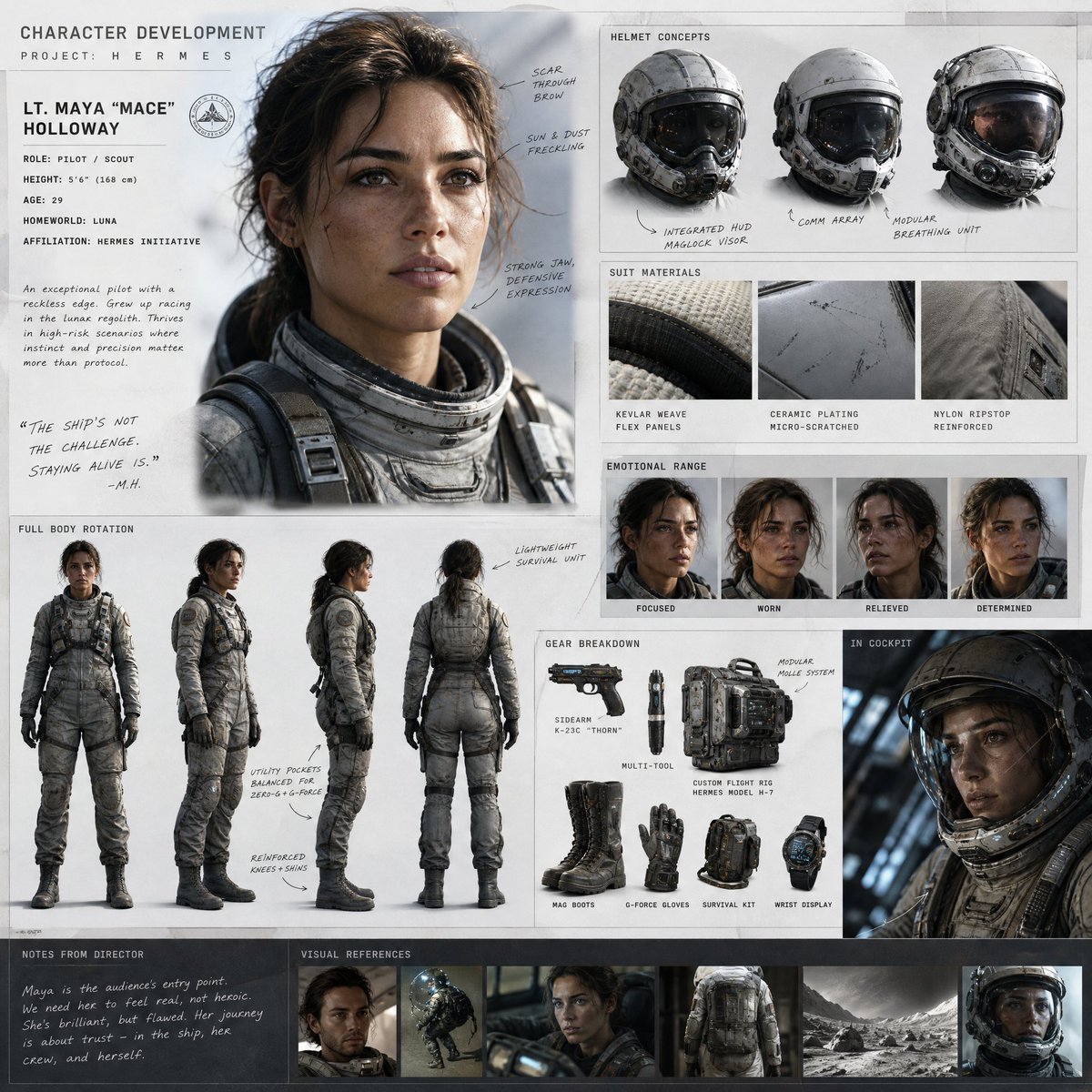
Cinematic Sci-Fi Character Development Board
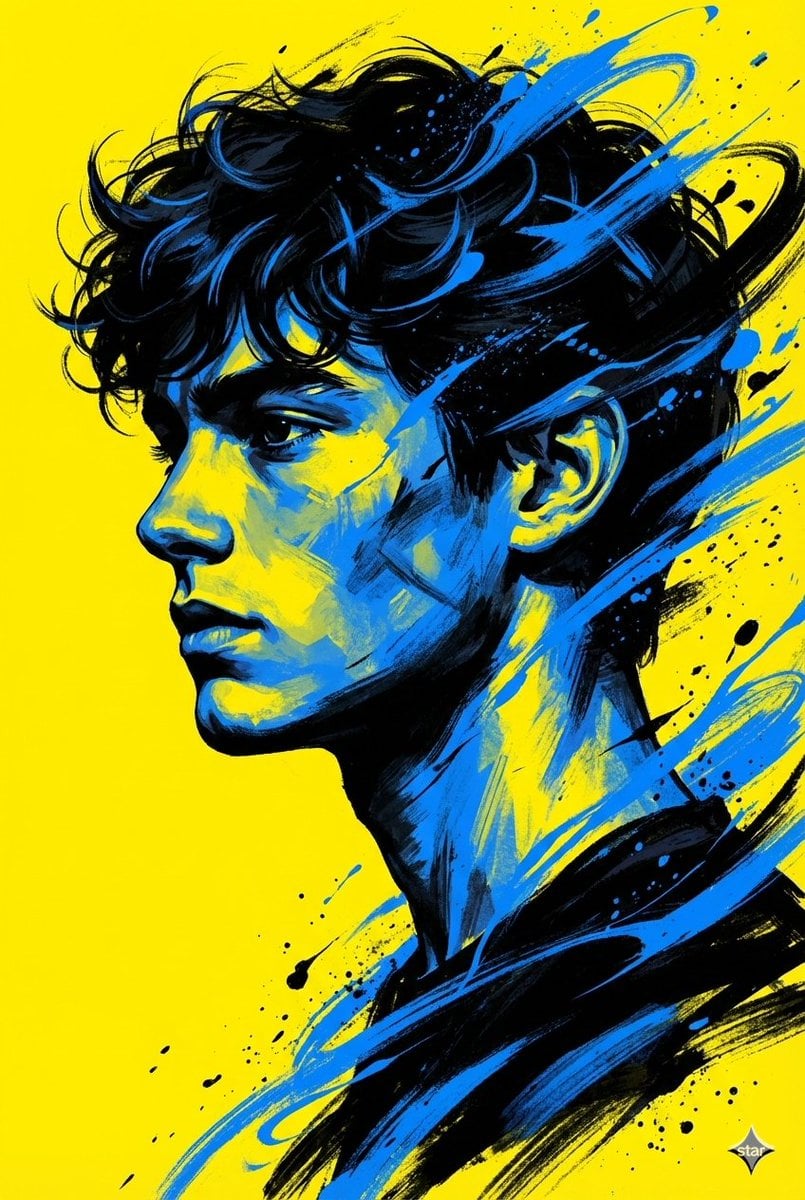
Digital Painterly Portrait with Street Art Feel
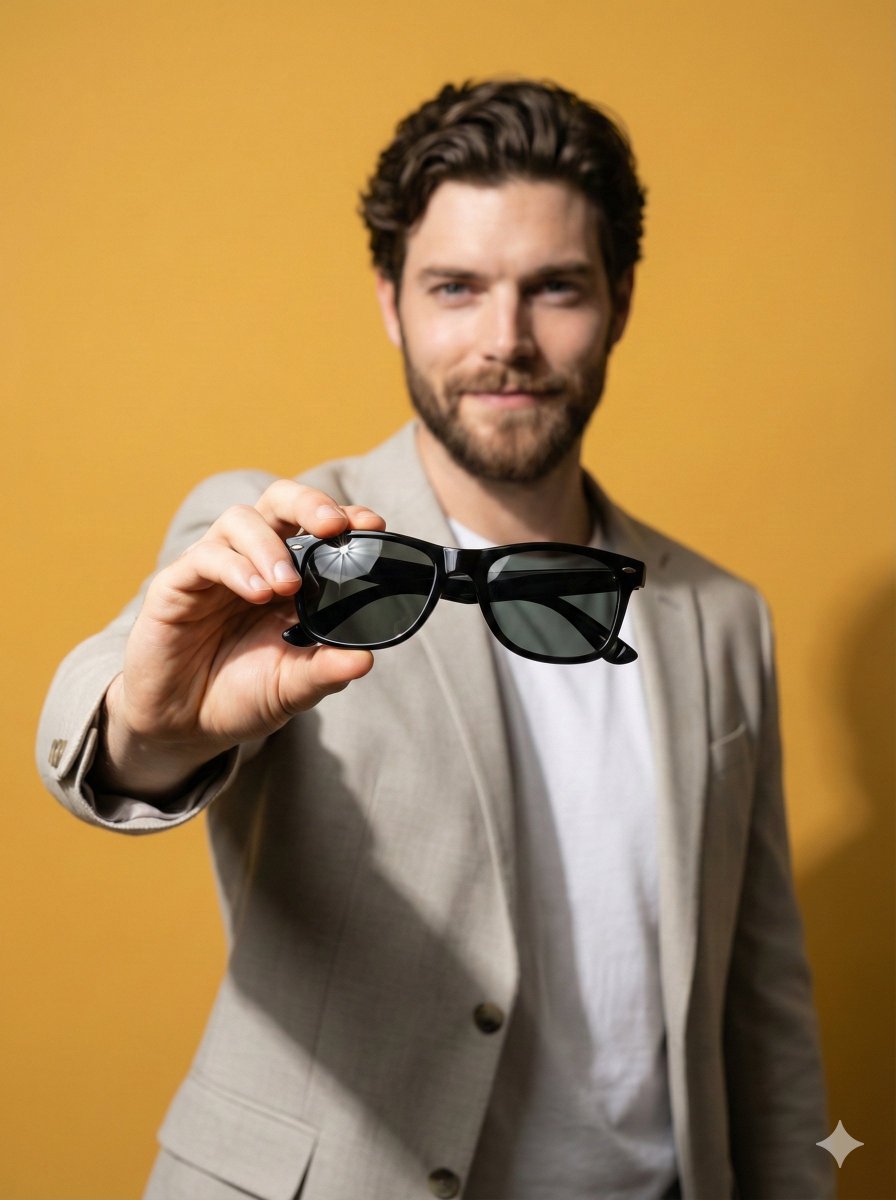
Product Poster: Sunglasses with Shallow Depth of Field
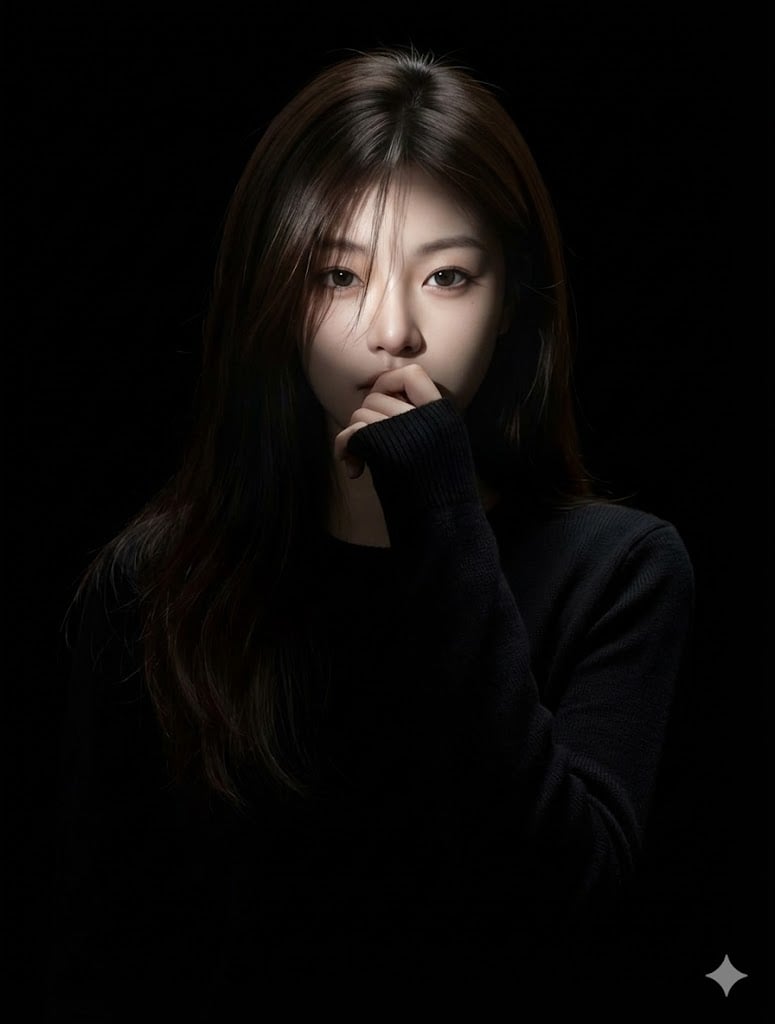
Hyperrealistic Anime Portrait with Split Lighting Prompt
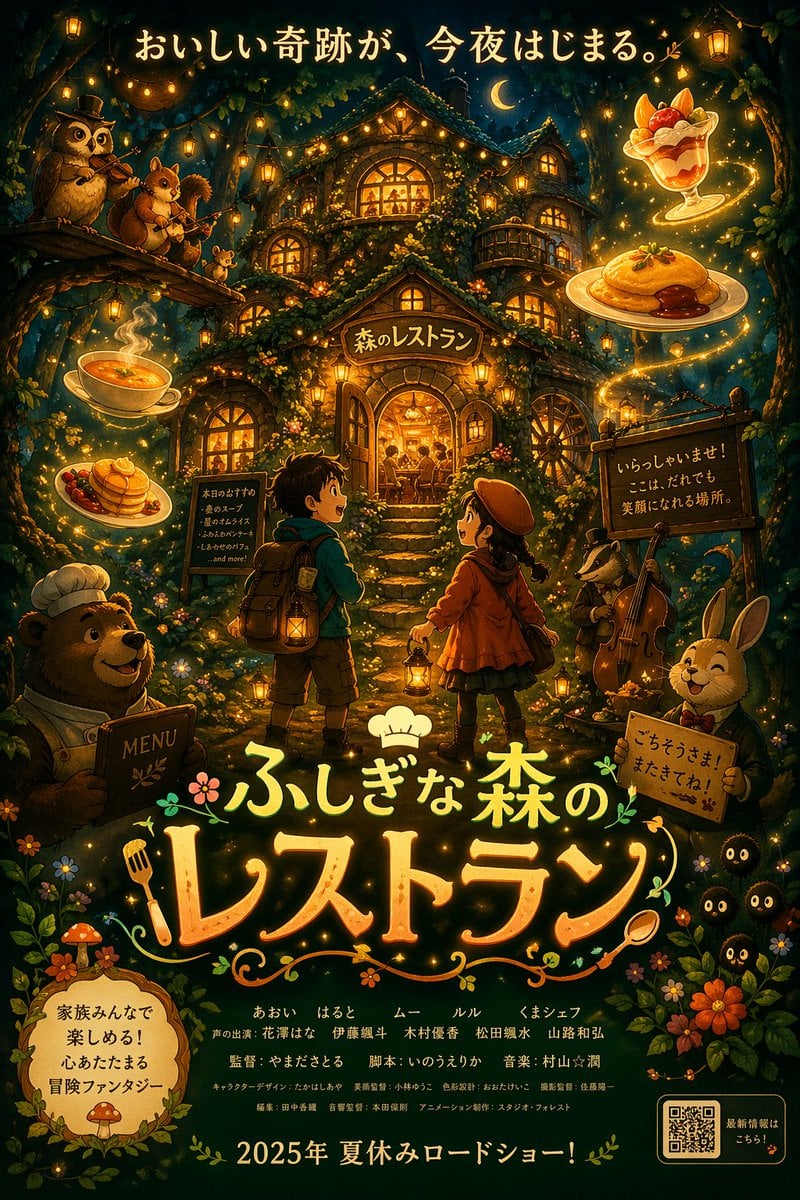
Anime Fantasy Movie Poster
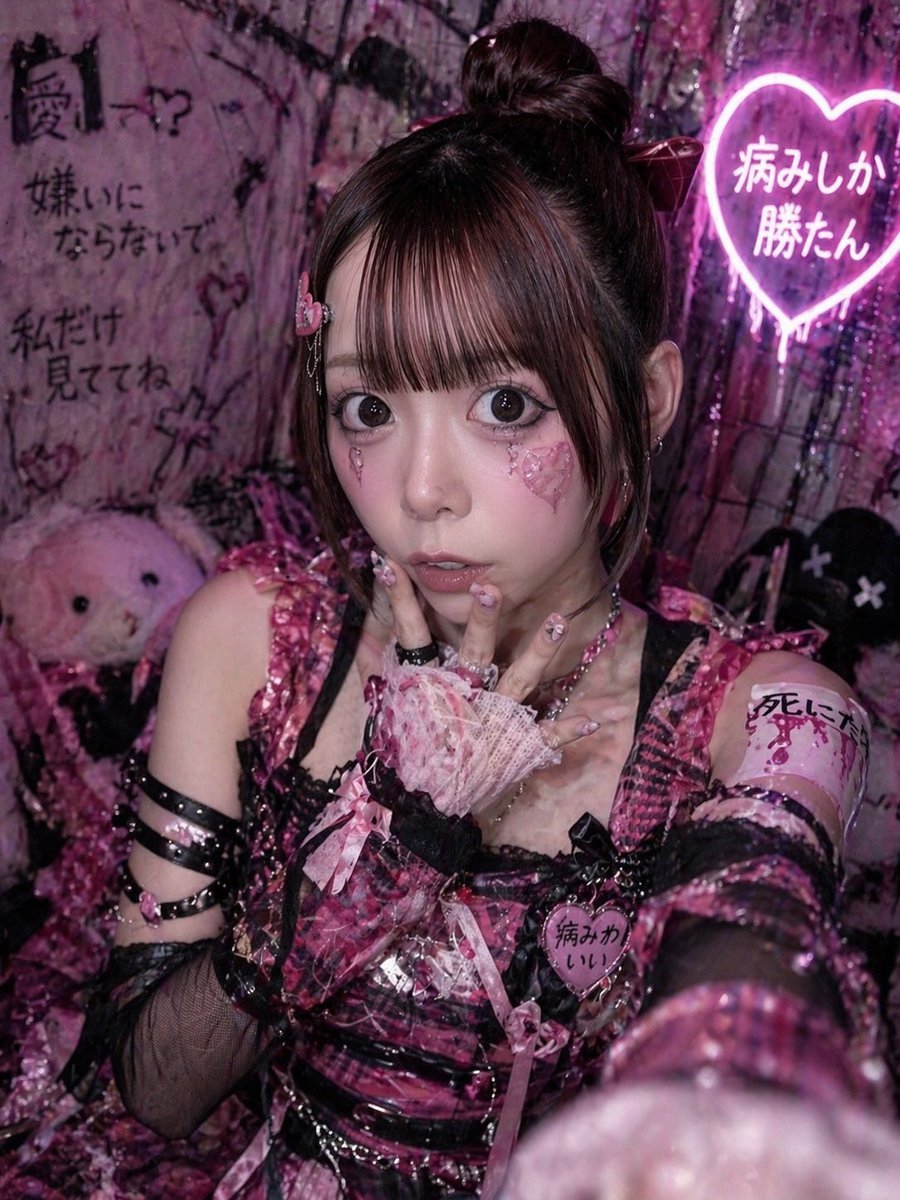
Yami Kawaii Idol Selfie
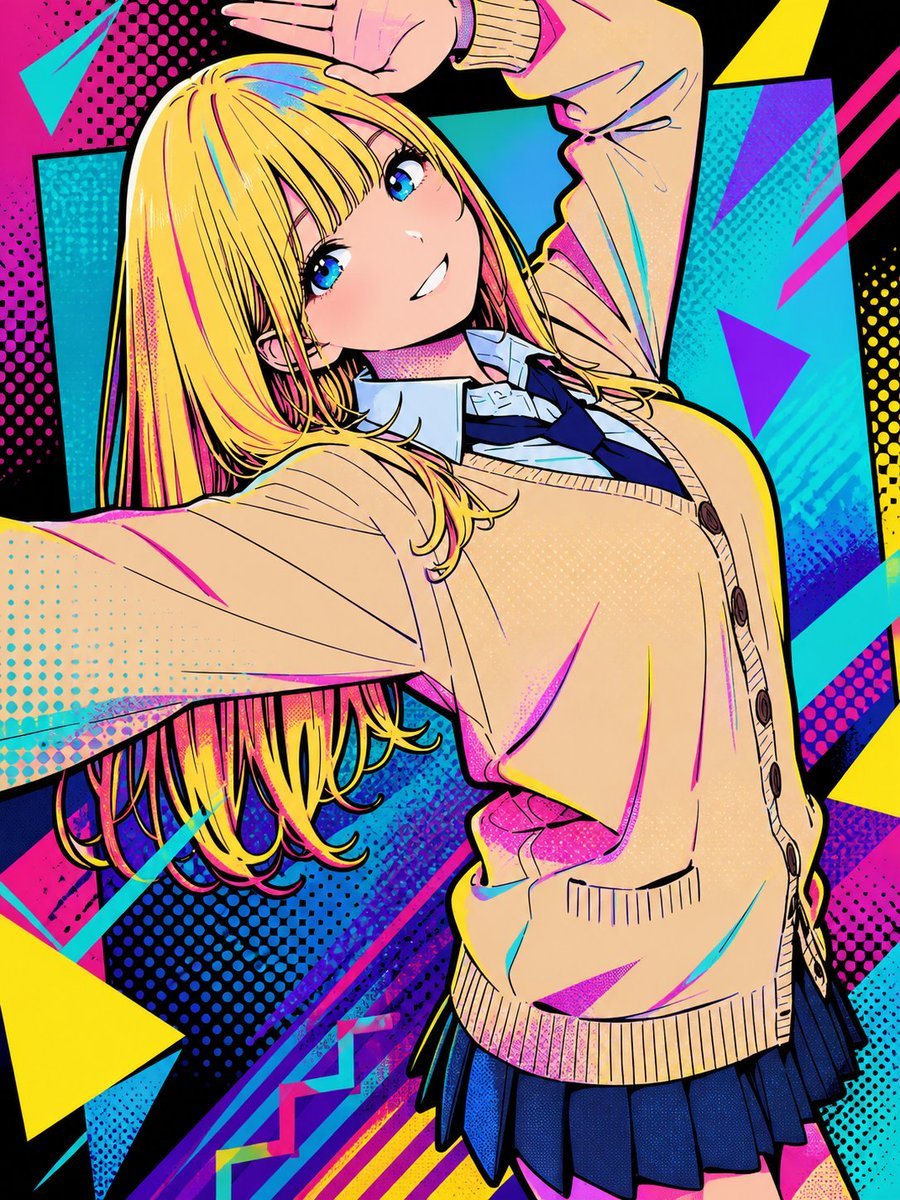
Pop Art Street Style Conversion
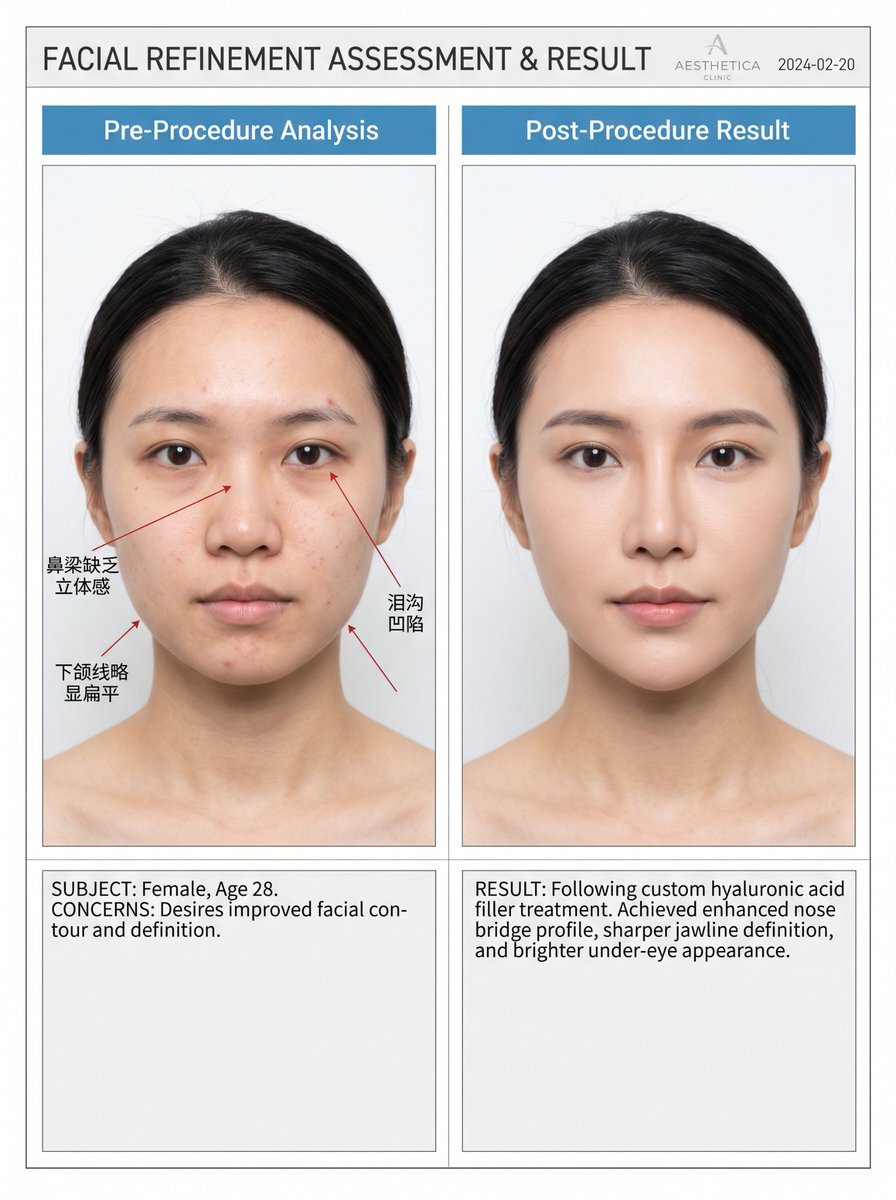
Medical Aesthetic Analysis Comparison Prompt
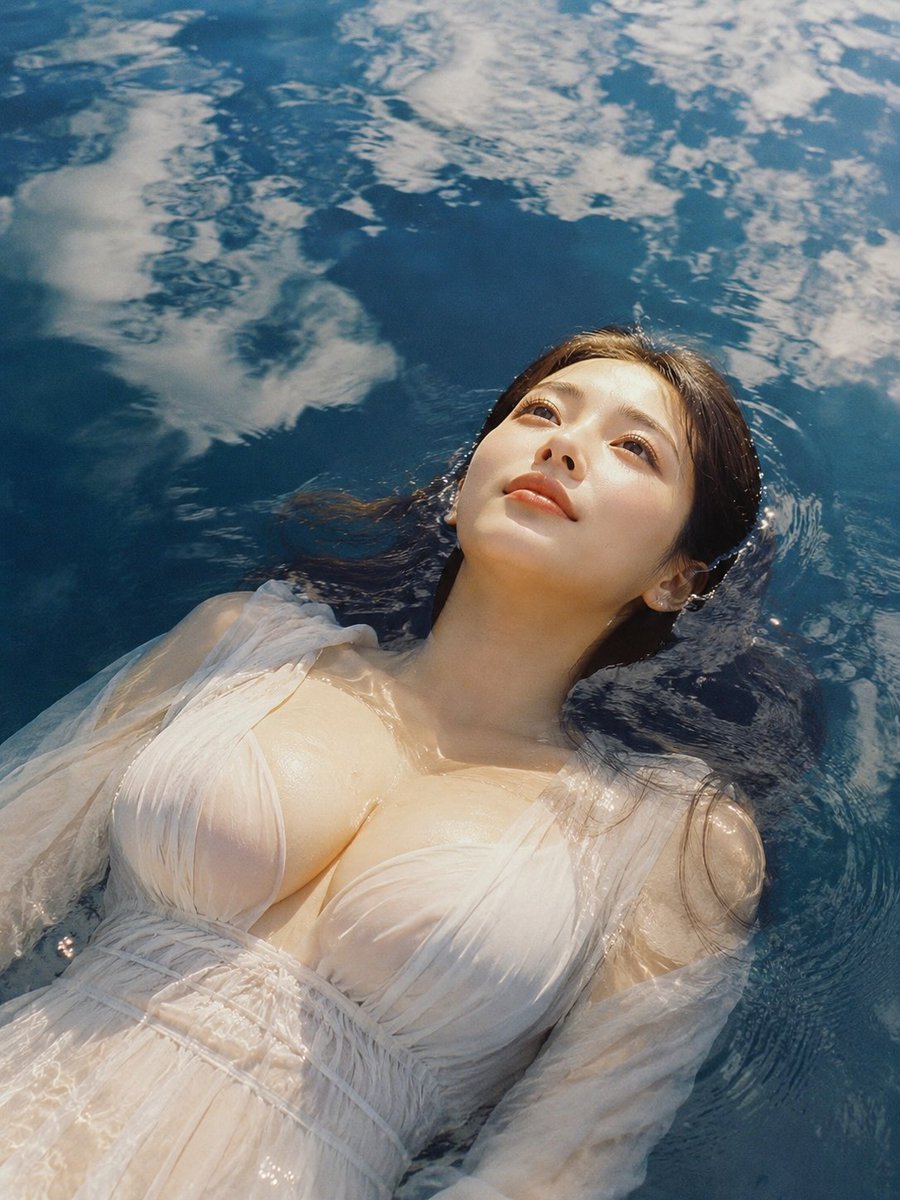
Woman Floating in Reflective Water
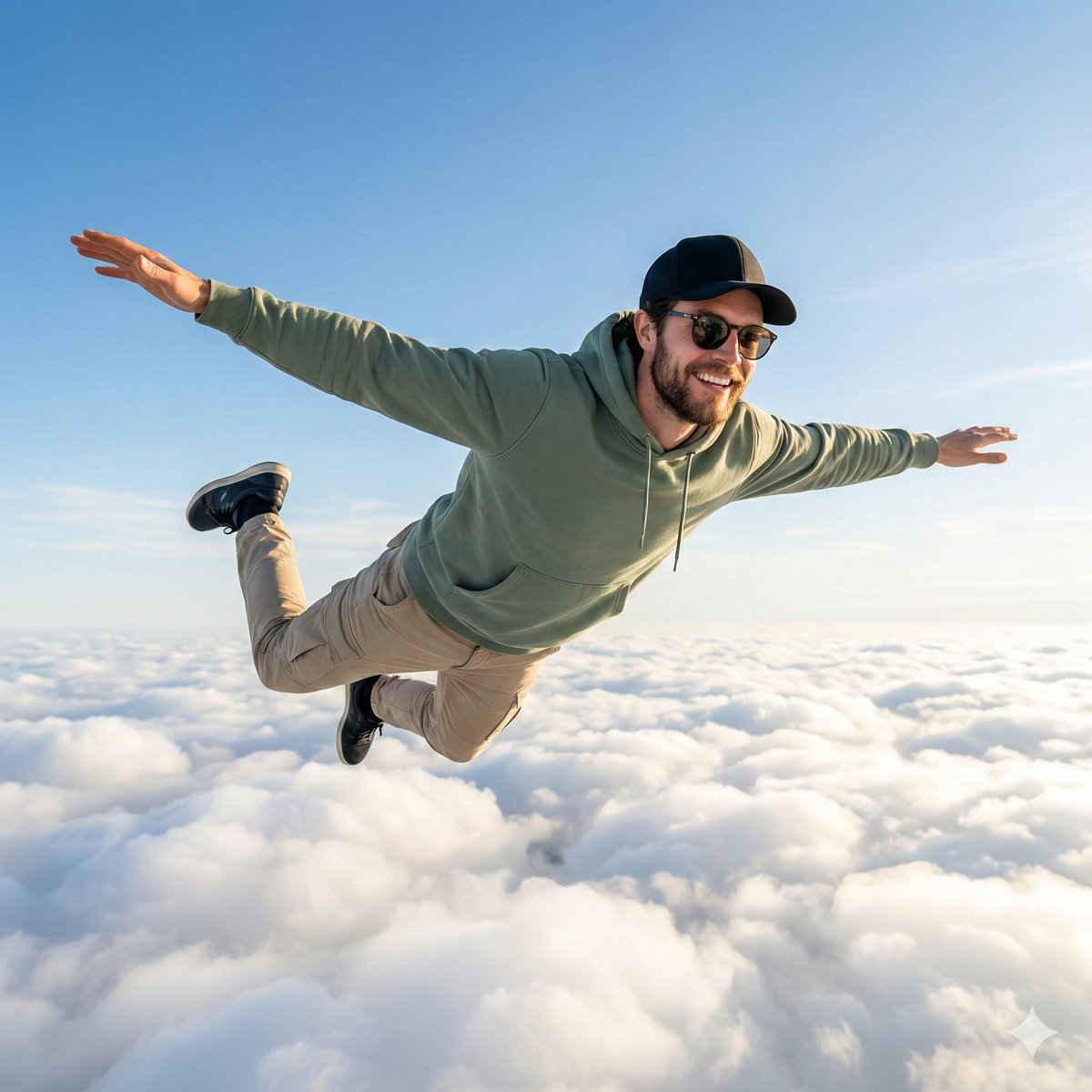
High-Quality Photo of Man Flying Above Clouds
Browse template categories
Paper Cut Wildlife Portrait questions
How do I use the Paper Cut Wildlife Portrait template?
Add your photo if the template asks for one, edit the prompt if you like — the template's model and format are already selected — and press Generate. Your version opens in PicX Studio.
Can I customize the Paper Cut Wildlife Portrait template?
Yes. You can change the subject, setting, lighting, mood, format, and available model controls before creating your image.
Is the Paper Cut Wildlife Portrait template free?
Opening and editing this template is free. Generating uses credits, shown on the Generate button when you are signed in.
Which AI model should I use?
Choose a compatible model in PicX Studio based on the style, speed, and output controls your project needs.
Looking for something else? Browse all templates.

Your photo, any look
Thousands of ready templates for every top image and video model, from one credit balance.