
Anime Fantasy Movie Poster
A highly detailed, text-heavy anime movie poster featuring a magical forest restaurant, characters, and customizable promotional typography.
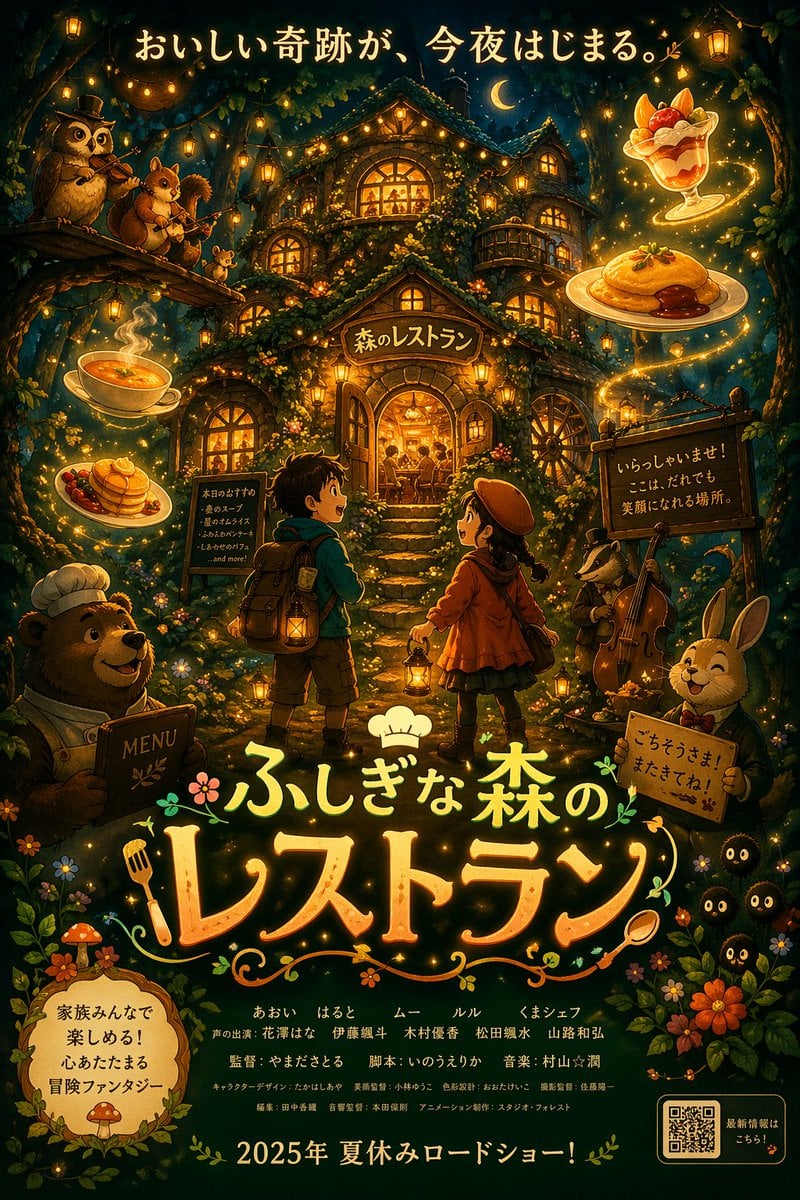
- Prompt included
- Model and format preset
- Free template
The prompt behind this image
Copy the exact prompt behind Anime Fantasy Movie Poster, or open it in the studio and make it yours.
- Type
- anime-style animated movie poster
- Scene
- Magical glowing multi-story treehouse restaurant in a dark enchanted forest at night, illuminated by string lights and warm window glow.
- Subjects › Children
- 2 children in center foreground facing the restaurant: a boy with a backpack and lantern, and a girl in a red coat and beret with a lantern.
- Subjects › Animals
- 4 anthropomorphic animals: a bear chef holding a MENU book (bottom left), an owl playing violin and a squirrel playing flute on a branch (top left), a badger playing cello (mid right), and a rabbit in a suit holding a sign (bottom right).
- Subjects › Creatures
- 3 small black soot-sprite-like creatures with glowing eyes (bottom right).
- Subjects › Floating Food
- 4 glowing food items floating in the air: soup, pancakes, omurice, and a fruit parfait.
- Layout › Top Text
- {argument name="top catchphrase" default="おいしい奇跡が、今夜はじまる。"}
- Layout › Building Sign
- {argument name="restaurant name" default="森のレストラン"}
- Layout › Left Board
- 本日のおすすめ ・森のスープ ・星のオムライス ・ふわふわパンケーキ ・しあわせのパフェ ...and more!
- Layout › Right Board
- いらっしゃいませ! ここは、だれでも 笑顔になれる場所。
- Layout › Main Title › Text
- {argument name="movie title" default="ふしぎな森のレストラン"}
- Layout › Main Title › Styling
- Large stylized typography with a chef hat, fork, and spoon motifs.
- Layout › Rabbit Sign
- ごちそうさま!またきてね!
- Layout › Bottom Left Badge
- {argument name="genre badge" default="家族みんなで楽しめる!心あたたまる冒険ファンタジー"}
- Layout › Bottom Center Credits
- Fictional cast and staff names in Japanese.
- Layout › Bottom Release Date
- {argument name="release date" default="2025年 夏休みロードショー!"}
- Layout › Bottom Right
- QR code with text '最新情報はこちら!'
Raw JSON
{
  "type": "anime-style animated movie poster",
  "scene": "Magical glowing multi-story treehouse restaurant in a dark enchanted forest at night, illuminated by string lights and warm window glow.",
  "subjects": {
    "children": "2 children in center foreground facing the restaurant: a boy with a backpack and lantern, and a girl in a red coat and beret with a lantern.",
    "animals": "4 anthropomorphic animals: a bear chef holding a MENU book (bottom left), an owl playing violin and a squirrel playing flute on a branch (top left), a badger playing cello (mid right), and a rabbit in a suit holding a sign (bottom right).",
    "creatures": "3 small black soot-sprite-like creatures with glowing eyes (bottom right).",
    "floating_food": "4 glowing food items floating in the air: soup, pancakes, omurice, and a fruit parfait."
  },
  "layout": {
    "top_text": "{argument name=\"top catchphrase\" default=\"おいしい奇跡が、今夜はじまる。\"}",
    "building_sign": "{argument name=\"restaurant name\" default=\"森のレストラン\"}",
    "left_board": "本日のおすすめ\n・森のスープ\n・星のオムライス\n・ふわふわパンケーキ\n・しあわせのパフェ\n...and more!",
    "right_board": "いらっしゃいませ!\nここは、だれでも\n笑顔になれる場所。",
    "main_title": {
      "text": "{argument name=\"movie title\" default=\"ふしぎな森のレストラン\"}",
      "styling": "Large stylized typography with a chef hat, fork, and spoon motifs."
    },
    "rabbit_sign": "ごちそうさま!またきてね!",
    "bottom_left_badge": "{argument name=\"genre badge\" default=\"家族みんなで楽しめる!心あたたまる冒険ファンタジー\"}",
    "bottom_center_credits": "Fictional cast and staff names in Japanese.",
    "bottom_release_date": "{argument name=\"release date\" default=\"2025年 夏休みロードショー!\"}",
    "bottom_right": "QR code with text '最新情報はこちら!'"
  }
}How to use Anime Fantasy Movie Poster in 3 steps
- 1Upload ImagePNG, JPG or paste
Add your photo
Upload the photo the template builds on. The prompt, model and format are already set.
- 2…a portrait of your subject in softgolden-hour light, 85mm…
Personalize
Edit the subject and creative details for your destination.
- 3Generate
Generate
Press Generate — your image is created in PicX Studio, so you can compare it with the original and refine one variable at a time.
More like this
Templates with the same subject, style or setup. Open one to see its prompt.

Captain Tsubasa Anime World Cup Poster

Gpt2 Youtube Thumbnail Wuxia Movie Character Posters

Gpt2 Youtube Thumbnail Anime Music Bootcamp Promo Poster
Epic Anime Movie Poster from Photo
Retro Fake Anime Movie Poster
Horror Anime Movie Poster
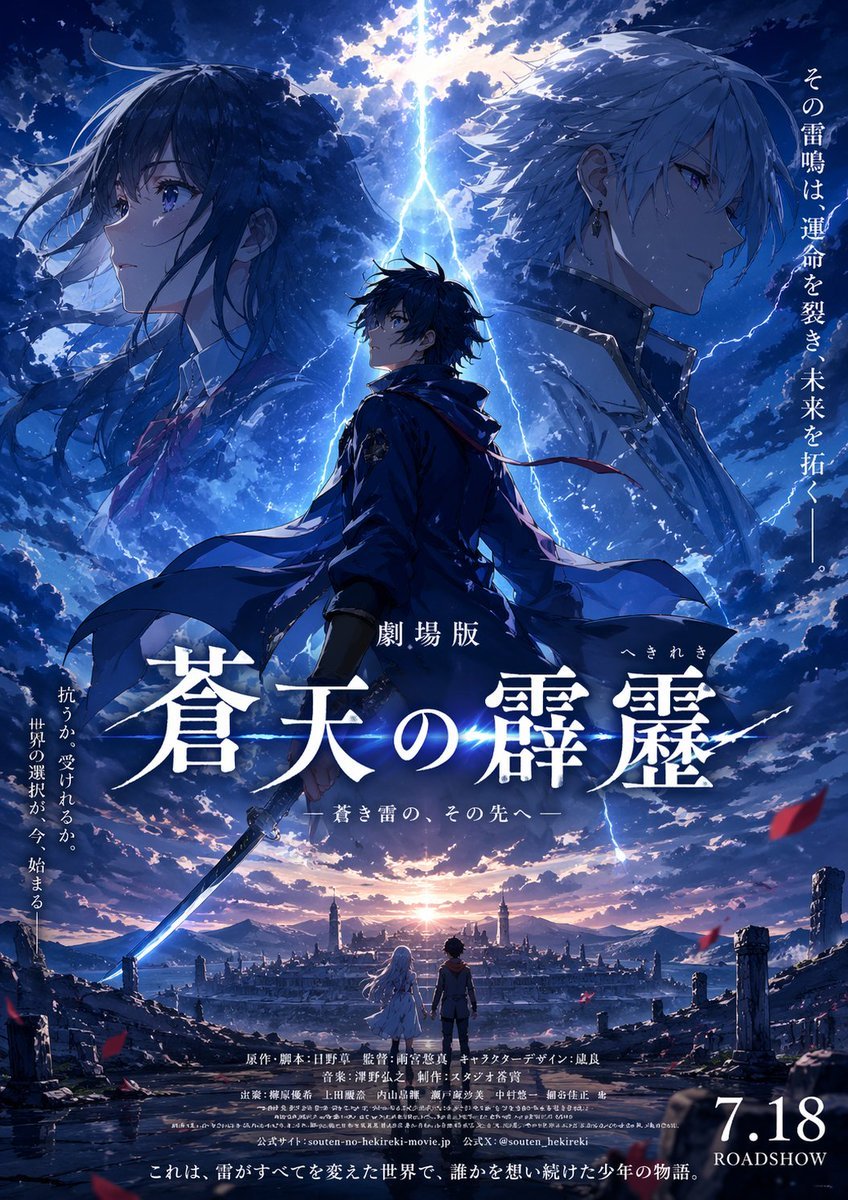
Fictional Anime Movie Poster
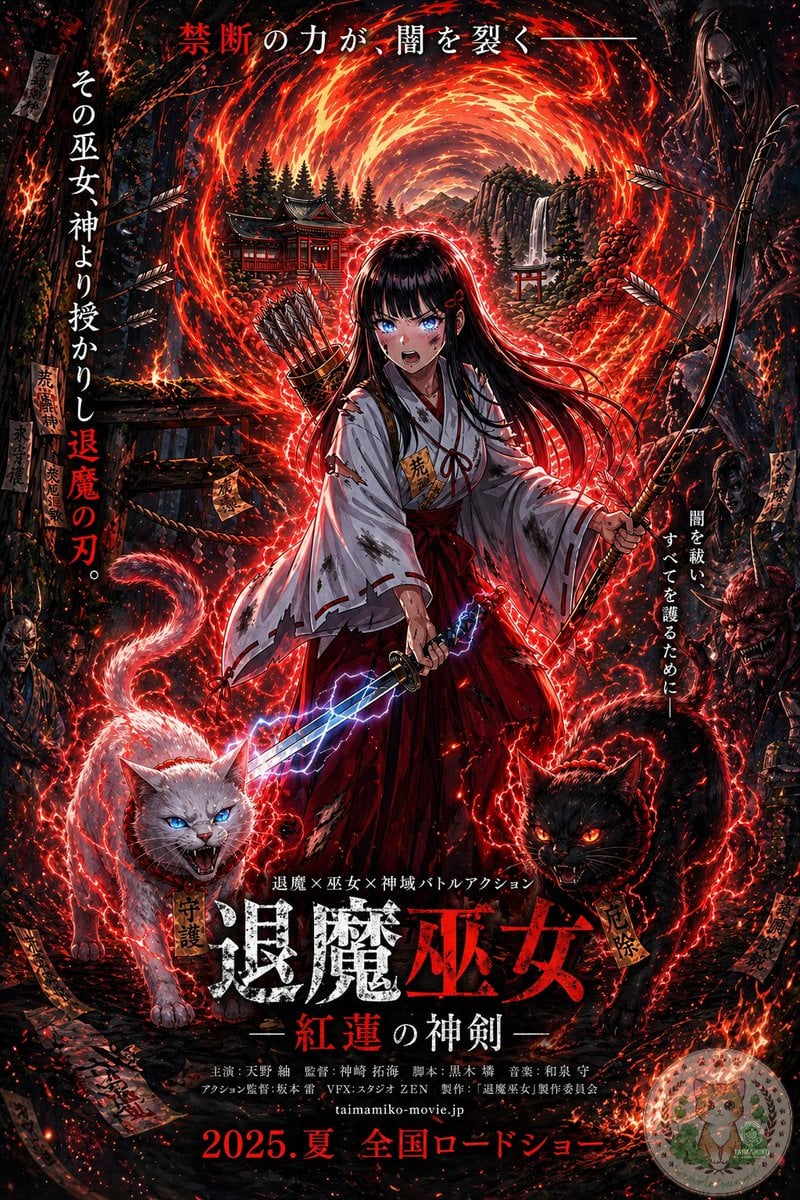
Anime Shrine Maiden Movie Poster
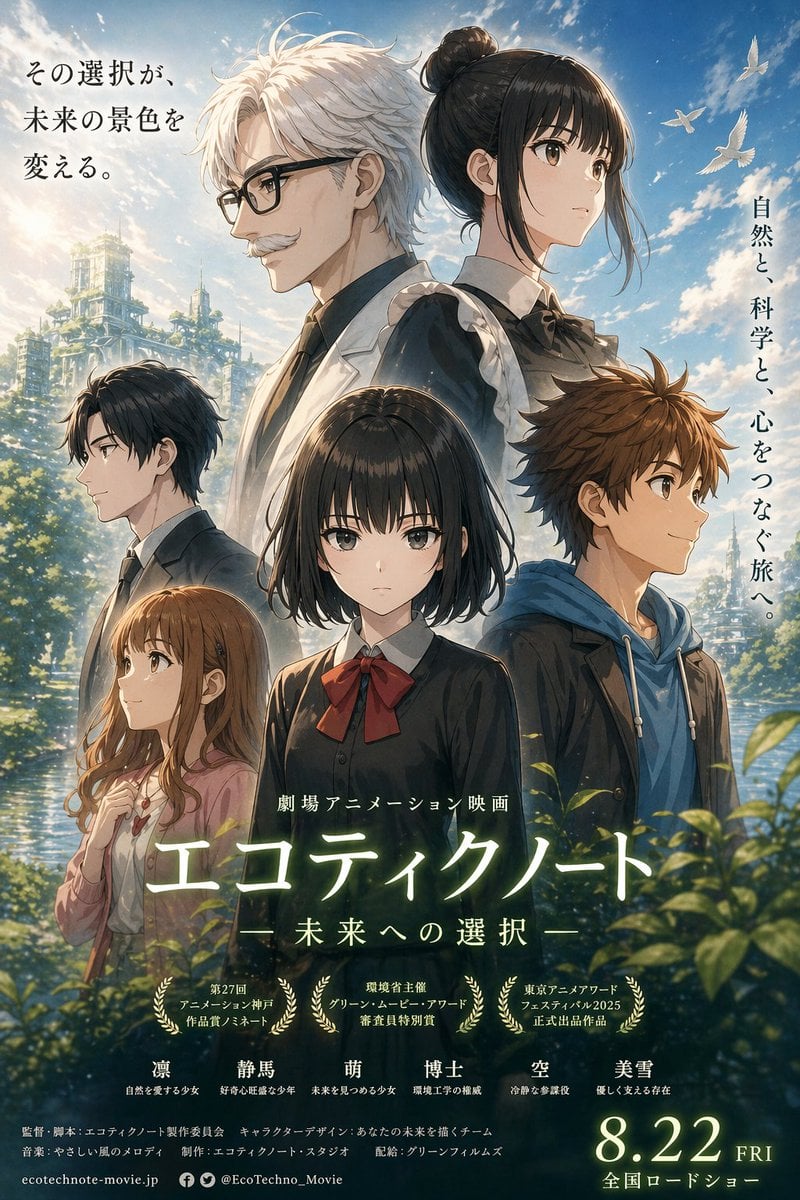
Anime Ensemble Movie Poster
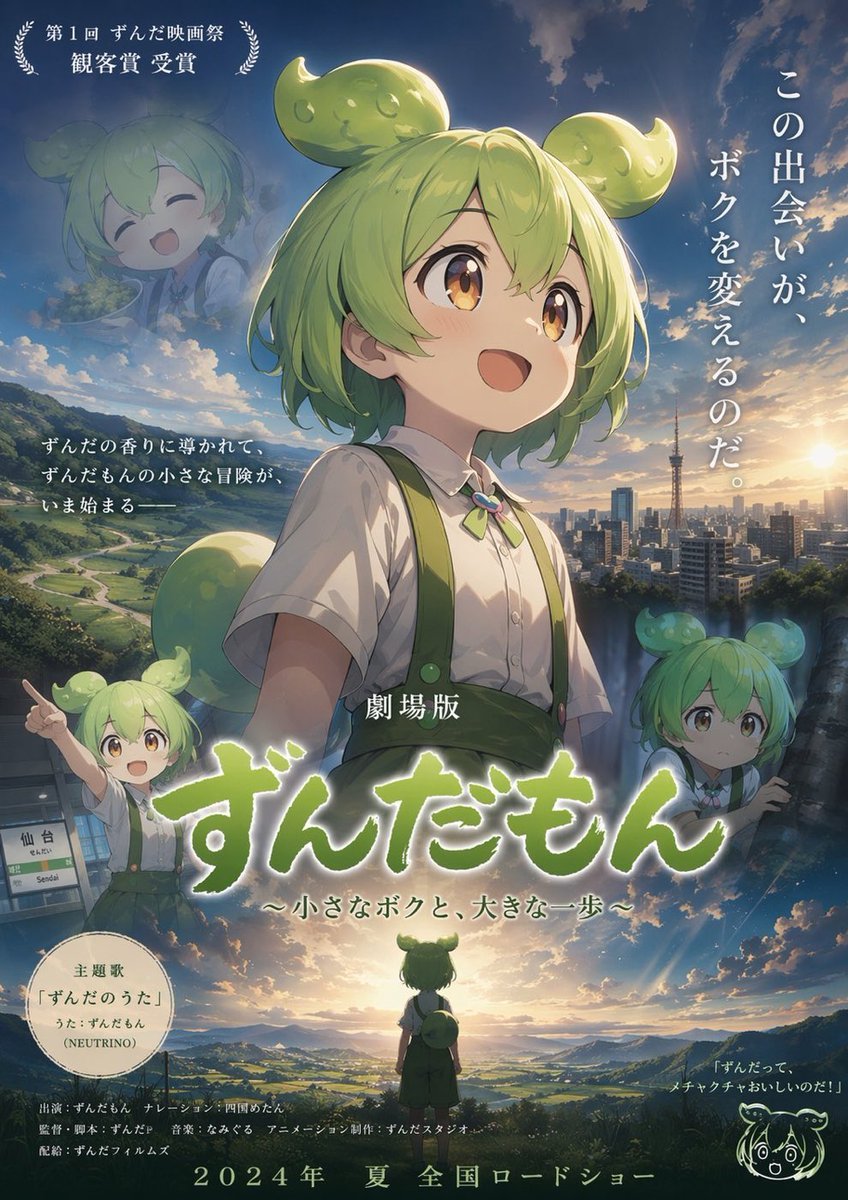
Anime Movie Poster Layout
Anime Sakura Movie Poster
Anime Theatrical Movie Poster
Make it yours
Anime Fantasy Movie Poster works as-is. These are the safest ways to change it without losing the look.
Change one field
Copy a single group, rewrite it, and generate again so you can see what that field is doing.
Keep the frame, change the subject
Hold the composition and light of Anime Fantasy Movie Poster, then swap wardrobe, props or the person for a new take.
| If the result… | Why | Fix |
|---|---|---|
| The result drifts from the preview | Too many fields changed at once. | Reuse Anime Fantasy Movie Poster as-is first, then change one group — subject, light, or setting. |
| GPT Image 2 ignores part of the JSON | Some models flatten or skip nested keys. | Keep the same values and paste them as a short paragraph instead. |
More GPT Image 2 templates
Other prompts made for GPT Image 2.

Six VTuber Japanese Logo Sheet

Realistic Portrait of Woman and Deer

The Vista Modular Condo Poster

AI Model Routing Comparison Infographic

2.5D Anime Art Board

Isometric Productivity Desk Scene

New York Double Exposure Poster

Four-Panel AI Landscape Comparison

Japanese Tatami Lifestyle Magazine Cover

NESCAFÉ Coffee Map Poster
More image prompts
Fresh picks from across the catalog.

Cinematic Portrait with Strict Identity Preservation
Playful 3D Toy Kinkajou Prompt
Premium Floating Food Hero Shot Template
Hyper-Realistic Marionette in Post-Modern Gallery
High Fashion Magazine Pictorial in Times Square
Consistent Korean Girl Identity Lifestyle

Prompt: Turn the uploaded image into a highly auth

B&W Chiaroscuro Portrait
Live TV Weather Forecast Broadcast Scene
Wholesome Giant Animal in Cityscape
Browse template categories
Anime Fantasy Movie Poster questions
How do I use the Anime Fantasy Movie Poster template?
Add your photo if the template asks for one, edit the prompt if you like — the template's model and format are already selected — and press Generate. Your version opens in PicX Studio.
Can I customize the Anime Fantasy Movie Poster template?
Yes. You can change the subject, setting, lighting, mood, format, and available model controls before creating your image.
Is the Anime Fantasy Movie Poster template free?
Opening and editing this template is free. Generating uses credits, shown on the Generate button when you are signed in.
Which AI model should I use?
Start with GPT Image 2, which is the model associated with this template. You can compare another compatible model for a different finish.
Looking for something else? Browse all templates.

Your photo, any look
Thousands of ready templates for every top image and video model, from one credit balance.