
Epic Anime Movie Poster from Photo
Transforms a personal reference photo into a high-end cinematic anime movie poster while maintaining facial identity.
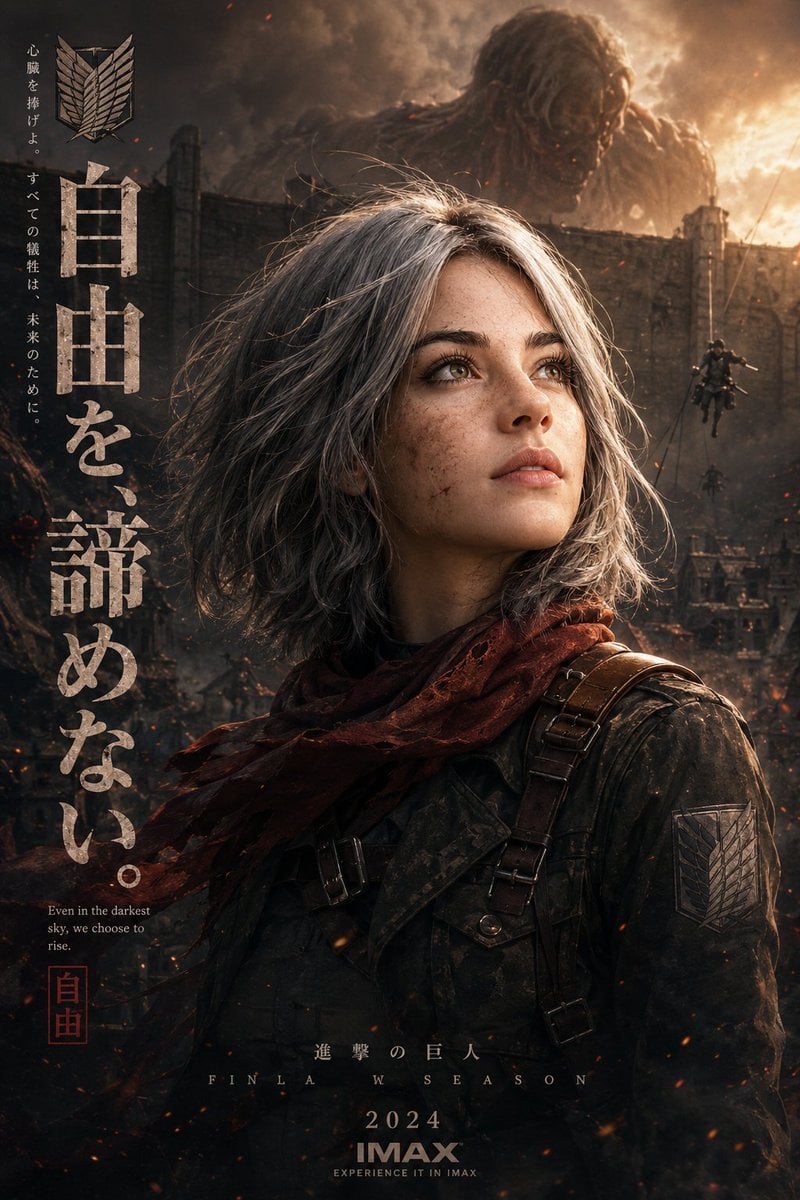
- Prompt included
- Model and format preset
- Free template
The prompt behind this image
Copy the exact prompt behind Epic Anime Movie Poster from Photo, or open it in the studio and make it yours.
Use the uploaded reference image as the exact facial identity reference for the character. Maintain the same face structure, eyes, nose, lips, hairstyle, beauty details, skin tone, and overall appearance consistency throughout the artwork. Create an ultra-cinematic anime poster inspired by {argument name="anime style" default="dark fantasy military anime"} aesthetics similar to {argument name="reference title" default="Attack on Titan"}, blending photorealistic rendering with premium anime stylization. The girl should appear battle-worn yet beautiful, with subtle dirt marks, tiny scratches, realistic skin texture, glossy emotional eyes, and naturally wind-blown hair strands. Frame the composition vertically in a luxury movie-poster layout. Chest-up side profile pose, looking upward toward the light with a determined, emotional, slightly hopeful expression. Preserve the same facial identity from the reference image with extremely high likeness accuracy. Outfit should feature a detailed tactical military-style anime uniform with layered belts, leather harnesses, metallic combat gear, dark fitted jacket, realistic fabric folds, weathered textures, and a flowing scarf moving in the wind. Add cinematic ash particles, smoke, fog, embers, and shallow depth of field for atmosphere. Background should depict a ruined war-torn city with giant walls, destruction, drifting smoke, distant soldiers using aerial mobility gear, and a massive titan silhouette fading into clouds behind her. The environment should feel epic, emotional, and large-scale. Lighting should be dramatic {argument name="lighting time" default="golden sunset"} mixed with moody shadows and soft rim light illuminating the face and hair. Use realistic reflections, cinematic contrast, subtle film grain, and high-end Unreal Engine render quality. Include premium Japanese poster design elements: large bold vertical Japanese typography on the left side, military insignia/emblem above the text, small emotional quote underneath, clean editorial spacing, subtle paint-brush divider textures, collectible IMAX anime poster aesthetic. Color palette should combine smoky charcoal tones, warm amber highlights, muted reds, and cinematic contrast. Hyper-detailed, emotional, masterpiece quality, ultra realistic anime-meets-live-action style, 8K cinematic finish.
How to use Epic Anime Movie Poster from Photo in 3 steps
- 1Upload ImagePNG, JPG or paste
Add your photo
Upload the photo the template builds on. The prompt, model and format are already set.
- 2…a portrait of your subject in softgolden-hour light, 85mm…
Personalize
Edit the subject and creative details for your destination.
- 3Generate
Generate
Press Generate — your image is created in PicX Studio, so you can compare it with the original and refine one variable at a time.
More like this
Templates with the same subject, style or setup. Open one to see its prompt.

Captain Tsubasa Anime World Cup Poster

Gpt2 Youtube Thumbnail Wuxia Movie Character Posters

Gpt2 Youtube Thumbnail Anime Music Bootcamp Promo Poster
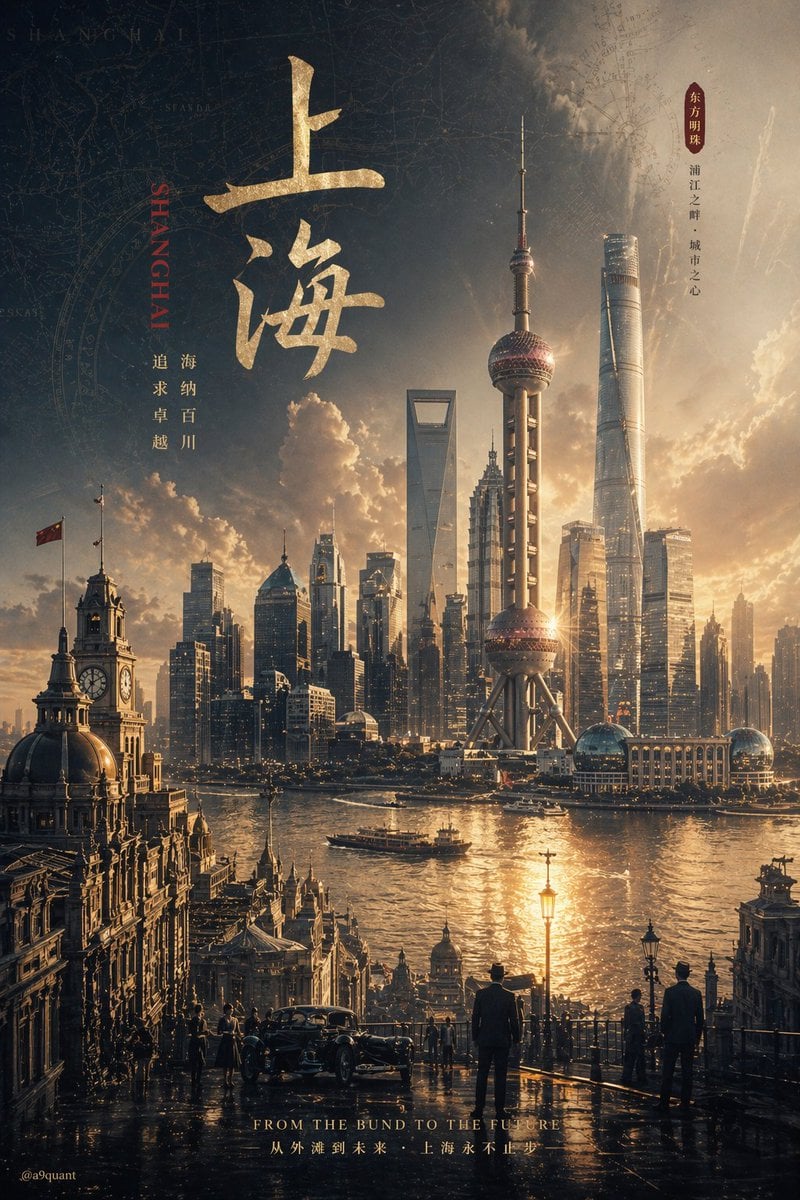
Epic Concept/Movie Poster Generator
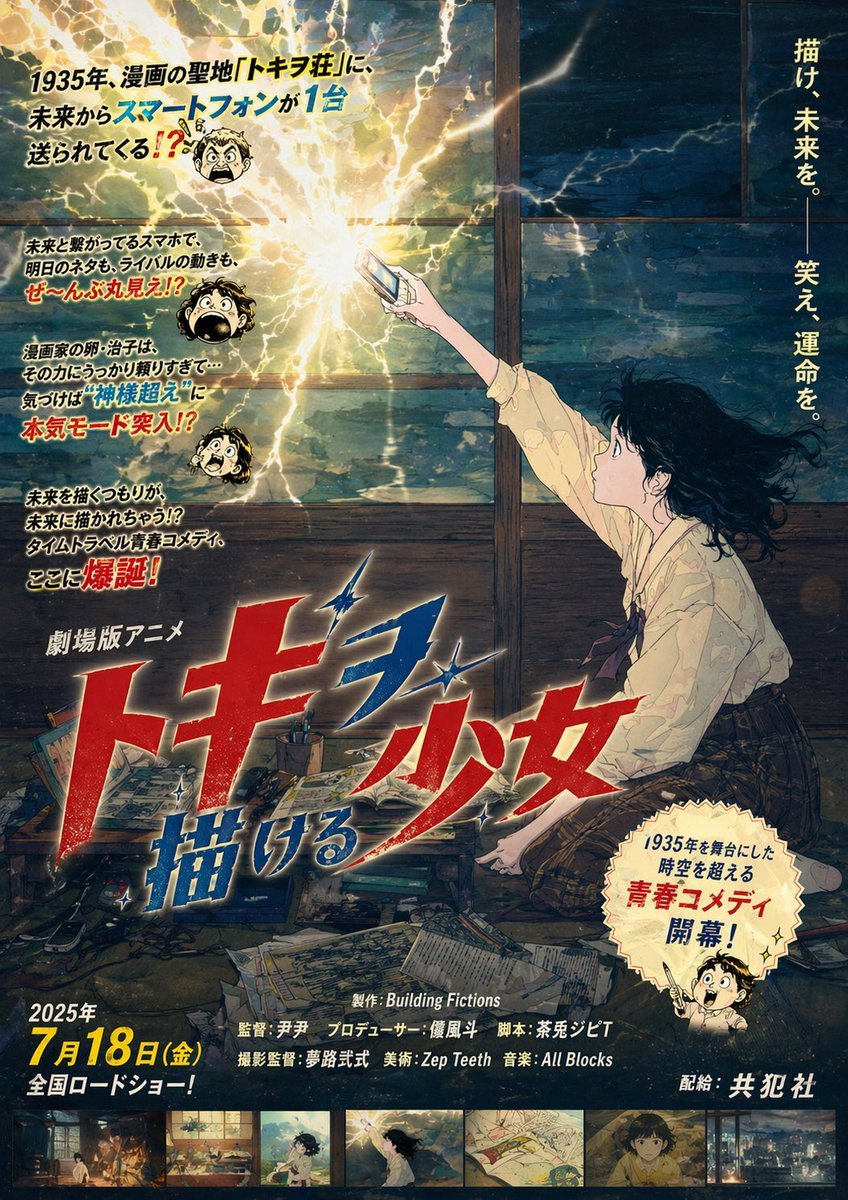
Retro Fake Anime Movie Poster

Horror Anime Movie Poster
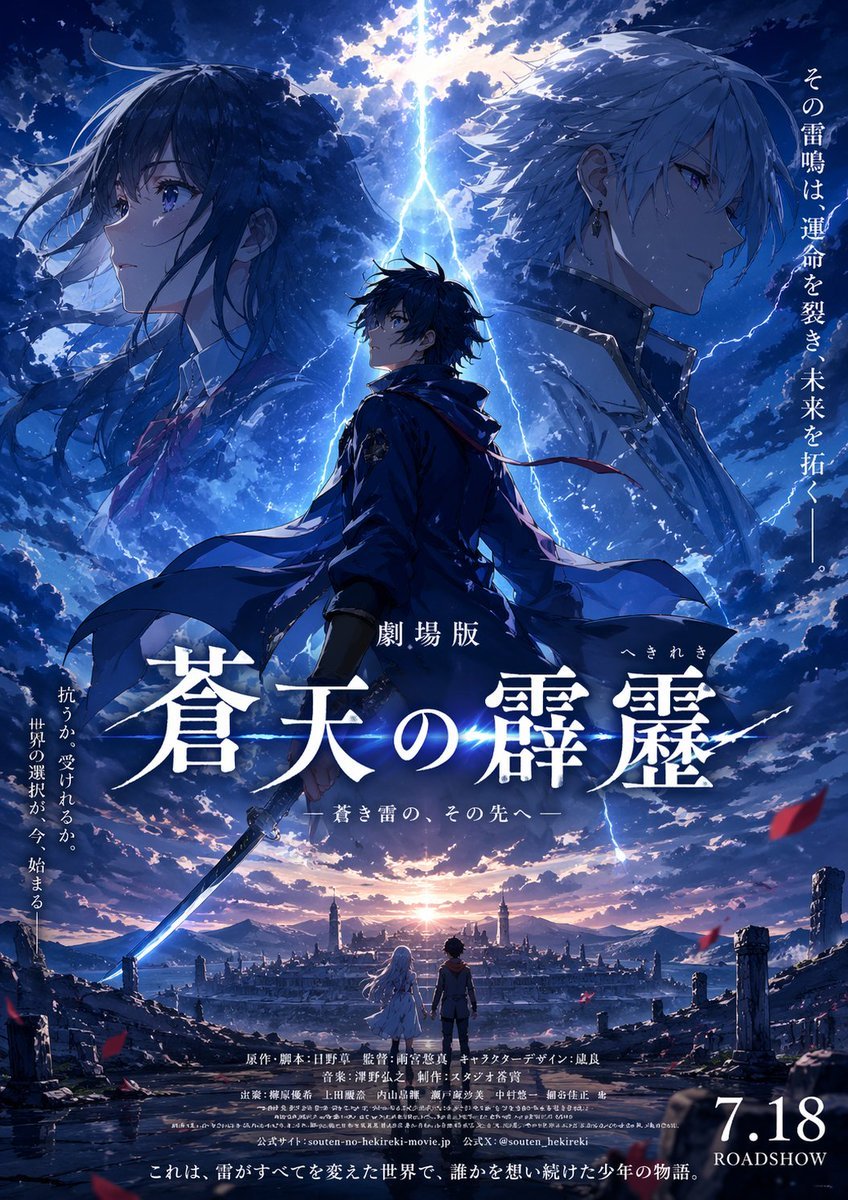
Fictional Anime Movie Poster
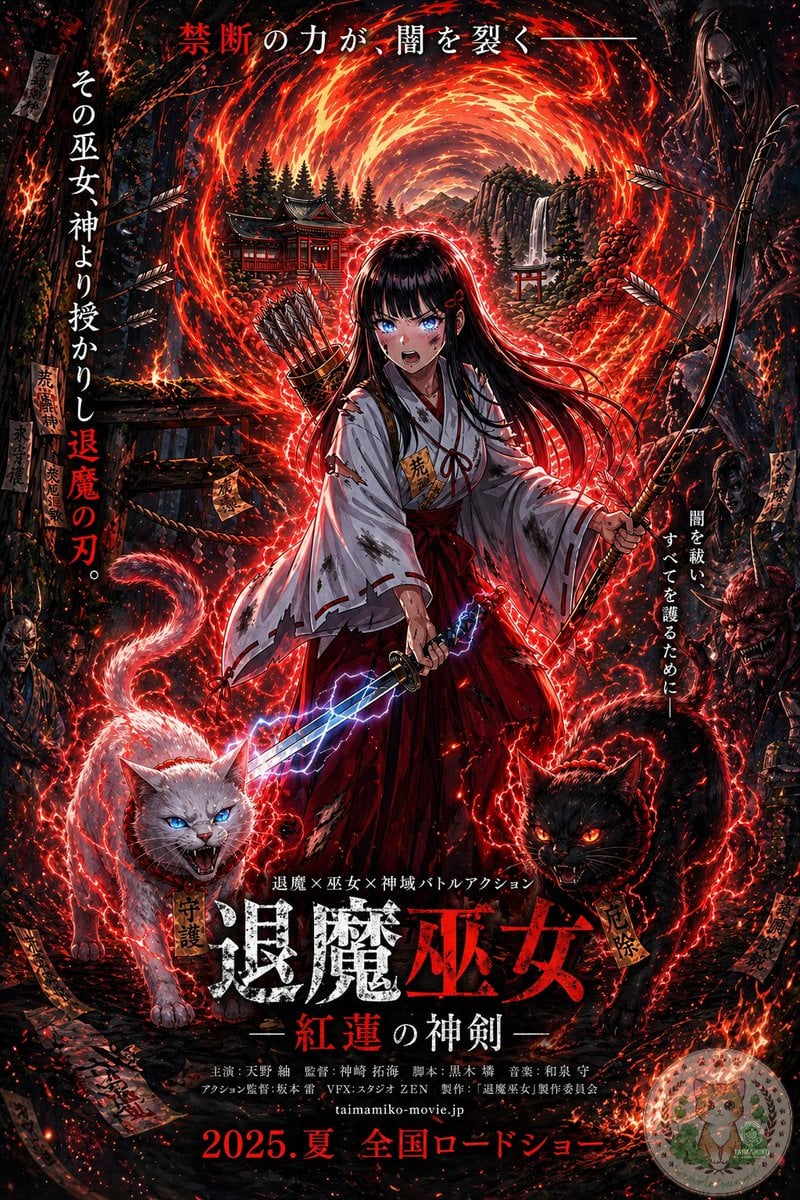
Anime Shrine Maiden Movie Poster
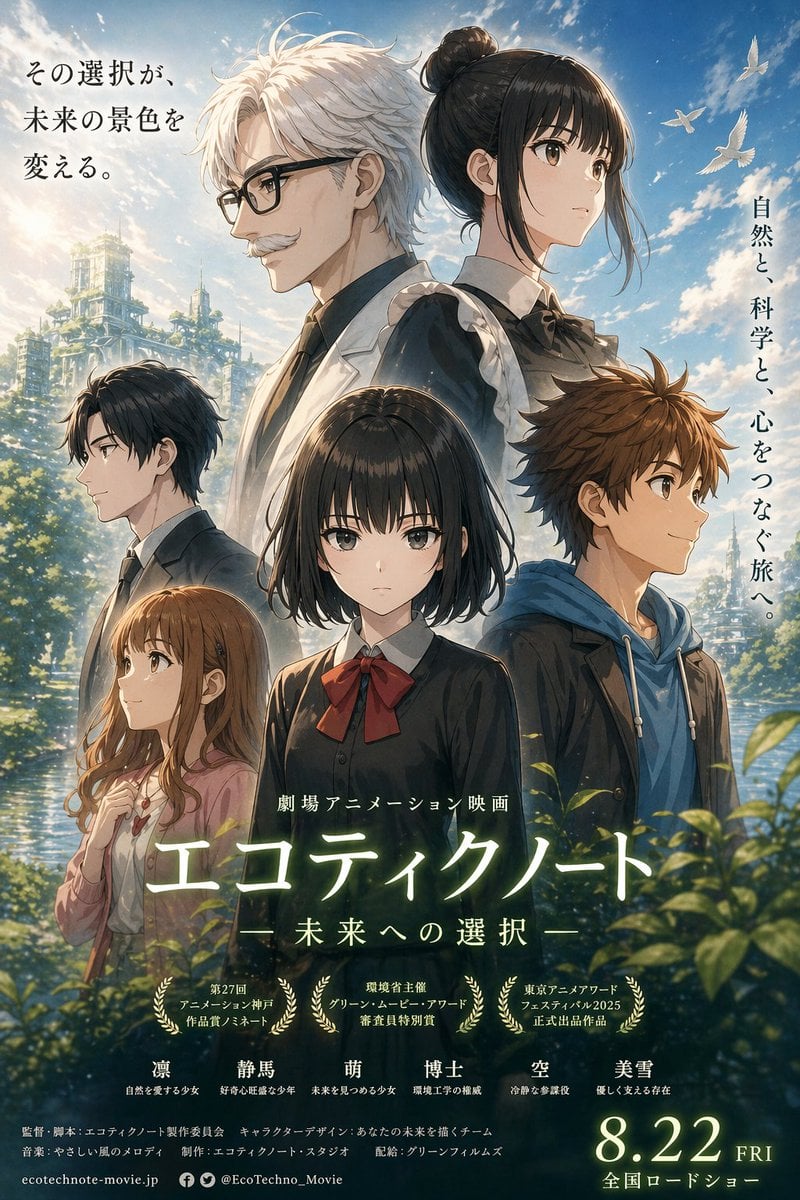
Anime Ensemble Movie Poster
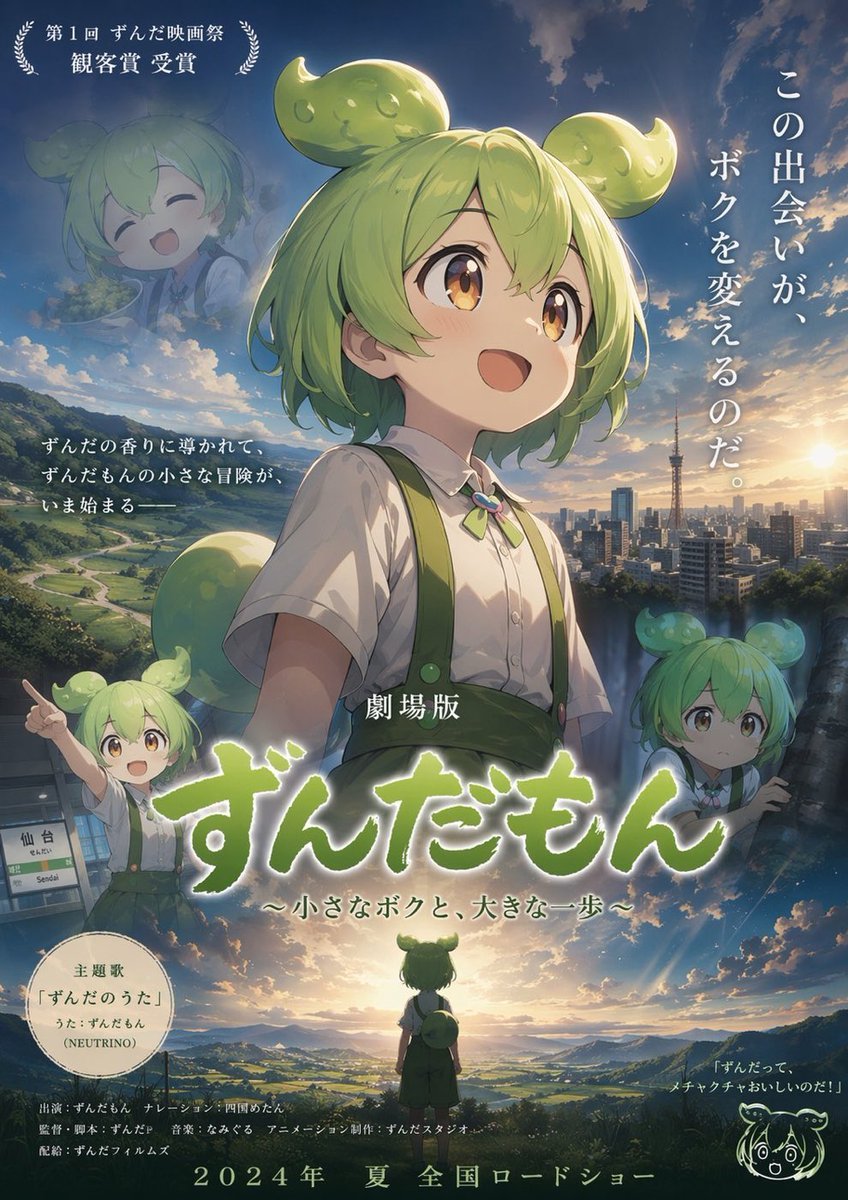
Anime Movie Poster Layout
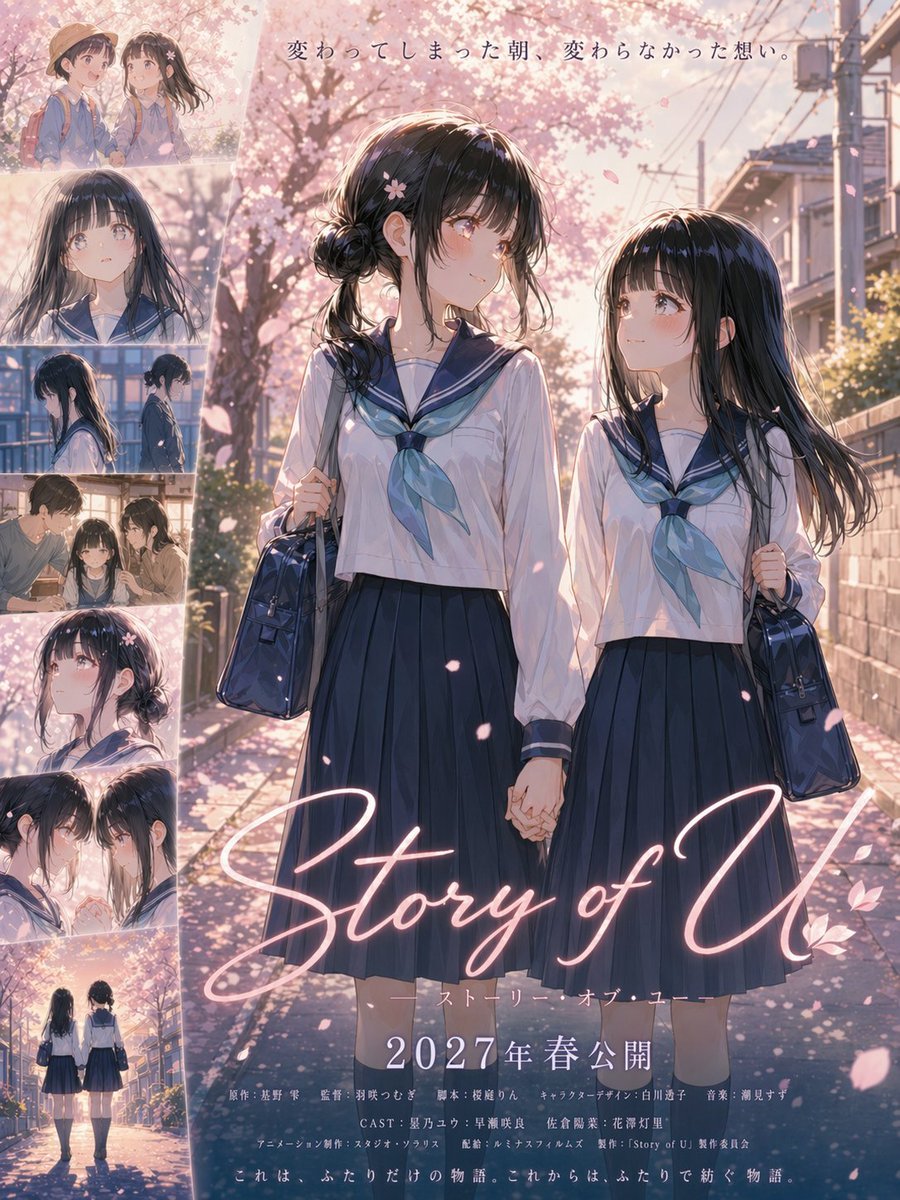
Anime Sakura Movie Poster
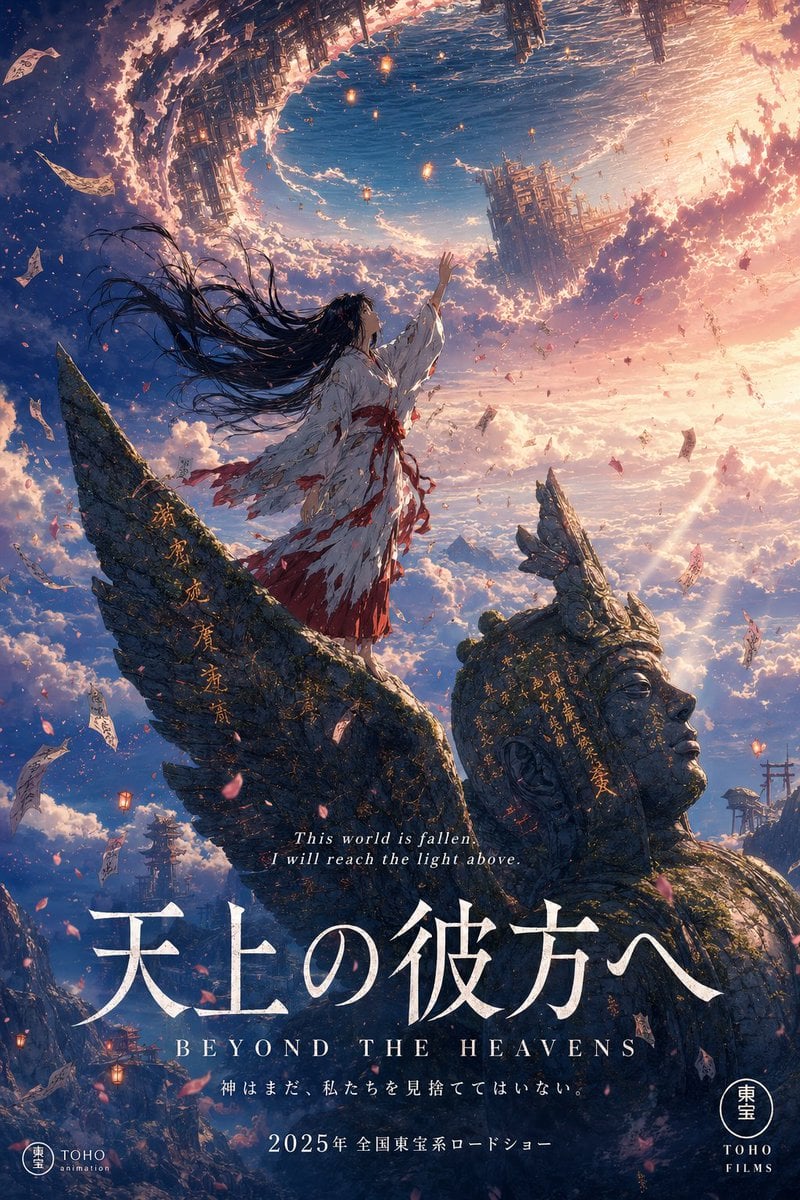
Anime Theatrical Movie Poster
Make it yours
Epic Anime Movie Poster from Photo works as-is. These are the safest ways to change it without losing the look.
Change one field
Copy a single group, rewrite it, and generate again so you can see what that field is doing.
Keep the frame, change the subject
Hold the composition and light of Epic Anime Movie Poster from Photo, then swap wardrobe, props or the person for a new take.
| If the result… | Why | Fix |
|---|---|---|
| The result drifts from the preview | Too many fields changed at once. | Reuse Epic Anime Movie Poster from Photo as-is first, then change one group — subject, light, or setting. |
| The model over-stylizes the scene | The prose prompt leaves finish and camera underspecified. | Add one camera or lighting sentence and stay on GPT Image 2. |
More GPT Image 2 templates
Other prompts made for GPT Image 2.

Six VTuber Japanese Logo Sheet

Realistic Portrait of Woman and Deer

The Vista Modular Condo Poster

AI Model Routing Comparison Infographic

2.5D Anime Art Board

Isometric Productivity Desk Scene

New York Double Exposure Poster

Four-Panel AI Landscape Comparison

Japanese Tatami Lifestyle Magazine Cover

NESCAFÉ Coffee Map Poster
More image prompts
Fresh picks from across the catalog.
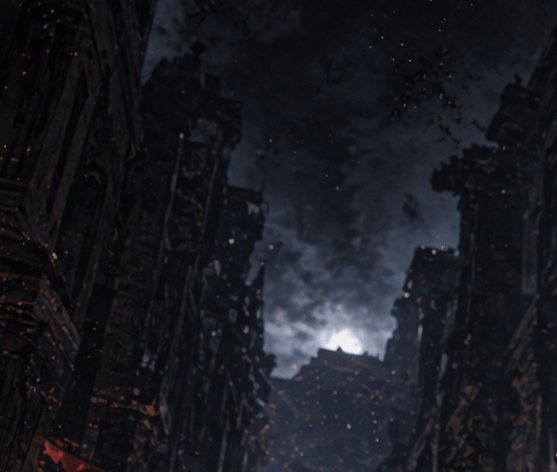
Apocalyptic Ruined City Street
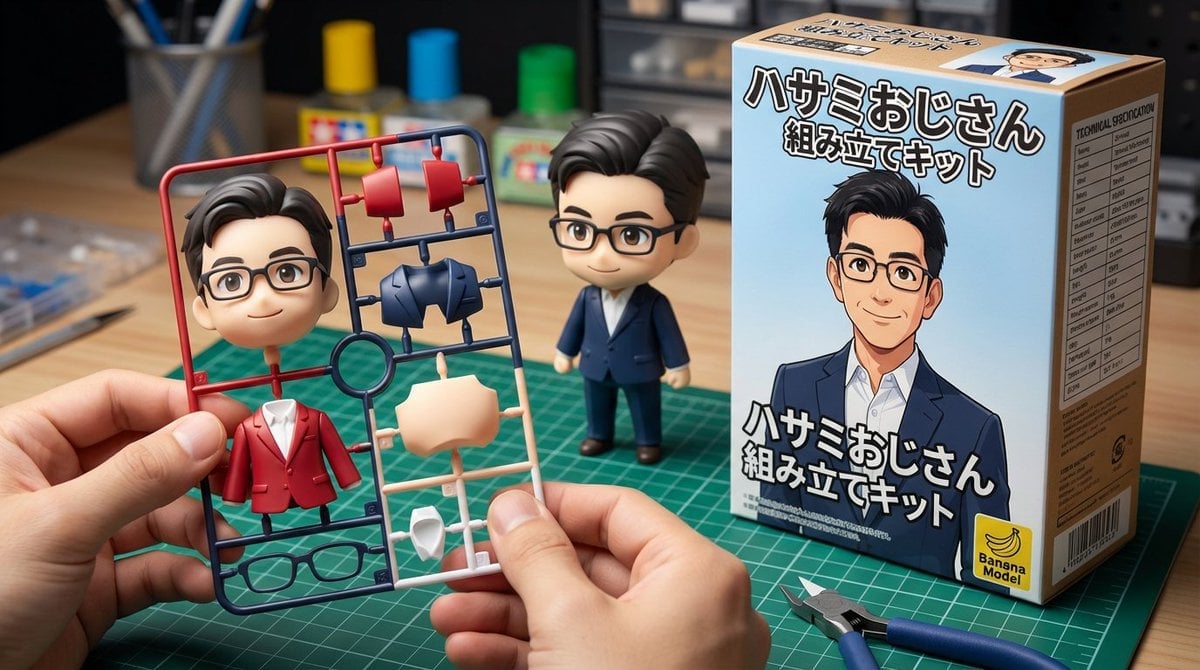
Scissor Man Figure Generation (Plastic Model and Flocked)
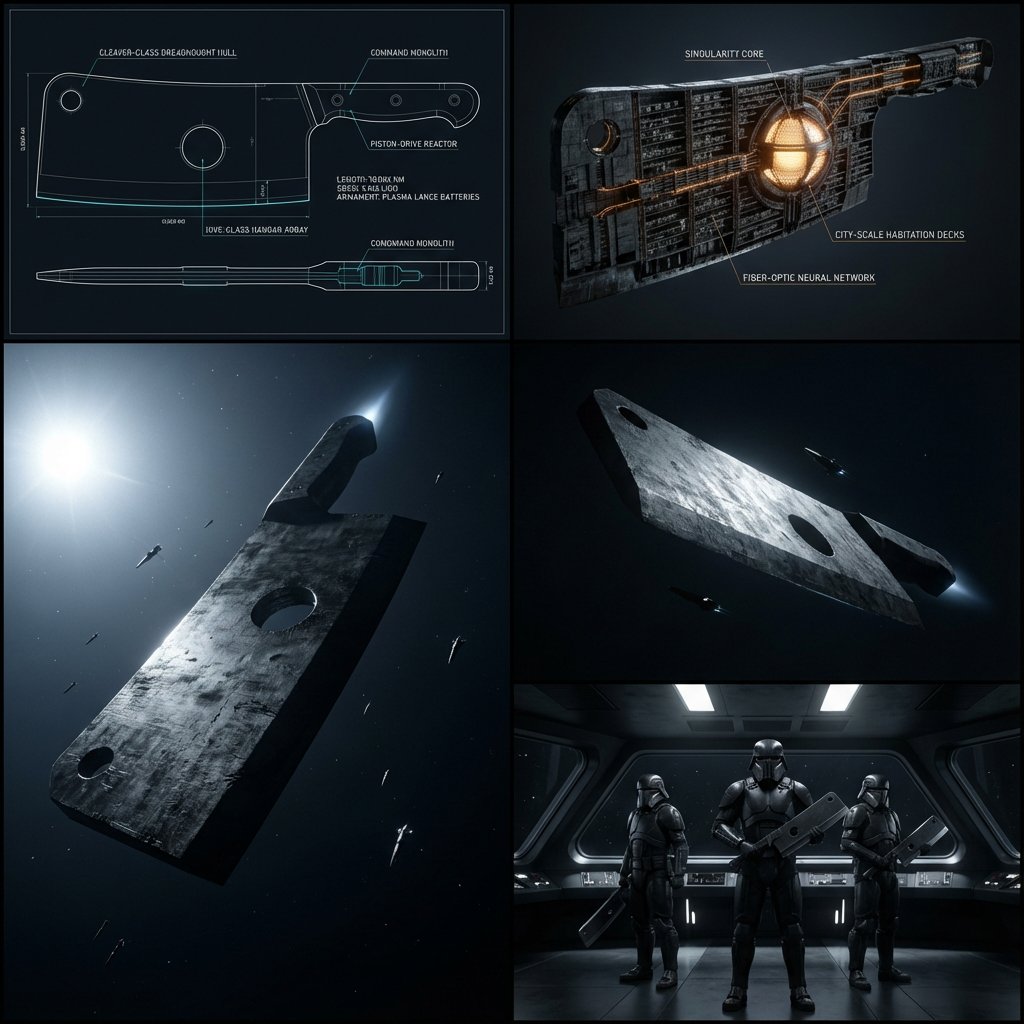
Kitchen Utensil to Interstellar Warship Transformation

Forced Perspective Miniature Station
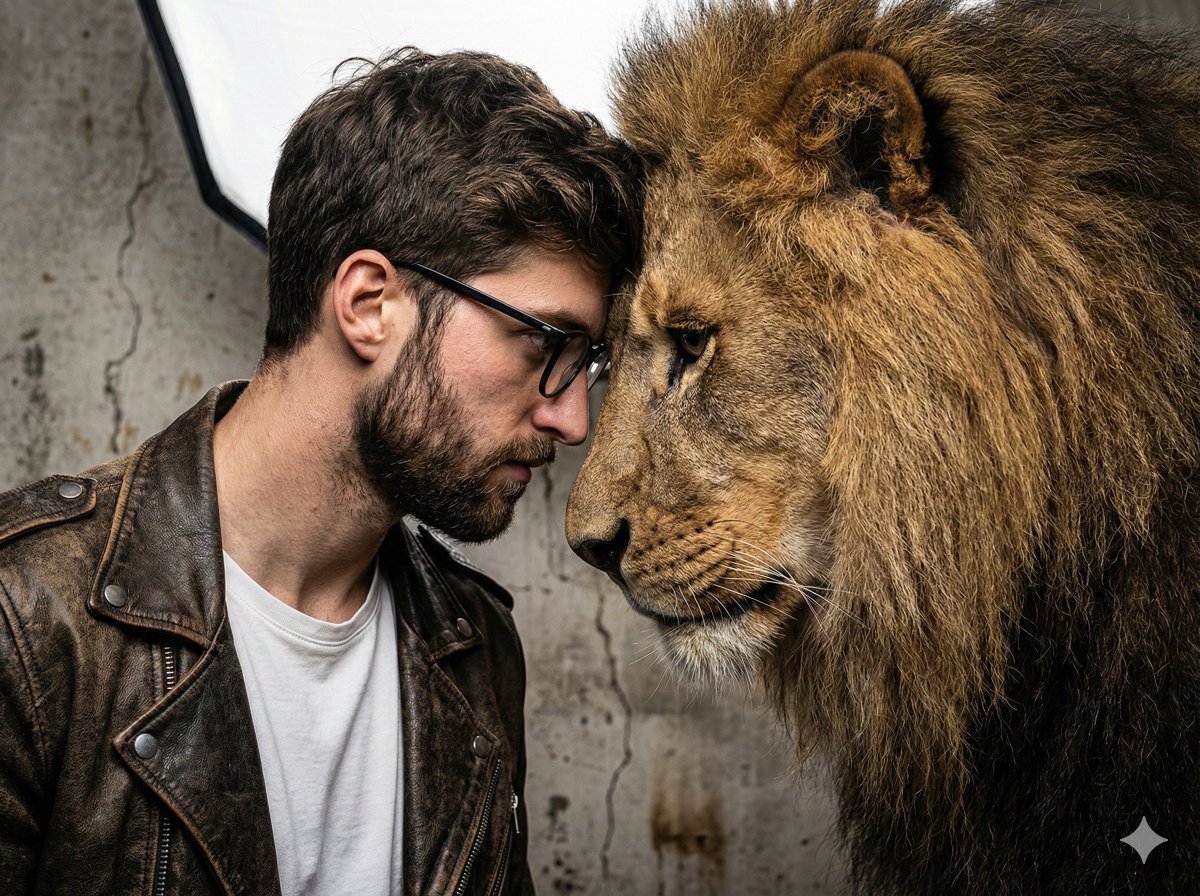
Hyper-Realistic Man and Lion Portrait (Face Preservation)
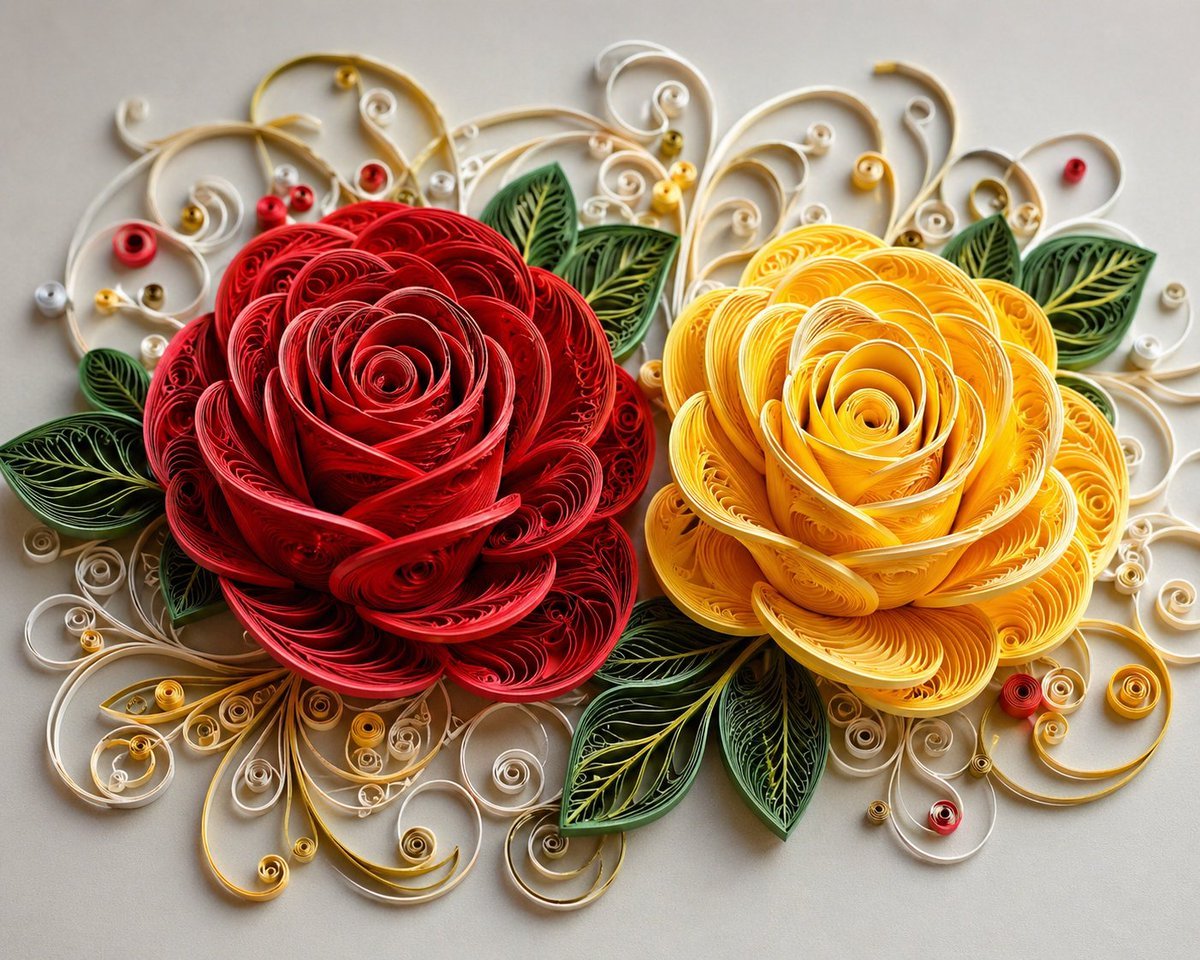
3D Paper Quilling Floral Art

Hollywood Haute Couture Fantasy Seedance
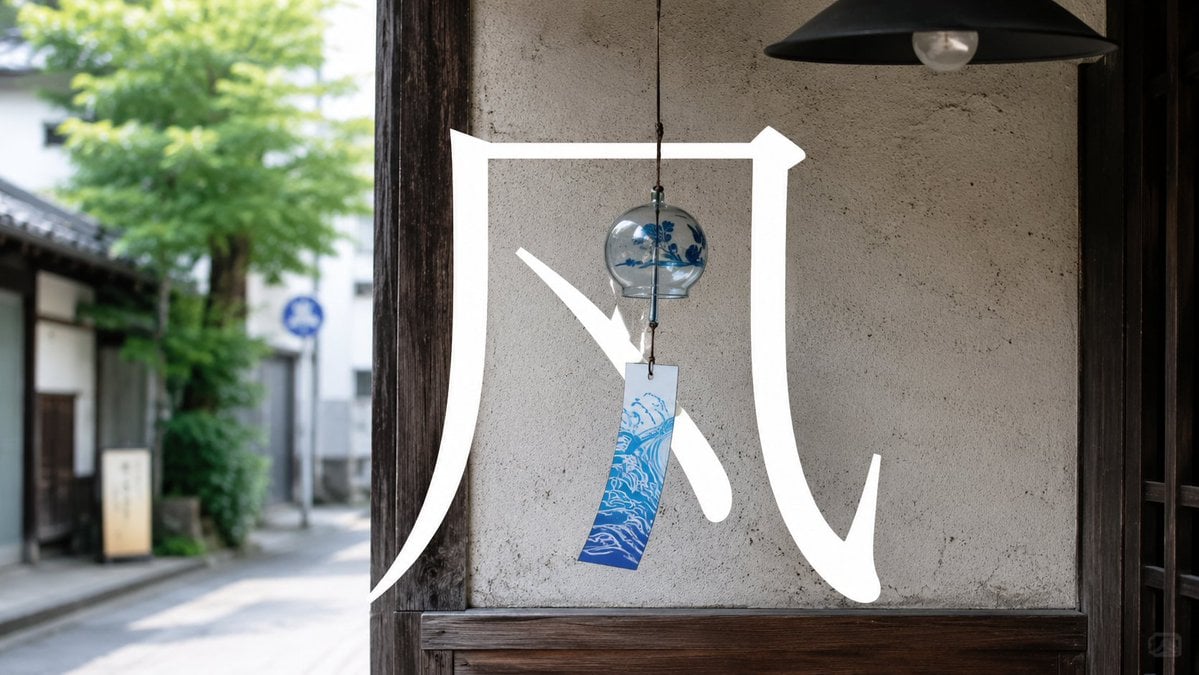
Japanese Wind Chime Calligraphy Photo
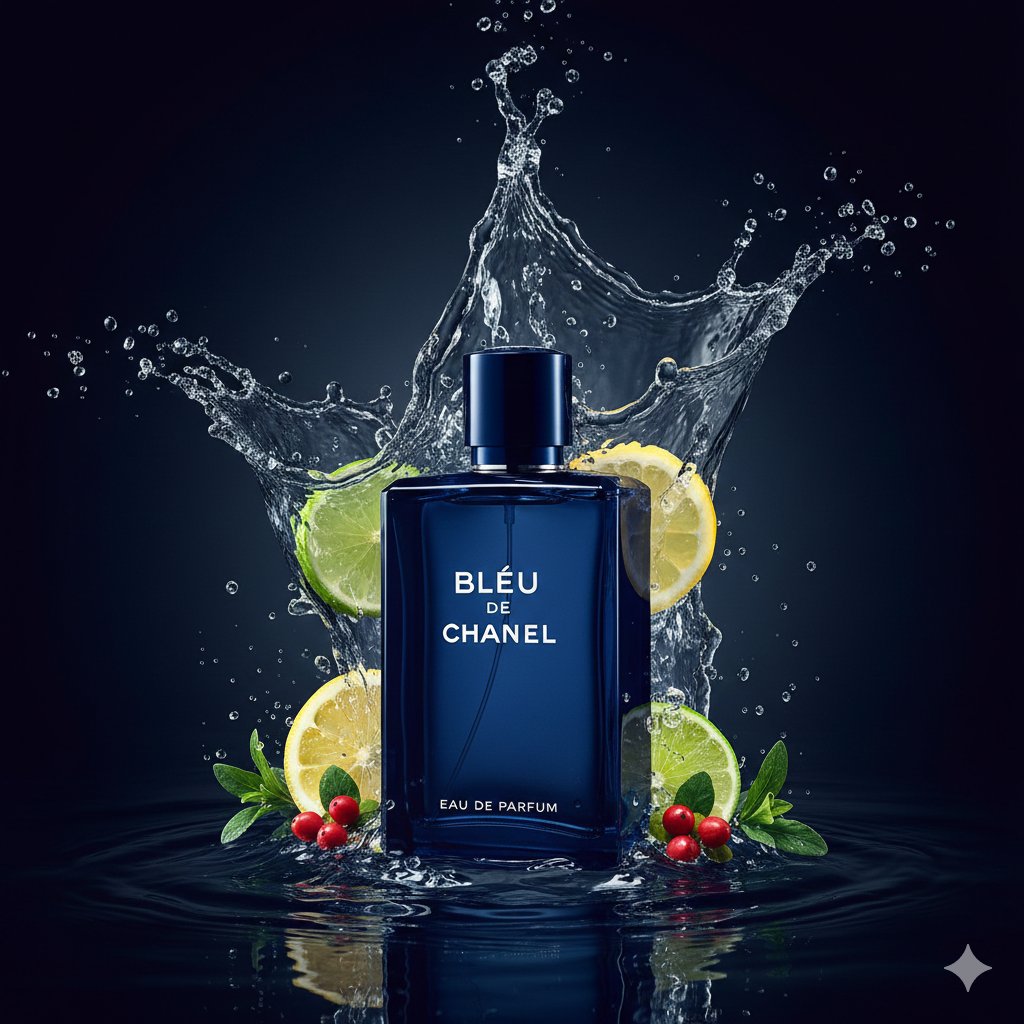
Dual Luxury Perfume Product Photography Prompts
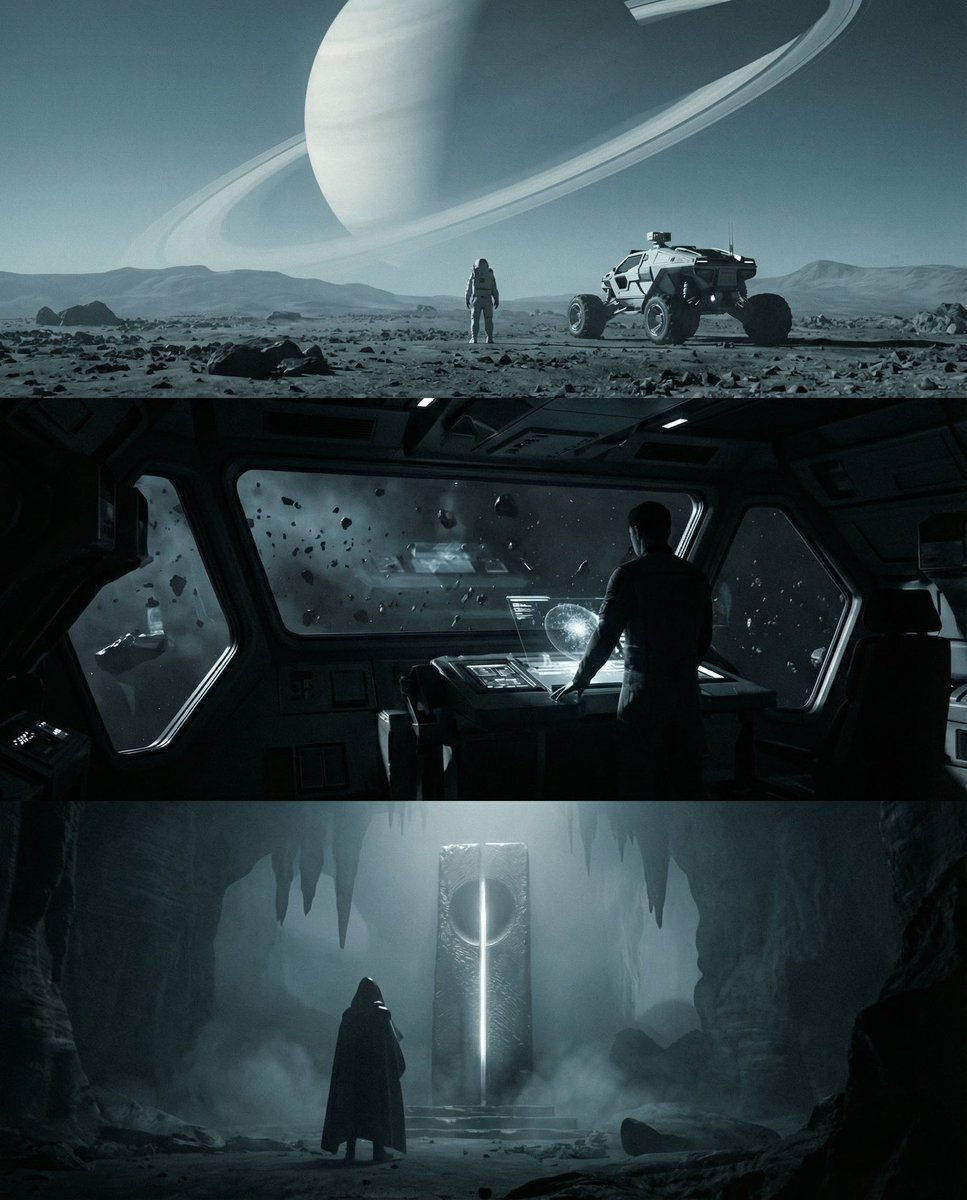
Sci-fi cinematic triptych and expansions
Browse template categories
Epic Anime Movie Poster from Photo questions
How do I use the Epic Anime Movie Poster from Photo template?
Add your photo if the template asks for one, edit the prompt if you like — the template's model and format are already selected — and press Generate. Your version opens in PicX Studio.
Can I customize the Epic Anime Movie Poster from Photo template?
Yes. You can change the subject, setting, lighting, mood, format, and available model controls before creating your image.
Is the Epic Anime Movie Poster from Photo template free?
Opening and editing this template is free. Generating uses credits, shown on the Generate button when you are signed in.
Which AI model should I use?
Start with GPT Image 2, which is the model associated with this template. You can compare another compatible model for a different finish.
Looking for something else? Browse all templates.

Your photo, any look
Thousands of ready templates for every top image and video model, from one credit balance.