How do I use the 3D Paper Quilling Floral Art template?
Edit the prompt in the box under the preview — the template's model and format are already selected — and press Generate. Your version appears right on this page.
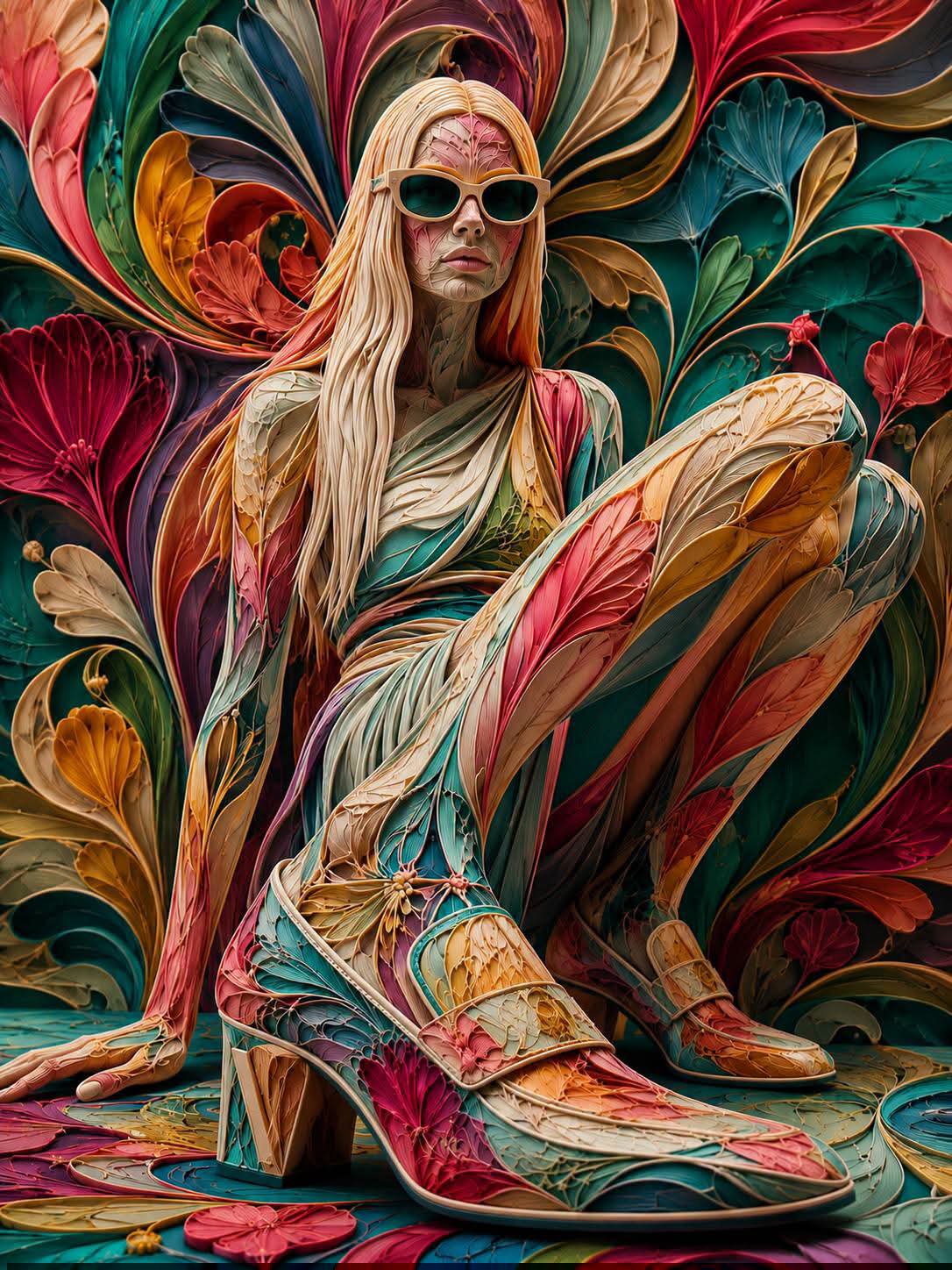
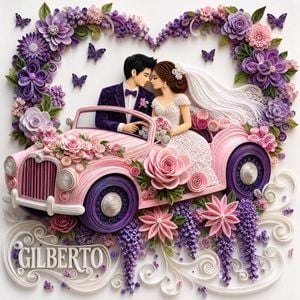
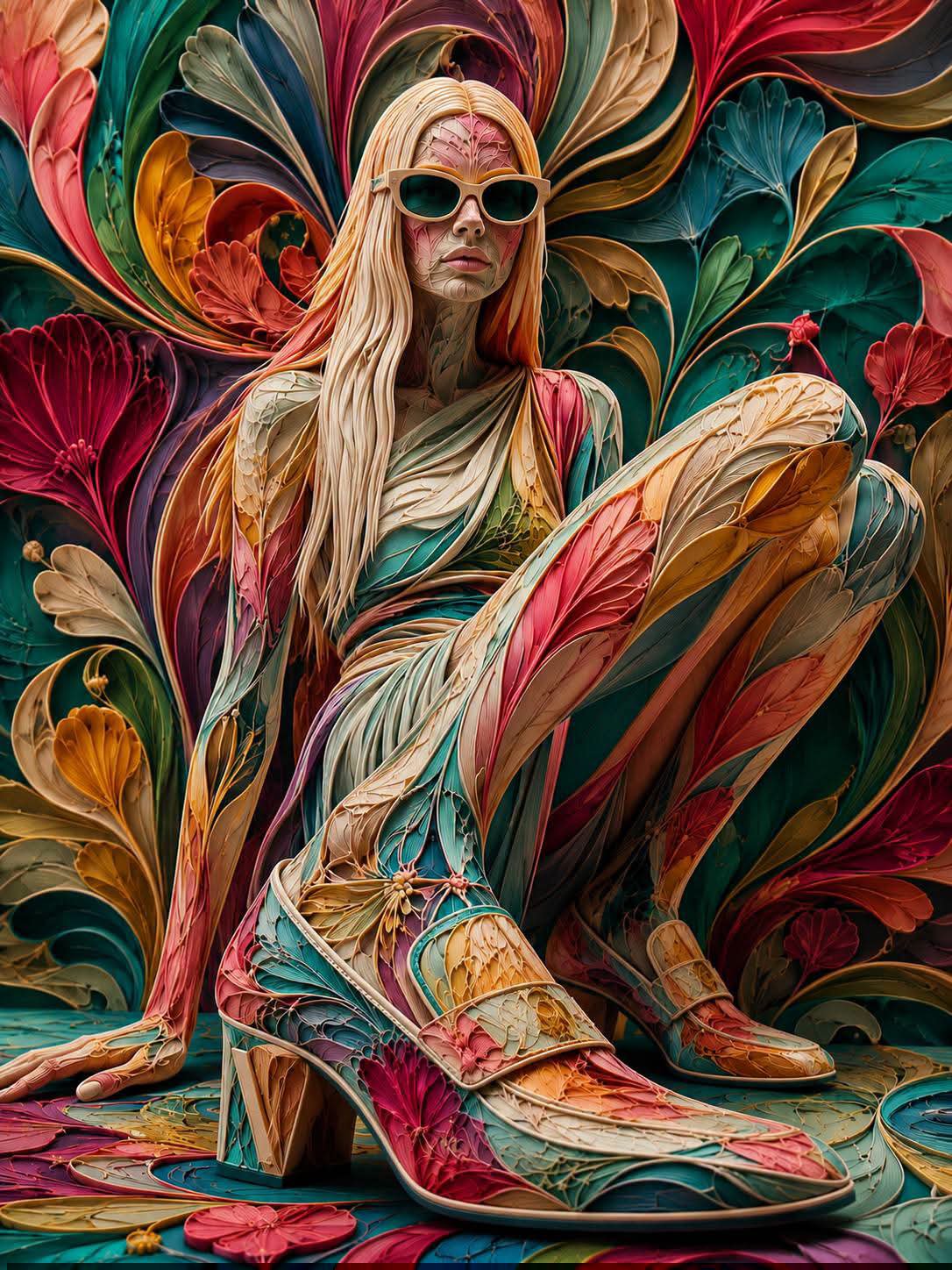
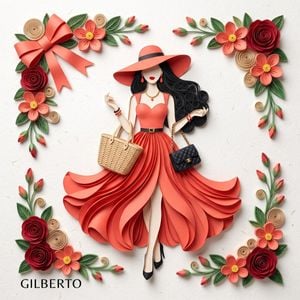
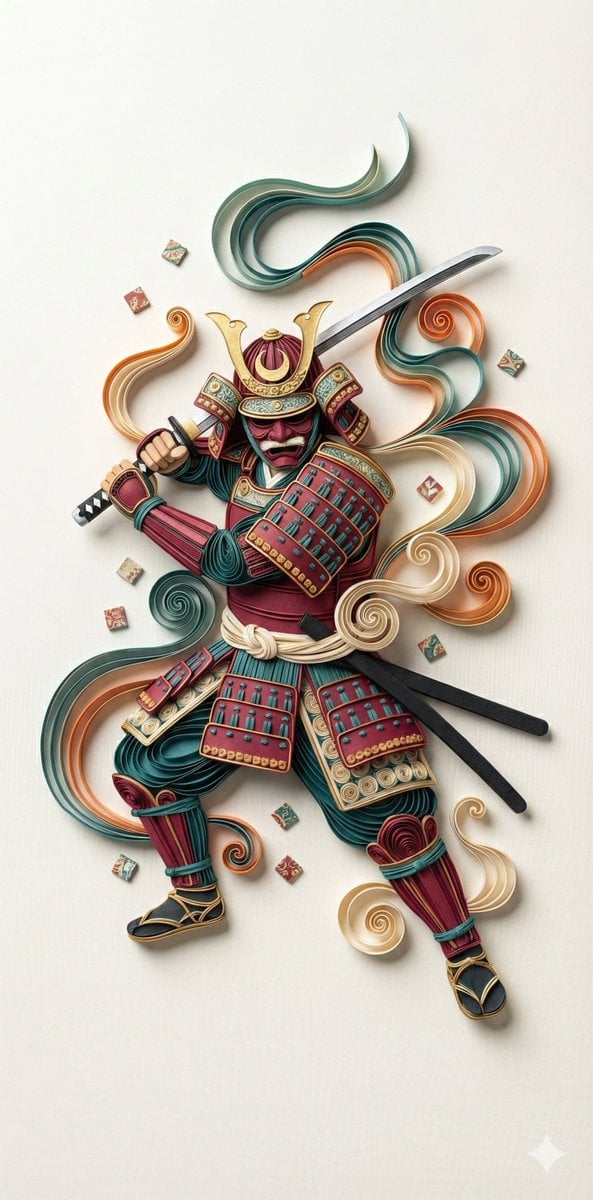
Generates high-definition artwork of flowers using 3D paper quilling and filigree techniques with soft natural lighting.

A precision photo of an art piece featuring rows of {argument name="color" default="red and yellow"} {argument name="subject" default="roses"} made using {argument name="style" default="3D paper quilling and paper filigree"}. Delicate spiraled paper petals, three-dimensional green leaves, elegant arabesque scrollwork, an elegant white background, soft natural light, ultra-high resolution, a refined craft-exhibition look, a warm texture
A precision photo of an art piece featuring rows of {argument name="color" default="red and yellow"} {argument name="subject" default="roses"} made using {argument name="style" default="3D paper quilling and paper filigree"}. Delicate spiraled paper petals, three-dimensional green leaves, elegant arabesque scrollwork, an elegant white background, soft natural light, ultra-high resolution, a refined craft-exhibition look, a warm texture
Edit the prompt in the box under the preview — the template's model and format are already selected — and press Generate. Your version appears right on this page.
Yes. You can change the subject, setting, lighting, mood, format, and available model controls before creating your image.
Opening and editing this template is free. Generating uses credits, shown on the Generate button when you are signed in.
Start with GPT Image 2, which is the model associated with this template. You can compare another compatible model for a different finish.
Follow a topic to a crawlable collection of related PicX Studio templates.