
3D Paper Quilling Wedding Scene
Creates an intricate 3D paper quilling art piece of a couple in a vintage pink car, featuring detailed textures and soft studio lighting.
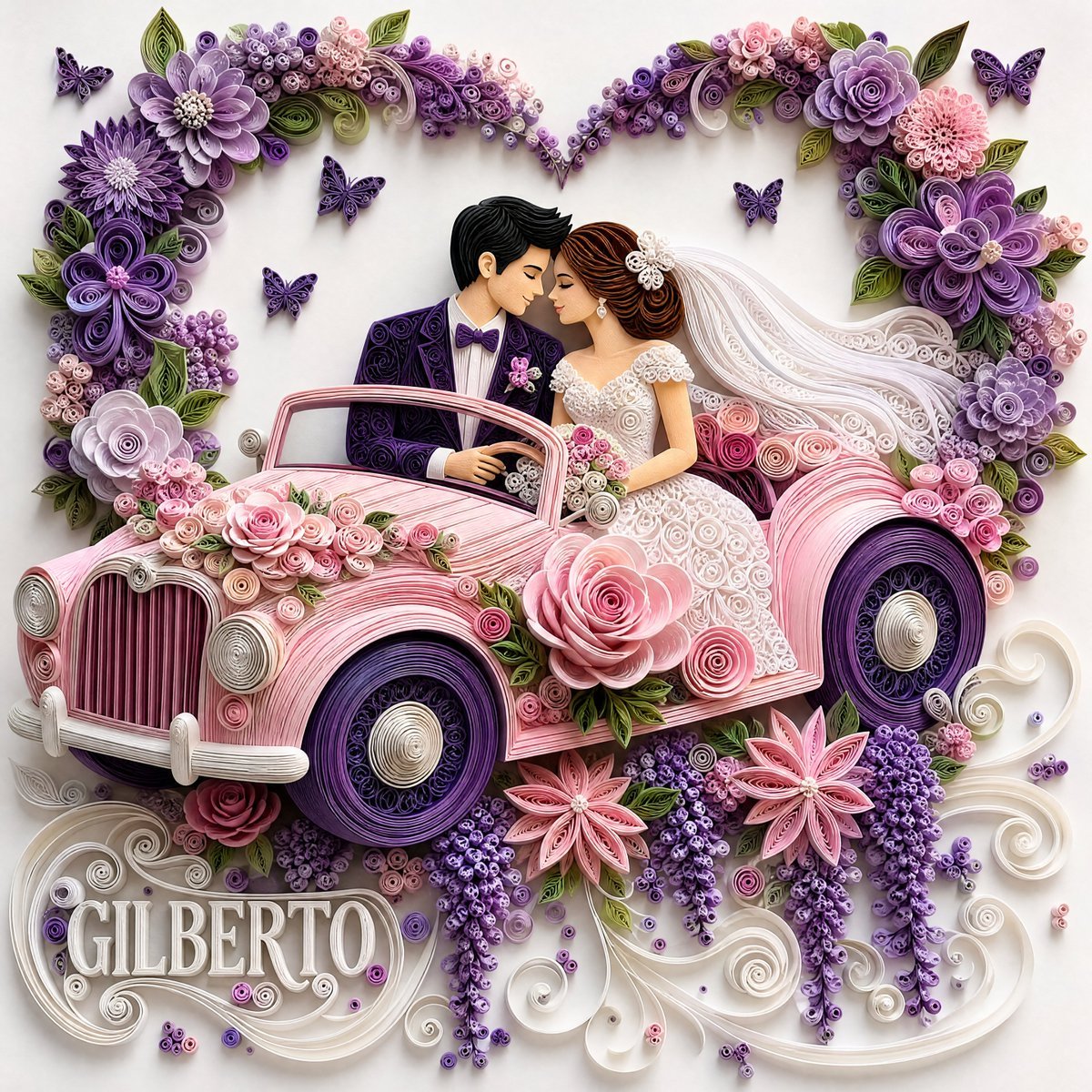
- Prompt included
- Model and format preset
- Free template
The prompt behind this image
Copy the exact prompt behind 3D Paper Quilling Wedding Scene, or open it in the studio and make it yours.
A high-detail 3D paper quilling art piece featuring a {argument name="subject" default="romantic bride and groom"} sitting in an open-top vintage {argument name="car color" default="pastel pink"} car, crafted entirely from rolled and coiled paper strips on a clean white background. The groom has black hair and is wearing a dark purple paper-quilled suit jacket, white shirt, and a purple bow tie. The bride has styled brown hair with a flowing white veil and wears an intricate white quilled wedding gown; they lean toward each other in a sweet, romantic pose. The vintage car is decorated with large, layered quilled pink roses along its body, with deep purple coiled paper tires. Framing the top of the scene is a large heart-shaped arch made of {argument name="flower colors" default="purple, lavender, and pink"} quilled flowers with green paper leaves and small purple butterflies hovering nearby. The bottom area features cascading lavender paper blossoms, pink starburst flowers, and elegant white paper filigree scrollwork. Soft studio lighting from above creates subtle, realistic drop shadows under each raised paper layer, emphasizing the tactile, three-dimensional craft quality --ar 1:1
How to use 3D Paper Quilling Wedding Scene in 3 steps
- 1
Open
The prompt is already in the box next to the preview, with the template's model and format selected.
- 2…a portrait of your subject in softgolden-hour light, 85mm…
Personalize
Edit the subject and creative details for your destination.
- 3Generate
Generate
Press Generate — your image is created in PicX Studio, so you can compare it with the original and refine one variable at a time.
More like this
Templates with the same subject, style or setup. Open one to see its prompt.
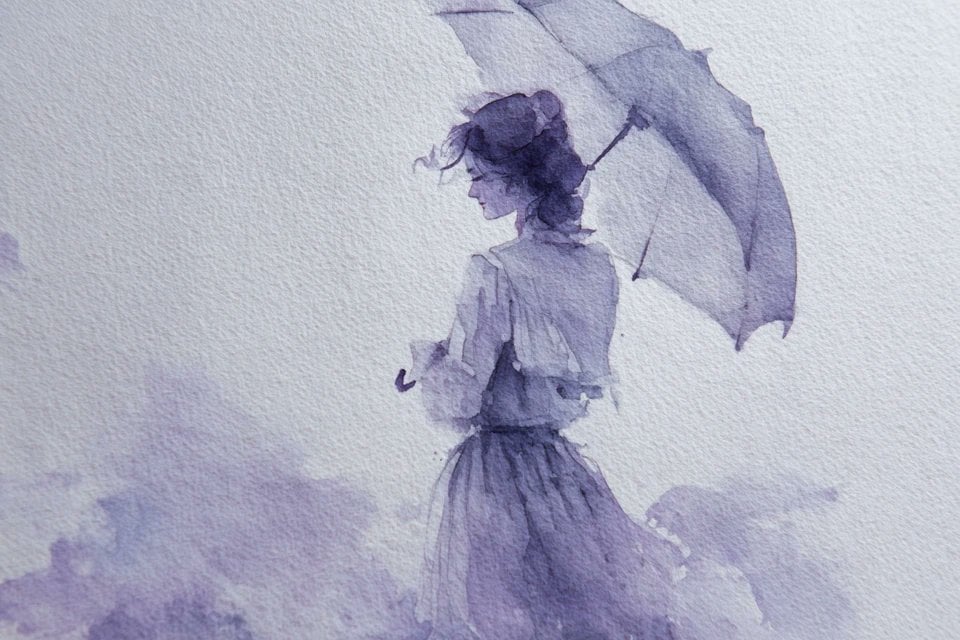
Watercolor Dreamscape — Nano Banana
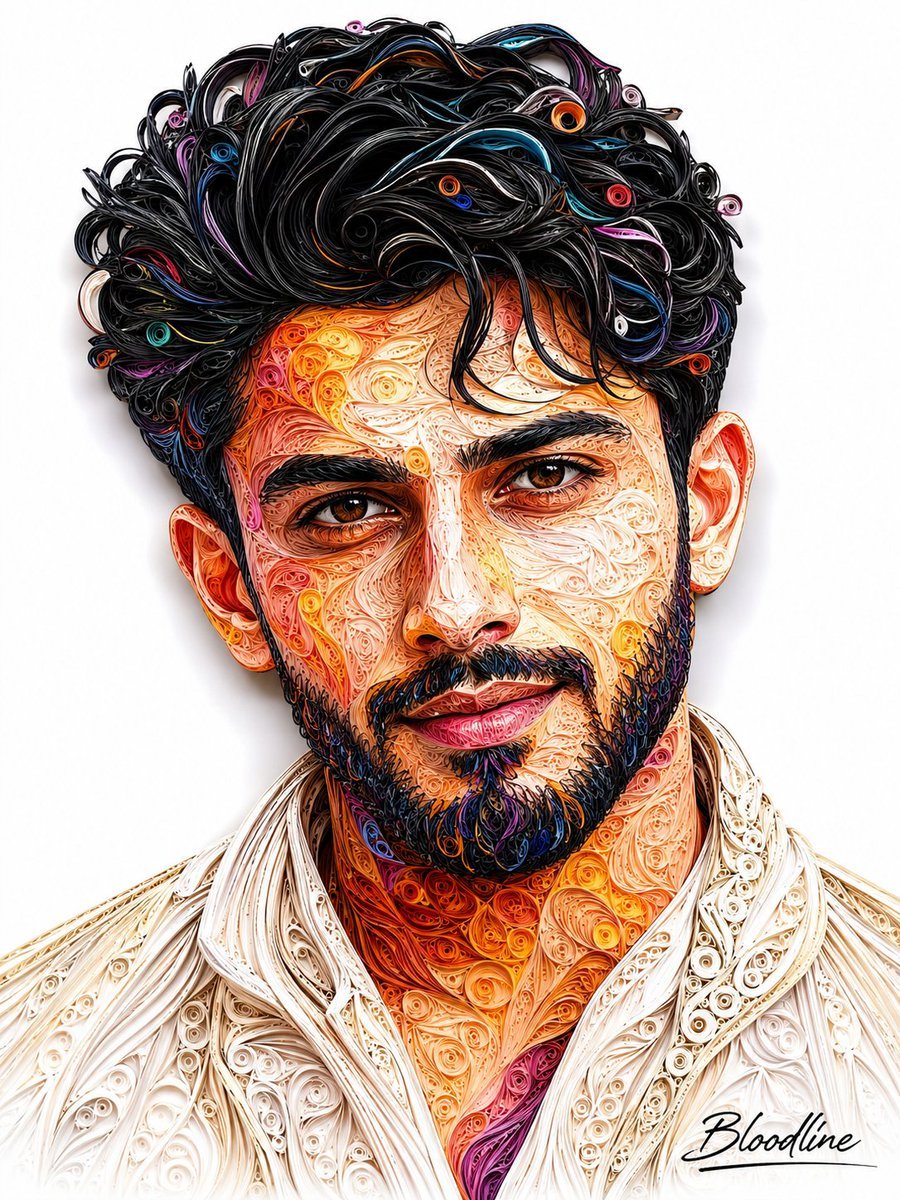
3D Quilling Paper Art Portrait
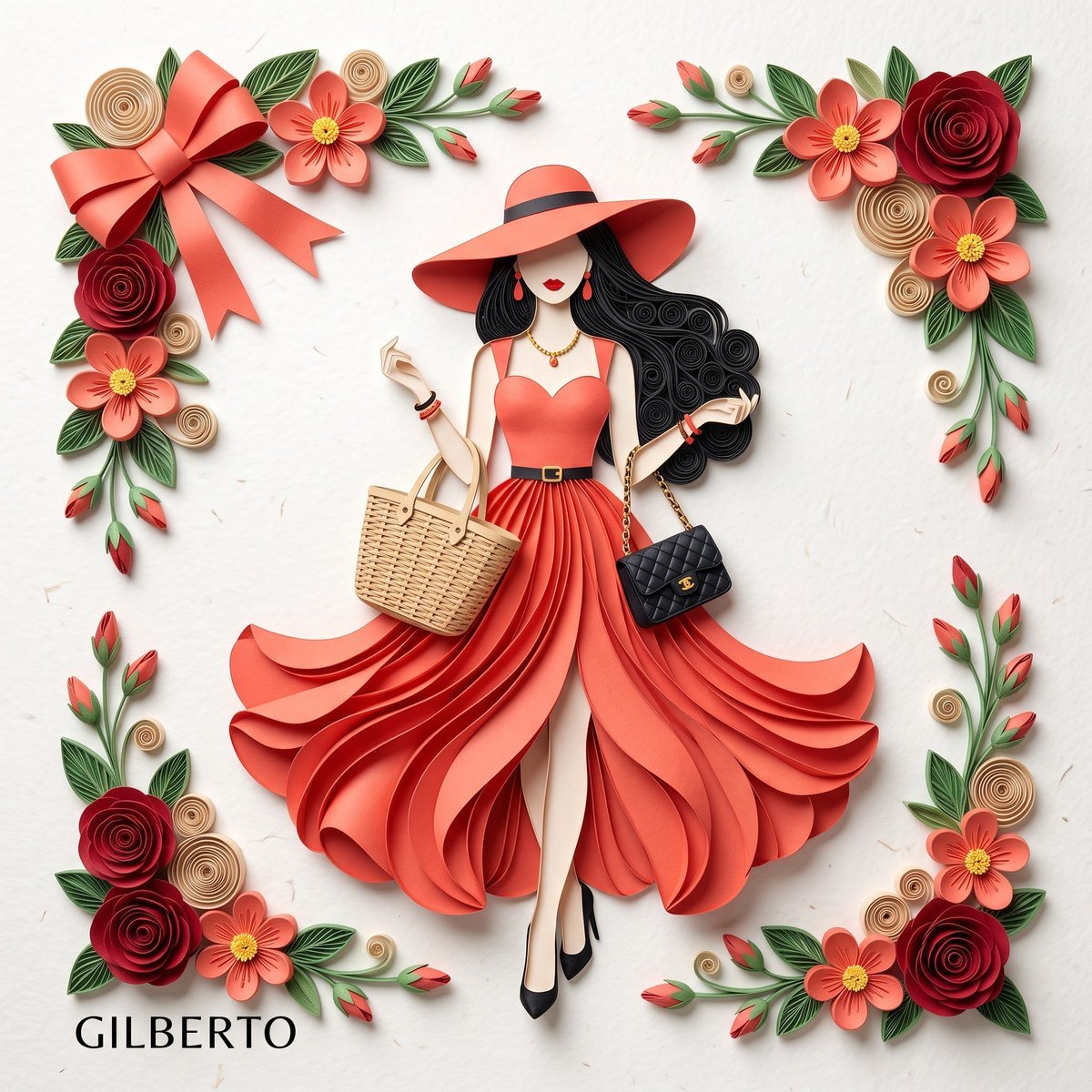
3D Layered Paper Quilling Fashion
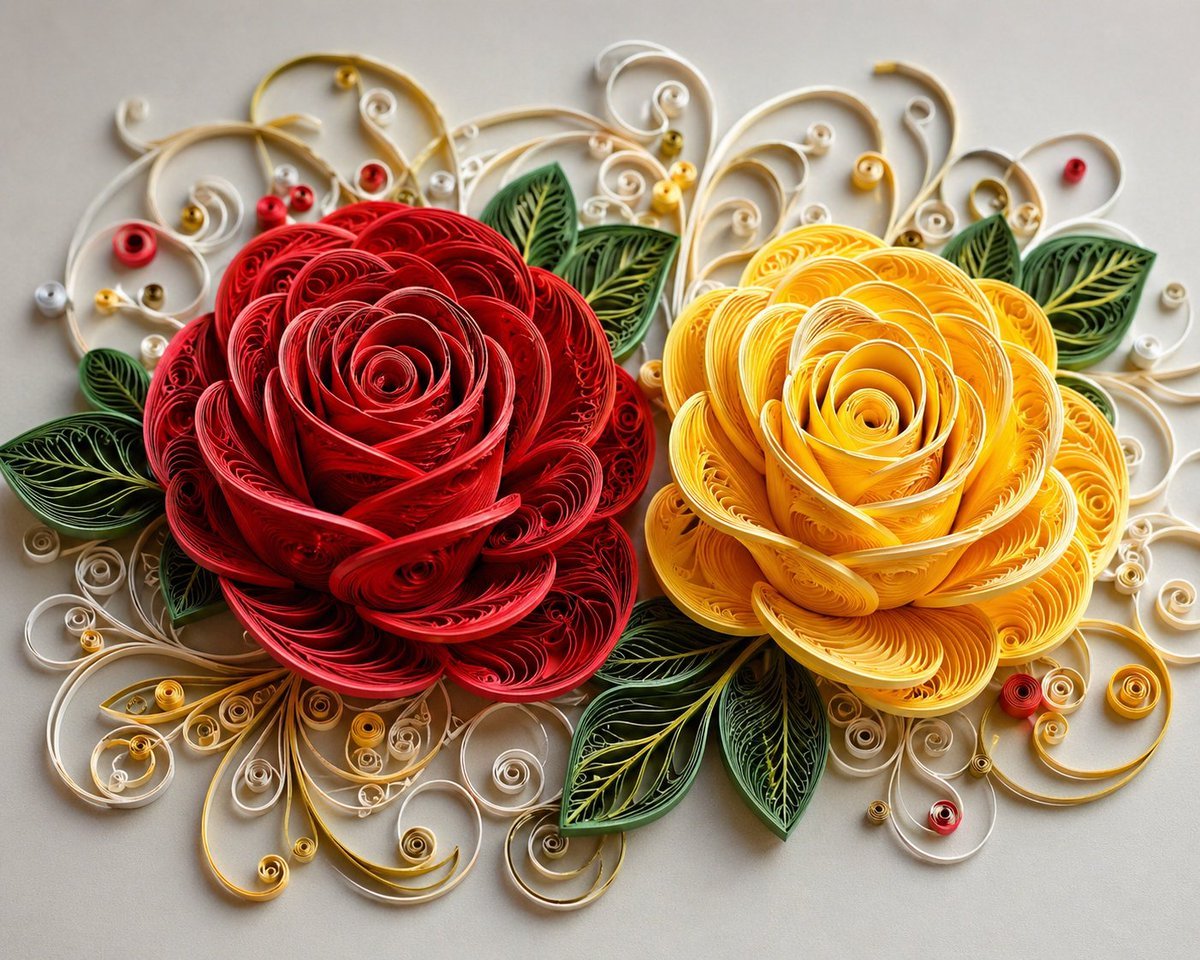
3D Paper Quilling Floral Art
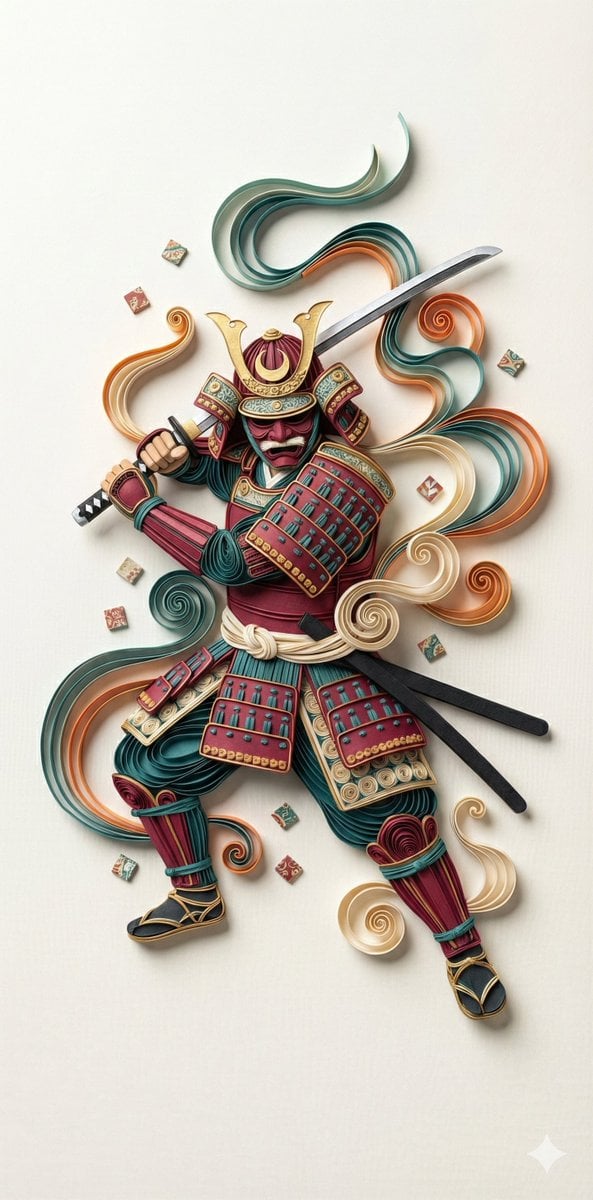
3D Paper Quilling Art: Samurai Warrior

Pet Wedding Invitation Design
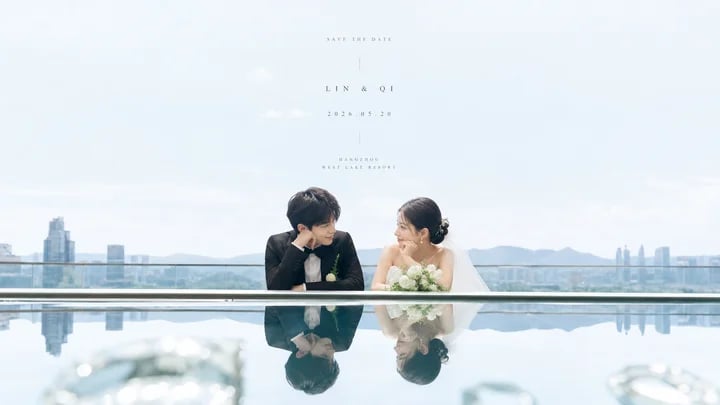
Airy Reflective Wedding Save the Date
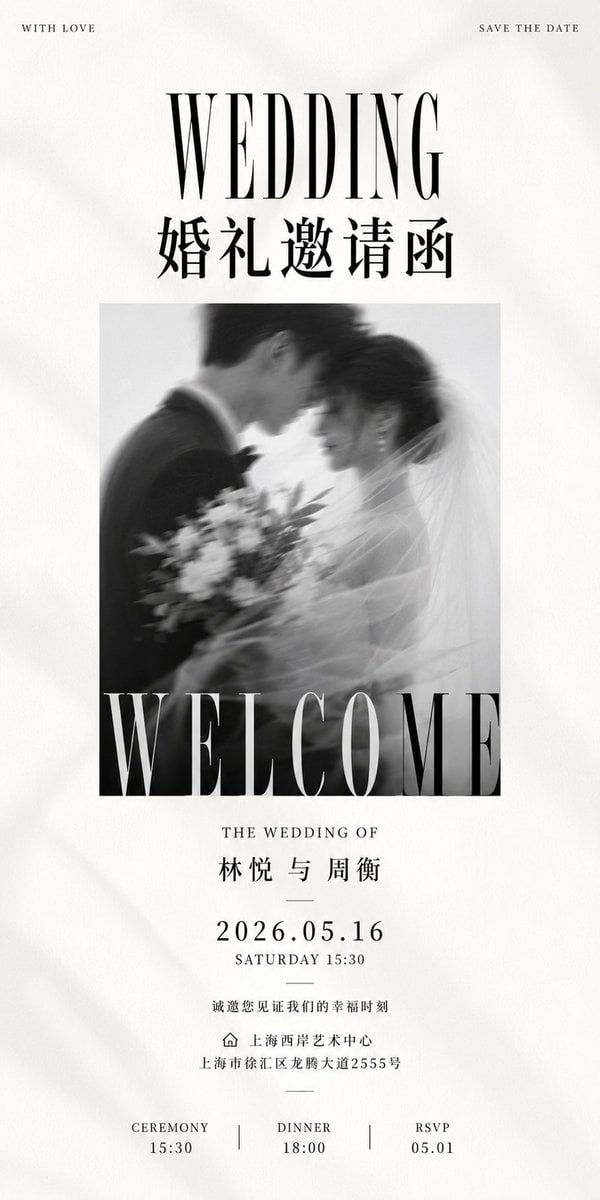
Luxury Monochrome Wedding Invitation
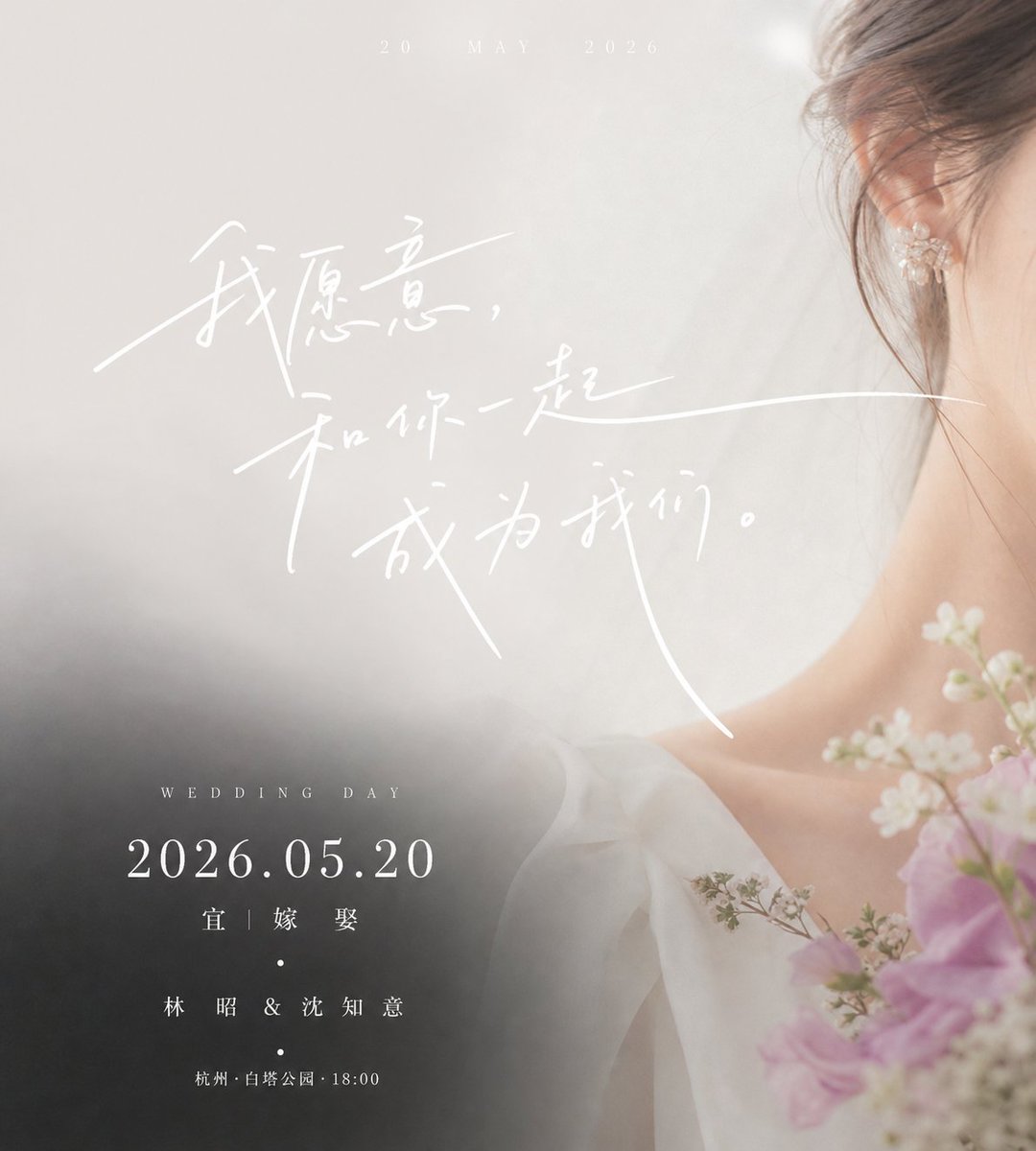
Luxury Chinese Wedding Invitation
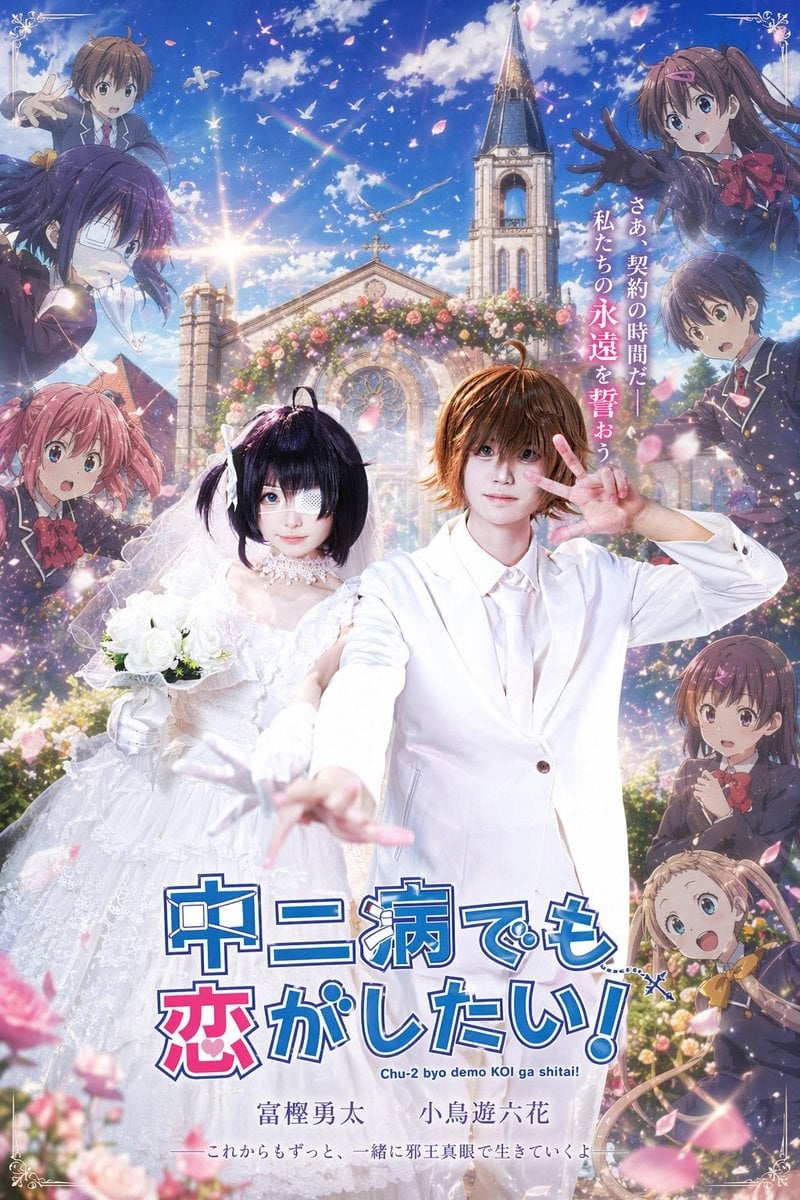
Anime Wedding Poster at a Church

Framed Quilling Anime Girl
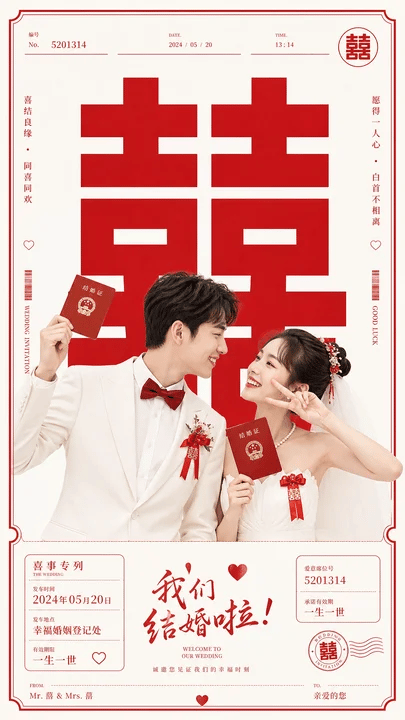
Chinese Wedding Invitation Poster
Make it yours
3D Paper Quilling Wedding Scene works as-is. These are the safest ways to change it without losing the look.
Change one field
Copy a single group, rewrite it, and generate again so you can see what that field is doing.
Keep the frame, change the subject
Hold the composition and light of 3D Paper Quilling Wedding Scene, then swap wardrobe, props or the person for a new take.
| If the result… | Why | Fix |
|---|---|---|
| The result drifts from the preview | Too many fields changed at once. | Reuse 3D Paper Quilling Wedding Scene as-is first, then change one group — subject, light, or setting. |
| The model over-stylizes the scene | The prose prompt leaves finish and camera underspecified. | Add one camera or lighting sentence and stay on GPT Image 2. |
More GPT Image 2 templates
Other prompts made for GPT Image 2.

Six VTuber Japanese Logo Sheet

Realistic Portrait of Woman and Deer

The Vista Modular Condo Poster

AI Model Routing Comparison Infographic

2.5D Anime Art Board

Isometric Productivity Desk Scene

New York Double Exposure Poster

Four-Panel AI Landscape Comparison

Japanese Tatami Lifestyle Magazine Cover

NESCAFÉ Coffee Map Poster
More image prompts
Fresh picks from across the catalog.

Surreal Minimalist Conceptual Artwork Prompt

Nano Banana 2 Gourmet Ice Cream Commerci
YouTube Subtitle Base Generation Prompt
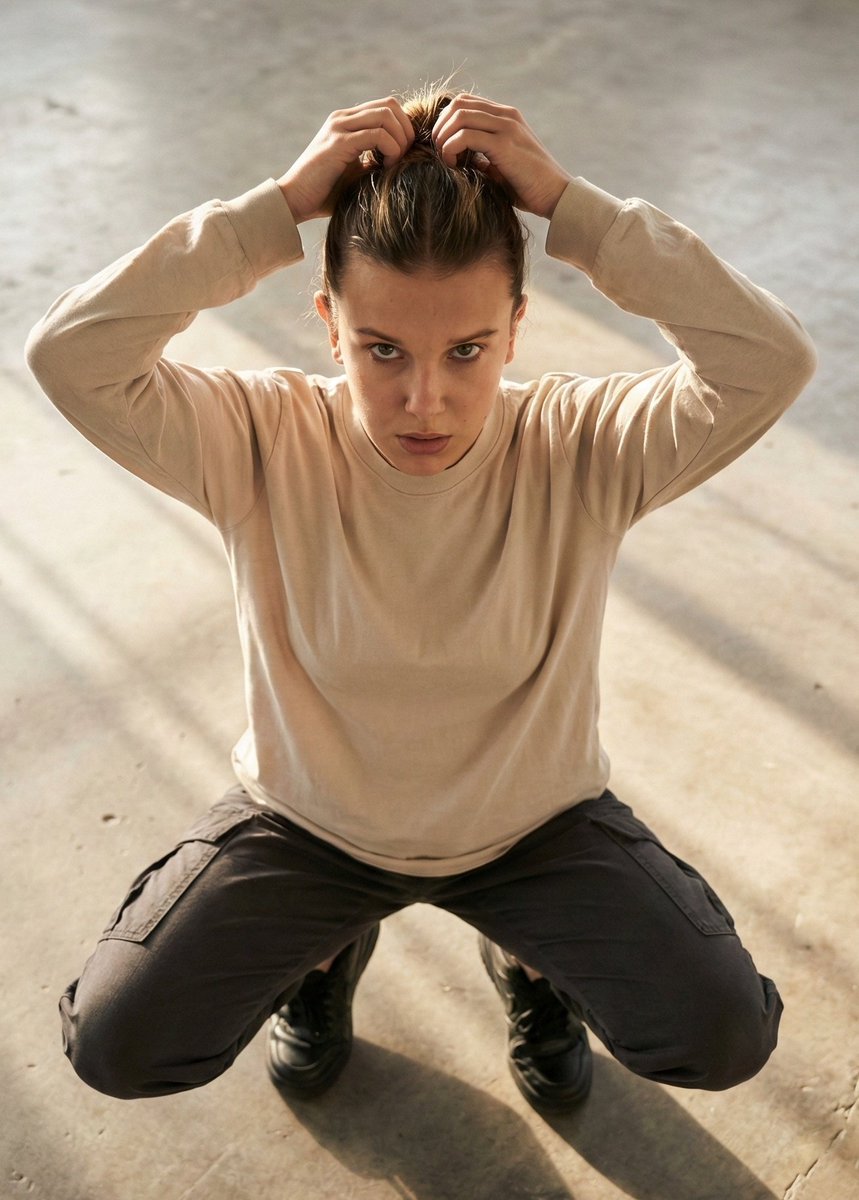
Editorial realism portrait of a woman tying her hair

Abstract Eastern Zen Landscape with Time-Slice Lighting
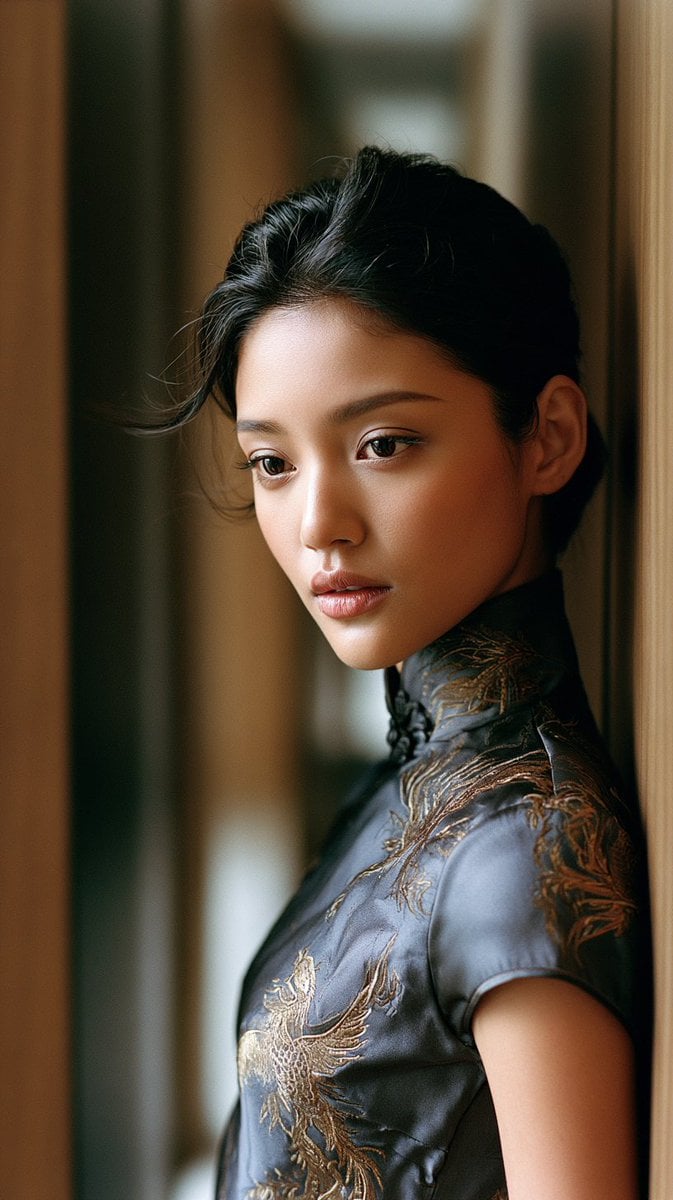
East Asian Woman in Silk Qipao
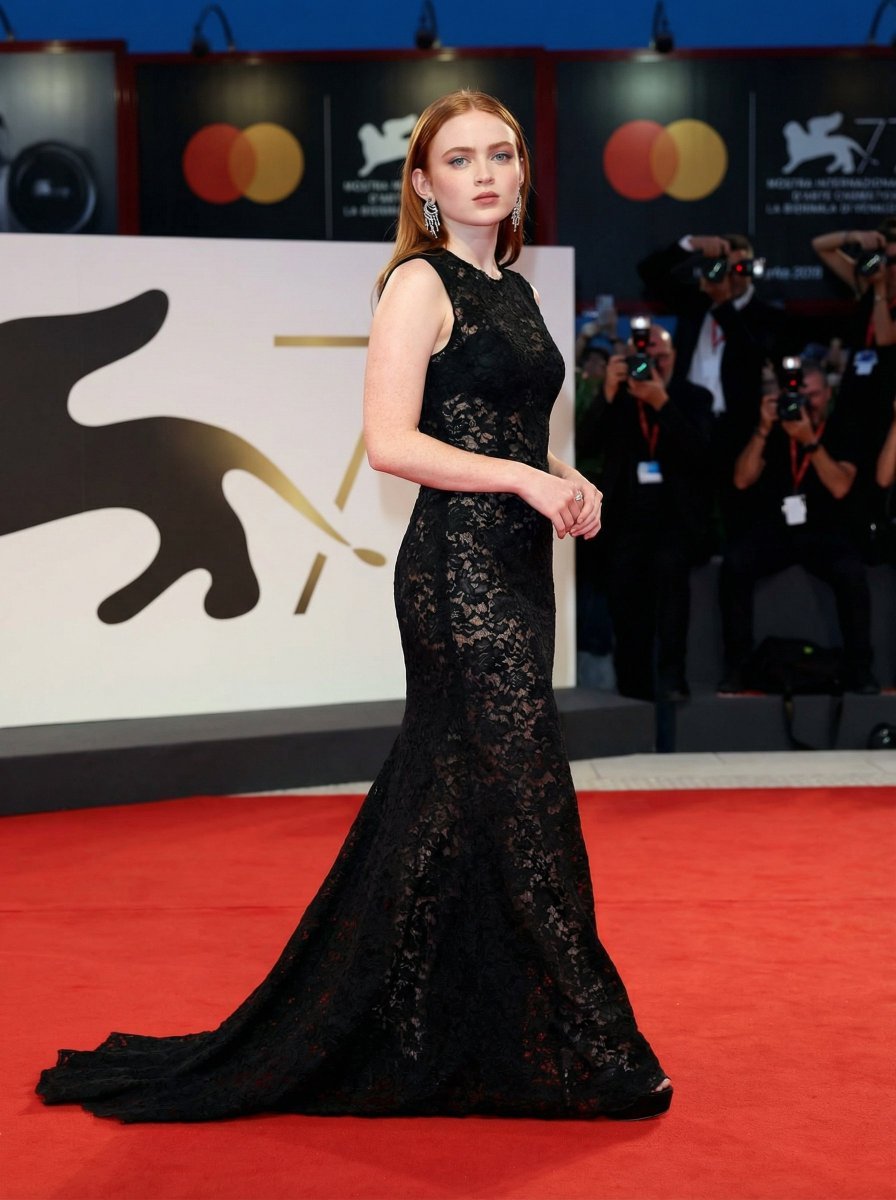
High Fashion Red Carpet Editorial Prompt
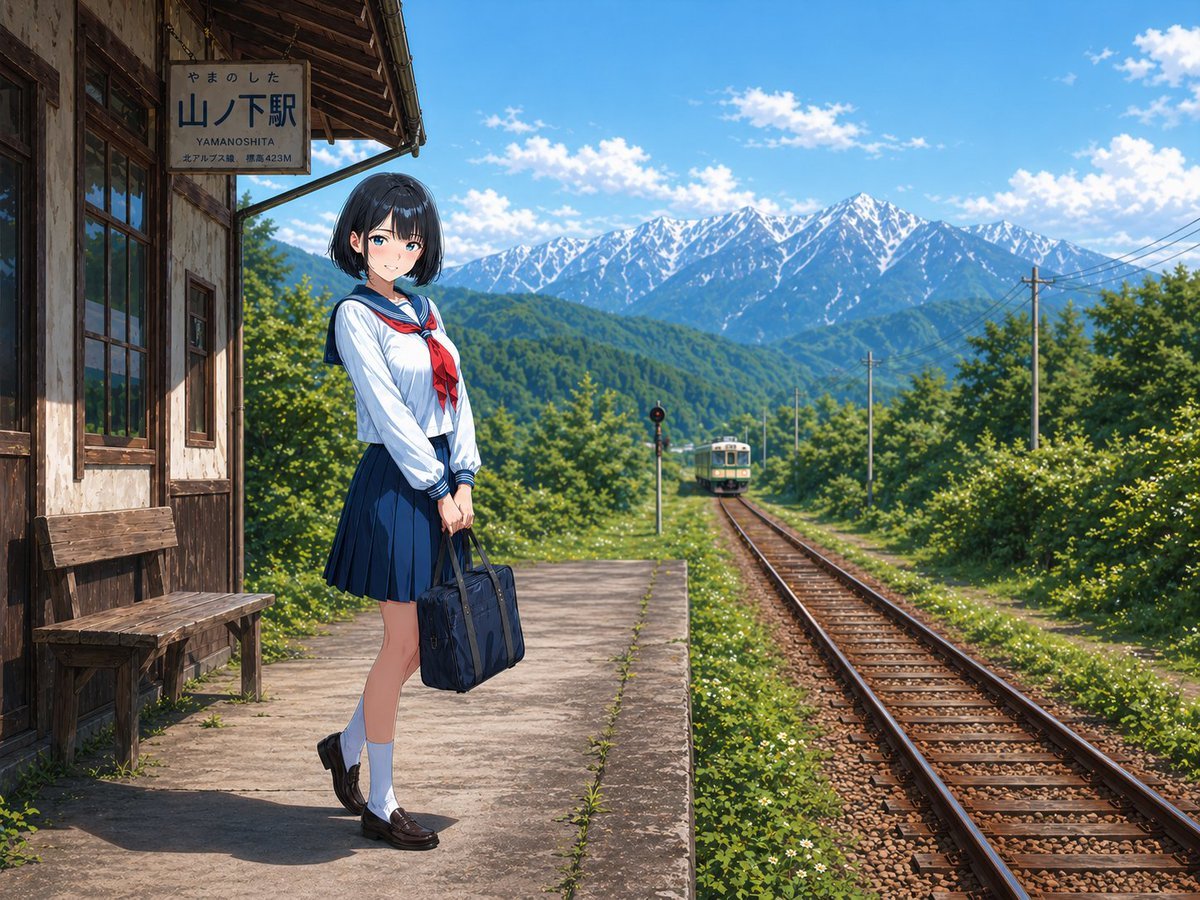
Gpt2 Social Media Post Rural Station Schoolgirl Scene
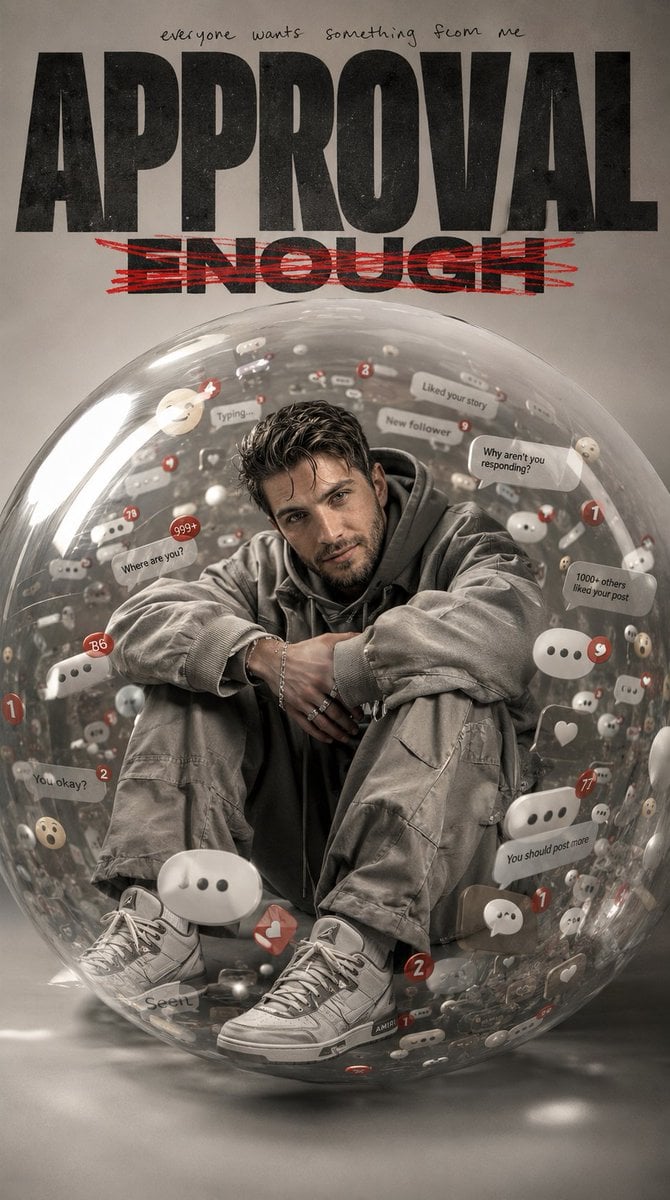
Emotional Surrealism Conceptual Portrait
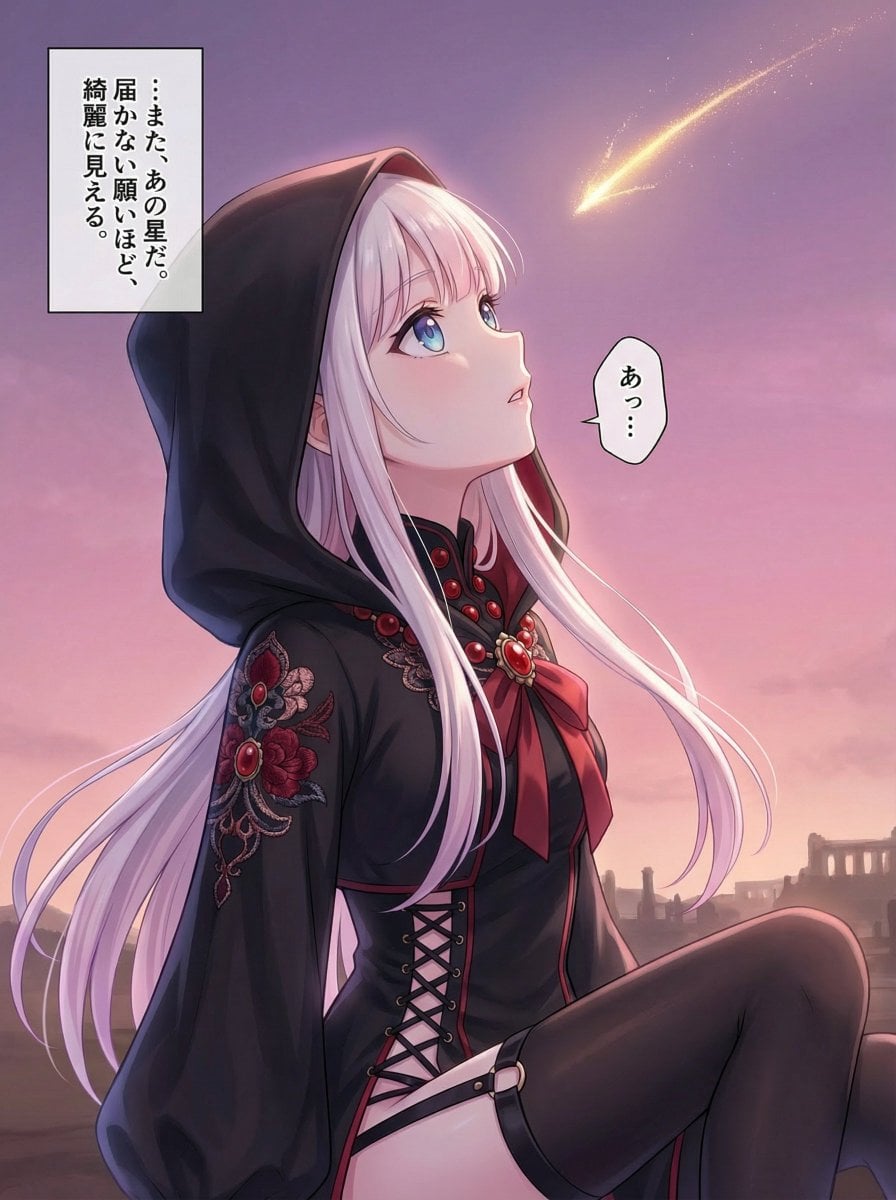
Comprehensive manga one-page scene creation system prompt
Browse template categories
3D Paper Quilling Wedding Scene questions
How do I use the 3D Paper Quilling Wedding Scene template?
Add your photo if the template asks for one, edit the prompt if you like — the template's model and format are already selected — and press Generate. Your version opens in PicX Studio.
Can I customize the 3D Paper Quilling Wedding Scene template?
Yes. You can change the subject, setting, lighting, mood, format, and available model controls before creating your image.
Is the 3D Paper Quilling Wedding Scene template free?
Opening and editing this template is free. Generating uses credits, shown on the Generate button when you are signed in.
Which AI model should I use?
Start with GPT Image 2, which is the model associated with this template. You can compare another compatible model for a different finish.
Looking for something else? Browse all templates.

Your photo, any look
Thousands of ready templates for every top image and video model, from one credit balance.