
3D Quilling Paper Art Portrait
A complex prompt for an ultra-detailed 3D paper quilling portrait of a young man, featuring vibrant colors and intricate handcrafted textures.
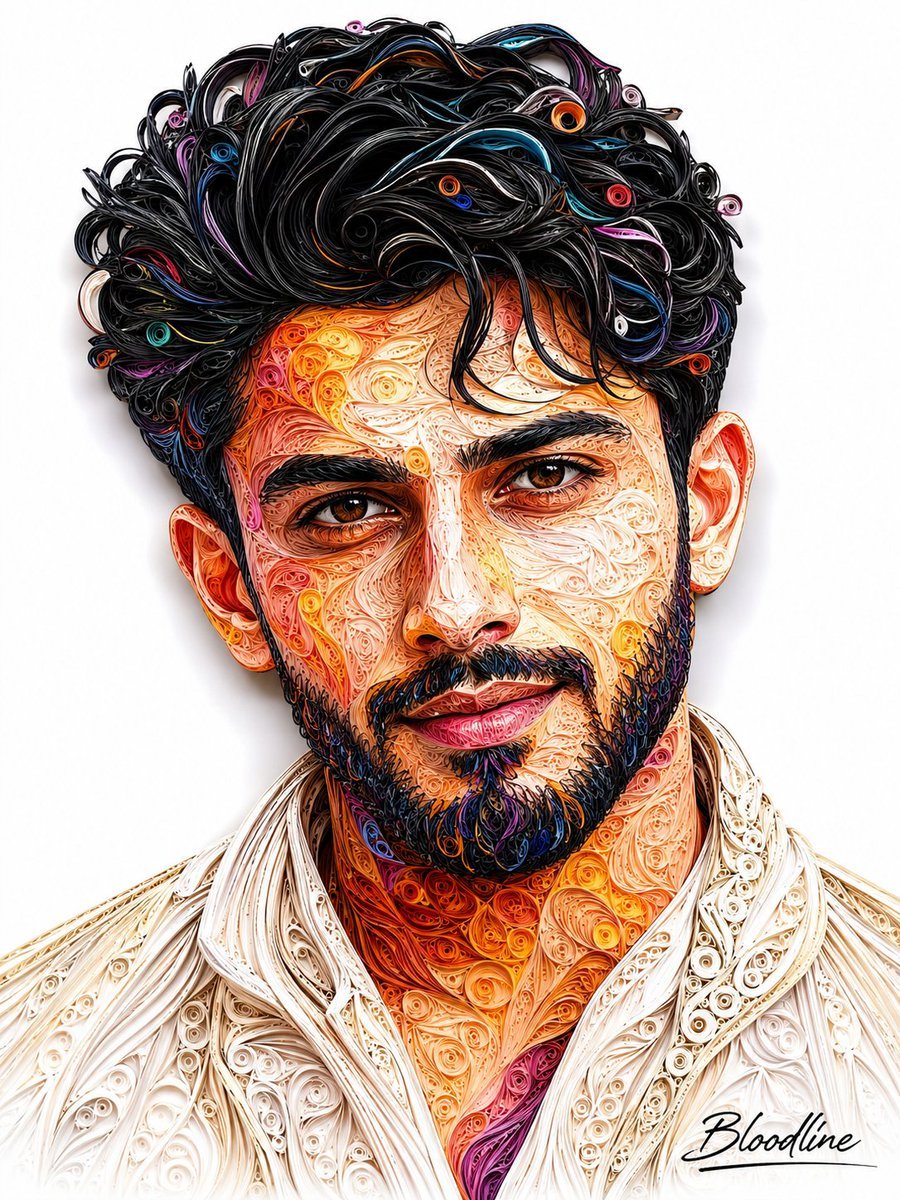
- Prompt included
- Model and format preset
- Free template
The prompt behind this image
Copy the exact prompt behind 3D Quilling Paper Art Portrait, or open it in the studio and make it yours.
Create an ultra-detailed, high-end quilling paper-art portrait of a handsome young man in his early 20s, inspired by the reference image’s intricate handcrafted paper-strip aesthetic, but with a completely original masculine character and composition. He has thick, naturally wavy jet-black hair, slightly tousled and voluminous, deep expressive brown eyes, strong well-defined eyebrows, a straight sculpted nose, prominent cheekbones, sharp masculine jawline, and a neatly groomed full short beard. His expression is confident, warm, and subtly smiling, with realistic facial proportions and a charismatic appearance. Render the entire portrait using thousands of individually curled, rolled, folded, and layered paper strips, creating an exceptionally intricate 3D quilling / paper filigree artwork. Use rich combinations of burnt orange, golden yellow, crimson red, magenta, deep violet, turquoise, electric blue, black, ivory, and subtle white throughout the hair, skin, beard, and clothing. Each paper strip should remain visibly distinct, creating fine handcrafted texture while forming realistic facial contours, highlights, shadows, eyes, lips, and hair strands. The young man wears a luxurious ivory textured shirt or jacket with elaborate cream-colored paper filigree patterns, adding an elegant artistic contrast to the vivid face. Composition: centered vertical head-and-shoulders portrait, face occupying most of the frame, symmetrical frontal pose, clean pure white background, subtle soft shadow around the paper artwork, premium gallery-quality presentation, extremely sharp details, realistic dimensional depth, intricate micro-textures, sophisticated contemporary paper sculpture aesthetic. At the bottom-right corner, add a tasteful elegant handwritten artist signature reading exactly: “Bloodline” with a refined black calligraphic signature style and a thin minimalist underline beneath it. Ultra-realistic handcrafted paper quilling, extraordinary detail, intricate curled paper fibers, layered 3D relief, vibrant colors, premium fine-art portrait, studio lighting, crisp edges, sophisticated composition, 8K detail, masterpiece.
How to use 3D Quilling Paper Art Portrait in 3 steps
- 1Upload ImagePNG, JPG or paste
Add your photo
Upload the photo the template builds on. The prompt, model and format are already set.
- 2…a portrait of your subject in softgolden-hour light, 85mm…
Personalize
Edit the subject and creative details for your destination.
- 3Generate
Generate
Press Generate — your image is created in PicX Studio, so you can compare it with the original and refine one variable at a time.
More like this
Templates with the same subject, style or setup. Open one to see its prompt.

Found Photograph: Us, 1970

80s Couple Studio Portrait

80s Bollywood Star

80s Golden Hour Cinema

Me in 1985

1985 Studio Portrait
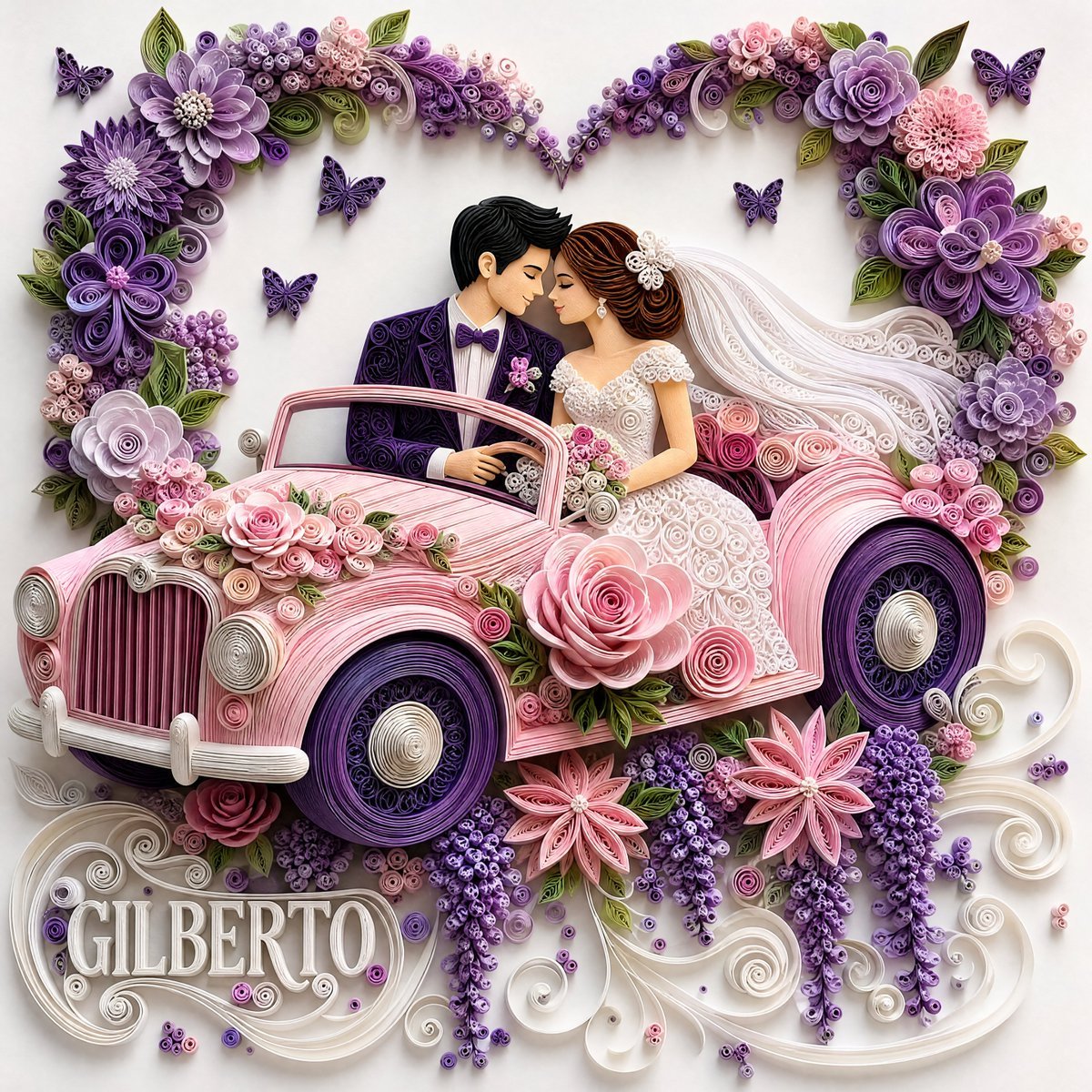
3D Paper Quilling Wedding Scene
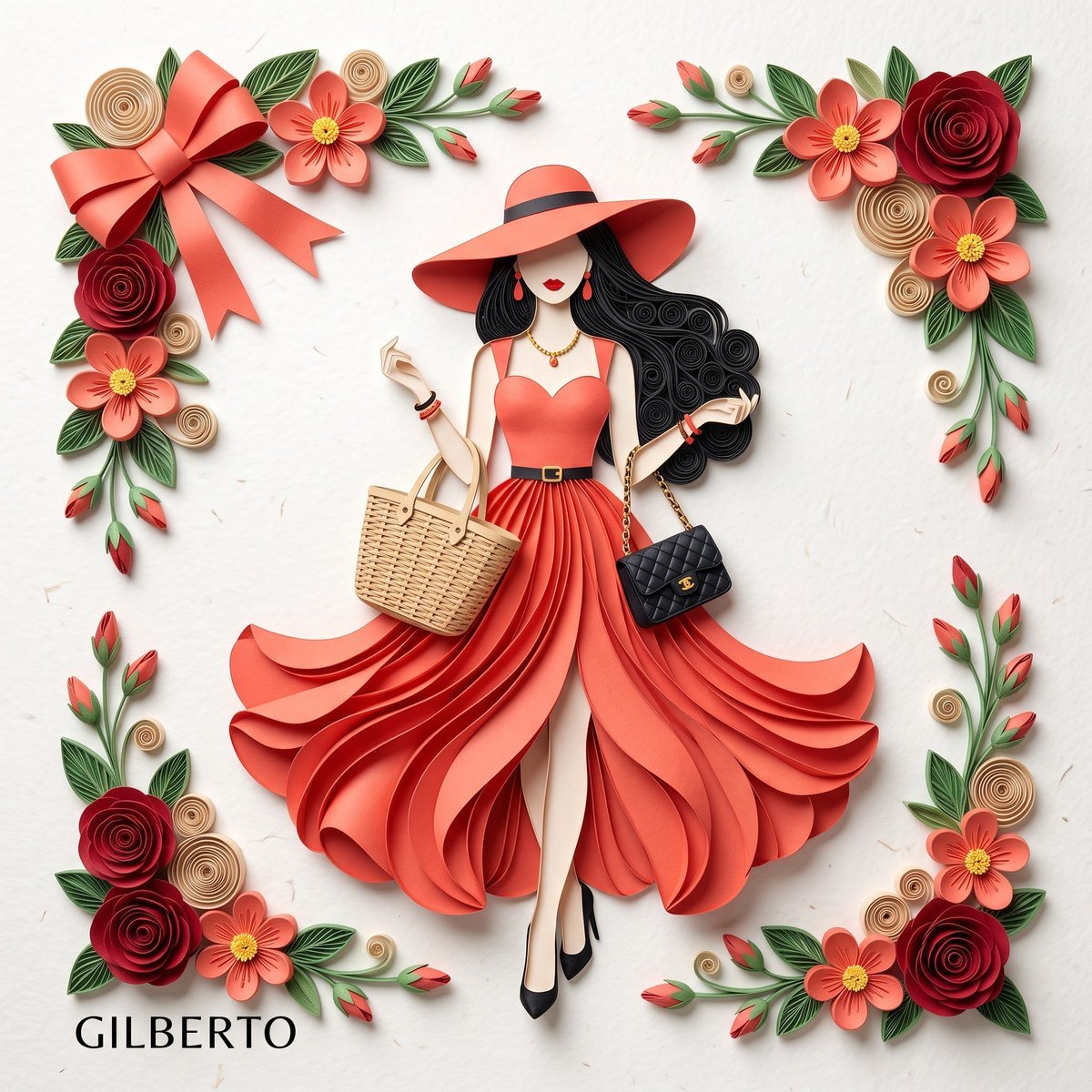
3D Layered Paper Quilling Fashion

Hyper-Realistic Minecraft POV Portrait

Rooftop Fisheye — Cat-Ear Balaclava at Golden Hour

Rainy Café Window Moody Portrait
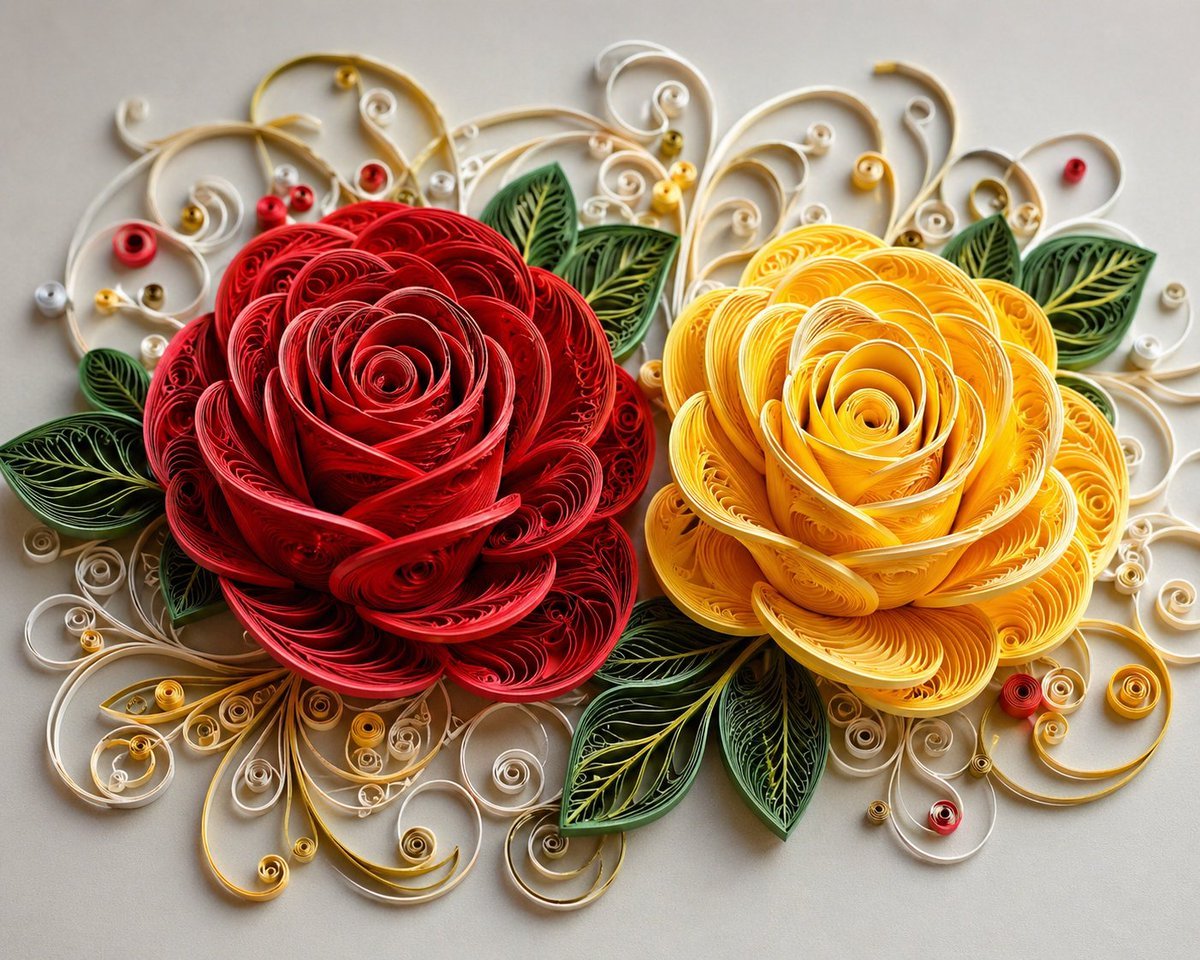
3D Paper Quilling Floral Art
Make it yours
3D Quilling Paper Art Portrait works as-is. These are the safest ways to change it without losing the look.
Change one field
Copy a single group, rewrite it, and generate again so you can see what that field is doing.
Keep the frame, change the subject
Hold the composition and light of 3D Quilling Paper Art Portrait, then swap wardrobe, props or the person for a new take.
| If the result… | Why | Fix |
|---|---|---|
| The result drifts from the preview | Too many fields changed at once. | Reuse 3D Quilling Paper Art Portrait as-is first, then change one group — subject, light, or setting. |
| The model over-stylizes the scene | The prose prompt leaves finish and camera underspecified. | Add one camera or lighting sentence and stay on GPT Image 2. |
More GPT Image 2 templates
Other prompts made for GPT Image 2.

Six VTuber Japanese Logo Sheet

Realistic Portrait of Woman and Deer

The Vista Modular Condo Poster

AI Model Routing Comparison Infographic

2.5D Anime Art Board

Isometric Productivity Desk Scene

New York Double Exposure Poster

Four-Panel AI Landscape Comparison

Japanese Tatami Lifestyle Magazine Cover

NESCAFÉ Coffee Map Poster
More image prompts
Fresh picks from across the catalog.

untitled

Split Identity Vinyl Toy Engine
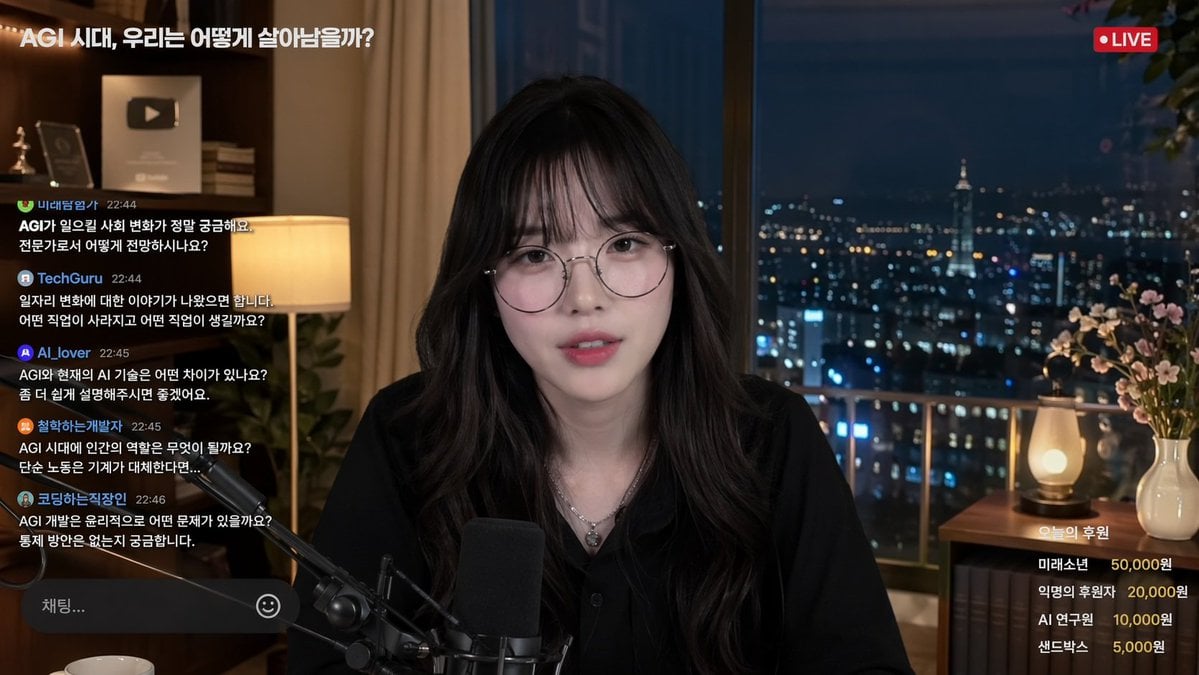
Livestream Interface Mockup
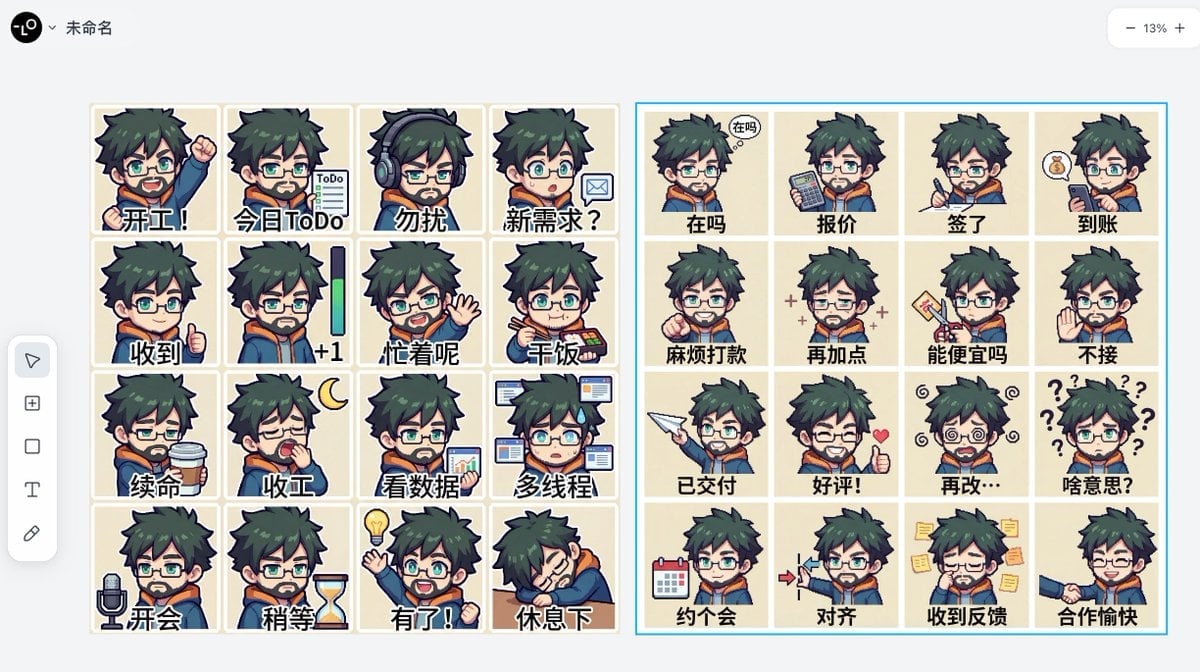
Panel Emoji Pack Generation Prompt
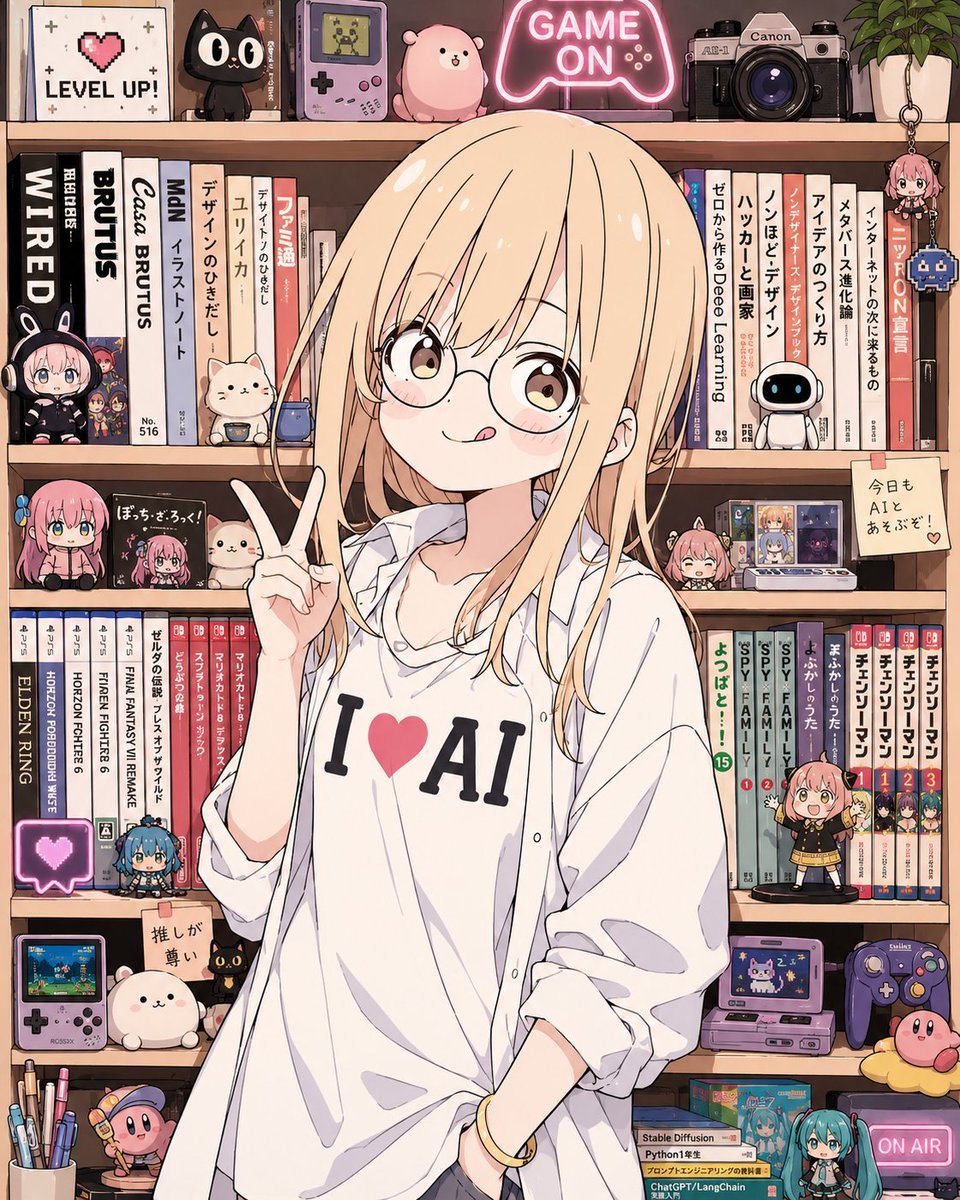
Anime AI Gamer Bookshelf Girl
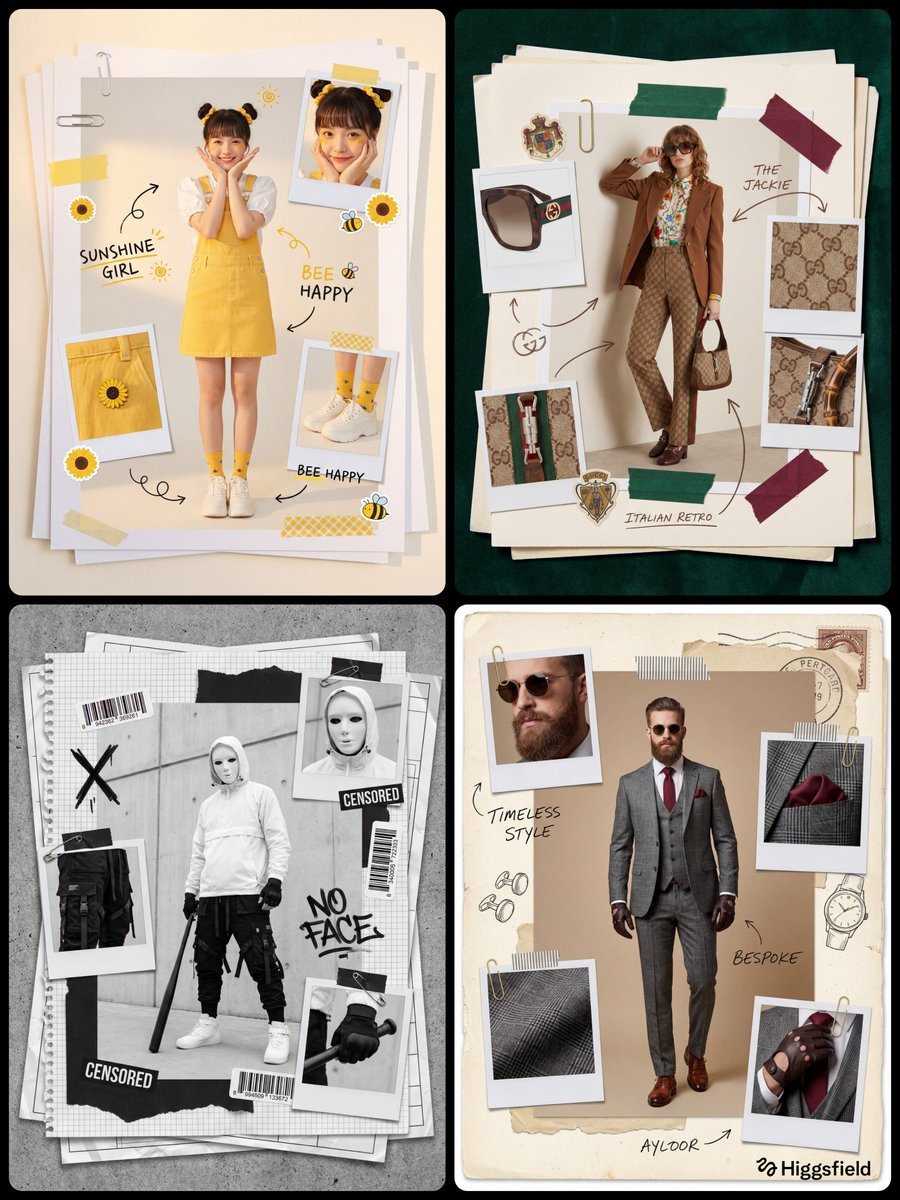
Fashion Scrapbook Page Layout Prompt Template
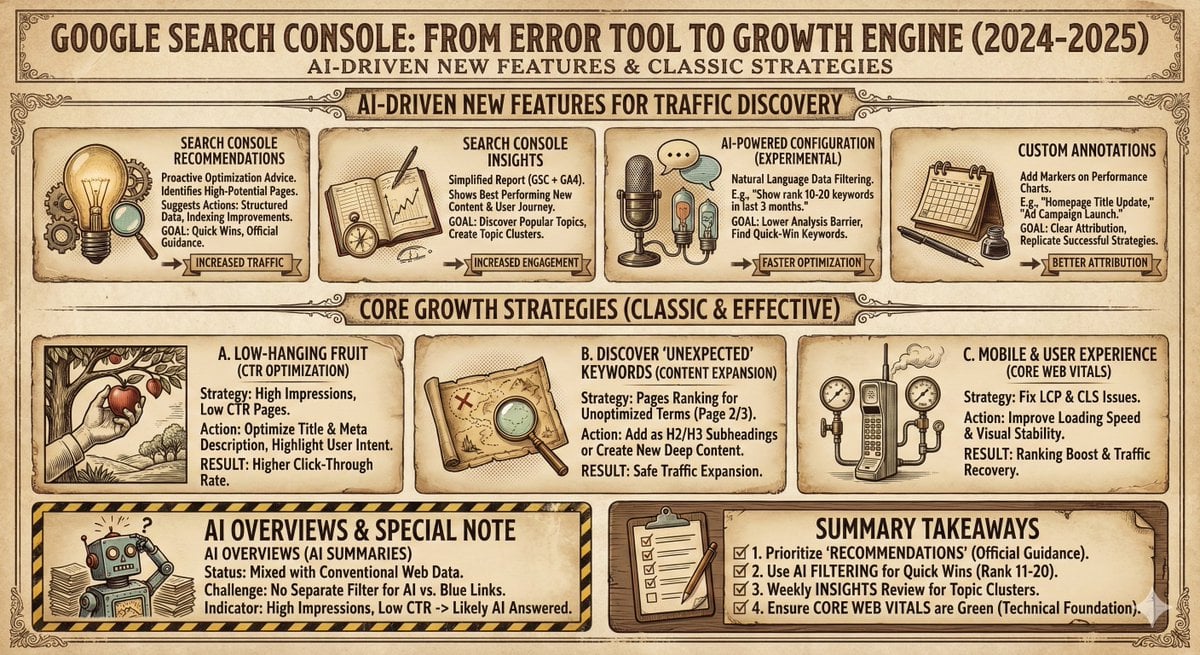
Infographic and Cover Design Style Templates
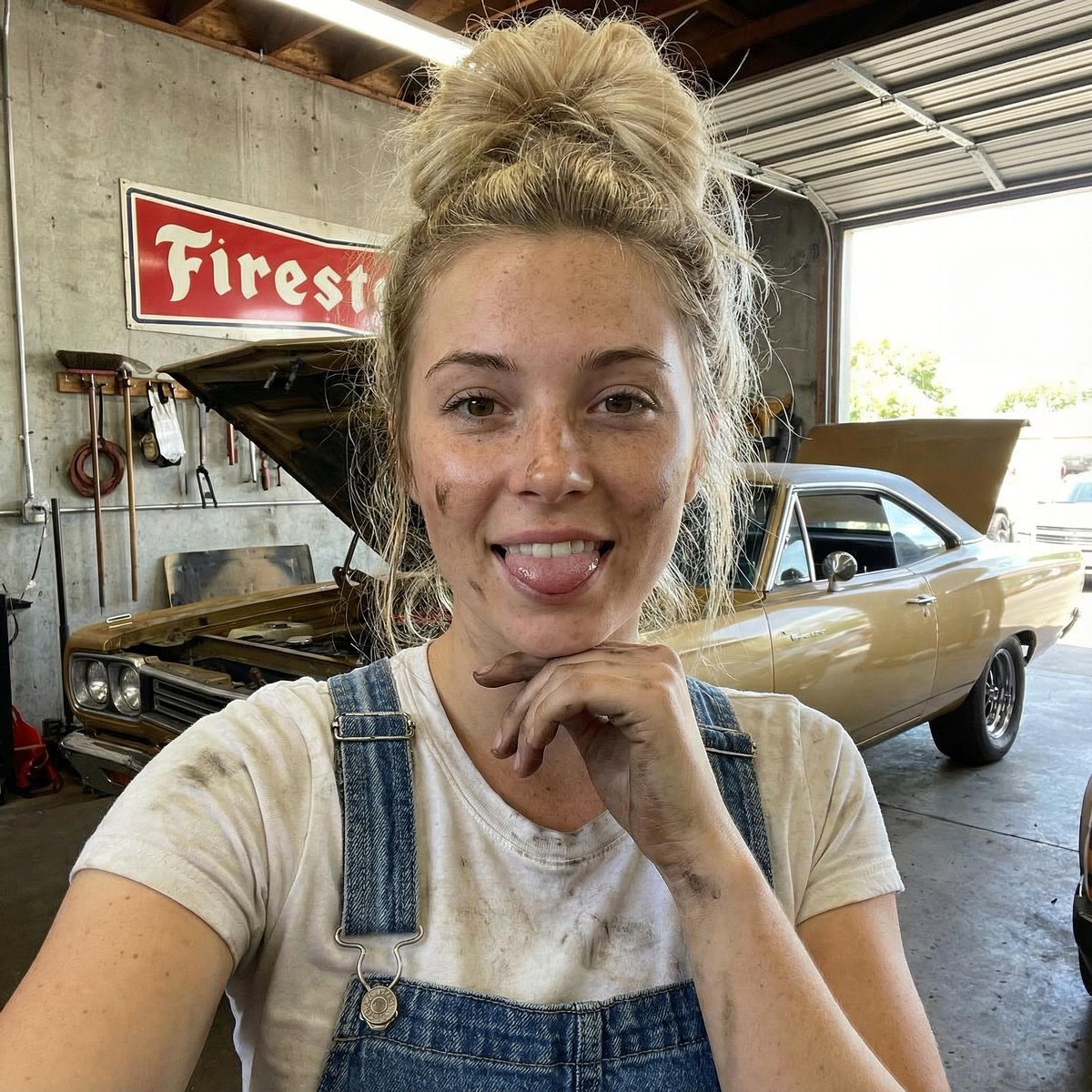
Mechanic Garage Selfie with iPhone 17 Pro Max Specs (JSON)
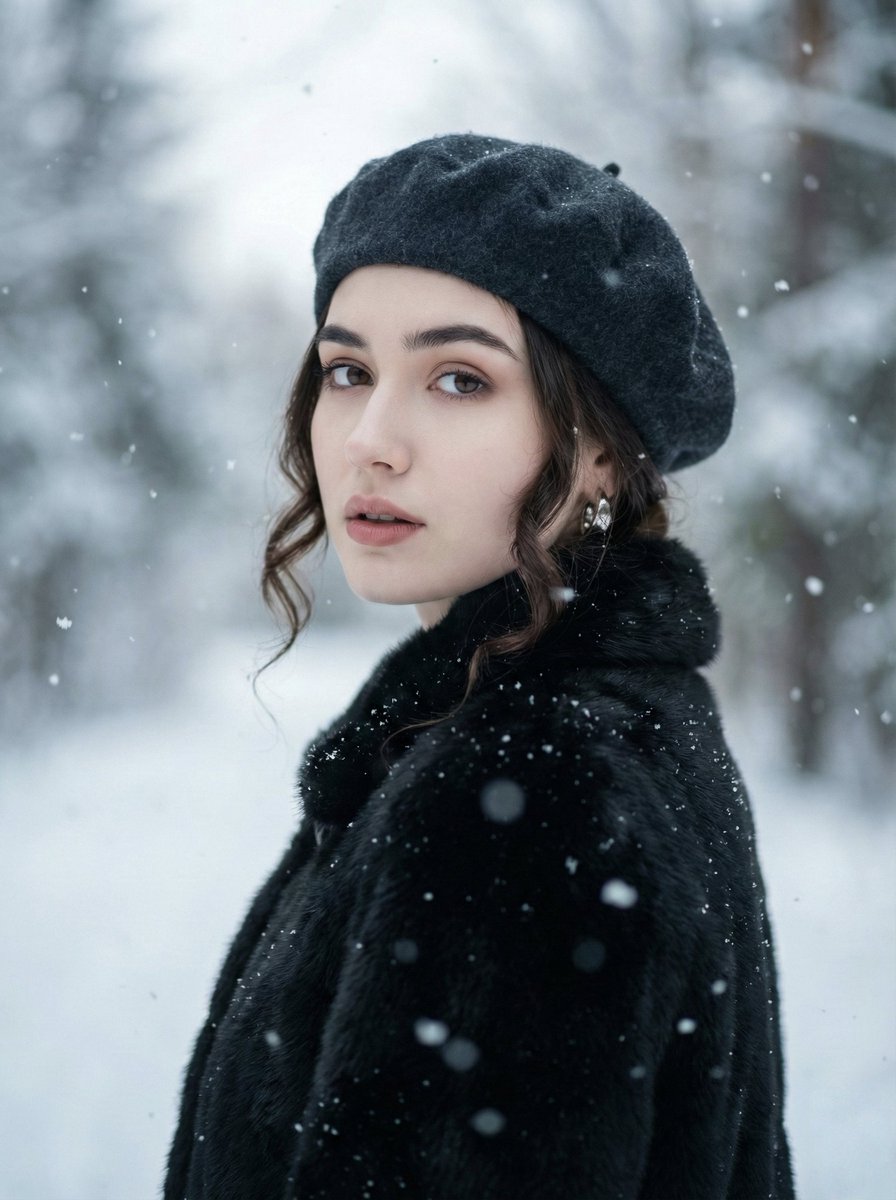
Filmic Winter Portrait Prompt with Face Preservation
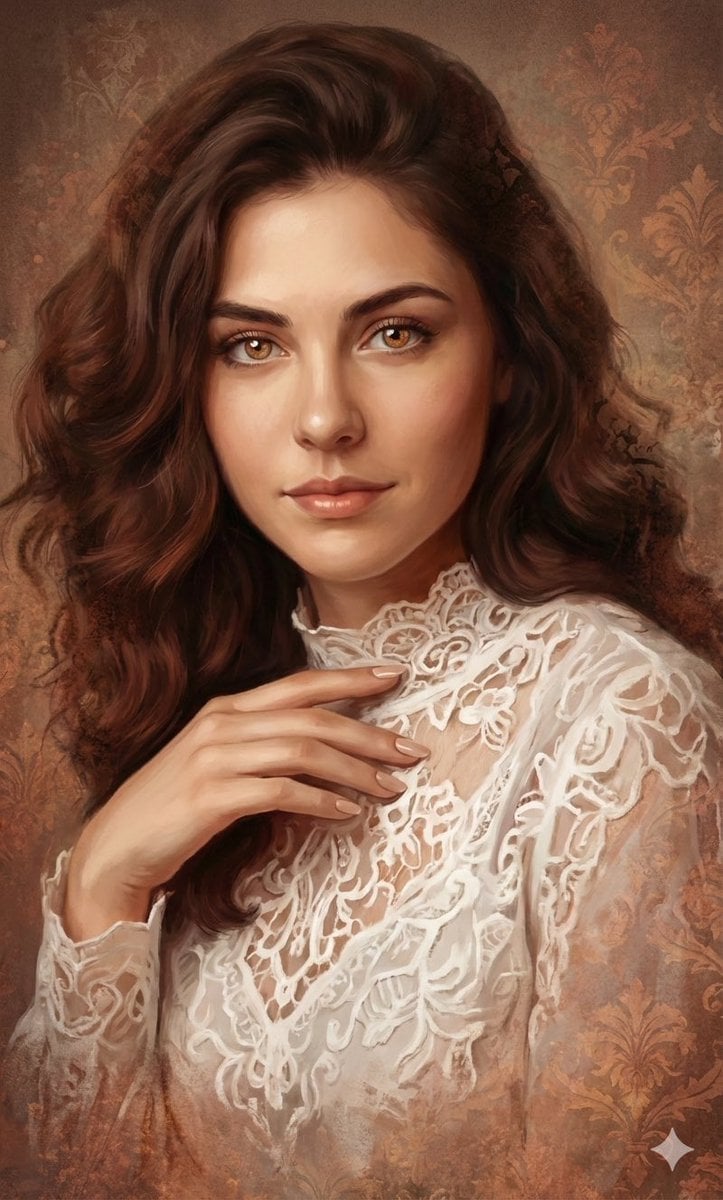
Ethereal Digital Painting Portrait
Browse template categories
3D Quilling Paper Art Portrait questions
How do I use the 3D Quilling Paper Art Portrait template?
Add your photo if the template asks for one, edit the prompt if you like — the template's model and format are already selected — and press Generate. Your version opens in PicX Studio.
Can I customize the 3D Quilling Paper Art Portrait template?
Yes. You can change the subject, setting, lighting, mood, format, and available model controls before creating your image.
Is the 3D Quilling Paper Art Portrait template free?
Opening and editing this template is free. Generating uses credits, shown on the Generate button when you are signed in.
Which AI model should I use?
Start with GPT Image 2, which is the model associated with this template. You can compare another compatible model for a different finish.
Looking for something else? Browse all templates.

Your photo, any look
Thousands of ready templates for every top image and video model, from one credit balance.