
3D Paper Quilling Art: Samurai Warrior
A highly specific, structured prompt for generating an image in the style of 3D paper quilling art (paper filigree).
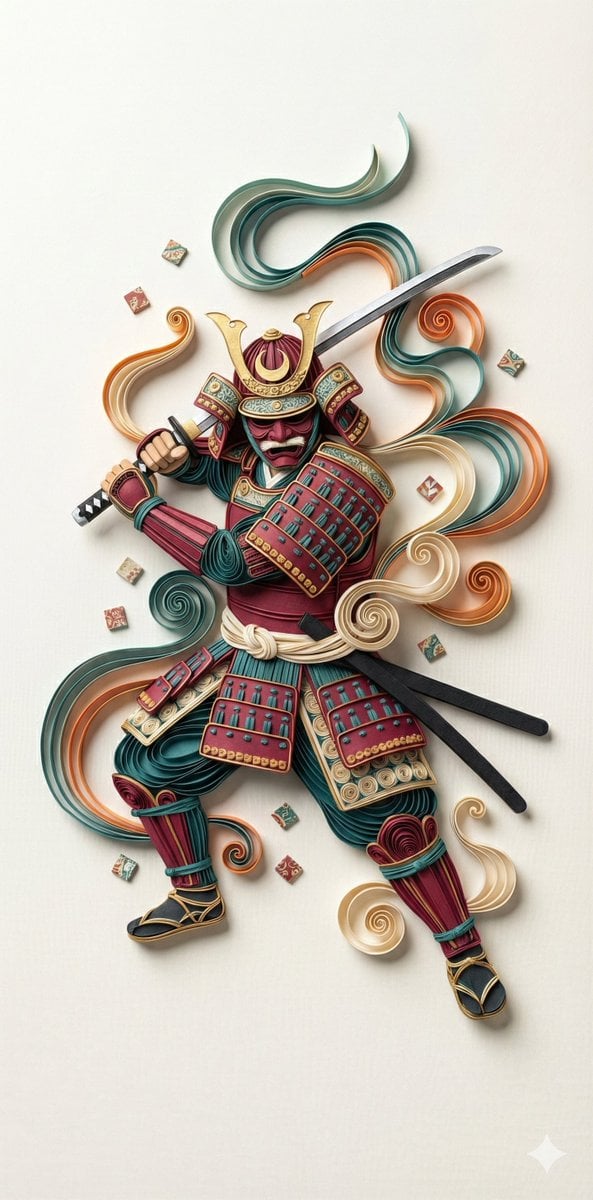
- Prompt included
- Model and format preset
- Free template
The prompt behind this image
Copy the exact prompt behind 3D Paper Quilling Art: Samurai Warrior, or open it in the studio and make it yours.
"art_style_description": { "type": "3D Paper Quilling Art / Paper Filigree.", "technique": "Intricate strips of colored paper rolled, shaped, and glued together to create a decorative design. High tactile texture, volumetric depth, and layered relief.", "visual_aesthetic": "Handcrafted, meticulous, vibrant, clean edges, physical render simulation." }, "subject_details": { "character": "Samurai Warrior.", "apparel": { "armor": "Full O-Yoroi armor constructed from tightly coiled paper circles and wavy paper strips. The shoulder guards (sode) and chest plate feature intricate looping patterns.", "helmet": "Ornate Kabuto helmet with gold paper accents and a crescent moon crest.", "weapon": "A long katana sword held over the shoulder, blade made of a single sleek strip of silver/white paper." }, "surrounding_elements": "Swirling clouds of smoke and wind represented by flowing, ribbon-like strips of paper in teal, orange, and cream. Small square tiles (resembling dice or mahjong tiles) scattering in the air." }, "exact_pose_anatomical": { "stance": "Dynamic action pose. The samurai is twisting the torso, preparing to strike or in the middle of a motion.", "arms": "Both hands gripping the katana handle, raised near the right ear (Hasso-no-kamae stance).", "flow": "The composition follows a diagonal S-curve flow, with ribbons and armor plating creating a sense of movement from top right to bottom left." }, "colors_and_materials": { "palette": "Traditional Japanese color scheme: Deep Crimson Red, Teal/Turquoise, Cream/Off-White, and Metallic Gold accents.", "material_properties": "Matte paper texture with visible paper grain. Subtle shadows between the paper strips indicating physical depth." }, "camera_technical_values": { "viewpoint": "Top-down Flat Lay (with 3D depth perception).", "lens": "100mm Macro Lens (To capture the minute details of the paper coils without distortion).", "aperture": "f/11 (Deep depth of field to keep all layers of the paper craft in focus).", "shutter_speed": "N/A (Static Subject).", "lighting": "Soft Studio Lighting (Global Illumination). Even light from above to cast soft, ambient shadows inside the paper coils, enhancing the 3D effect.", "resolution": "8k, hyper-detailed." } }
How to use 3D Paper Quilling Art: Samurai Warrior in 3 steps
- 1
Open
The prompt is already in the box next to the preview, with the template's model and format selected.
- 2…a portrait of your subject in softgolden-hour light, 85mm…
Personalize
Edit the subject and creative details for your destination.
- 3Generate
Generate
Press Generate — your image is created in PicX Studio, so you can compare it with the original and refine one variable at a time.
More like this
Templates with the same subject, style or setup. Open one to see its prompt.
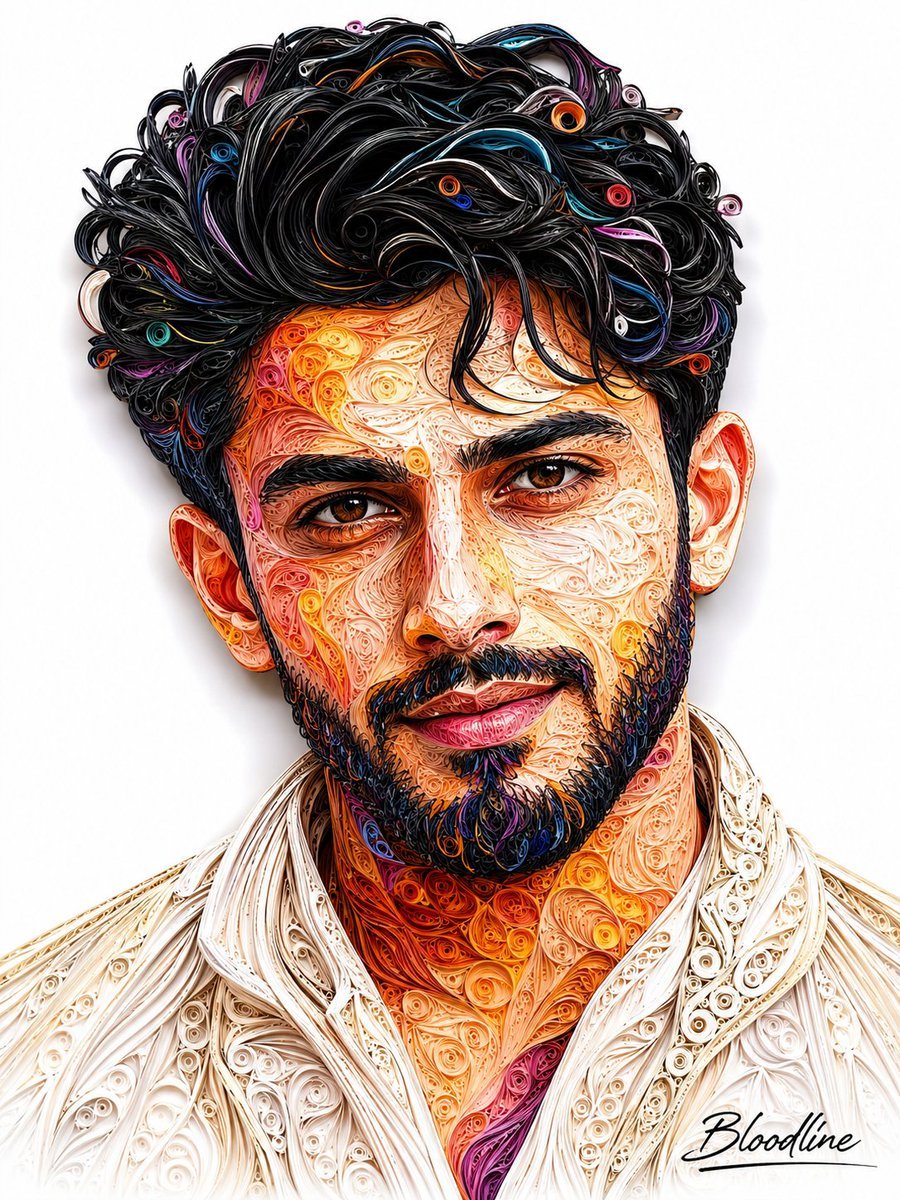
3D Quilling Paper Art Portrait
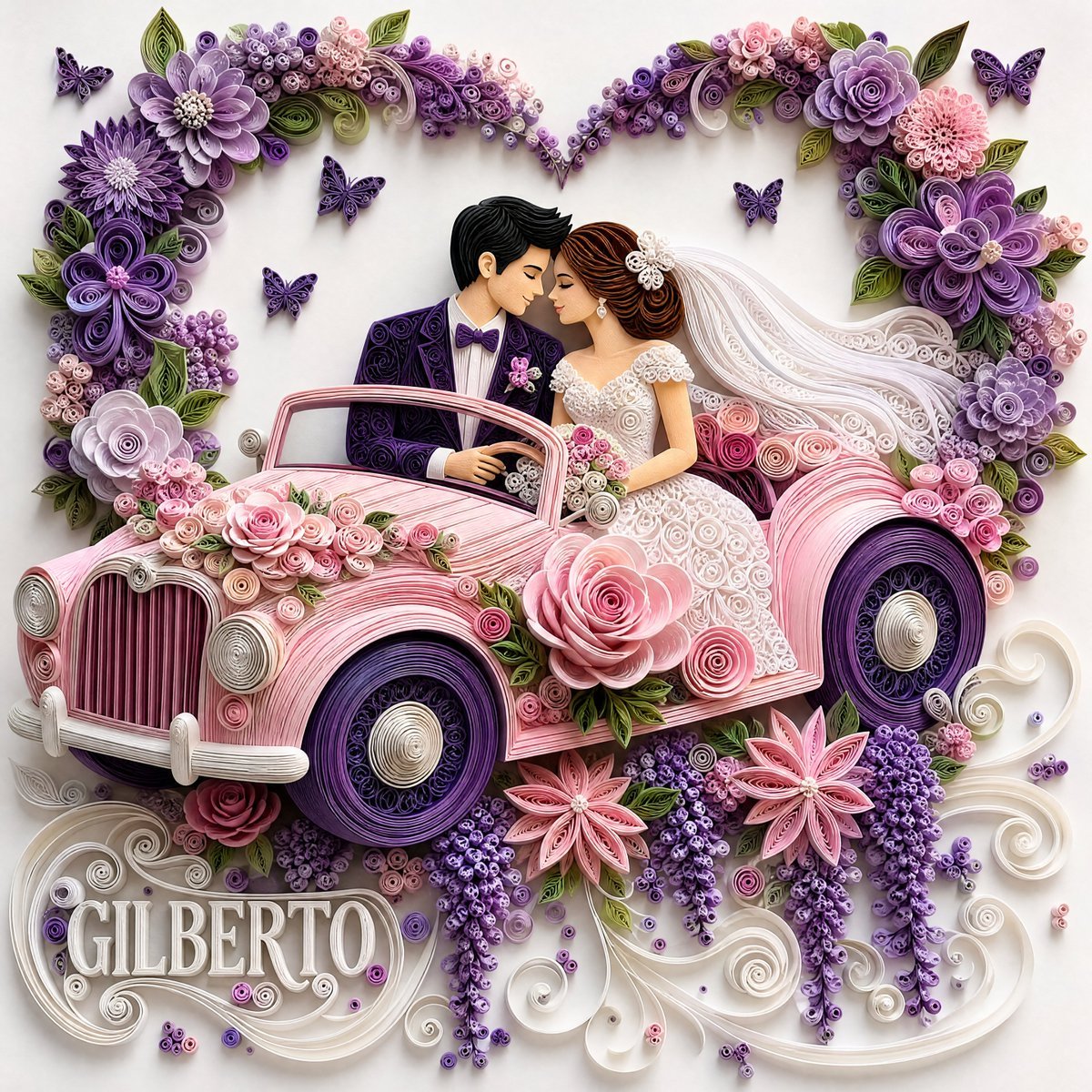
3D Paper Quilling Wedding Scene
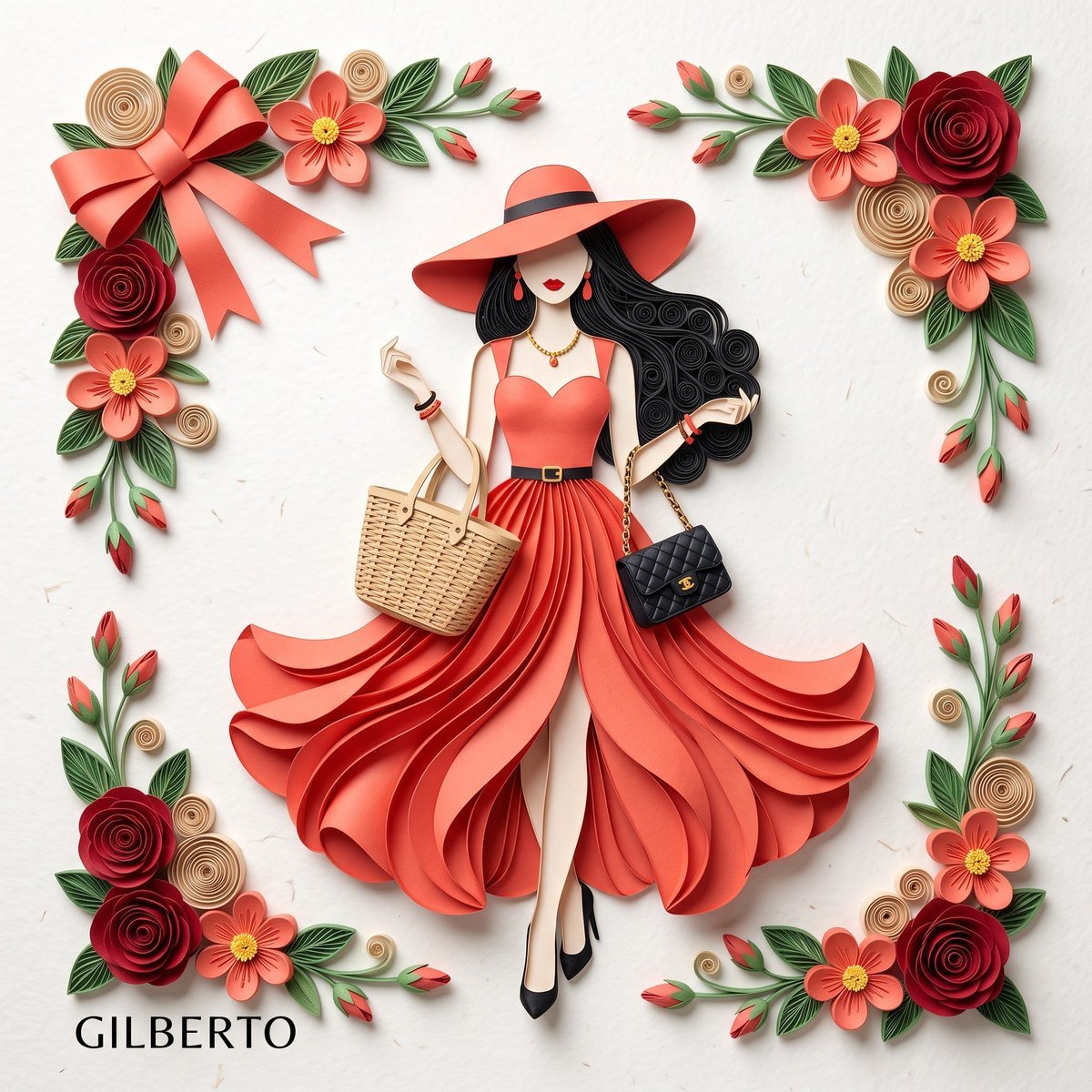
3D Layered Paper Quilling Fashion
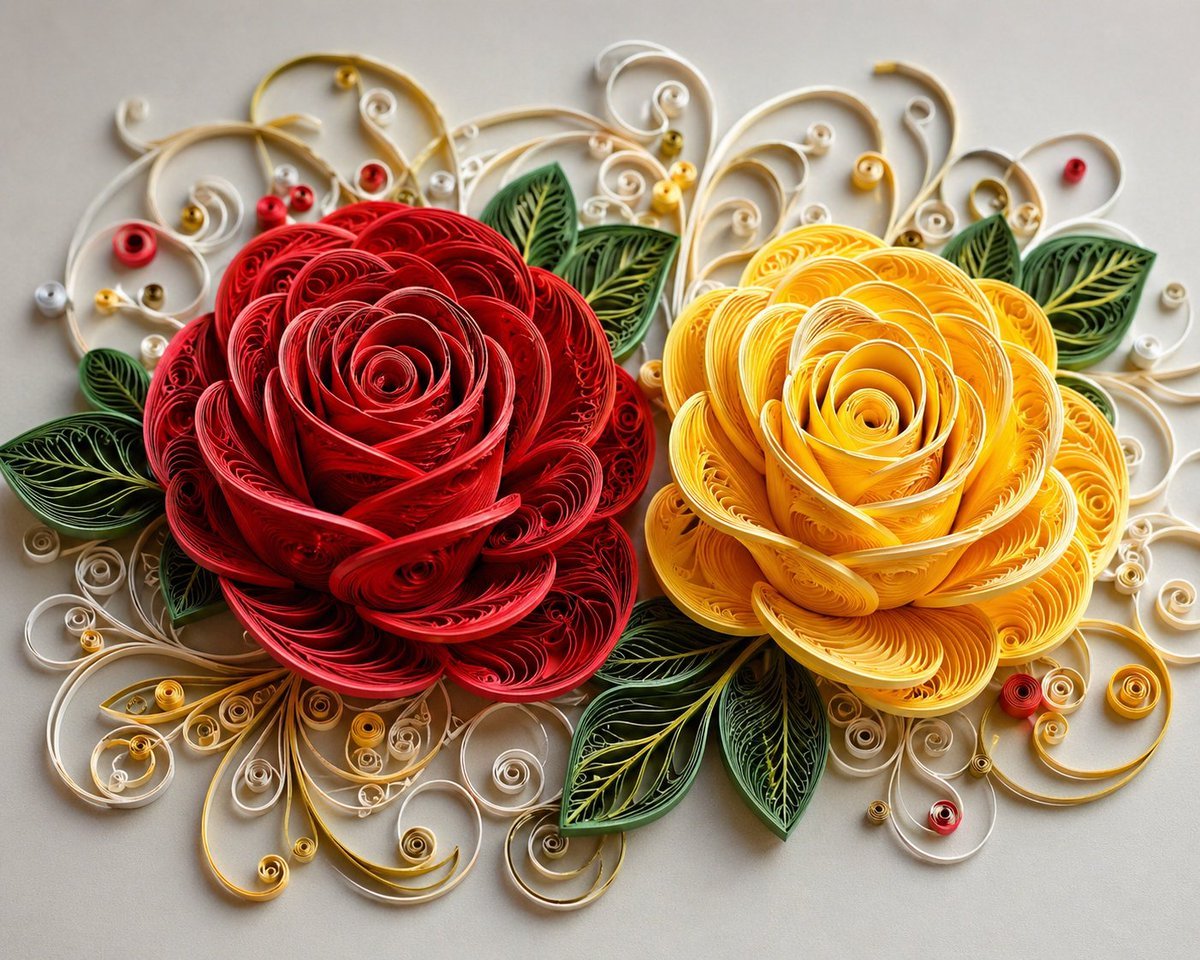
3D Paper Quilling Floral Art
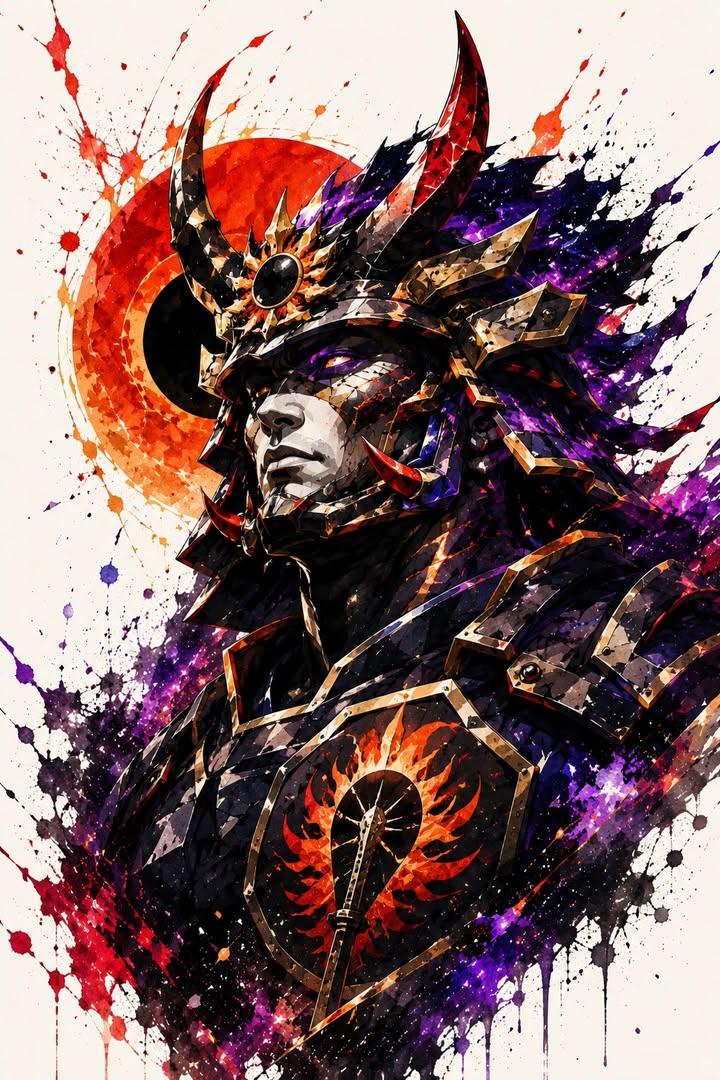
Samurai Warrior Watercolor Portrait
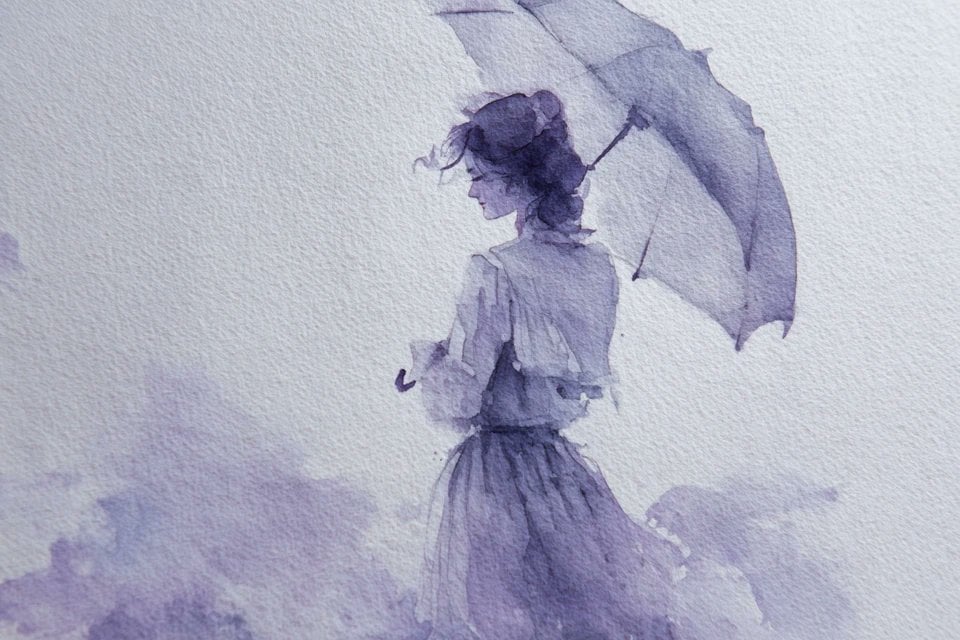
Watercolor Dreamscape — Nano Banana
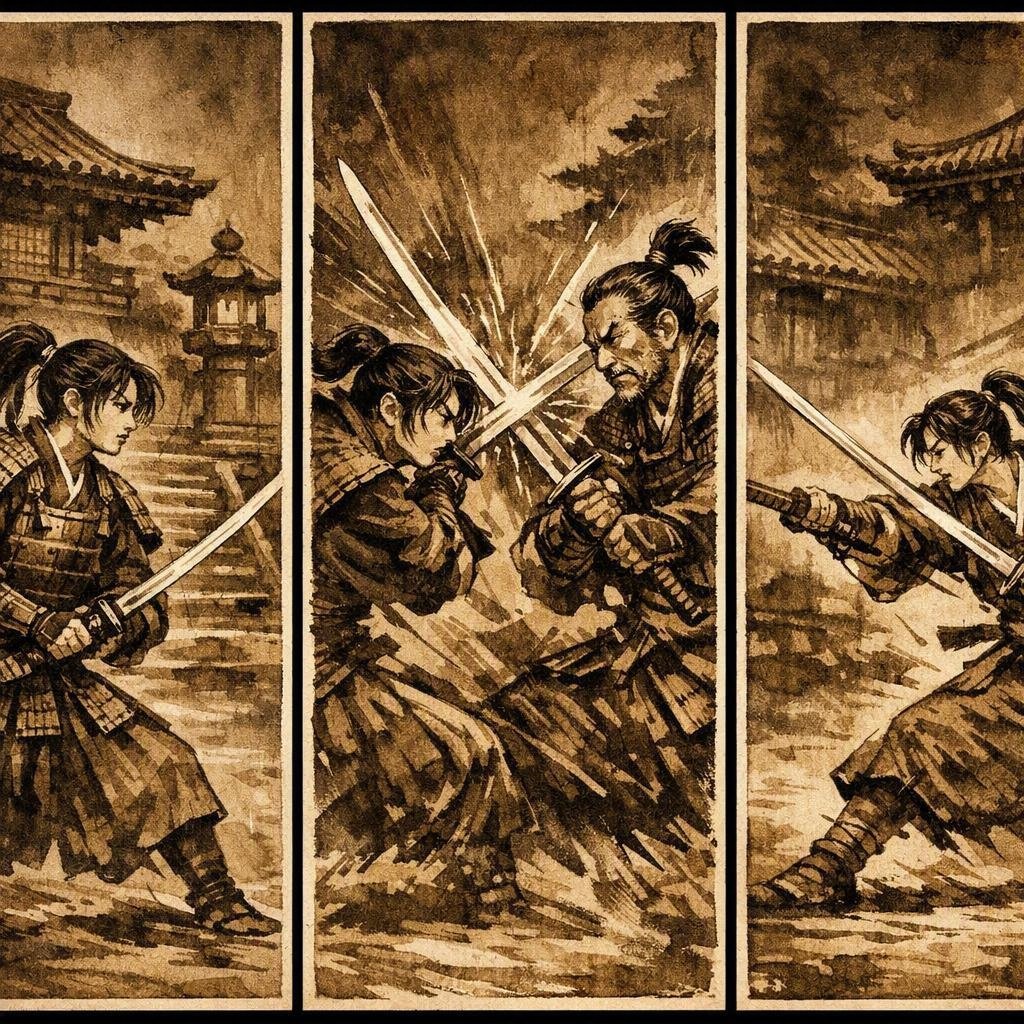
Japanese Samurai Ukiyo-e Triptych
Mesoamerican Warrior Character Sheet

Tribal Fantasy Warrior with Guardian Owl

Cyber Samurai Empress Portrait
Anime Bubble Samurai in Bar Lounge

Gothic Mecha Sword Warrior
Make it yours
3D Paper Quilling Art: Samurai Warrior works as-is. These are the safest ways to change it without losing the look.
Change one field
Copy a single group, rewrite it, and generate again so you can see what that field is doing.
Keep the frame, change the subject
Hold the composition and light of 3D Paper Quilling Art: Samurai Warrior, then swap wardrobe, props or the person for a new take.
| If the result… | Why | Fix |
|---|---|---|
| The result drifts from the preview | Too many fields changed at once. | Reuse 3D Paper Quilling Art: Samurai Warrior as-is first, then change one group — subject, light, or setting. |
| The model over-stylizes the scene | The prose prompt leaves finish and camera underspecified. | Add one camera or lighting sentence and stay on Nano Banana 2. |
More Nano Banana 2 templates
Other prompts made for Nano Banana 2.

Photorealistic Leaf Shaped Like a Dragon

K-Pop Idol Portrait Grid for Rapid Selection

Poetic Rain Forest Portrait During Golden Hour

Urban Street Portrait with Cartoon Inner Self Duo

Candid Nighttime Photo with Cat Prompt

High-Concept 3D Diorama Generation Prompt

Cinematic Futuristic Studio Portrait Template

Skincare Editorial Photography Collage Prompt

Hyper-Realistic Commercial Product Photography (Splash Effect)

Hyper-Realistic Nightclub Portrait Prompt
More image prompts
Fresh picks from across the catalog.
Generate a photo of myself achieving my dream
Cinematic Horror Film Sequence Prompt Fo
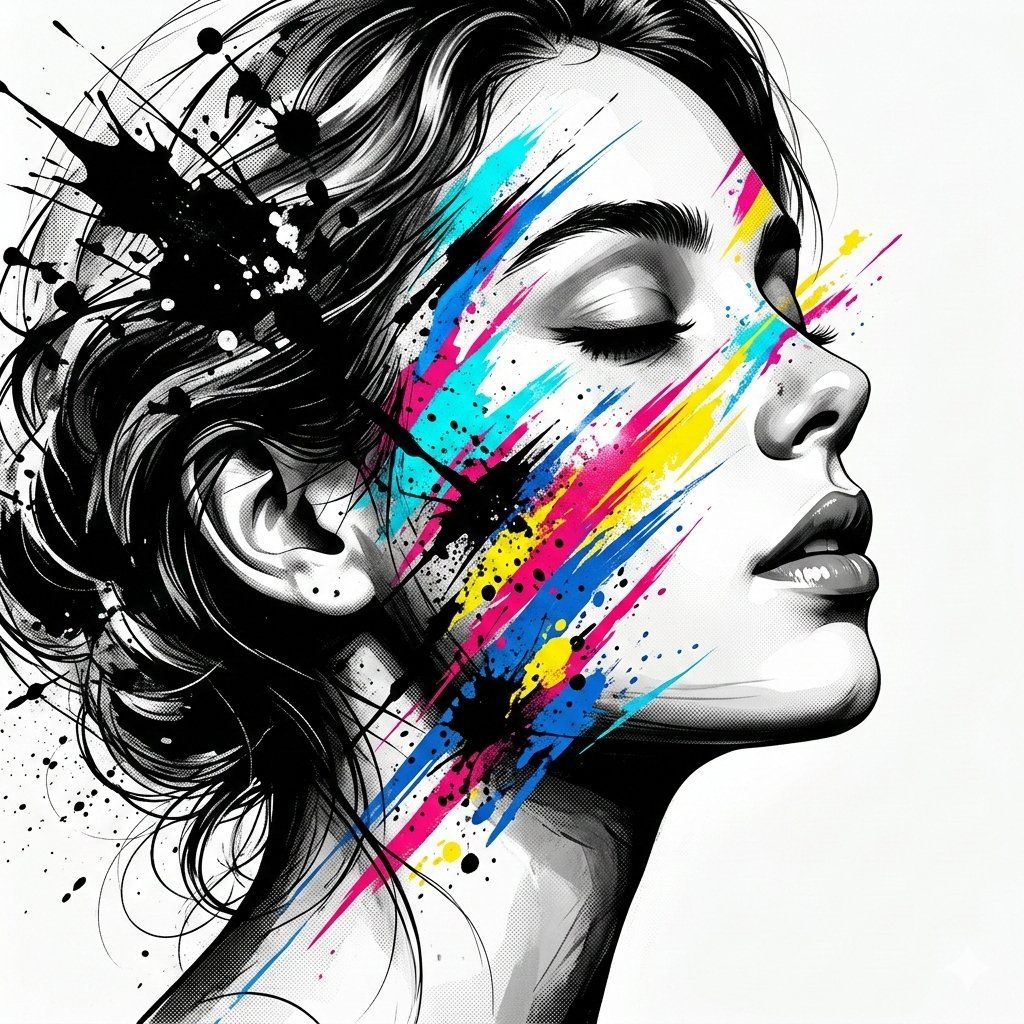
High-Contrast Abstract Mixed Media Portrait Prompt
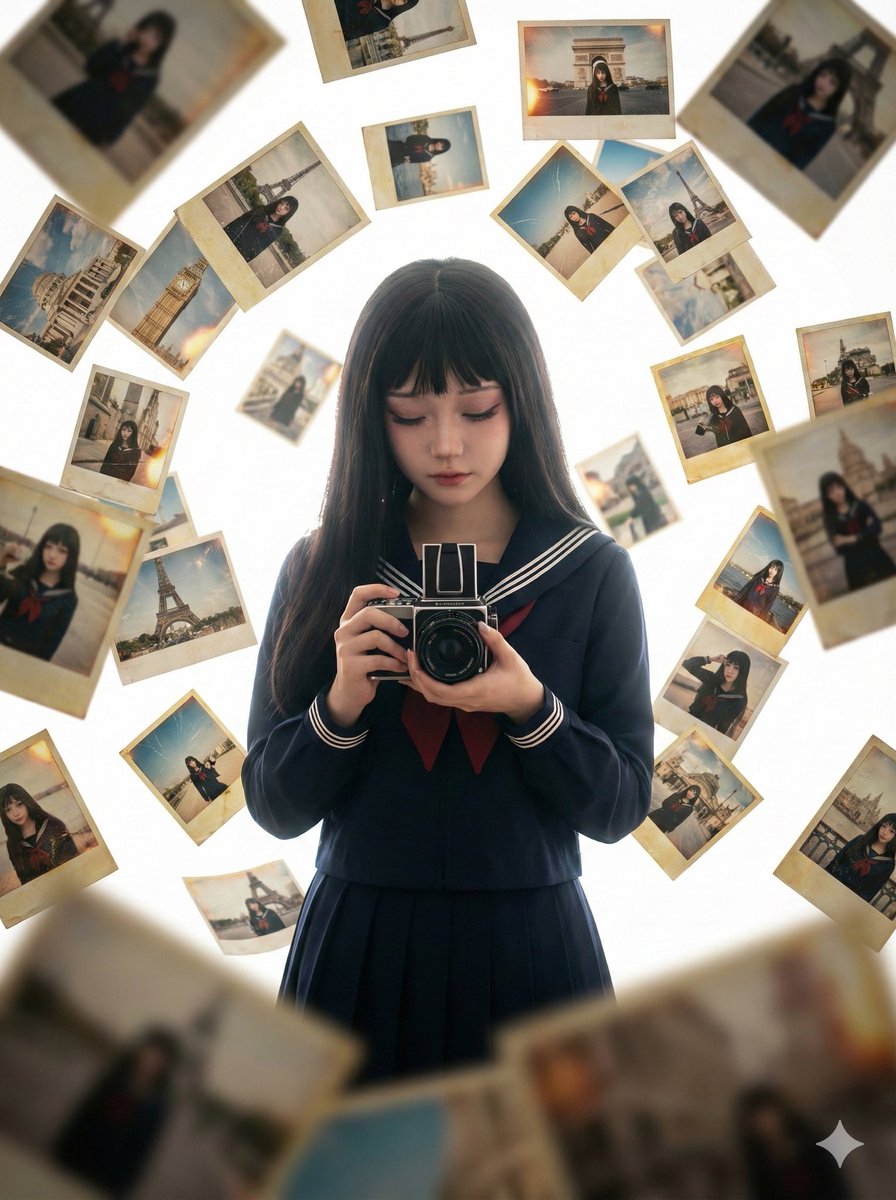
Photorealistic Asian Girl with Floating Photos Prompt (JSON Format)
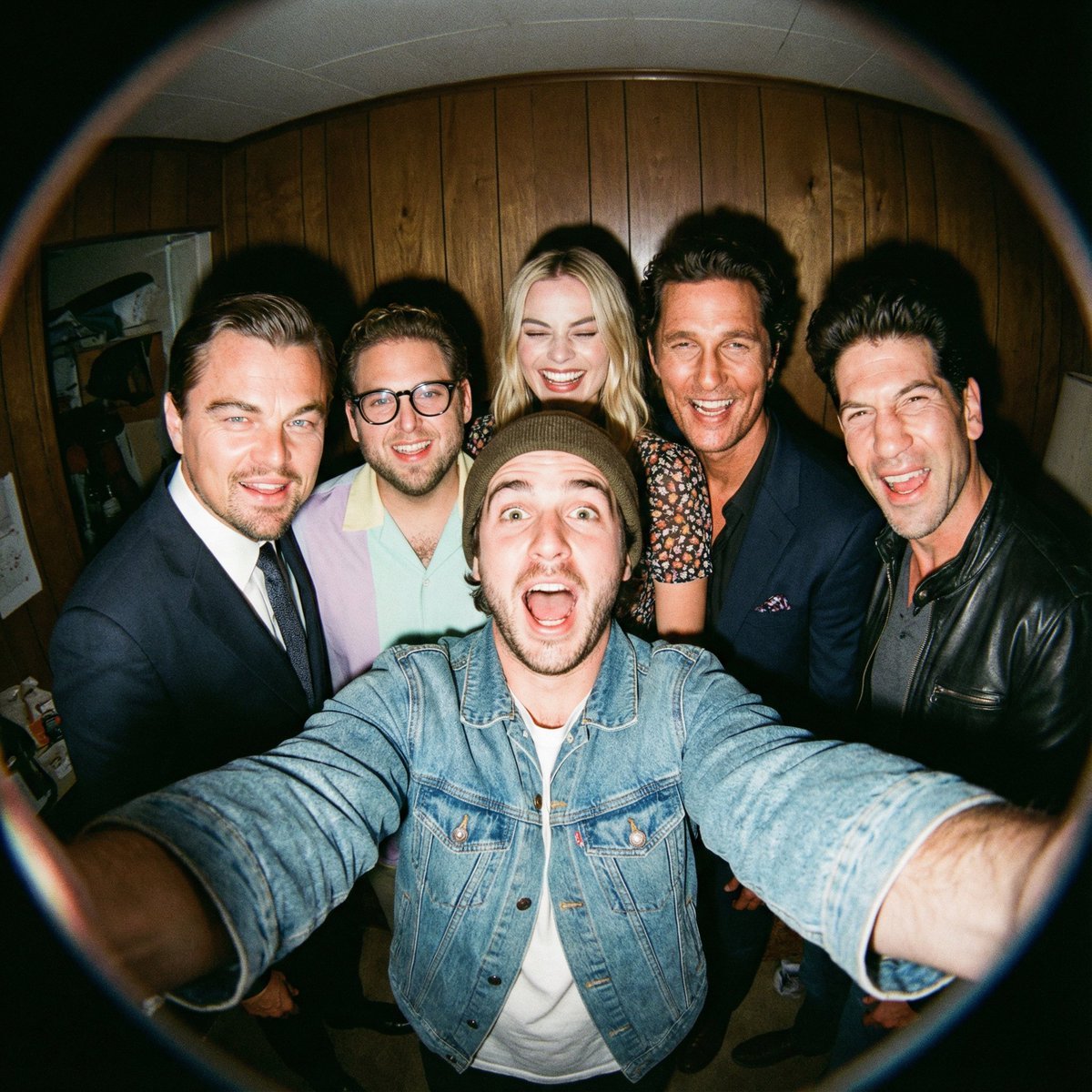
Fisheye selfie with movie characters using Nano Banana Pro
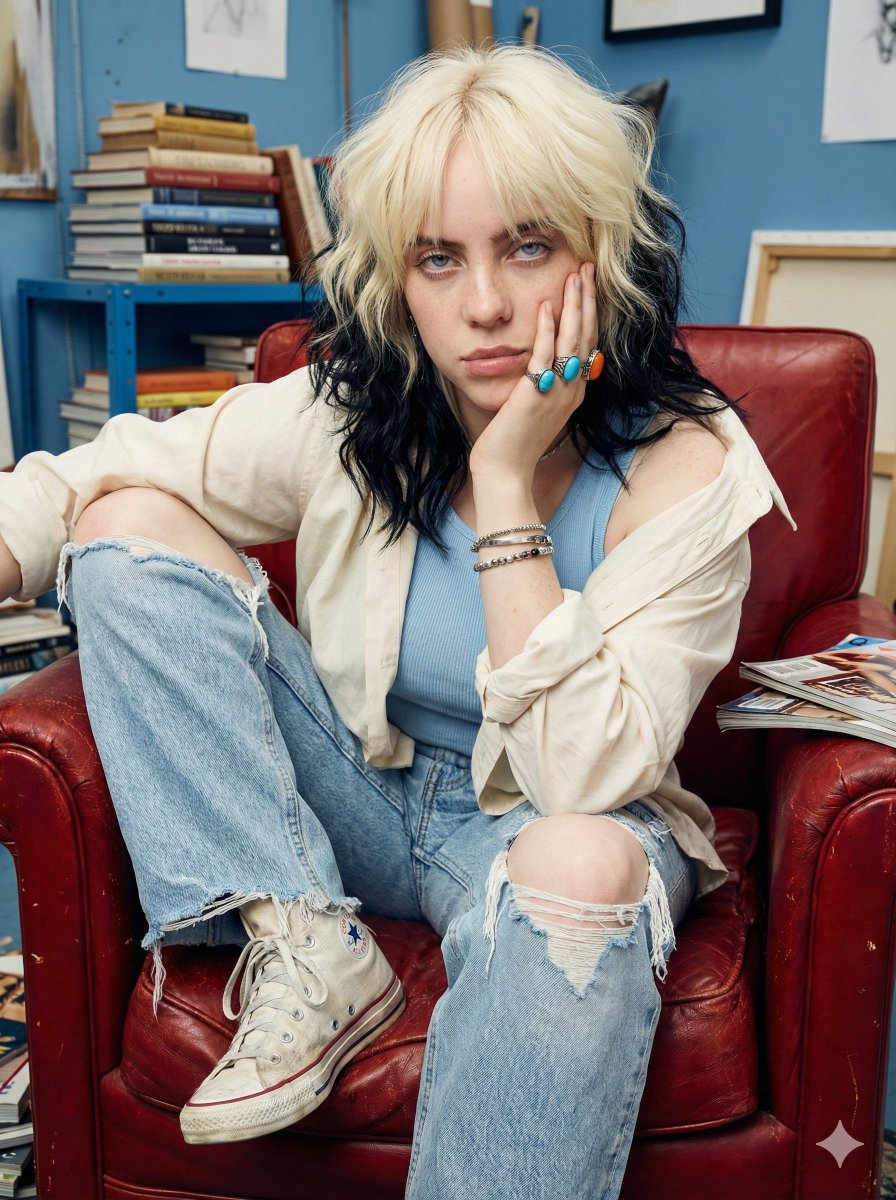
Raw street photography portrait with film aesthetic
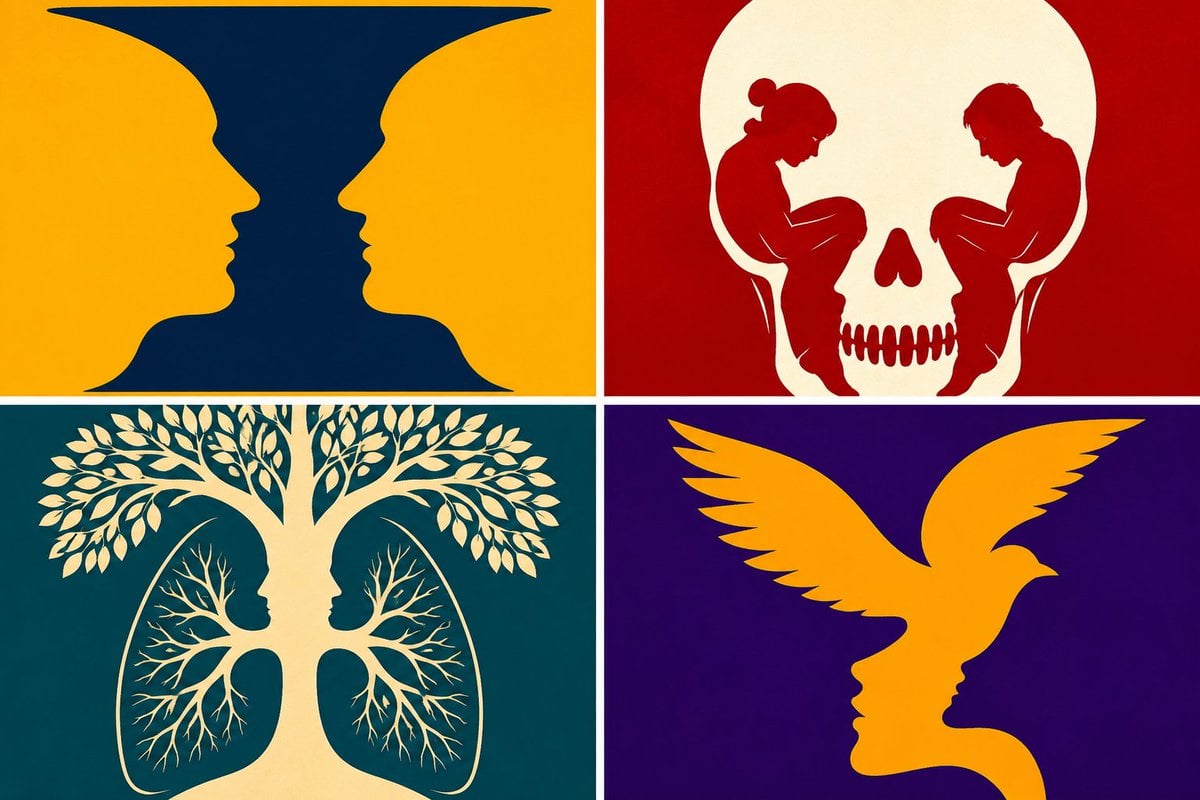
Parametric Optical Illusion Poster
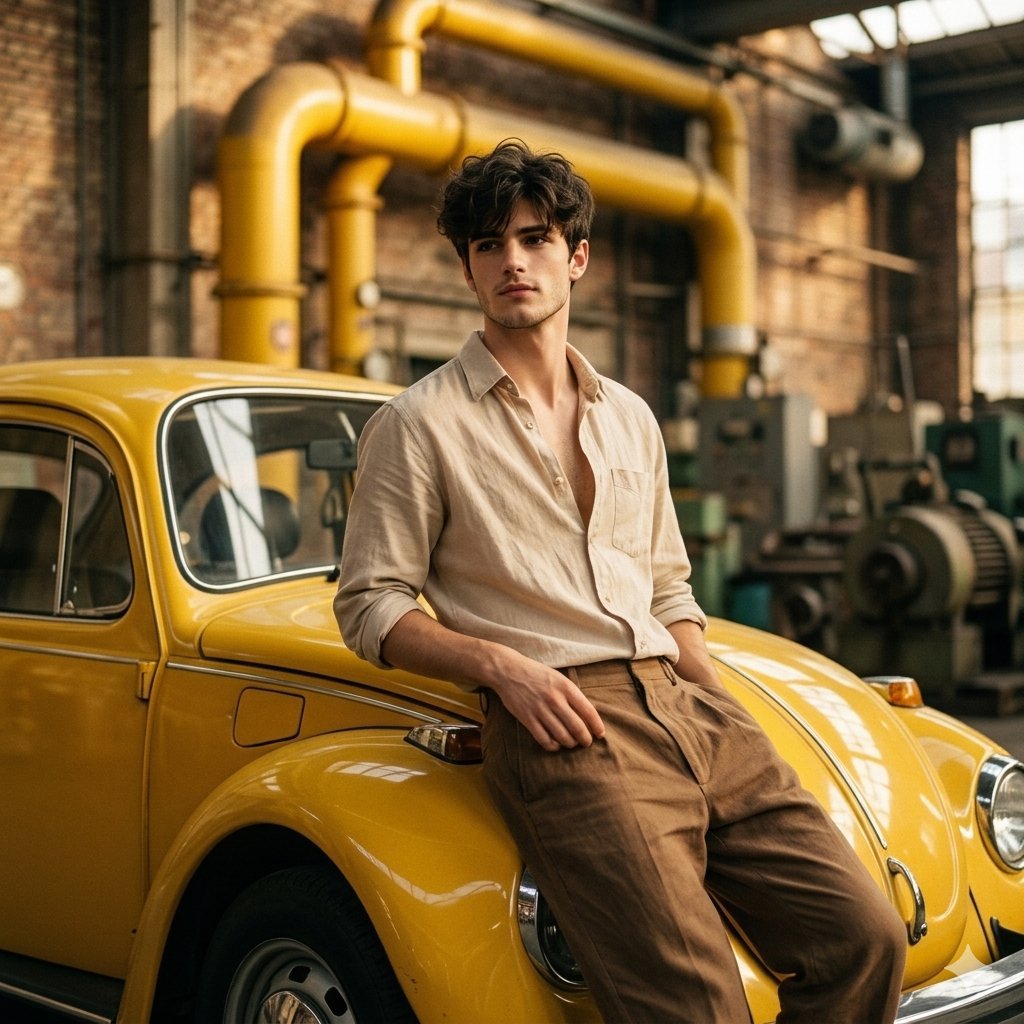
Vintage Car Portrait in Industrial Setting
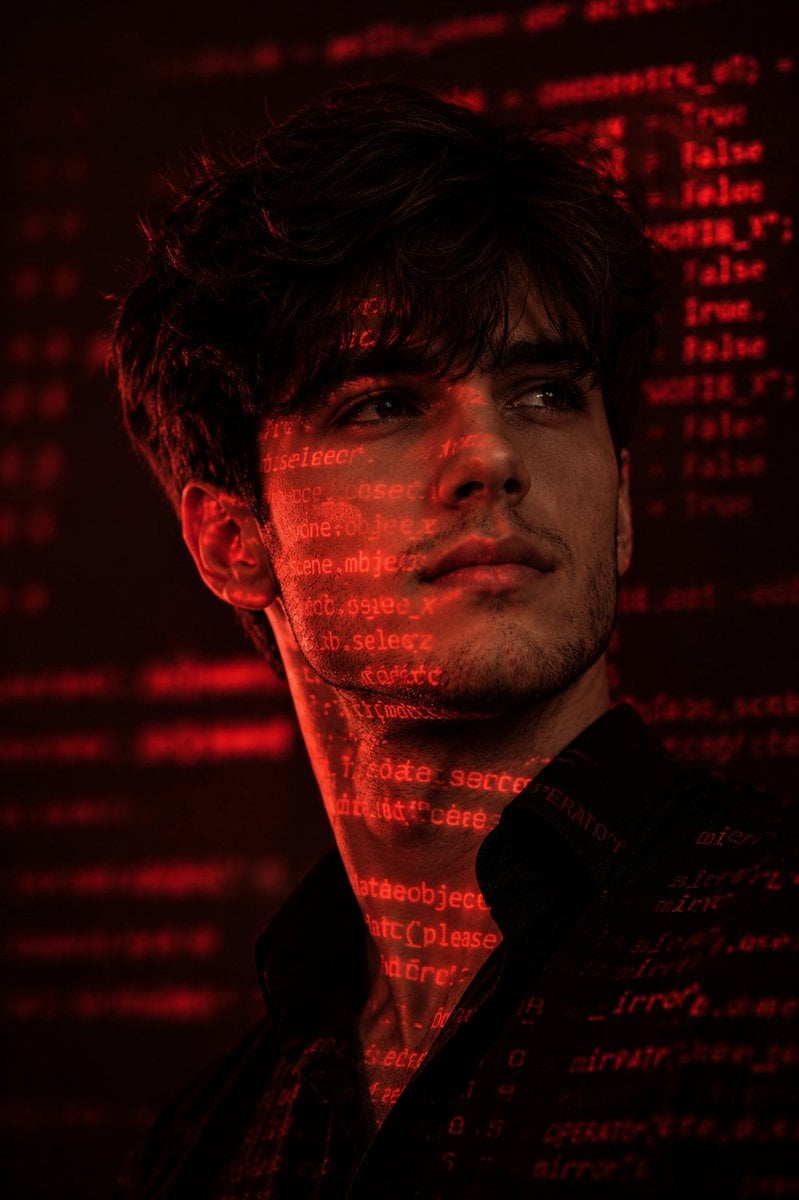
Cyberpunk Hacker Red Portrait
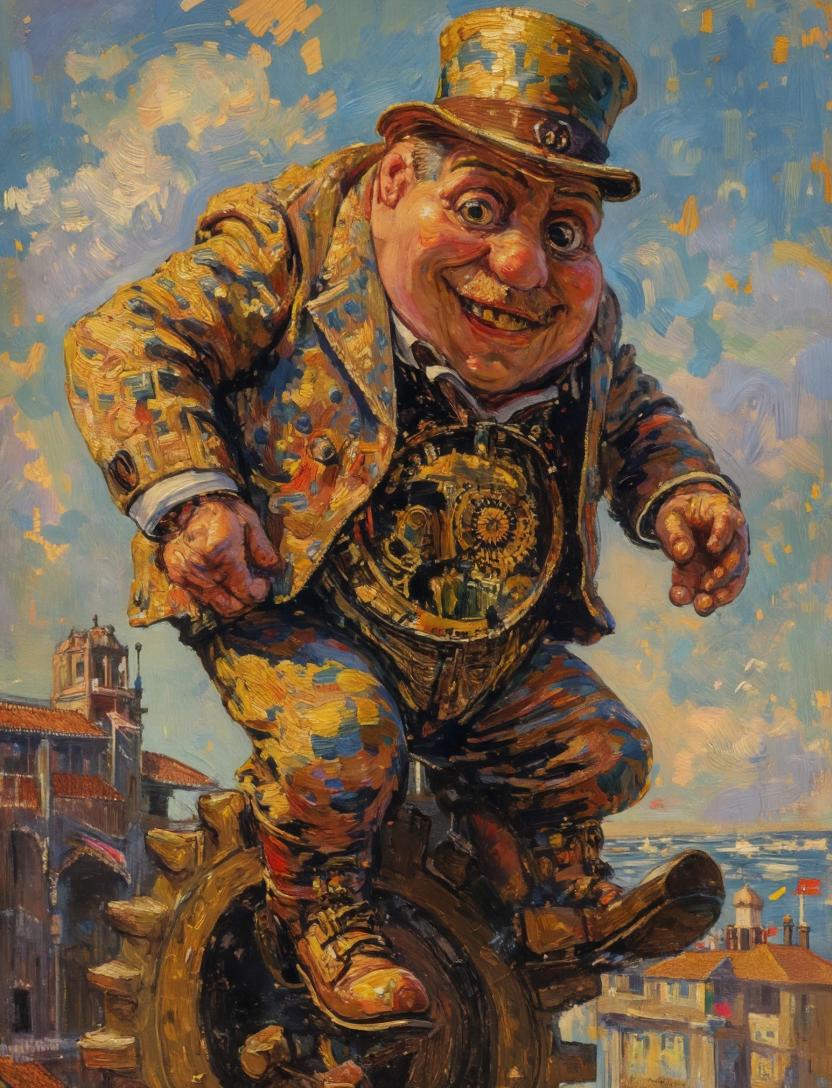
Surreal Clockwork Gentleman on a Gear
Browse template categories
3D Paper Quilling Art: Samurai Warrior questions
How do I use the 3D Paper Quilling Art: Samurai Warrior template?
Add your photo if the template asks for one, edit the prompt if you like — the template's model and format are already selected — and press Generate. Your version opens in PicX Studio.
Can I customize the 3D Paper Quilling Art: Samurai Warrior template?
Yes. You can change the subject, setting, lighting, mood, format, and available model controls before creating your image.
Is the 3D Paper Quilling Art: Samurai Warrior template free?
Opening and editing this template is free. Generating uses credits, shown on the Generate button when you are signed in.
Which AI model should I use?
Start with Nano Banana 2, which is the model associated with this template. You can compare another compatible model for a different finish.
Looking for something else? Browse all templates.

Your photo, any look
Thousands of ready templates for every top image and video model, from one credit balance.