
Japanese Samurai Ukiyo-e Triptych
A sophisticated prompt for creating a historical Japanese triptych in an ink-wash and ukiyo-e style, depicting a dramatic samurai duel.
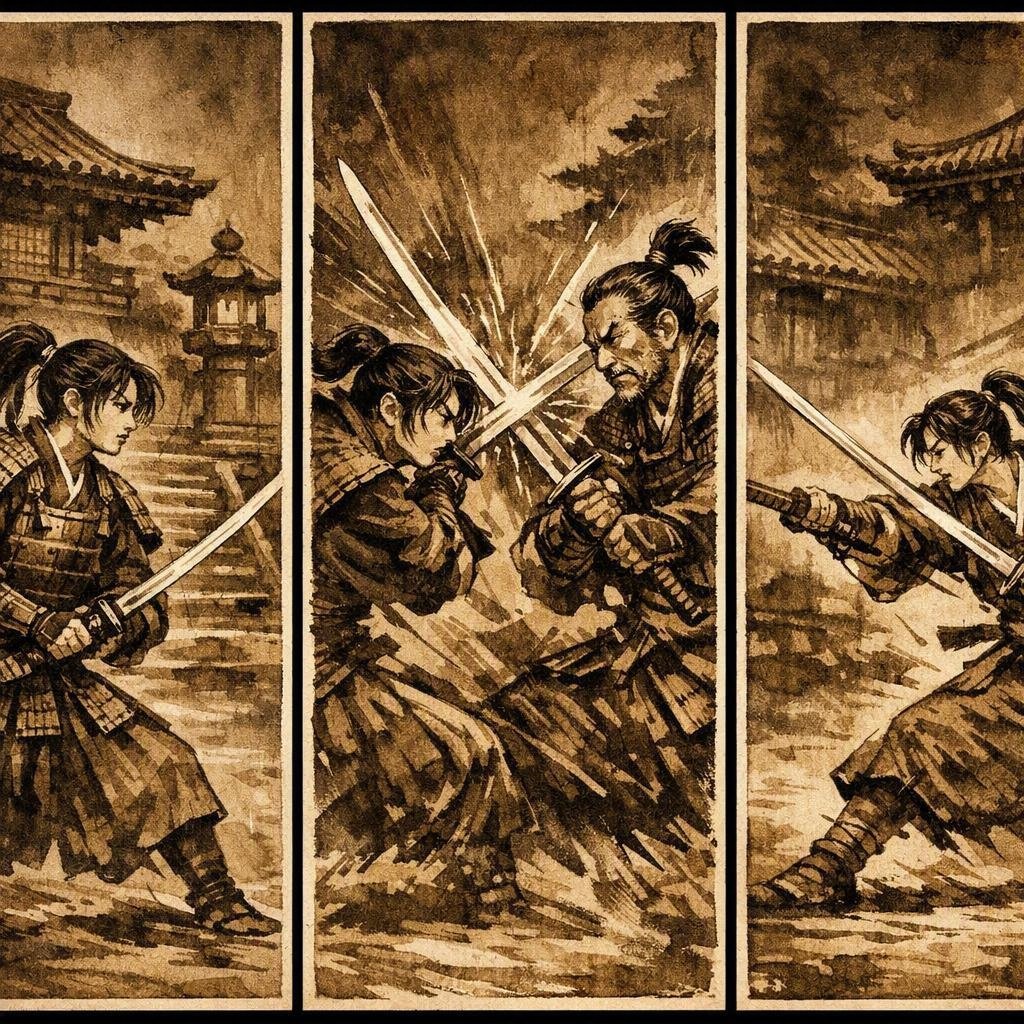
- Prompt included
- Model and format preset
- Free template
The prompt behind this image
Copy the exact prompt behind Japanese Samurai Ukiyo-e Triptych, or open it in the studio and make it yours.
Create a vertical triptych (three tall panels side by side) in a classic {argument name="art style" default="Japanese ukiyo-e and ink-wash style"}. Subject: {argument name="characters" default="A young samurai girl and an older samurai man"} fighting with katanas in front of {argument name="architecture" default="old-style Japanese architecture (wooden temples, tiled roofs, shoji screens, stone lanterns)"}. Color and mood: Overall brownish, sepia-toned palette with an aged-paper texture. The background should be darker than the foreground, using deep browns and near-black shadows to create depth and drama. Composition: - Left panel: The two warriors facing off, swords drawn, tense stance. - Middle panel: Mid-clash, blades crossing, sparks and motion lines, dynamic poses. - Right panel: A decisive strike moment, one warrior lunging forward, the other parrying. Keep the characters’ faces, armor, and clothing consistent across all three panels. Use strong ink outlines, subtle watercolor washes, visible brush strokes, and muted earth tones (ochre, umber, sepia, dark brown). The overall feel should be historical, cinematic, and dramatic.
How to use Japanese Samurai Ukiyo-e Triptych in 3 steps
- 1
Open
The prompt is already in the box next to the preview, with the template's model and format selected.
- 2…a portrait of your subject in softgolden-hour light, 85mm…
Personalize
Edit the subject and creative details for your destination.
- 3Generate
Generate
Press Generate — your image is created in PicX Studio, so you can compare it with the original and refine one variable at a time.
More like this
Templates with the same subject, style or setup. Open one to see its prompt.
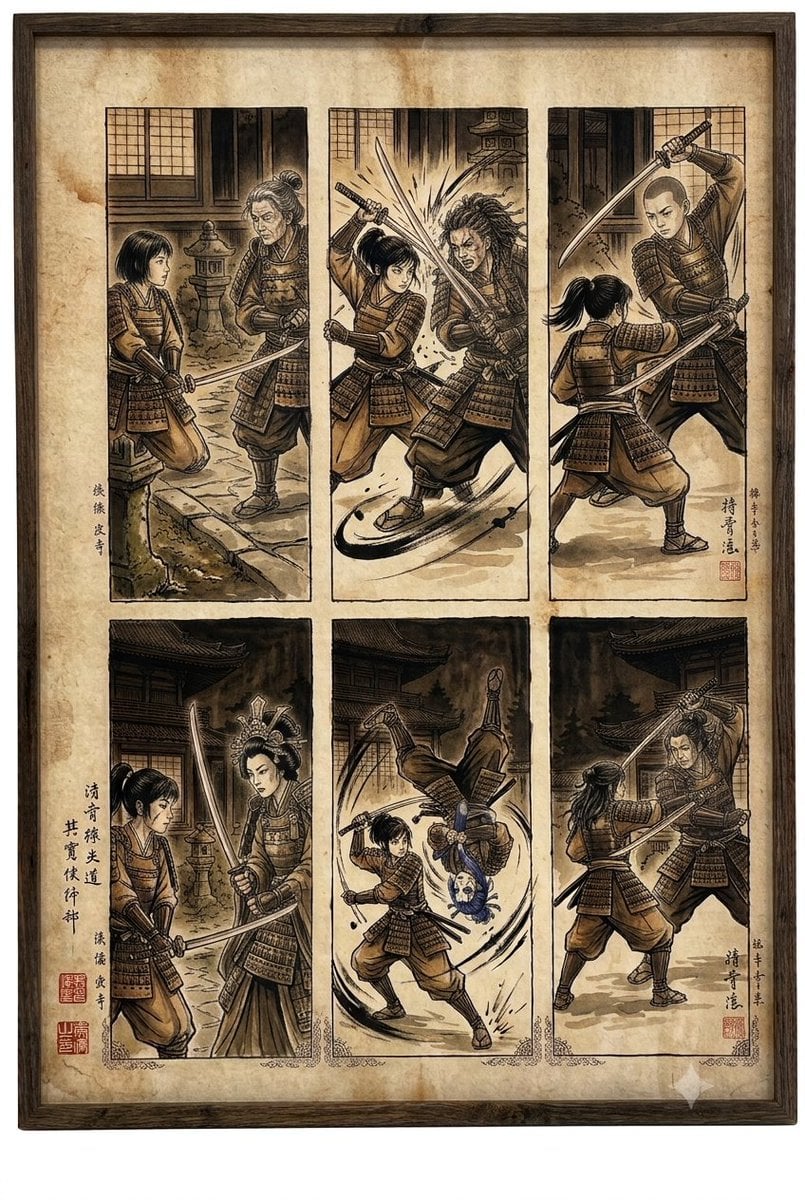
Samurai fight scene ukiyo-e triptych

Minecraft Japanese Research Lab Exploration
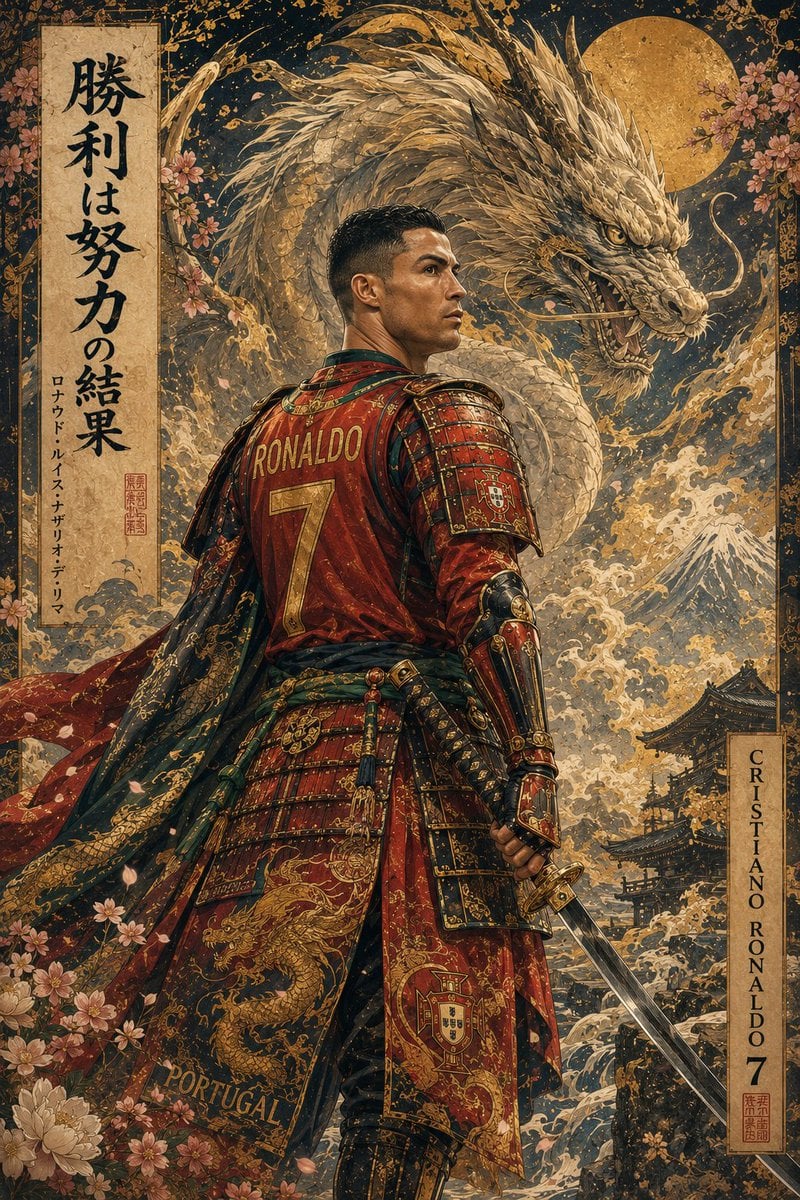
Ukiyo-e Mythological Samurai Portrait

Japanese Architectural Concrete Studio Fashion Campaign

Japanese Minimalist Concrete Studio Fashion Editorial

Blue Backdrop Luxury Fashion Portrait Campaign
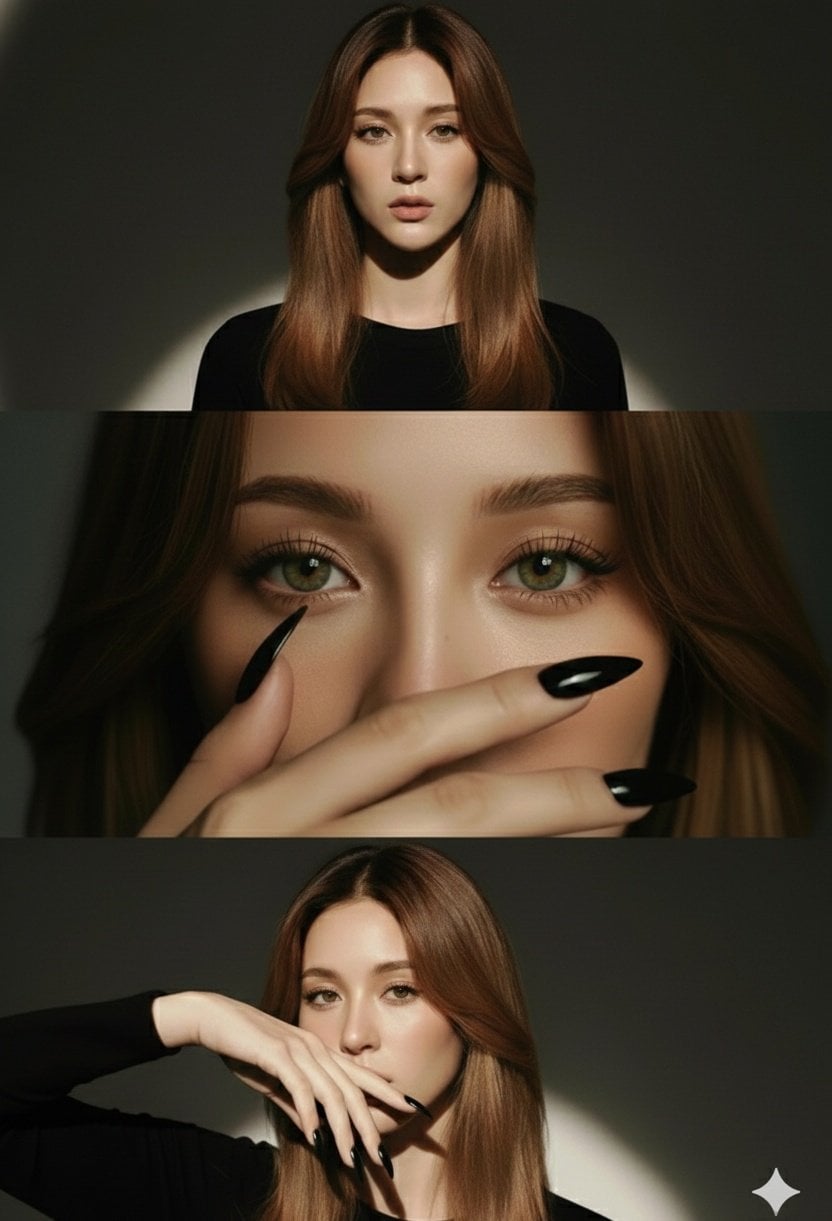
High-Fashion Editorial Studio Portrait Triptych

Night City Bridge Triptych Portrait Session
Night City Bridge Triptych Portrait Session

Japanese Film Reflection Idol
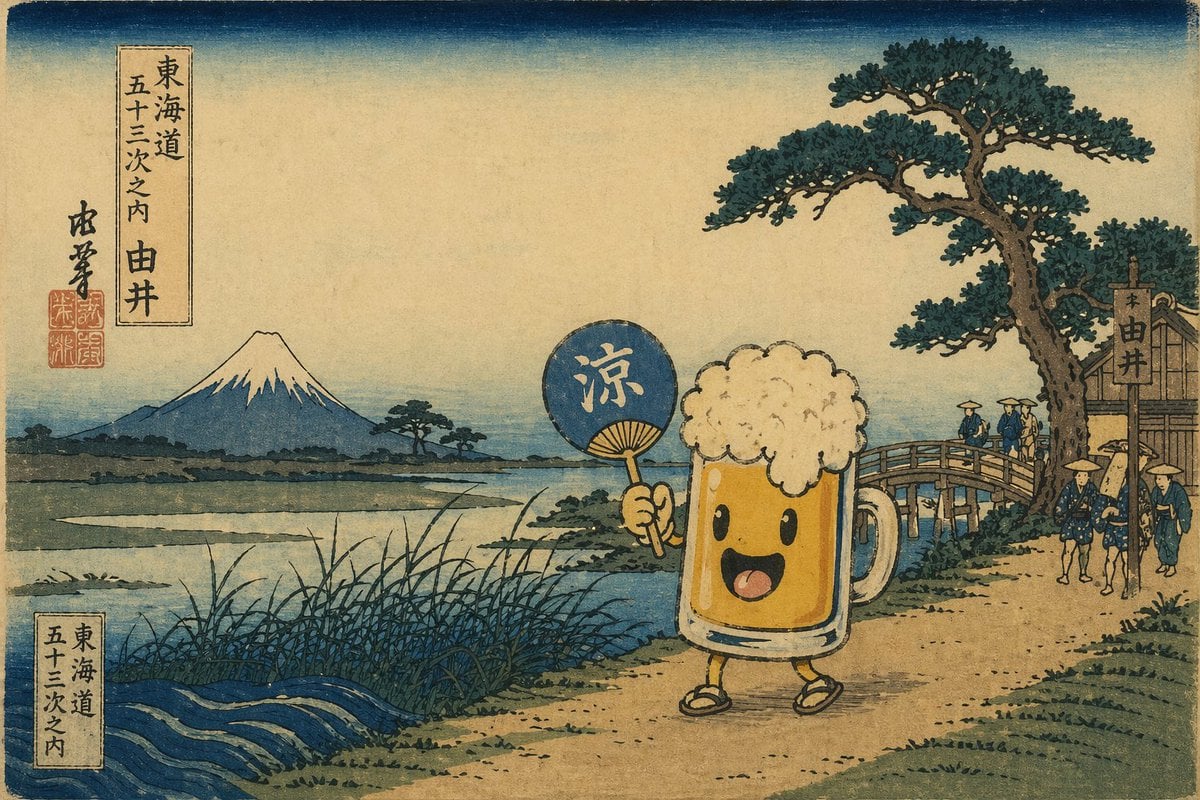
Ukiyo-e Mascot Landscape
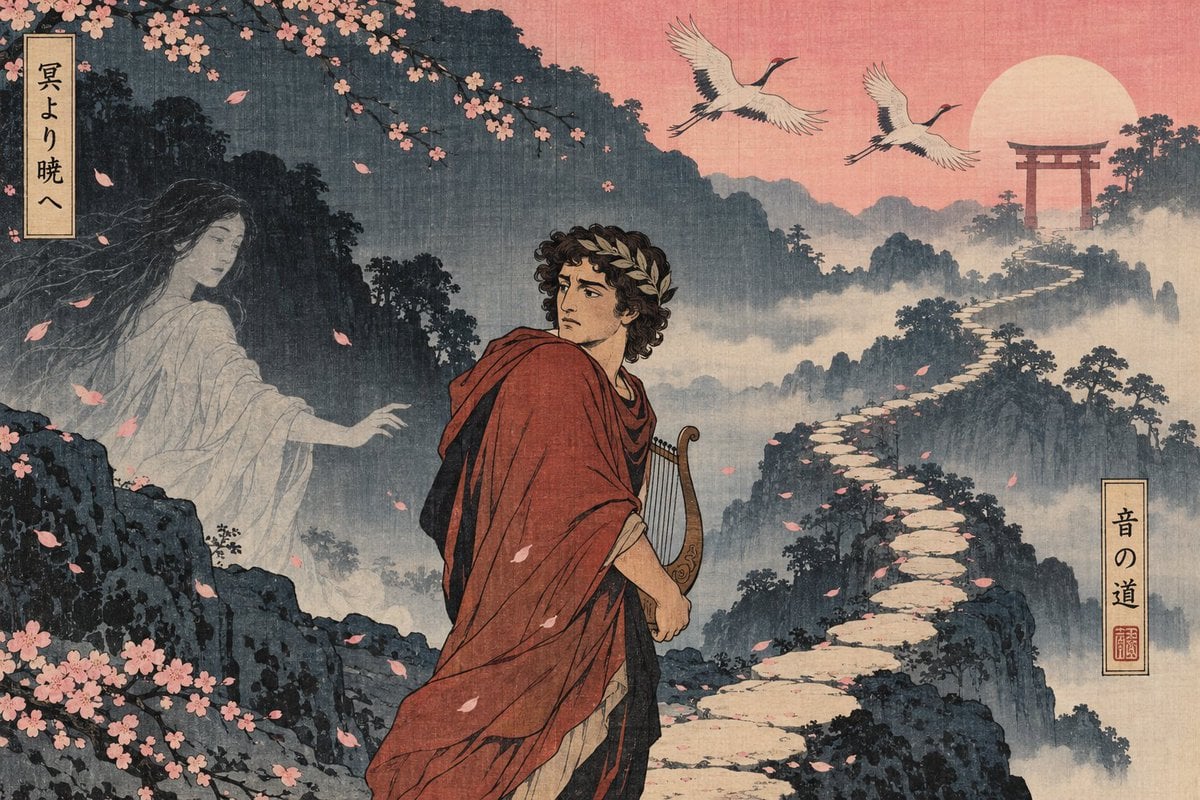
Ukiyo-e Orpheus Mountain Path
Make it yours
Japanese Samurai Ukiyo-e Triptych works as-is. These are the safest ways to change it without losing the look.
Change one field
Copy a single group, rewrite it, and generate again so you can see what that field is doing.
Keep the frame, change the subject
Hold the composition and light of Japanese Samurai Ukiyo-e Triptych, then swap wardrobe, props or the person for a new take.
| If the result… | Why | Fix |
|---|---|---|
| The result drifts from the preview | Too many fields changed at once. | Reuse Japanese Samurai Ukiyo-e Triptych as-is first, then change one group — subject, light, or setting. |
| The model over-stylizes the scene | The prose prompt leaves finish and camera underspecified. | Add one camera or lighting sentence and stay on GPT Image 2. |
More GPT Image 2 templates
Other prompts made for GPT Image 2.

Realistic Portrait of Woman and Deer

The Vista Modular Condo Poster

AI Model Routing Comparison Infographic

2.5D Anime Art Board

Isometric Productivity Desk Scene

New York Double Exposure Poster

Four-Panel AI Landscape Comparison

NESCAFÉ Coffee Map Poster

Brutalist Cogito Chinese Typography Poster

Cinematic Luxury Terrace Portrait
More image prompts
Fresh picks from across the catalog.

Photorealistic Subject Holding Miniature Cartoon Self
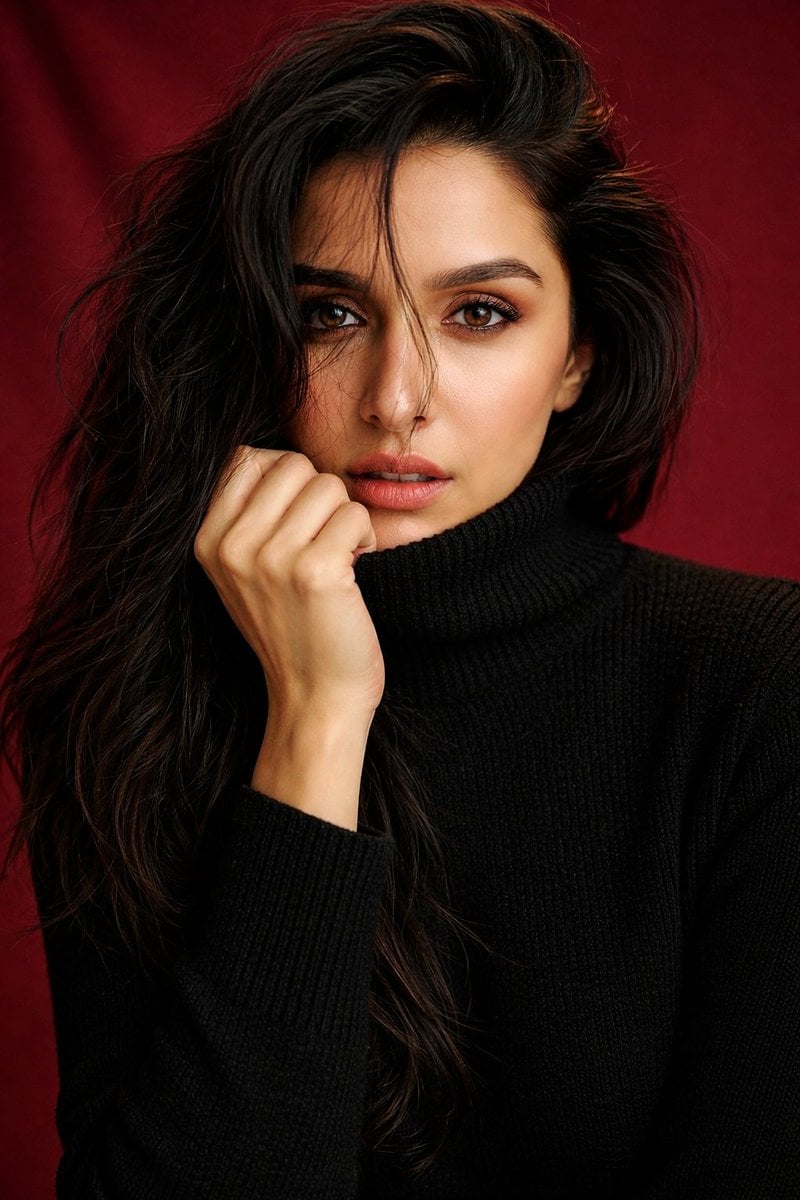
Shraddha Kapoor Black Turtleneck Studio Portrait Prompt

Penguin Martial Arts Dojo Duel

Maverick Aviator Lifestyle Poster

Psychological Surrealism Fashion Portrait

Minimal Director-Led AI Studio Cover

Golden Hour Editorial Portrait with Complex Lighting

Violet Ghost in a Golden Room K-Pop Aesthetic Image Prompt
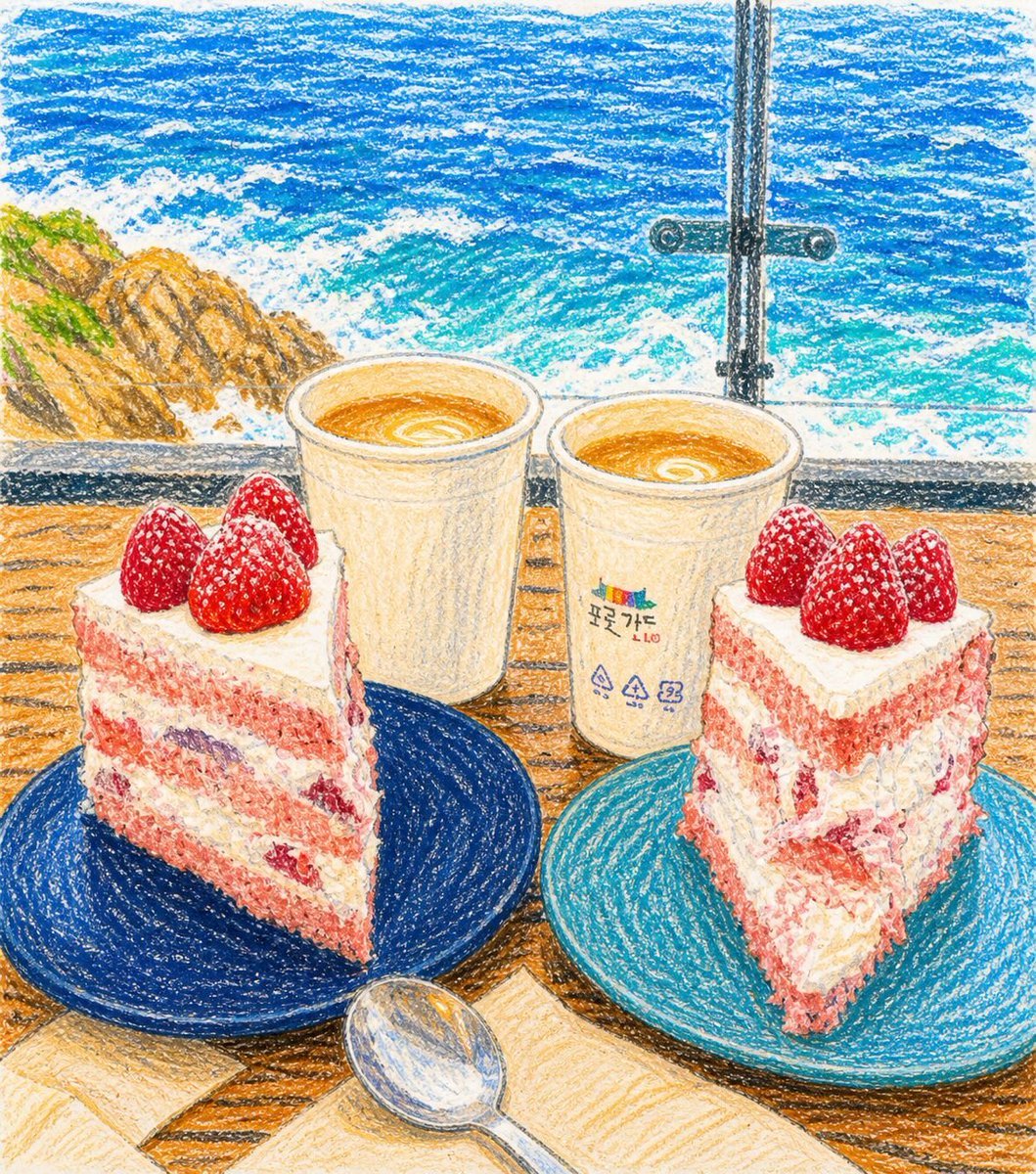
Crayon Drawing Transformation

Calligraphic Dreamy Risograph Poster
Browse template categories
Japanese Samurai Ukiyo-e Triptych questions
How do I use the Japanese Samurai Ukiyo-e Triptych template?
Add your photo if the template asks for one, edit the prompt if you like — the template's model and format are already selected — and press Generate. Your version opens in PicX Studio.
Can I customize the Japanese Samurai Ukiyo-e Triptych template?
Yes. You can change the subject, setting, lighting, mood, format, and available model controls before creating your image.
Is the Japanese Samurai Ukiyo-e Triptych template free?
Opening and editing this template is free. Generating uses credits, shown on the Generate button when you are signed in.
Which AI model should I use?
Start with GPT Image 2, which is the model associated with this template. You can compare another compatible model for a different finish.
Looking for something else? Browse all templates.

Your photo, any look
Thousands of ready templates for every top image and video model, from one credit balance.