
Photorealistic Subject Holding Miniature Cartoon Self
A complex prompt instructing the AI to use an uploaded photo as the sole facial identity reference to create an ultra-detailed, cinematic scene where the photorealistic main subject gently holds a tiny, stylized…
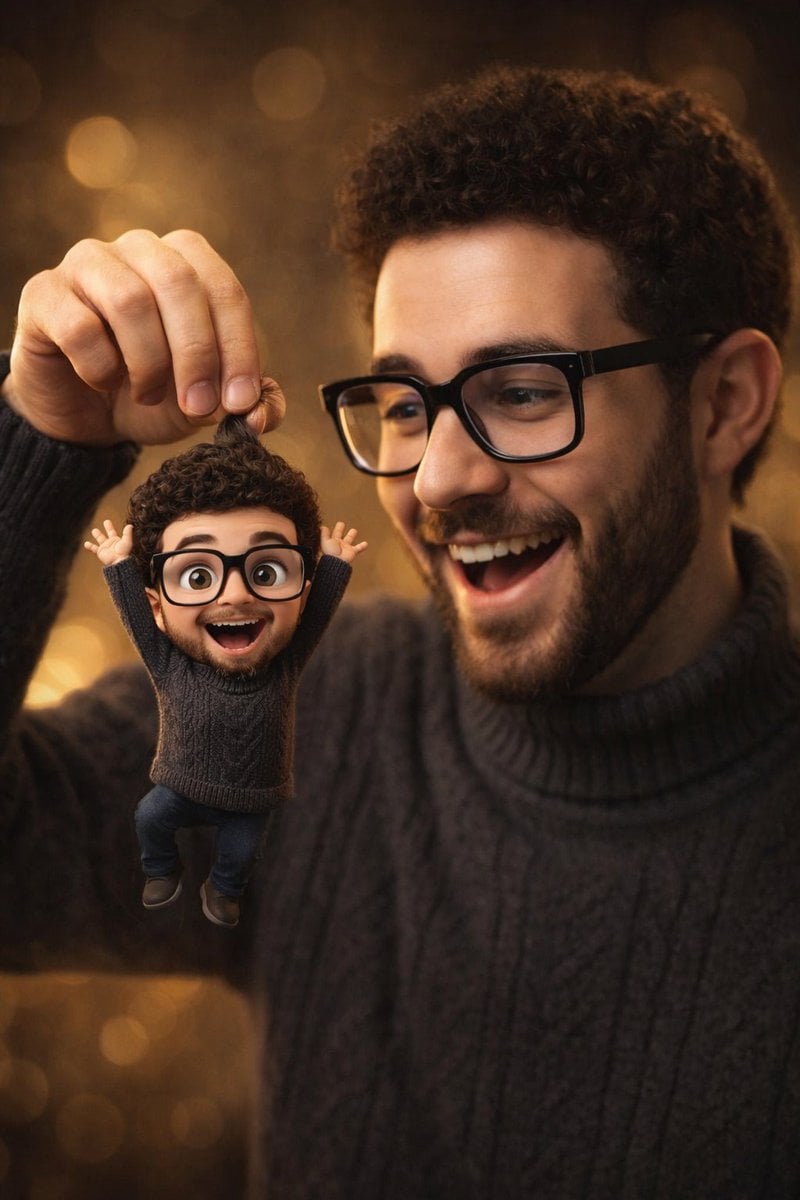
- Prompt included
- Model and format preset
- Free template
The prompt behind this image
Copy the exact prompt behind Photorealistic Subject Holding Miniature Cartoon Self, or open it in the studio and make it yours.
- Prompt
- Use the uploaded photo as the ONLY facial and identity reference. The main subject must look exactly like the person in the uploaded image, preserving identical facial structure, proportions, skin tone, hairstyle, eye shape, nose shape, lips, jawline, and overall identity. Do not beautify, alter, or replace facial features. Create a cinematic, ultra-detailed scene of the subject smiling naturally. The subject is gently holding a tiny animated cartoon miniature version of the same person by the hair between her fingers, like a playful puppet suspended in the air. The miniature character is a Pixar / Disney-style 3D version of the same person, with exaggerated cute proportions, large expressive eyes, an open joyful mouth, raised arms, and a lively, playful pose. The miniature must clearly resemble the same person and wear a matching outfit. The main subject is looking at the tiny character with surprise, delight, and affection, creating a whimsical, heart-warming interaction. Lighting is warm professional studio lighting with soft rim light, shallow depth of field, and a smooth golden bokeh background. The real person’s skin texture is photorealistic, while the miniature character has clean Pixar-style materials, soft shading, and polished 3D surfaces. Cinematic color grading, high contrast, sharp focus, premium portrait composition, 50mm lens look, f/1.8 depth of field, ultra-high realism blended with stylized animation, aspect ratio 4:5, 8K quality, cinematic finish.
- Negative Prompt
- anime, 2D illustration, comic style, flat shading, low poly, plastic skin, waxy face, face swap, different identity, face morphing, beauty filters, over-smoothing, blur, low resolution, grain, noise, distortion, deformed face, wrong facial proportions, extra fingers, missing fingers, duplicated hands, floating objects, bad anatomy, inconsistent lighting, harsh shadows, neon colors, cold blue tones, washed-out colors, over-saturation, watermark, text, logo, cropped head, out-of-frame face.
Raw JSON
{
  "prompt": "Use the uploaded photo as the ONLY facial and identity reference. The main subject must look exactly like the person in the uploaded image, preserving identical facial structure, proportions, skin tone, hairstyle, eye shape, nose shape, lips, jawline, and overall identity. Do not beautify, alter, or replace facial features. Create a cinematic, ultra-detailed scene of the subject smiling naturally. The subject is gently holding a tiny animated cartoon miniature version of the same person by the hair between her fingers, like a playful puppet suspended in the air. The miniature character is a Pixar / Disney-style 3D version of the same person, with exaggerated cute proportions, large expressive eyes, an open joyful mouth, raised arms, and a lively, playful pose. The miniature must clearly resemble the same person and wear a matching outfit. The main subject is looking at the tiny character with surprise, delight, and affection, creating a whimsical, heart-warming interaction. Lighting is warm professional studio lighting with soft rim light, shallow depth of field, and a smooth golden bokeh background. The real person’s skin texture is photorealistic, while the miniature character has clean Pixar-style materials, soft shading, and polished 3D surfaces. Cinematic color grading, high contrast, sharp focus, premium portrait composition, 50mm lens look, f/1.8 depth of field, ultra-high realism blended with stylized animation, aspect ratio 4:5, 8K quality, cinematic finish.",
  "negative_prompt": "anime, 2D illustration, comic style, flat shading, low poly, plastic skin, waxy face, face swap, different identity, face morphing, beauty filters, over-smoothing, blur, low resolution, grain, noise, distortion, deformed face, wrong facial proportions, extra fingers, missing fingers, duplicated hands, floating objects, bad anatomy, inconsistent lighting, harsh shadows, neon colors, cold blue tones, washed-out colors, over-saturation, watermark, text, logo, cropped head, out-of-frame face."
}How to use Photorealistic Subject Holding Miniature Cartoon Self in 3 steps
- 1Upload ImagePNG, JPG or paste
Add your photo
Upload the photo the template builds on. The prompt, model and format are already set.
- 2…a portrait of your subject in softgolden-hour light, 85mm…
Personalize
Edit the subject and creative details for your destination.
- 3Generate
Generate
Press Generate — your image is created in PicX Studio, so you can compare it with the original and refine one variable at a time.
More like this
Templates with the same subject, style or setup. Open one to see its prompt.
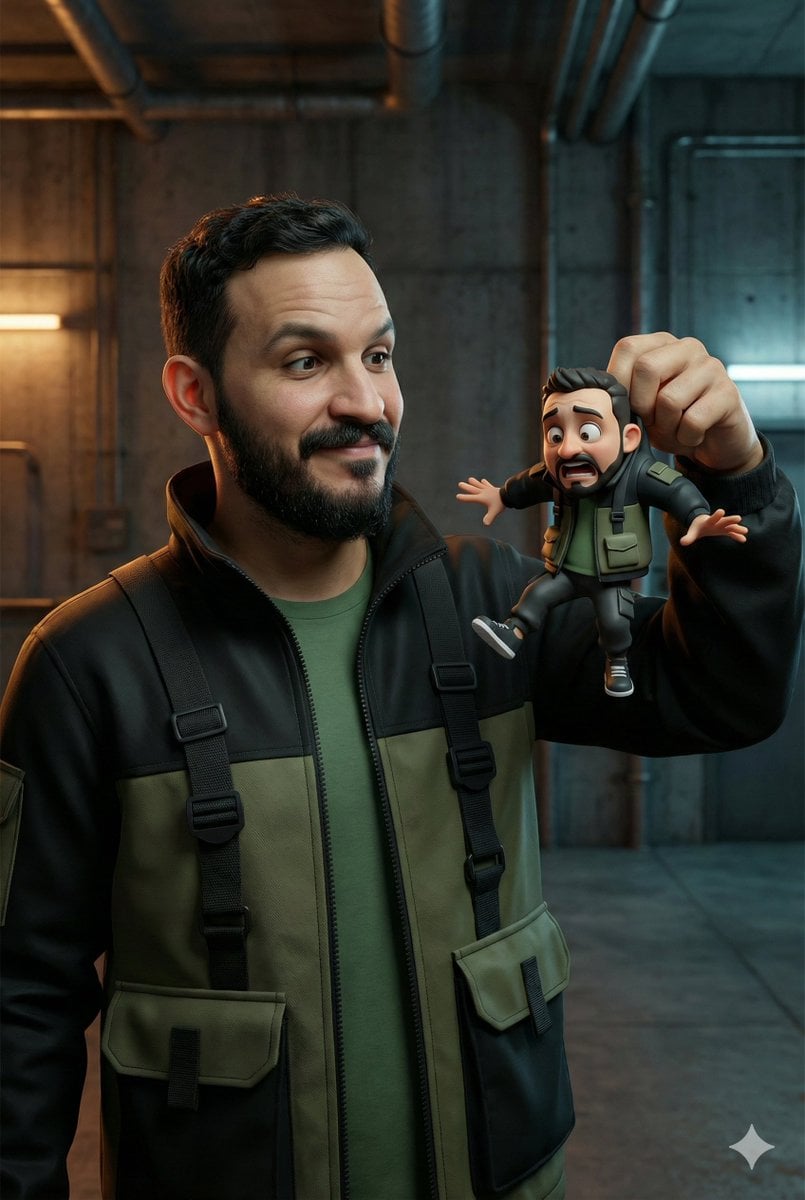
Ultra-Realistic Man Holding Cartoon Miniature of Self

Gen Z Triple Selfie Collage — Y2K Flash Photography

Tiny Woman Miniature Fantasy Macro Scene
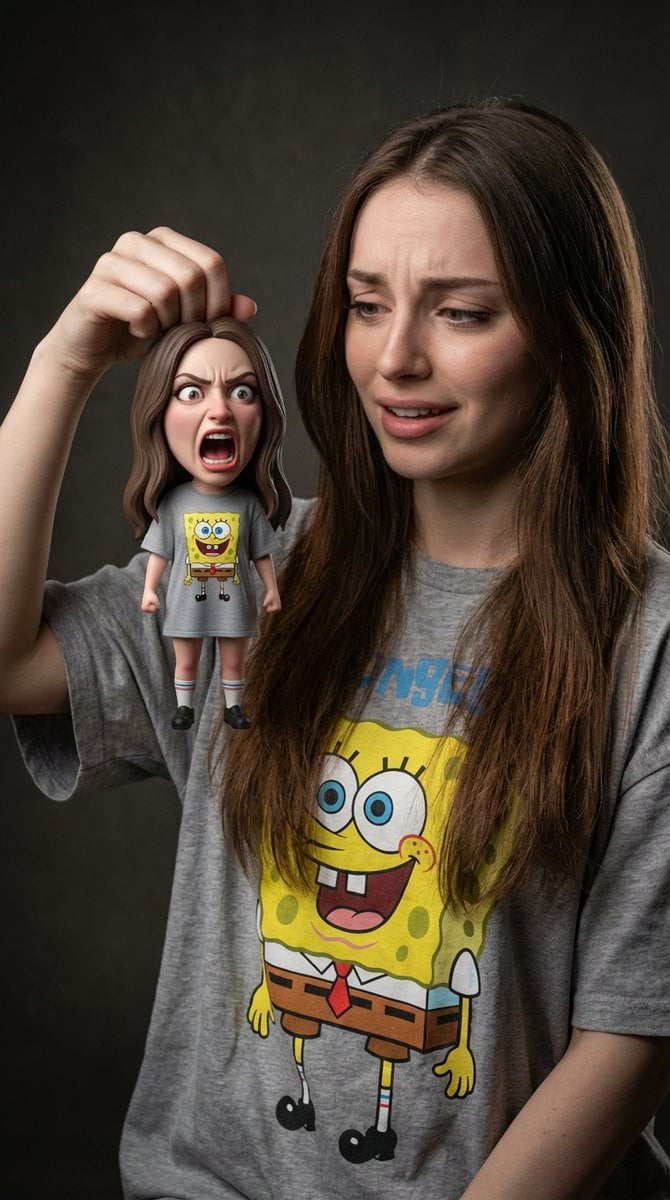
Life-Size Holding Miniature Self Prompt
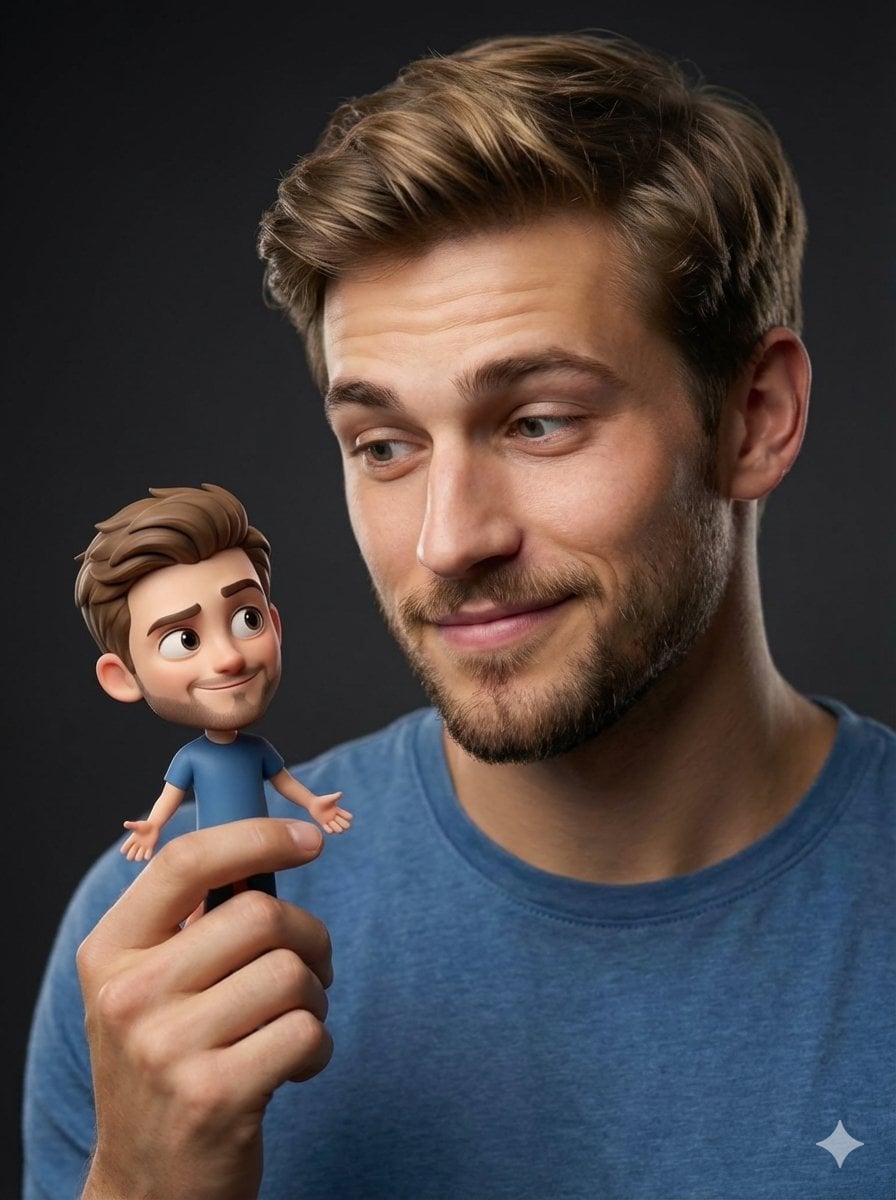
Human with Miniature 3D Self Portrait

Cozy Knit Sweater Window Portrait

Clear, 45 top-down isometric miniature 3D cartoon scene of the iconic
Holding a cartoon xiaolongbao steamer basket up to eye level with one
Ultra-Photorealistic Car Selfie

Paper Tunnel Book Architecture

Mountain Lake Sunset Landscape
Photorealistic Cracked Mirror Selfie
Make it yours
Photorealistic Subject Holding Miniature Cartoon Self works as-is. These are the safest ways to change it without losing the look.
Change one field
Copy a single group, rewrite it, and generate again so you can see what that field is doing.
Keep the frame, change the subject
Hold the composition and light of Photorealistic Subject Holding Miniature Cartoon Self, then swap wardrobe, props or the person for a new take.
| If the result… | Why | Fix |
|---|---|---|
| The result drifts from the preview | Too many fields changed at once. | Reuse Photorealistic Subject Holding Miniature Cartoon Self as-is first, then change one group — subject, light, or setting. |
| Nano Banana 2 ignores part of the JSON | Some models flatten or skip nested keys. | Keep the same values and paste them as a short paragraph instead. |
More Nano Banana 2 templates
Other prompts made for Nano Banana 2.

Photorealistic Leaf Shaped Like a Dragon

K-Pop Idol Portrait Grid for Rapid Selection

Poetic Rain Forest Portrait During Golden Hour

Urban Street Portrait with Cartoon Inner Self Duo

Candid Nighttime Photo with Cat Prompt

High-Concept 3D Diorama Generation Prompt

Cinematic Futuristic Studio Portrait Template

Skincare Editorial Photography Collage Prompt

Hyper-Realistic Commercial Product Photography (Splash Effect)

Hyper-Realistic Nightclub Portrait Prompt
More image prompts
Fresh picks from across the catalog.
Cinematic Raspberry Energy Drink Ad Shot Prompt
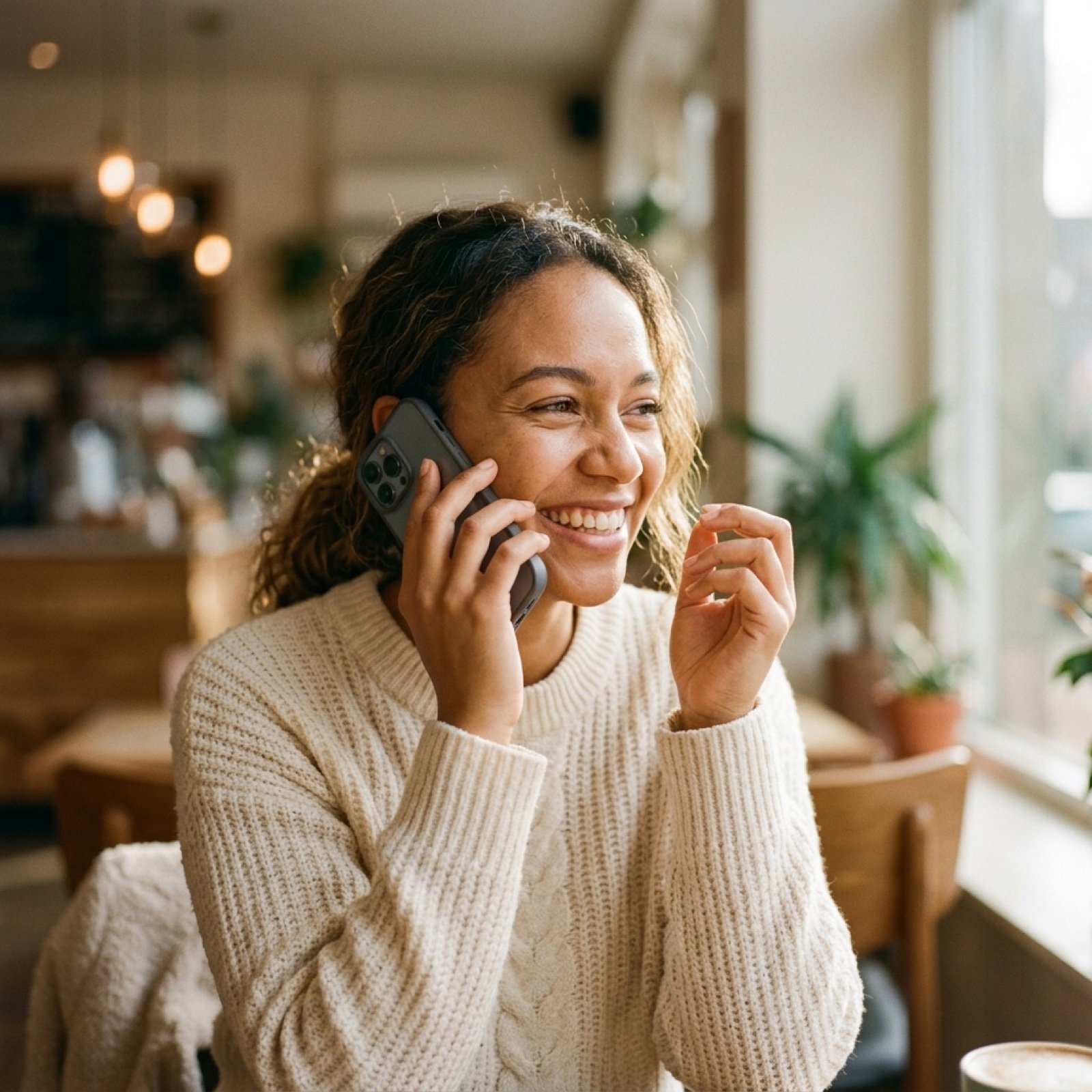
Cinematic Video of Woman on Phone (Image and Video Prompt)
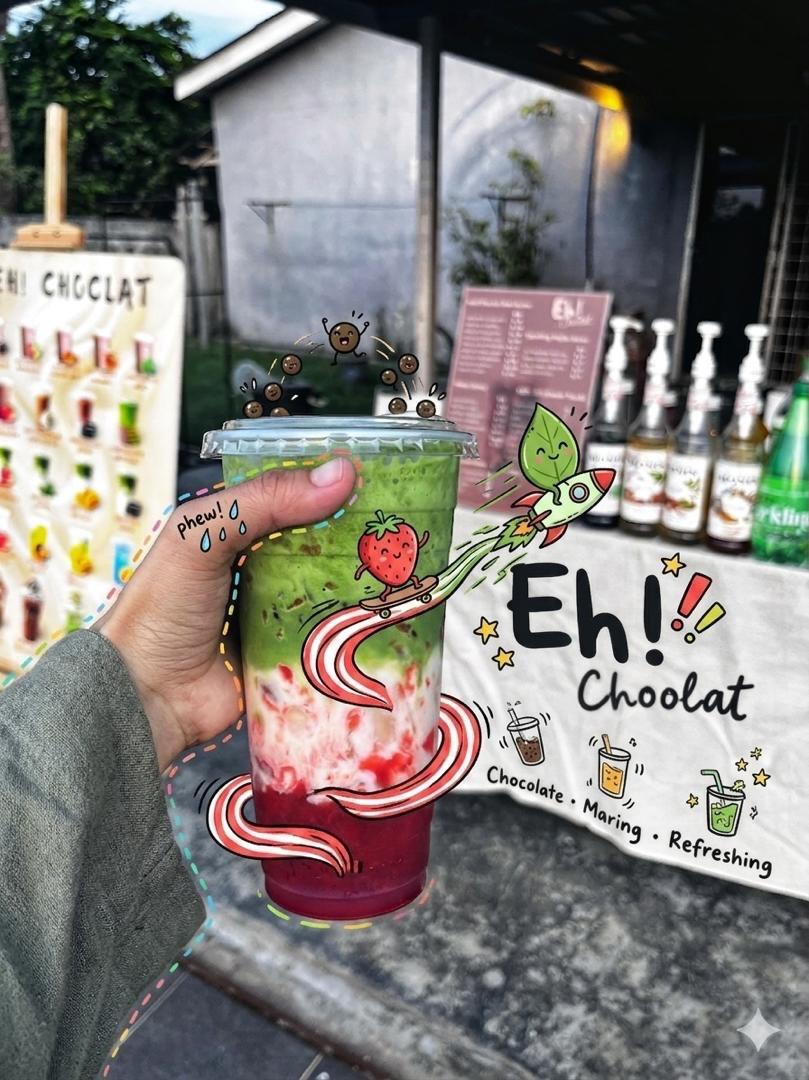
Doodled Strawberry Matcha Drink Photo
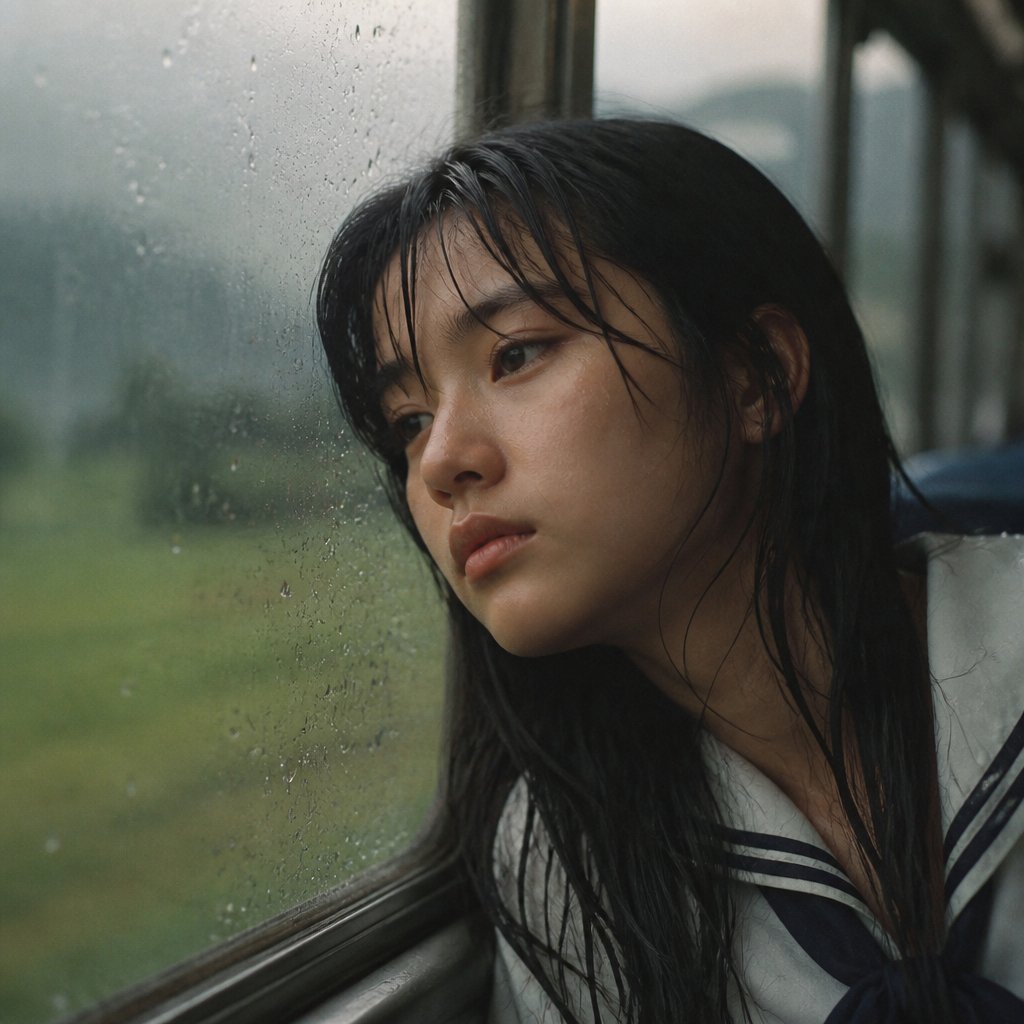
Rainy Train Schoolgirl Portrait
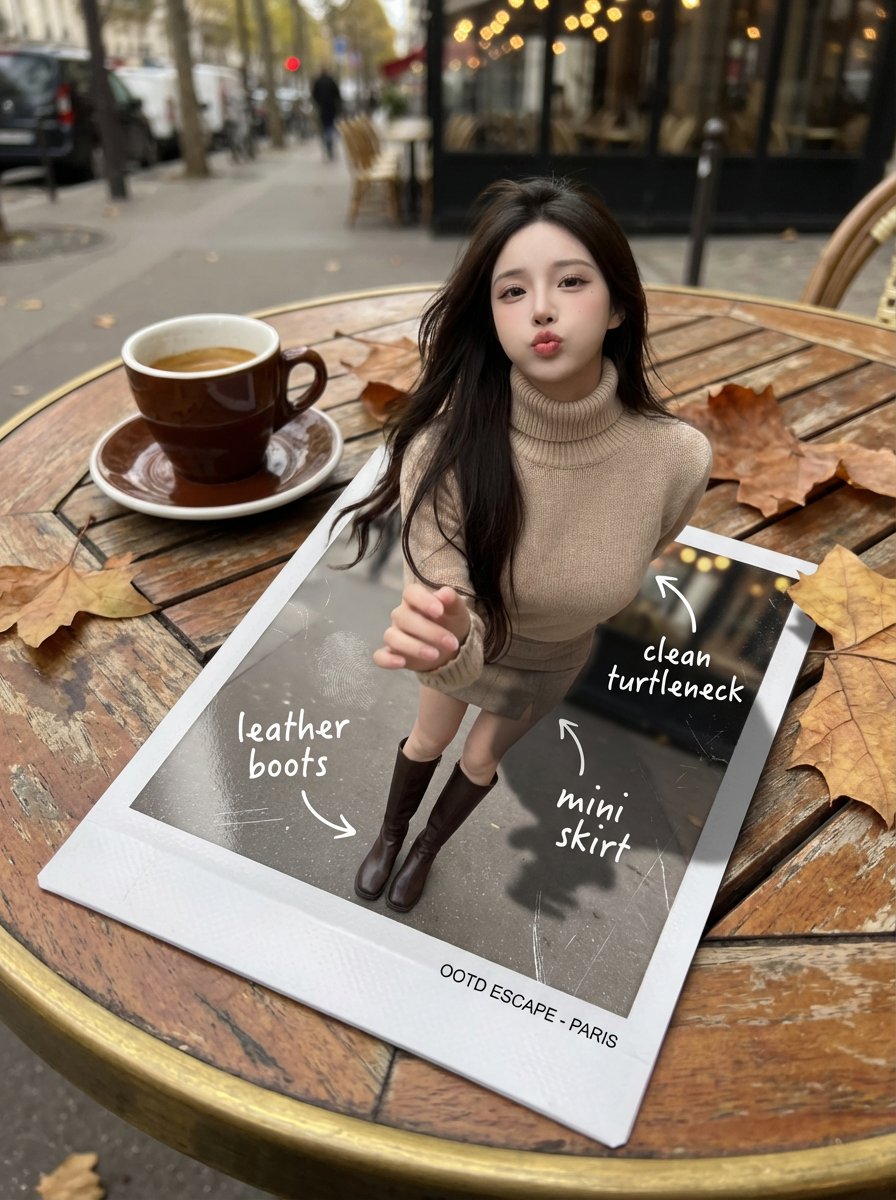
Instant Polaroid Portal Optical Illusion Prompt
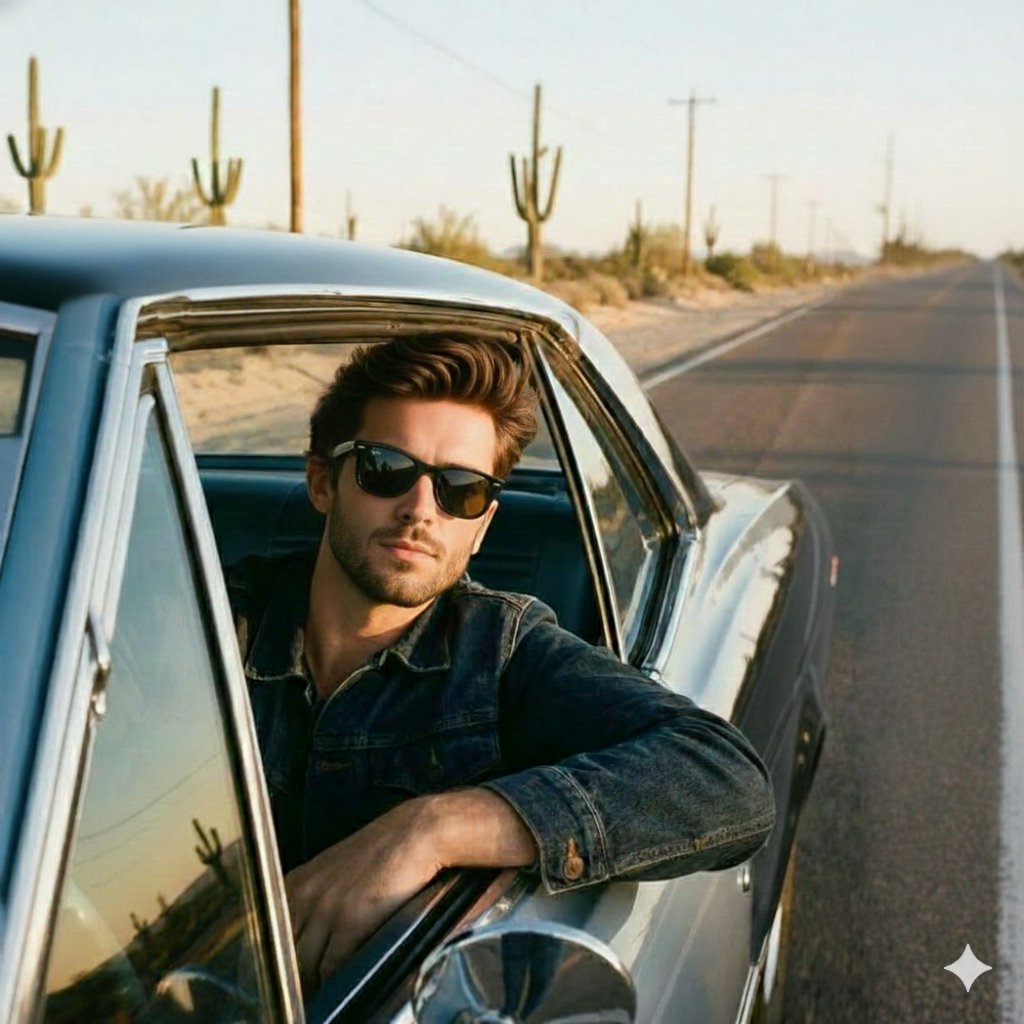
Cinematic Road Trip Portrait Prompt
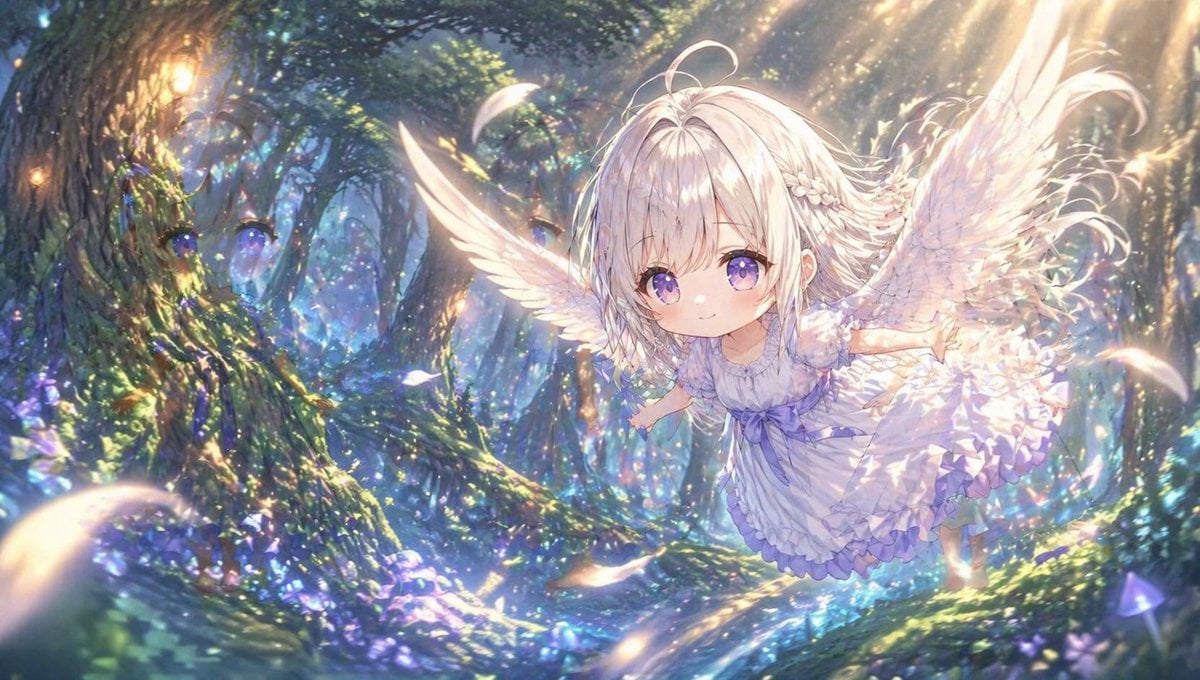
Chibi Angel in Fantasy Forest
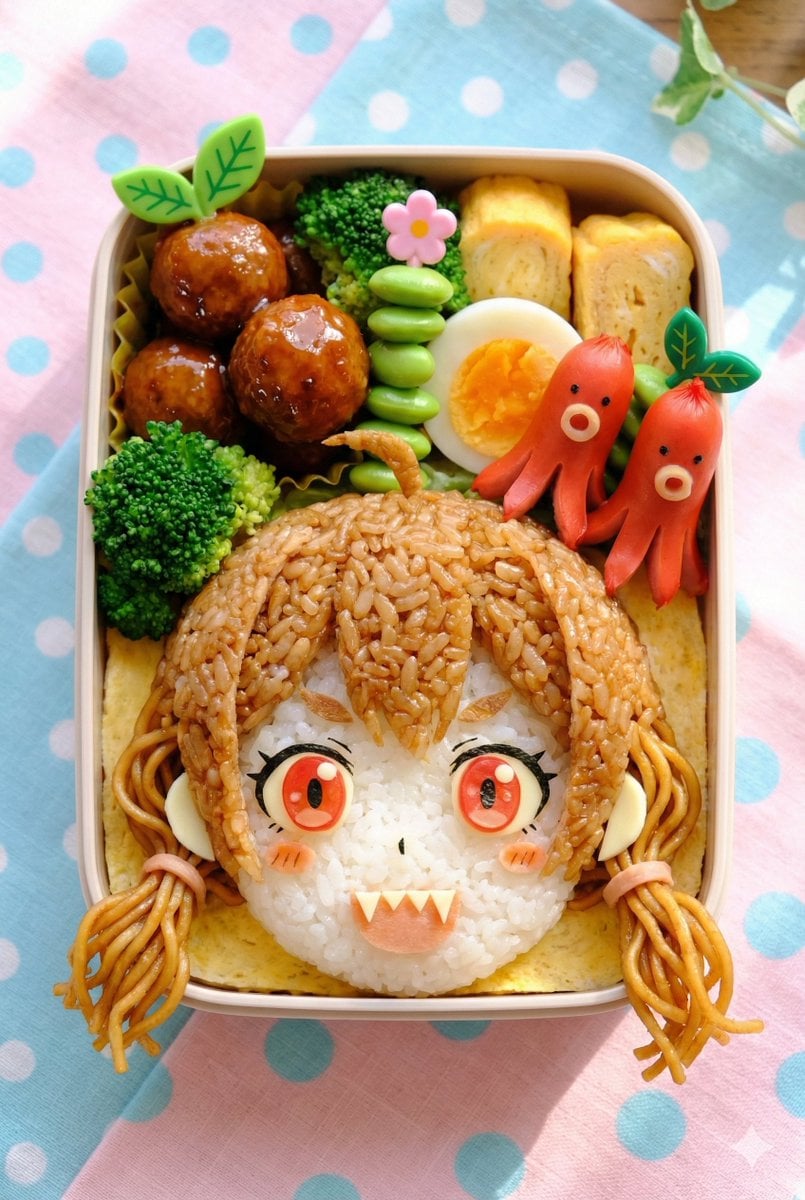
Kyaraben (Character Bento Box) Generation Prompt
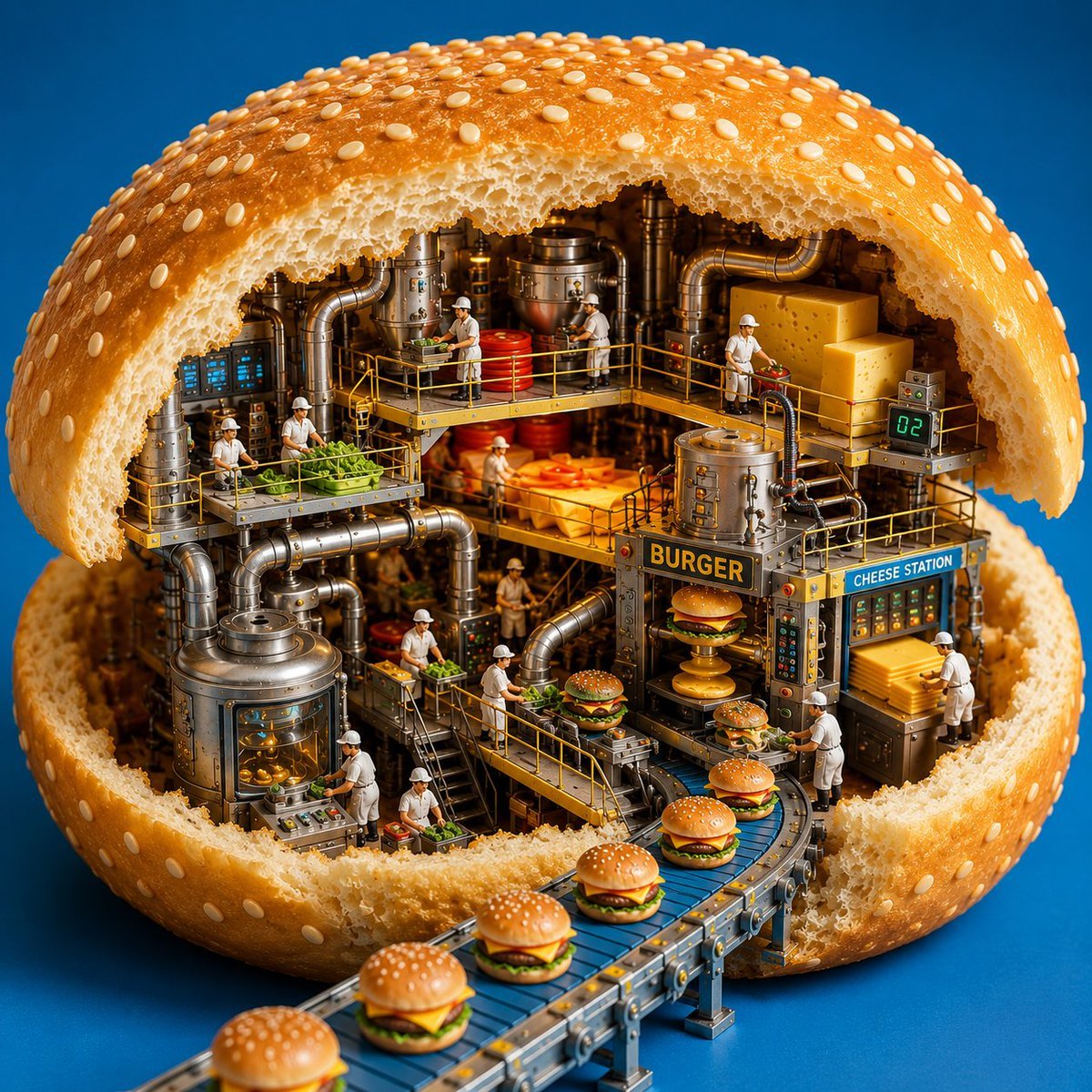
Miniature Burger Factory Render
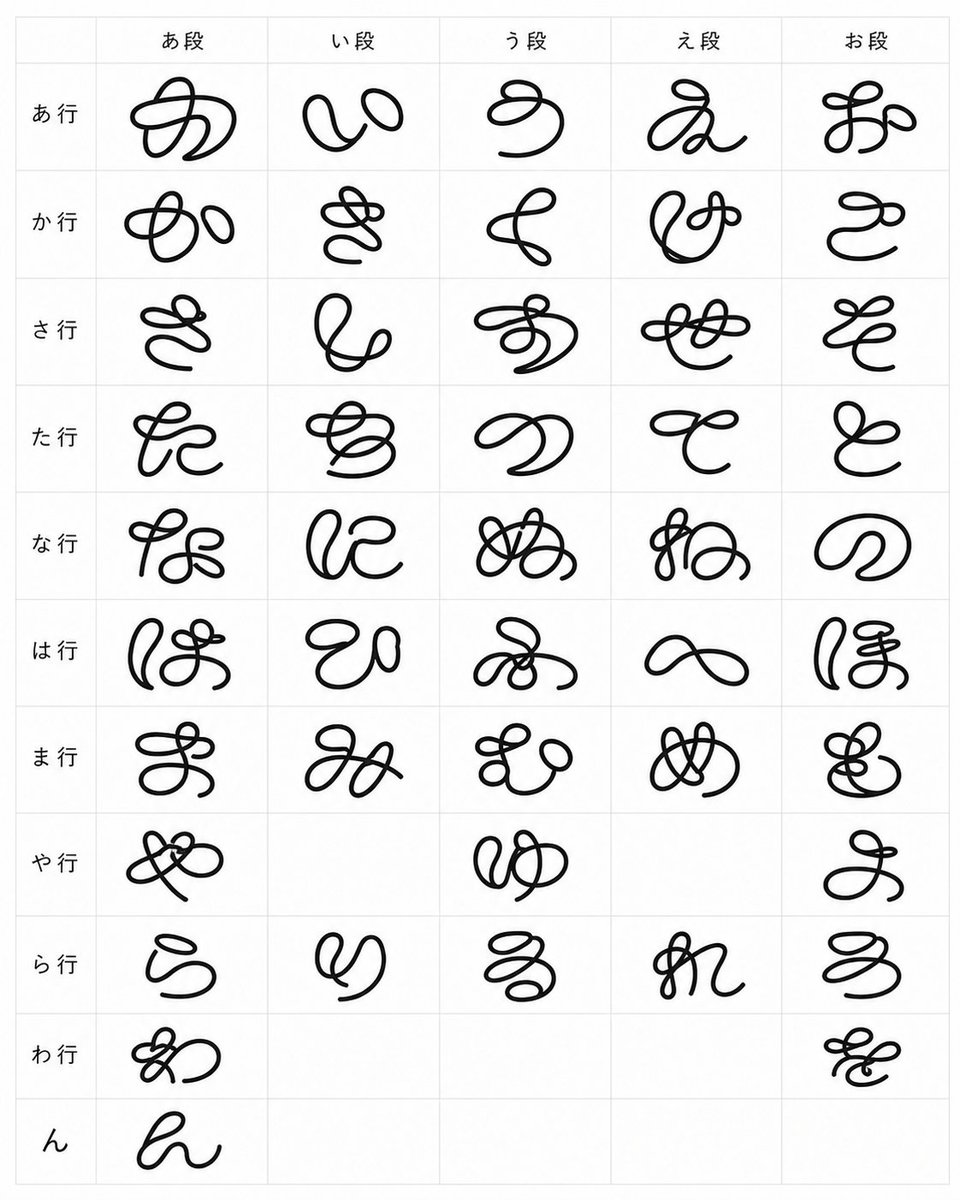
Looped Hiragana Font Chart
Browse template categories
Photorealistic Subject Holding Miniature Cartoon Self questions
How do I use the Photorealistic Subject Holding Miniature Cartoon Self template?
Add your photo if the template asks for one, edit the prompt if you like — the template's model and format are already selected — and press Generate. Your version opens in PicX Studio.
Can I customize the Photorealistic Subject Holding Miniature Cartoon Self template?
Yes. You can change the subject, setting, lighting, mood, format, and available model controls before creating your image.
Is the Photorealistic Subject Holding Miniature Cartoon Self template free?
Opening and editing this template is free. Generating uses credits, shown on the Generate button when you are signed in.
Which AI model should I use?
Start with Nano Banana 2, which is the model associated with this template. You can compare another compatible model for a different finish.
Looking for something else? Browse all templates.

Your photo, any look
Thousands of ready templates for every top image and video model, from one credit balance.