
Looped Hiragana Font Chart
Generates a clean gojuon hiragana syllabary specimen chart using a playful experimental looping monoline font.
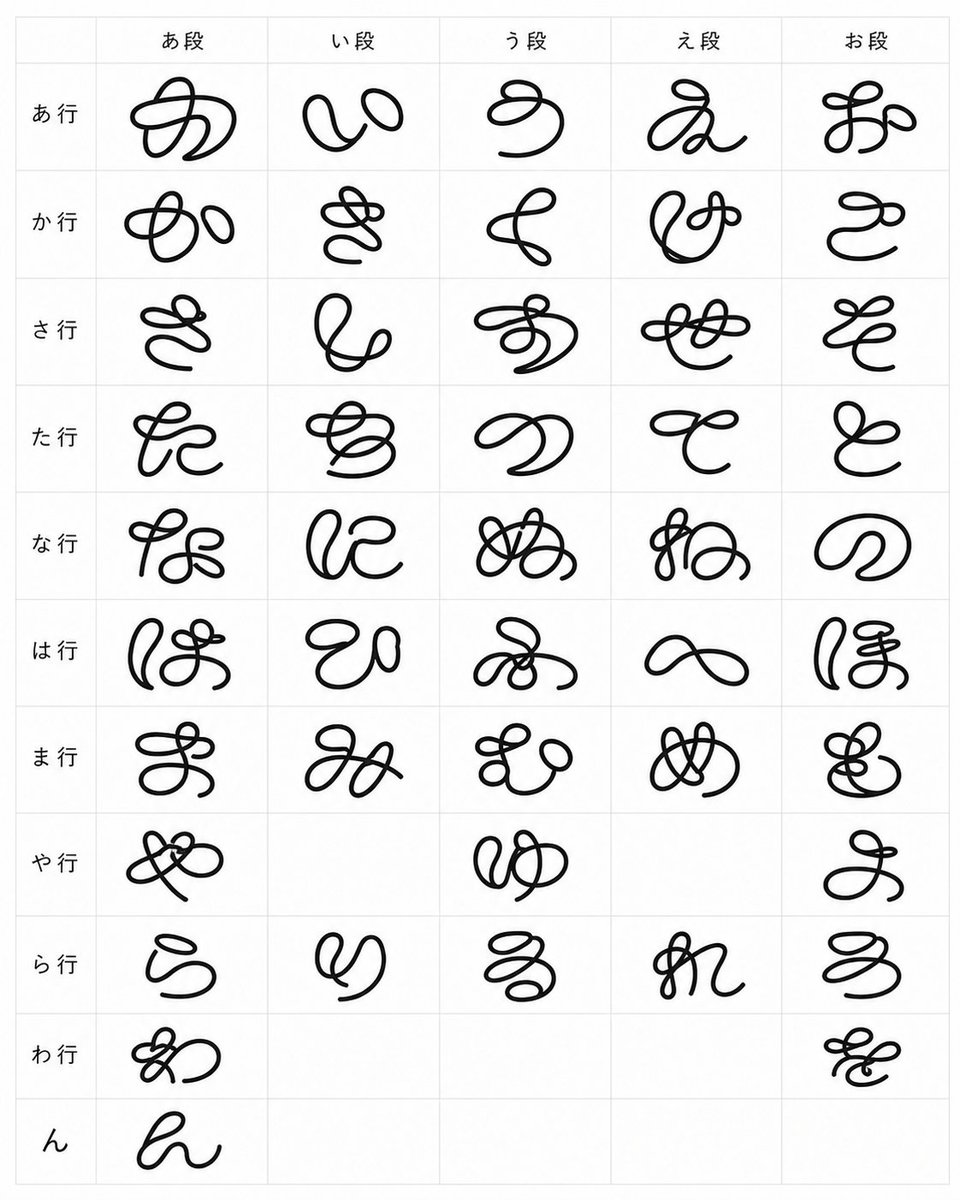
- Prompt included
- Model and format preset
- Free template
The prompt behind this image
Copy the exact prompt behind Looped Hiragana Font Chart, or open it in the studio and make it yours.
- Type
- typographic specimen chart
- Subject
- a complete Japanese hiragana syllabary table rendered as an experimental strange loop-line font
- Style › Background
- clean white paper
- Style › Grid
- thin pale gray table lines
- Style › Ink
- solid black, smooth rounded monoline strokes
- Style › Letterform
- hand-drawn cursive glyphs made from exaggerated loops, knots, swirls, and continuous marker-like strokes, playful but still based on hiragana
- Style › Composition
- flat front-facing scan-like view, centered, minimal, no shadows
- Layout › Format
- portrait rectangular chart
- Layout › Columns › Count
- 5
- Layout › Columns › Headers
- あ段, い段, う段, え段, お段
- Layout › Rows › Count
- 11
- Layout › Rows › Labels
- あ行, か行, さ行, た行, な行, は行, ま行, や行, ら行, わ行, ん
- Layout › Cells › Total Visible Glyphs
- 46
- Layout › Cells › Description
- one large black custom hiragana glyph per occupied cell, centered within each grid square; leave the historically empty gojuon cells blank
- Layout › Cells › Row Contents › 0 › Row Label
- あ行
- Layout › Cells › Row Contents › 0 › Count
- 5
- Layout › Cells › Row Contents › 0 › Glyphs
- あ, い, う, え, お
- Layout › Cells › Row Contents › 1 › Row Label
- か行
- Layout › Cells › Row Contents › 1 › Count
- 5
- Layout › Cells › Row Contents › 1 › Glyphs
- か, き, く, け, こ
- Layout › Cells › Row Contents › 2 › Row Label
- さ行
- Layout › Cells › Row Contents › 2 › Count
- 5
- Layout › Cells › Row Contents › 2 › Glyphs
- さ, し, す, せ, そ
- Layout › Cells › Row Contents › 3 › Row Label
- た行
Raw JSON
{"type":"typographic specimen chart","subject":"a complete Japanese hiragana syllabary table rendered as an experimental strange loop-line font","style":{"background":"clean white paper","grid":"thin pale gray table lines","ink":"solid black, smooth rounded monoline strokes","letterform":"hand-drawn cursive glyphs made from exaggerated loops, knots, swirls, and continuous marker-like strokes, playful but still based on hiragana","composition":"flat front-facing scan-like view, centered, minimal, no shadows"},"layout":{"format":"portrait rectangular chart","columns":{"count":5,"headers":["あ段","い段","う段","え段","お段"]},"rows":{"count":11,"labels":["あ行","か行","さ行","た行","な行","は行","ま行","や行","ら行","わ行","ん"]},"cells":{"total visible glyphs":46,"description":"one large black custom hiragana glyph per occupied cell, centered within each grid square; leave the historically empty gojuon cells blank","row contents":[{"row label":"あ行","count":5,"glyphs":["あ","い","う","え","お"]},{"row label":"か行","count":5,"glyphs":["か","き","く","け","こ"]},{"row label":"さ行","count":5,"glyphs":["さ","し","す","せ","そ"]},{"row label":"た行","count":5,"glyphs":["た","ち","つ","て","と"]},{"row label":"な行","count":5,"glyphs":["な","に","ぬ","ね","の"]},{"row label":"は行","count":5,"glyphs":["は","ひ","ふ","へ","ほ"]},{"row label":"ま行","count":5,"glyphs":["ま","み","む","め","も"]},{"row label":"や行","count":3,"glyphs":["や","ゆ","よ"],"blank columns":["い段","え段"]},{"row label":"ら行","count":5,"glyphs":["ら","り","る","れ","ろ"]},{"row label":"わ行","count":2,"glyphs":["わ","を"],"blank columns":["い段","う段","え段"]},{"row label":"ん","count":1,"glyphs":["ん"],"blank columns":["い段","う段","え段","お段"]}]}},"text":{"header font":"small neat standard Japanese sans-serif labels","glyph font":"{argument name=\"experimental font style\" default=\"strange looping monoline hiragana\"}","stroke color":"{argument name=\"stroke color\" default=\"black\"}","grid color":"{argument name=\"grid color\" default=\"very light gray\"}"},"rendering instructions":"Generate a crisp high-resolution image of the table only. Keep the chart readable and evenly spaced, with generous margins, thin grid borders, and each custom glyph large enough to fill most of its cell while preserving a handmade looped-calligraphy look."}How to use Looped Hiragana Font Chart in 3 steps
- 1Upload ImagePNG, JPG or paste
Add your photo
Upload the photo the template builds on. The prompt, model and format are already set.
- 2…a portrait of your subject in softgolden-hour light, 85mm…
Personalize
Edit the subject and creative details for your destination.
- 3Generate
Generate
Press Generate — your image is created in PicX Studio, so you can compare it with the original and refine one variable at a time.
More like this
Templates with the same subject, style or setup. Open one to see its prompt.
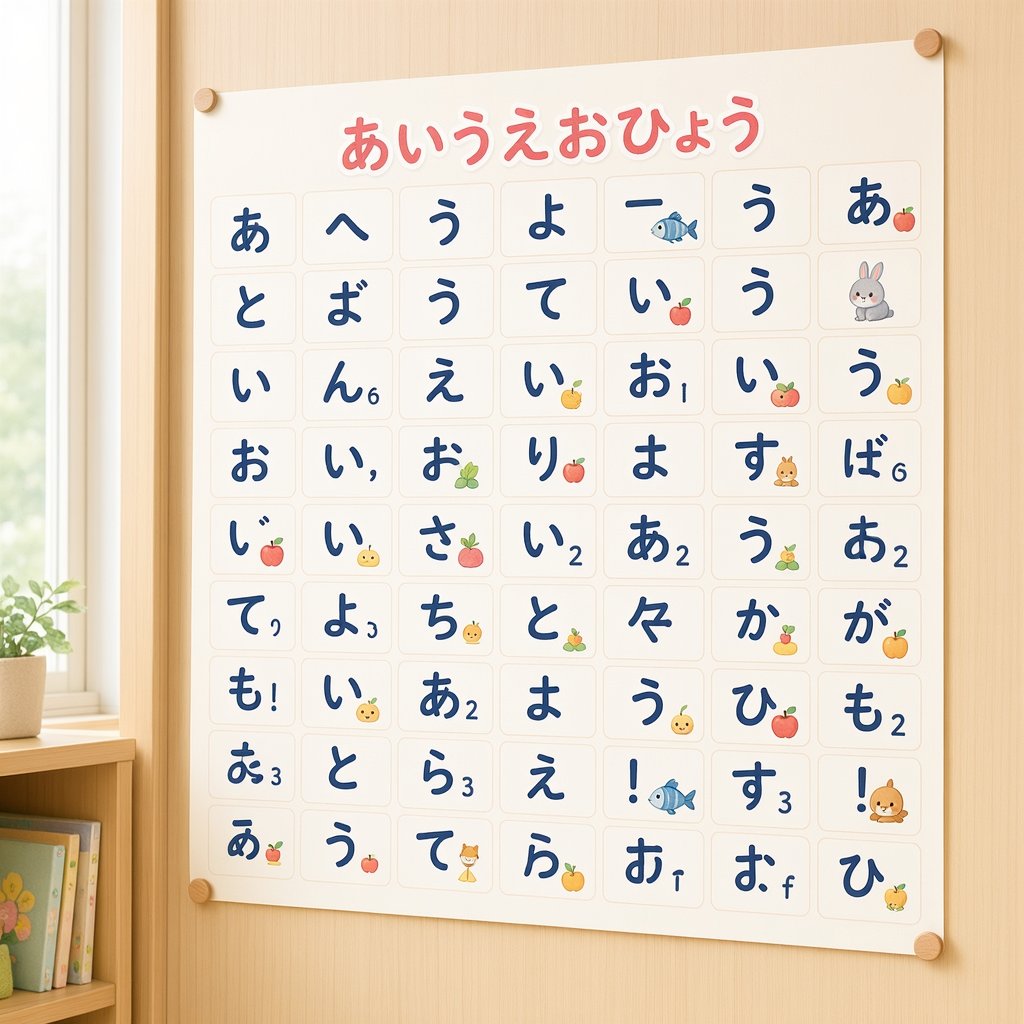
Cute Hiragana Chart Poster
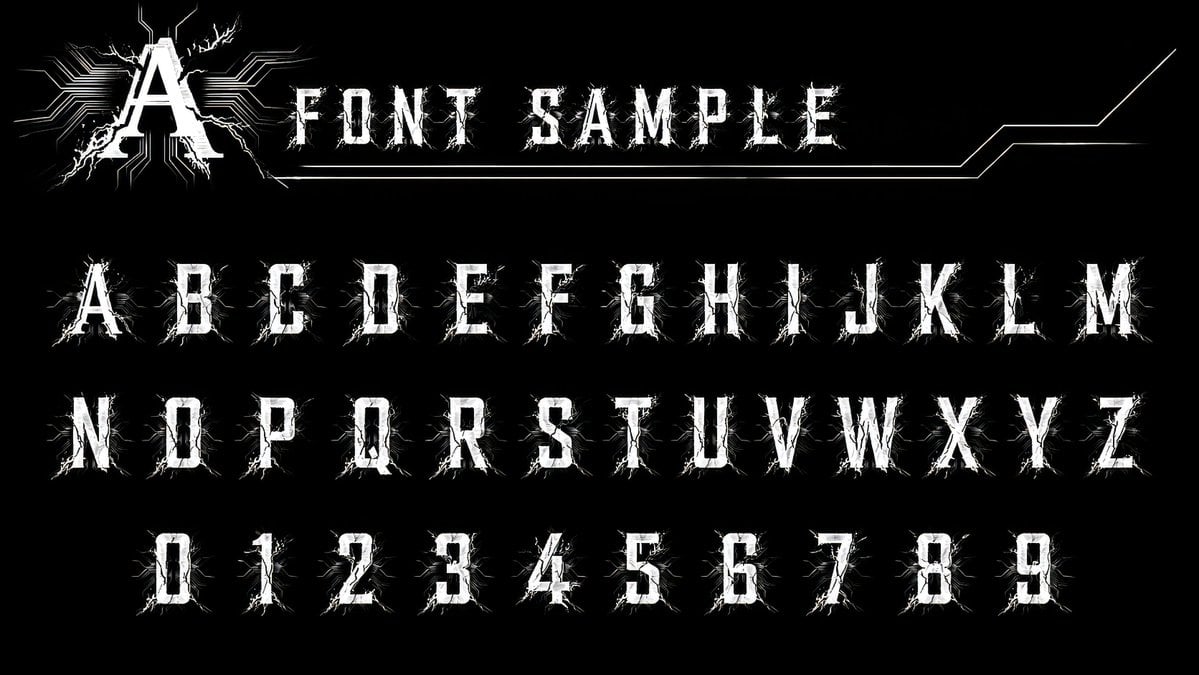
Alphanumeric font catalog prompt
In a bold, modern Sans-Serif font
In a bold, modern Sans-Serif font
Artistic Hollow Line Font Redraw
Cute Bunny Hiragana Poster
Animal Hiragana Study Sheet
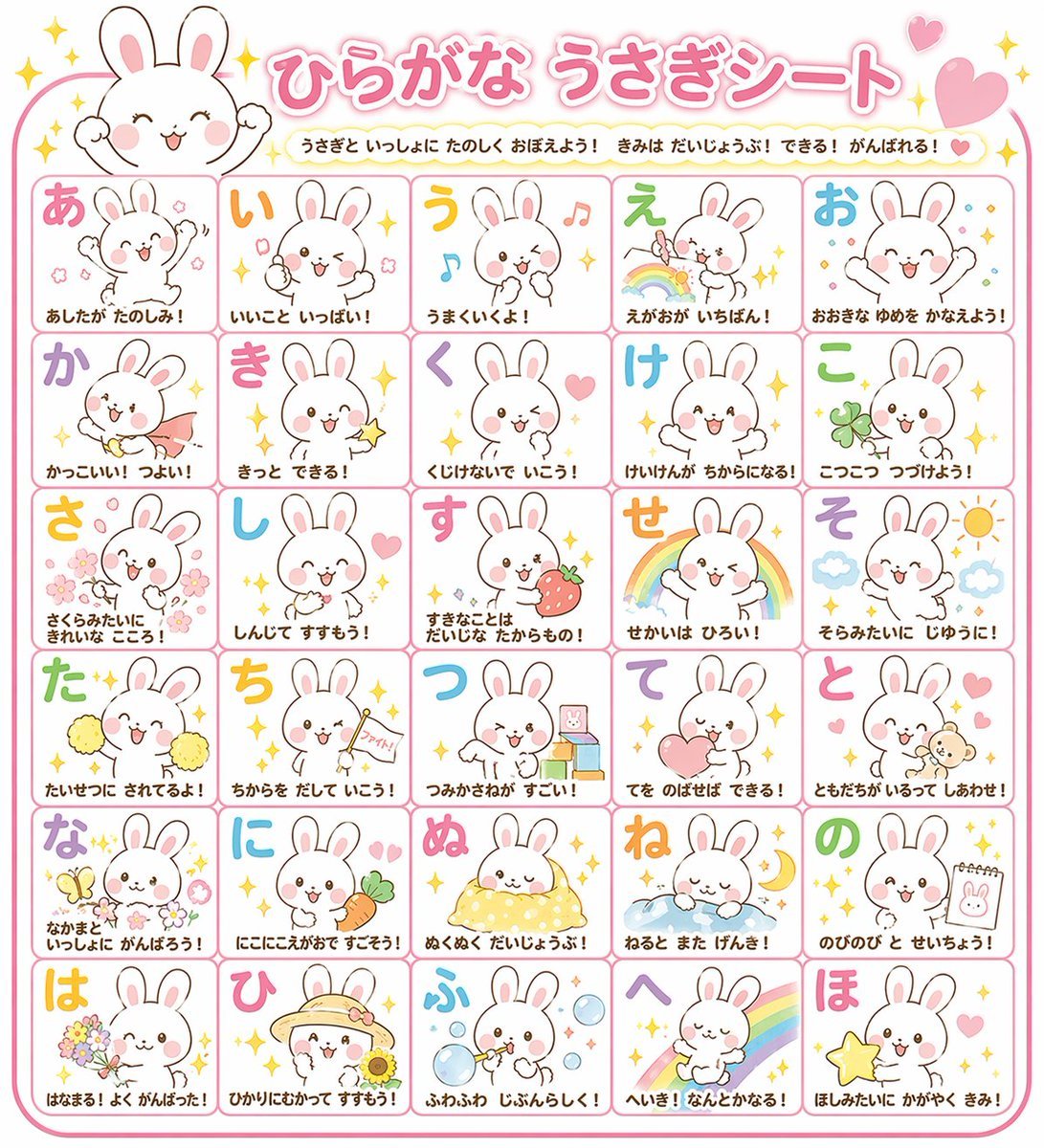
Educational Hiragana Sheet
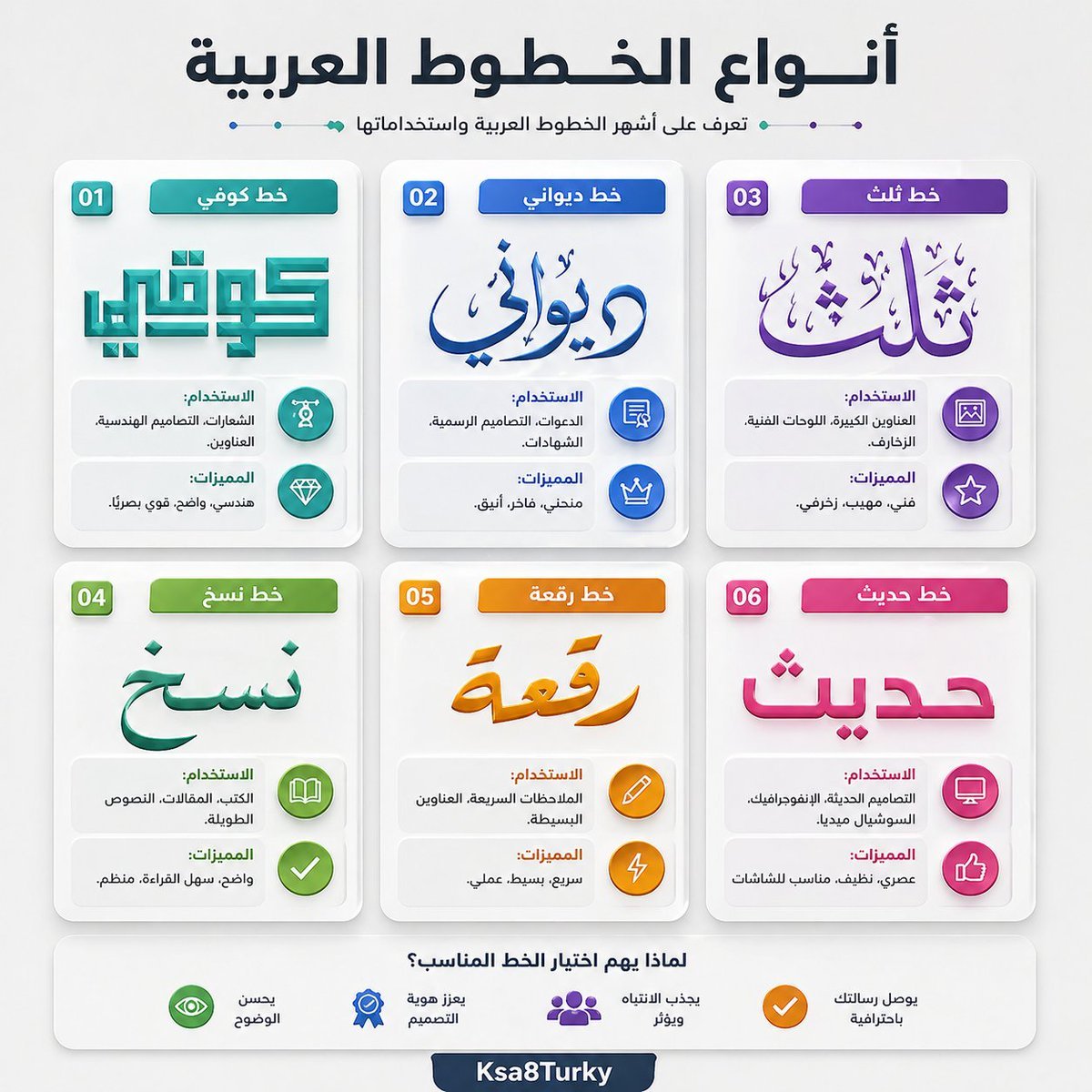
Arabic Font Types Infographic

Modern Heterogeneous Chinese Font Design
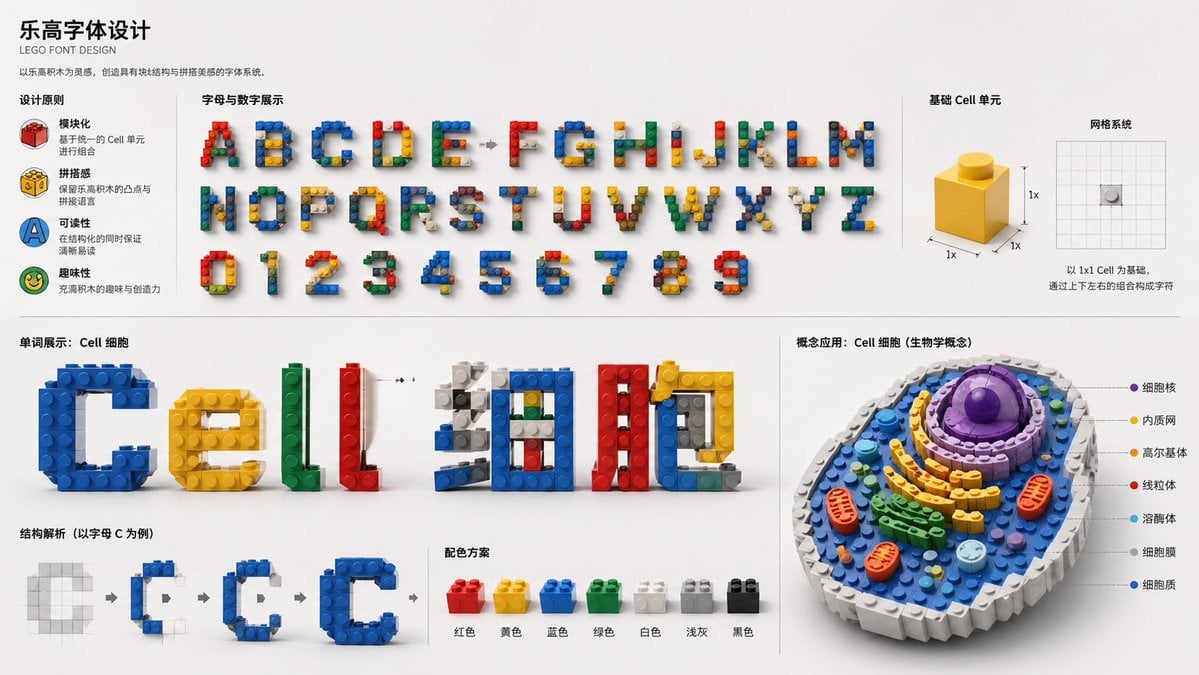
LEGO Style Font Concept
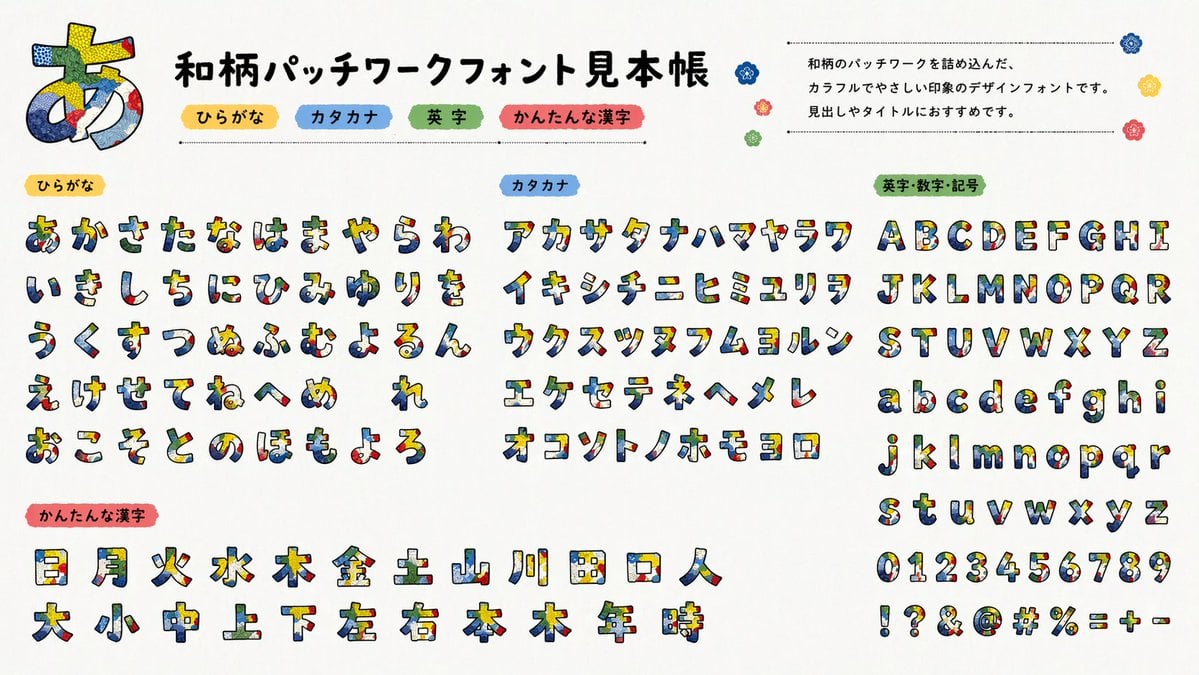
Multilingual font specimen sheet prompt
Make it yours
Looped Hiragana Font Chart works as-is. These are the safest ways to change it without losing the look.
Swap the setting
Keep the rest of the prompt and replace the location block. The current setting is “clean white paper”.
Change one field
Copy a single group, rewrite it, and generate again so you can see what that field is doing.
Keep the frame, change the subject
Hold the composition and light of Looped Hiragana Font Chart, then swap wardrobe, props or the person for a new take.
| If the result… | Why | Fix |
|---|---|---|
| The result drifts from the preview | Too many fields changed at once. | Reuse Looped Hiragana Font Chart as-is first, then change one group — subject, light, or setting. |
| GPT Image 2 ignores part of the JSON | Some models flatten or skip nested keys. | Keep the same values and paste them as a short paragraph instead. |
More GPT Image 2 templates
Other prompts made for GPT Image 2.

Six VTuber Japanese Logo Sheet

Realistic Portrait of Woman and Deer

The Vista Modular Condo Poster

AI Model Routing Comparison Infographic

2.5D Anime Art Board

Isometric Productivity Desk Scene

New York Double Exposure Poster

Four-Panel AI Landscape Comparison

Japanese Tatami Lifestyle Magazine Cover

NESCAFÉ Coffee Map Poster
More image prompts
Fresh picks from across the catalog.

Candid Holiday Portrait with Sequin Dress and Red Hair
UI/UX Redesign Prompt (Pop Design Style)
Nano Banana Pro Prompt for 'Scramble Spring' Fan Art

Detailed Image Generation Prompt for Fashion Photography
Superhero Athleisure Mirror Selfie Prompt

Dragon Ball Art Style Transformation

Tang Dynasty Fantasy Female Portrait
Four-Panel Lifestyle Fashion Collage

Cinematic Balcony Ballgown Portrait at Golden Hour
Cute Puppy LINE Sticker Grid
Browse template categories
Looped Hiragana Font Chart questions
How do I use the Looped Hiragana Font Chart template?
Add your photo if the template asks for one, edit the prompt if you like — the template's model and format are already selected — and press Generate. Your version opens in PicX Studio.
Can I customize the Looped Hiragana Font Chart template?
Yes. You can change the subject, setting, lighting, mood, format, and available model controls before creating your image.
Is the Looped Hiragana Font Chart template free?
Opening and editing this template is free. Generating uses credits, shown on the Generate button when you are signed in.
Which AI model should I use?
Start with GPT Image 2, which is the model associated with this template. You can compare another compatible model for a different finish.
Looking for something else? Browse all templates.

Your photo, any look
Thousands of ready templates for every top image and video model, from one credit balance.