
Artistic Hollow Line Font Redraw
A specialized prompt for transforming text into artistic hollow line graphics that weave through the composition like a roadmap.
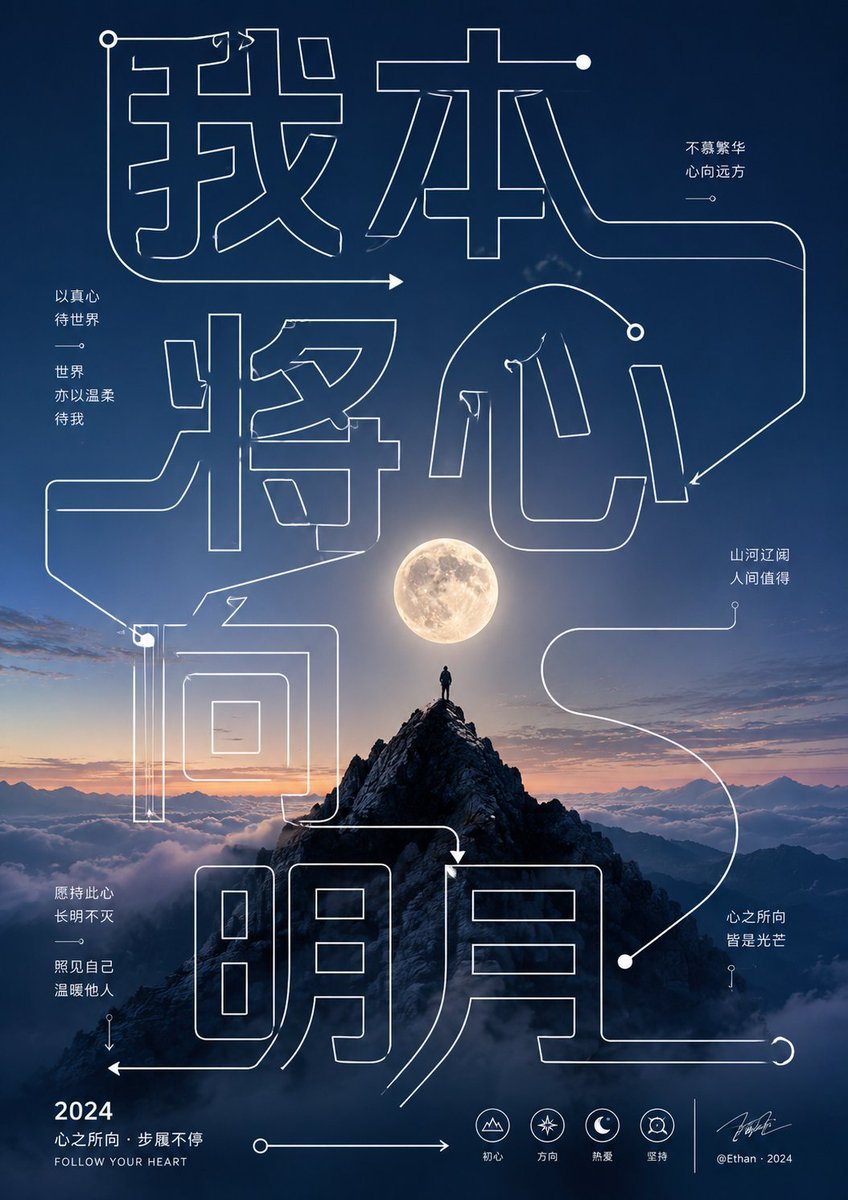
- Prompt included
- Model and format preset
- Free template
The prompt behind this image
Copy the exact prompt behind Artistic Hollow Line Font Redraw, or open it in the studio and make it yours.
主题关键词拆解为巨大的空心单线字形和导向笔画,线条跨越整个画面并与主形体前后穿插,字形内部保持透明,让背景和主体仍然可见。线条使用均匀粗细、直角转折、长弧线、箭头端点和圆点节点,形成从上方标题到中心主体再到底部信息区的阅读路径,既像文字又像路线图。少量正文以干净无衬线字体分成短句块,贴近大字的留白或主体两侧,层级清楚,底部可放小型信息标识与署名,所有文字都服务于节奏和尺度,不抢夺主形体\n\n本次文字:{argument name="文字" default="我本将心向明月"}
How to use Artistic Hollow Line Font Redraw in 3 steps
- 1
Open
The prompt is already in the box next to the preview, with the template's model and format selected.
- 2…a portrait of your subject in softgolden-hour light, 85mm…
Personalize
Edit the subject and creative details for your destination.
- 3Generate
Generate
Press Generate — your image is created in PicX Studio, so you can compare it with the original and refine one variable at a time.
More like this
Templates with the same subject, style or setup. Open one to see its prompt.

Artistic Patchwork Fashion Portrait Spring Festival
Artistic Patchwork Fashion Portrait Spring Festival
Blue Pencil Sketching
Pencil Sketch
Two A.M. Coastline Album Cover
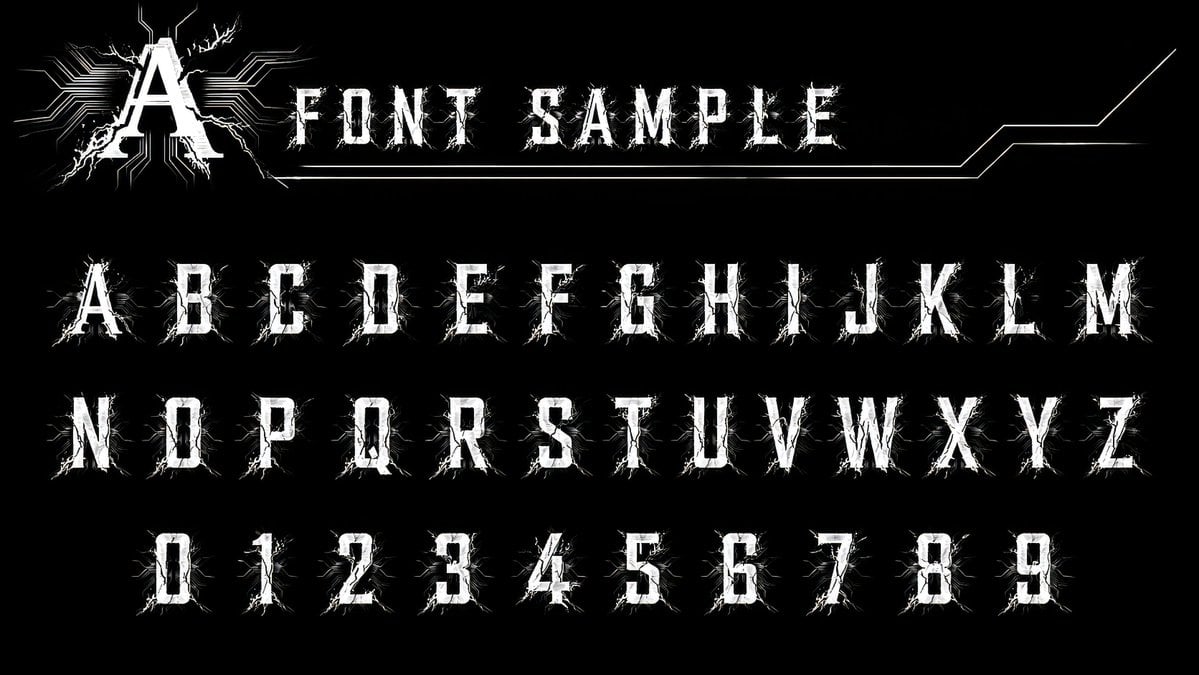
Alphanumeric font catalog prompt
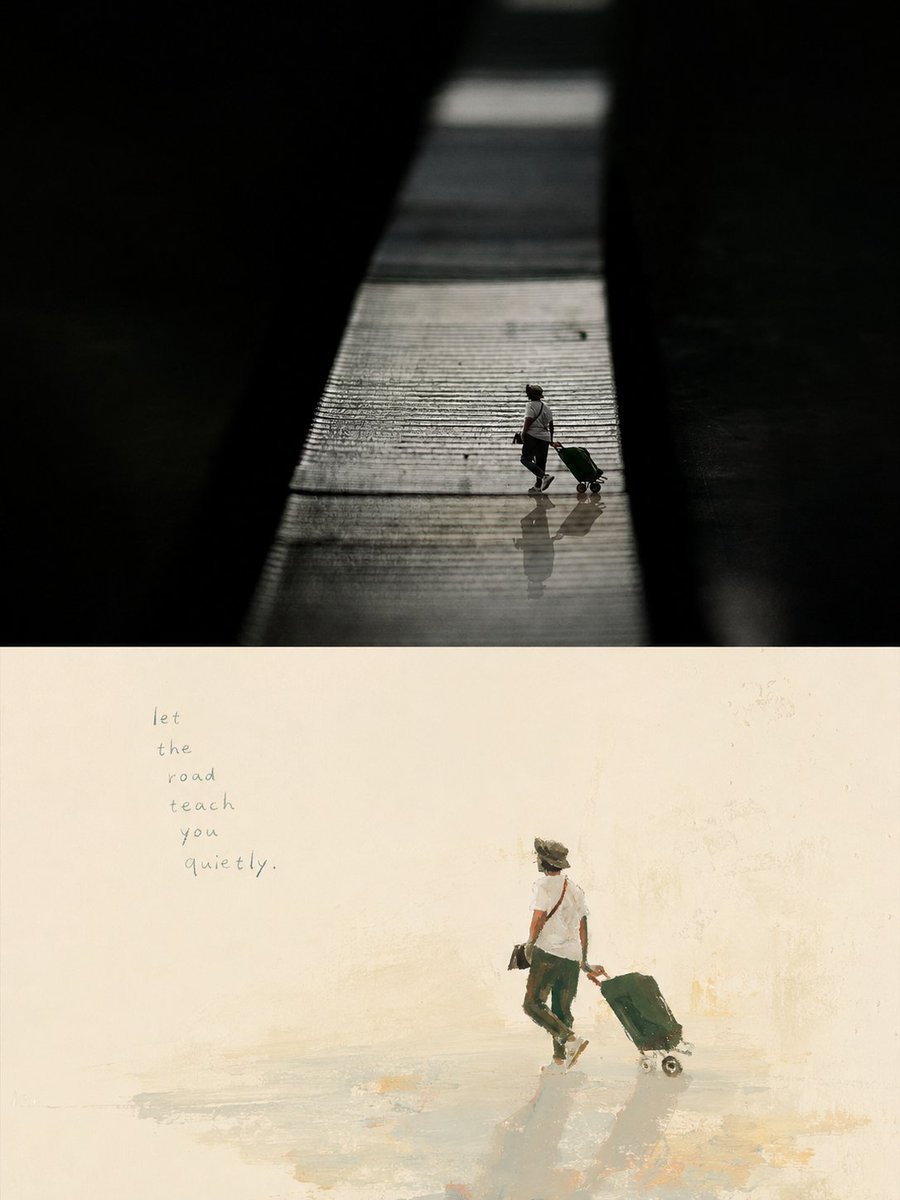
Artistic Memory Collage Poster
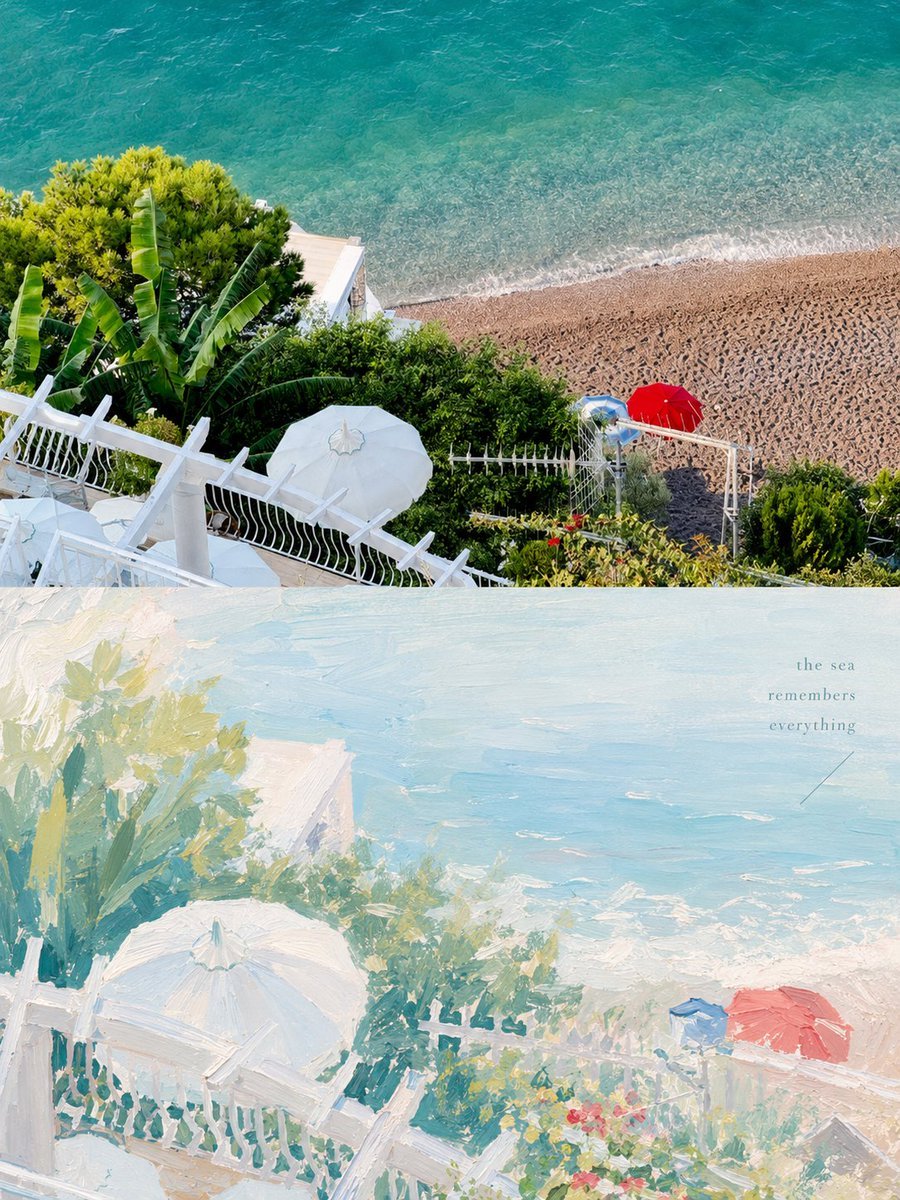
Healing Pastel Style Artistic Reconstruction
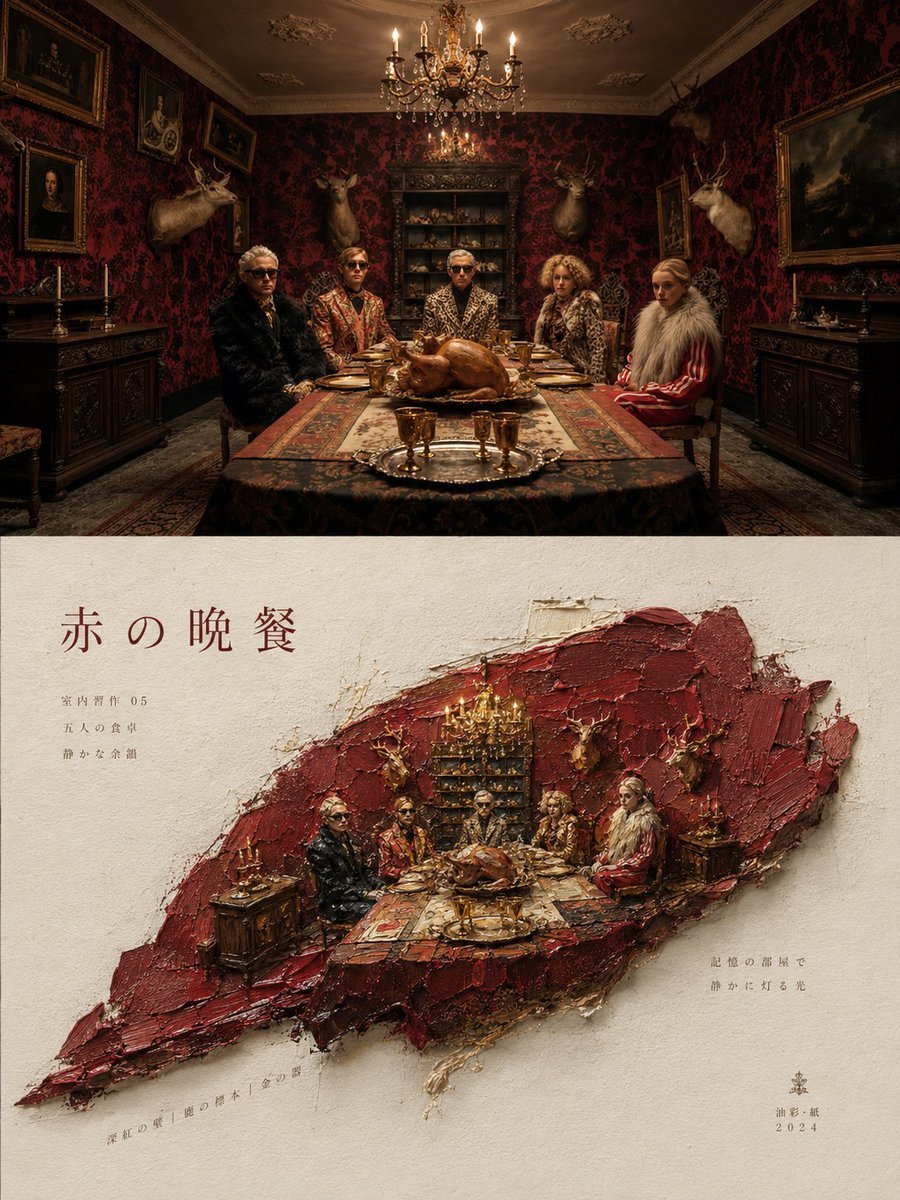
Artistic Magazine Design Poster Layout

Brand Sticker Sheet Monoline Vector

Artistic portrait of an elegant Asian woman wearing a black silk
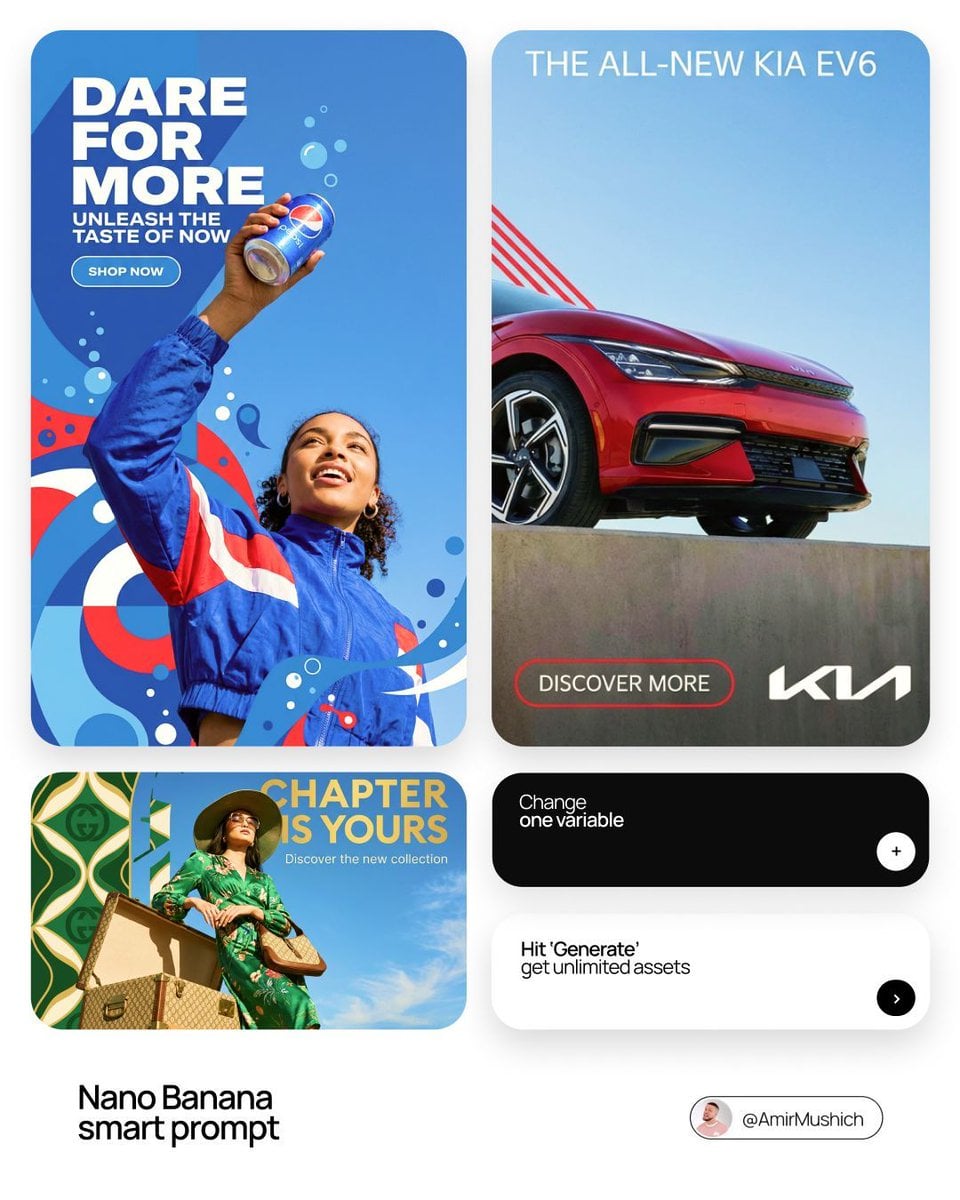
In a bold, modern Sans-Serif font
Make it yours
Artistic Hollow Line Font Redraw works as-is. These are the safest ways to change it without losing the look.
Change one field
Copy a single group, rewrite it, and generate again so you can see what that field is doing.
Keep the frame, change the subject
Hold the composition and light of Artistic Hollow Line Font Redraw, then swap wardrobe, props or the person for a new take.
| If the result… | Why | Fix |
|---|---|---|
| The result drifts from the preview | Too many fields changed at once. | Reuse Artistic Hollow Line Font Redraw as-is first, then change one group — subject, light, or setting. |
| The model over-stylizes the scene | The prose prompt leaves finish and camera underspecified. | Add one camera or lighting sentence and stay on GPT Image 2. |
More GPT Image 2 templates
Other prompts made for GPT Image 2.

Six VTuber Japanese Logo Sheet

Realistic Portrait of Woman and Deer

The Vista Modular Condo Poster

AI Model Routing Comparison Infographic

2.5D Anime Art Board

Isometric Productivity Desk Scene

New York Double Exposure Poster

Four-Panel AI Landscape Comparison

Japanese Tatami Lifestyle Magazine Cover

NESCAFÉ Coffee Map Poster
More image prompts
Fresh picks from across the catalog.
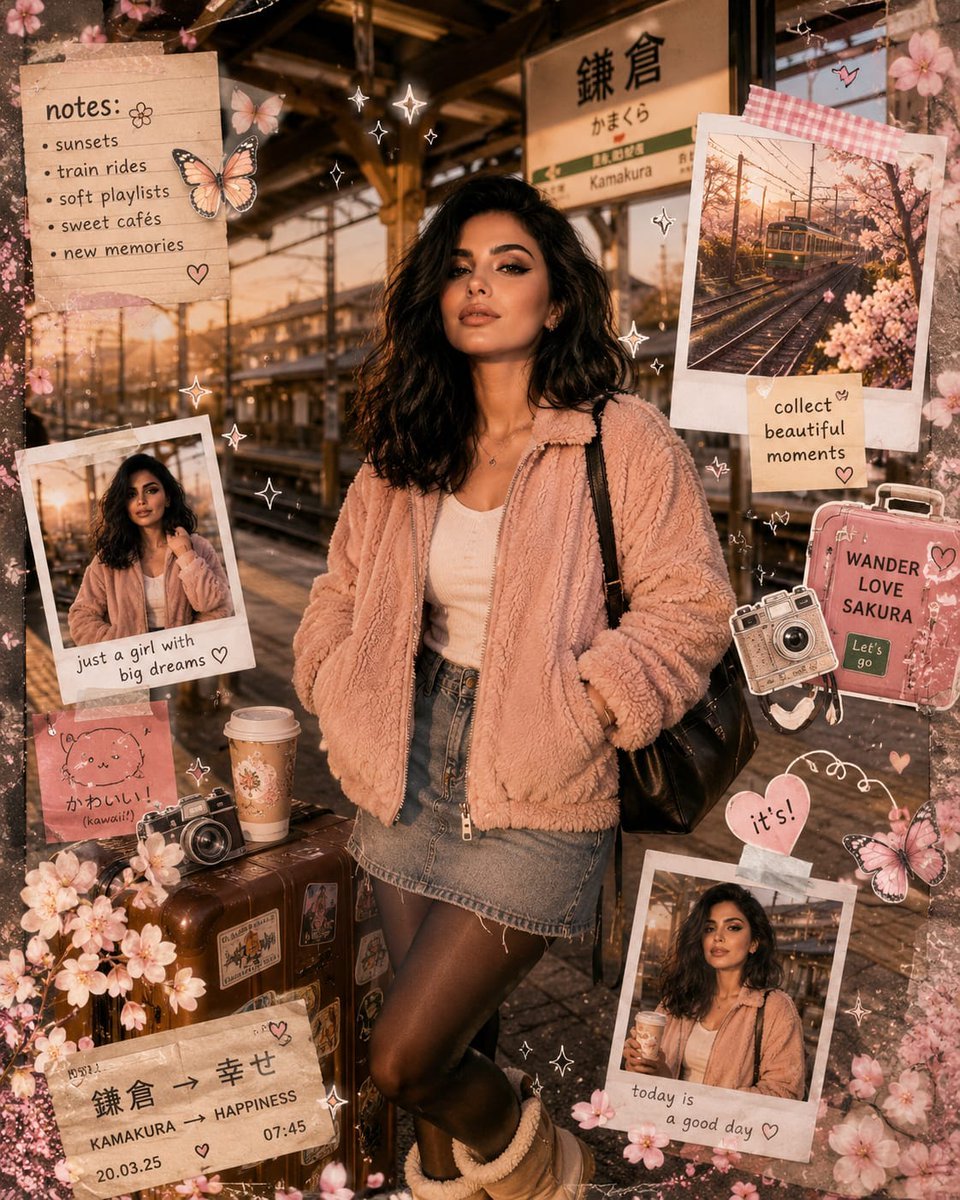
Kawaii Journal and Miniature Diorama Styles
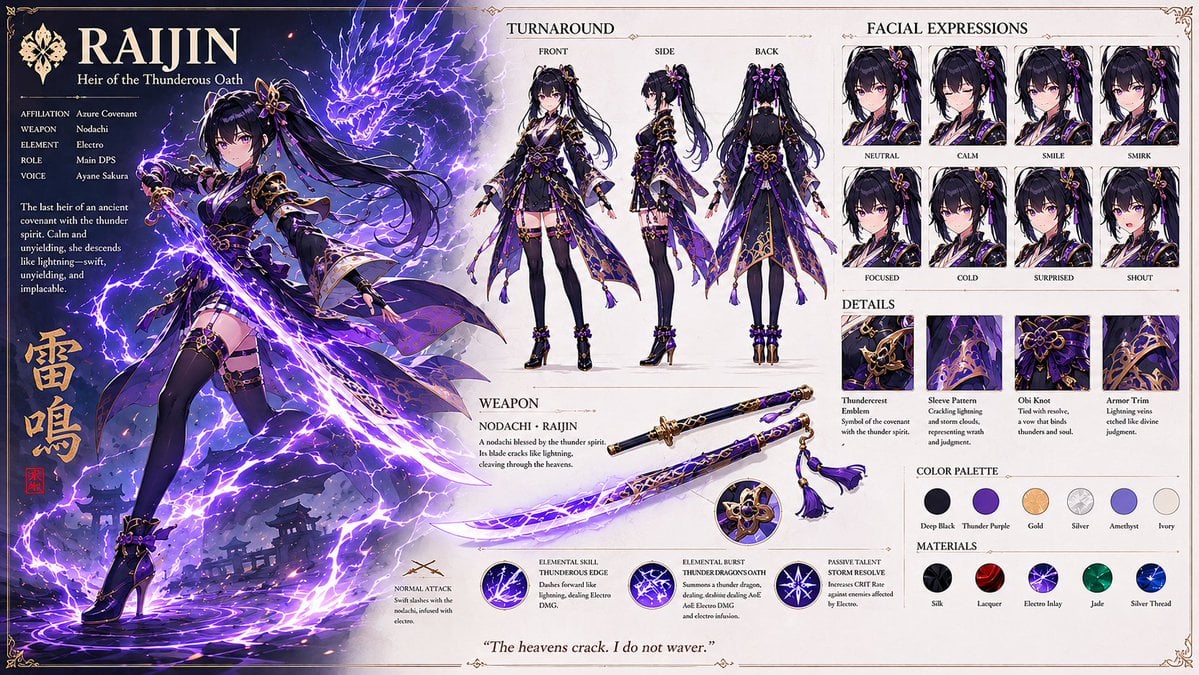
Anime RPG Character Design Sheet
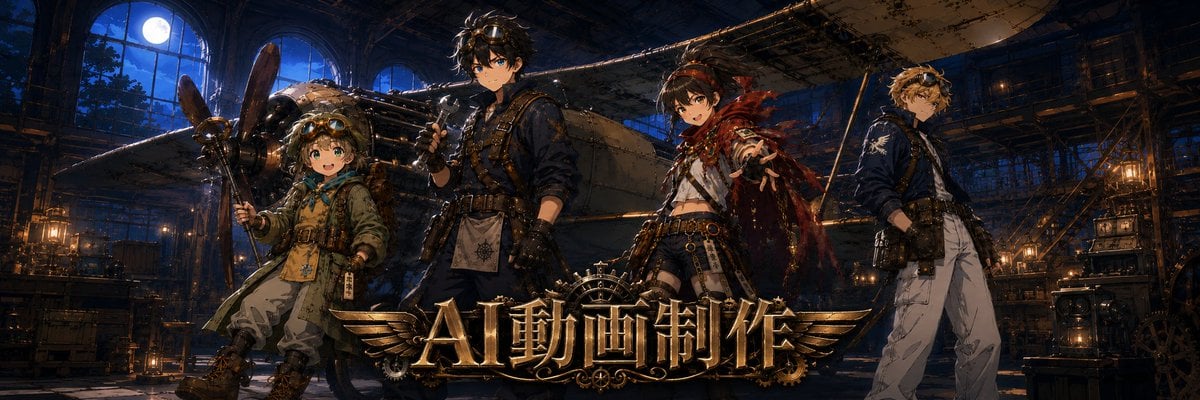
Twitter Header Image Resizer
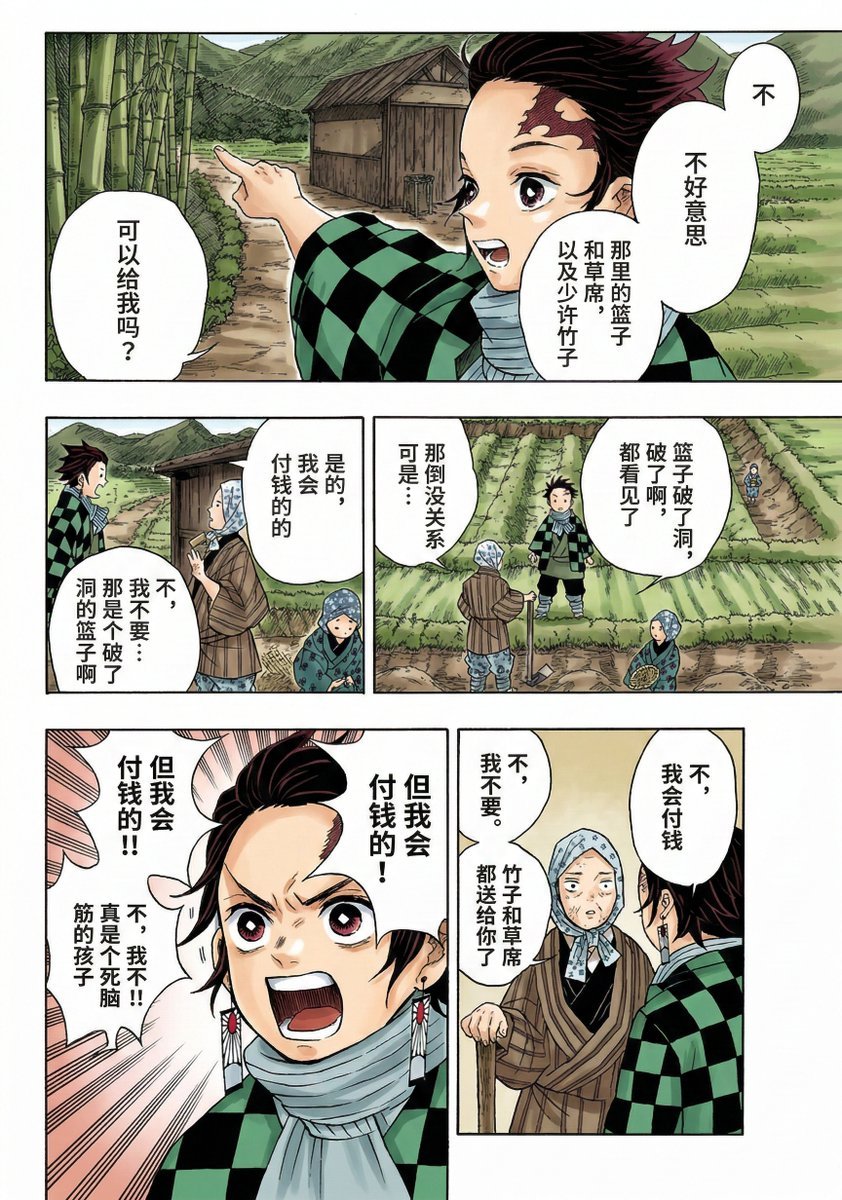
Nano Banana 2 Comic Coloring Prompt
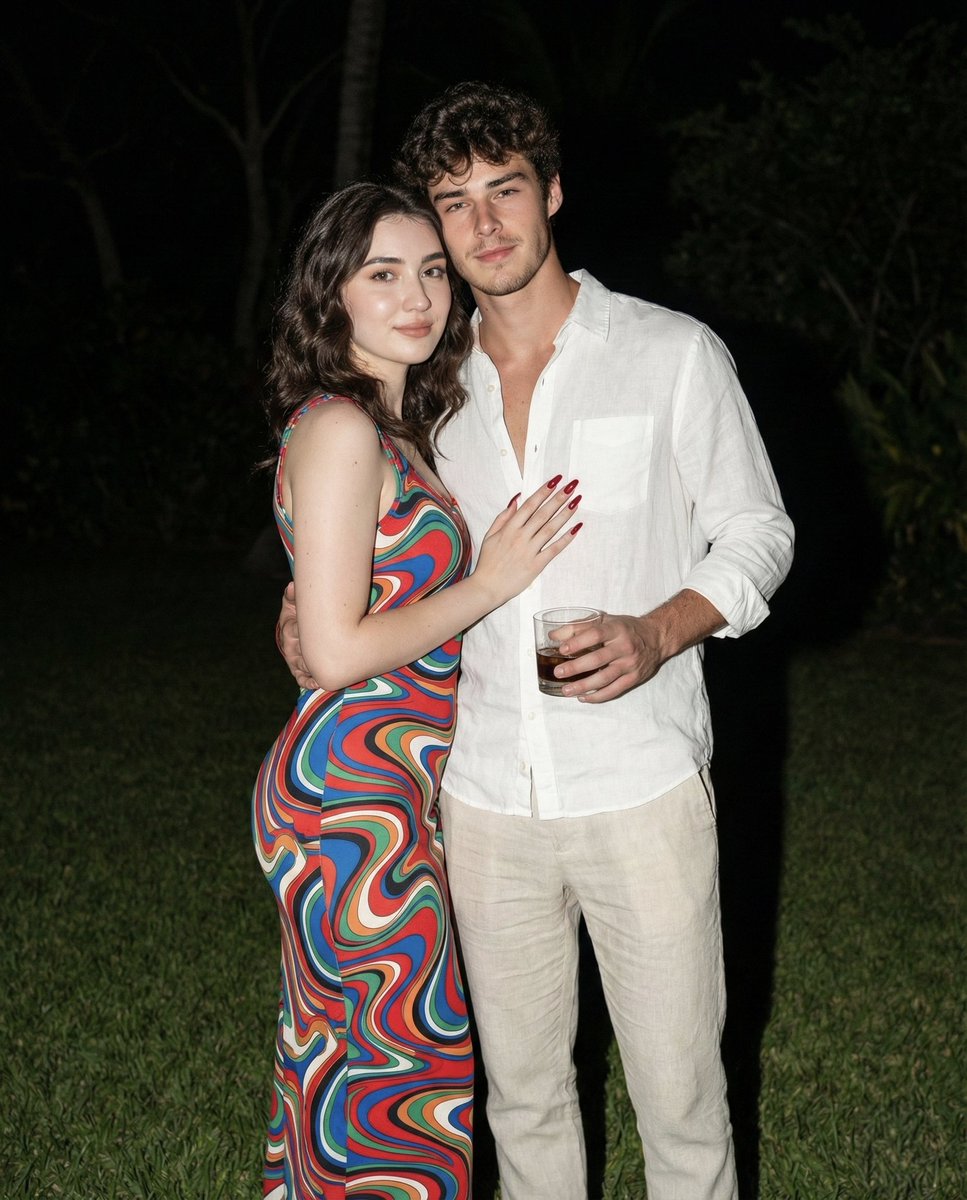
Nighttime Lifestyle Couple Portrait with Direct Flash Prompt
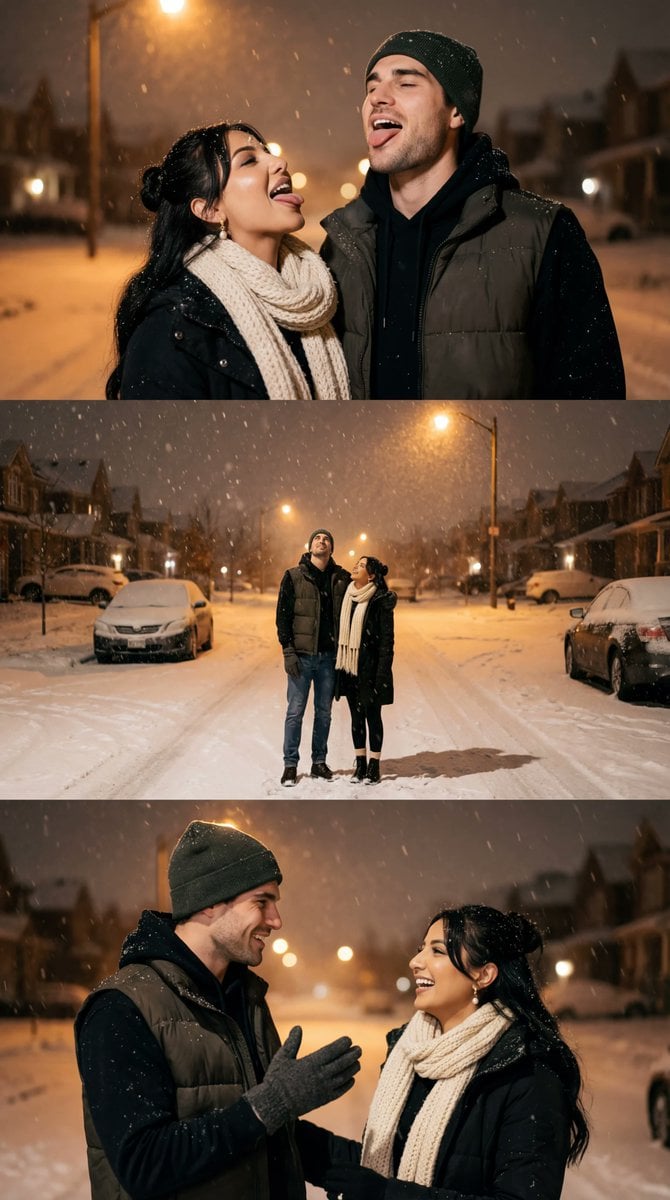
Cinematic Winter Night Couple Triptych
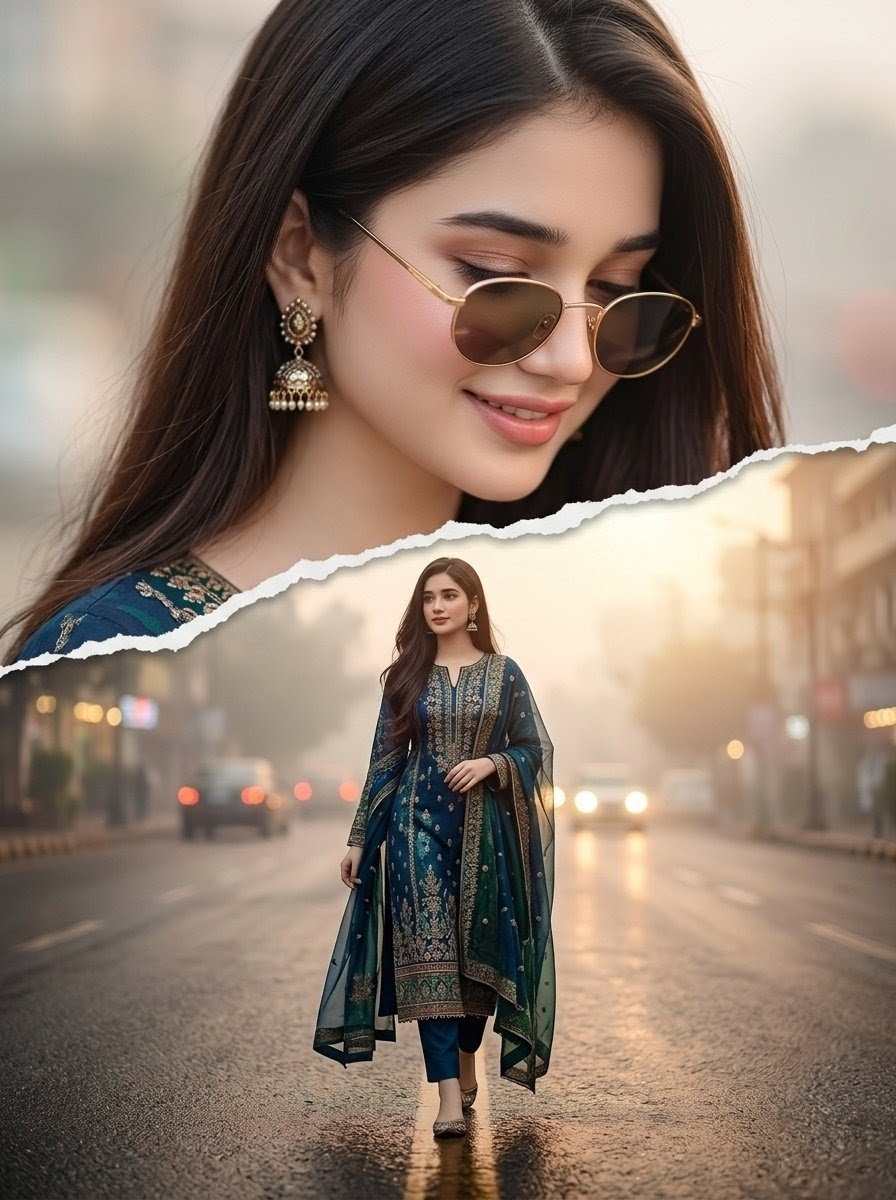
Cinematic Paper Tear South Asian Portrait
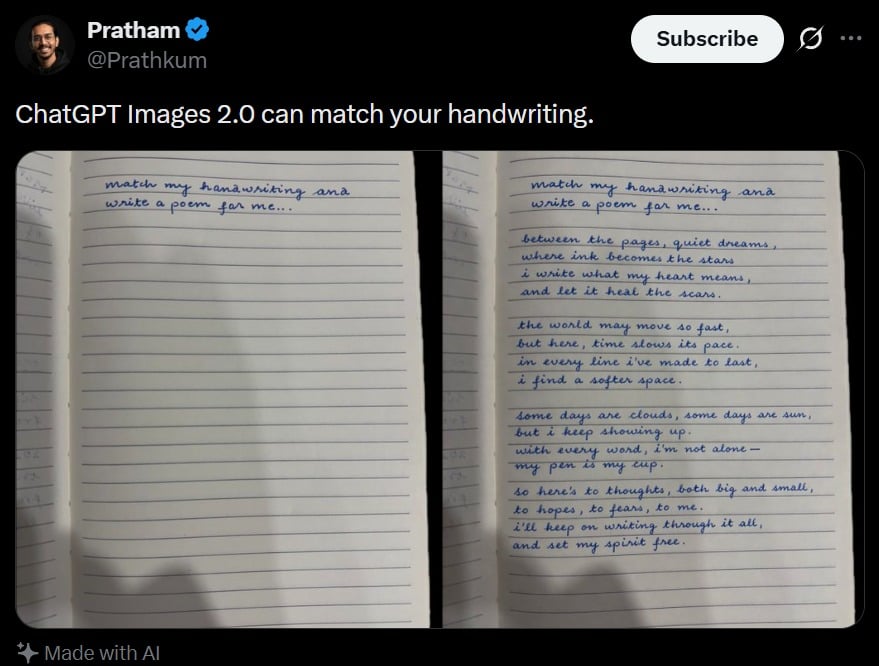
Tweet Screenshot With Handwriting Match
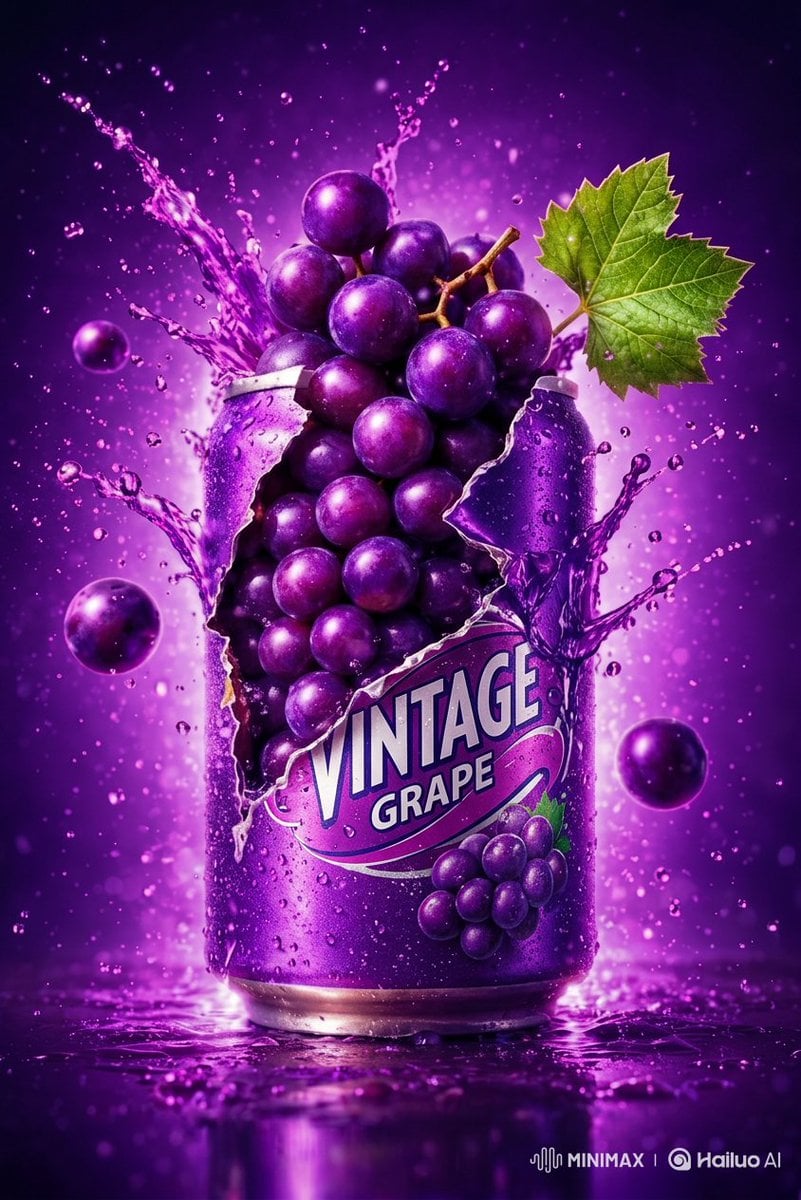
Commercial Product Photography: Soda Splash Series

Mecha Girl figure concept generated by Nano Banana Pro
Browse template categories
Artistic Hollow Line Font Redraw questions
How do I use the Artistic Hollow Line Font Redraw template?
Add your photo if the template asks for one, edit the prompt if you like — the template's model and format are already selected — and press Generate. Your version opens in PicX Studio.
Can I customize the Artistic Hollow Line Font Redraw template?
Yes. You can change the subject, setting, lighting, mood, format, and available model controls before creating your image.
Is the Artistic Hollow Line Font Redraw template free?
Opening and editing this template is free. Generating uses credits, shown on the Generate button when you are signed in.
Which AI model should I use?
Start with GPT Image 2, which is the model associated with this template. You can compare another compatible model for a different finish.
Looking for something else? Browse all templates.

Your photo, any look
Thousands of ready templates for every top image and video model, from one credit balance.