
Pencil Sketch
Pencil Sketch is a ready photo look.
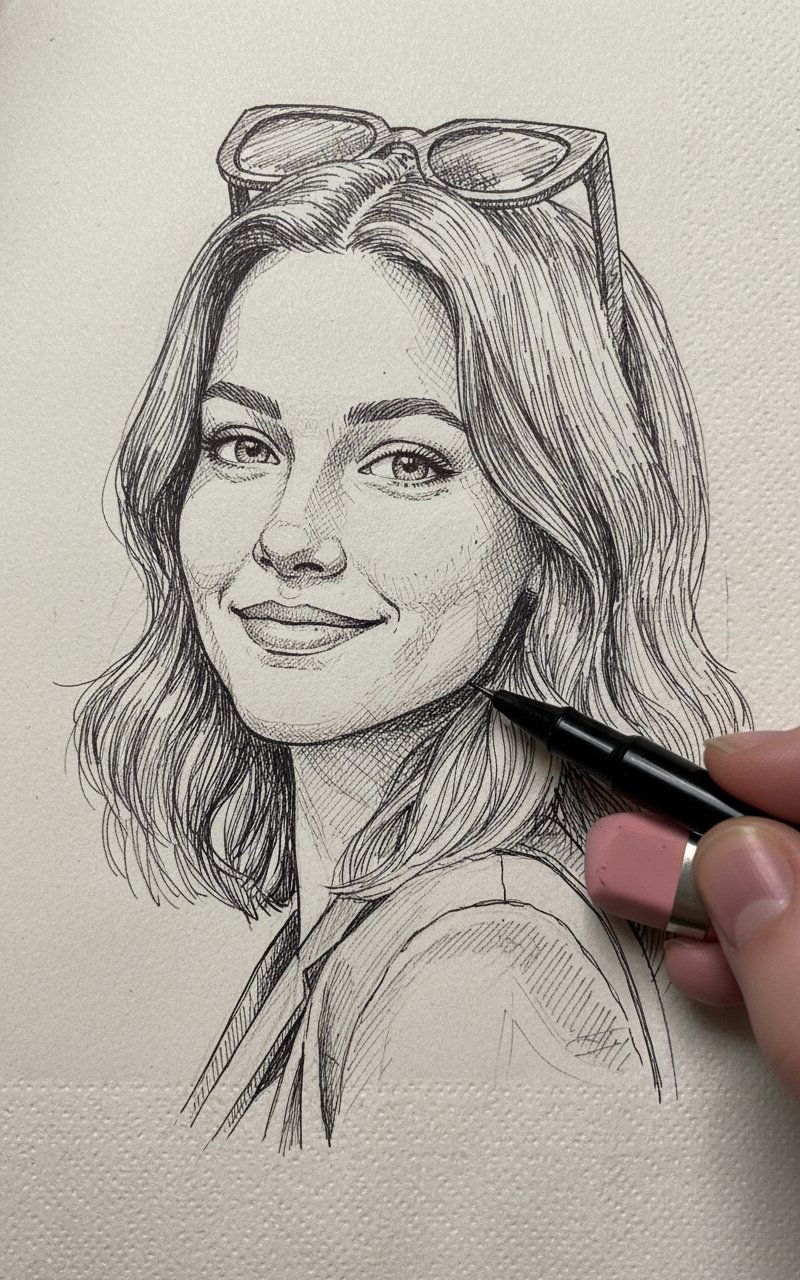
- Prompt included
- Model and format preset
- Free template
The prompt behind this image
Copy the exact prompt behind Pencil Sketch, or open it in the studio and make it yours.
Create a photo-style line drawing / ink sketch of a face identical to the uploaded reference image keep every facial feature, proportion, and expression exactly the same. Use black and white ink tones with intricate, fine line detailing, drawn on a napkin style background. Show a right hand holding a pen and an eraser near the sketch, as if the artist is still working.
How to use Pencil Sketch in 3 steps
- 1Upload ImagePNG, JPG or paste
Add your photo
Upload the photo the template builds on. The prompt, model and format are already set.
- 2…a portrait of your subject in softgolden-hour light, 85mm…
Personalize
Edit the subject and creative details for your destination.
- 3Generate
Generate
Press Generate — your image is created in PicX Studio, so you can compare it with the original and refine one variable at a time.
More like this
Templates with the same subject, style or setup. Open one to see its prompt.
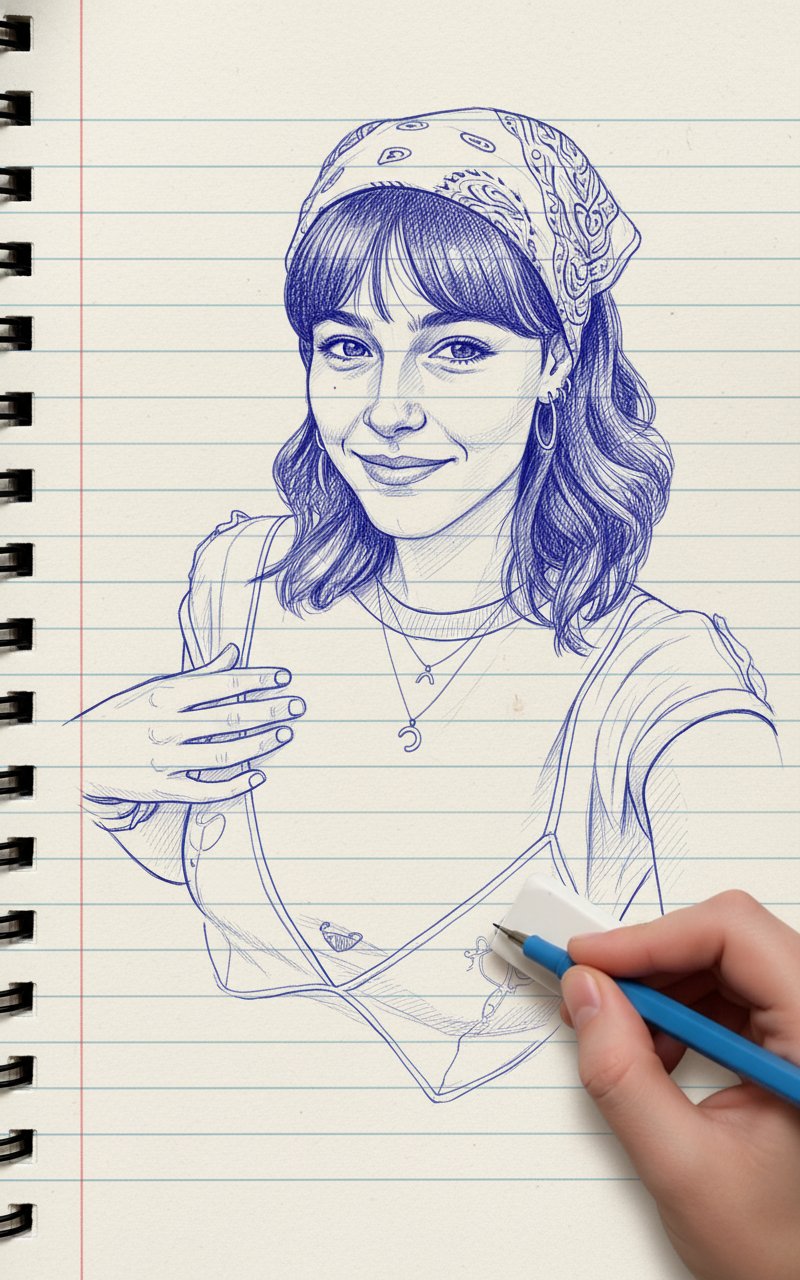
Blue Pencil Sketching
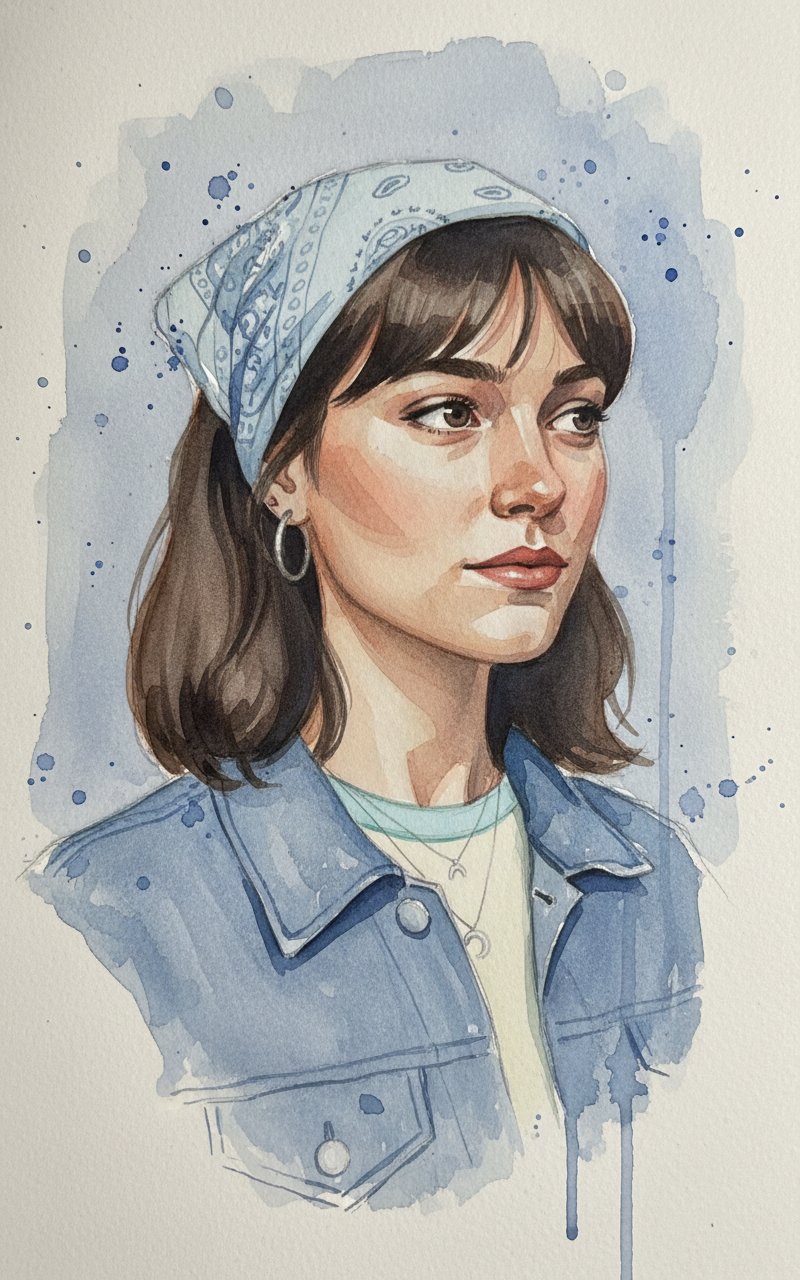
Face Sketching
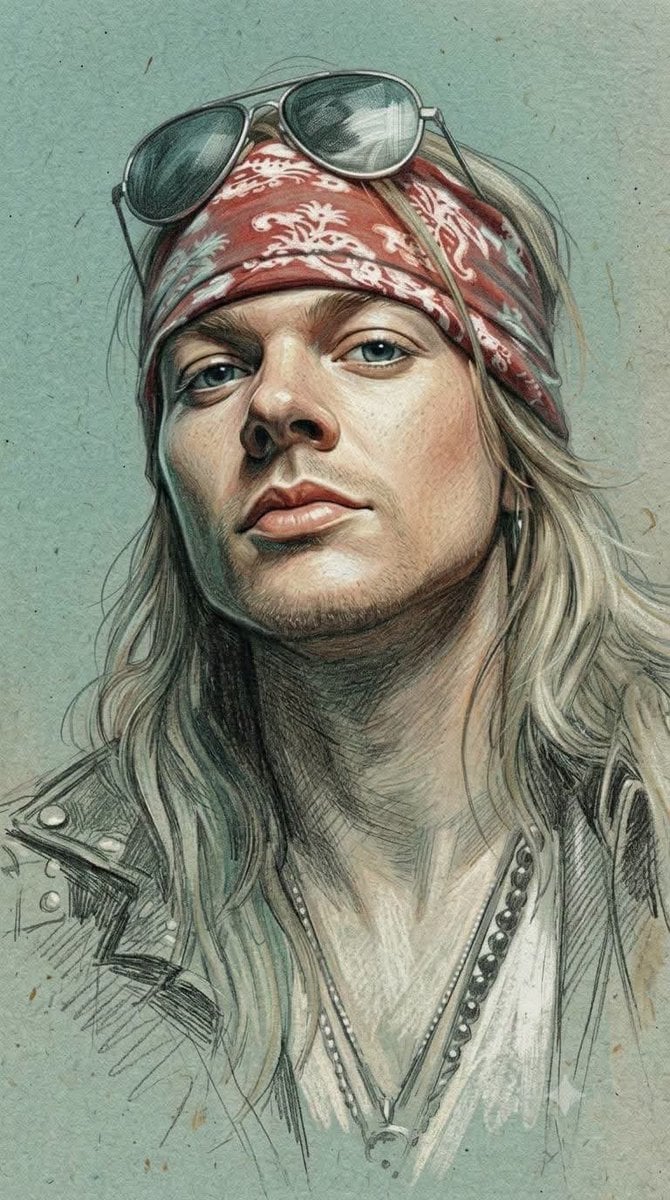
Traditional Colored Pencil Portrait Sketch
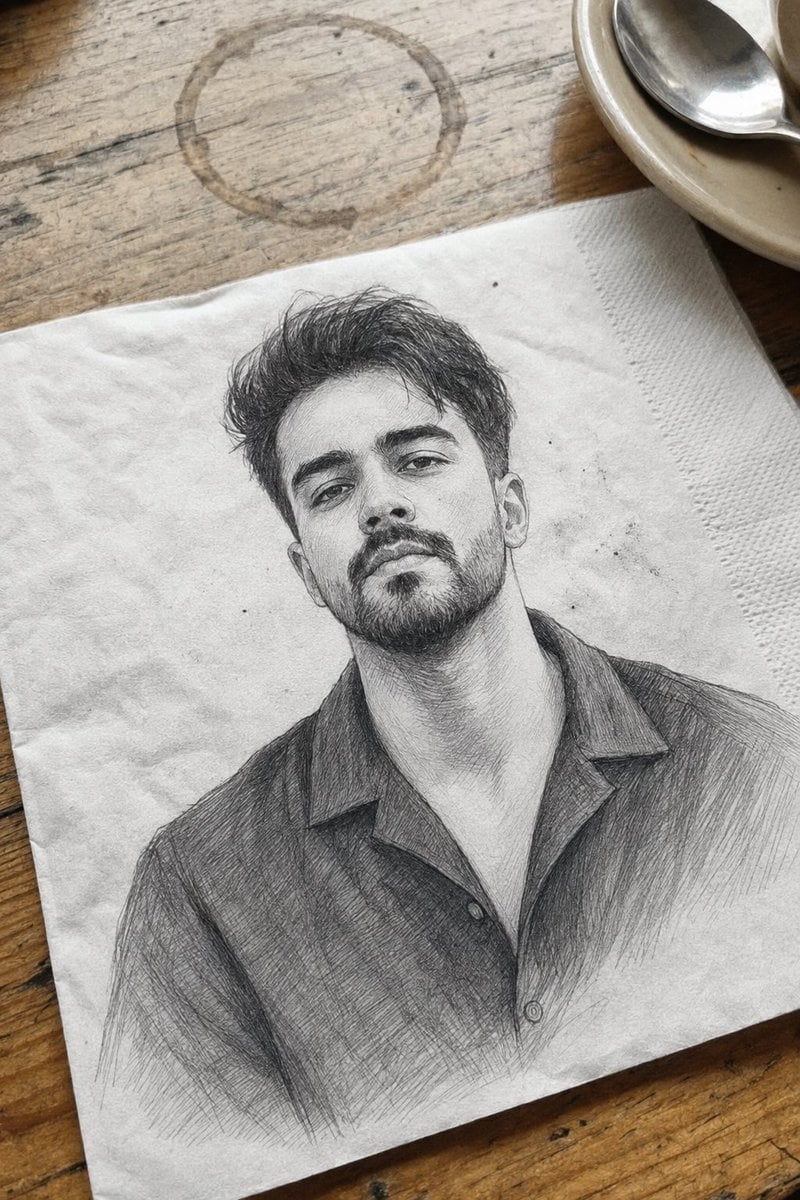
Professional Graphite Pencil Sketch Portrait

Pencil Sketch Coffee Storyboard
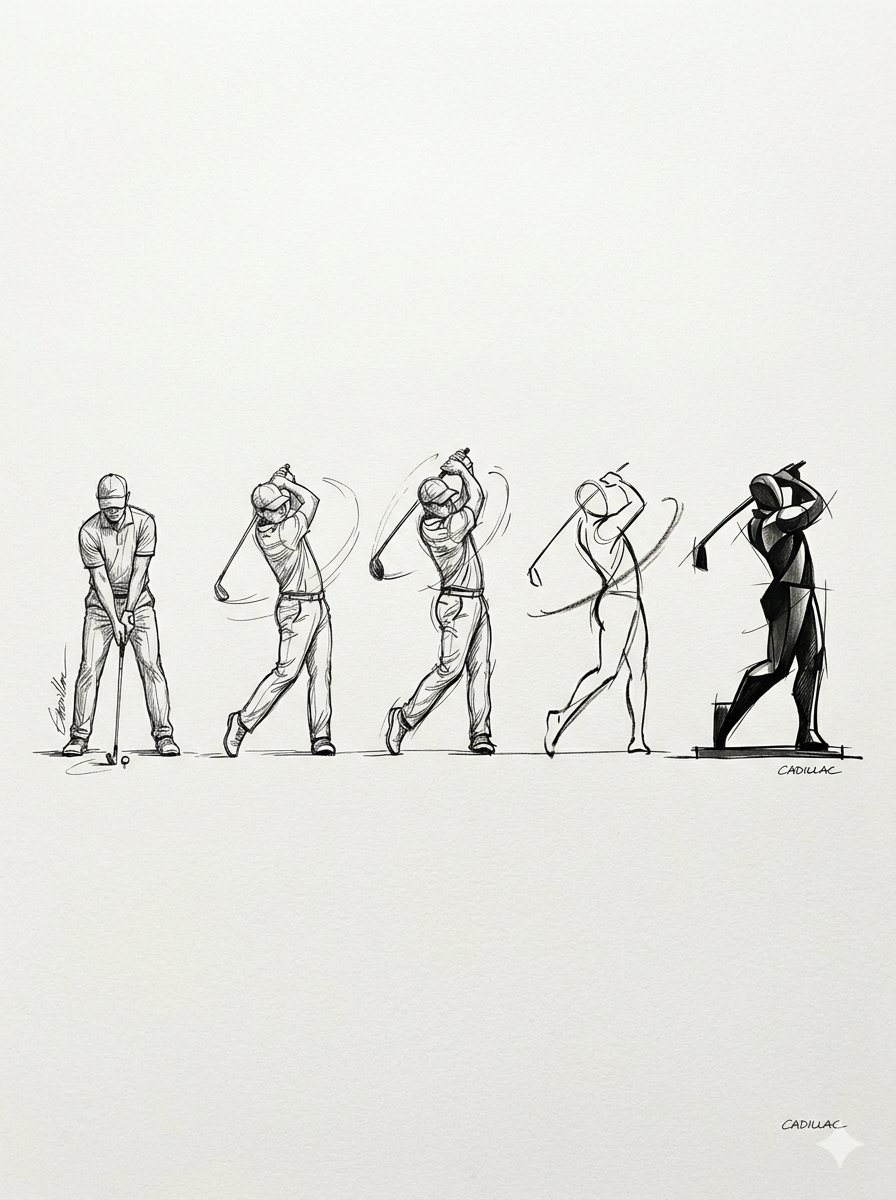
Progressive Golf Swing Artistic Sketch
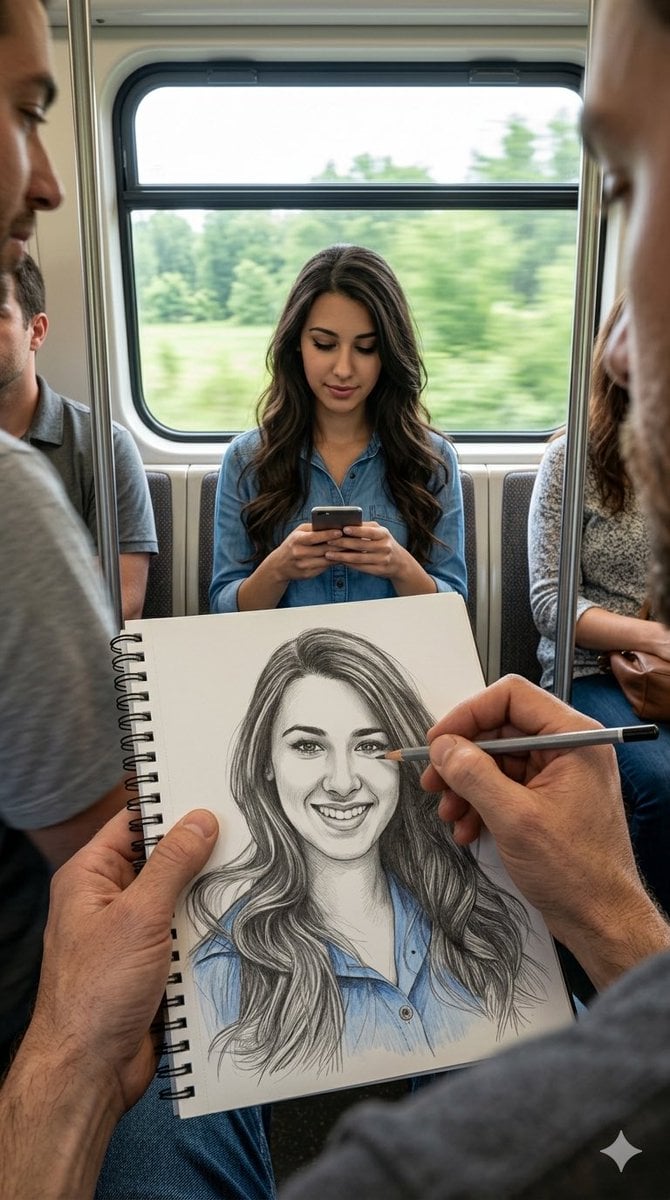
Subway artist sketching perspective
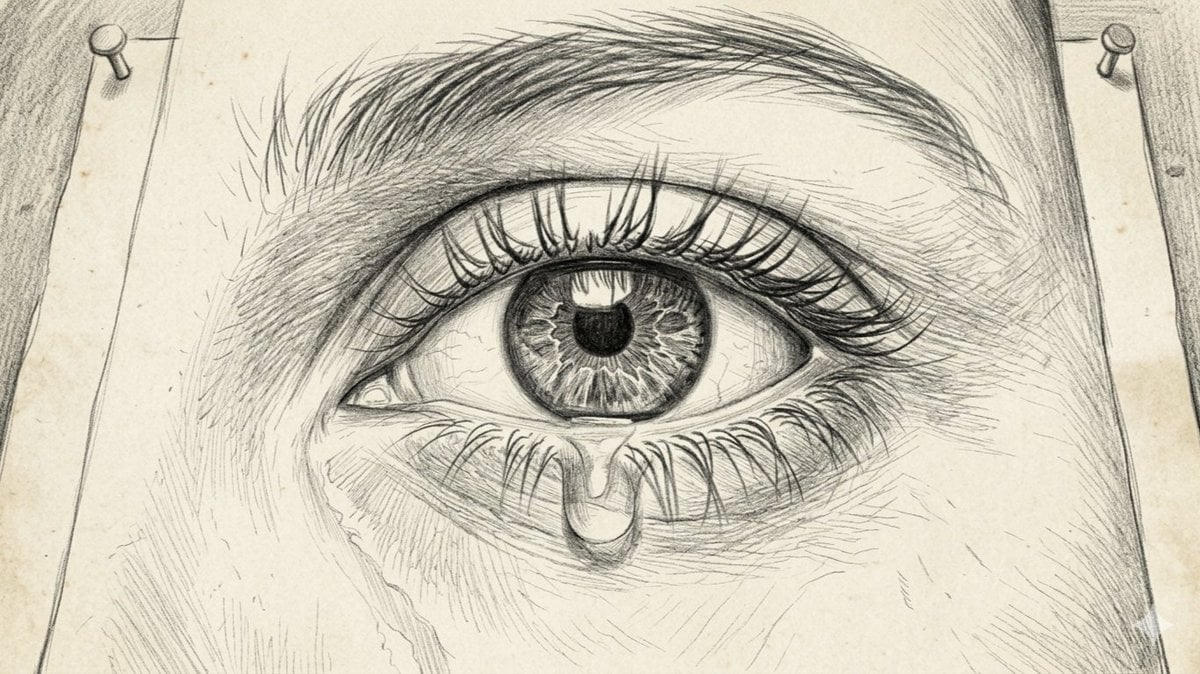
Sorrowful Eye Pencil Sketch
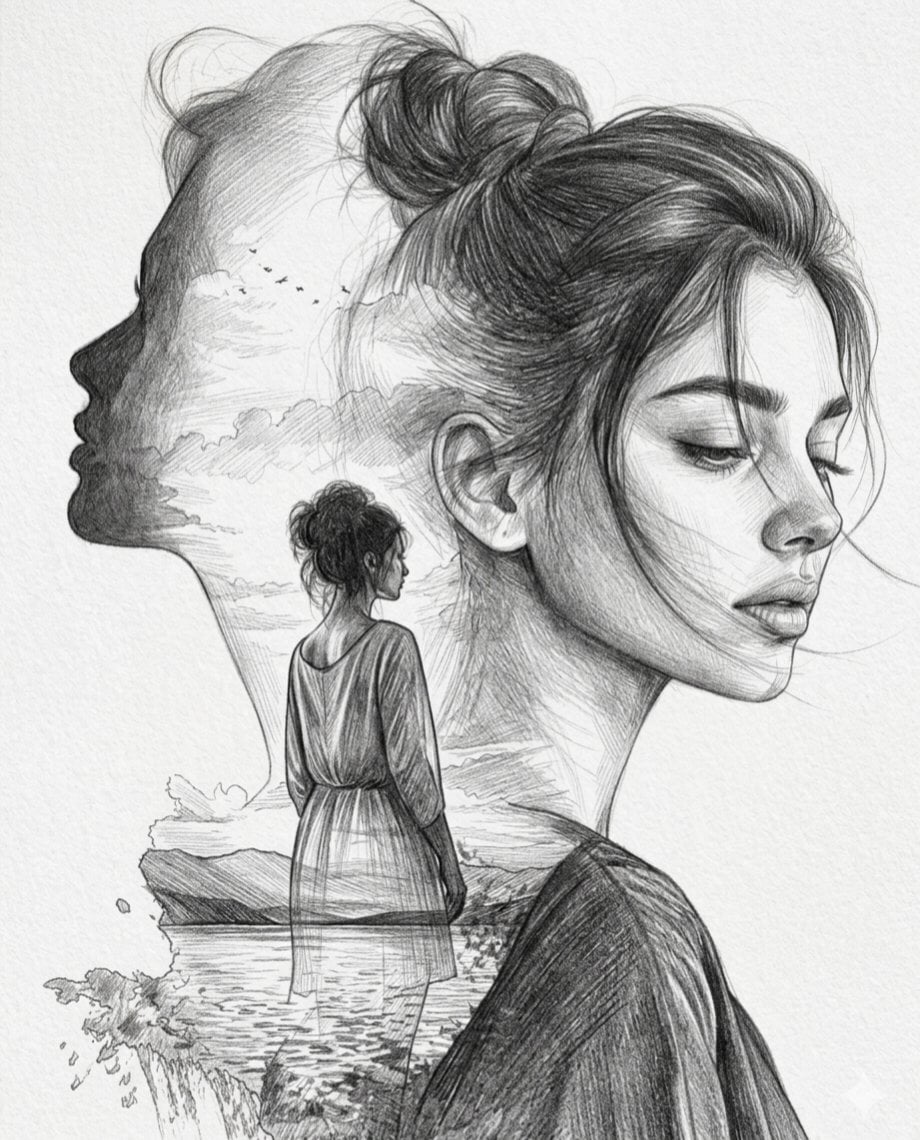
Double Exposure Pencil Sketch Portrait
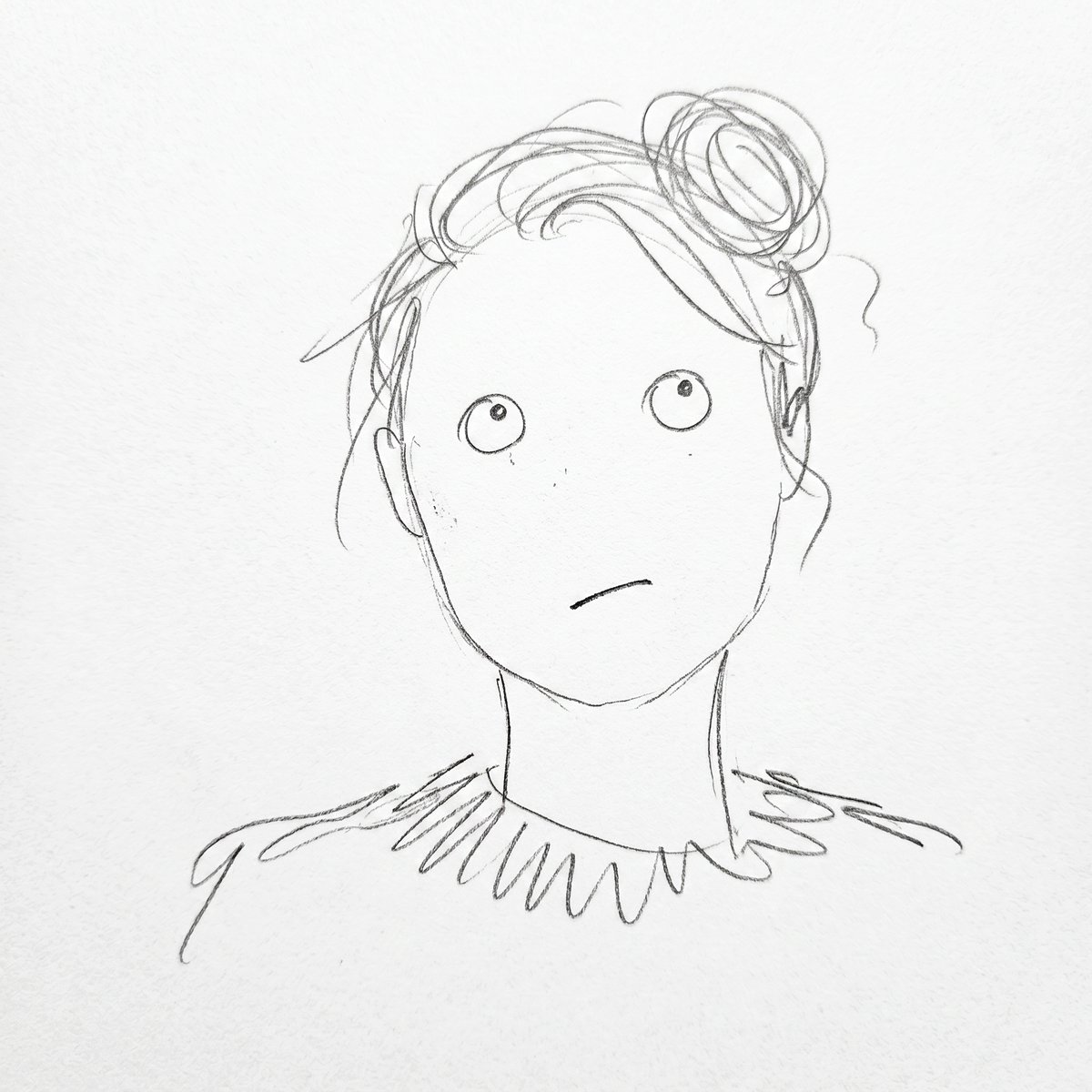
Minimalist Abstract Pencil Drawing
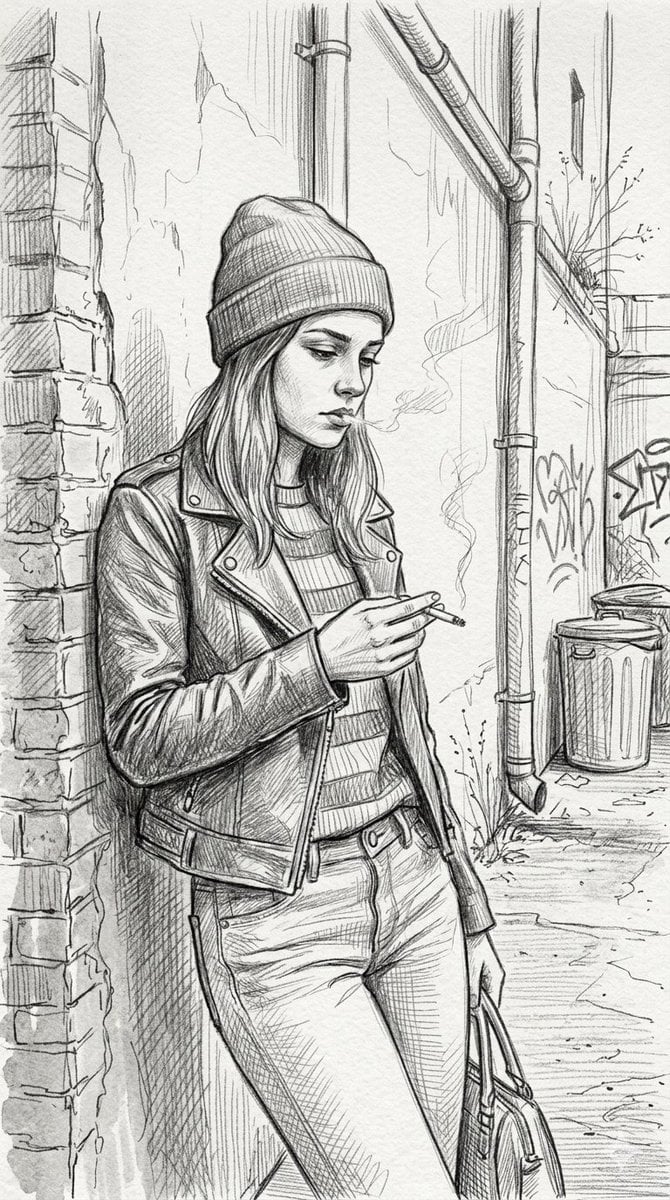
Gritty urban pencil sketch portrait
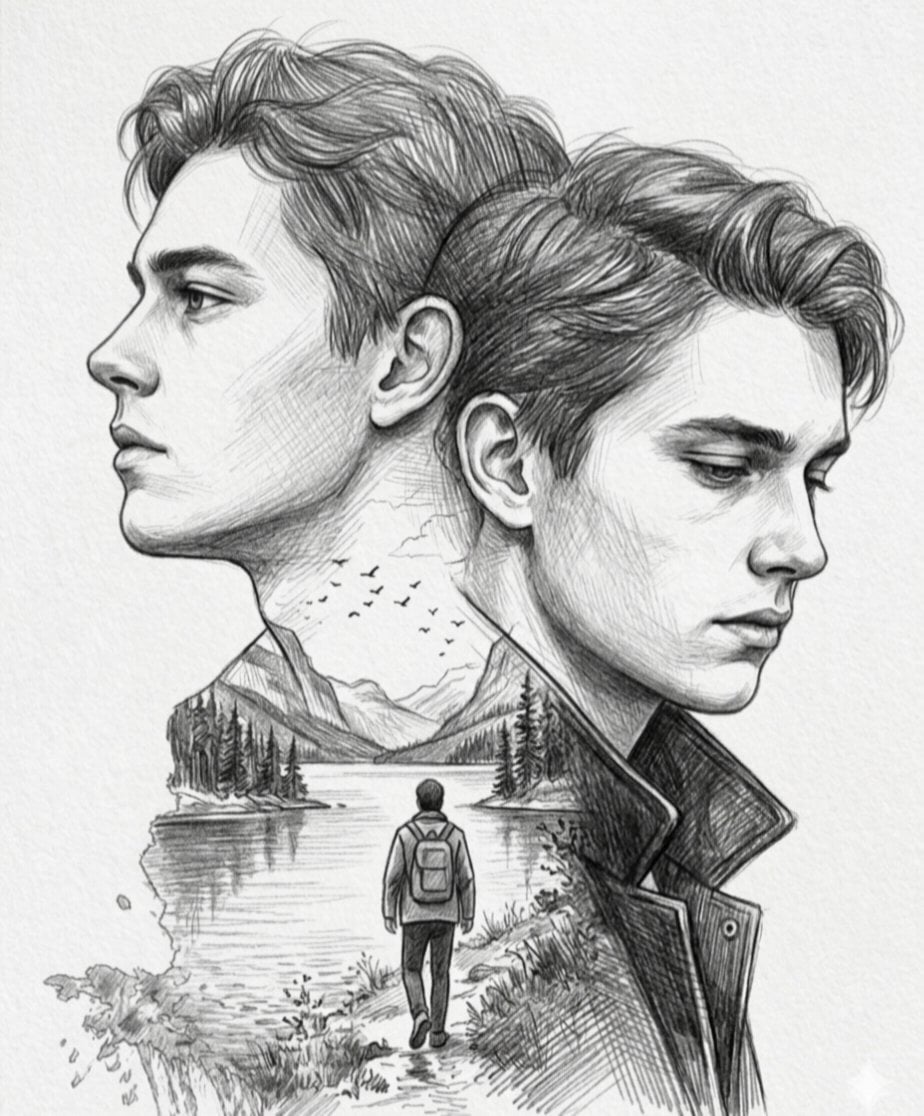
Double Exposure Pencil Sketch
Make it yours
Pencil Sketch works as-is. These are the safest ways to change it without losing the look.
Change one field
Copy a single group, rewrite it, and generate again so you can see what that field is doing.
Keep the frame, change the subject
Hold the composition and light of Pencil Sketch, then swap wardrobe, props or the person for a new take.
| If the result… | Why | Fix |
|---|---|---|
| The result drifts from the preview | Too many fields changed at once. | Reuse Pencil Sketch as-is first, then change one group — subject, light, or setting. |
| The model over-stylizes the scene | The prose prompt leaves finish and camera underspecified. | Add one camera or lighting sentence and stay on PicX Studio. |
More image prompts
Fresh picks from across the catalog.
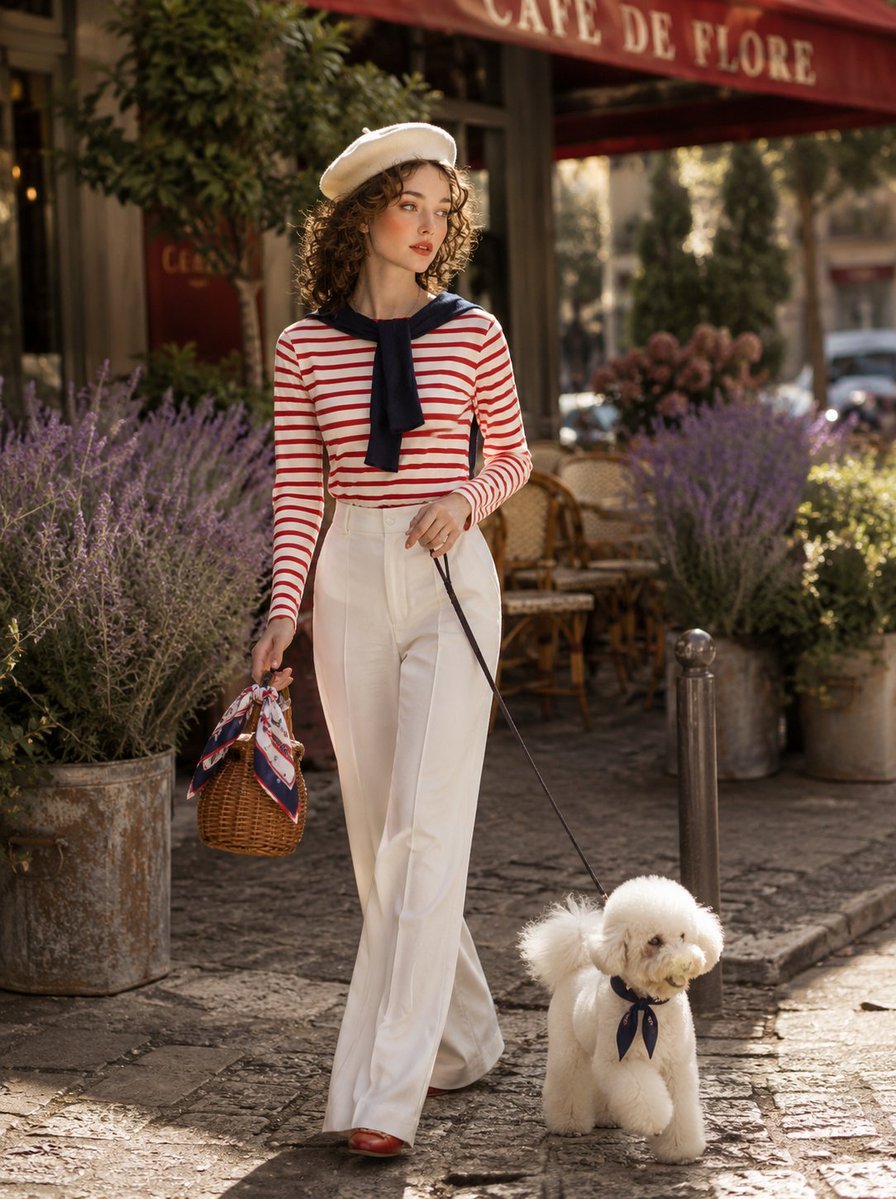
Parisian Café Lifestyle Photography
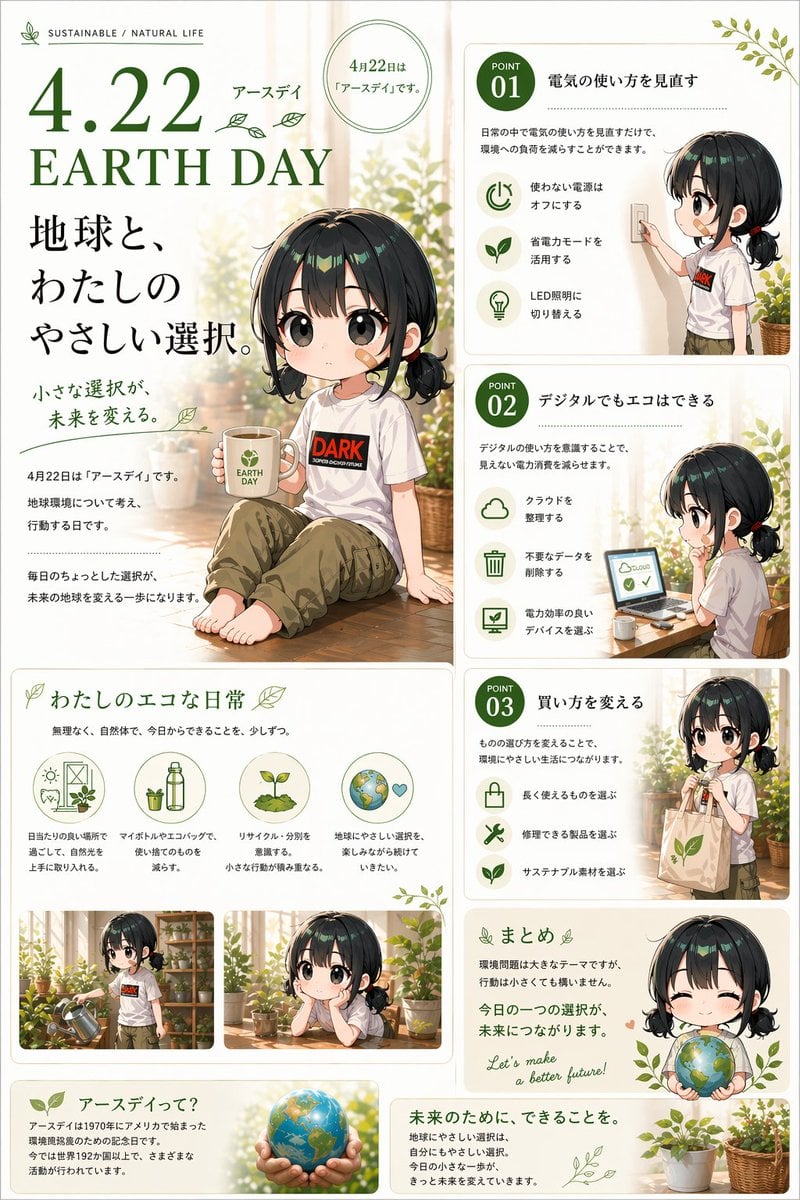
Japanese Earth Day Anime Poster
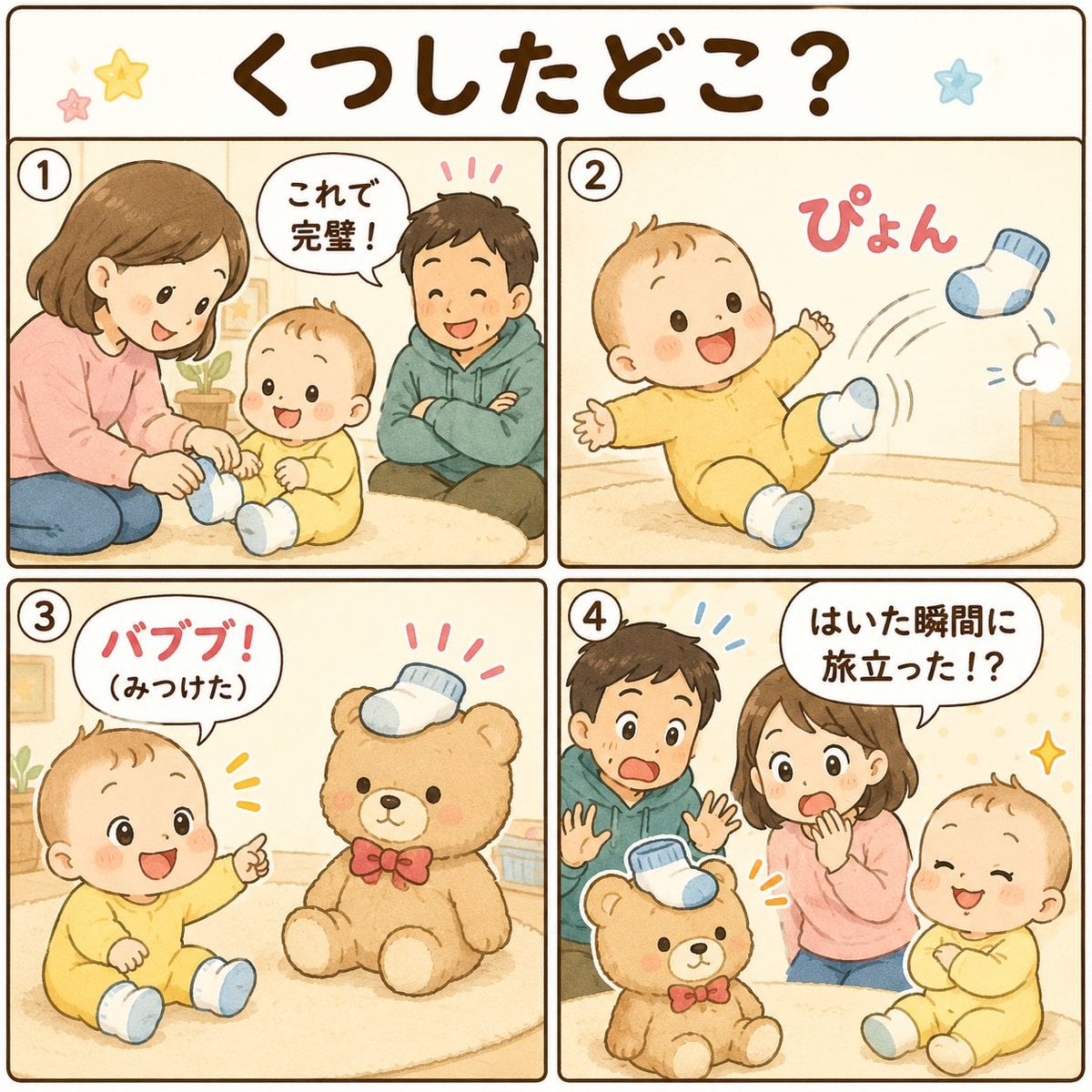
Cute Japanese Baby Sock Comic
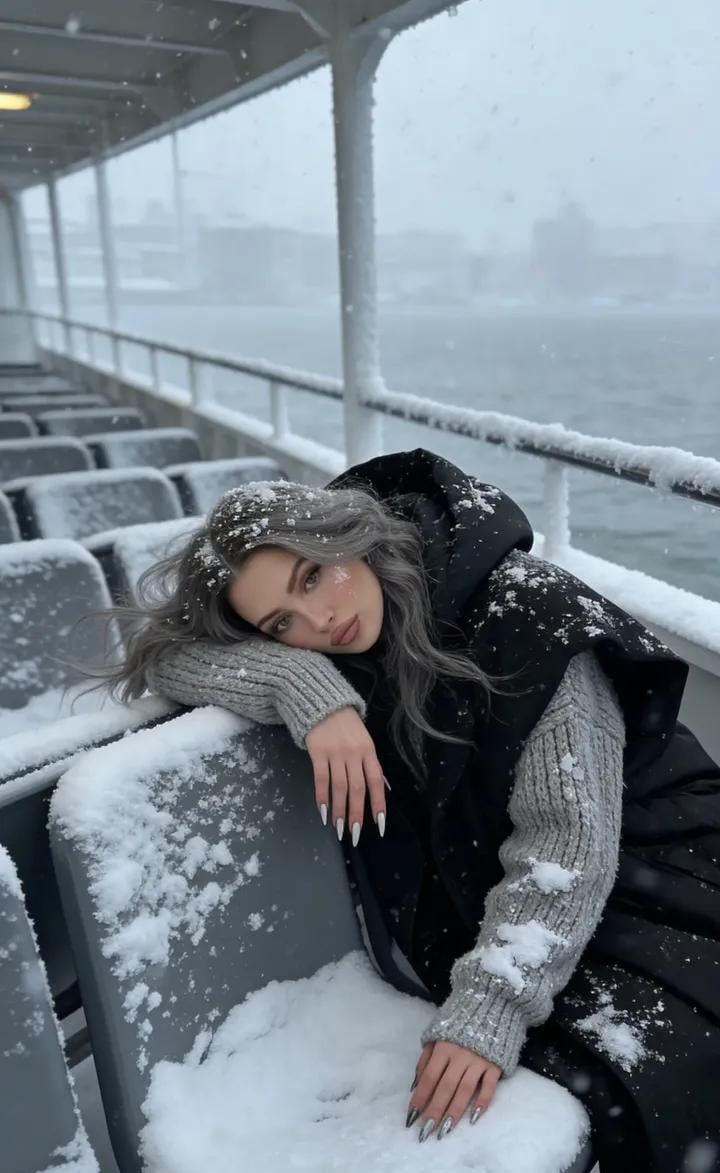
Serene Winter Ferry Portrait
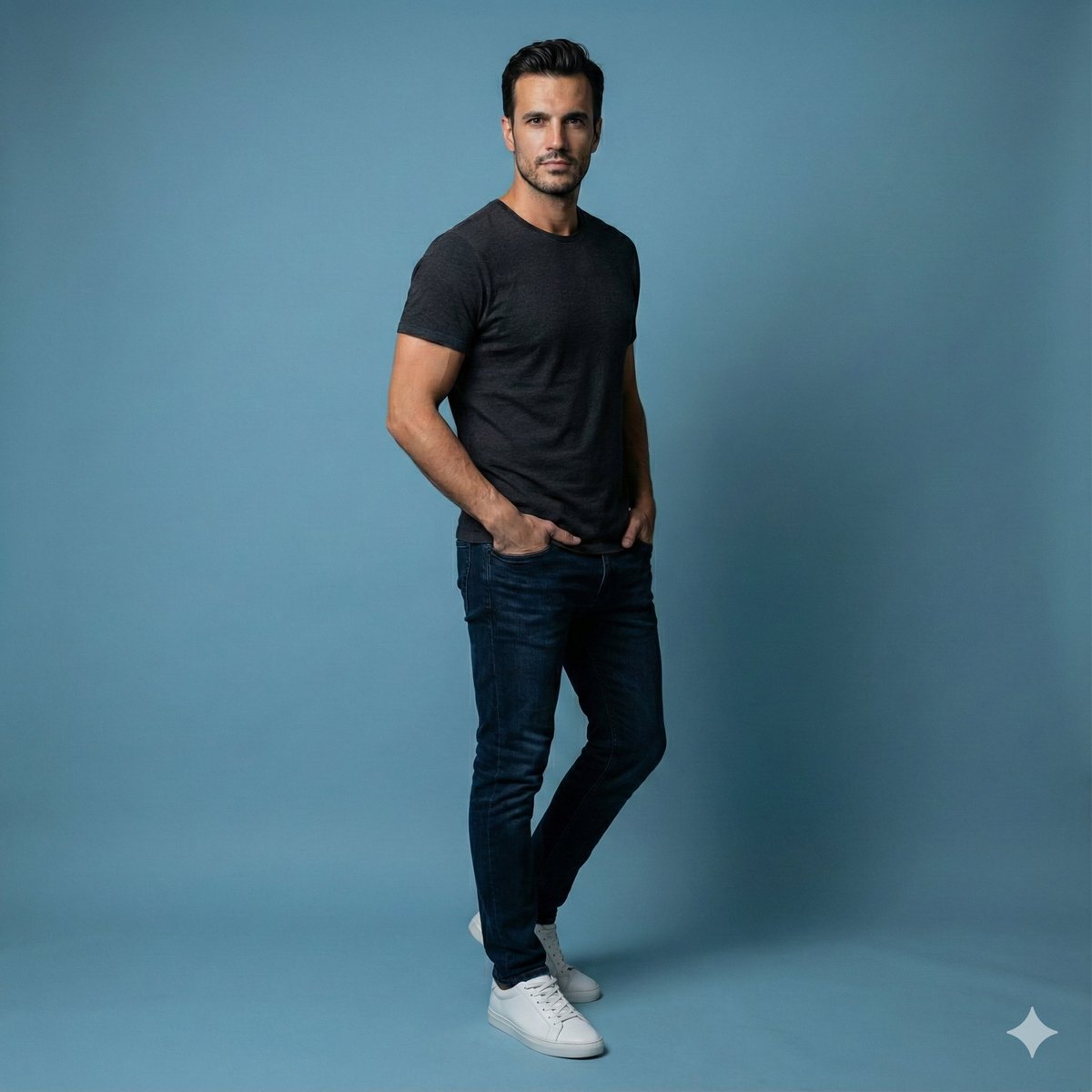
Studio Portrait of Young Man with Focused Lighting
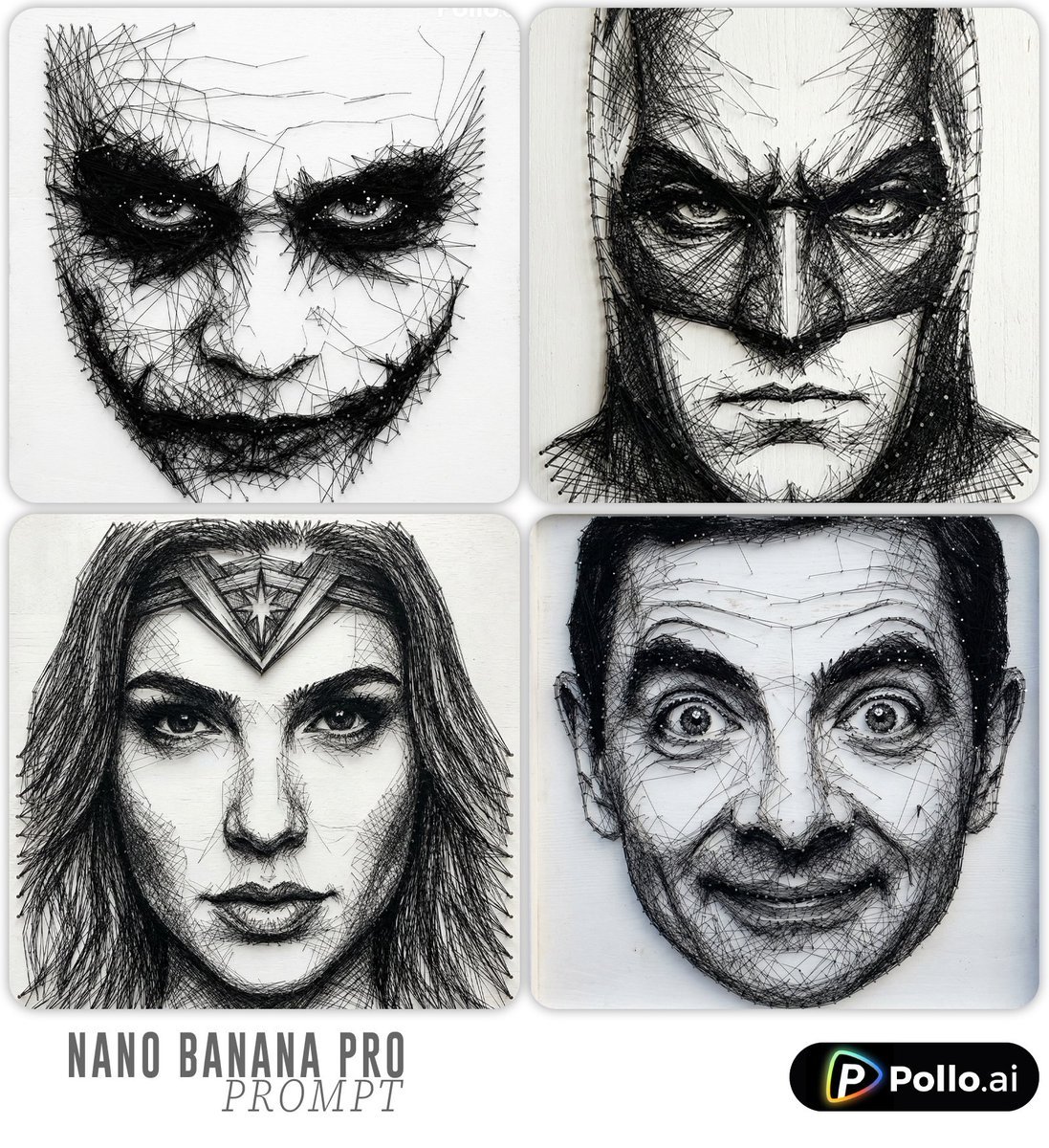
Ultra-detailed Thread Art Portrait Prompt
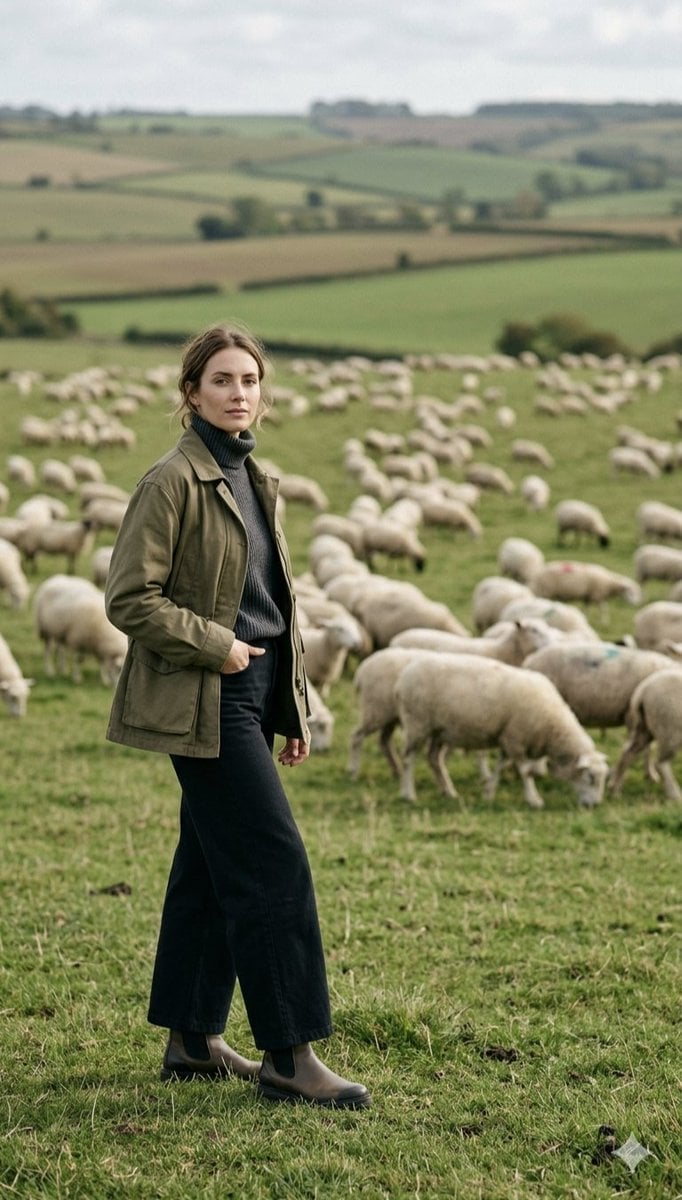
Pastoral Full-Body Portrait in Sheep Pasture
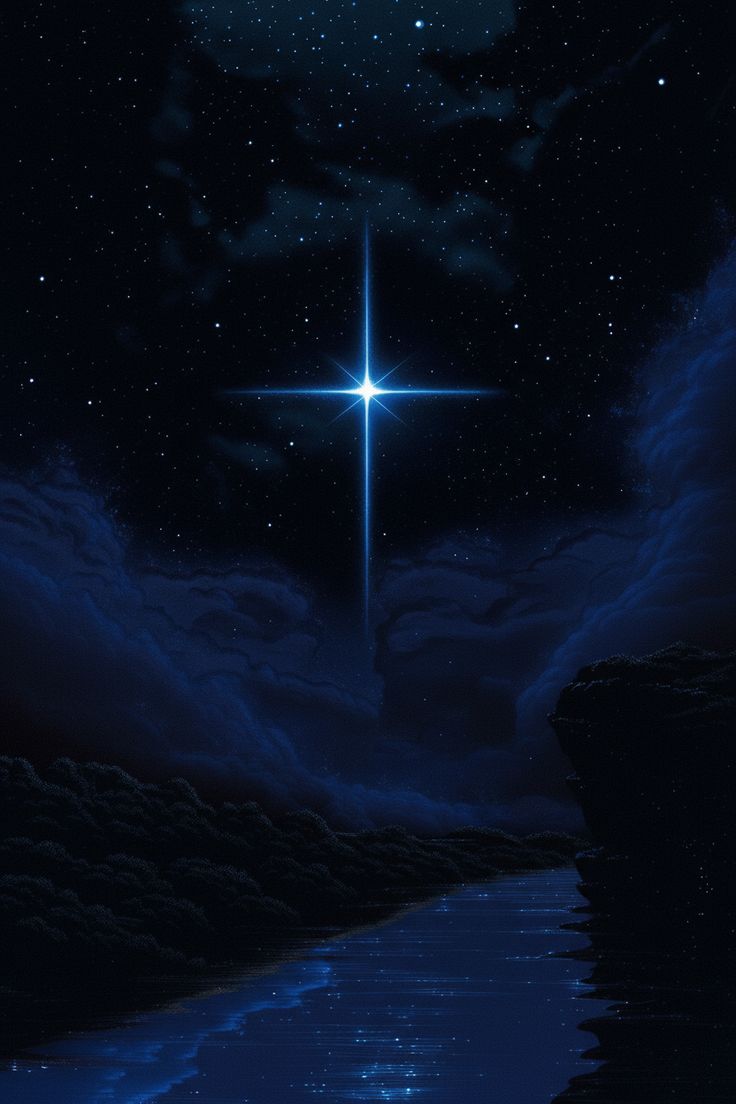
Celestial Desert Minimalist Wallpaper Prompt

Urban Street Portrait with Cartoon Inner Self Duo

OOTD Sticker Style Breakdown
Browse template categories
Pencil Sketch questions
How do I use the Pencil Sketch template?
Add your photo if the template asks for one, edit the prompt if you like — the template's model and format are already selected — and press Generate. Your version opens in PicX Studio.
Can I customize the Pencil Sketch template?
Yes. You can change the subject, setting, lighting, mood, format, and available model controls before creating your image.
Is the Pencil Sketch template free?
Opening and editing this template is free. Generating uses credits, shown on the Generate button when you are signed in.
Which AI model should I use?
Choose a compatible model in PicX Studio based on the style, speed, and output controls your project needs.
Looking for something else? Browse all templates.

Your photo, any look
Thousands of ready templates for every top image and video model, from one credit balance.