
Blue Pencil Sketching
Blue Pencil Sketching is a ready photo look.
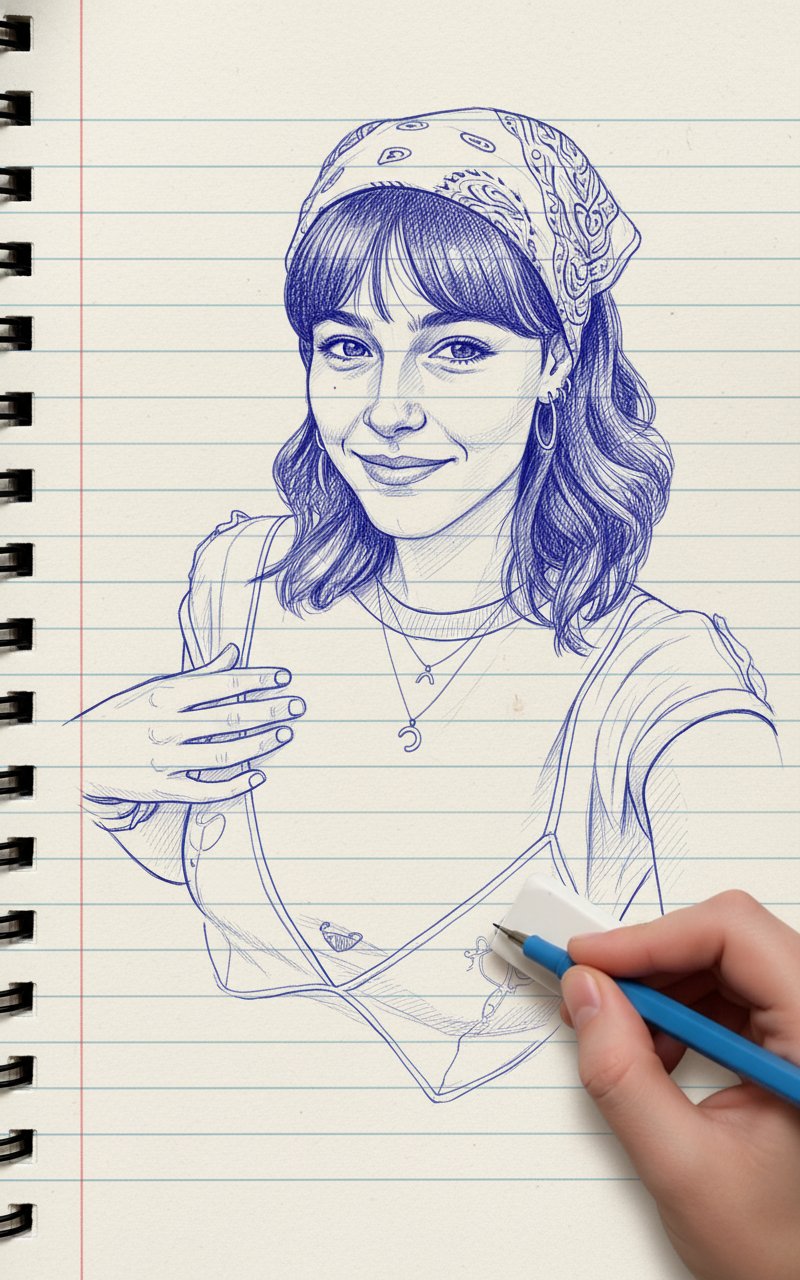
- Prompt included
- Model and format preset
- Free template
The prompt behind this image
Copy the exact prompt behind Blue Pencil Sketching, or open it in the studio and make it yours.
Create a photo-style line drawing / ink sketch of a face identical to the uploaded reference image keep every facial feature, proportion, and expression exactly the same. Use blue and white ink tones with intricate, fine line detailing, drawn on a notebook-page style background. Show a right hand holding a pen and an eraser near the sketch, as if the artist is still working.
How to use Blue Pencil Sketching in 3 steps
- 1Upload ImagePNG, JPG or paste
Add your photo
Upload the photo the template builds on. The prompt, model and format are already set.
- 2…a portrait of your subject in softgolden-hour light, 85mm…
Personalize
Edit the subject and creative details for your destination.
- 3Generate
Generate
Press Generate — your image is created in PicX Studio, so you can compare it with the original and refine one variable at a time.
More like this
Templates with the same subject, style or setup. Open one to see its prompt.
Pencil Sketch
Face Sketching
Minimalist Abstract Pencil Drawing
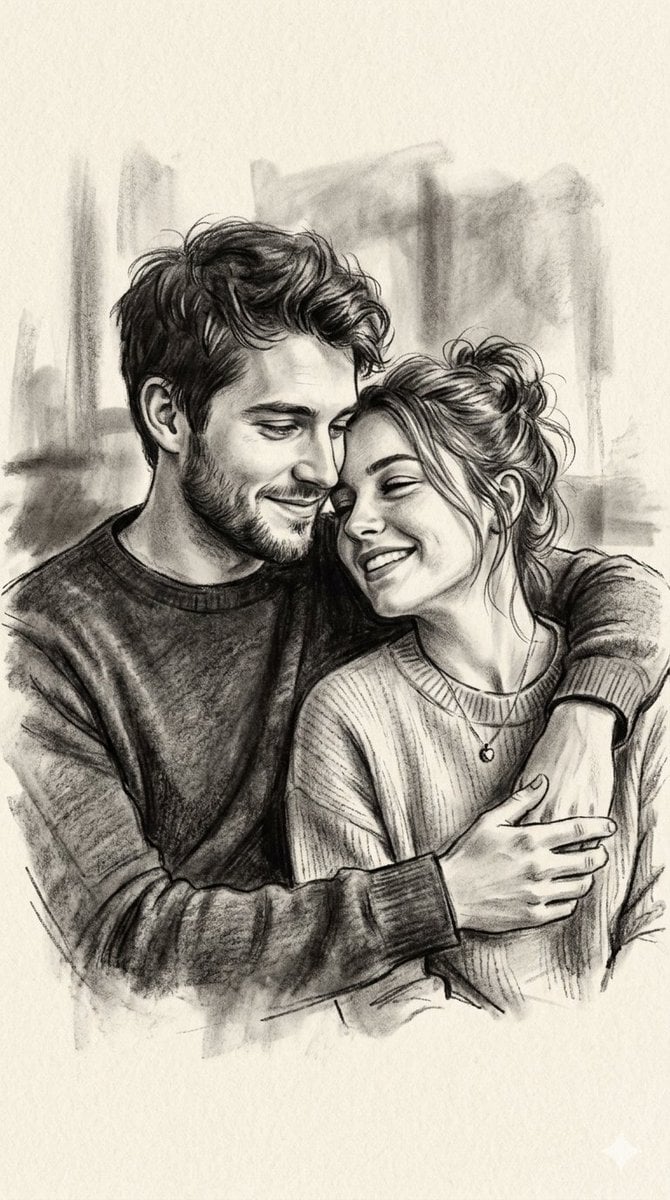
Charcoal and Pencil Couple Drawings
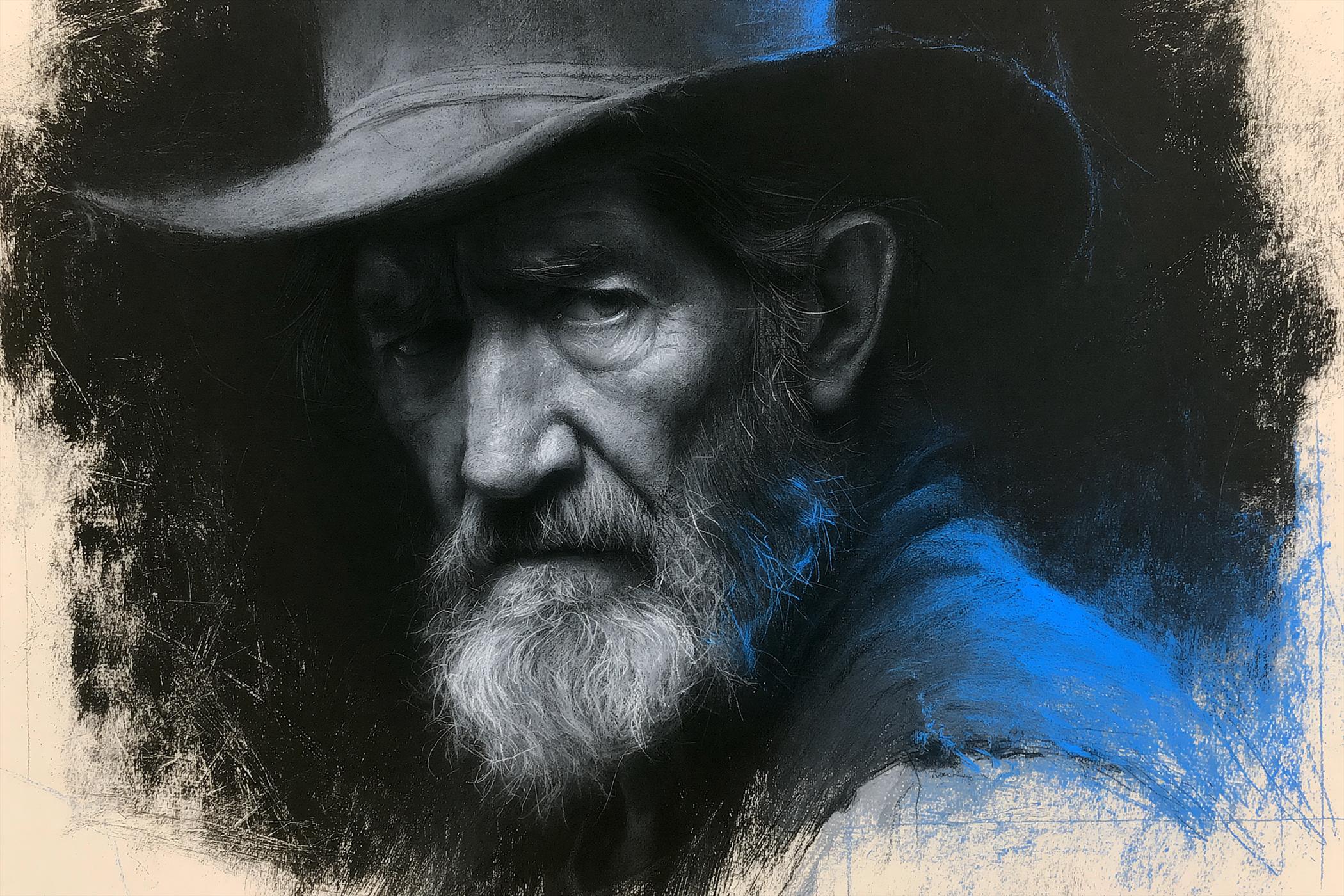
Charcoal Chiaroscuro Portraiture

Artistic Patchwork Fashion Portrait Spring Festival
Artistic Patchwork Fashion Portrait Spring Festival

Monochrome Portrait Jersey Accent Poster
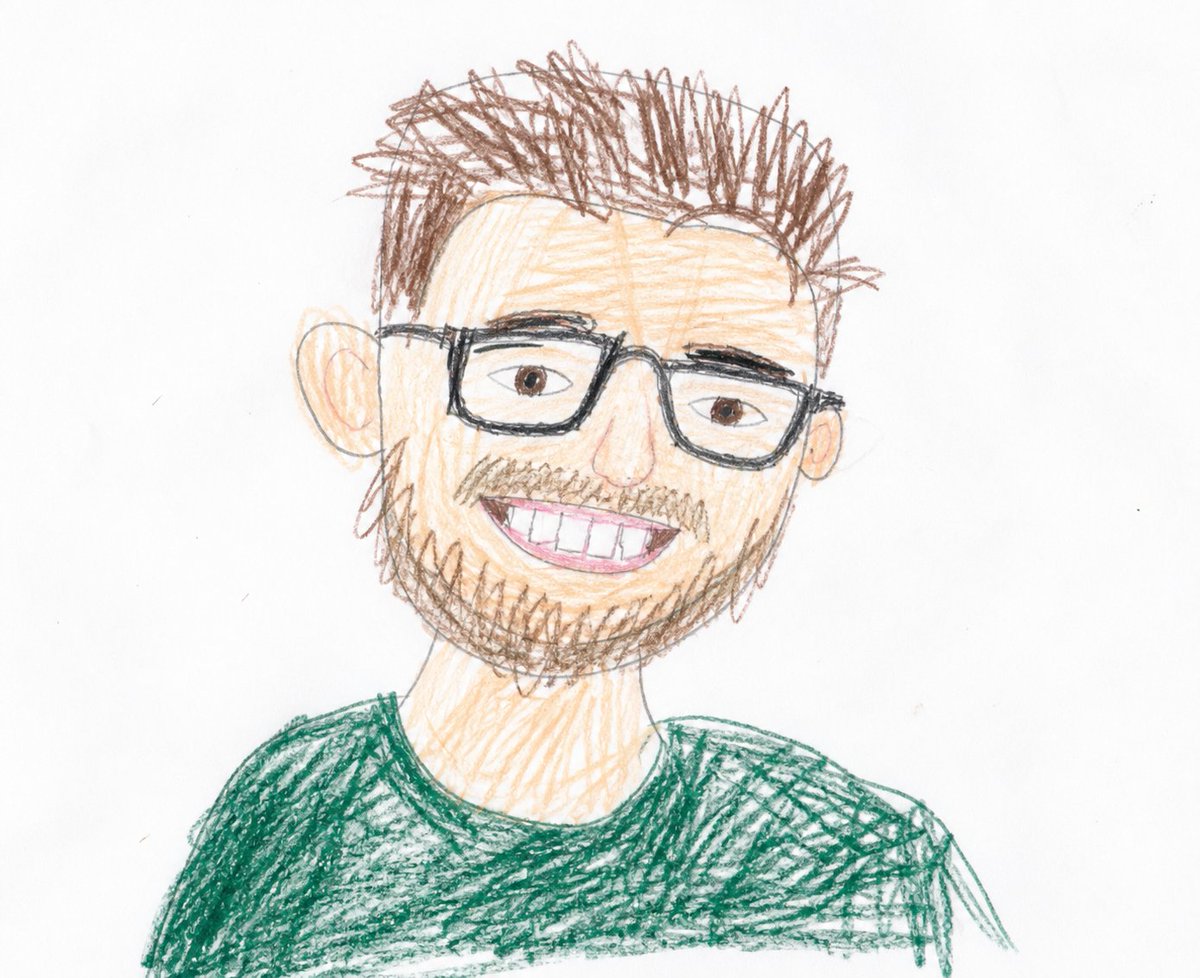
Childlike Colored Pencil Drawing
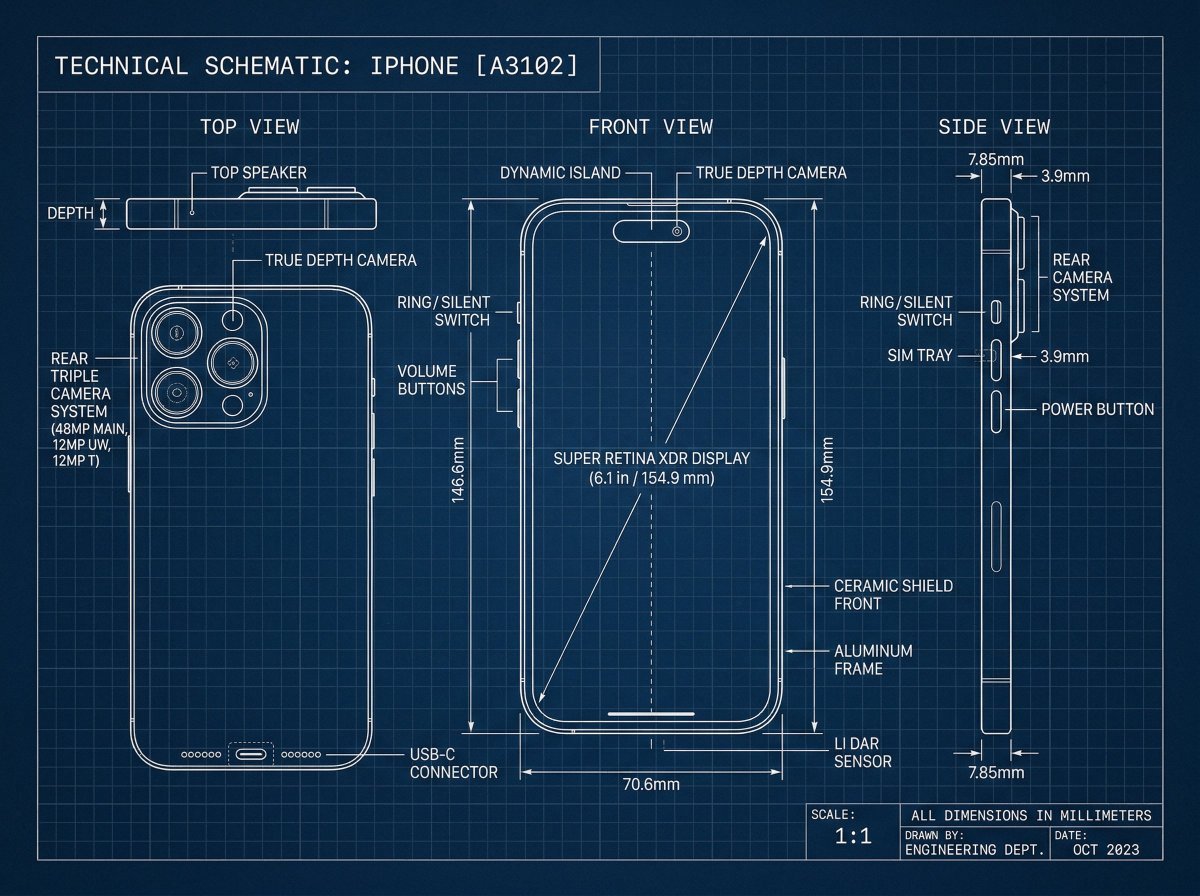
Technical Blueprint Drawing Prompt

Cosmetic Tube Product — Nano Banana 2

Nano Banana - Evening Champagne Blue
Make it yours
Blue Pencil Sketching works as-is. These are the safest ways to change it without losing the look.
Change one field
Copy a single group, rewrite it, and generate again so you can see what that field is doing.
Keep the frame, change the subject
Hold the composition and light of Blue Pencil Sketching, then swap wardrobe, props or the person for a new take.
| If the result… | Why | Fix |
|---|---|---|
| The result drifts from the preview | Too many fields changed at once. | Reuse Blue Pencil Sketching as-is first, then change one group — subject, light, or setting. |
| The model over-stylizes the scene | The prose prompt leaves finish and camera underspecified. | Add one camera or lighting sentence and stay on PicX Studio. |
More image prompts
Fresh picks from across the catalog.
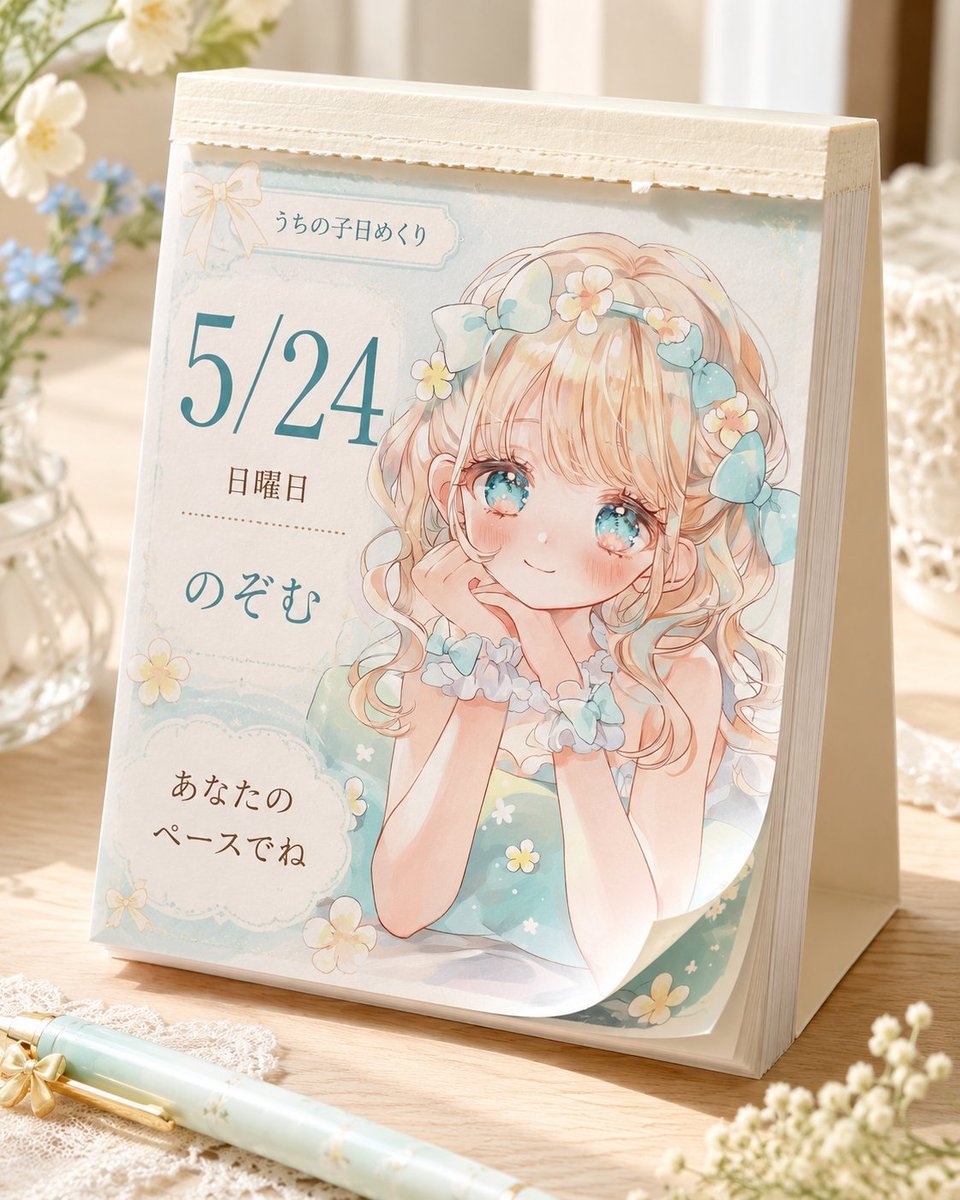
Cute Daily Anime Desk Calendar

Image-to-Image Portrait with Cartoon Doodles
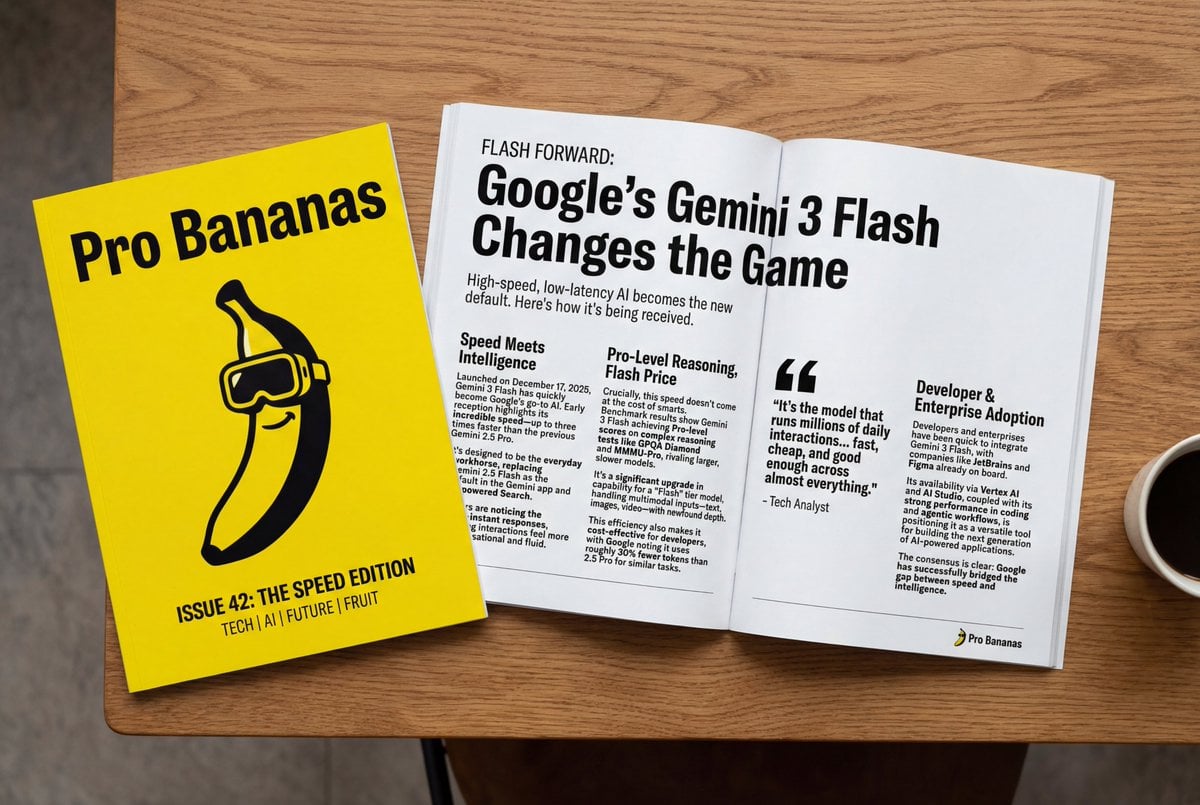
Generate Magazine Article and Cover (LLM/Image)
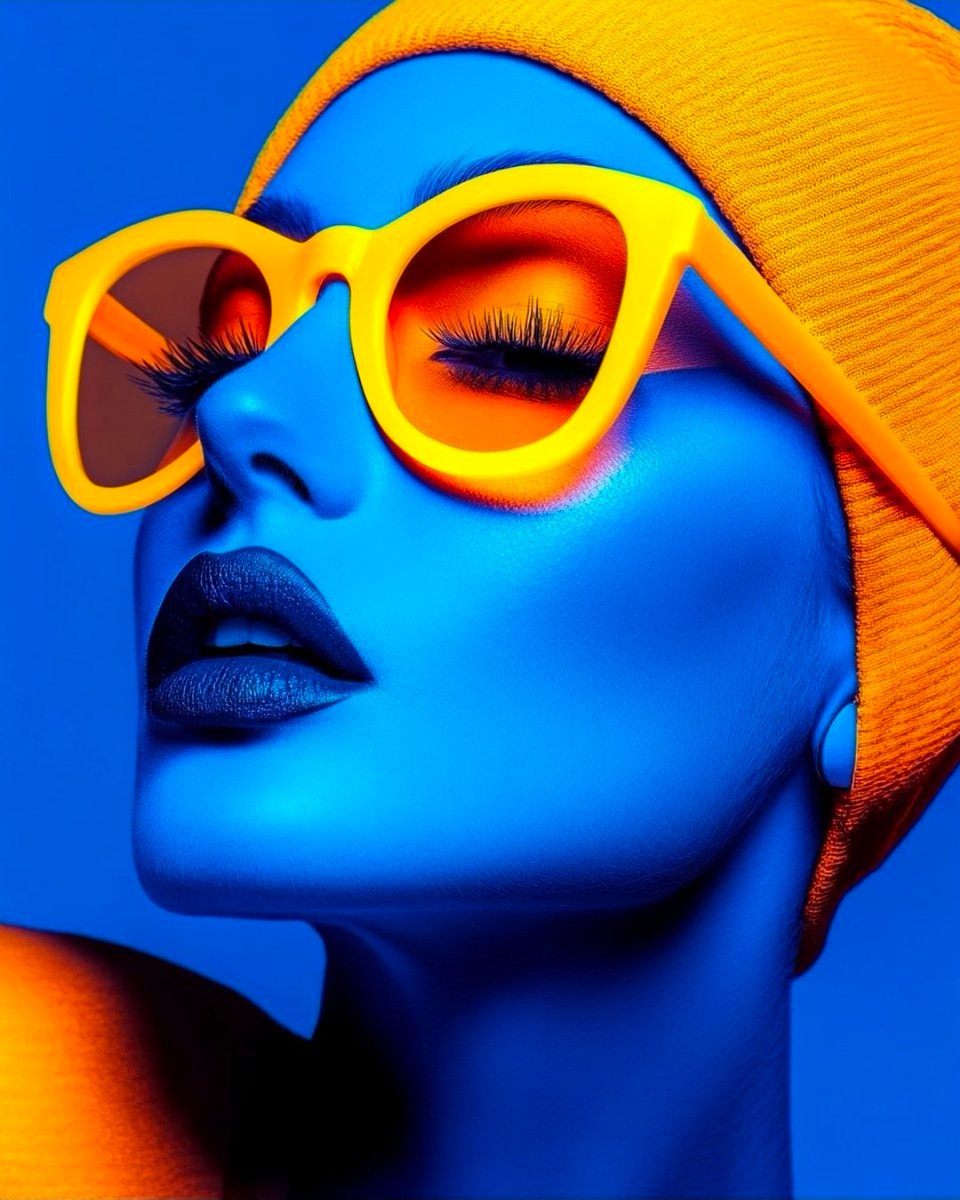
Cyberpunk Fashion Portrait with Electric Blue Skin

Kylian Mbappé Devastated Photo
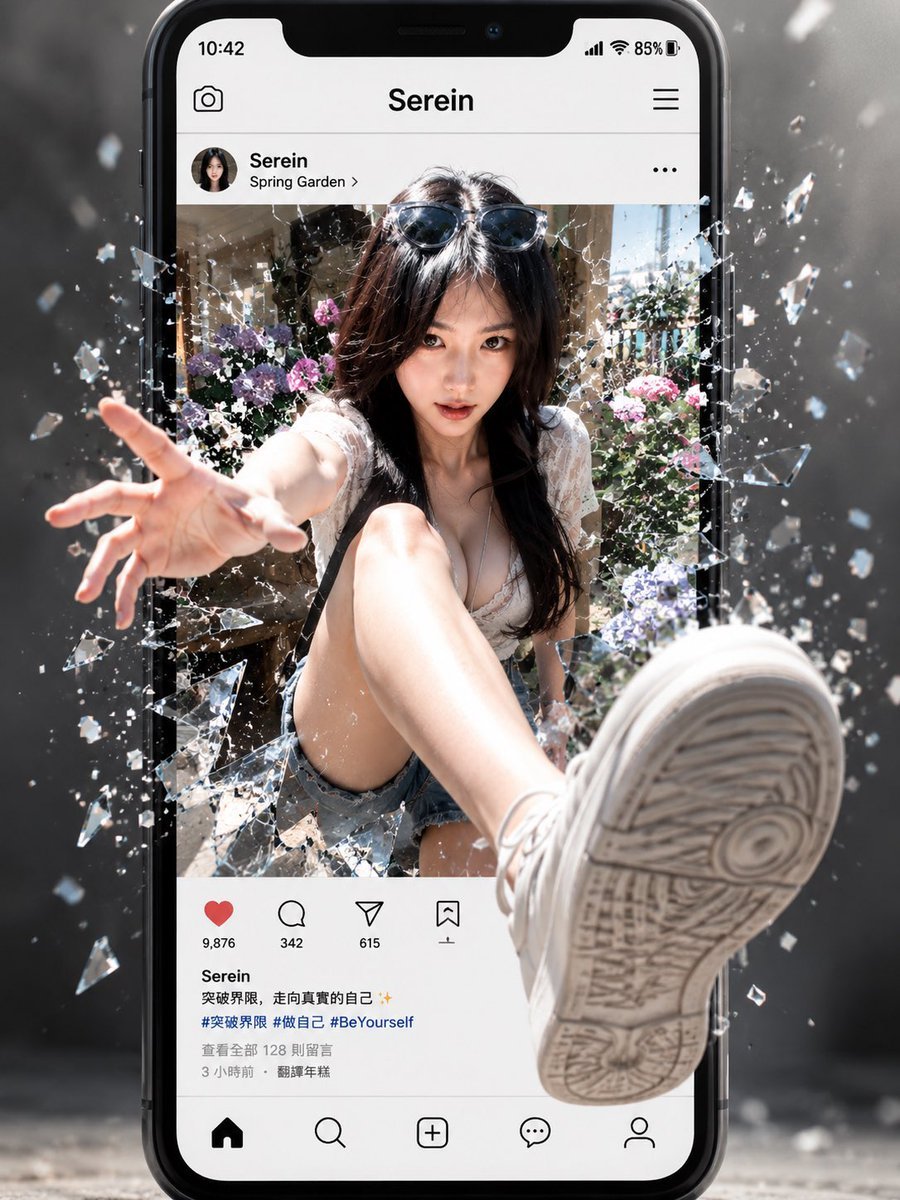
Social Media Screen Breakout

Pixel Art Games with Nano Banana Pro Are
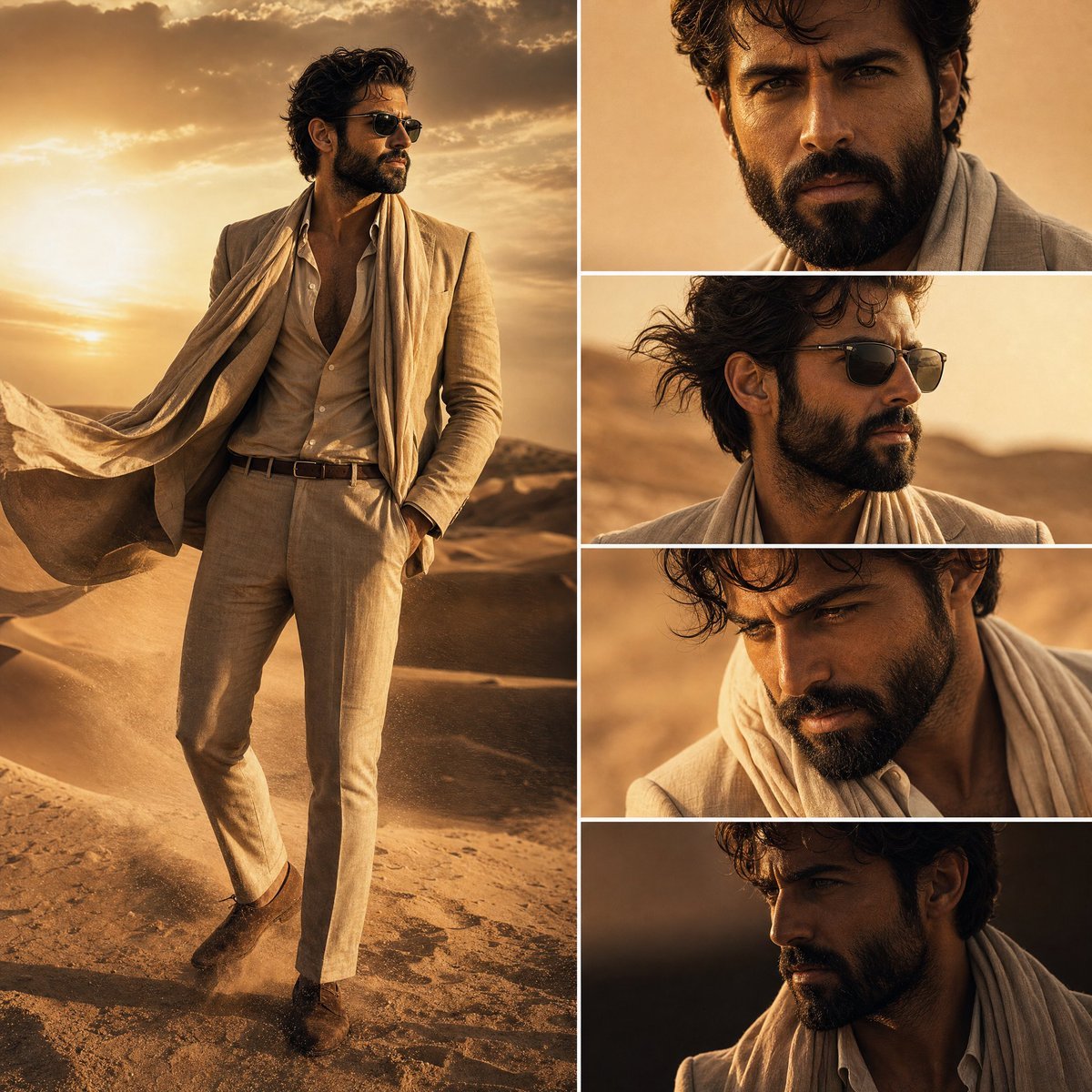
Desert Fashion Editorial Collage
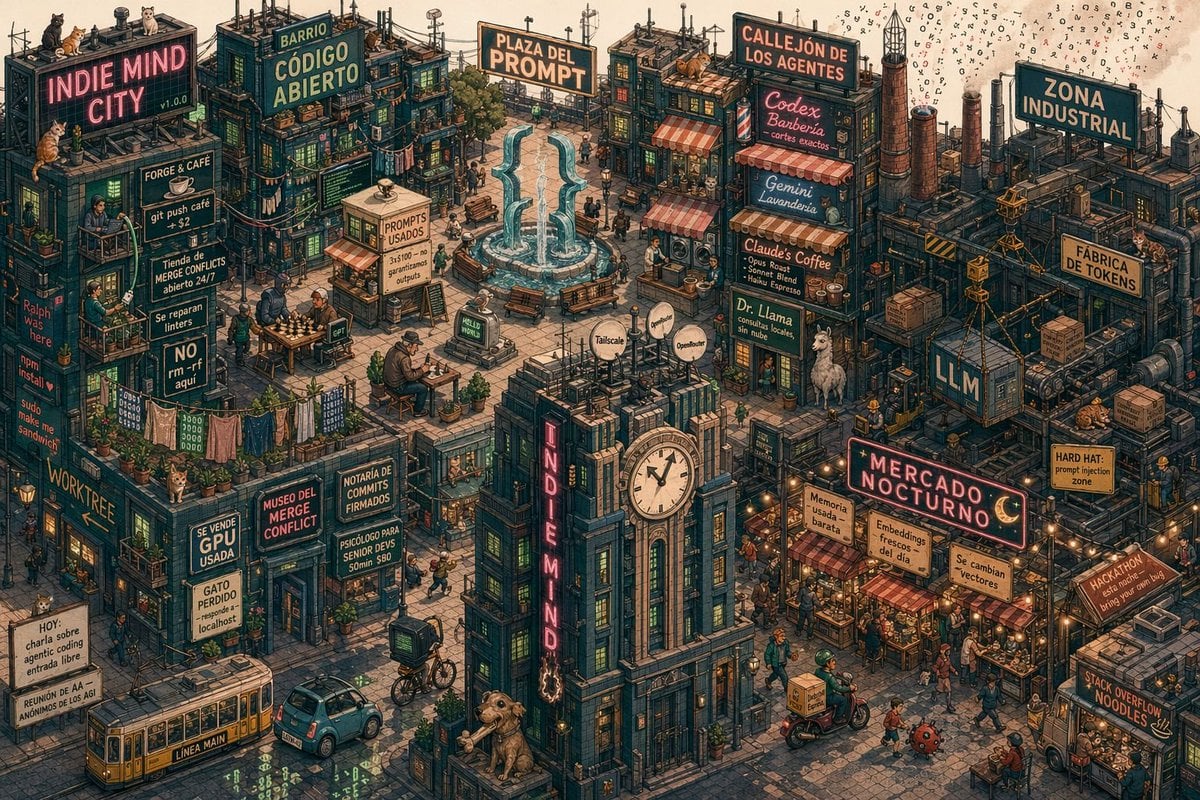
Indie Mind City Isometric Tech District
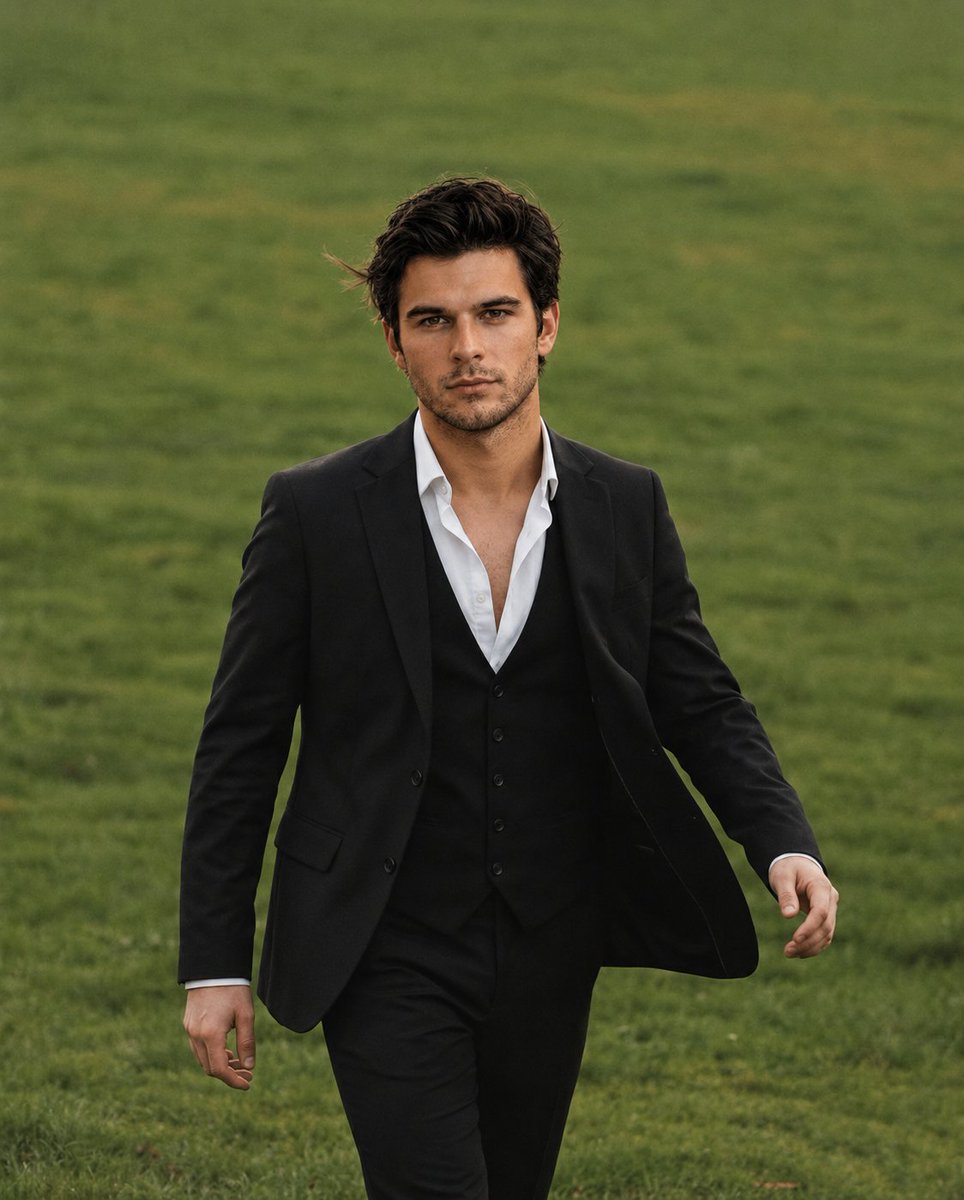
Golden Hour Male Portrait
Browse template categories
Blue Pencil Sketching questions
How do I use the Blue Pencil Sketching template?
Add your photo if the template asks for one, edit the prompt if you like — the template's model and format are already selected — and press Generate. Your version opens in PicX Studio.
Can I customize the Blue Pencil Sketching template?
Yes. You can change the subject, setting, lighting, mood, format, and available model controls before creating your image.
Is the Blue Pencil Sketching template free?
Opening and editing this template is free. Generating uses credits, shown on the Generate button when you are signed in.
Which AI model should I use?
Choose a compatible model in PicX Studio based on the style, speed, and output controls your project needs.
Looking for something else? Browse all templates.

Your photo, any look
Thousands of ready templates for every top image and video model, from one credit balance.