
Social Media Screen Breakout
Generates a cinematic photorealistic smartphone mockup where a social media subject bursts through shattered glass with dramatic 3D perspective.
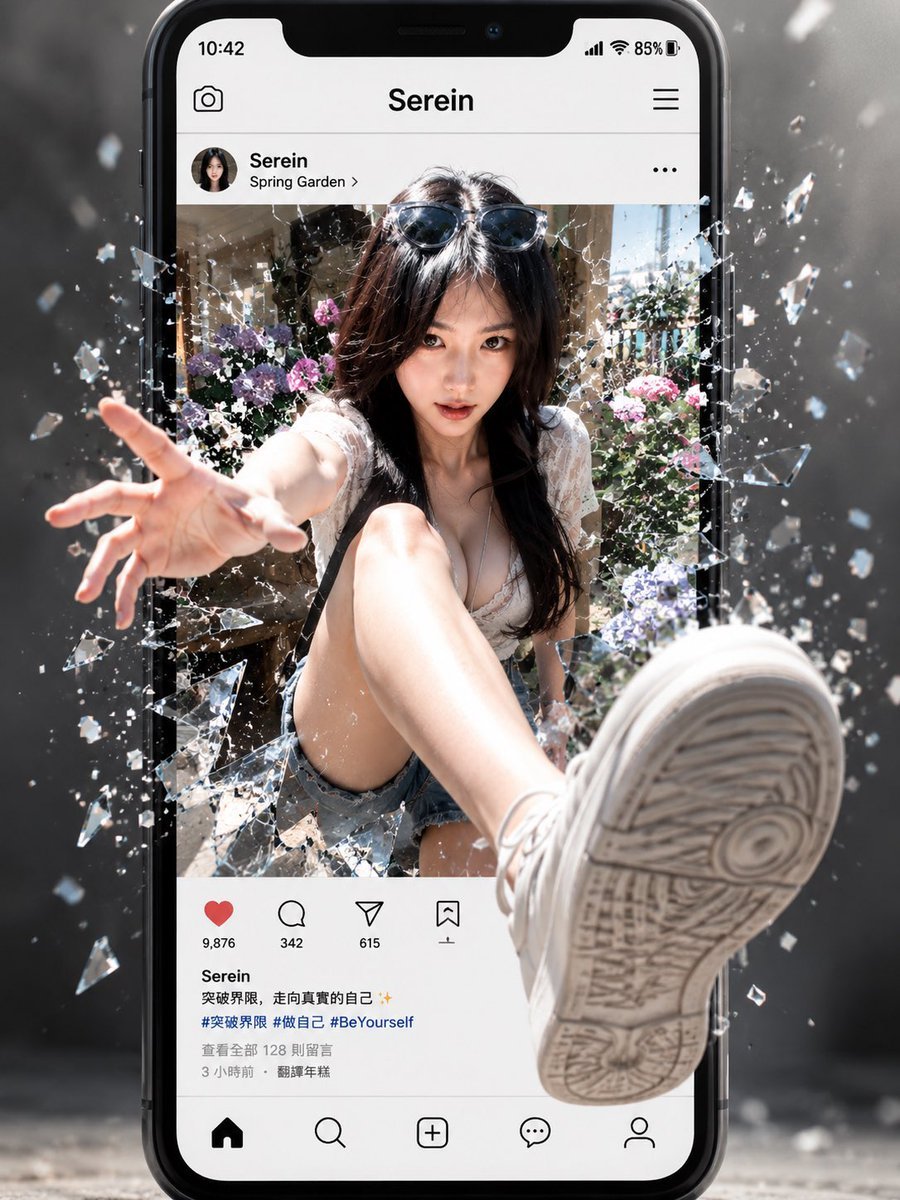
- Prompt included
- Model and format preset
- Free template
The prompt behind this image
Copy the exact prompt behind Social Media Screen Breakout, or open it in the studio and make it yours.
- Type
- cinematic 3D social-media breakthrough poster
- Concept
- A hyper-realistic young woman bursts out of a smartphone social media post, shattering the screen glass with dramatic depth and motion.
- Main Subject › Description
- fashionable young woman seated inside a photo post, long dark hair, sunglasses pushed on top of her head, white lace summer top, denim shorts, white sneakers
- Main Subject › Pose
- one hand reaching forcefully toward the viewer through broken glass, one leg thrust forward so the sneaker sole becomes huge in the foreground, extreme wide-angle perspective
- Main Subject › Face
- intentionally covered by a soft rectangular blur censor block
- Main Subject › Customizable Identity
- {argument name="character name" default="Serein"}
- Device And Interface › Device
- large black modern smartphone standing upright, iPhone-like rounded frame and notch
- Device And Interface › Top Status Bar
- time 10:42, signal icons, Wi-Fi, 85% battery
- Device And Interface › App Header
- center title {argument name="profile name" default="Serein"}, camera icon on left, hamburger menu on right
- Device And Interface › Post Header
- round avatar, username Serein, location Spring Garden, three-dot menu
- Device And Interface › Visible UI Components Count
- 9
- Device And Interface › Visible UI Components
- status bar, camera icon, app title, hamburger menu, post profile row, three-dot menu, engagement buttons row, caption and hashtags block, bottom navigation bar
- Device And Interface › Engagement Buttons Count
- 4
- Device And Interface › Engagement Buttons
- red heart with 9,876 likes, comment bubble with 342, paper-plane share with 615, bookmark icon with 1
- Device And Interface › Bottom Navigation Icons Count
- 5
- Device And Interface › Bottom Navigation Icons
- home, search, create plus, messages bubble, profile outline
- Device And Interface › Caption Text
- {argument name="caption text" default="Serein\n突破界限,走向真实的自己 ✨\n#突破界限 #做自己 #BeYourself\n查看更多 128 则留言\n3 小时前 · 翻译年糕"}
- Environment Inside Post
- sunlit garden courtyard with flowers, greenery, pale stone walls, bright outdoor summer atmosphere
- Glass Effect › Description
- phone screen appears violently broken around the subject as she exits the post
- Glass Effect › Shards
- many transparent glass fragments and glittering splinters flying outward in all directions, especially left and right edges
- Glass Effect › Motion
- frozen mid-explosion with debris suspended in air
- Camera And Composition › Framing
- vertical 4:5 poster composition, smartphone centered and filling most of frame
- Camera And Composition › Perspective
- extreme 3D depth, foreshortened hand reaching out left foreground and oversized sneaker sole dominating lower right foreground
- Camera And Composition › Focus
- sharp phone and subject, background slightly smoky and blurred
Raw JSON
{"type":"cinematic 3D social-media breakthrough poster","concept":"A hyper-realistic young woman bursts out of a smartphone social media post, shattering the screen glass with dramatic depth and motion.","main subject":{"description":"fashionable young woman seated inside a photo post, long dark hair, sunglasses pushed on top of her head, white lace summer top, denim shorts, white sneakers","pose":"one hand reaching forcefully toward the viewer through broken glass, one leg thrust forward so the sneaker sole becomes huge in the foreground, extreme wide-angle perspective","face":"intentionally covered by a soft rectangular blur censor block","customizable identity":"{argument name=\"character name\" default=\"Serein\"}"},"device and interface":{"device":"large black modern smartphone standing upright, iPhone-like rounded frame and notch","top status bar":"time 10:42, signal icons, Wi-Fi, 85% battery","app header":"center title {argument name=\"profile name\" default=\"Serein\"}, camera icon on left, hamburger menu on right","post header":"round avatar, username Serein, location Spring Garden, three-dot menu","visible UI components count":9,"visible UI components":["status bar","camera icon","app title","hamburger menu","post profile row","three-dot menu","engagement buttons row","caption and hashtags block","bottom navigation bar"],"engagement buttons count":4,"engagement buttons":["red heart with 9,876 likes","comment bubble with 342","paper-plane share with 615","bookmark icon with 1"],"bottom navigation icons count":5,"bottom navigation icons":["home","search","create plus","messages bubble","profile outline"],"caption text":"{argument name=\"caption text\" default=\"Serein\\n突破界限,走向真实的自己 ✨\\n#突破界限 #做自己 #BeYourself\\n查看更多 128 则留言\\n3 小时前 · 翻译年糕\"}"},"environment inside post":"sunlit garden courtyard with flowers, greenery, pale stone walls, bright outdoor summer atmosphere","glass effect":{"description":"phone screen appears violently broken around the subject as she exits the post","shards":"many transparent glass fragments and glittering splinters flying outward in all directions, especially left and right edges","motion":"frozen mid-explosion with debris suspended in air"},"camera and composition":{"framing":"vertical 4:5 poster composition, smartphone centered and filling most of frame","perspective":"extreme 3D depth, foreshortened hand reaching out left foreground and oversized sneaker sole dominating lower right foreground","focus":"sharp phone and subject, background slightly smoky and blurred","lighting":"{argument name=\"lighting style\" default=\"cinematic high-contrast sunlight with rim highlights on glass shards\"}"},"style":"photorealistic advertising composite, glossy smartphone mockup, social-media UI realism, blockbuster action energy, dramatic shattered-screen portal effect, high detail, depth of field, motion impact","background":"dark gray studio-like environment with haze, bokeh, floating dust and glass particles behind the phone","negative instructions":"no extra limbs, no warped phone frame, no unreadable major UI title, no cartoon style, no low-resolution textures"}How to use Social Media Screen Breakout in 3 steps
- 1Upload ImagePNG, JPG or paste
Add your photo
Upload the photo the template builds on. The prompt, model and format are already set.
- 2…a portrait of your subject in softgolden-hour light, 85mm…
Personalize
Edit the subject and creative details for your destination.
- 3Generate
Generate
Press Generate — your image is created in PicX Studio, so you can compare it with the original and refine one variable at a time.
More like this
Templates with the same subject, style or setup. Open one to see its prompt.

Shattered Screen Social Media Ad
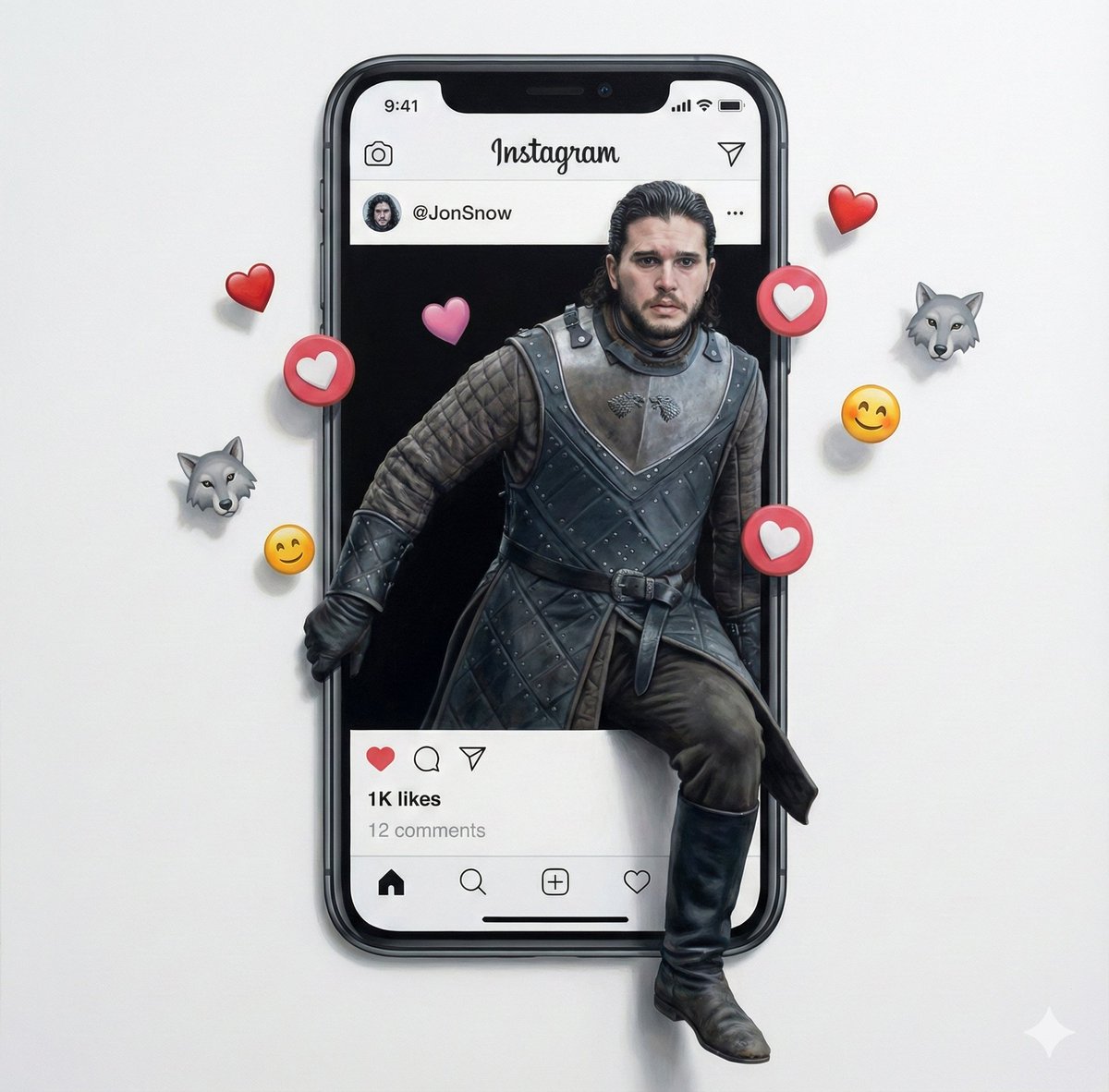
Trompe l'oeil subject stepping out of social media screen
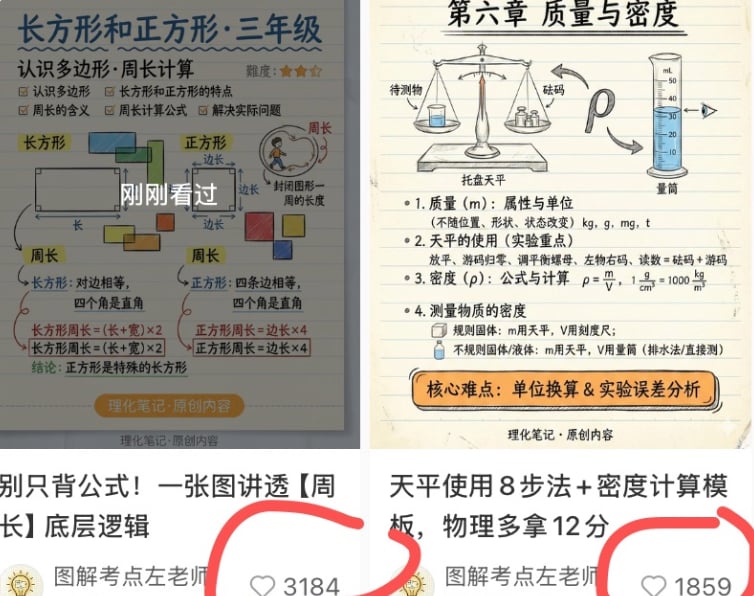
Chinese Study Card Social Screenshot

Torn Social Media Profile Art
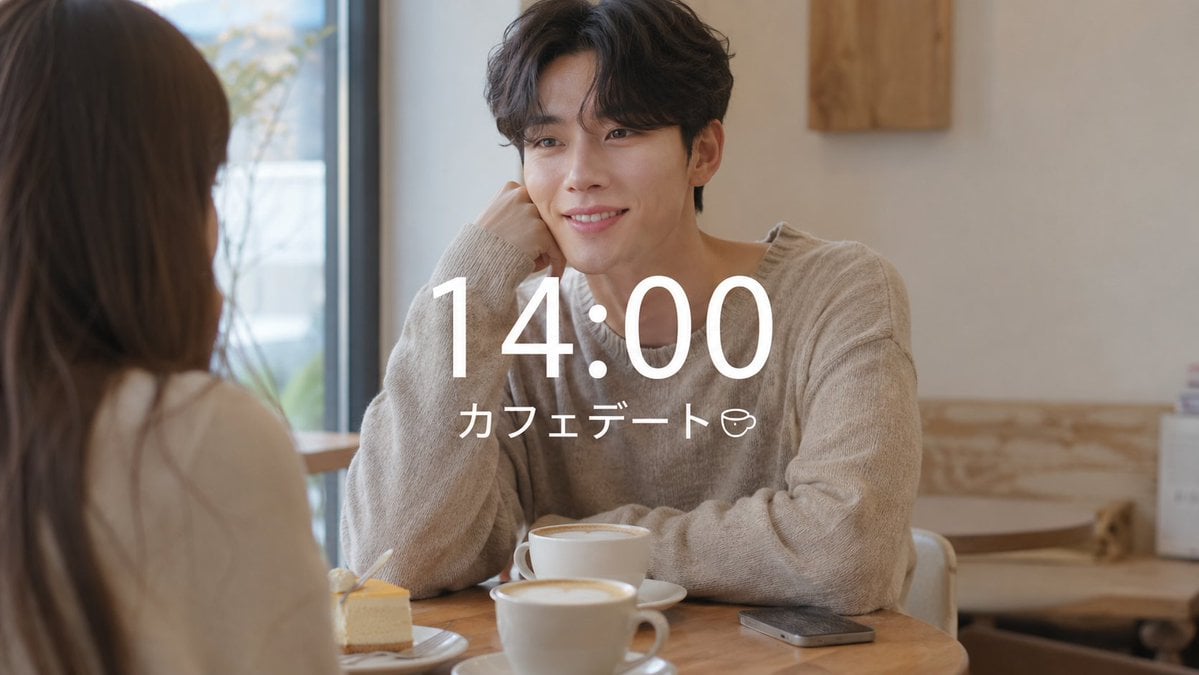
VLOG Style Social Media Post
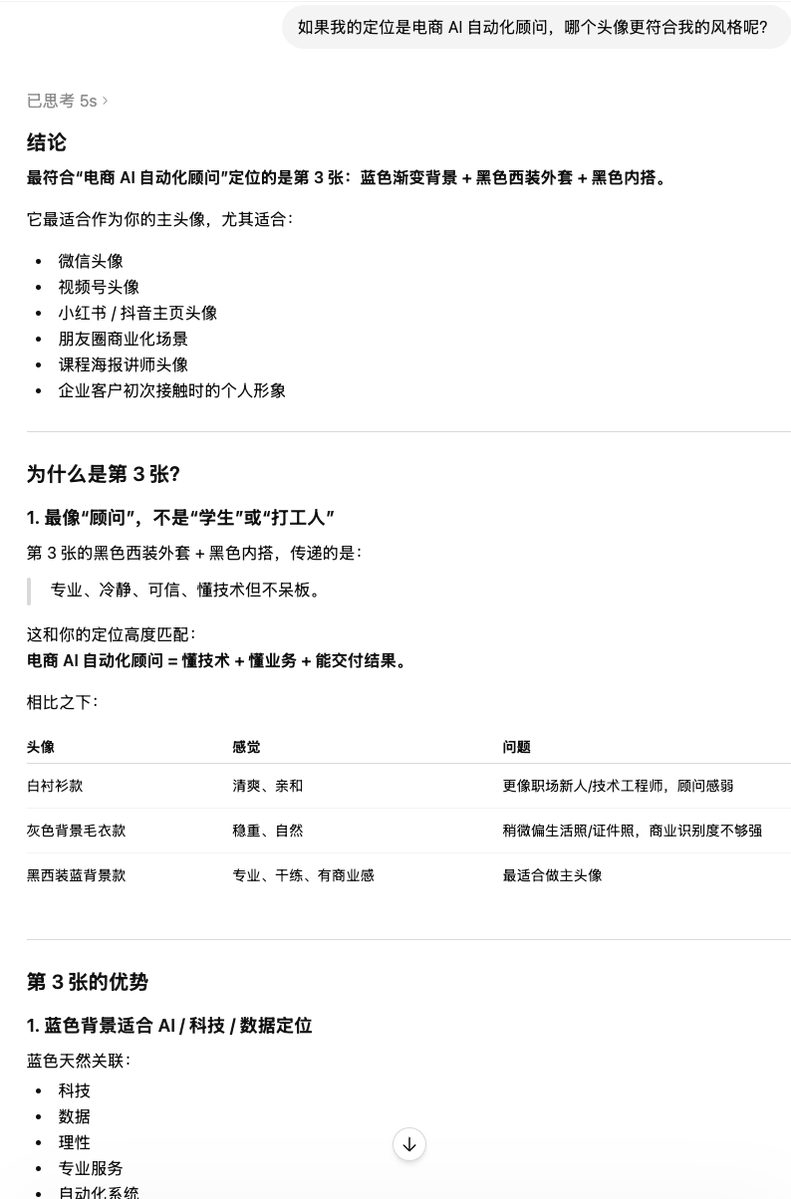
Clean Professional Social Media Avatar

Social Media Magazine Cover
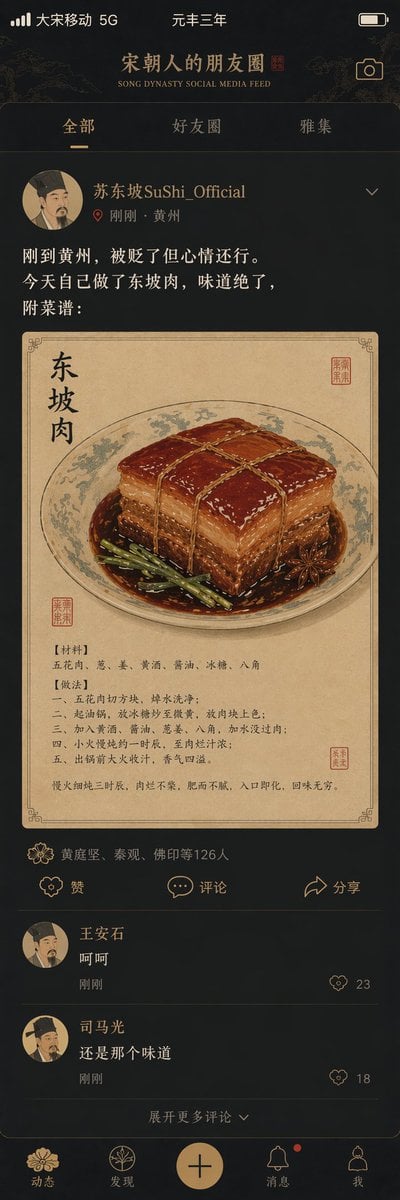
Song Dynasty Social Media Feed

Social Media Meme Cover

Social Media Product Announcement Mockup
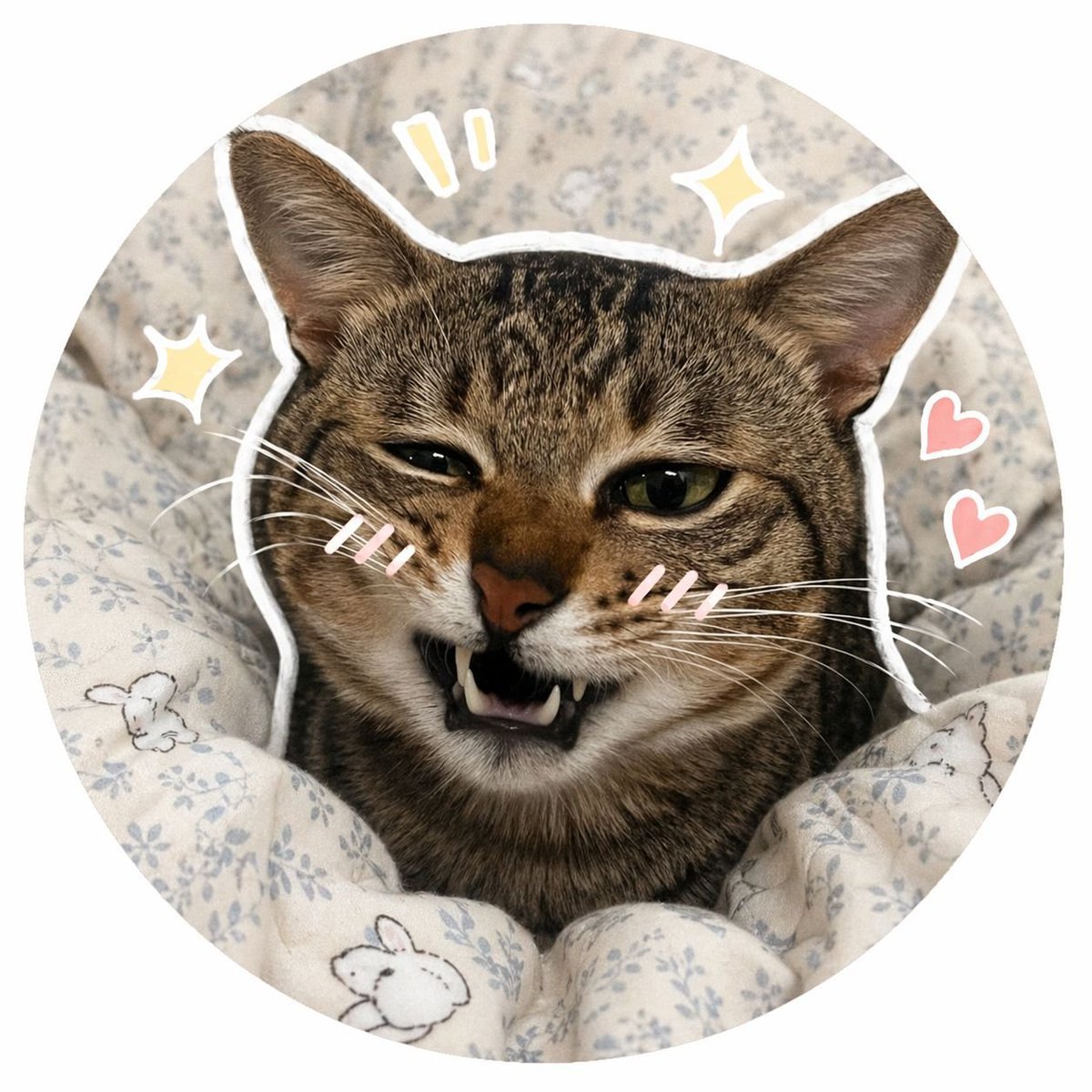
Social Media Pet Avatar Creator
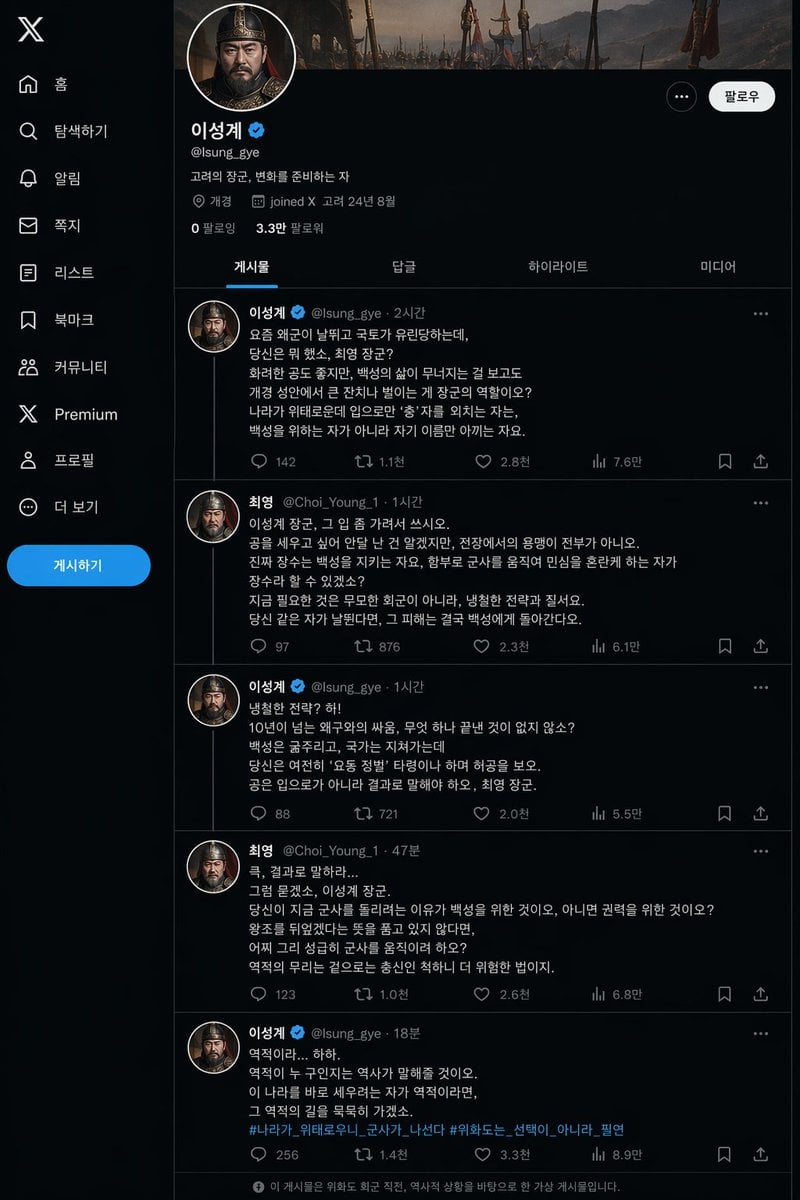
Historical Social Media Feed Mockup
Make it yours
Social Media Screen Breakout works as-is. These are the safest ways to change it without losing the look.
Swap the setting
Keep the rest of the prompt and replace the location block. The current setting is “sunlit garden courtyard with flowers, greenery, pale stone walls, bright outdoor”.
Swap the light
One lighting change is enough to compare takes. Current light: “{argument name="lighting style" default="cinematic high-contrast sunlight with r”.
Change one field
Copy a single group, rewrite it, and generate again so you can see what that field is doing.
| If the result… | Why | Fix |
|---|---|---|
| The result drifts from the preview | Too many fields changed at once. | Reuse Social Media Screen Breakout as-is first, then change one group — subject, light, or setting. |
| GPT Image 2 ignores part of the JSON | Some models flatten or skip nested keys. | Keep the same values and paste them as a short paragraph instead. |
More GPT Image 2 templates
Other prompts made for GPT Image 2.

Six VTuber Japanese Logo Sheet

Realistic Portrait of Woman and Deer

The Vista Modular Condo Poster

AI Model Routing Comparison Infographic

2.5D Anime Art Board

Isometric Productivity Desk Scene

New York Double Exposure Poster

Four-Panel AI Landscape Comparison

Japanese Tatami Lifestyle Magazine Cover

NESCAFÉ Coffee Map Poster
More image prompts
Fresh picks from across the catalog.
Natural Identity Preservation Prompt
X Iamrealsnow Cinematic Motion Blur Photography Editorial

Côte d’Azur Couture Magazine Cover
Rainy Road Cinematic Collage
Stylized 3D Caricature Portrait
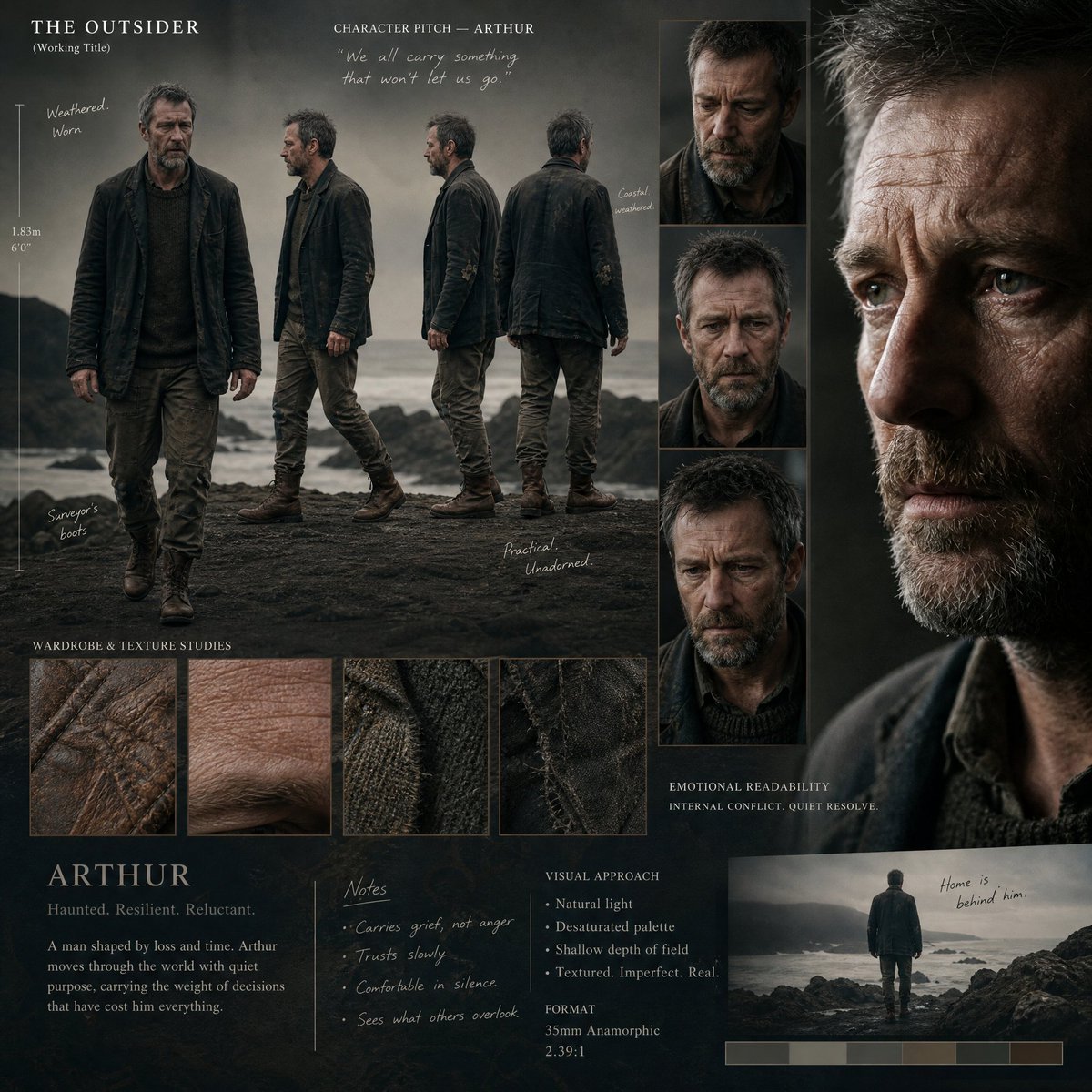
Director's Cinematic Pitch Board
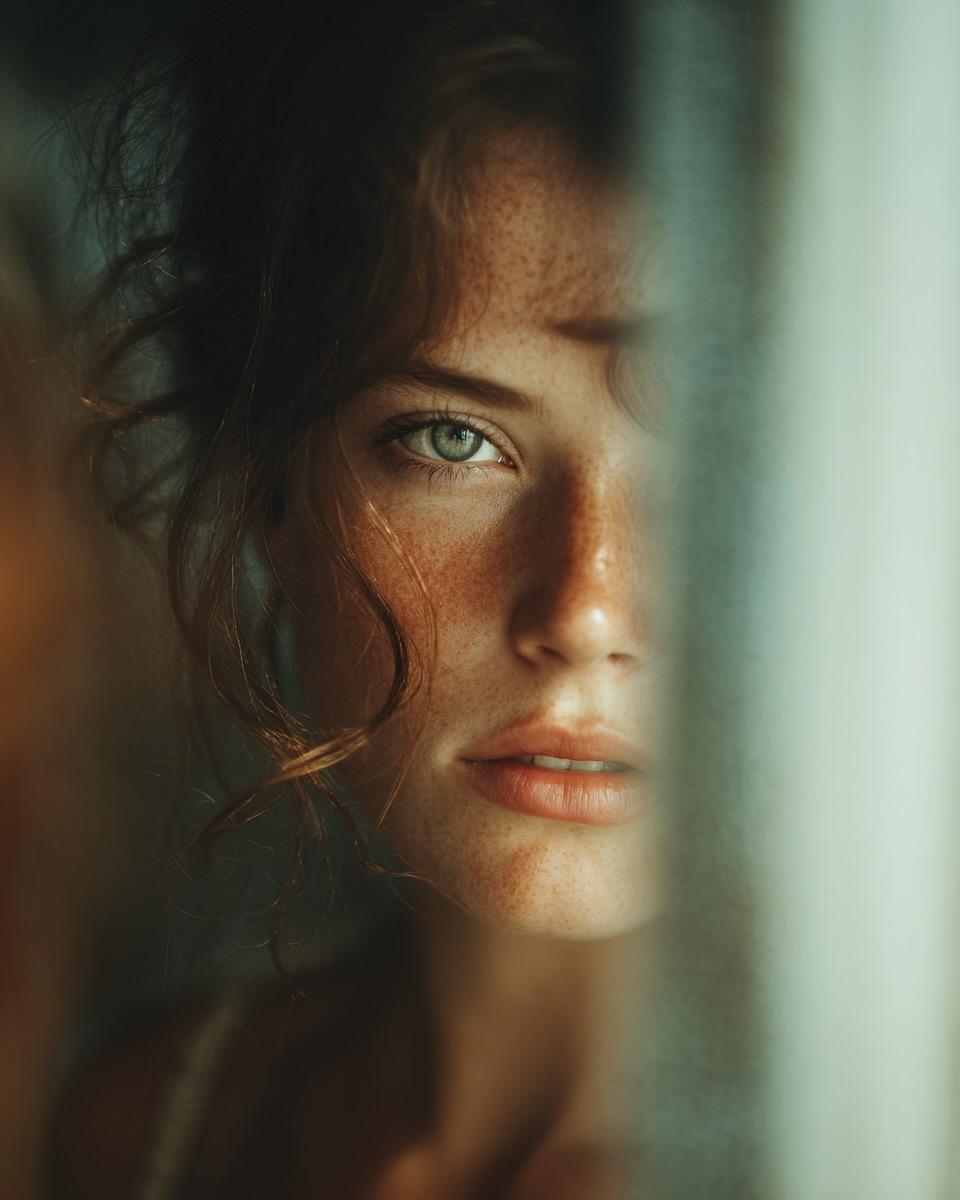
Woman's Reflection Only in Mirror
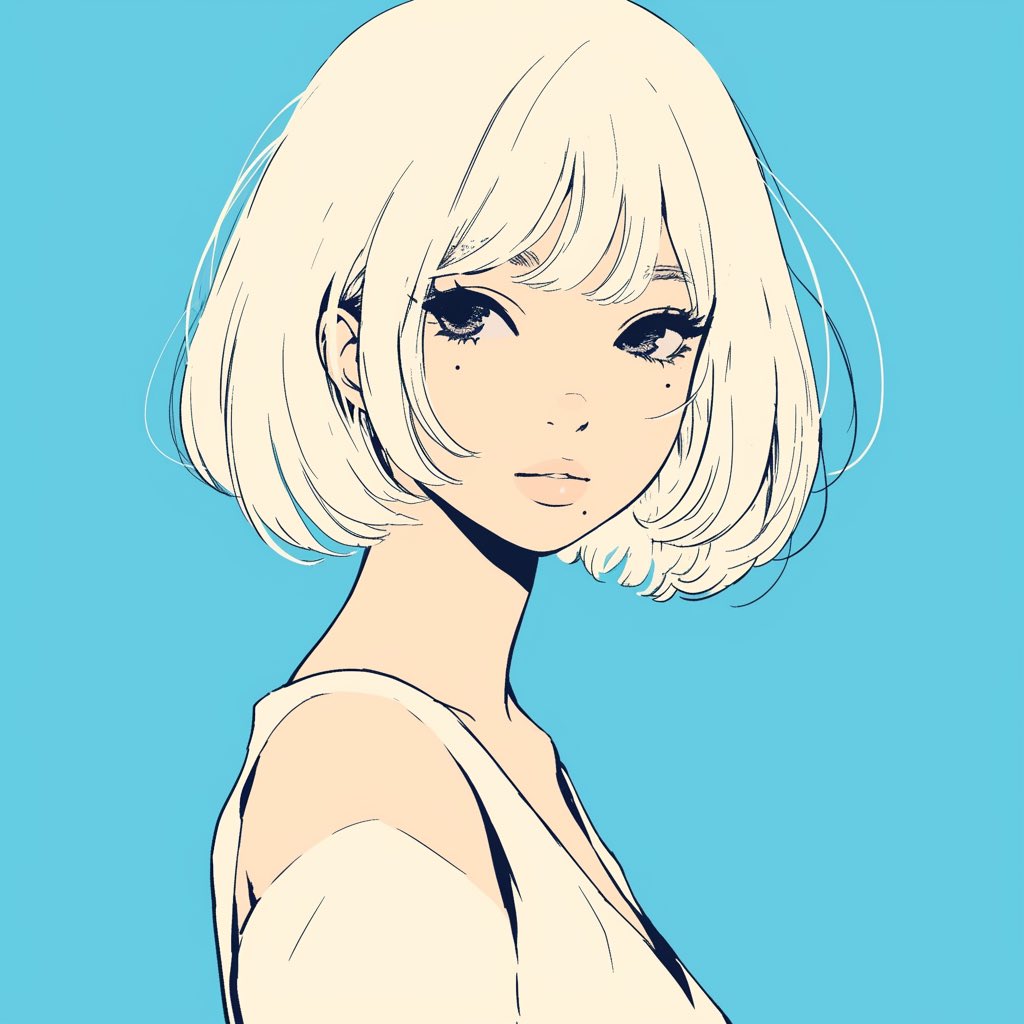
Minimalist Anime Girl Side Profile
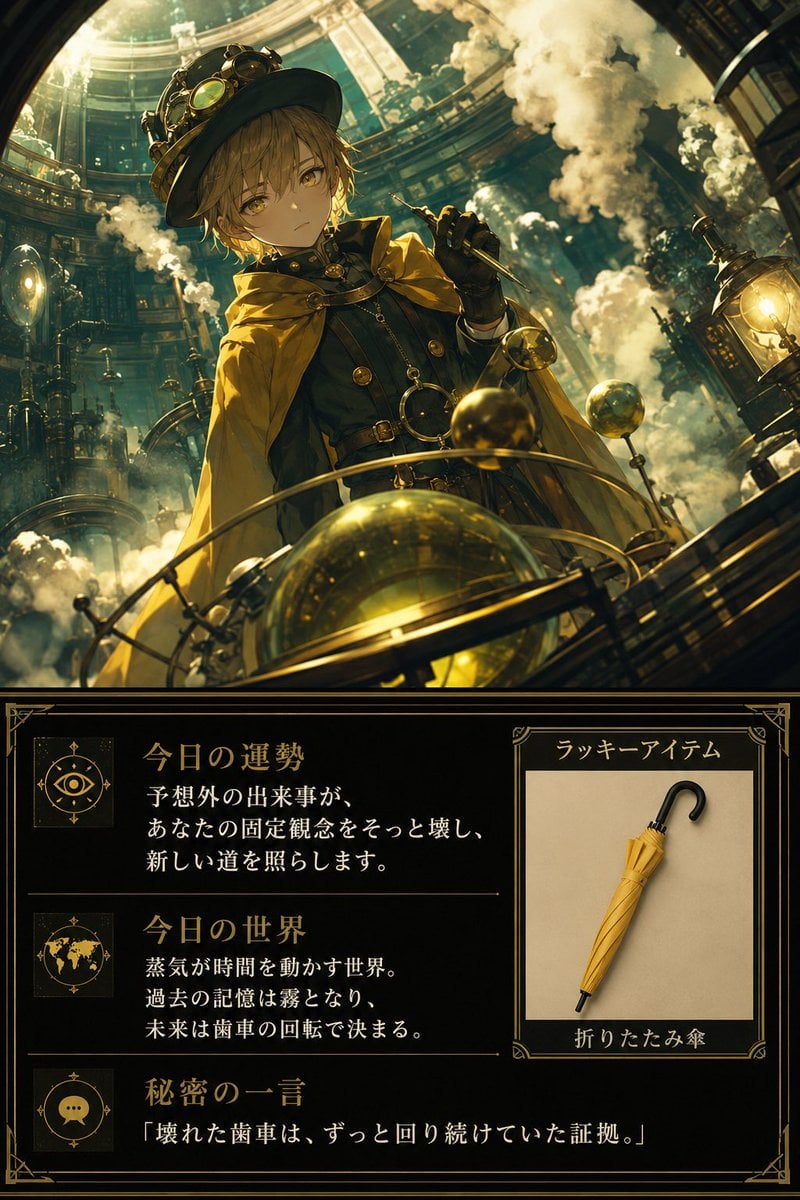
Steampunk Daily Fortune Card

High-end editorial portrait of a mature man
Browse template categories
Social Media Screen Breakout questions
How do I use the Social Media Screen Breakout template?
Add your photo if the template asks for one, edit the prompt if you like — the template's model and format are already selected — and press Generate. Your version opens in PicX Studio.
Can I customize the Social Media Screen Breakout template?
Yes. You can change the subject, setting, lighting, mood, format, and available model controls before creating your image.
Is the Social Media Screen Breakout template free?
Opening and editing this template is free. Generating uses credits, shown on the Generate button when you are signed in.
Which AI model should I use?
Start with GPT Image 2, which is the model associated with this template. You can compare another compatible model for a different finish.
Looking for something else? Browse all templates.

Your photo, any look
Thousands of ready templates for every top image and video model, from one credit balance.