
Chinese Study Card Social Screenshot
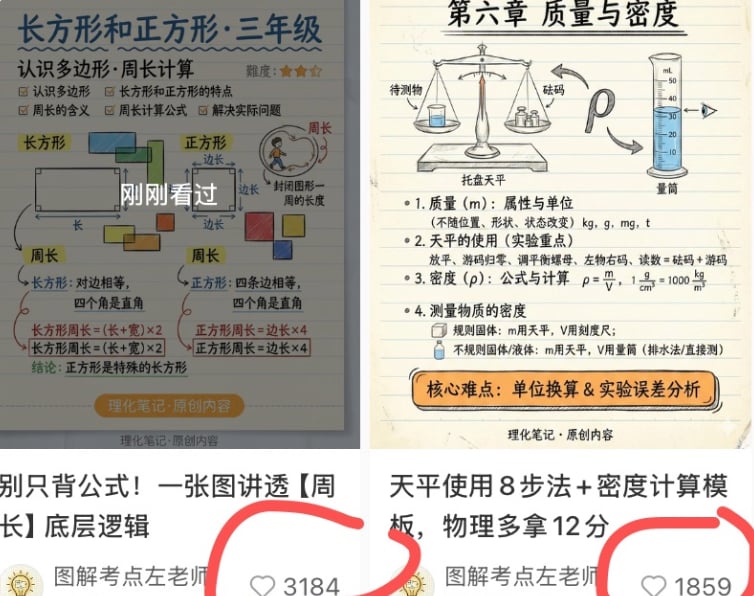
Generates a two-column social media screenshot featuring Chinese math and physics educational infographic cards with captions and circled like counts.
- Prompt included
- Model and format preset
- Premium template
The prompt behind this image
Copy the exact prompt behind Chinese Study Card Social Screenshot, or open it in the studio and make it yours.
Goal: Create a square social-media collage screenshot showing two Chinese study-card posts side by side, like a creator portfolio preview for primary-school math and science visual notes. Canvas: 756×628 px square-ish screenshot crop, white background, divided into two vertical columns. Each column contains one educational note image on top and a partial social feed caption area beneath. The overall look should be slightly compressed like a phone screenshot, with mild shadows and cropped edges. Layout: Use exactly 2 post cards. Left post: a math knowledge card about rectangles and squares for third grade, positioned in the upper-left, with the bottom caption and like count visible below it. Right post: a physics knowledge card about mass and density, positioned in the upper-right, with the bottom caption and like count visible below it. Add thick hand-drawn red marker circles around both like-count areas, partially cropped at the bottom. Left card details: Beige lined notebook-paper background with blue and black handwritten Chinese typography. Header text: {argument name="left card title" default="长方形和正方形·三年级"}. Subtitle: “认识多边形·周长计算”. Include a small difficulty rating with 3 orange stars near the top right. The card contains exactly 2 main diagram sections: one labeled “长方形” showing a rectangle with length and width arrows, and one labeled “正方形” showing a square with equal side labels. Include exactly 4 small colored square/rectangle blocks around the diagrams: blue, green, orange, and yellow. Include a small circular illustration of a person walking around a shape to explain perimeter. Add a semi-transparent dark overlay centered on the card with large white Chinese text “刚刚看过”. Bottom formulas and notes explain rectangle perimeter and square perimeter, including boxed formulas such as “长方形周长=(长+宽)×2” and “正方形周长=边长×4”. Add a rounded orange pill near the bottom reading “理化笔记·原创内容”. Right card details: Beige lined notebook-paper background with neat black Chinese handwritten style. Header text: {argument name="right card title" default="第六章 质量与密度"}. Include exactly 3 main illustrated science objects across the top: a balance scale with an item and weights, a horseshoe magnet with an arrow, and a graduated cylinder filled with blue liquid. Add labels such as “待测物”, “砝码”, “托盘天平”, and “量筒”. Below, include exactly 4 numbered learning sections: 1. mass with units, 2. balance scale use with steps, 3. density formula and units, 4. measuring density. Show the density formula “ρ=m/V” and unit conversions including “1 g/cm³ = 1000 kg/m³”. At the bottom, add an orange rounded rectangle callout reading “核心难点:单位换算 & 实验误差分析”, and small footer text “理化笔记·原创内容”. Bottom social feed area: Under the left card, show a bold Chinese caption beginning “别只背公式!一张图讲透【周长】底层逻辑”. Under the right card, show a bold Chinese caption beginning “天平使用8步法 + 密度计算模板,物理多拿12分”. Beneath each caption, show a small circular avatar with a yellow lightbulb-like icon and creator name text “图解考点左老师”. Show exactly 2 visible like widgets, each with a gray outline heart icon and number: left like count {argument name="left like count" default="3184"}, right like count {argument name="right like count" default="1859"}. Circle both like widgets with thick red freehand marker strokes. Visual style: Clean Chinese educational infographic cards, hand-drawn textbook aesthetic, lined paper texture, muted pastel diagram colors, black/blue handwritten annotations, orange emphasis boxes, realistic screenshot crop, no photorealistic people except tiny simple illustration, no watermark beyond the displayed creator/footer text. Constraints: Keep all visible text in Chinese where specified. Do not add more than 2 post cards, 3 top science objects on the right card, 2 main geometry diagram sections on the left card, 4 numbered sections on the right card, or 2 circled like widgets.
How to use Chinese Study Card Social Screenshot in 3 steps
- 1Upload ImagePNG, JPG or paste
Add your photo
Upload the photo the template builds on. The prompt, model and format are already set.
- 2…a portrait of your subject in softgolden-hour light, 85mm…
Personalize
Edit the subject and creative details for your destination.
- 3Generate
Generate
Press Generate — your image is created in PicX Studio, so you can compare it with the original and refine one variable at a time.
More like this
Templates with the same subject, style or setup. Open one to see its prompt.

Minecraft Next-Gen Voxel World Screenshot

Douyin Aesthetic Café Study Portrait
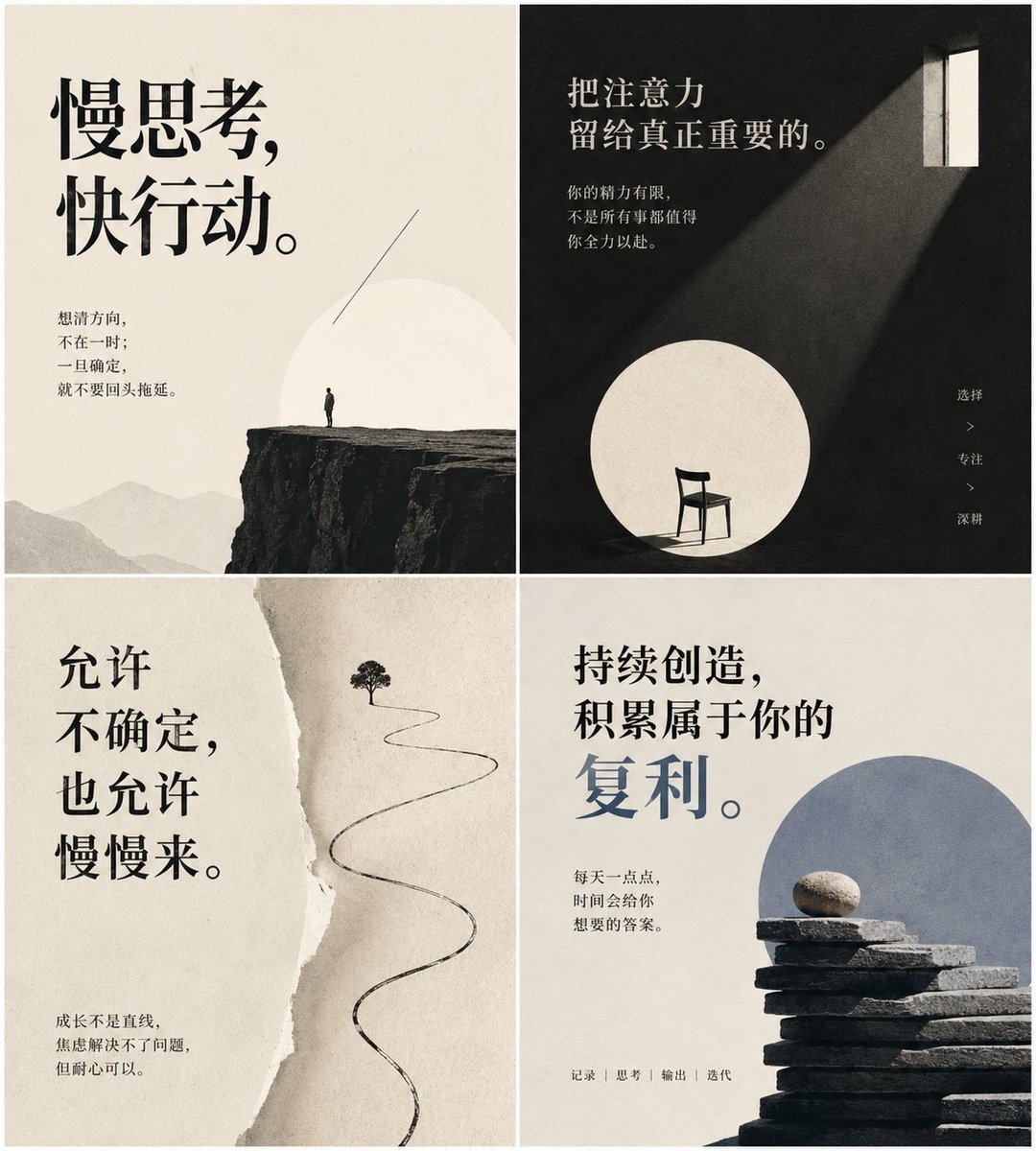
Minimal Chinese Advice Card Grid

Batch study card generation prompts (physics, English, poetry)

敦煌纸雕飞天 — 3D Layered Paper Cutout

博物馆图鉴式汉服拆解图 — GPT-image-2

Social Media Manager Desktop Case Study
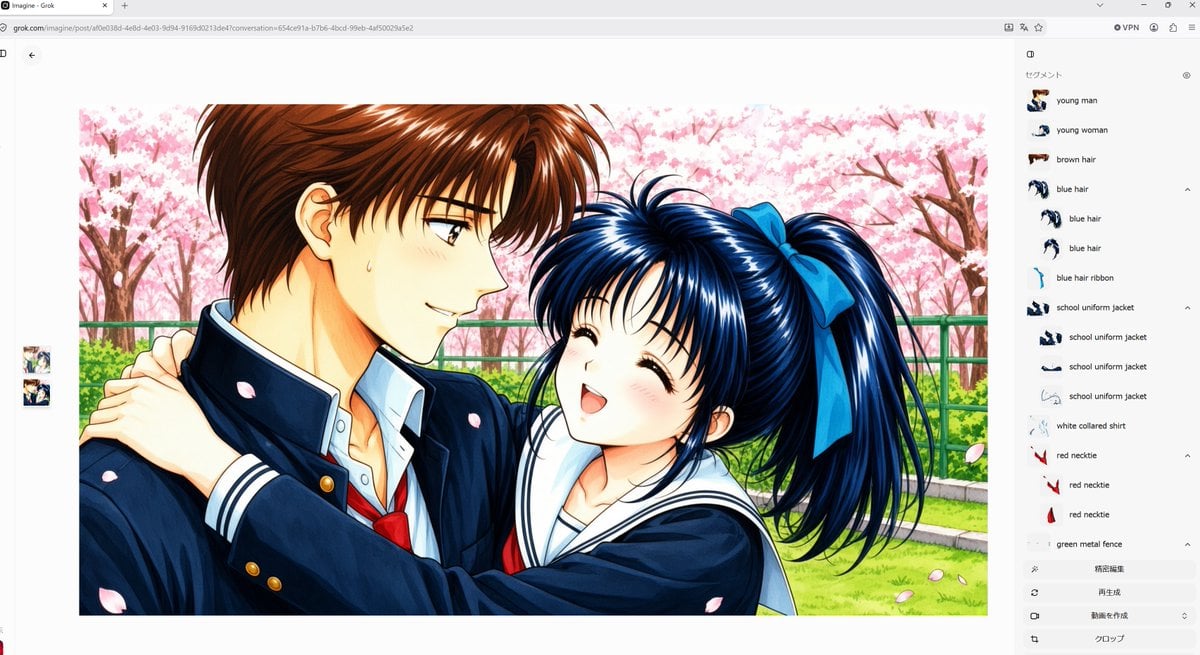
Anime Couple Segmentation UI Screenshot

Teal Japanese Handwritten Lyric Card

Reiwa Slang Reaction Gacha Card
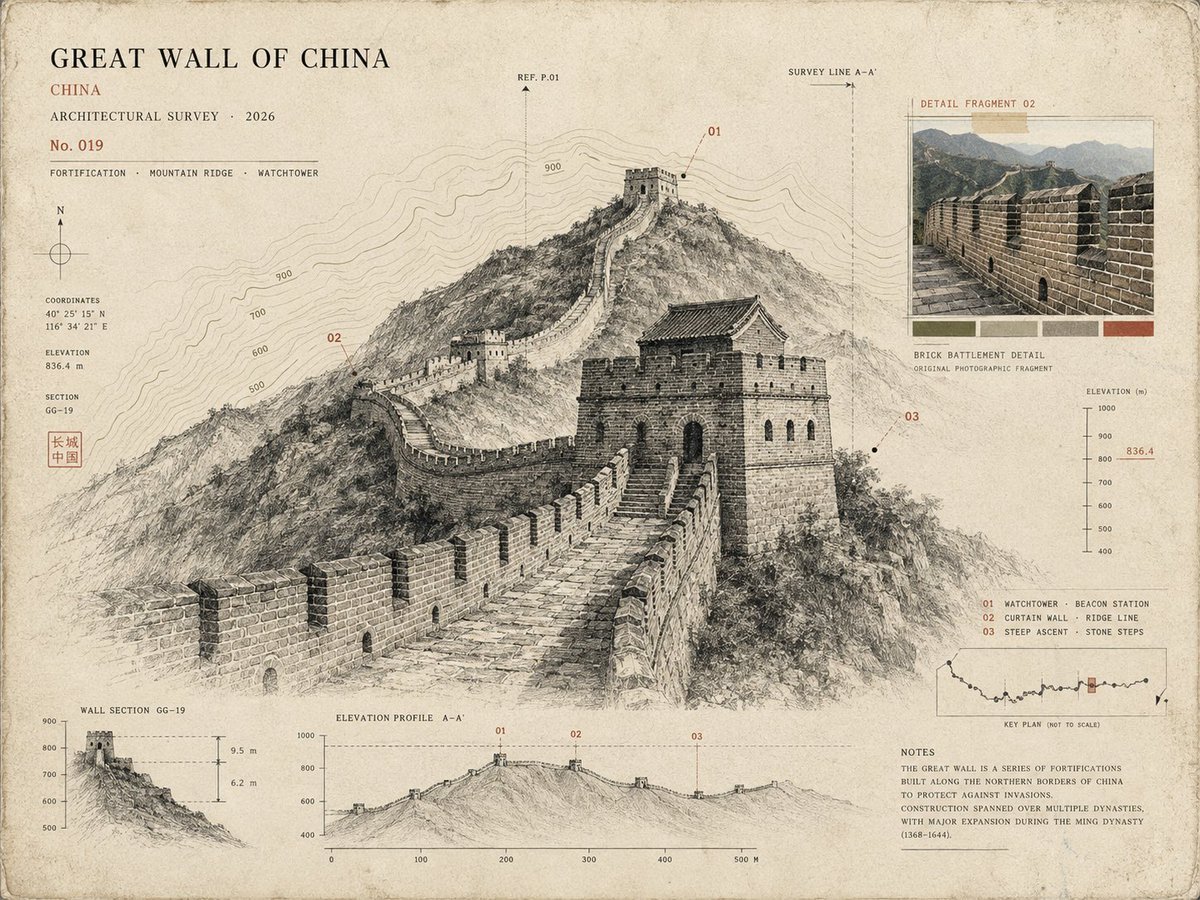
Architectural Museum Specimen Card
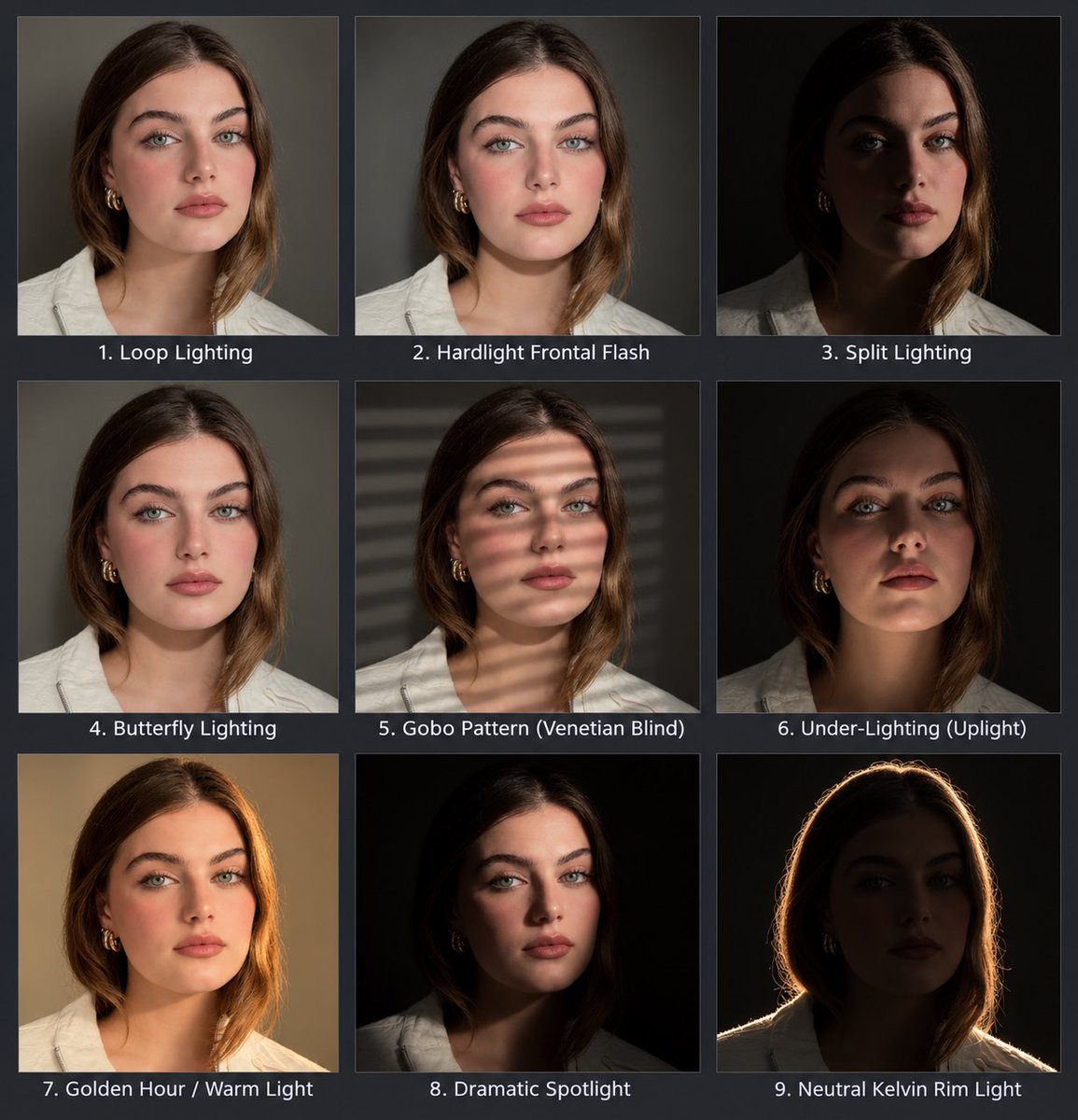
Portrait Lighting Study Grid
Make it yours
Chinese Study Card Social Screenshot works as-is. These are the safest ways to change it without losing the look.
Change one field
Copy a single group, rewrite it, and generate again so you can see what that field is doing.
Keep the frame, change the subject
Hold the composition and light of Chinese Study Card Social Screenshot, then swap wardrobe, props or the person for a new take.
| If the result… | Why | Fix |
|---|---|---|
| The result drifts from the preview | Too many fields changed at once. | Reuse Chinese Study Card Social Screenshot as-is first, then change one group — subject, light, or setting. |
| The model over-stylizes the scene | The prose prompt leaves finish and camera underspecified. | Add one camera or lighting sentence and stay on GPT Image 2. |
More GPT Image 2 templates
Other prompts made for GPT Image 2.

Six VTuber Japanese Logo Sheet

Realistic Portrait of Woman and Deer

The Vista Modular Condo Poster

AI Model Routing Comparison Infographic

2.5D Anime Art Board

Isometric Productivity Desk Scene

New York Double Exposure Poster

Four-Panel AI Landscape Comparison

Japanese Tatami Lifestyle Magazine Cover

NESCAFÉ Coffee Map Poster
More image prompts
Fresh picks from across the catalog.
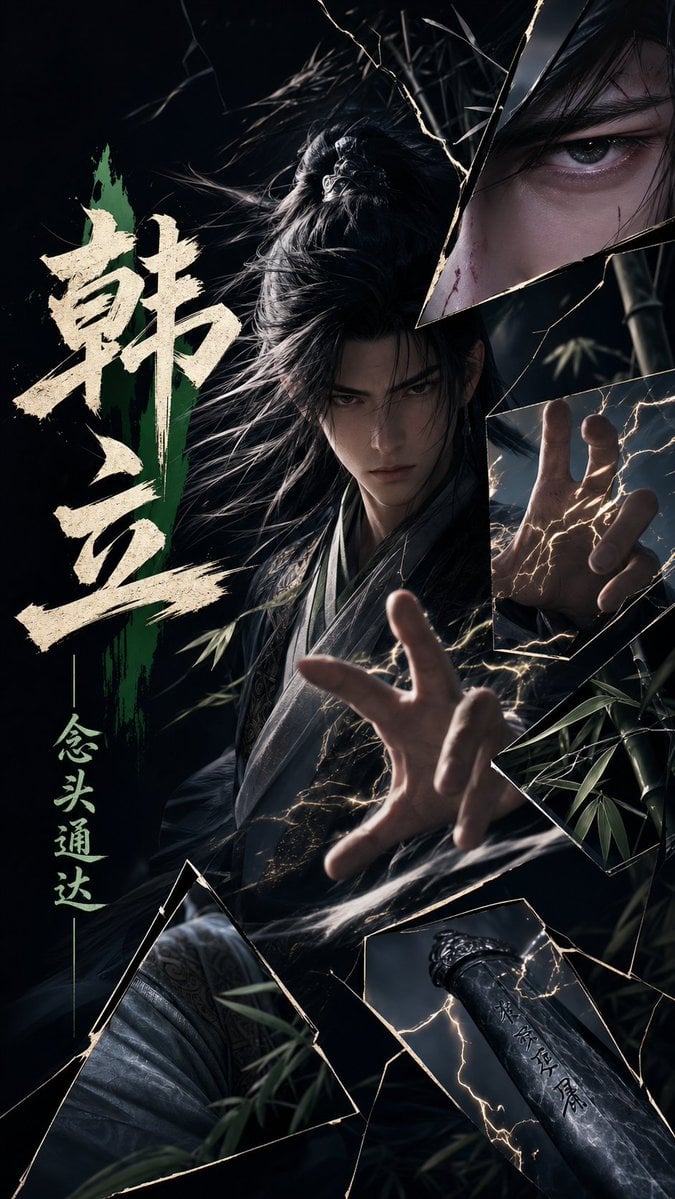
Dark Xianxia Shattered Glass Poster
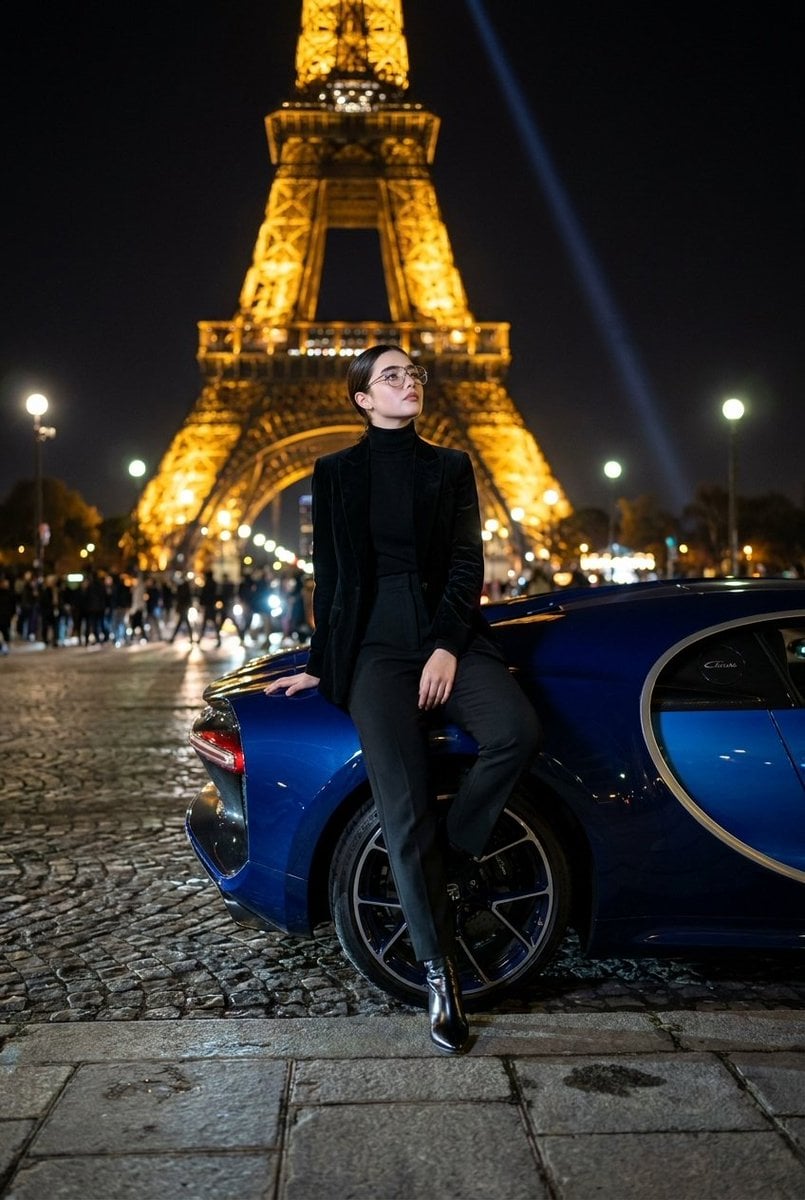
Fashion Editorial at Trocadéro
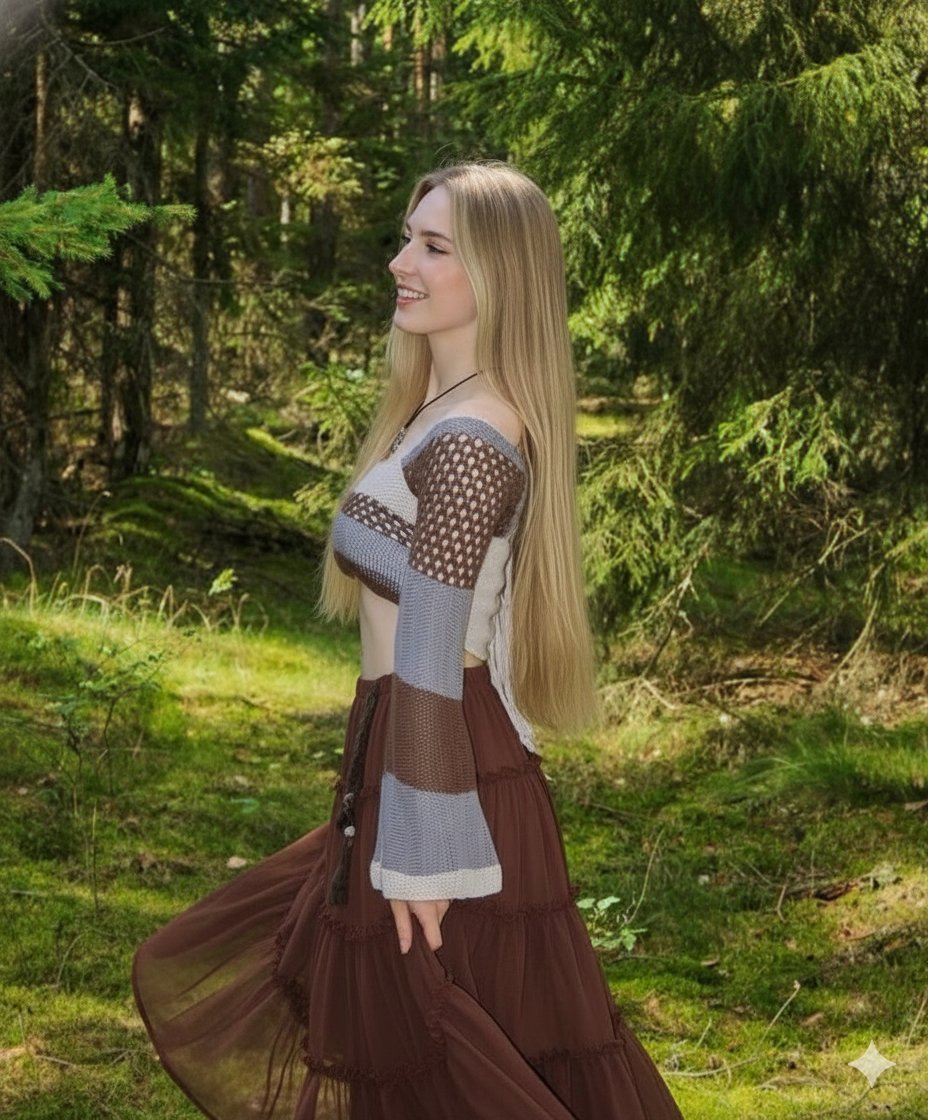
Boho Editorial Portrait in Pine Forest

3D Cartoon Caricature with Identity Preservation
Vintage Garden Wedding Portrait

Outdoor Fashion Portrait in Flower Meadow Prompt

East Asian Fashion Editorial Portrait

Extreme Wet Close-Up Portrait

Receptionist Seated at Front Desk

Christmas Vertigo: Surreal Avant-Garde Mrs. Claus
Browse template categories
Chinese Study Card Social Screenshot questions
How do I use the Chinese Study Card Social Screenshot template?
Add your photo if the template asks for one, edit the prompt if you like — the template's model and format are already selected — and press Generate. Your version opens in PicX Studio.
Can I customize the Chinese Study Card Social Screenshot template?
Yes. You can change the subject, setting, lighting, mood, format, and available model controls before creating your image.
Is the Chinese Study Card Social Screenshot template free?
Opening and editing this template is free. Generating uses credits, shown on the Generate button when you are signed in.
Which AI model should I use?
Start with GPT Image 2, which is the model associated with this template. You can compare another compatible model for a different finish.
Looking for something else? Browse all templates.

Your photo, any look
Thousands of ready templates for every top image and video model, from one credit balance.