
Receptionist Seated at Front Desk
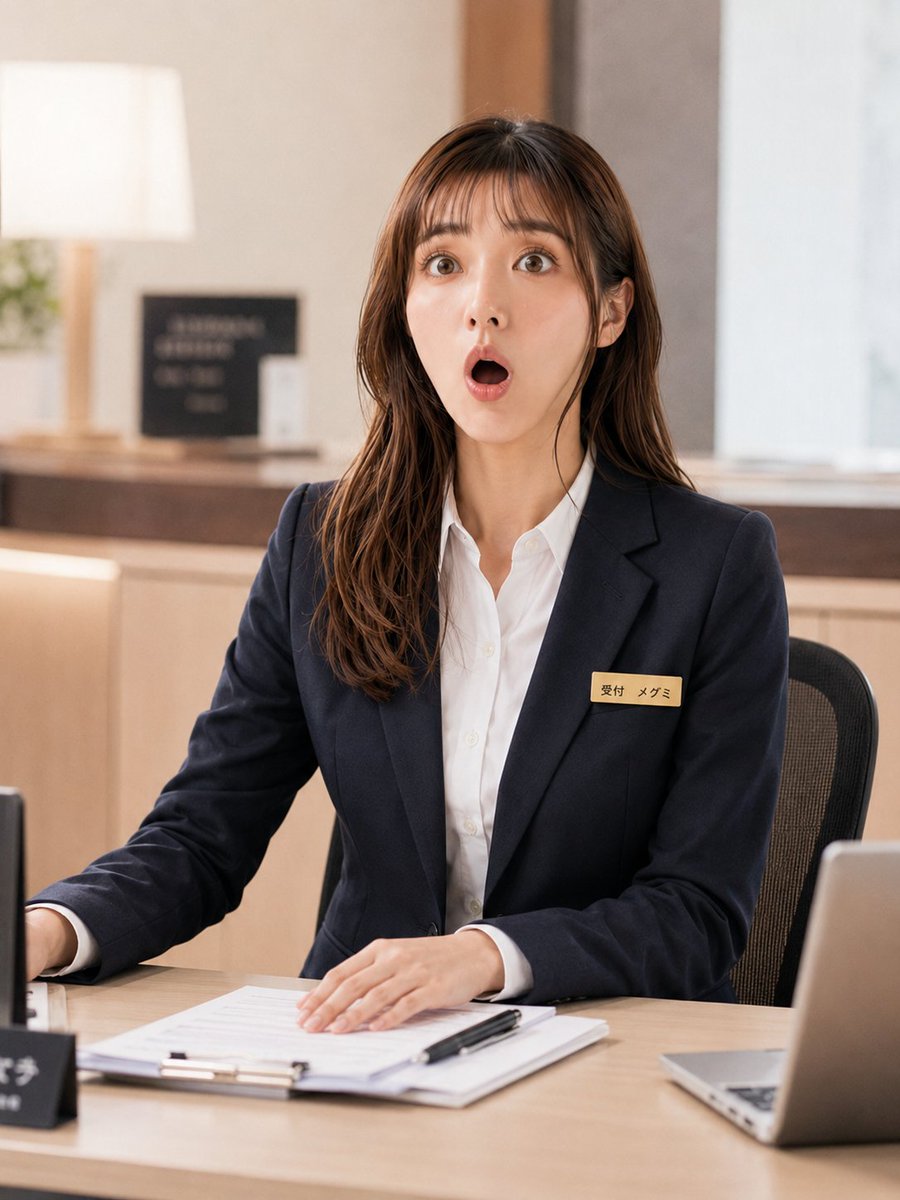
Creates a photorealistic office reception portrait from a character sheet while preserving the subject’s outfit and identity cues.
- Prompt included
- Model and format preset
- Free template
The prompt behind this image
Copy the exact prompt behind Receptionist Seated at Front Desk, or open it in the studio and make it yours.
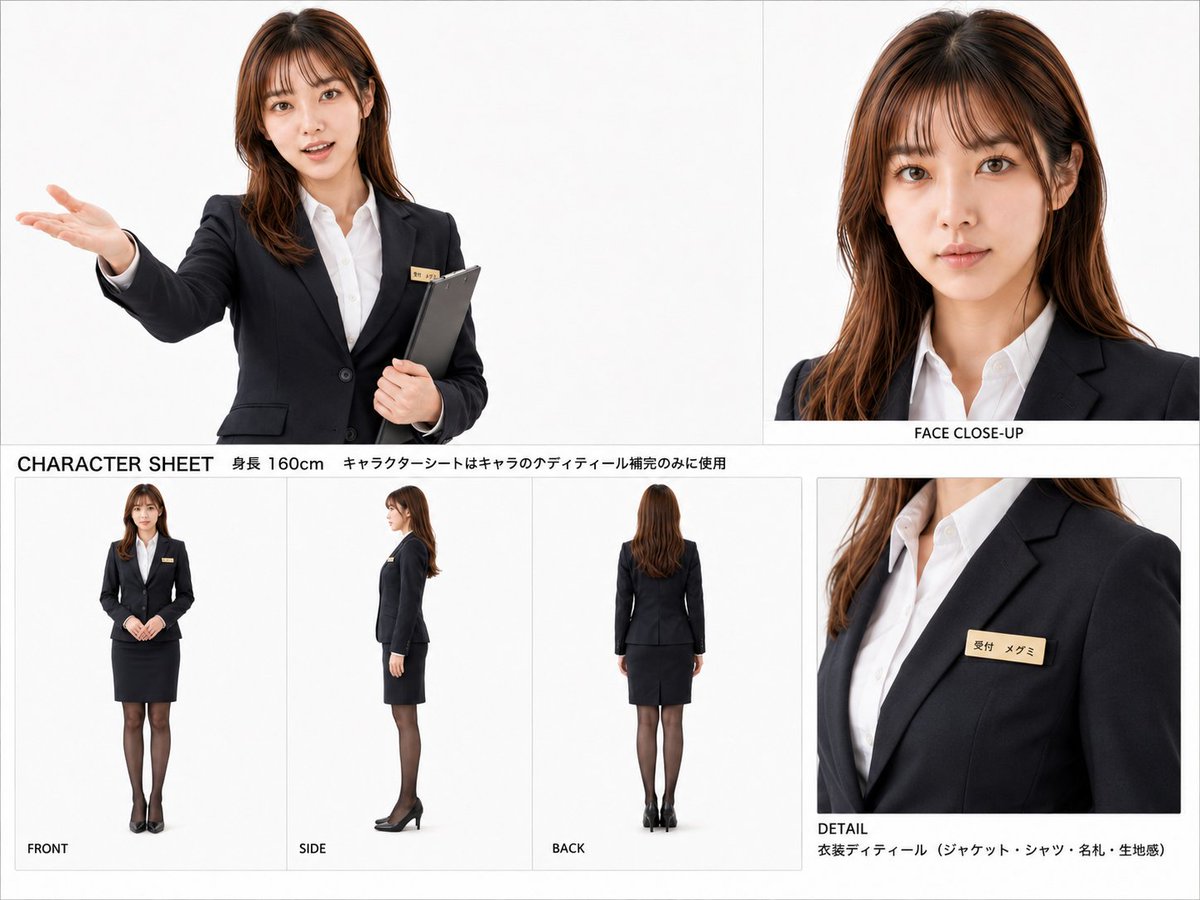
Using REFERENCE_0 as the character and outfit base, generate a polished photorealistic upscale scene of the same receptionist seated at a front desk in a modern office or clinic reception area. Preserve the navy suit, white shirt, brown shoulder-length hair, gold name badge, and the anonymized/blurred face treatment. Change the pose from the character sheet into a seated working posture: upper body centered, one hand resting on paperwork on the desk and the other arm reaching slightly toward the side as if assisting a visitor. Add a warm, softly blurred reception background with light wood counters and neutral walls. Include exactly 6 visible desk/background additions: 1 clipboard with papers in front of her, 1 black pen on the papers, 1 open laptop at the right edge, 1 small black desk sign at the left foreground, 1 table lamp in the rear left, and 1 small plant or greenery near the lamp. Make it look like a natural professional photo, vertical 3:4 composition, shallow depth of field, soft indoor lighting, crisp fabric detail, realistic skin and hair rendering, no character sheet panels, no extra people, no watermark.
Reference images included
Receptionist Seated at Front Desk needs input media to work. They load alongside the prompt when you open it in the studio.
How to use Receptionist Seated at Front Desk in 3 steps
- 1Upload ImagePNG, JPG or paste
Add your photo
Upload the photo the template builds on. The prompt, model and format are already set.
- 2…a portrait of your subject in softgolden-hour light, 85mm…
Personalize
Edit the subject and creative details for your destination.
- 3Generate
Generate
Press Generate — your image is created in PicX Studio, so you can compare it with the original and refine one variable at a time.
More like this
Templates with the same subject, style or setup. Open one to see its prompt.
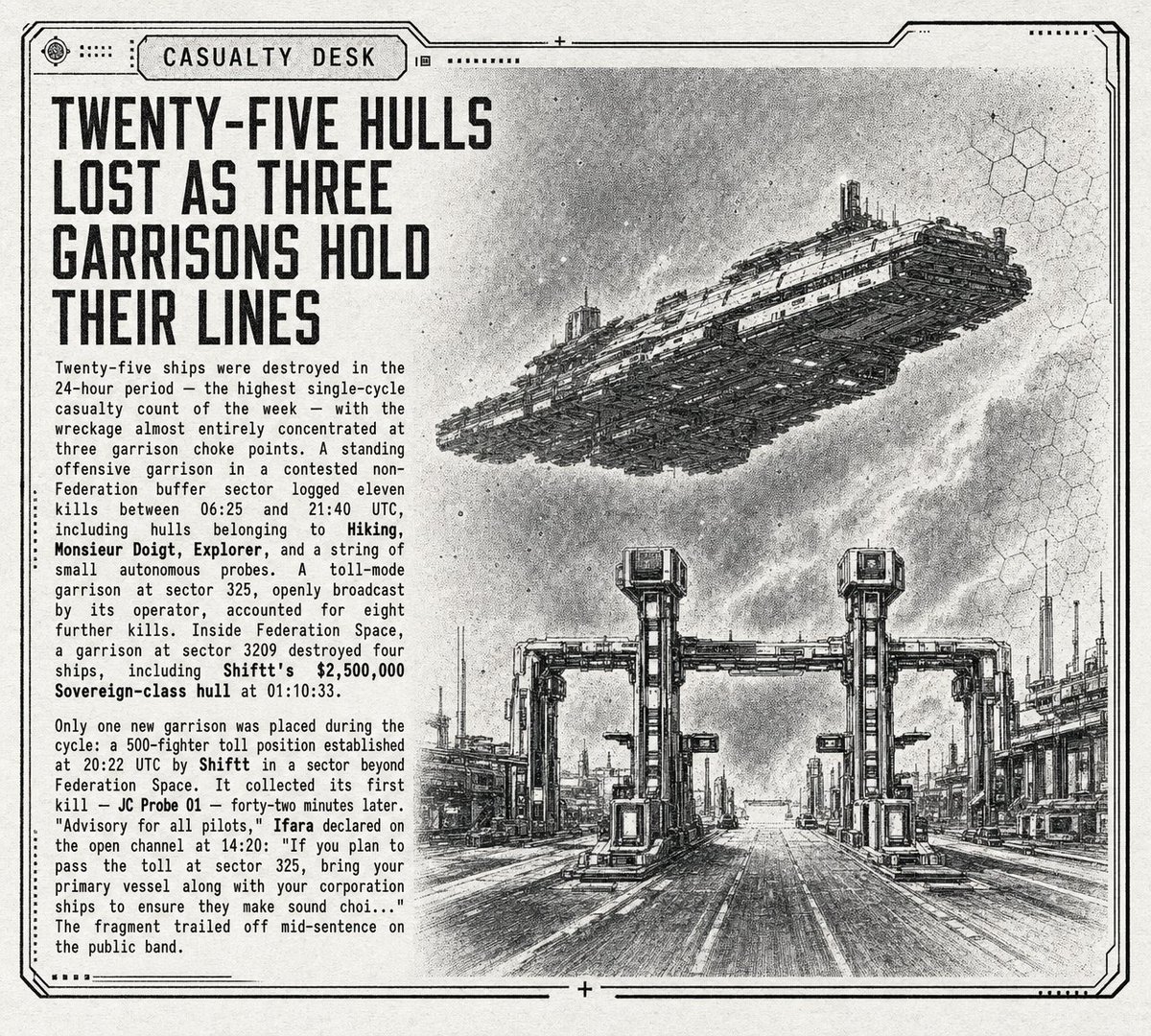
Retro Sci-Fi Casualty Desk Front Page

Dancer Character - Four View Reference Sheet
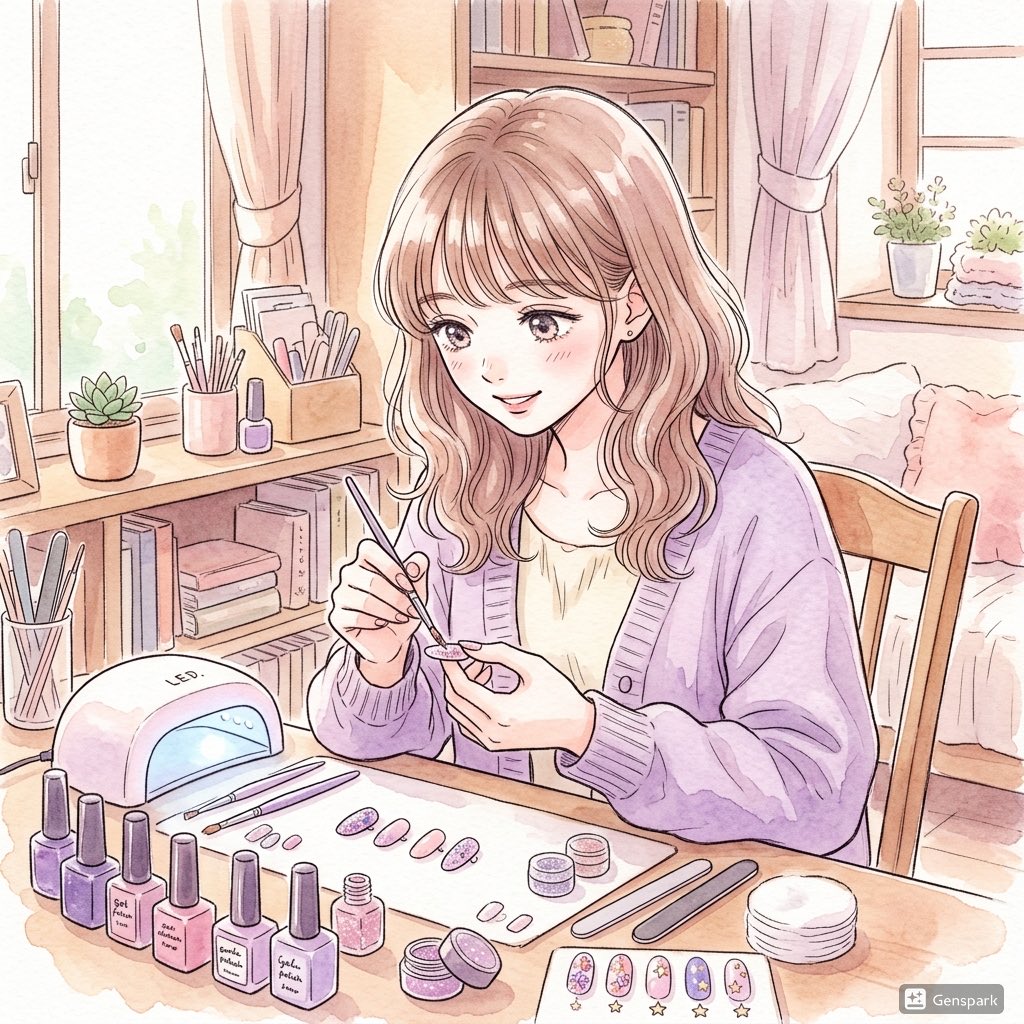
Pastel Anime Nail Artist at Desk
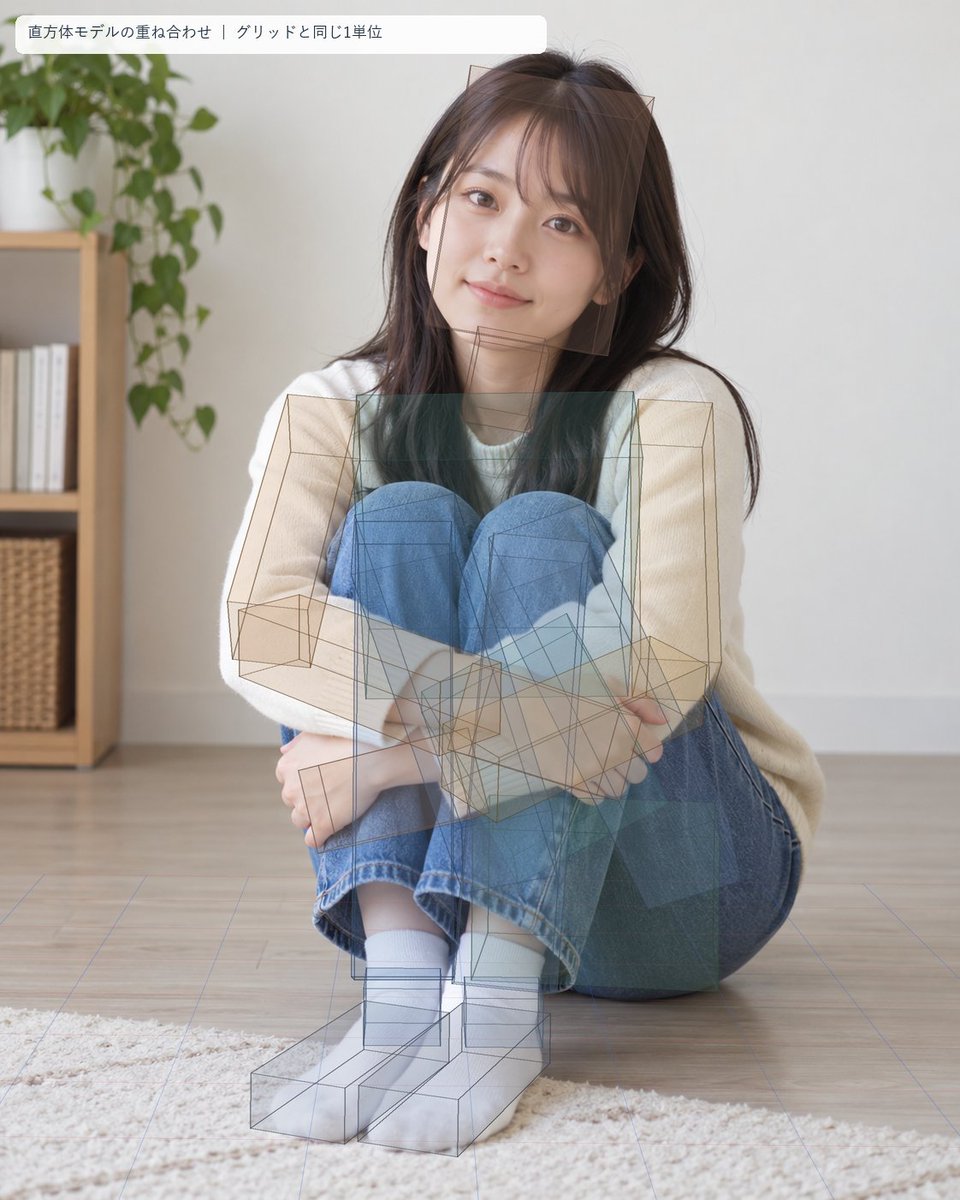
Seated Portrait Pose Estimation Overlay
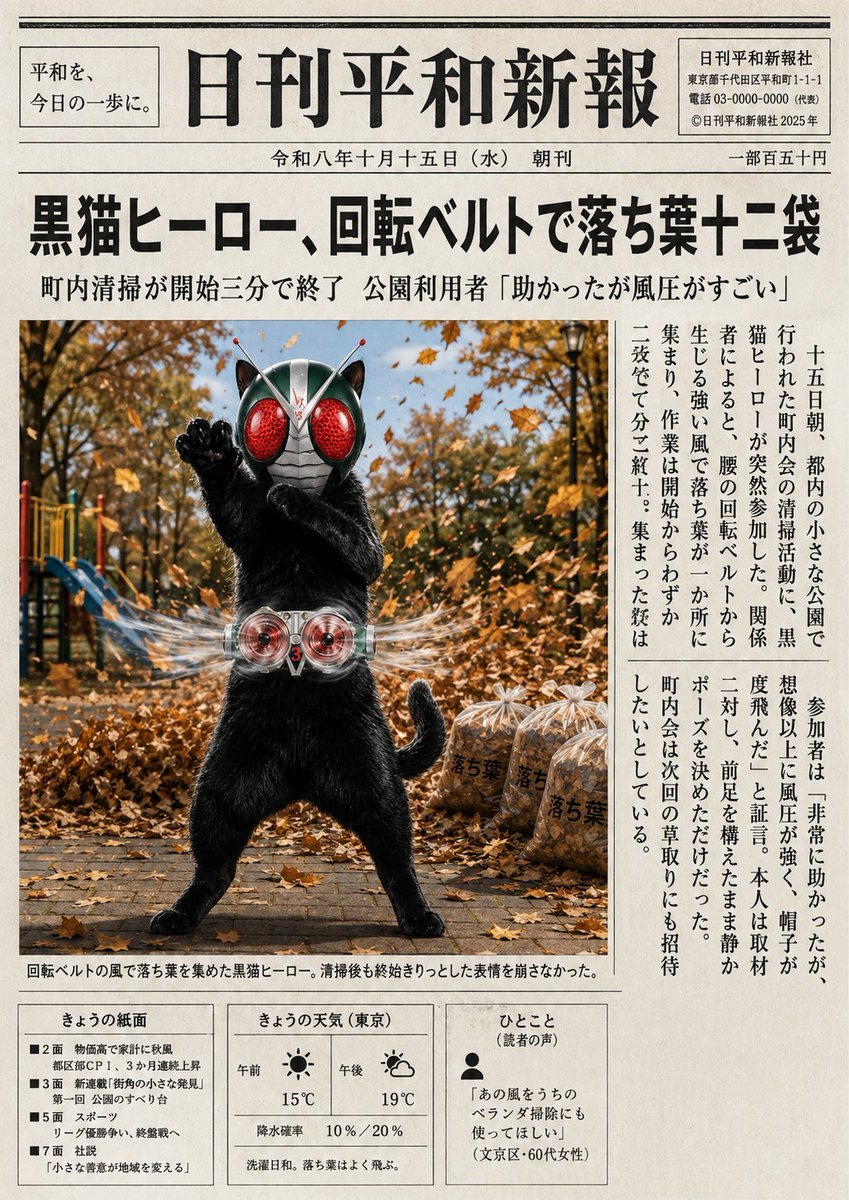
Japanese Newspaper Cat Hero Front Page
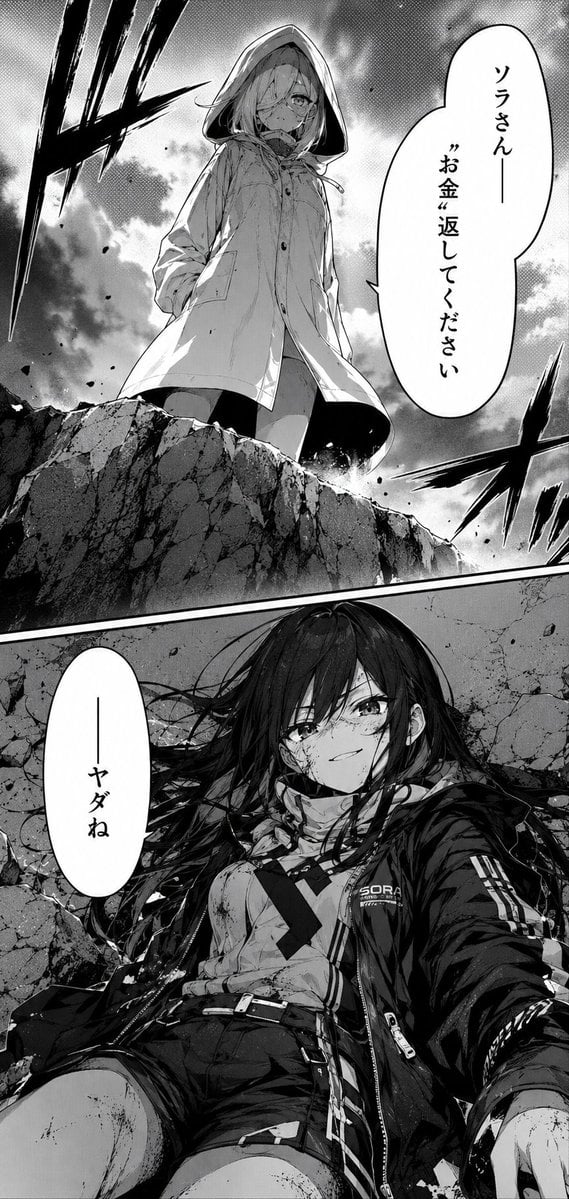
Dramatic Manga Money Confrontation

Candid Store Front-Camera Photo
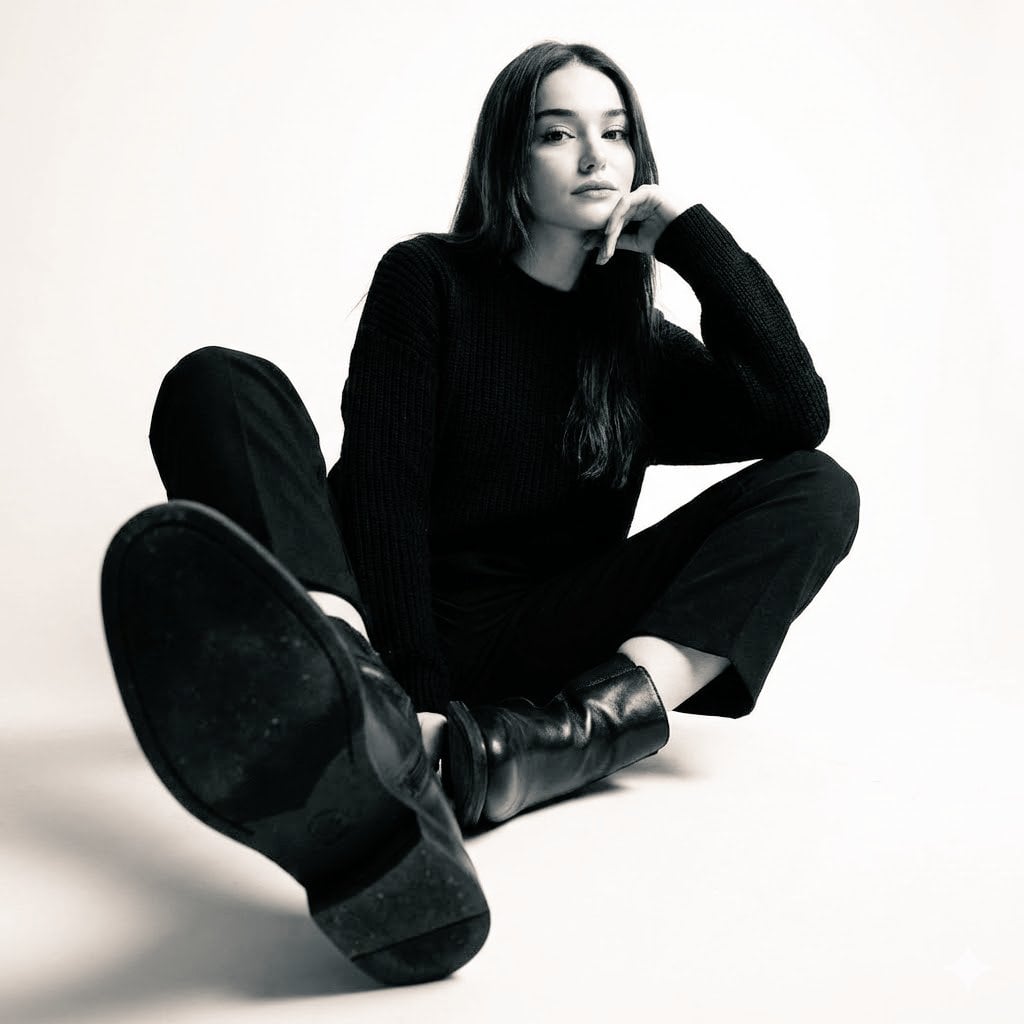
High-contrast black-and-white studio photo of a woman seated
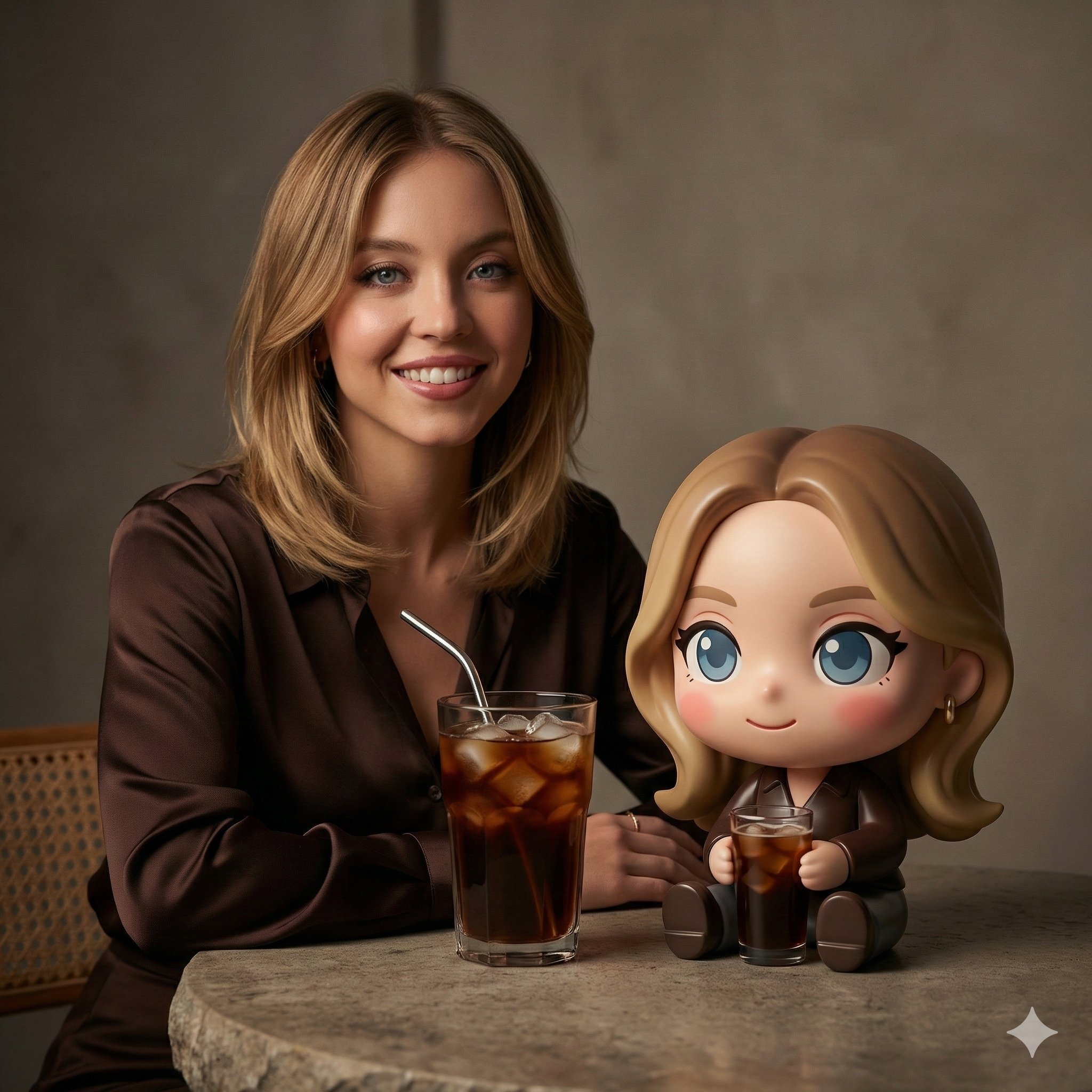
A cinematic studio portrait of a woman seated at a textured stone table
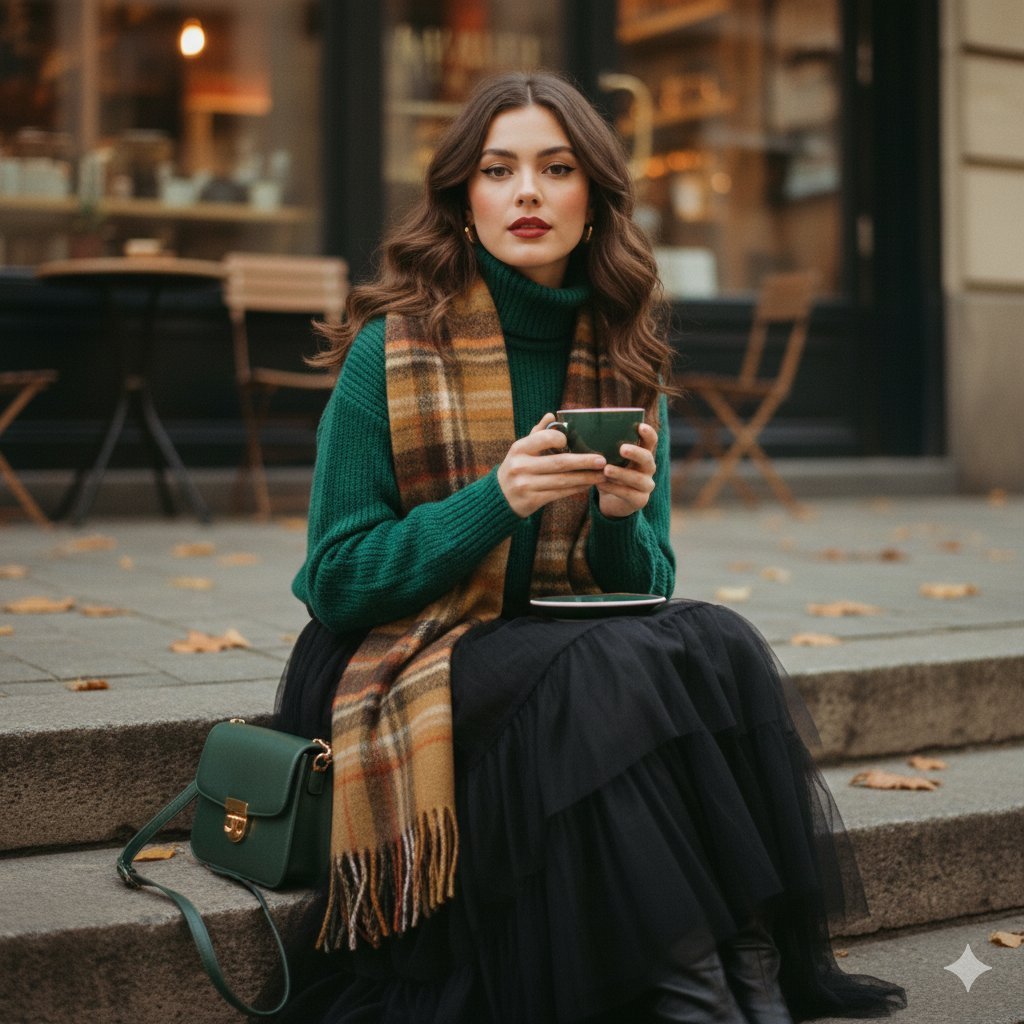
A cinematic 1970s-inspired fashion portrait of a young woman seated
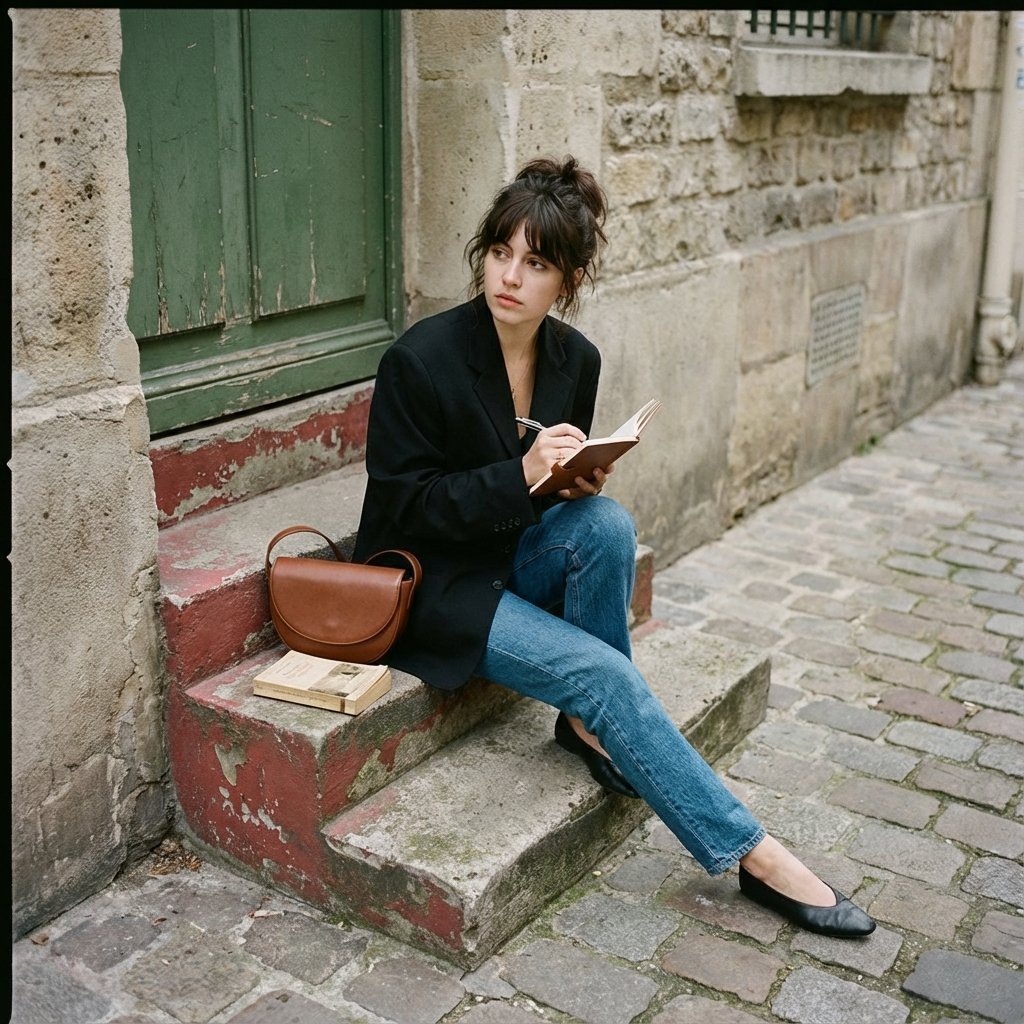
Seated casually on worn stone stairs, legs crossed slightly, holding
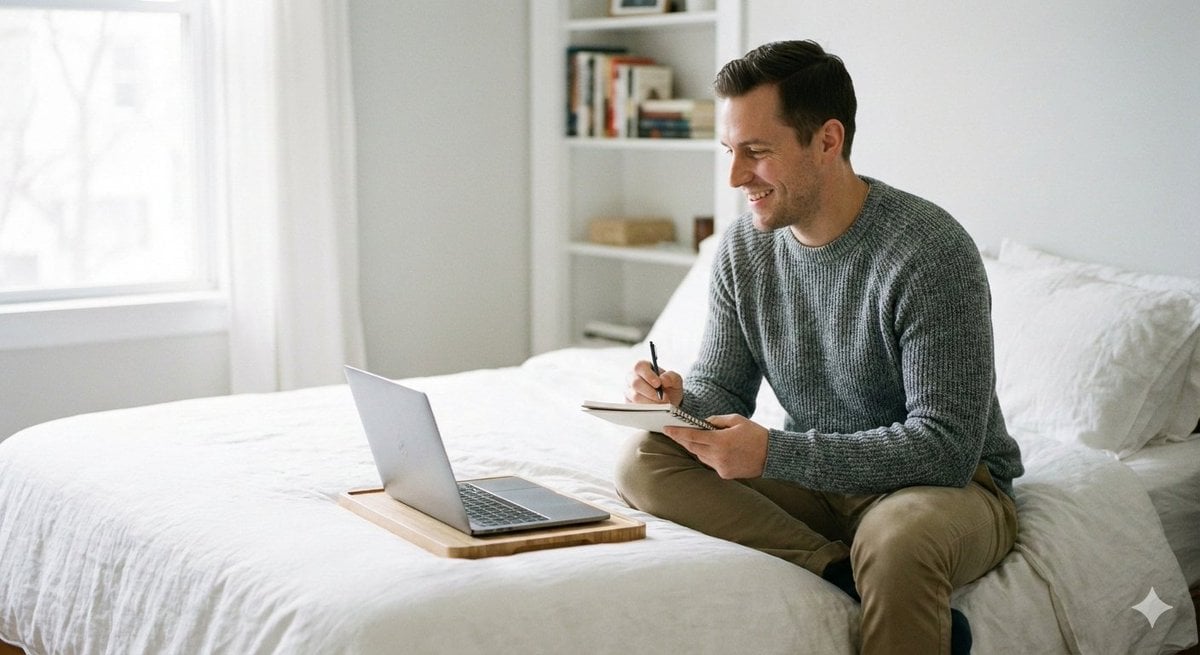
Relaxed seated pose with legs folded or stretched comfortably
Make it yours
Receptionist Seated at Front Desk works as-is. These are the safest ways to change it without losing the look.
Change one field
Copy a single group, rewrite it, and generate again so you can see what that field is doing.
Keep the frame, change the subject
Hold the composition and light of Receptionist Seated at Front Desk, then swap wardrobe, props or the person for a new take.
| If the result… | Why | Fix |
|---|---|---|
| The result drifts from the preview | Too many fields changed at once. | Reuse Receptionist Seated at Front Desk as-is first, then change one group — subject, light, or setting. |
| The model over-stylizes the scene | The prose prompt leaves finish and camera underspecified. | Add one camera or lighting sentence and stay on GPT Image 2. |
More GPT Image 2 templates
Other prompts made for GPT Image 2.

Six VTuber Japanese Logo Sheet

Realistic Portrait of Woman and Deer

The Vista Modular Condo Poster

AI Model Routing Comparison Infographic

2.5D Anime Art Board

New York Double Exposure Poster

Four-Panel AI Landscape Comparison

Japanese Tatami Lifestyle Magazine Cover

NESCAFÉ Coffee Map Poster

Brutalist Cogito Chinese Typography Poster
More image prompts
Fresh picks from across the catalog.
Classical Chinese poem illustration with text (duplicate)
A4 manga about how amazing Nano Banana Pro is
Realistic Hollywood Studio Set Behind-the-Scenes
Anime Rooftop Cheerleaders at Night
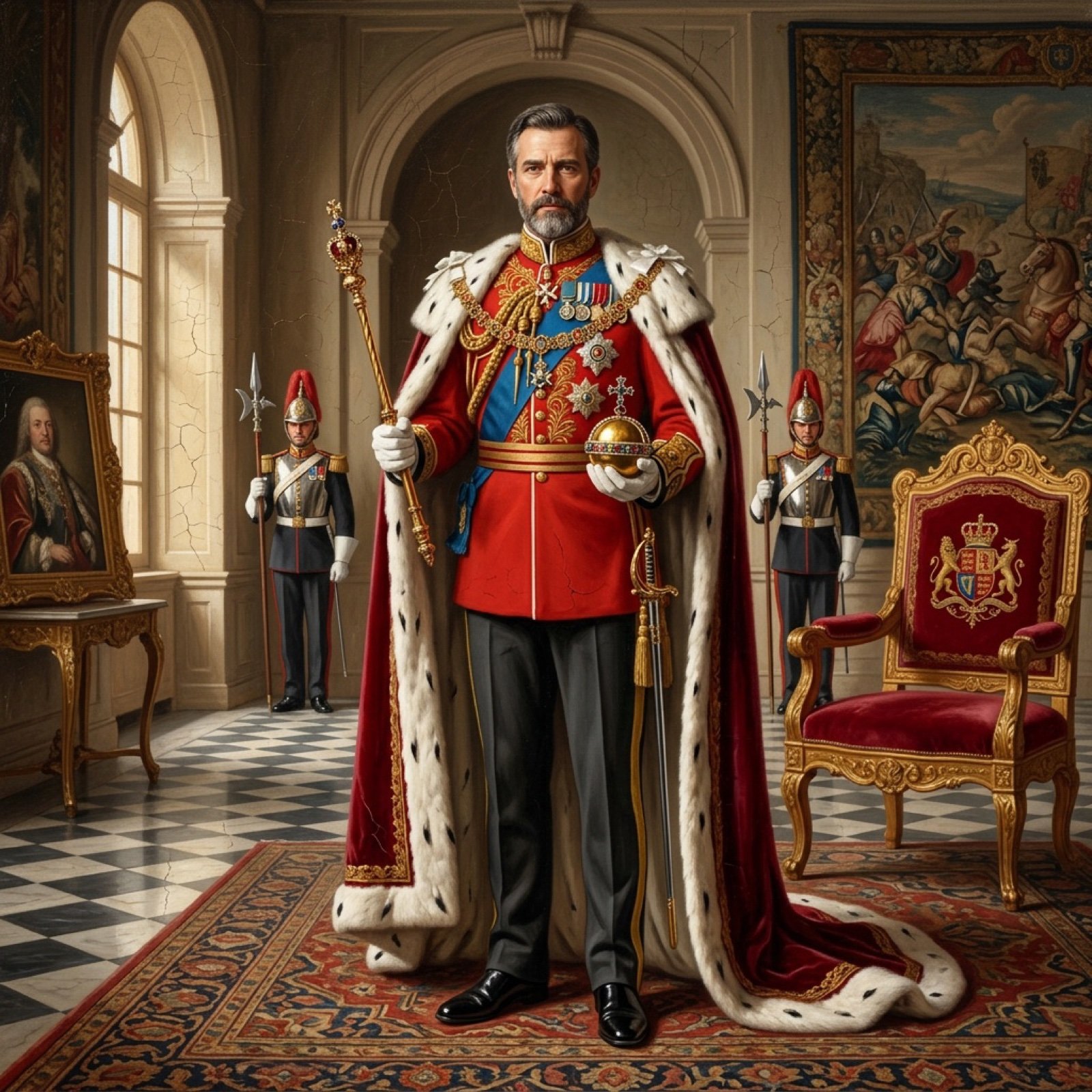
Detailed Oil Painting Prompt for a Regal King Portrait
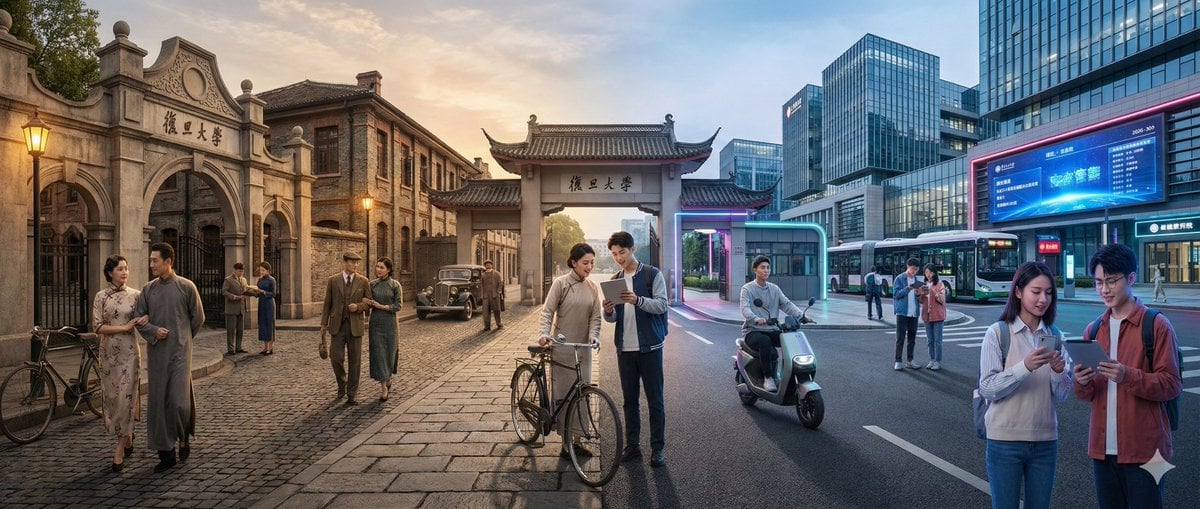
Time-Warp Cinematic Split Scene Prompt

Urban Street Portrait with Cartoon Inner Self Duo
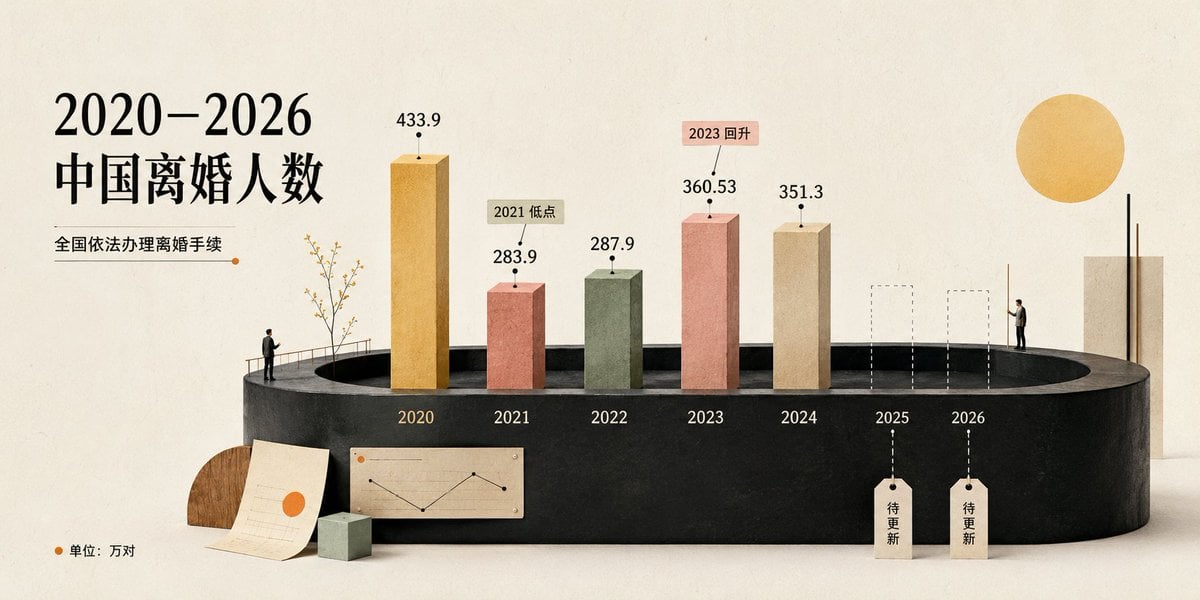
Cream 3D China Divorce Data Chart

Hyper-Real Wildlife Photography Close-Up Prompt
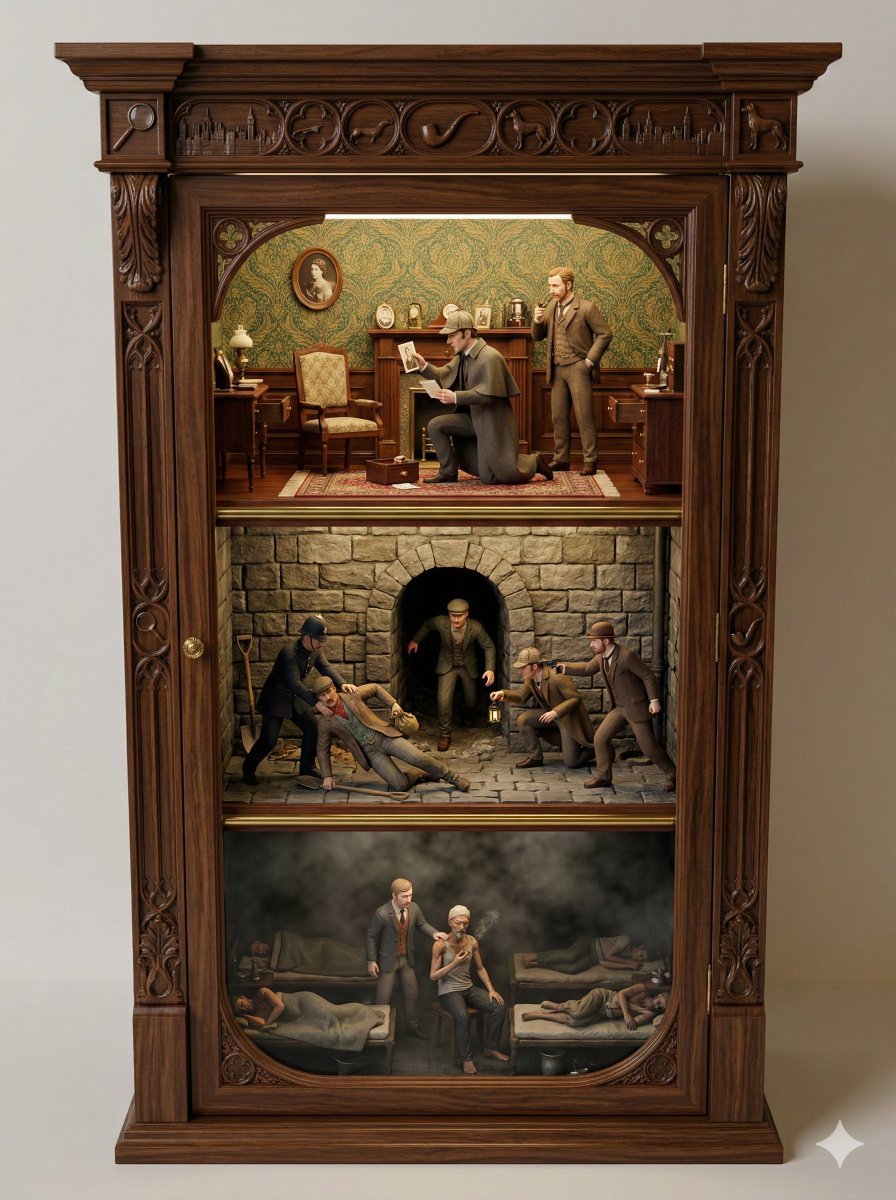
Sherlock Holmes Ornate Cupboard Diorama Prompt
Browse template categories
Receptionist Seated at Front Desk questions
How do I use the Receptionist Seated at Front Desk template?
Add your photo if the template asks for one, edit the prompt if you like — the template's model and format are already selected — and press Generate. Your version opens in PicX Studio.
Can I customize the Receptionist Seated at Front Desk template?
Yes. You can change the subject, setting, lighting, mood, format, and available model controls before creating your image.
Is the Receptionist Seated at Front Desk template free?
Opening and editing this template is free. Generating uses credits, shown on the Generate button when you are signed in.
Which AI model should I use?
Start with GPT Image 2, which is the model associated with this template. You can compare another compatible model for a different finish.
Looking for something else? Browse all templates.

Your photo, any look
Thousands of ready templates for every top image and video model, from one credit balance.