
Time-Warp Cinematic Split Scene Prompt
A detailed cinematic prompt for Nano Banana Pro that creates a horizontally split image seamlessly merging two different eras—a past era (default 100 years ago) and the contemporary era—within the same scene…
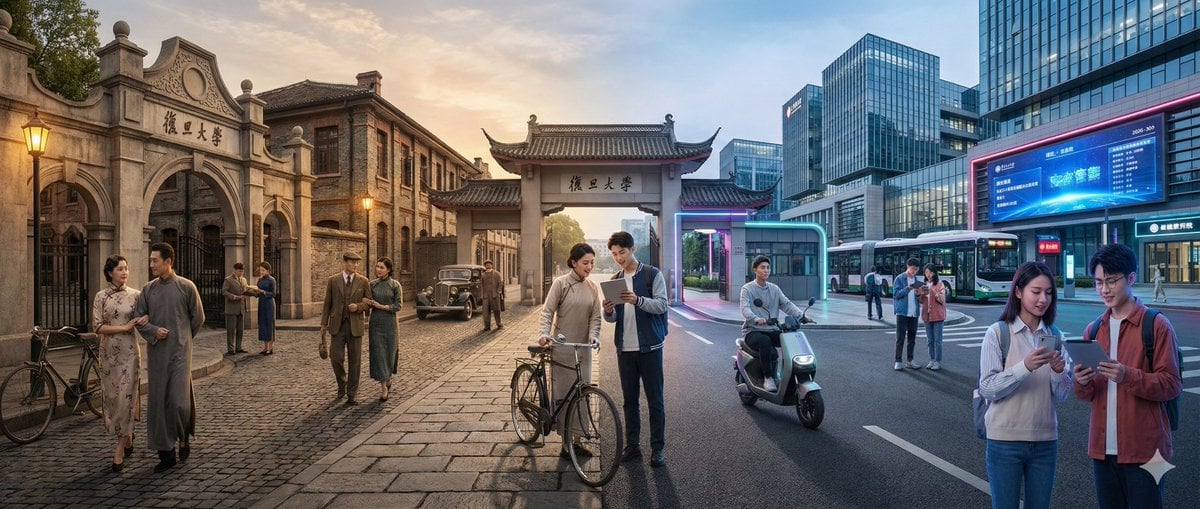
- Prompt included
- Model and format preset
- Free template
The prompt behind this image
Copy the exact prompt behind Time-Warp Cinematic Split Scene Prompt, or open it in the studio and make it yours.
一个水平分割的电影级镜头,展现出【{argument name="场景" default="复旦大学校园"}】在两个截然不同年代的无缝融合:画面左侧是【{argument name="年代A" default="100年前"}】,右侧是【{argument name="年代B" default="现在"}】(默认对比为大约100年前与当代)。 在画面的左侧(【年代A】): 呈现与当时历史相匹配的建筑、室内或环境设计、材料、交通工具和道具,所有细节明确属于那个特定的历史时期。人物穿着完全符合【年代A】的服饰,包括发型、配饰和手中典型物品(如书籍、雨伞、乐器、信件、报纸等)。整体氛围充满怀旧感,历史感真实细腻。 在画面的右侧(【年代B】): 展示同一【场景】的现代版本,建筑经过更新或翻新,采用现代材料(玻璃、钢铁、LED显示屏、现代家具),配有现代化的车辆或设备,以及当前科技产物(智能手机、笔记本电脑、相机等)。人物的着装风格则完全符合当下潮流。 在画面的中央区域: 两个时代的元素自然地交汇融合,不出现明确的硬性分界线。来自【年代A】和【年代B】的人物在视觉上进行互动:不同年代的人们彼此对视、穿梭于对方所在的空间,或对彼此年代的技术与物品流露出惊奇的神情。建筑和环境实现平滑变形,例如:古老的石制大门渐渐演变为现代校园大门,古典音乐厅装饰渐渐转变为充满未来感的舞台,老街商铺逐渐变成霓虹闪耀的现代商店。 务必确保场景不仅仅是左右简单对比,而是动态的跨时代互动体验,建筑、服饰、道具和人物的动作姿态均清晰地体现两个时代的对比与融合。画面风格为照片级真实感,8K超高清分辨率,电影级光影效果,广角视野,材质细节丰富,具备强烈的时空穿越叙事感。
How to use Time-Warp Cinematic Split Scene Prompt in 3 steps
- 1
Open
The prompt is already in the box next to the preview, with the template's model and format selected.
- 2…a portrait of your subject in softgolden-hour light, 85mm…
Personalize
Edit the subject and creative details for your destination.
- 3Generate
Generate
Press Generate — your image is created in PicX Studio, so you can compare it with the original and refine one variable at a time.
More like this
Templates with the same subject, style or setup. Open one to see its prompt.

Automotive Blueprint Split Composition

Blueprint Split Reality Archetype Prompt
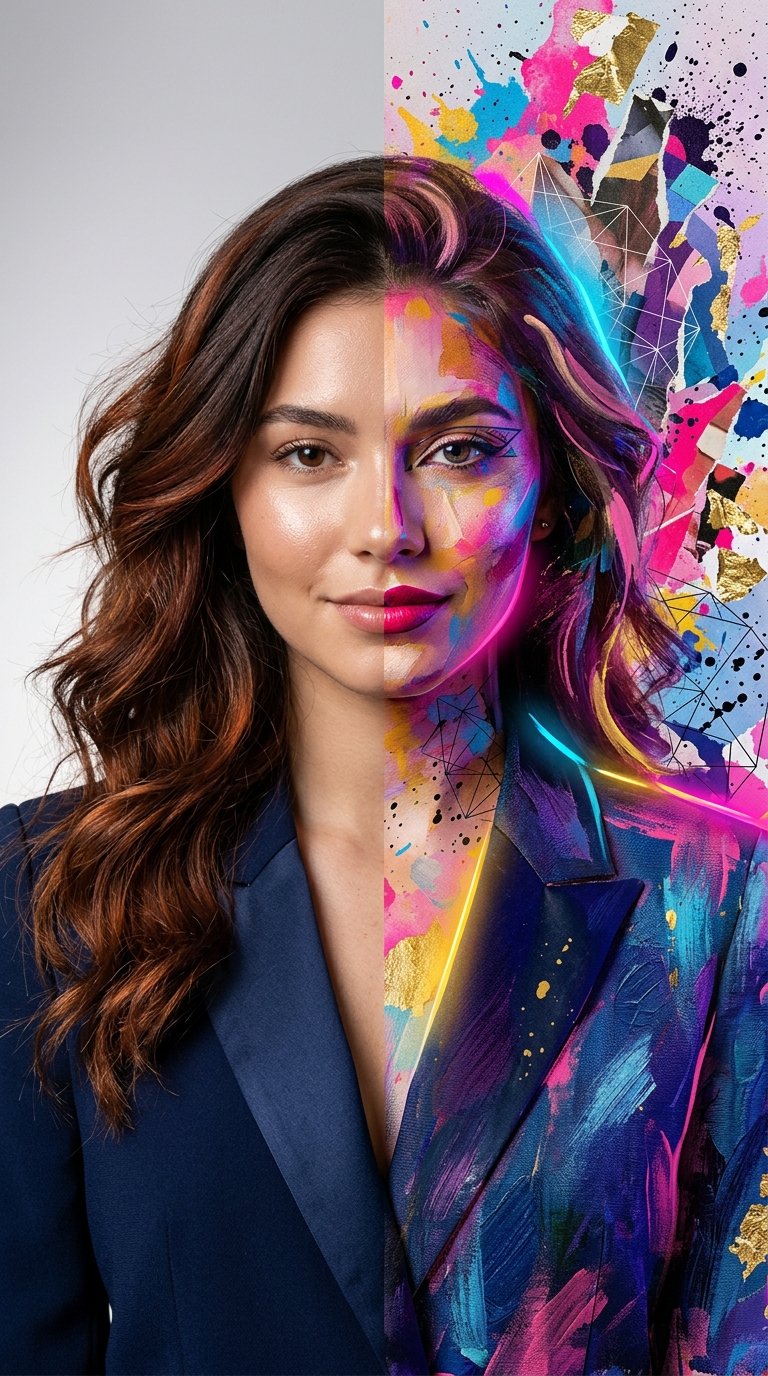
Split Portrait - Mixed Media
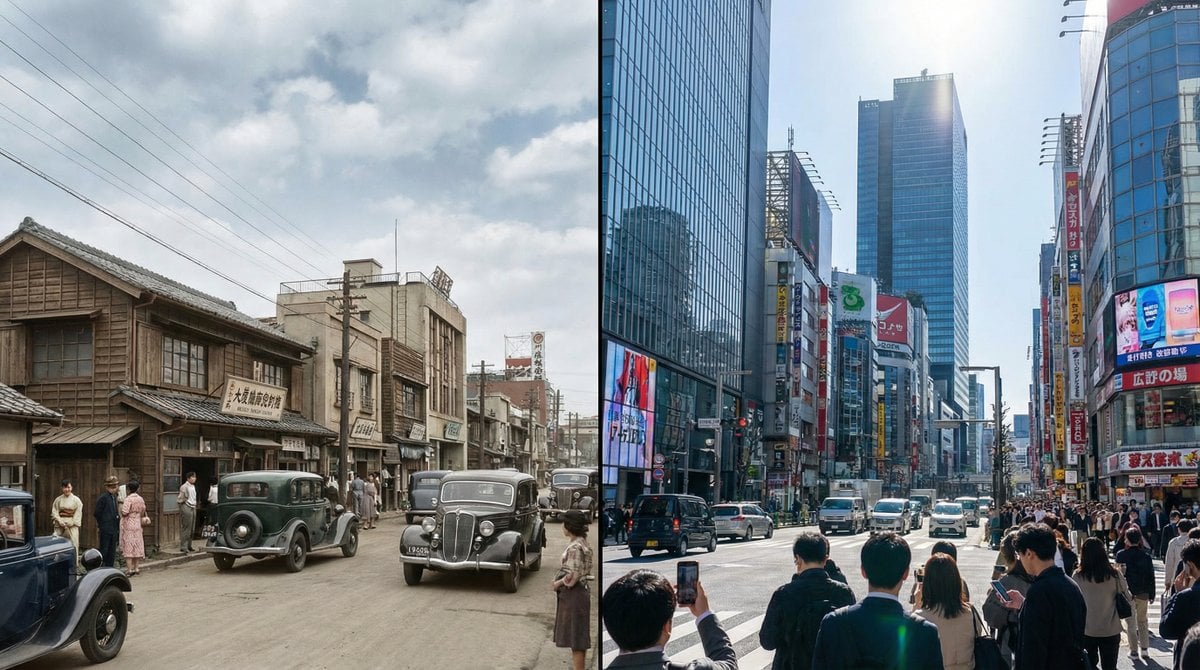
Split-screen time-lapse of same location by coordinates

Split-Screen Cinematic Time Travel Prompt
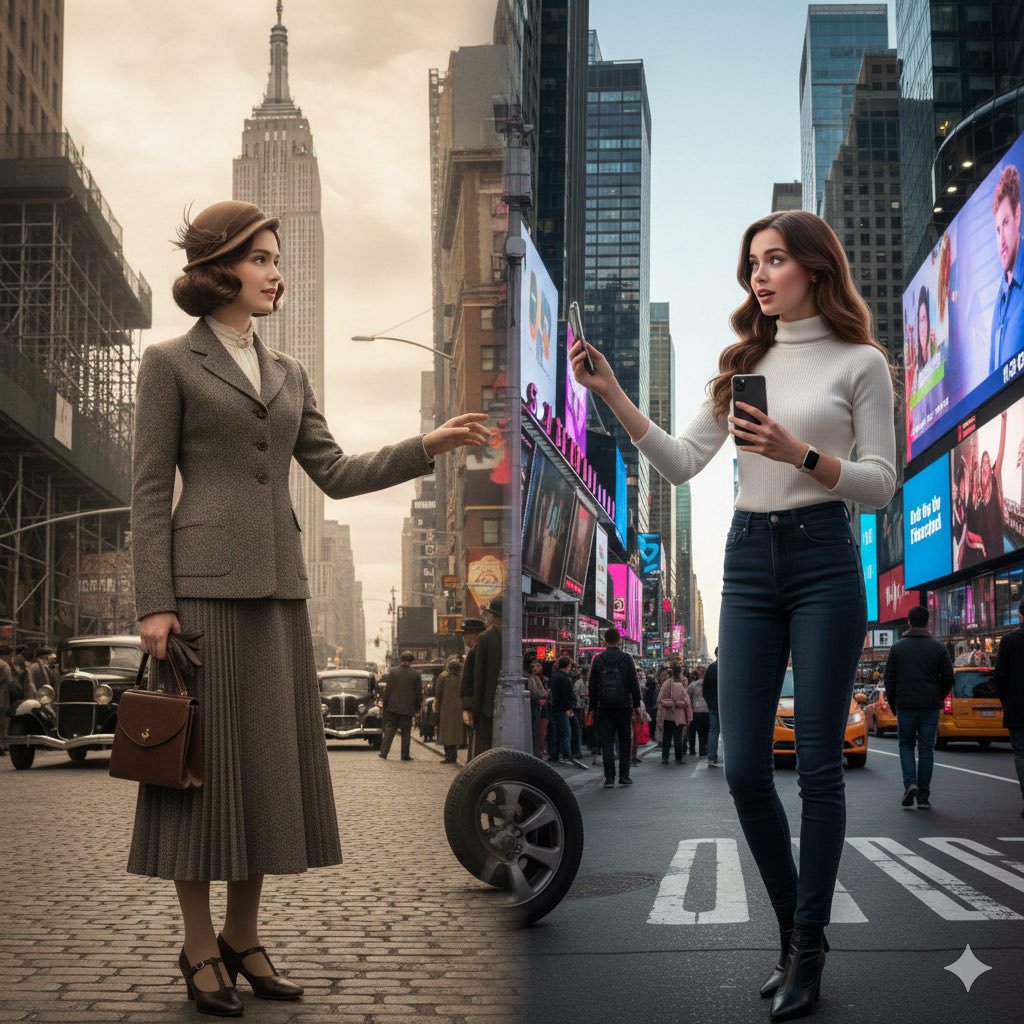
Split-Screen Cinematic Time Travel Prompt
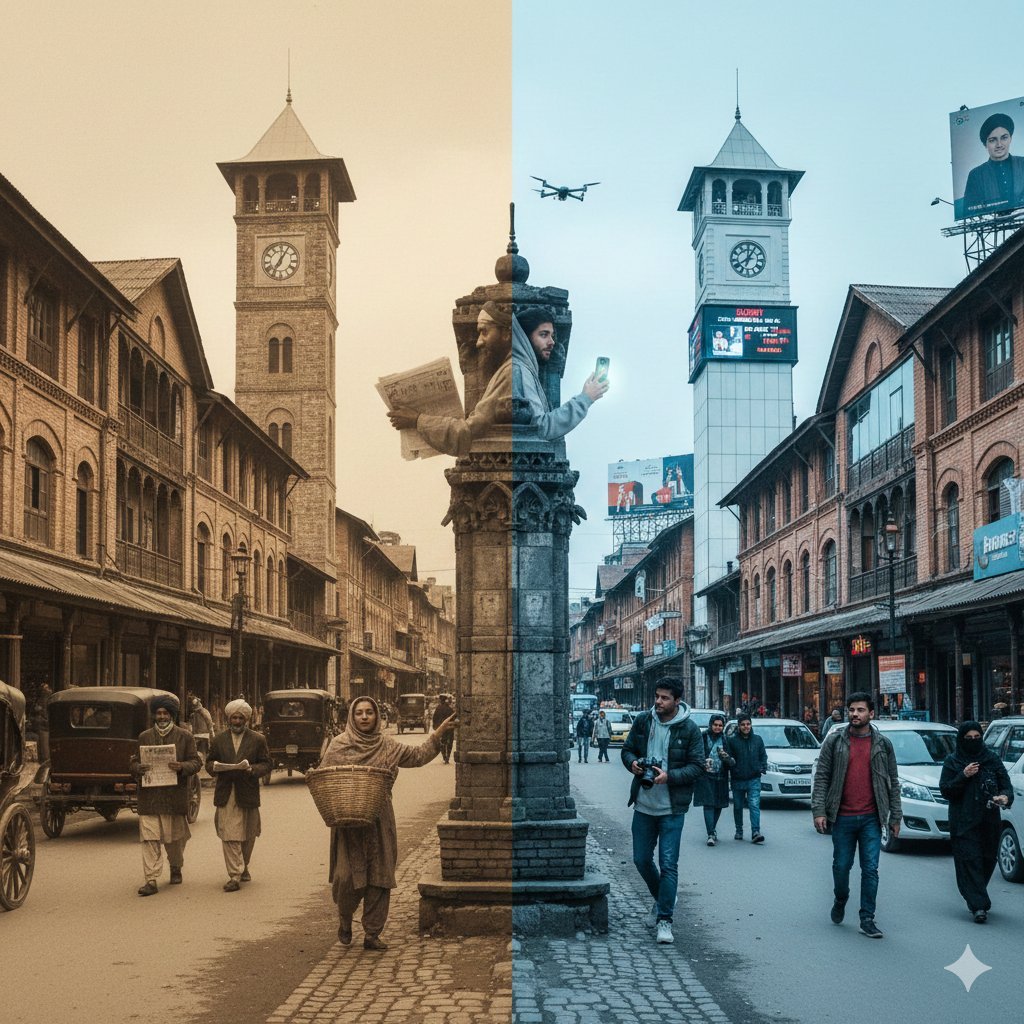
Split-Screen Time Travel Scene
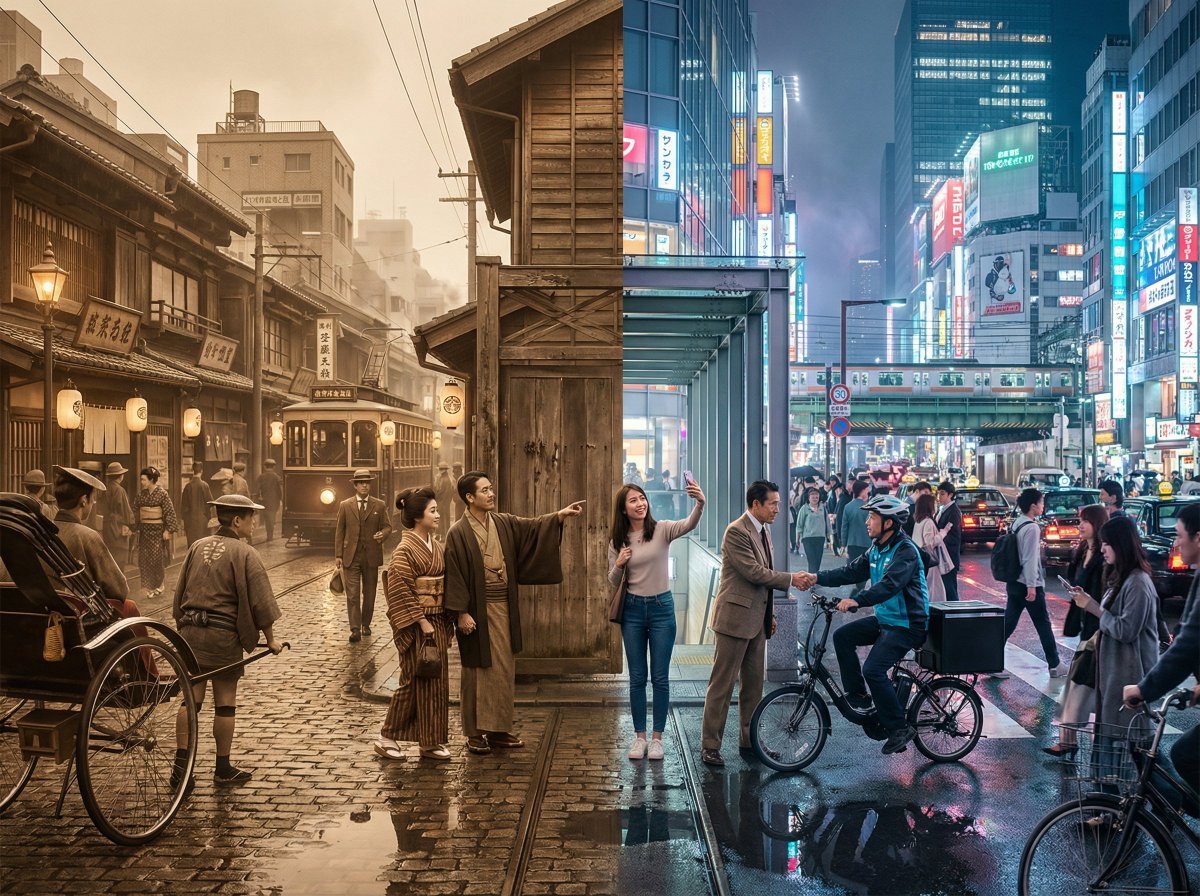
Tokyo Time-Blend Split-Screen
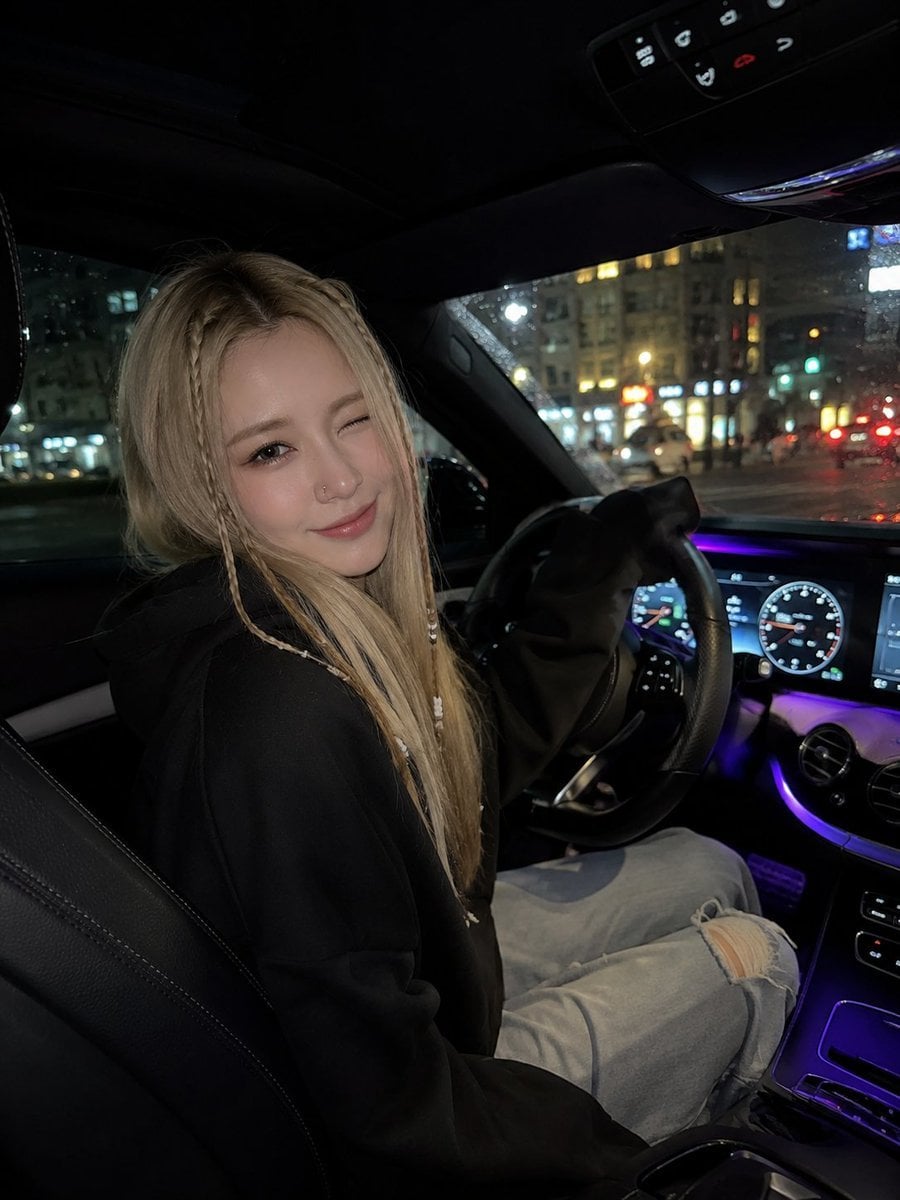
Night Time Car Selfie
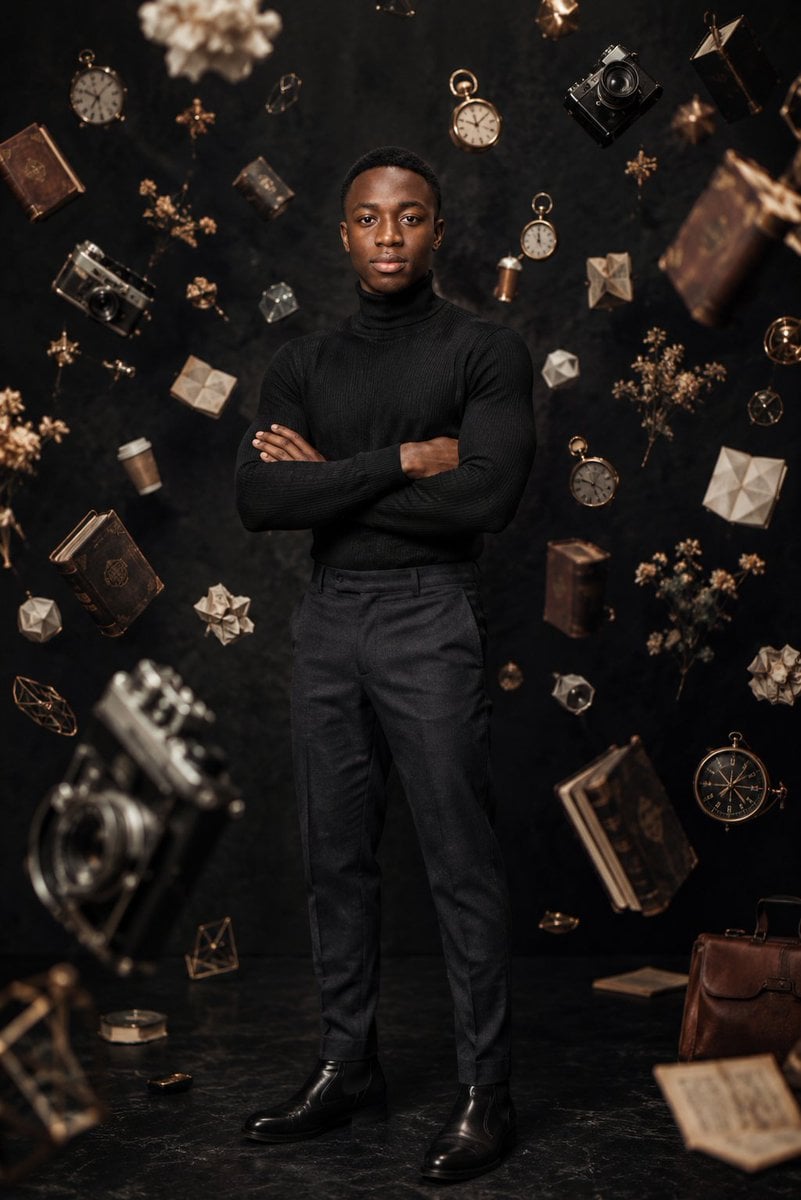
Frozen Time Editorial Portrait
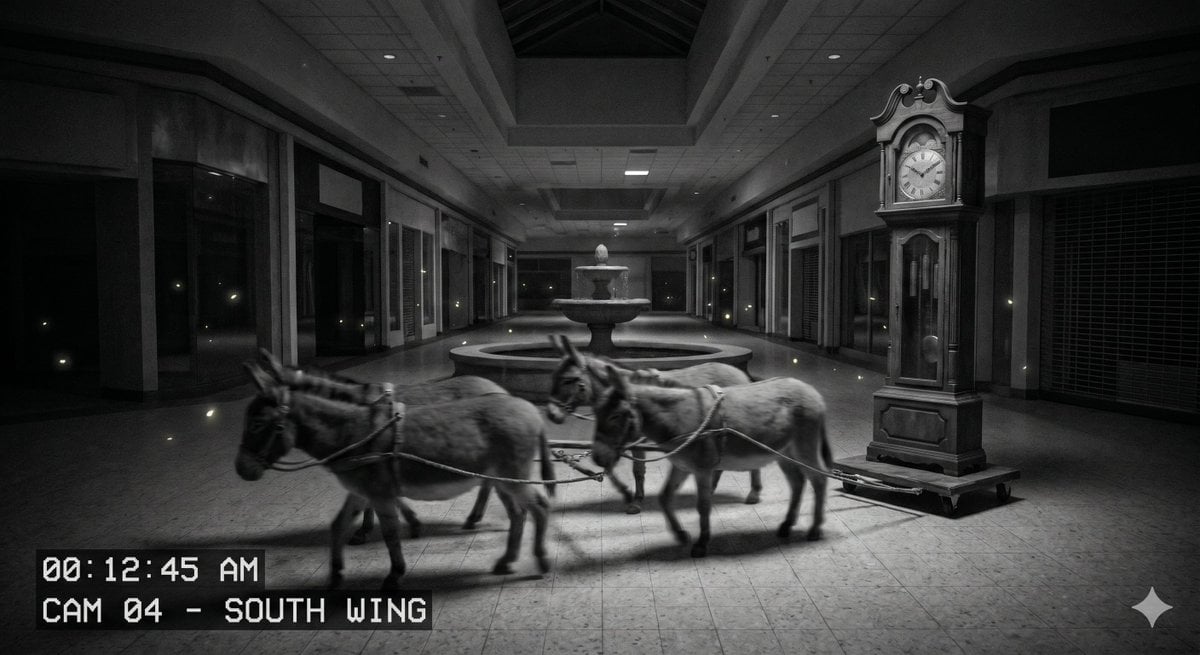
Nighttime CCTV Donkey Footage
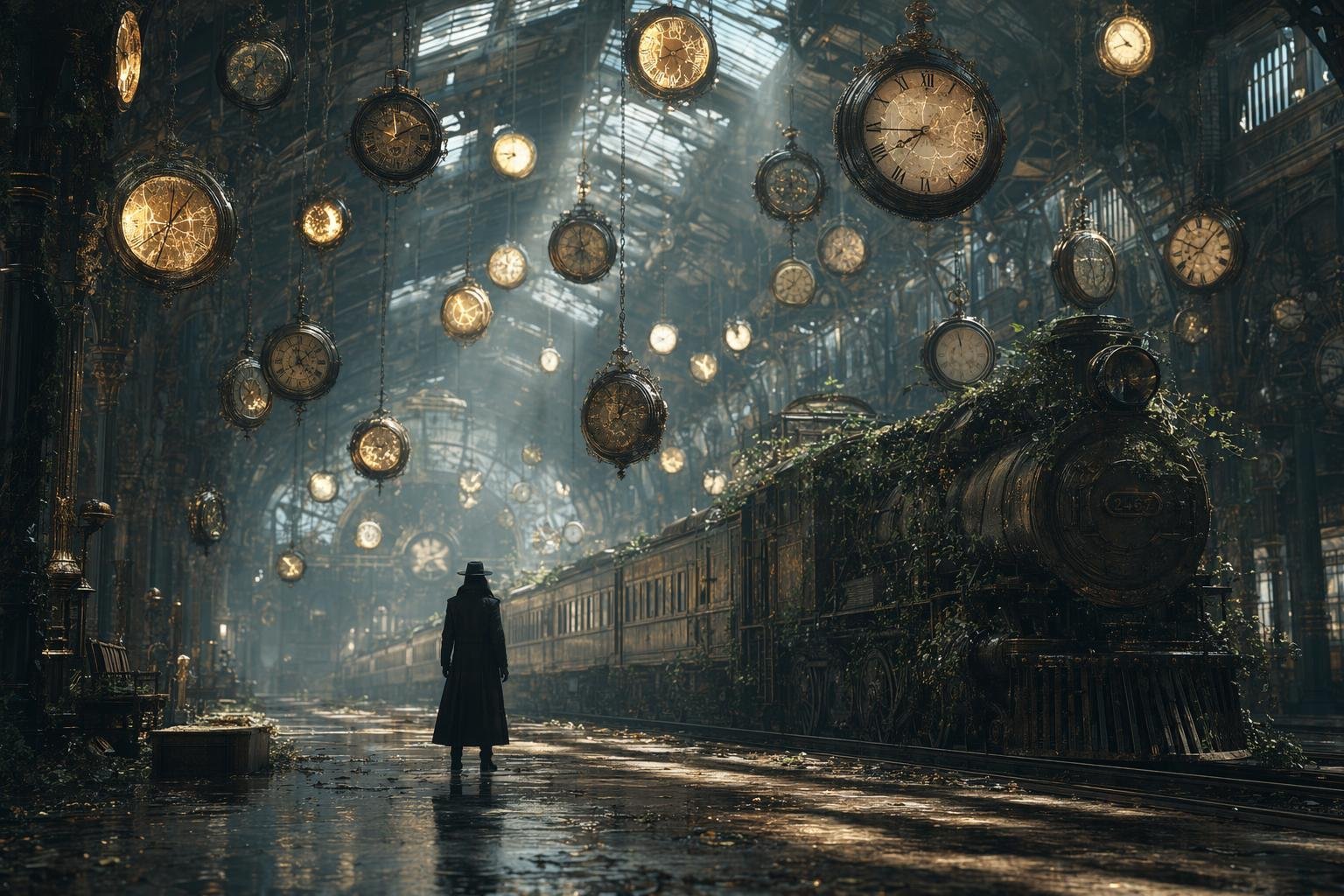
Same Traveler Different Timeline Portrait
Make it yours
Time-Warp Cinematic Split Scene Prompt works as-is. These are the safest ways to change it without losing the look.
Change one field
Copy a single group, rewrite it, and generate again so you can see what that field is doing.
Keep the frame, change the subject
Hold the composition and light of Time-Warp Cinematic Split Scene Prompt, then swap wardrobe, props or the person for a new take.
| If the result… | Why | Fix |
|---|---|---|
| The result drifts from the preview | Too many fields changed at once. | Reuse Time-Warp Cinematic Split Scene Prompt as-is first, then change one group — subject, light, or setting. |
| The model over-stylizes the scene | The prose prompt leaves finish and camera underspecified. | Add one camera or lighting sentence and stay on Nano Banana 2. |
More Nano Banana 2 templates
Other prompts made for Nano Banana 2.

Photorealistic Leaf Shaped Like a Dragon

K-Pop Idol Portrait Grid for Rapid Selection

Poetic Rain Forest Portrait During Golden Hour

Urban Street Portrait with Cartoon Inner Self Duo

Candid Nighttime Photo with Cat Prompt

High-Concept 3D Diorama Generation Prompt

Cinematic Futuristic Studio Portrait Template

Skincare Editorial Photography Collage Prompt

Hyper-Realistic Commercial Product Photography (Splash Effect)

Hyper-Realistic Nightclub Portrait Prompt
More image prompts
Fresh picks from across the catalog.
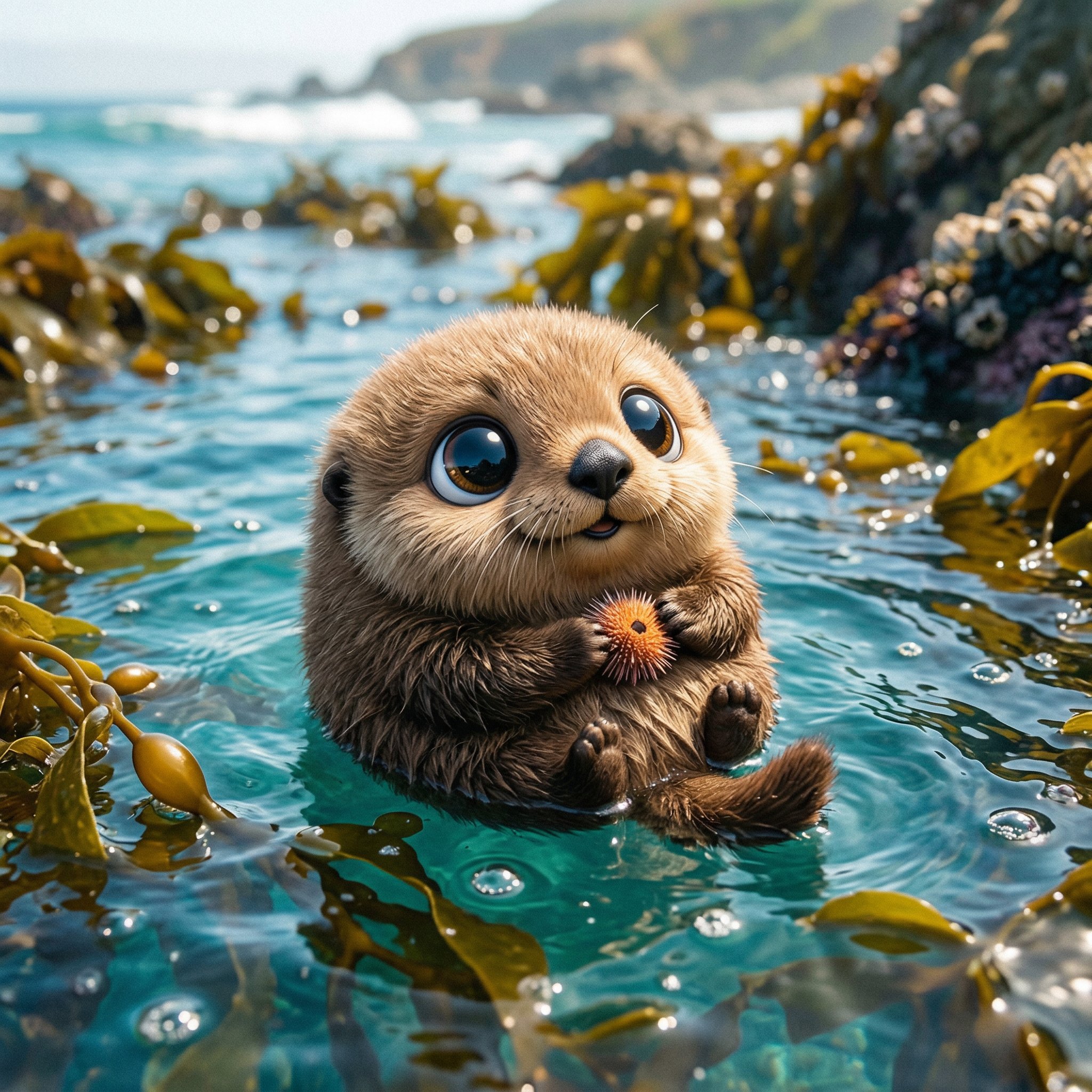
Cute Ball Shaped Animal Characters
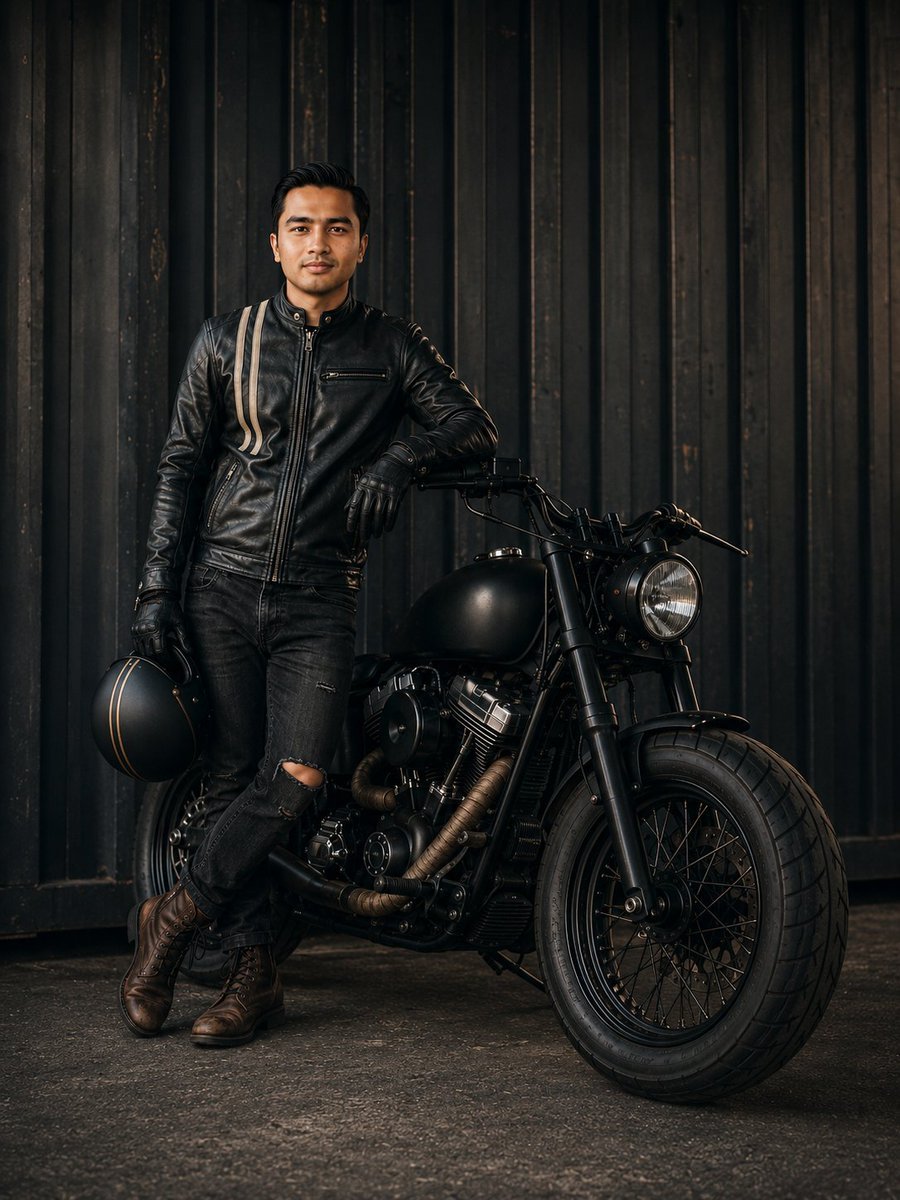
Cinematic Male Rider Portrait
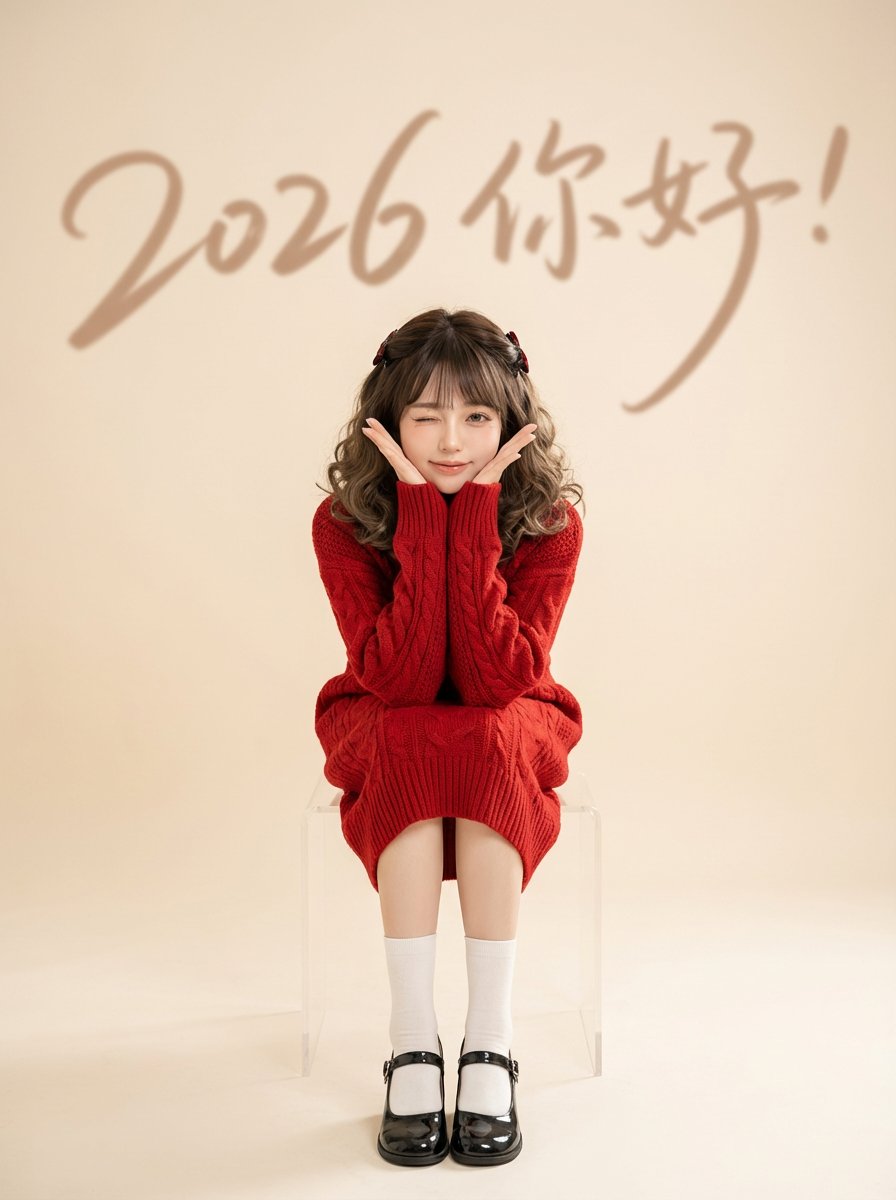
Chinese New Year Portrait with Red Knitwear and Minimalist Studio Look
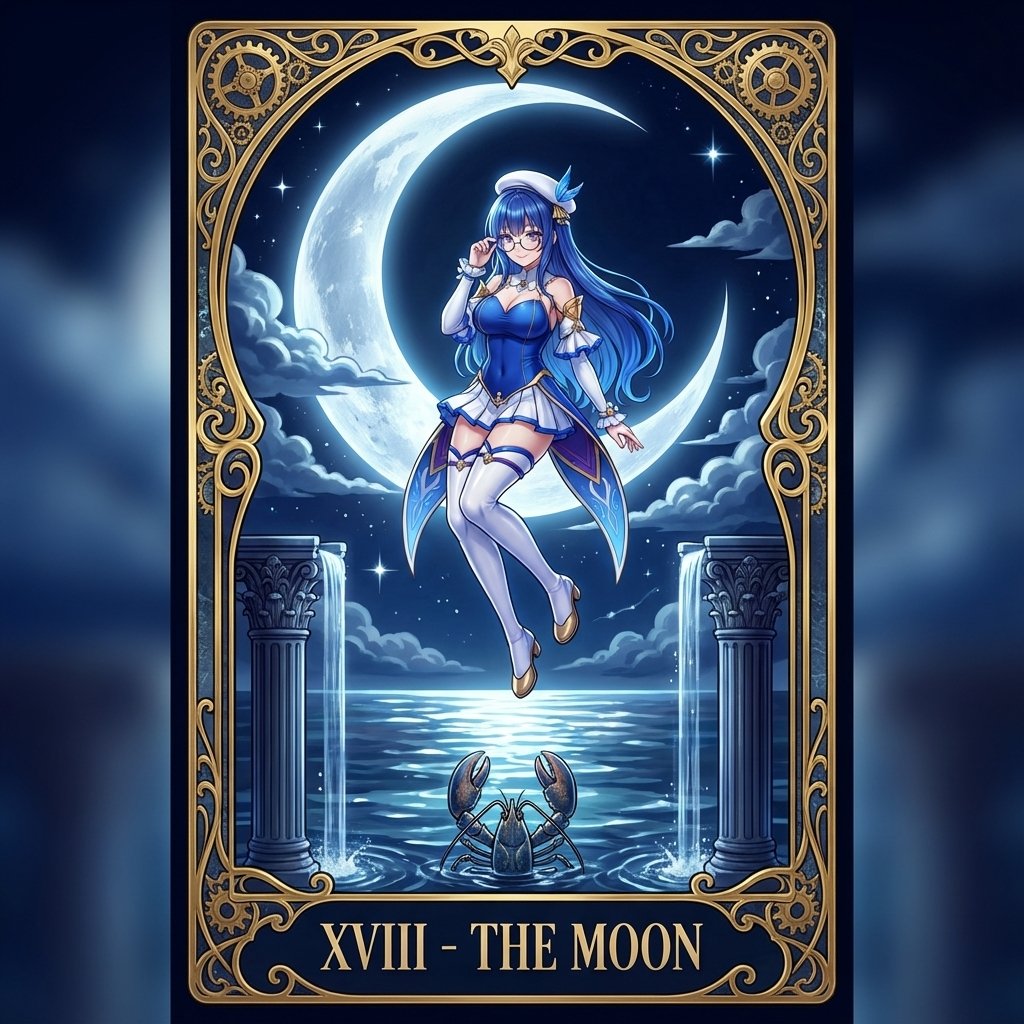
Tarot Card Conversion Prompt (Gothic/Art Nouveau Style)
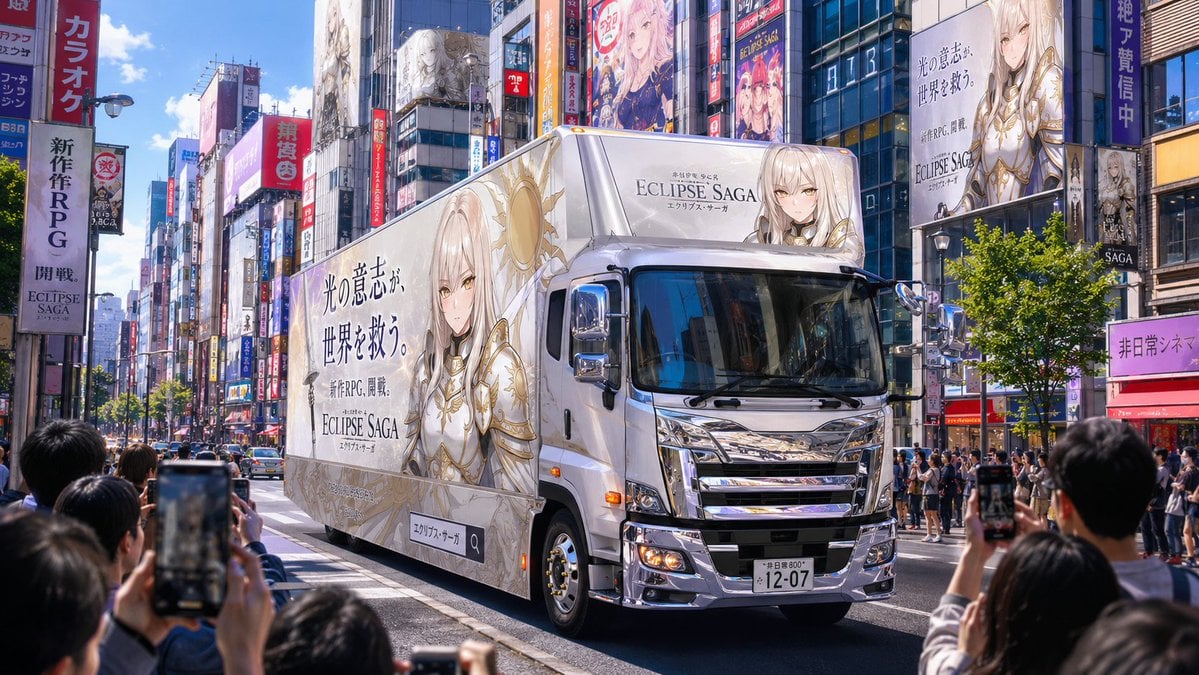
Fantasy RPG Ad Truck in Tokyo District
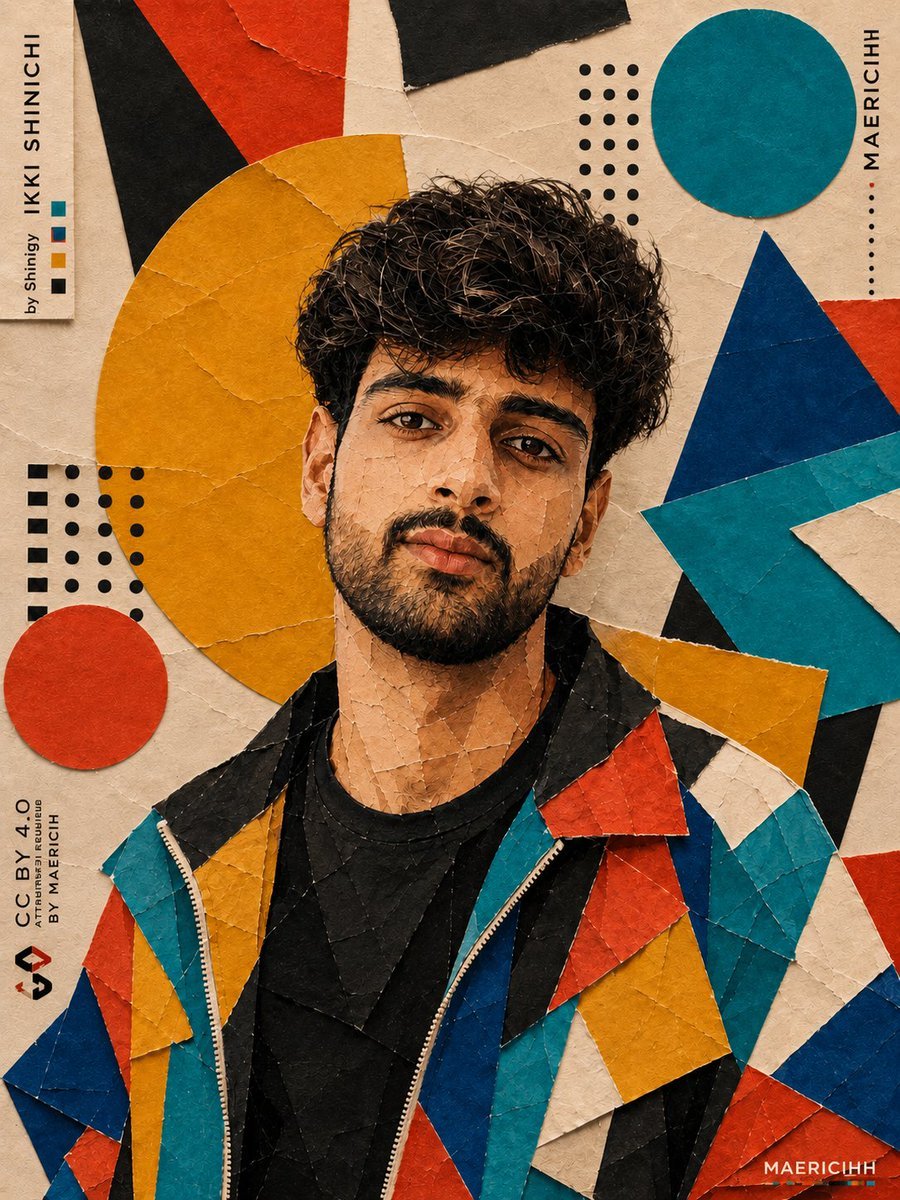
Bauhaus Artistic Fashion Portrait
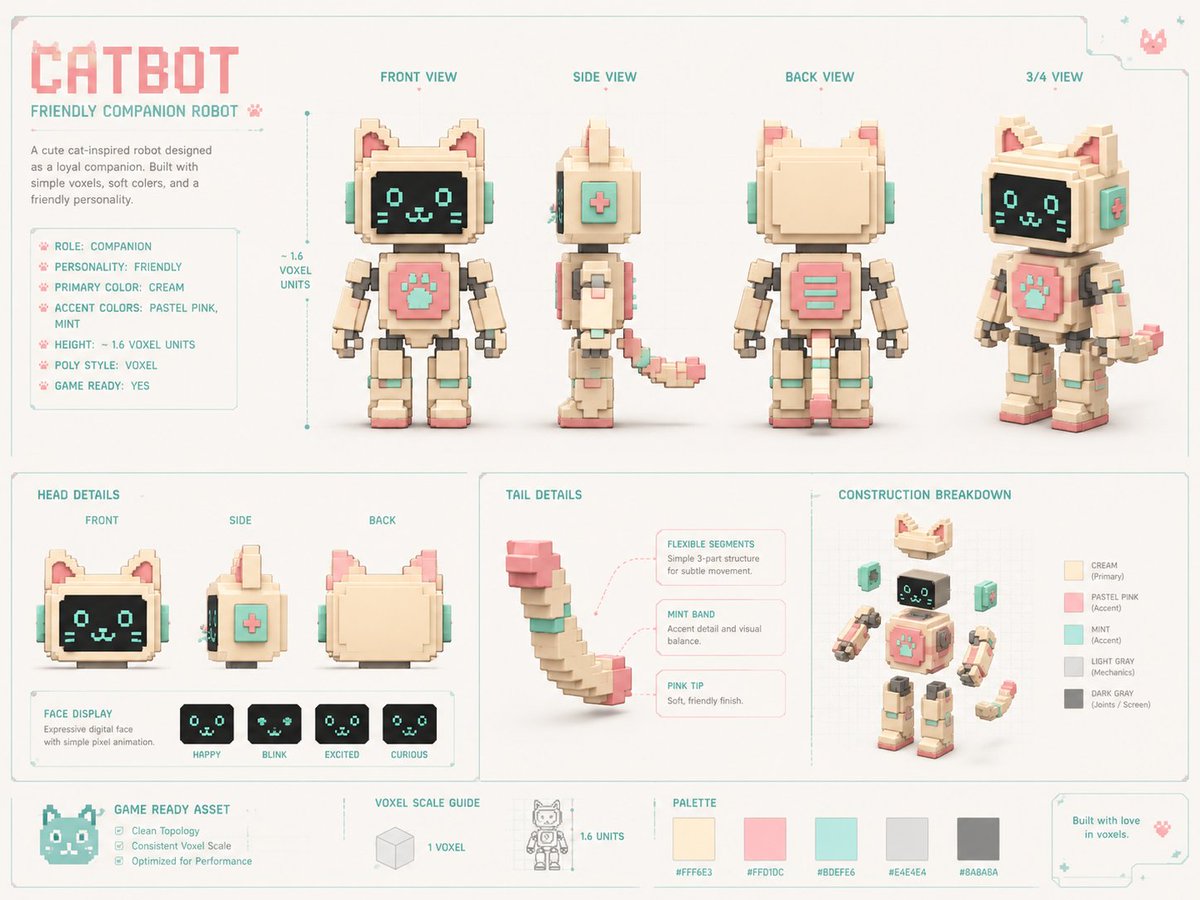
Voxel Cat Robot Concept Sheet
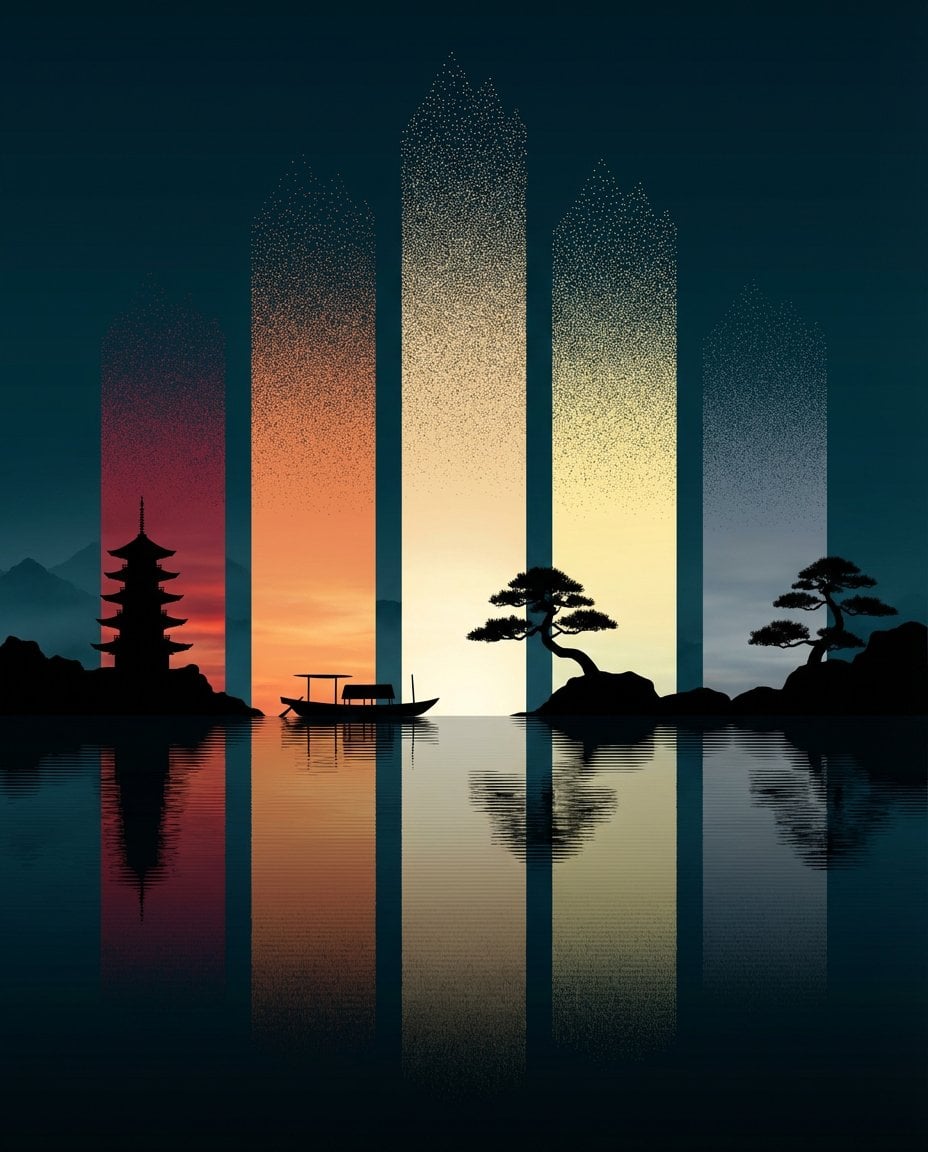
Abstract Eastern Zen Landscape with Time-Slice Lighting
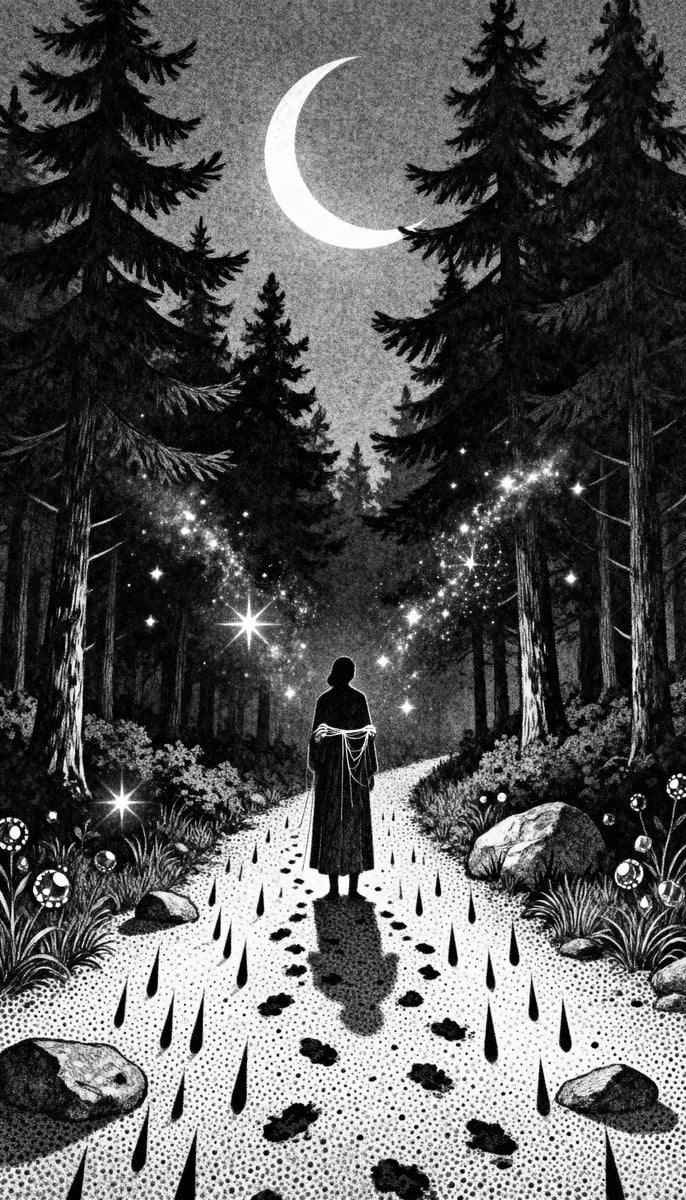
Gothic Stipple Art Poem Visualization
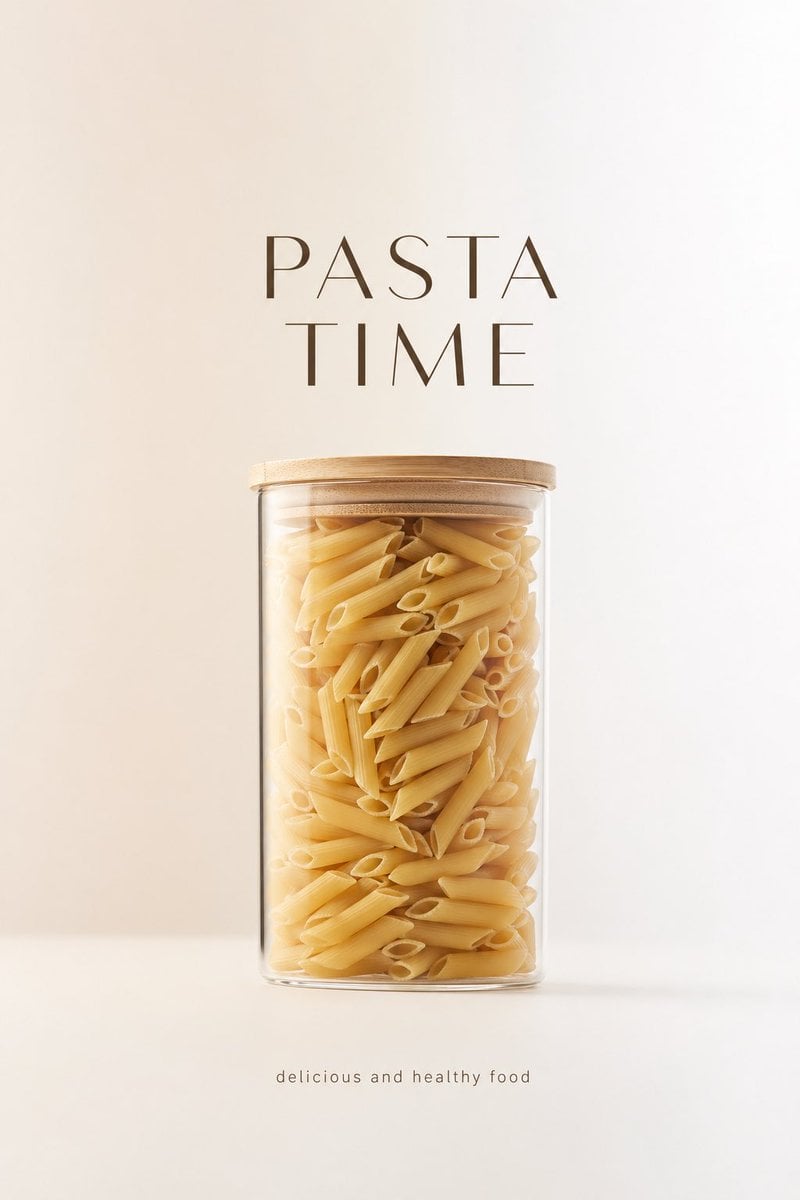
Minimalist Product Advertisement
Browse template categories
Time-Warp Cinematic Split Scene Prompt questions
How do I use the Time-Warp Cinematic Split Scene Prompt template?
Add your photo if the template asks for one, edit the prompt if you like — the template's model and format are already selected — and press Generate. Your version opens in PicX Studio.
Can I customize the Time-Warp Cinematic Split Scene Prompt template?
Yes. You can change the subject, setting, lighting, mood, format, and available model controls before creating your image.
Is the Time-Warp Cinematic Split Scene Prompt template free?
Opening and editing this template is free. Generating uses credits, shown on the Generate button when you are signed in.
Which AI model should I use?
Start with Nano Banana 2, which is the model associated with this template. You can compare another compatible model for a different finish.
Looking for something else? Browse all templates.

Your photo, any look
Thousands of ready templates for every top image and video model, from one credit balance.