
Same Traveler Different Timeline Portrait
Same Traveler Different Timeline Portrait is a ready photo look.
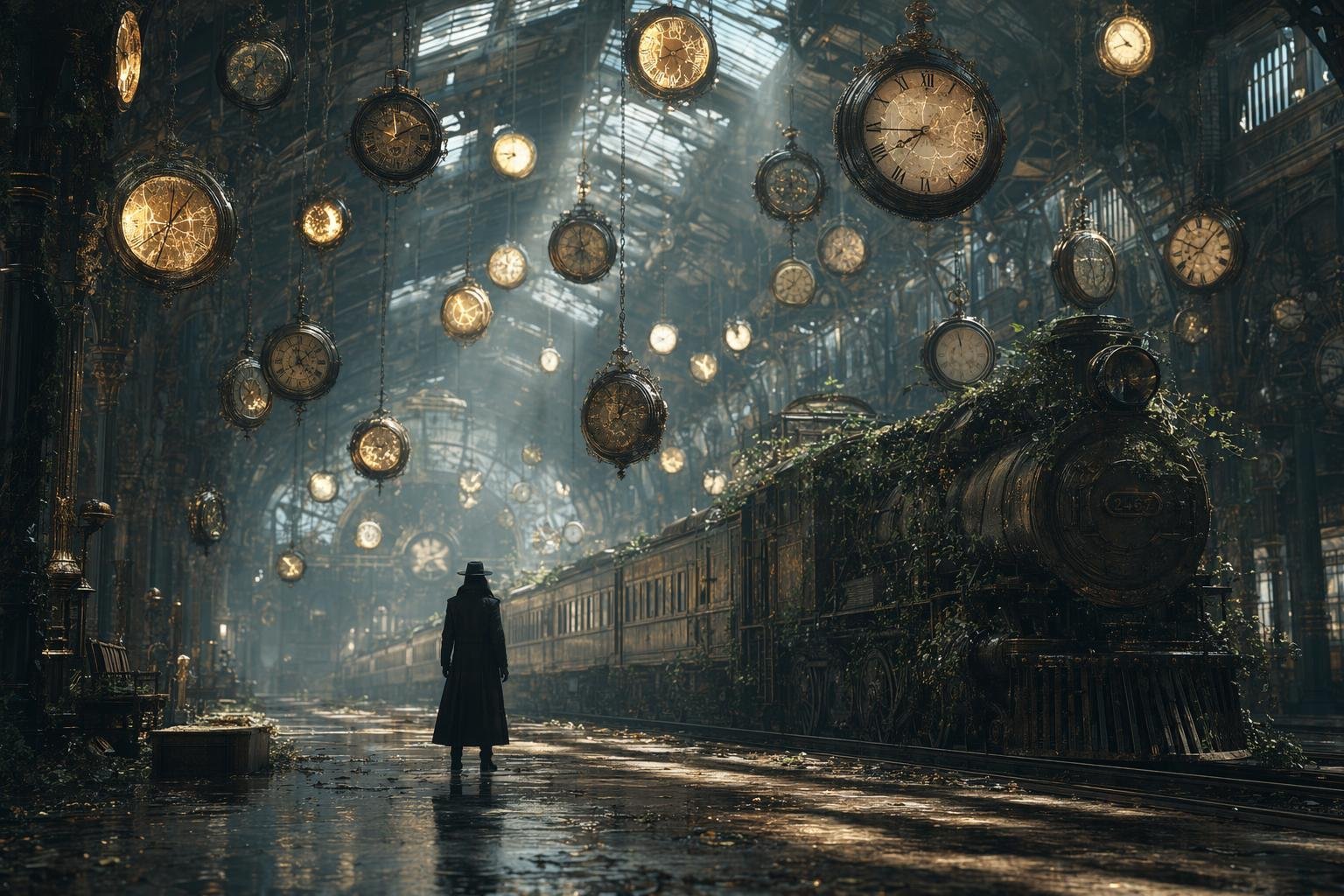
- Prompt included
- Model and format preset
- Premium template
The prompt behind this image
Copy the exact prompt behind Same Traveler Different Timeline Portrait, or open it in the studio and make it yours.
Same traveler. Different timeline. Made this with GPT image2.0 on @Lart_AI you can try it here: http://lartai.com/?TG=11620 Prompt 👇 A mysterious traveler wearing a long black trench coat stands alone inside an enormous abandoned railway station where time has frozen. Hundreds of antique clocks float in the air, some cracked and glowing with golden light. A vintage train covered in ivy waits silently on the tracks, rays of sunlight pierce through broken glass ceilings, dust particles shimmer, cinematic composition, ultra-realistic textures, volumetric lighting, surreal atmosphere, shallow depth of field, 8K, masterpiece. A mysterious traveler wearing a long black trench coat stands alone inside an enormous futuristic railway station where time appears distorted. Hundreds of holographic clocks float in the air, glowing with blue energy. A sleek levitating train waits silently on illuminated tracks, neon light streams through towering glass walls, subtle digital particles drift in the air, cinematic composition, ultra-realistic textures, volumetric lighting, sci-fi atmosphere, shallow depth of field, 8K, masterpiece.
How to use Same Traveler Different Timeline Portrait in 3 steps
- 1
Open
The prompt is already in the box next to the preview, with the template's model and format selected.
- 2…a portrait of your subject in softgolden-hour light, 85mm…
Personalize
Edit the subject and creative details for your destination.
- 3Generate
Generate
Press Generate — your image is created in PicX Studio, so you can compare it with the original and refine one variable at a time.
More like this
Templates with the same subject, style or setup. Open one to see its prompt.

Gpt2 Fisheye Sky Crouch Portrait

80s Bollywood Star

80s Golden Hour Cinema

Toddler Version of a Person in 3d Pixar

Ultra Detailed 3d Plush Cartoon Characte

Studio Quality Portrait Generation Using

Nano Banana 2

Gemini Nano Banana 2 Logo in Wet Sand Be

Nano Banana 2 Gourmet Ice Cream Commerci

Hyper-Realistic Minecraft POV Portrait

Rainy Café Window Moody Portrait
Ai Evolution Timeline Infographic
Make it yours
Same Traveler Different Timeline Portrait works as-is. These are the safest ways to change it without losing the look.
Change one field
Copy a single group, rewrite it, and generate again so you can see what that field is doing.
Keep the frame, change the subject
Hold the composition and light of Same Traveler Different Timeline Portrait, then swap wardrobe, props or the person for a new take.
| If the result… | Why | Fix |
|---|---|---|
| The result drifts from the preview | Too many fields changed at once. | Reuse Same Traveler Different Timeline Portrait as-is first, then change one group — subject, light, or setting. |
| The model over-stylizes the scene | The prose prompt leaves finish and camera underspecified. | Add one camera or lighting sentence and stay on PicX Studio. |
More image prompts
Fresh picks from across the catalog.
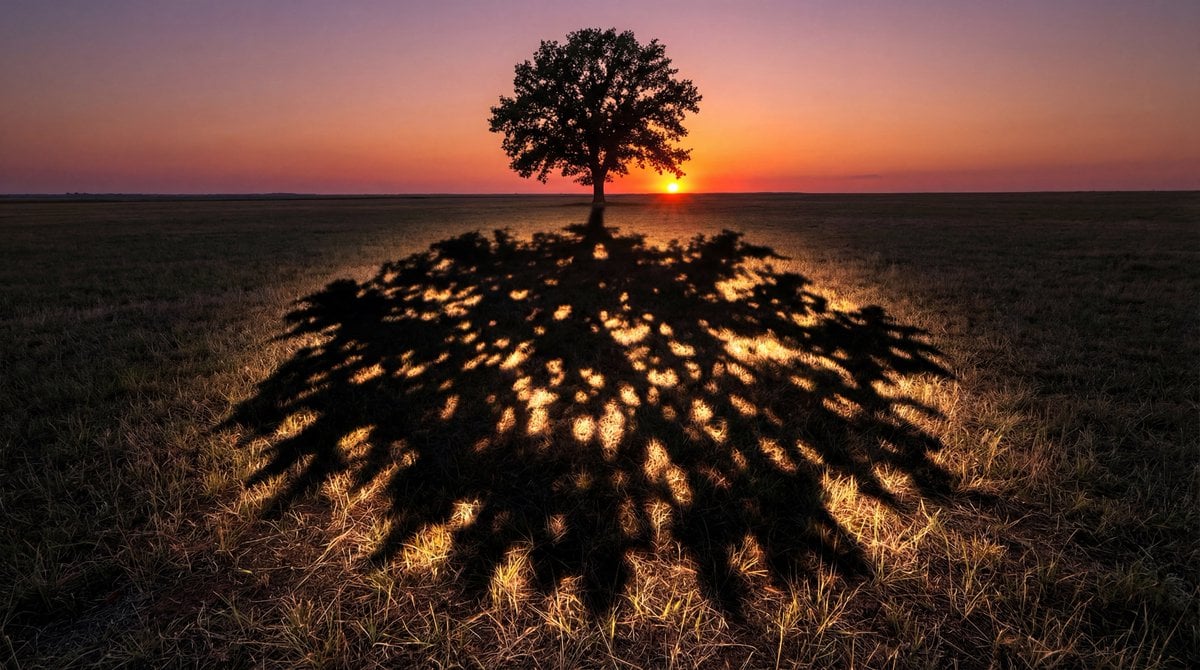
Magical Shadow Illusion Prompt for Nano Banana Pro
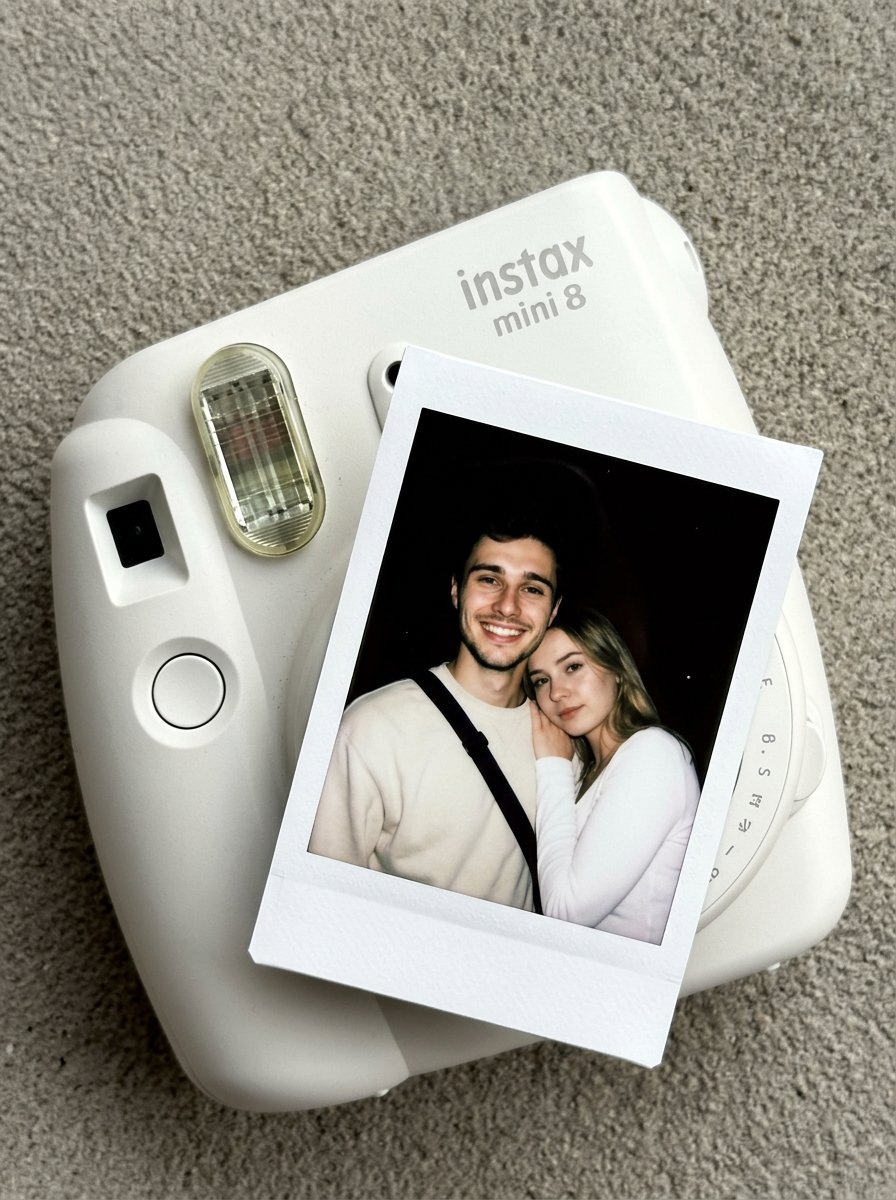
Nano Banana Pro Instax Mini 8
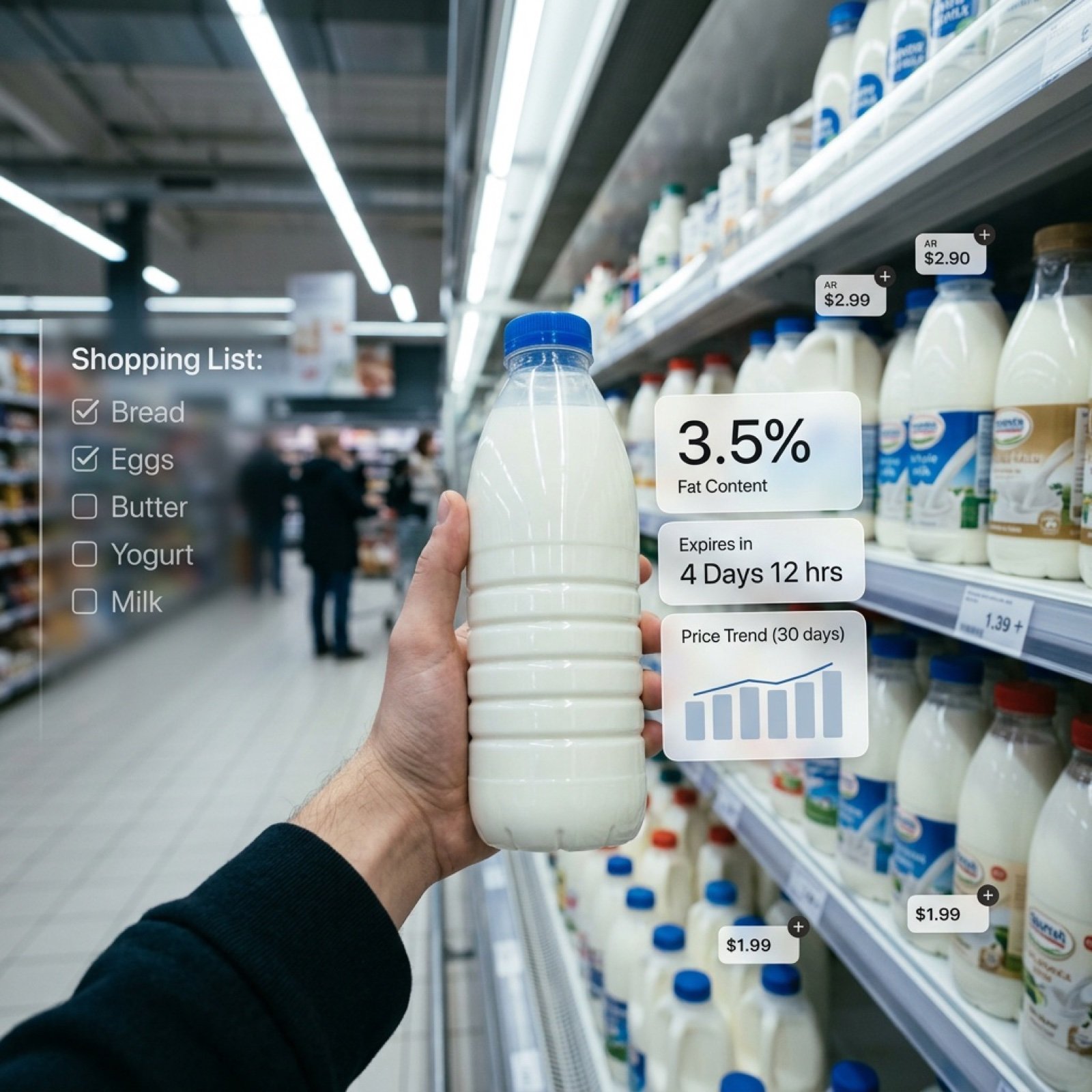
Cinematic Mixed Reality POV Supermarket Prompt
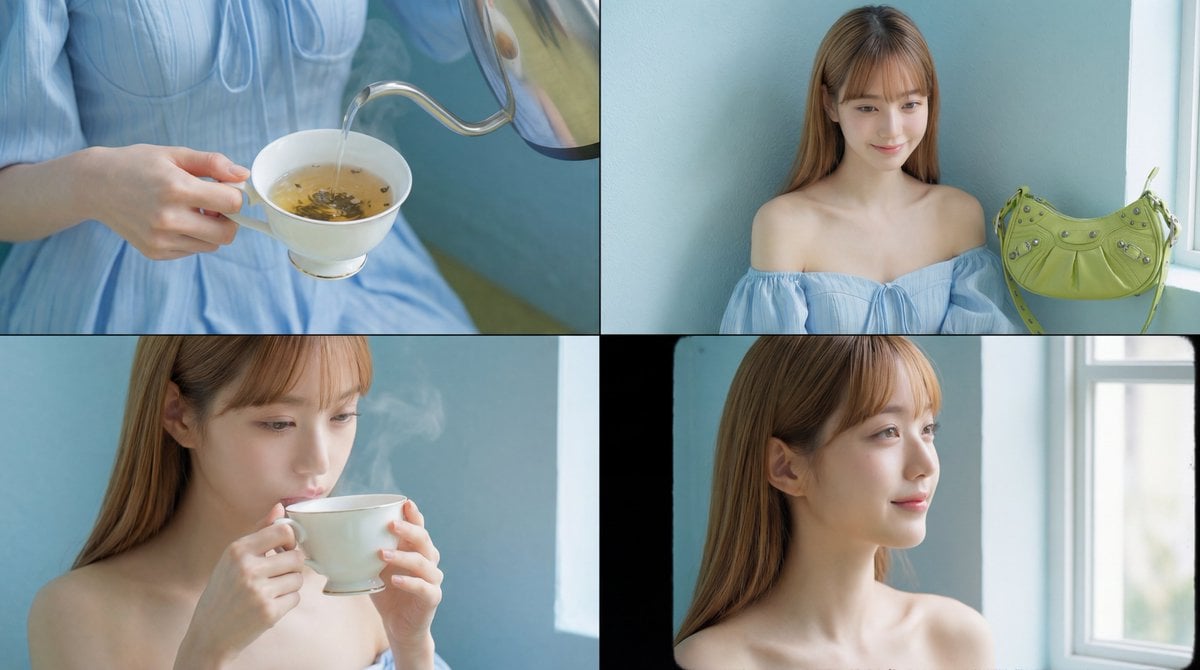
Cinematic Tea Time Prompt (Shared for Image and Video Generation)
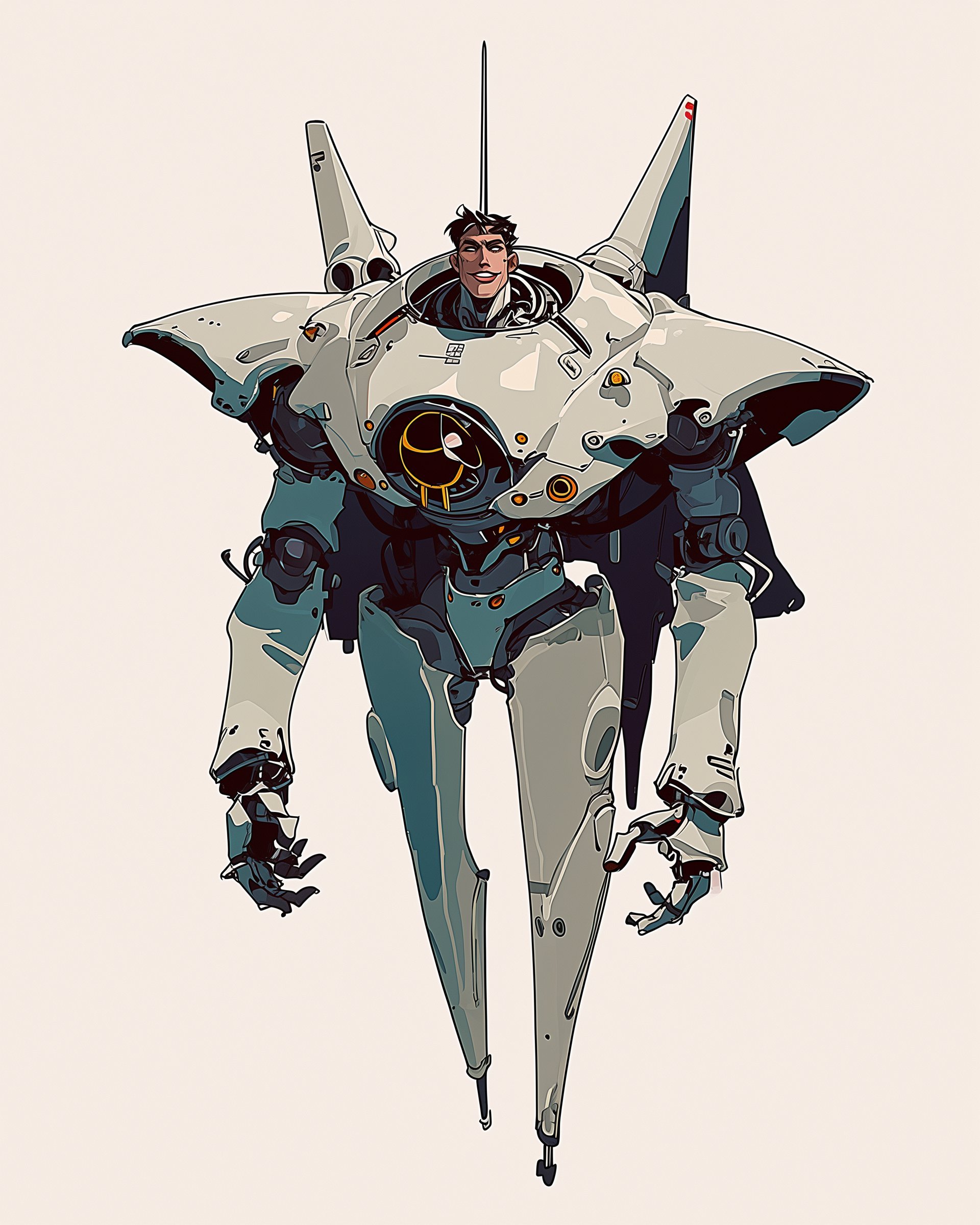
Character Design Sheet for a Man with Hi
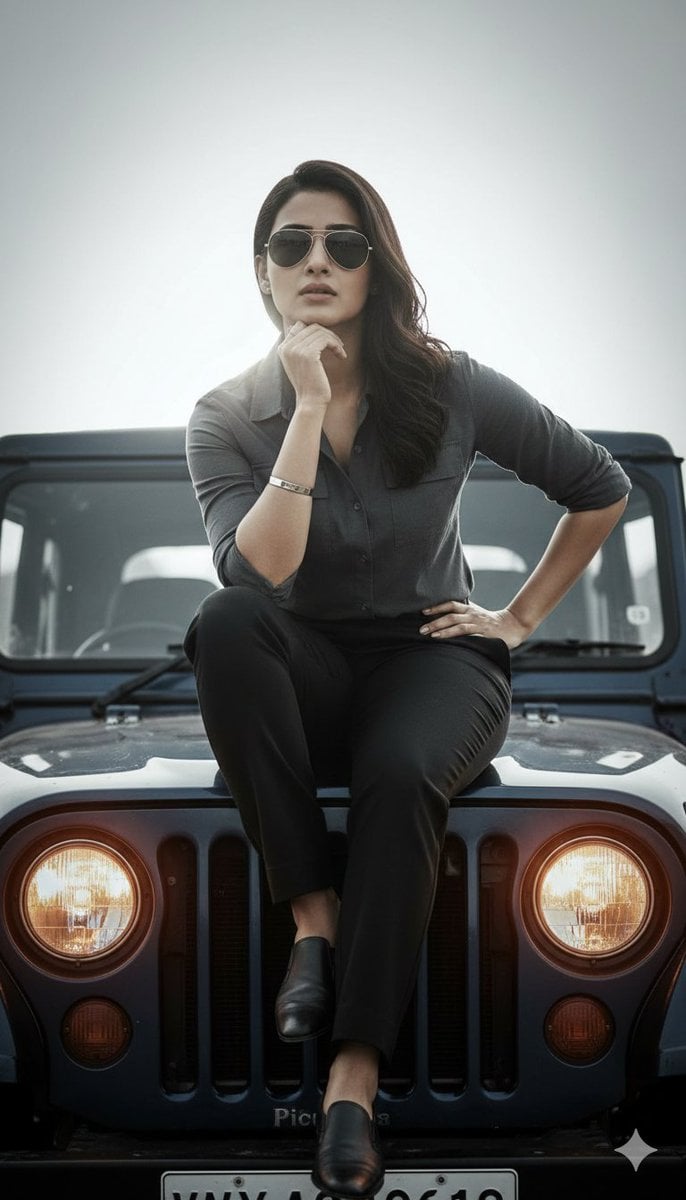
Hyper-Realistic Cinematic Portrait on a Jeep Hood Prompt

Cute Ferrets Cuddling in Pet Bed
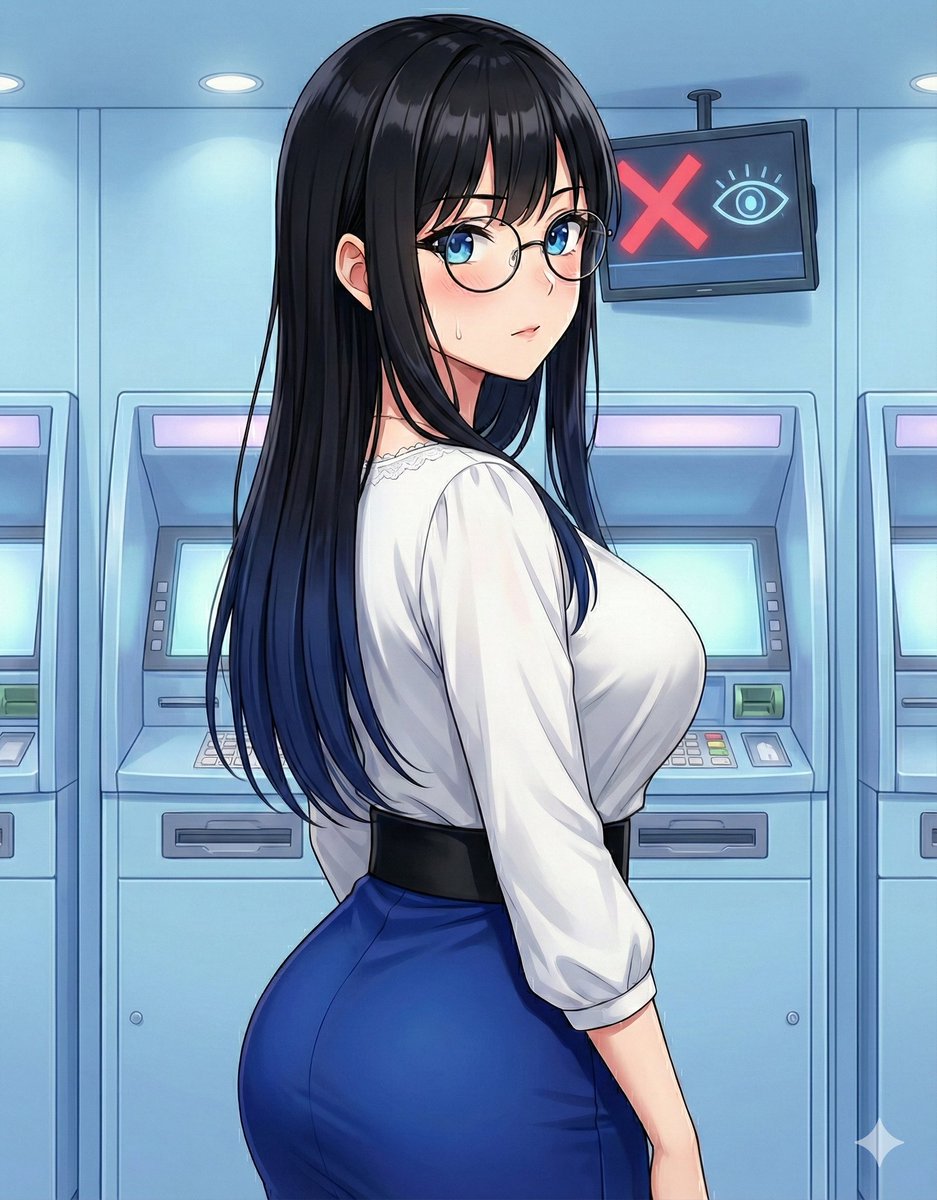
Quick Stop Scenario Prompt
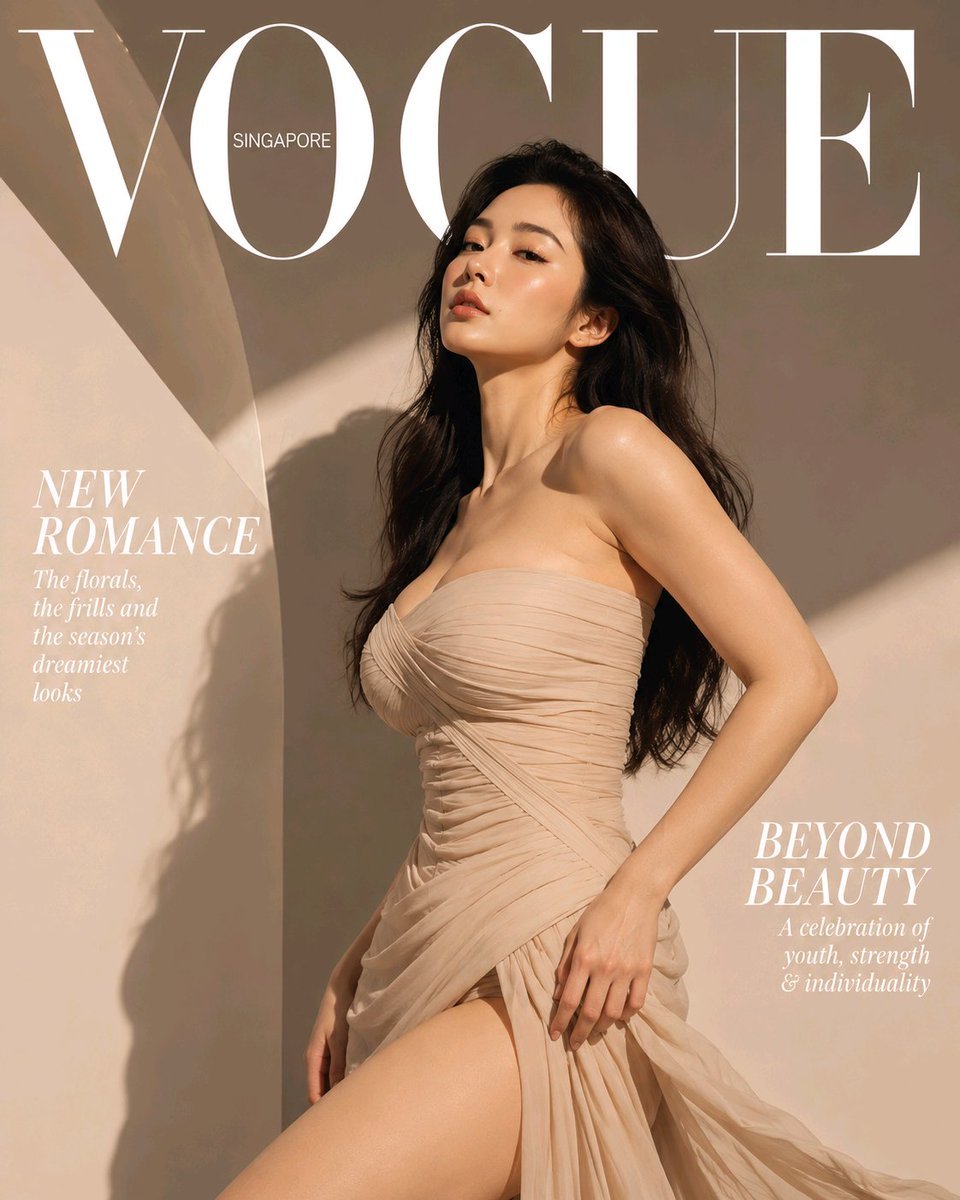
High-End Fashion Magazine Cover
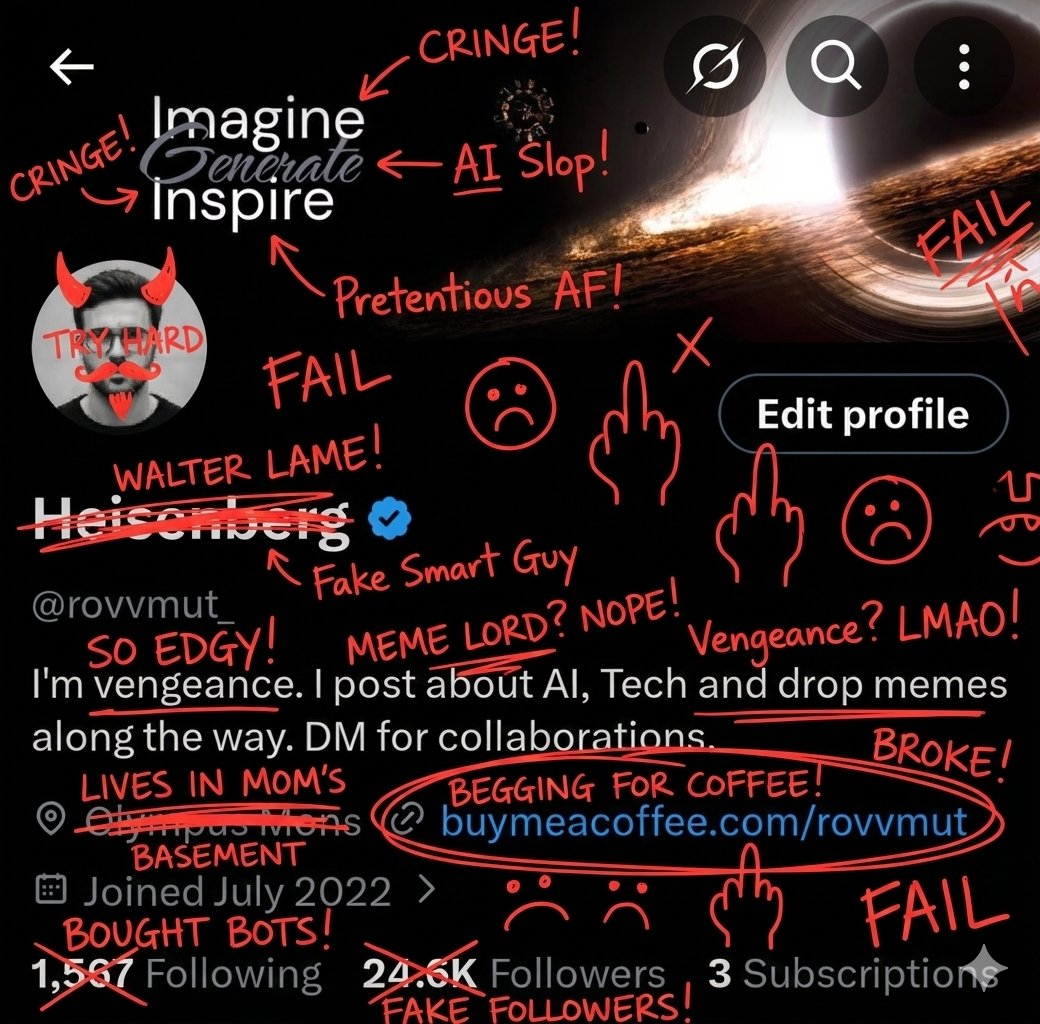
Image Overlay for 'Roast Scribble' Effect (Variant)
Browse template categories
Same Traveler Different Timeline Portrait questions
How do I use the Same Traveler Different Timeline Portrait template?
Add your photo if the template asks for one, edit the prompt if you like — the template's model and format are already selected — and press Generate. Your version opens in PicX Studio.
Can I customize the Same Traveler Different Timeline Portrait template?
Yes. You can change the subject, setting, lighting, mood, format, and available model controls before creating your image.
Is the Same Traveler Different Timeline Portrait template free?
Opening and editing this template is free. Generating uses credits, shown on the Generate button when you are signed in.
Which AI model should I use?
Choose a compatible model in PicX Studio based on the style, speed, and output controls your project needs.
Looking for something else? Browse all templates.

Your photo, any look
Thousands of ready templates for every top image and video model, from one credit balance.