How do I use the Cute Ferrets Cuddling in Pet Bed template?
Choose the primary action to open PicX Studio with the available template settings. Review the model and format, personalize the creative direction, and generate when ready.
This generates a cozy top-down kawaii illustration of two cuddling ferrets in a padded bed, ideal for cute animal art, stickers, or social media posts.
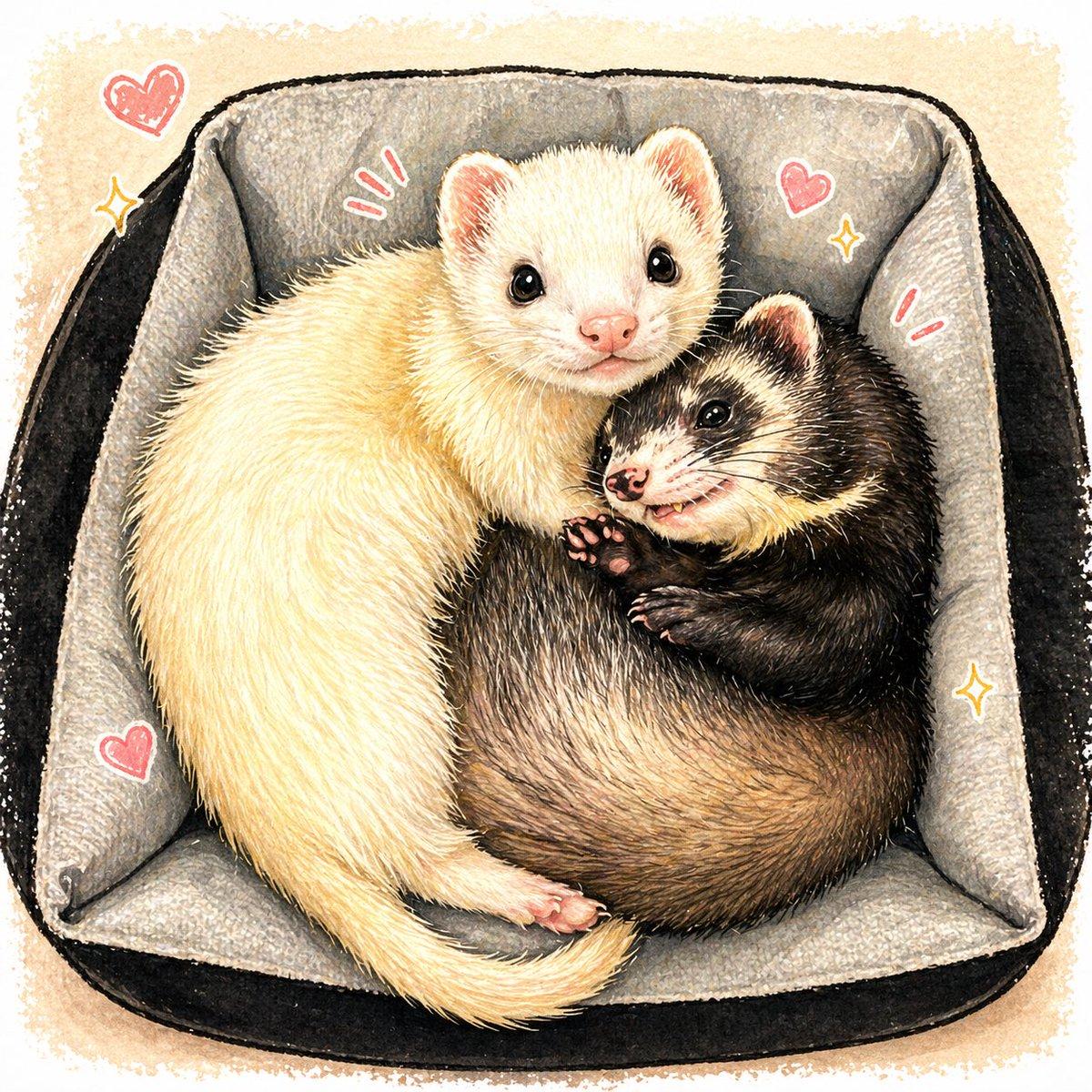
A cute hand-drawn animal illustration in a soft watercolor and colored-pencil storybook style, viewed from directly above. Two ferrets are curled together snugly inside a square pet bed with high padded sides. The left ferret is a pale cream color with fluffy fur, a pink nose, round glossy black eyes, and a gentle sweet expression; its long body curves around the other ferret protectively. The right ferret is a sable ferret with a dark brown body, warm tan underfur, a cream face mask, pink nose, and bright black eyes, smiling slightly with tiny teeth visible and one small paw raised near its chest. Their bodies form a cozy spiral composition, touching cheek to cheek. The bed has a soft light gray inner cushion and dark charcoal-black outer sides, with visible fabric texture and softly shaded folds in each corner. Around them are 4 pink doodle hearts and 4 sparkle or emphasis marks in a playful sticker-like style, adding a kawaii mood. Use a warm off-white paper background with subtle beige wash, delicate textured edges, fine fur detail, soft lighting, charming pastel accents, and an overall adorable affectionate feel.
Choose the primary action to open PicX Studio with the available template settings. Review the model and format, personalize the creative direction, and generate when ready.
Yes. You can change the subject, setting, lighting, mood, format, and available model controls before creating your image.
This template is free to open and customize. Generation usage is shown in PicX Studio before you create.
Start with GPT Image 2, which is the model associated with this template. You can compare another compatible model for a different finish.
© 2026 PicX Studio. All rights reserved.

Follow a topic to a crawlable collection of related PicX Studio templates.