
Patchouli Yukkuri Pet Shop Display
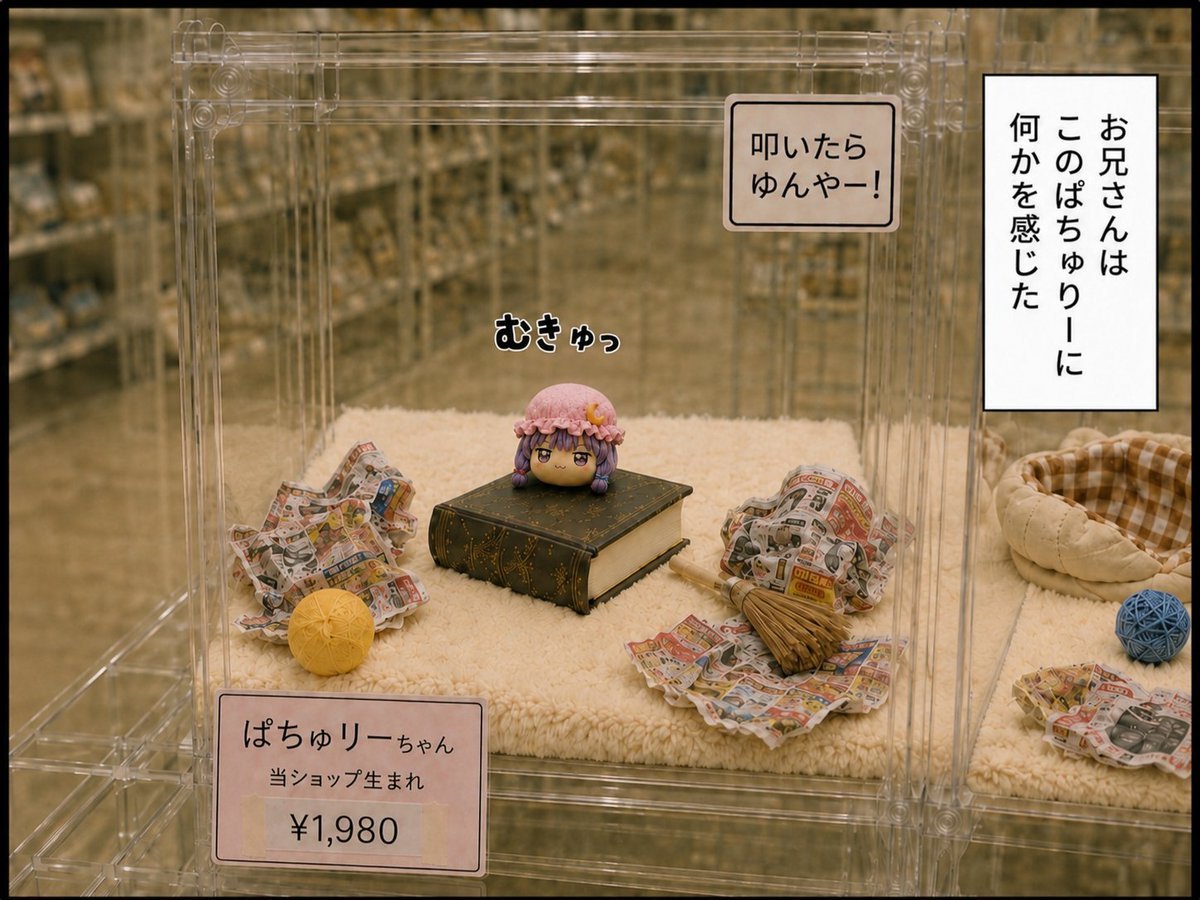
A photorealistic pet shop enclosure scene featuring a tiny Patchouli yukkuri character displayed on a book with Japanese signage and price tags.
- Prompt included
- Model and format preset
- Premium template
The prompt behind this image
Copy the exact prompt behind Patchouli Yukkuri Pet Shop Display, or open it in the studio and make it yours.
Goal: Create a realistic, warm-toned photo-style image of a pet shop display cage containing a tiny yukkuri-style Patchouli character, posed proudly on a book like a small mascot pet. Canvas: Landscape 4:3 image, eye-level view through a transparent acrylic pet enclosure, with shallow depth of field. Background shows blurred pet shop shelves and adjacent enclosures under soft indoor store lighting. Main subject: In the center of the enclosure, place one tiny round chibi head character, {argument name="character name" default="Patchouli"}, with sleepy half-lidded eyes, purple hair, a pink frilly mob cap, and a small orange crescent ornament on the cap. She sits directly on top of one large dark green antique-looking book with gold decorative lines and aged cream pages, looking smug and self-important. Enclosure and props: Show exactly one clear acrylic cage compartment with visible transparent panels, seams, hinges, and rounded screw-like joints. The floor is covered with one cream-colored fluffy mat. Include exactly six visible loose cage items: 1) a crumpled newspaper nest on the left, 2) one yellow woven ball in front-left, 3) a crumpled newspaper nest on the right, 4) one small straw broom lying on the right newspaper, 5) one beige plaid donut pet bed in the neighboring right area, and 6) one blue woven ball near the right edge. Keep the enclosure clean and store-display-like. Text elements: Add exactly four Japanese text elements as printed or overlaid text. 1) A small comic sound effect above the character reading 「むきゅっ」 in bold rounded black letters with a white outline. 2) A rectangular warning label on the upper right front of the cage reading 「叩いたら\nゆんやー!」. 3) A price card at the lower left front of the cage reading 「ぱちゅりーちゃん\n当ショップ生まれ\n¥1,980」, with the price large and centered. 4) A vertical white narration box on the far right with black border reading 「お兄さんは\nこのぱちゅりーに\n何かを感じた」. Use the Japanese text exactly as shown. Visual style: Photorealistic miniature diorama with subtle anime character integration, realistic acrylic reflections, slightly sepia indoor lighting, soft focus background, gentle vignette, detailed newspaper textures, and a cozy but commercial pet-shop atmosphere. Constraints: Use only one character, one book, one cage compartment as the main focus, and the six listed visible loose items. Do not add extra animals, humans, hands, speech bubbles, logos, watermarks, or additional readable text.
How to use Patchouli Yukkuri Pet Shop Display in 3 steps
- 1Upload ImagePNG, JPG or paste
Add your photo
Upload the photo the template builds on. The prompt, model and format are already set.
- 2…a portrait of your subject in softgolden-hour light, 85mm…
Personalize
Edit the subject and creative details for your destination.
- 3Generate
Generate
Press Generate — your image is created in PicX Studio, so you can compare it with the original and refine one variable at a time.
More like this
Templates with the same subject, style or setup. Open one to see its prompt.
Dinosaur Park Gift Shop Merchandise Display
Black and White Studio Portrait with Pet
Pet Wedding Invitation Design
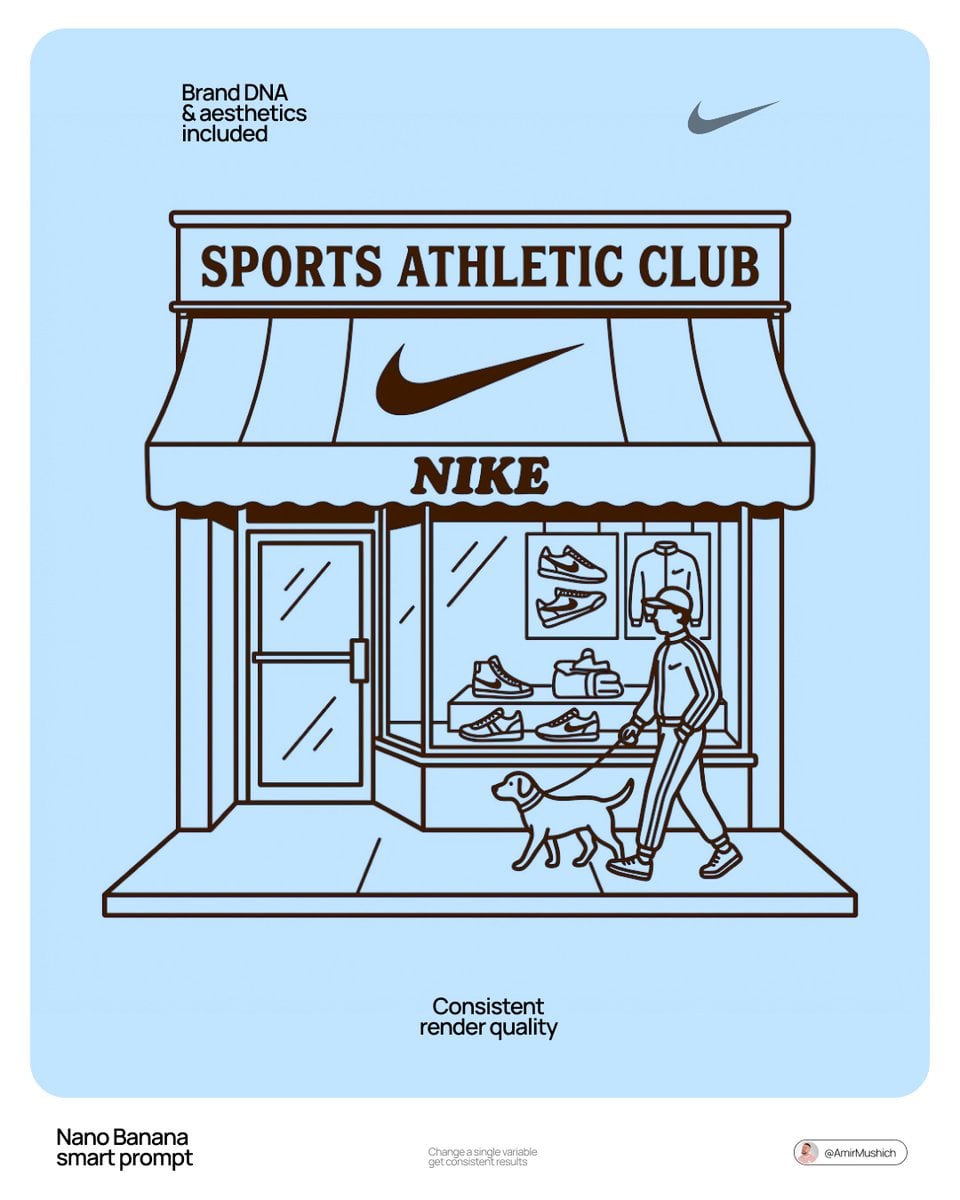
Autonomously add 1-2 characters or a pet that fits the brand s lifestyle
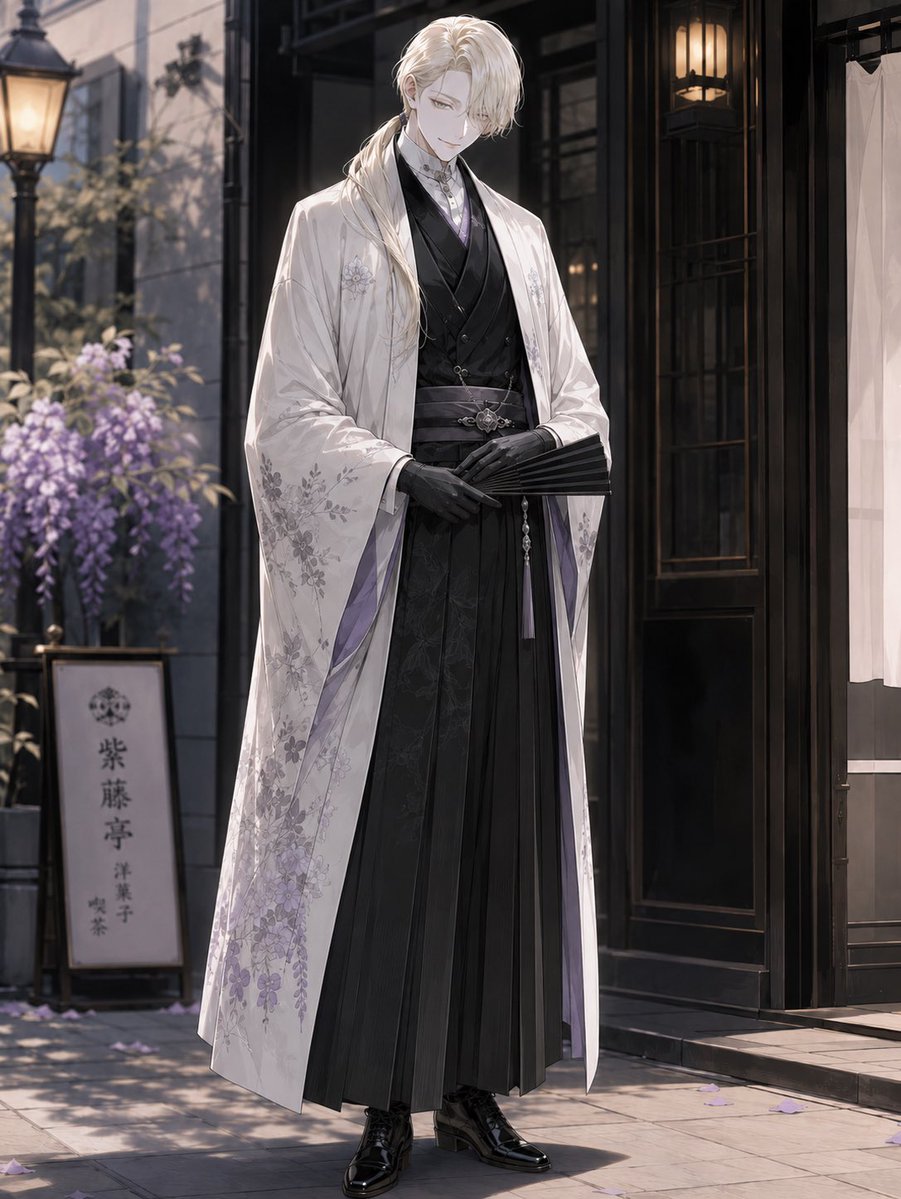
Elegant Pastry Shop Kimono Man
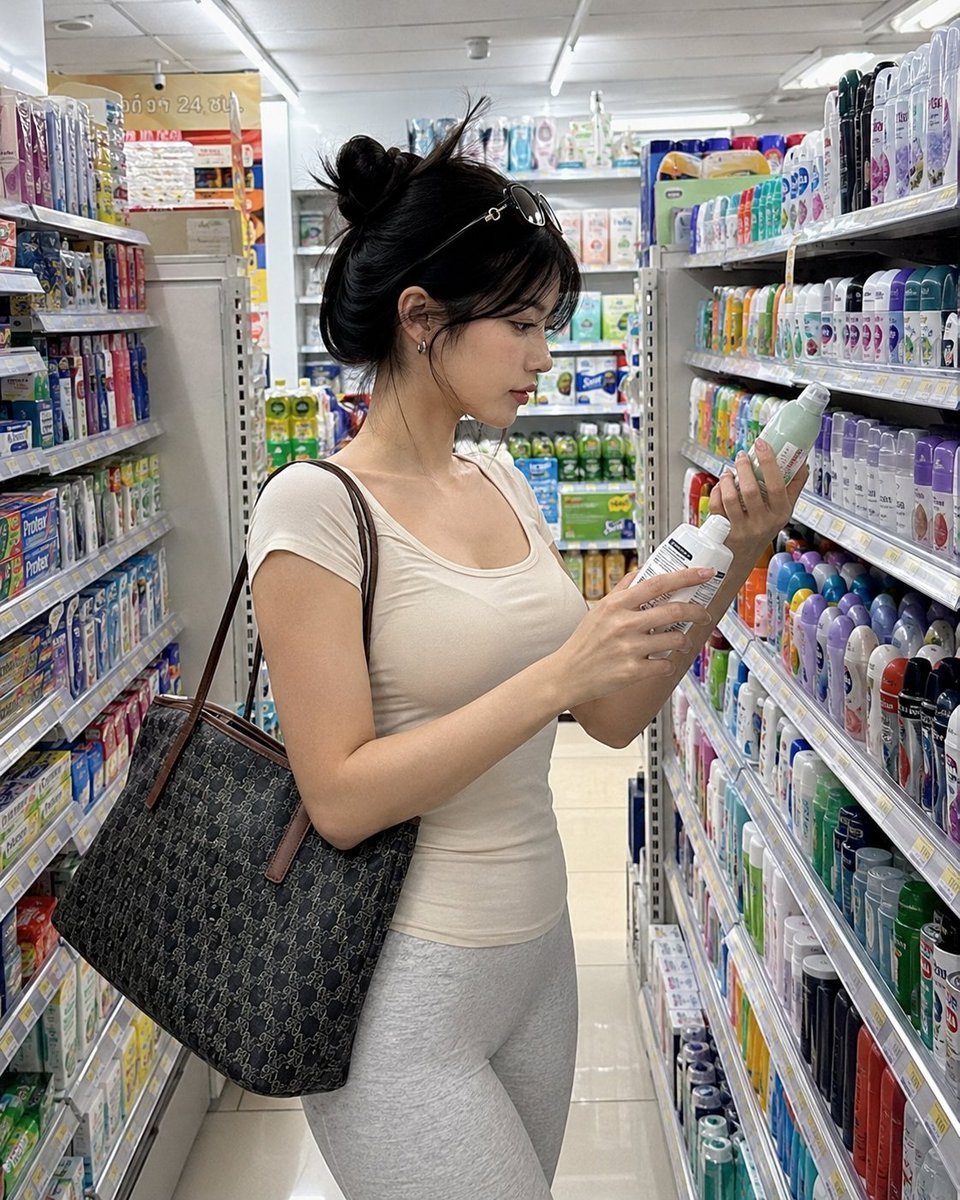
Realistic Convenience Store Shopping Scene
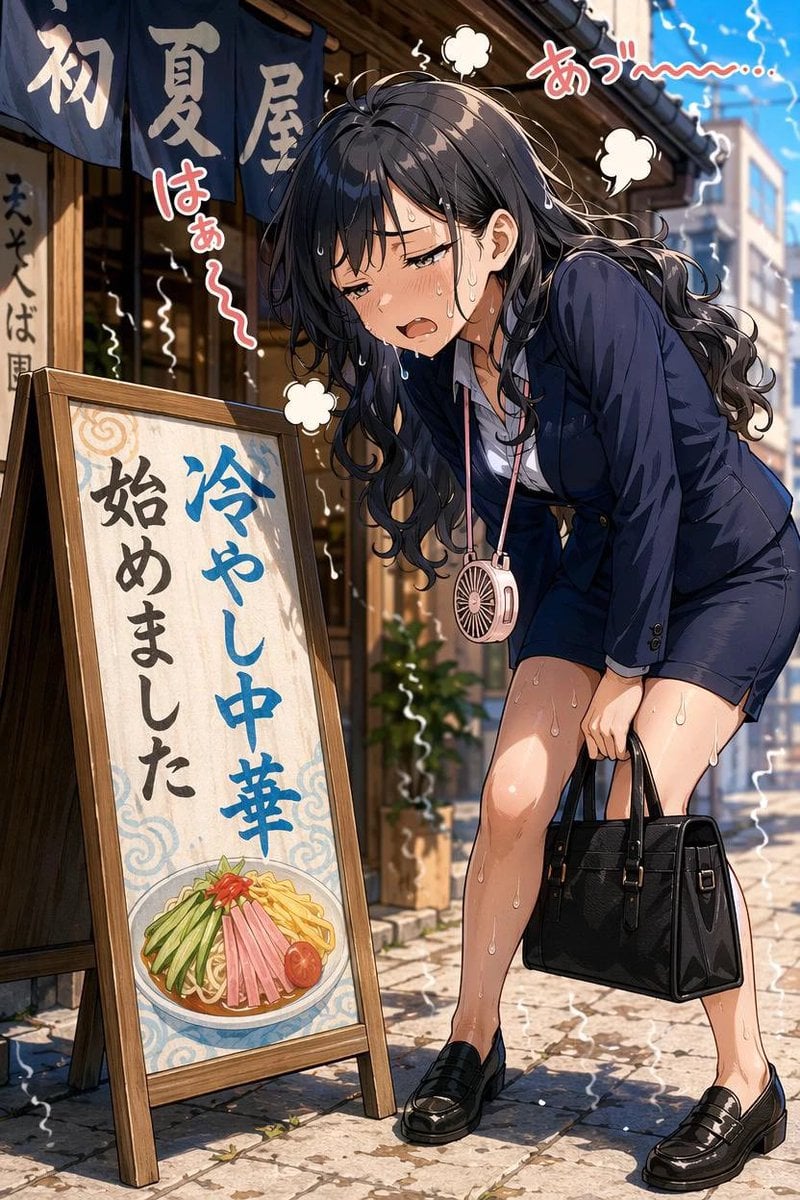
Overheated Office Lady at Noodle Shop

Comedic Anime Ramen Shop Chaos
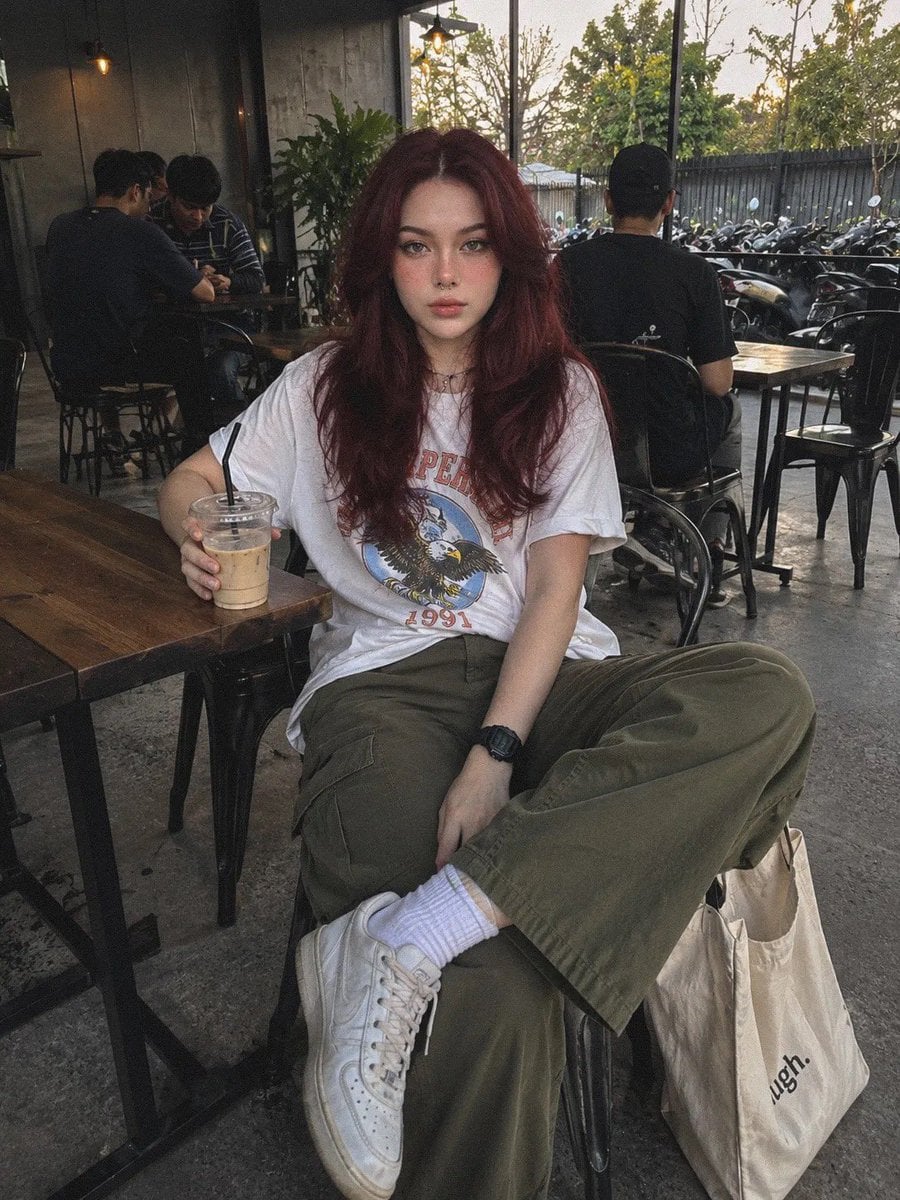
Industrial Coffee Shop Portrait
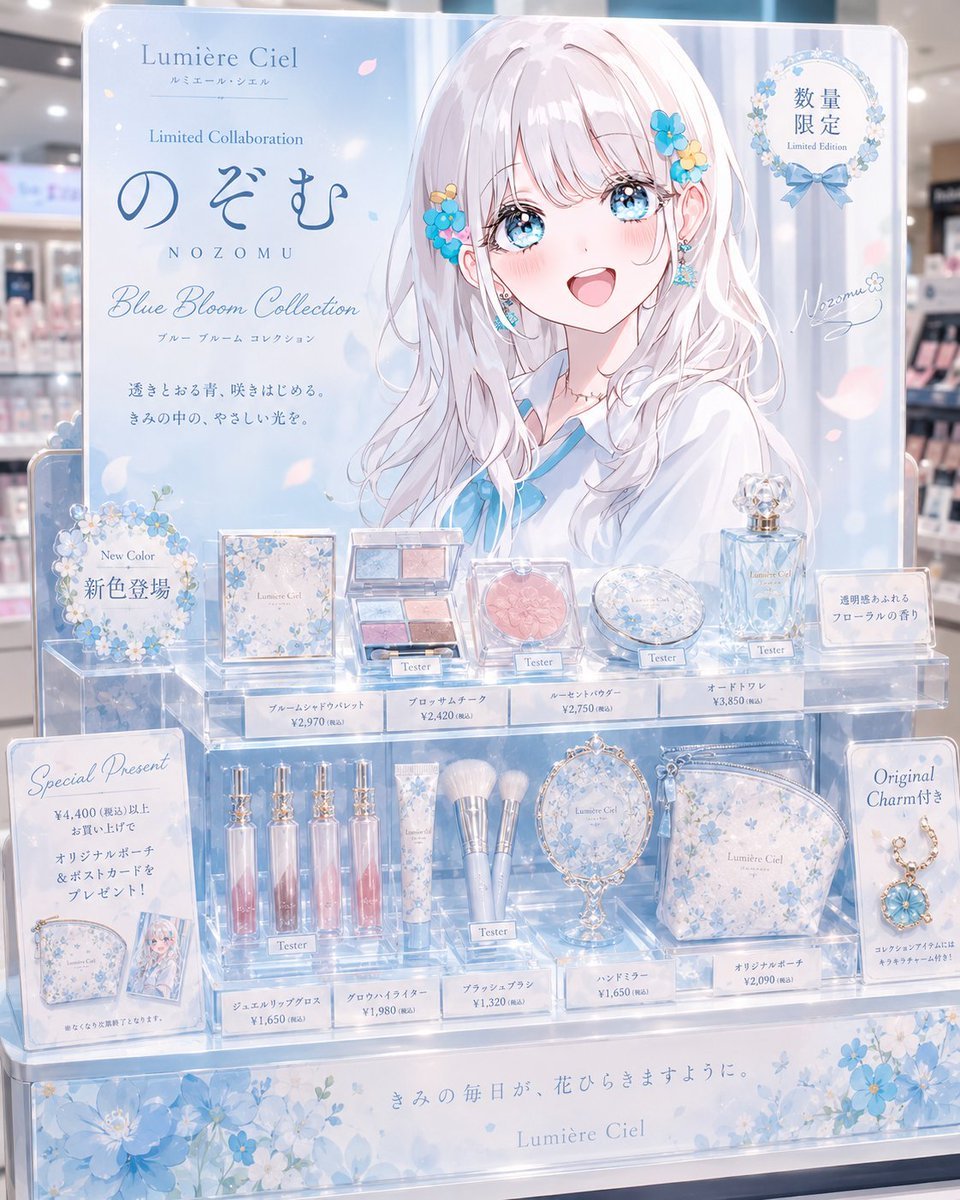
Anime Limited Cosmetics Display
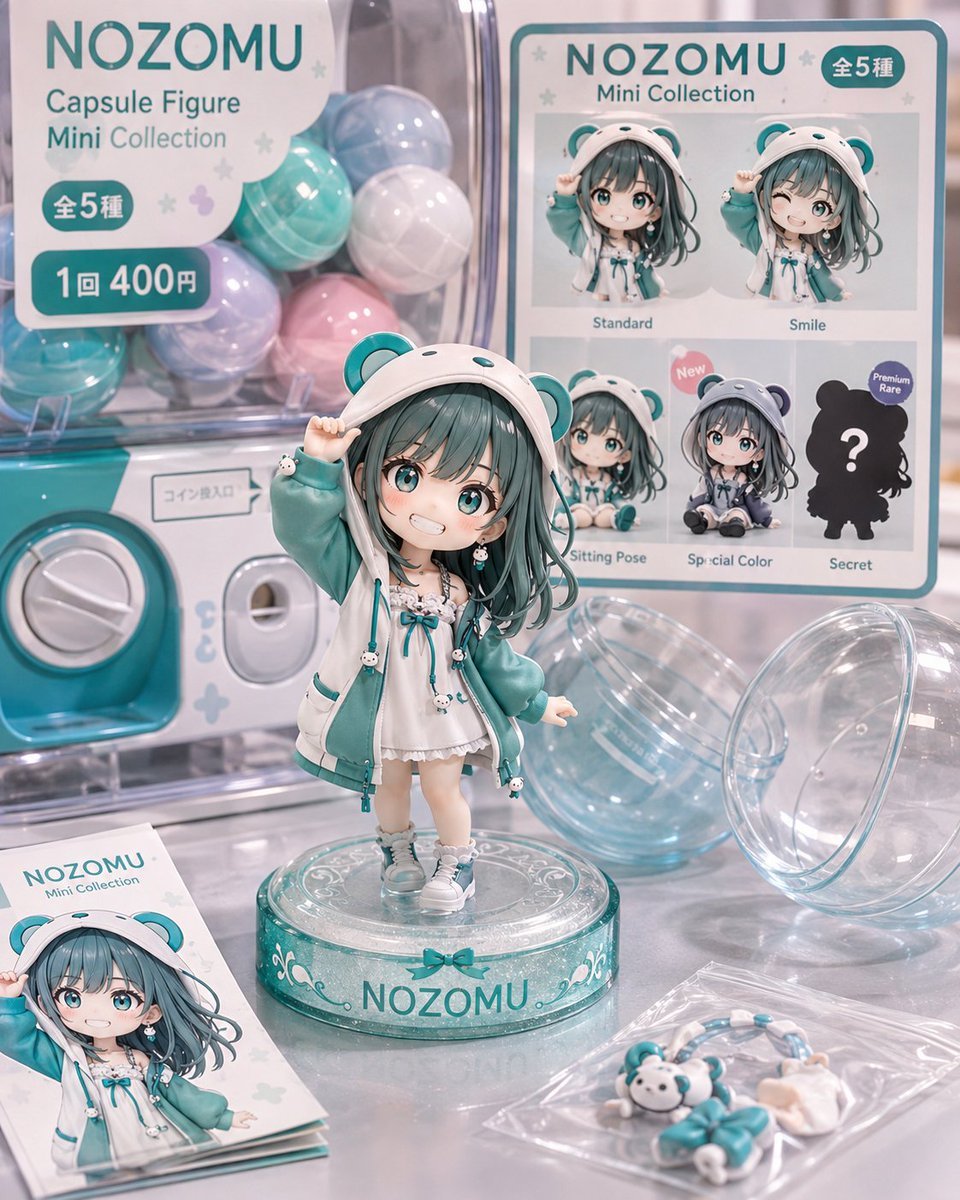
NOZOMU Capsule Figure Product Display
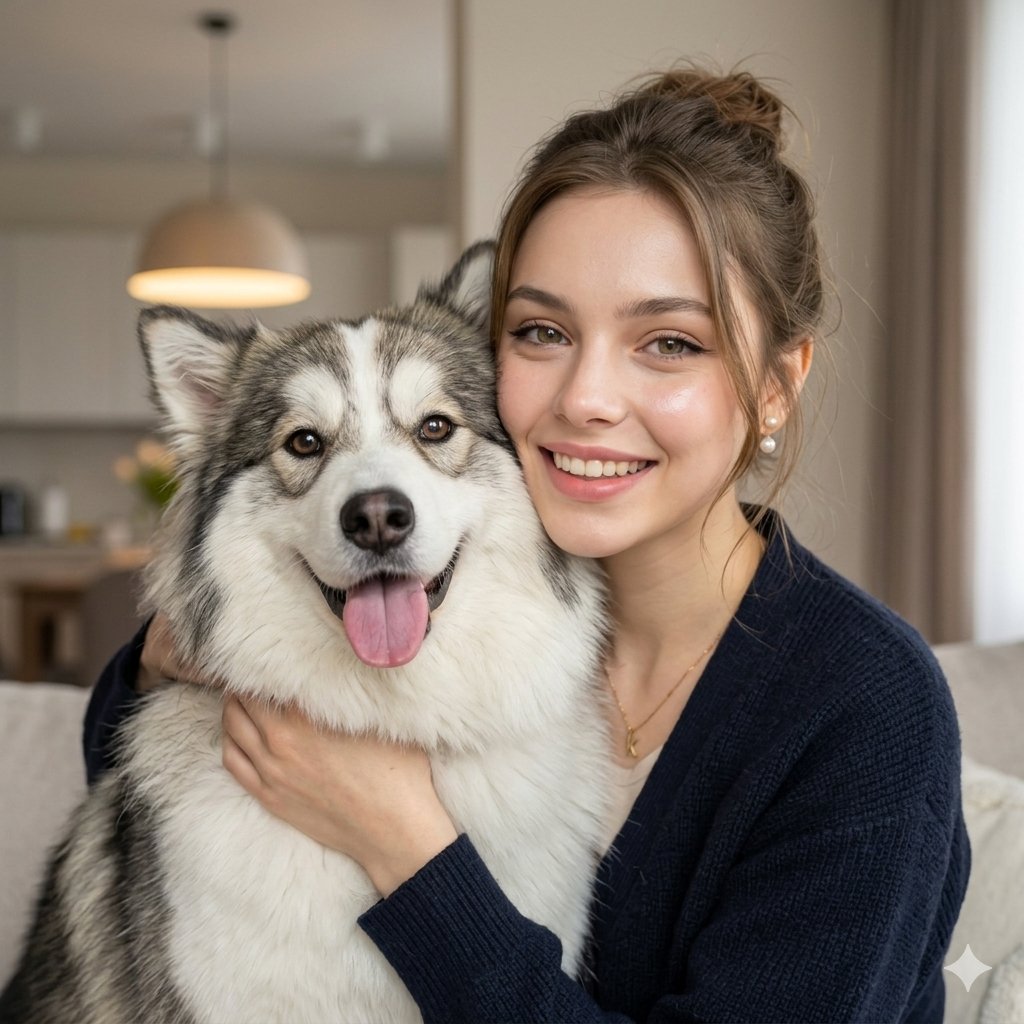
Candid Indoor Portrait with Pet
Make it yours
Patchouli Yukkuri Pet Shop Display works as-is. These are the safest ways to change it without losing the look.
Change one field
Copy a single group, rewrite it, and generate again so you can see what that field is doing.
Keep the frame, change the subject
Hold the composition and light of Patchouli Yukkuri Pet Shop Display, then swap wardrobe, props or the person for a new take.
| If the result… | Why | Fix |
|---|---|---|
| The result drifts from the preview | Too many fields changed at once. | Reuse Patchouli Yukkuri Pet Shop Display as-is first, then change one group — subject, light, or setting. |
| The model over-stylizes the scene | The prose prompt leaves finish and camera underspecified. | Add one camera or lighting sentence and stay on GPT Image 2. |
More GPT Image 2 templates
Other prompts made for GPT Image 2.

Six VTuber Japanese Logo Sheet

Realistic Portrait of Woman and Deer

The Vista Modular Condo Poster

AI Model Routing Comparison Infographic

2.5D Anime Art Board

Isometric Productivity Desk Scene

New York Double Exposure Poster

Four-Panel AI Landscape Comparison

Japanese Tatami Lifestyle Magazine Cover

NESCAFÉ Coffee Map Poster
More image prompts
Fresh picks from across the catalog.
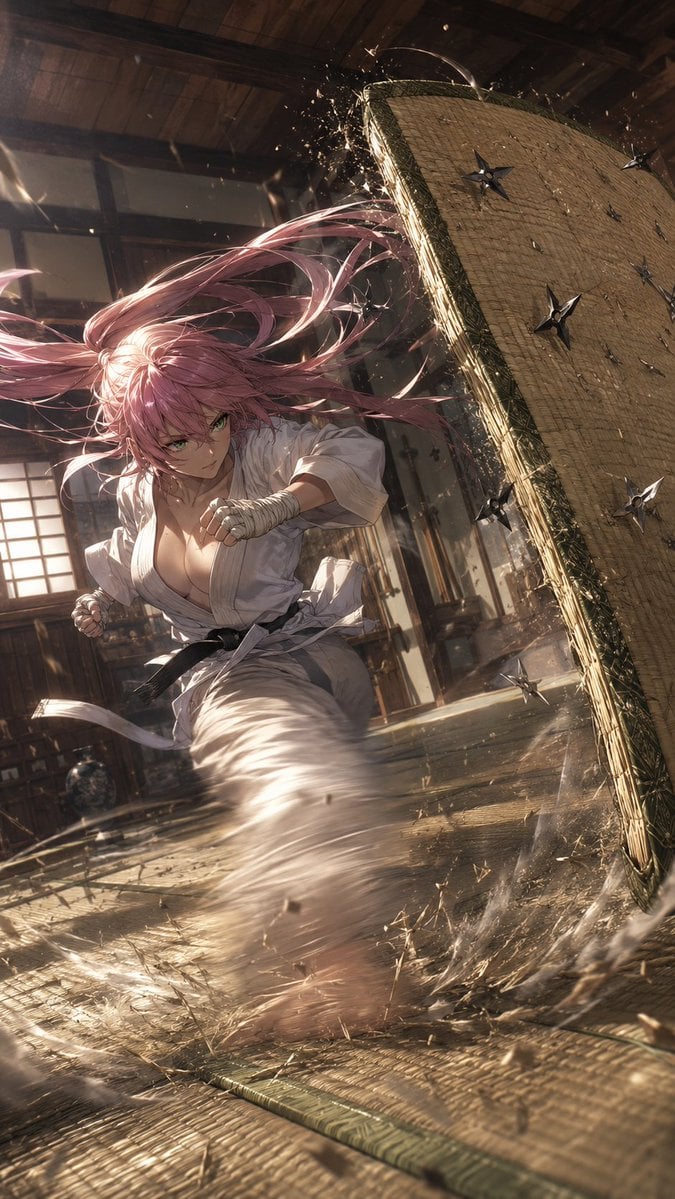
Anime Dojo Shuriken Kick
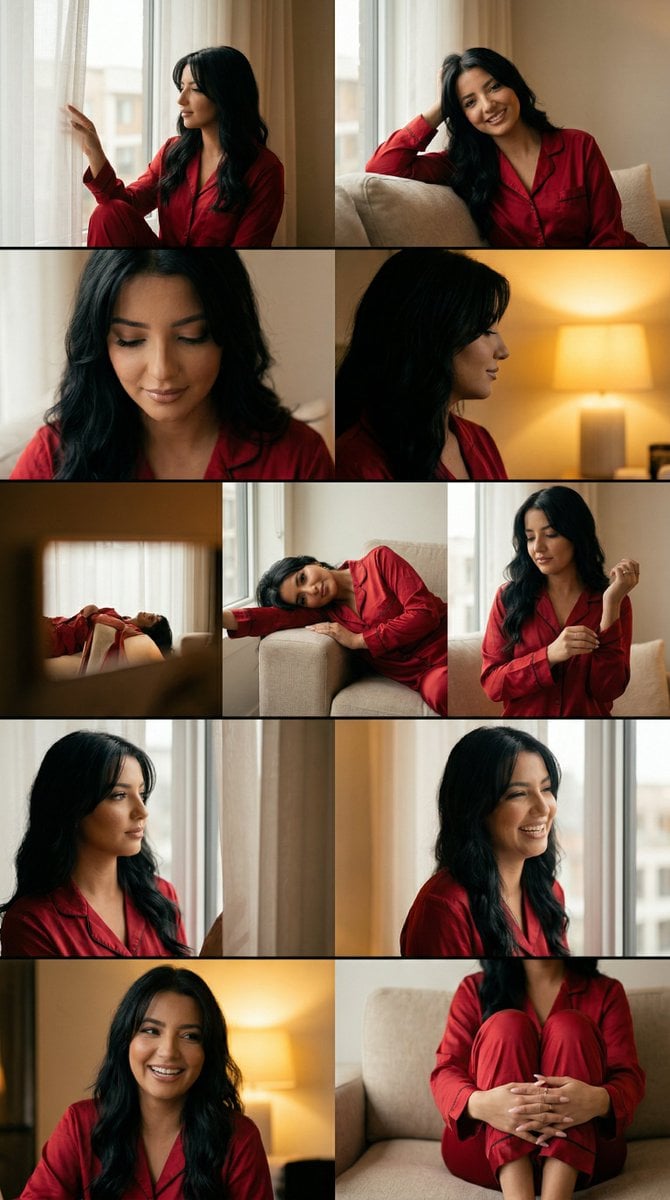
Cinematic Home Editorial Grid Prompt

Cinematic Portrait Prompt in Luxury Cinema Lobby with Movie Poster

Japanese Woman in Cafe

Podcast cover from two reference portraits

Romantic Paris Travel Poster
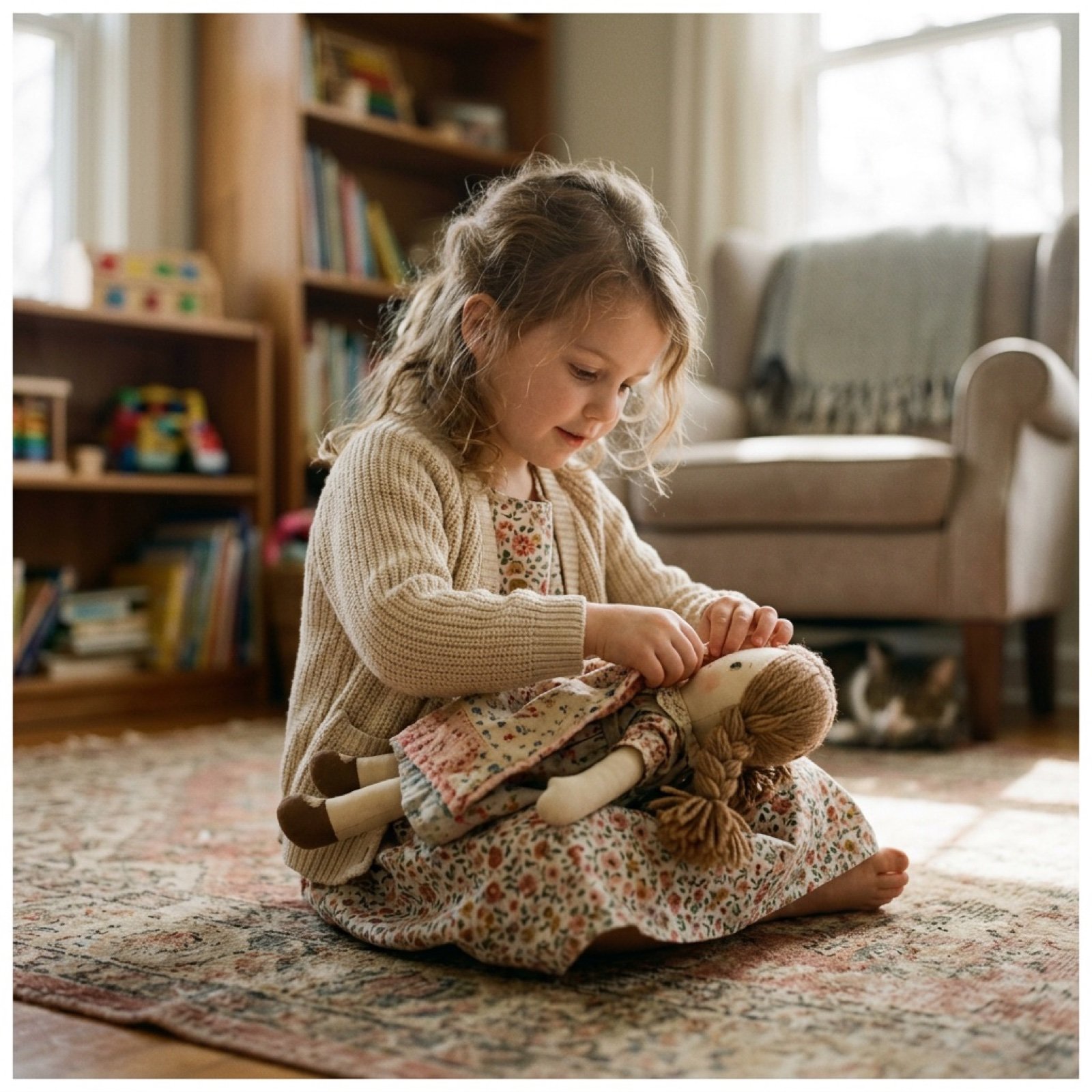
Cinematic Video Prompt for Girl Playing with Doll
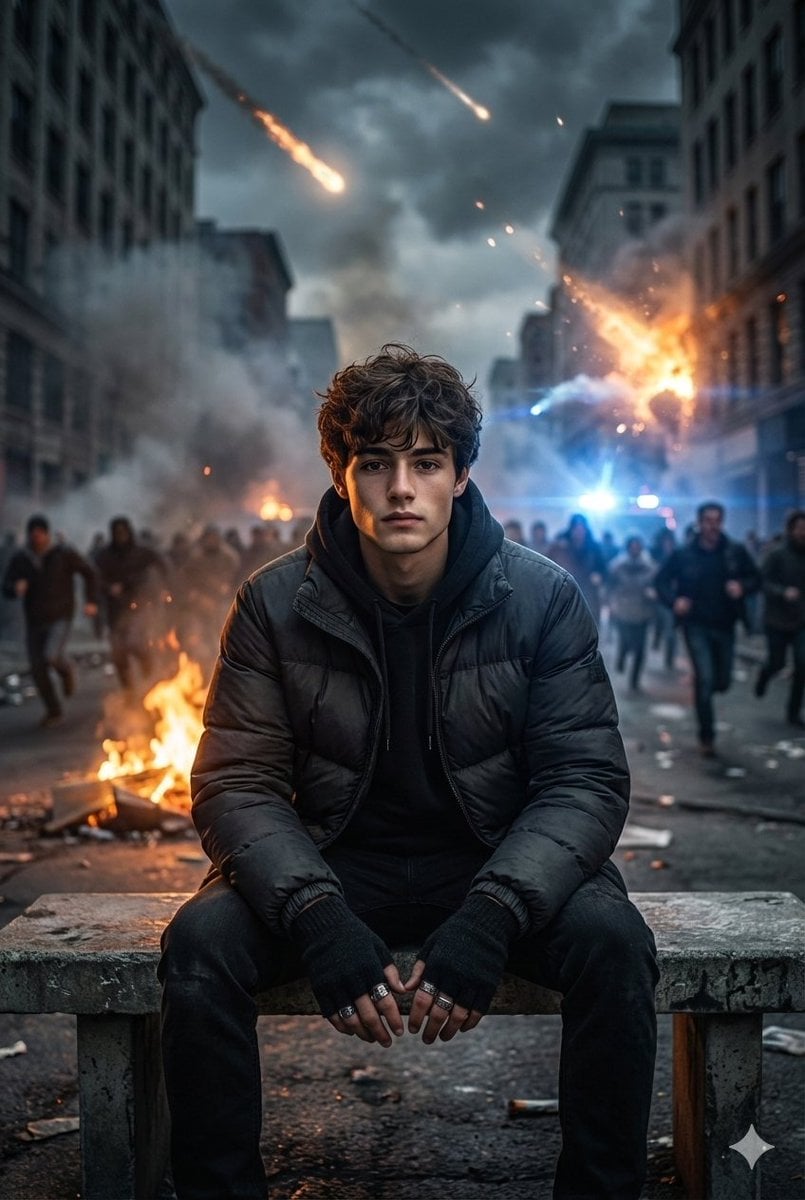
Cinematic Urban Apocalypse Portrait Prompt
SynClub Elf Character Promo Card
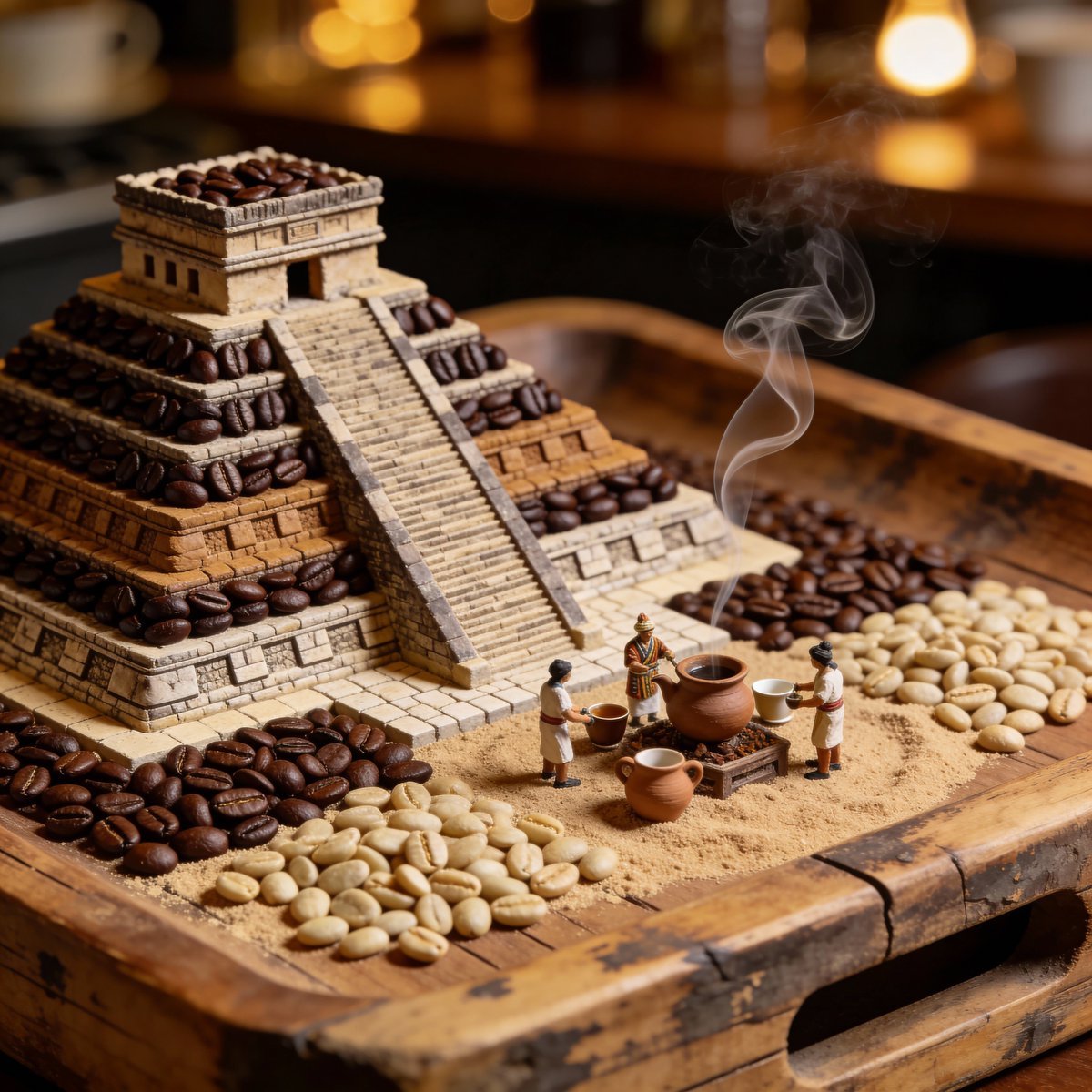
Hyperrealistic Mayan Pyramid Coffee Bean Miniature Prompt
Browse template categories
Patchouli Yukkuri Pet Shop Display questions
How do I use the Patchouli Yukkuri Pet Shop Display template?
Add your photo if the template asks for one, edit the prompt if you like — the template's model and format are already selected — and press Generate. Your version opens in PicX Studio.
Can I customize the Patchouli Yukkuri Pet Shop Display template?
Yes. You can change the subject, setting, lighting, mood, format, and available model controls before creating your image.
Is the Patchouli Yukkuri Pet Shop Display template free?
Opening and editing this template is free. Generating uses credits, shown on the Generate button when you are signed in.
Which AI model should I use?
Start with GPT Image 2, which is the model associated with this template. You can compare another compatible model for a different finish.
Looking for something else? Browse all templates.

Your photo, any look
Thousands of ready templates for every top image and video model, from one credit balance.