
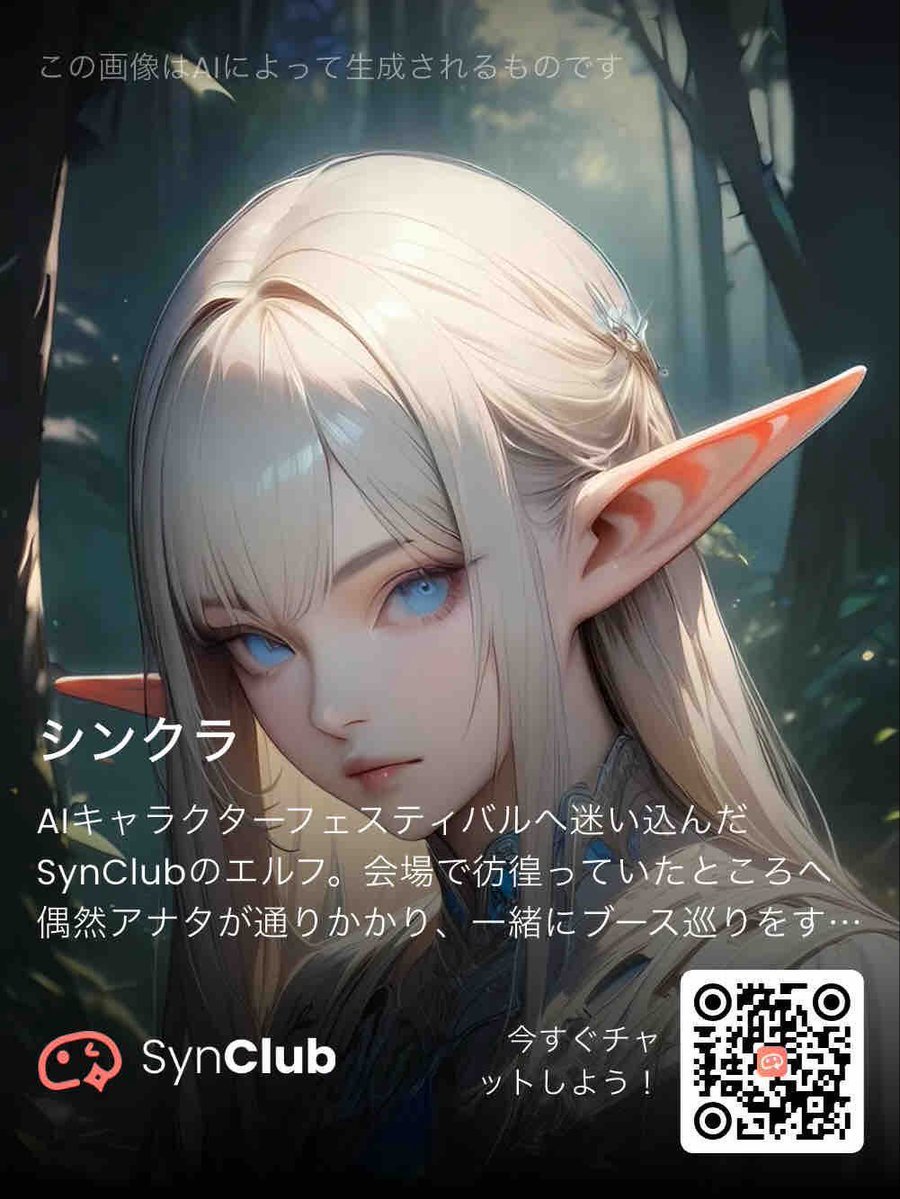
SynClub Elf Character Promo Card
A vertical anime-style SynClub promotional poster featuring an elf character portrait, Japanese app copy, branding, and a QR call to action.
- Prompt included
- Model and format preset
- Free template
The prompt behind this image
Copy the exact prompt behind SynClub Elf Character Promo Card, or open it in the studio and make it yours.
Goal: Create a vertical promotional character card for SynClub featuring an original elf AI character in a dark fantasy forest. Canvas: Portrait smartphone-poster format, 3:4 aspect ratio, about 768×1024 px. Use a cinematic anime illustration style with soft bloom, high-detail hair, shallow depth of field, and moody teal-green lighting. Main subject: A close-up bust portrait of {argument name="character name" default="シンクラ"}, an elegant elf girl facing slightly to the right. She has very long silky {argument name="hair color" default="platinum blonde"} hair, pale skin, and one large pointed elf ear extending sharply to the right with warm pink-orange inner-ear shading. Her face is intentionally hidden by a large opaque gray-beige rectangular block centered over the face, covering from forehead to below the nose area. Her clothing is dark and partially visible near the bottom, with a delicate fantasy-collar impression. Background: A dim enchanted forest with tall dark tree trunks, blue-green haze, scattered soft light rays from above, and tiny floating specks of light. Keep the background blurred and atmospheric so the character and typography stand out. Text content and placement: Add exactly 6 text groups. 1) Top-left small translucent white disclaimer: 「この画像はAIによって生成されるものです」. 2) Left-middle large bold white character name: 「シンク」. 3) Below the name, smaller white label: 「AIキャラ」. 4) Across the lower middle in white Japanese body copy over the character: 「SynClubのエルフ。会場で彷徨っていたところへ、偶然アナタが通りかかり、一緒にブース巡りをす…」 with the same truncated feeling. 5) Bottom-left SynClub branding: a coral-red chat-face logo icon followed by “SynClub” in white, with “Club” bold. 6) Bottom-right call to action in white beside the QR code: 「今すぐチャットしよう!」 split across two short lines. QR and branding details: Place a white rounded-square QR code block at the bottom right, about one fifth of the canvas width, with black QR modules and a small coral SynClub-style icon in the center. The call-to-action text sits immediately to the left of the QR code. Visual style: Polished AI-anime promotional banner, fantasy character app advertisement, soft glow, high contrast between white text and dark forest, clean modern typography, no extra characters, no additional logos beyond SynClub, no watermark except the visible AI-generated disclaimer.
How to use SynClub Elf Character Promo Card in 3 steps
- 1Upload ImagePNG, JPG or paste
Add your photo
Upload the photo the template builds on. The prompt, model and format are already set.
- 2…a portrait of your subject in softgolden-hour light, 85mm…
Personalize
Edit the subject and creative details for your destination.
- 3Generate
Generate
Press Generate — your image is created in PicX Studio, so you can compare it with the original and refine one variable at a time.
More like this
Templates with the same subject, style or setup. Open one to see its prompt.
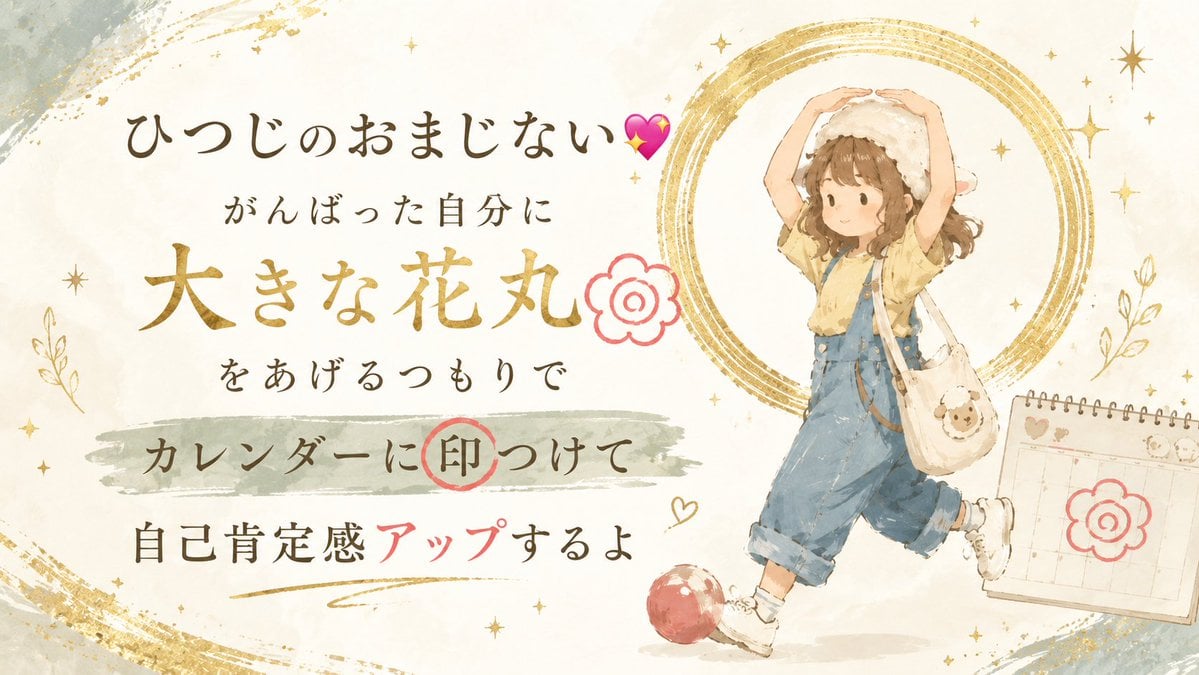
Japanese Self-Care Flower Mark Card
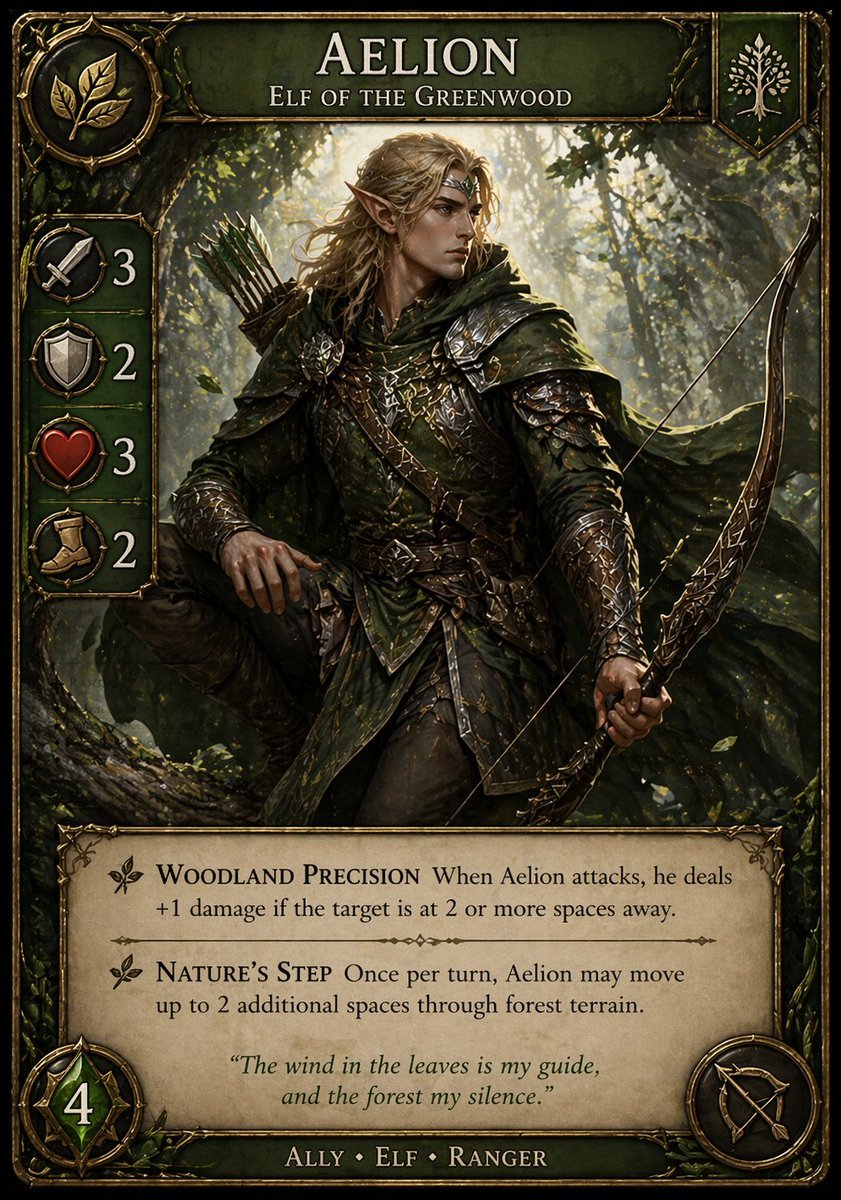
Fantasy Elf Ranger Trading Card
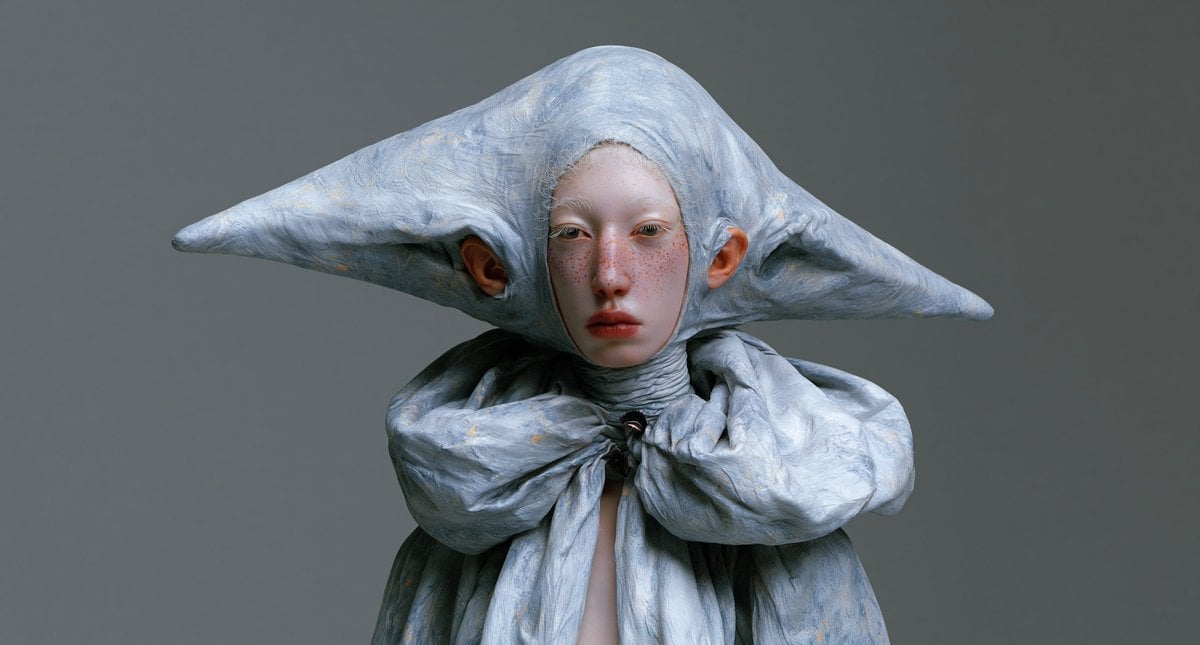
Surreal Elf Couture Portrait

Anime Elf Maid Turnaround Sheet

Teal Japanese Handwritten Lyric Card

Reiwa Slang Reaction Gacha Card
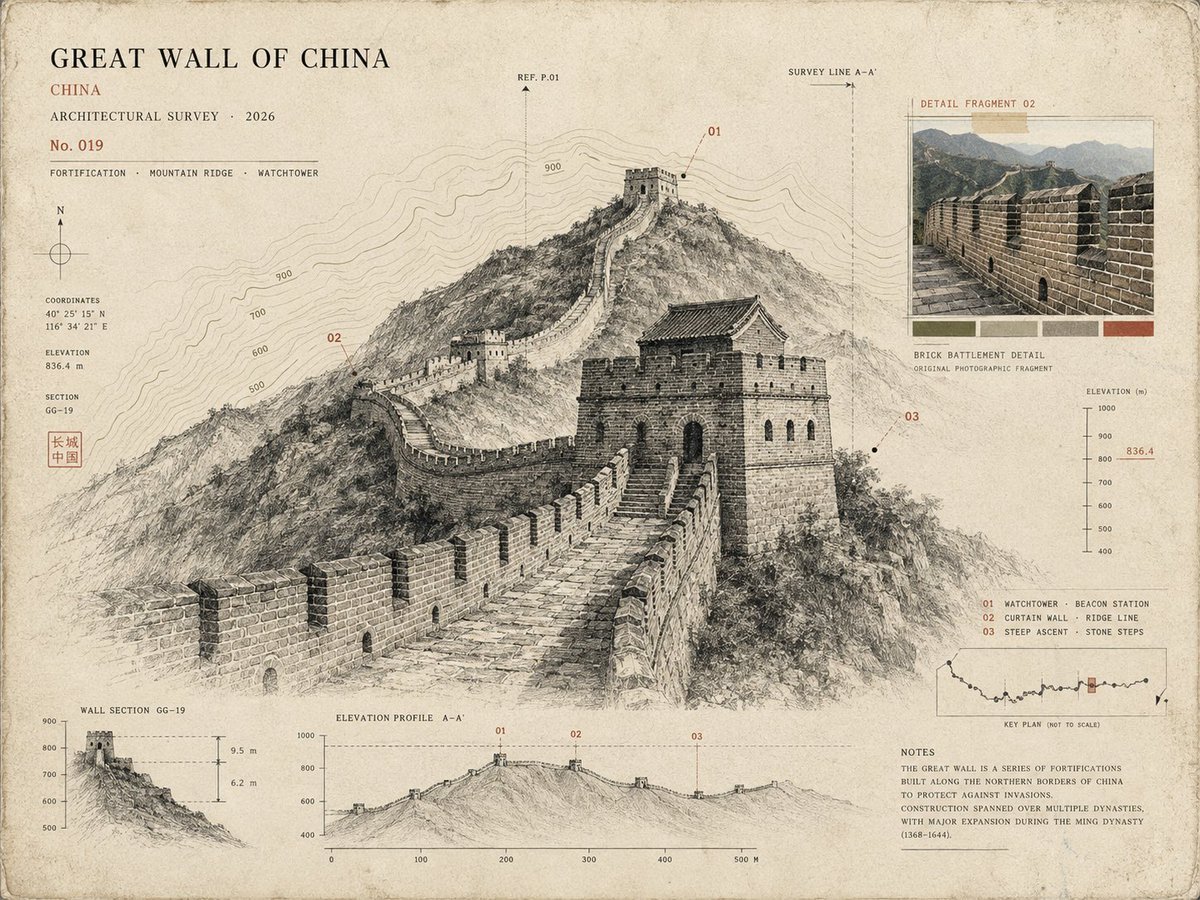
Architectural Museum Specimen Card
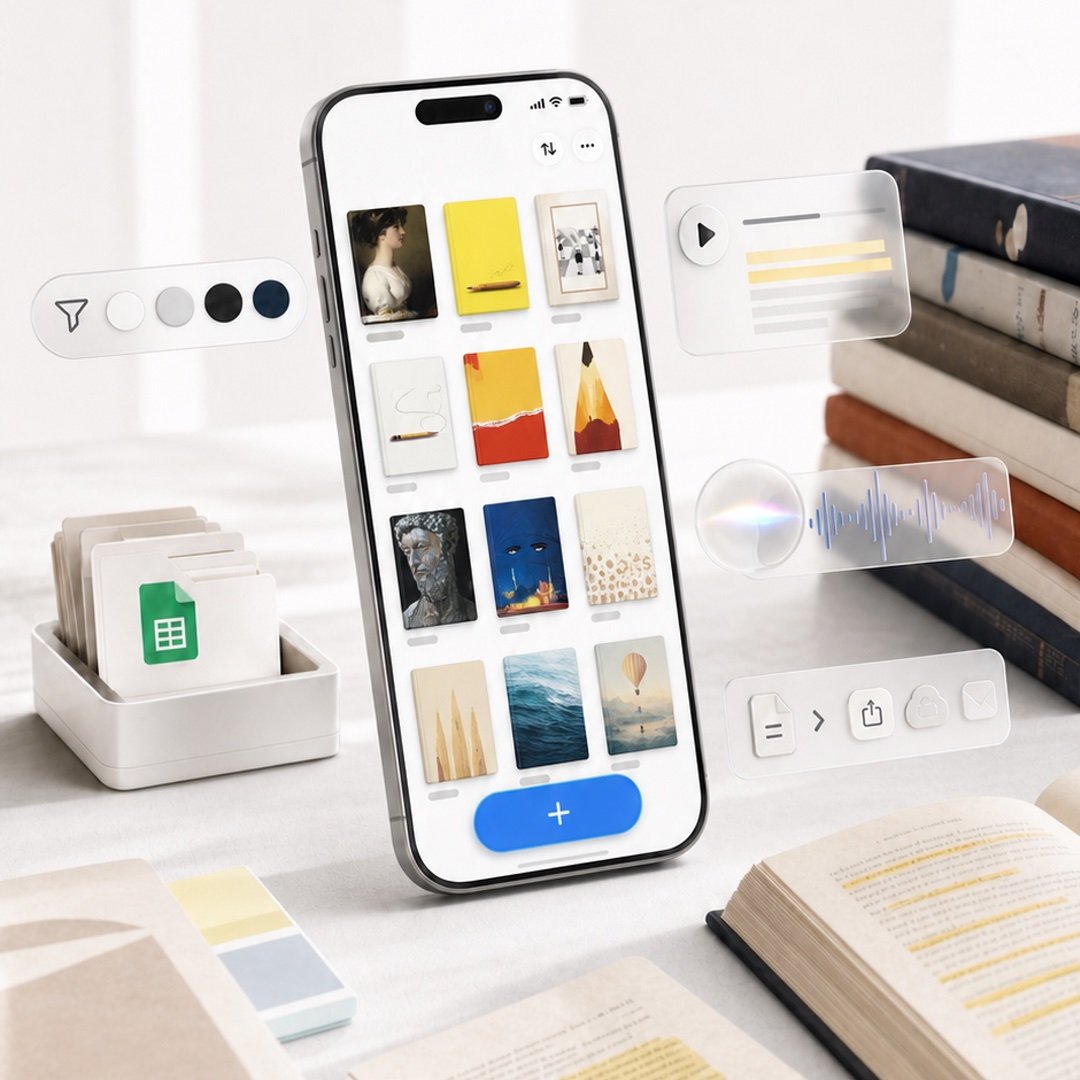
Highlighted App Promo Cover

Subway Good Vibes App Card Portrait
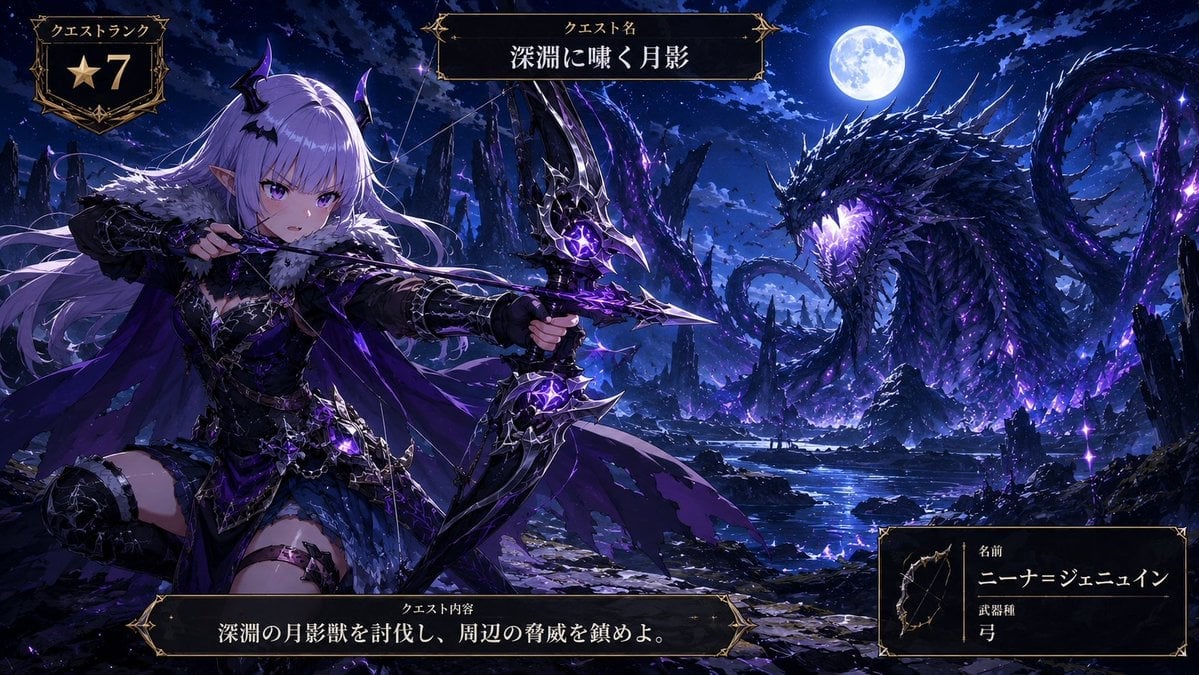
Anime Monster Hunter Quest Card
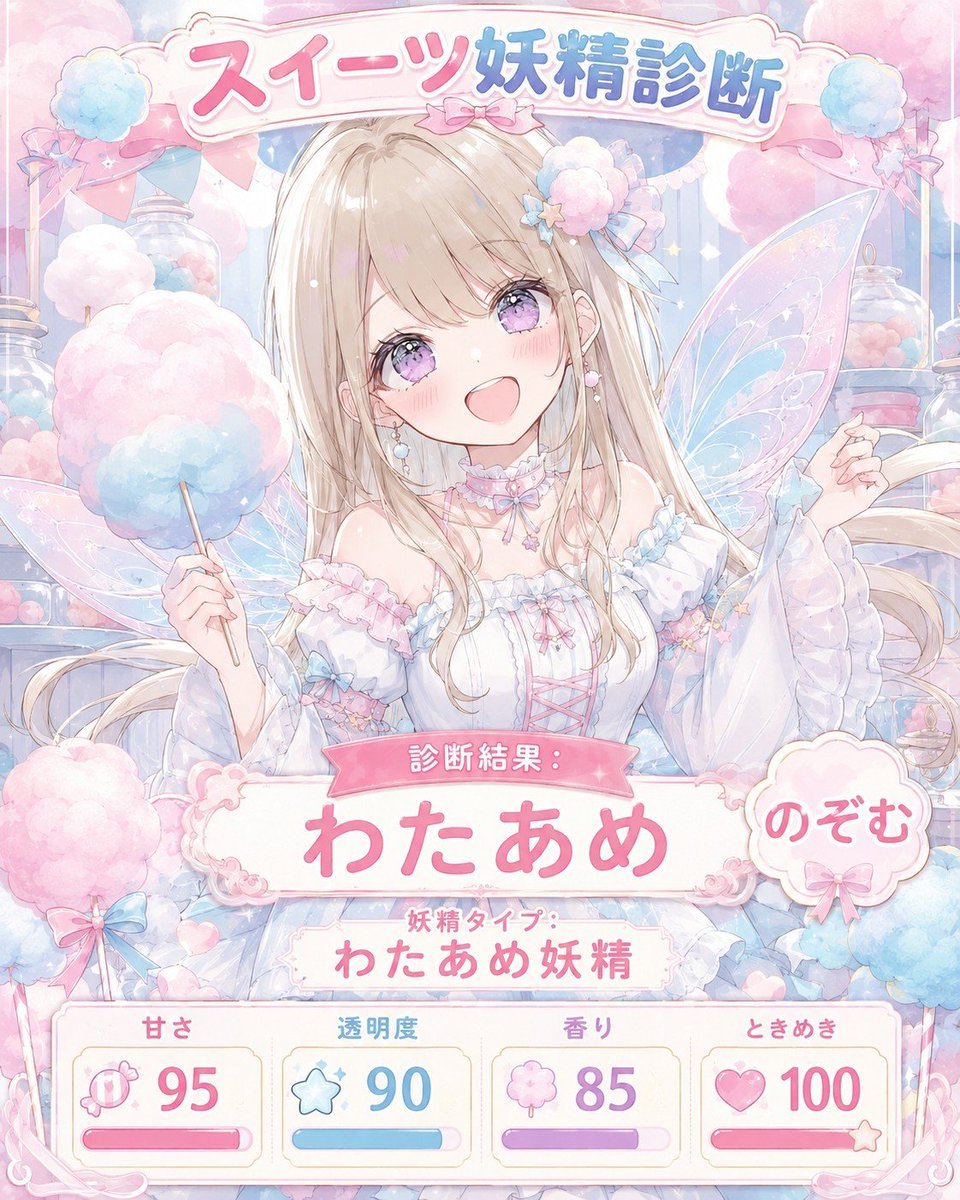
Pastel Sweets Fairy Diagnosis Card
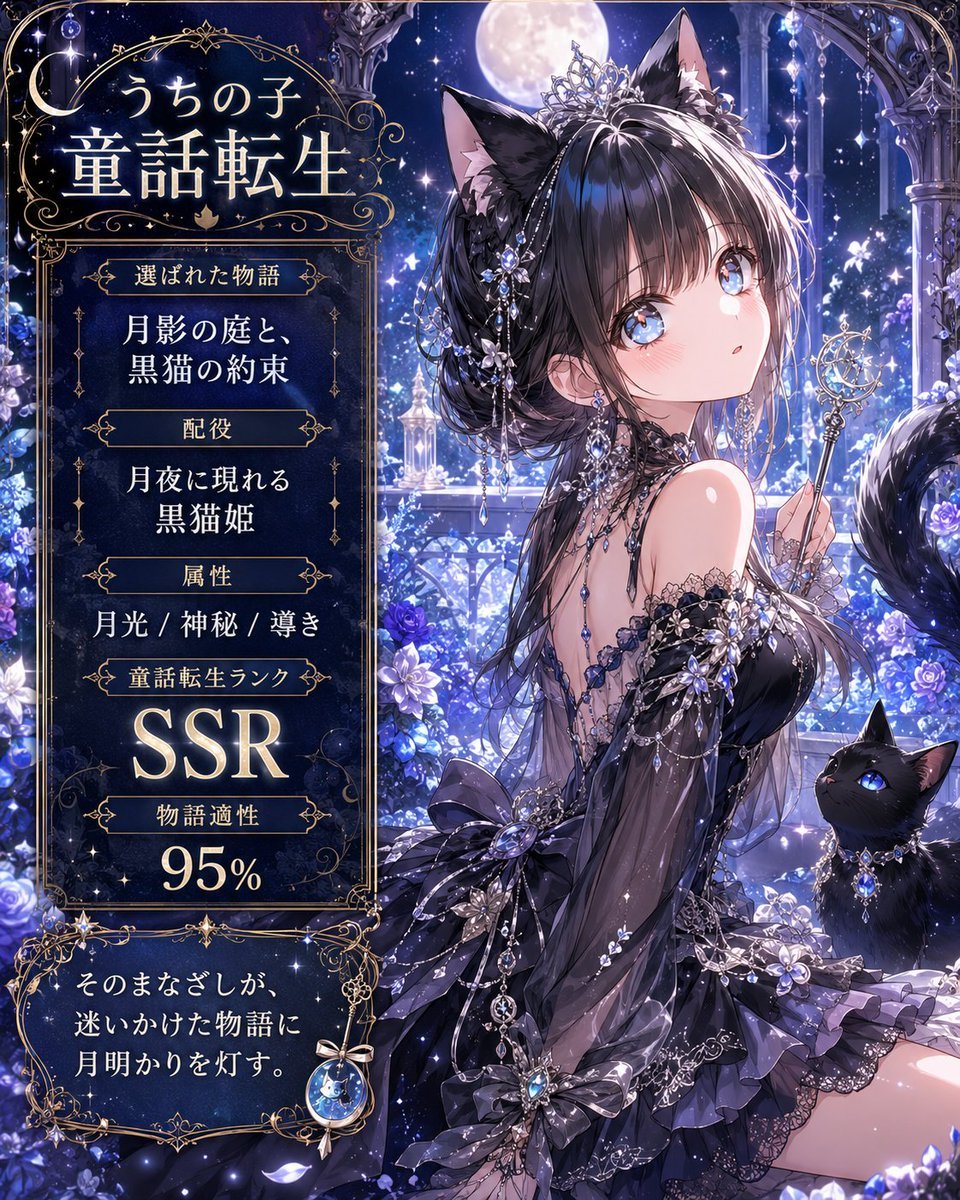
Moonlit Cat Princess Fairy-Tale Card
Make it yours
SynClub Elf Character Promo Card works as-is. These are the safest ways to change it without losing the look.
Change one field
Copy a single group, rewrite it, and generate again so you can see what that field is doing.
Keep the frame, change the subject
Hold the composition and light of SynClub Elf Character Promo Card, then swap wardrobe, props or the person for a new take.
| If the result… | Why | Fix |
|---|---|---|
| The result drifts from the preview | Too many fields changed at once. | Reuse SynClub Elf Character Promo Card as-is first, then change one group — subject, light, or setting. |
| The model over-stylizes the scene | The prose prompt leaves finish and camera underspecified. | Add one camera or lighting sentence and stay on GPT Image 2. |
More GPT Image 2 templates
Other prompts made for GPT Image 2.

Six VTuber Japanese Logo Sheet

Realistic Portrait of Woman and Deer

The Vista Modular Condo Poster

AI Model Routing Comparison Infographic

2.5D Anime Art Board

Isometric Productivity Desk Scene

New York Double Exposure Poster

Four-Panel AI Landscape Comparison

Japanese Tatami Lifestyle Magazine Cover

NESCAFÉ Coffee Map Poster
More image prompts
Fresh picks from across the catalog.
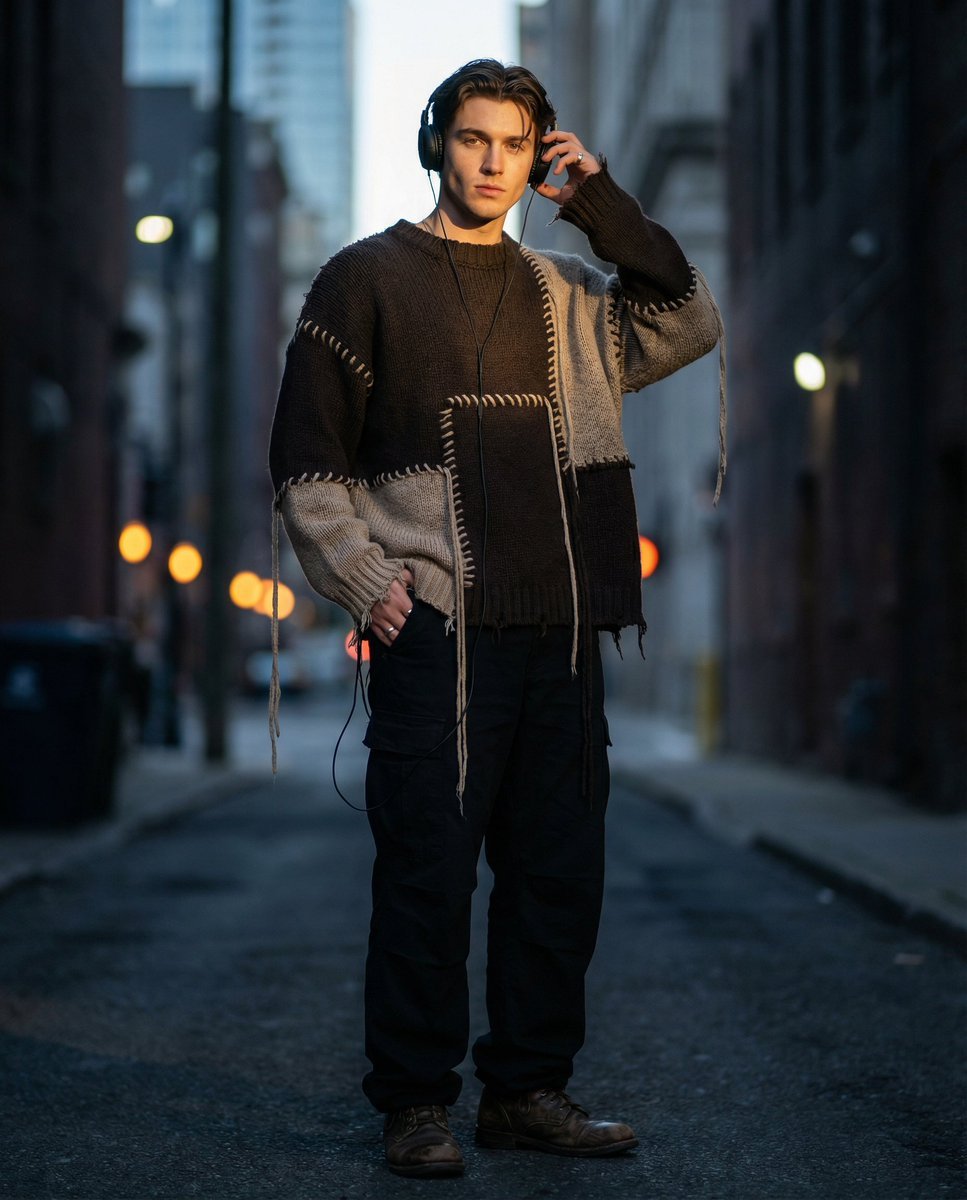
Editorial Street Fashion Portrait with Patchwork Knitwear
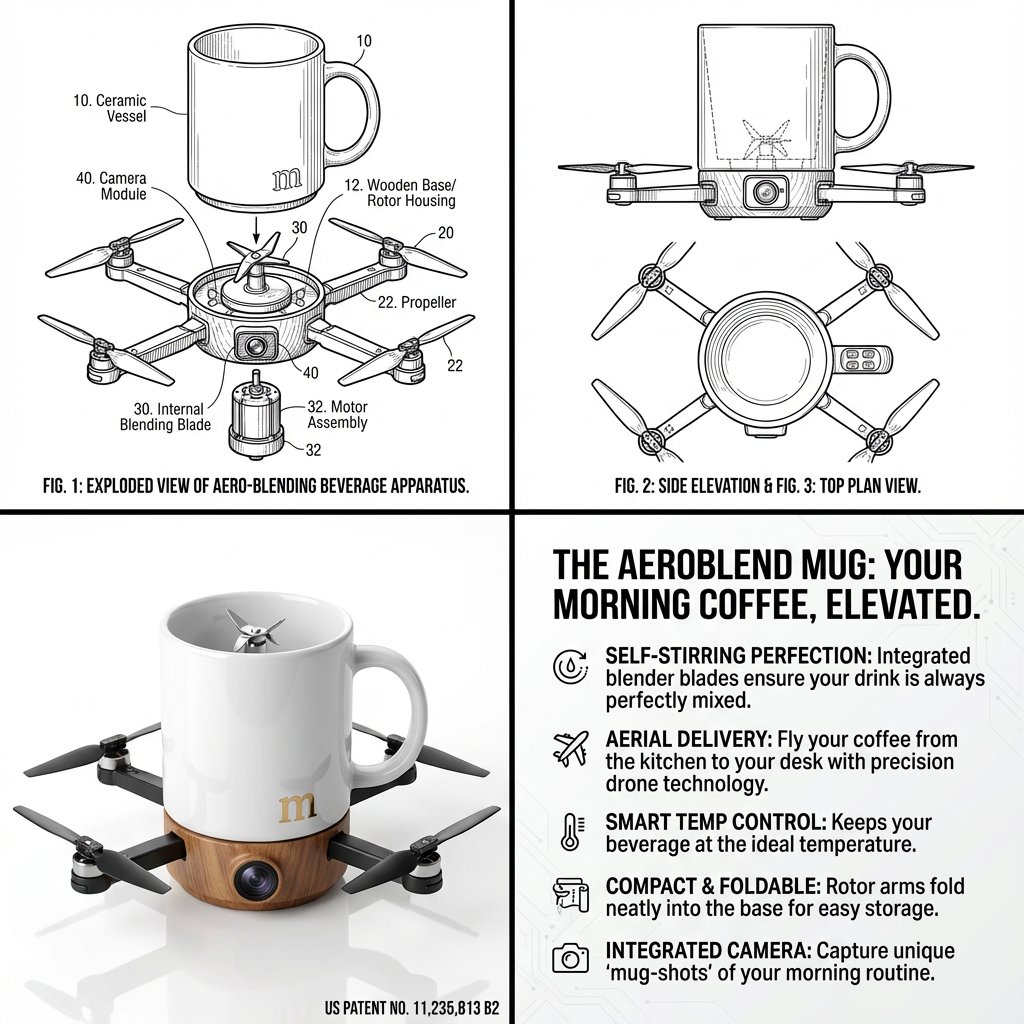
Absurd Patentable Invention Generator
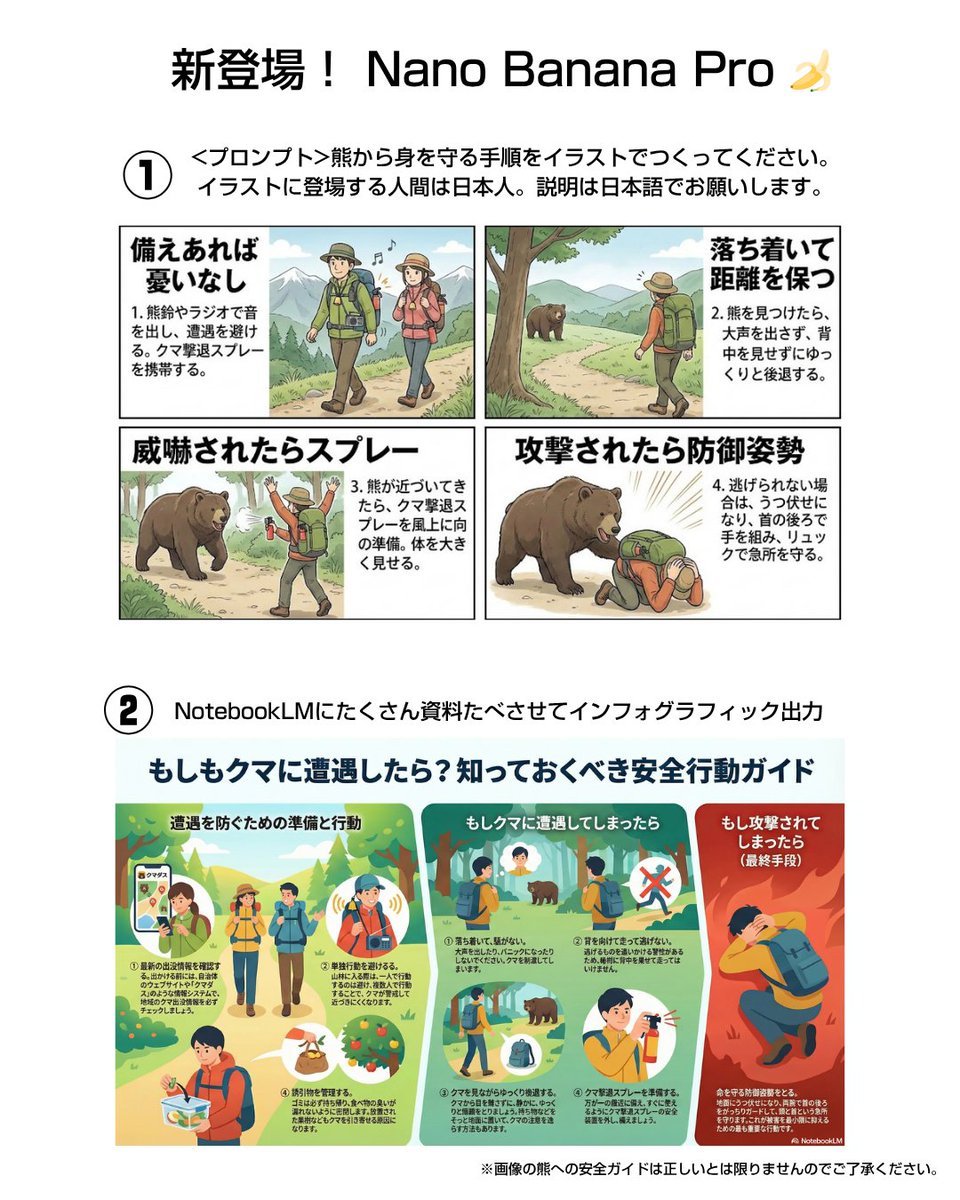
Bear safety instruction illustration in Japanese
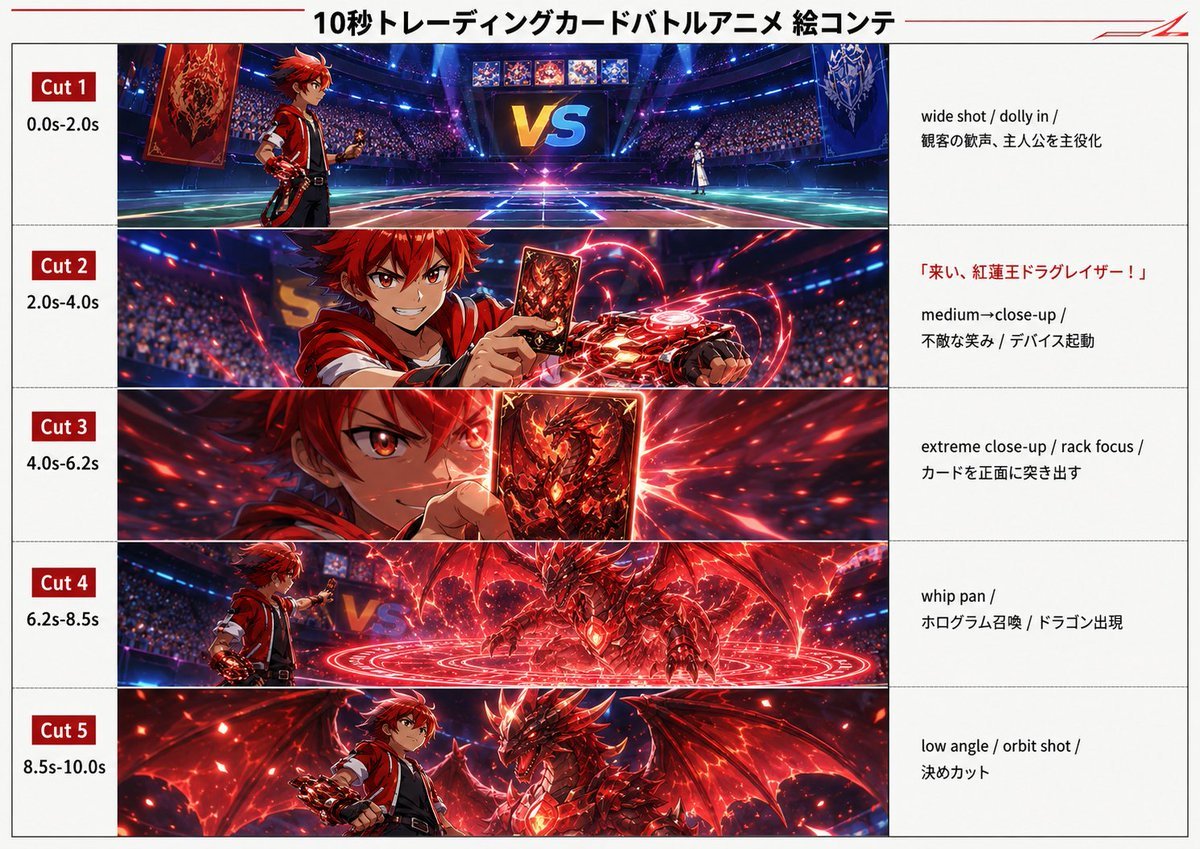
Trading Card Battle Anime Storyboard
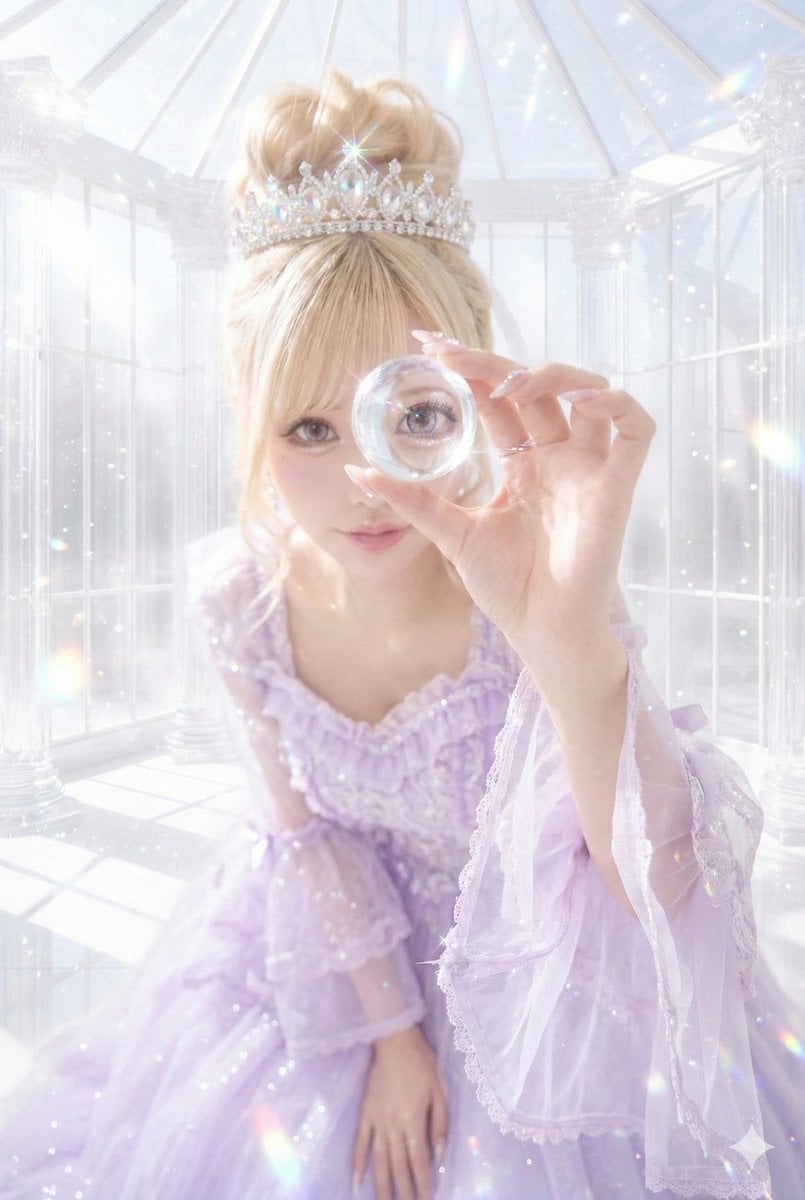
Reflected World in a Glass Sphere Prompt
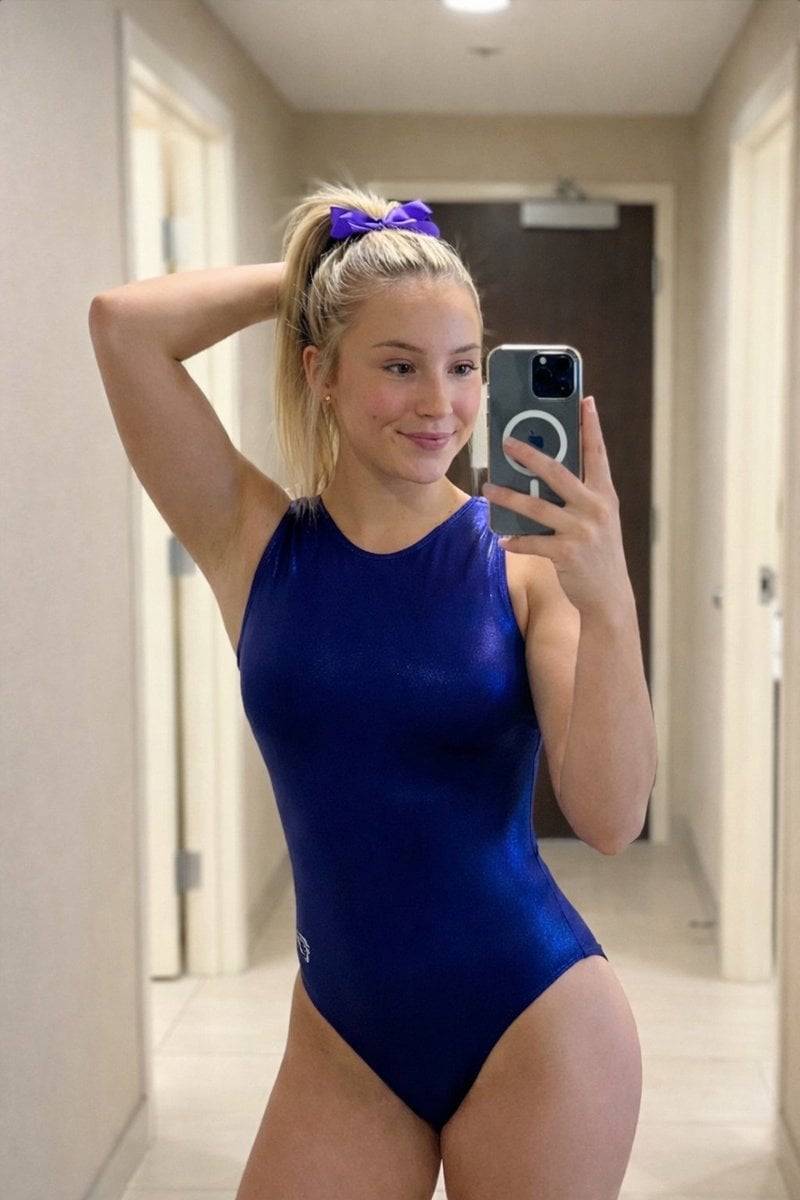
Photorealistic Mirror Selfie Portrait Prompt (Gymnastics Leotard)
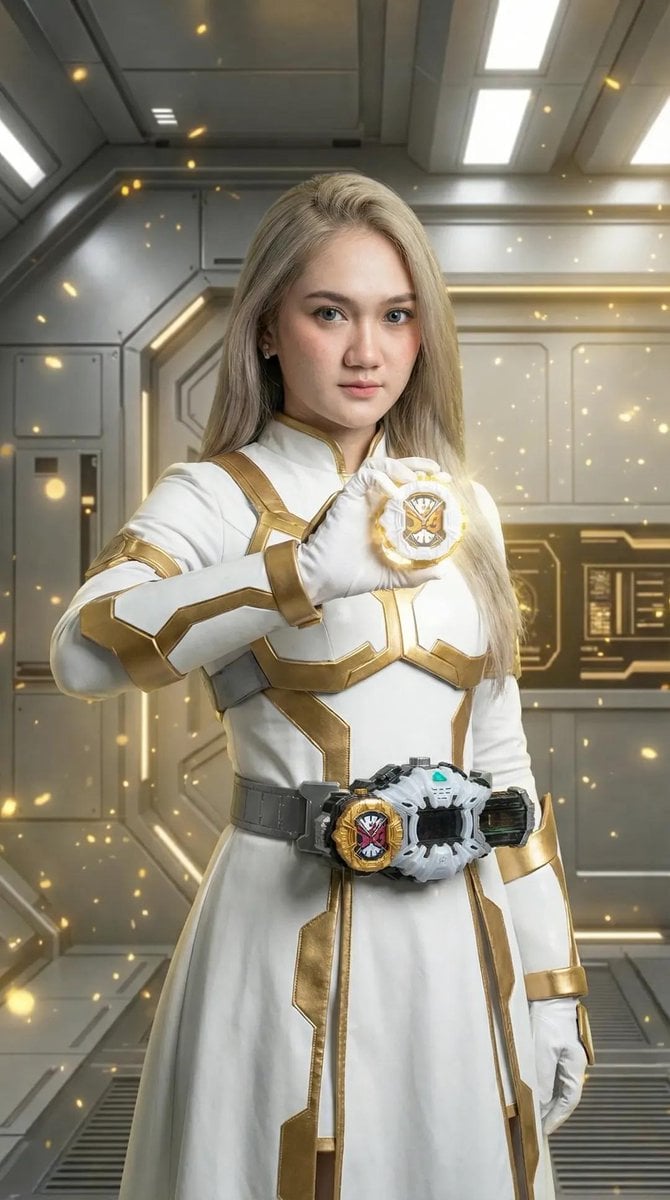
Kamen Rider Armor Transformation Sequence Prompt
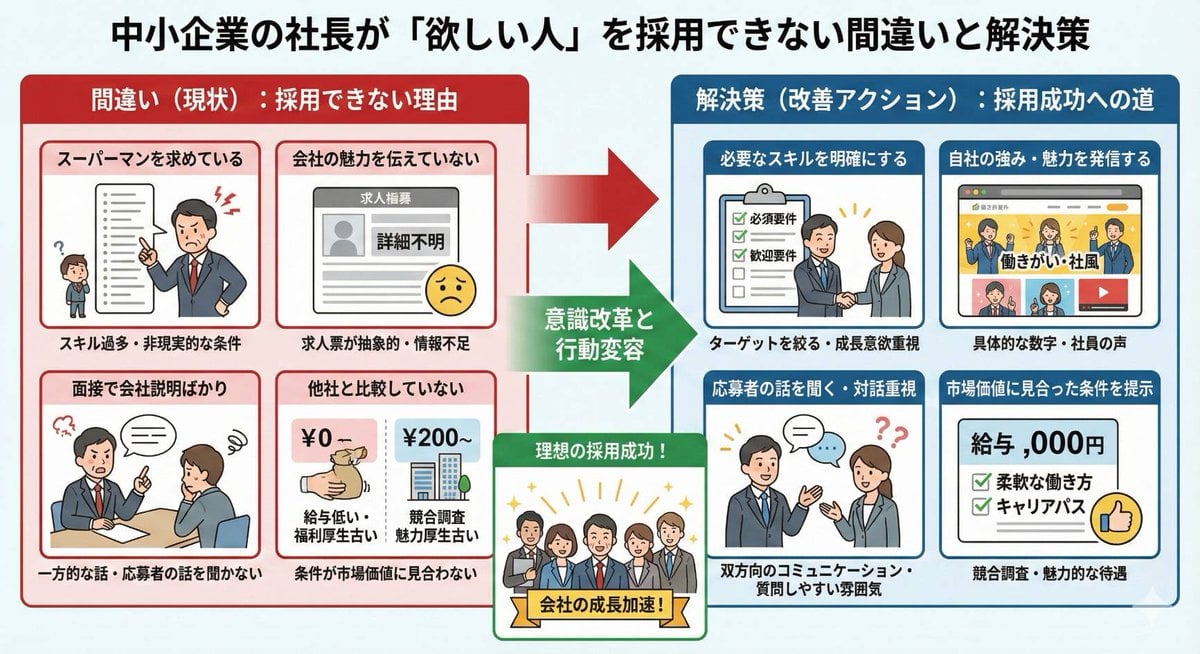
Infographic about a CEO struggling with hiring
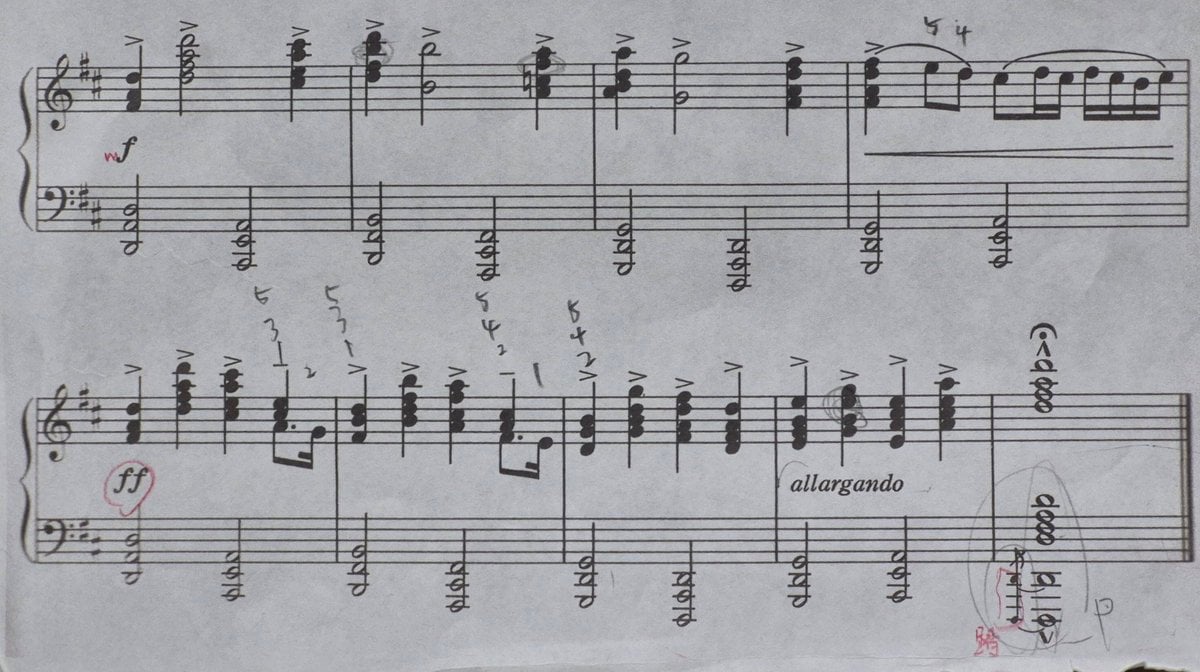
Generating Clean Sheet Music from Scanned Image
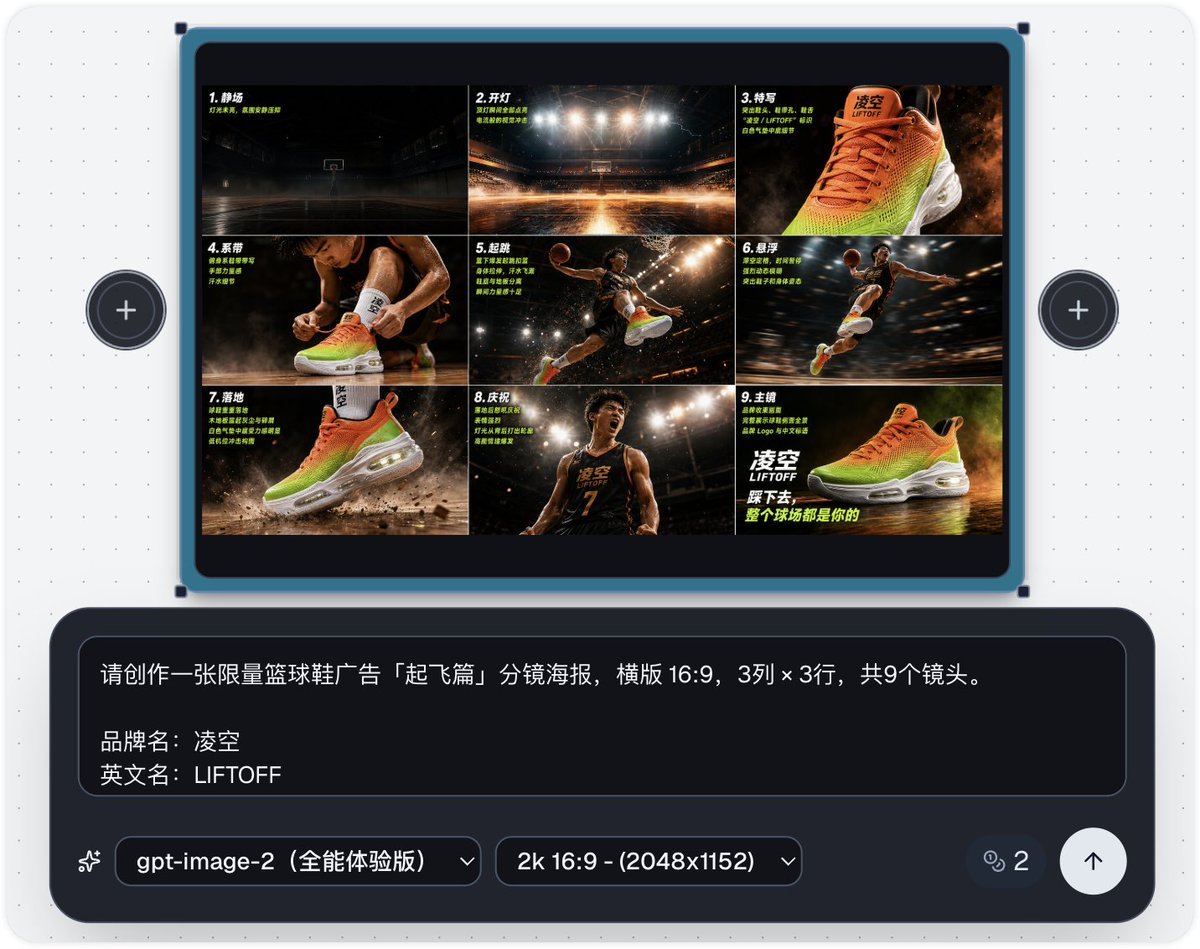
Basketball Shoe Storyboard Advertisement
Browse template categories
SynClub Elf Character Promo Card questions
How do I use the SynClub Elf Character Promo Card template?
Add your photo if the template asks for one, edit the prompt if you like — the template's model and format are already selected — and press Generate. Your version opens in PicX Studio.
Can I customize the SynClub Elf Character Promo Card template?
Yes. You can change the subject, setting, lighting, mood, format, and available model controls before creating your image.
Is the SynClub Elf Character Promo Card template free?
Opening and editing this template is free. Generating uses credits, shown on the Generate button when you are signed in.
Which AI model should I use?
Start with GPT Image 2, which is the model associated with this template. You can compare another compatible model for a different finish.
Looking for something else? Browse all templates.

Your photo, any look
Thousands of ready templates for every top image and video model, from one credit balance.