
Highlighted App Promo Cover
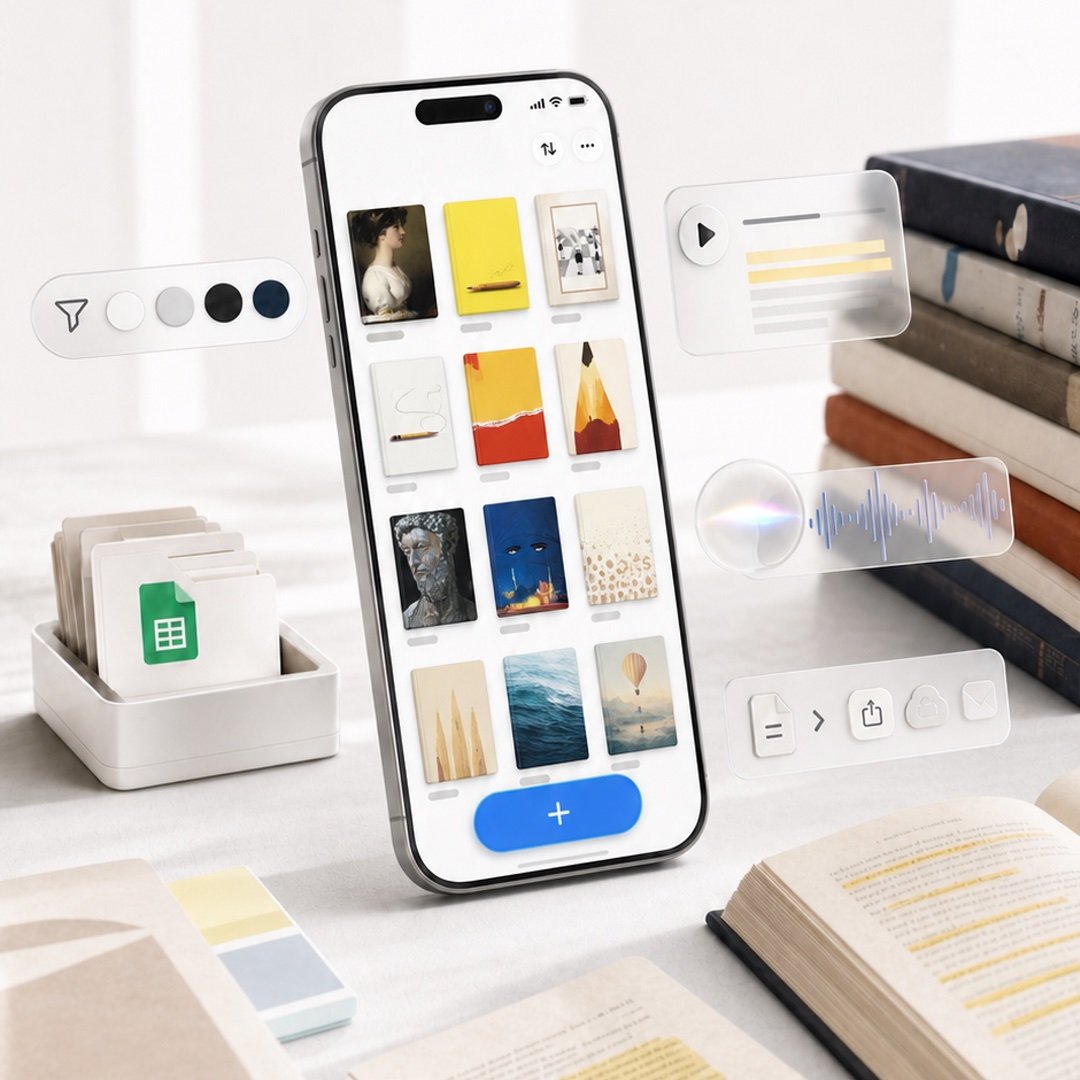
A premium square product-style cover image featuring a phone-based reading highlights app with floating glassmorphism productivity widgets.
- Prompt included
- Model and format preset
- Premium template
The prompt behind this image
Copy the exact prompt behind Highlighted App Promo Cover, or open it in the studio and make it yours.
Create a polished square promotional cover image for {argument name="app name" default="Highlighted"}, showing a modern iPhone standing upright at a slight angle on a bright white desk, with a clean productivity-and-reading aesthetic. On the phone screen, display a minimalist gallery grid of exactly 12 saved highlight cards arranged in 3 columns by 4 rows, each with a small gray label line beneath it; the cards show varied bookish visuals such as a classical portrait, yellow notebook, framed photo, white note with cord, red-and-yellow abstract cover, pencil illustration, dark statue face, blue night cover, beige dotted page, pale sails, ocean water, and a balloon landscape. At the bottom of the phone UI, include a large rounded blue add button with a white plus sign. Surround the phone with translucent floating feature widgets: on the left, one pill-shaped toolbar with exactly 5 elements—a paper-plane/filter icon and 4 circular color swatches in white, light gray, black, and navy; on the upper right, one glassmorphism audio card with a play button and 5 horizontal transcript lines including 2 yellow highlight lines; in the middle right, one frosted audio waveform card with a glowing circular orb and blue waveform; on the lower right, one frosted action toolbar with exactly 5 icons—a document, chevron arrow, share, cloud upload, and envelope. Desk props include a white tray of folders with a green spreadsheet document icon on the left, a small stack of pastel sticky notes in the foreground, an open book with yellow highlighted text at bottom right, loose papers with highlighted passages, and a stack of hardcover books on the right. Use soft natural window light, shallow depth of field, realistic high-end product photography, creamy whites and warm neutrals, subtle shadows, glassy translucent UI overlays, crisp phone details, no visible brand logos except the app-like interface, no watermark, no extra text beyond simple UI marks. Use a premium launch-promo composition suitable for an in-app event cover, {argument name="image aspect ratio" default="1:1 square"}.
How to use Highlighted App Promo Cover in 3 steps
- 1Upload ImagePNG, JPG or paste
Add your photo
Upload the photo the template builds on. The prompt, model and format are already set.
- 2…a portrait of your subject in softgolden-hour light, 85mm…
Personalize
Edit the subject and creative details for your destination.
- 3Generate
Generate
Press Generate — your image is created in PicX Studio, so you can compare it with the original and refine one variable at a time.
More like this
Templates with the same subject, style or setup. Open one to see its prompt.
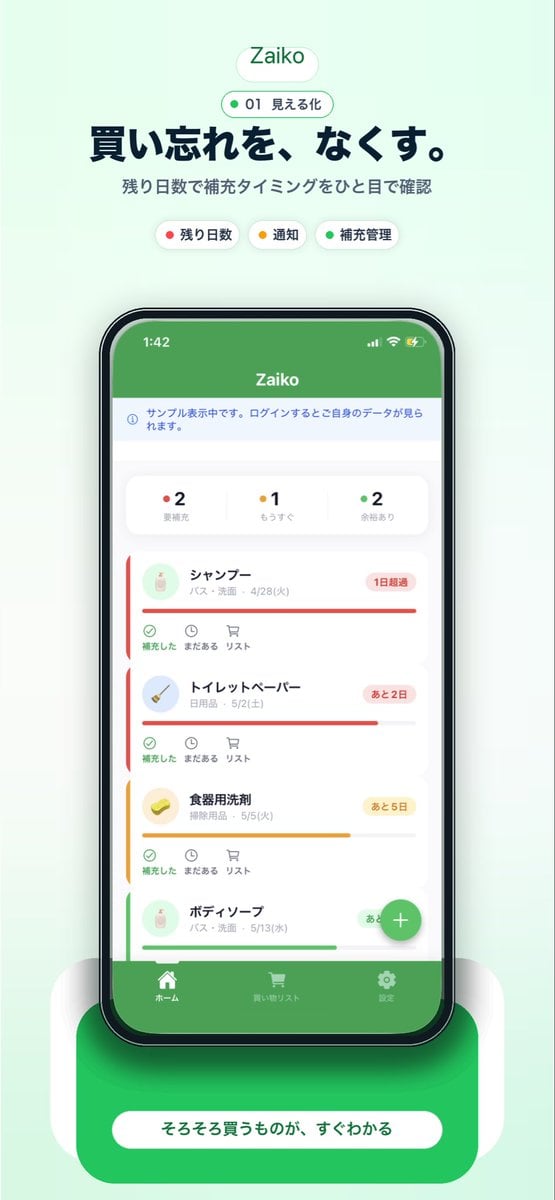
Japanese Inventory App Promo Poster
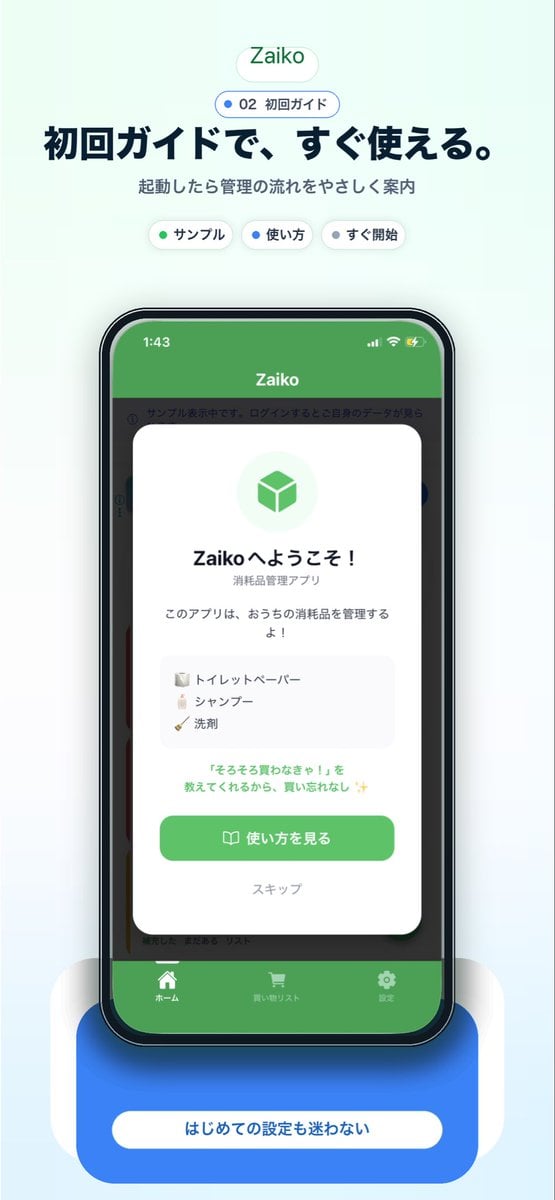
Japanese app onboarding promo mockup
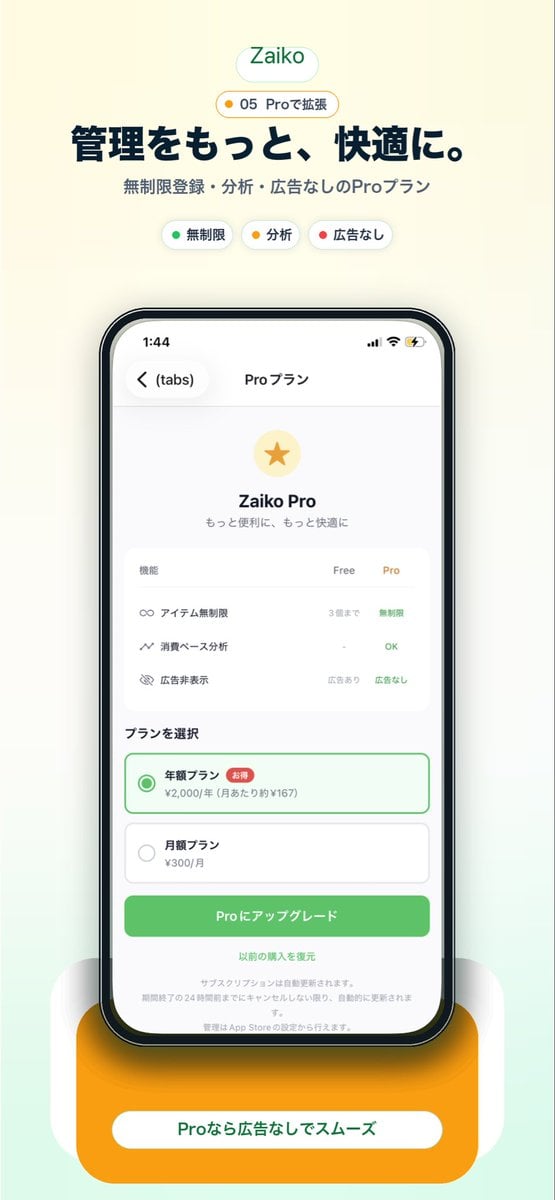
Japanese Pro Plan App Promo
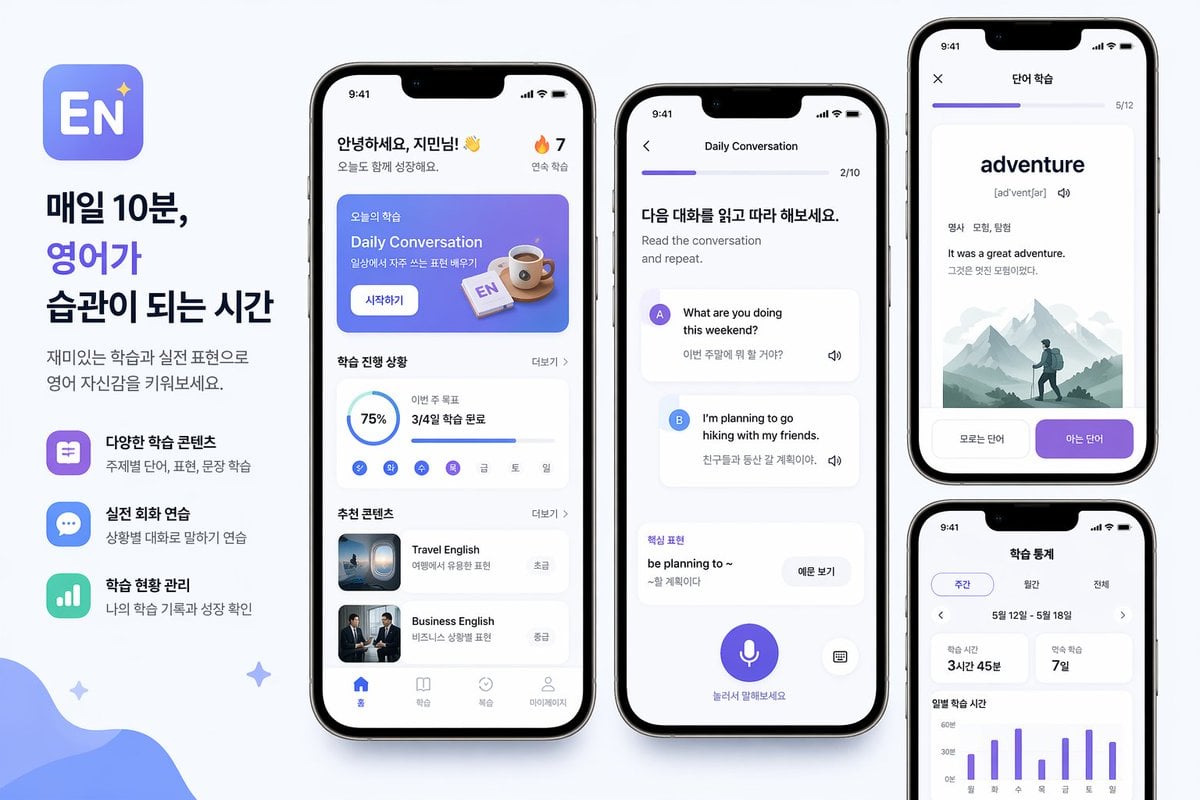
Korean English Learning App Promo
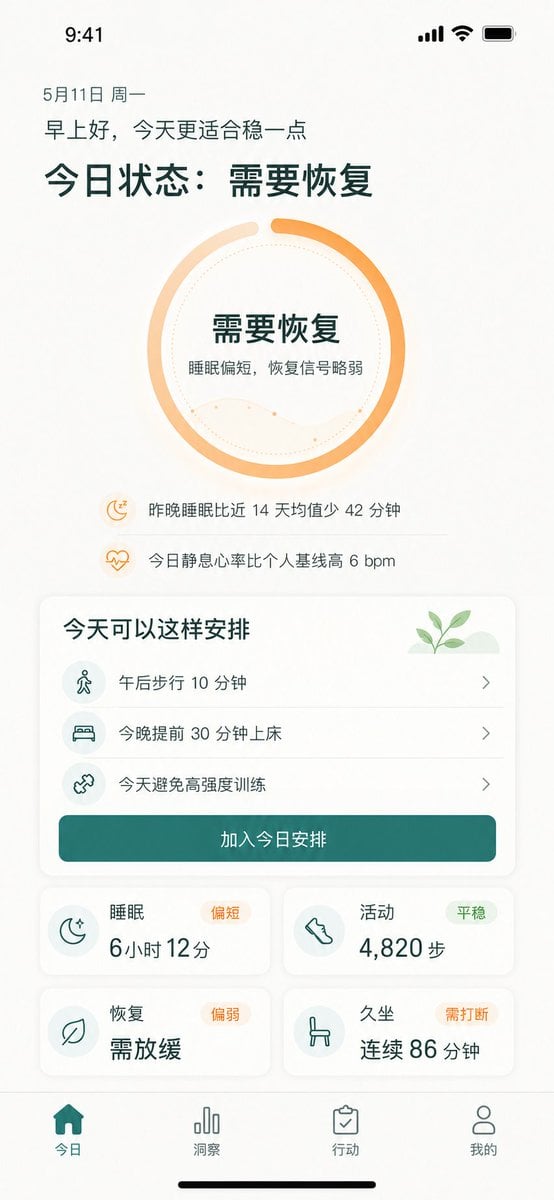
Chinese Wellness Recovery App UI
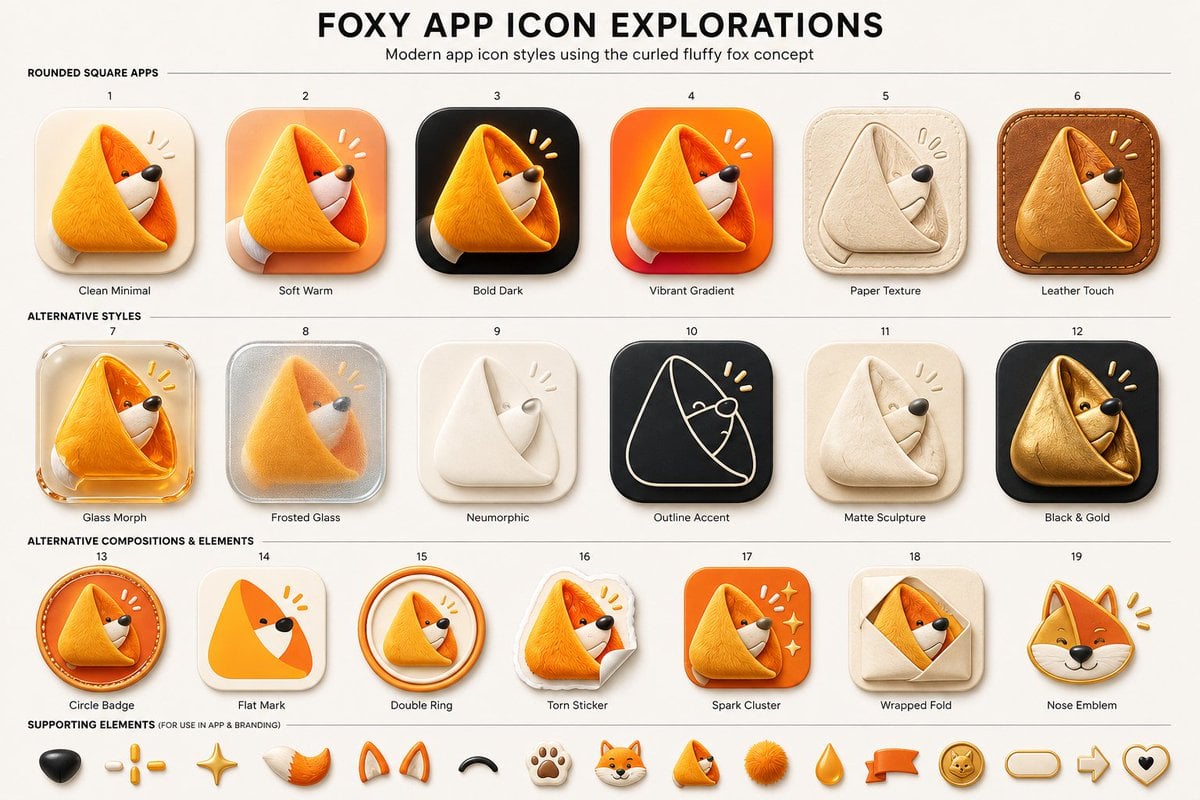
Foxy App Icon Exploration Board

Subway Good Vibes App Card Portrait

Off Duty Fashion Magazine Cover

Japanese Tatami Lifestyle Magazine Cover
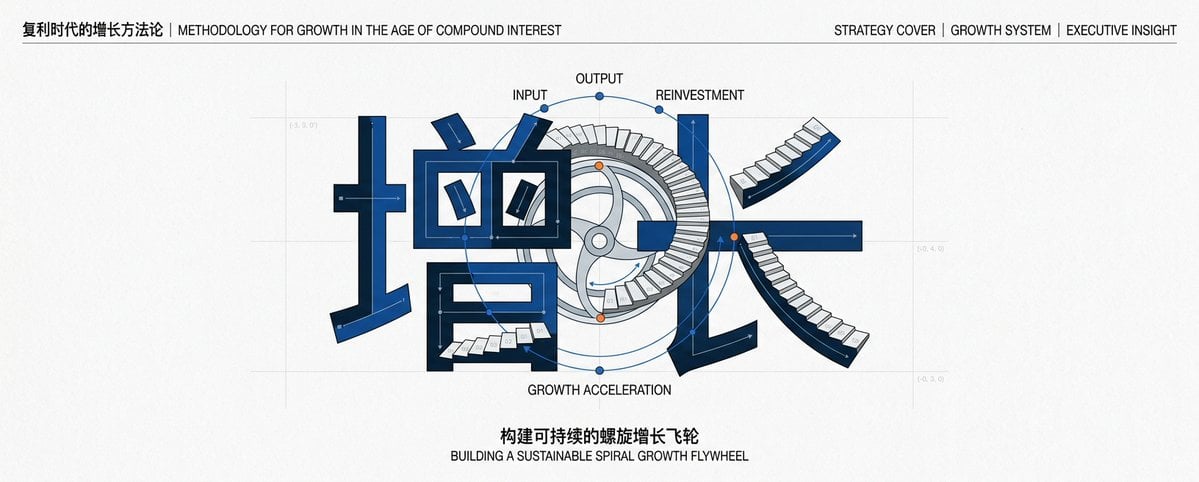
Chinese Growth Flywheel Strategy Cover

Cinematic Wuxia Fantasy Cover

Ethereal Bloom Magazine Cover
Make it yours
Highlighted App Promo Cover works as-is. These are the safest ways to change it without losing the look.
Change one field
Copy a single group, rewrite it, and generate again so you can see what that field is doing.
Keep the frame, change the subject
Hold the composition and light of Highlighted App Promo Cover, then swap wardrobe, props or the person for a new take.
| If the result… | Why | Fix |
|---|---|---|
| The result drifts from the preview | Too many fields changed at once. | Reuse Highlighted App Promo Cover as-is first, then change one group — subject, light, or setting. |
| The model over-stylizes the scene | The prose prompt leaves finish and camera underspecified. | Add one camera or lighting sentence and stay on GPT Image 2. |
More GPT Image 2 templates
Other prompts made for GPT Image 2.

Six VTuber Japanese Logo Sheet

Realistic Portrait of Woman and Deer

The Vista Modular Condo Poster

AI Model Routing Comparison Infographic

2.5D Anime Art Board

Isometric Productivity Desk Scene

New York Double Exposure Poster

Four-Panel AI Landscape Comparison

NESCAFÉ Coffee Map Poster

Brutalist Cogito Chinese Typography Poster
More image prompts
Fresh picks from across the catalog.

Golden Hour Organic Outdoor Selfie
Ultimate Designer Stress Test: Minimal Abstract Visual
Ultra-Realistic Studio Portrait of Woman with Eyes Closed and Headphones
Technical Infographic Overlay for Object Annotation
Sparkling Eyes Emoji Prompt
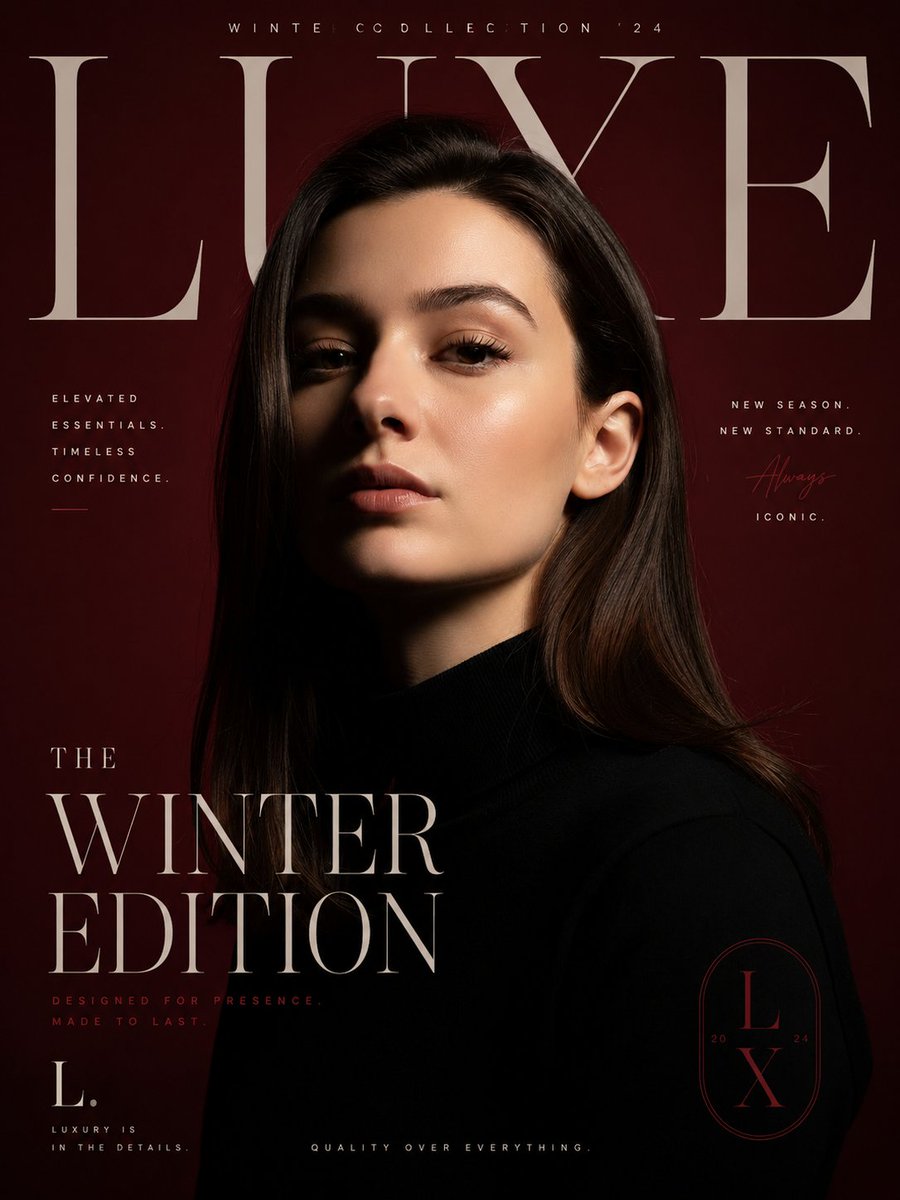
Luxury Fashion Editorial Poster
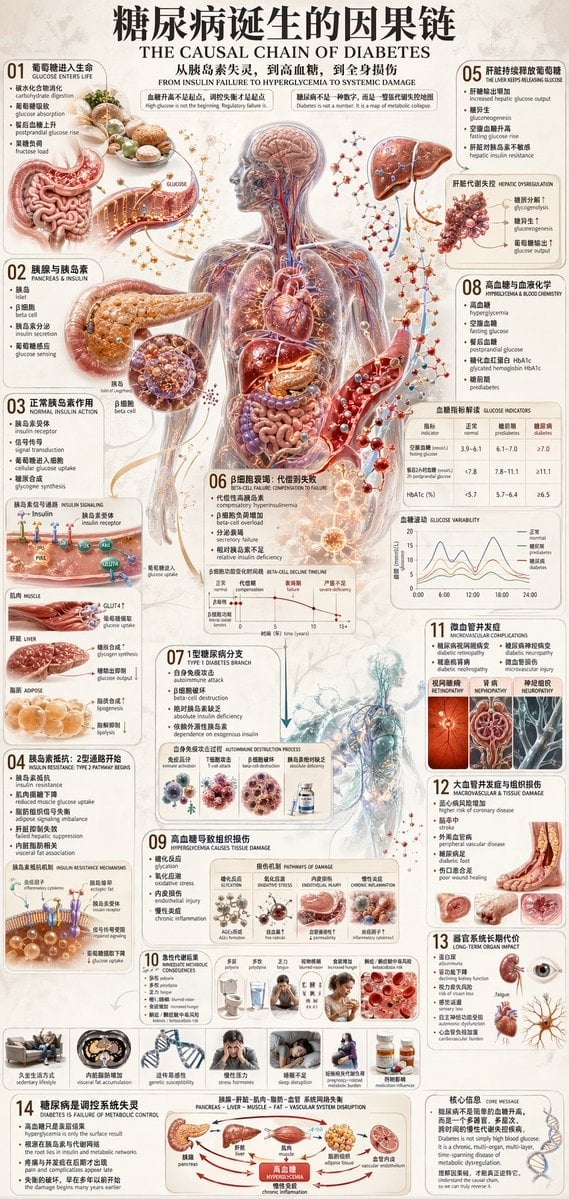
Diabetes Causal Chain Infographic
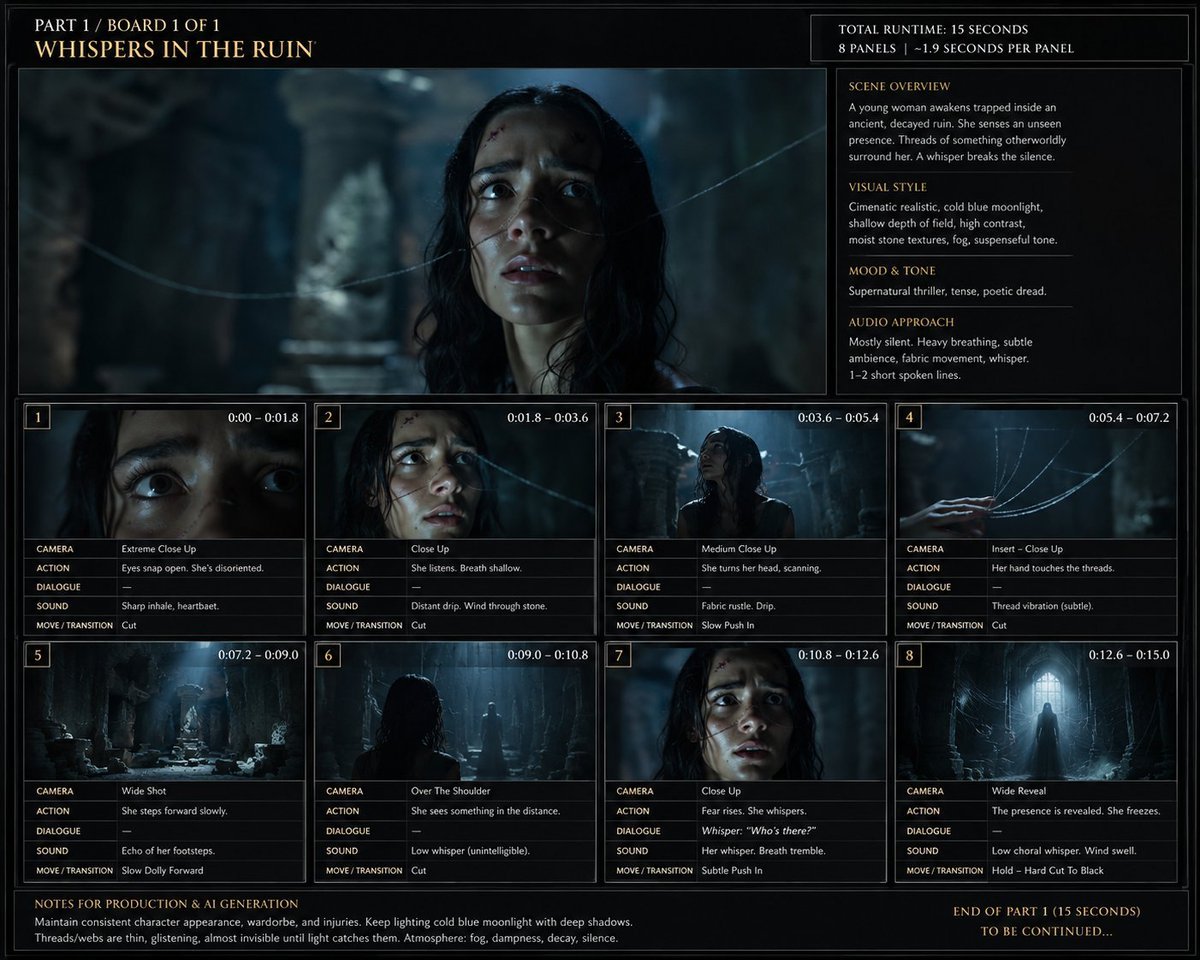
Whispers in the Ruin Storyboard
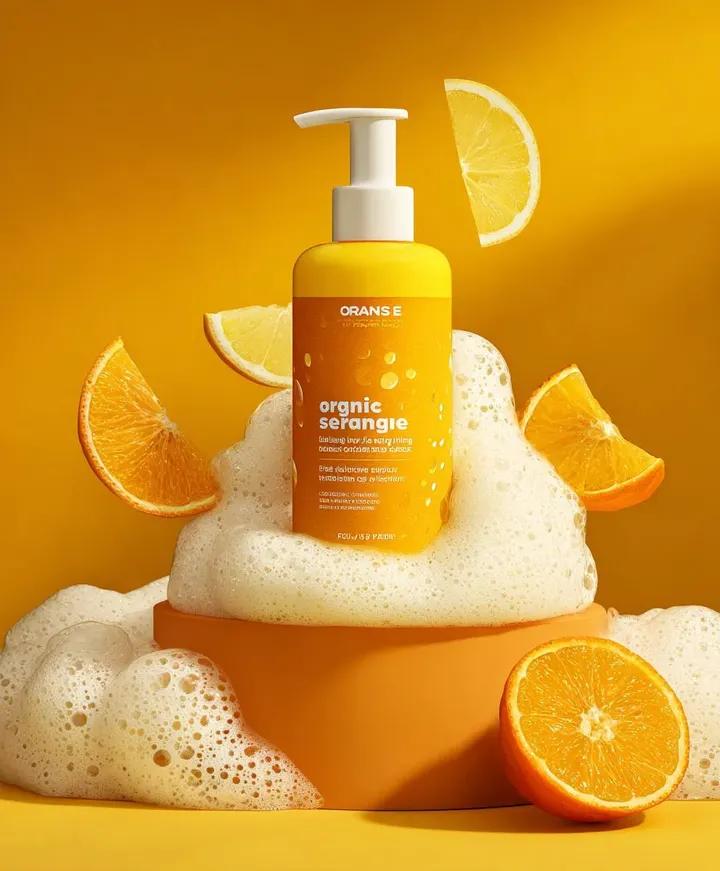
Citrus Product Photography
Tiny Self Motivational Collage
Browse template categories
Highlighted App Promo Cover questions
How do I use the Highlighted App Promo Cover template?
Add your photo if the template asks for one, edit the prompt if you like — the template's model and format are already selected — and press Generate. Your version opens in PicX Studio.
Can I customize the Highlighted App Promo Cover template?
Yes. You can change the subject, setting, lighting, mood, format, and available model controls before creating your image.
Is the Highlighted App Promo Cover template free?
Opening and editing this template is free. Generating uses credits, shown on the Generate button when you are signed in.
Which AI model should I use?
Start with GPT Image 2, which is the model associated with this template. You can compare another compatible model for a different finish.
Looking for something else? Browse all templates.

Your photo, any look
Thousands of ready templates for every top image and video model, from one credit balance.