
Japanese Pro Plan App Promo
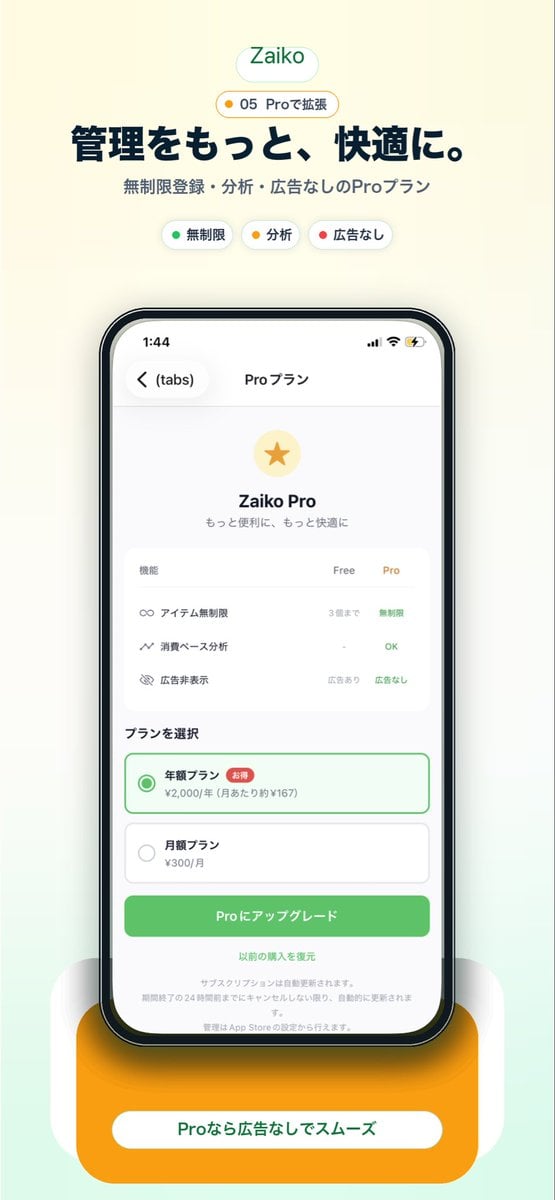
This generates a polished Japanese mobile app marketing screenshot showcasing a Pro subscription screen for use in landing pages, app store visuals, or social media promotion.
- Prompt included
- Model and format preset
- Free template
The prompt behind this image
Copy the exact prompt behind Japanese Pro Plan App Promo, or open it in the studio and make it yours.
Create a clean modern promotional hero image for a Japanese inventory management app landing page on a soft warm off-white background with a subtle pale mint gradient rising from the bottom. Center the composition vertically. At the top, place a rounded white pill logo with the text "Zaiko" in green. Directly below it, add a small rounded badge with a tiny yellow dot and the text "05 Proで拡張". Then add a large bold Japanese headline in dark navy reading "管理をもっと、快適に。" and a smaller gray subheadline reading "無制限登録・分析・広告なしのProプラン". Under that, show exactly 3 small rounded feature chips in one row: a white chip with a green dot and the label "無制限", a white chip with a yellow dot and the label "分析", and a white chip with a red dot and the label "広告なし". In the center, display a large realistic iPhone front view with thin black bezel, rounded corners, subtle reflections, and a soft shadow. On the phone screen, show an app subscription page in Japanese with the top bar time 1:44, back chevron, a left tab label "(tabs)", and the centered title "Proプラン". The page content should feature a pale gold circular icon with a gold star, the title "Zaiko Pro", and the subtitle "もっと便利に、もっと快適に". Below that, include a rounded white comparison card with 3 feature rows and 3 column headers "機能", "Free", "Pro". The 3 rows should be: "アイテム無制限" with "3個まで" under Free and "無制限" in green under Pro; "消費ベース分析" with "-" under Free and "OK" in green under Pro; "広告非表示" with "広告あり" under Free and "広告なし" in green under Pro. Beneath the card, add a section title "プランを選択" and exactly 2 stacked plan options: a selected annual plan outlined in green with a green radio button, the label "年額プラン", a small red badge "お得", and the price line "¥2,000/年 (月あたり約¥167)"; then an unselected monthly plan with a gray radio button, the label "月額プラン", and the price "¥300/月". Under the plans, place a large rounded green call-to-action button reading "Proにアップグレード". Below it, add a centered text link "以前の購入を復元" and several lines of tiny gray subscription disclaimer text. At the very bottom behind the phone, add a large rounded orange pedestal card with a white pill label containing the text "Proなら広告なしでスムーズ" in green. Use a polished startup-app marketing style, soft shadows, airy spacing, rounded UI, crisp Japanese typography, and a premium minimal aesthetic.
How to use Japanese Pro Plan App Promo in 3 steps
- 1Upload ImagePNG, JPG or paste
Add your photo
Upload the photo the template builds on. The prompt, model and format are already set.
- 2…a portrait of your subject in softgolden-hour light, 85mm…
Personalize
Edit the subject and creative details for your destination.
- 3Generate
Generate
Press Generate — your image is created in PicX Studio, so you can compare it with the original and refine one variable at a time.
More like this
Templates with the same subject, style or setup. Open one to see its prompt.
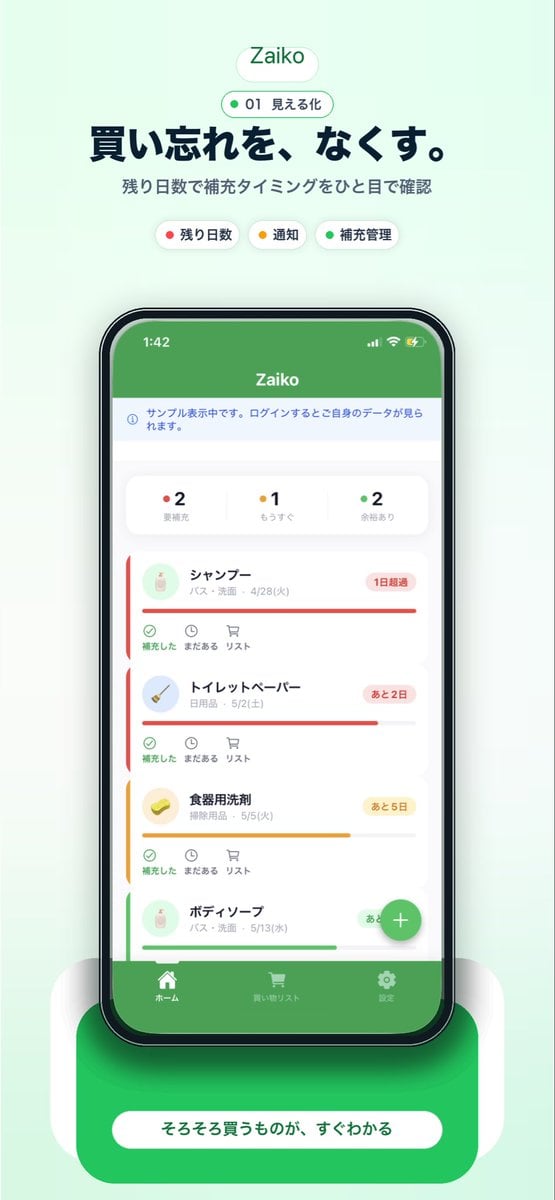
Japanese Inventory App Promo Poster
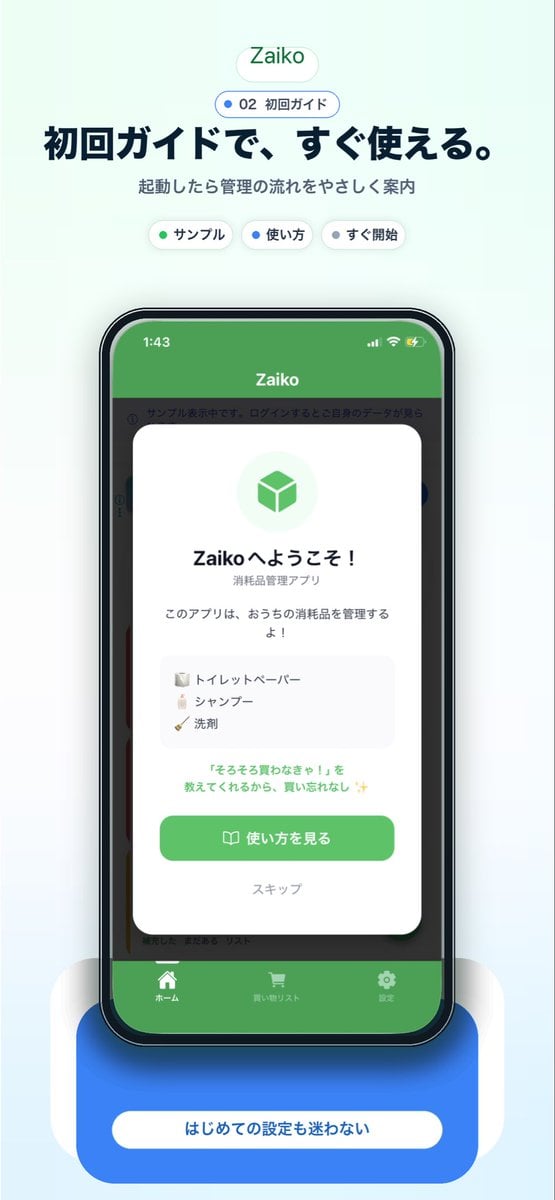
Japanese app onboarding promo mockup
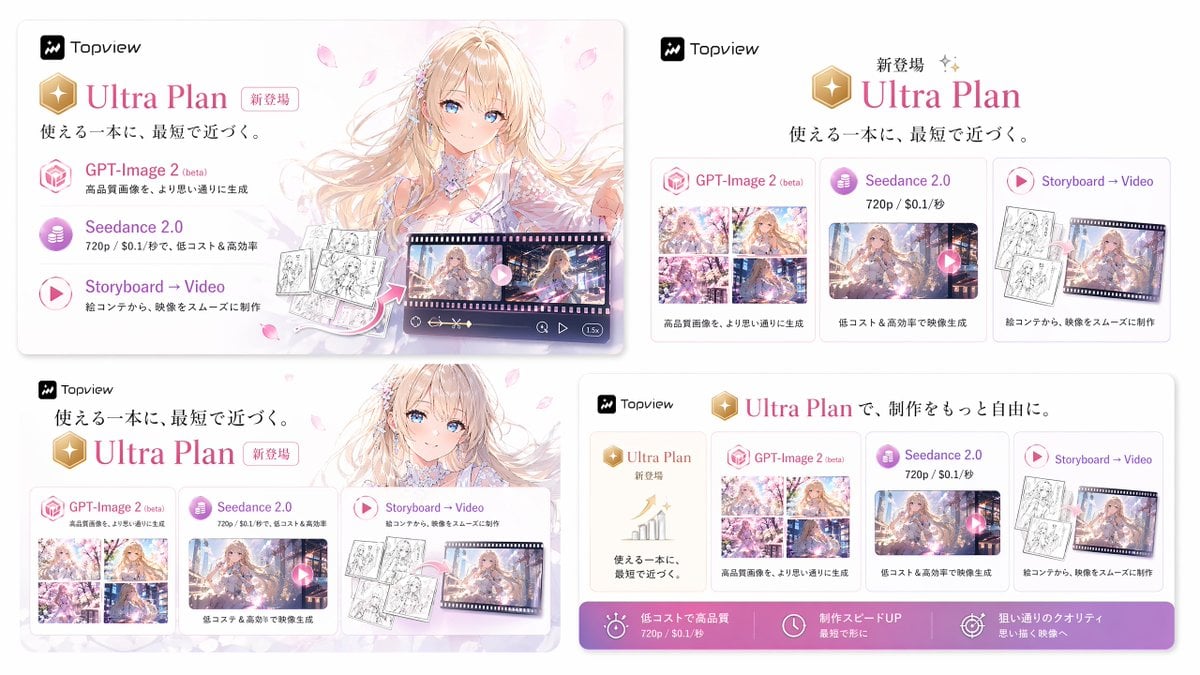
Japanese Ultra Plan Promo Storyboard

Minecraft Japanese Research Lab Exploration
Highlighted App Promo Cover
Japanese NEWT Travel App Poster
Japanese AI Keyboard App Poster

Japanese Architectural Concrete Studio Fashion Campaign

Japanese Minimalist Concrete Studio Fashion Editorial

Blue Backdrop Luxury Fashion Portrait Campaign
Dark Japanese Recipe App UI
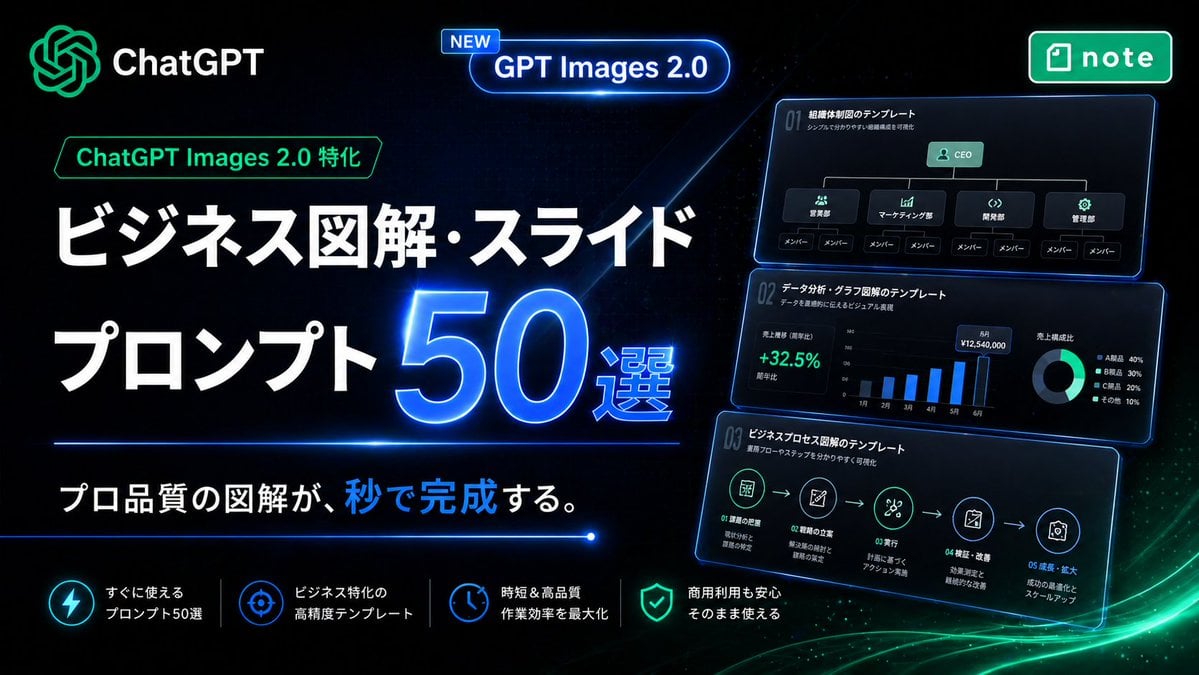
Neon Japanese AI Prompt Promo Banner
Make it yours
Japanese Pro Plan App Promo works as-is. These are the safest ways to change it without losing the look.
Change one field
Copy a single group, rewrite it, and generate again so you can see what that field is doing.
Keep the frame, change the subject
Hold the composition and light of Japanese Pro Plan App Promo, then swap wardrobe, props or the person for a new take.
| If the result… | Why | Fix |
|---|---|---|
| The result drifts from the preview | Too many fields changed at once. | Reuse Japanese Pro Plan App Promo as-is first, then change one group — subject, light, or setting. |
| The model over-stylizes the scene | The prose prompt leaves finish and camera underspecified. | Add one camera or lighting sentence and stay on GPT Image 2. |
More GPT Image 2 templates
Other prompts made for GPT Image 2.

Realistic Portrait of Woman and Deer

The Vista Modular Condo Poster

AI Model Routing Comparison Infographic

2.5D Anime Art Board

Isometric Productivity Desk Scene

New York Double Exposure Poster

Four-Panel AI Landscape Comparison

Japanese Tatami Lifestyle Magazine Cover

NESCAFÉ Coffee Map Poster

Brutalist Cogito Chinese Typography Poster
More image prompts
Fresh picks from across the catalog.
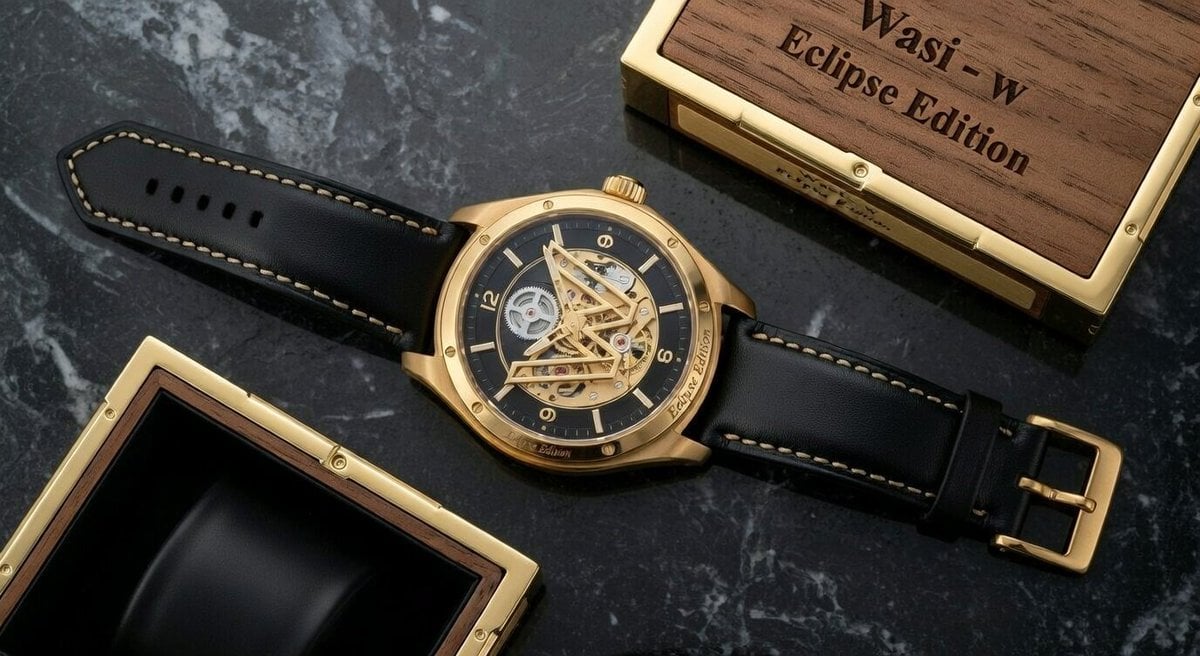
Macro Photograph of Luxury Watch

Identity-Preserving Storybook Illustration (Group)

Edit city photo into rainy scene with Vietnamese bikers

Korean Text Art with Emphasis Marks

Cinematic Portrait with Fire in Hand
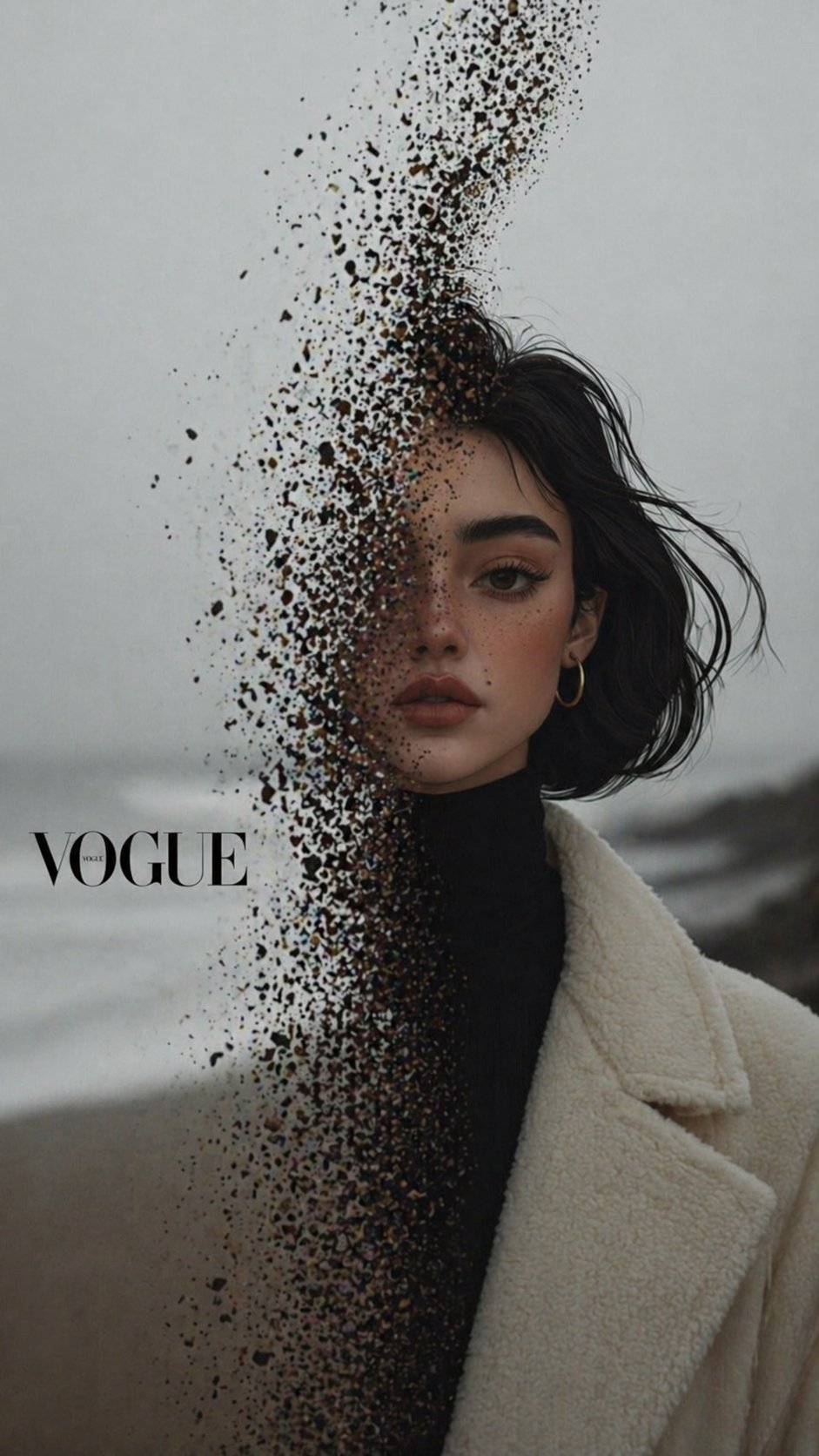
X Noor Ul Ain43 Hard Truth Your Expensive Setup Isnt Special Anymore Prompts Chatgpt Images
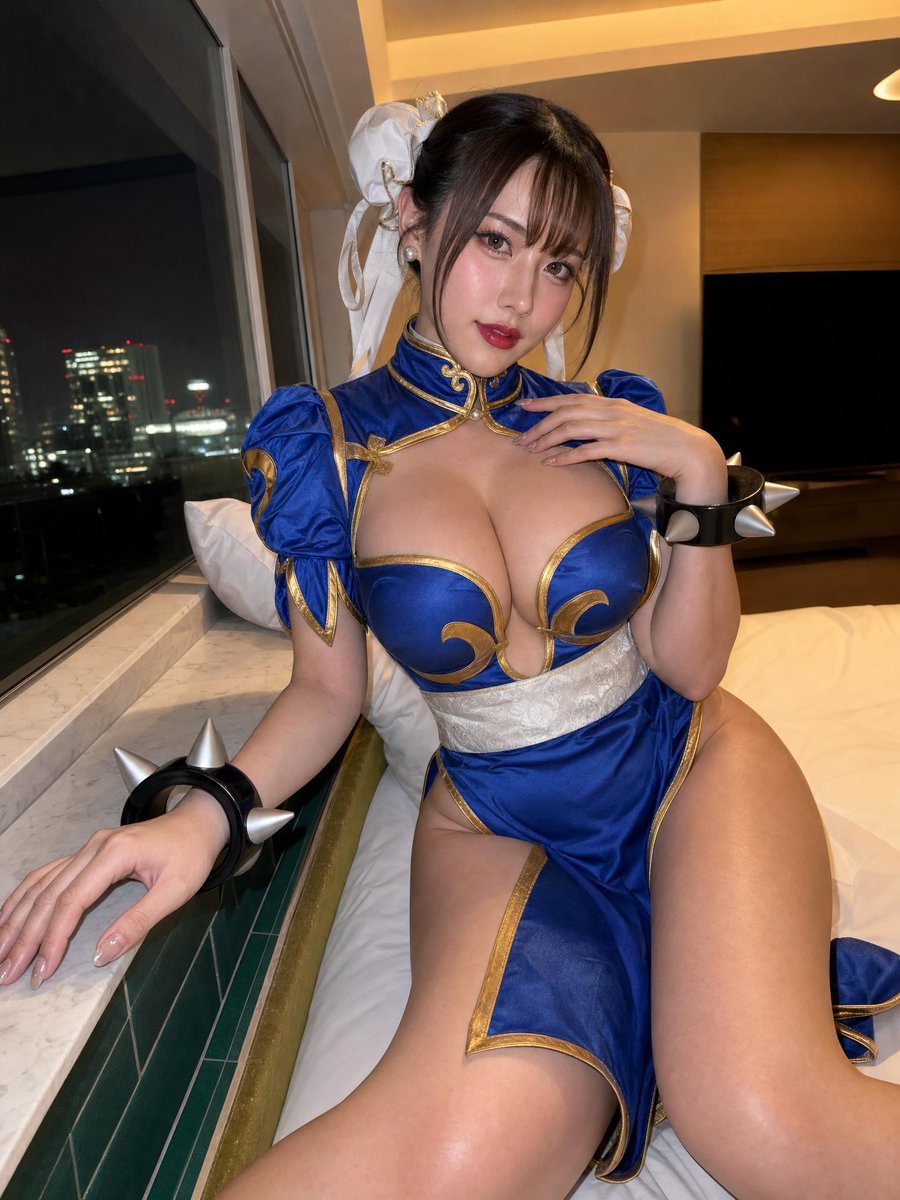
Idol-Style Cosplay Hotel Portrait

Sci-Fi Cat on Fish-Powered Vacuum

Detailed Image Generation Prompt for a Winter Train Journey Portrait
Y2K Indie Sleaze Portrait
Browse template categories
Japanese Pro Plan App Promo questions
How do I use the Japanese Pro Plan App Promo template?
Add your photo if the template asks for one, edit the prompt if you like — the template's model and format are already selected — and press Generate. Your version opens in PicX Studio.
Can I customize the Japanese Pro Plan App Promo template?
Yes. You can change the subject, setting, lighting, mood, format, and available model controls before creating your image.
Is the Japanese Pro Plan App Promo template free?
Opening and editing this template is free. Generating uses credits, shown on the Generate button when you are signed in.
Which AI model should I use?
Start with GPT Image 2, which is the model associated with this template. You can compare another compatible model for a different finish.
Looking for something else? Browse all templates.

Your photo, any look
Thousands of ready templates for every top image and video model, from one credit balance.