
Japanese Inventory App Promo Poster
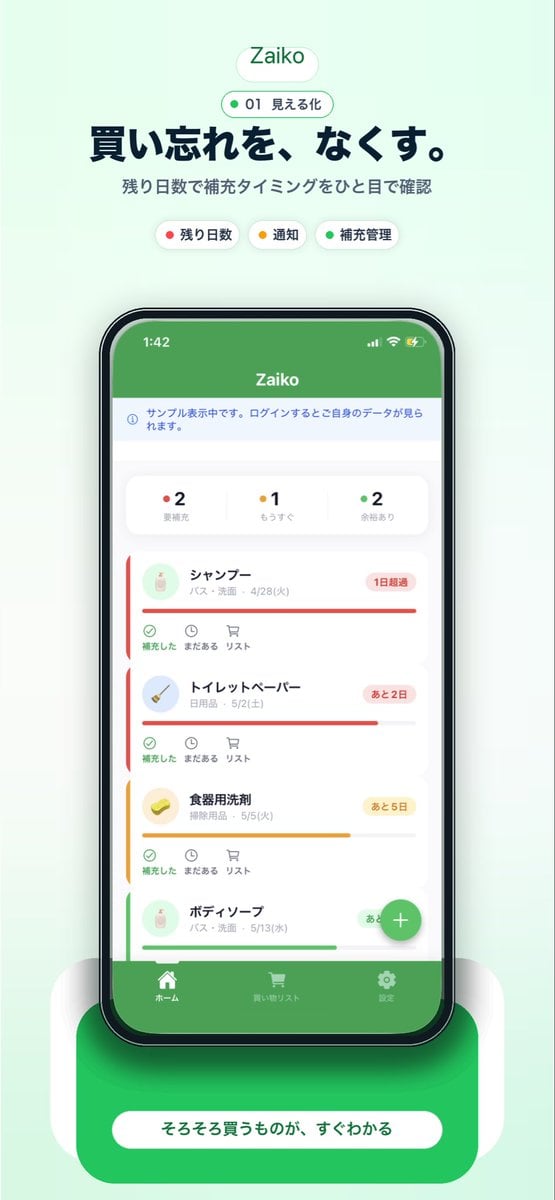
A polished Japanese mobile app marketing visual showing a smartphone UI for household inventory tracking, ideal for landing pages, app store screenshots, and social media promotion.
- Prompt included
- Model and format preset
- Free template
The prompt behind this image
Copy the exact prompt behind Japanese Inventory App Promo Poster, or open it in the studio and make it yours.
A clean mobile app promotional poster on a soft mint-green background, centered and vertically composed, advertising an inventory management app called {argument name="app name" default="Zaiko"}. At the top, place a rounded white pill logo with the app name in green, then a smaller outlined pill beneath it containing a green dot, the number 01, and the Japanese text 見える化. Below that, add a large bold Japanese headline in dark navy: {argument name="headline text" default="買い忘れを、なくす。"}, followed by a smaller gray Japanese subheading: 残り日数で補充タイミングをひと目で確認. Under the subheading, show exactly 3 rounded category chips in one row: a white chip with a red dot and the label 残り日数, a white chip with a yellow dot and the label 通知, and a white chip with a green dot and the label 補充管理. In the center, display a realistic black-bezel smartphone mockup in front view with a grocery and household stock tracking app screen. The phone screen should have a solid green top bar with the app name, a pale information strip below it, then a summary card row with exactly 3 status counters: red-dot 2 要補充, yellow-dot 1 もうすぐ, and green-dot 2 余裕あり. Beneath that, show a vertically scrolling list of exactly 4 inventory item cards with soft rounded corners, subtle shadows, and colored urgency bars: 1) シャンプー with a red status bar and a red badge reading 1日超過, 2) トイレットペーパー with a red status bar and a red badge reading あと2日, 3) 食器用洗剤 with a yellow status bar and a yellow badge reading あと5日, 4) ボディーソープ with a green status bar and a green badge reading あと10日. Each card includes a small circular product icon on the left, Japanese item name and category/date text, and a lower action row with 3 small controls labeled 補充した, まだある, and リスト. Add a floating green circular plus button near the lower right of the phone screen. At the bottom of the app UI, include a green tab bar with exactly 3 navigation items and icons: ホーム, 買い物リスト, and 設定. Place the phone on a glossy rounded green pedestal with soft white side supports and a strong soft shadow, then add a large rounded white call-to-action pill on the pedestal with the Japanese text {argument name="button text" default="そろそろ買うものが、すぐわかる"}. Overall style: polished startup landing-page mockup, iOS app screenshot aesthetic, soft gradients, minimal Japanese UI design, crisp typography, centered composition, gentle ambient shadows, premium app store marketing visual.
How to use Japanese Inventory App Promo Poster in 3 steps
- 1Upload ImagePNG, JPG or paste
Add your photo
Upload the photo the template builds on. The prompt, model and format are already set.
- 2…a portrait of your subject in softgolden-hour light, 85mm…
Personalize
Edit the subject and creative details for your destination.
- 3Generate
Generate
Press Generate — your image is created in PicX Studio, so you can compare it with the original and refine one variable at a time.
More like this
Templates with the same subject, style or setup. Open one to see its prompt.
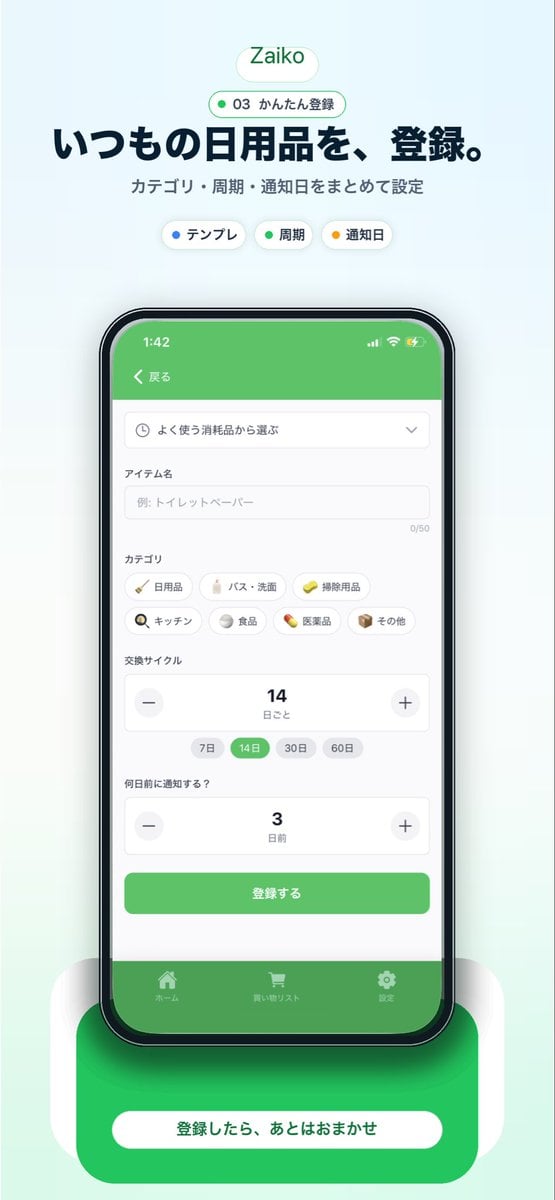
Japanese Inventory App Promo Mockup

Trendy Cafe Drink Promo Poster
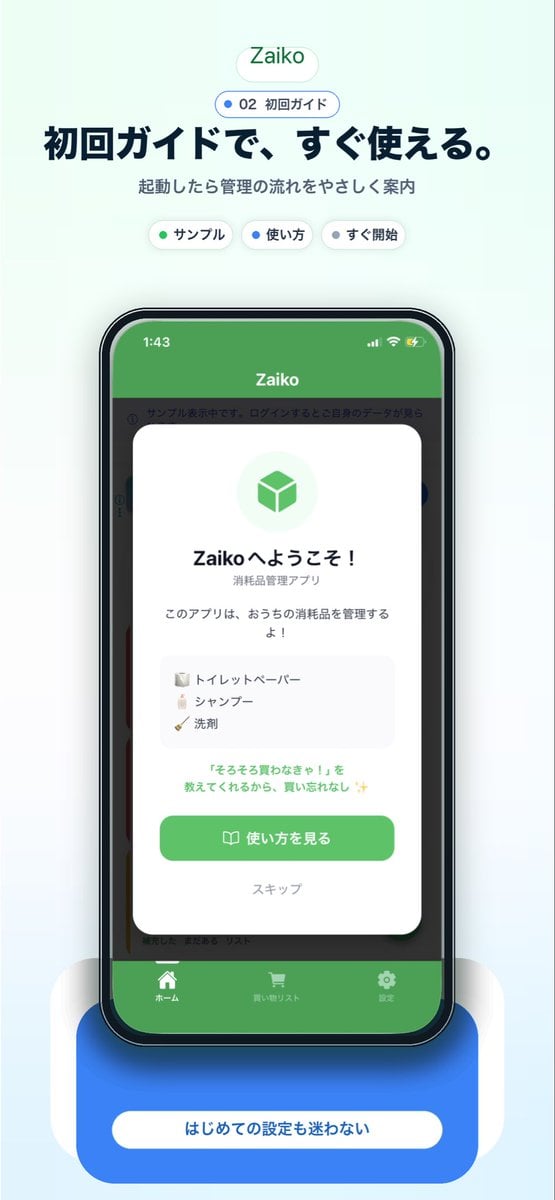
Japanese app onboarding promo mockup
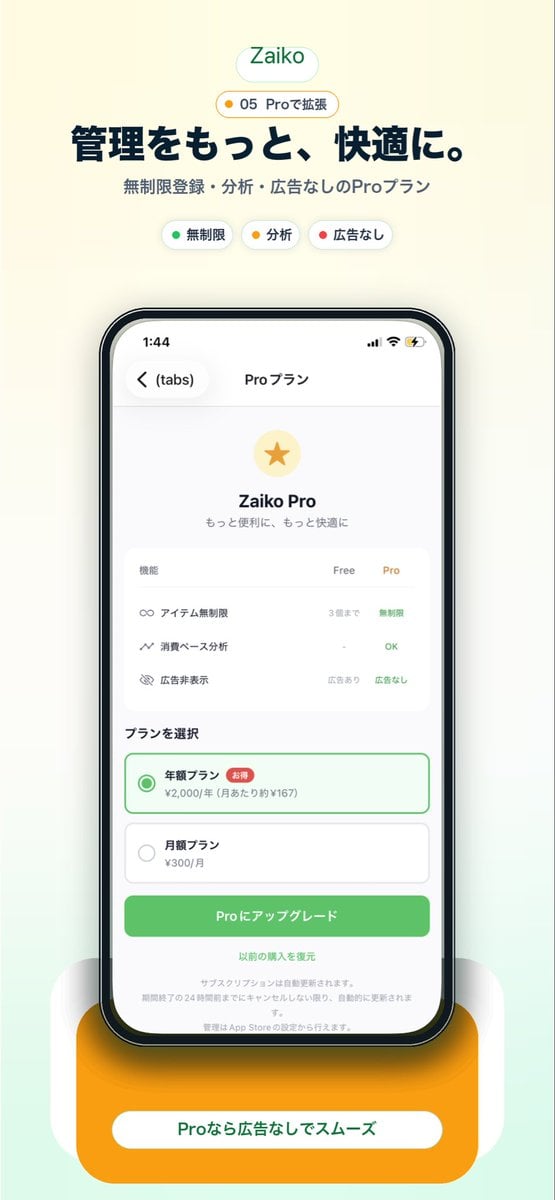
Japanese Pro Plan App Promo

Gpt2 Youtube Thumbnail Anime Music Bootcamp Promo Poster
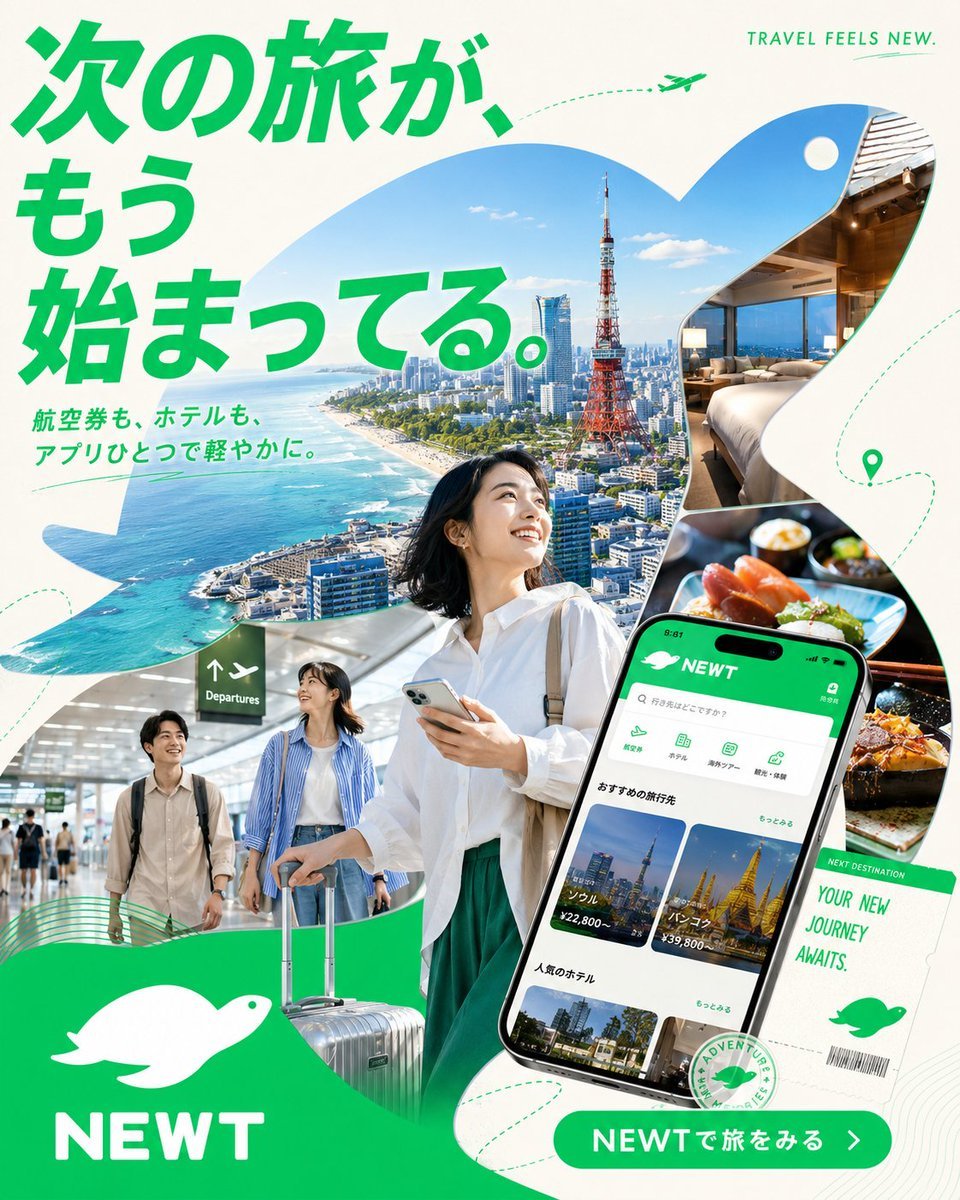
Japanese NEWT Travel App Poster
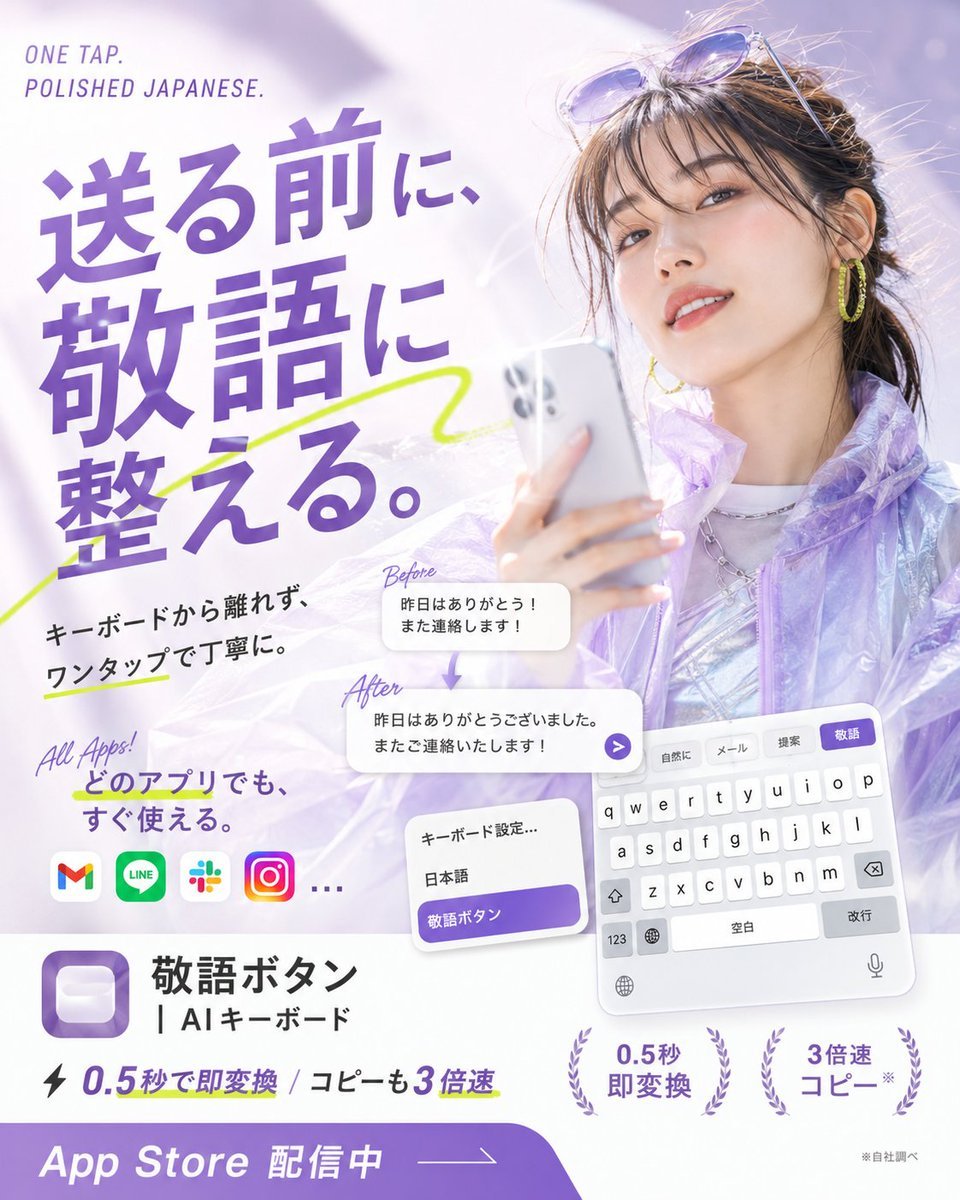
Japanese AI Keyboard App Poster

Minecraft Japanese Research Lab Exploration

Japan Travel Brochure Poster
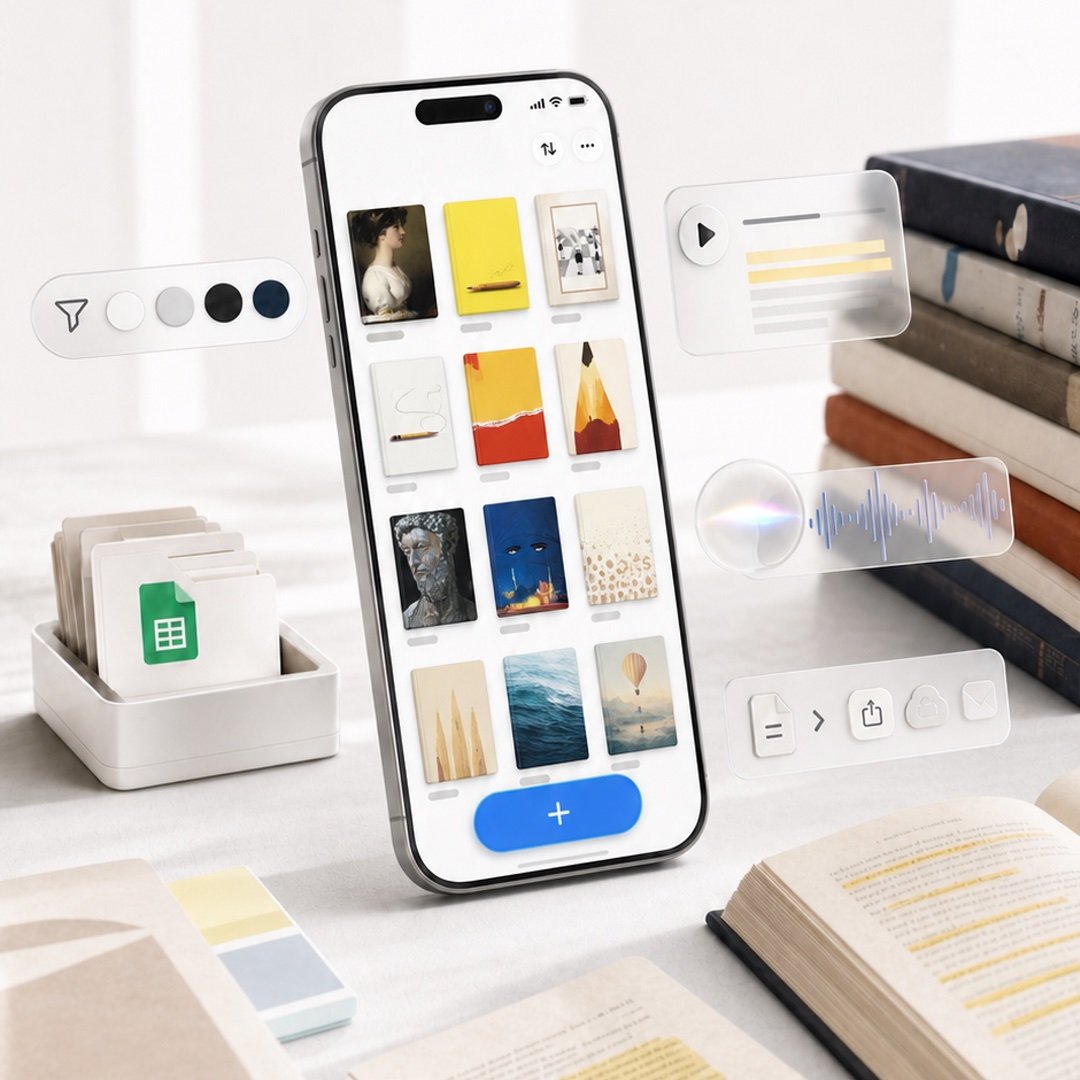
Highlighted App Promo Cover

Cartoon TV Show Poster Pack

Urban Fashion Editorial Collage Streetwear Poster
Make it yours
Japanese Inventory App Promo Poster works as-is. These are the safest ways to change it without losing the look.
Change one field
Copy a single group, rewrite it, and generate again so you can see what that field is doing.
Keep the frame, change the subject
Hold the composition and light of Japanese Inventory App Promo Poster, then swap wardrobe, props or the person for a new take.
| If the result… | Why | Fix |
|---|---|---|
| The result drifts from the preview | Too many fields changed at once. | Reuse Japanese Inventory App Promo Poster as-is first, then change one group — subject, light, or setting. |
| The model over-stylizes the scene | The prose prompt leaves finish and camera underspecified. | Add one camera or lighting sentence and stay on GPT Image 2. |
More GPT Image 2 templates
Other prompts made for GPT Image 2.

Six VTuber Japanese Logo Sheet

Realistic Portrait of Woman and Deer

The Vista Modular Condo Poster

AI Model Routing Comparison Infographic

2.5D Anime Art Board

Isometric Productivity Desk Scene

New York Double Exposure Poster

Four-Panel AI Landscape Comparison

Japanese Tatami Lifestyle Magazine Cover

NESCAFÉ Coffee Map Poster
More image prompts
Fresh picks from across the catalog.
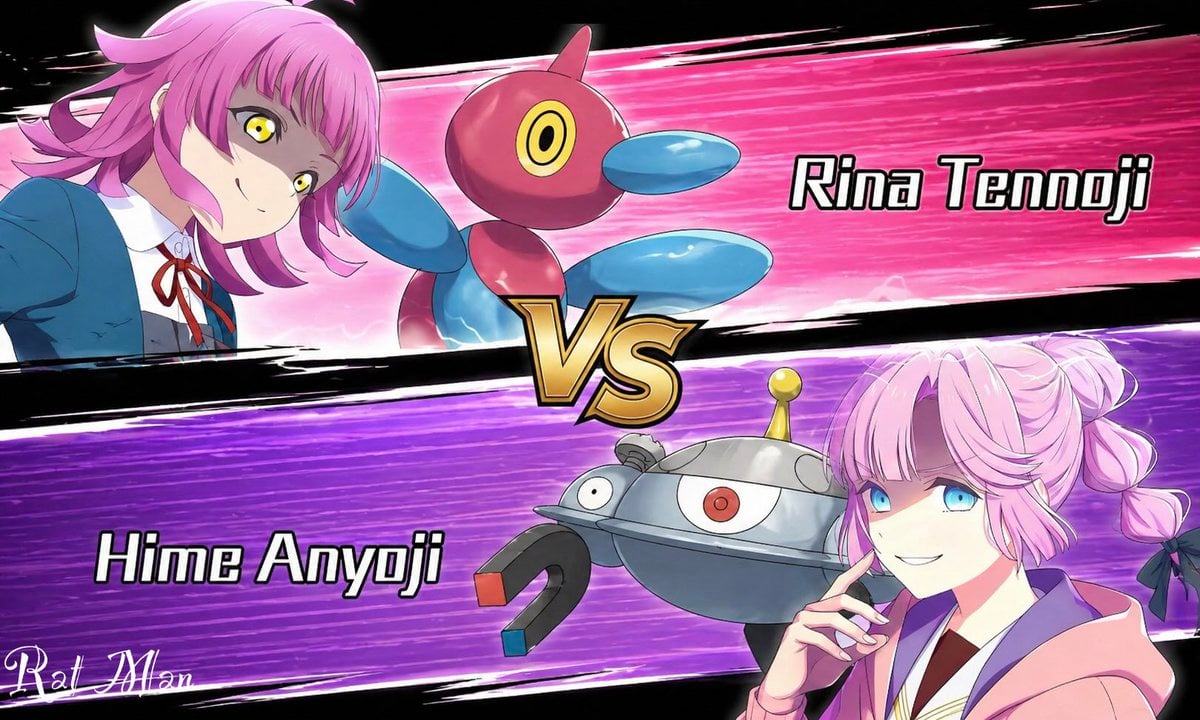
Anime Pokémon-Style Versus Screen
X Chryzleenprompt Create Image a Hyper Photorealistic Polaroid

Pilates Selfie Prompt

Ultra-Realistic Wildlife Photography with Cheetah Cub

Image Generation Prompt: Blurred Silhouette
Anime Movie Poster Layout

Psychological Surrealism Fashion Portrait
Smart Doorbell Product Visualization Collage Prompt
Technical Blueprint of an AI GPU Cluster
Anime Sushi Bar Transformation
Browse template categories
Japanese Inventory App Promo Poster questions
How do I use the Japanese Inventory App Promo Poster template?
Add your photo if the template asks for one, edit the prompt if you like — the template's model and format are already selected — and press Generate. Your version opens in PicX Studio.
Can I customize the Japanese Inventory App Promo Poster template?
Yes. You can change the subject, setting, lighting, mood, format, and available model controls before creating your image.
Is the Japanese Inventory App Promo Poster template free?
Opening and editing this template is free. Generating uses credits, shown on the Generate button when you are signed in.
Which AI model should I use?
Start with GPT Image 2, which is the model associated with this template. You can compare another compatible model for a different finish.
Looking for something else? Browse all templates.

Your photo, any look
Thousands of ready templates for every top image and video model, from one credit balance.