
Japanese Inventory App Promo Mockup
Generates a polished vertical marketing visual for a Japanese household inventory app with a centered smartphone UI, headline copy, and a strong bottom call-to-action.
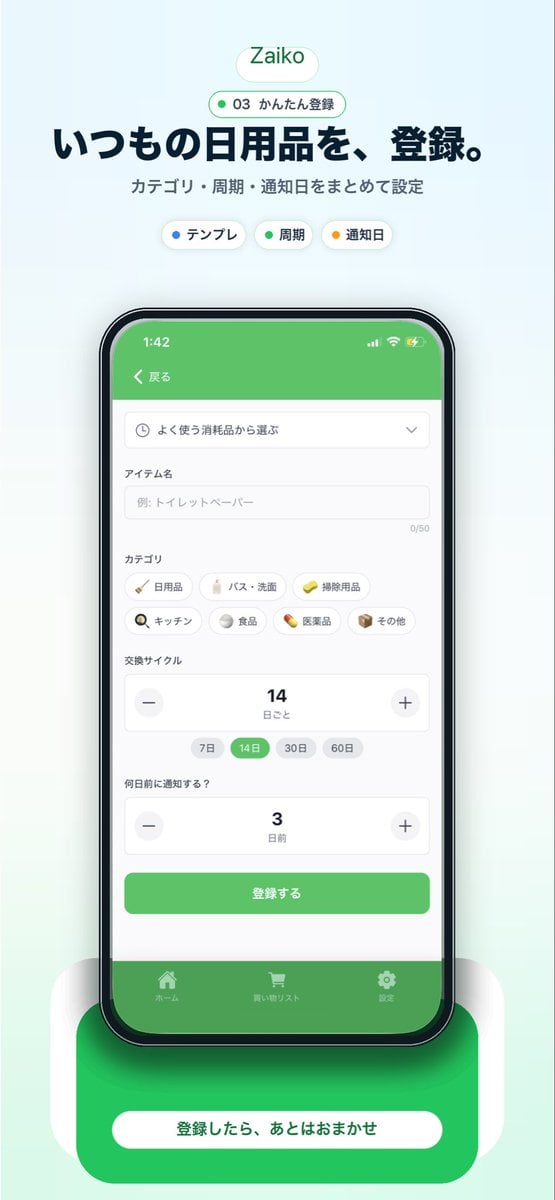
- Prompt included
- Model and format preset
- Free template
The prompt behind this image
Copy the exact prompt behind Japanese Inventory App Promo Mockup, or open it in the studio and make it yours.
- Type
- mobile app promotional screenshot poster
- App › Name
- {argument name="app name" default="Zaiko"}
- App › Platform
- iPhone-style inventory and household supplies management app
- App › Theme › Primary
- fresh green
- App › Theme › Background
- very light mint gray gradient
- App › Theme › Accent
- soft white
- App › Theme › Text
- dark navy
- Layout › Orientation
- vertical
- Layout › Composition
- single centered smartphone mockup with marketing copy above and CTA card below
- Layout › Sections › 0 › Title
- brand header
- Layout › Sections › 0 › Position
- top center
- Layout › Sections › 0 › Count
- 2
- Layout › Sections › 0 › Labels
- Zaiko, 03 かんたん登録
- Layout › Sections › 1 › Title
- hero text
- Layout › Sections › 1 › Position
- upper center
- Layout › Sections › 1 › Count
- 2
- Layout › Sections › 1 › Labels
- いつもの日用品を、登録。, カテゴリ・周期・通知日をまとめて設定
- Layout › Sections › 2 › Title
- feature chips
- Layout › Sections › 2 › Position
- below hero text
- Layout › Sections › 2 › Count
- 3
- Layout › Sections › 2 › Labels
- テンプレ, 周期, 通知日
- Layout › Sections › 3 › Title
- app screen form
- Layout › Sections › 3 › Position
- inside phone center
- Layout › Sections › 3 › Count
- 10
Raw JSON
{"type":"mobile app promotional screenshot poster","app":{"name":"{argument name=\"app name\" default=\"Zaiko\"}","platform":"iPhone-style inventory and household supplies management app","theme":{"primary":"fresh green","background":"very light mint gray gradient","accent":"soft white","text":"dark navy"}},"layout":{"orientation":"vertical","composition":"single centered smartphone mockup with marketing copy above and CTA card below","sections":[{"title":"brand header","position":"top center","count":2,"labels":["Zaiko","03 かんたん登録"]},{"title":"hero text","position":"upper center","count":2,"labels":["いつもの日用品を、登録。","カテゴリ・周期・通知日をまとめて設定"]},{"title":"feature chips","position":"below hero text","count":3,"labels":["テンプレ","周期","通知日"]},{"title":"app screen form","position":"inside phone center","count":10,"labels":["戻る","よく使う消耗品から選ぶ","アイテム名","カテゴリ","交換サイクル","何日前に通知する?","登録する","ホーム","買い物リスト","設定"]},{"title":"category chips","position":"mid screen inside phone","count":7,"labels":["日用品","バス・洗面","掃除用品","キッチン","食品","医薬品","その他"]},{"title":"cycle options","position":"lower-mid screen inside phone","count":4,"labels":["7日","14日","30日","60日"]},{"title":"bottom callout","position":"bottom center","count":1,"labels":["登録したら、あとはおまかせ"]}]},"visuals":{"style":"clean modern Japanese startup landing page screenshot, polished UI mockup, soft shadows, rounded cards, minimal interface, App Store marketing aesthetic","background":"pale mint vertical canvas with subtle glow behind the device","top_badge":"small rounded white pill with green outline and green text","phone":{"color":"black bezel","angle":"front view","size":"large and centered","screen":{"header":"green app bar","status_time":"1:42","form_fields":["dropdown selector","text input with placeholder 例: トイレットペーパー","category chip grid","stepper for replacement cycle showing 14","stepper for notification days showing 3","green submit button"],"selected_states":["14日 highlighted in green","green primary button","green bottom tab bar"]},"shadow":"soft diffuse shadow under phone"},"bottom_card":{"shape":"large rounded green rectangle behind a white pill button","text":"{argument name=\"cta text\" default=\"登録したら、あとはおまかせ\"}","effect":"soft glow and layered rounded white side panels"}},"text_customization":{"headline":"{argument name=\"headline text\" default=\"いつもの日用品を、登録。\"}","subheadline":"{argument name=\"subheadline text\" default=\"カテゴリ・周期・通知日をまとめて設定\"}"},"color_customization":{"primary":"{argument name=\"primary color\" default=\"fresh green\"}"}}How to use Japanese Inventory App Promo Mockup in 3 steps
- 1Upload ImagePNG, JPG or paste
Add your photo
Upload the photo the template builds on. The prompt, model and format are already set.
- 2…a portrait of your subject in softgolden-hour light, 85mm…
Personalize
Edit the subject and creative details for your destination.
- 3Generate
Generate
Press Generate — your image is created in PicX Studio, so you can compare it with the original and refine one variable at a time.
More like this
Templates with the same subject, style or setup. Open one to see its prompt.
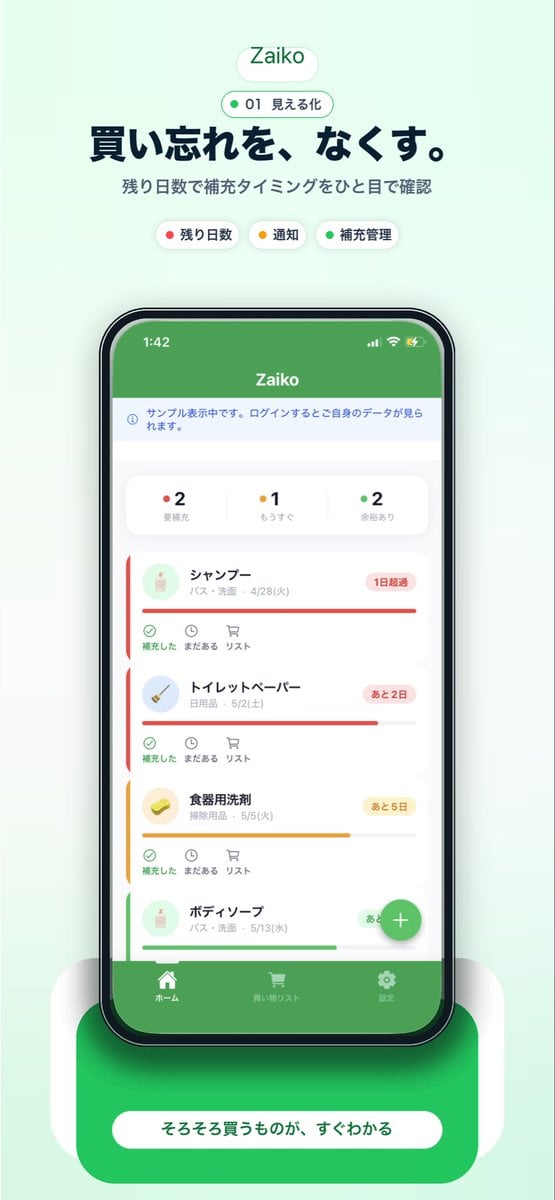
Japanese Inventory App Promo Poster
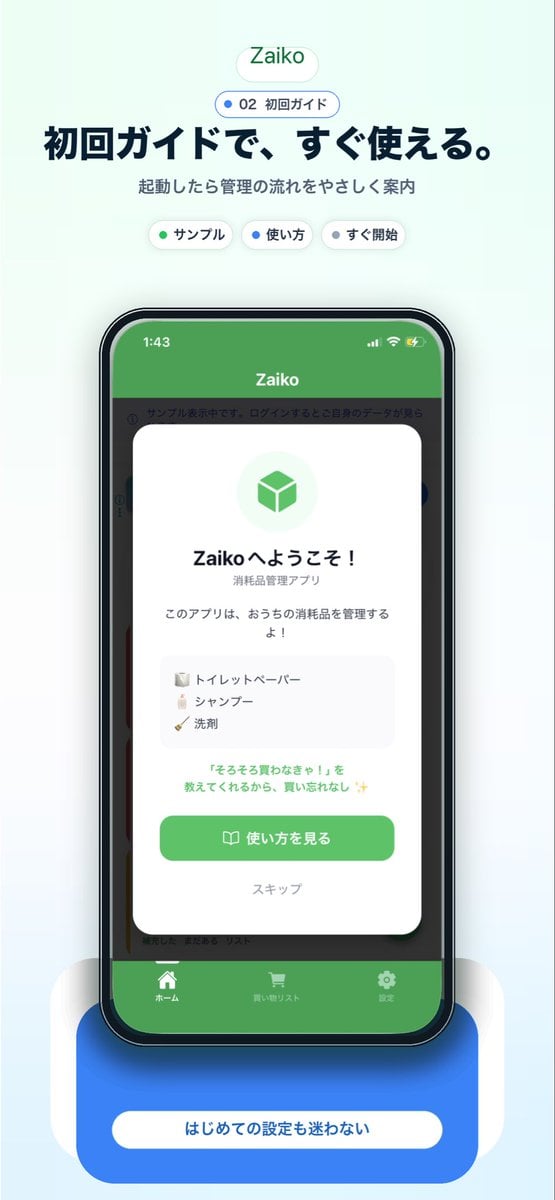
Japanese app onboarding promo mockup
Minecraft Voxel Pixel Art Aesthetic System
Minecraft Japanese Research Lab Exploration
Highlighted App Promo Cover
Lumen iOS Wellness App Mockup
Japanese NEWT Travel App Poster
Bedtime Companion App Mockup
Japanese AI Keyboard App Poster

Japanese Mystery Website Mockup
Japanese Architectural Concrete Studio Fashion Campaign
Japanese Minimalist Concrete Studio Fashion Editorial
Make it yours
Japanese Inventory App Promo Mockup works as-is. These are the safest ways to change it without losing the look.
Swap the setting
Keep the rest of the prompt and replace the location block. The current setting is “very light mint gray gradient”.
Change one field
Copy a single group, rewrite it, and generate again so you can see what that field is doing.
Keep the frame, change the subject
Hold the composition and light of Japanese Inventory App Promo Mockup, then swap wardrobe, props or the person for a new take.
| If the result… | Why | Fix |
|---|---|---|
| The result drifts from the preview | Too many fields changed at once. | Reuse Japanese Inventory App Promo Mockup as-is first, then change one group — subject, light, or setting. |
| GPT Image 2 ignores part of the JSON | Some models flatten or skip nested keys. | Keep the same values and paste them as a short paragraph instead. |
More GPT Image 2 templates
Other prompts made for GPT Image 2.

Six VTuber Japanese Logo Sheet

Realistic Portrait of Woman and Deer

The Vista Modular Condo Poster

AI Model Routing Comparison Infographic

2.5D Anime Art Board

Isometric Productivity Desk Scene

New York Double Exposure Poster

Four-Panel AI Landscape Comparison

Japanese Tatami Lifestyle Magazine Cover

NESCAFÉ Coffee Map Poster
More image prompts
Fresh picks from across the catalog.
Minimalist Fine Art Flower Macro

Japanese Young Woman Close-up Portrait Prompt

Lisbon Night Travel Poster
Ultra-Realistic Portrait in Cinematic Bathroom Lighting
Realistic Character Snow Sculpture Generation
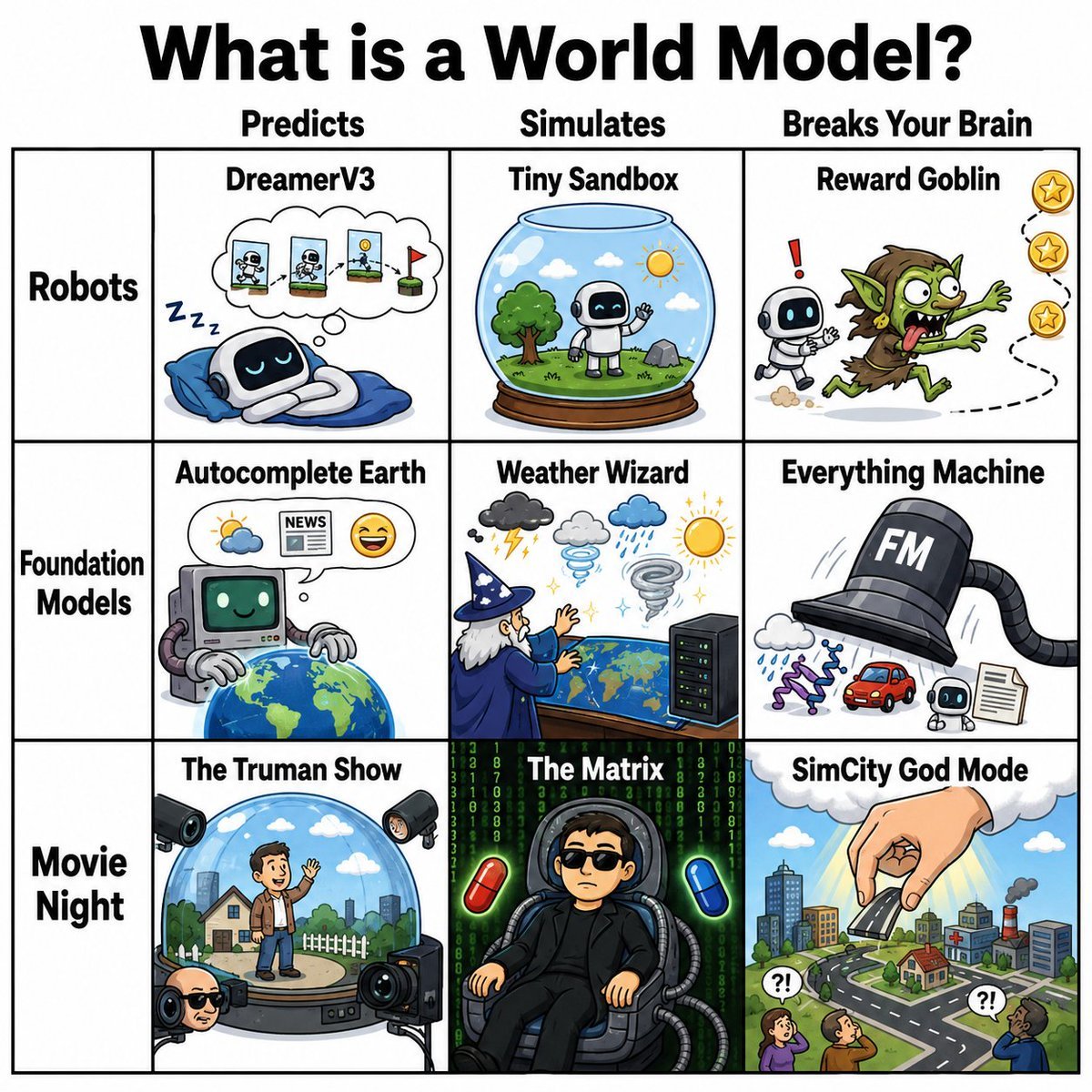
World Model Meme Grid
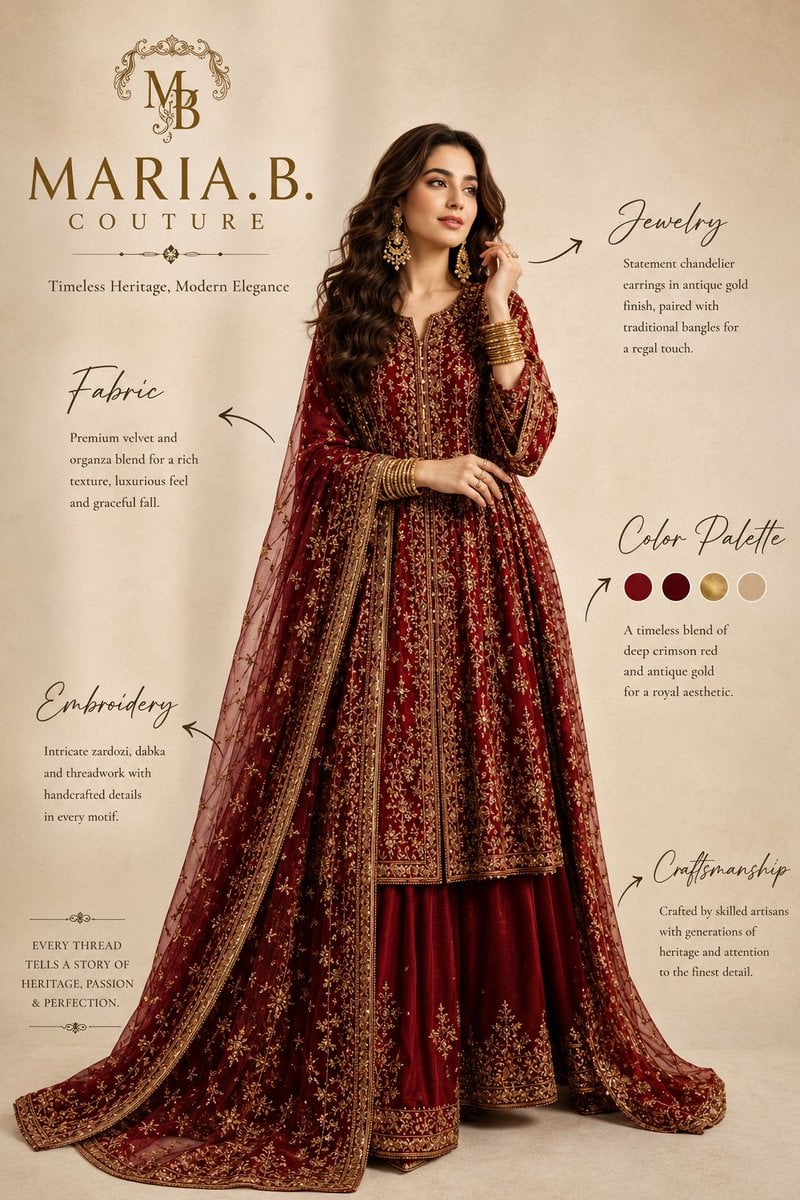
Pakistani Luxury Fashion Campaign

Cinematic Portrait with Soft Golden Light Prompt
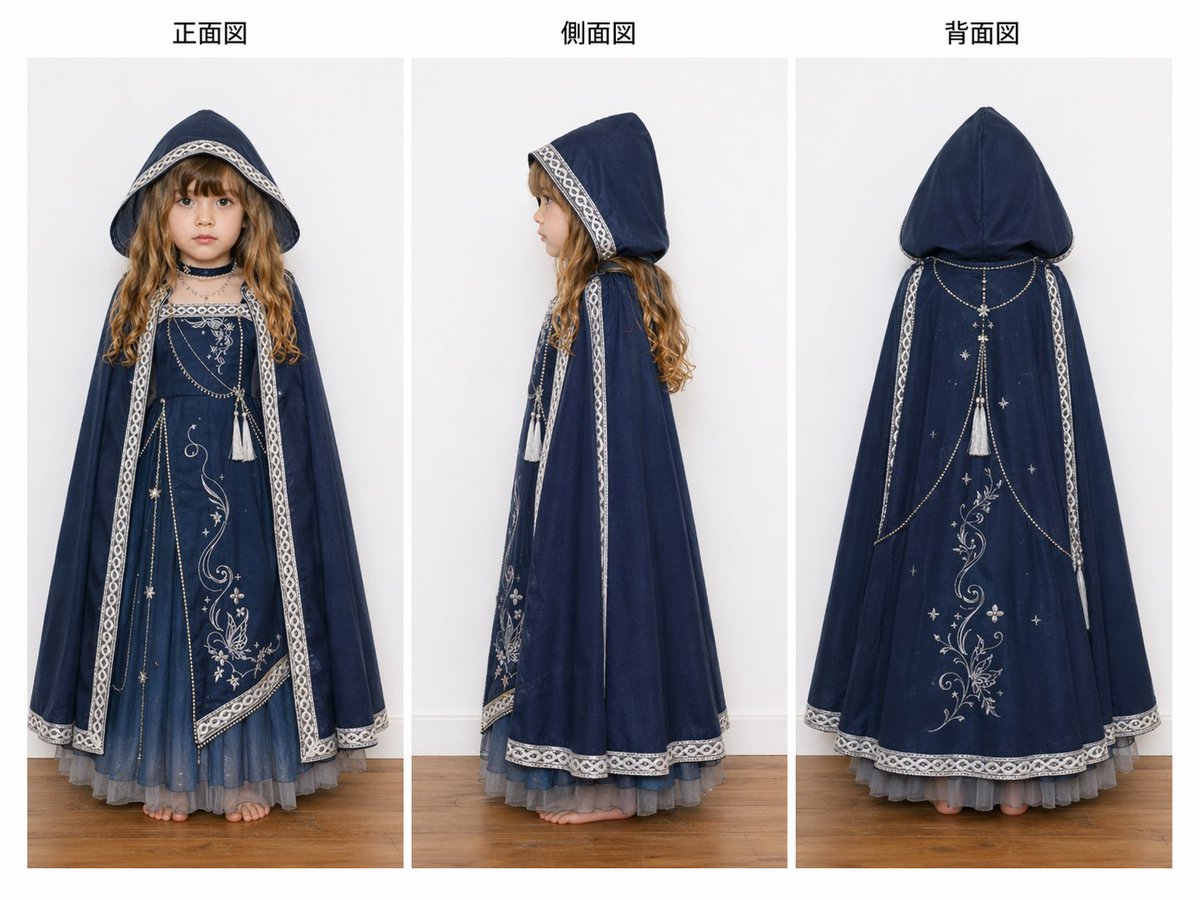
Three-View Hooded Fantasy Dress Sheet
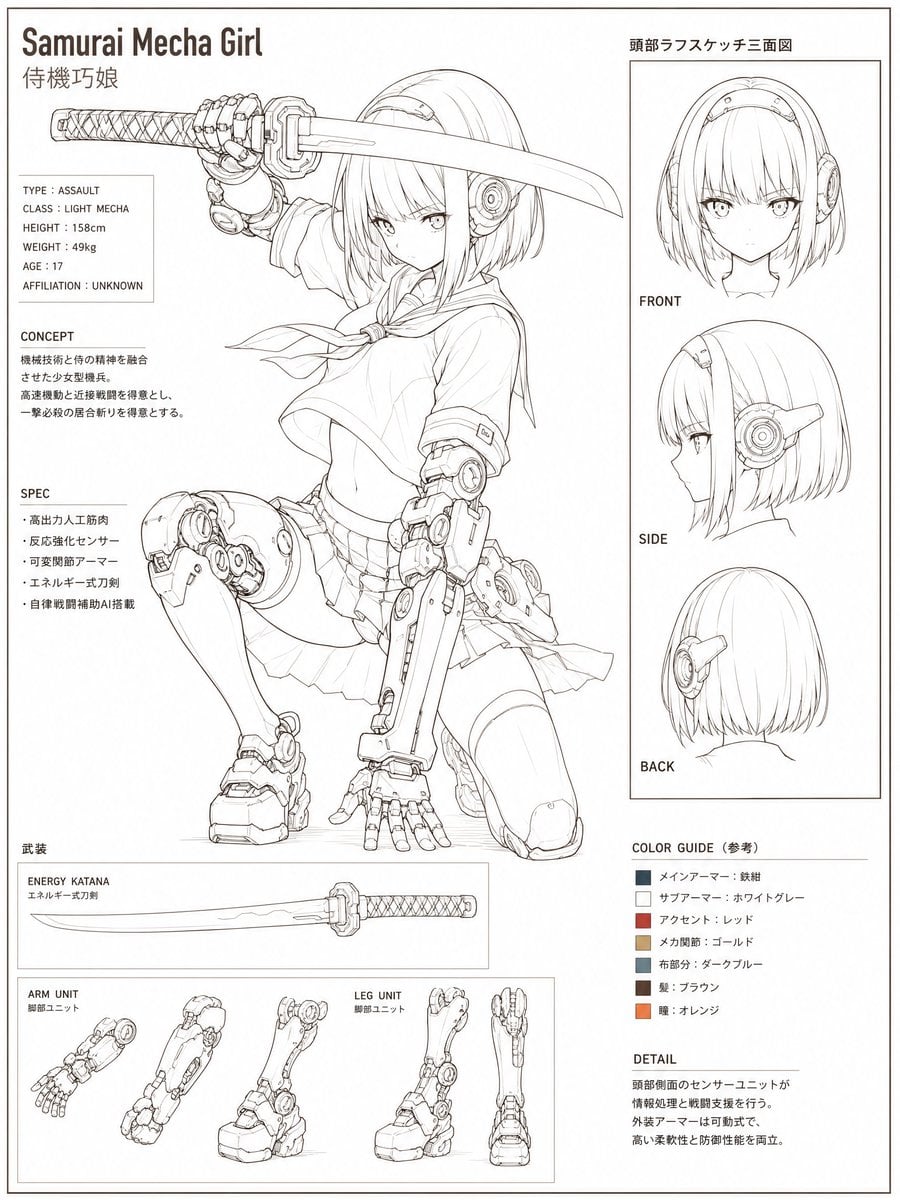
Samurai Mecha Girl Reference Sheet
Browse template categories
Japanese Inventory App Promo Mockup questions
How do I use the Japanese Inventory App Promo Mockup template?
Add your photo if the template asks for one, edit the prompt if you like — the template's model and format are already selected — and press Generate. Your version opens in PicX Studio.
Can I customize the Japanese Inventory App Promo Mockup template?
Yes. You can change the subject, setting, lighting, mood, format, and available model controls before creating your image.
Is the Japanese Inventory App Promo Mockup template free?
Opening and editing this template is free. Generating uses credits, shown on the Generate button when you are signed in.
Which AI model should I use?
Start with GPT Image 2, which is the model associated with this template. You can compare another compatible model for a different finish.
Looking for something else? Browse all templates.

Your photo, any look
Thousands of ready templates for every top image and video model, from one credit balance.