
Japanese Mystery Website Mockup
Generates a responsive desktop and mobile UI mockup for an atmospheric Japanese mystery story or game website.

- Prompt included
- Model and format preset
- Premium template
The prompt behind this image
Copy the exact prompt behind Japanese Mystery Website Mockup, or open it in the studio and make it yours.
Goal: Create a polished website mockup for a Japanese mystery game or story archive titled {argument name="site title" default="月蝕綺譚"}, shown as a responsive design preview with one desktop browser window on the left and one smartphone screen on the right. Canvas: Wide 16:9 presentation image on a light gray background. Place a large desktop browser mockup occupying about 75% of the width on the left, and a tall smartphone mockup occupying about 22% of the width on the right. Use realistic device frames with soft shadows. Visual style: Elegant Japanese literary horror, quiet mystery, archival documents, moonlit darkness. Palette of ivory paper, black ink, deep navy-black, muted gray, and one strong vermilion red accent. Use serif Japanese typography, thin ruled lines, ticket-like borders, subtle paper texture, old manuscript imagery, and faint crescent-orbit line graphics. The overall mood should feel like a premium official website for a narrative game. Desktop layout: Show a browser window with a dark top bar and three small window dots. Inside the page, use an ivory header with the site title {argument name="site title" default="月蝕綺譚"} on the left, a small red seal mark, and exactly 5 horizontal navigation items: 「お知らせ」, 「開発記録」, 「ご意見箱」, 「アーカイブ」, and a dark navy button labeled 「メールで会員になる」. The hero section below is a wide dark moon-eclipse visual with the vertical title 「月蝕綺譚」 centered over a glowing crescent/eclipse. Overlay a translucent archive UI card with old Japanese documents and exactly 5 small collectible/document cards along the bottom of that overlay. Along the very bottom of the hero image, include exactly 5 horizontal thumbnail strips showing: a night street, a blueprint-like room, a dark folder or object, old handwritten papers, and a desk/workspace map. Desktop right signup card: To the right of the hero, place a large cream ticket-shaped membership card with clipped semicircle notches and a thin decorative border. It includes the small label 「入会札」, a stamp emblem, headline 「メールで会員になる」, an envelope icon, short explanatory text, one email input field with placeholder 「メールアドレスを入力」, and a red CTA button labeled 「登録する」 with a right arrow. Include tiny privacy-policy text beneath. Desktop lower content: Under the hero, make a two-column-feeling section. On the left, a large Japanese tagline {argument name="tagline text" default="物語の続きを、いちばん近くで。"} with a thin vertical red line and a small descriptive paragraph. On the right, place exactly 3 article cards in a row. The 3 cards are: 1) 「月蝕綺譚 最新便」 with a moon image, a small red NEW label, title 「大型アップデート『○○』を公開しました」, date 2024.05.20; 2) 「開発記録」 with a notebook and pen image, title 「開発記録 #12:環境音の調整について」, date 2024.05.18; 3) 「ご意見箱」 with a dark mailbox image, title 「ご意見・ご感想をお聞かせください」, date 2024.05.16. Each card has a thin border, a small arrow in the header, and gray placeholder summary lines. Desktop footer: Add a dark navy footer spanning the bottom with exactly 6 footer links: 「お知らせ」, 「開発記録」, 「ご意見箱」, 「アーカイブ」, 「利用規約」, 「プライバシーポリシー」. Include a crescent moon icon and copyright 「© 2024 月蝕綺譚」 on the right. Mobile layout: On the right smartphone, show the same site adapted to mobile. Status bar time reads 9:41. Header contains the title 「月蝕綺譚」 and a hamburger menu icon. Below it, show a compact dark hero with the eclipse and vertical title, then exactly 5 small horizontal thumbnails. Continue with the tagline 「物語の続きを、いちばん近くで。」, then the same ticket-shaped email signup card, then the first news card 「月蝕綺譚 最新便」 with moon image and red NEW label. The mobile view should be vertically scrollable-looking but contained within the phone screen. Constraints: Keep all visible interface text in Japanese as specified. Use clean, high-fidelity UI mockup rendering, crisp typography, subtle shadows, and no extra logos or watermarks. The design should look like a finished web/app mock generated for implementation planning.
How to use Japanese Mystery Website Mockup in 3 steps
- 1Upload ImagePNG, JPG or paste
Add your photo
Upload the photo the template builds on. The prompt, model and format are already set.
- 2…a portrait of your subject in softgolden-hour light, 85mm…
Personalize
Edit the subject and creative details for your destination.
- 3Generate
Generate
Press Generate — your image is created in PicX Studio, so you can compare it with the original and refine one variable at a time.
More like this
Templates with the same subject, style or setup. Open one to see its prompt.
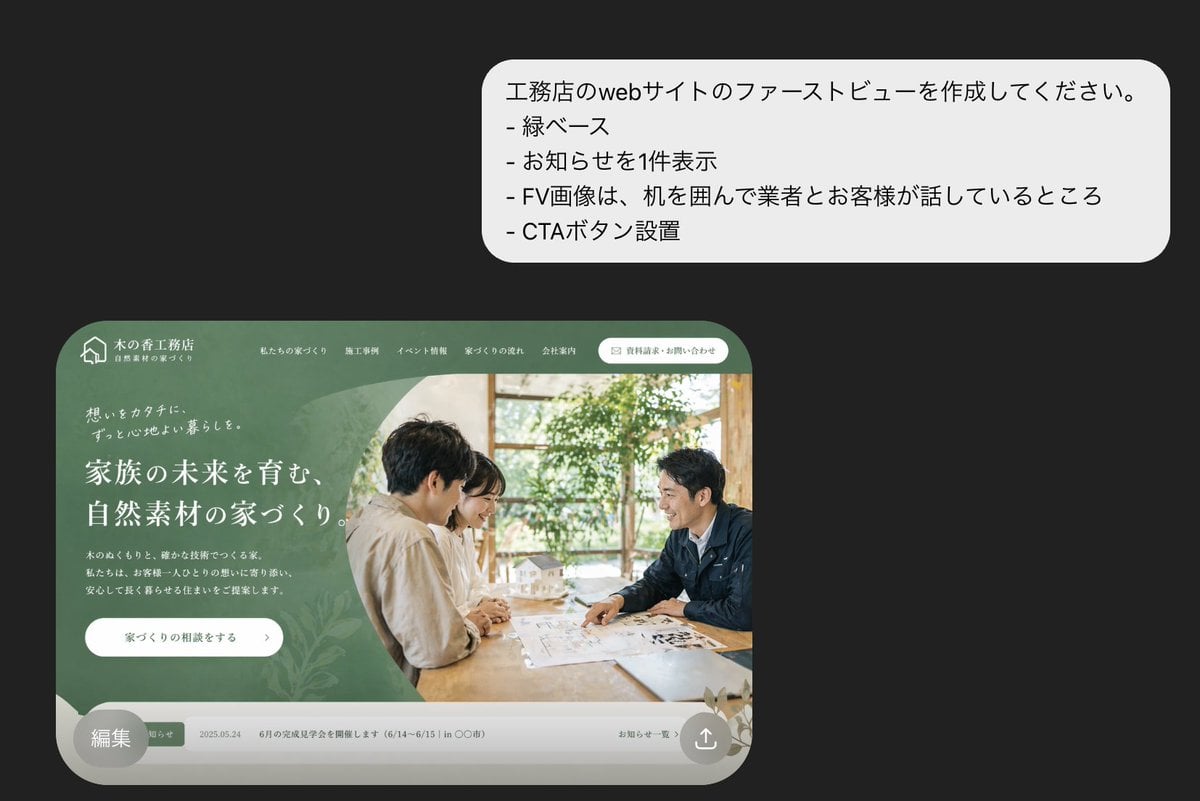
Japanese Builder Website Hero Mockup

Minecraft Japanese Research Lab Exploration

Japanese Architectural Concrete Studio Fashion Campaign

Japanese Minimalist Concrete Studio Fashion Editorial

Blue Backdrop Luxury Fashion Portrait Campaign
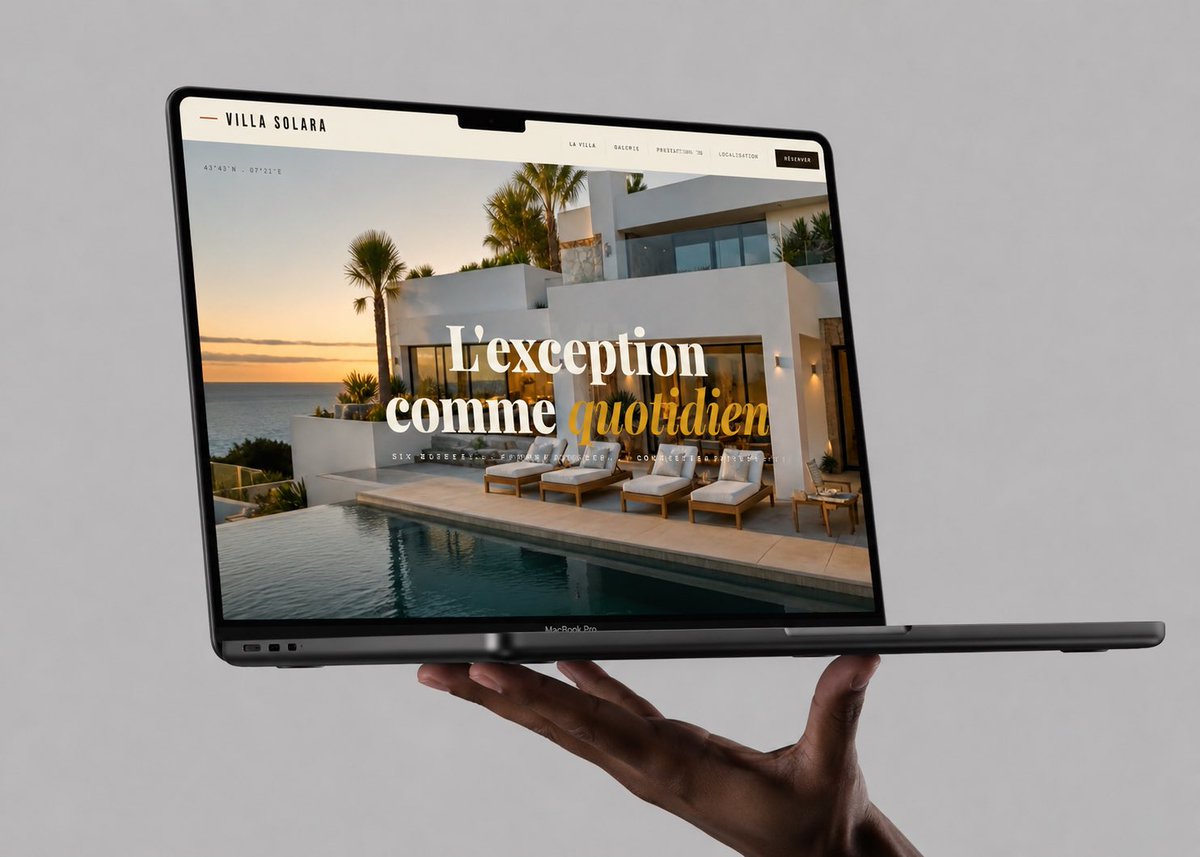
Luxury Villa Website Laptop Mockup
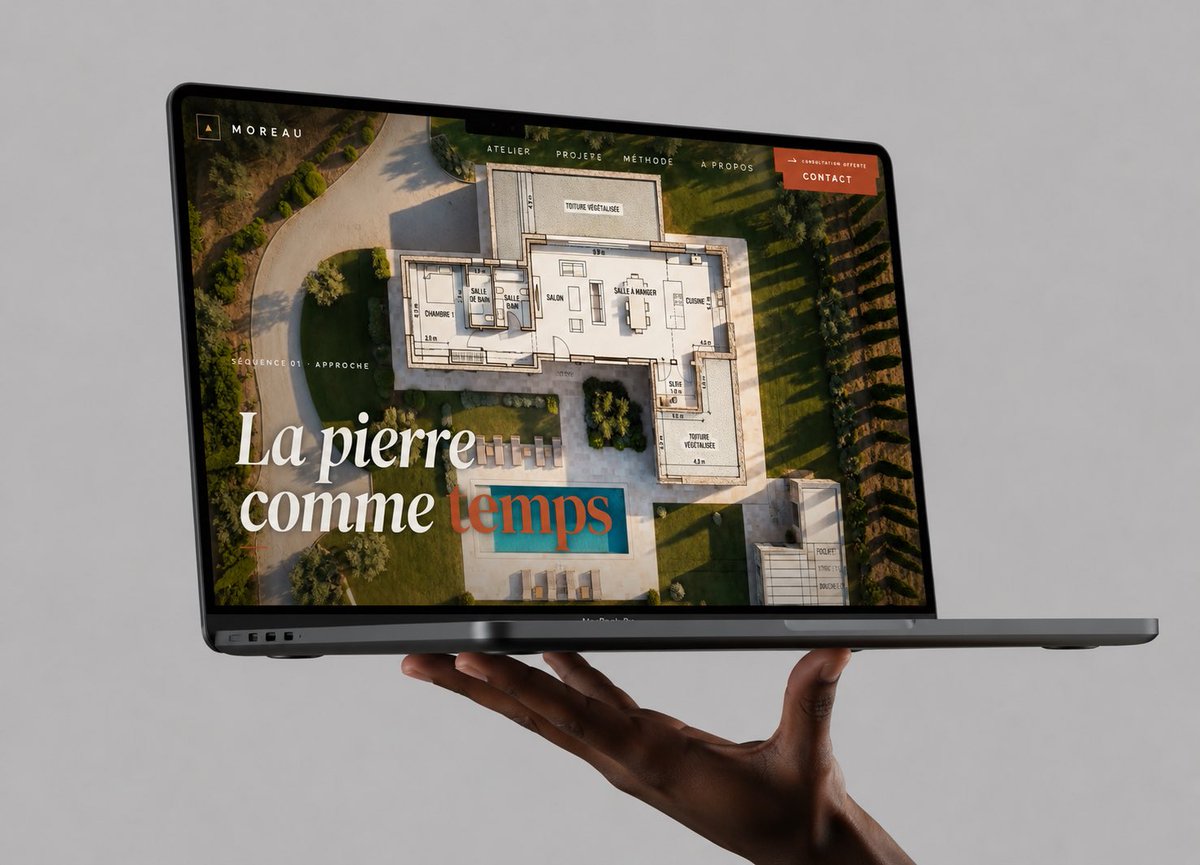
Floating Laptop Website Mockup
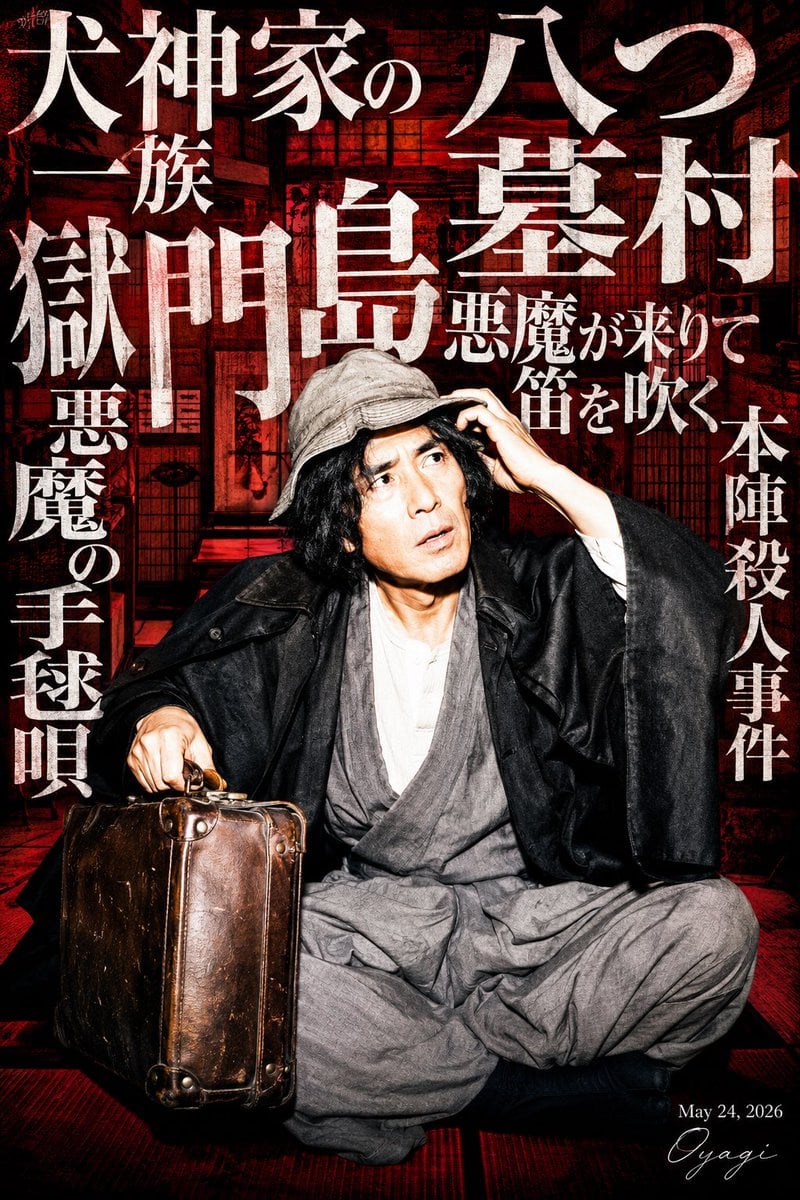
Japanese Mystery Detective Poster
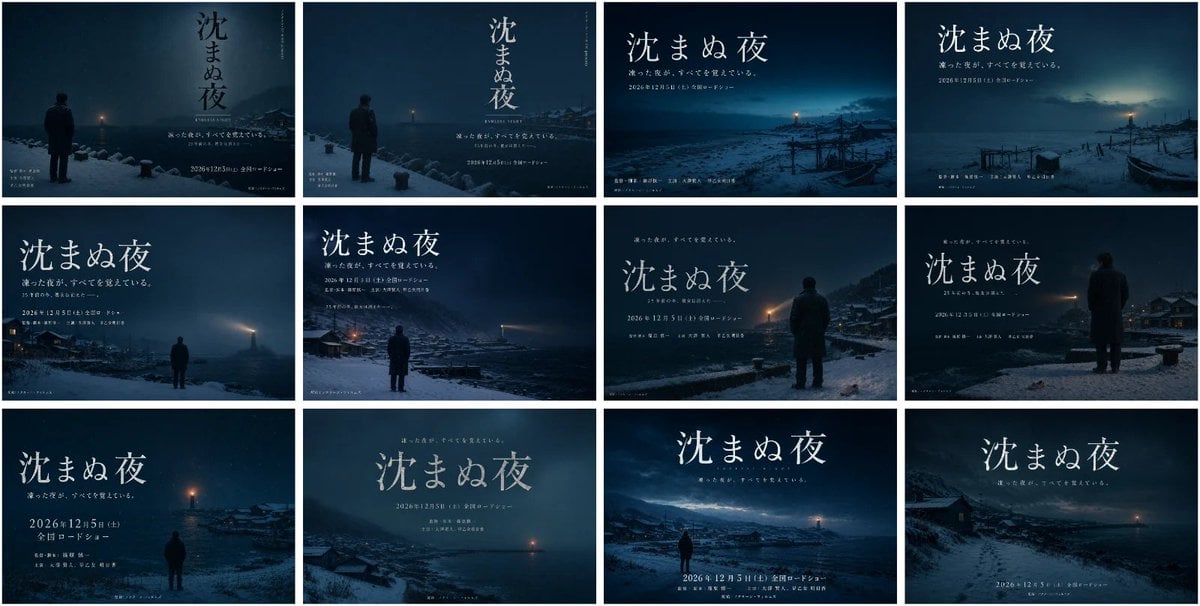
Japanese Winter Mystery Poster Grid
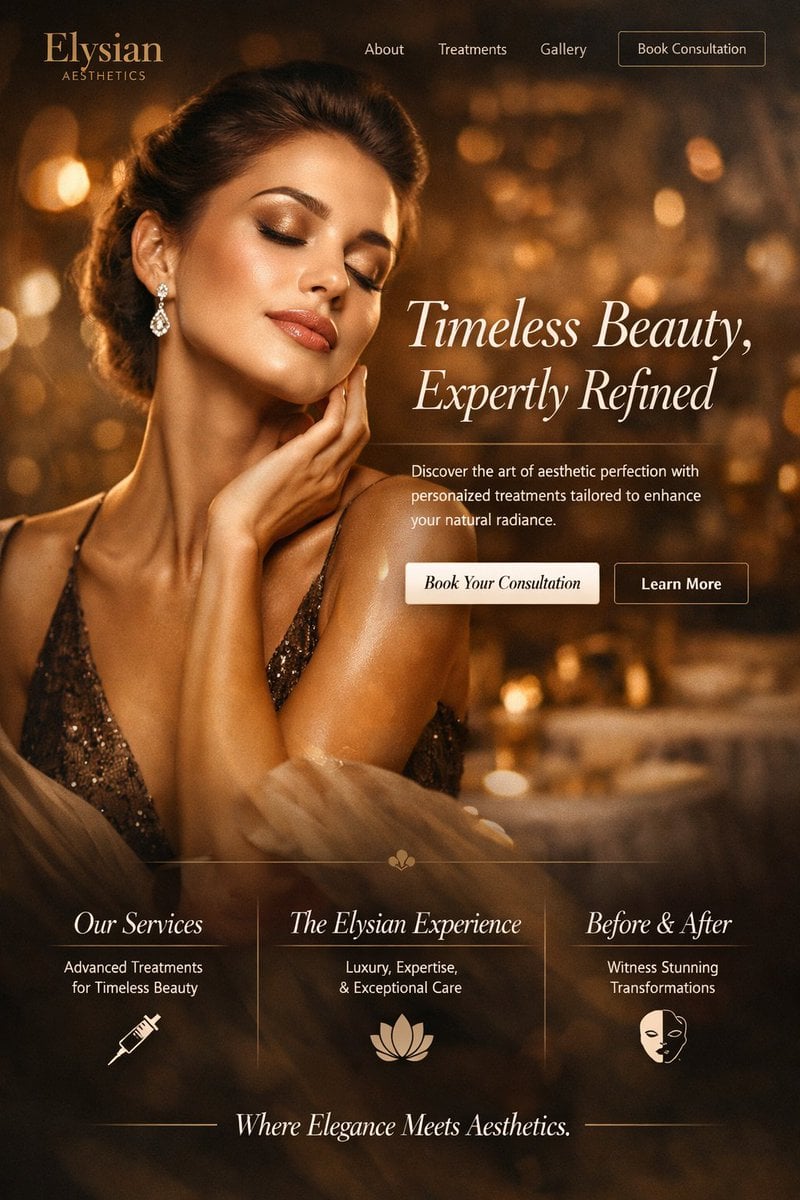
Luxury Aesthetics Website Mockup
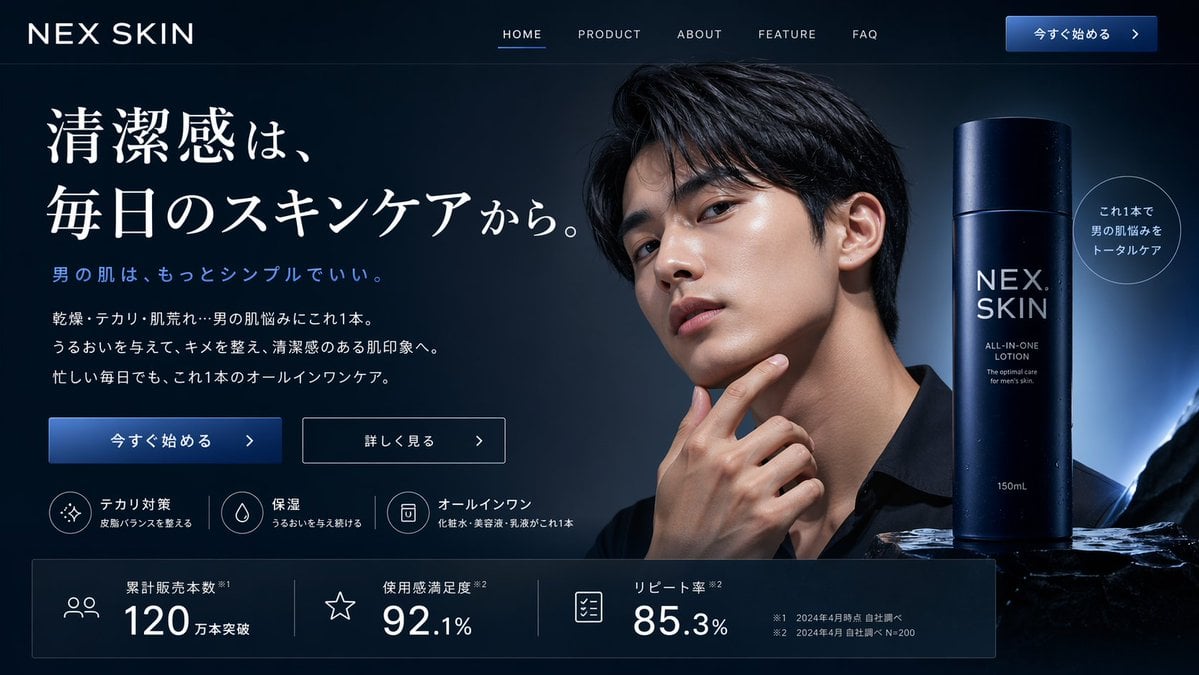
Men's Skincare Website Landing Page Mockup
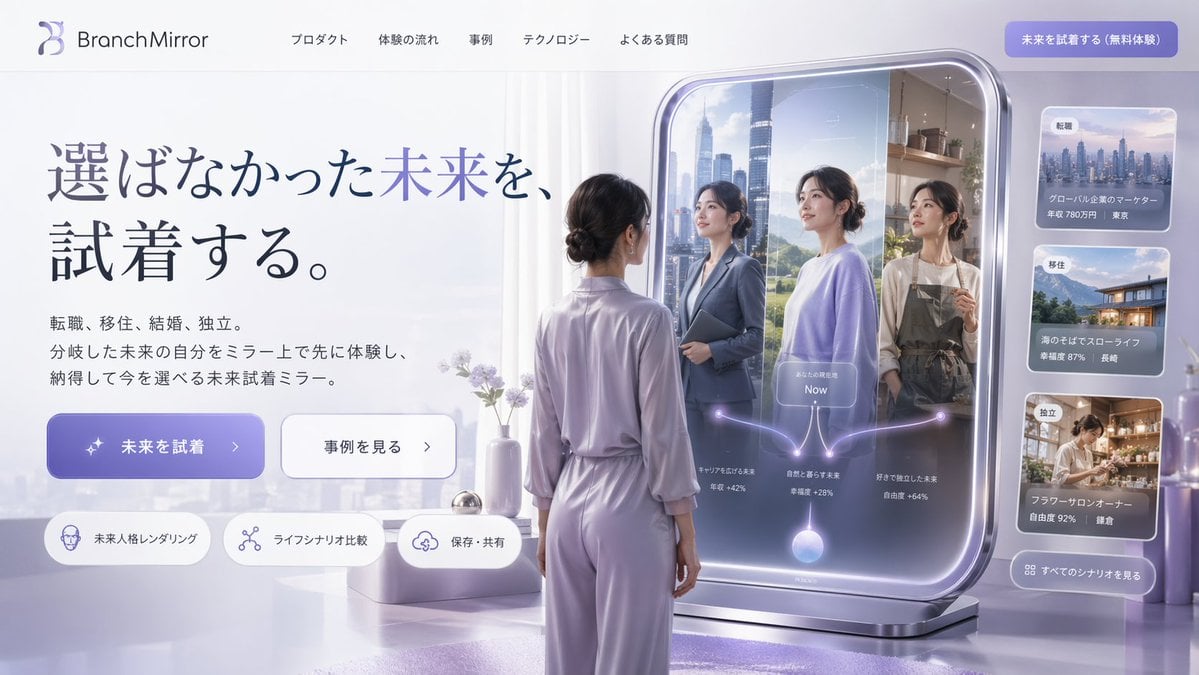
Futuristic Smart Mirror Website Mockup
Make it yours
Japanese Mystery Website Mockup works as-is. These are the safest ways to change it without losing the look.
Change one field
Copy a single group, rewrite it, and generate again so you can see what that field is doing.
Keep the frame, change the subject
Hold the composition and light of Japanese Mystery Website Mockup, then swap wardrobe, props or the person for a new take.
| If the result… | Why | Fix |
|---|---|---|
| The result drifts from the preview | Too many fields changed at once. | Reuse Japanese Mystery Website Mockup as-is first, then change one group — subject, light, or setting. |
| The model over-stylizes the scene | The prose prompt leaves finish and camera underspecified. | Add one camera or lighting sentence and stay on GPT Image 2. |
More GPT Image 2 templates
Other prompts made for GPT Image 2.

Realistic Portrait of Woman and Deer

The Vista Modular Condo Poster

AI Model Routing Comparison Infographic

2.5D Anime Art Board

Isometric Productivity Desk Scene

New York Double Exposure Poster

Four-Panel AI Landscape Comparison

Japanese Tatami Lifestyle Magazine Cover

NESCAFÉ Coffee Map Poster

Brutalist Cogito Chinese Typography Poster
More image prompts
Fresh picks from across the catalog.
Nostalgic Polaroid Portrait Prompt
Moody Fitness Influencer Gym Portrait
Nano Banana Pro Mixed Style Coloring Study Prompt
Cinematic Trench Coat Fashion Portrait Prompt
Split-Screen Cinematic Shot for Time Travel Comparison

Luxury Editorial Sports Portrait
Kawaii Felt Easter Bunny with Customizable Outfit
Character on a High Mountain Peak with Text in Clouds
Crouching Outdoor Fashion Portrait
Four-panel anime manga with panda-girl character
Browse template categories
Japanese Mystery Website Mockup questions
How do I use the Japanese Mystery Website Mockup template?
Add your photo if the template asks for one, edit the prompt if you like — the template's model and format are already selected — and press Generate. Your version opens in PicX Studio.
Can I customize the Japanese Mystery Website Mockup template?
Yes. You can change the subject, setting, lighting, mood, format, and available model controls before creating your image.
Is the Japanese Mystery Website Mockup template free?
Opening and editing this template is free. Generating uses credits, shown on the Generate button when you are signed in.
Which AI model should I use?
Start with GPT Image 2, which is the model associated with this template. You can compare another compatible model for a different finish.
Looking for something else? Browse all templates.

Your photo, any look
Thousands of ready templates for every top image and video model, from one credit balance.