
Futuristic Smart Mirror Website Mockup
Generates a modern, futuristic website landing page mockup featuring a smart mirror UI that displays branching life scenarios.
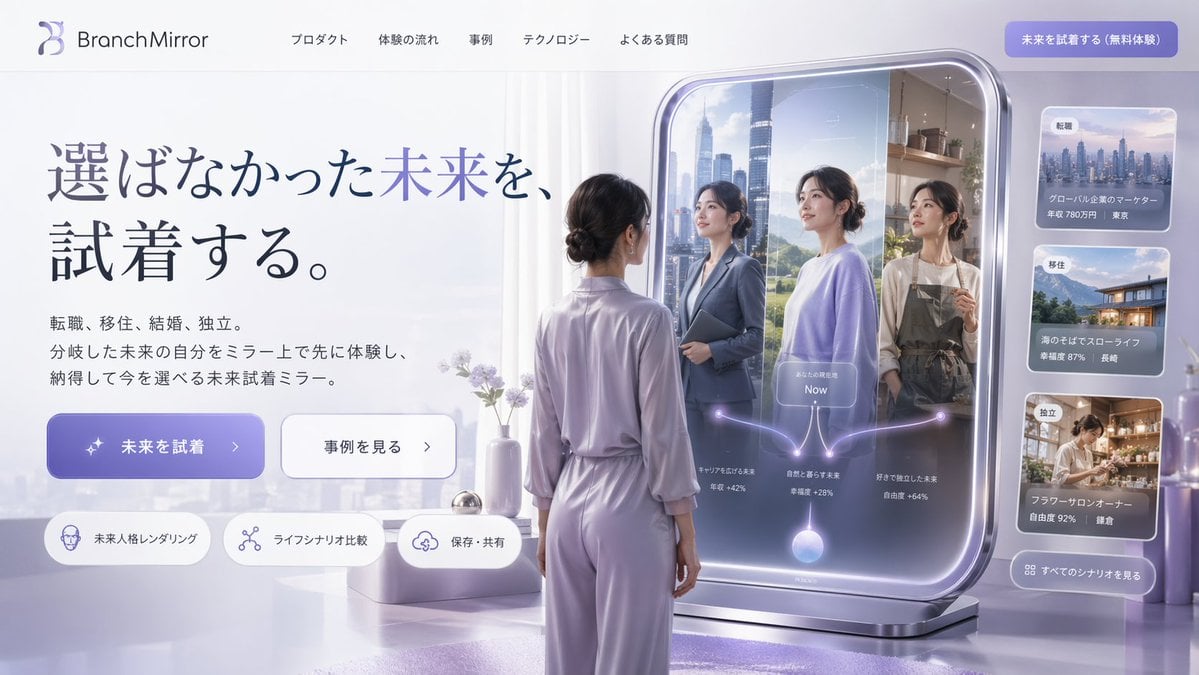
- Prompt included
- Model and format preset
- Free template
The prompt behind this image
Copy the exact prompt behind Futuristic Smart Mirror Website Mockup, or open it in the studio and make it yours.
- Type
- website landing page mockup
- Style
- futuristic, clean, 3D render, corporate tech
- Color Palette
- {argument name="color palette" default="soft purple, lavender, and silver"}
- Header › Logo
- {argument name="brand name" default="BranchMirror"}
- Header › Navigation Links
- 5
- Header › Cta Button
- solid purple button at top right
- Hero Section › Headline
- {argument name="main headline" default="選ばなかった未来を、試着する。"}
- Hero Section › Subtext
- paragraph of Japanese text explaining the product
- Hero Section › Buttons › 0 › Style
- solid purple
- Hero Section › Buttons › 0 › Text
- {argument name="primary button text" default="未来を試着"}
- Hero Section › Buttons › 0 › Icon
- sparkles
- Hero Section › Buttons › 1 › Style
- white outline
- Hero Section › Buttons › 1 › Text
- 事例を見る
- Hero Section › Buttons › 1 › Icon
- arrow right
- Hero Section › Feature Tags › Count
- 3
- Hero Section › Feature Tags › Style
- pill-shaped with icons
- Hero Section › Feature Tags › Labels
- 未来人格レンダリング, ライフシナリオ比較, 保存・共有
- Main Visual › Subject
- {argument name="subject description" default="woman in lavender loungewear with hair in a low bun"}
- Main Visual › Pose
- standing, seen from behind, looking into a large freestanding smart mirror
- Main Visual › Smart Mirror Ui › Reflections › Count
- 3
- Main Visual › Smart Mirror Ui › Reflections › Descriptions
- woman in business suit with city background, woman in casual sweater with nature background, woman in apron with cafe background
- Main Visual › Smart Mirror Ui › Overlay Graphics
- glowing branching diagram starting from a bottom orb, splitting into 3 paths to each reflection, with a central 'Now' label
- Sidebar Ui › Cards › Count
- 3
- Sidebar Ui › Cards › Descriptions
- cityscape image with job change stats, coastal house image with relocation stats, flower shop image with independence stats
Raw JSON
{
  "type": "website landing page mockup",
  "style": "futuristic, clean, 3D render, corporate tech",
  "color_palette": "{argument name=\"color palette\" default=\"soft purple, lavender, and silver\"}",
  "header": {
    "logo": "{argument name=\"brand name\" default=\"BranchMirror\"}",
    "navigation_links": 5,
    "cta_button": "solid purple button at top right"
  },
  "hero_section": {
    "headline": "{argument name=\"main headline\" default=\"選ばなかった未来を、試着する。\"}",
    "subtext": "paragraph of Japanese text explaining the product",
    "buttons": [
      { "style": "solid purple", "text": "{argument name=\"primary button text\" default=\"未来を試着\"}", "icon": "sparkles" },
      { "style": "white outline", "text": "事例を見る", "icon": "arrow right" }
    ],
    "feature_tags": {
      "count": 3,
      "style": "pill-shaped with icons",
      "labels": ["未来人格レンダリング", "ライフシナリオ比較", "保存・共有"]
    }
  },
  "main_visual": {
    "subject": "{argument name=\"subject description\" default=\"woman in lavender loungewear with hair in a low bun\"}",
    "pose": "standing, seen from behind, looking into a large freestanding smart mirror",
    "smart_mirror_ui": {
      "reflections": {
        "count": 3,
        "descriptions": [
          "woman in business suit with city background",
          "woman in casual sweater with nature background",
          "woman in apron with cafe background"
        ]
      },
      "overlay_graphics": "glowing branching diagram starting from a bottom orb, splitting into 3 paths to each reflection, with a central 'Now' label"
    }
  },
  "sidebar_ui": {
    "cards": {
      "count": 3,
      "descriptions": [
        "cityscape image with job change stats",
        "coastal house image with relocation stats",
        "flower shop image with independence stats"
      ]
    },
    "bottom_button": "glassmorphism button to see all scenarios"
  }
}How to use Futuristic Smart Mirror Website Mockup in 3 steps
- 1Upload ImagePNG, JPG or paste
Add your photo
Upload the photo the template builds on. The prompt, model and format are already set.
- 2…a portrait of your subject in softgolden-hour light, 85mm…
Personalize
Edit the subject and creative details for your destination.
- 3Generate
Generate
Press Generate — your image is created in PicX Studio, so you can compare it with the original and refine one variable at a time.
More like this
Templates with the same subject, style or setup. Open one to see its prompt.
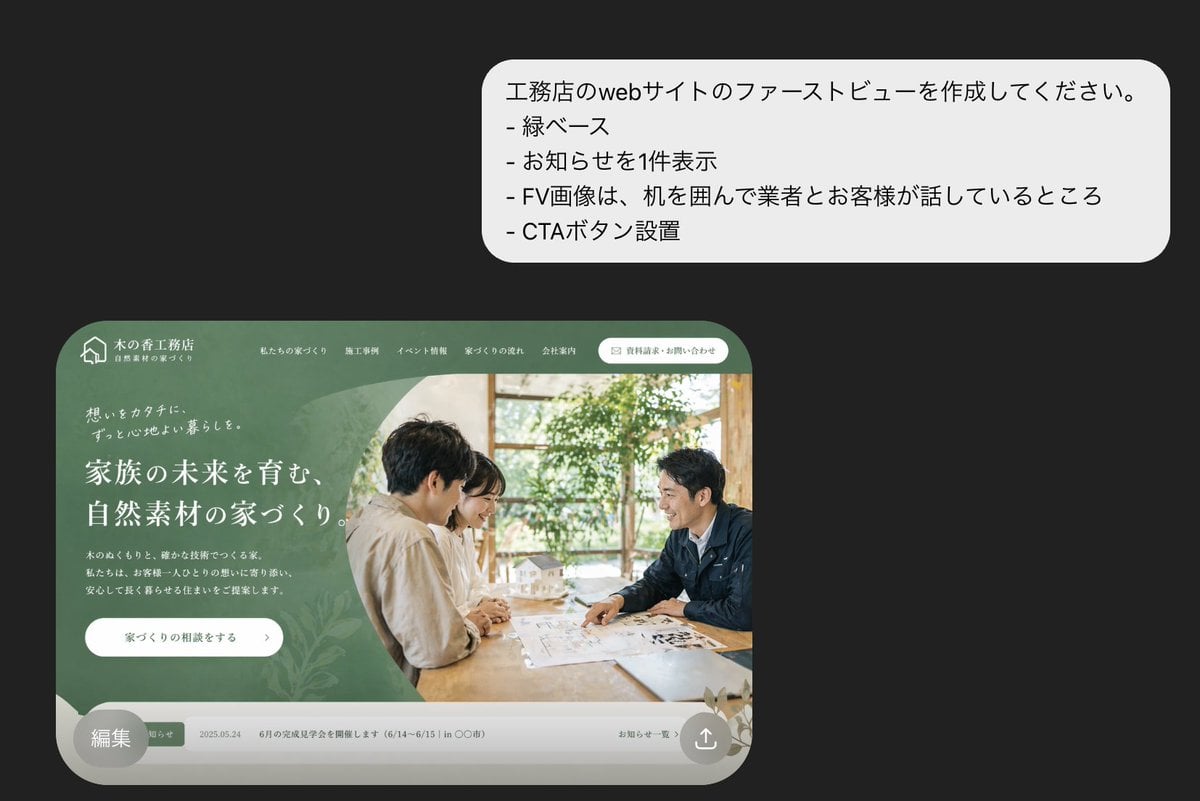
Japanese Builder Website Hero Mockup

Japanese Mystery Website Mockup

Rooftop Fisheye — Cat-Ear Balaclava at Golden Hour

Felt & Knit 3D Character — Photo-Exact Face, Pixar-Quality Plush Figurine

Eid al-Adha Cute Chaos — Fisheye Selfie with Farm Selfie, Mosque & Animals

Cat Photobomb Selfie — 0.5x Wide Angle Café Chaos

Gen Z Triple Selfie Collage — Y2K Flash Photography

Surreal Cat Astronaut — Humanoid Face Freefall

Retro Mirror Luxury Fashion Campaign Poster

Futuristic Chrome Helmet Fashion Portrait

Futuristic Studio Neon Ring Minimalist Portrait
Futuristic Chrome Helmet Fashion Portrait
Make it yours
Futuristic Smart Mirror Website Mockup works as-is. These are the safest ways to change it without losing the look.
Change one field
Copy a single group, rewrite it, and generate again so you can see what that field is doing.
Keep the frame, change the subject
Hold the composition and light of Futuristic Smart Mirror Website Mockup, then swap wardrobe, props or the person for a new take.
| If the result… | Why | Fix |
|---|---|---|
| The result drifts from the preview | Too many fields changed at once. | Reuse Futuristic Smart Mirror Website Mockup as-is first, then change one group — subject, light, or setting. |
| GPT Image 2 ignores part of the JSON | Some models flatten or skip nested keys. | Keep the same values and paste them as a short paragraph instead. |
More GPT Image 2 templates
Other prompts made for GPT Image 2.

Six VTuber Japanese Logo Sheet

Realistic Portrait of Woman and Deer

The Vista Modular Condo Poster

AI Model Routing Comparison Infographic

2.5D Anime Art Board

Isometric Productivity Desk Scene

New York Double Exposure Poster

Four-Panel AI Landscape Comparison

Japanese Tatami Lifestyle Magazine Cover

NESCAFÉ Coffee Map Poster
More image prompts
Fresh picks from across the catalog.
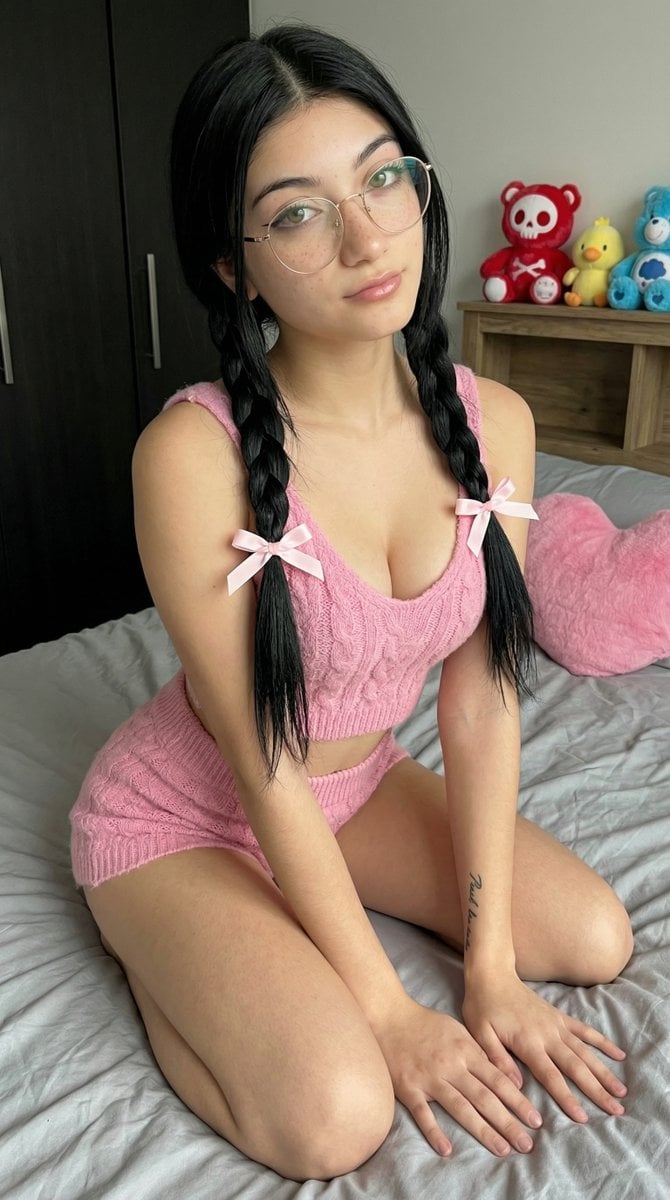
Detailed Image Generation Prompt for a Young Asian Woman in a Pink Knit Set
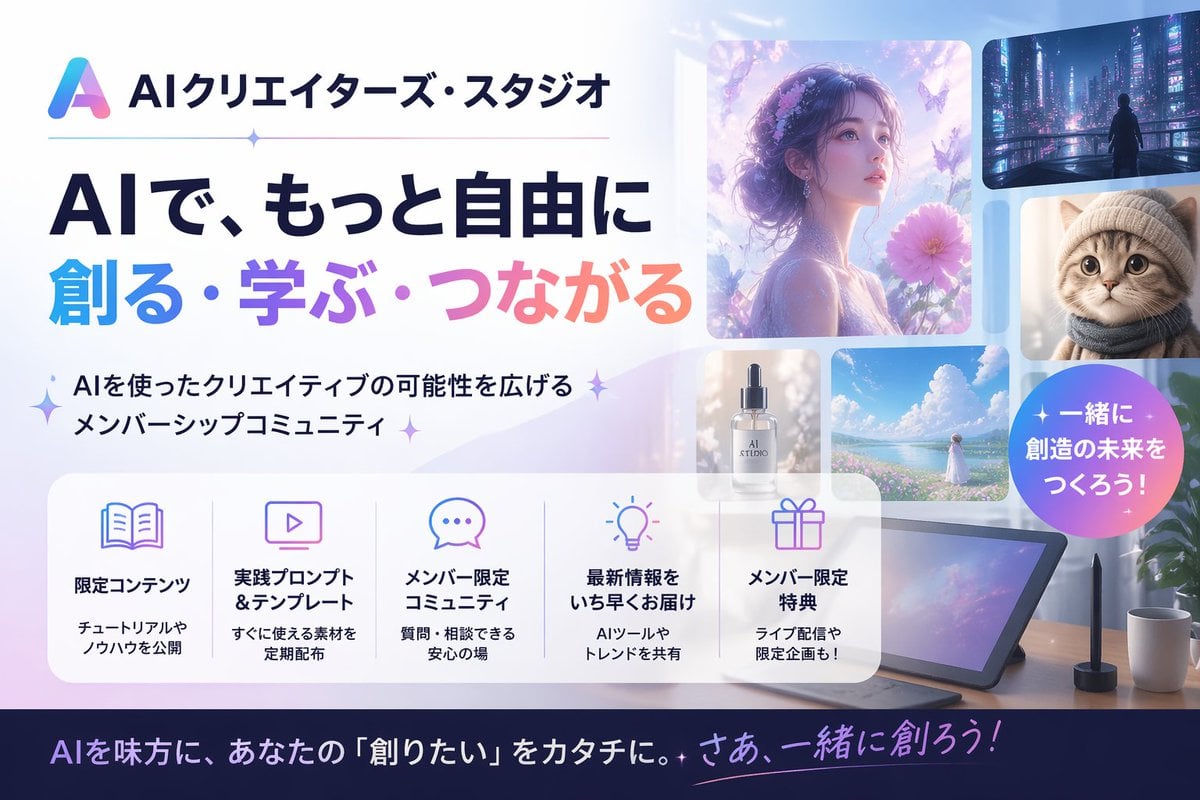
Japanese AI Creator Studio Banner
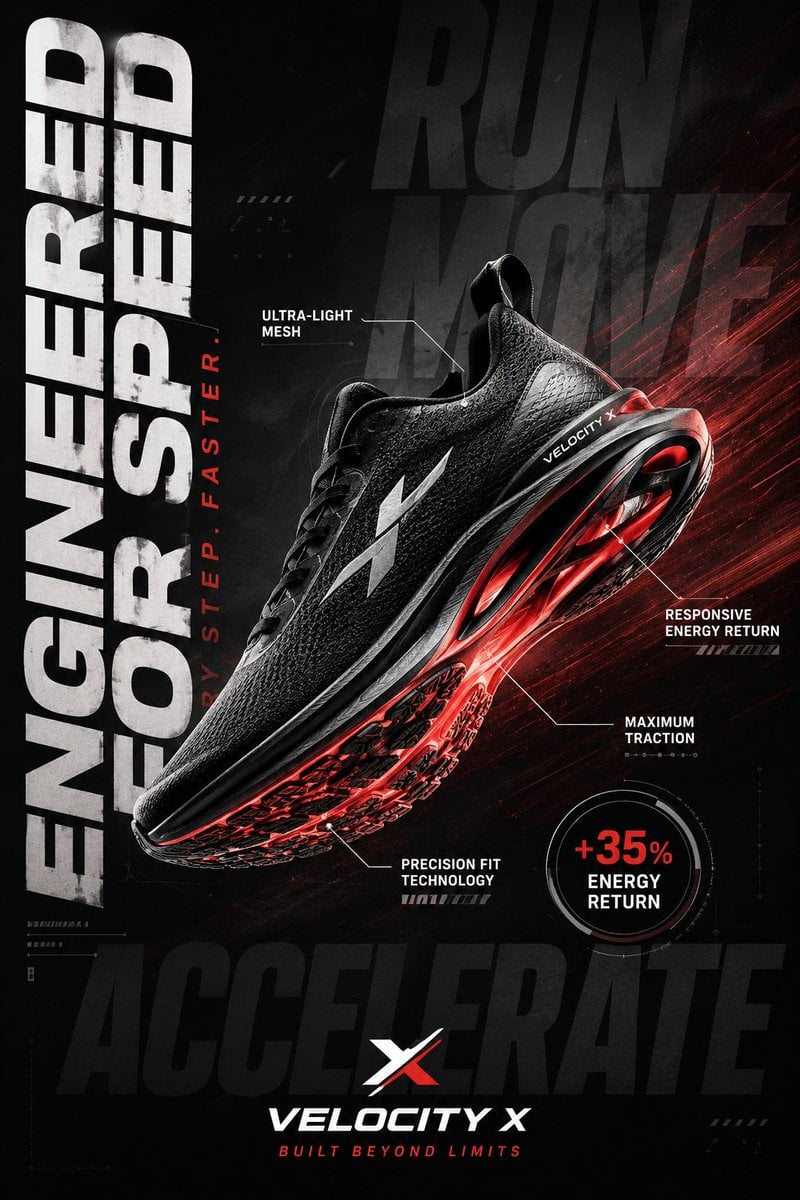
Luxury Sportswear Advertising Poster

Cinematic Netflix Movie Poster Prompt
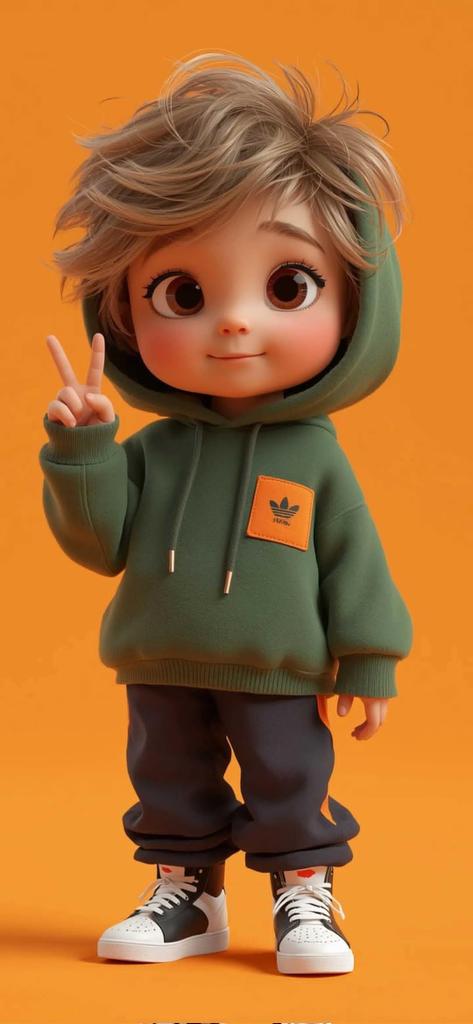
Pixar-Style 3D Chibi Boy Character

Photorealistic Cinematic Kitchen Scene Prompt (JSON structure)
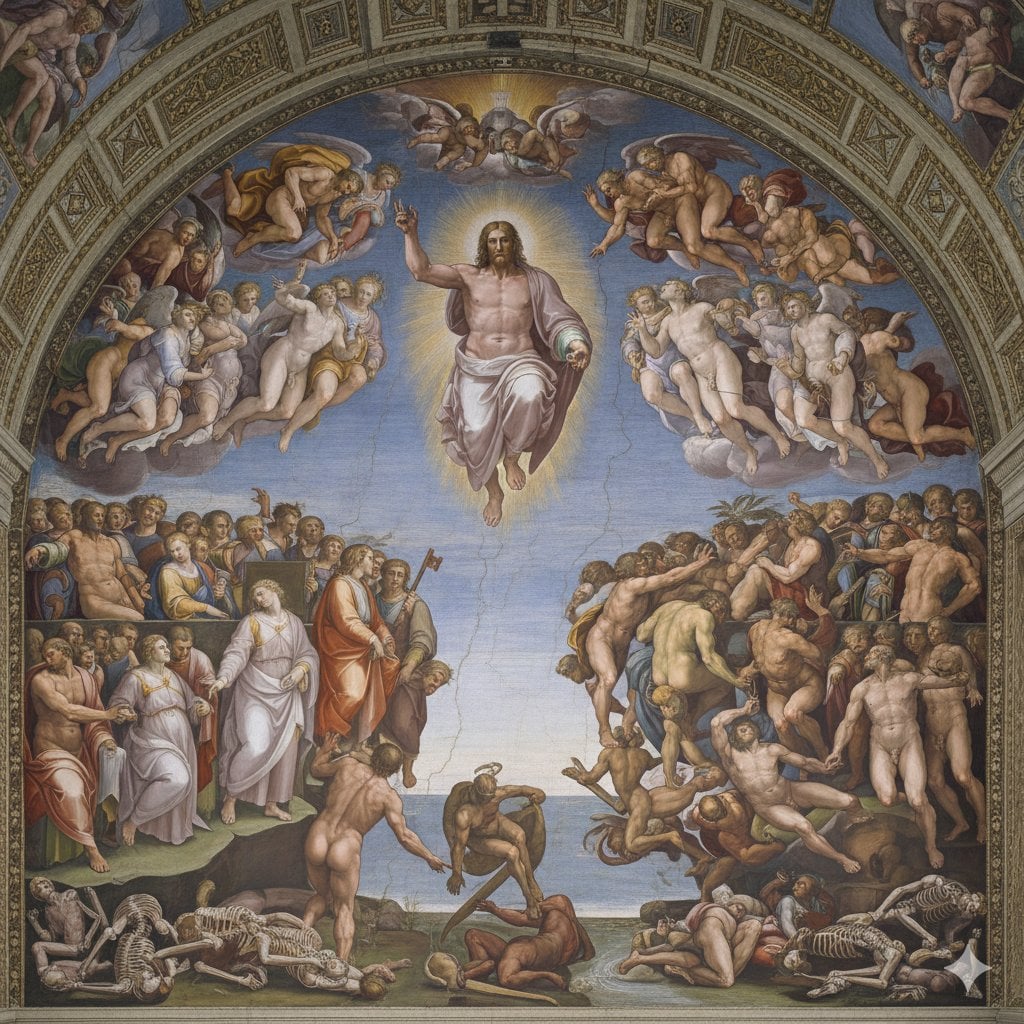
Michelangelo's Last Judgment Style Image
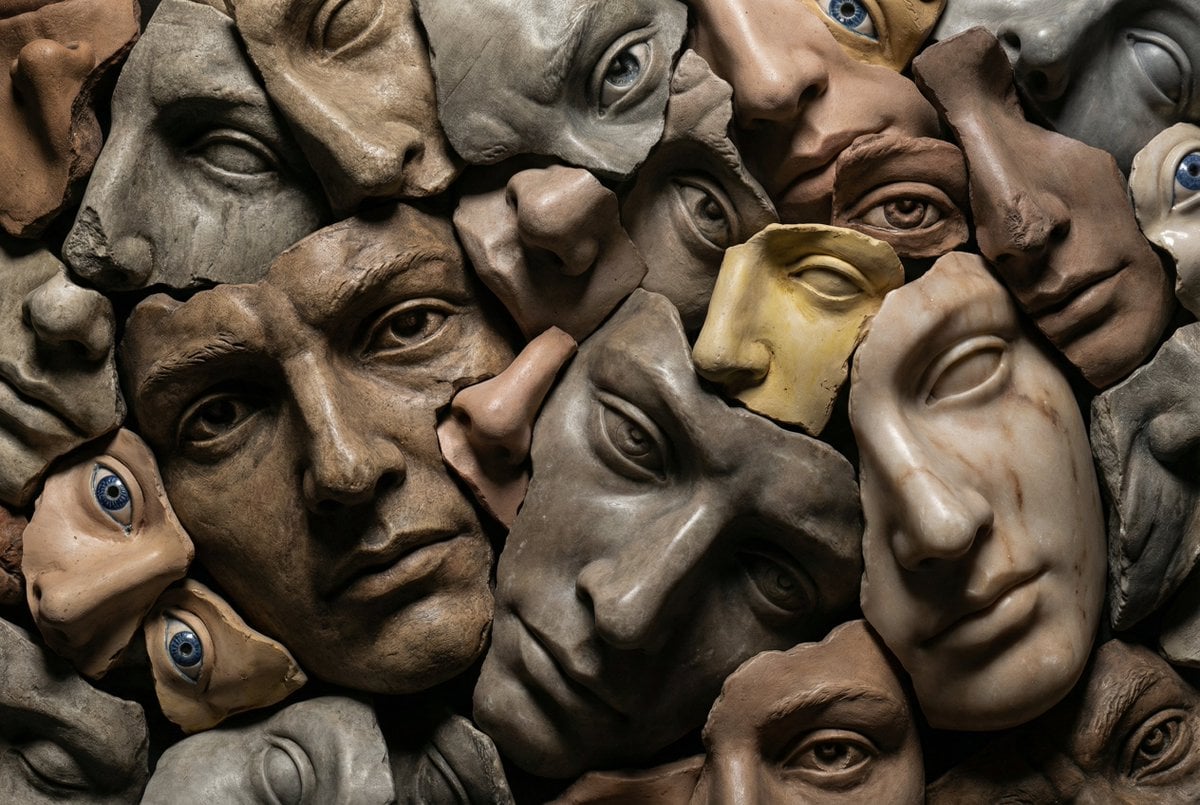
Hyperrealistic Sculptural Collage of Fragmented Faces
Minimalist Single Line Social Media Avatar
Consistent Character Multi-Angle Studio Shot
Browse template categories
Futuristic Smart Mirror Website Mockup questions
How do I use the Futuristic Smart Mirror Website Mockup template?
Add your photo if the template asks for one, edit the prompt if you like — the template's model and format are already selected — and press Generate. Your version opens in PicX Studio.
Can I customize the Futuristic Smart Mirror Website Mockup template?
Yes. You can change the subject, setting, lighting, mood, format, and available model controls before creating your image.
Is the Futuristic Smart Mirror Website Mockup template free?
Opening and editing this template is free. Generating uses credits, shown on the Generate button when you are signed in.
Which AI model should I use?
Start with GPT Image 2, which is the model associated with this template. You can compare another compatible model for a different finish.
Looking for something else? Browse all templates.

Your photo, any look
Thousands of ready templates for every top image and video model, from one credit balance.