
Japanese AI Creator Studio Banner
A polished Japanese promotional hero banner for an AI creator membership community, suitable for website headers, social posts, and announcement thumbnails.
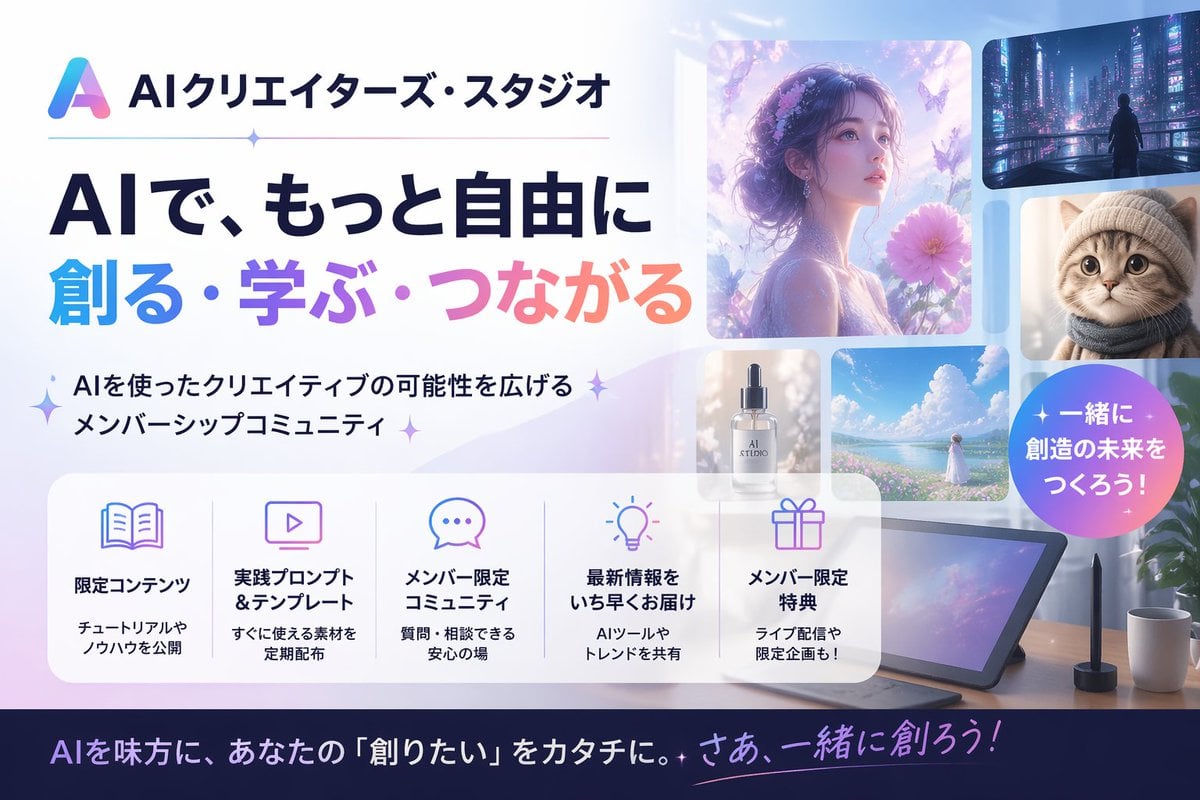
- Prompt included
- Model and format preset
- Free template
The prompt behind this image
Copy the exact prompt behind Japanese AI Creator Studio Banner, or open it in the studio and make it yours.
Create a polished Japanese promotional website hero banner for an AI creator community, in a clean modern tech-advertising style with a soft pastel blue, lavender, pink, and white palette. Wide 16:9 composition. On the left, place a gradient triangular abstract logo and the Japanese brand name {argument name="brand name" default="AIクリエイターズ・スタジオ"} at the top, followed by a thin horizontal divider line with a small sparkle in the middle. Below that, a very large bold Japanese headline in 2 lines: first line in dark navy, 「AIで、もっと自由に」, second line in large gradient letters from cyan to purple to pink, 「創る・学ぶ・つながる」. Under the headline, add a short Japanese subheadline with sparkle marks, 「AIを使ったクリエイティブの可能性を広げるメンバーシップコミュニティ」. On the right half, create a collage of 6 rounded-rectangle visual cards showing AI-generated creative examples: 1 large dreamy portrait of a woman in profile surrounded by flowers and butterflies in ethereal purple light, 1 small cyberpunk city nightscape with a lone figure, 1 small close-up portrait of a fluffy cat, 1 small luxury cosmetic bottle labeled “AI STUDIO”, 1 small bright seascape or flower-field landscape with a woman in white, and 1 large tablet drawing device on a desk with a stylus, plus a coffee mug and plant nearby. Add a circular gradient badge overlapping the right side with bold white Japanese text {argument name="badge text" default="一緒に創造の未来をつくろう!"}. Across the lower middle, place a translucent white rounded feature panel containing exactly 5 equal columns with thin separators and pastel line icons. Each column has an icon, a bold Japanese title, and a smaller 2-line description. The 5 titles are: 「限定コンテンツ」, 「実践プロンプト&テンプレート」, 「メンバー限定コミュニティ」, 「最新情報をいち早くお届け」, 「メンバー限定特典」. Use fitting icons for book, monitor, chat bubble, light bulb, and gift. Add concise Japanese descriptions beneath each title. At the very bottom, add a dark navy footer strip with a large Japanese call-to-action sentence in white and pink-purple gradient accent text, {argument name="footer text" default="AIを味方に、あなたの『創りたい』をカタチに。さあ、一緒に創ろう!"}. Overall look: premium startup landing page, glossy soft lighting, subtle sparkles, glassmorphism panels, clean typography, Japanese text rendered accurately, highly legible, visually balanced, professional social media thumbnail quality.
How to use Japanese AI Creator Studio Banner in 3 steps
- 1Upload ImagePNG, JPG or paste
Add your photo
Upload the photo the template builds on. The prompt, model and format are already set.
- 2…a portrait of your subject in softgolden-hour light, 85mm…
Personalize
Edit the subject and creative details for your destination.
- 3Generate
Generate
Press Generate — your image is created in PicX Studio, so you can compare it with the original and refine one variable at a time.
More like this
Templates with the same subject, style or setup. Open one to see its prompt.

Japanese Architectural Concrete Studio Fashion Campaign

Japanese Minimalist Concrete Studio Fashion Editorial

80s Couple Studio Portrait

1985 Studio Portrait

Minecraft Japanese Research Lab Exploration
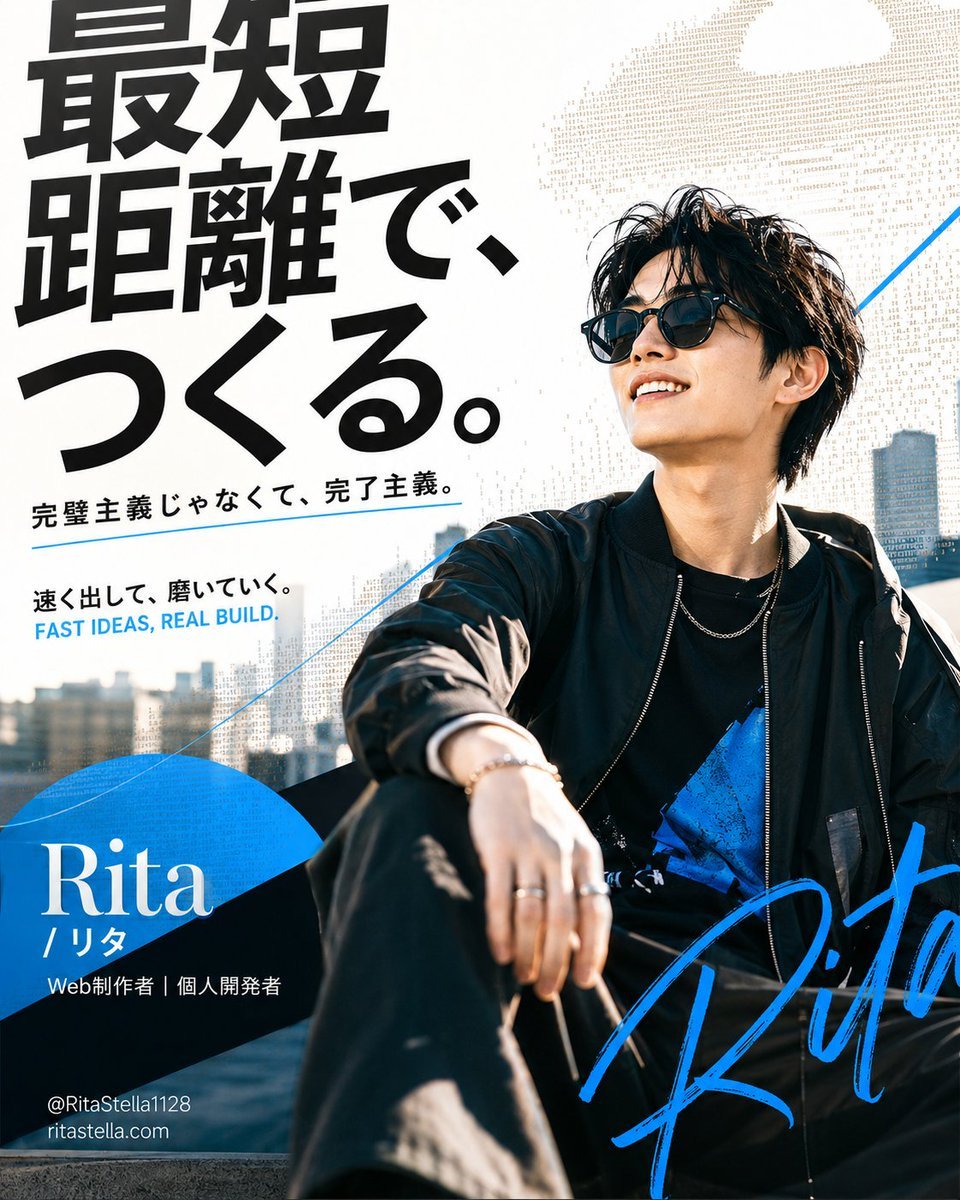
Japanese Creator Branding Poster
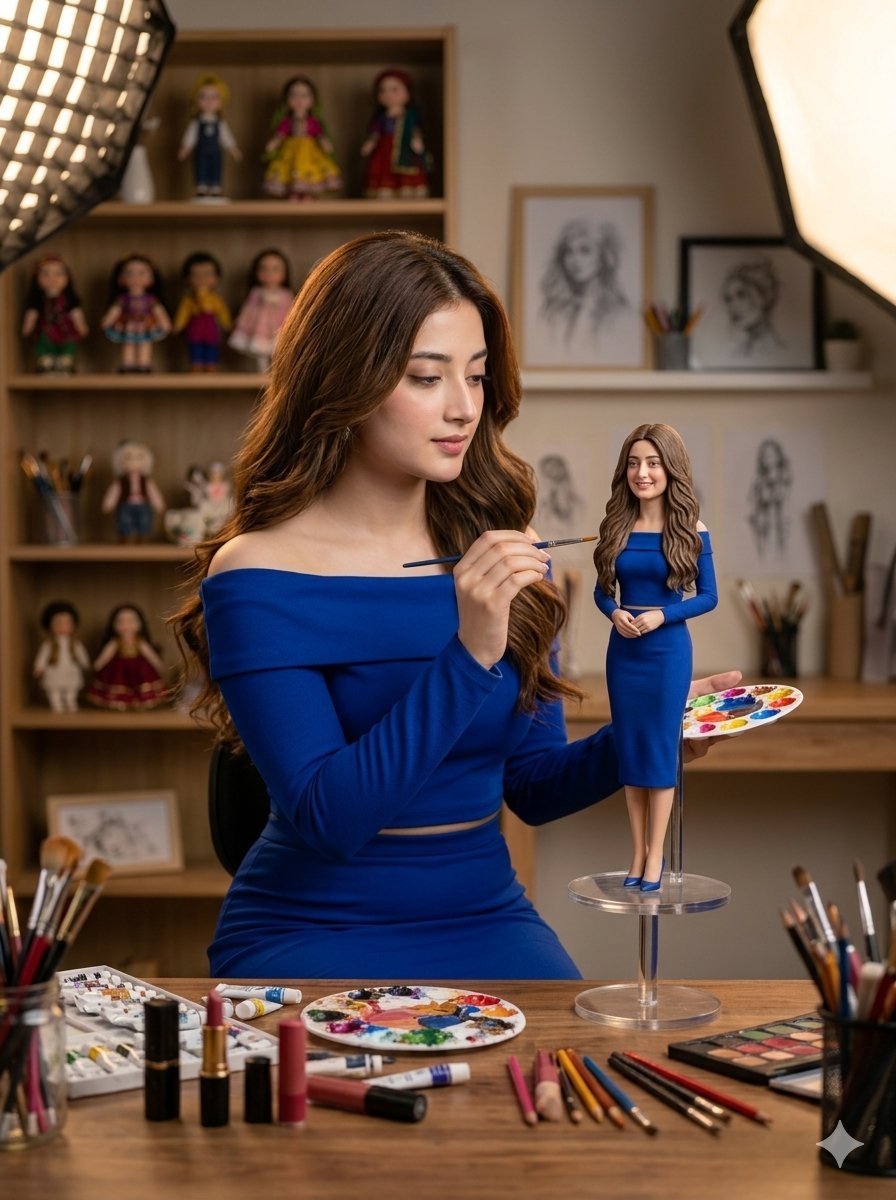
Miniature Art Studio Creator Portrait

Cinematic Low-Angle Fashion Portrait Smoke Editorial
Cinematic Low-Angle Fashion Portrait Smoke Editorial

Blue Backdrop Luxury Fashion Portrait Campaign
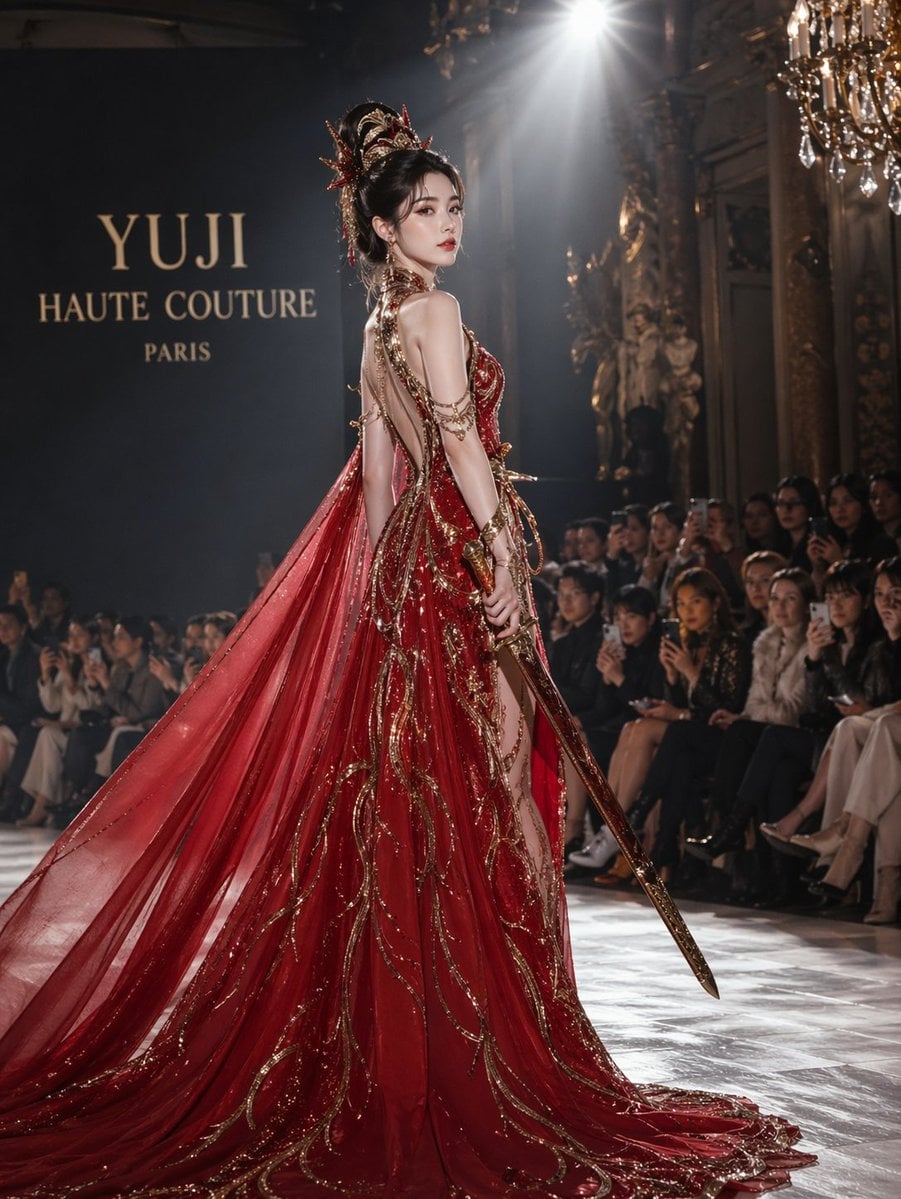
High-Fashion Bauhaus Geometric Cutout Editorial
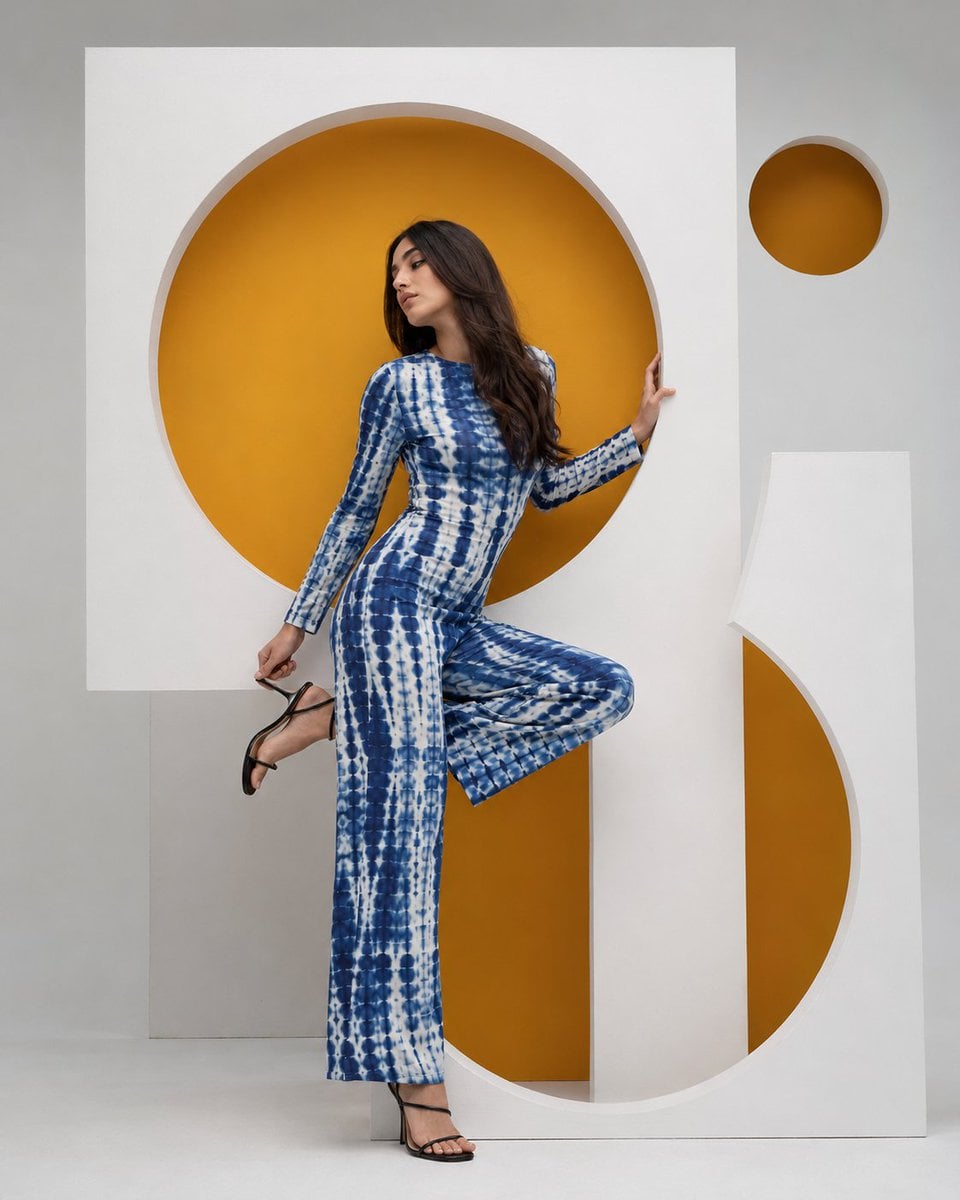
High-Fashion Bauhaus Geometric Cutout Editorial
Make it yours
Japanese AI Creator Studio Banner works as-is. These are the safest ways to change it without losing the look.
Change one field
Copy a single group, rewrite it, and generate again so you can see what that field is doing.
Keep the frame, change the subject
Hold the composition and light of Japanese AI Creator Studio Banner, then swap wardrobe, props or the person for a new take.
| If the result… | Why | Fix |
|---|---|---|
| The result drifts from the preview | Too many fields changed at once. | Reuse Japanese AI Creator Studio Banner as-is first, then change one group — subject, light, or setting. |
| The model over-stylizes the scene | The prose prompt leaves finish and camera underspecified. | Add one camera or lighting sentence and stay on GPT Image 2. |
More GPT Image 2 templates
Other prompts made for GPT Image 2.

Six VTuber Japanese Logo Sheet

Realistic Portrait of Woman and Deer

The Vista Modular Condo Poster

AI Model Routing Comparison Infographic

2.5D Anime Art Board

Isometric Productivity Desk Scene

New York Double Exposure Poster

Four-Panel AI Landscape Comparison

Japanese Tatami Lifestyle Magazine Cover

NESCAFÉ Coffee Map Poster
More image prompts
Fresh picks from across the catalog.
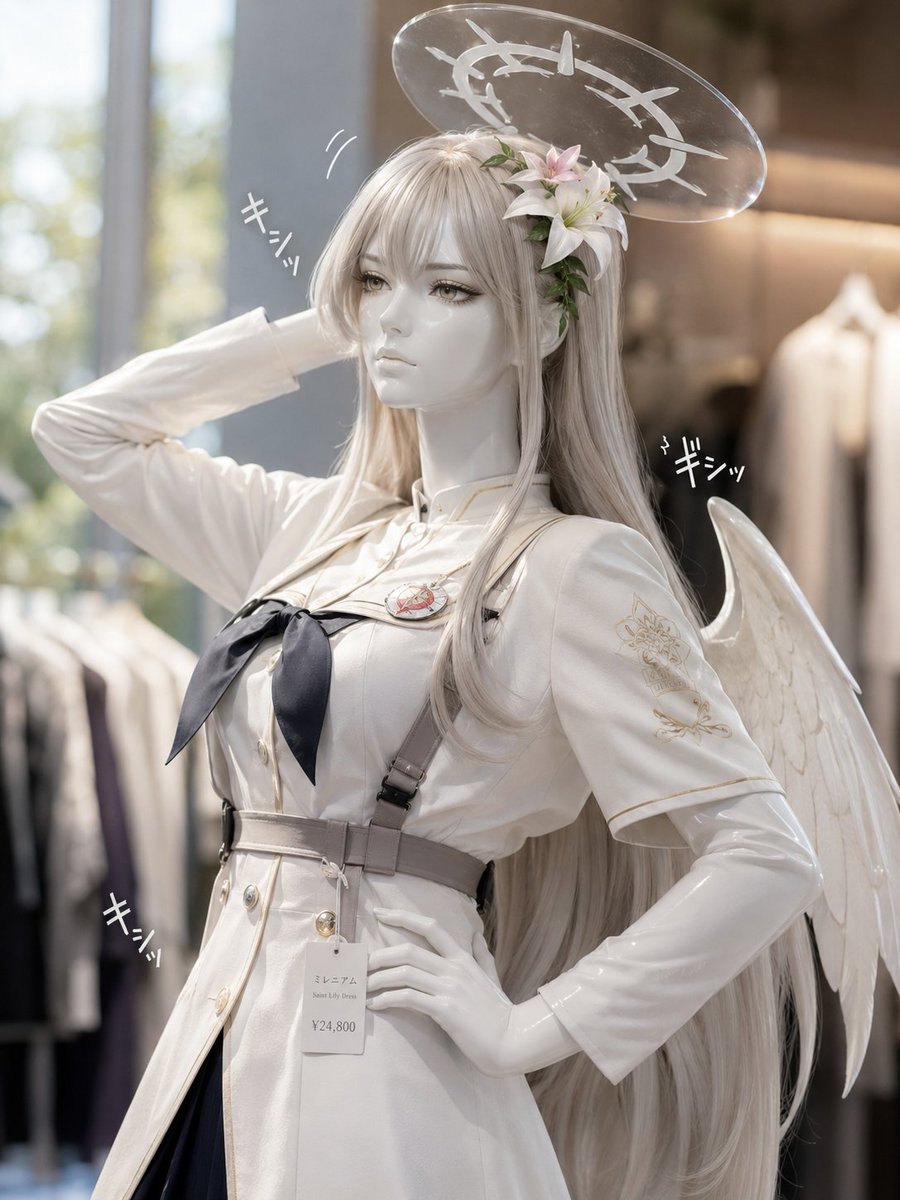
Realistic Angel Mannequin Boutique Display
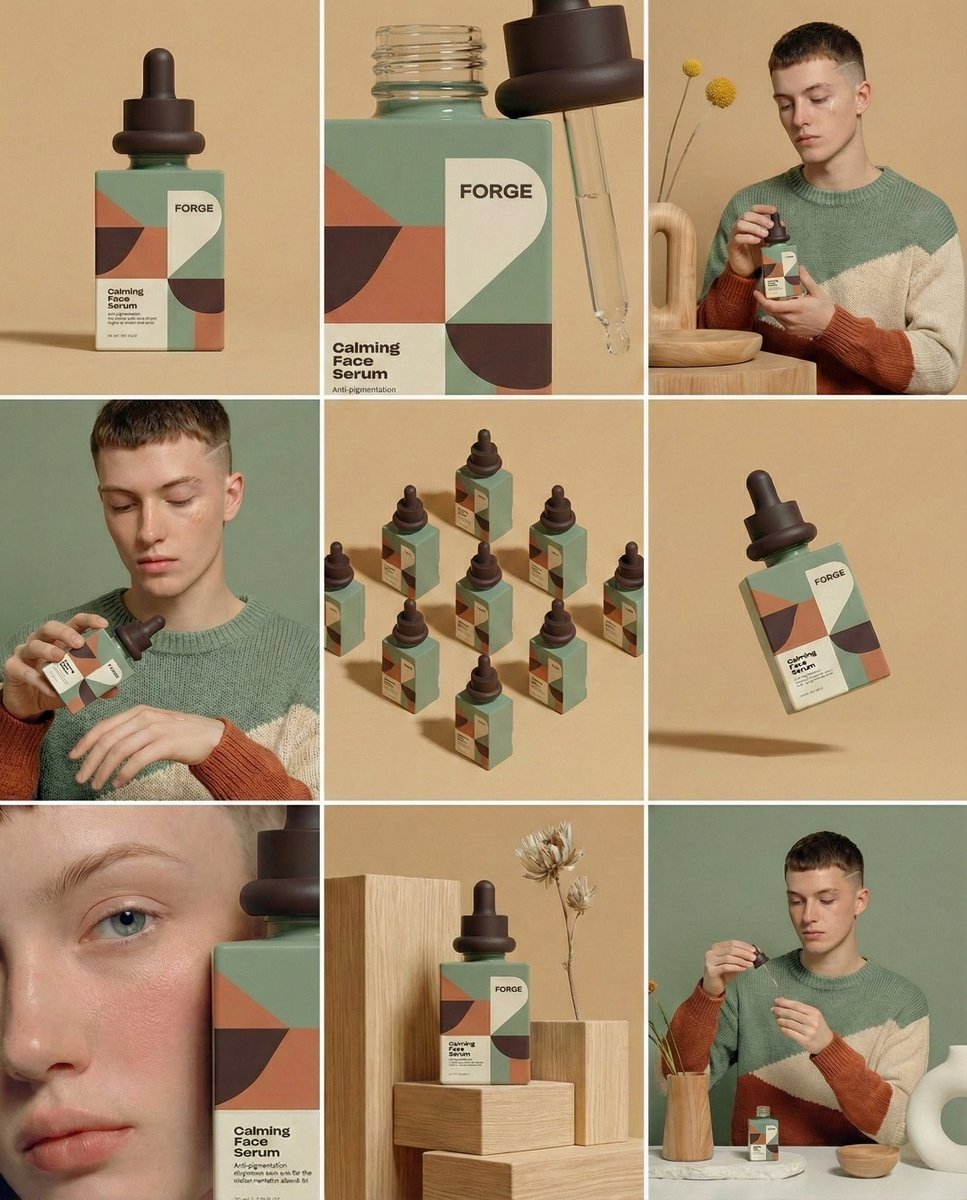
Prompt for Visual Storyboard Creation
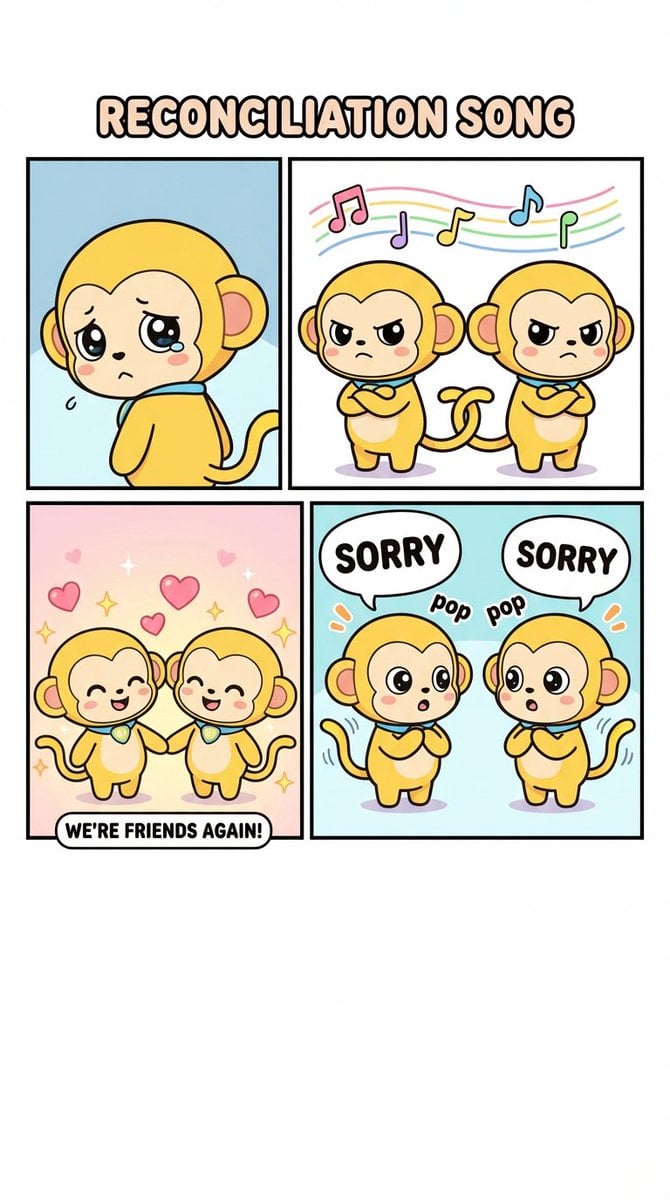
Four-Panel Comic: Reconciliation Song (English Version)
Moody Fashion Editorial Rainy Night Prompt
Hyper-realistic Portrait with Tom & Jerry 3D Characters
Cosmic Broken Compact Album Cover
Editorial Portrait Close-Up
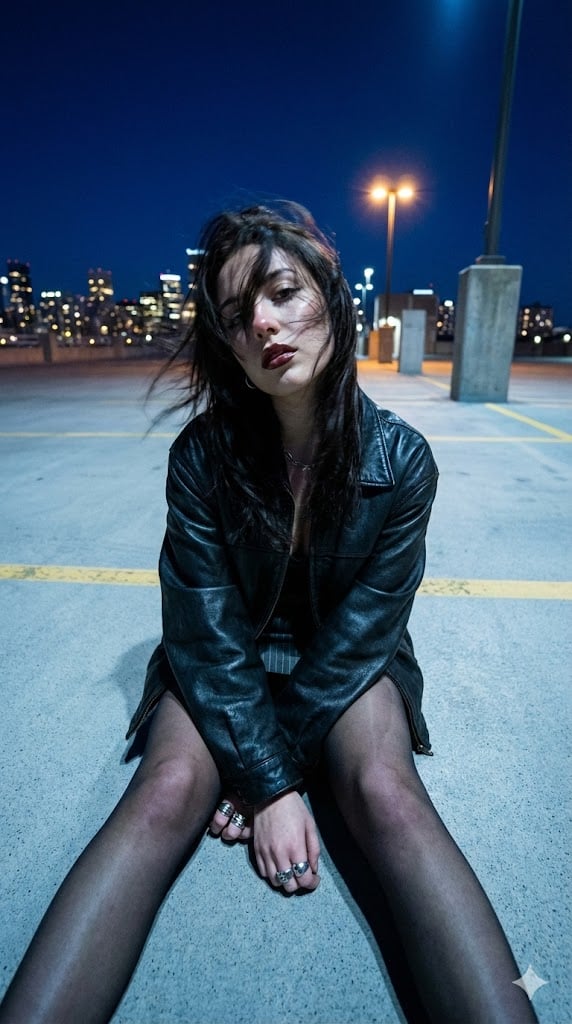
Structured Prompt for Urban Melancholia Portrait
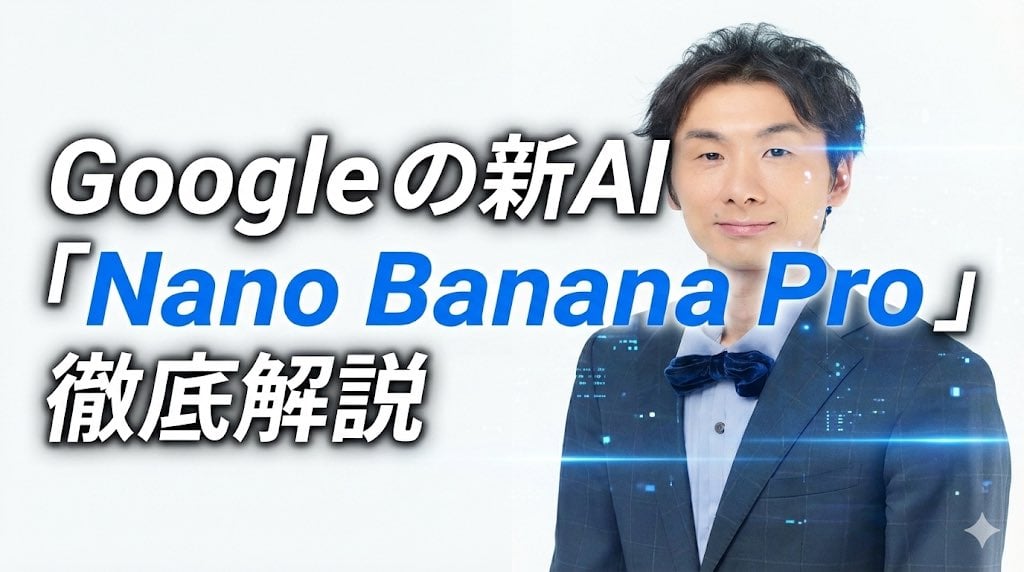
Header image with uploaded person introducing Nano Banana Pro
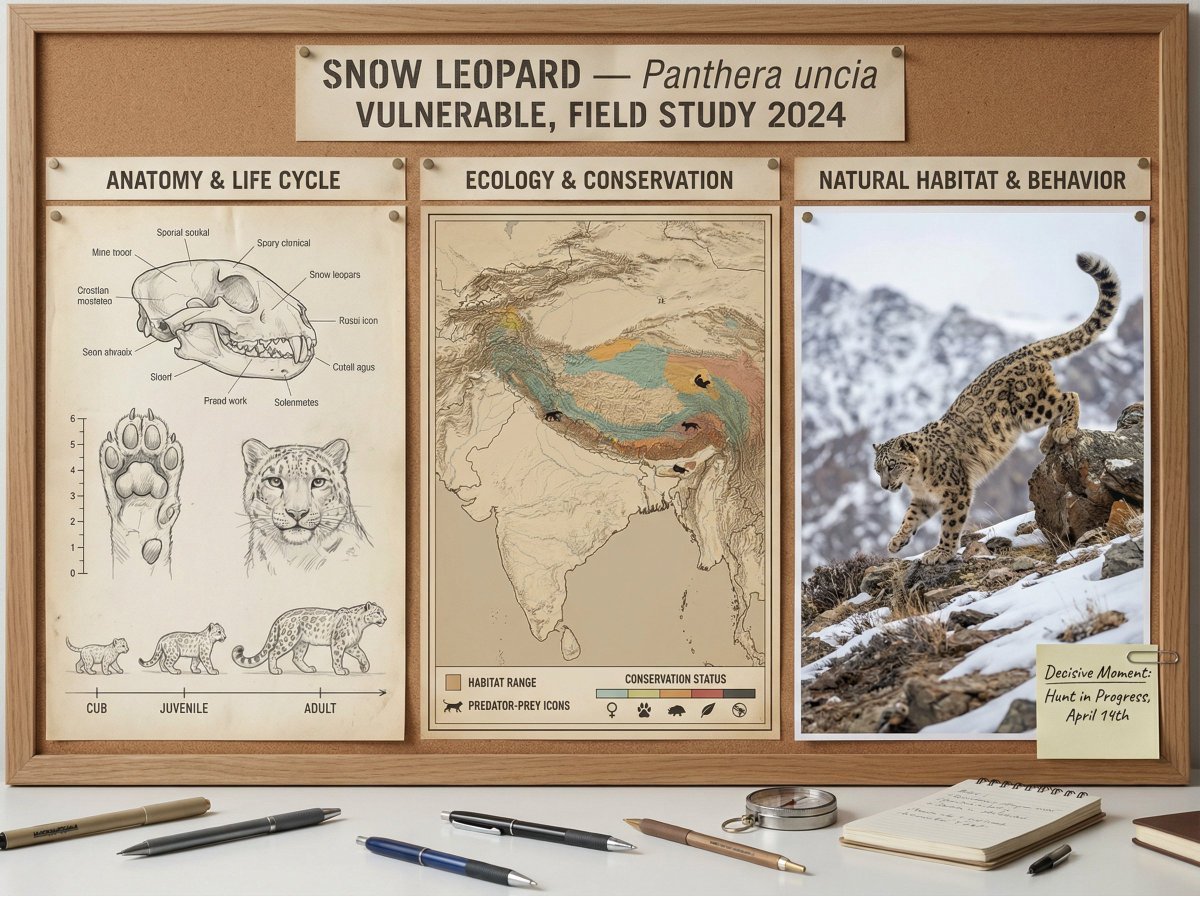
Scientific field researcher's documentation board prompt
Browse template categories
Japanese AI Creator Studio Banner questions
How do I use the Japanese AI Creator Studio Banner template?
Add your photo if the template asks for one, edit the prompt if you like — the template's model and format are already selected — and press Generate. Your version opens in PicX Studio.
Can I customize the Japanese AI Creator Studio Banner template?
Yes. You can change the subject, setting, lighting, mood, format, and available model controls before creating your image.
Is the Japanese AI Creator Studio Banner template free?
Opening and editing this template is free. Generating uses credits, shown on the Generate button when you are signed in.
Which AI model should I use?
Start with GPT Image 2, which is the model associated with this template. You can compare another compatible model for a different finish.
Looking for something else? Browse all templates.

Your photo, any look
Thousands of ready templates for every top image and video model, from one credit balance.