
Minimalist Single Line Social Media Avatar
A comprehensive system-style prompt to transform any input photo into a minimalist, artistic single-line drawing optimized for social media avatars.
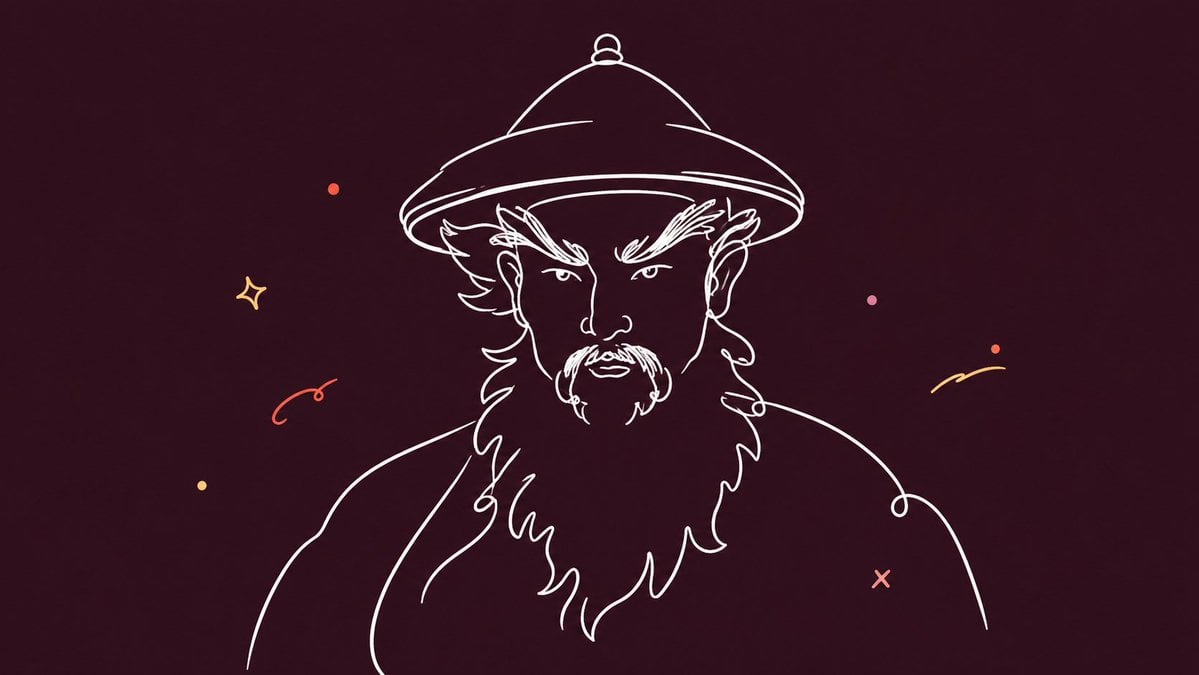
- Prompt included
- Model and format preset
- Free template
The prompt behind this image
Copy the exact prompt behind Minimalist Single Line Social Media Avatar, or open it in the studio and make it yours.
Please convert the input image into a minimalist single-line-art illustration suitable for use as a social media avatar, with a default aspect ratio of 1:1. The subject can be a person, a cat, a dog, another animal, or a plant. Based on the type of subject in the input, automatically extract the most recognizable outer silhouette and key features, and distill them into an artistic, minimalist single-line avatar / portrait illustration. The overall goal is not mechanical outlining, but rather preserving the subject's essence and recognizability, reconstructing it as a single line in a more refined, more inspired way. 【Subject-Handling Logic】If the subject is a person: preserve key contours such as the face shape, forehead, nose bridge, the turn of the mouth, chin, ears, and hairstyle, keeping only a small number of necessary facial features and avoiding overly fussy detail. If the subject is a cat, dog, or other animal: preserve key identifying features such as the head shape, ears, the outline of the muzzle, the look in the eyes, and the general direction of the fur's silhouette, avoiding complex fur detail. If the subject is a plant: preserve the most recognizable formal features among the flowers, leaves, branches, fruit, or overall silhouette, using concise lines to capture its posture and rhythm. 【Line-Style Requirements】The lines must be smooth, rounded, relaxed, expressive, and natural — as continuous as possible, done in one confident stroke, with a sense of breath and spontaneity. The overall look should mainly use soft curves, with sharp, stiff, rigid angular lines kept to a minimum. Do not draw the outline as a rigid, logo-like line trace; avoid anything mechanical, stiff, fragmented, or overly uniform. The lines should be simple yet full of life, carrying a touch of spontaneity and artistic character, and should look relaxed, lively, and collectible. 【Composition and Avatar-Fit Logic】Design the overall composition as a 1:1 square, with the subject clear, concentrated, and eye-catching, suitable for use as a social media avatar. It's recommended that the subject be centered or slightly off-center, with a complete silhouette and a clear visual focal point. Please leave reasonable negative space, avoiding a subject that is too large or touches the edges, so that even after the avatar is cropped into a circle, the subject's key parts remain fully intact, clear, and highly recognizable. The image should still be simple, bold, and easy to recognize even at a small size. 【Background-Color Logic】Do not fix the background color to any single color, and do not default to always using blue. Prioritize extracting a "dark-tone logic" suitable for the background based on the overall color character of the input image itself, choosing a suitable background color from among the dark tendencies related to the subject. If the user explicitly specifies a background color, prioritize using the user-specified color, and on that basis maintain an overall premium, restrained, tension-filled dark-tone treatment. The choice of background color should follow these principles: - Mainly use a dark, pure, emotionally tense solid-color background - The background should effectively set off the subject's lines, forming clear contrast - Do not fix on a single hue; flexibly choose dark tones such as dark blue, dark green, dark purple, dark brown, dark gray, wine red, ink black, blue-gray, or dark olive depending on the image's character - If the image itself suits a cool-toned background, adopt a cooler dark-tone logic - If the image itself suits a warm-toned background, adopt a warmer dark-tone logic - If the user specifies a color, choose a more subdued, avatar-appropriate dark version based on that color - Avoid a fluorescent feel or a cheap, garish vividness - Avoid a background that is dull, muddy, low-contrast, or lifeless 【Subject Line-Color Logic】For the subject's main outline, it's recommended to use a thin white line, or a thin, light-colored line that contrasts clearly with the background. The line should not be too thick, nor so thin that it loses its presence — it should be light, clear, and clean. If the background is darker, prioritize white or light warm-white lines to enhance recognizability and a fresh feel. 【Accent-Element Logic】Add a small number of random, spontaneous, natural small colored accent elements around the subject, to enhance a sense of inspiration, playfulness, and lightness. Accent elements can be things like: small dots, small arcs, small stars, small smiley faces, small short brush strokes, small lightning bolts, simple geometric symbols, etc. The accent style should be rounded, playful, relaxed, and natural — like inspired decorations added on a whim, rather than deliberately arranged template elements. The accents must be kept well controlled: - Few in number, just enough to make a point - Naturally distributed, with a slight sense of randomness - Not too dense, not too rigidly symmetrical - Should not overshadow the subject - Should exist only as supporting atmosphere - Accent colors can be drawn sparingly from colors near or complementary to the background color, or a small amount of a contrasting pop color can be used, such as yellow, orange, pink, light purple, or light coral - The accents overall should harmonize with the subject and the background, and should not look like a stiff collage 【Overall Style Goal】The overall image should be minimalist, light, modern, lively, and artistic in character. It should have both the clean feel of single-line illustration and the relaxed looseness and vitality of impromptu doodling. The subject should look rounded, relaxed, and full of character, rather than stiff, rigid, or formulaic. The final result should be suitable for use as a social media avatar: eye-catching, recognizable, fun, and well-designed, while also carrying a light, cheerful, naturally lively, collectible artistic character. 【Issues to Avoid】Do not make it realistic; no shadows; no light-and-dark volume; no complex textures; no complex scenes. No mechanical outlining, no stiff rigidity, no sharp harshness, no excessive uniformity. Do not fix the background color into a single, template-like blue. Do not make the background too bright or glaring, and do not make it dull and lifeless either. Do not over-decorate, and do not let decoration steal attention from the subject. Do not lose the sense of inspiration for the sake of minimalism, and do not lose restraint for the sake of decoration. Aspect ratio 16:9
How to use Minimalist Single Line Social Media Avatar in 3 steps
- 1Upload ImagePNG, JPG or paste
Add your photo
Upload the photo the template builds on. The prompt, model and format are already set.
- 2…a portrait of your subject in softgolden-hour light, 85mm…
Personalize
Edit the subject and creative details for your destination.
- 3Generate
Generate
Press Generate — your image is created in PicX Studio, so you can compare it with the original and refine one variable at a time.
More like this
Templates with the same subject, style or setup. Open one to see its prompt.
Clean Professional Social Media Avatar
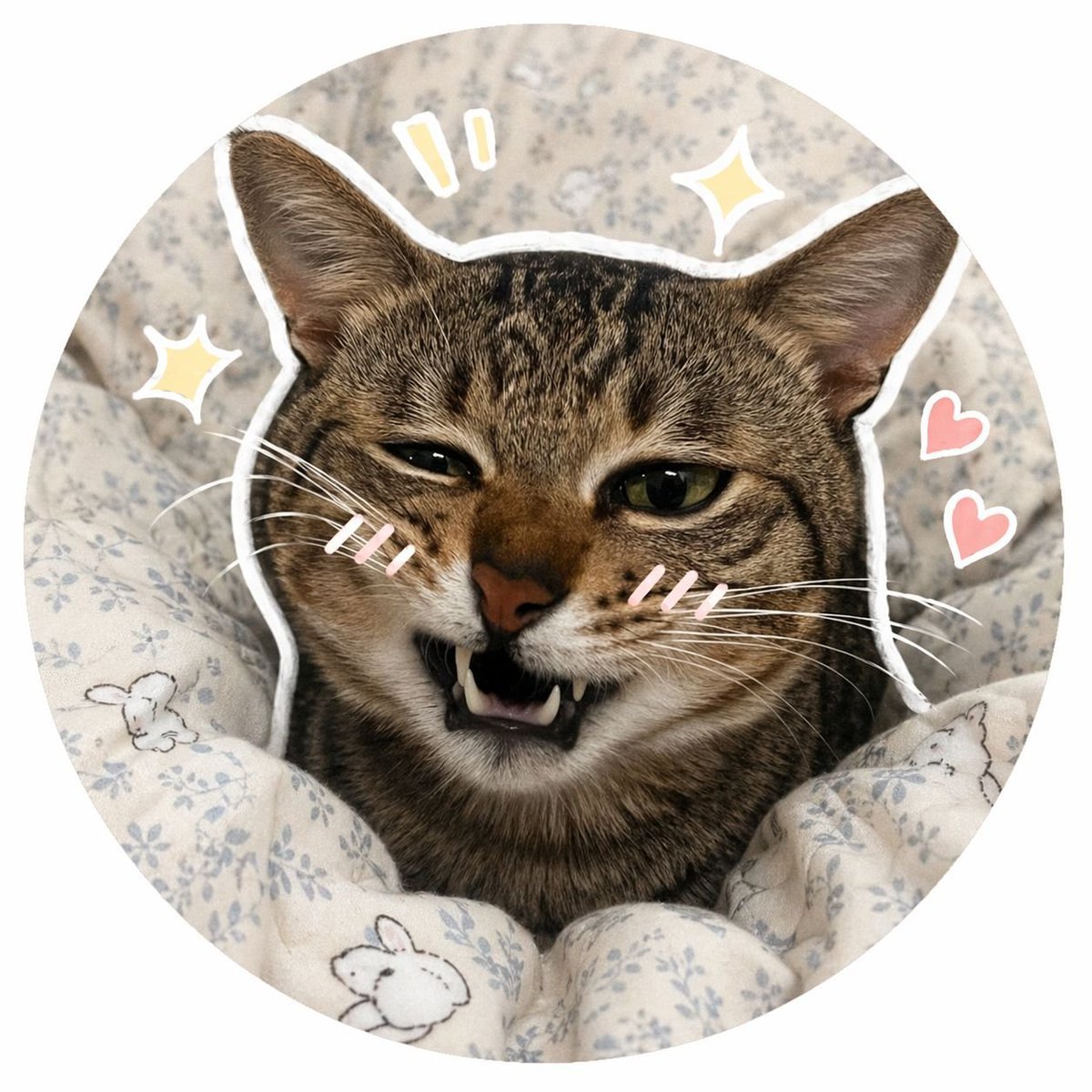
Social Media Pet Avatar Creator
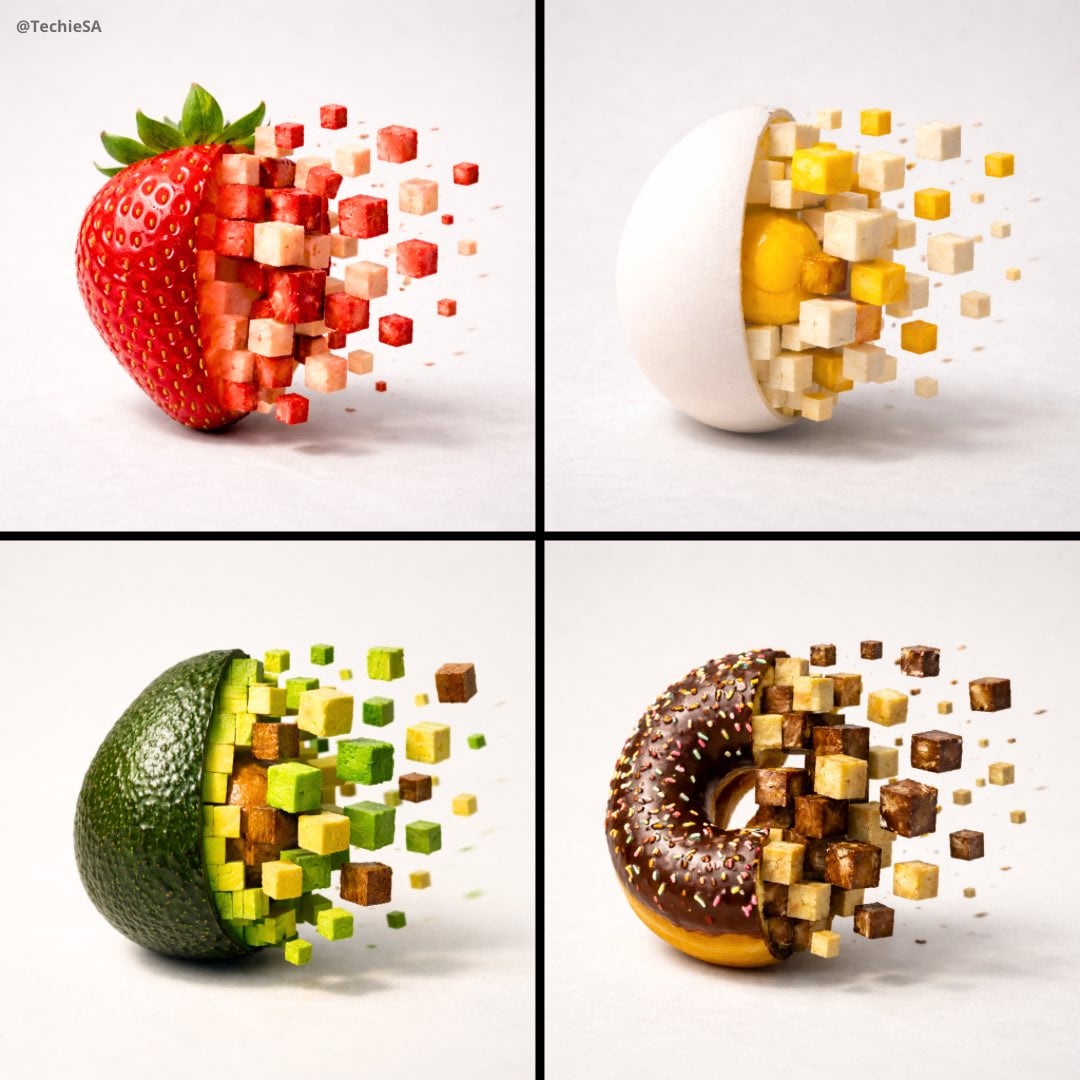
Minimalist food photograph, a single rests on a light, matte surface
Minimalist Tokyo City Line-Art Poster
Shattered Screen Social Media Ad
Minimalist Profile Line Art
Torn Social Media Profile Art

Japanese Minimalist Concrete Studio Fashion Editorial

Korean Streetwear Minimalist Campaign Portrait

Minimalist Fashion Editorial Split Layout
Minimalist Scandinavian Editorial Fashion Portrait Series

Quiet Minimalist Anime Style Guide
Make it yours
Minimalist Single Line Social Media Avatar works as-is. These are the safest ways to change it without losing the look.
Change one field
Copy a single group, rewrite it, and generate again so you can see what that field is doing.
Keep the frame, change the subject
Hold the composition and light of Minimalist Single Line Social Media Avatar, then swap wardrobe, props or the person for a new take.
| If the result… | Why | Fix |
|---|---|---|
| The result drifts from the preview | Too many fields changed at once. | Reuse Minimalist Single Line Social Media Avatar as-is first, then change one group — subject, light, or setting. |
| The model over-stylizes the scene | The prose prompt leaves finish and camera underspecified. | Add one camera or lighting sentence and stay on GPT Image 2. |
More GPT Image 2 templates
Other prompts made for GPT Image 2.

Six VTuber Japanese Logo Sheet

Realistic Portrait of Woman and Deer

The Vista Modular Condo Poster

AI Model Routing Comparison Infographic

2.5D Anime Art Board

Isometric Productivity Desk Scene

New York Double Exposure Poster

Four-Panel AI Landscape Comparison

Japanese Tatami Lifestyle Magazine Cover

NESCAFÉ Coffee Map Poster
More image prompts
Fresh picks from across the catalog.
Surreal Nano Banana Aesthetic Template Prompt
Candid 8K Bedroom Portrait with Playful Expression
Glowing Hologram Night Scene
Cinematic Conceptual Portrait with Radial Motion Blur
Macro Stained Glass Jellyfish
Nano Banana Pro Rocket Launcher Action Prompt
Faceless Elf Angel Library
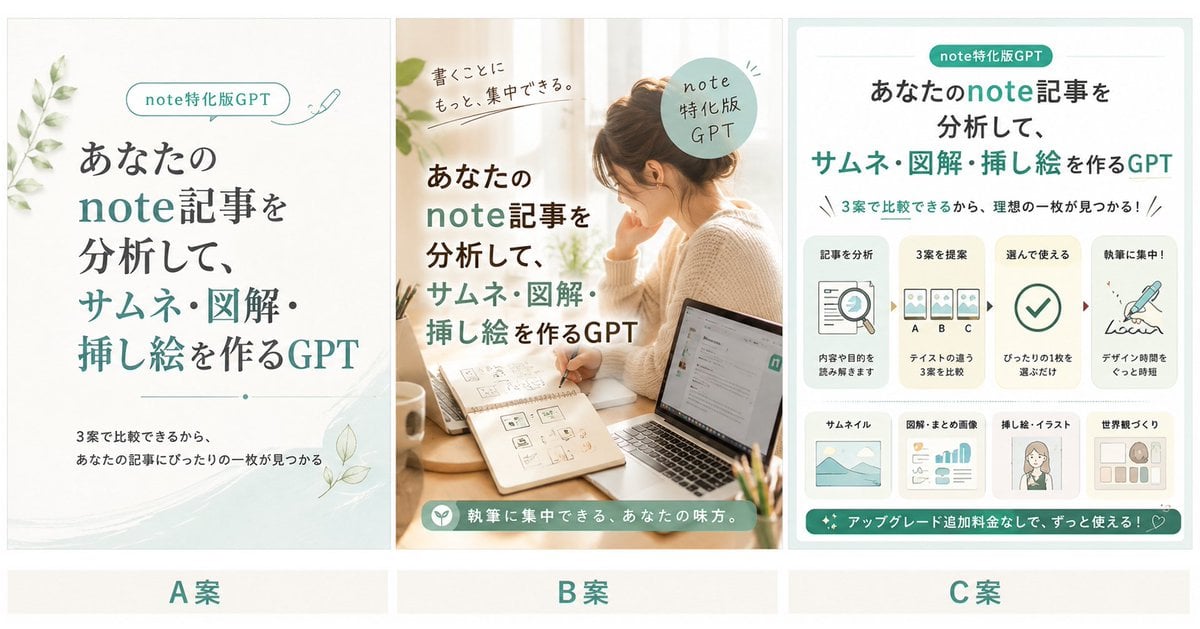
Three Japanese Note GPT Cover Proposals
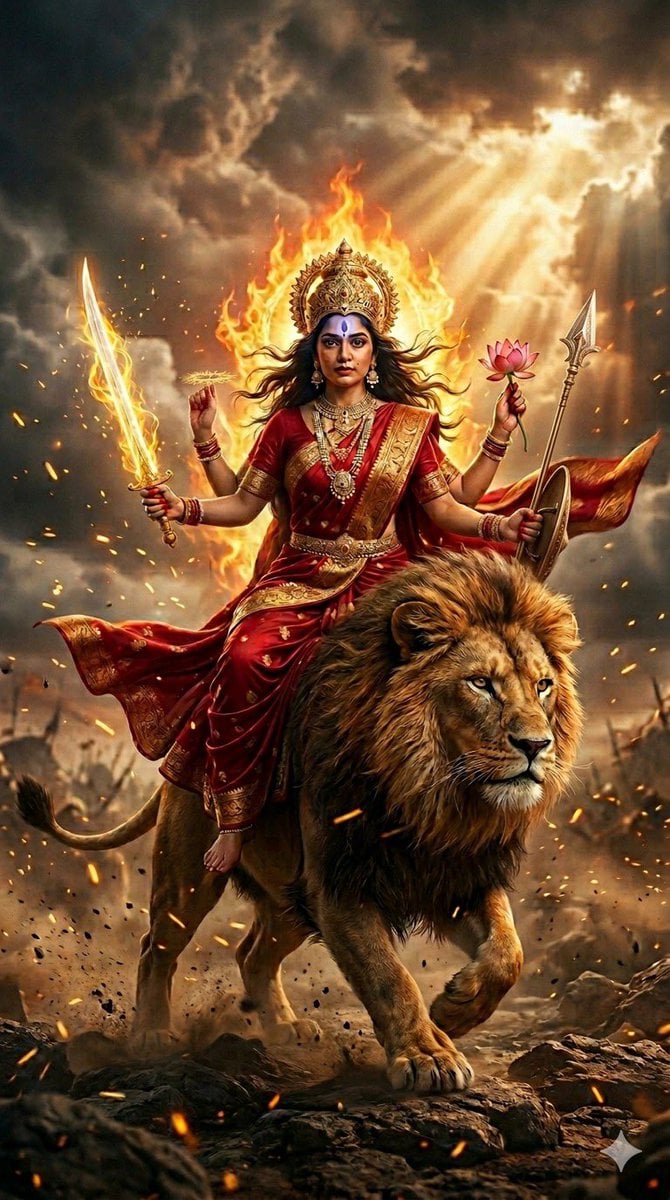
Ultra-Photorealistic Katyayani Warrior Goddess Prompt
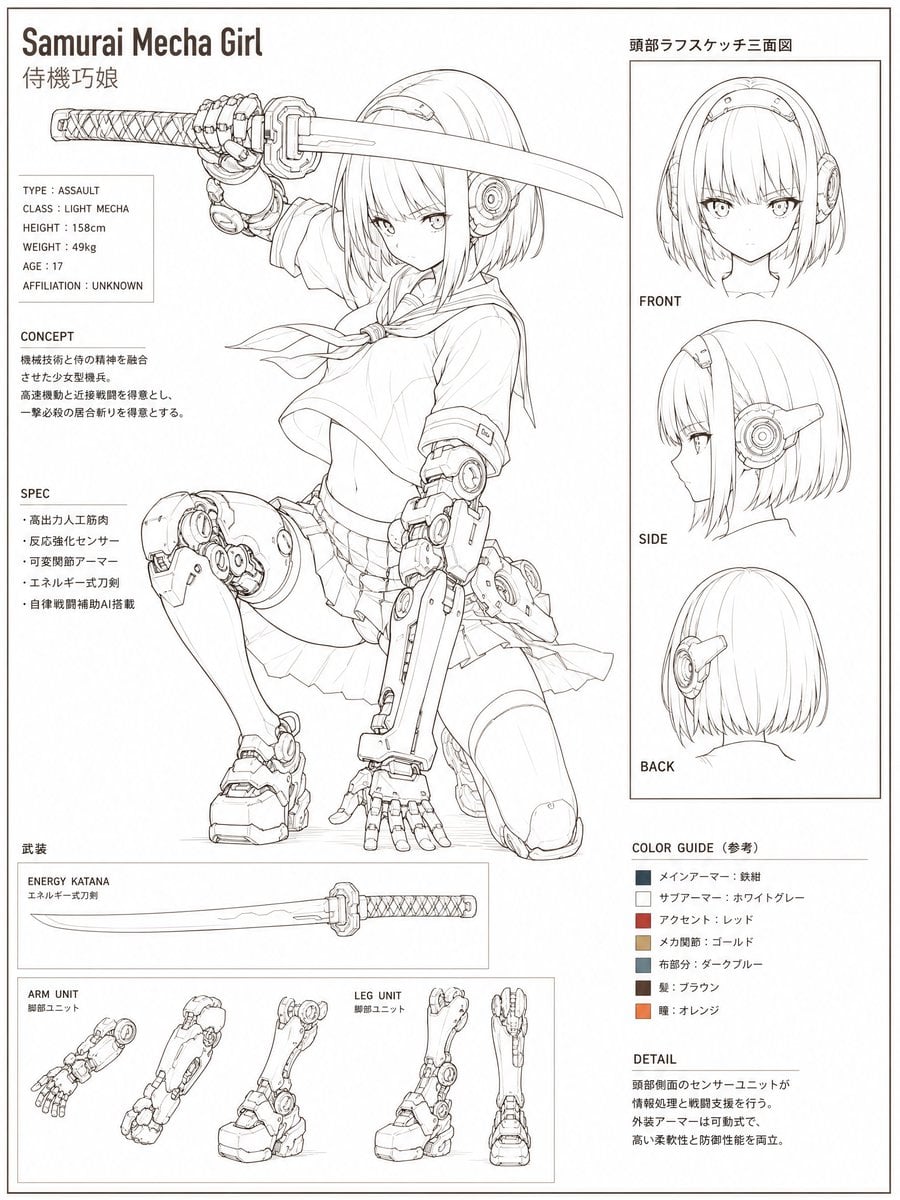
Samurai Mecha Girl Reference Sheet
Browse template categories
Minimalist Single Line Social Media Avatar questions
How do I use the Minimalist Single Line Social Media Avatar template?
Add your photo if the template asks for one, edit the prompt if you like — the template's model and format are already selected — and press Generate. Your version opens in PicX Studio.
Can I customize the Minimalist Single Line Social Media Avatar template?
Yes. You can change the subject, setting, lighting, mood, format, and available model controls before creating your image.
Is the Minimalist Single Line Social Media Avatar template free?
Opening and editing this template is free. Generating uses credits, shown on the Generate button when you are signed in.
Which AI model should I use?
Start with GPT Image 2, which is the model associated with this template. You can compare another compatible model for a different finish.
Looking for something else? Browse all templates.

Your photo, any look
Thousands of ready templates for every top image and video model, from one credit balance.