
Three Japanese Note GPT Cover Proposals
Generates a three-panel comparison image of Japanese promotional cover design proposals for a note-specialized GPT service.
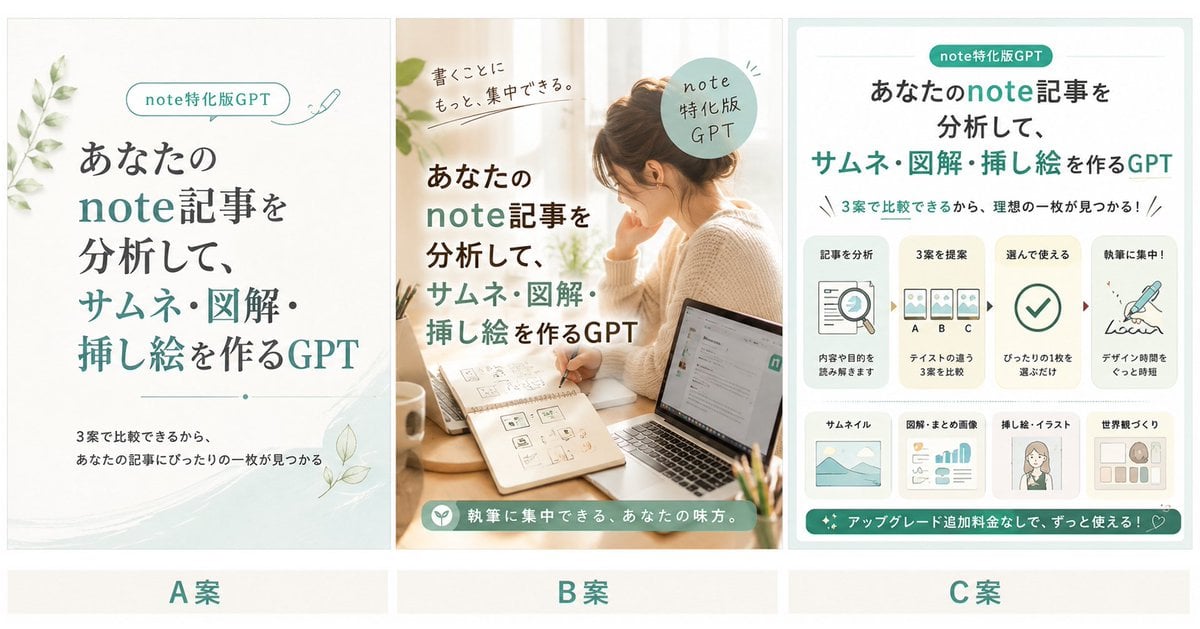
- Prompt included
- Model and format preset
- Free template
The prompt behind this image
Copy the exact prompt behind Three Japanese Note GPT Cover Proposals, or open it in the studio and make it yours.
Goal: Create a wide comparison preview image showing exactly three proposed Japanese cover designs for a service called {argument name="service name" default="note-Specialized GPT"}, with a clean cream-and-teal aesthetic for promoting a GPT that analyzes note articles and creates thumbnails, diagrams, and illustrations. Canvas: Horizontal 2.1:1 collage, about 1200×630 px, off-white background. Divide the canvas into exactly three equal vertical panels with thin pale separators and generous margins. Add a bottom label strip under the panels with three centered proposal labels: “A案”, “B案”, and “C案” in teal. Panel A, left proposal: Minimal elegant cover design on an ivory paper background with soft watercolor teal wash at the bottom right and leafy botanical sprigs on the left and lower right. At top center place a rounded pill label reading “note特化版GPT” with a tiny pen icon to the right. Large Japanese headline centered, mixing dark charcoal and teal emphasis: “あなたの note記事を 分析して、 サムネ・図解・挿し絵を作るGPT”. Add a thin divider line with a small dot beneath the headline. Small subcopy near bottom: “3案で比較できるから、あなたの記事にぴったりの一枚が見つかる”. Refined editorial typography, calm and spacious. Panel B, middle proposal: Warm lifestyle photo-style cover with a softly lit woman working at a desk near a window; laptop on the right, notebook with thumbnail sketches in the foreground, hand holding a pen, coffee cup and small stationery details. The woman’s face should be intentionally obscured with a simple square blur/mosaic. Overlay Japanese headline on the left in bold dark charcoal and teal: “あなたの note記事を 分析して、 サムネ・図解・挿し絵を作るGPT”. Add handwritten text near top left: “書くことに もっと、集中できる。” Add a circular teal badge near upper right reading “note 特化版 GPT”. Add a teal rounded banner along the bottom with a small icon and white text: “執筆に集中できる、あなたの味方。” Natural beige lighting, cozy creator workspace atmosphere. Panel C, right proposal: Information-rich infographic cover on a pale mint background with rounded white card. Top pill label: “note特化版GPT”. Large centered headline: “あなたのnote記事を 分析して、 サムネ・図解・挿し絵を作るGPT”. Under it, a line of copy: “3案で比較できるから、理想の一枚が見つかる!” Create exactly four step cards across the middle, connected by small arrows: 1) “記事を分析” with document and magnifying glass icon, subtext “内容や目的を読み解きます”; 2) “3案を提案” with three thumbnail cards labeled A, B, C, subtext “テイストの違う3案を比較”; 3) “選んで使える” with a large checkmark icon, subtext “ぴったりの1枚を選ぶだけ”; 4) “執筆に集中!” with pen writing icon, subtext “デザイン時間をぐっと時短”. Below, create exactly four feature cards: 1) “サムネイル” with landscape thumbnail icon; 2) “図解・まとめ画像” with charts and layout blocks; 3) “挿し絵・イラスト” with simple female portrait; 4) “世界観づくり” with moodboard tiles. Add a teal footer ribbon with sparkle icons and text: “アップグレード追加料金なしで、ずっと使える!” plus a small heart outline at the right. Visual style: Consistent teal, mint, ivory, charcoal, and beige palette. Japanese typography should look polished and readable, combining modern sans-serif with softer serif accents. Keep the three proposals visually distinct: A is botanical minimalist, B is warm lifestyle/photo, C is structured infographic. No watermarks, no social media UI, no extra panels, no English replacement text.
How to use Three Japanese Note GPT Cover Proposals in 3 steps
- 1Upload ImagePNG, JPG or paste
Add your photo
Upload the photo the template builds on. The prompt, model and format are already set.
- 2…a portrait of your subject in softgolden-hour light, 85mm…
Personalize
Edit the subject and creative details for your destination.
- 3Generate
Generate
Press Generate — your image is created in PicX Studio, so you can compare it with the original and refine one variable at a time.
More like this
Templates with the same subject, style or setup. Open one to see its prompt.

Minecraft Japanese Research Lab Exploration

Japanese Tatami Lifestyle Magazine Cover

Japanese Architectural Concrete Studio Fashion Campaign

Japanese Minimalist Concrete Studio Fashion Editorial

Blue Backdrop Luxury Fashion Portrait Campaign
Japanese AI Spatial Consistency Notebook
Cyberpunk Japanese Manga Cover
Japanese Fashion Cover with Koinobori Dresses
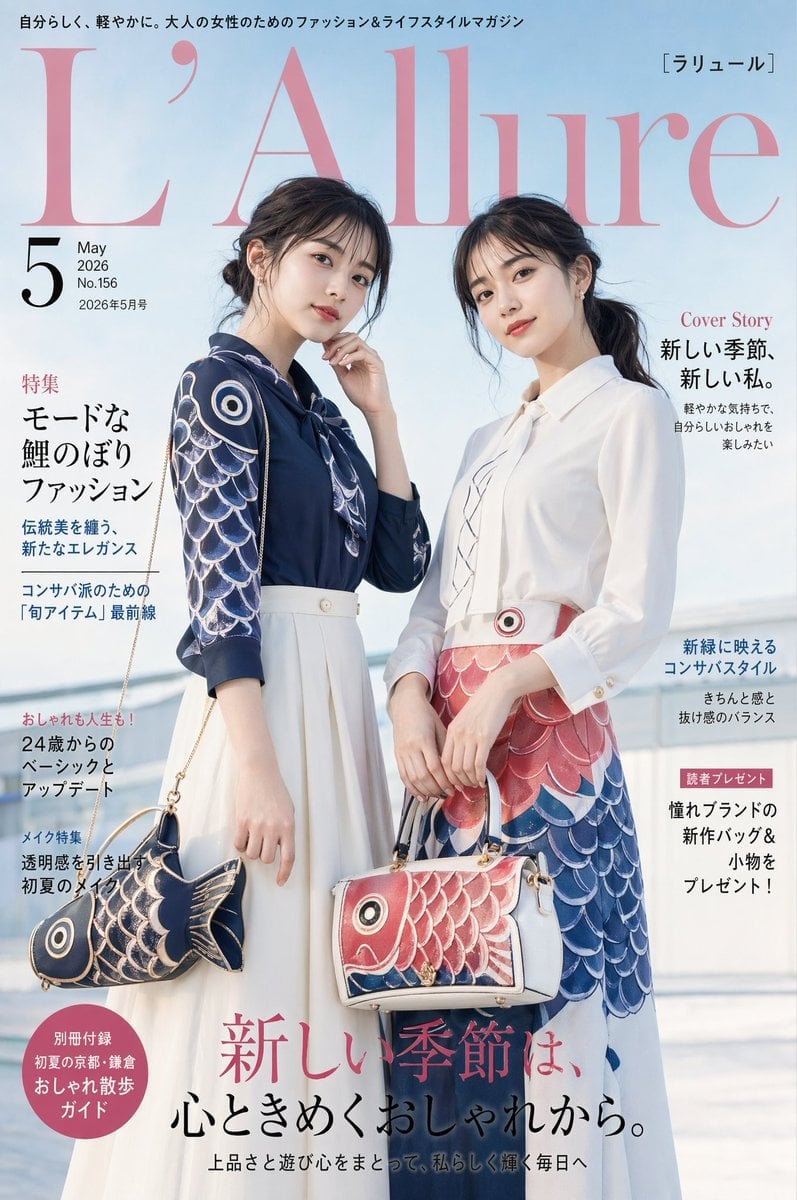
Japanese Koinobori Fashion Magazine Cover
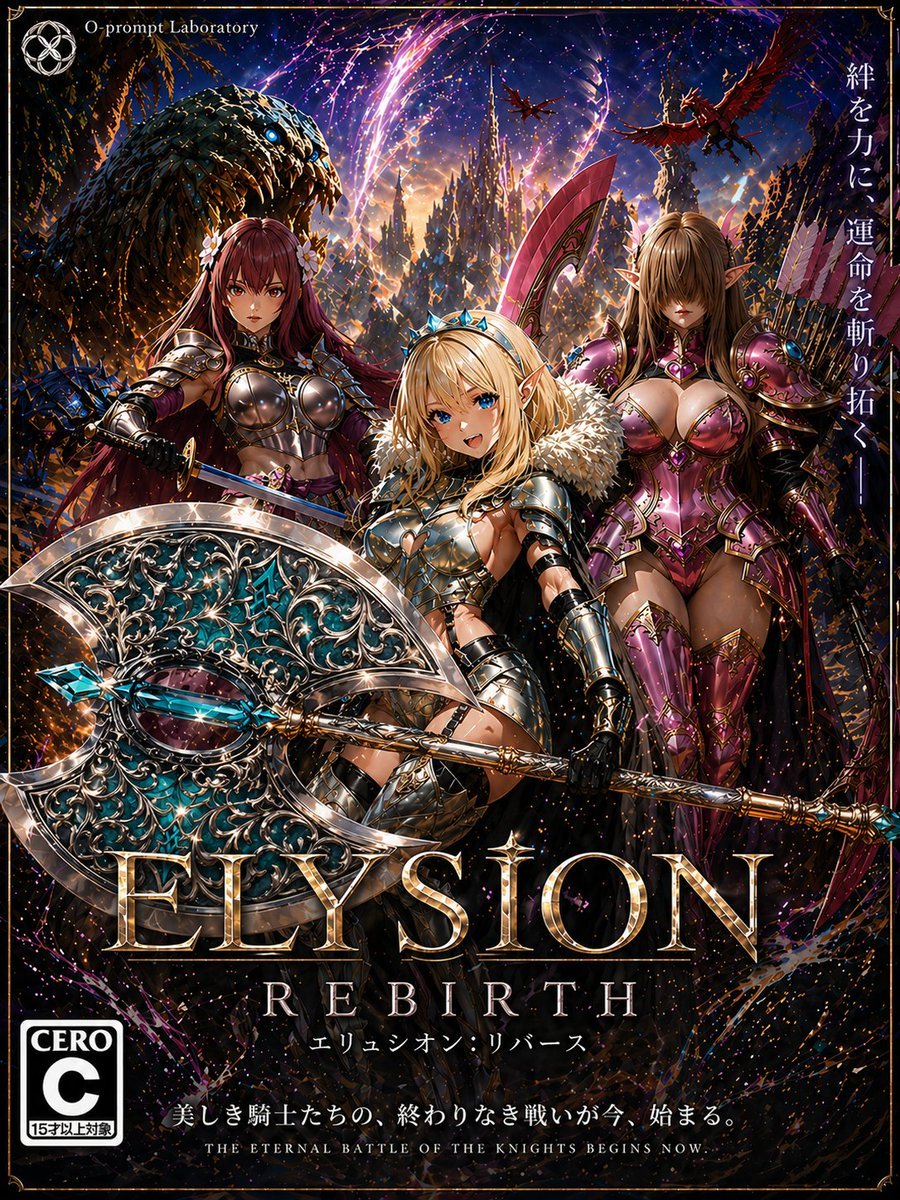
Fantasy RPG Game Cover with Three Knight Women
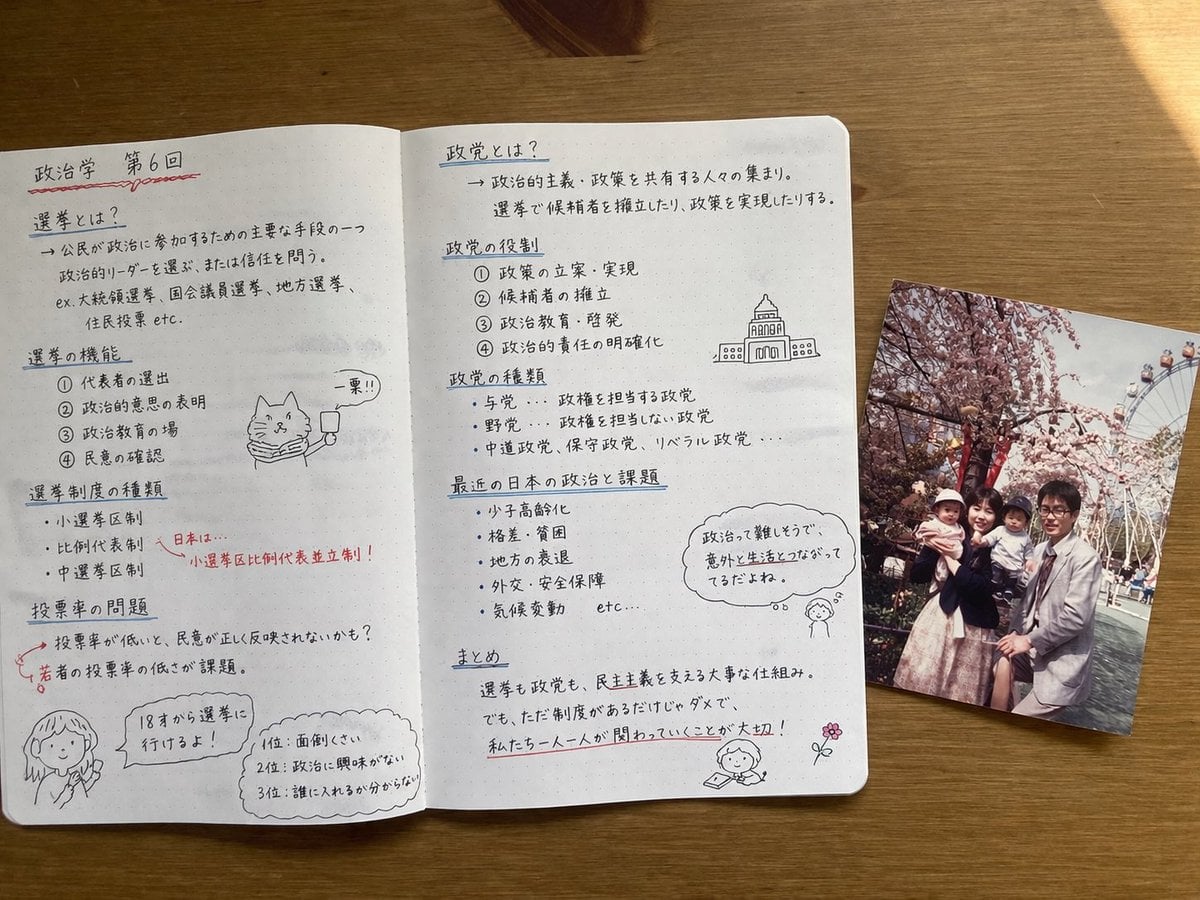
Handwritten Japanese Study Notes with Photograph
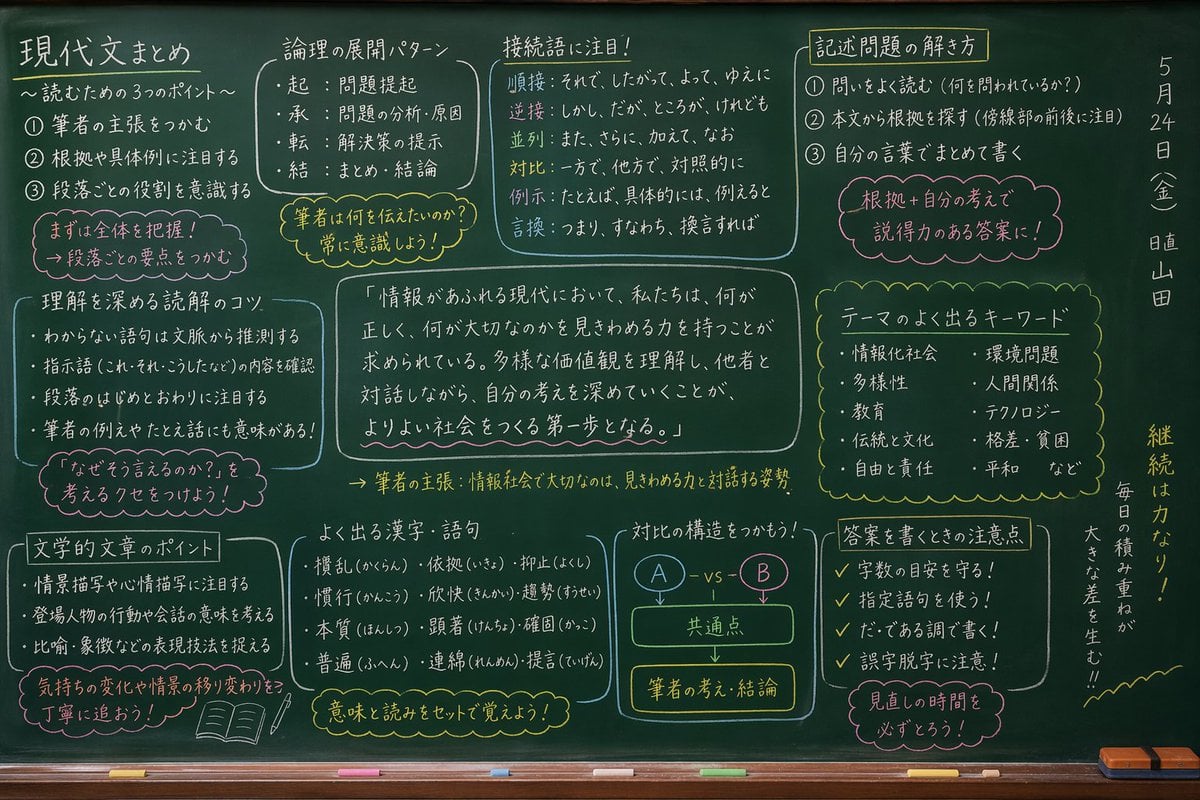
Japanese Classroom Chalkboard Notes
Make it yours
Three Japanese Note GPT Cover Proposals works as-is. These are the safest ways to change it without losing the look.
Change one field
Copy a single group, rewrite it, and generate again so you can see what that field is doing.
Keep the frame, change the subject
Hold the composition and light of Three Japanese Note GPT Cover Proposals, then swap wardrobe, props or the person for a new take.
| If the result… | Why | Fix |
|---|---|---|
| The result drifts from the preview | Too many fields changed at once. | Reuse Three Japanese Note GPT Cover Proposals as-is first, then change one group — subject, light, or setting. |
| The model over-stylizes the scene | The prose prompt leaves finish and camera underspecified. | Add one camera or lighting sentence and stay on GPT Image 2. |
More GPT Image 2 templates
Other prompts made for GPT Image 2.

Realistic Portrait of Woman and Deer

The Vista Modular Condo Poster

AI Model Routing Comparison Infographic

2.5D Anime Art Board

Isometric Productivity Desk Scene

New York Double Exposure Poster

Four-Panel AI Landscape Comparison

NESCAFÉ Coffee Map Poster

Brutalist Cogito Chinese Typography Poster

Cinematic Luxury Terrace Portrait
More image prompts
Fresh picks from across the catalog.
Golden Week Ending Melancholy
Converting Video to 4-Panel Manga
Botanical Plant Dye Canvas Painting
Cinematic Mountain Portrait with Floating Text
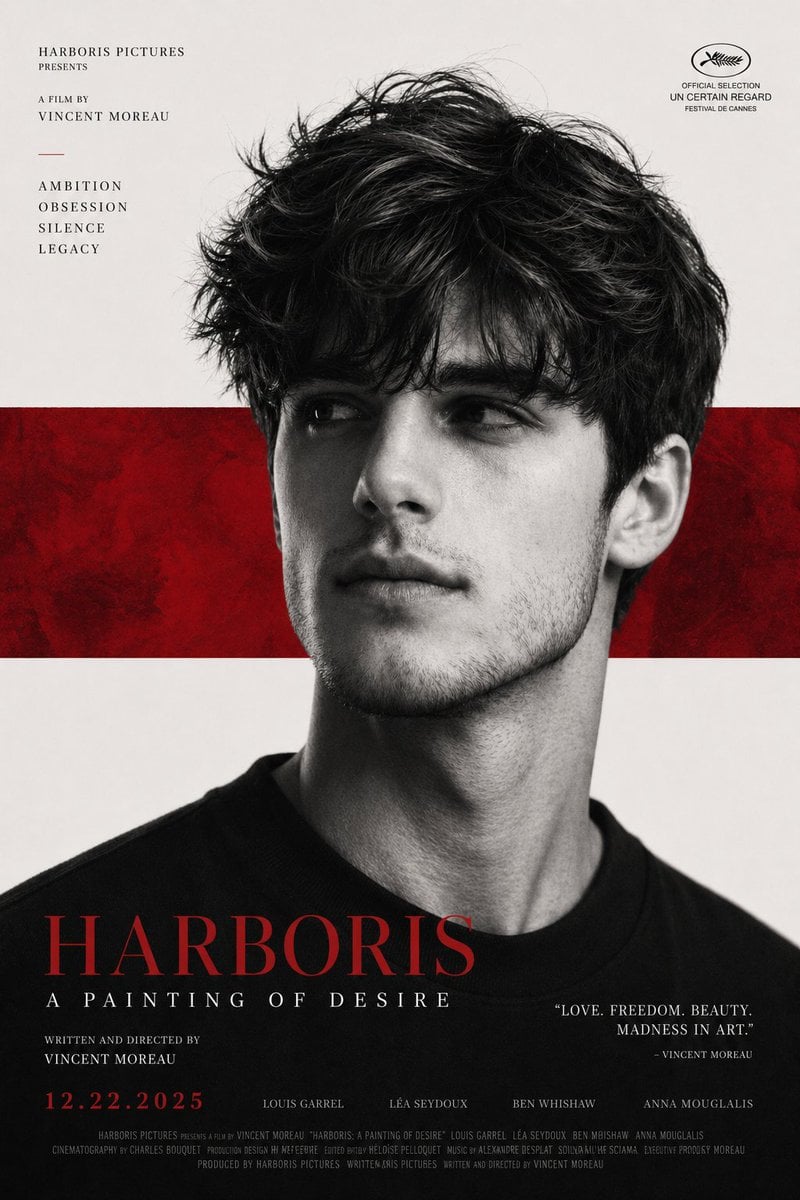
X Harboriis Use the Uploaded X Account
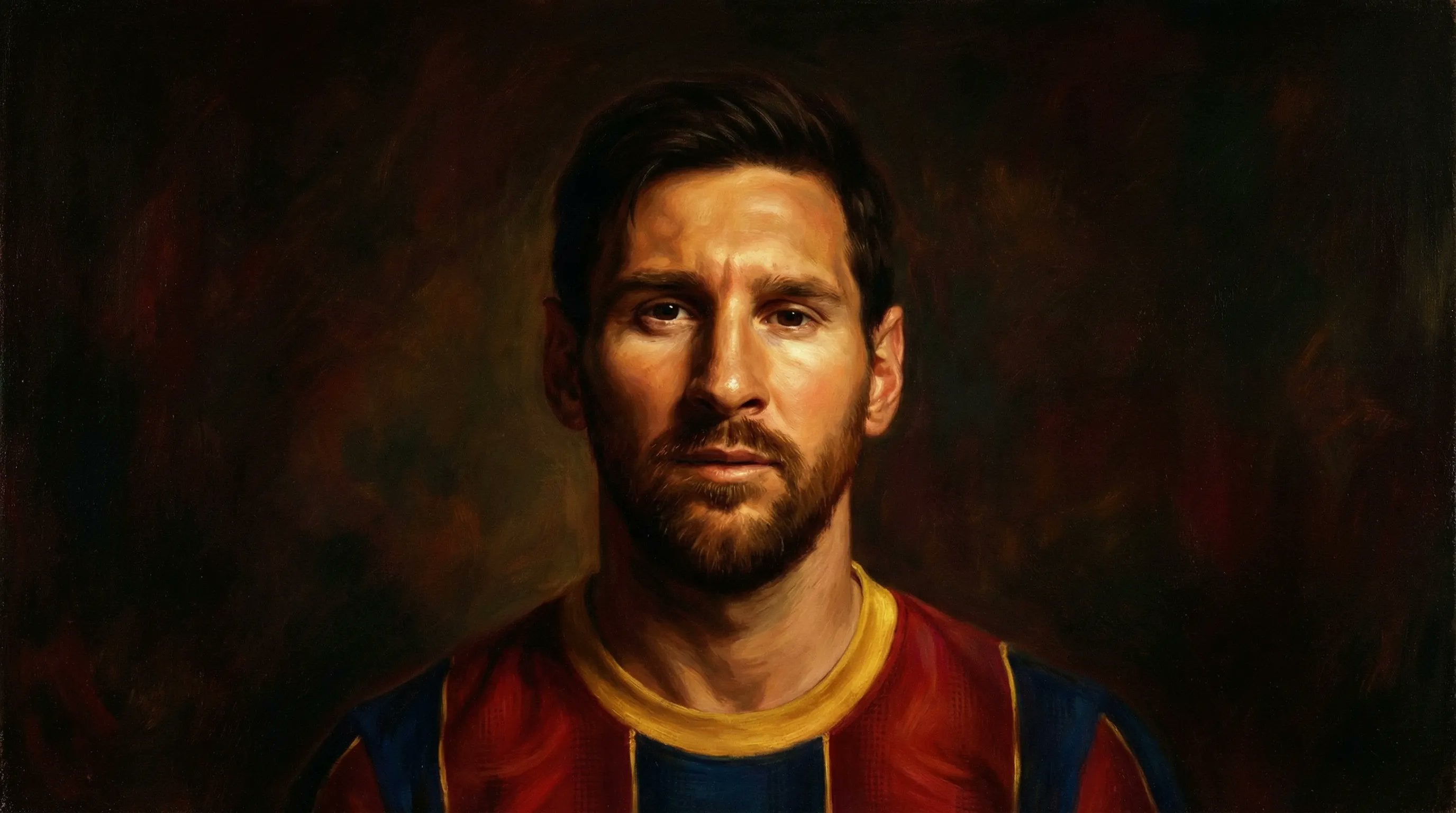
Noir Portrait in 90s Megacity Style
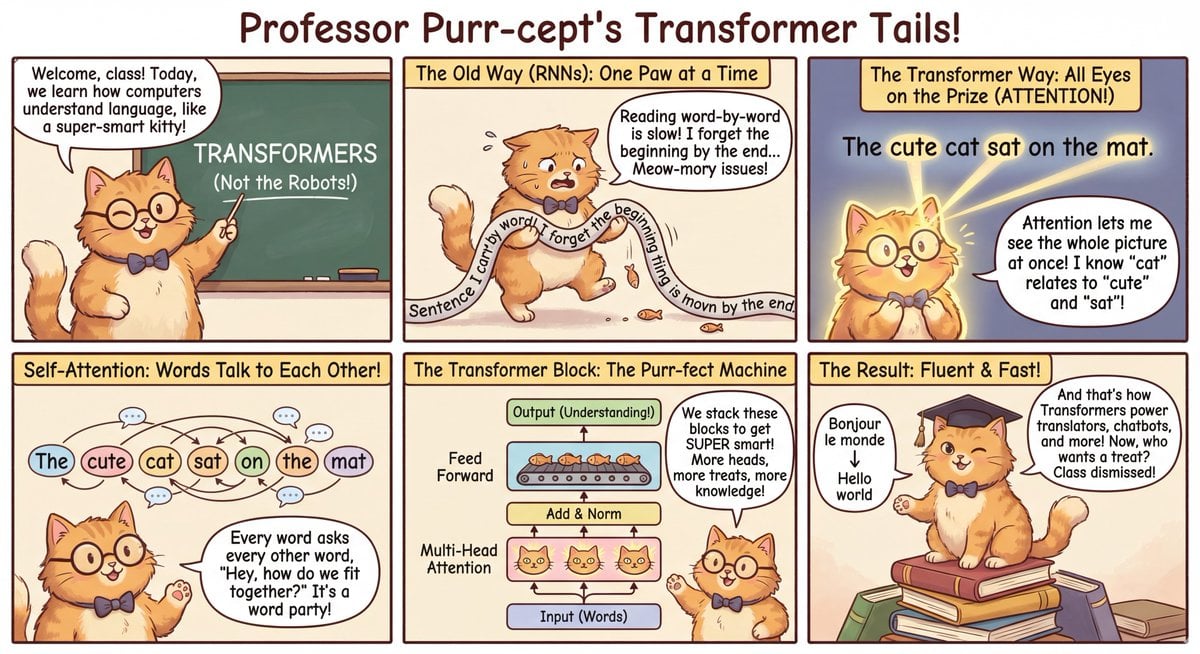
Outfit combinations using Sergey Brin as model
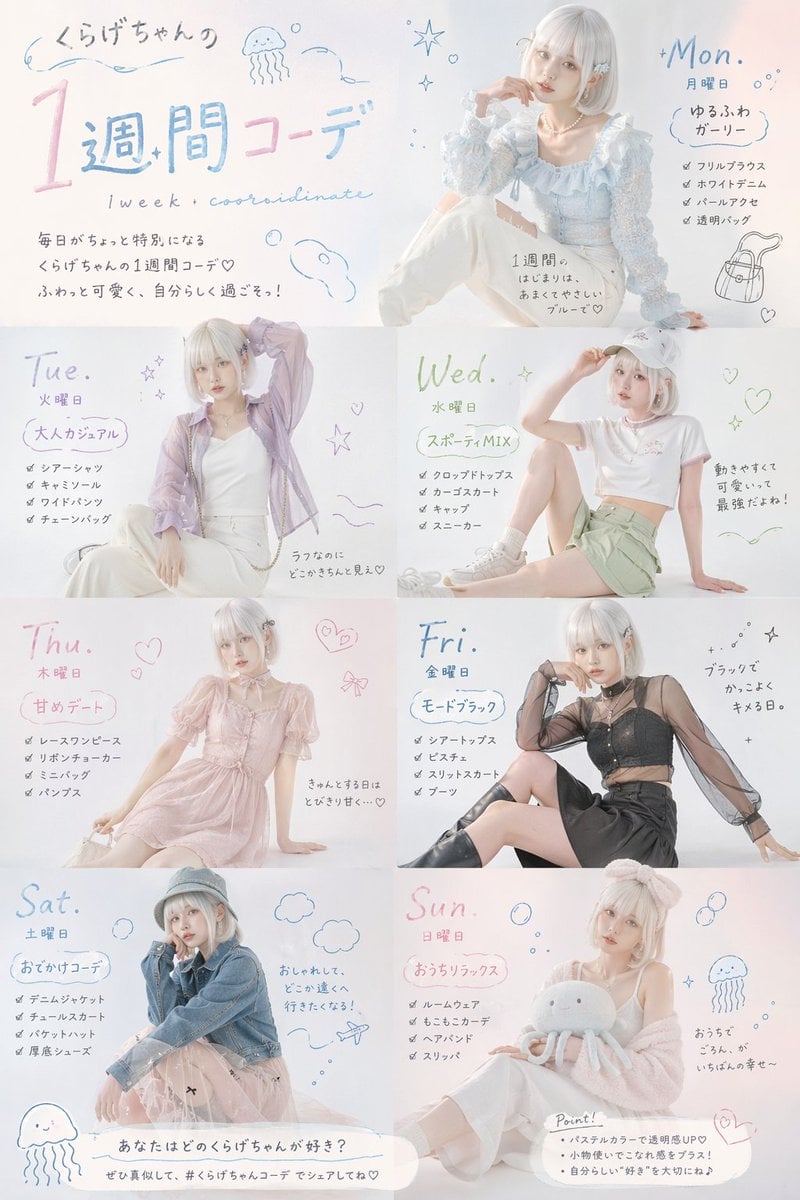
Fashion Magazine Weekly Outfit Prompt

Premium Fashion Advertising Poster
newspaper
Browse template categories
Three Japanese Note GPT Cover Proposals questions
How do I use the Three Japanese Note GPT Cover Proposals template?
Add your photo if the template asks for one, edit the prompt if you like — the template's model and format are already selected — and press Generate. Your version opens in PicX Studio.
Can I customize the Three Japanese Note GPT Cover Proposals template?
Yes. You can change the subject, setting, lighting, mood, format, and available model controls before creating your image.
Is the Three Japanese Note GPT Cover Proposals template free?
Opening and editing this template is free. Generating uses credits, shown on the Generate button when you are signed in.
Which AI model should I use?
Start with GPT Image 2, which is the model associated with this template. You can compare another compatible model for a different finish.
Looking for something else? Browse all templates.

Your photo, any look
Thousands of ready templates for every top image and video model, from one credit balance.