
Japanese AI Spatial Consistency Notebook
Generates a realistic overhead notebook infographic comparing GPT-Image-2 and Seedance 2.0 for spatial consistency evaluation.
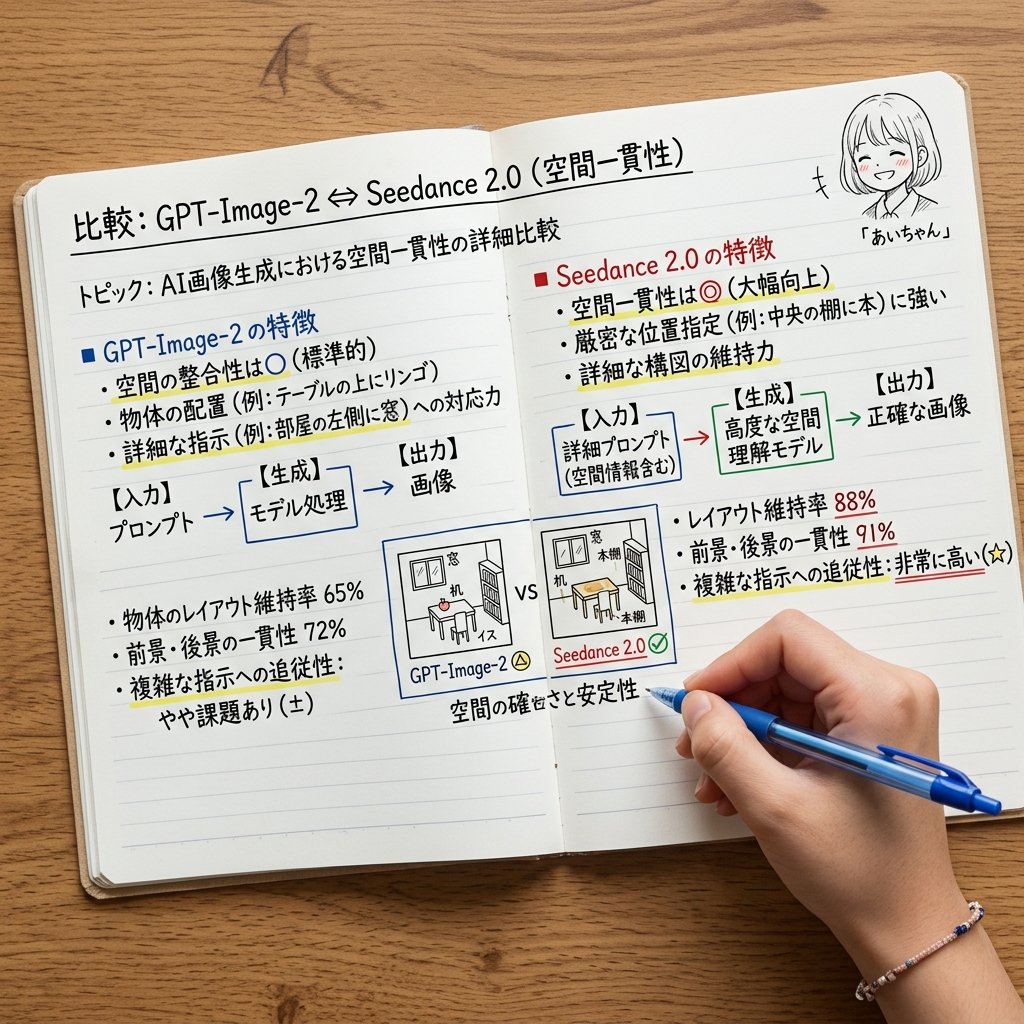
- Prompt included
- Model and format preset
- Free template
The prompt behind this image
Copy the exact prompt behind Japanese AI Spatial Consistency Notebook, or open it in the studio and make it yours.
- Type
- realistic overhead photo of an open handwritten comparison notebook on a wooden desk
- Scene
- A squared-up top-down view of an open lined notebook spread across a warm wood table, photographed like a study note or technical evaluation memo. A right hand at the bottom right holds a blue ballpoint pen and is underlining or writing near the bottom center. Use natural daylight, soft shadows, crisp paper texture, realistic hand anatomy, and legible handwritten Japanese notes with small colored highlights.
- Main Title
- {argument name="main title" default="比較: GPT-Image-2 ⇔ Seedance 2.0(空間一貫性)"}
- Subtitle
- {argument name="subtitle" default="トピック: AI画像生成における空間一貫性の詳細比較"}
- Layout › Format
- two-page notebook comparison chart
- Layout › Sections › 0 › Title
- {argument name="left section title" default="■ GPT-Image-2 の特徴"}
- Layout › Sections › 0 › Position
- left page upper half
- Layout › Sections › 0 › Count
- 4
- Layout › Sections › 0 › Items
- 空間の整合性は○(標準的), 物体の配置(例: テーブルの上にリンゴ), 詳細な指示(例: 部屋の左側に窓)への対応力, A blue flow diagram labeled 【入力】プロンプト → 【生成】モデル処理 → 【出力】画像
- Layout › Sections › 1 › Title
- left results
- Layout › Sections › 1 › Position
- left page lower half
- Layout › Sections › 1 › Count
- 3
- Layout › Sections › 1 › Items
- 物体のレイアウト維持率 65%, 前景・後景の一貫性 72%, 複雑な指示への追従性: やや課題あり(±)
- Layout › Sections › 2 › Title
- {argument name="right section title" default="■ Seedance 2.0 の特徴"}
- Layout › Sections › 2 › Position
- right page upper half
- Layout › Sections › 2 › Count
- 4
- Layout › Sections › 2 › Items
- 空間一貫性は◎(大幅向上), 厳密な位置指定(例: 中央の棚に本)に強い, 詳細な構図の維持力, A green flow diagram labeled 【入力】詳細プロンプト(空間情報含む) → 【生成】高度な空間理解モデル → 【出力】正確な画像
- Layout › Sections › 3 › Title
- right results
- Layout › Sections › 3 › Position
- right page lower half
- Layout › Sections › 3 › Count
- 3
- Layout › Sections › 3 › Items
- レイアウト維持率 88%, 前景・後景の一貫性 91%, 複雑な指示への追従性: 非常に高い(★)
- Layout › Sections › 4 › Title
- center comparison
- Layout › Sections › 4 › Position
- bottom center across both pages
- Layout › Sections › 4 › Count
- 3
Raw JSON
{"type":"realistic overhead photo of an open handwritten comparison notebook on a wooden desk","scene":"A squared-up top-down view of an open lined notebook spread across a warm wood table, photographed like a study note or technical evaluation memo. A right hand at the bottom right holds a blue ballpoint pen and is underlining or writing near the bottom center. Use natural daylight, soft shadows, crisp paper texture, realistic hand anatomy, and legible handwritten Japanese notes with small colored highlights.","main title":"{argument name=\"main title\" default=\"比較: GPT-Image-2 ⇔ Seedance 2.0(空間一貫性)\"}","subtitle":"{argument name=\"subtitle\" default=\"トピック: AI画像生成における空間一貫性の詳細比較\"}","layout":{"format":"two-page notebook comparison chart","sections":[{"title":"{argument name=\"left section title\" default=\"■ GPT-Image-2 の特徴\"}","position":"left page upper half","count":4,"items":["空間の整合性は○(標準的)","物体の配置(例: テーブルの上にリンゴ)","詳細な指示(例: 部屋の左側に窓)への対応力","A blue flow diagram labeled 【入力】プロンプト → 【生成】モデル処理 → 【出力】画像"]},{"title":"left results","position":"left page lower half","count":3,"items":["物体のレイアウト維持率 65%","前景・後景の一貫性 72%","複雑な指示への追従性: やや課題あり(±)"]},{"title":"{argument name=\"right section title\" default=\"■ Seedance 2.0 の特徴\"}","position":"right page upper half","count":4,"items":["空間一貫性は◎(大幅向上)","厳密な位置指定(例: 中央の棚に本)に強い","詳細な構図の維持力","A green flow diagram labeled 【入力】詳細プロンプト(空間情報含む) → 【生成】高度な空間理解モデル → 【出力】正確な画像"]},{"title":"right results","position":"right page lower half","count":3,"items":["レイアウト維持率 88%","前景・後景の一貫性 91%","複雑な指示への追従性: 非常に高い(★)"]},{"title":"center comparison","position":"bottom center across both pages","count":3,"items":["Two small framed sketch examples side by side","Left mini sketch captioned GPT-Image-2 with a small yellow warning triangle","Right mini sketch captioned Seedance 2.0 with a green check mark, separated by VS"]},{"title":"character doodle","position":"top right corner of right page","count":1,"items":["small monochrome anime girl head doodle with short bob hair, expressionless blurred face, label 『あいちゃん』 and tiny motion marks"]}],"bottom note":"空間の確さと安定性"},"visual style":"clean Japanese handwritten study-notebook aesthetic, black ink text with blue and red section headers, yellow highlighter strokes under important phrases, small blue and green boxes and arrows, neat ruled paper lines, realistic open notebook binding, slightly rounded page corners, no digital UI, no extra objects except the pen and hand.","camera":"top-down 3/4 overhead composition, notebook fills most of the frame, wood grain visible around edges, high resolution, sharp legible text","custom accent":"{argument name=\"pen color\" default=\"blue\"}"}How to use Japanese AI Spatial Consistency Notebook in 3 steps
- 1Upload ImagePNG, JPG or paste
Add your photo
Upload the photo the template builds on. The prompt, model and format are already set.
- 2…a portrait of your subject in softgolden-hour light, 85mm…
Personalize
Edit the subject and creative details for your destination.
- 3Generate
Generate
Press Generate — your image is created in PicX Studio, so you can compare it with the original and refine one variable at a time.
More like this
Templates with the same subject, style or setup. Open one to see its prompt.

Minecraft Japanese Research Lab Exploration

Japanese Architectural Concrete Studio Fashion Campaign

Japanese Minimalist Concrete Studio Fashion Editorial

Blue Backdrop Luxury Fashion Portrait Campaign
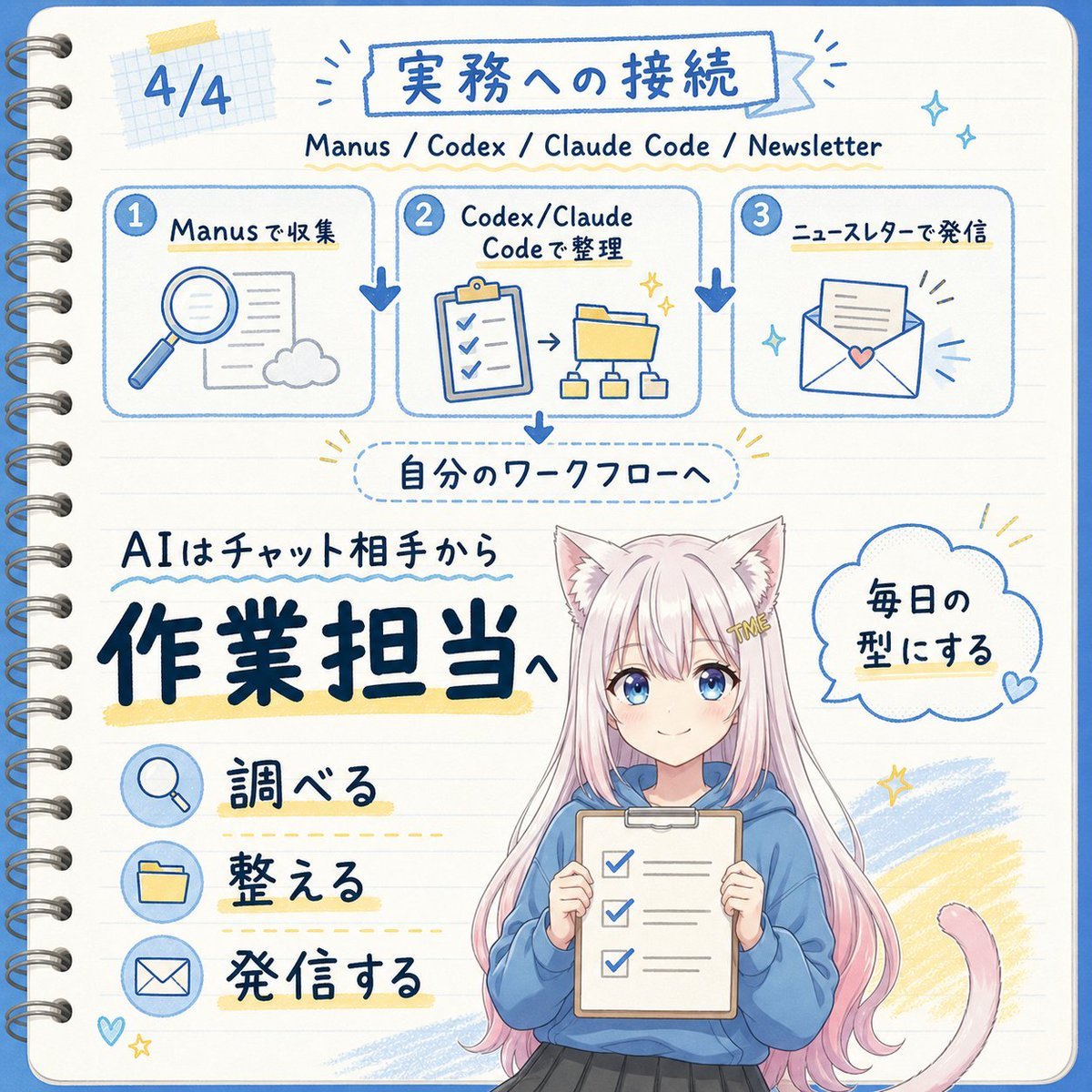
Japanese AI Workflow Notebook Infographic

Japanese Film Reflection Idol

Sketch to Reality Travel Notebook

Six VTuber Japanese Logo Sheet
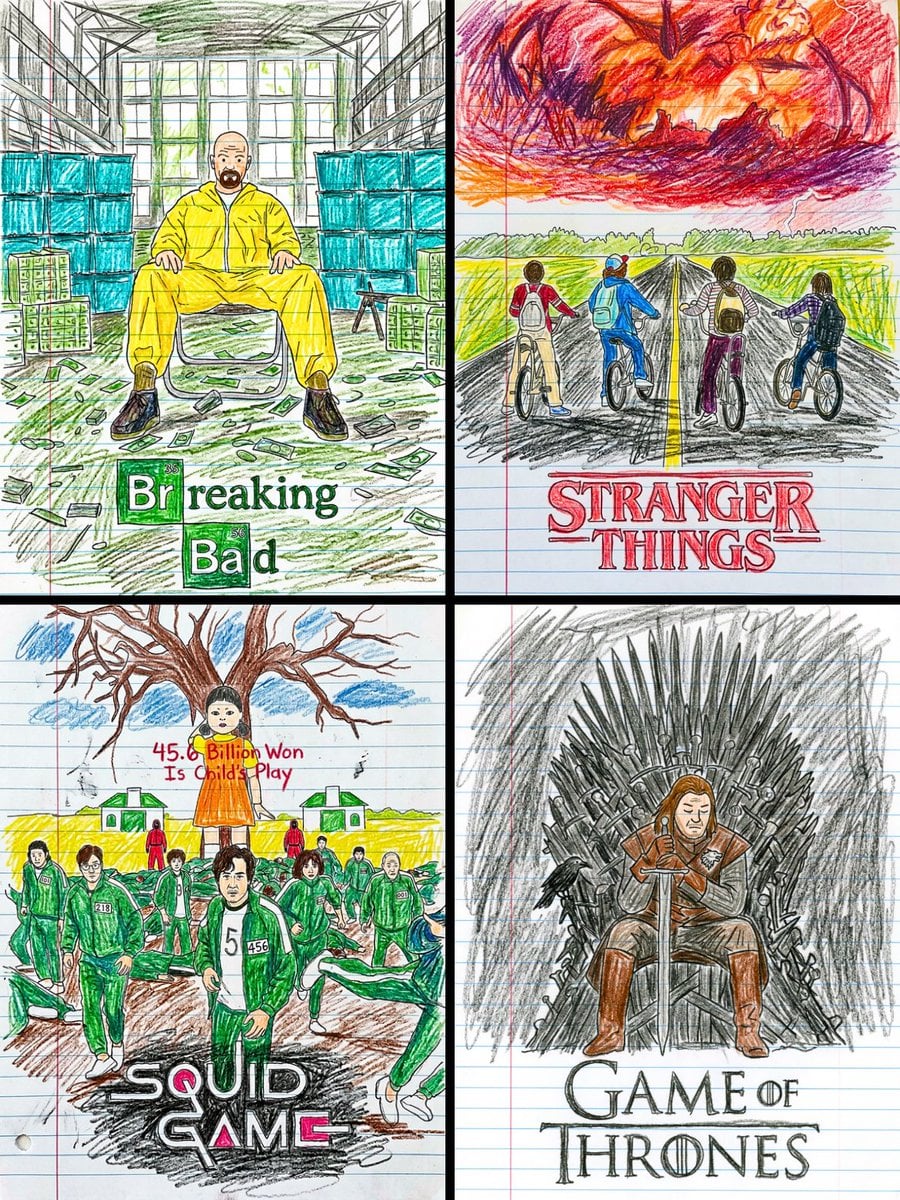
This movie poster into a child s crayon drawing on lined notebook paper
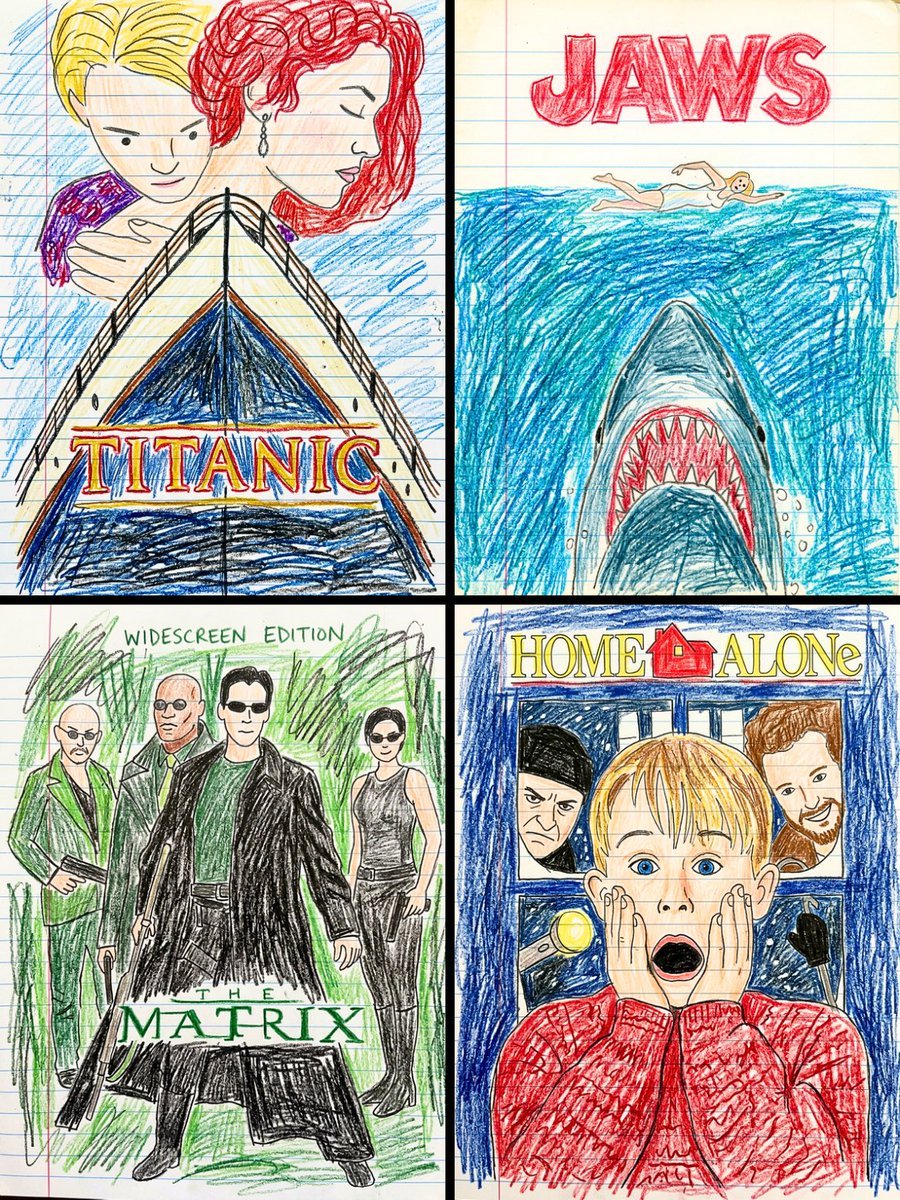
This movie poster into a child s crayon drawing on lined notebook paper
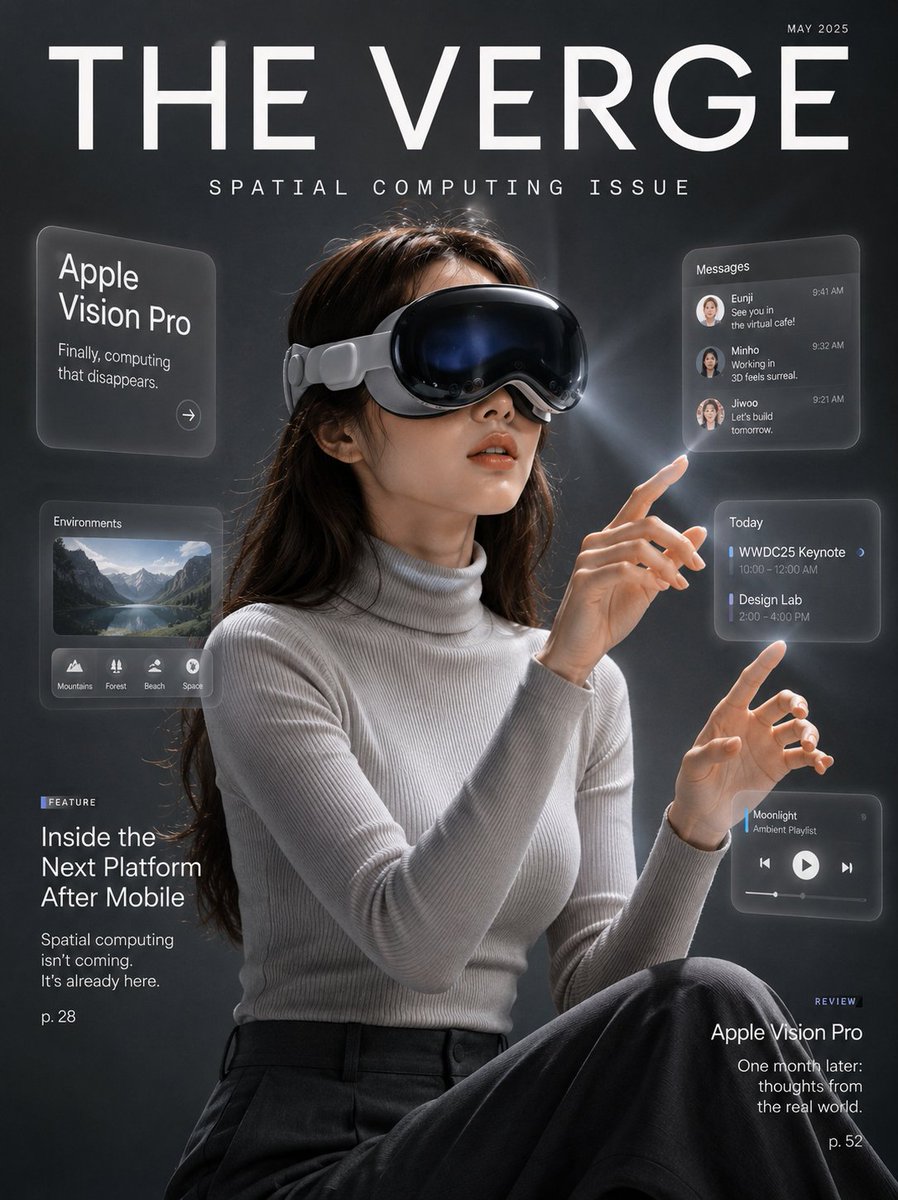
Tech Magazine Spatial Computing Cover

3D Notebook Illusion Sketch
Make it yours
Japanese AI Spatial Consistency Notebook works as-is. These are the safest ways to change it without losing the look.
Change one field
Copy a single group, rewrite it, and generate again so you can see what that field is doing.
Keep the frame, change the subject
Hold the composition and light of Japanese AI Spatial Consistency Notebook, then swap wardrobe, props or the person for a new take.
| If the result… | Why | Fix |
|---|---|---|
| The result drifts from the preview | Too many fields changed at once. | Reuse Japanese AI Spatial Consistency Notebook as-is first, then change one group — subject, light, or setting. |
| GPT Image 2 ignores part of the JSON | Some models flatten or skip nested keys. | Keep the same values and paste them as a short paragraph instead. |
More GPT Image 2 templates
Other prompts made for GPT Image 2.

Realistic Portrait of Woman and Deer

The Vista Modular Condo Poster

AI Model Routing Comparison Infographic

2.5D Anime Art Board

Isometric Productivity Desk Scene

New York Double Exposure Poster

Four-Panel AI Landscape Comparison

NESCAFÉ Coffee Map Poster

Brutalist Cogito Chinese Typography Poster

Cinematic Luxury Terrace Portrait
More image prompts
Fresh picks from across the catalog.

Futuristic Tech Product Advertisement Set
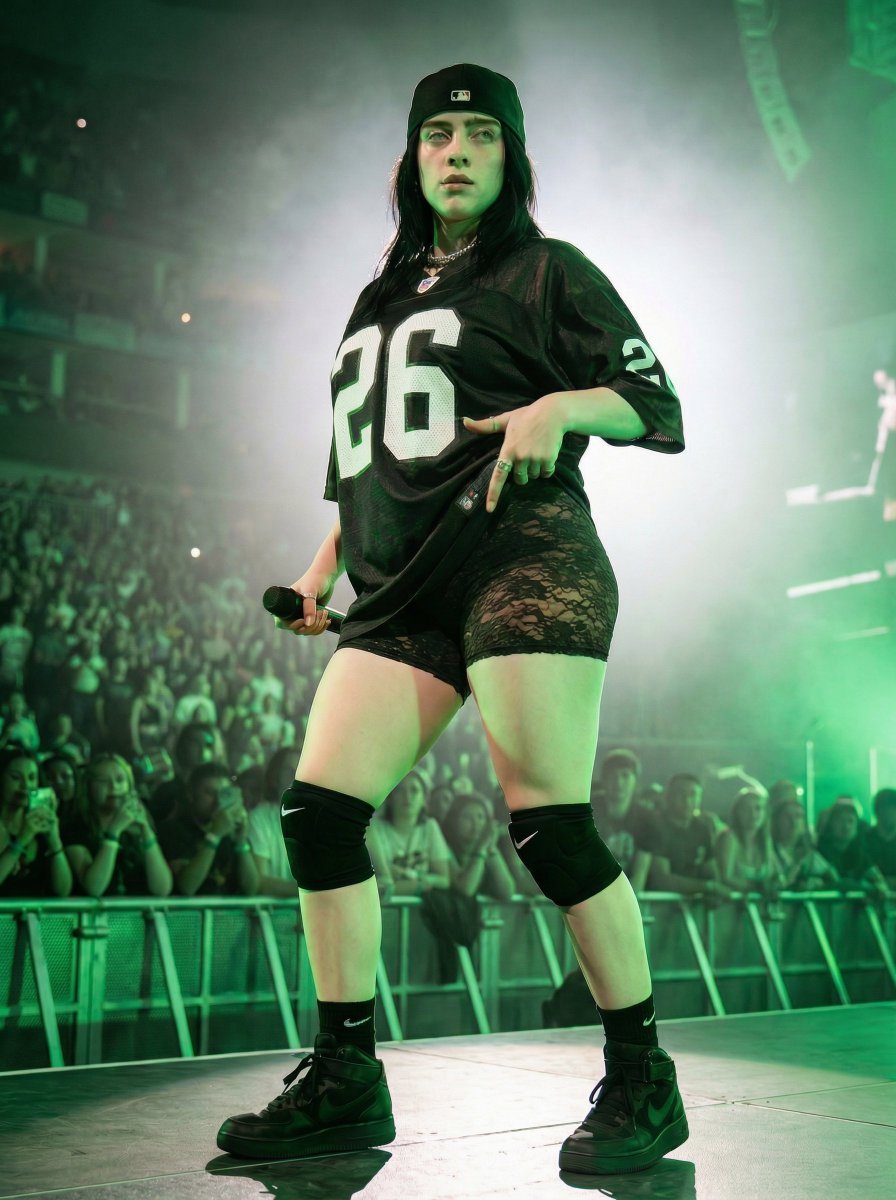
Ultra-Realistic Concert Photography Prompt

Overcast Seaside Car Hood Portrait with Identity Lock Prompt

Nike Sportswear Editorial Advertisement
Macro Photography of Galaxy Ice Cream Scoop
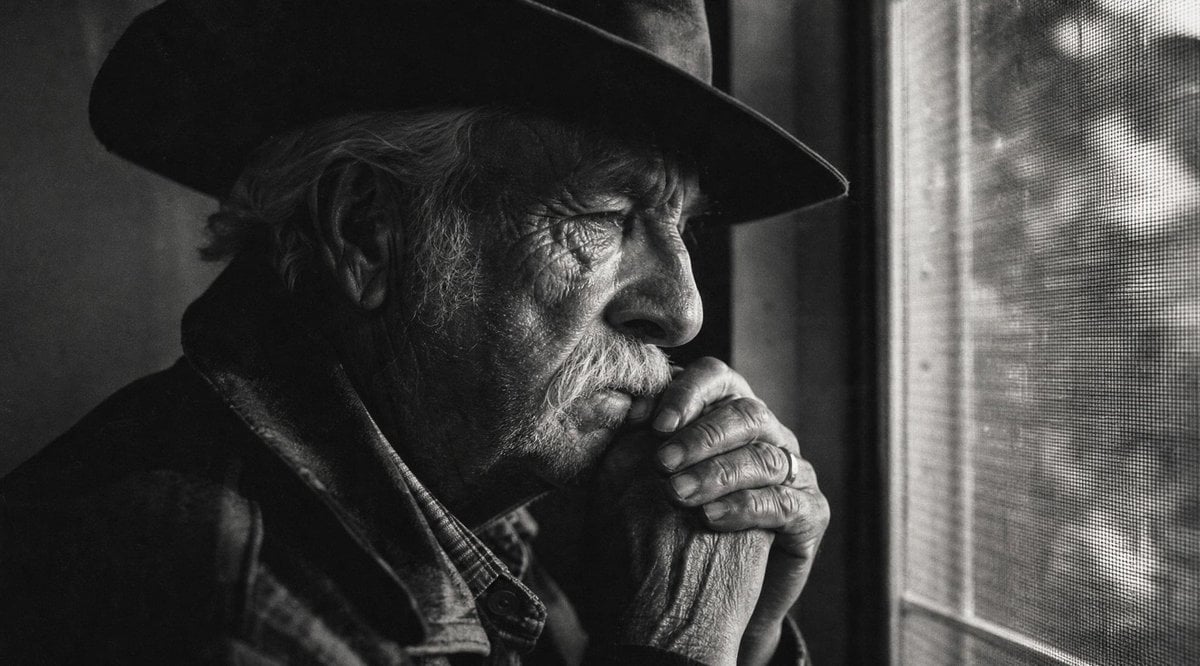
Moody Censored Elderly Man Portrait
Shibuya New Year's Eve Beauty
Heroine Expression Difference Grid Attempt

Surreal Commercial Composite: Pepsi Pouring into a Smartphone Screen

Golden Meadow Portrait with Pets
Browse template categories
Japanese AI Spatial Consistency Notebook questions
How do I use the Japanese AI Spatial Consistency Notebook template?
Add your photo if the template asks for one, edit the prompt if you like — the template's model and format are already selected — and press Generate. Your version opens in PicX Studio.
Can I customize the Japanese AI Spatial Consistency Notebook template?
Yes. You can change the subject, setting, lighting, mood, format, and available model controls before creating your image.
Is the Japanese AI Spatial Consistency Notebook template free?
Opening and editing this template is free. Generating uses credits, shown on the Generate button when you are signed in.
Which AI model should I use?
Start with GPT Image 2, which is the model associated with this template. You can compare another compatible model for a different finish.
Looking for something else? Browse all templates.

Your photo, any look
Thousands of ready templates for every top image and video model, from one credit balance.