
Handwritten Japanese Study Notes with Photograph
Generates a photorealistic top-down view of an open notebook filled with detailed Japanese study notes, doodles, and a printed family photograph resting on the pages.
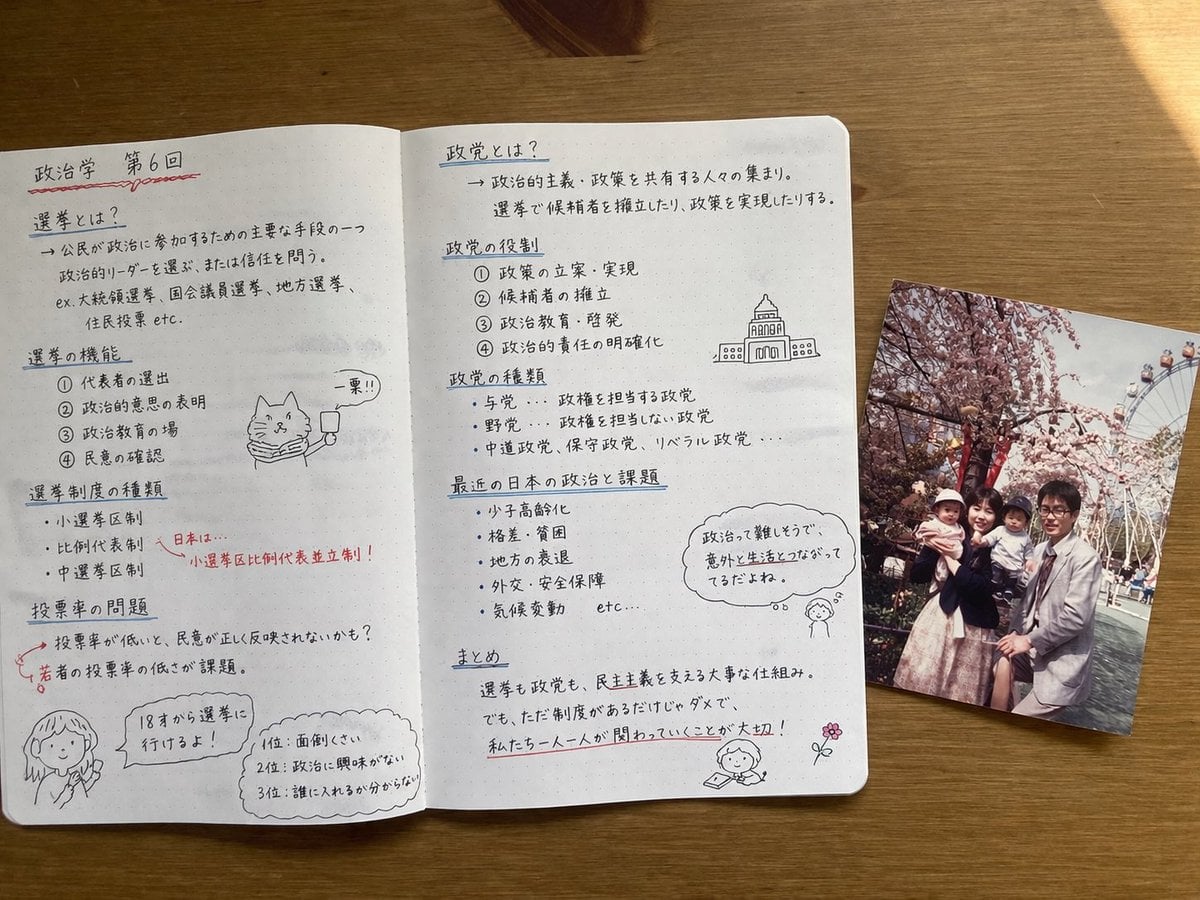
- Prompt included
- Model and format preset
- Free template
The prompt behind this image
Copy the exact prompt behind Handwritten Japanese Study Notes with Photograph, or open it in the studio and make it yours.
- Type
- photorealistic top-down still life
- Setting
- {argument name="desk surface" default="wooden table"}
- Objects › 0 › Item
- open notebook
- Objects › 0 › Style
- {argument name="notebook style" default="dot-grid paper with neat handwritten Japanese notes in black and red ink"}
- Objects › 0 › Layout › Left Page › Header
- {argument name="subject topic" default="Political Science, Session 6"}
- Objects › 0 › Layout › Left Page › Section Count
- 4
- Objects › 0 › Layout › Left Page › Sections › 0 › Title
- 選挙とは?
- Objects › 0 › Layout › Left Page › Sections › 0 › Details
- definition text
- Objects › 0 › Layout › Left Page › Sections › 1 › Title
- 選挙の機能
- Objects › 0 › Layout › Left Page › Sections › 1 › Details
- numbered list 1-4
- Objects › 0 › Layout › Left Page › Sections › 1 › Doodle
- cat with scarf holding '一票!!' sign
- Objects › 0 › Layout › Left Page › Sections › 2 › Title
- 選挙制度の種類
- Objects › 0 › Layout › Left Page › Sections › 2 › Details
- bullet points with red arrow to '小選挙区比例代表並立制!'
- Objects › 0 › Layout › Left Page › Sections › 3 › Title
- 投票率の問題
- Objects › 0 › Layout › Left Page › Sections › 3 › Details
- text about youth turnout
- Objects › 0 › Layout › Left Page › Sections › 3 › Doodle
- girl with '18才から選挙に行けるよ!' bubble and a top 3 ranked list box
- Objects › 0 › Layout › Right Page › Section Count
- 5
- Objects › 0 › Layout › Right Page › Sections › 0 › Title
- 政党とは?
- Objects › 0 › Layout › Right Page › Sections › 0 › Details
- definition text
- Objects › 0 › Layout › Right Page › Sections › 1 › Title
- 政党の役割
- Objects › 0 › Layout › Right Page › Sections › 1 › Details
- numbered list 1-4
- Objects › 0 › Layout › Right Page › Sections › 1 › Doodle
- government building sketch
- Objects › 0 › Layout › Right Page › Sections › 2 › Title
- 政党の種類
- Objects › 0 › Layout › Right Page › Sections › 2 › Details
- bullet points
Raw JSON
{
  "type": "photorealistic top-down still life",
  "setting": "{argument name=\"desk surface\" default=\"wooden table\"}",
  "objects": [
    {
      "item": "open notebook",
      "style": "{argument name=\"notebook style\" default=\"dot-grid paper with neat handwritten Japanese notes in black and red ink\"}",
      "layout": {
        "left_page": {
          "header": "{argument name=\"subject topic\" default=\"Political Science, Session 6\"}",
          "section_count": 4,
          "sections": [
            { "title": "選挙とは?", "details": "definition text" },
            { "title": "選挙の機能", "details": "numbered list 1-4", "doodle": "cat with scarf holding '一票!!' sign" },
            { "title": "選挙制度の種類", "details": "bullet points with red arrow to '小選挙区比例代表並立制!'" },
            { "title": "投票率の問題", "details": "text about youth turnout", "doodle": "girl with '18才から選挙に行けるよ!' bubble and a top 3 ranked list box" }
          ]
        },
        "right_page": {
          "section_count": 5,
          "sections": [
            { "title": "政党とは?", "details": "definition text" },
            { "title": "政党の役割", "details": "numbered list 1-4", "doodle": "government building sketch" },
            { "title": "政党の種類", "details": "bullet points" },
            { "title": "最近の日本の政治と課題", "details": "bullet points", "doodle": "girl thinking '政治って難しそうで、意外と生活とつながってるだよね。'" },
            { "title": "まとめ", "details": "summary with red underlines", "doodle": "girl reading and a pink flower" }
          ]
        }
      }
    },
    {
      "item": "printed photograph",
      "placement": "overlapping the right edge of the notebook",
      "content": "{argument name=\"photo subject\" default=\"family of four posing in front of cherry blossoms and a Ferris wheel\"}",
      "style": "vintage, slightly faded snapshot"
    }
  ]
}Reference images included
Handwritten Japanese Study Notes with Photograph needs input media to work. They load alongside the prompt when you open it in the studio.
How to use Handwritten Japanese Study Notes with Photograph in 3 steps
- 1Upload ImagePNG, JPG or paste
Add your photo
Upload the photo the template builds on. The prompt, model and format are already set.
- 2…a portrait of your subject in softgolden-hour light, 85mm…
Personalize
Edit the subject and creative details for your destination.
- 3Generate
Generate
Press Generate — your image is created in PicX Studio, so you can compare it with the original and refine one variable at a time.
More like this
Templates with the same subject, style or setup. Open one to see its prompt.
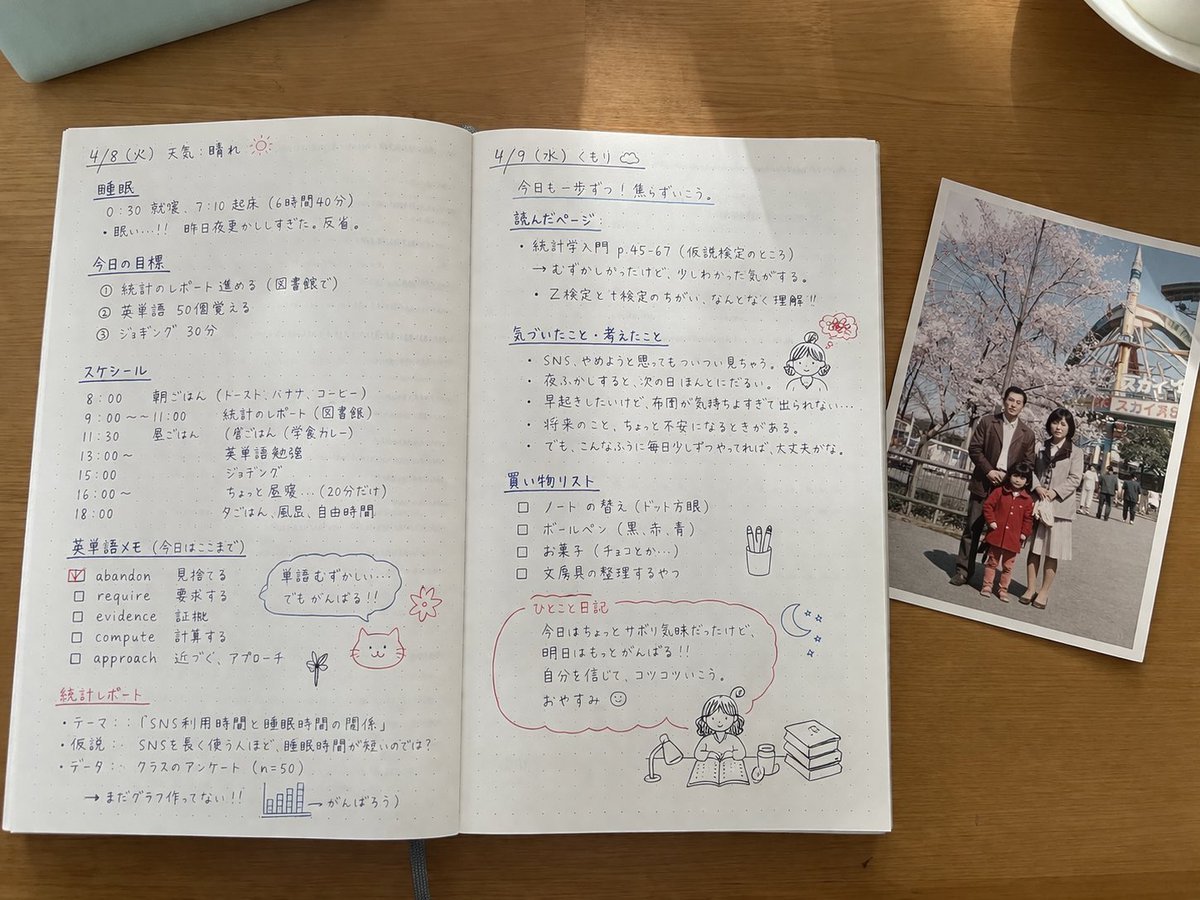
Handwritten Japanese Study Notes
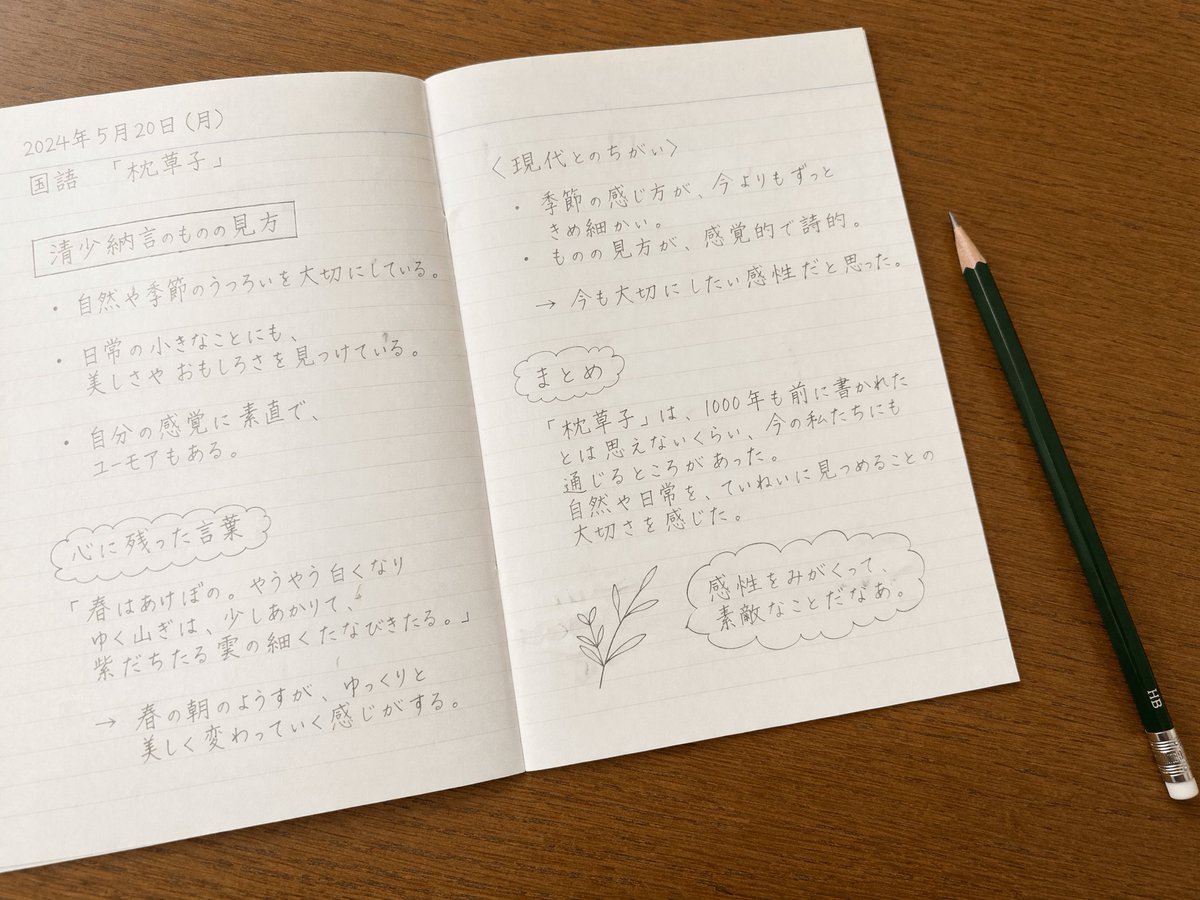
Realistic Handwritten Study Notes
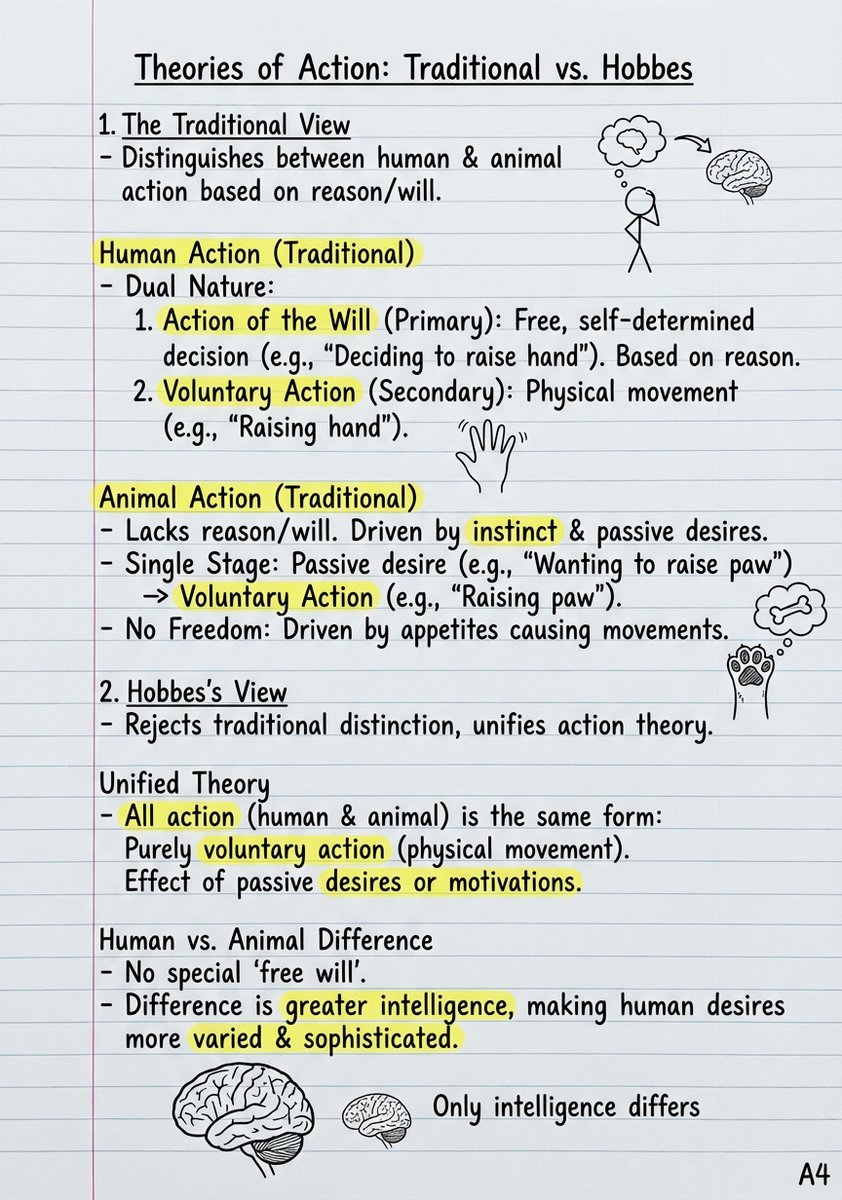
Handwritten Study Notes Generation

Teal Japanese Handwritten Lyric Card

Minecraft Japanese Research Lab Exploration

Japanese Architectural Concrete Studio Fashion Campaign

Japanese Minimalist Concrete Studio Fashion Editorial

Blue Backdrop Luxury Fashion Portrait Campaign
Douyin Aesthetic Café Study Portrait
Handwritten Japanese Cafe Photo Overlay

Japanese AI Case Study Slide
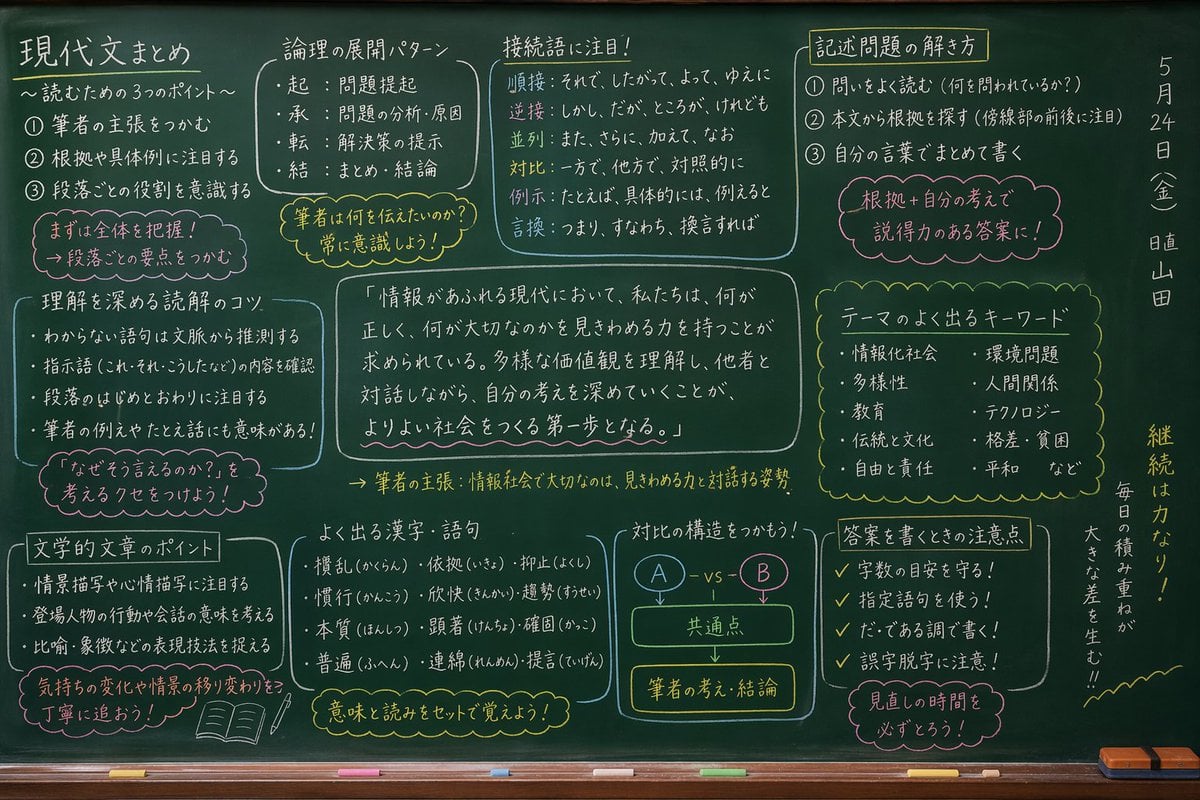
Japanese Classroom Chalkboard Notes
Make it yours
Handwritten Japanese Study Notes with Photograph works as-is. These are the safest ways to change it without losing the look.
Swap the setting
Keep the rest of the prompt and replace the location block. The current setting is “{argument name="desk surface" default="wooden table"}”.
Change one field
Copy a single group, rewrite it, and generate again so you can see what that field is doing.
Keep the frame, change the subject
Hold the composition and light of Handwritten Japanese Study Notes with Photograph, then swap wardrobe, props or the person for a new take.
| If the result… | Why | Fix |
|---|---|---|
| The result drifts from the preview | Too many fields changed at once. | Reuse Handwritten Japanese Study Notes with Photograph as-is first, then change one group — subject, light, or setting. |
| GPT Image 2 ignores part of the JSON | Some models flatten or skip nested keys. | Keep the same values and paste them as a short paragraph instead. |
More GPT Image 2 templates
Other prompts made for GPT Image 2.

Realistic Portrait of Woman and Deer

The Vista Modular Condo Poster

AI Model Routing Comparison Infographic

2.5D Anime Art Board

Isometric Productivity Desk Scene

New York Double Exposure Poster

Four-Panel AI Landscape Comparison

Japanese Tatami Lifestyle Magazine Cover

NESCAFÉ Coffee Map Poster

Brutalist Cogito Chinese Typography Poster
More image prompts
Fresh picks from across the catalog.
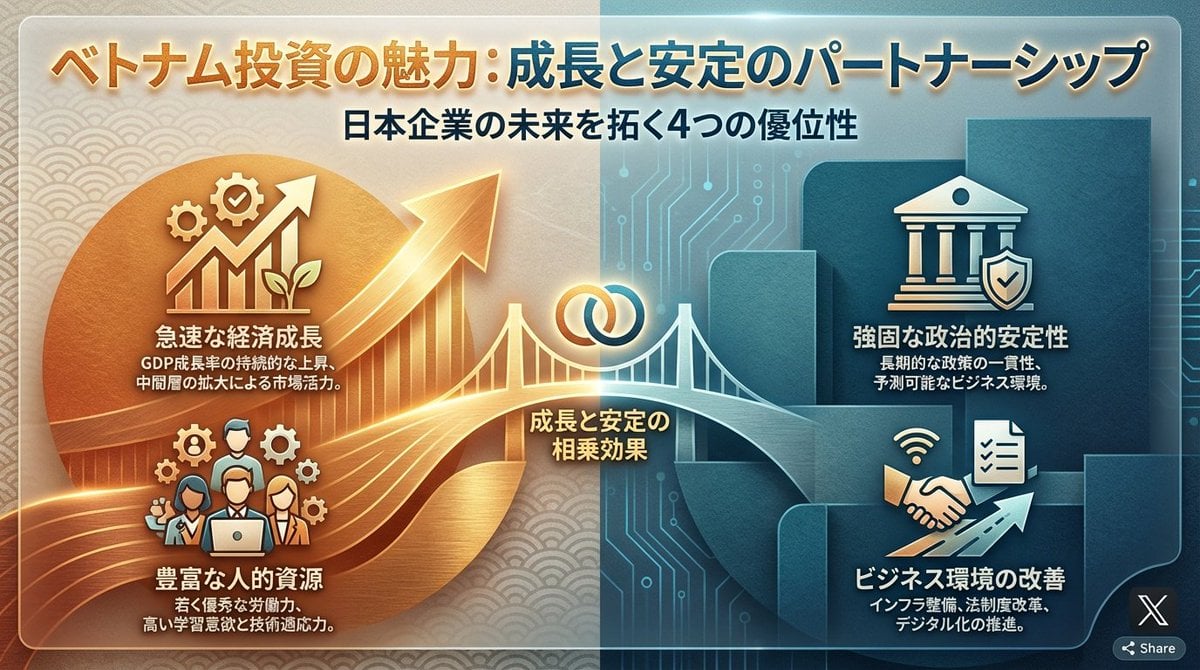
Single-slide about advantages of investing in Vietnam

Lisbon Night Travel Poster
Surreal Giant Man Riding Miniature London Bus
Photorealistic Portrait of a Young Woman on a Bed with a Teddy Bear

Intense Elderly DJ Volcano Poster
3D Paper-Craft Portrait with Low-Poly Aesthetic
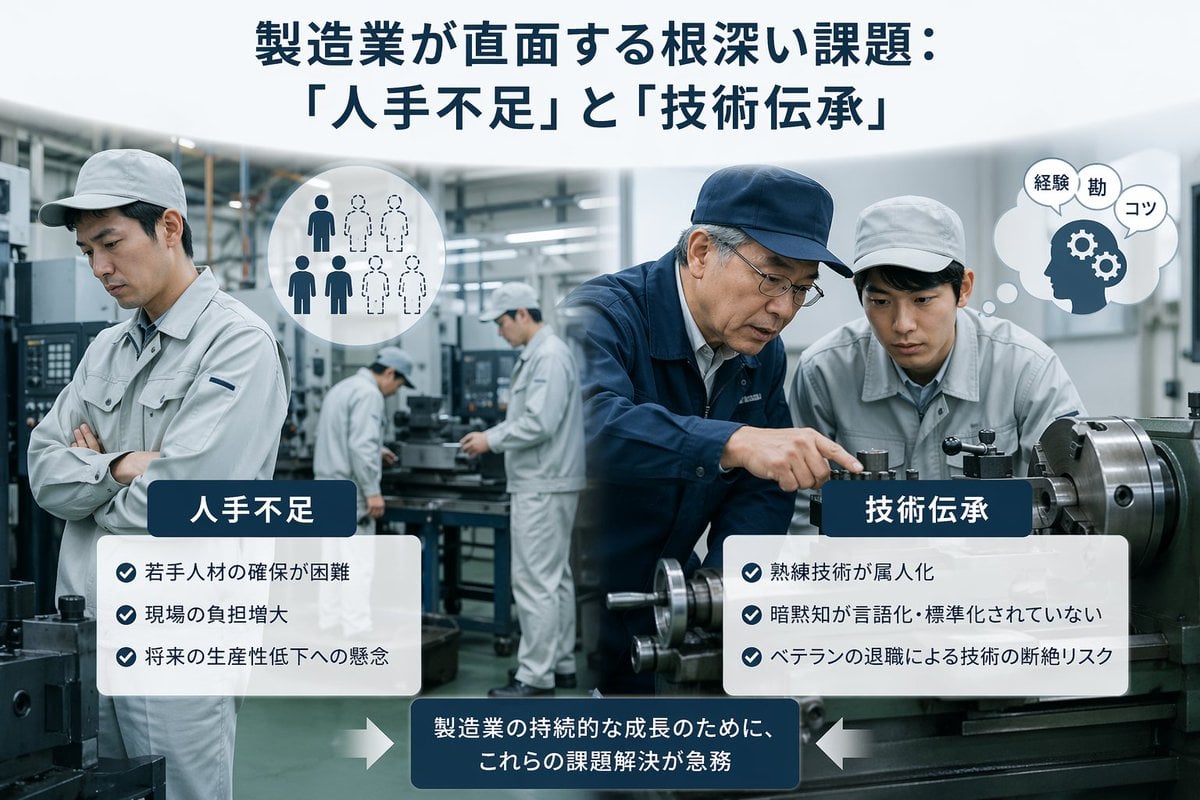
Japanese Manufacturing Challenges Infographic
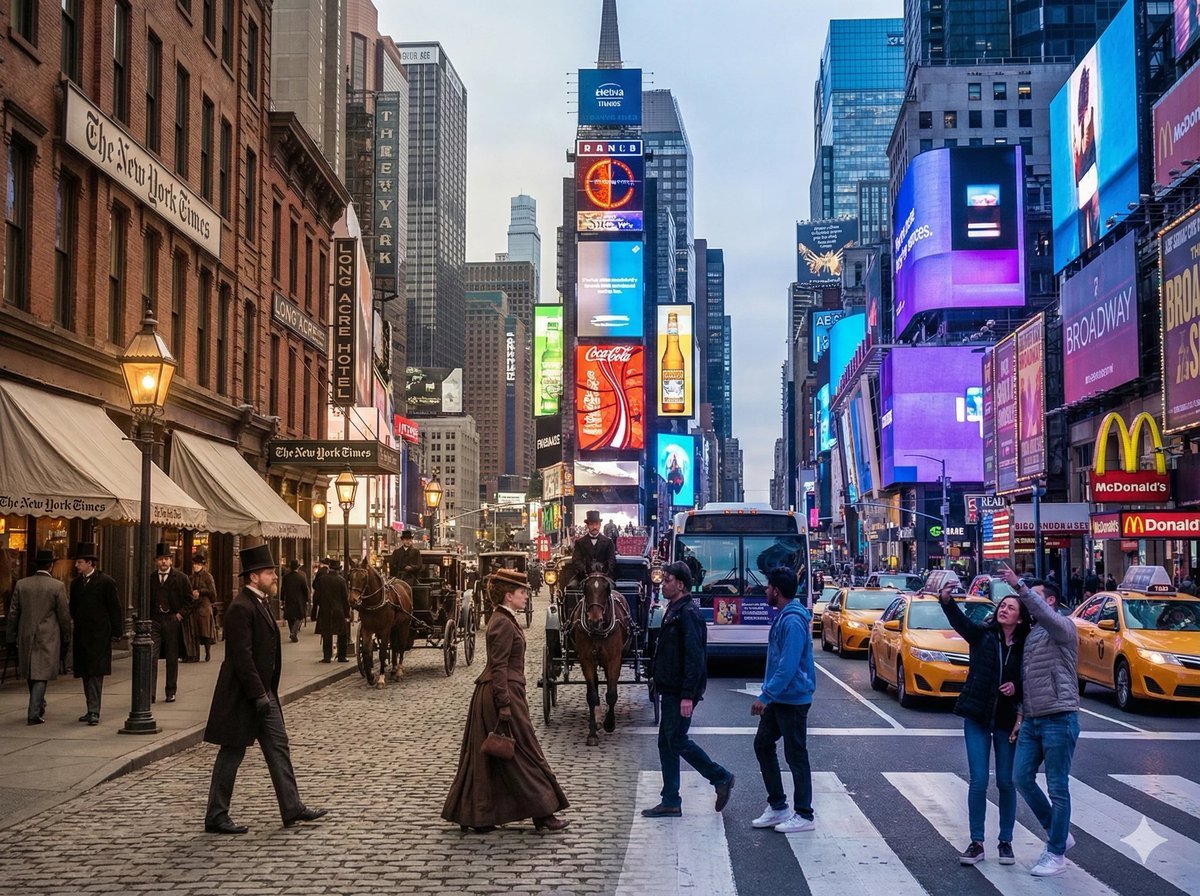
Times Square Time-Blend Split-Screen
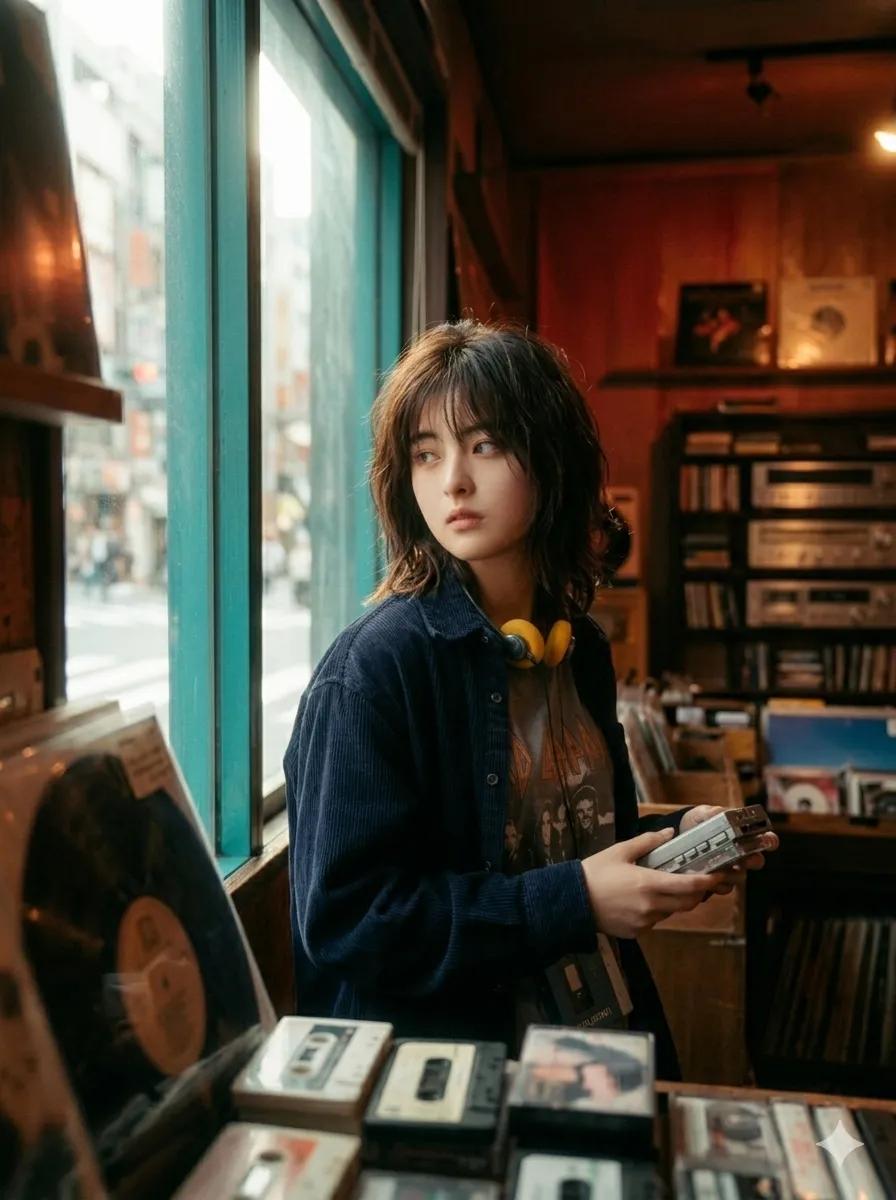
90s Japanese Indie Music Store Aesthetic
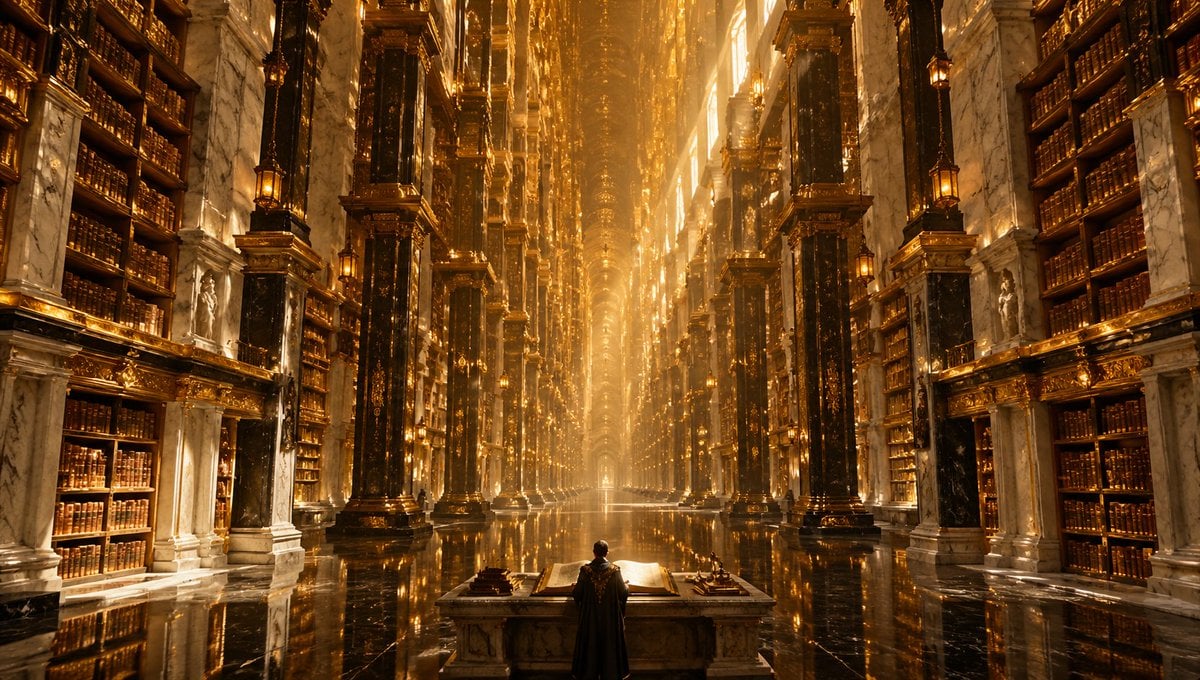
Calligraphic Design with Vibrant Illustration Style
Browse template categories
Handwritten Japanese Study Notes with Photograph questions
How do I use the Handwritten Japanese Study Notes with Photograph template?
Add your photo if the template asks for one, edit the prompt if you like — the template's model and format are already selected — and press Generate. Your version opens in PicX Studio.
Can I customize the Handwritten Japanese Study Notes with Photograph template?
Yes. You can change the subject, setting, lighting, mood, format, and available model controls before creating your image.
Is the Handwritten Japanese Study Notes with Photograph template free?
Opening and editing this template is free. Generating uses credits, shown on the Generate button when you are signed in.
Which AI model should I use?
Start with GPT Image 2, which is the model associated with this template. You can compare another compatible model for a different finish.
Looking for something else? Browse all templates.

Your photo, any look
Thousands of ready templates for every top image and video model, from one credit balance.