
Japanese Manufacturing Challenges Infographic
A polished Japanese business infographic illustrating labor shortages and skill transfer issues in manufacturing, suitable for articles, presentations, and corporate reports.
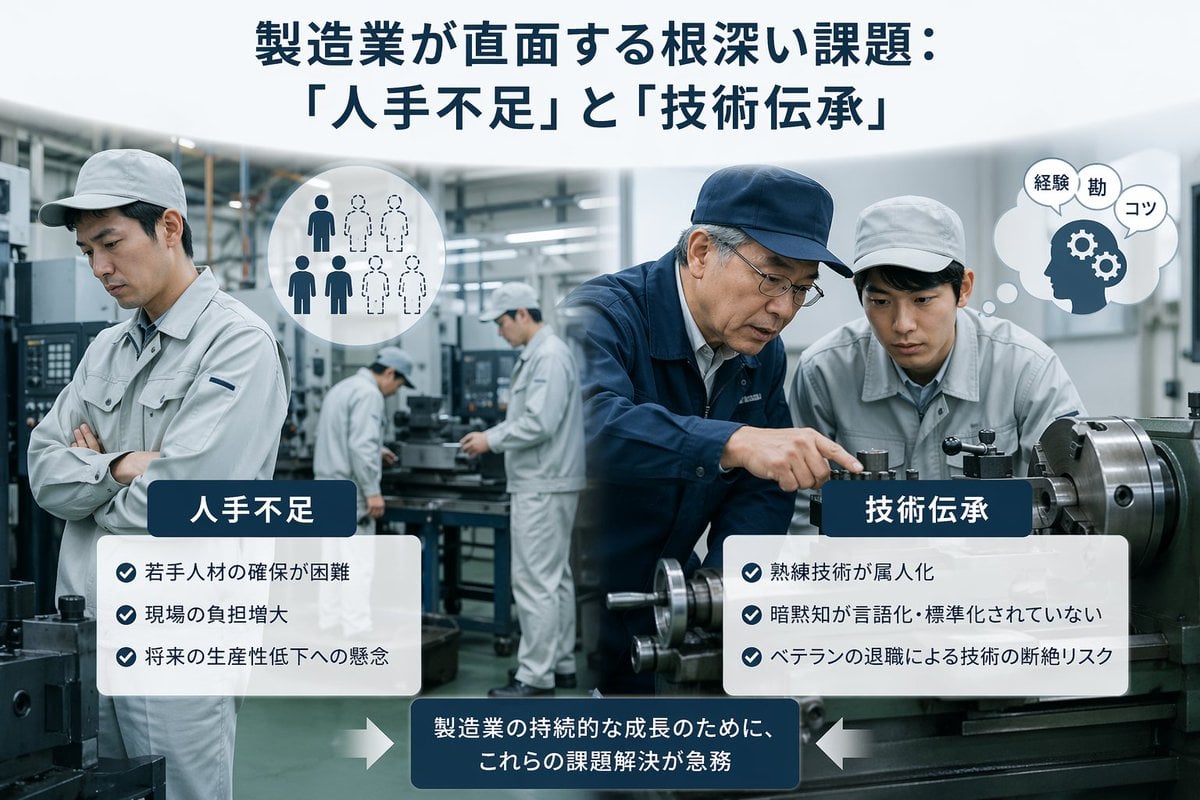
- Prompt included
- Model and format preset
- Free template
The prompt behind this image
Copy the exact prompt behind Japanese Manufacturing Challenges Infographic, or open it in the studio and make it yours.
A clean corporate editorial infographic illustration for a Japanese business article about manufacturing industry challenges, set inside a realistic modern factory with metalworking machines and a cool gray-blue color palette. The composition is split into two thematic halves over a blurred industrial workshop background. At the top center, place a large bold Japanese headline in dark navy text: {argument name="headline text" default="製造業が直面する根深い課題: 「人手不足」と「技術伝承」"}. In the left foreground, show 1 factory worker in a light gray uniform and cap standing with arms crossed, looking concerned; nearby add a circular white icon showing exactly 6 human silhouettes, with 3 filled dark figures and 3 dotted outline figures to symbolize labor shortage. In the right foreground, show exactly 2 factory workers beside a large lathe machine: 1 veteran worker in a navy work jacket and navy cap pointing and demonstrating machine operation, and 1 younger worker in a light gray uniform and cap observing closely. Near them, add a white thought bubble icon containing a navy head silhouette with 2 gear symbols and exactly 3 small Japanese word bubbles reading "経験", "勘", and "コツ". In the center background, include exactly 2 additional workers in light gray uniforms operating machinery, slightly out of focus, for a total of 5 workers visible in the factory scene. Overlay two rounded white information panels with dark navy title tabs. The left panel title is "人手不足" and contains exactly 3 bullet points with blue circular check icons: "若手人材の確保が困難", "現場の負担増大", and "将来の生産性低下への懸念". The right panel title is "技術伝承" and contains exactly 3 bullet points with blue circular check icons: "熟練技術が属人化", "暗黙知が言語化・標準化されていない", and "ベテランの退職による技術の断絶リスク". At the bottom center, place a dark navy rounded rectangular callout box with white Japanese text: {argument name="callout text" default="製造業の持続的な成長のために、これらの課題解決が急務"}. Add exactly 2 large white arrows pointing inward toward this bottom callout, one from the left and one from the right. Style the whole image like a polished consulting-firm presentation visual or business magazine insert: photorealistic workers and machinery, subtle depth of field, high clarity, balanced layout, soft lighting, crisp typography, and a professional Japanese manufacturing-industry infographic aesthetic.
How to use Japanese Manufacturing Challenges Infographic in 3 steps
- 1Upload ImagePNG, JPG or paste
Add your photo
Upload the photo the template builds on. The prompt, model and format are already set.
- 2…a portrait of your subject in softgolden-hour light, 85mm…
Personalize
Edit the subject and creative details for your destination.
- 3Generate
Generate
Press Generate — your image is created in PicX Studio, so you can compare it with the original and refine one variable at a time.
More like this
Templates with the same subject, style or setup. Open one to see its prompt.

Gpt2 Infographic Edu Visual Japanese Sci Fi Suit Up Process Board

Minecraft Japanese Research Lab Exploration

Japan Travel Brochure Poster

Japanese Architectural Concrete Studio Fashion Campaign

Japanese Minimalist Concrete Studio Fashion Editorial

Blue Backdrop Luxury Fashion Portrait Campaign

Isometric Process Educational Diorama

Isometric Vehicle Teardown Infographic Template

Gpt2 E Commerce Main Image Earbuds E Commerce Infographic

Gpt2 Infographic Edu Visual Alishan One Day Travel Poster

Gpt2 Infographic Edu Visual Ethnographic Plate for Tibetan Ceremonial Hat

Gpt2 Infographic Edu Visual Earth Signs Zodiac Character Poster
Make it yours
Japanese Manufacturing Challenges Infographic works as-is. These are the safest ways to change it without losing the look.
Change one field
Copy a single group, rewrite it, and generate again so you can see what that field is doing.
Keep the frame, change the subject
Hold the composition and light of Japanese Manufacturing Challenges Infographic, then swap wardrobe, props or the person for a new take.
| If the result… | Why | Fix |
|---|---|---|
| The result drifts from the preview | Too many fields changed at once. | Reuse Japanese Manufacturing Challenges Infographic as-is first, then change one group — subject, light, or setting. |
| The model over-stylizes the scene | The prose prompt leaves finish and camera underspecified. | Add one camera or lighting sentence and stay on GPT Image 2. |
More GPT Image 2 templates
Other prompts made for GPT Image 2.

Six VTuber Japanese Logo Sheet

Realistic Portrait of Woman and Deer

The Vista Modular Condo Poster

AI Model Routing Comparison Infographic

2.5D Anime Art Board

Isometric Productivity Desk Scene

New York Double Exposure Poster

Four-Panel AI Landscape Comparison

Japanese Tatami Lifestyle Magazine Cover

NESCAFÉ Coffee Map Poster
More image prompts
Fresh picks from across the catalog.

Nano Banana Is So Addictive

Surreal Cinematic Fantasy Portrait with Fire and Ice
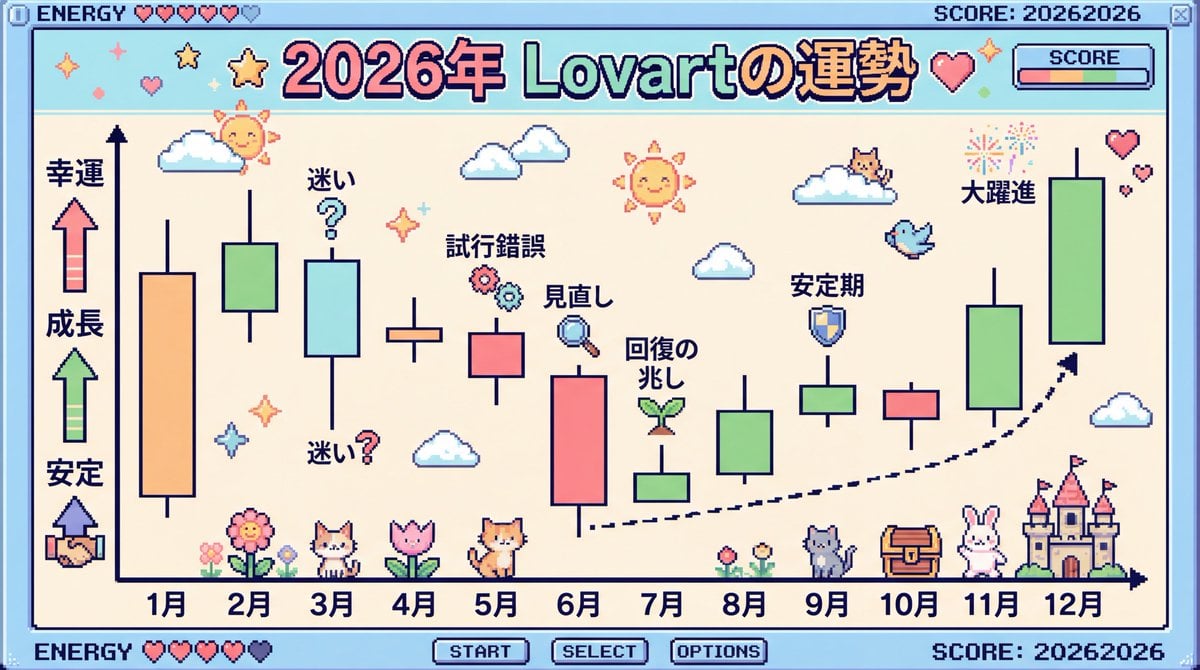
2026 Fortune Telling Prompt (Super Famicom Style)

Low-fidelity CCTV image of a defiant subject
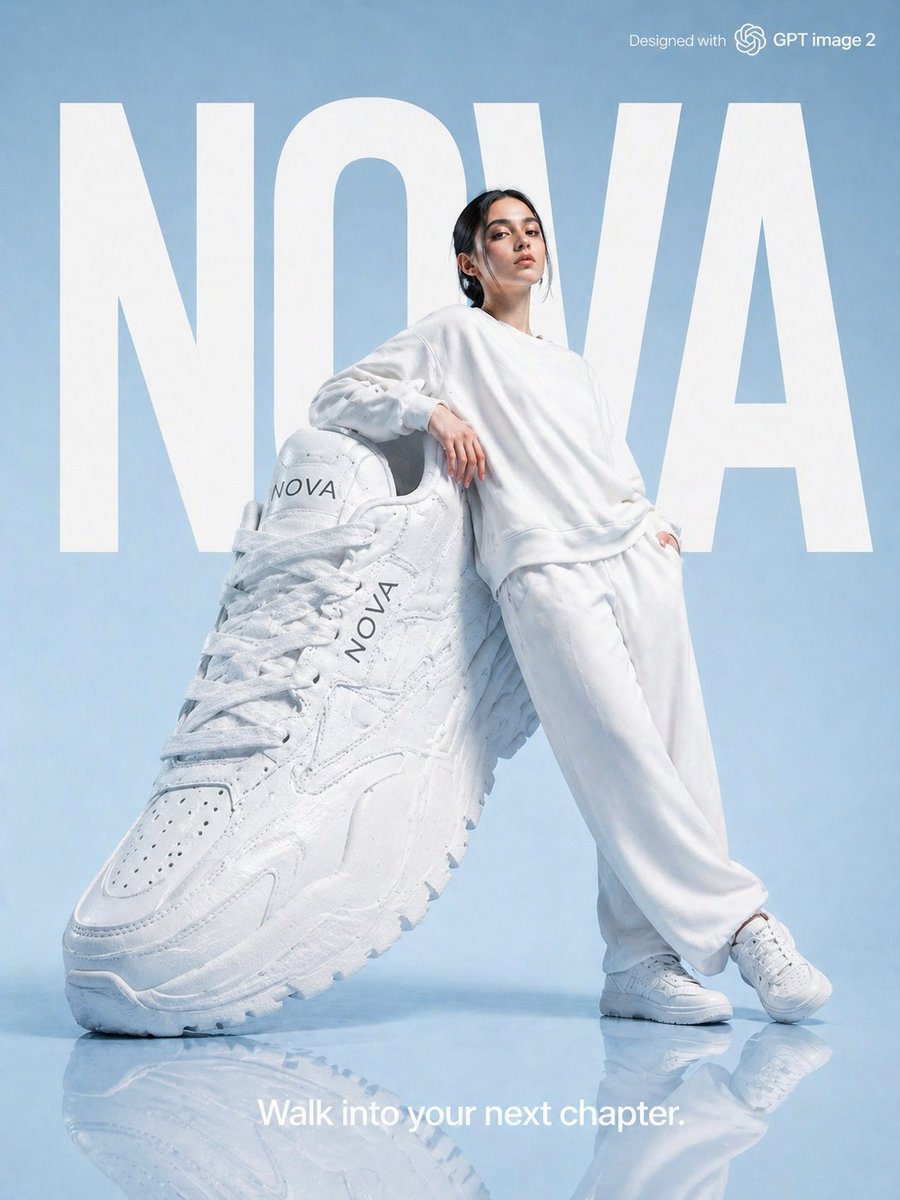
High-Fashion Brand Advertising Layout

Neon GPT 5.5 Celebration Party

Cinematic Double Exposure Traveler

Kawaii Comfy Bed Portrait
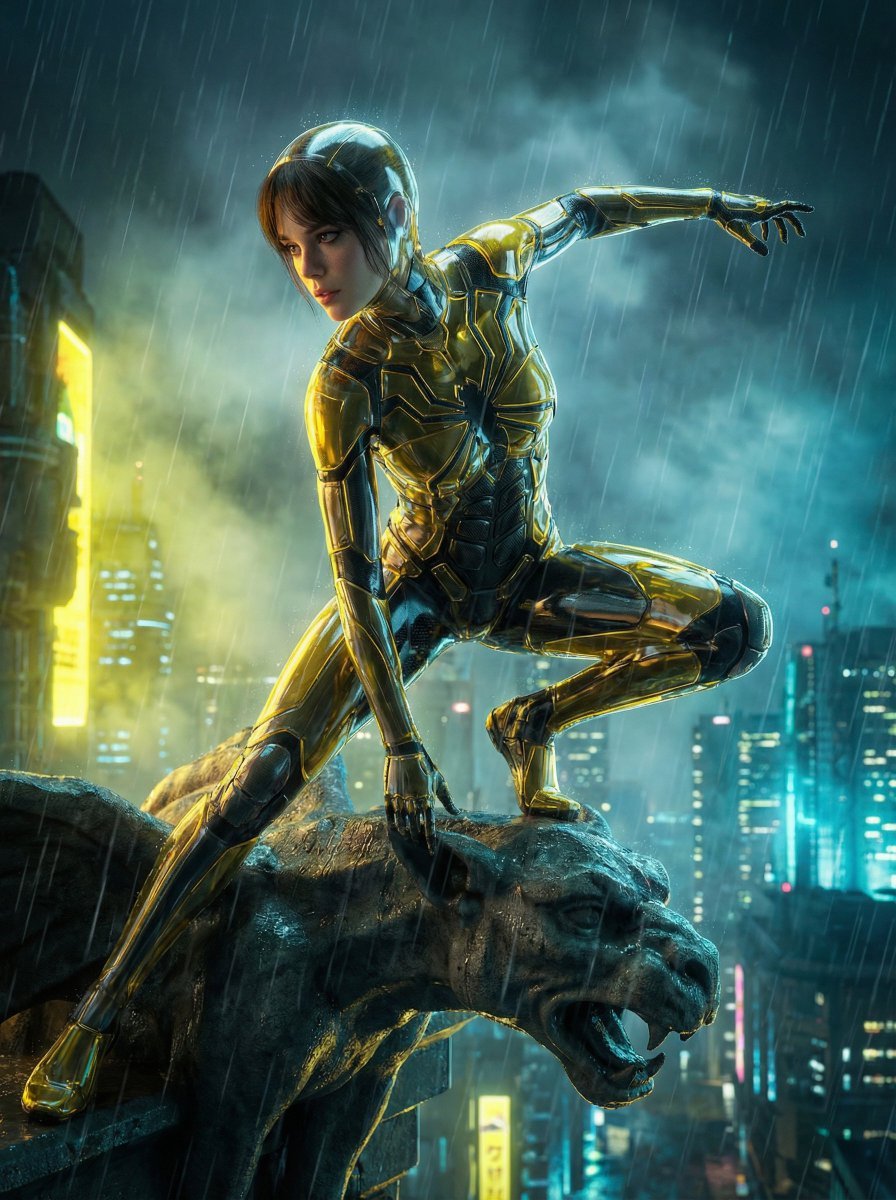
Crystal Spider Suit in Neo-Tokyo
Bold Potato Chips Advertising Poster
Browse template categories
Japanese Manufacturing Challenges Infographic questions
How do I use the Japanese Manufacturing Challenges Infographic template?
Add your photo if the template asks for one, edit the prompt if you like — the template's model and format are already selected — and press Generate. Your version opens in PicX Studio.
Can I customize the Japanese Manufacturing Challenges Infographic template?
Yes. You can change the subject, setting, lighting, mood, format, and available model controls before creating your image.
Is the Japanese Manufacturing Challenges Infographic template free?
Opening and editing this template is free. Generating uses credits, shown on the Generate button when you are signed in.
Which AI model should I use?
Start with GPT Image 2, which is the model associated with this template. You can compare another compatible model for a different finish.
Looking for something else? Browse all templates.

Your photo, any look
Thousands of ready templates for every top image and video model, from one credit balance.