
Low-fidelity CCTV image of a defiant subject
A highly specific prompt designed to generate an intentionally degraded, low-fidelity image resembling a CCTV surveillance feed.
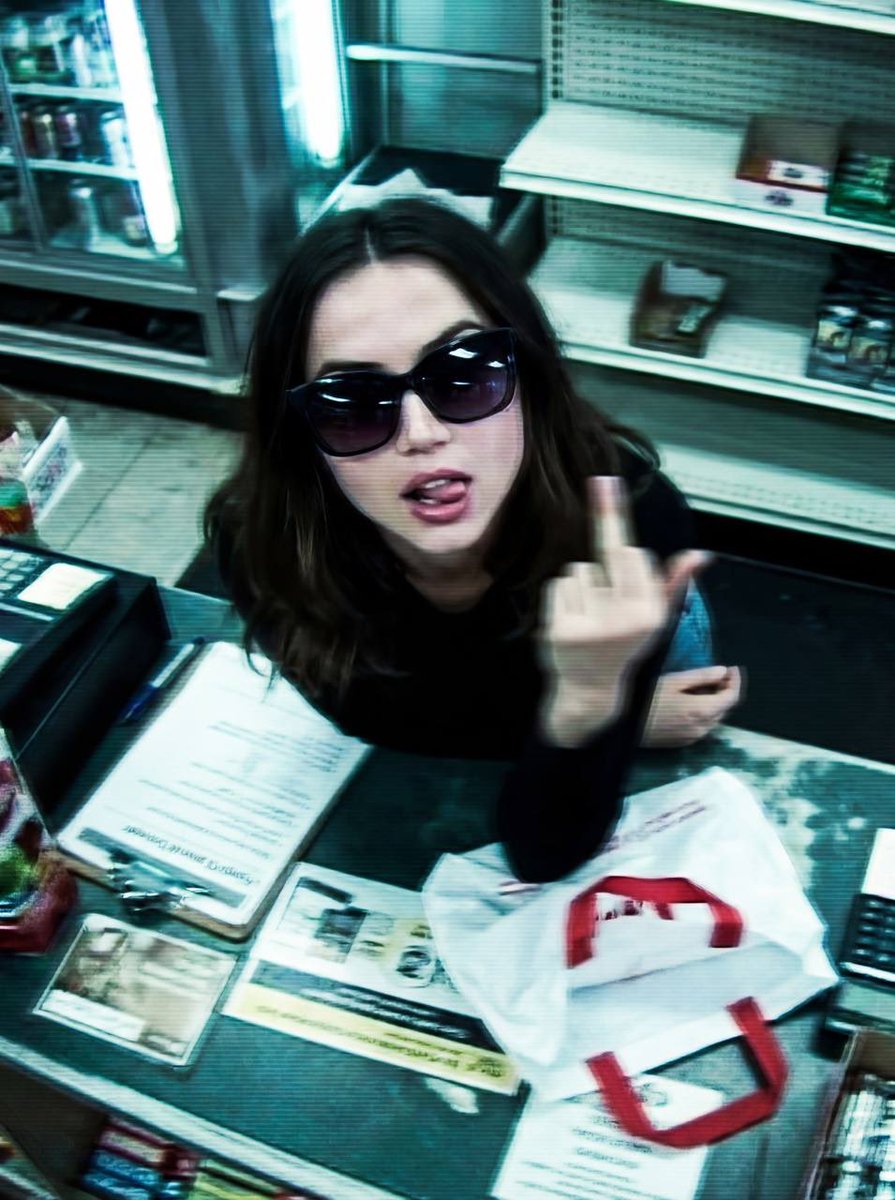
- Prompt included
- Model and format preset
- Free template
The prompt behind this image
Copy the exact prompt behind Low-fidelity CCTV image of a defiant subject, or open it in the studio and make it yours.
{ "image_description": { "title": "Surveillance Feed: Defiant Subject in Retail Shop", "aspect_ratio": "4:5", "mood": "Raw, gritty, confrontational, authentic" }, "visual_elements": { "subject": { "framing": "Centered from mid-torso upward", "pose": "Head tilted back looking up at camera, relaxed yet defiant posture", "action": "Hand raised with middle finger extended (silhouette, ghosted by motion)", "facial_features": "Largely obscured by blur, mouth open with tongue faintly visible", "apparel": "Dark oversized sunglasses reflecting ambient light" }, "environment": { "location": "{argument name="location" default="Cramped retail shop interior"}", "foreground": "Cluttered checkout counter, papers, white shopping bag with red rope handles", "background": "Densely packed shelves with small items, souvenirs, and figurines (abstracted by low resolution)" } }, "technical_specifications": { "camera_perspective": "High-mounted, steep downward angle, top-down CCTV view", "lens_distortion": "Subtle fisheye warping at frame edges", "lighting": "Harsh flat fluorescent, blown highlights, dull shadows", "color_grading": "Cool green-blue cast, uneven color reproduction, visible banding, reduced dynamic range" }, "image_fidelity": { "quality": "Intentionally degraded, low-fidelity", "artifacts": [ "Strong motion blur", "Digital smearing", "Compression artifacts", "Heavy noise", "Scan lines" ], "sharpness": "Low perceived sharpness, distinct details stretched and indistinct" }, "full_prompt_text": "A heavily distorted, low-fidelity surveillance-style image depicts the Subject standing behind a cramped retail checkout counter inside a cluttered shop, captured from a high-mounted camera angled steeply downward in a top-down CCTV perspective. The image quality is intentionally degraded, with strong motion blur, digital smearing, compression artifacts, heavy noise, scan lines, and subtle fisheye distortion warping the frame edges, making fine details indistinct and stretched. The Subject is centered from mid-torso upward, looking up toward the camera with the head tilted back; facial features are largely obscured by blur and artifacts, though dark oversized sunglasses dominate the face, reflecting ambient light, and the mouth appears open with the tongue faintly visible. One hand is raised toward the camera with the middle finger extended, clearly readable in silhouette but softened and ghosted by motion and low clarity, conveying a relaxed yet defiant posture. The foreground checkout counter is cluttered with papers and a white shopping bag with red rope handles, while the background shelves are densely packed with small items, souvenirs, and figurines that blend into abstract shapes due to low resolution and noise. Harsh, flat fluorescent lighting produces blown highlights, dull shadows, uneven color reproduction, and" }
How to use Low-fidelity CCTV image of a defiant subject in 3 steps
- 1
Open
The prompt is already in the box next to the preview, with the template's model and format selected.
- 2…a portrait of your subject in softgolden-hour light, 85mm…
Personalize
Edit the subject and creative details for your destination.
- 3Generate
Generate
Press Generate — your image is created in PicX Studio, so you can compare it with the original and refine one variable at a time.
More like this
Templates with the same subject, style or setup. Open one to see its prompt.
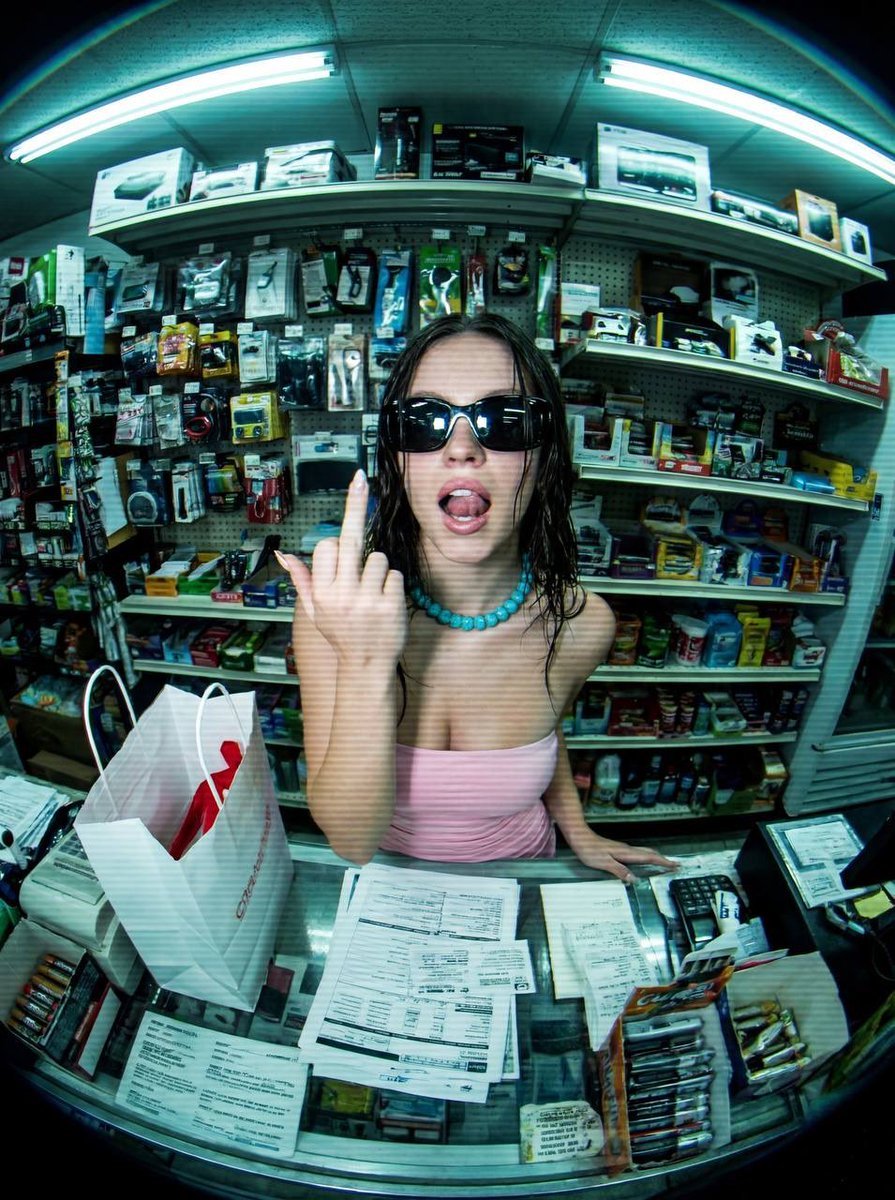
Low-Fidelity CCTV Surveillance Feed Image
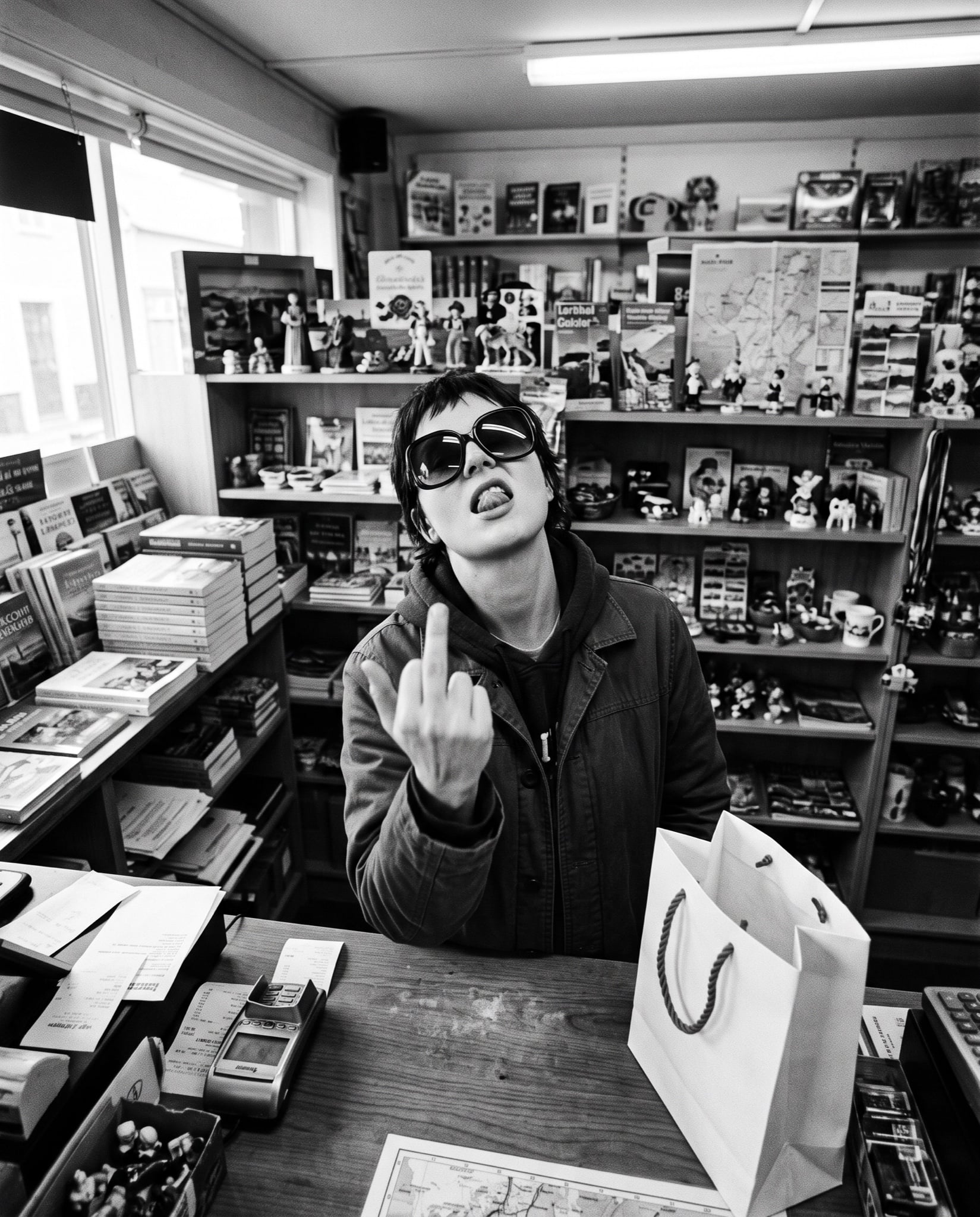
Low-Fidelity CCTV Surveillance Image
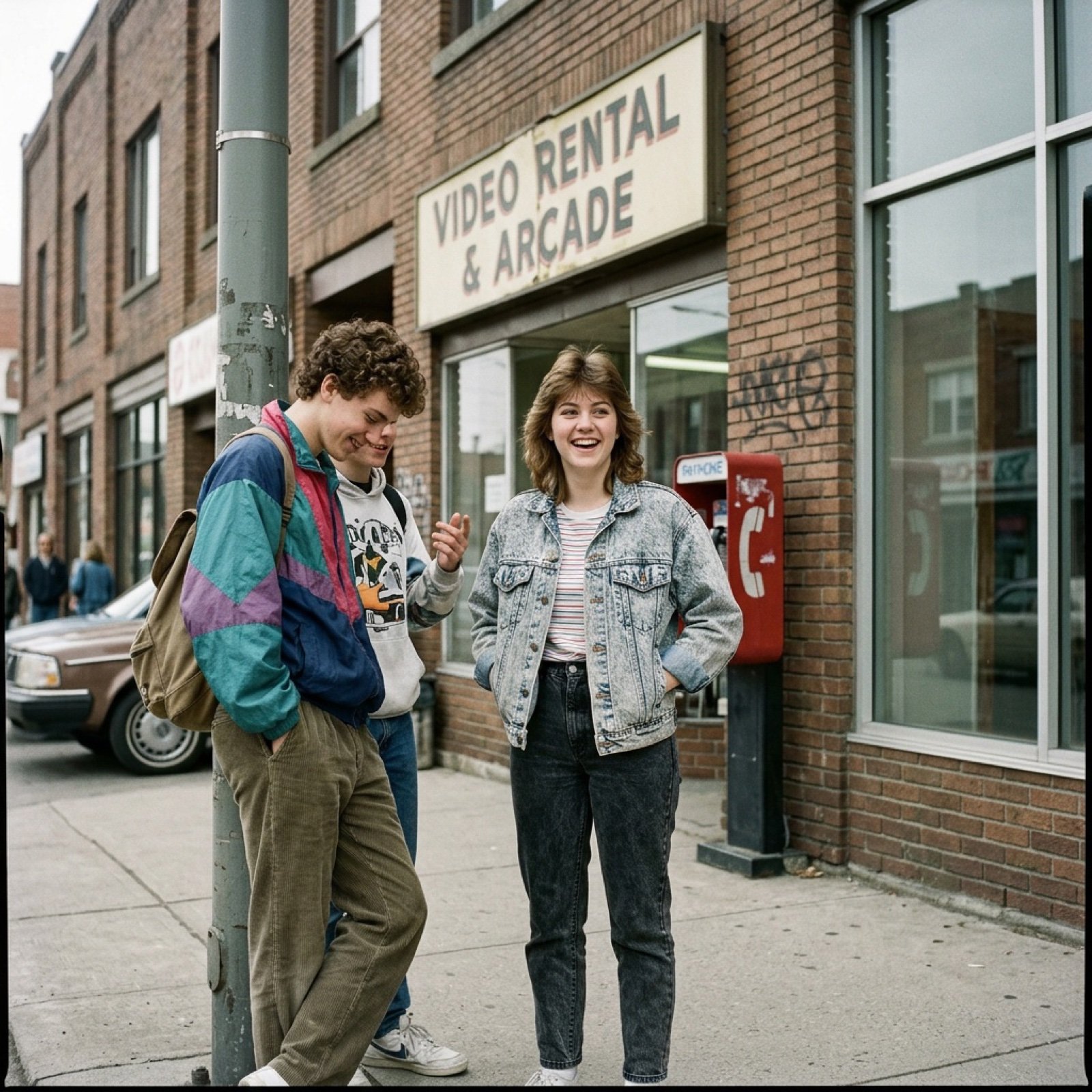
80s Low-Fidelity Snapshot Prompt

Defiant Subject with Vintage Sports Car
Grainy CCTV Woman With Hand Cart

Glad2Glow Facial Wash Storyboard
Authentic CCTV Surveillance Camera Scene

Flower Petal Sunglasses Couture Portrait
A high-detail photograph of a defiant woman posing nonchalantly
CCTV Surveillance Footage Aesthetic
Low-Angle Winter Scarf Selfie

Whiskey in a Glowing Primrose Garden
Make it yours
Low-fidelity CCTV image of a defiant subject works as-is. These are the safest ways to change it without losing the look.
Change one field
Copy a single group, rewrite it, and generate again so you can see what that field is doing.
Keep the frame, change the subject
Hold the composition and light of Low-fidelity CCTV image of a defiant subject, then swap wardrobe, props or the person for a new take.
| If the result… | Why | Fix |
|---|---|---|
| The result drifts from the preview | Too many fields changed at once. | Reuse Low-fidelity CCTV image of a defiant subject as-is first, then change one group — subject, light, or setting. |
| The model over-stylizes the scene | The prose prompt leaves finish and camera underspecified. | Add one camera or lighting sentence and stay on Nano Banana 2. |
More Nano Banana 2 templates
Other prompts made for Nano Banana 2.

Photorealistic Leaf Shaped Like a Dragon

K-Pop Idol Portrait Grid for Rapid Selection

Poetic Rain Forest Portrait During Golden Hour

Urban Street Portrait with Cartoon Inner Self Duo

Candid Nighttime Photo with Cat Prompt

High-Concept 3D Diorama Generation Prompt

Cinematic Futuristic Studio Portrait Template

Skincare Editorial Photography Collage Prompt

Hyper-Realistic Commercial Product Photography (Splash Effect)

Hyper-Realistic Nightclub Portrait Prompt
More image prompts
Fresh picks from across the catalog.
Otter scientists explaining the WiFi plane test
Japanese Idol Concert Portrait
Four-Image Summer Lifestyle Editorial Collage Prompt (Duplicate)
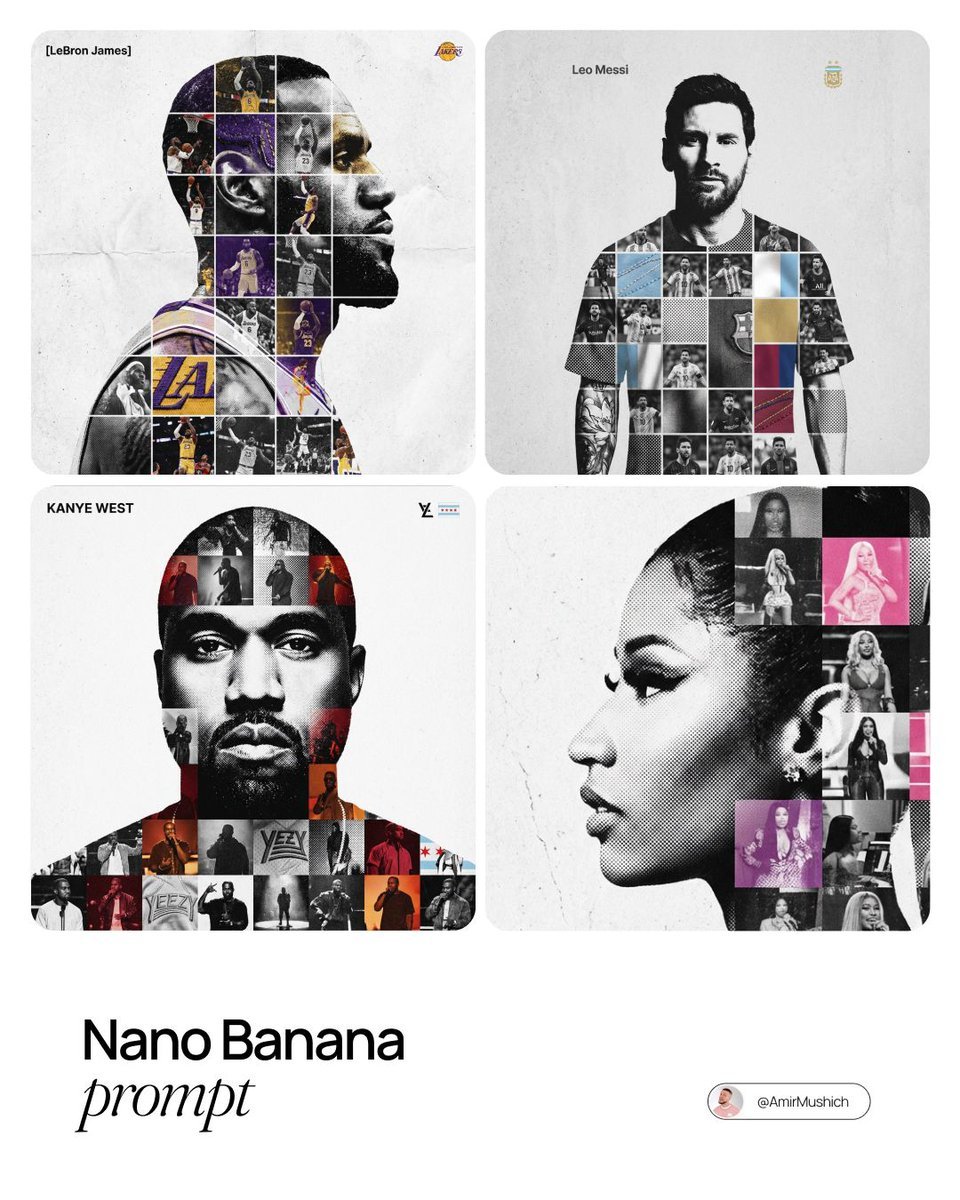
Photo-Grid Tribute Poster Design Prompt
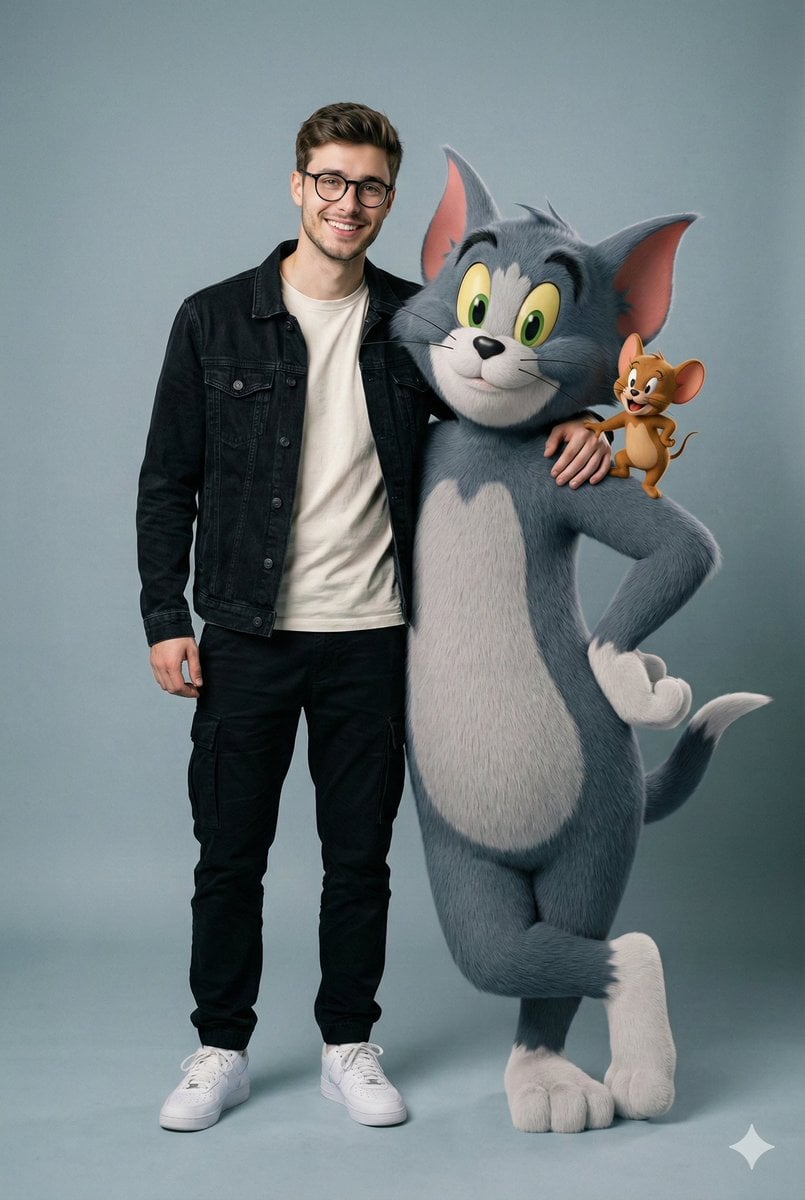
Hyper-realistic image prompt featuring a person with Tom and Jerry in a studio setting
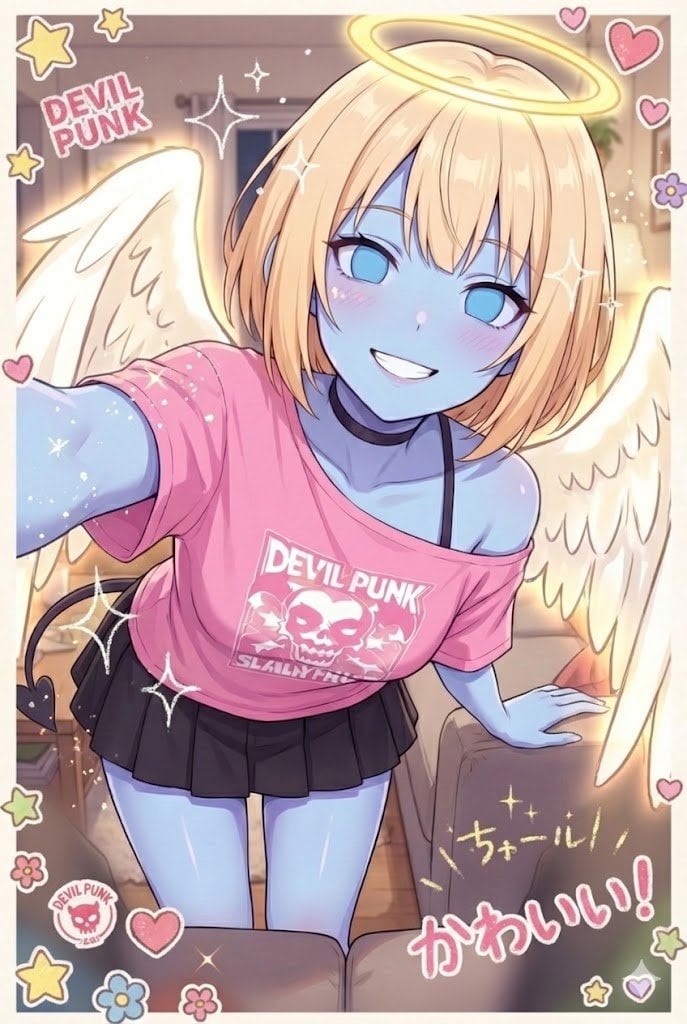
Puri-kura Style Processing and Drawn Wings Test
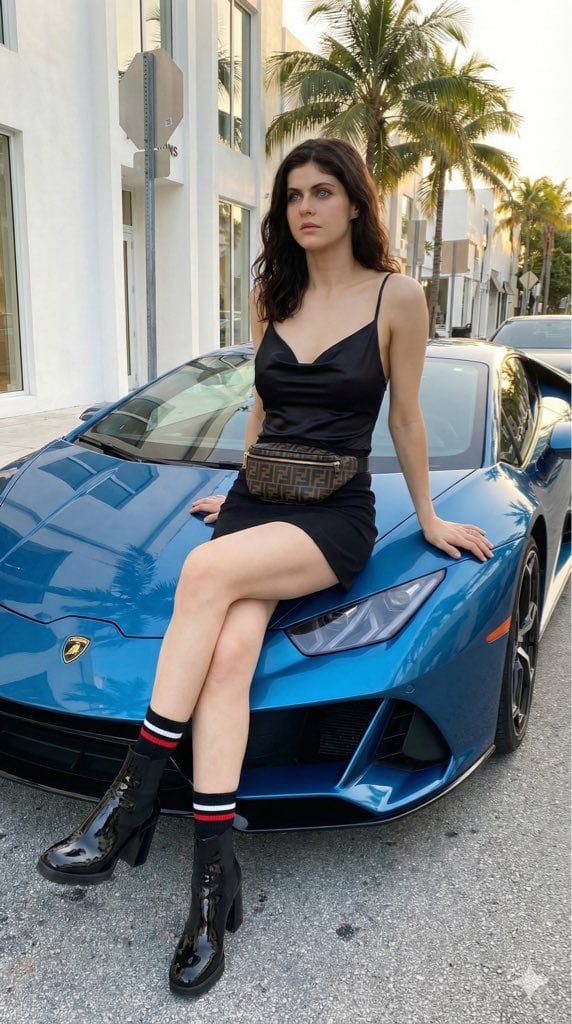
High-Fashion Editorial of Alexandra Daddario with a Lamborghini
Cinematic Macro Photograph of a Strawberry in Syrup
Anime Cat Girl Character Sheet
Golden Hour Tennis Lifestyle Photo Prompt
Browse template categories
Low-fidelity CCTV image of a defiant subject questions
How do I use the Low-fidelity CCTV image of a defiant subject template?
Add your photo if the template asks for one, edit the prompt if you like — the template's model and format are already selected — and press Generate. Your version opens in PicX Studio.
Can I customize the Low-fidelity CCTV image of a defiant subject template?
Yes. You can change the subject, setting, lighting, mood, format, and available model controls before creating your image.
Is the Low-fidelity CCTV image of a defiant subject template free?
Opening and editing this template is free. Generating uses credits, shown on the Generate button when you are signed in.
Which AI model should I use?
Start with Nano Banana 2, which is the model associated with this template. You can compare another compatible model for a different finish.
Looking for something else? Browse all templates.

Your photo, any look
Thousands of ready templates for every top image and video model, from one credit balance.