
Glad2Glow Facial Wash Storyboard
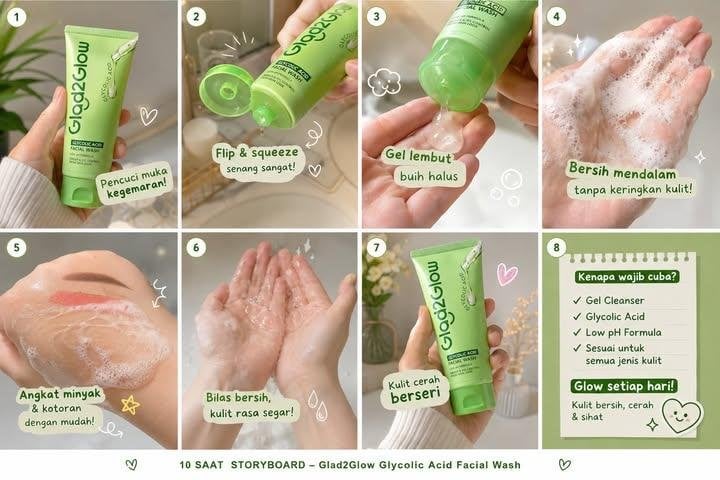
Generates an eight-panel skincare commercial storyboard for a Glad2Glow facial wash concept with Indonesian labels and soft luxury bathroom visuals.
- Prompt included
- Model and format preset
- Free template
The prompt behind this image
Copy the exact prompt behind Glad2Glow Facial Wash Storyboard, or open it in the studio and make it yours.
Goal: Create a 10-second cinematic vertical skincare storyboard concept for {argument name="product name" default="Glad2Glow Glycolic Acid Facial Wash"}, showing the transformation from gel cleanser to foam to fresh glowing skin in a soft lifestyle bathroom setting. Canvas: 16:9 horizontal storyboard sheet containing exactly 8 rounded-rectangle panels arranged in a 2-row by 4-column grid, separated by thick white gutters. Use a warm beige, cream, and soft sage-green palette with bright morning sunlight, shallow depth of field, glossy skincare-commercial lighting, and a clean social-media ad aesthetic. Visual style: Ultra-realistic product photography mixed with cute editorial doodles. Soft frosted-window bathroom background, subtle plants, towels, sink, bubbles, sparkles, hearts, water droplets, and hand-drawn white accent icons. Add small white circular number badges in the top-left corner of each panel labeled 1 through 8. Use rounded green label stickers with casual handwritten-style Indonesian copy. Panel layout and content, exactly 8 panels: 1. Close-up of a hand in a cream ribbed sweater holding a pastel green facial wash tube upright. The tube reads “glad2glow” vertically and “Glycolic Acid Facial Wash”; background has a blurred plant and beige bathroom light. Add a small white heart doodle and sticker text: “Pencuci muka kegemaran!” 2. Close-up of the product cap flipped open while the tube is squeezed downward, showing the green flip-cap mechanism and creamy bathroom props behind it. Add motion lines and heart doodles. Sticker text: “Flip & squeeze senang sangat!” 3. Product held above an open palm as translucent gel dispenses onto the hand. Add bubble doodles and a small foam-cloud icon. Sticker text: “Gel lembut buih halus”. 4. Macro shot of a palm covered in rich white cleanser foam and bubbles, with sparkling highlights. Sticker text: “Bersih mendalam tanpa keringkan kulit!” 5. Close-up of a cheek/face area being cleansed with a milky gel foam texture, showing a swipe through light makeup/oil residue. Add crescent, star, and swirl doodles. Sticker text: “Angkat minyak & kotoran dengan mudah!” 6. Two cupped hands rinsed clean under implied water, skin wet and fresh with droplets, beige sink background. Add simple water droplet doodles. Sticker text: “Bilas bersih, kulit rasa segar!” 7. Hand holding the green product tube upright again in a bright bathroom with flowers in the background. Add a pink heart doodle and sparkle accents. Sticker text: “Kulit cerah berseri”. 8. Final benefits card on a pale green background with a white checklist card. Header text: “Kenapa wajib cuba?” Include exactly 4 checkmarked bullet points: “Gel Cleanser”, “Glycolic Acid”, “Low pH Formula”, “Sesuai untuk semua jenis kulit”. Add bold bottom headline: “Glow setiap hari!” and small line: “Kulit bersih, cerah & sihat”. Include a cute smiling face doodle, sparkles, and a small heart. Product details: The hero product is a squeezable pastel green tube with a translucent green flip cap, glossy plastic, vertical dark green “glad2glow” branding, and small skincare text suggesting glycolic acid cleanser. Keep the product consistently shaped and colored across all panels. Footer: Add a thin white footer strip beneath the grid with small centered green text: “10 SAAT STORYBOARD - Glad2Glow Glycolic Acid Facial Wash”, plus tiny green heart doodles at the left and right. Constraints: Indonesian sticker text must be legible and exactly as specified. Keep the overall look premium but playful, realistic hands and product, no extra panels, no extra bullet points in panel 8, no watermark, no unrelated logos.
How to use Glad2Glow Facial Wash Storyboard in 3 steps
- 1Upload ImagePNG, JPG or paste
Add your photo
Upload the photo the template builds on. The prompt, model and format are already set.
- 2…a portrait of your subject in softgolden-hour light, 85mm…
Personalize
Edit the subject and creative details for your destination.
- 3Generate
Generate
Press Generate — your image is created in PicX Studio, so you can compare it with the original and refine one variable at a time.
More like this
Templates with the same subject, style or setup. Open one to see its prompt.

Headphones Lifestyle Nine Panel Grid
Seedance - Storyboard to Movie
Ink Wash Hanfu Character Portrait
Washer POV Laundromat Portrait
Artistic Ink Wash Portrait Sketch

Pencil Sketch Coffee Storyboard
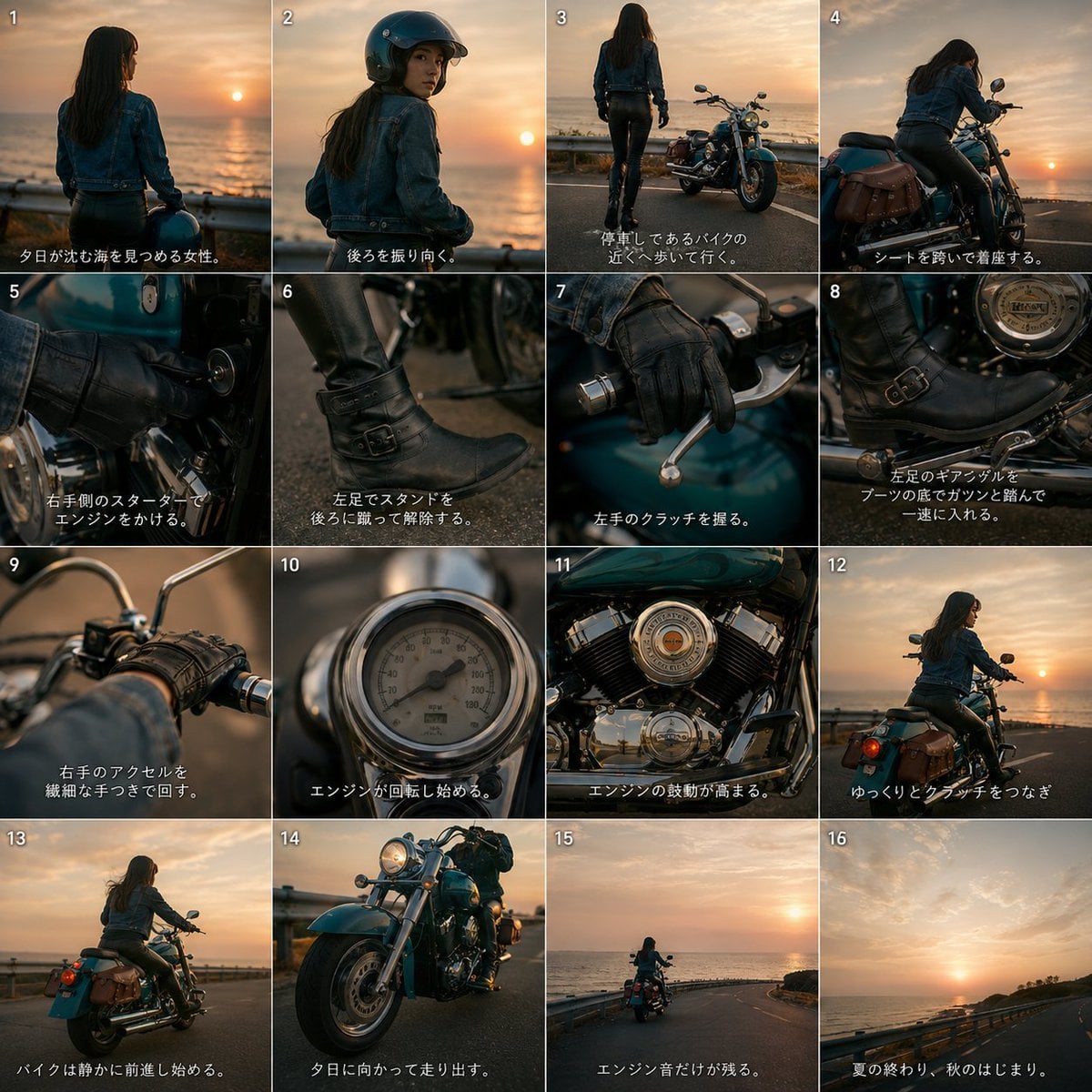
Cinematic Motorcycle Storyboard
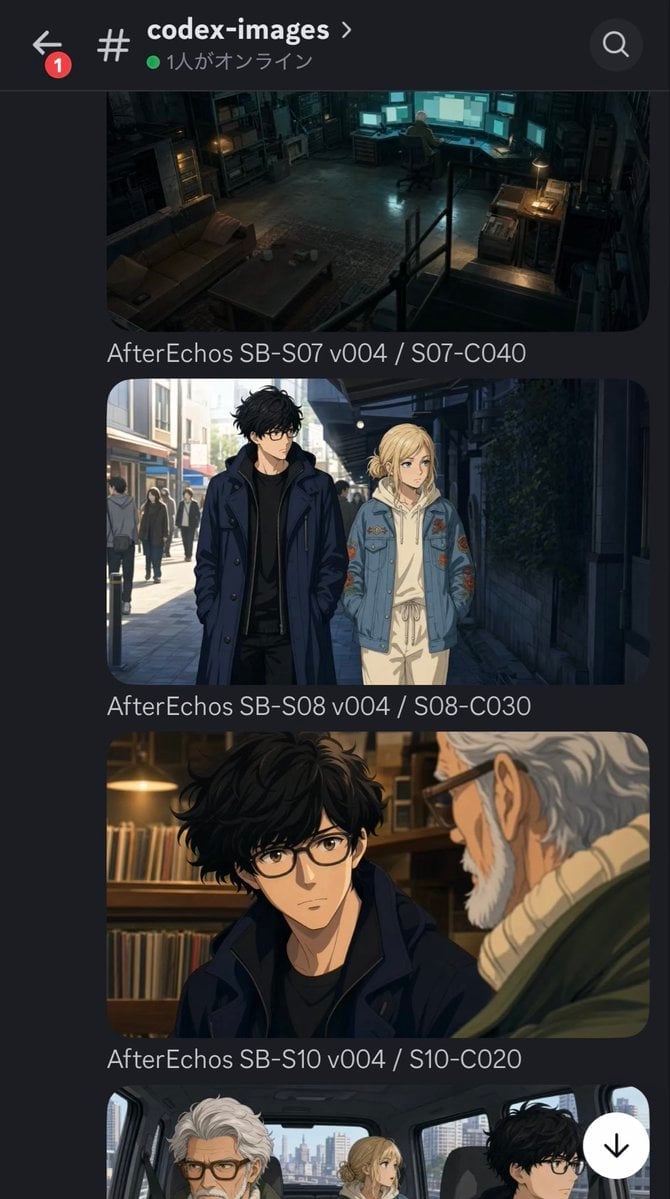
Discord Anime Storyboard Feed
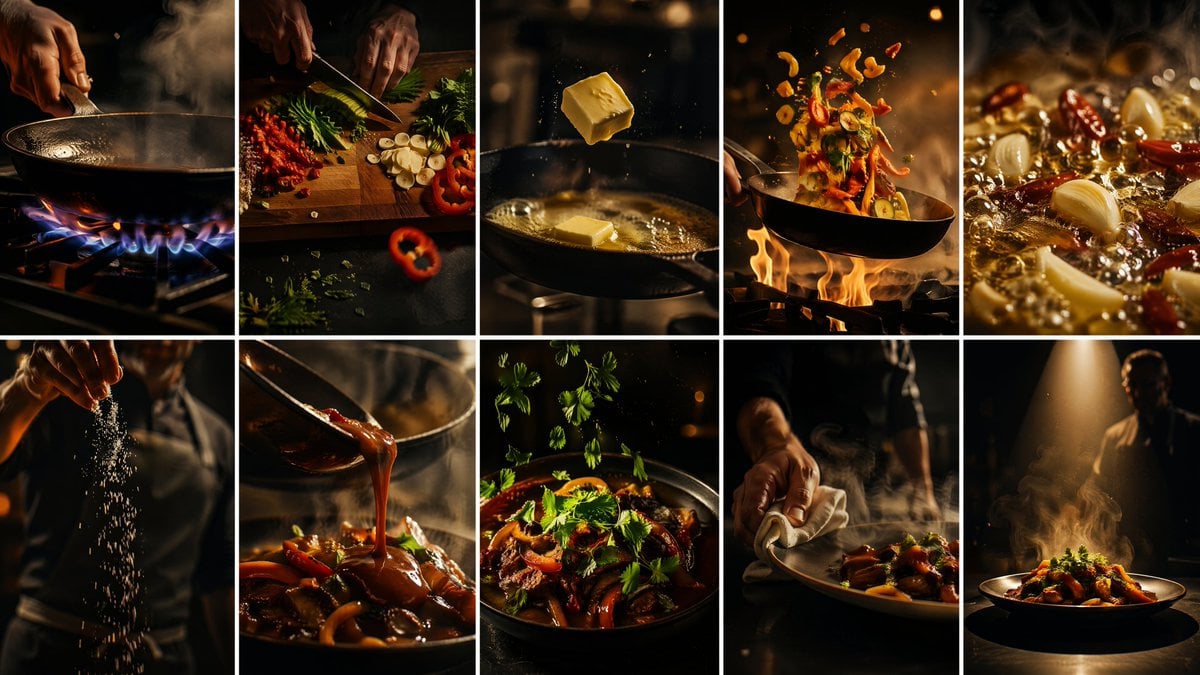
Cinematic Flame Chef Storyboard
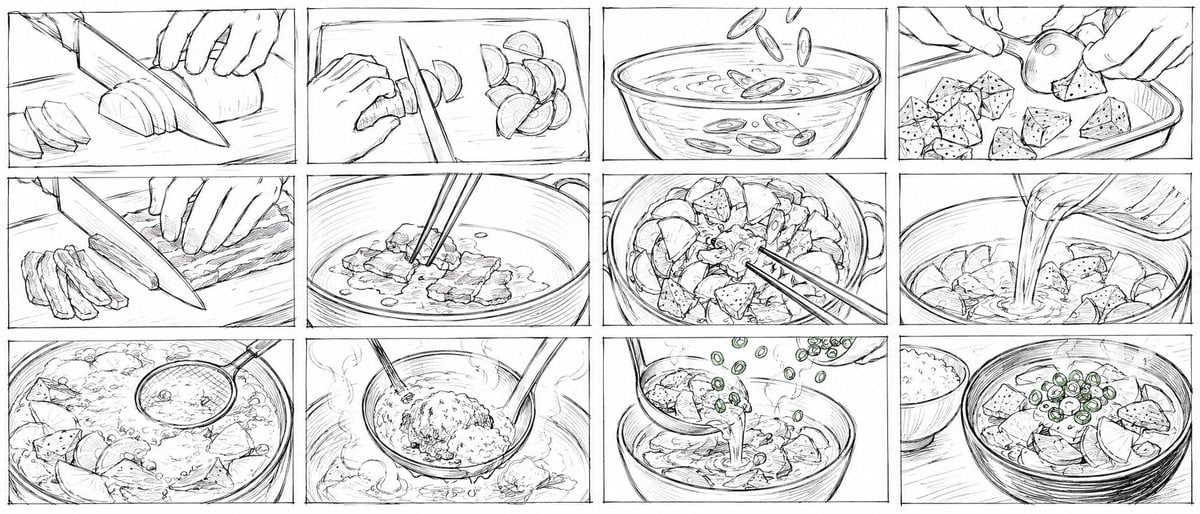
Rough Tonjiru Cooking Storyboard
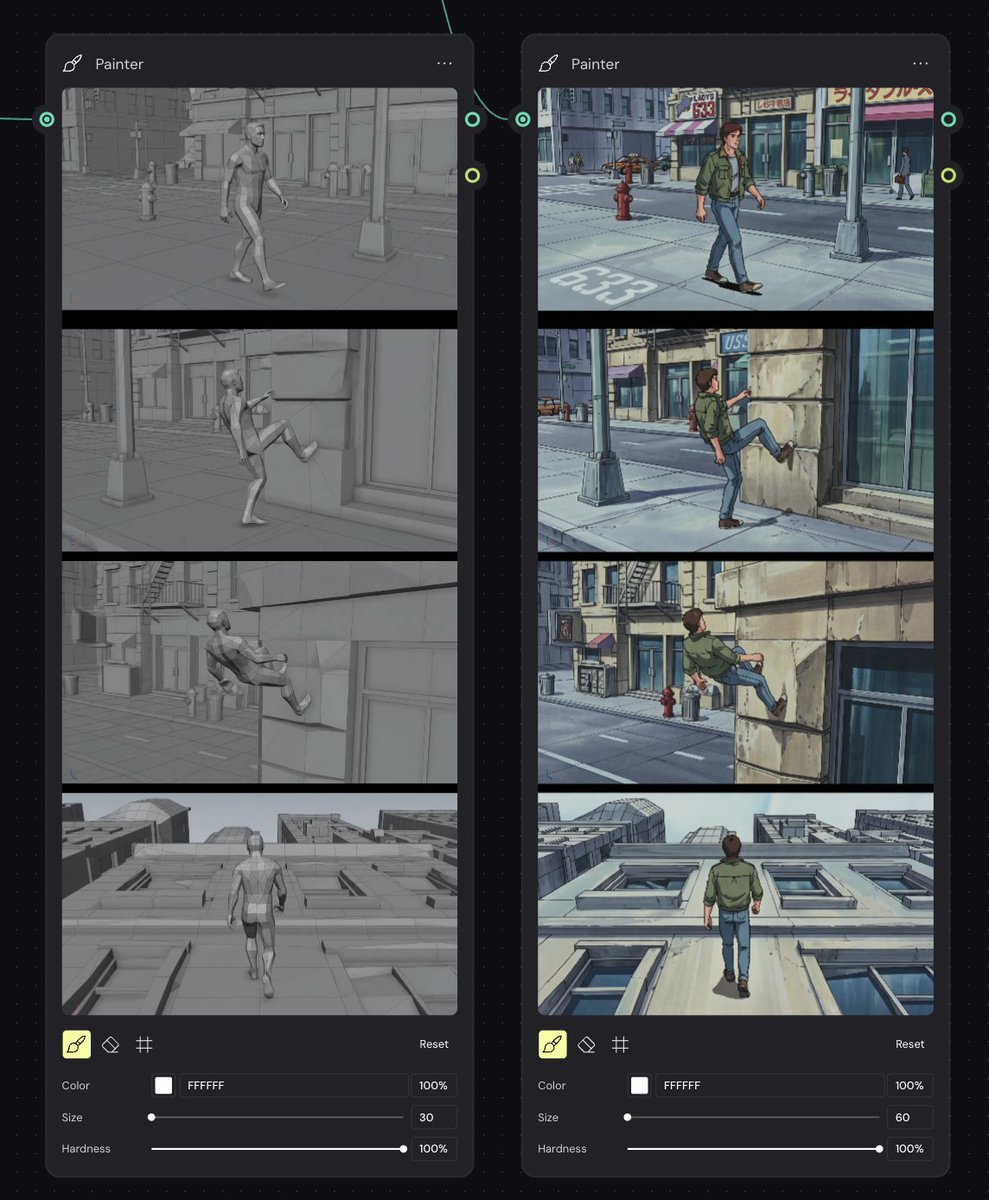
Storyboard Re-Render Workflow UI
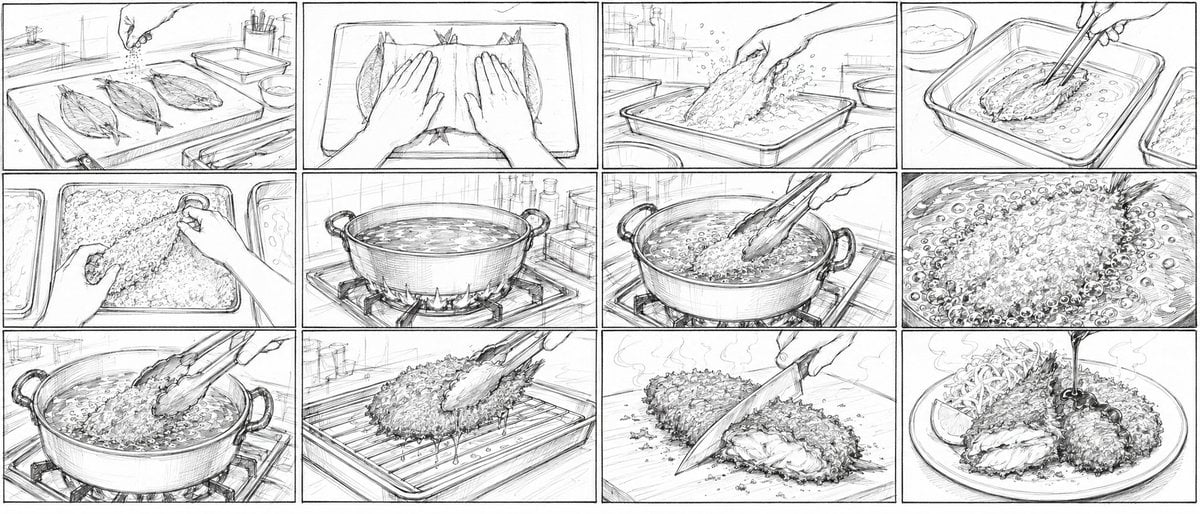
Aji Fry Anime Cooking Storyboard
Make it yours
Glad2Glow Facial Wash Storyboard works as-is. These are the safest ways to change it without losing the look.
Change one field
Copy a single group, rewrite it, and generate again so you can see what that field is doing.
Keep the frame, change the subject
Hold the composition and light of Glad2Glow Facial Wash Storyboard, then swap wardrobe, props or the person for a new take.
| If the result… | Why | Fix |
|---|---|---|
| The result drifts from the preview | Too many fields changed at once. | Reuse Glad2Glow Facial Wash Storyboard as-is first, then change one group — subject, light, or setting. |
| The model over-stylizes the scene | The prose prompt leaves finish and camera underspecified. | Add one camera or lighting sentence and stay on GPT Image 2. |
More GPT Image 2 templates
Other prompts made for GPT Image 2.

Six VTuber Japanese Logo Sheet

Realistic Portrait of Woman and Deer

The Vista Modular Condo Poster

AI Model Routing Comparison Infographic

2.5D Anime Art Board

Isometric Productivity Desk Scene

New York Double Exposure Poster

Four-Panel AI Landscape Comparison

Japanese Tatami Lifestyle Magazine Cover

NESCAFÉ Coffee Map Poster
More image prompts
Fresh picks from across the catalog.
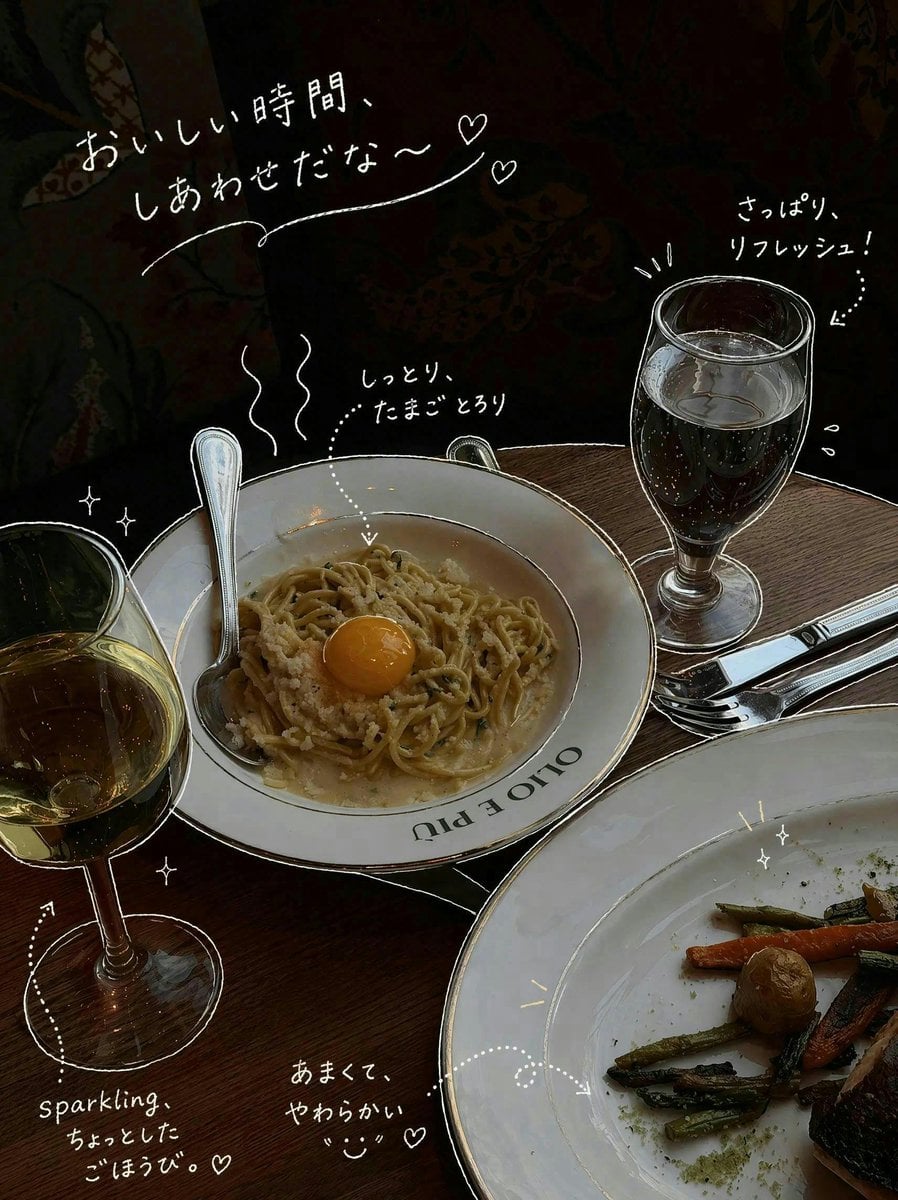
Doodle-Style Cozy Restaurant Table Photo
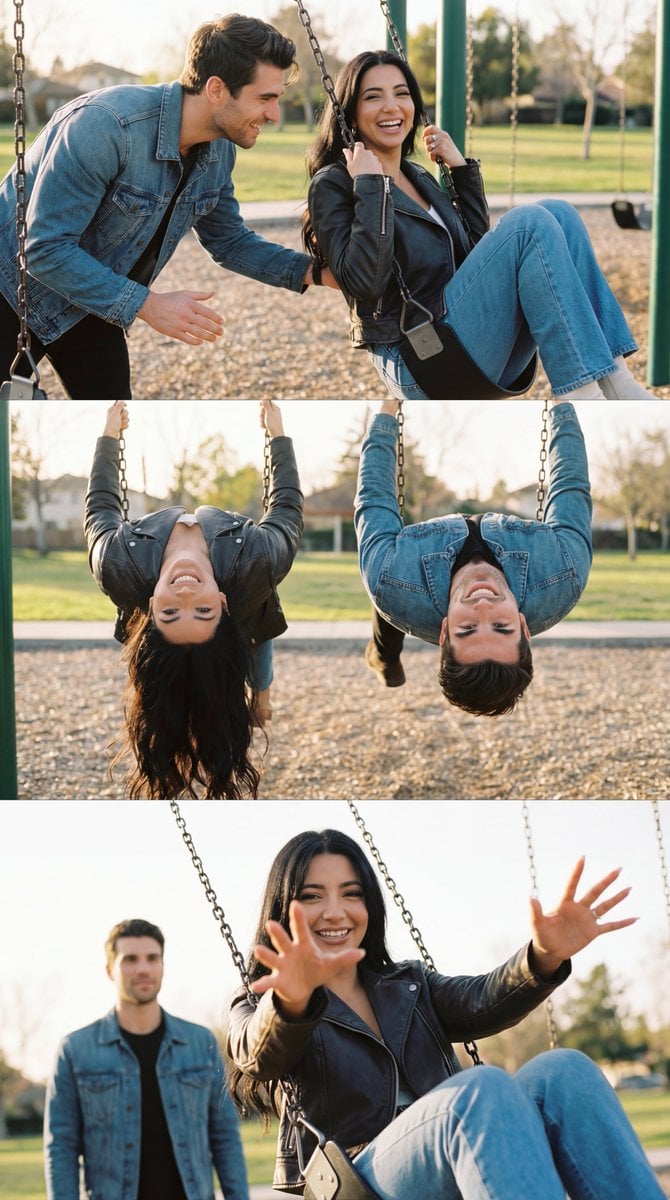
Ultra-Photorealistic Cinematic Couple Triptych Storyboard
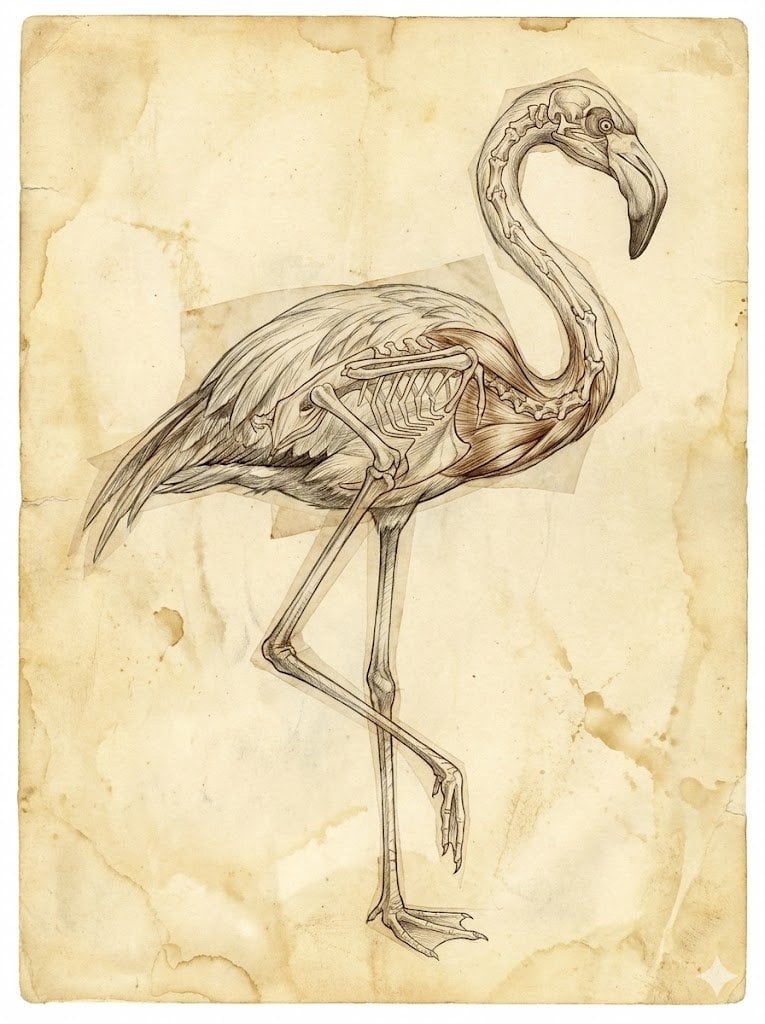
Renaissance Anatomical Study of a Flamingo
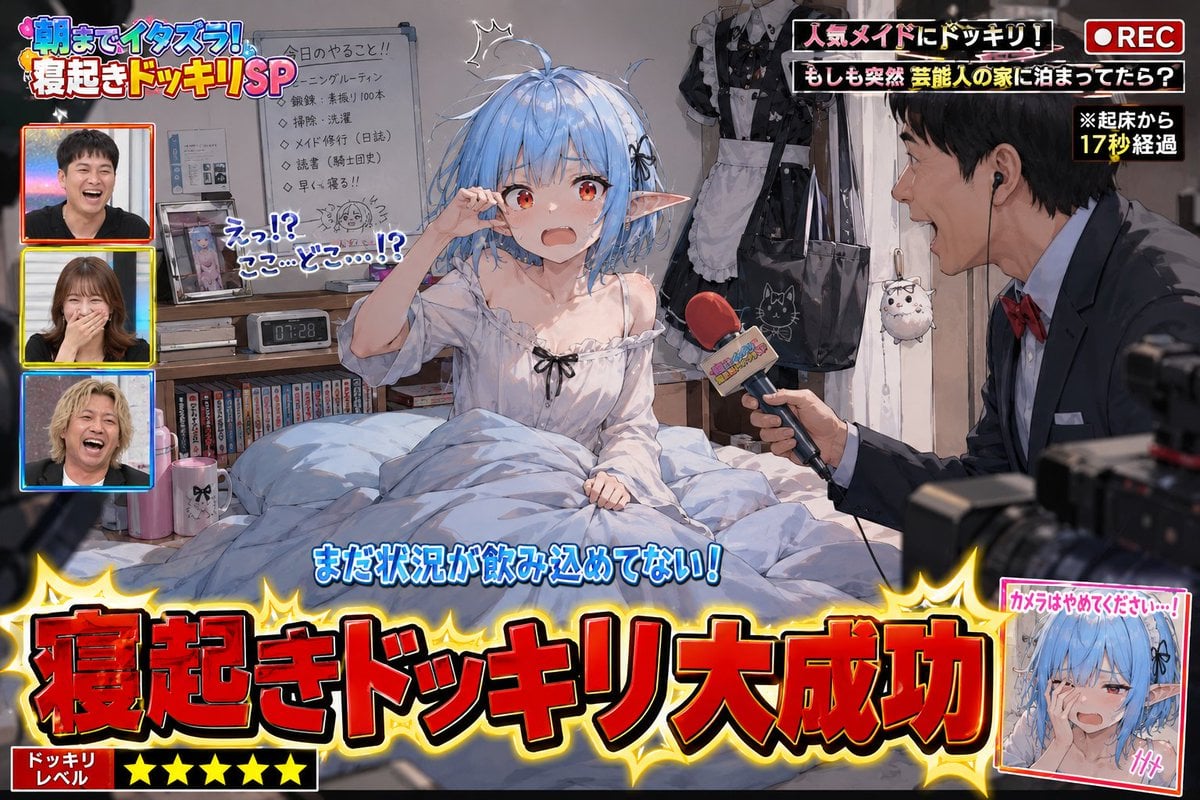
Variety Show Surprise Prank Anime Screenshot
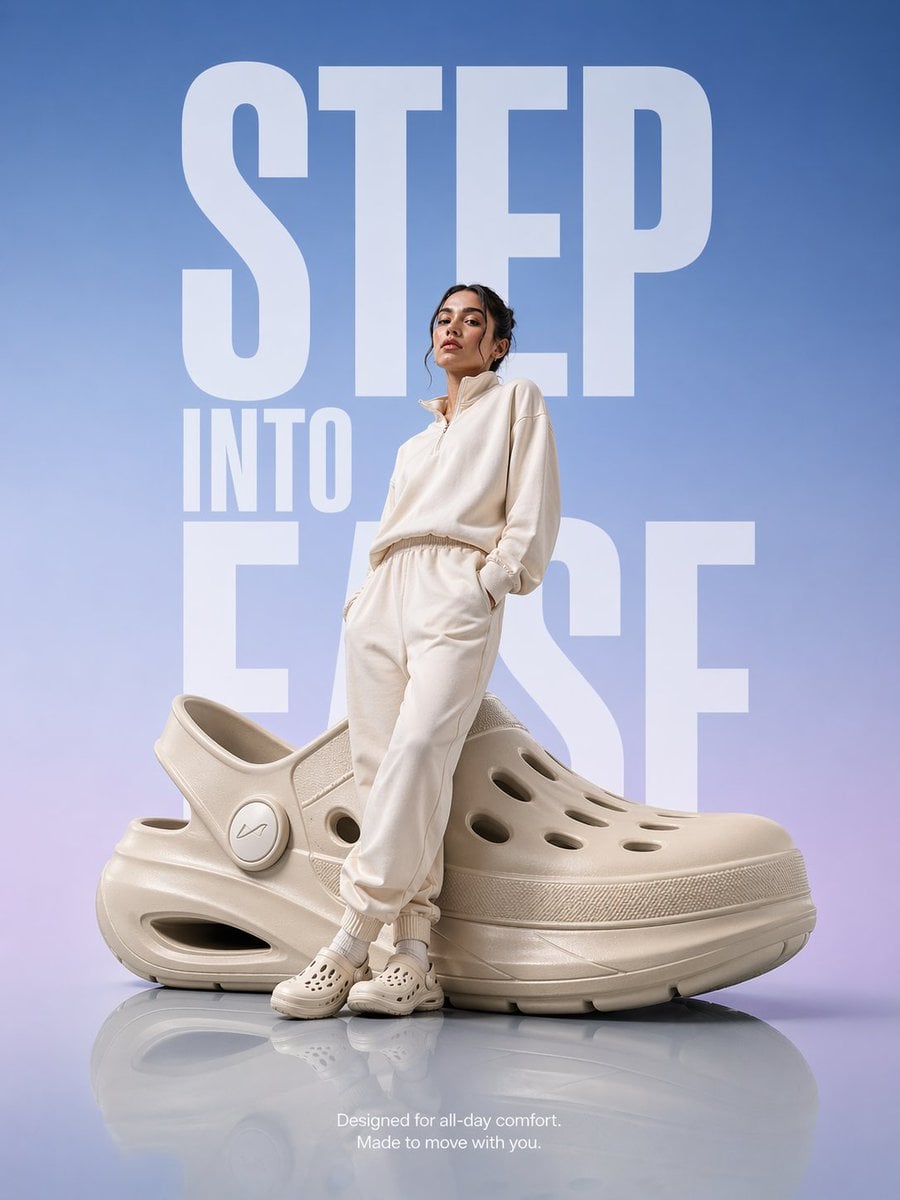
Futuristic Footwear Advertisement
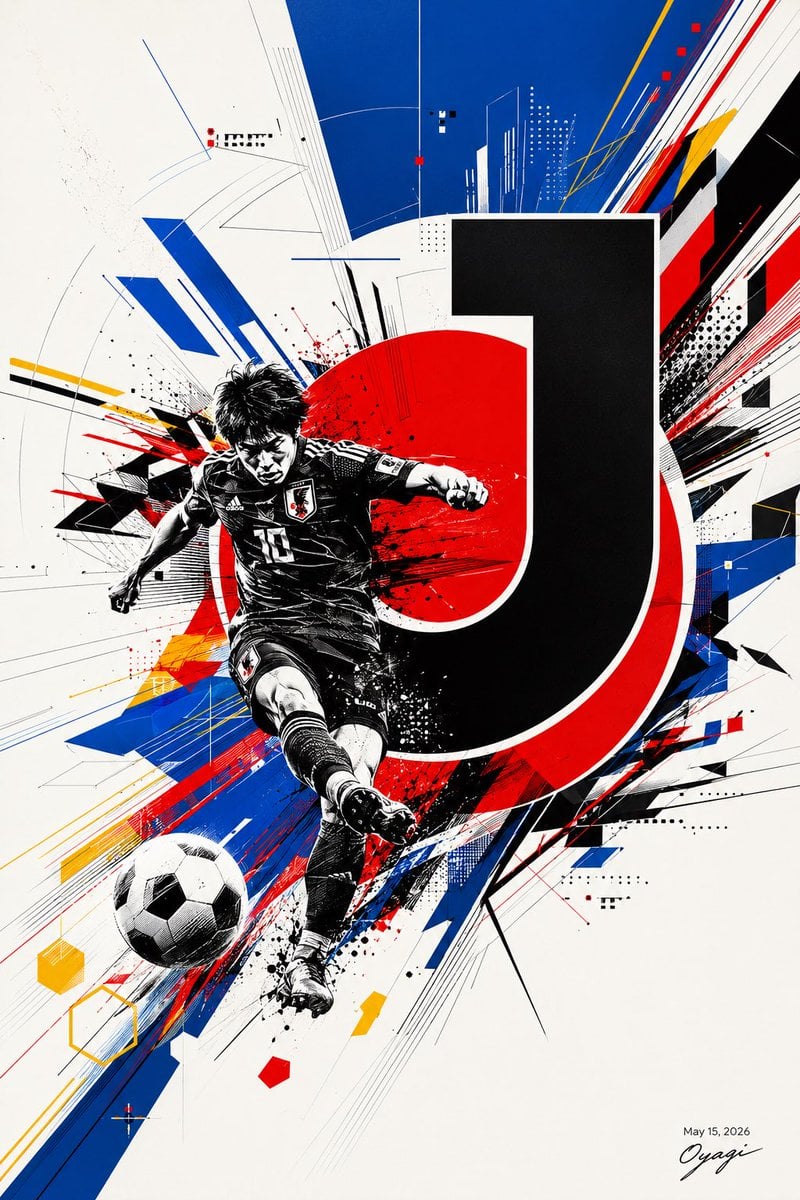
Dynamic J.League Soccer Poster
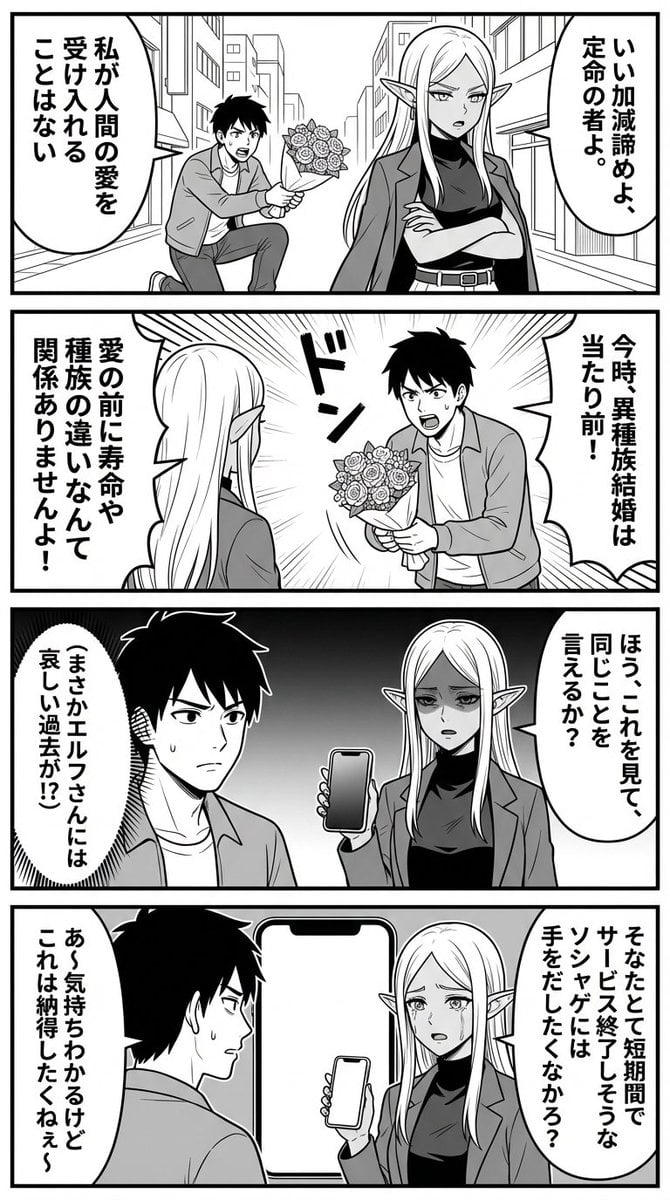
Nano Banana Comic Prompt: Elf and Human Love Comedy

Painterly Portrait in Golden Hour Light
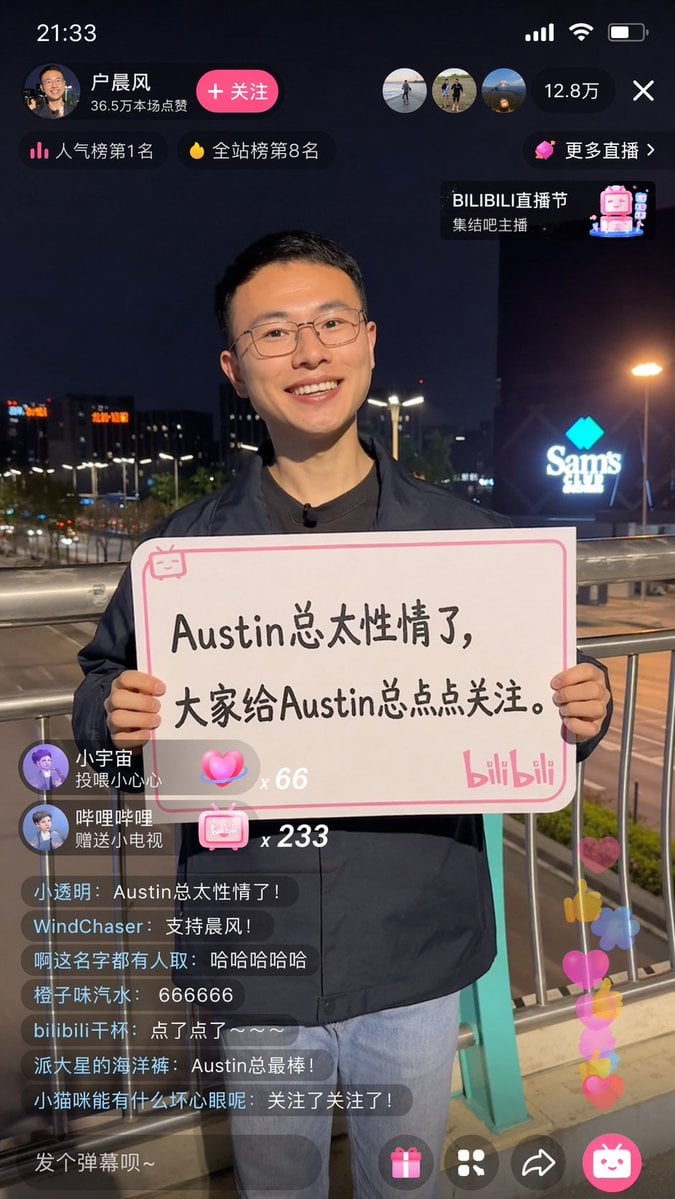
Bilibili Livestream Scene
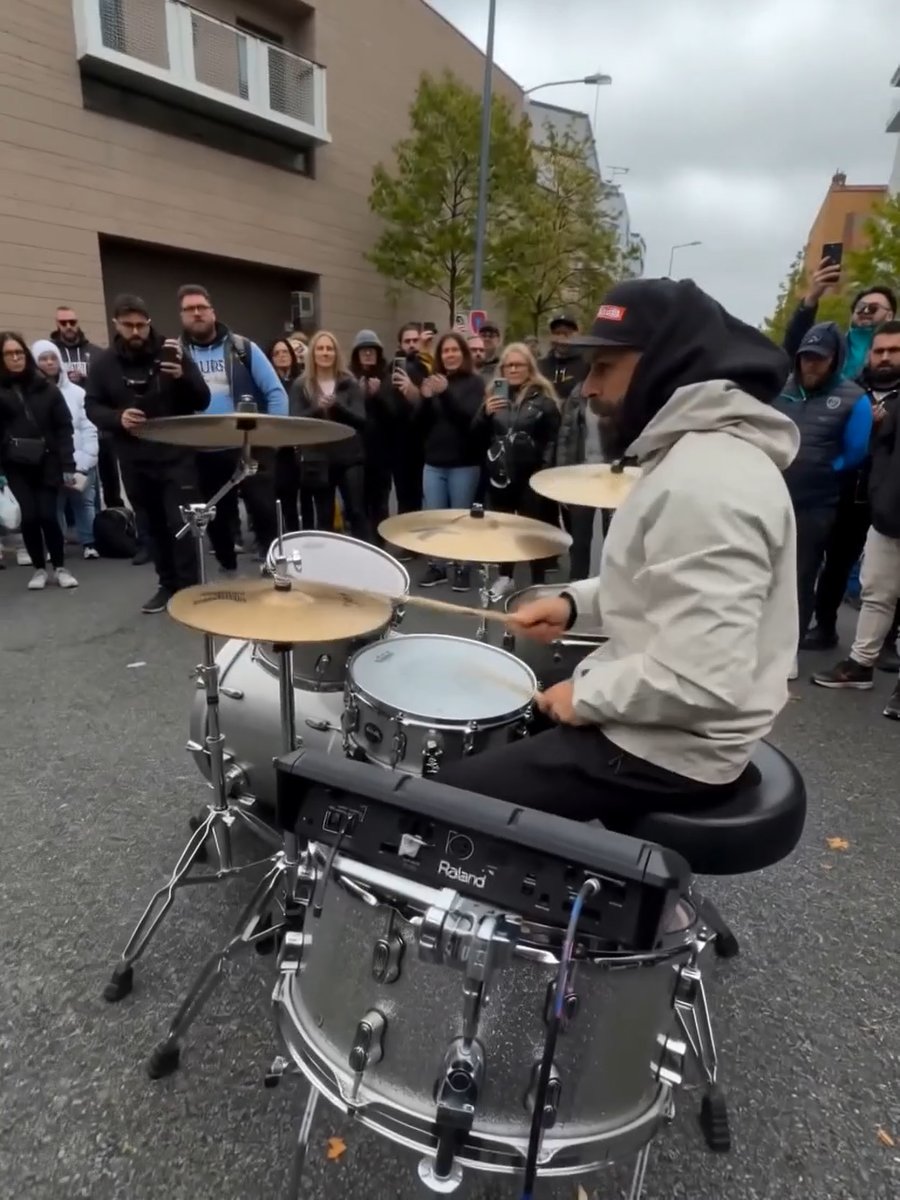
Image Editing Prompt for Nano Banana 2
Browse template categories
Glad2Glow Facial Wash Storyboard questions
How do I use the Glad2Glow Facial Wash Storyboard template?
Add your photo if the template asks for one, edit the prompt if you like — the template's model and format are already selected — and press Generate. Your version opens in PicX Studio.
Can I customize the Glad2Glow Facial Wash Storyboard template?
Yes. You can change the subject, setting, lighting, mood, format, and available model controls before creating your image.
Is the Glad2Glow Facial Wash Storyboard template free?
Opening and editing this template is free. Generating uses credits, shown on the Generate button when you are signed in.
Which AI model should I use?
Start with GPT Image 2, which is the model associated with this template. You can compare another compatible model for a different finish.
Looking for something else? Browse all templates.

Your photo, any look
Thousands of ready templates for every top image and video model, from one credit balance.