
Rough Tonjiru Cooking Storyboard
Generates a wide 12-panel pencil storyboard for a Japanese 2D animation scene showing the steps of preparing a tonjiru set meal.
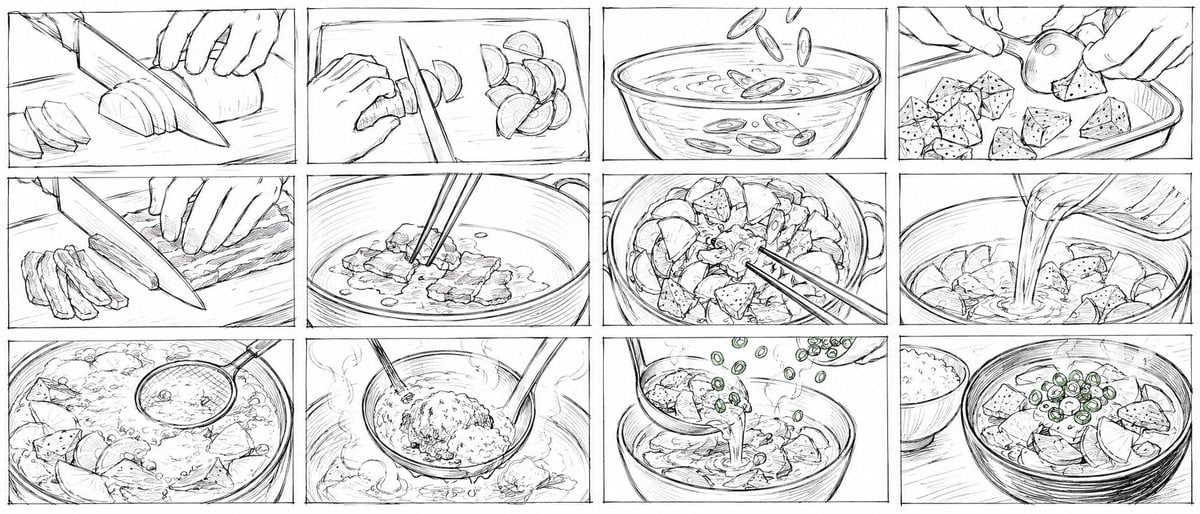
- Prompt included
- Model and format preset
- Premium template
The prompt behind this image
Copy the exact prompt behind Rough Tonjiru Cooking Storyboard, or open it in the studio and make it yours.
Goal: Create a 21:9 ultra-wide storyboard sheet for a 15-second Japanese 2D cooking animation about making a {argument name="dish name" default="Tonjiru set meal"}. The image should look like rough production storyboard frames drawn quickly in pencil, with messy sketch lines, construction strokes, hand-drawn panel borders, no color except faint graphite shading, and cinematic close-up food-prep framing. Canvas: Wide horizontal 21:9 composition, white paper background, thin black rough pencil line art. Divide the canvas into exactly 12 rectangular storyboard panels arranged in a 4 columns by 3 rows grid, with narrow gutters and slightly imperfect hand-drawn borders. Visual style: Ultra-rough pencil storyboard style, loose and energetic, sketchy animation keyframes, visible overlapping strokes, minimal clean rendering, no polished ink, no grayscale wash, no typography, no captions, no watermarks. Use close-up camera angles focused on hands, knives, pots, bowls, steam, and ingredients. Storyboard layout and panel count: Use exactly 12 panels, left to right, top to bottom: 1. Close-up of hands slicing a long white daikon radish on a cutting board with a large kitchen knife; several semicircle slices lie to the left. 2. Close-up of a hand slicing small round vegetables, likely mushrooms or root vegetable rounds, with a knife; cut pieces pile on the right. 3. Bowl of water or broth seen from the side/top, with oval slices or chopped green onion rings dropping into the liquid and ripples on the surface. 4. Hands placing or mixing cubed konnyaku or tofu-like pieces in a shallow tray, with one round vegetable held between fingers. 5. Close-up of thin pork belly slices being cut on a cutting board, strips stacked on the left and the knife angled across the meat. 6. Pork pieces frying in a pot or pan, oil dots around them, chopsticks stirring the meat from above. 7. Top view of a pot full of chopped vegetables and konnyaku cubes; chopsticks stir the mixture among daikon rounds and irregular cubes. 8. Liquid broth being poured from a spouted container into the pot of ingredients, creating motion lines and splashes. 9. Simmering soup pot viewed from above, bubbling vigorously with ingredients visible; a ladle or skimmer enters from the right. 10. A ladle lifts a mound of miso paste or seasoning above the steaming pot while chopsticks help dissolve it; steam curls around the ladle. 11. Soup being poured from a ladle into a serving bowl; small sliced green onions fall from above, emphasizing the garnish action. 12. Final serving shot: a bowl of tonjiru filled with pork, vegetables, konnyaku cubes, and green onion rings, with a separate small bowl of white rice in the background on the left. Subject details: Show only hands and cooking tools, no full characters. Ingredients should read as Japanese home cooking: daikon, pork slices, konnyaku or tofu cubes, chopped scallions, broth, miso, and rice. Emphasize steam, bubbles, cutting motion, pouring motion, and chopstick stirring. Constraints: No text inside the image. Keep the storyboard rough and monochrome. Maintain exactly 12 distinct panels in a 4 by 3 grid. Use a dynamic animation storyboard feel rather than a finished illustration.
How to use Rough Tonjiru Cooking Storyboard in 3 steps
- 1Upload ImagePNG, JPG or paste
Add your photo
Upload the photo the template builds on. The prompt, model and format are already set.
- 2…a portrait of your subject in softgolden-hour light, 85mm…
Personalize
Edit the subject and creative details for your destination.
- 3Generate
Generate
Press Generate — your image is created in PicX Studio, so you can compare it with the original and refine one variable at a time.
More like this
Templates with the same subject, style or setup. Open one to see its prompt.

Headphones Lifestyle Nine Panel Grid
Seedance - Storyboard to Movie
Editorial Cooking Storyboard Layout
Rough Pencil Storyboard Sketch
Nikujaga Anime Cooking Storyboard
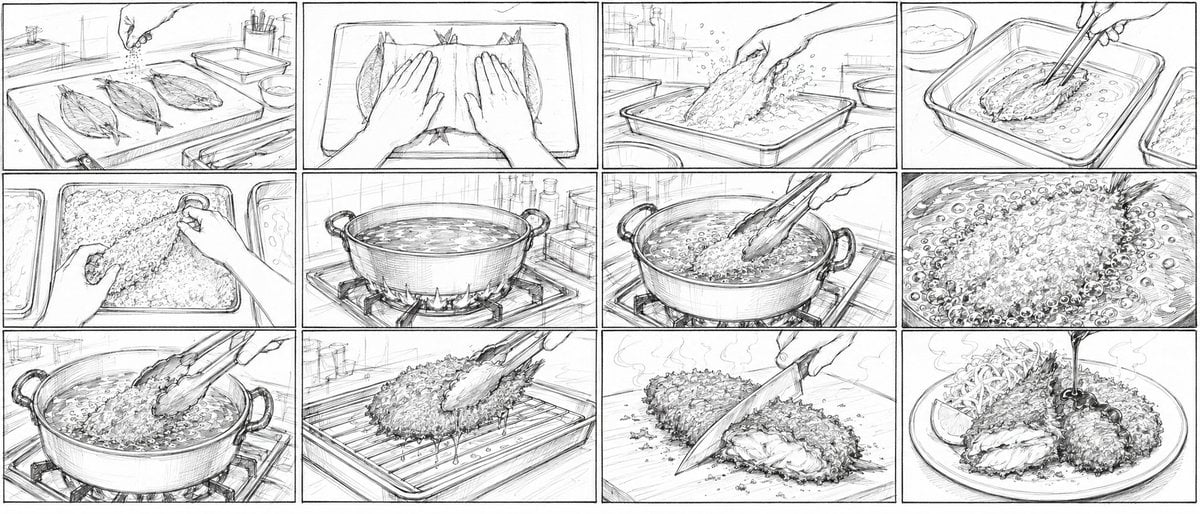
Aji Fry Anime Cooking Storyboard
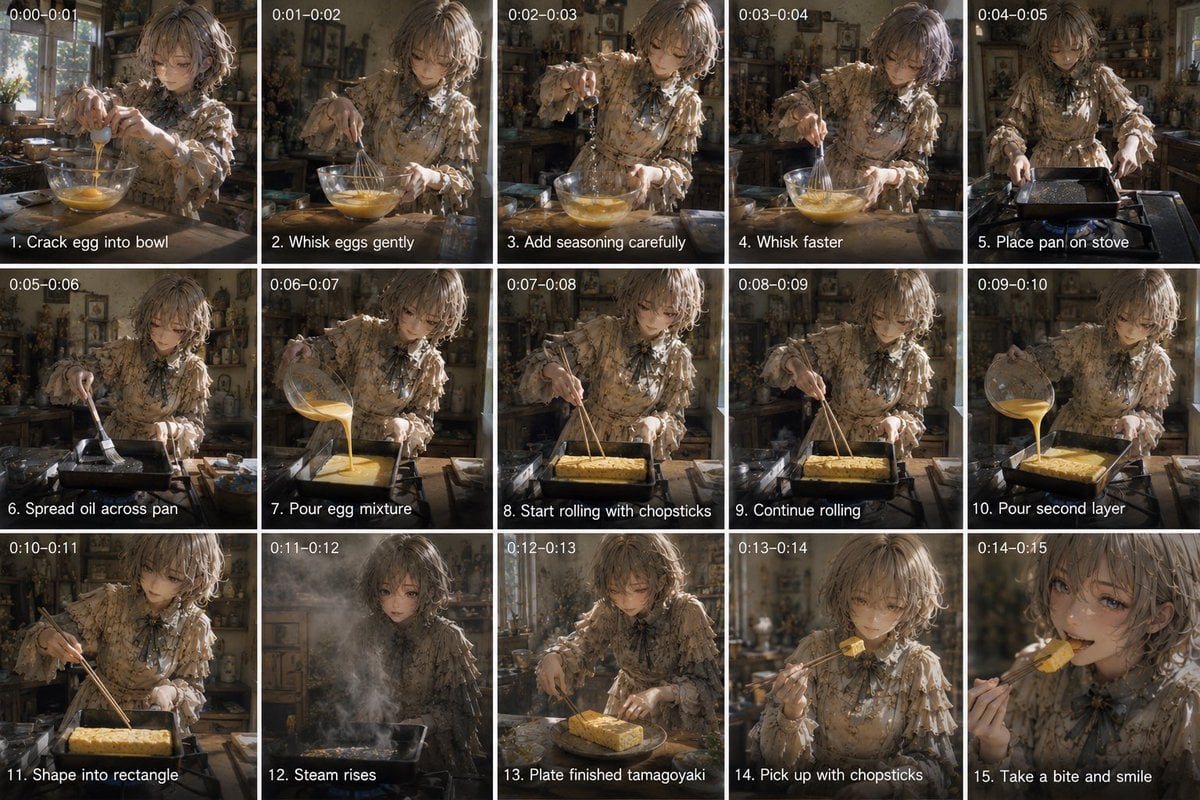
Tamagoyaki Cooking Storyboard
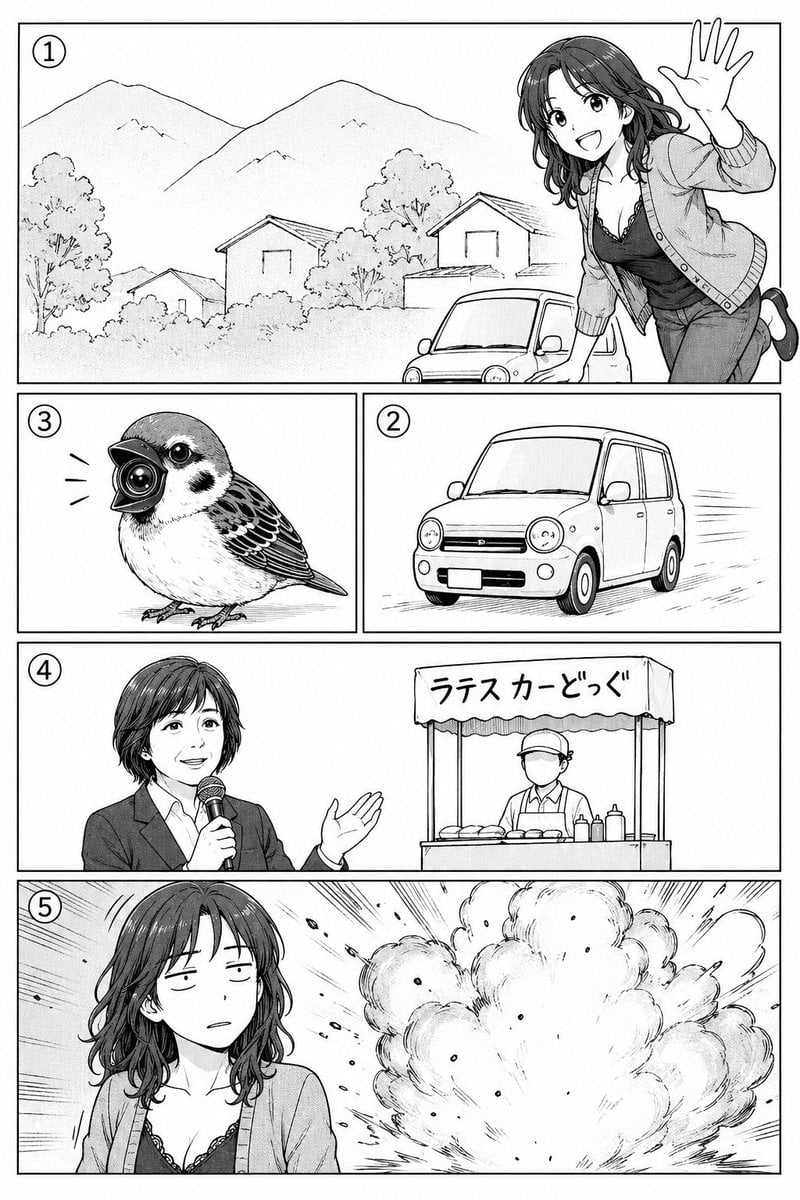
Polished Manga Page From Rough Storyboard
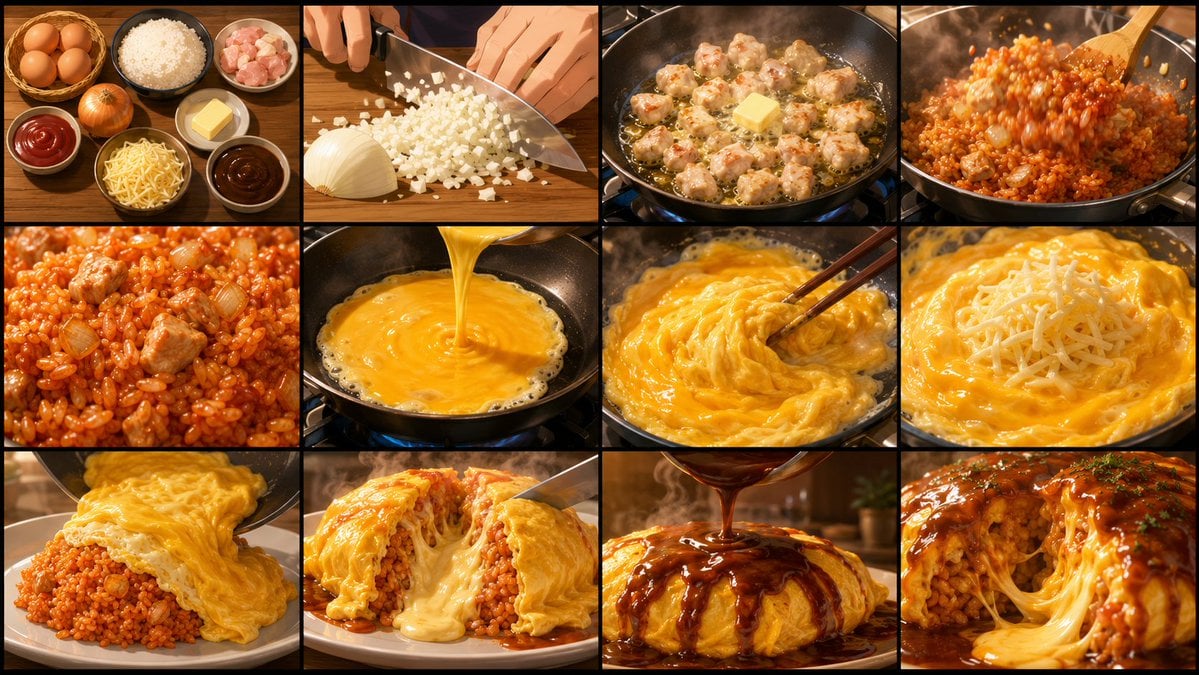
Anime Cooking Storyboard Grid Generator
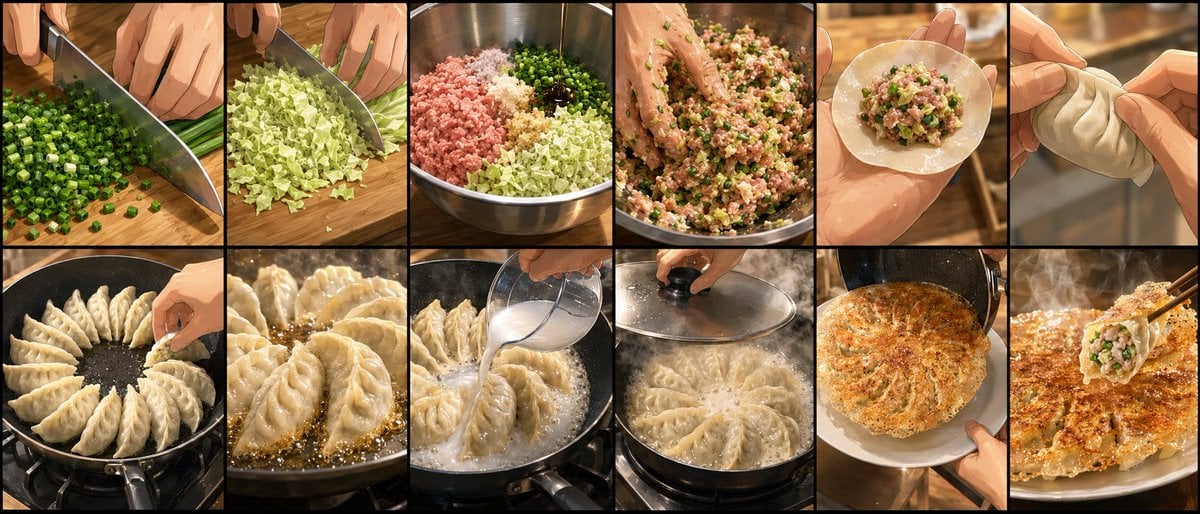
Gyoza Cooking Storyboard
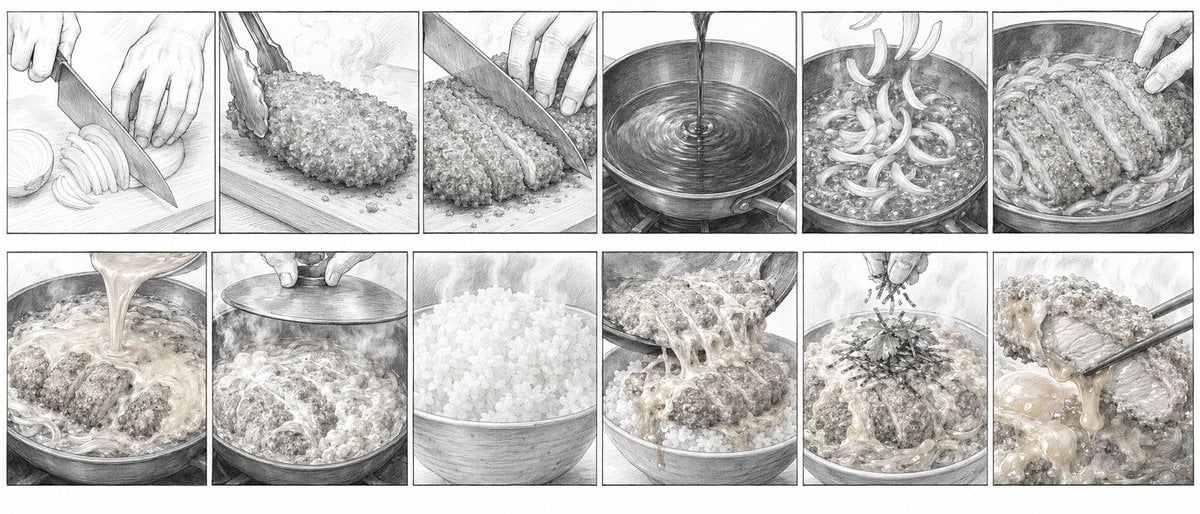
Katsudon Cooking Storyboard
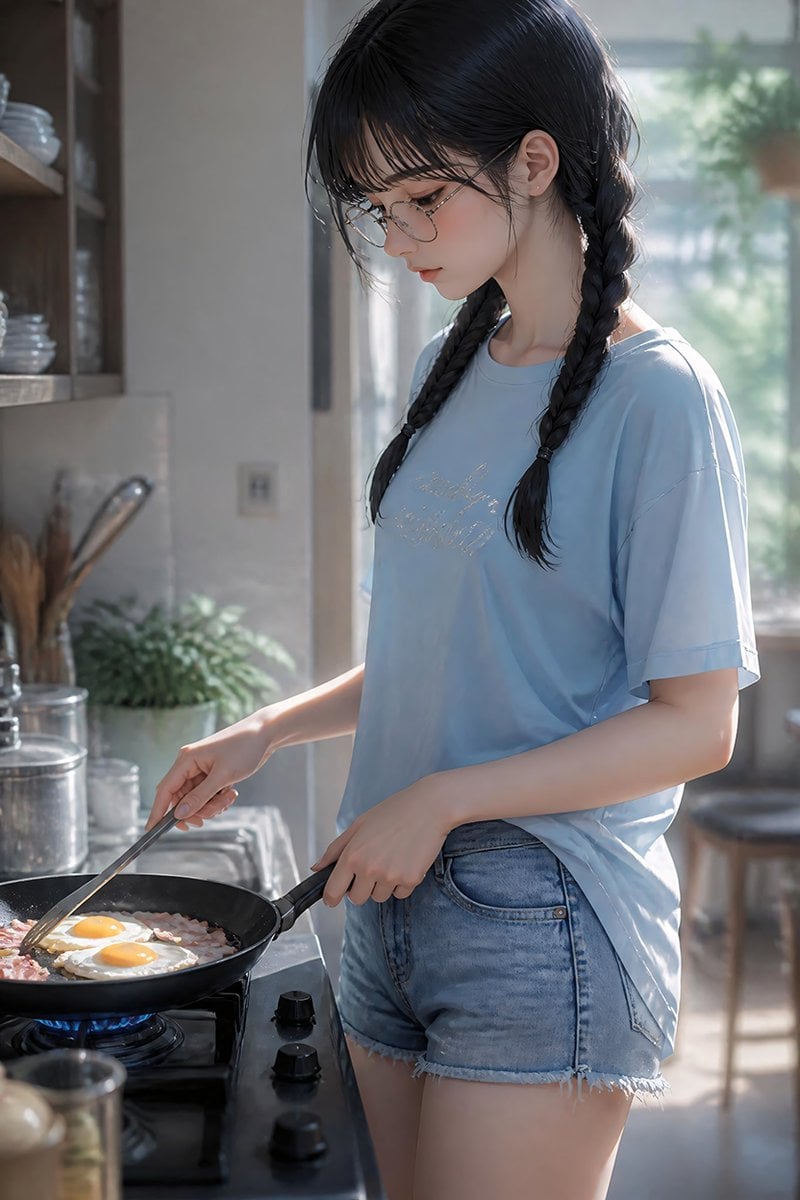
Anime Girl Cooking Bacon and Eggs
Make it yours
Rough Tonjiru Cooking Storyboard works as-is. These are the safest ways to change it without losing the look.
Change one field
Copy a single group, rewrite it, and generate again so you can see what that field is doing.
Keep the frame, change the subject
Hold the composition and light of Rough Tonjiru Cooking Storyboard, then swap wardrobe, props or the person for a new take.
| If the result… | Why | Fix |
|---|---|---|
| The result drifts from the preview | Too many fields changed at once. | Reuse Rough Tonjiru Cooking Storyboard as-is first, then change one group — subject, light, or setting. |
| The model over-stylizes the scene | The prose prompt leaves finish and camera underspecified. | Add one camera or lighting sentence and stay on GPT Image 2. |
More GPT Image 2 templates
Other prompts made for GPT Image 2.

Six VTuber Japanese Logo Sheet

Realistic Portrait of Woman and Deer

The Vista Modular Condo Poster

AI Model Routing Comparison Infographic

2.5D Anime Art Board

Isometric Productivity Desk Scene

New York Double Exposure Poster

Four-Panel AI Landscape Comparison

Japanese Tatami Lifestyle Magazine Cover

NESCAFÉ Coffee Map Poster
More image prompts
Fresh picks from across the catalog.
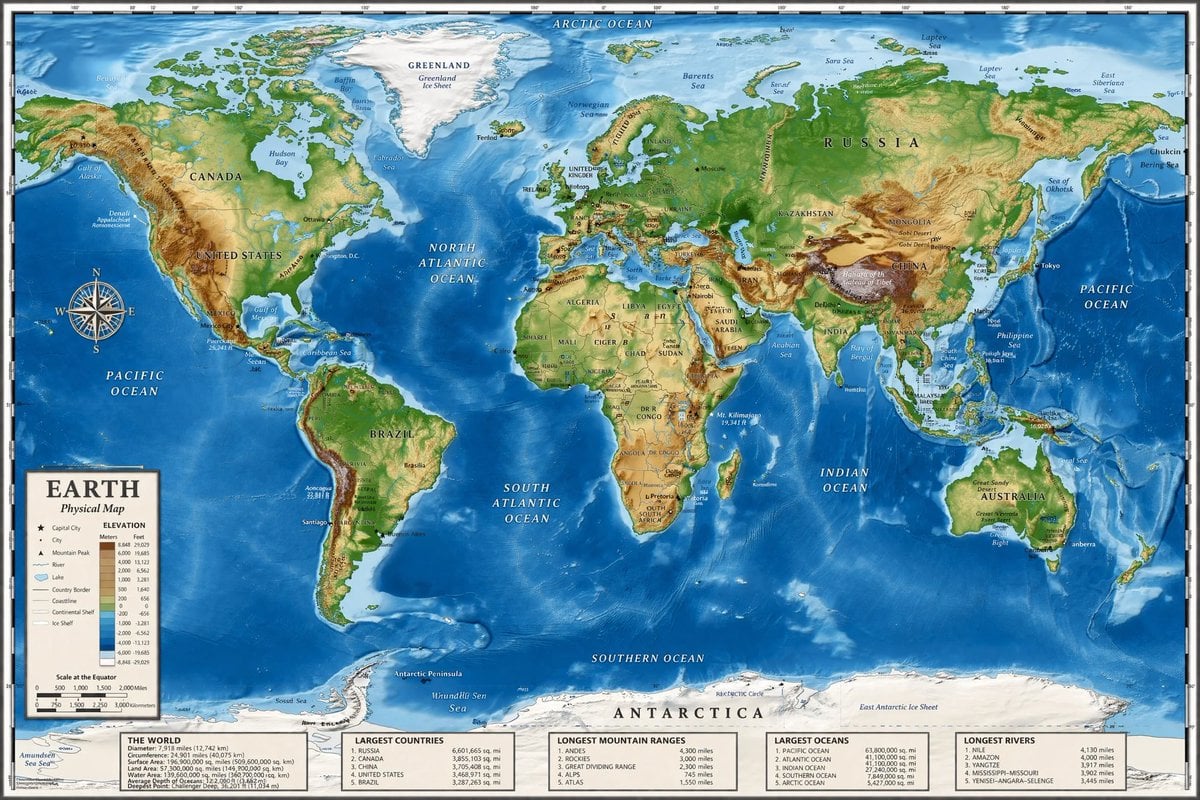
Detailed Physical World Map with Info Panels
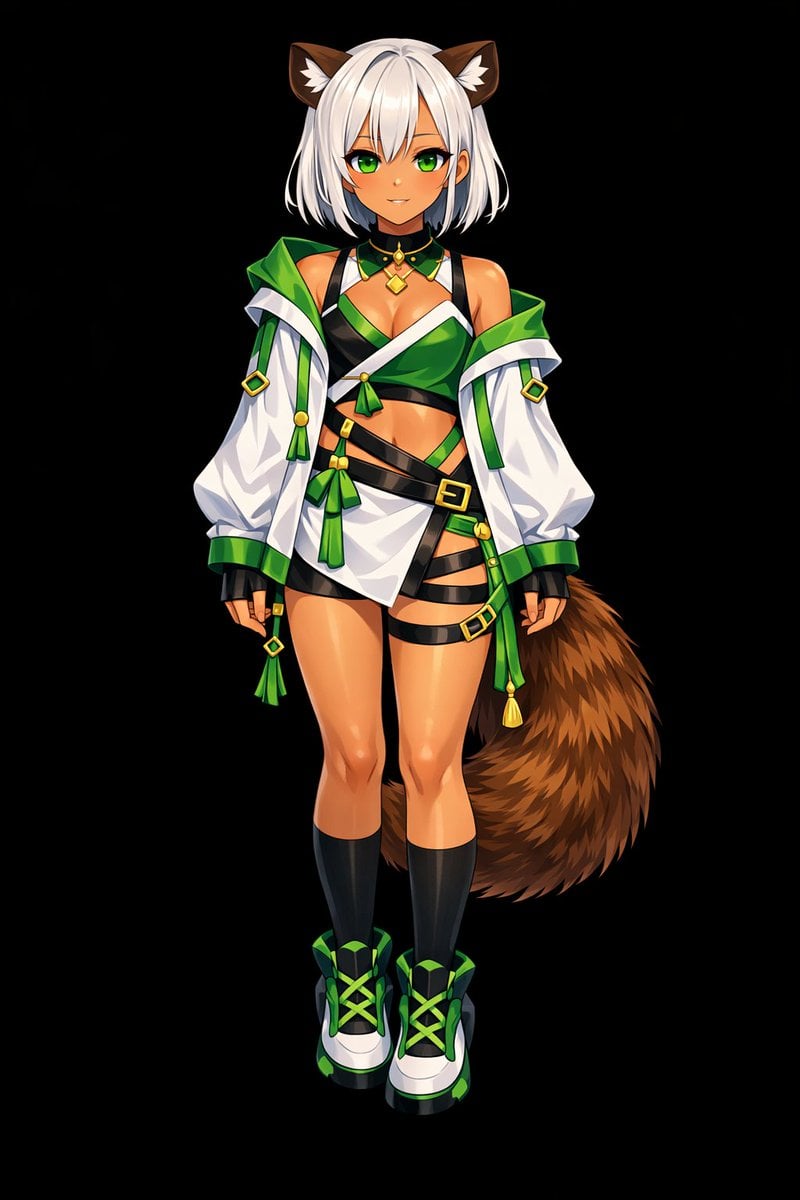
Glossy Anime Shading Transformation
Nano Banana Pro Prompt for Generating 'Viral Diagrams'
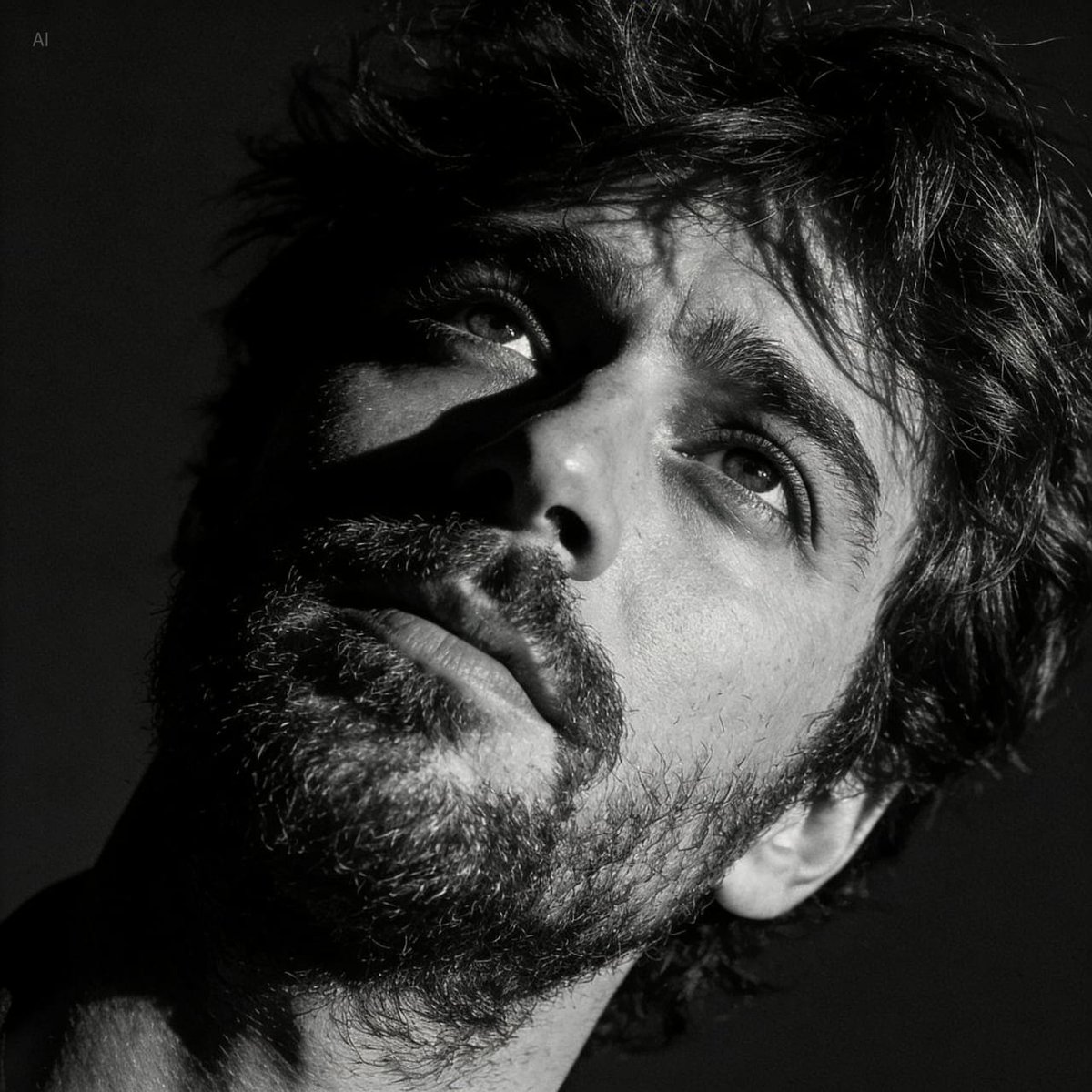
Dramatic Black and White Portrait with Silhouette Lighting Prompt
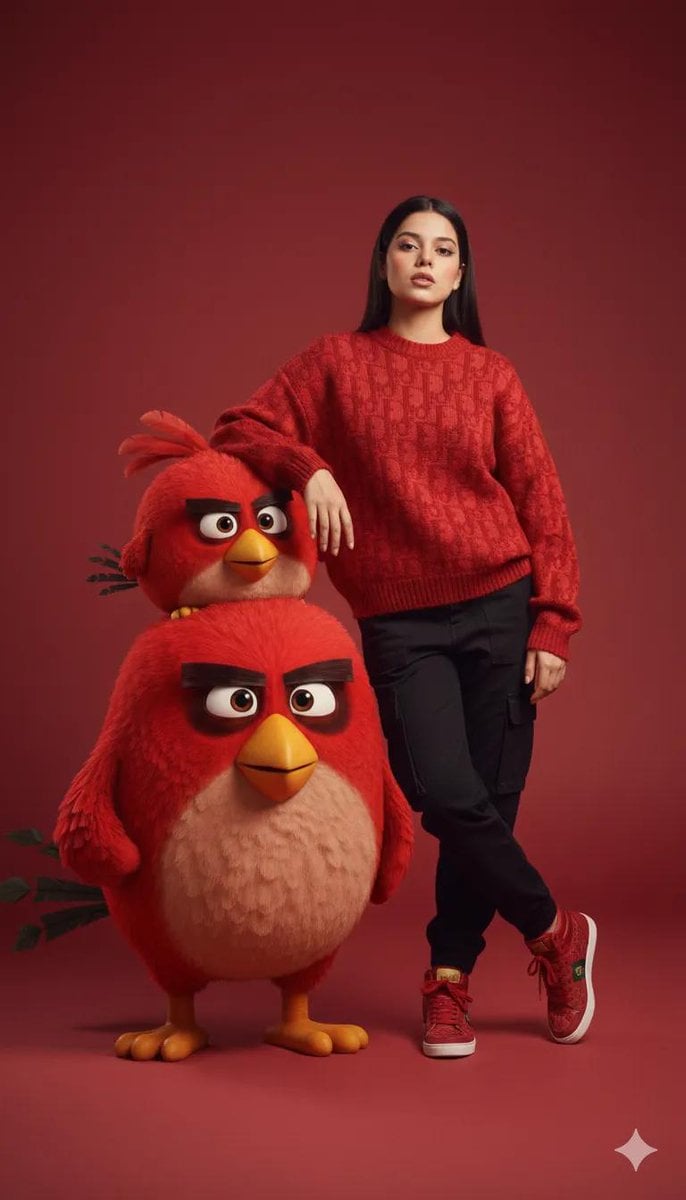
Fashion Editorial with 3D Cartoon Characters
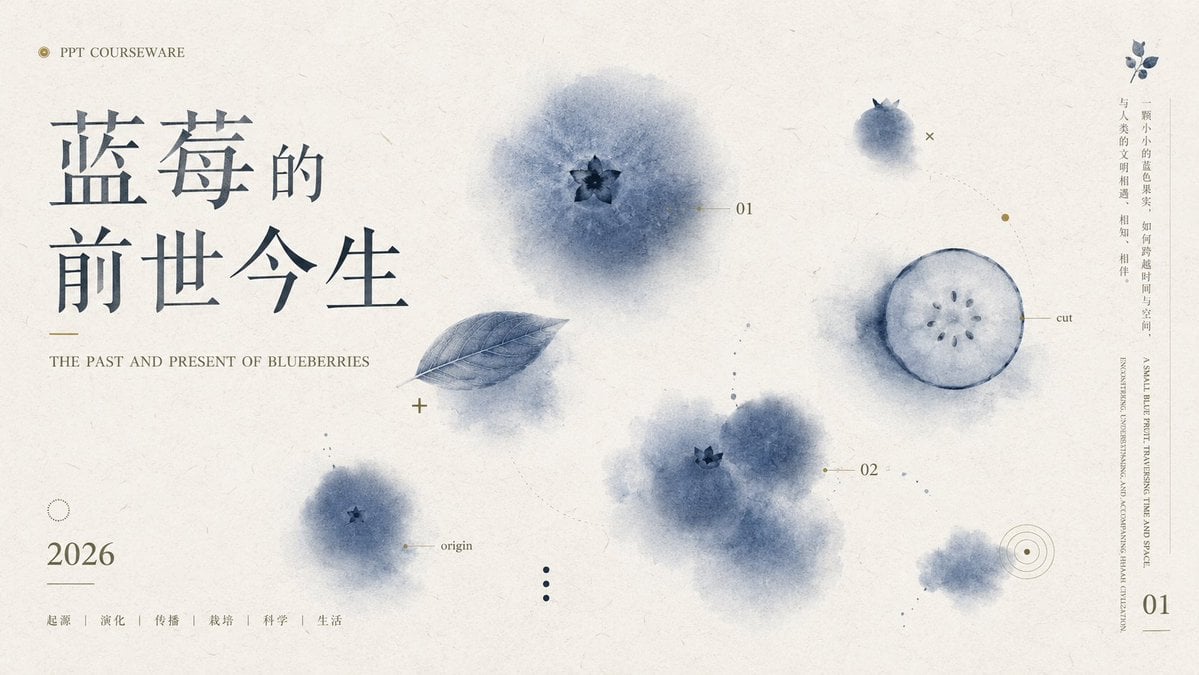
Blueberry Courseware Cover Slide
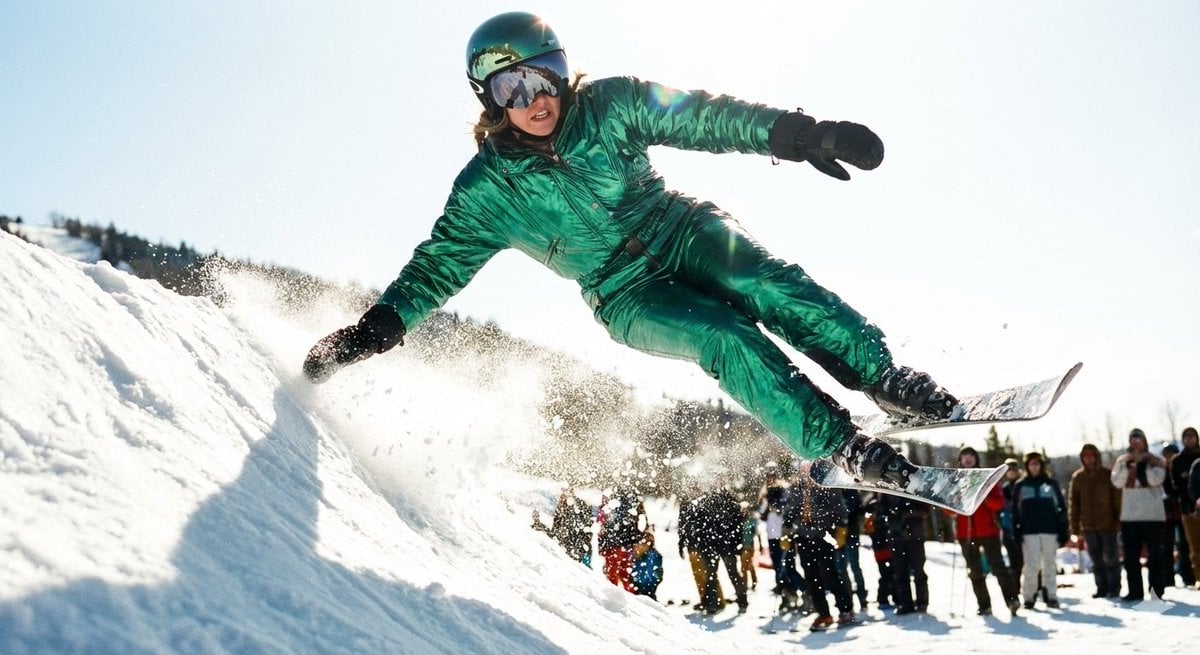
Extreme Ski Jump Action Shot (Cinestill Film Style)
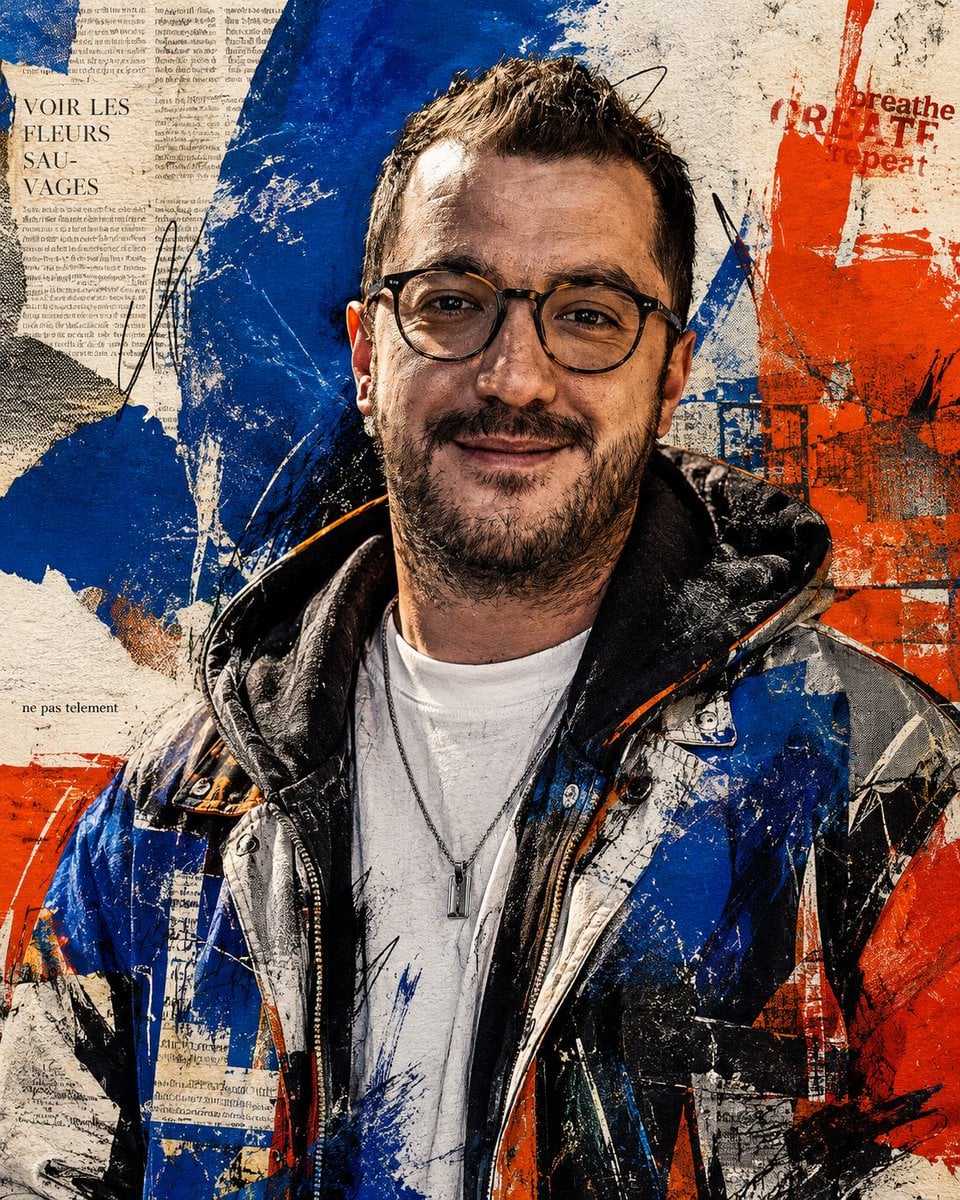
Censored Urban Collage Portrait
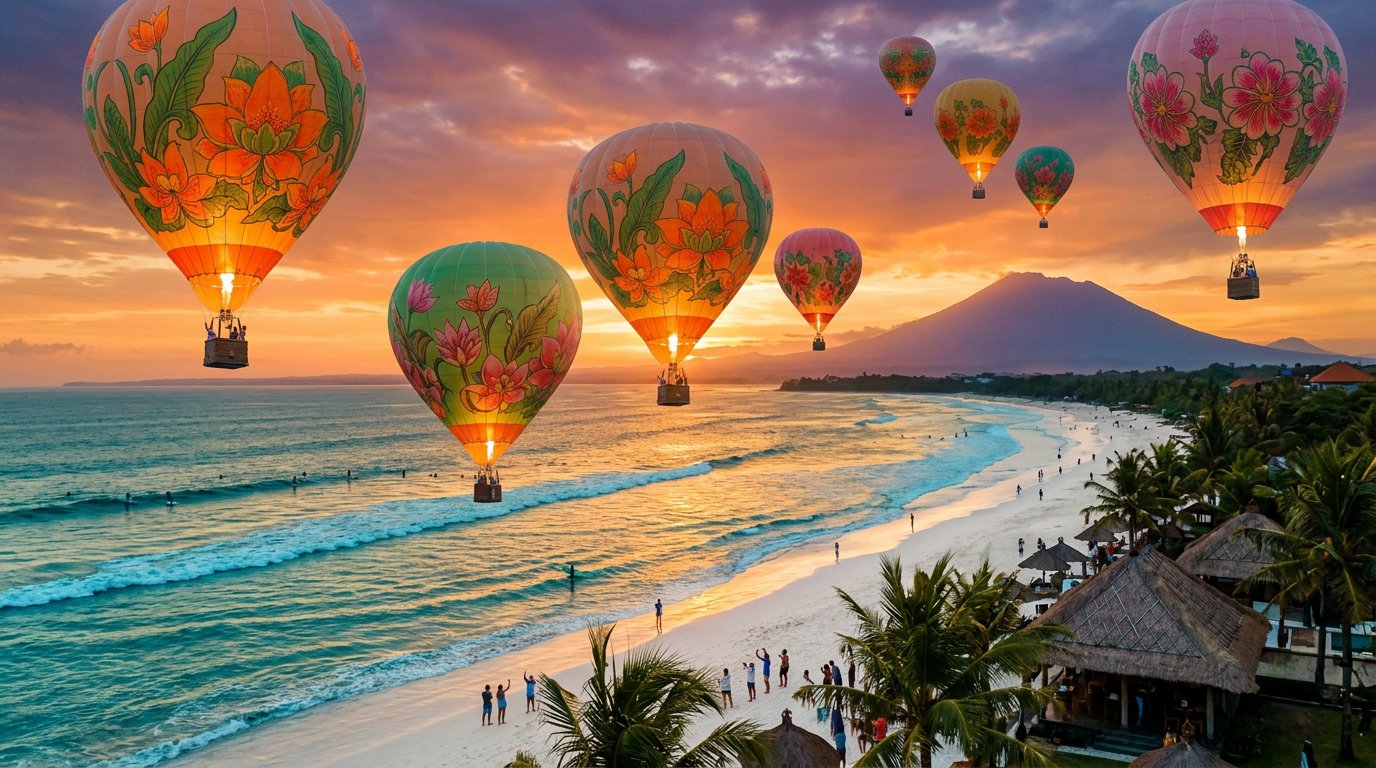
panoramic image
Street Art Digital Illustration Prompt for Nano Banana Pro 2.0
Browse template categories
Rough Tonjiru Cooking Storyboard questions
How do I use the Rough Tonjiru Cooking Storyboard template?
Add your photo if the template asks for one, edit the prompt if you like — the template's model and format are already selected — and press Generate. Your version opens in PicX Studio.
Can I customize the Rough Tonjiru Cooking Storyboard template?
Yes. You can change the subject, setting, lighting, mood, format, and available model controls before creating your image.
Is the Rough Tonjiru Cooking Storyboard template free?
Opening and editing this template is free. Generating uses credits, shown on the Generate button when you are signed in.
Which AI model should I use?
Start with GPT Image 2, which is the model associated with this template. You can compare another compatible model for a different finish.
Looking for something else? Browse all templates.

Your photo, any look
Thousands of ready templates for every top image and video model, from one credit balance.