
Detailed Physical World Map with Info Panels
Generates a highly detailed topographical world map featuring a legend, compass rose, and five informational data panels at the bottom.
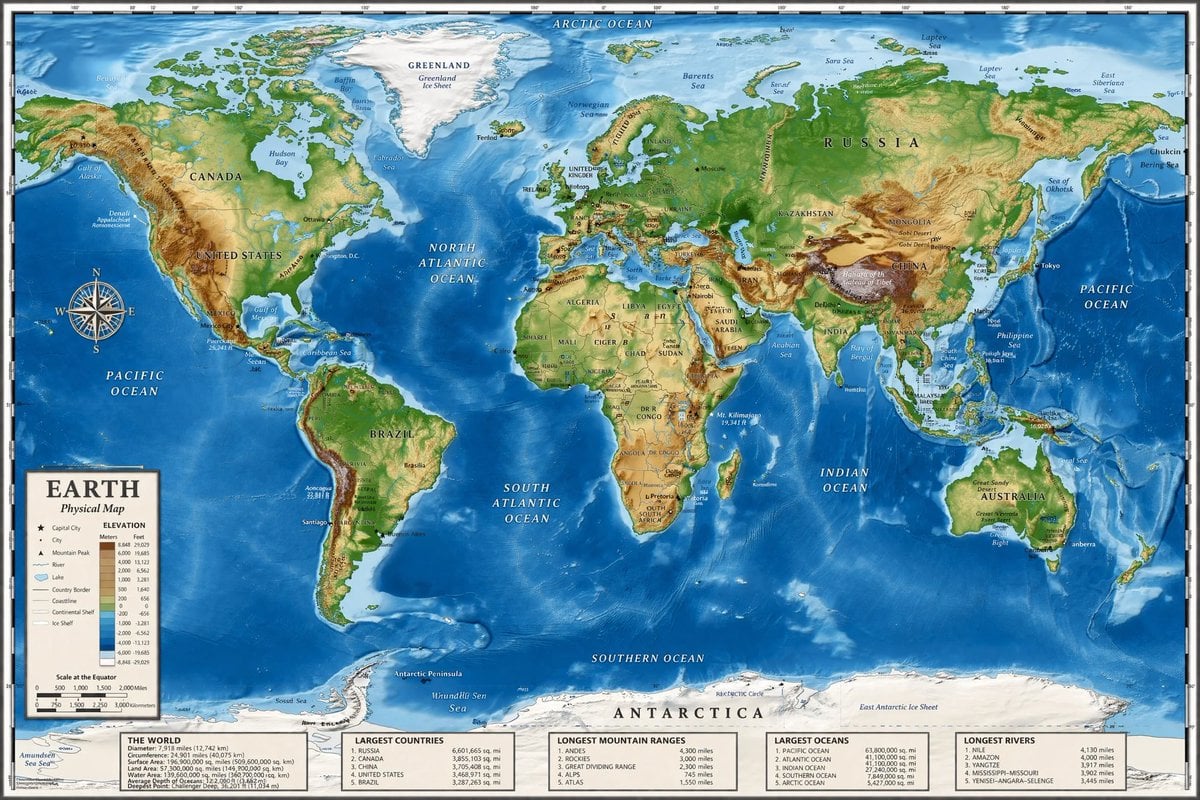
- Prompt included
- Model and format preset
- Free template
The prompt behind this image
Copy the exact prompt behind Detailed Physical World Map with Info Panels, or open it in the studio and make it yours.
- Type
- highly detailed cartographic world map
- Style
- {argument name="color palette" default="realistic topographical and bathymetric colors"}
- Map Features › Terrain
- shaded relief showing mountains, valleys, and plains in greens, browns, and whites
- Map Features › Oceans
- depth shading in various tones of blue, with lighter blues for continental shelves and darker blues for deep trenches
- Map Features › Grid
- latitude and longitude lines spanning the entire map
- Map Features › Labels
- major continents, countries, oceans, and seas clearly labeled in serif and sans-serif typography
- Layout › Overlays › 0 › Type
- compass rose
- Layout › Overlays › 0 › Position
- mid-left, over the Pacific Ocean
- Layout › Overlays › 0 › Description
- classic 8-point nautical compass
- Layout › Overlays › 1 › Type
- legend
- Layout › Overlays › 1 › Position
- bottom left
- Layout › Overlays › 1 › Title
- {argument name="map title" default="EARTH"}
- Layout › Overlays › 1 › Subtitle
- {argument name="map type" default="Physical Map"}
- Layout › Overlays › 1 › Contents
- elevation color key, map symbols, and distance scale
- Layout › Bottom Panels › Count
- 5
- Layout › Bottom Panels › Position
- horizontal row along the bottom edge
- Layout › Bottom Panels › Labels
- THE WORLD, LARGEST COUNTRIES, LONGEST MOUNTAIN RANGES, LARGEST OCEANS, LONGEST RIVERS
Raw JSON
{
  "type": "highly detailed cartographic world map",
  "style": "{argument name=\"color palette\" default=\"realistic topographical and bathymetric colors\"}",
  "map_features": {
    "terrain": "shaded relief showing mountains, valleys, and plains in greens, browns, and whites",
    "oceans": "depth shading in various tones of blue, with lighter blues for continental shelves and darker blues for deep trenches",
    "grid": "latitude and longitude lines spanning the entire map",
    "labels": "major continents, countries, oceans, and seas clearly labeled in serif and sans-serif typography"
  },
  "layout": {
    "overlays": [
      {
        "type": "compass rose",
        "position": "mid-left, over the Pacific Ocean",
        "description": "classic 8-point nautical compass"
      },
      {
        "type": "legend",
        "position": "bottom left",
        "title": "{argument name=\"map title\" default=\"EARTH\"}",
        "subtitle": "{argument name=\"map type\" default=\"Physical Map\"}",
        "contents": "elevation color key, map symbols, and distance scale"
      }
    ],
    "bottom_panels": {
      "count": 5,
      "position": "horizontal row along the bottom edge",
      "labels": [
        "THE WORLD",
        "LARGEST COUNTRIES",
        "LONGEST MOUNTAIN RANGES",
        "LARGEST OCEANS",
        "LONGEST RIVERS"
      ]
    }
  }
}How to use Detailed Physical World Map with Info Panels in 3 steps
- 1Upload ImagePNG, JPG or paste
Add your photo
Upload the photo the template builds on. The prompt, model and format are already set.
- 2…a portrait of your subject in softgolden-hour light, 85mm…
Personalize
Edit the subject and creative details for your destination.
- 3Generate
Generate
Press Generate — your image is created in PicX Studio, so you can compare it with the original and refine one variable at a time.
More like this
Templates with the same subject, style or setup. Open one to see its prompt.
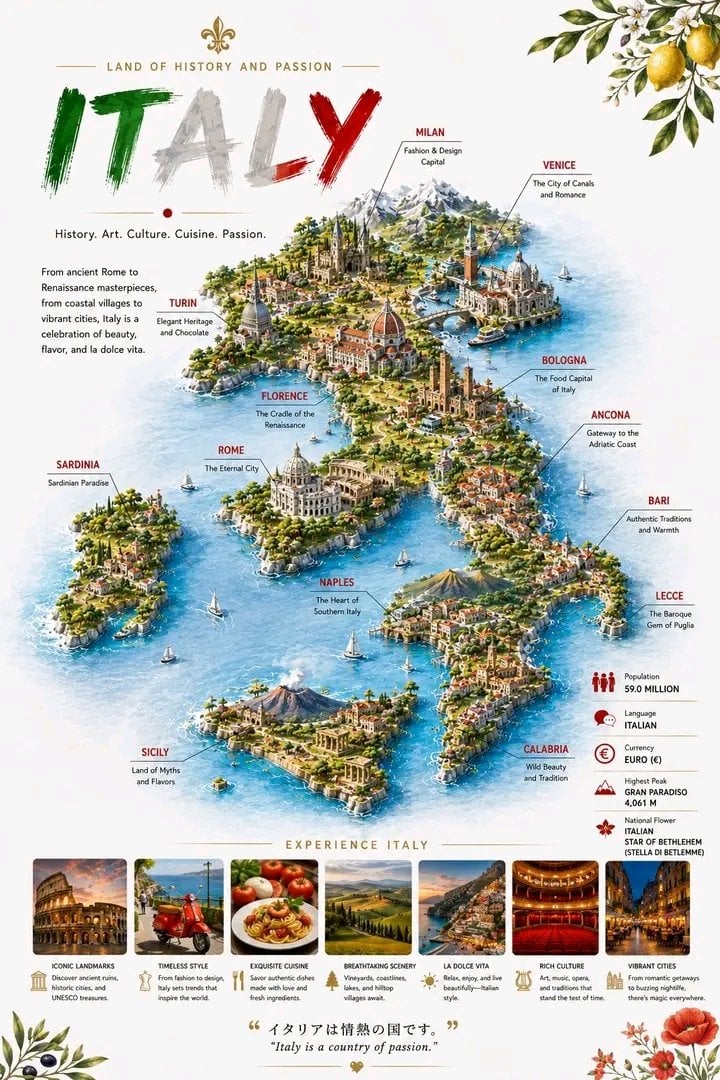
Detailed 3D Travel Infographic Map of Italy
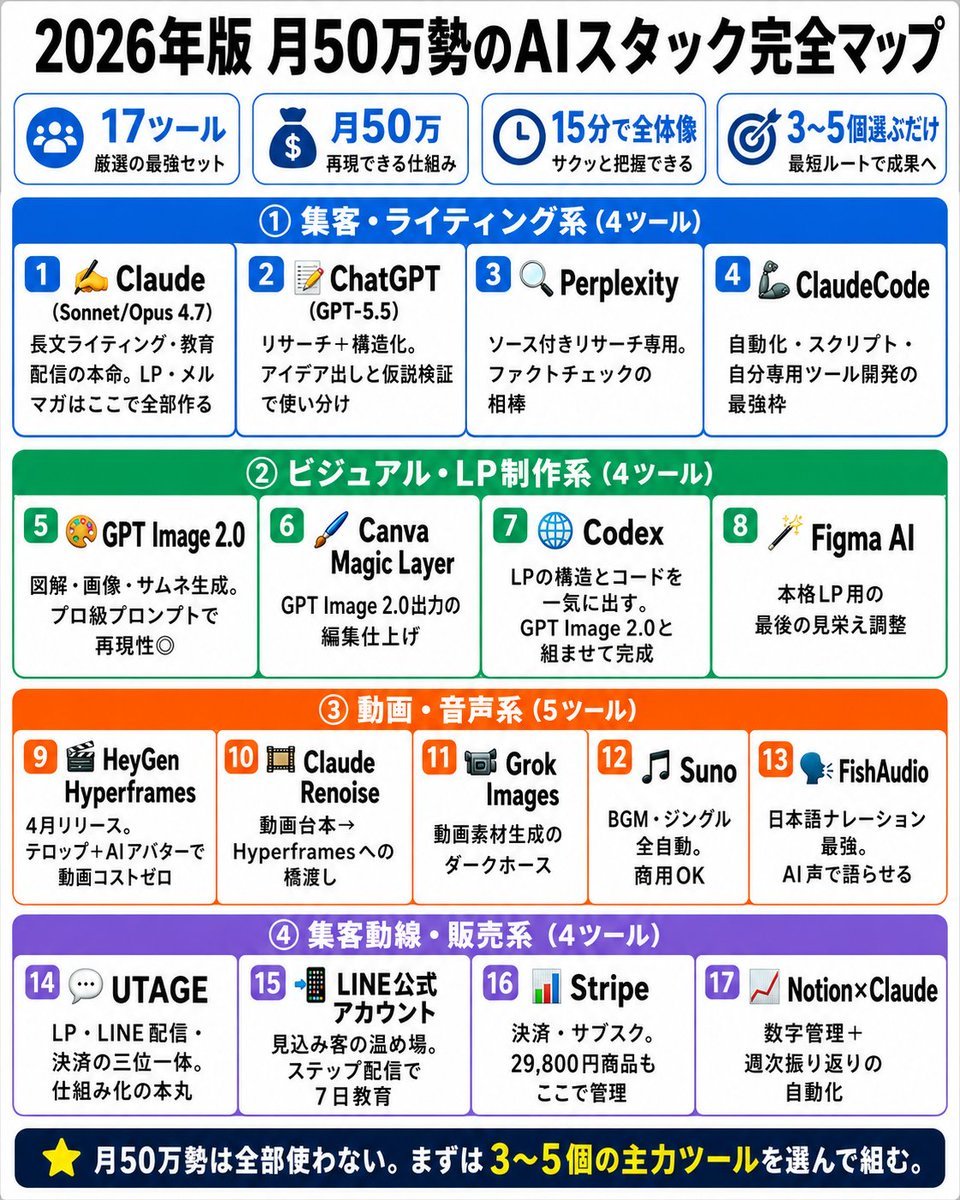
Japanese AI Stack Infographic Map
Fictional World Map Attempts Collage
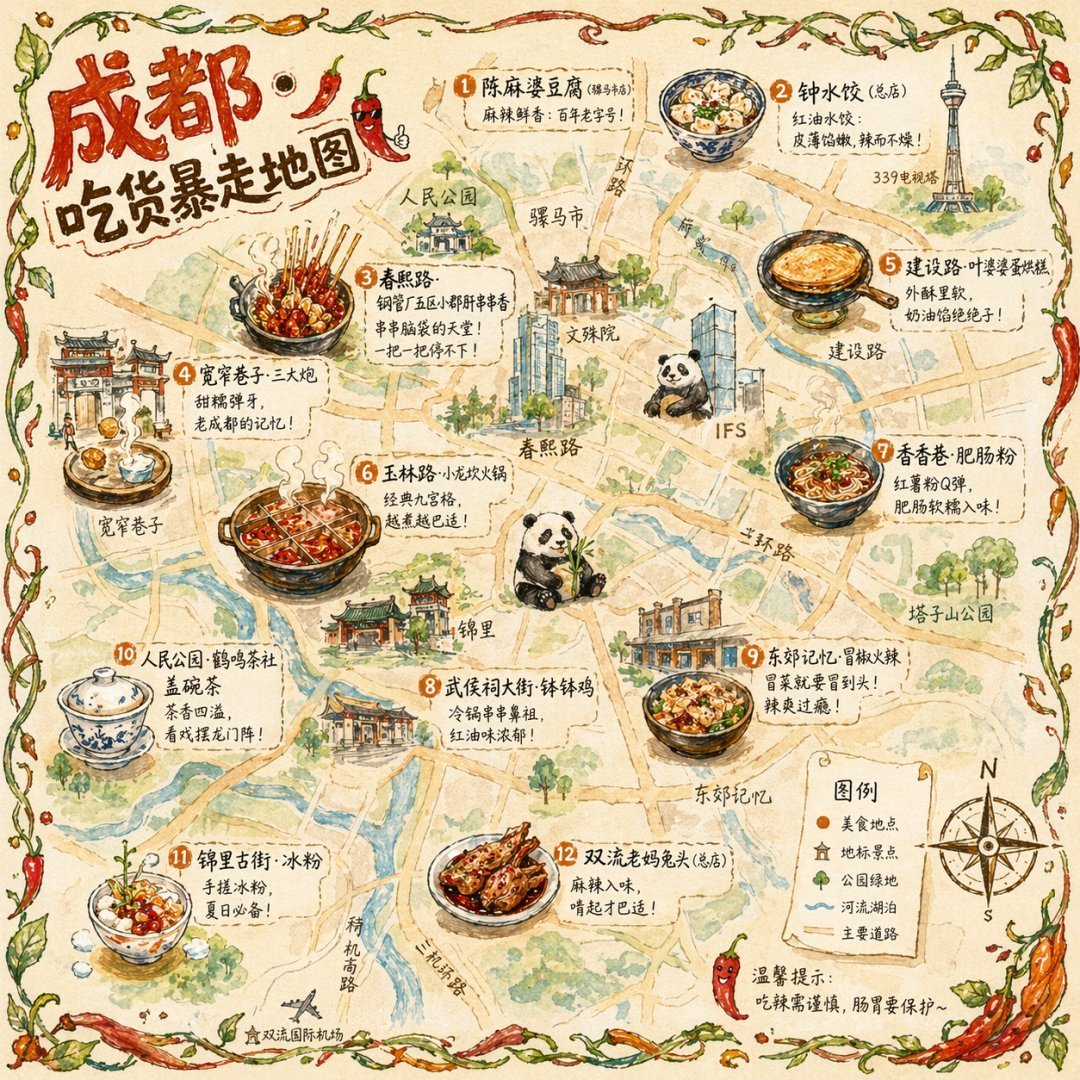
Gpt2 Illustrated City Food Map
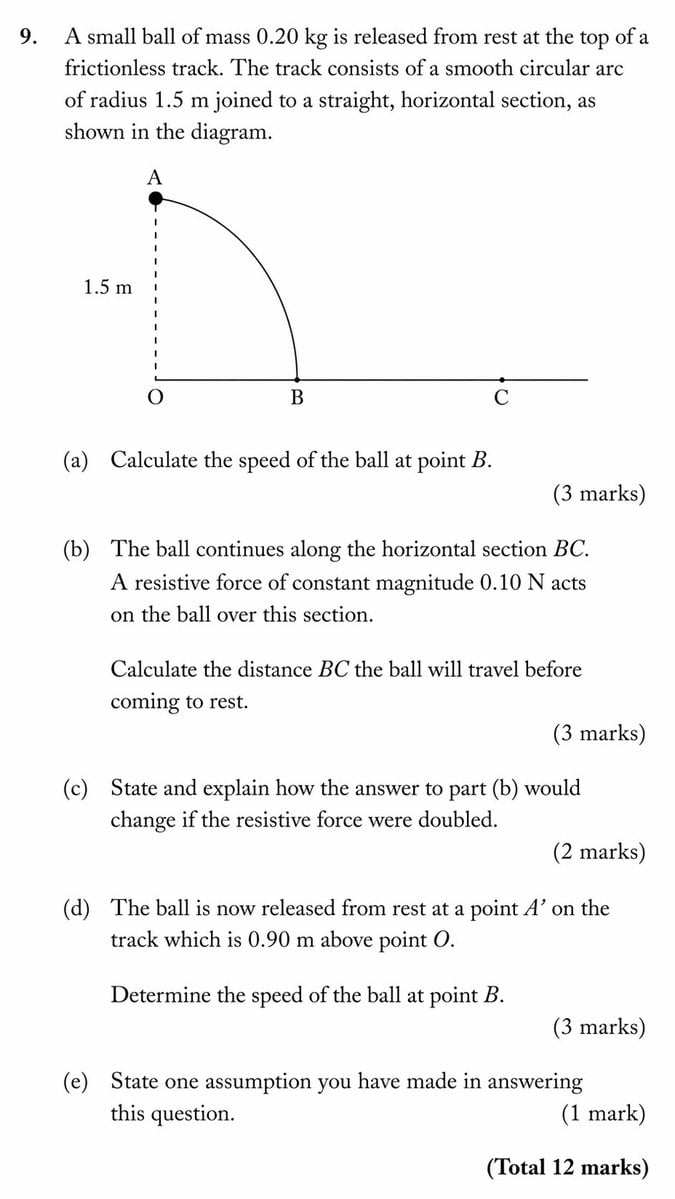
Physical Exam Question Layout
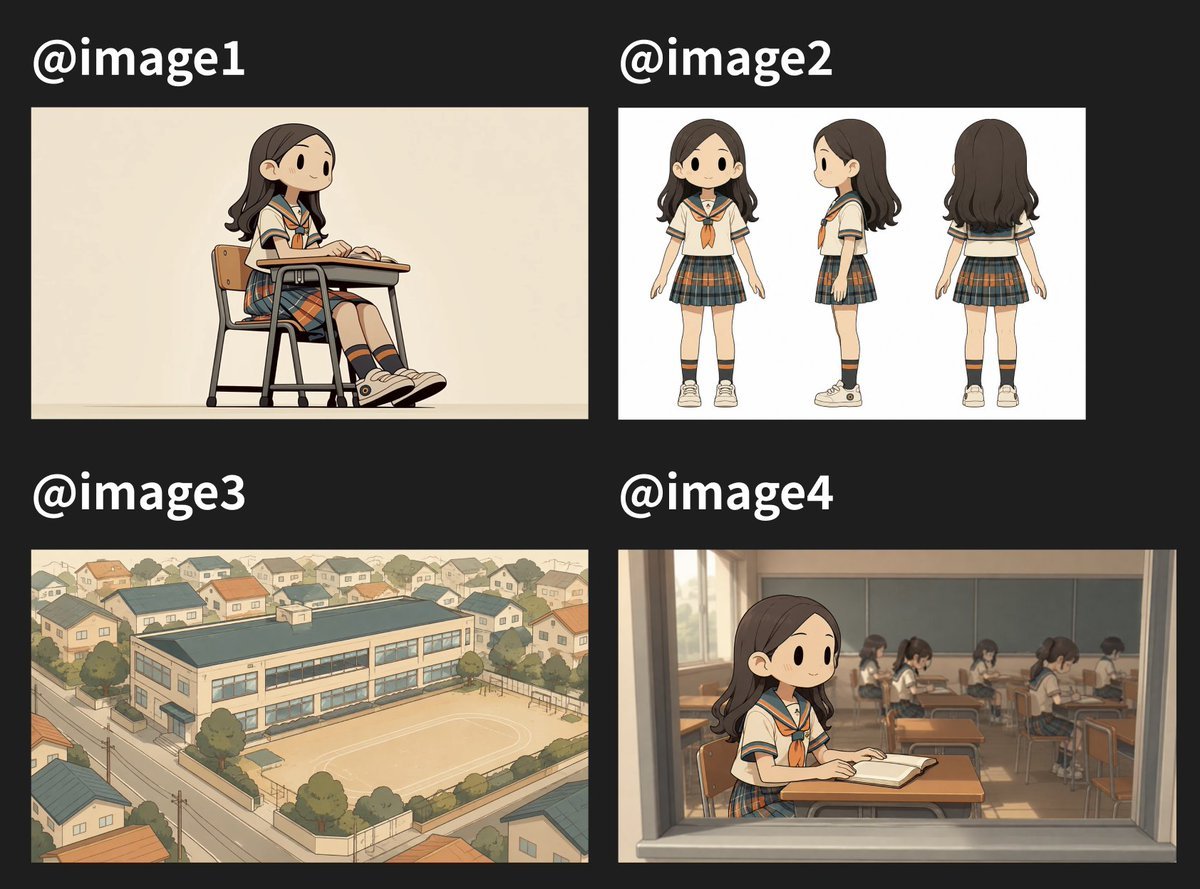
Four Anime School Reference Panels

Satellite Map Medieval City
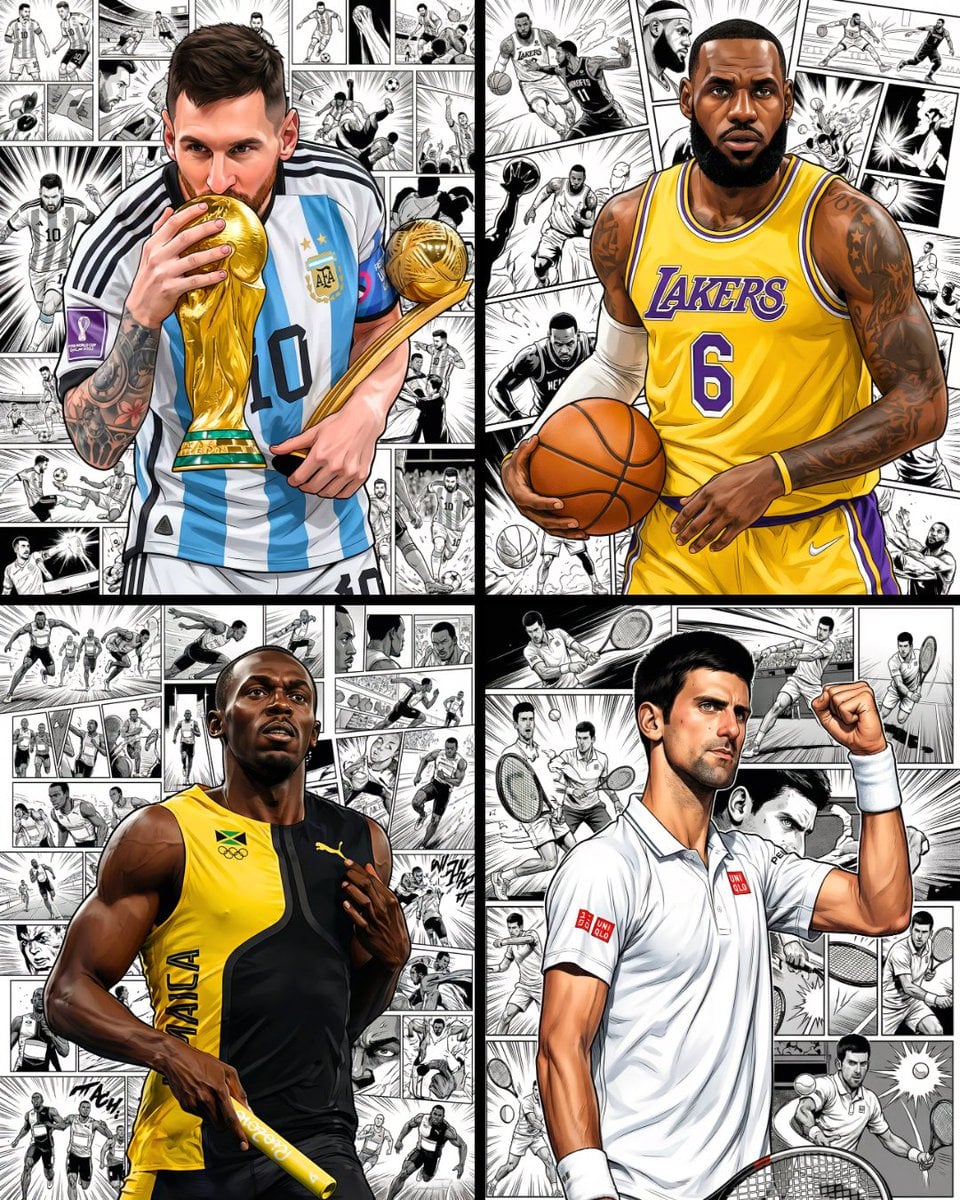
Hyper-Realistic Manga Portrait with Comic Panels
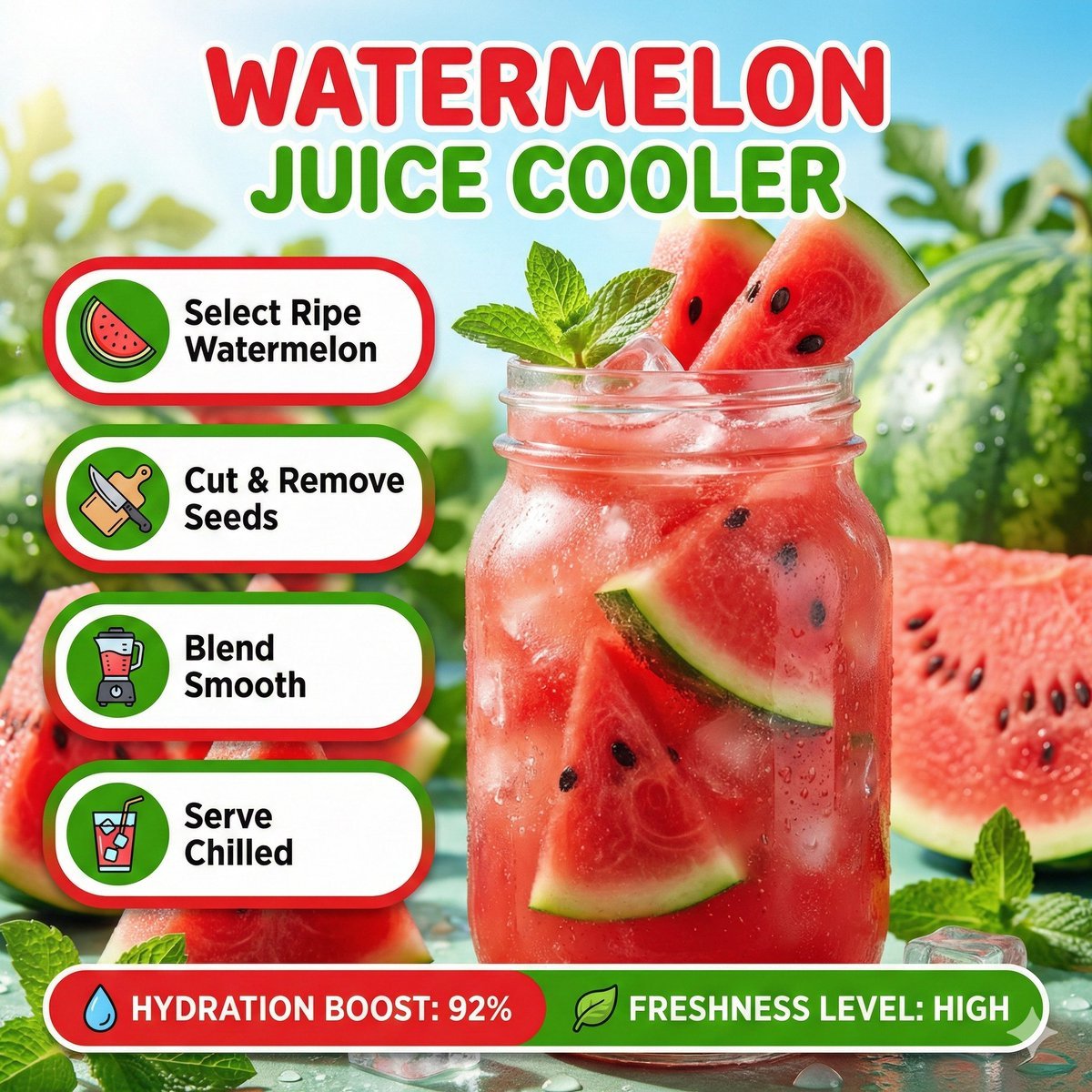
Bright summer infographic showcasing watermelon juice, icy texture
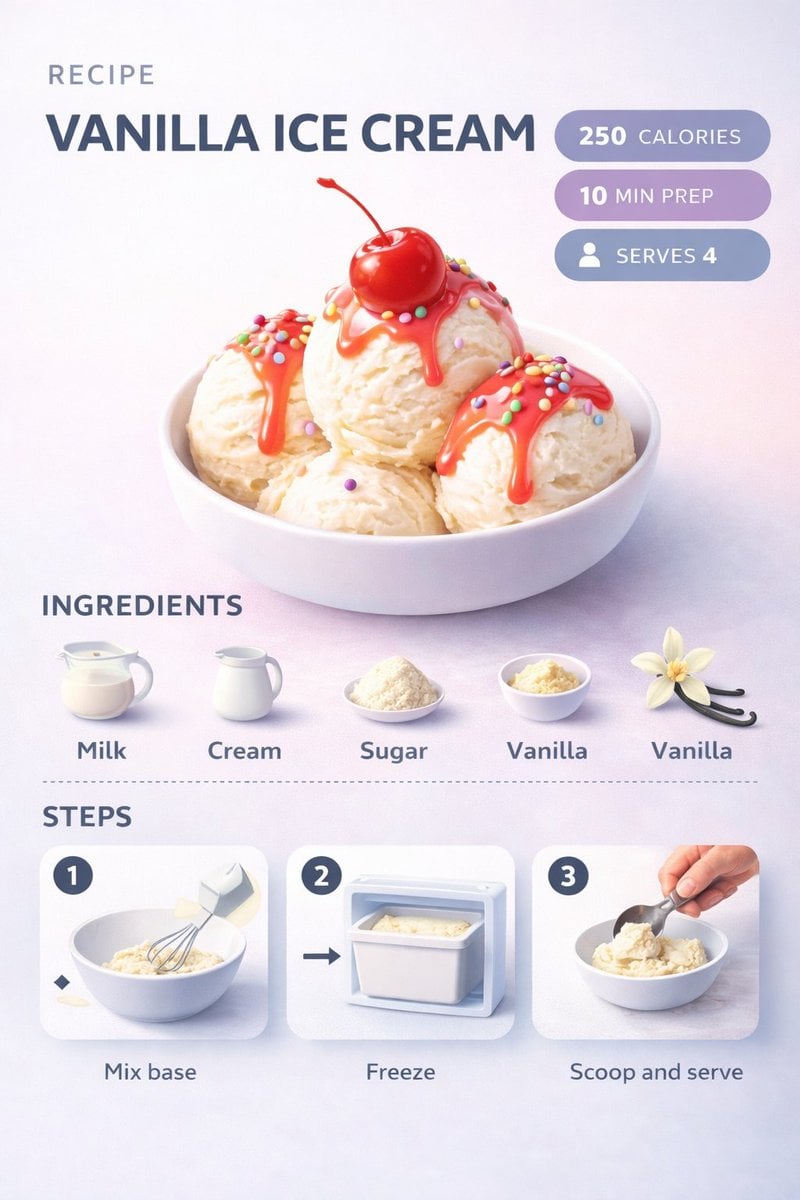
Ultra-clean modern recipe infographic
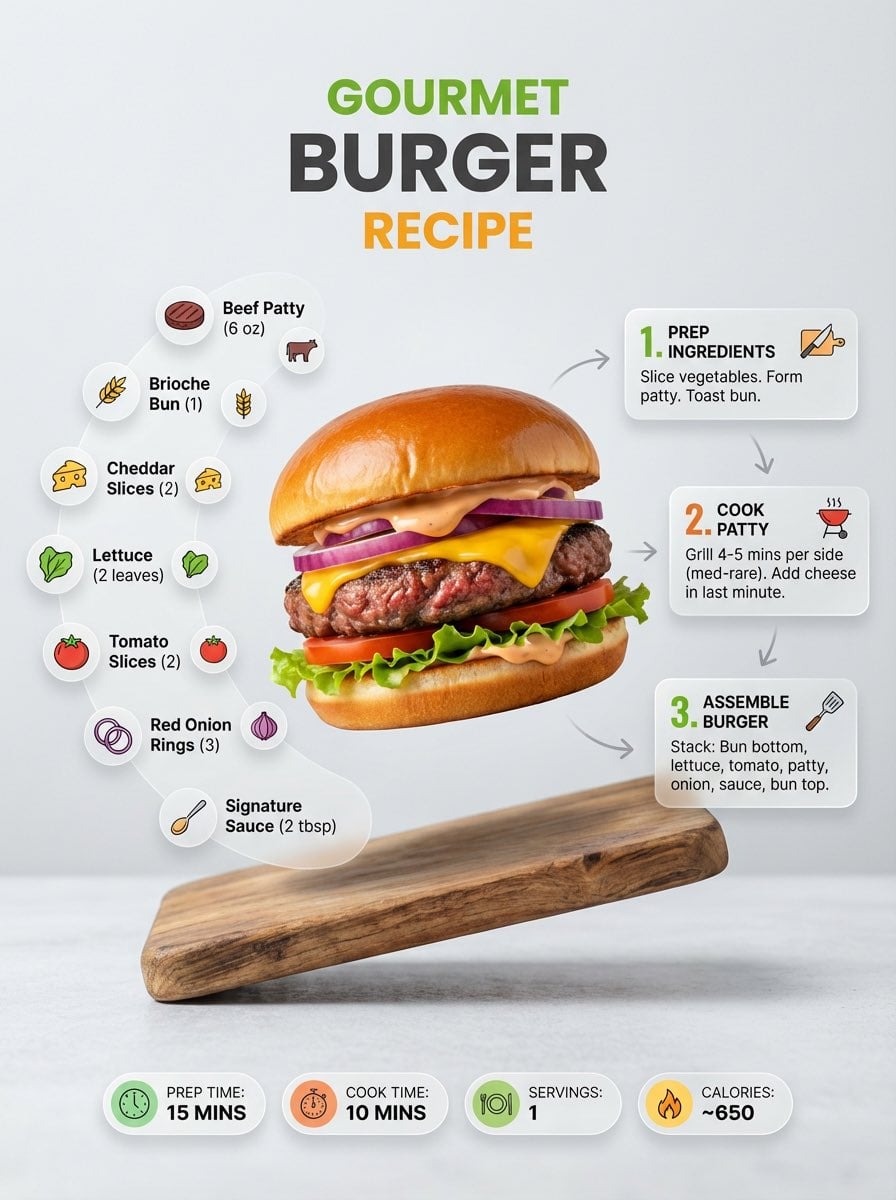
Ultra-clean modern recipe infographic
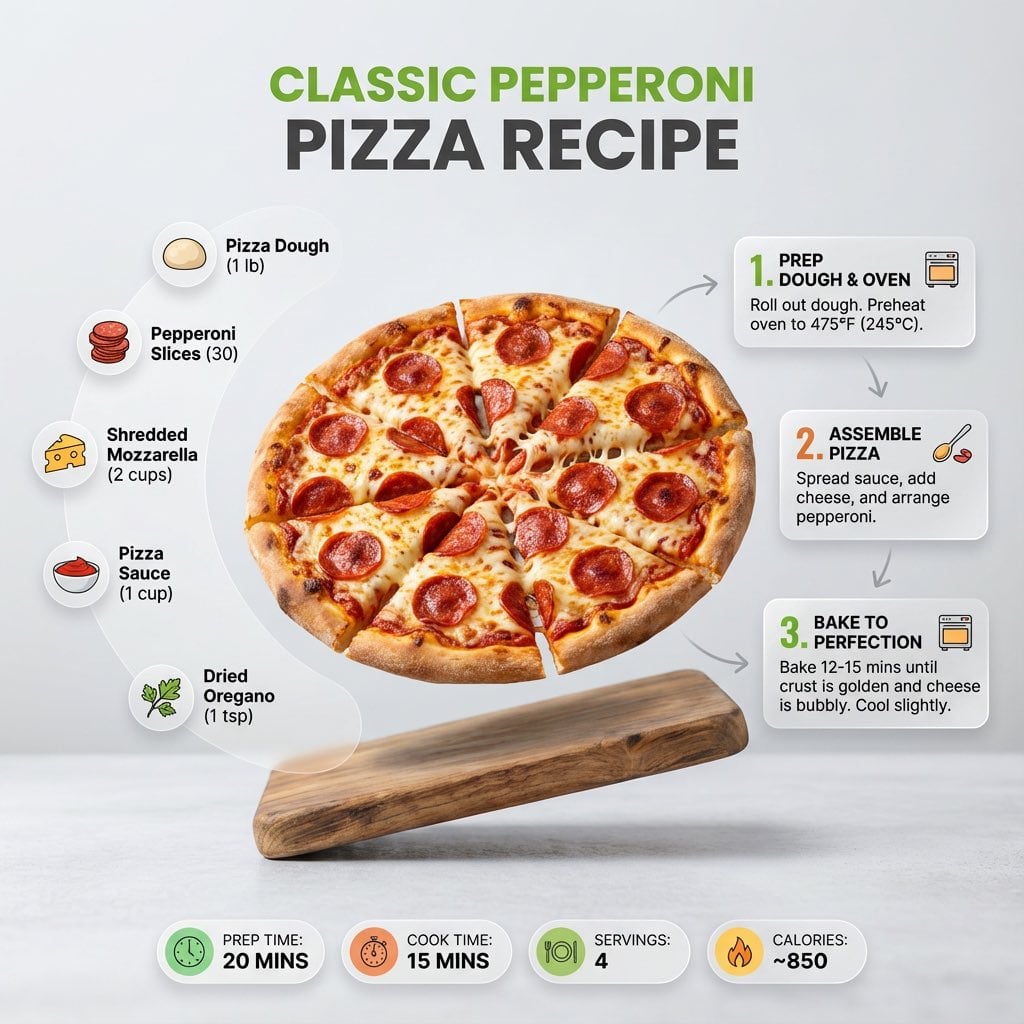
Ultra-clean modern recipe infographic
Make it yours
Detailed Physical World Map with Info Panels works as-is. These are the safest ways to change it without losing the look.
Change one field
Copy a single group, rewrite it, and generate again so you can see what that field is doing.
Keep the frame, change the subject
Hold the composition and light of Detailed Physical World Map with Info Panels, then swap wardrobe, props or the person for a new take.
| If the result… | Why | Fix |
|---|---|---|
| The result drifts from the preview | Too many fields changed at once. | Reuse Detailed Physical World Map with Info Panels as-is first, then change one group — subject, light, or setting. |
| GPT Image 2 ignores part of the JSON | Some models flatten or skip nested keys. | Keep the same values and paste them as a short paragraph instead. |
More GPT Image 2 templates
Other prompts made for GPT Image 2.

Six VTuber Japanese Logo Sheet

Realistic Portrait of Woman and Deer

The Vista Modular Condo Poster

AI Model Routing Comparison Infographic

2.5D Anime Art Board

Isometric Productivity Desk Scene

New York Double Exposure Poster

Four-Panel AI Landscape Comparison

Japanese Tatami Lifestyle Magazine Cover

Brutalist Cogito Chinese Typography Poster
More image prompts
Fresh picks from across the catalog.

Melancholic Guitar Girl and Cat
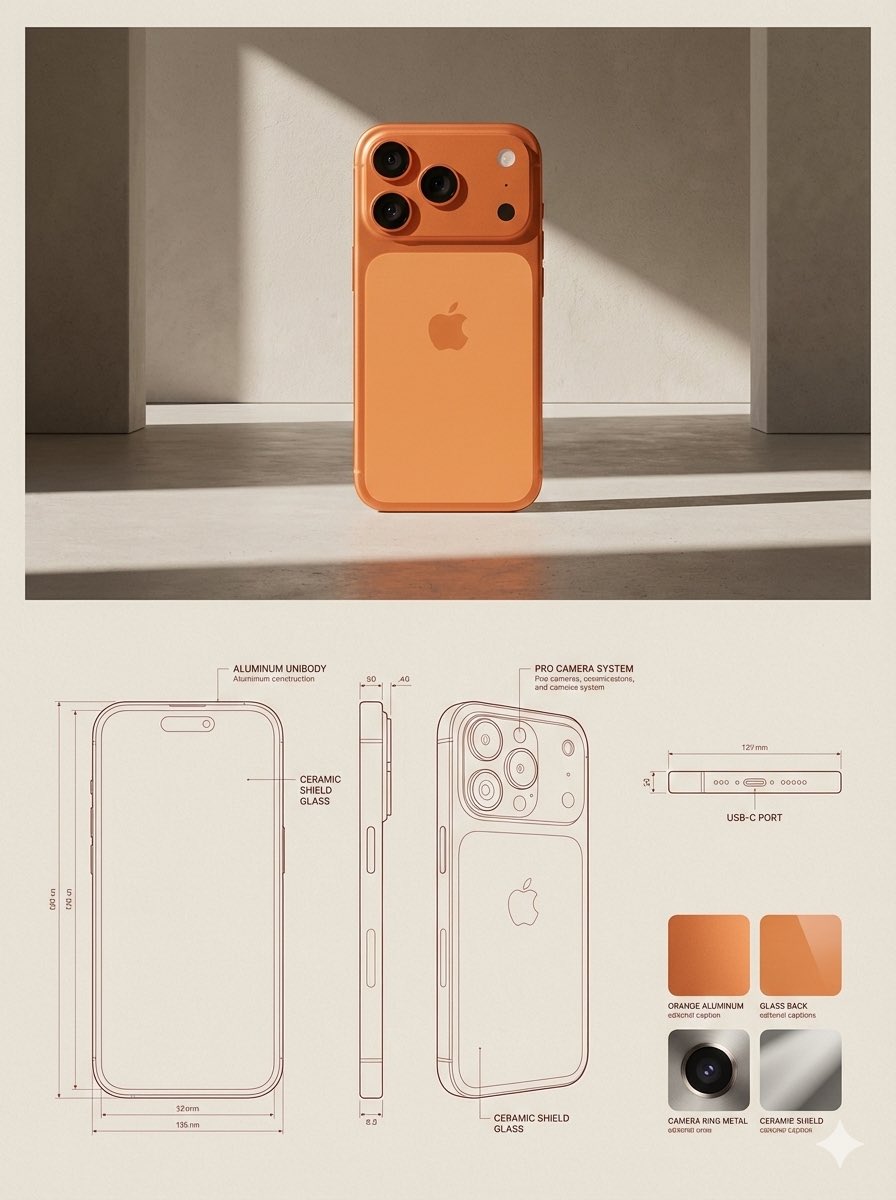
JSON Prompt for Architectural Product Design Catalog Layout

Censored Rain Portrait
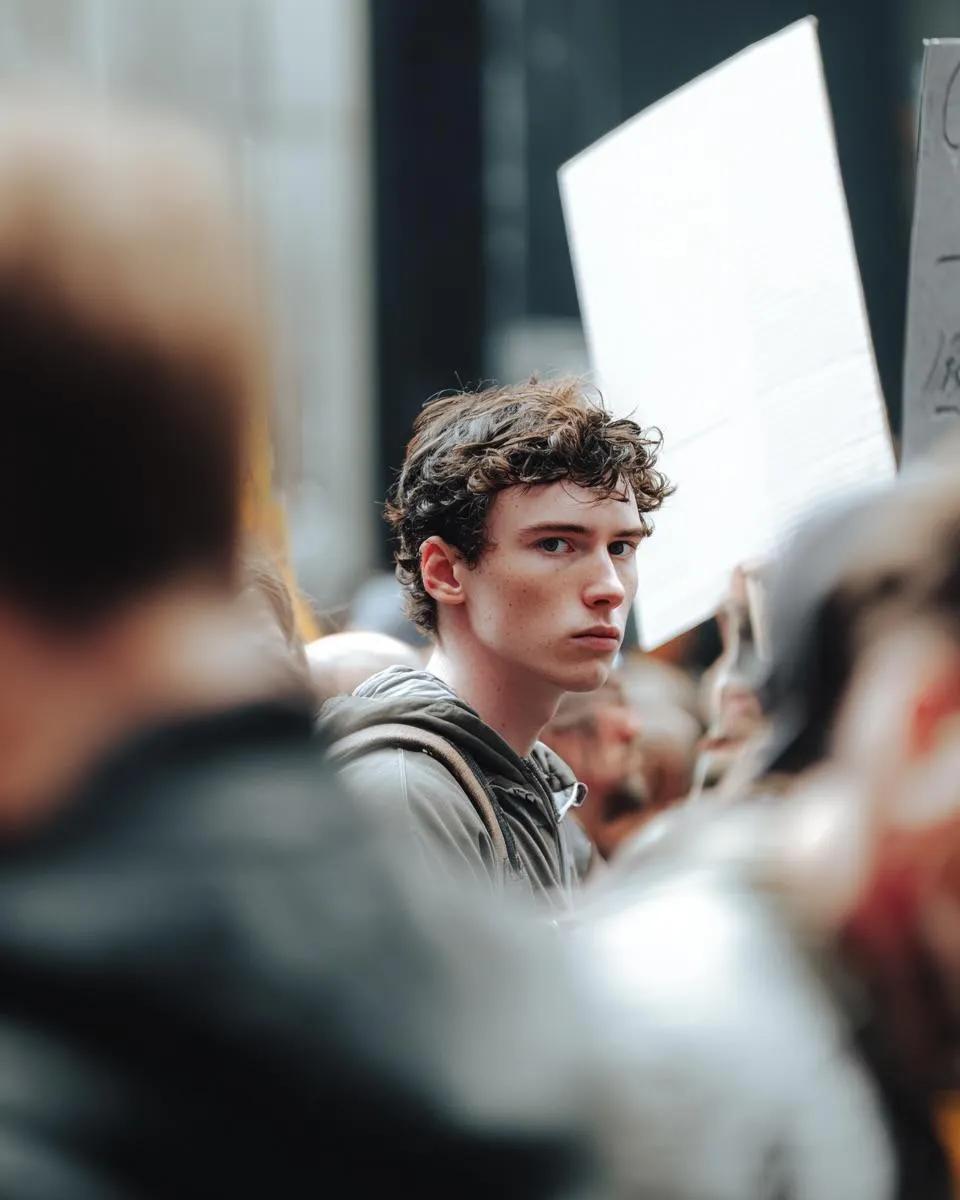
Cinematic Photojournalism of a Protest Subject

Retro Urban Fashion Portrait
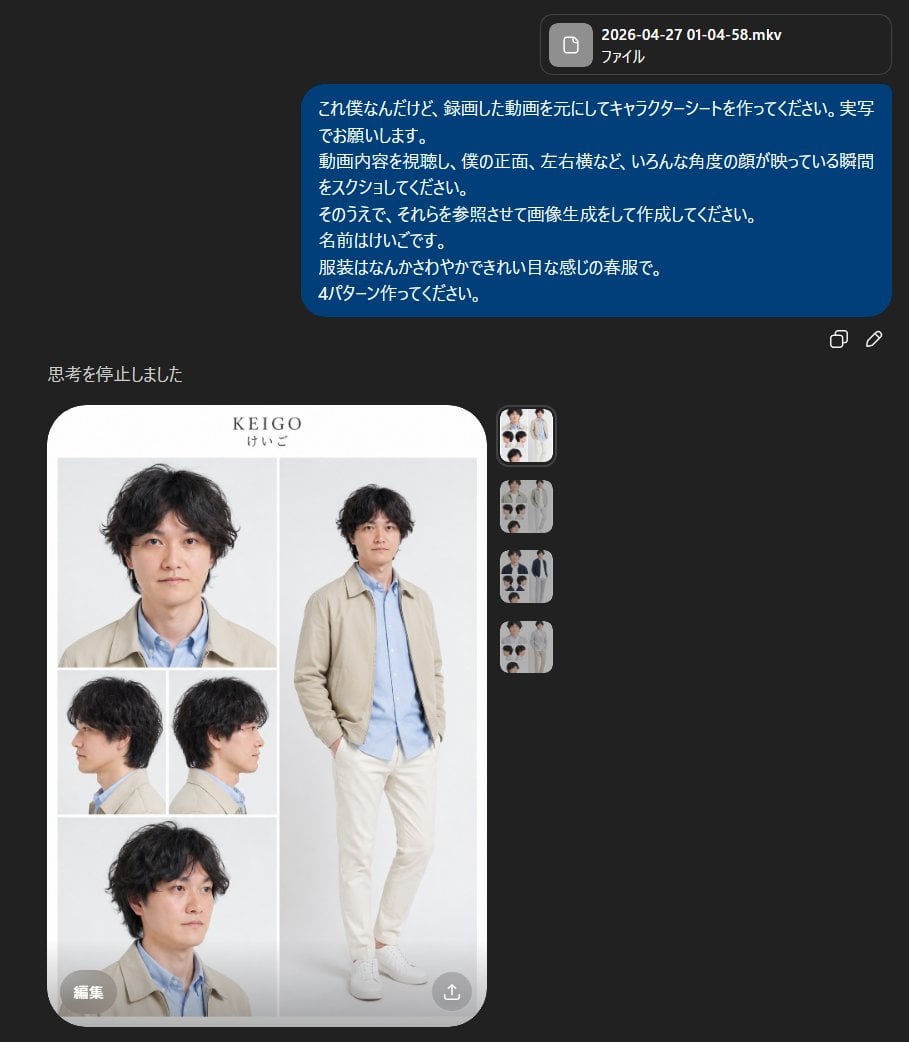
Realistic Male Character Sheet
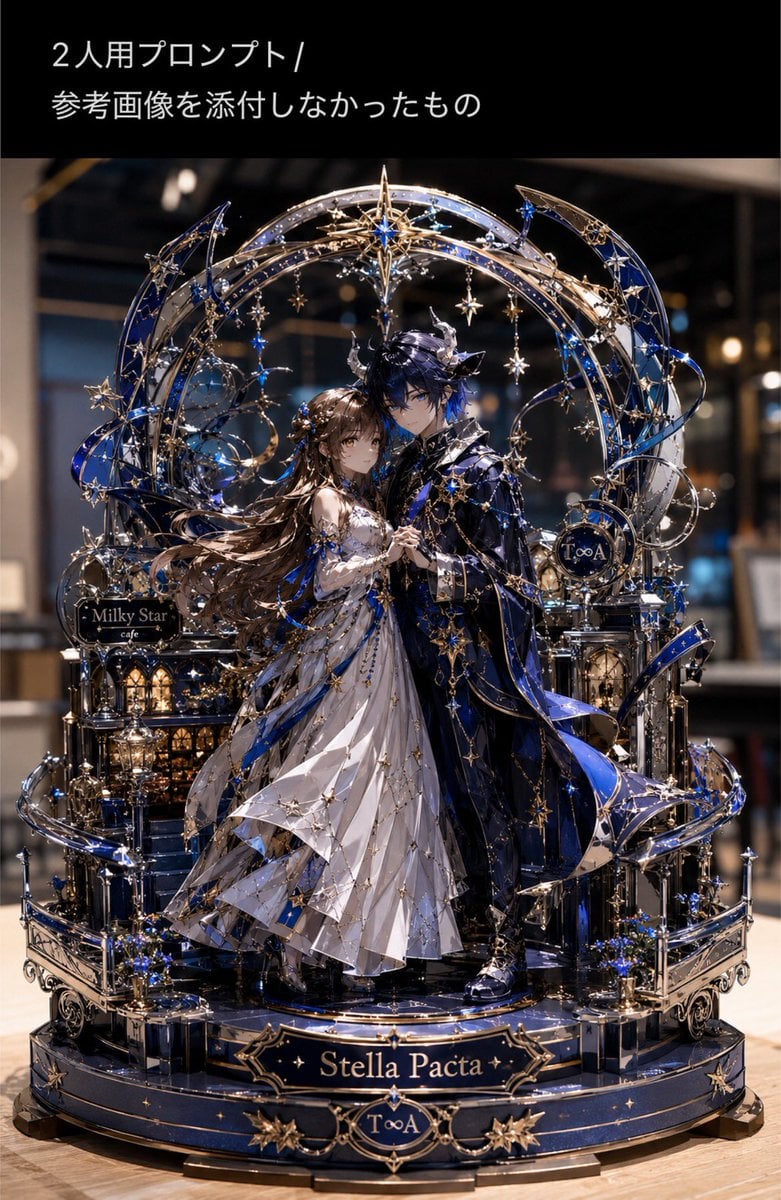
Metallic Nano Puzzle Diorama
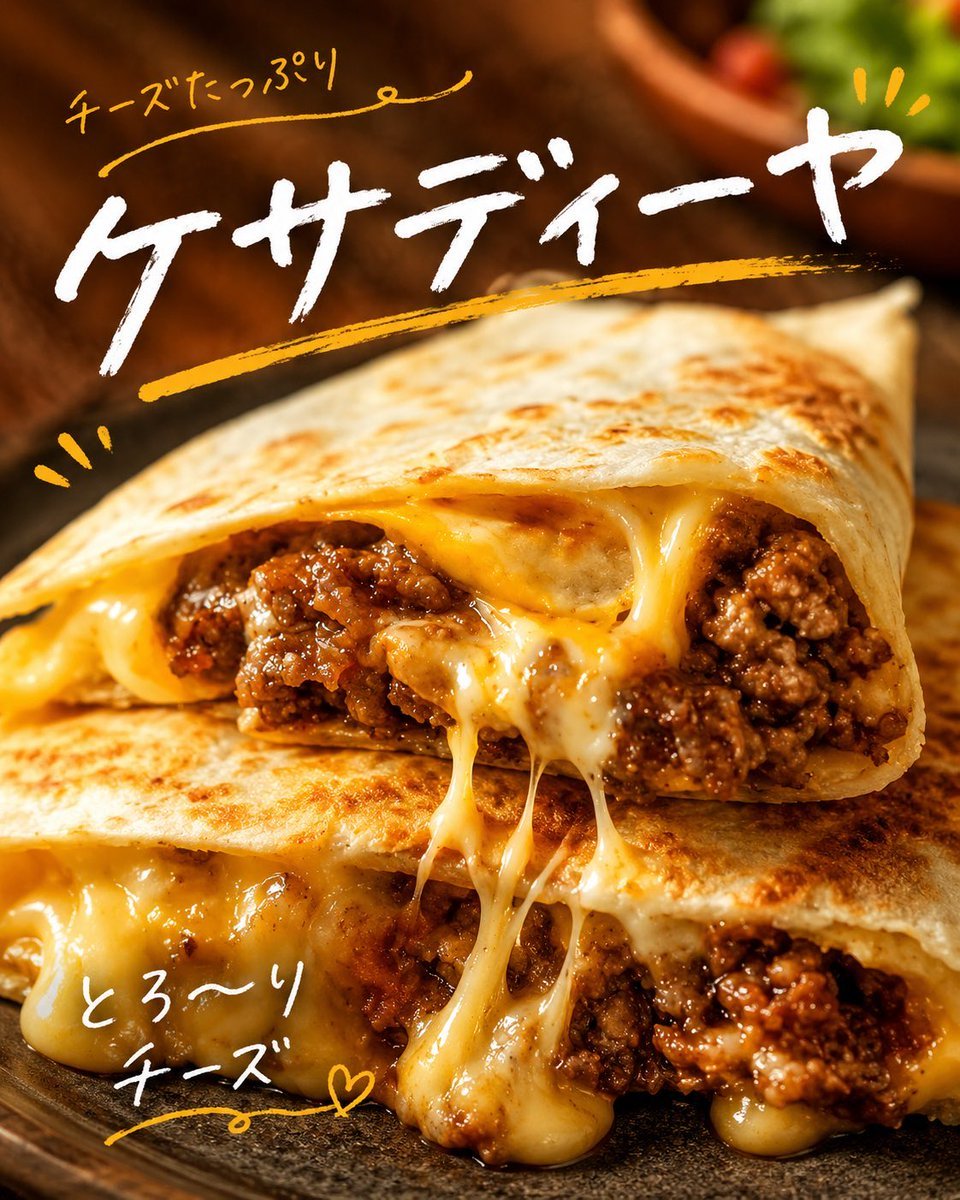
Cheesy Quesadilla Japanese Food Ad

Summer Sky Japanese Idol Portrait

Professional Old Photo Restoration
Browse template categories
Detailed Physical World Map with Info Panels questions
How do I use the Detailed Physical World Map with Info Panels template?
Add your photo if the template asks for one, edit the prompt if you like — the template's model and format are already selected — and press Generate. Your version opens in PicX Studio.
Can I customize the Detailed Physical World Map with Info Panels template?
Yes. You can change the subject, setting, lighting, mood, format, and available model controls before creating your image.
Is the Detailed Physical World Map with Info Panels template free?
Opening and editing this template is free. Generating uses credits, shown on the Generate button when you are signed in.
Which AI model should I use?
Start with GPT Image 2, which is the model associated with this template. You can compare another compatible model for a different finish.
Looking for something else? Browse all templates.

Your photo, any look
Thousands of ready templates for every top image and video model, from one credit balance.