
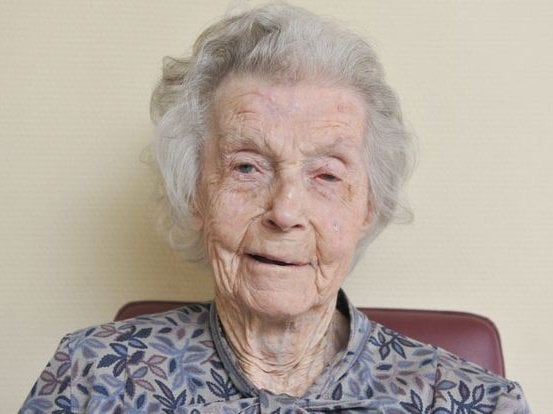
Professional Old Photo Restoration
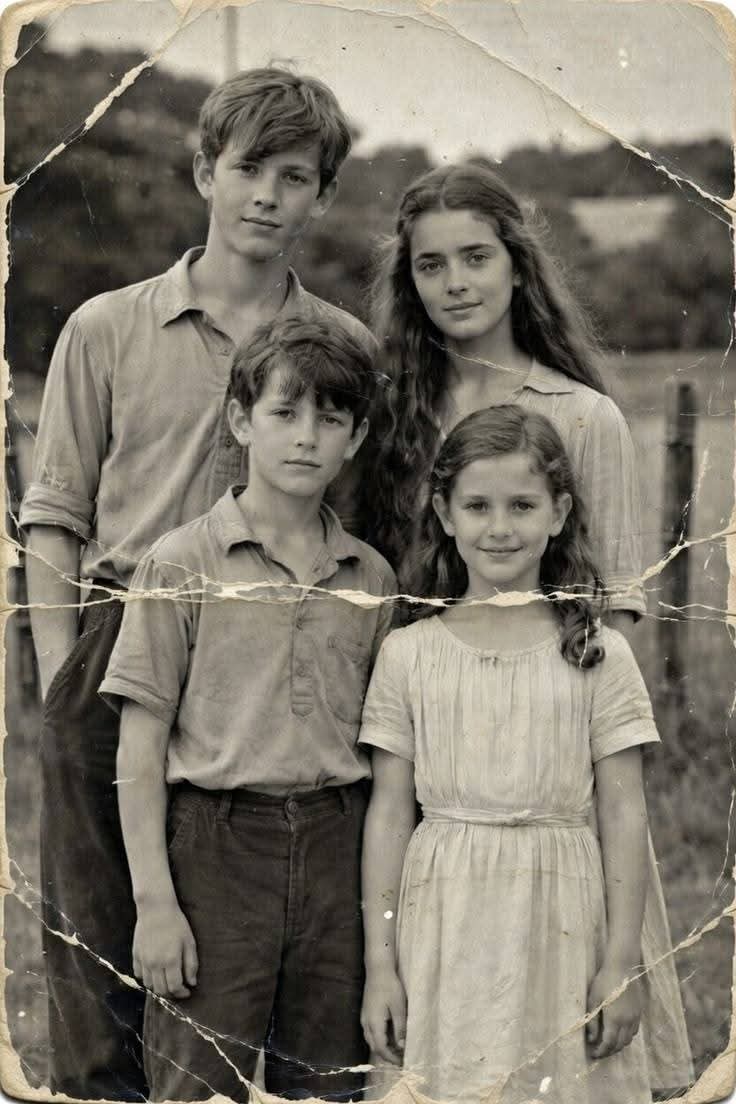
A prompt for restoring old, damaged photos into high-quality professional DSLR portraits with extreme clarity.
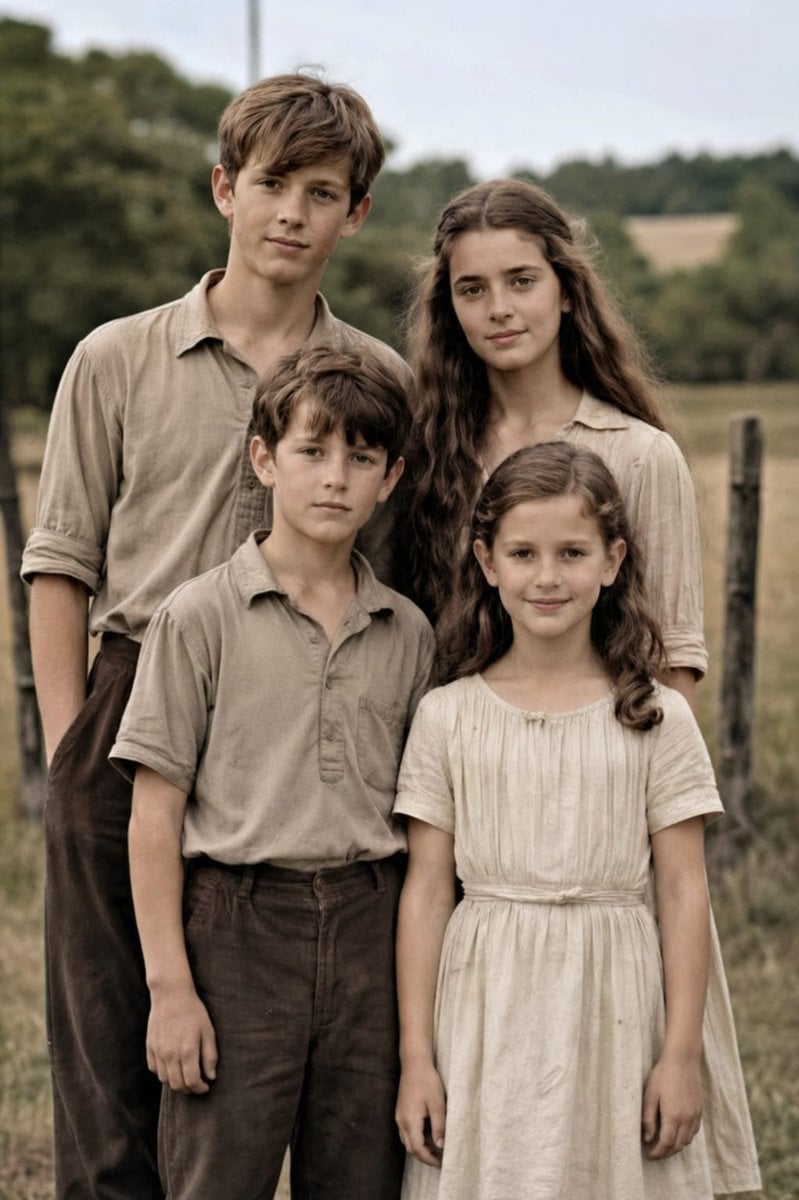
- Prompt included
- Model and format preset
- Free template
The prompt behind this image
Copy the exact prompt behind Professional Old Photo Restoration, or open it in the studio and make it yours.
将这张老照片恢复成专业的单反相机质量肖像,色彩和细节精美,使用先进的放大算法,效果可与佳能EOS R6 II媲美。确保恢复后的图像看起来自然,保留精确的面部特征,清晰度极高.
Reference images included
Professional Old Photo Restoration needs input media to work. They load alongside the prompt when you open it in the studio.
How to use Professional Old Photo Restoration in 3 steps
- 1Upload ImagePNG, JPG or paste
Add your photo
Upload the photo the template builds on. The prompt, model and format are already set.
- 2…a portrait of your subject in softgolden-hour light, 85mm…
Personalize
Edit the subject and creative details for your destination.
- 3Generate
Generate
Press Generate — your image is created in PicX Studio, so you can compare it with the original and refine one variable at a time.
More like this
Templates with the same subject, style or setup. Open one to see its prompt.
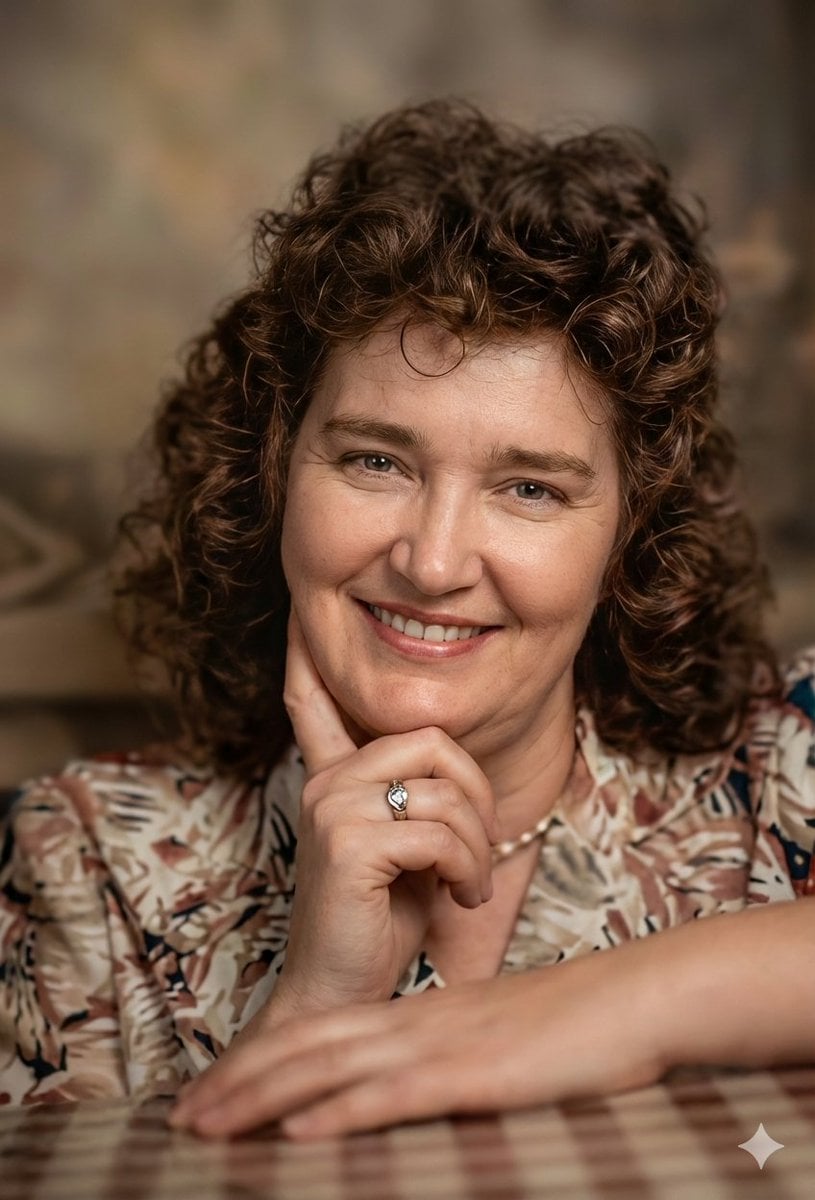
Old Photo Restoration Prompt for Professional DSLR Quality

Professional Cold-Water Surf Ad Campaign
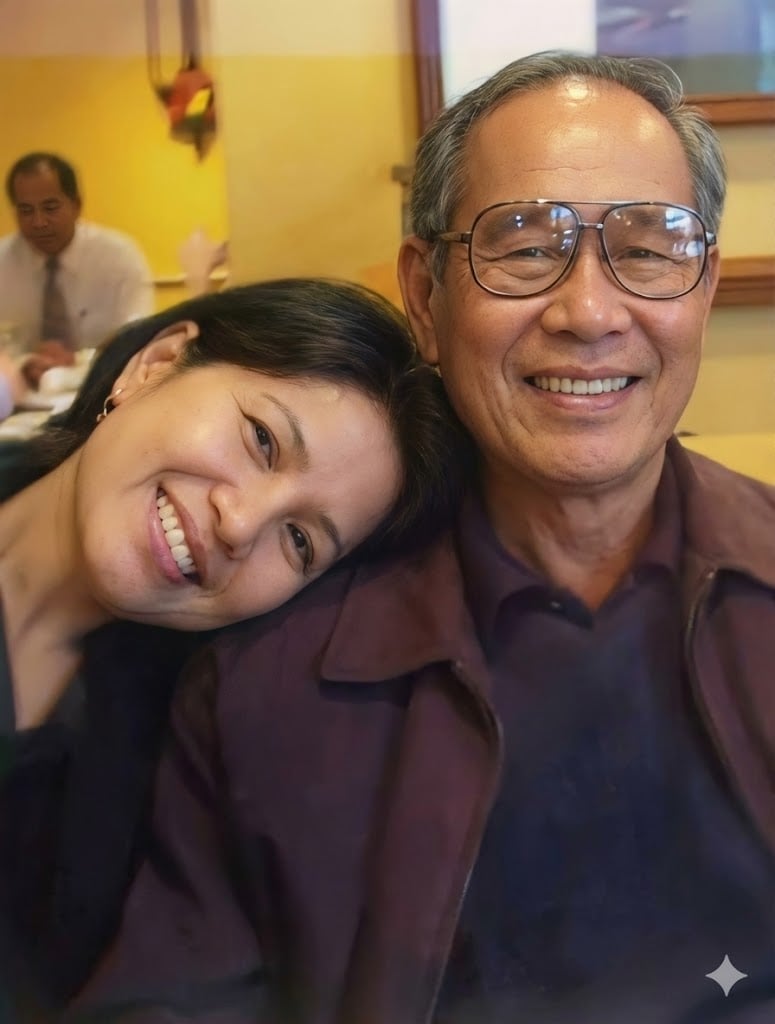
Old photo restoration prompt
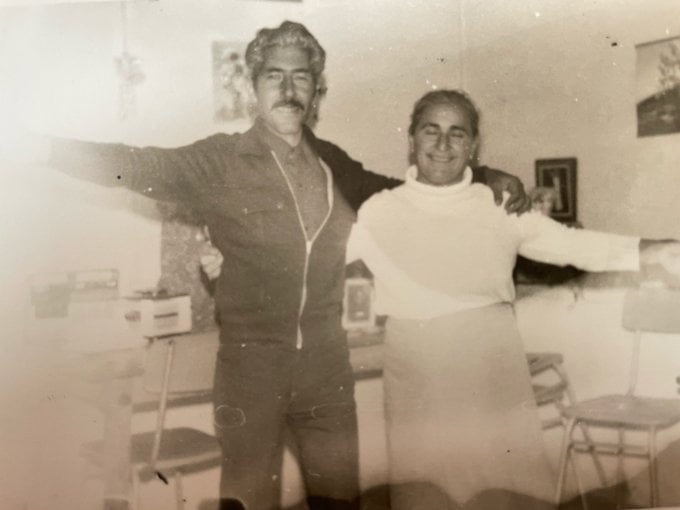
Old photo restoration to modern digital portrait

Old Photo Restoration Prompt
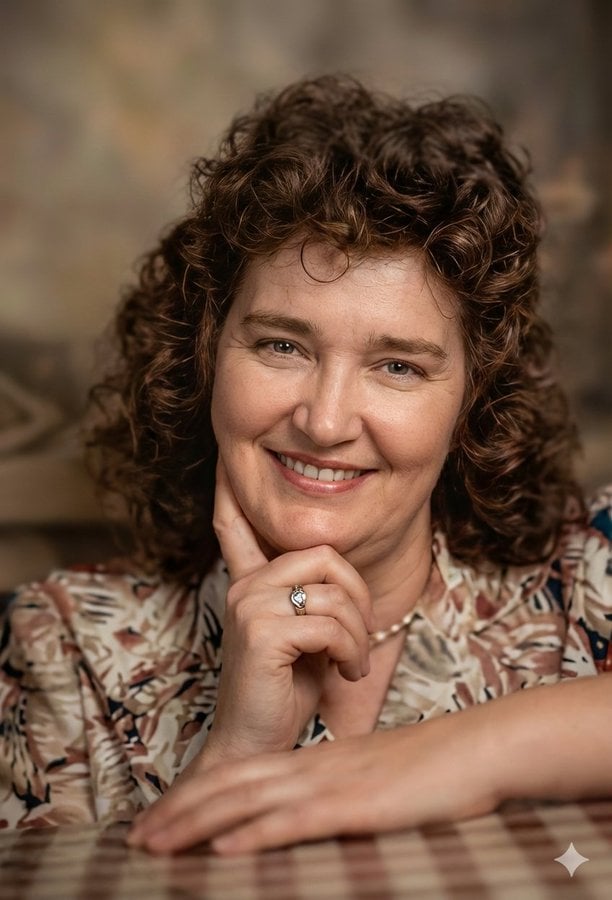
Old Photo Restoration and Upscaling
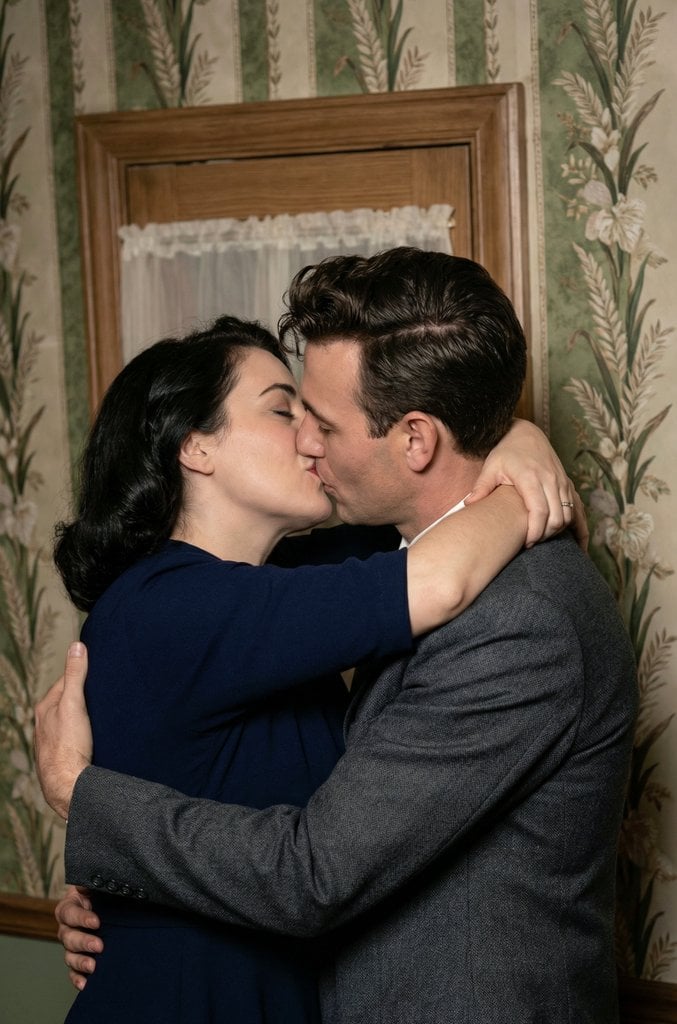
Old Photo Restoration and Upscaling Prompt
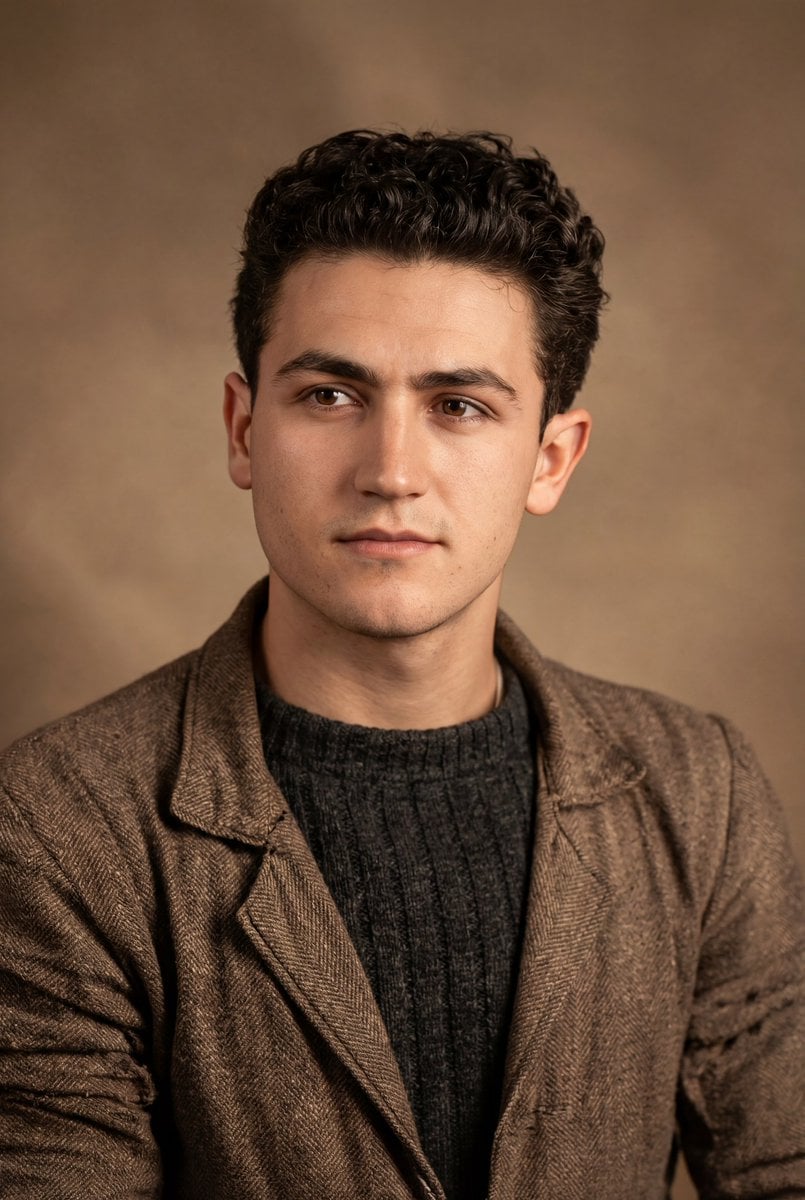
Old Photo Restoration to DSLR Quality
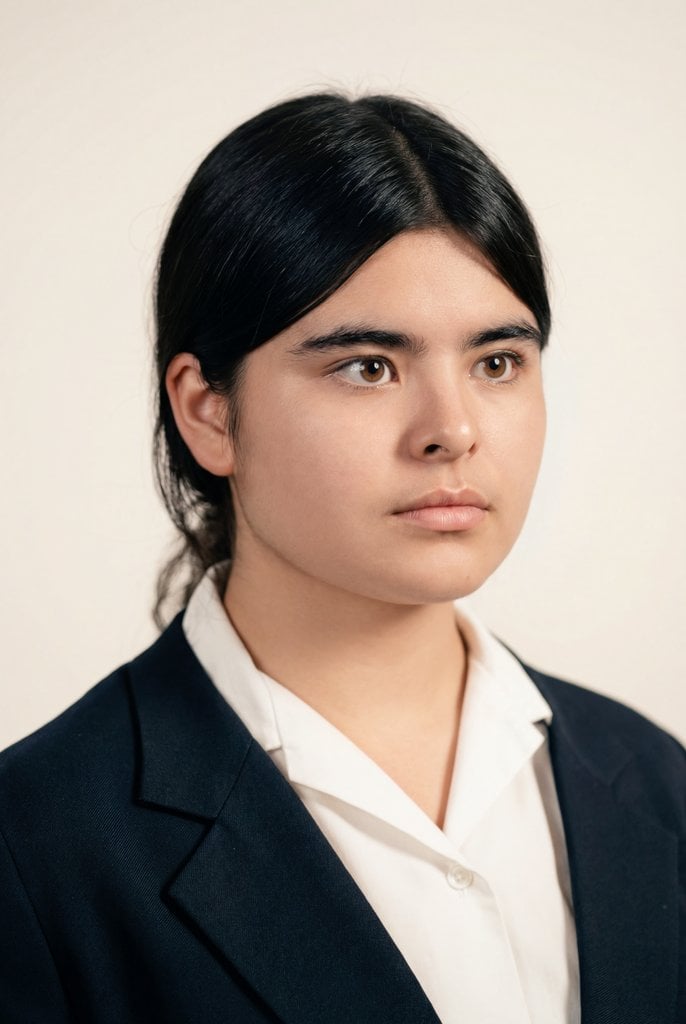
Cinematic Portrait Restoration with Golden-Hour Lighting
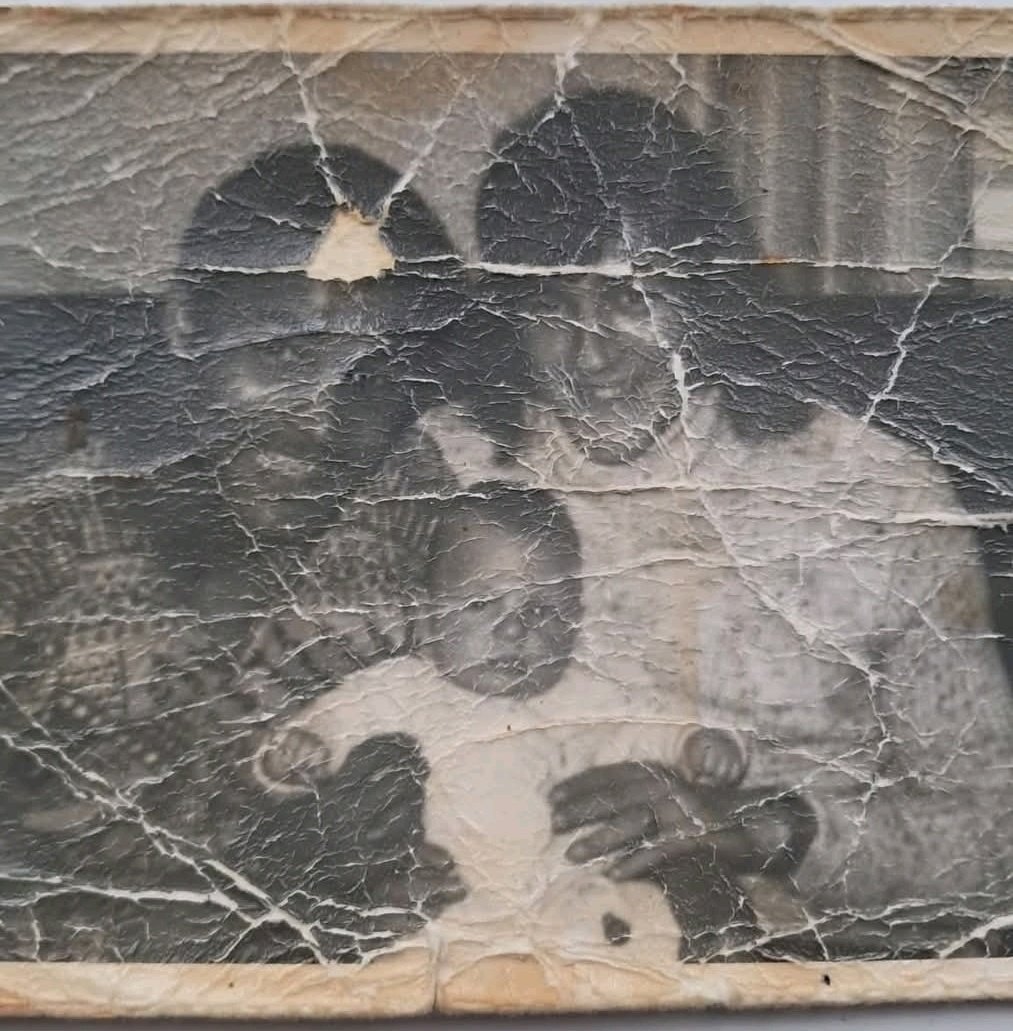
Old Photo Restoration Prompt
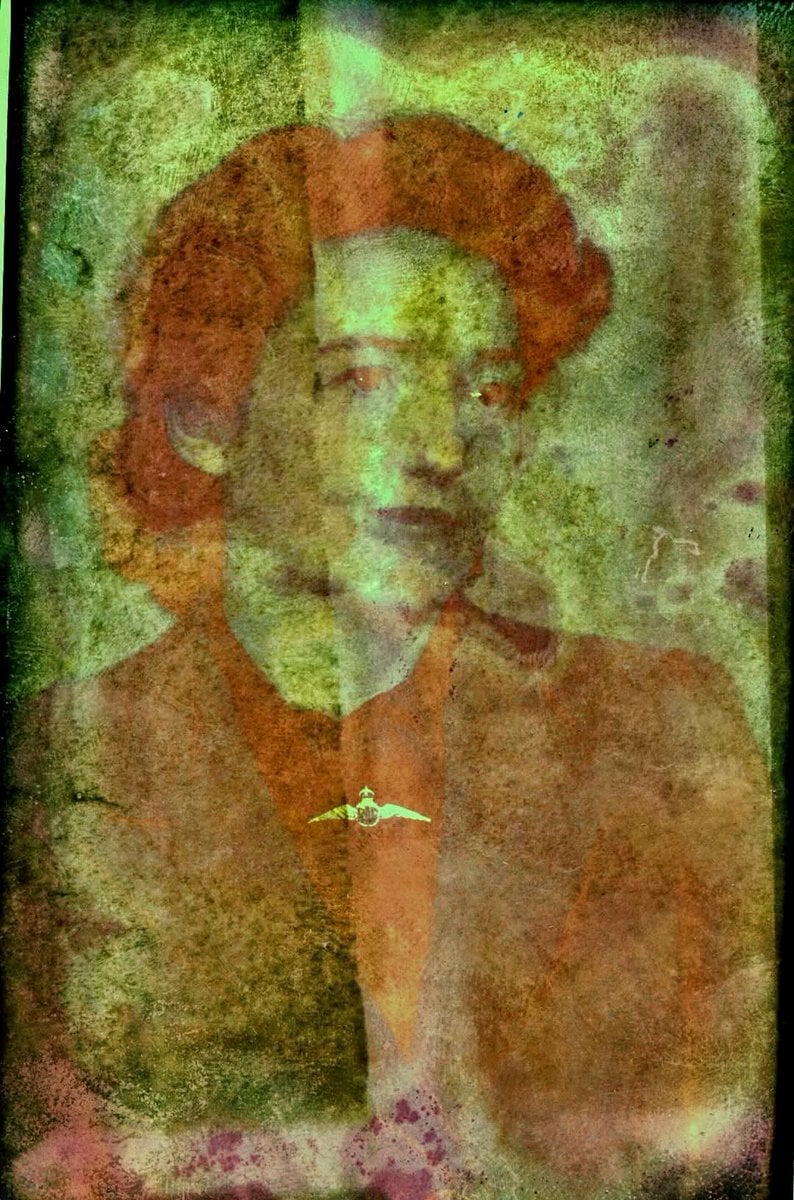
Old Photo Restoration to DSLR Quality

Character Archive — Blueprint Concept Sheet
Make it yours
Professional Old Photo Restoration works as-is. These are the safest ways to change it without losing the look.
Change one field
Copy a single group, rewrite it, and generate again so you can see what that field is doing.
Keep the frame, change the subject
Hold the composition and light of Professional Old Photo Restoration, then swap wardrobe, props or the person for a new take.
| If the result… | Why | Fix |
|---|---|---|
| The result drifts from the preview | Too many fields changed at once. | Reuse Professional Old Photo Restoration as-is first, then change one group — subject, light, or setting. |
| The model over-stylizes the scene | The prose prompt leaves finish and camera underspecified. | Add one camera or lighting sentence and stay on GPT Image 2. |
More GPT Image 2 templates
Other prompts made for GPT Image 2.

Six VTuber Japanese Logo Sheet

Realistic Portrait of Woman and Deer

The Vista Modular Condo Poster

AI Model Routing Comparison Infographic

2.5D Anime Art Board

Isometric Productivity Desk Scene

New York Double Exposure Poster

Four-Panel AI Landscape Comparison

Japanese Tatami Lifestyle Magazine Cover

NESCAFÉ Coffee Map Poster
More image prompts
Fresh picks from across the catalog.
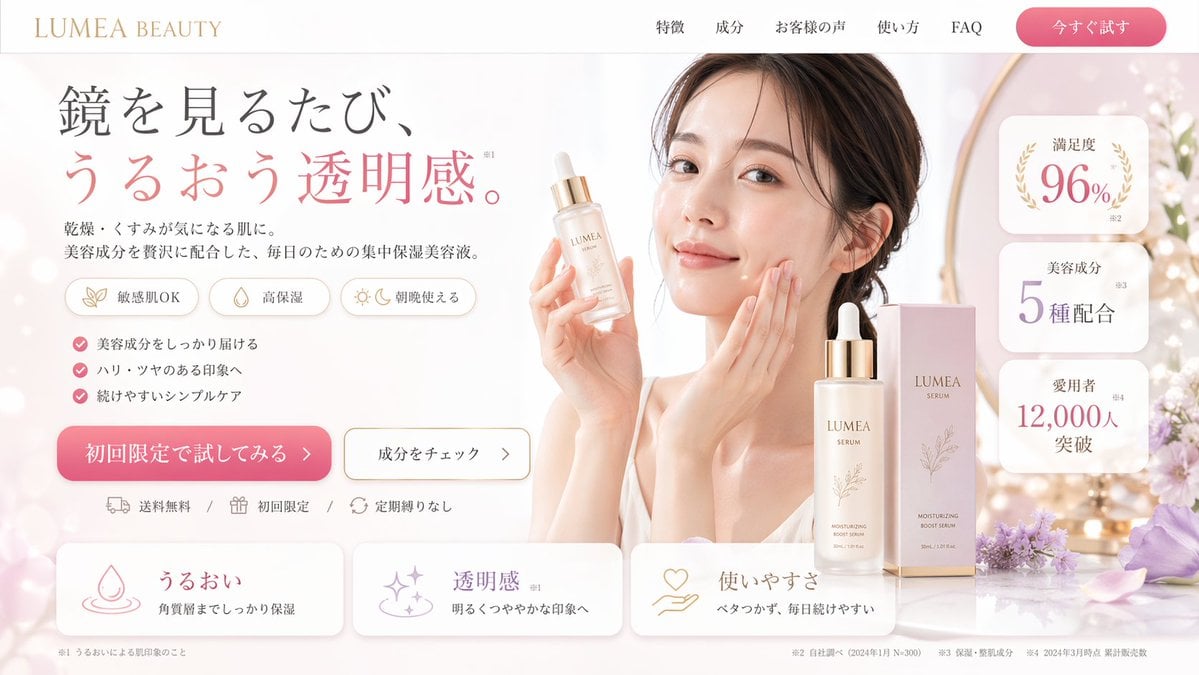
Beauty Landing Page Hero Section
Convert Image to School Yearbook Portrait
Black-and-White Fine Art Studio Portrait Prompt
AI image prompt for a girl joining university
High-contrast rim-lit black and white conceptual side-profile portrait
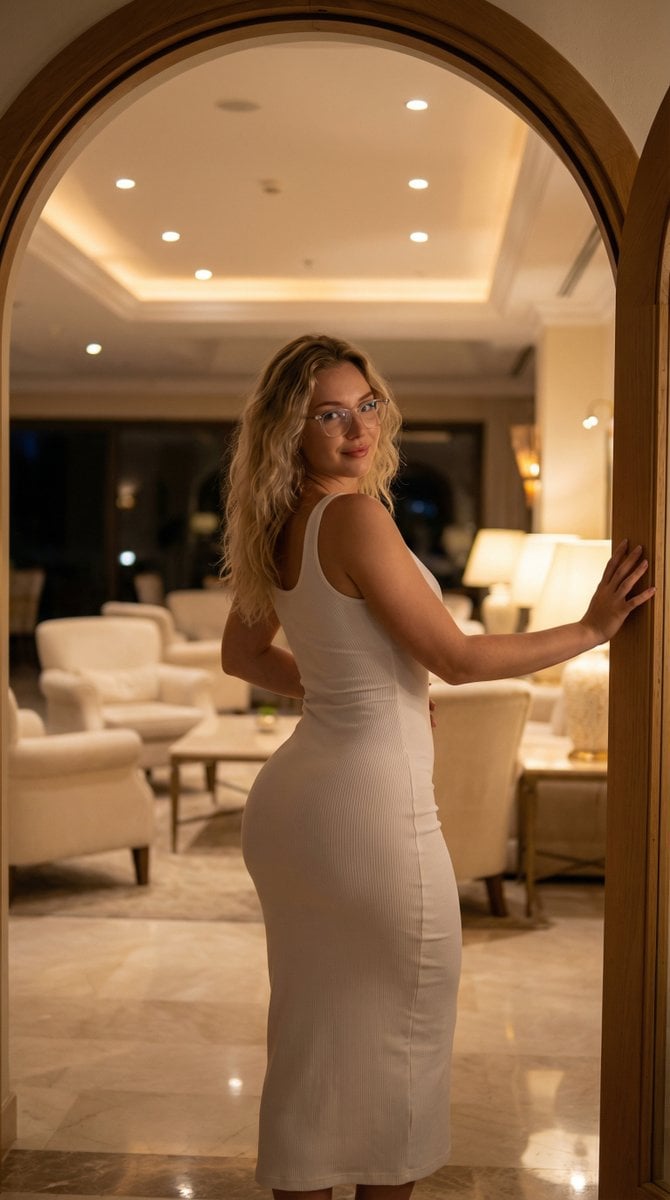
Elegant Curvy Woman Looking Back Over Shoulder
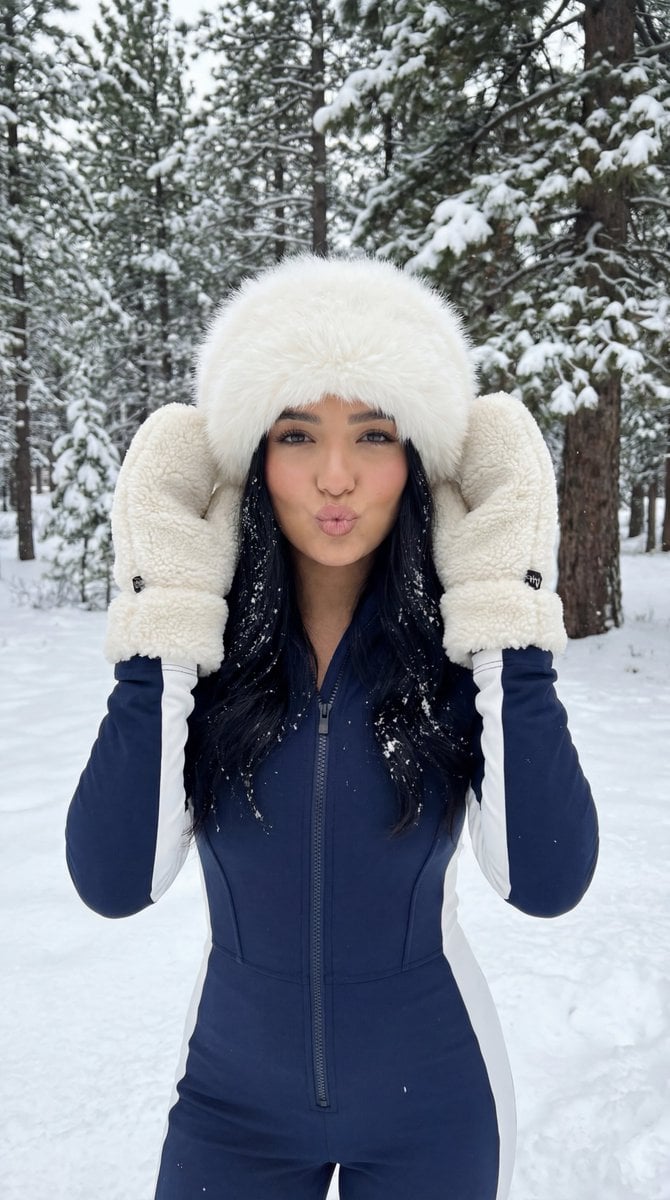
Winter Sport Lifestyle Portrait with Fur Hat and Pout
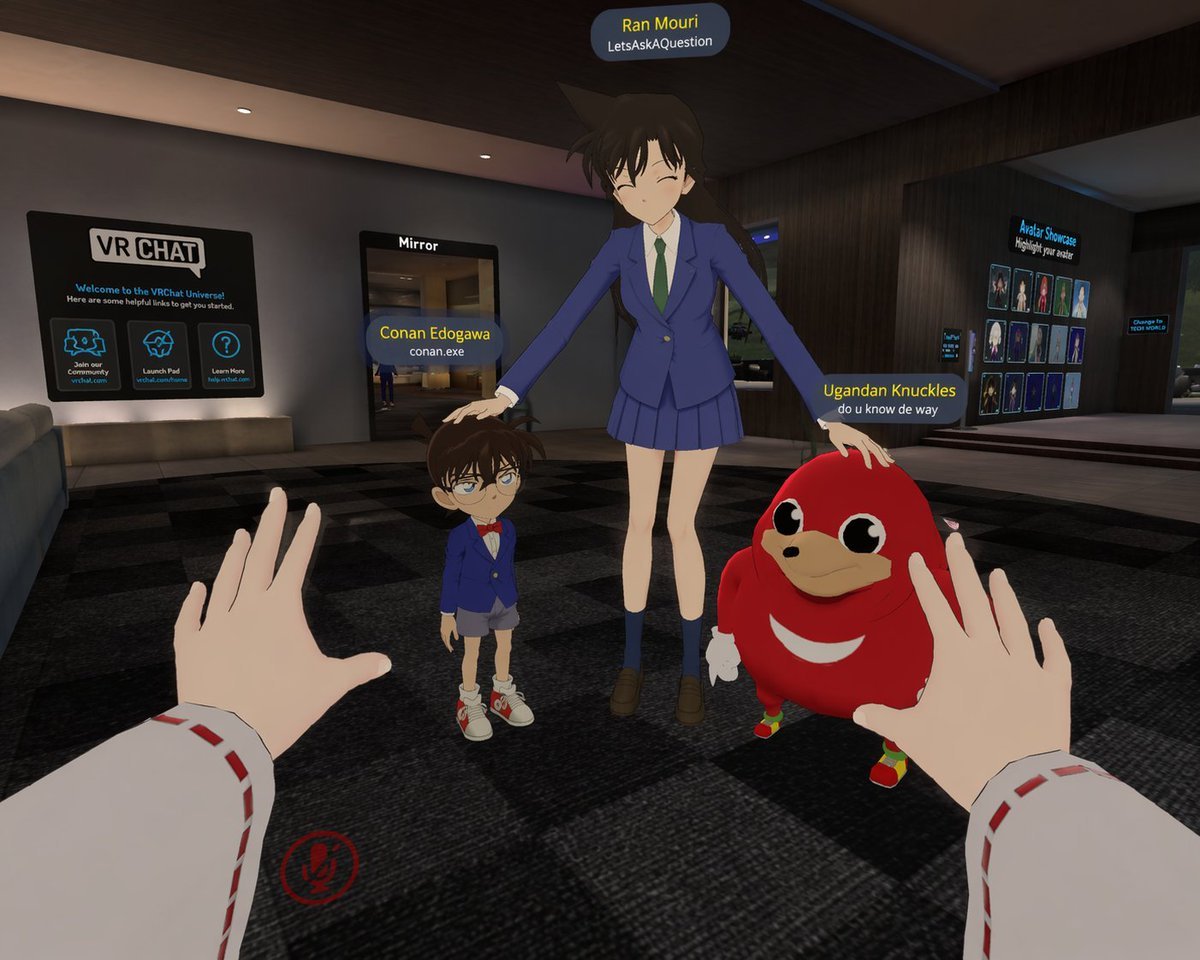
First-Person VRChat Meme Crossover Screenshot

Q-Style Sticker Diary Clone
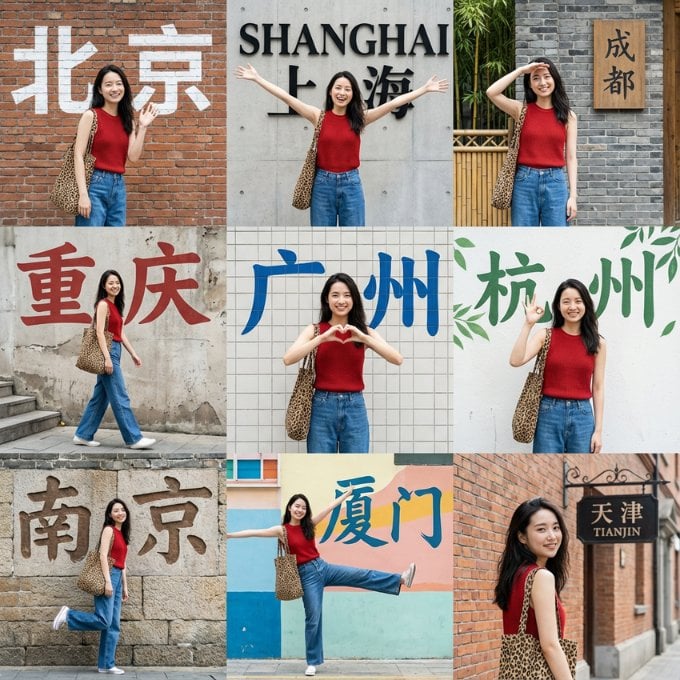
Nine-Grid Street Photography Prompt Framework
Browse template categories
Professional Old Photo Restoration questions
How do I use the Professional Old Photo Restoration template?
Add your photo if the template asks for one, edit the prompt if you like — the template's model and format are already selected — and press Generate. Your version opens in PicX Studio.
Can I customize the Professional Old Photo Restoration template?
Yes. You can change the subject, setting, lighting, mood, format, and available model controls before creating your image.
Is the Professional Old Photo Restoration template free?
Opening and editing this template is free. Generating uses credits, shown on the Generate button when you are signed in.
Which AI model should I use?
Start with GPT Image 2, which is the model associated with this template. You can compare another compatible model for a different finish.
Looking for something else? Browse all templates.

Your photo, any look
Thousands of ready templates for every top image and video model, from one credit balance.