
Japanese AI Stack Infographic Map
Generates a dense Japanese social media infographic mapping 17 AI tools into four business workflow categories for creators and marketers.
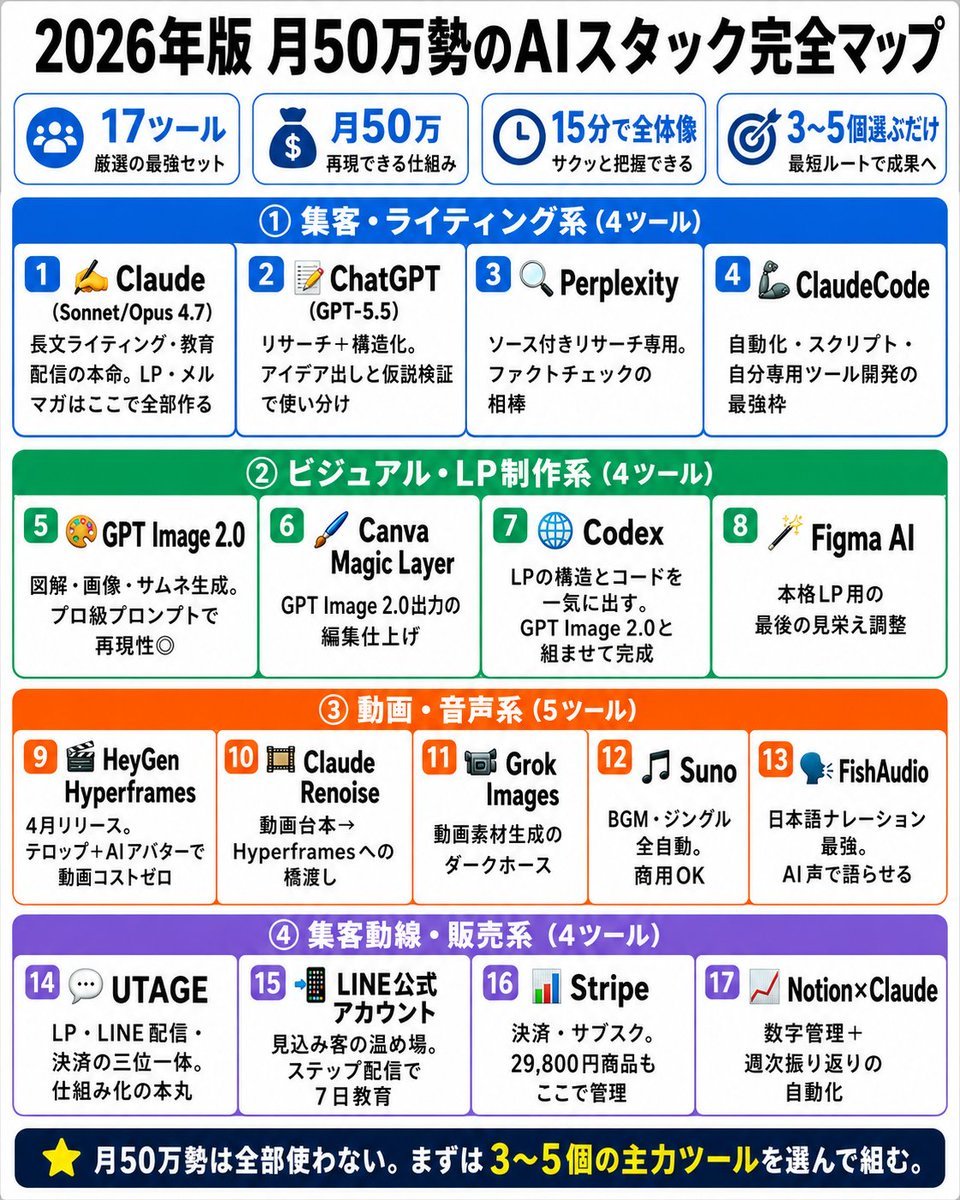
- Prompt included
- Model and format preset
- Free template
The prompt behind this image
Copy the exact prompt behind Japanese AI Stack Infographic Map, or open it in the studio and make it yours.
- Type
- Japanese infographic map
- Headline
- {argument name="headline text" default="2026年版 月50万勢のAIスタック完全マップ"}
- Style
- clean high-contrast social media infographic, white background, thick rounded blue border accents, bold black Japanese typography, colorful category bars, icon-led tool cards, square 4:5 layout, crisp vector design
- Top Summary › Count
- 4
- Top Summary › Cards › 0 › Icon
- group of people
- Top Summary › Cards › 0 › Main
- 17ツール
- Top Summary › Cards › 0 › Sub
- 厳選の最強セット
- Top Summary › Cards › 1 › Icon
- money bag
- Top Summary › Cards › 1 › Main
- 月50万
- Top Summary › Cards › 1 › Sub
- 再現できる仕組み
- Top Summary › Cards › 2 › Icon
- clock
- Top Summary › Cards › 2 › Main
- 15分で全体像
- Top Summary › Cards › 2 › Sub
- サクッと把握できる
- Top Summary › Cards › 3 › Icon
- target
- Top Summary › Cards › 3 › Main
- 3〜5個選ぶだけ
- Top Summary › Cards › 3 › Sub
- 最短ルートで成果へ
- Layout › Sections › 0 › Title
- ① 集客・ライティング系(4ツール)
- Layout › Sections › 0 › Position
- top section
- Layout › Sections › 0 › Bar Color
- blue
- Layout › Sections › 0 › Count
- 4
- Layout › Sections › 0 › Tool Cards › 0 › Number
- 1
- Layout › Sections › 0 › Tool Cards › 0 › Icon
- writing hand
- Layout › Sections › 0 › Tool Cards › 0 › Name
- Claude (Sonnet/Opus 4.7)
- Layout › Sections › 0 › Tool Cards › 0 › Description
- 長文ライティング・教育配信の本命。LP・メルマガはここで全部作る
Raw JSON
{"type":"Japanese infographic map","headline":"{argument name=\"headline text\" default=\"2026年版 月50万勢のAIスタック完全マップ\"}","style":"clean high-contrast social media infographic, white background, thick rounded blue border accents, bold black Japanese typography, colorful category bars, icon-led tool cards, square 4:5 layout, crisp vector design","top_summary":{"count":4,"cards":[{"icon":"group of people","main":"17ツール","sub":"厳選の最強セット"},{"icon":"money bag","main":"月50万","sub":"再現できる仕組み"},{"icon":"clock","main":"15分で全体像","sub":"サクッと把握できる"},{"icon":"target","main":"3〜5個選ぶだけ","sub":"最短ルートで成果へ"}]},"layout":{"sections":[{"title":"① 集客・ライティング系(4ツール)","position":"top section","bar_color":"blue","count":4,"tool_cards":[{"number":1,"icon":"writing hand","name":"Claude (Sonnet/Opus 4.7)","description":"長文ライティング・教育配信の本命。LP・メルマガはここで全部作る"},{"number":2,"icon":"memo and pencil","name":"ChatGPT (GPT-5.5)","description":"リサーチ+構造化。アイデア出しと仮説検証で使い分け"},{"number":3,"icon":"magnifying glass","name":"Perplexity","description":"ソース付きリサーチ専用。ファクトチェックの相棒"},{"number":4,"icon":"robot arm","name":"ClaudeCode","description":"自動化・スクリプト・自分専用ツール開発の最強枠"}]},{"title":"② ビジュアル・LP制作系(4ツール)","position":"second section","bar_color":"green","count":4,"tool_cards":[{"number":5,"icon":"artist palette","name":"GPT Image 2.0","description":"図解・画像・サムネ生成。プロ級プロンプトで再現性◎"},{"number":6,"icon":"paintbrush","name":"Canva Magic Layer","description":"GPT Image 2.0出力の編集仕上げ"},{"number":7,"icon":"globe","name":"Codex","description":"LPの構造とコードを一気に出す。GPT Image 2.0と組ませて完成"},{"number":8,"icon":"magic wand","name":"Figma AI","description":"本格LP用の最後の見栄え調整"}]},{"title":"③ 動画・音声系(5ツール)","position":"third section","bar_color":"orange","count":5,"tool_cards":[{"number":9,"icon":"clapperboard","name":"HeyGen Hyperframes","description":"4月リリース。テロップ+AIアバターで動画コストゼロ"},{"number":10,"icon":"film strip","name":"Claude Renoise","description":"動画台本→Hyperframesへの橋渡し"},{"number":11,"icon":"video camera","name":"Grok Images","description":"動画素材生成のダークホース"},{"number":12,"icon":"music note","name":"Suno","description":"BGM・ジングル全自動。商用OK"},{"number":13,"icon":"talking head","name":"FishAudio","description":"日本語ナレーション最強。AI声で語らせる"}]},{"title":"④ 集客動線・販売系(4ツール)","position":"bottom section","bar_color":"purple","count":4,"tool_cards":[{"number":14,"icon":"speech bubble","name":"UTAGE","description":"LP・LINE配信・決済の三位一体。仕組み化の本丸"},{"number":15,"icon":"smartphone","name":"LINE公式アカウント","description":"見込み客の温め場。ステップ配信で7日教育"},{"number":16,"icon":"bar chart","name":"Stripe","description":"決済・サブスク。29,800円商品もここで管理"},{"number":17,"icon":"rising chart","name":"Notion×Claude","description":"数字管理+週次振り返りの自動化"}]}]},"footer":"{argument name=\"footer text\" default=\"⭐ 月50万勢は全部使わない。まずは3〜5個の主力ツールを選んで組む。\"}","design_details":"Use 17 total numbered cards, each in a rounded white rectangle with a colored number badge matching the section. Preserve the Japanese text exactly, emphasize the numbers 2026, 月50万, 17ツール, and 3〜5個 in large bold type. Make the composition dense but readable, optimized for X/Twitter sharing."}How to use Japanese AI Stack Infographic Map in 3 steps
- 1Upload ImagePNG, JPG or paste
Add your photo
Upload the photo the template builds on. The prompt, model and format are already set.
- 2…a portrait of your subject in softgolden-hour light, 85mm…
Personalize
Edit the subject and creative details for your destination.
- 3Generate
Generate
Press Generate — your image is created in PicX Studio, so you can compare it with the original and refine one variable at a time.
More like this
Templates with the same subject, style or setup. Open one to see its prompt.

Gpt2 Infographic Edu Visual Japanese Sci Fi Suit Up Process Board

Minecraft Japanese Research Lab Exploration

Japan Travel Brochure Poster
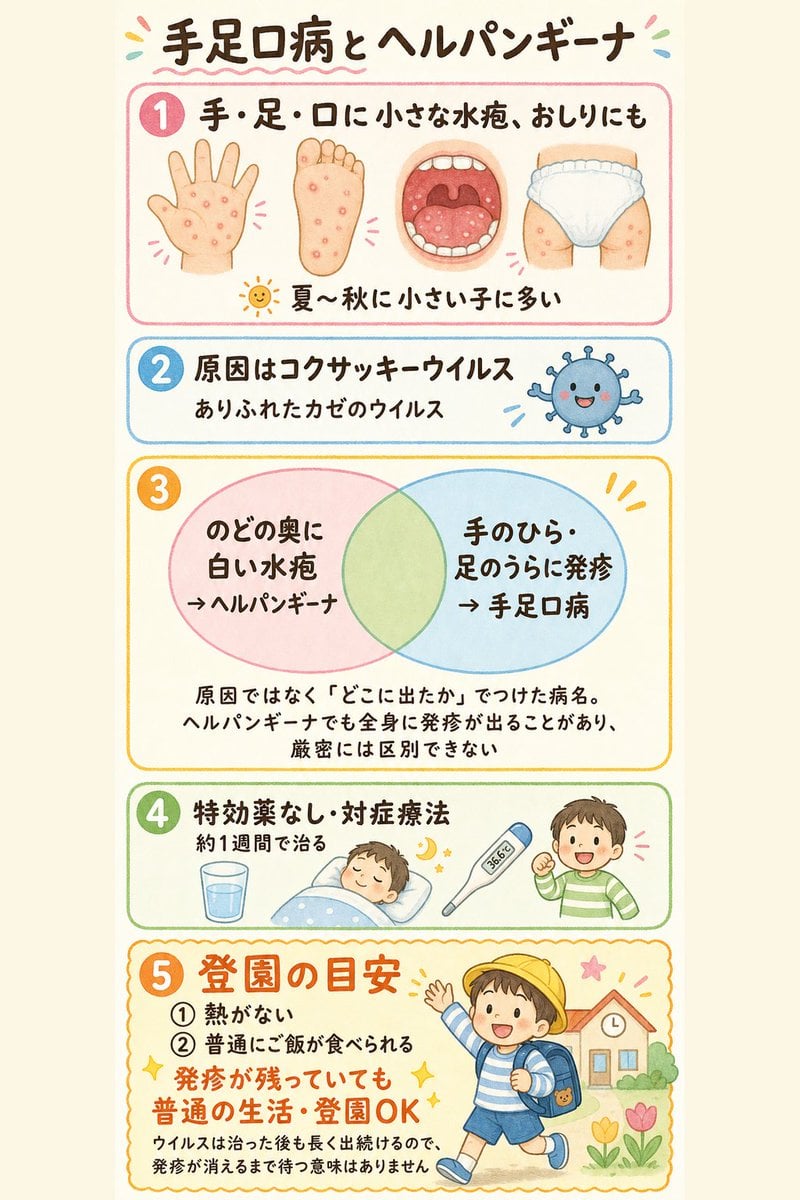
Japanese Pediatric Disease Infographic
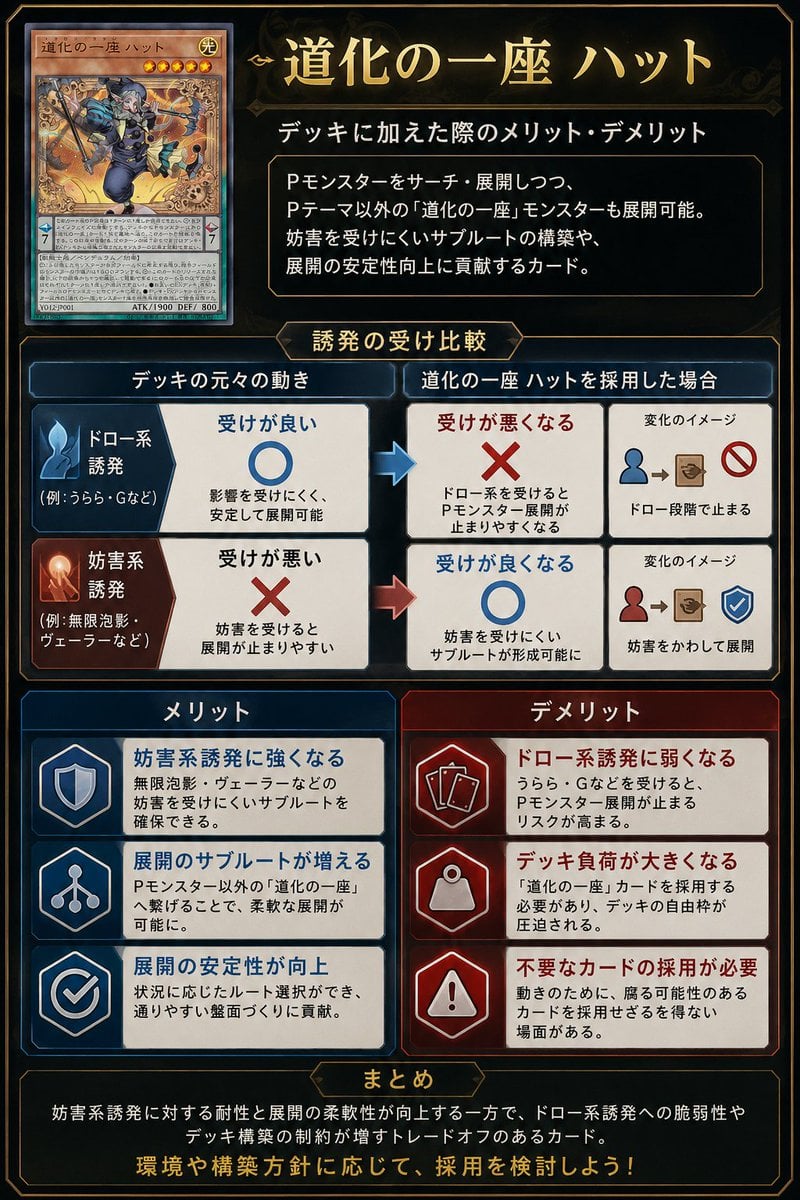
Japanese TCG Strategy Infographic
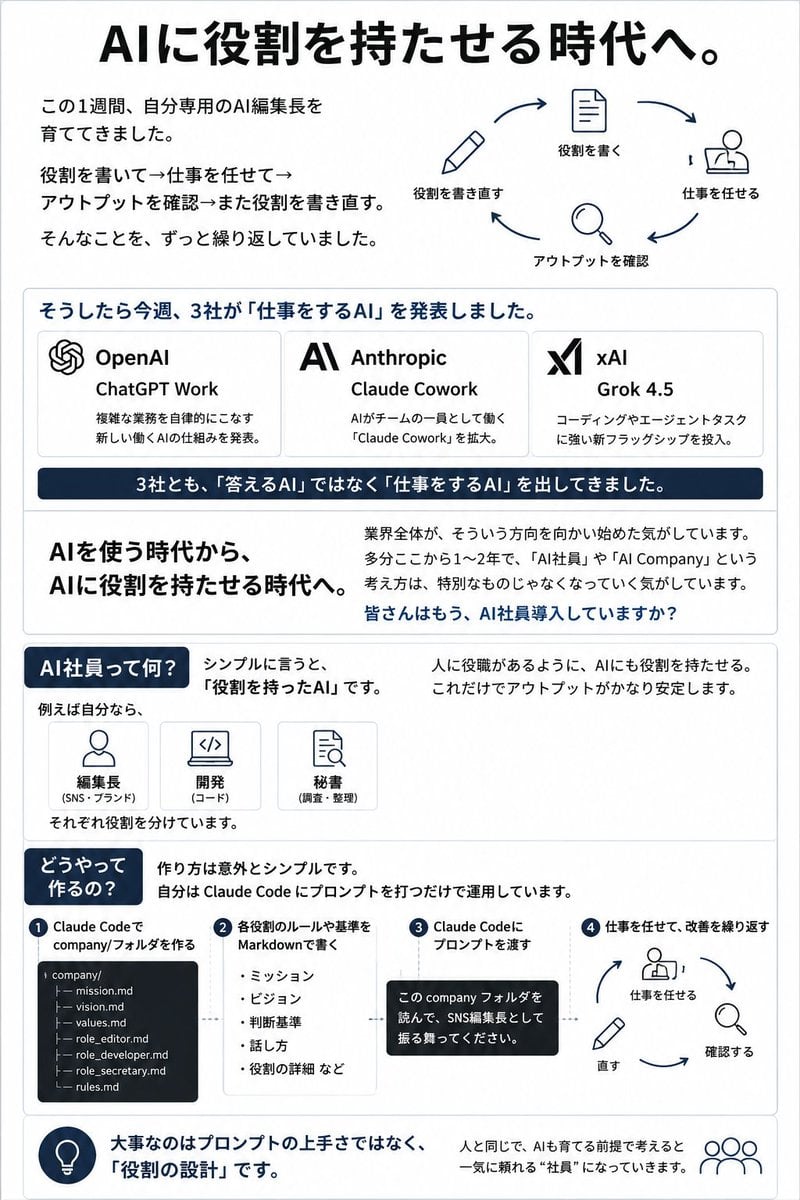
Japanese AI Employee Infographic
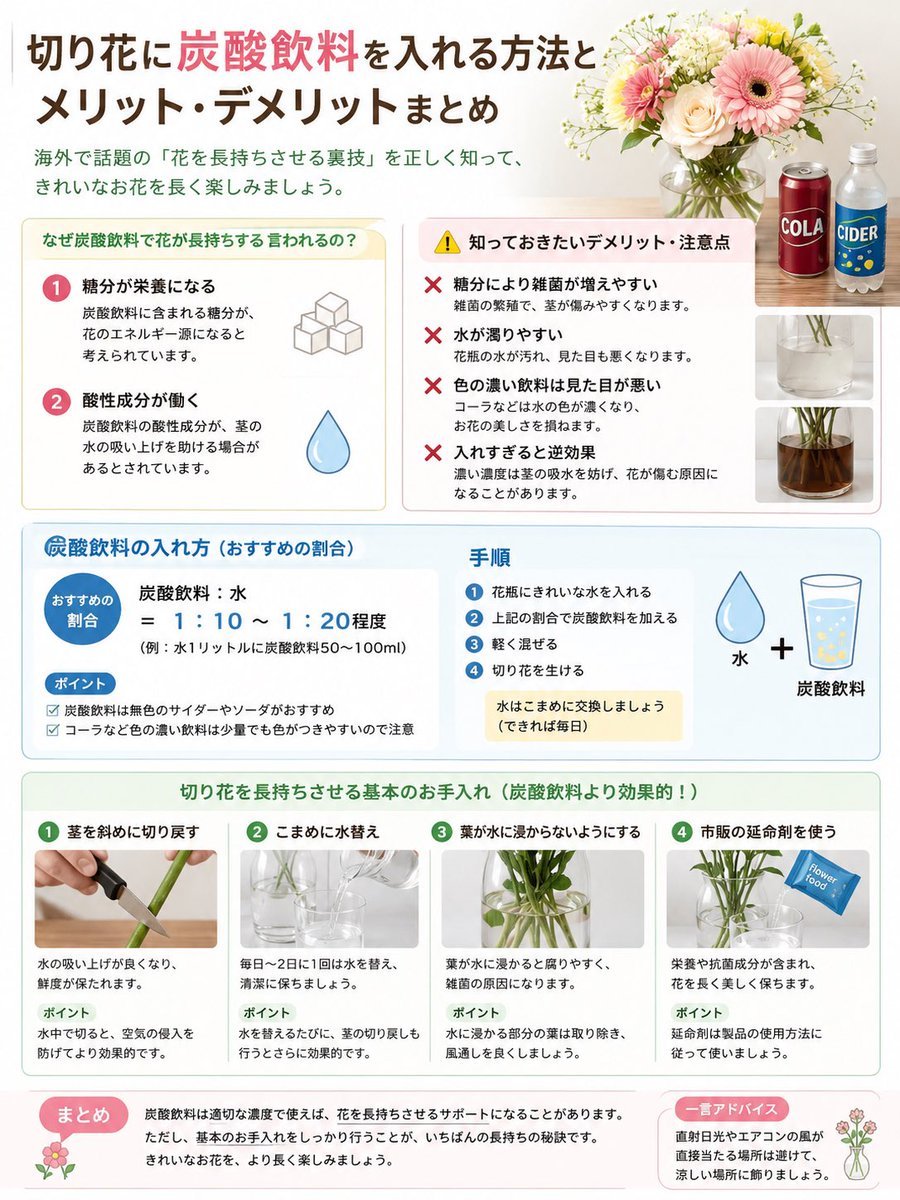
Japanese Cut Flower Soda Care Infographic
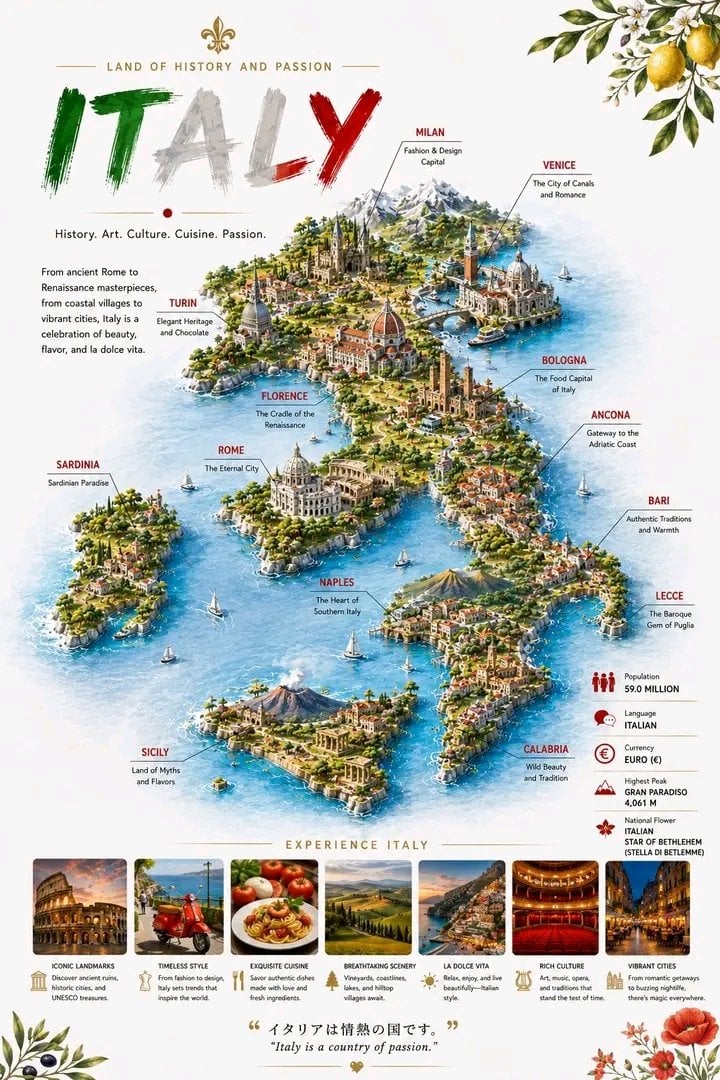
Detailed 3D Travel Infographic Map of Italy

Japanese Architectural Concrete Studio Fashion Campaign

Japanese Minimalist Concrete Studio Fashion Editorial

Blue Backdrop Luxury Fashion Portrait Campaign

Isometric Process Educational Diorama
Make it yours
Japanese AI Stack Infographic Map works as-is. These are the safest ways to change it without losing the look.
Change one field
Copy a single group, rewrite it, and generate again so you can see what that field is doing.
Keep the frame, change the subject
Hold the composition and light of Japanese AI Stack Infographic Map, then swap wardrobe, props or the person for a new take.
| If the result… | Why | Fix |
|---|---|---|
| The result drifts from the preview | Too many fields changed at once. | Reuse Japanese AI Stack Infographic Map as-is first, then change one group — subject, light, or setting. |
| GPT Image 2 ignores part of the JSON | Some models flatten or skip nested keys. | Keep the same values and paste them as a short paragraph instead. |
More GPT Image 2 templates
Other prompts made for GPT Image 2.

Six VTuber Japanese Logo Sheet

Realistic Portrait of Woman and Deer

The Vista Modular Condo Poster

AI Model Routing Comparison Infographic

2.5D Anime Art Board

Isometric Productivity Desk Scene

New York Double Exposure Poster

Four-Panel AI Landscape Comparison

Japanese Tatami Lifestyle Magazine Cover

NESCAFÉ Coffee Map Poster
More image prompts
Fresh picks from across the catalog.
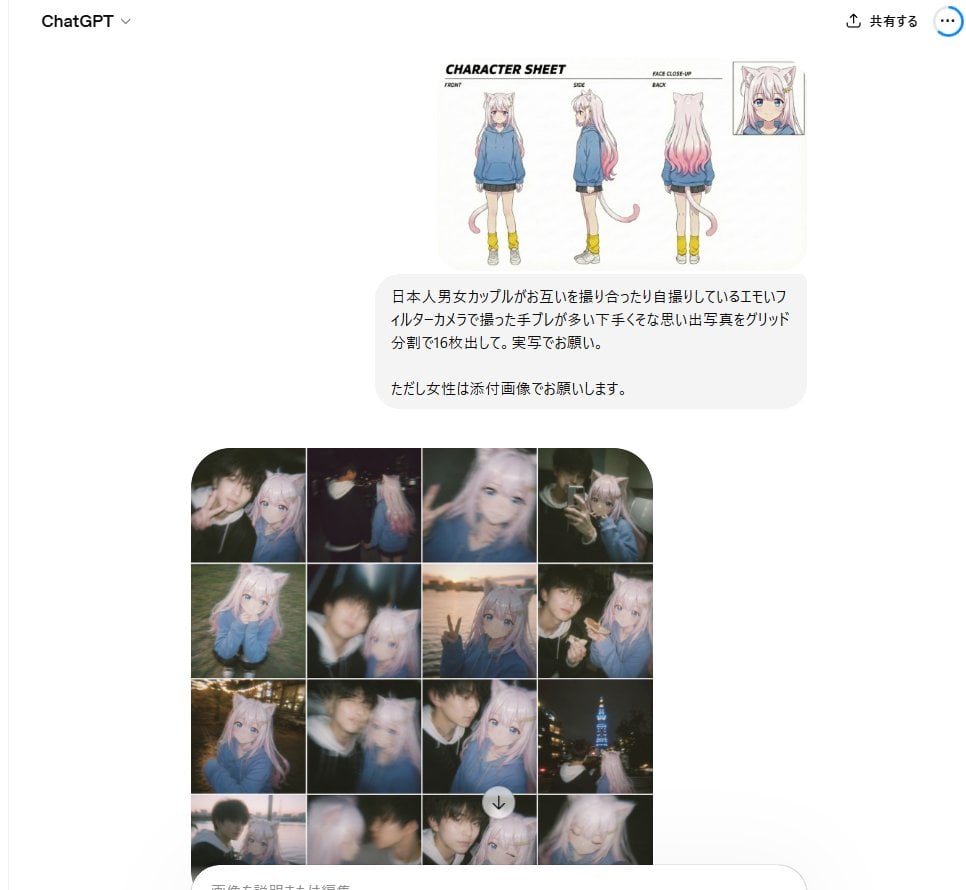
Amateur Style Couple Memories Prompt

Seaside Street Photography with Neon Doodles

Turn Your Food Photos Into a Vintage Rec
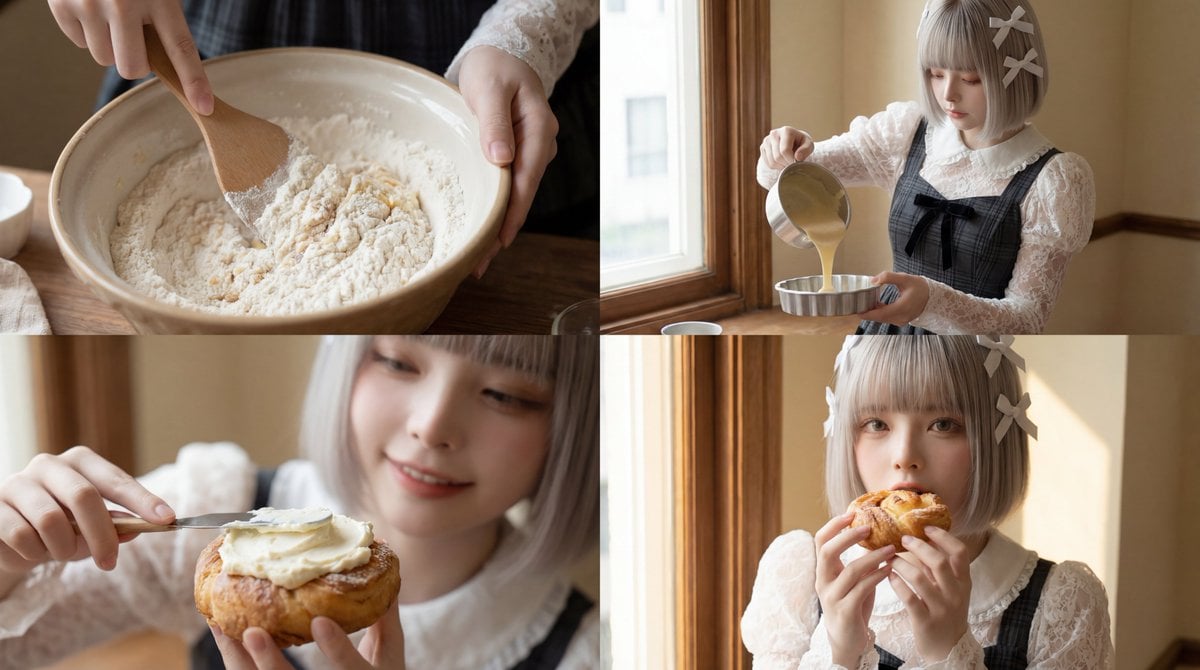
Cinematic Short Video Prompt for Baking Scene

Urban Commuter Portrait Documentary

Mars Selfie With Alien and Rocket

Handcrafted Mixed Media Portrait Painting
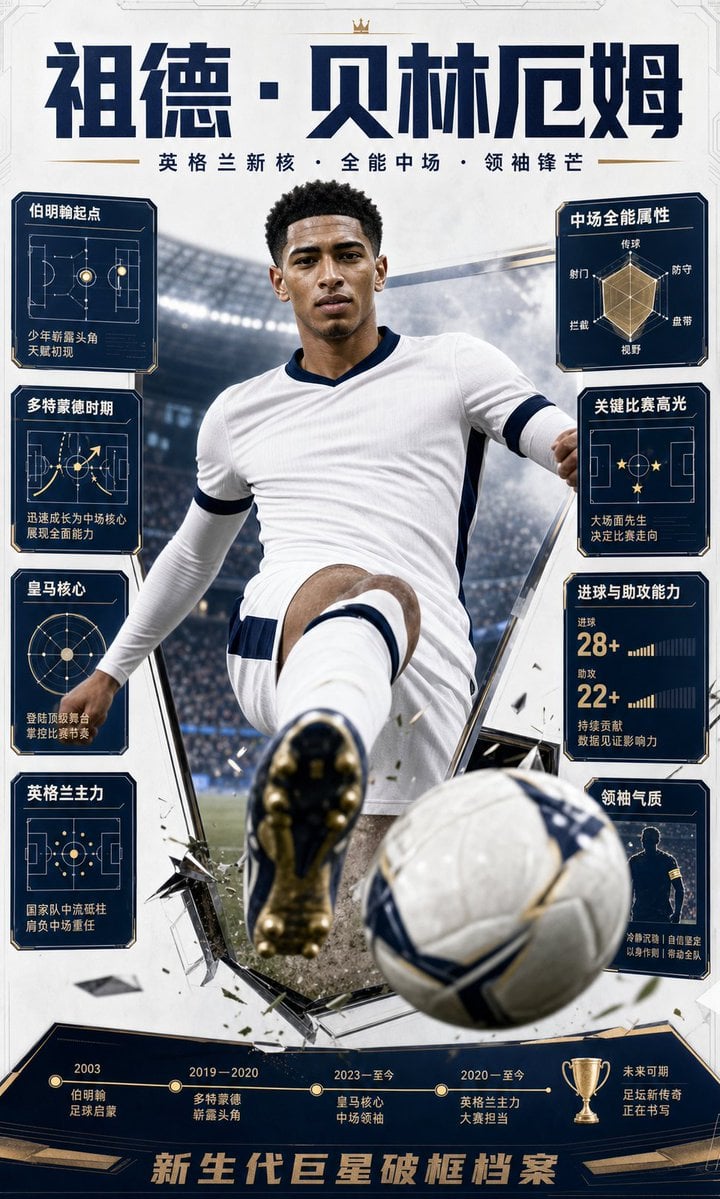
Bellingham Star Dossier Poster

Mirror Selfie Fashion Prompt with Face Lock
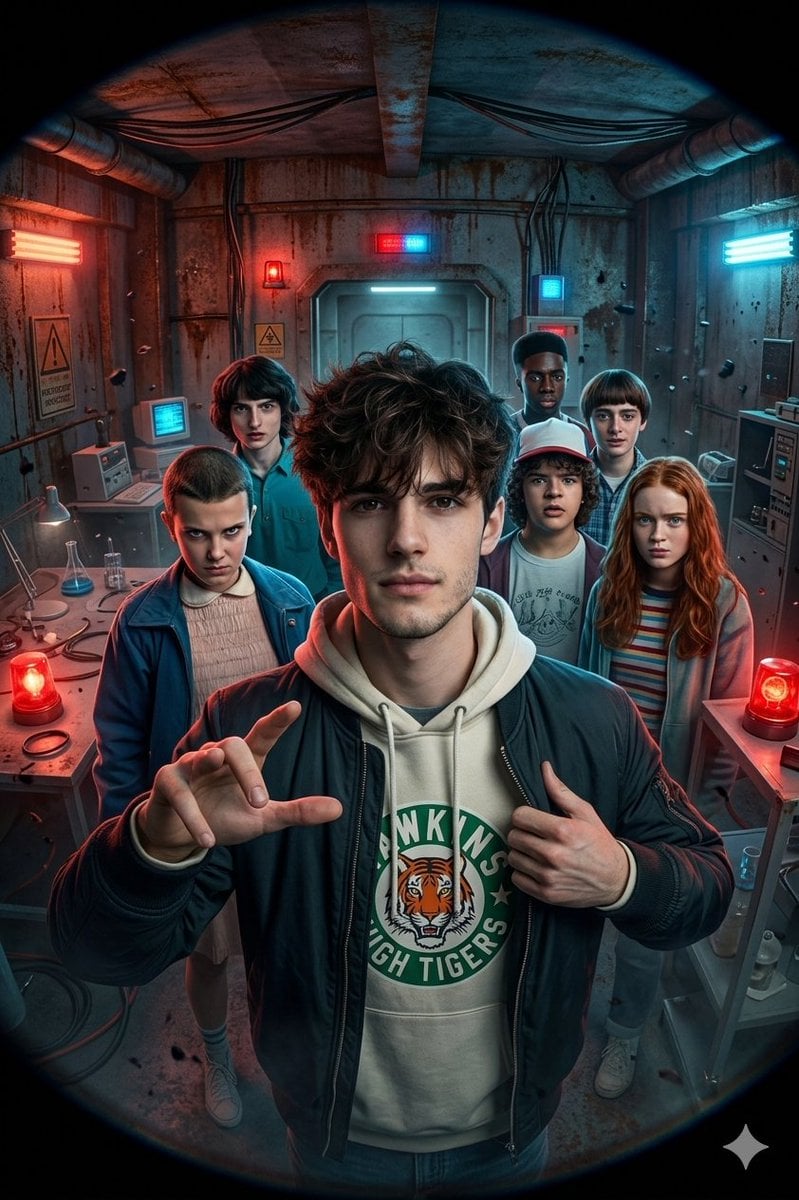
Stranger Things Action Selfie with Fish-Eye Distortion
Browse template categories
Japanese AI Stack Infographic Map questions
How do I use the Japanese AI Stack Infographic Map template?
Add your photo if the template asks for one, edit the prompt if you like — the template's model and format are already selected — and press Generate. Your version opens in PicX Studio.
Can I customize the Japanese AI Stack Infographic Map template?
Yes. You can change the subject, setting, lighting, mood, format, and available model controls before creating your image.
Is the Japanese AI Stack Infographic Map template free?
Opening and editing this template is free. Generating uses credits, shown on the Generate button when you are signed in.
Which AI model should I use?
Start with GPT Image 2, which is the model associated with this template. You can compare another compatible model for a different finish.
Looking for something else? Browse all templates.

Your photo, any look
Thousands of ready templates for every top image and video model, from one credit balance.