
Handcrafted Mixed Media Portrait Painting
A prompt for creating a raw, artistic portrait that mimics traditional human-made art using acrylics, charcoal, and paper textures.
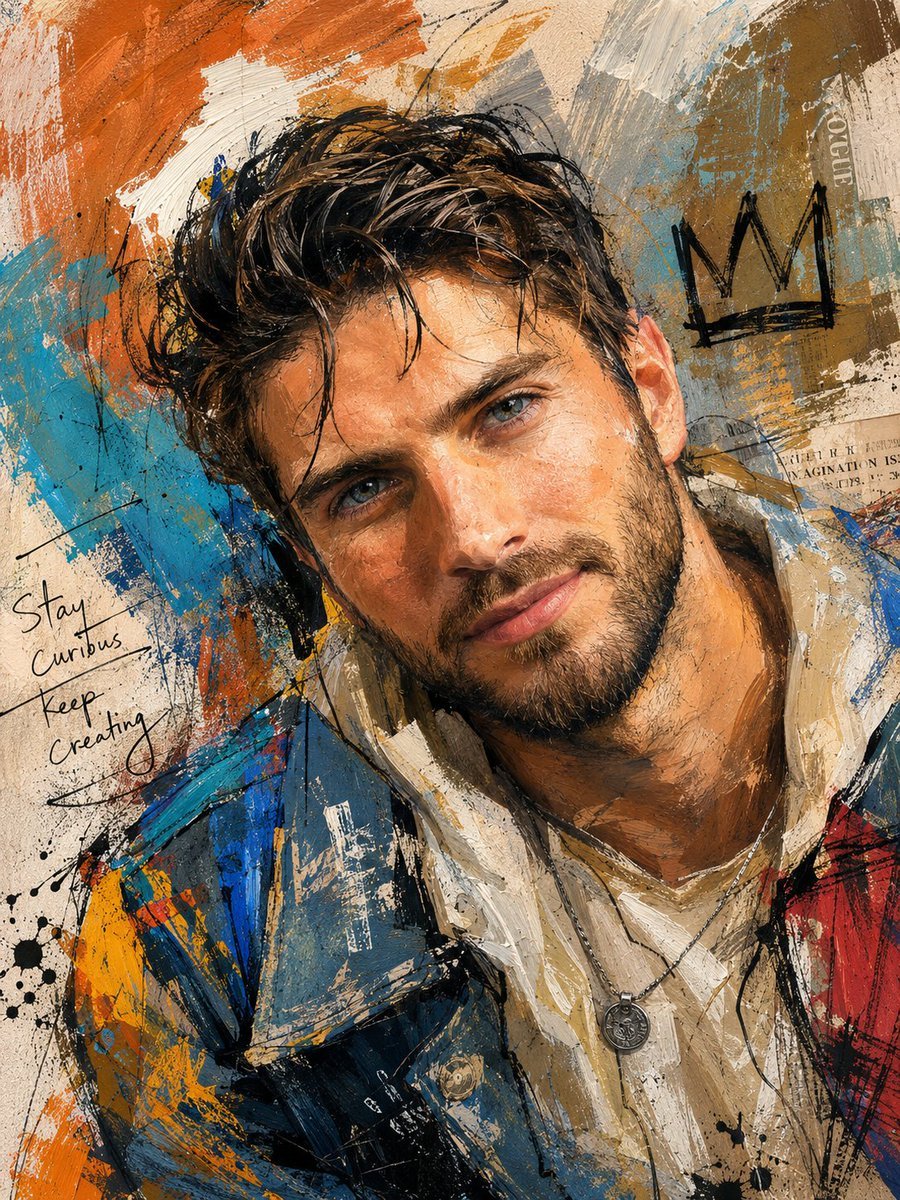
- Prompt included
- Model and format preset
- Free template
The prompt behind this image
Copy the exact prompt behind Handcrafted Mixed Media Portrait Painting, or open it in the studio and make it yours.
Create a highly detailed mixed media portrait painting of the subject’s face, combining layered {argument name="artistic elements" default="acrylic brush strokes, charcoal smudges, pencil sketches, rough paint splashes, collage textures"}, paper grain, expressive ink marks, and imperfect handcrafted details to create an authentic human-made artwork appearance. The overall composition should feel raw, artistic, and naturally imperfect, avoiding overly clean or overly polished digital results. Use bright, eye-catching, and dynamic colors with rich tonal variation so the artwork feels vibrant and visually engaging without looking monotonous. Add visible skin texture details, layered paint textures, subtle rough strokes, and organic imperfections to enhance realism and artistic depth. The mixed media style should also influence the entire visual presentation, including the outfit and surrounding artistic elements, so the final artwork feels cohesive and fully immersed in the mixed media aesthetic. The subject’s pose and facial expression must appear relaxed, expressive, lively, and natural, avoiding stiff body language, awkward posing, or gloomy emotional tones. The pose, angle, expression, and overall composition must be clearly different from the attached reference photo while still maintaining the subject’s identity. The {argument name="outfit" default="modern, stylish, casual, and fashion-forward"} with layered clothing details, trendy contemporary fashion elements, unique textures, and visually interesting accessories that enhance the artistic mood. Avoid plain, generic, repetitive, or standard clothing designs, and ensure the outfit is completely different from the clothing shown in the reference image. Focus on creating a visually balanced artwork with an expressive artistic atmosphere, realistic handcrafted imperfections, rich mixed media layering, and strong emotional energy, while still maintaining an elegant and aesthetically pleasing portrait composition.
How to use Handcrafted Mixed Media Portrait Painting in 3 steps
- 1Upload ImagePNG, JPG or paste
Add your photo
Upload the photo the template builds on. The prompt, model and format are already set.
- 2…a portrait of your subject in softgolden-hour light, 85mm…
Personalize
Edit the subject and creative details for your destination.
- 3Generate
Generate
Press Generate — your image is created in PicX Studio, so you can compare it with the original and refine one variable at a time.
More like this
Templates with the same subject, style or setup. Open one to see its prompt.
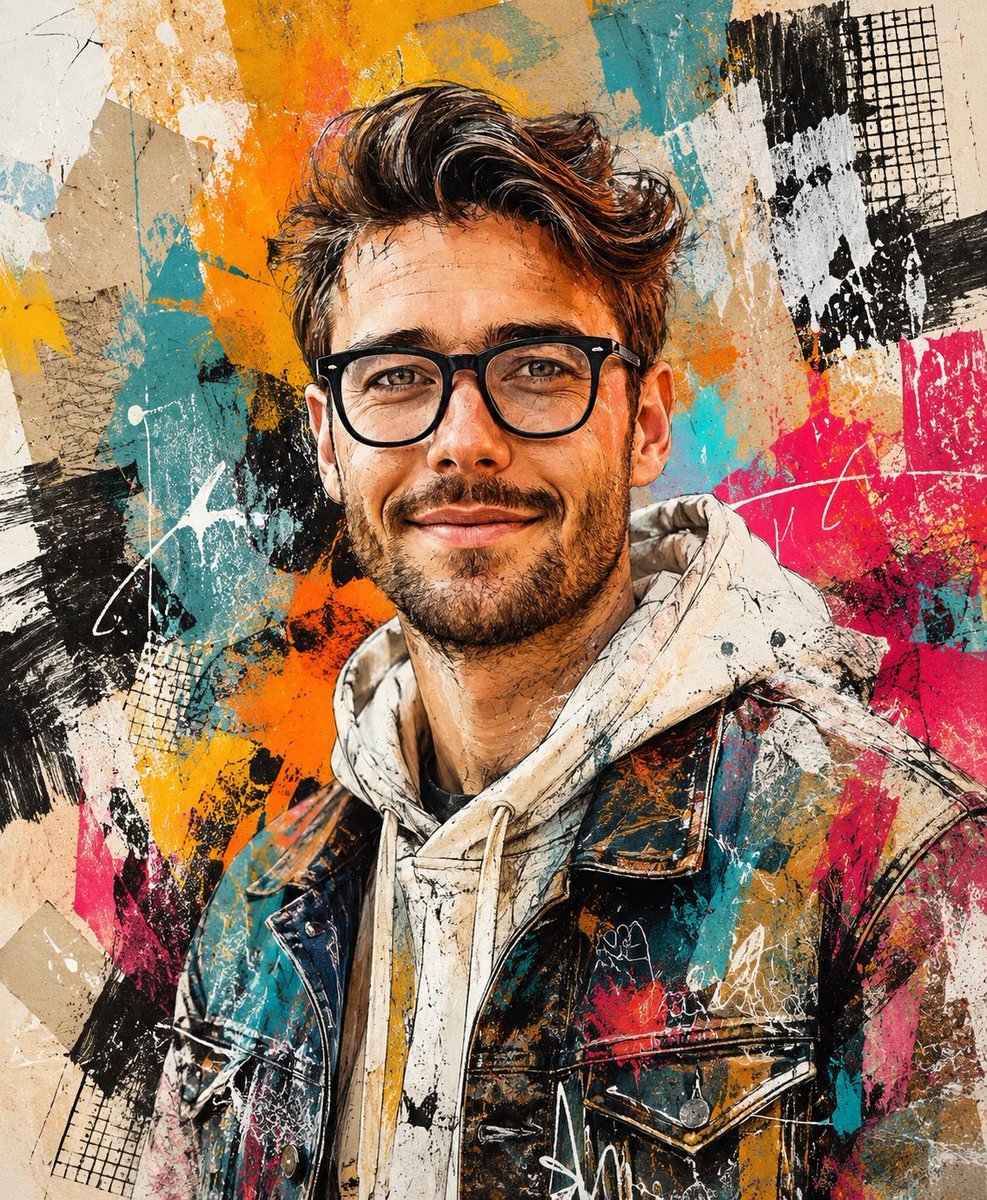
Handcrafted Mixed Media Portrait
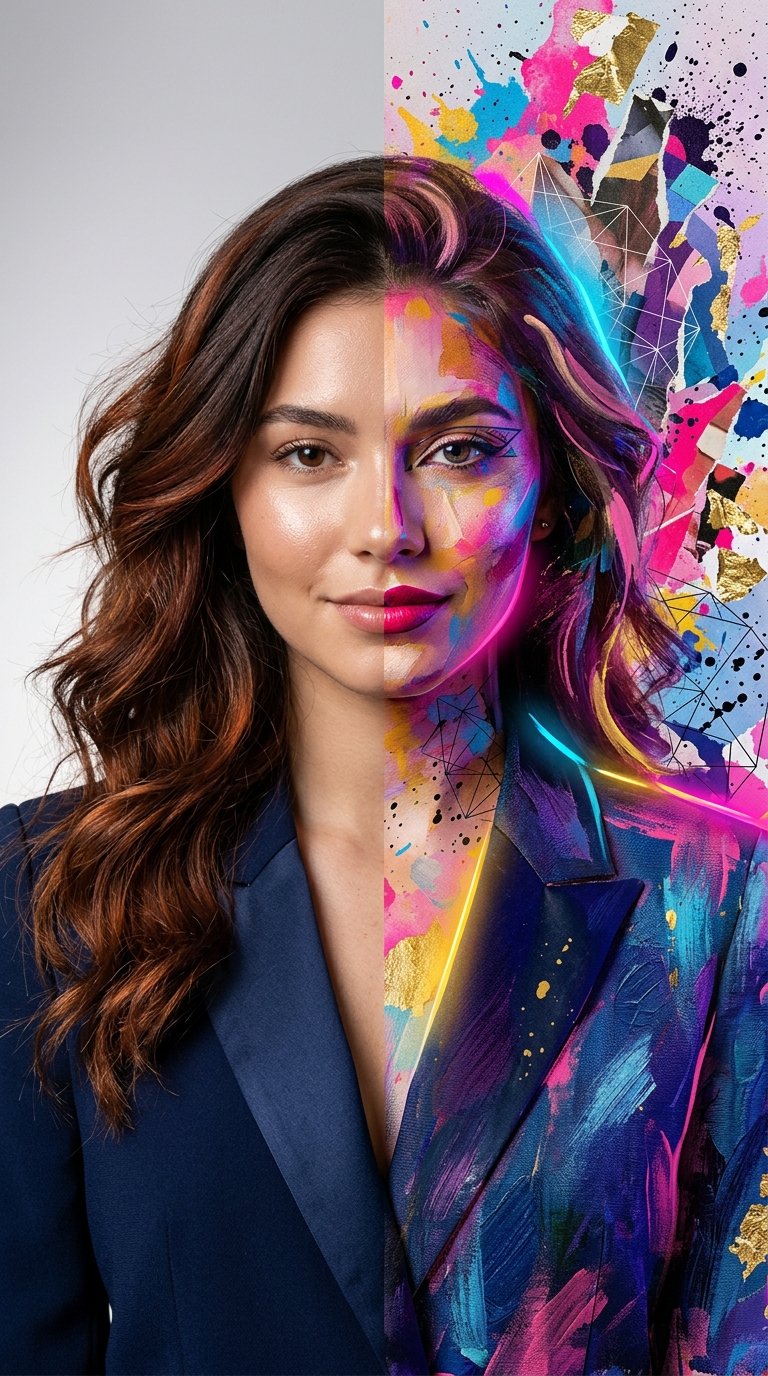
Split Portrait - Mixed Media
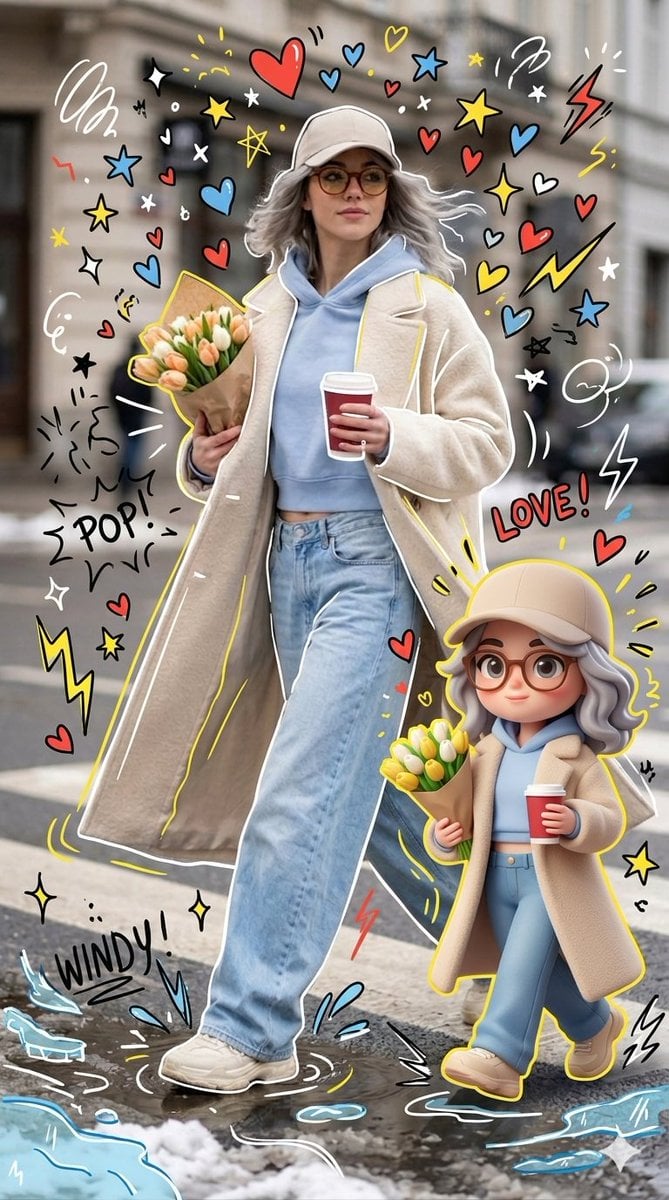
Mixed-media Chibi portrait
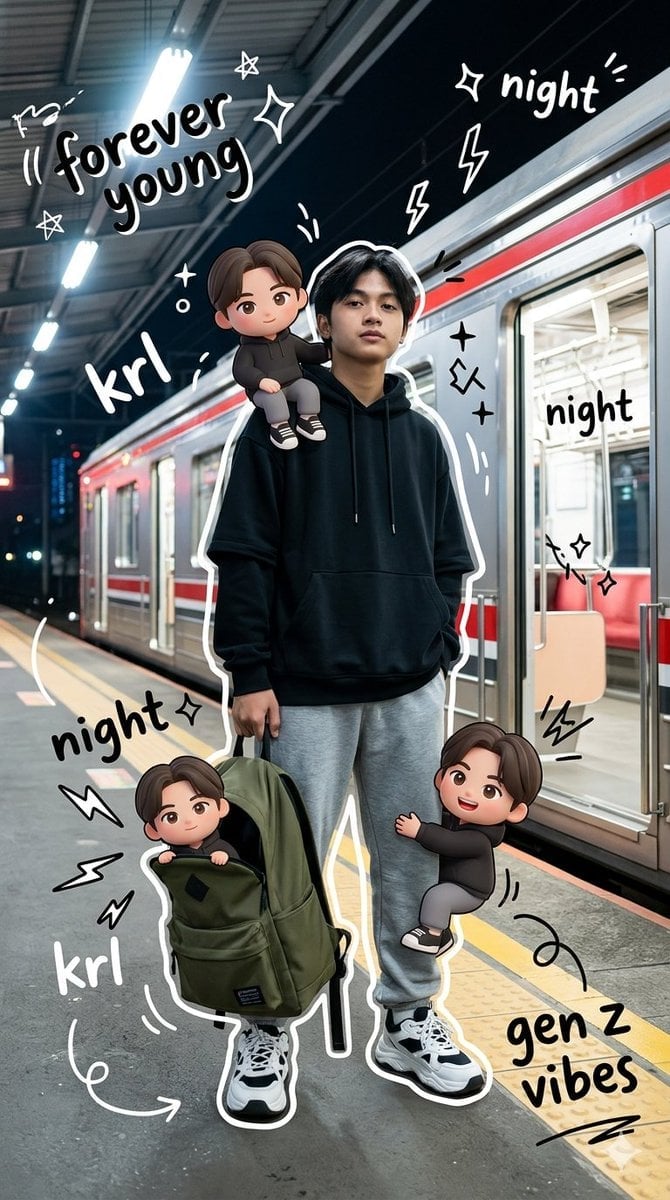
Gen Z Mixed-Media Portrait with Chibi Effects
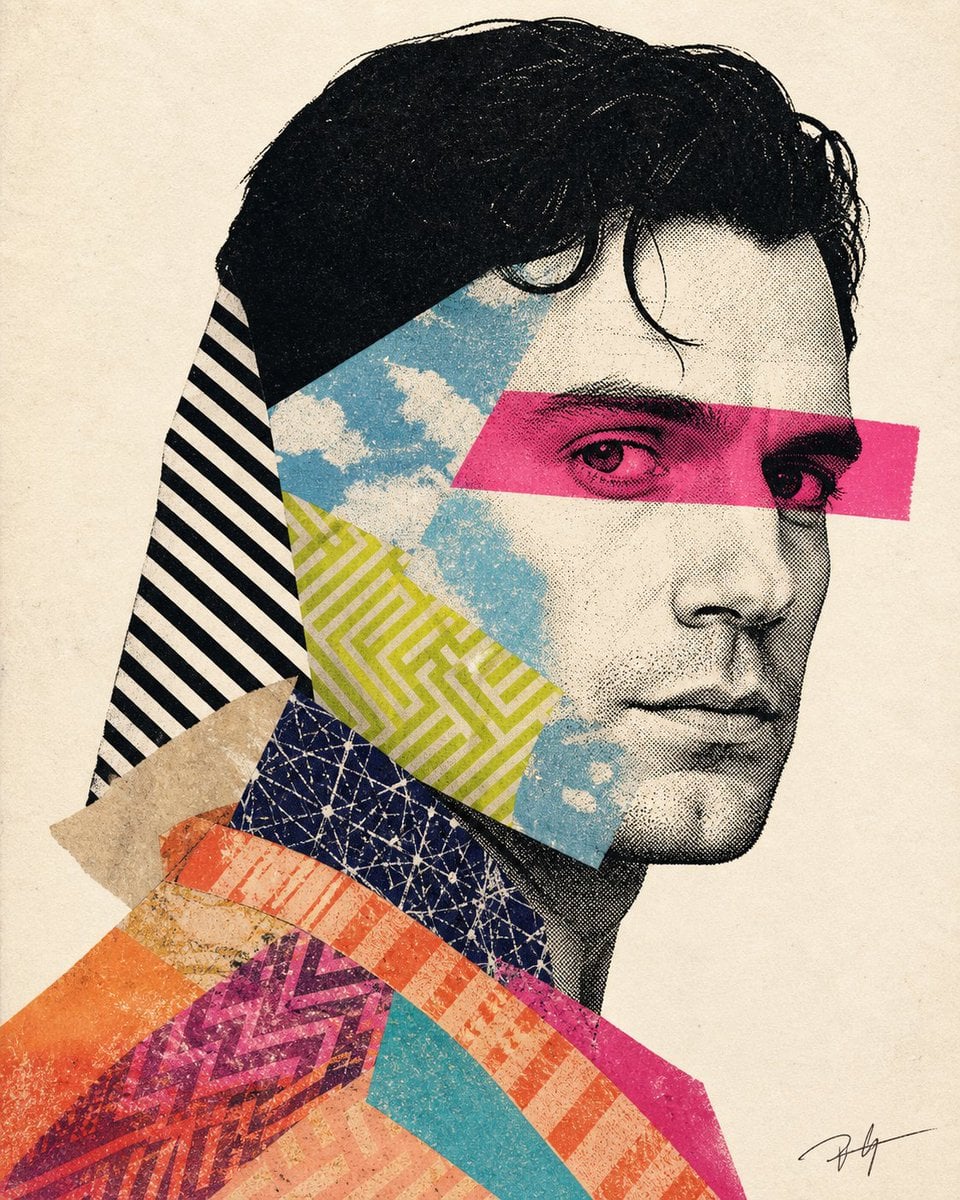
Mixed-media collage portrait illustration
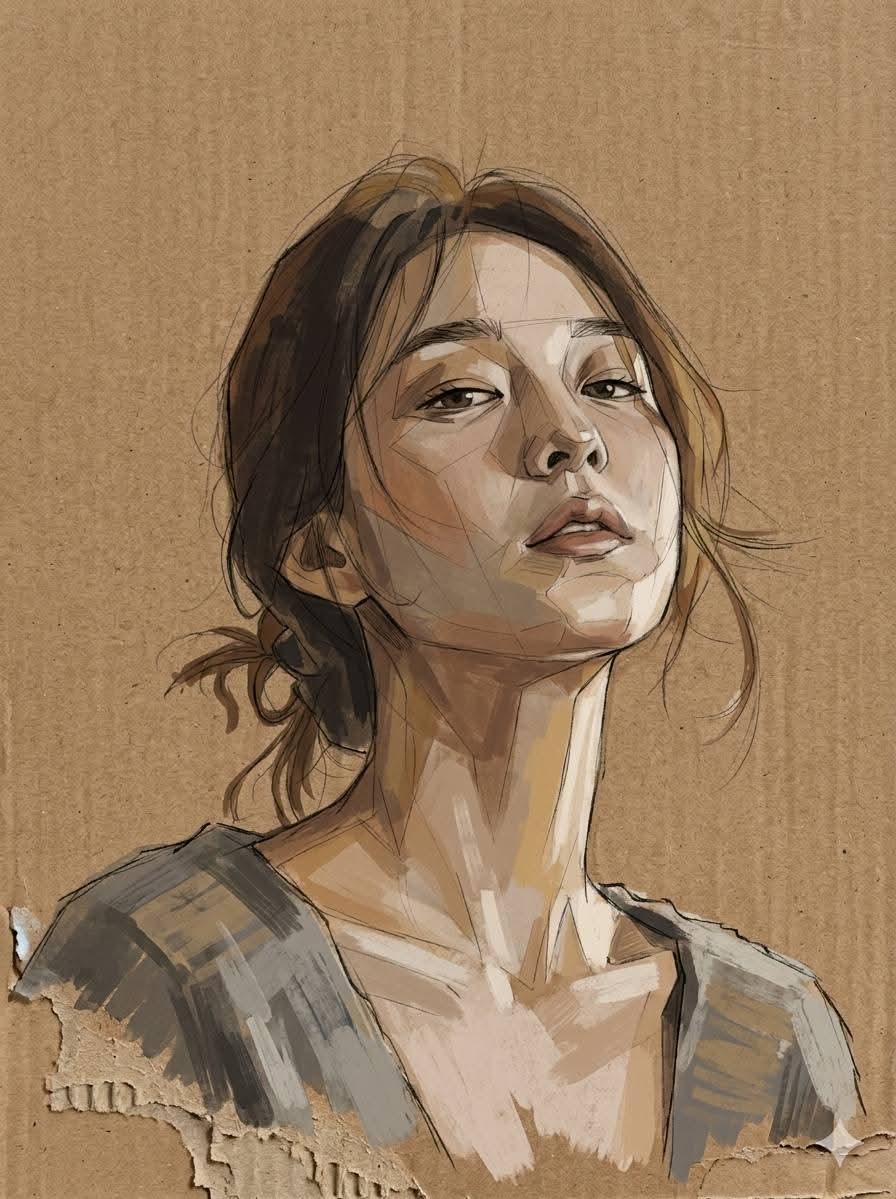
Cardboard Mixed Media Portrait
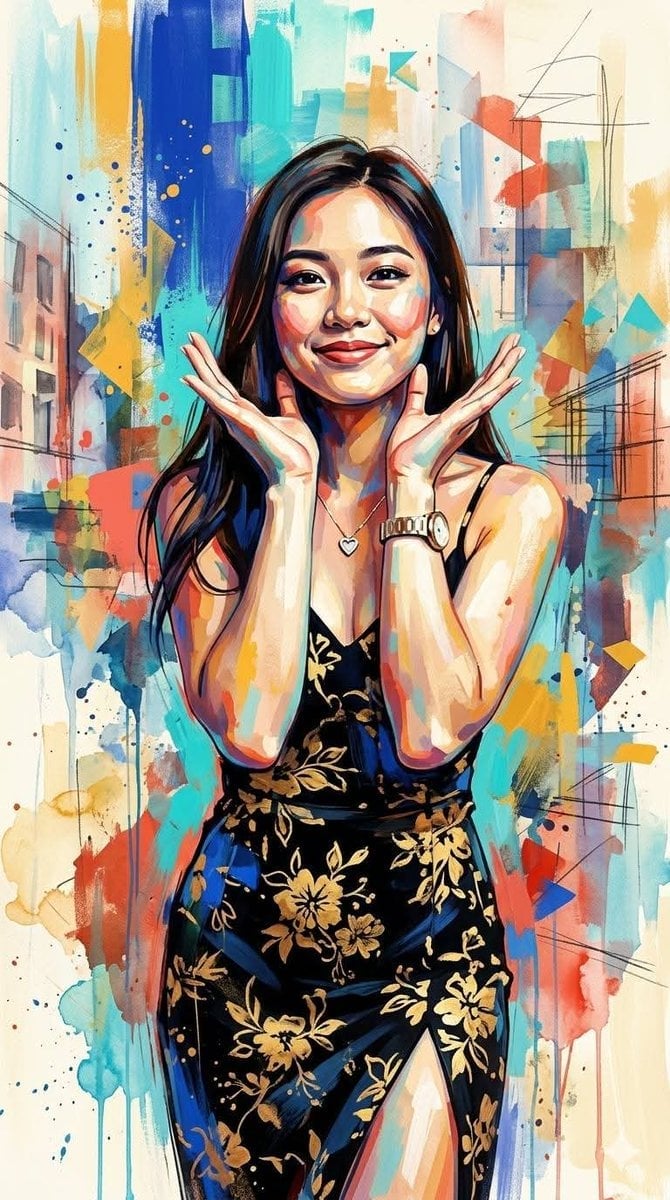
Contemporary Mixed-Media Abstract Portrait
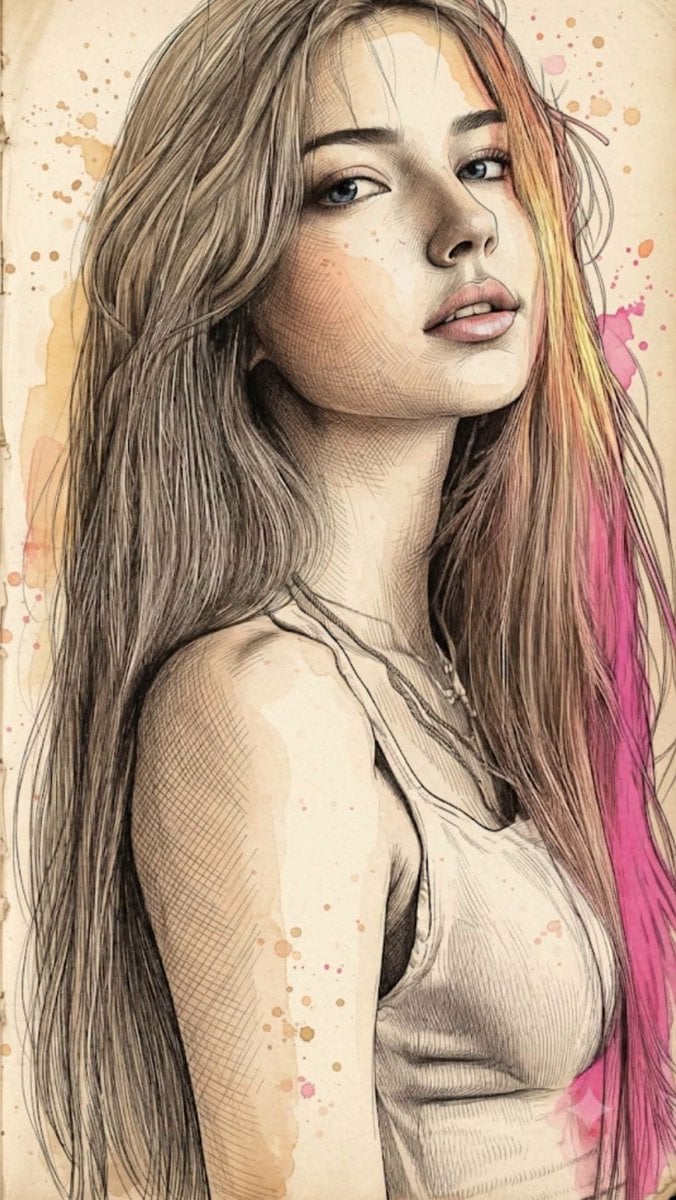
Fine Art Mixed-Media Portrait Illustration
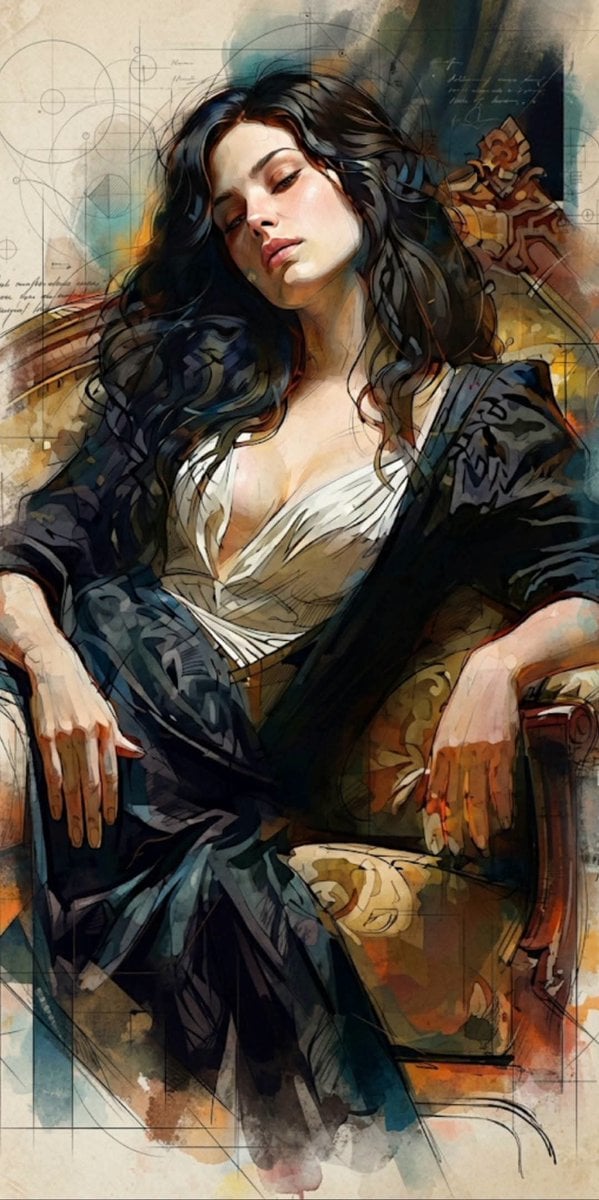
Mixed Media Cinematic Portrait Illustration
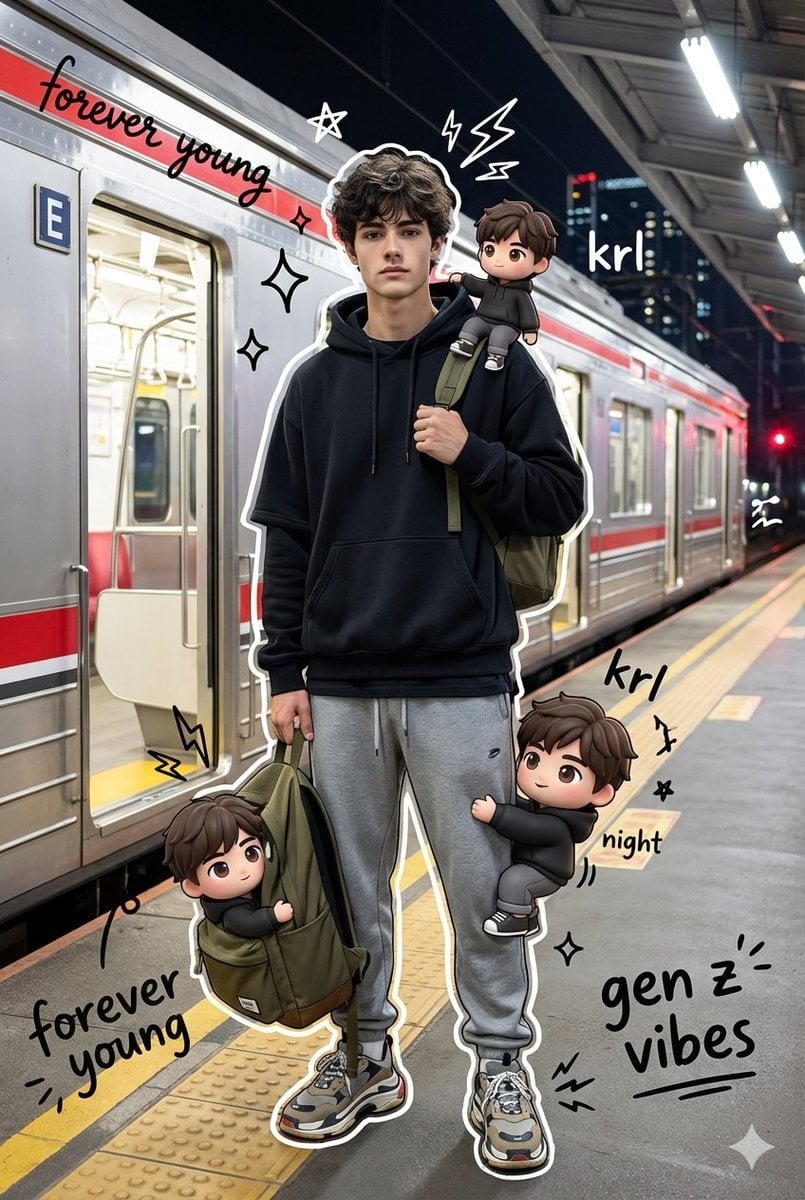
Mixed Media Chibi Streetwear Portrait
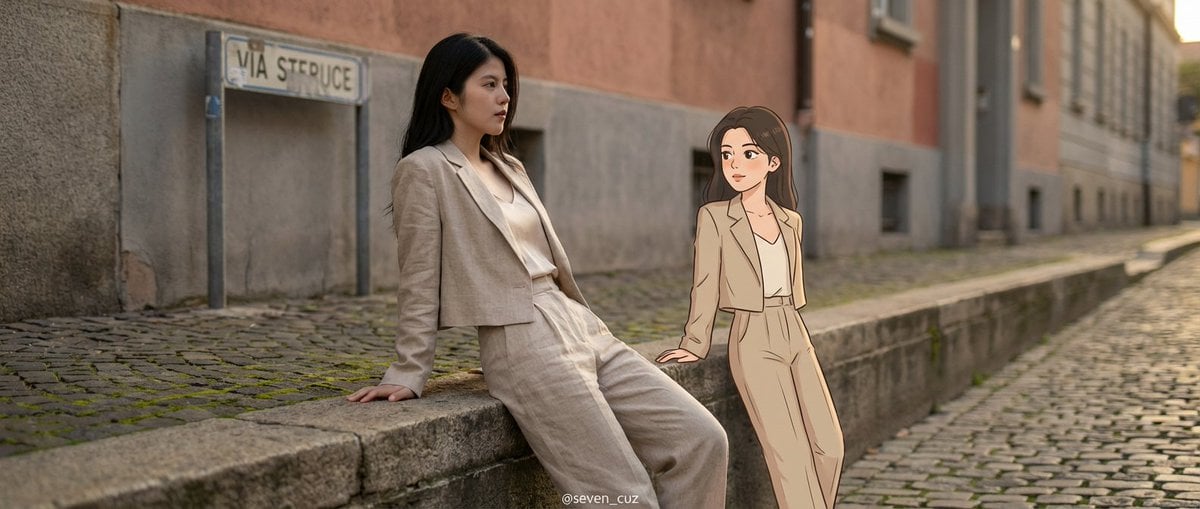
Mixed-Media Crossover Portrait (Real and Cartoon)
Mixed Media Studio Portrait with Vector Graphics Overlay
Make it yours
Handcrafted Mixed Media Portrait Painting works as-is. These are the safest ways to change it without losing the look.
Change one field
Copy a single group, rewrite it, and generate again so you can see what that field is doing.
Keep the frame, change the subject
Hold the composition and light of Handcrafted Mixed Media Portrait Painting, then swap wardrobe, props or the person for a new take.
| If the result… | Why | Fix |
|---|---|---|
| The result drifts from the preview | Too many fields changed at once. | Reuse Handcrafted Mixed Media Portrait Painting as-is first, then change one group — subject, light, or setting. |
| The model over-stylizes the scene | The prose prompt leaves finish and camera underspecified. | Add one camera or lighting sentence and stay on GPT Image 2. |
More GPT Image 2 templates
Other prompts made for GPT Image 2.

Six VTuber Japanese Logo Sheet

Realistic Portrait of Woman and Deer

The Vista Modular Condo Poster

AI Model Routing Comparison Infographic

2.5D Anime Art Board

Isometric Productivity Desk Scene

New York Double Exposure Poster

Four-Panel AI Landscape Comparison

Japanese Tatami Lifestyle Magazine Cover

NESCAFÉ Coffee Map Poster
More image prompts
Fresh picks from across the catalog.
Behind-the-Scenes Movie Selfie with Identity Lock
Colorful Kimono Kemonomimi Festival
Entry-Level Gen Z Woman Generation
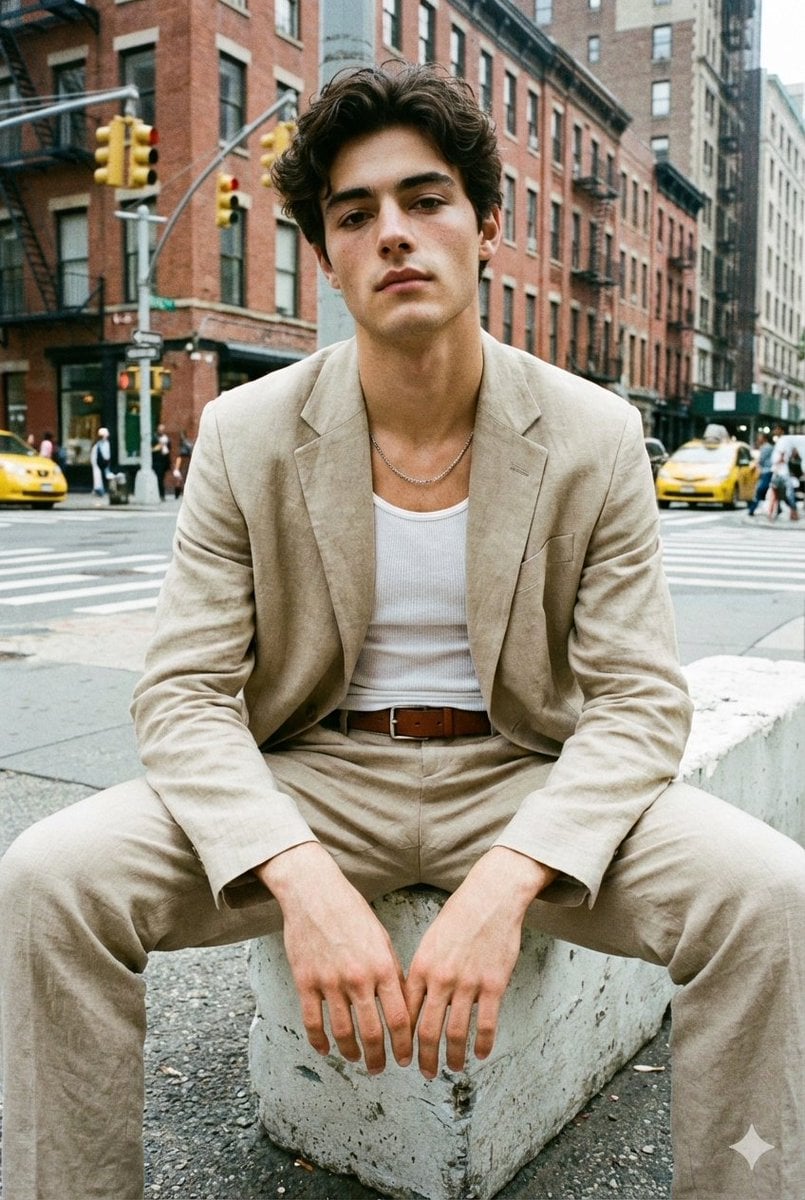
Analog Street Photography Prompt with Reference Image Requirement
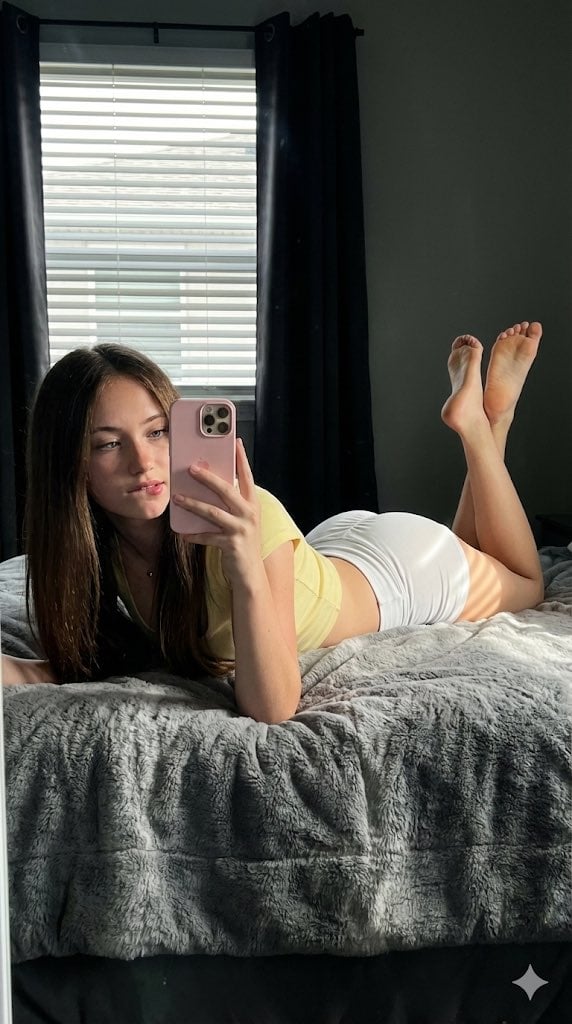
Hyper-Detailed Prone Selfie with Anatomical Realism
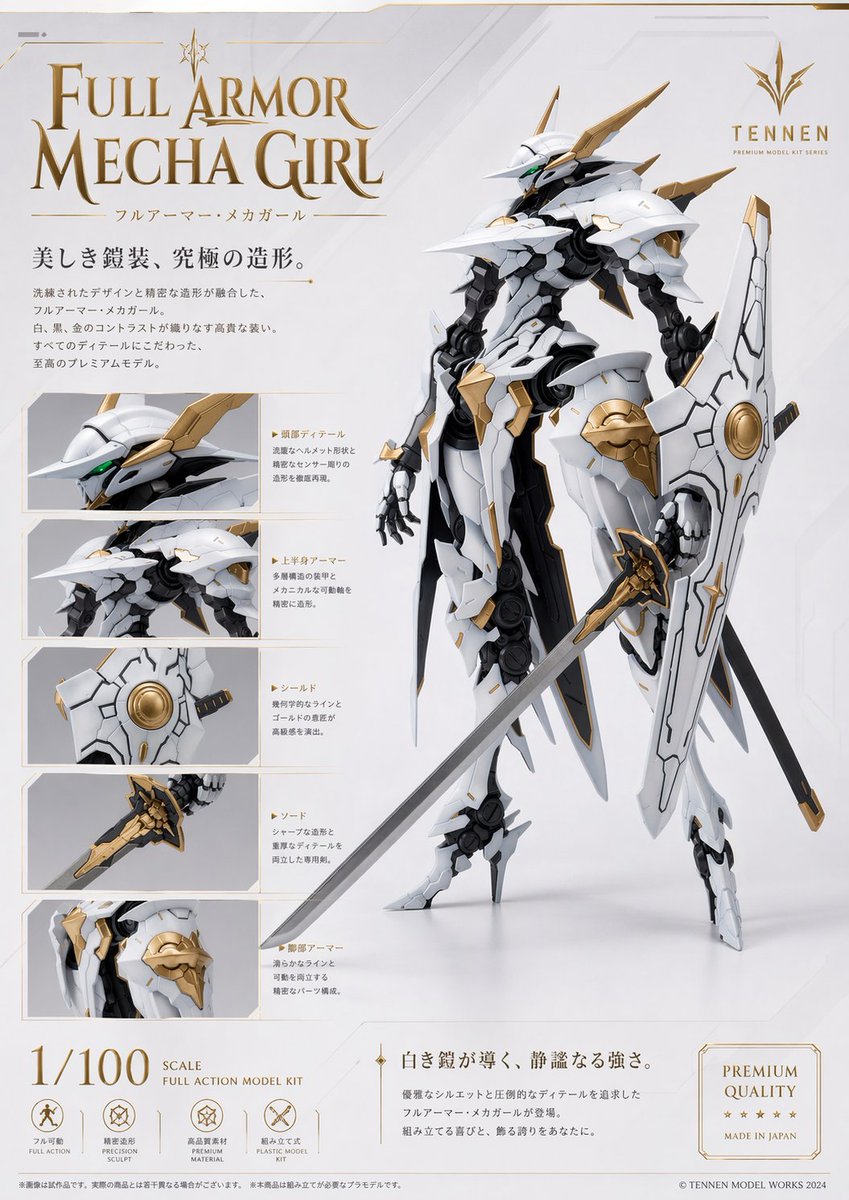
Premium Mecha Girl Model Kit Poster
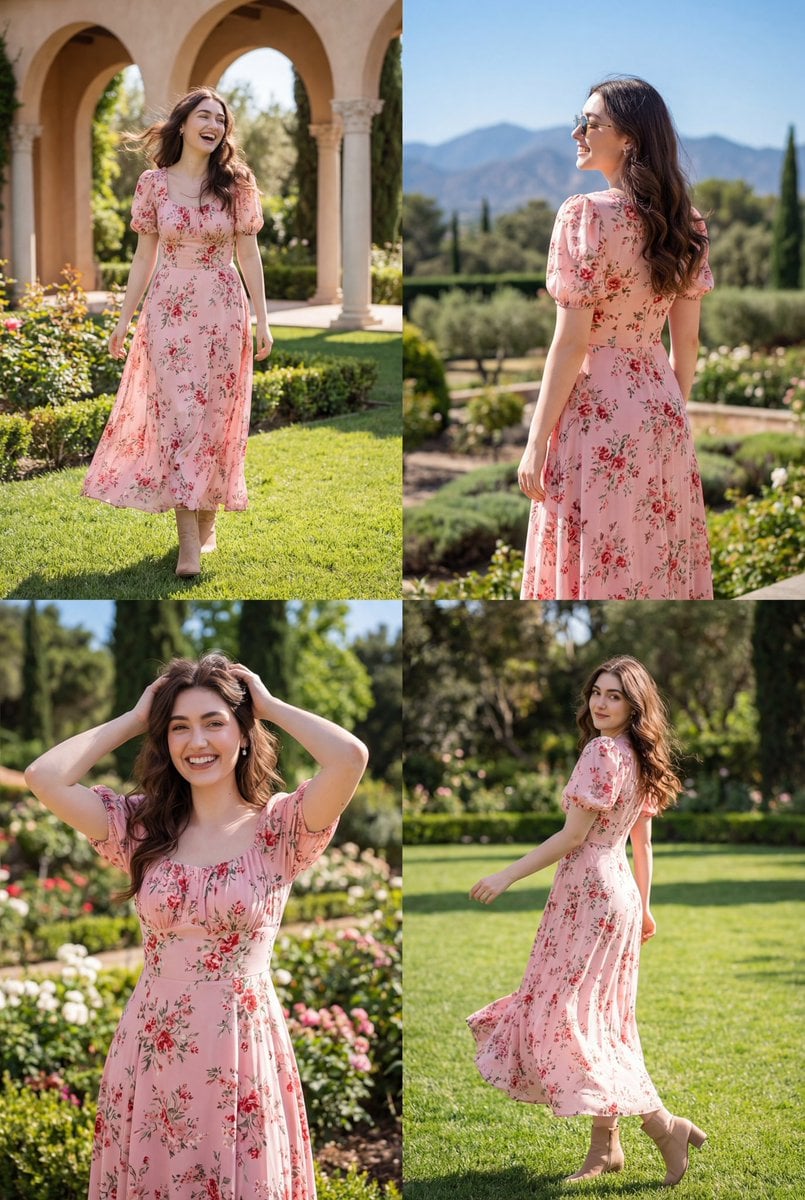
Photorealistic Lifestyle Fashion Collage
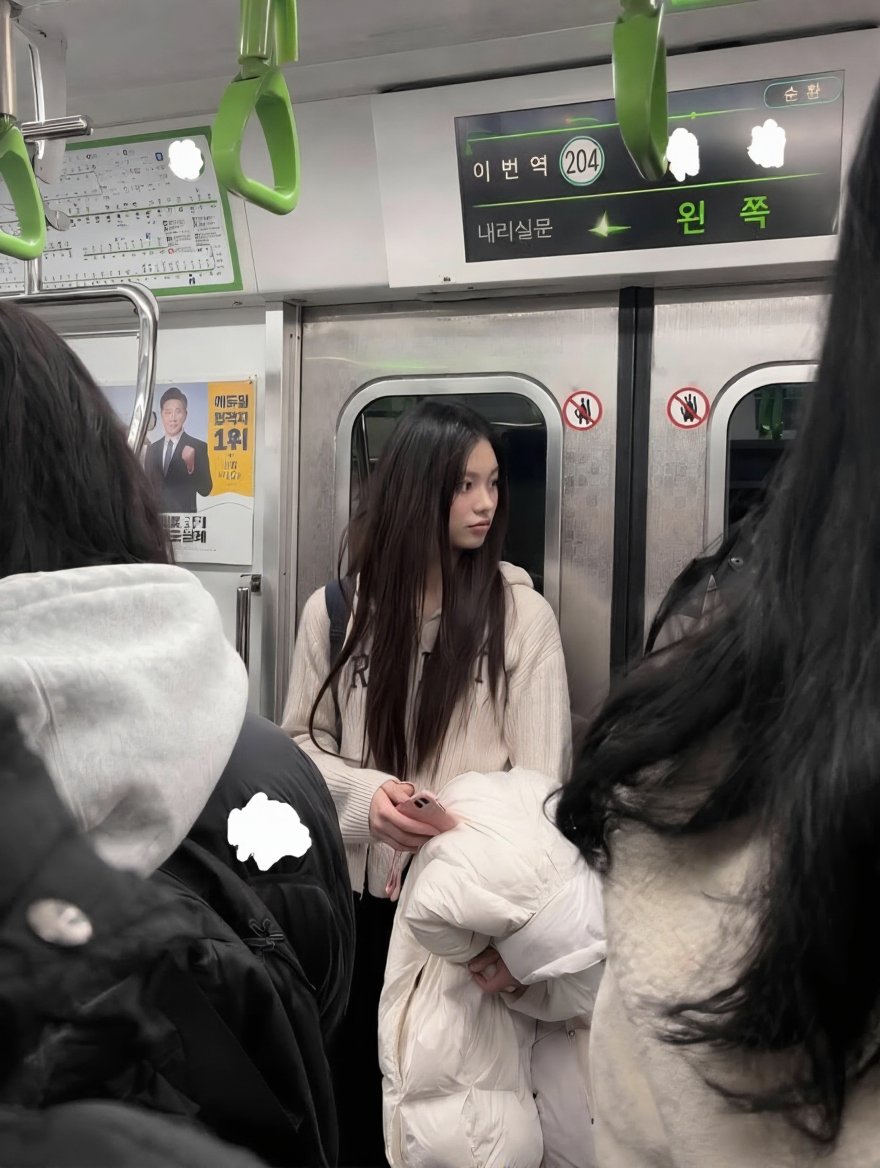
Exact Image Replication
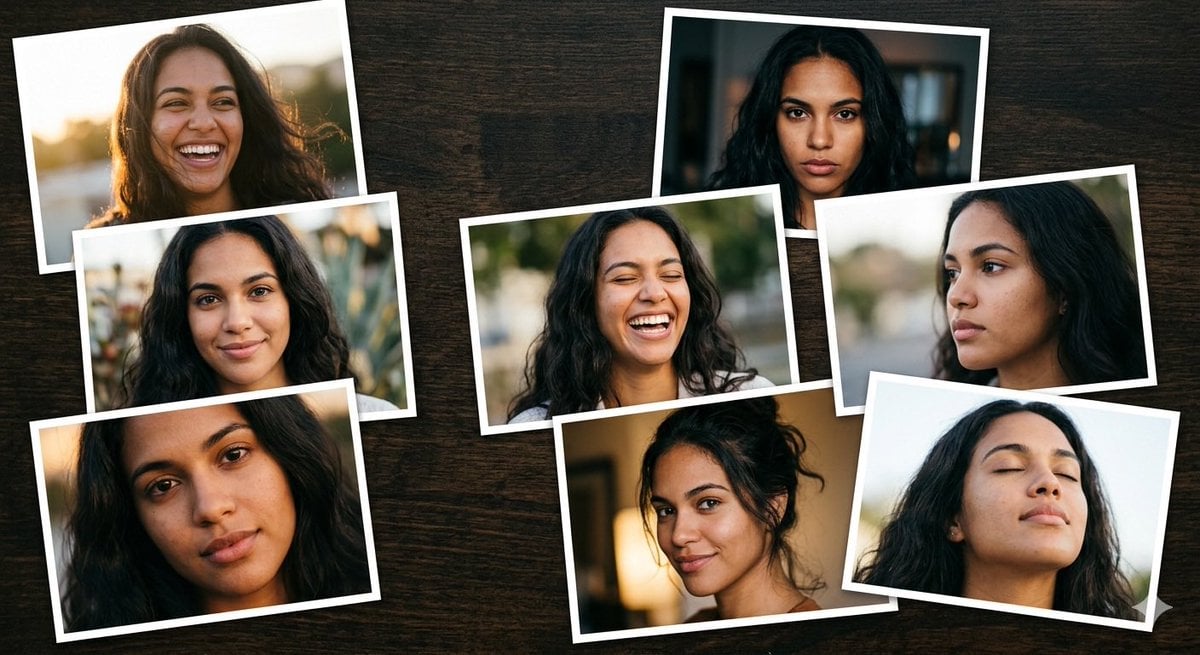
Dominican Woman Portrait Collage Generation Request for Nano Banana Pro

Clockwork Titan Baroque Painting
Browse template categories
Handcrafted Mixed Media Portrait Painting questions
How do I use the Handcrafted Mixed Media Portrait Painting template?
Add your photo if the template asks for one, edit the prompt if you like — the template's model and format are already selected — and press Generate. Your version opens in PicX Studio.
Can I customize the Handcrafted Mixed Media Portrait Painting template?
Yes. You can change the subject, setting, lighting, mood, format, and available model controls before creating your image.
Is the Handcrafted Mixed Media Portrait Painting template free?
Opening and editing this template is free. Generating uses credits, shown on the Generate button when you are signed in.
Which AI model should I use?
Start with GPT Image 2, which is the model associated with this template. You can compare another compatible model for a different finish.
Looking for something else? Browse all templates.

Your photo, any look
Thousands of ready templates for every top image and video model, from one credit balance.