
Photorealistic Lifestyle Fashion Collage
A highly structured JSON prompt for generating a vertical four-image grid collage in a high-end lifestyle fashion editorial style.
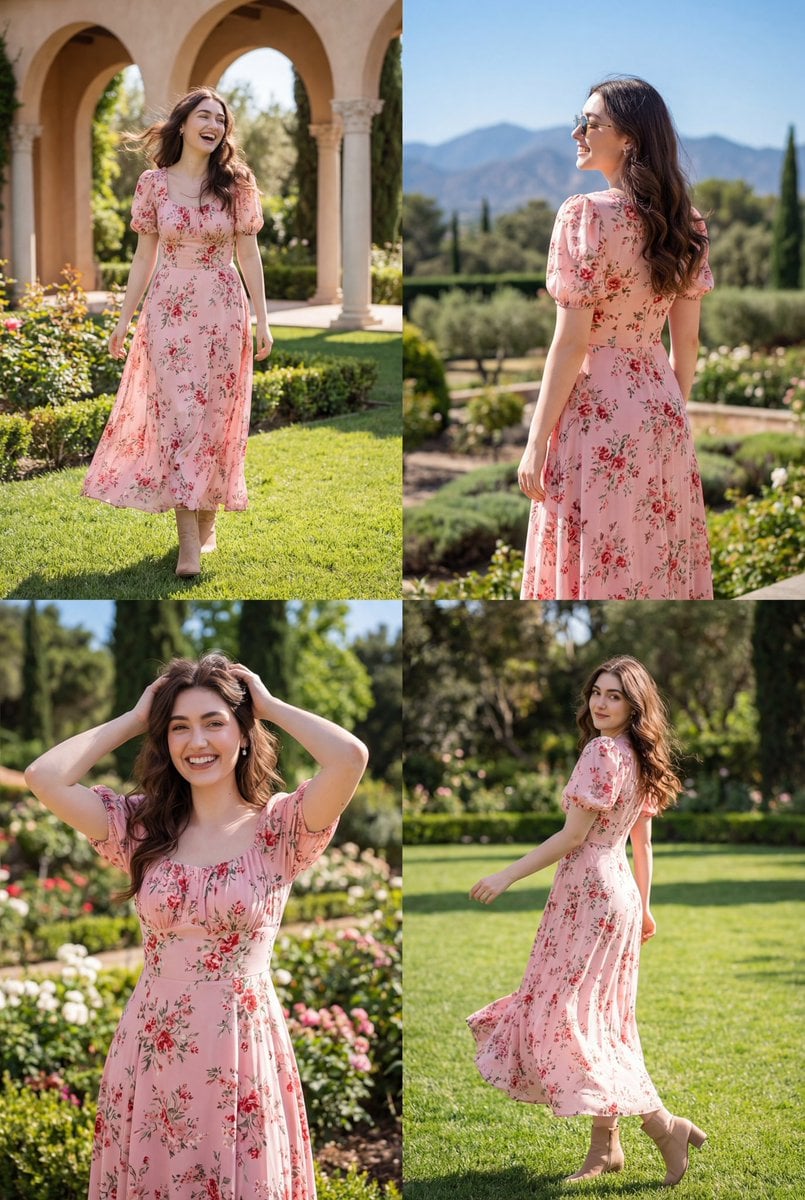
- Prompt included
- Model and format preset
- Premium template
The prompt behind this image
Copy the exact prompt behind Photorealistic Lifestyle Fashion Collage, or open it in the studio and make it yours.
- Image Generation Specification › Meta › Type
- photorealistic_lifestyle_fashion_collage
- Image Generation Specification › Subject › Identity › Woman
- Use from the reference image
- Image Generation Specification › Subject › Identity › Likeness Era
- Modern lifestyle editorial
- Image Generation Specification › Subject › Physical Appearance › Hair › Color
- Dark brown
- Image Generation Specification › Subject › Physical Appearance › Hair › Style
- Long, loose, center-parted
- Image Generation Specification › Subject › Physical Appearance › Hair › Texture
- Straight to softly wavy, lightly wind-swept
- Image Generation Specification › Subject › Physical Appearance › Expression › Mood
- Joyful, playful, carefree
- Image Generation Specification › Subject › Physical Appearance › Expression › Details
- Soft smile, joyful laughter, confident relaxed expressions
- Image Generation Specification › Subject › Physical Appearance › Pose › Position
- Standing and moving naturally across multiple frames
- Image Generation Specification › Subject › Physical Appearance › Pose › Orientation
- Front-facing, rear three-quarter view, mid-movement, and close medium portrait poses
- Image Generation Specification › Subject › Attire And Accessories › Clothing › Item
- Maxi dress
- Image Generation Specification › Subject › Attire And Accessories › Clothing › Color
- Soft pink
- Image Generation Specification › Subject › Attire And Accessories › Clothing › Style Details
- Small red and green floral print, Short puff sleeves, Fitted bodice, Flowing skirt silhouette
- Image Generation Specification › Subject › Attire And Accessories › Clothing › Fabric Texture
- Lightweight, airy, flowing fabric
- Image Generation Specification › Subject › Attire And Accessories › Jewelry › Item
- Earrings
- Image Generation Specification › Subject › Attire And Accessories › Jewelry › Metal
- Minimal neutral metal
- Image Generation Specification › Subject › Attire And Accessories › Jewelry › Style
- Simple, understated design
- Image Generation Specification › Subject › Attire And Accessories › Additional Accessories
- Light brown ankle boots, Sunglasses worn in one frame
- Image Generation Specification › Environment › Immediate Setting › Location Type
- Outdoor garden and landscaped estate grounds
- Image Generation Specification › Environment › Immediate Setting › Era Vibe
- Romantic countryside resort atmosphere
- Image Generation Specification › Environment › Immediate Setting › Interior Details › Elements
- Mediterranean-style architecture with arches and columns, Flower beds, Green lawn, Trees surrounding the grounds
- Image Generation Specification › Environment › View Through Window › Description
- Open outdoor scenery surrounding the subject
- Image Generation Specification › Environment › View Through Window › Elements
- Distant mountains, Clear blue sky, Lush greenery
- Image Generation Specification › Photographic Execution › Style
- High-end lifestyle fashion editorial photography
Raw JSON
{
  "image_generation_specification": {
    "meta": {
      "type": "photorealistic_lifestyle_fashion_collage"
    },
    "subject": {
      "identity": {
        "Woman": "Use from the reference image",
        "likeness_era": "Modern lifestyle editorial"
      },
      "physical_appearance": {
        "hair": {
          "color": "Dark brown",
          "style": "Long, loose, center-parted",
          "texture": "Straight to softly wavy, lightly wind-swept"
        },
        "expression": {
          "mood": "Joyful, playful, carefree",
          "details": "Soft smile, joyful laughter, confident relaxed expressions"
        },
        "pose": {
          "position": "Standing and moving naturally across multiple frames",
          "orientation": "Front-facing, rear three-quarter view, mid-movement, and close medium portrait poses"
        }
      },
      "attire_and_accessories": {
        "clothing": {
          "item": "Maxi dress",
          "color": "Soft pink",
          "style_details": [
            "Small red and green floral print",
            "Short puff sleeves",
            "Fitted bodice",
            "Flowing skirt silhouette"
          ],
          "fabric_texture": "Lightweight, airy, flowing fabric"
        },
        "jewelry": {
          "item": "Earrings",
          "metal": "Minimal neutral metal",
          "style": "Simple, understated design"
        },
        "additional_accessories": [
          "Light brown ankle boots",
          "Sunglasses worn in one frame"
        ]
      }
    },
    "environment": {
      "immediate_setting": {
        "location_type": "Outdoor garden and landscaped estate grounds",
        "era_vibe": "Romantic countryside resort atmosphere",
        "interior_details": {
          "elements": [
            "Mediterranean-style architecture with arches and columns",
            "Flower beds",
            "Green lawn",
            "Trees surrounding the grounds"
          ]
        }
      },
      "view_through_window": {
        "description": "Open outdoor scenery surrounding the subject",
        "elements": [
          "Distant mountains",
          "Clear blue sky",
          "Lush greenery"
        ]
      }
    },
    "photographic_execution": {
      "style": "High-end lifestyle fashion editorial photography",
      "quality": "High-resolution imagery with crisp subject detail",
      "lighting": {
        "source": "Natural sunlight",
        "quality": "Bright midday light with soft yet defined shadows, cheerful and vibrant"
      },
      "composition": {
        "framing": "Vertical four-image grid collage combining full-body and medium shots",
        "depth_of_field": "Moderate depth of field with clear background and gentle separation from the subject"
      }
    }
  }
}How to use Photorealistic Lifestyle Fashion Collage in 3 steps
- 1Upload ImagePNG, JPG or paste
Add your photo
Upload the photo the template builds on. The prompt, model and format are already set.
- 2…a portrait of your subject in softgolden-hour light, 85mm…
Personalize
Edit the subject and creative details for your destination.
- 3Generate
Generate
Press Generate — your image is created in PicX Studio, so you can compare it with the original and refine one variable at a time.
More like this
Templates with the same subject, style or setup. Open one to see its prompt.

Miniature Self Portrait Collage

Face-Locked Train Window Lifestyle Portrait

Face-Locked Cream Half-Zip Street Walk

Face-Locked Identity Reference Portrait

Nano Banana - Paris Cafe Editorial
Social Media Manager Desktop Case Study

80s College Gate

1988 Mall Style

80s Polka Dot Saree
Indian Anarkali Fashion Collage
Parisian Fashion Lifestyle Illustration

Rainy Monsoon Fashion Collage
Make it yours
Photorealistic Lifestyle Fashion Collage works as-is. These are the safest ways to change it without losing the look.
Swap the setting
Keep the rest of the prompt and replace the location block. The current setting is “Outdoor garden and landscaped estate grounds”.
Swap the light
One lighting change is enough to compare takes. Current light: “Natural sunlight”.
Change one field
Copy a single group, rewrite it, and generate again so you can see what that field is doing.
| If the result… | Why | Fix |
|---|---|---|
| The result drifts from the preview | Too many fields changed at once. | Reuse Photorealistic Lifestyle Fashion Collage as-is first, then change one group — subject, light, or setting. |
| Nano Banana 2 ignores part of the JSON | Some models flatten or skip nested keys. | Keep the same values and paste them as a short paragraph instead. |
More Nano Banana 2 templates
Other prompts made for Nano Banana 2.

Photorealistic Leaf Shaped Like a Dragon

K-Pop Idol Portrait Grid for Rapid Selection

Poetic Rain Forest Portrait During Golden Hour

Urban Street Portrait with Cartoon Inner Self Duo

Candid Nighttime Photo with Cat Prompt

High-Concept 3D Diorama Generation Prompt

Cinematic Futuristic Studio Portrait Template

Skincare Editorial Photography Collage Prompt

Hyper-Realistic Commercial Product Photography (Splash Effect)

Hyper-Realistic Nightclub Portrait Prompt
More image prompts
Fresh picks from across the catalog.
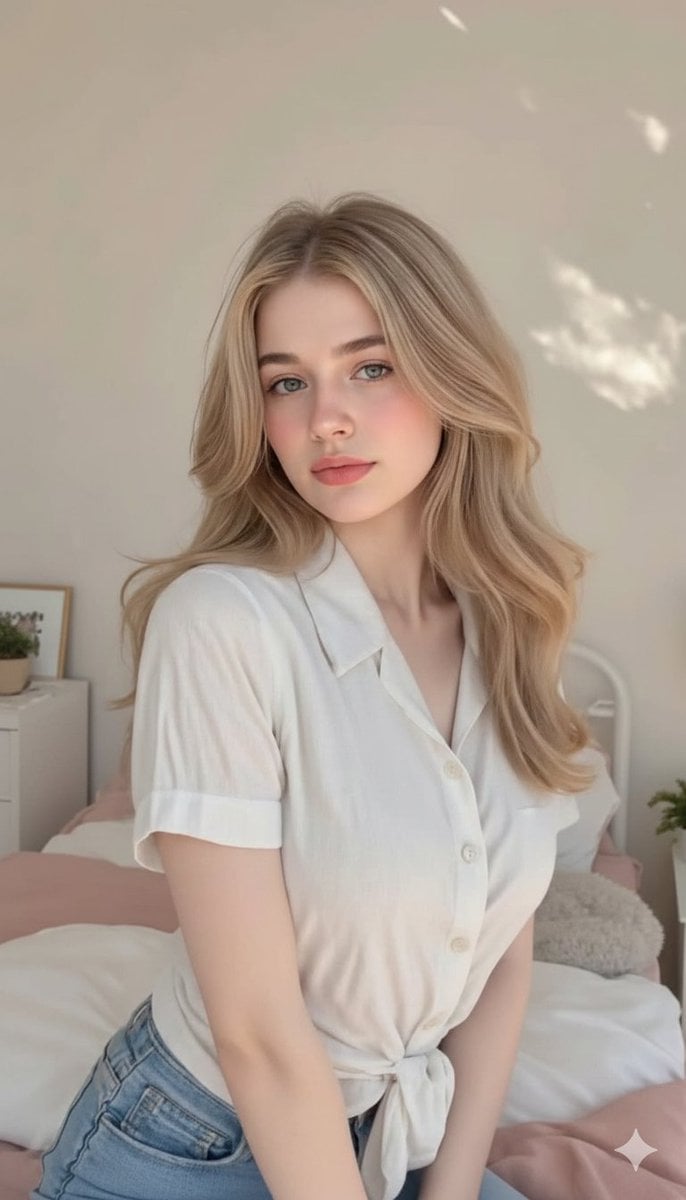
Photorealistic Blonde Woman in Cozy Bedroom Prompt
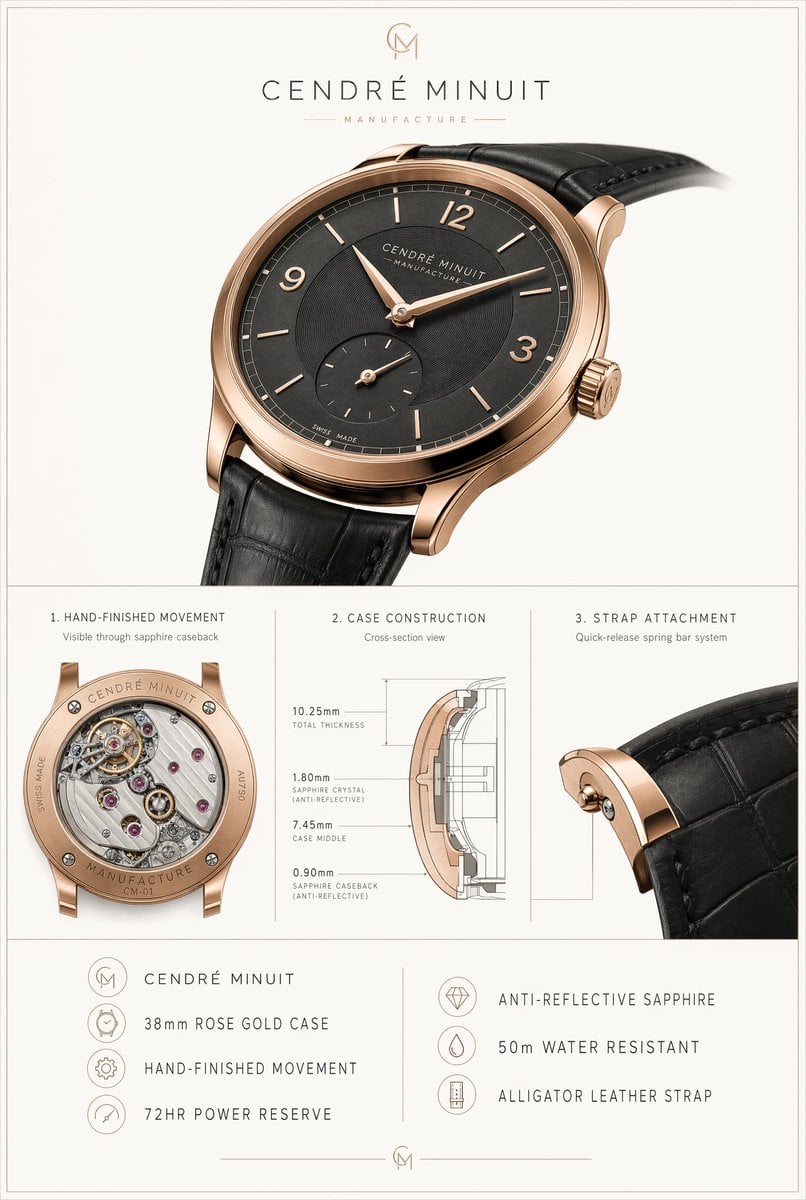
Luxury Watch Technical Poster
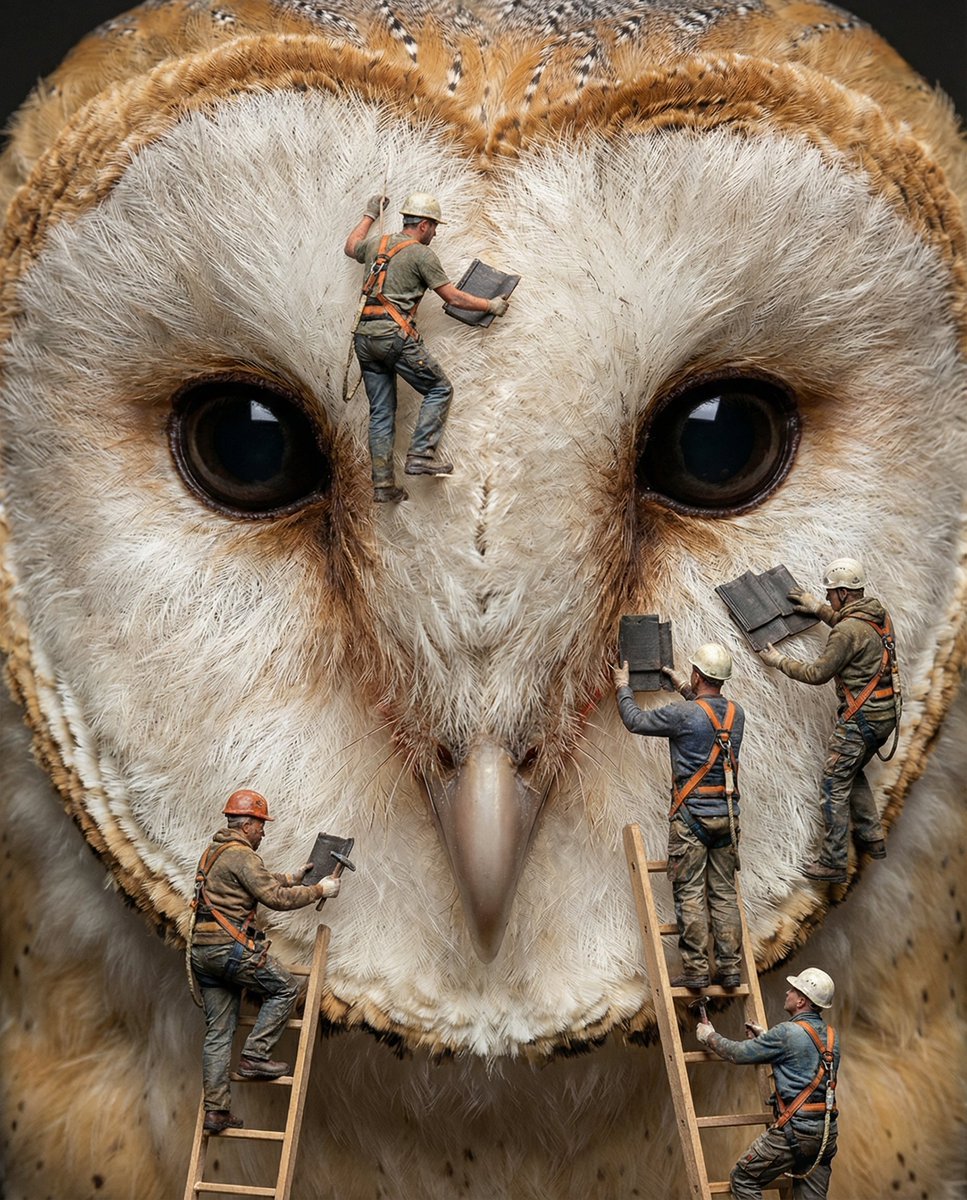
Hyper-Realistic Composite Macro Photography Prompt
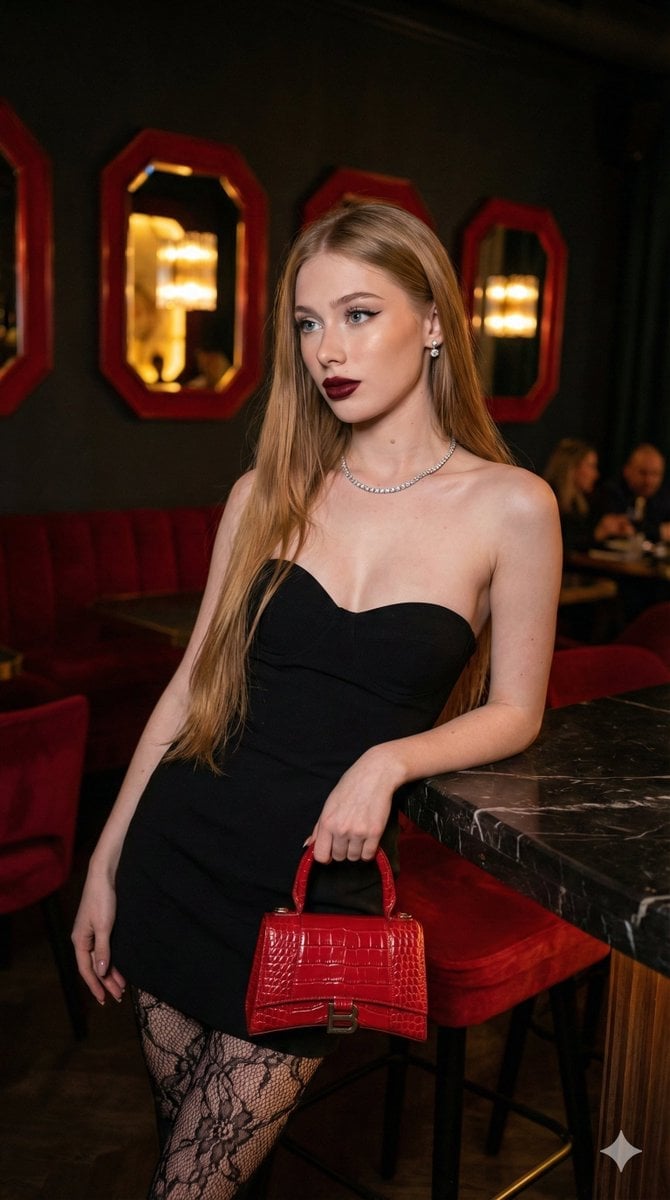
High-Fashion, Moody Portrait in a Luxury Lounge
Dynamic Video Prompt: Banana Float Rocket
Hyper-Realistic Fine Art Fashion Portrait Prompt
Golden Hour Rooftop Sunset Rest
Cute Clay Style Theme Poster Template

Burj Khalifa Epic Infographic Poster
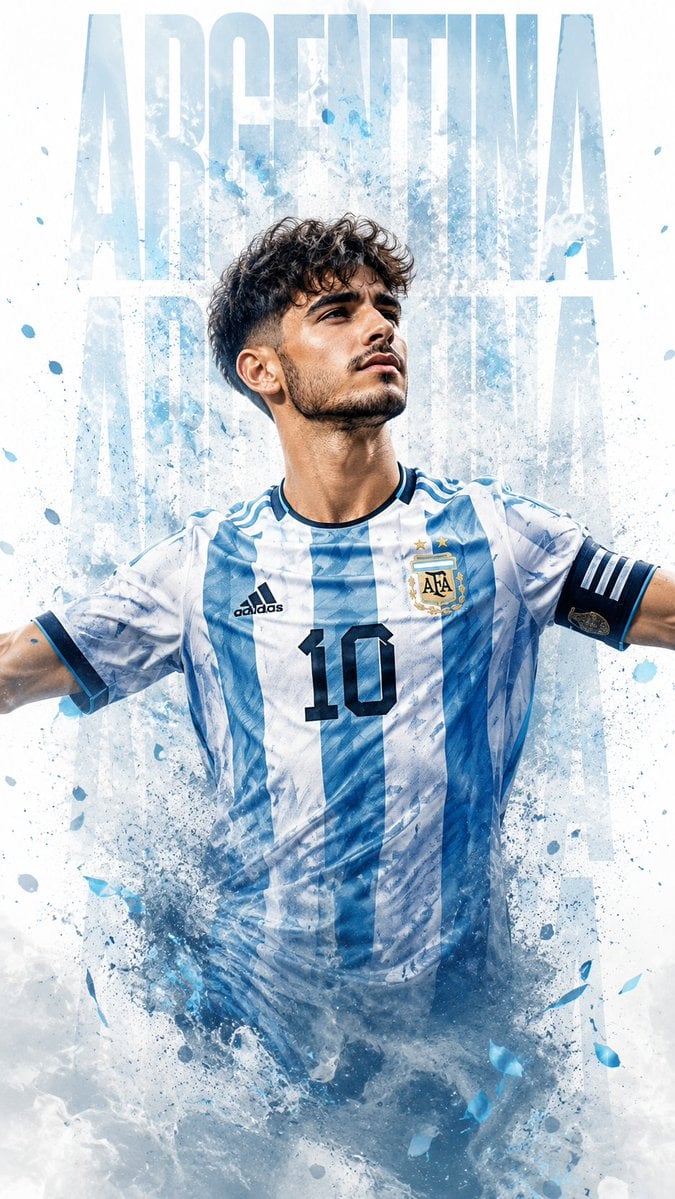
Photorealistic Footballer Celebration Illustration
Browse template categories
Photorealistic Lifestyle Fashion Collage questions
How do I use the Photorealistic Lifestyle Fashion Collage template?
Add your photo if the template asks for one, edit the prompt if you like — the template's model and format are already selected — and press Generate. Your version opens in PicX Studio.
Can I customize the Photorealistic Lifestyle Fashion Collage template?
Yes. You can change the subject, setting, lighting, mood, format, and available model controls before creating your image.
Is the Photorealistic Lifestyle Fashion Collage template free?
Opening and editing this template is free. Generating uses credits, shown on the Generate button when you are signed in.
Which AI model should I use?
Start with Nano Banana 2, which is the model associated with this template. You can compare another compatible model for a different finish.
Looking for something else? Browse all templates.

Your photo, any look
Thousands of ready templates for every top image and video model, from one credit balance.