
High-Fashion, Moody Portrait in a Luxury Lounge
A highly detailed JSON prompt for generating an ultra-photorealistic, high-fashion portrait of a woman in a black strapless mini dress and lace tights, leaning against a marble counter in an upscale lounge.
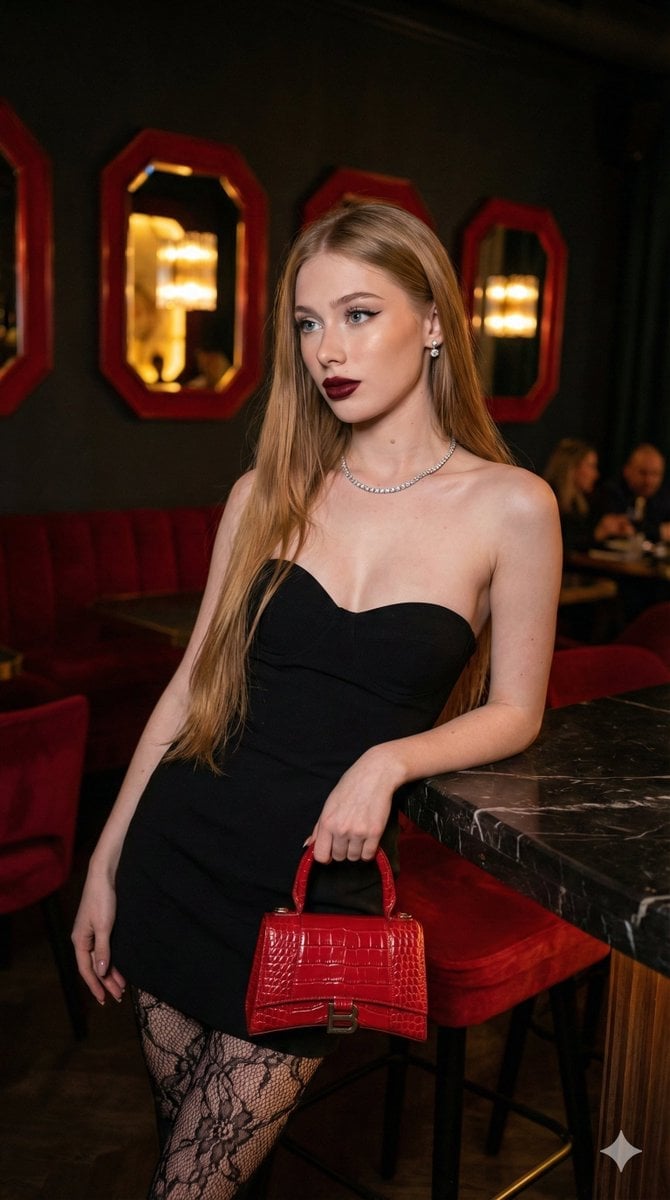
- Prompt included
- Model and format preset
- Free template
The prompt behind this image
Copy the exact prompt behind High-Fashion, Moody Portrait in a Luxury Lounge, or open it in the studio and make it yours.
{ "subject": { "description": "A young woman with a confident, poised expression looking off-camera.", "physical_traits": { "hair": "Long, sleek, waist-length straight hair in a honey-blonde shade with dark roots.", "makeup": "Glamorous 'evening' look featuring sharp winged eyeliner, defined brows, and a deep burgundy or oxblood matte lipstick.", "jewelry": "Elegant diamond-style tennis necklace and subtle stud earrings." }, "pose": "Leaning gracefully against a marble counter, one hand holding a {argument name="handbag color" default="red"} handbag, body angled slightly to create a dynamic silhouette." }, "attire": { "main": "Black form-fitting strapless sweetheart neckline mini dress.", "accessories": [ "Intricate floral-patterned black lace tights/hosiery.", "Bright cherry-red glossy crocodile-embossed leather handbag." ] }, "environment": { "setting": "An upscale, modern lounge or luxury restroom interior.", "elements": [ "Deep red velvet or padded bar accents.", "Dark marble countertops with modern matte black faucets.", "Large, uniquely shaped red-framed mirrors reflecting a warm, dim ambiance.", "Background figures slightly out of focus to provide depth." ] }, "lighting_and_color": { "palette": "Rich crimson reds, deep blacks, and warm golden skin tones.", "lighting": "Low-light atmospheric glow with a sharp key light on the subject to create high-contrast highlights and shadows.", "mood": "Elegant, moody, high-fashion, and luxurious." }, "technical_camera_specs": { "camera": "High-end DSLR, likely Canon EOS R5 or Sony A7R IV.", "lens": "35mm prime lens for a wide yet intimate perspective.", "settings": { "aperture": "f/2.8 for a shallow depth of field (bokeh background).", "iso": "800 for slight grain and texture in low light.", "shutter_speed": "1/125s to capture sharp detail." }, "quality": "Ultra-photorealistic, 8k resolution, cinematic lighting, sharp focus on facial features, realistic skin texture." } }
How to use High-Fashion, Moody Portrait in a Luxury Lounge in 3 steps
- 1
Open
The prompt is already in the box next to the preview, with the template's model and format selected.
- 2…a portrait of your subject in softgolden-hour light, 85mm…
Personalize
Edit the subject and creative details for your destination.
- 3Generate
Generate
Press Generate — your image is created in PicX Studio, so you can compare it with the original and refine one variable at a time.
More like this
Templates with the same subject, style or setup. Open one to see its prompt.

Rainy Café Window Moody Portrait

Nano Banana 2 High Fashion Sports Campai

Couture Fashion Editorial Woman and Drag

Ive Yujin Fashion Portrait in Blue

Nano Banana 2 Editorial Fashion Portrait

Caution Tape Fashion — Industrial Editorial

19 Luxury Helicopter Travel — California Series

08 Rodeo Drive Luxury Exit — California Series

Luxury Fashion Editorial Portrait
Ultra-Realistic Luxury Fashion Editorial Portrait
Moody Luxury Lifestyle Portrait of a Man in a Navy Suit

Miniature Self Portrait Collage
Make it yours
High-Fashion, Moody Portrait in a Luxury Lounge works as-is. These are the safest ways to change it without losing the look.
Change one field
Copy a single group, rewrite it, and generate again so you can see what that field is doing.
Keep the frame, change the subject
Hold the composition and light of High-Fashion, Moody Portrait in a Luxury Lounge, then swap wardrobe, props or the person for a new take.
| If the result… | Why | Fix |
|---|---|---|
| The result drifts from the preview | Too many fields changed at once. | Reuse High-Fashion, Moody Portrait in a Luxury Lounge as-is first, then change one group — subject, light, or setting. |
| The model over-stylizes the scene | The prose prompt leaves finish and camera underspecified. | Add one camera or lighting sentence and stay on Nano Banana 2. |
More Nano Banana 2 templates
Other prompts made for Nano Banana 2.

Photorealistic Leaf Shaped Like a Dragon

K-Pop Idol Portrait Grid for Rapid Selection

Poetic Rain Forest Portrait During Golden Hour

Urban Street Portrait with Cartoon Inner Self Duo

Candid Nighttime Photo with Cat Prompt

High-Concept 3D Diorama Generation Prompt

Cinematic Futuristic Studio Portrait Template

Skincare Editorial Photography Collage Prompt

Hyper-Realistic Commercial Product Photography (Splash Effect)

Hyper-Realistic Nightclub Portrait Prompt
More image prompts
Fresh picks from across the catalog.
Minimal Pelican Riding Bicycle
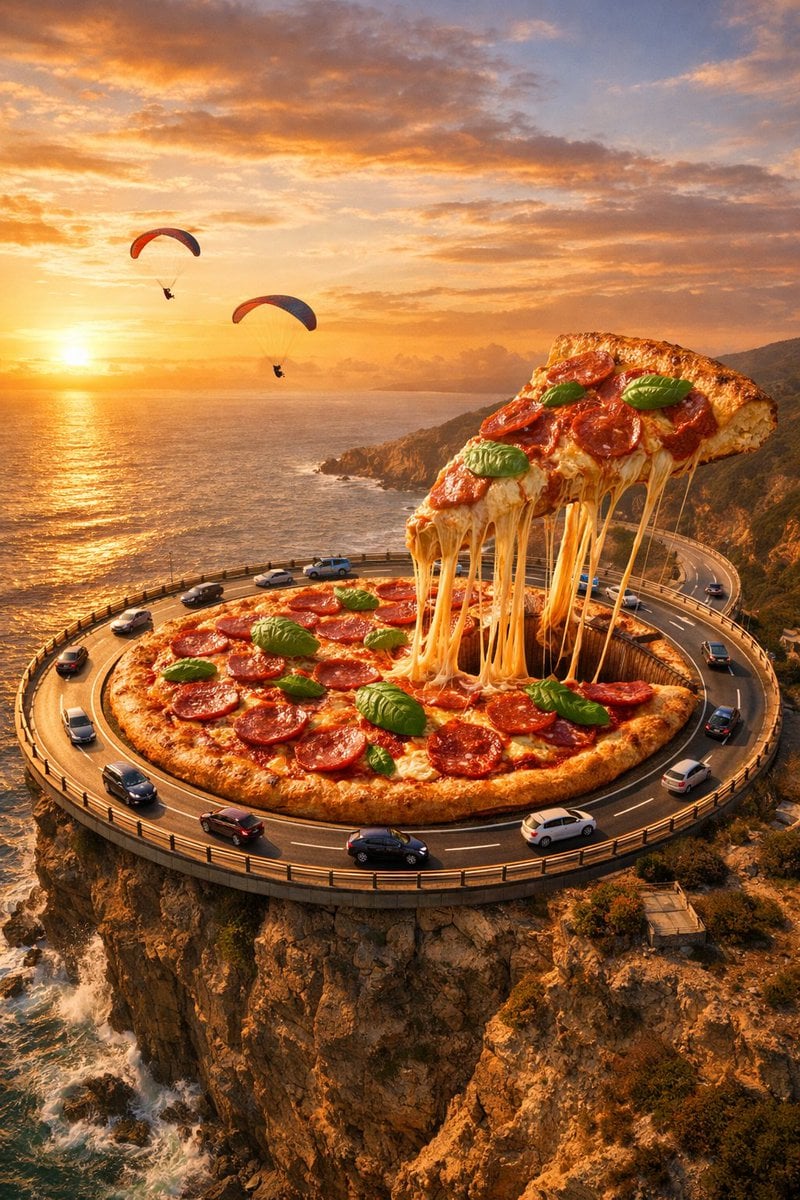
Surreal Food Photography: Pizza Roundabout
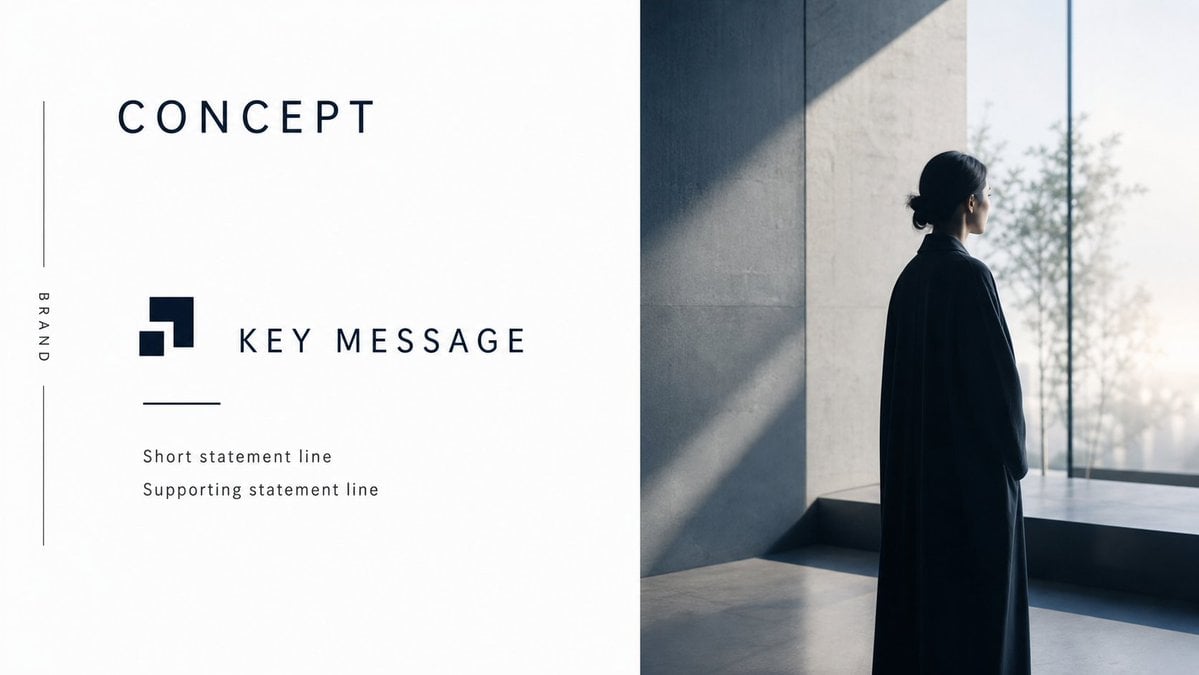
Minimal Luxury Brand Concept Slide
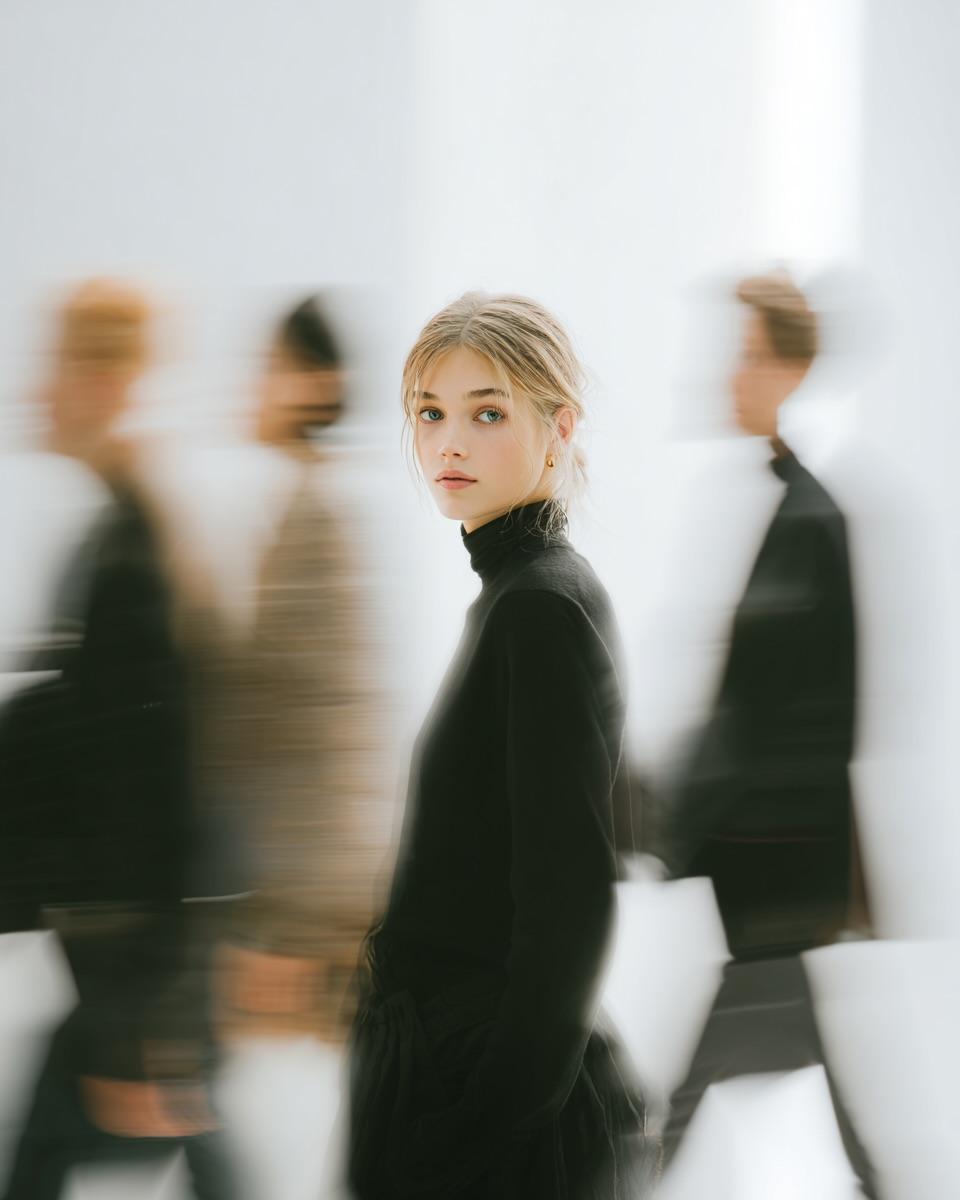
High Fashion Pictorial with Motion Blur
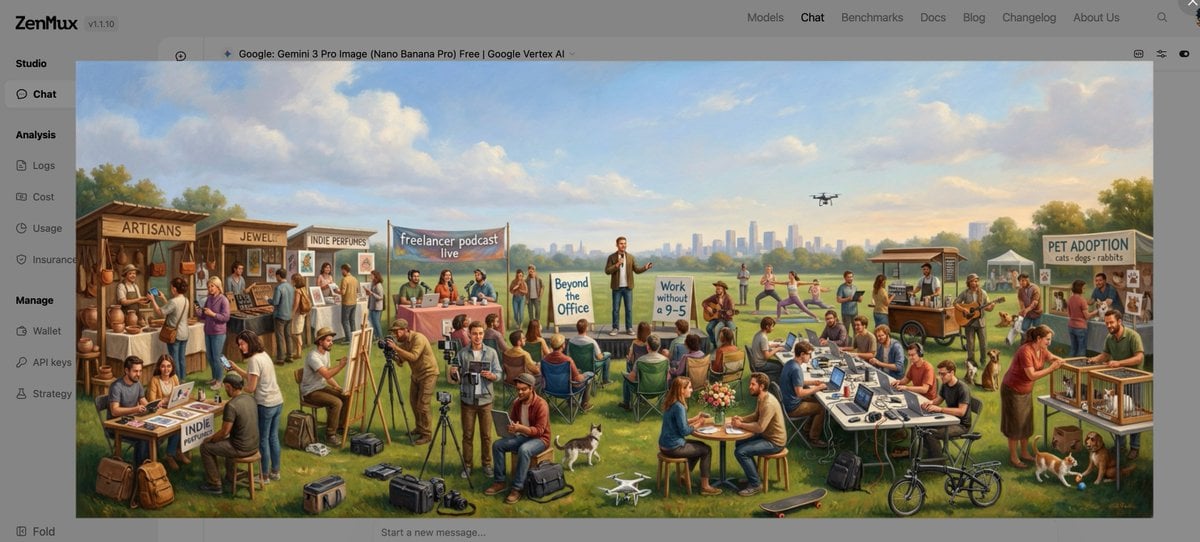
Baroque genre painting of a merry company in a park
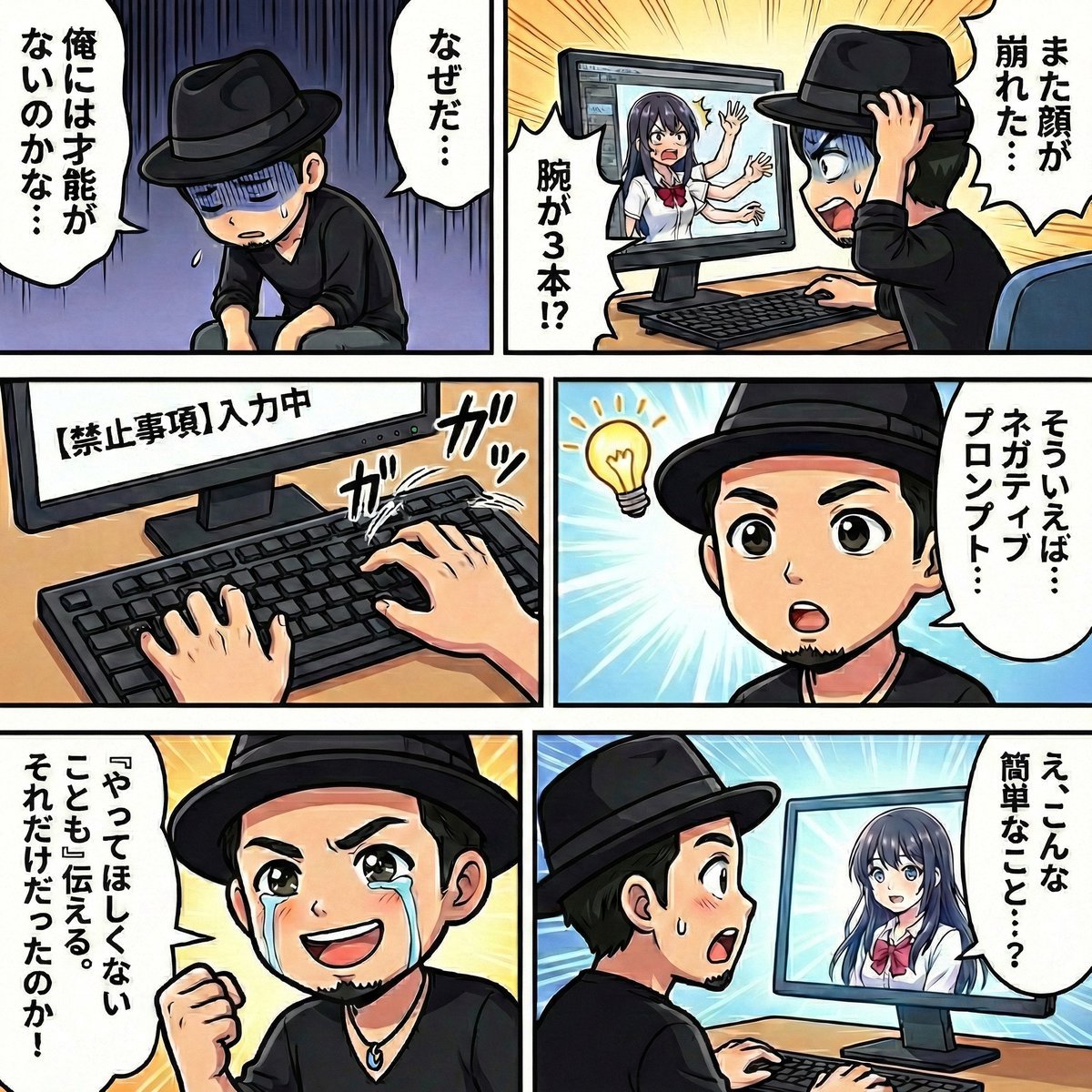
Negative Prompting for Manga Generation in NanoBanana Pro
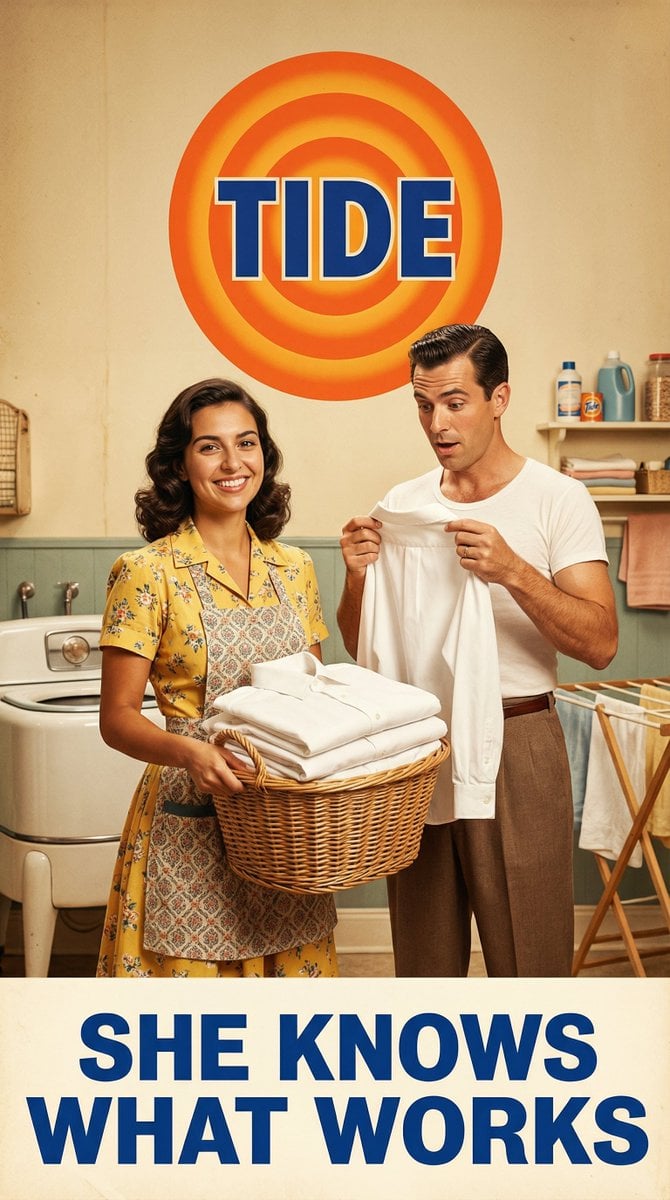
Vintage 1950s Detergent Ad Recreation Prompt
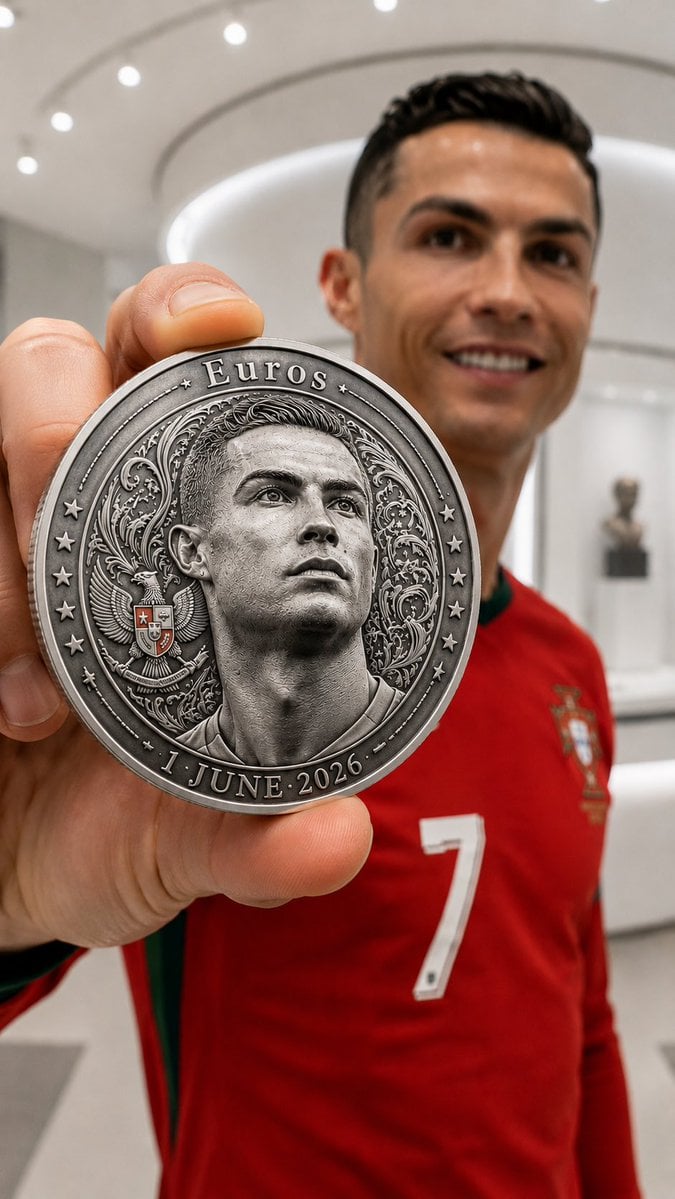
Commemorative Silver Coin Showcase
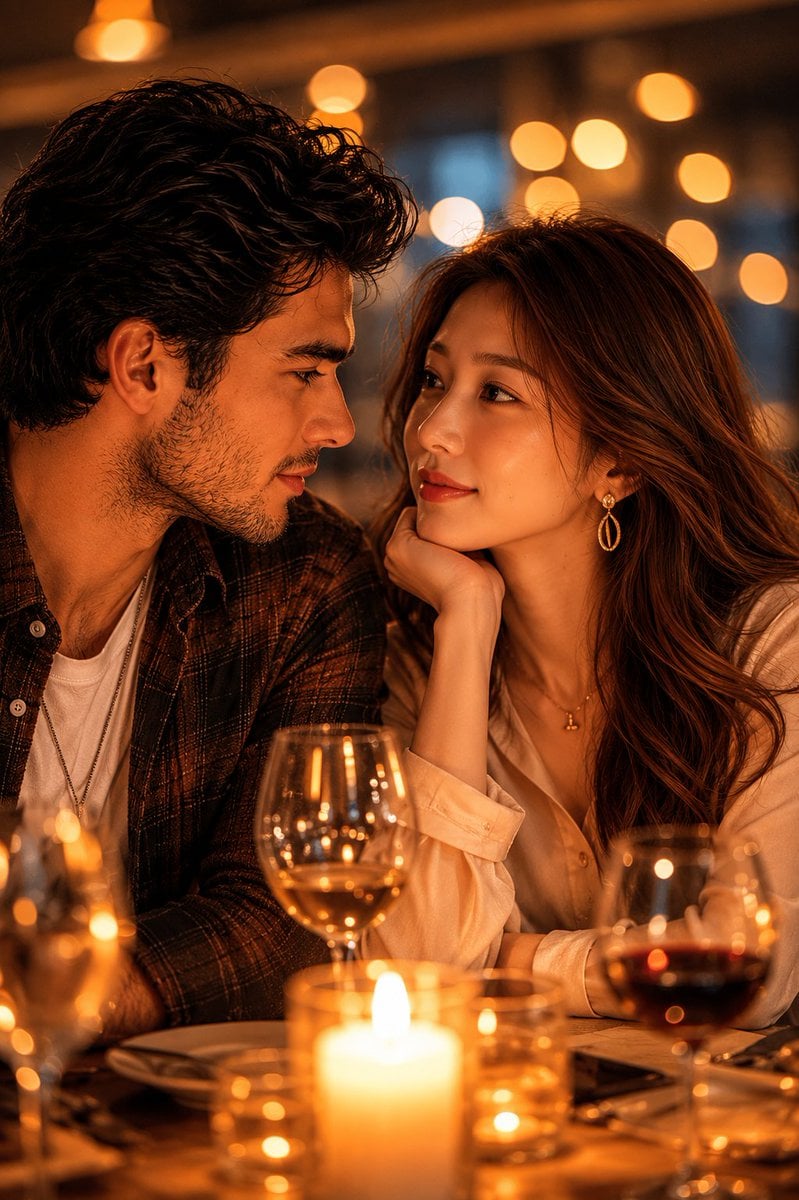
Romantic Candlelit Couple Dinner
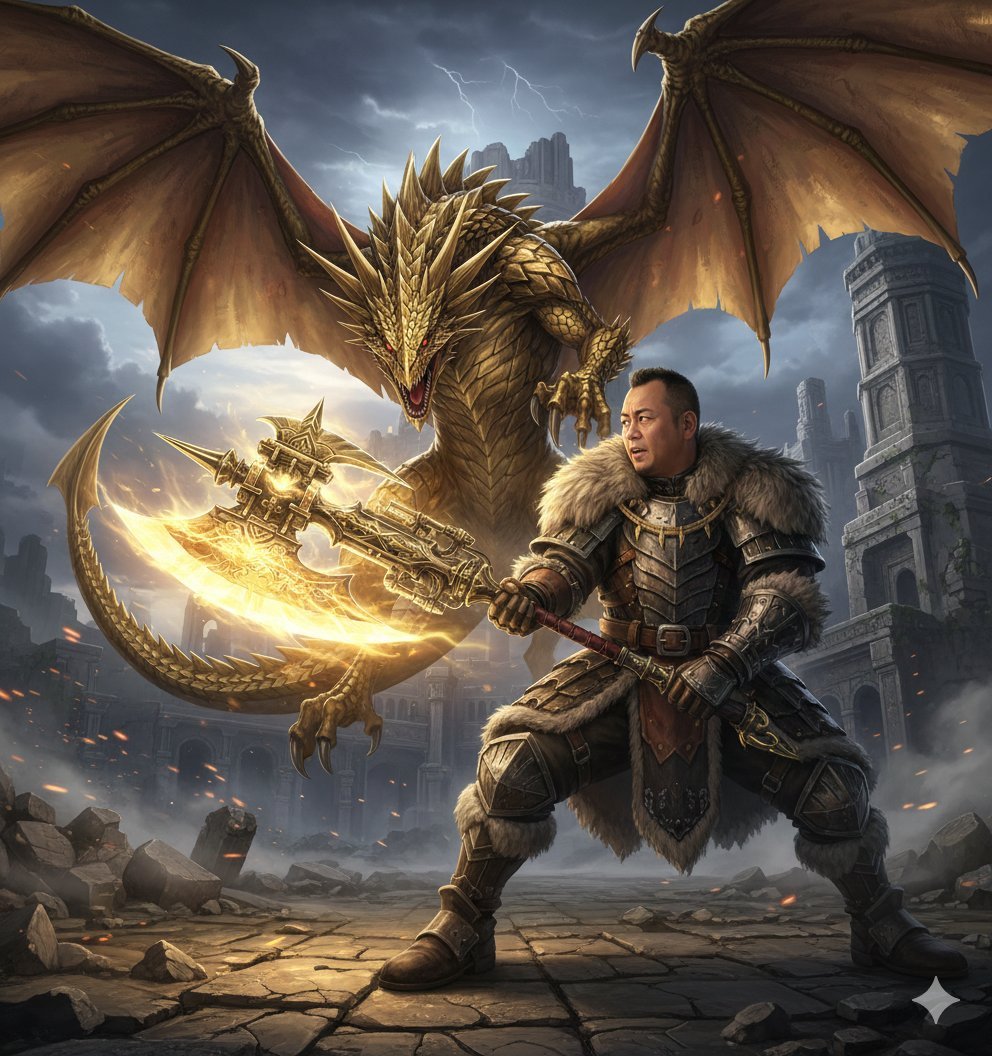
Nano Banana Pro Monster Hunter Battle Prompt
Browse template categories
High-Fashion, Moody Portrait in a Luxury Lounge questions
How do I use the High-Fashion, Moody Portrait in a Luxury Lounge template?
Add your photo if the template asks for one, edit the prompt if you like — the template's model and format are already selected — and press Generate. Your version opens in PicX Studio.
Can I customize the High-Fashion, Moody Portrait in a Luxury Lounge template?
Yes. You can change the subject, setting, lighting, mood, format, and available model controls before creating your image.
Is the High-Fashion, Moody Portrait in a Luxury Lounge template free?
Opening and editing this template is free. Generating uses credits, shown on the Generate button when you are signed in.
Which AI model should I use?
Start with Nano Banana 2, which is the model associated with this template. You can compare another compatible model for a different finish.
Looking for something else? Browse all templates.

Your photo, any look
Thousands of ready templates for every top image and video model, from one credit balance.