
Minimal Pelican Riding Bicycle
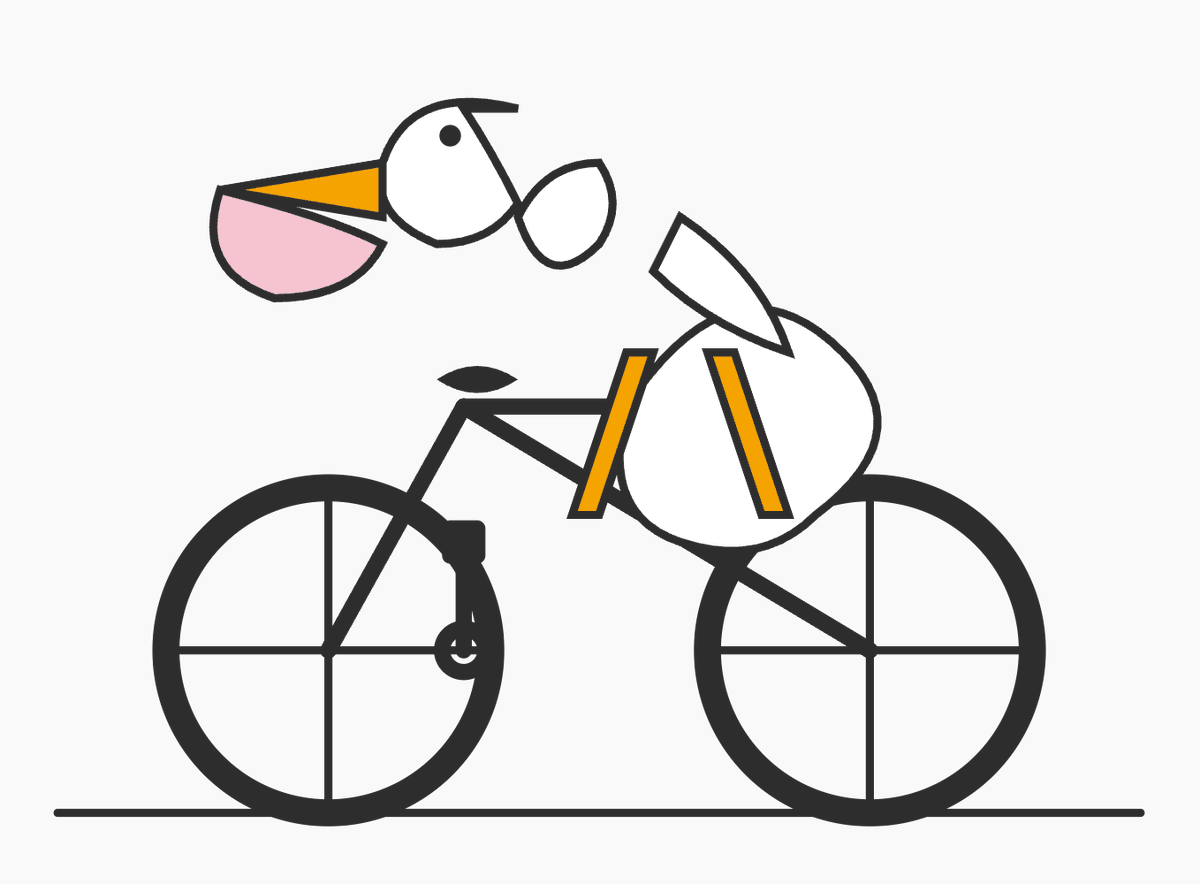
This prompt generates a sparse geometric vector illustration of a pelican on a bicycle, useful for testing simple shape composition or creating a playful abstract icon-style image.
- Prompt included
- Model and format preset
- Free template
The prompt behind this image
Copy the exact prompt behind Minimal Pelican Riding Bicycle, or open it in the studio and make it yours.
A minimalist vector-style illustration on a flat light gray background showing a pelican riding a bicycle, drawn from simple geometric shapes with thick dark charcoal outlines. The composition is wide and centered, with the bicycle occupying the lower two-thirds of the image and the bird’s head floating slightly above and forward of the handlebars in a deliberately abstract, diagram-like way. The bicycle is a simple black road-bike silhouette in side view with exactly 2 large wheels, each with a thick outer rim and exactly 4 visible spoke lines forming a cross, a straight horizontal ground line beneath both wheels, a triangular frame, a short black saddle, and simplified crank and pedal details near the rear of the frame. The pelican is constructed from clean abstract pieces: a white rounded head with a small black circular eye, a long open beak pointing left made of 2 parts with an upper orange triangular section and a lower pale pink pouch section, a short dark curve on top of the head, a small separate white oval neck/body connector, a larger white rounded body positioned over the bike, and a single white wing-like shape angled upward over the back. Add exactly 2 orange leg shapes, long narrow rectangles leaning downward from the body toward the bicycle frame, suggesting the bird is pedaling. Keep the forms intentionally sparse and slightly surreal, like a logo test or simple code-editor doodle, with no shading, no gradients, no textures, no text, and lots of negative space.
How to use Minimal Pelican Riding Bicycle in 3 steps
- 1Upload ImagePNG, JPG or paste
Add your photo
Upload the photo the template builds on. The prompt, model and format are already set.
- 2…a portrait of your subject in softgolden-hour light, 85mm…
Personalize
Edit the subject and creative details for your destination.
- 3Generate
Generate
Press Generate — your image is created in PicX Studio, so you can compare it with the original and refine one variable at a time.
More like this
Templates with the same subject, style or setup. Open one to see its prompt.
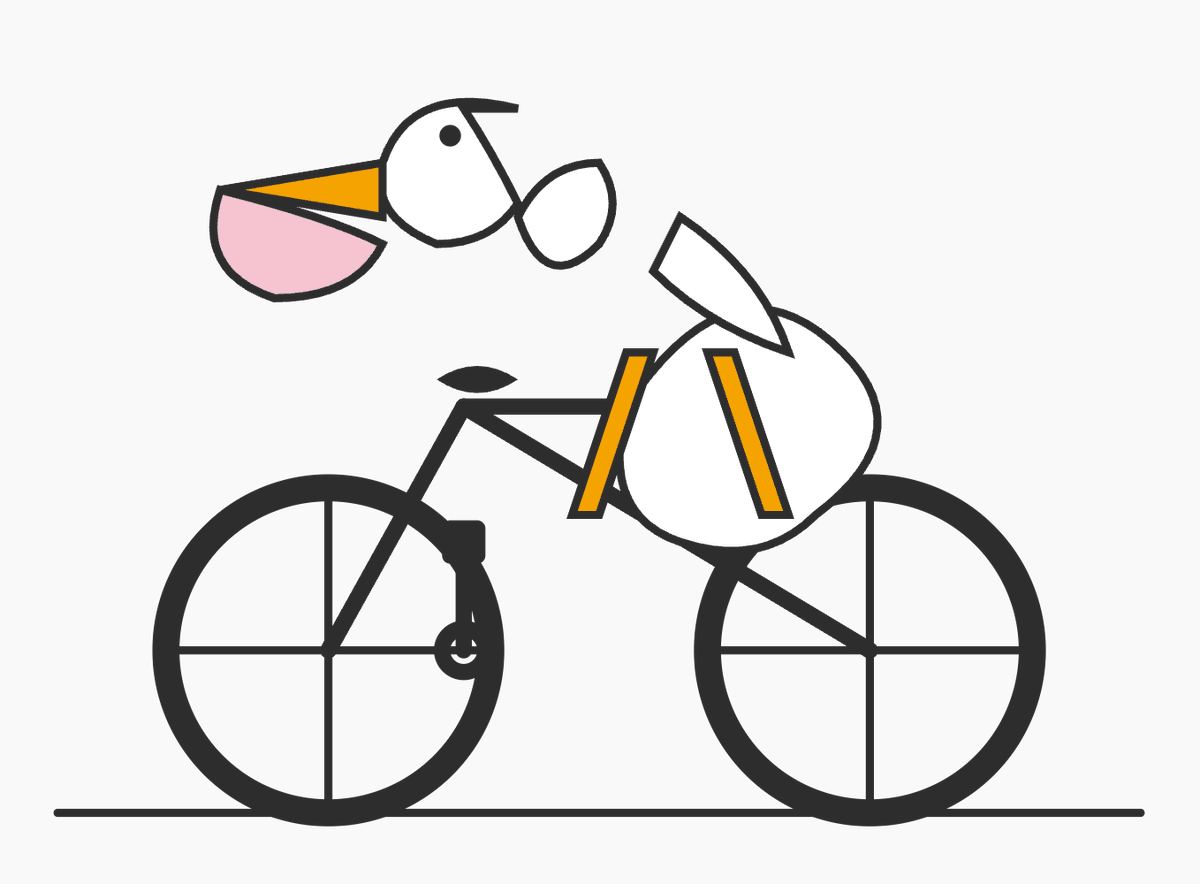
Minimal SVG Pelican on Bicycle
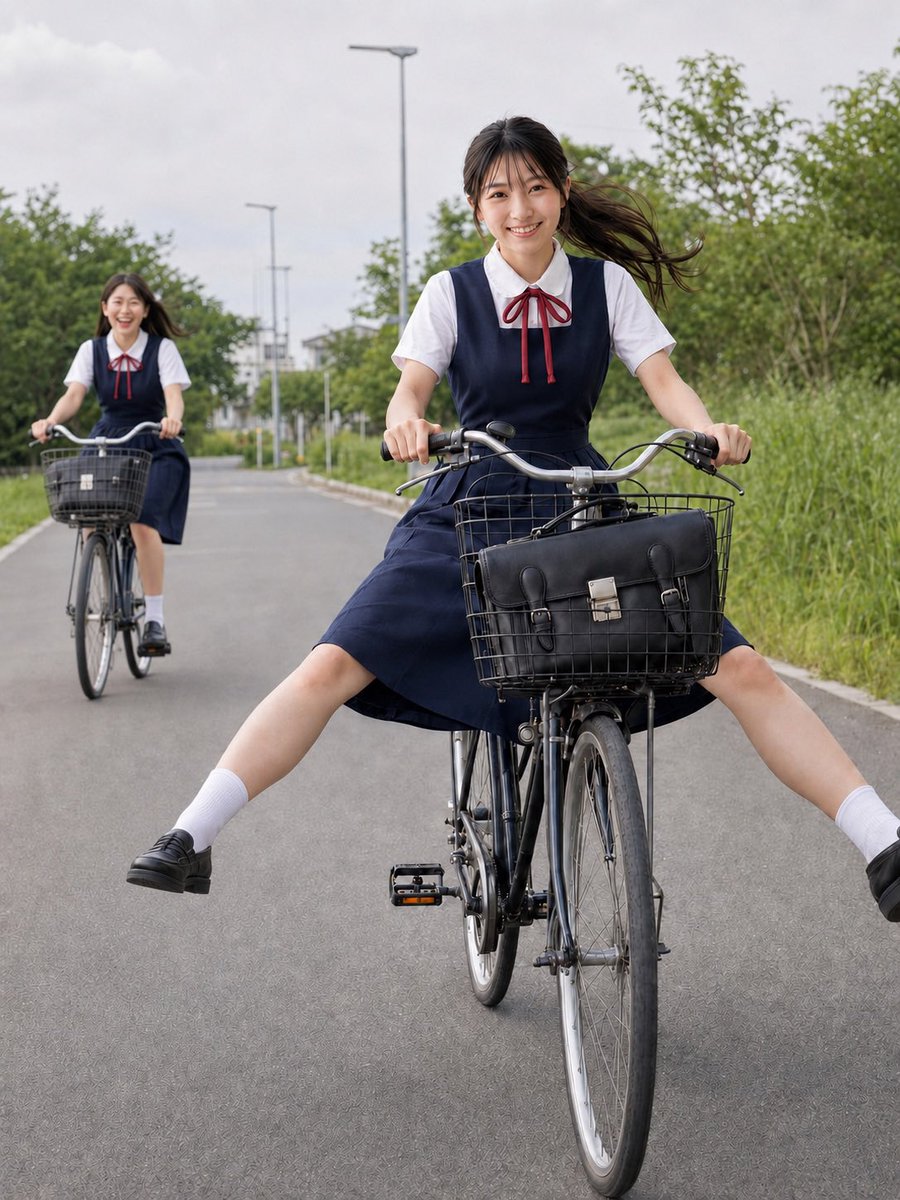
Schoolgirls Riding Bicycles
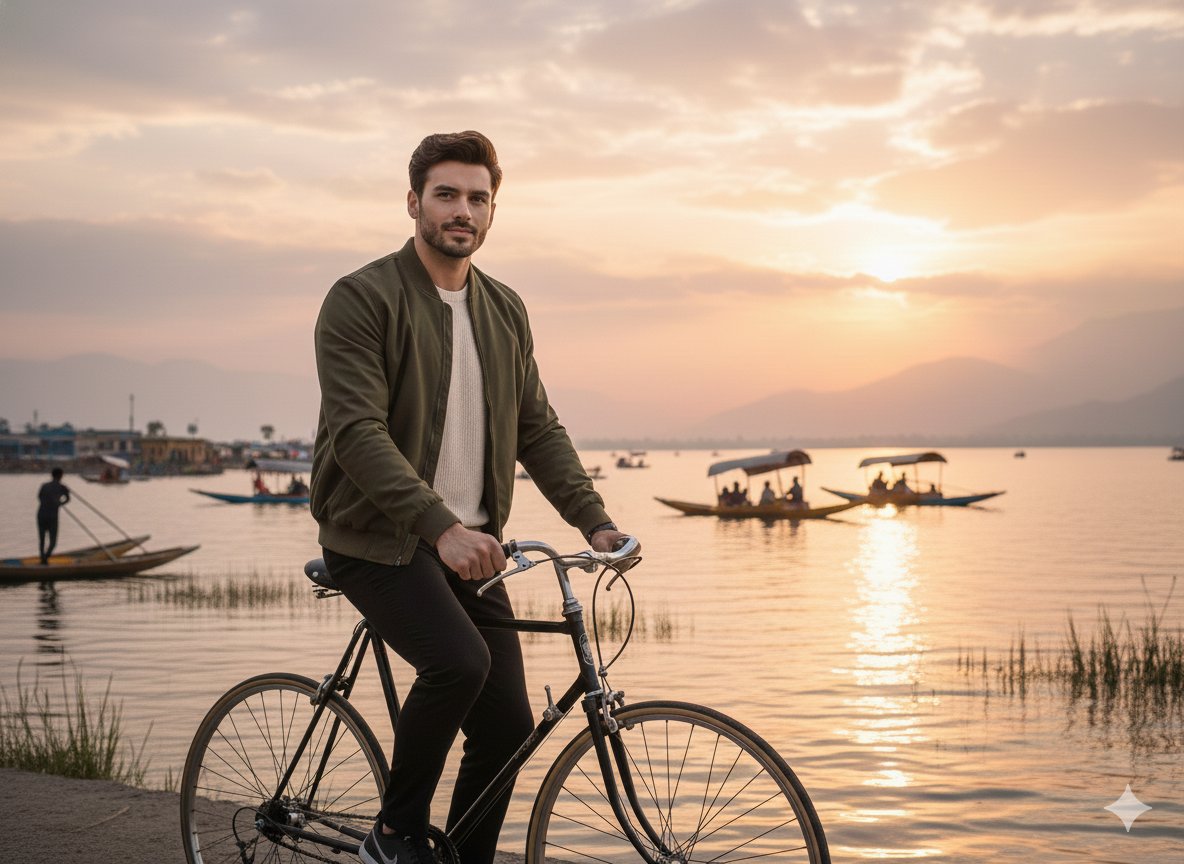
A realistic cinematic photograph of a handsome man riding a bicycle
Victorian Woman Riding Vintage Bicycle

Japanese Architectural Concrete Studio Fashion Campaign

Quiet Luxury Black and White Fashion Editorial Portrait

Premium Editorial Branding Poster Charcoal Green

Premium Vintage Travel Poster Landscape

Japanese Café Sketch Duo Illustration

Delicate Japanese Café Lifestyle Illustration

Soft Shadow Studio Minimalist Product Shot

Minimalist Skincare Product Water Stone Still
Make it yours
Minimal Pelican Riding Bicycle works as-is. These are the safest ways to change it without losing the look.
Change one field
Copy a single group, rewrite it, and generate again so you can see what that field is doing.
Keep the frame, change the subject
Hold the composition and light of Minimal Pelican Riding Bicycle, then swap wardrobe, props or the person for a new take.
| If the result… | Why | Fix |
|---|---|---|
| The result drifts from the preview | Too many fields changed at once. | Reuse Minimal Pelican Riding Bicycle as-is first, then change one group — subject, light, or setting. |
| The model over-stylizes the scene | The prose prompt leaves finish and camera underspecified. | Add one camera or lighting sentence and stay on GPT Image 2. |
More GPT Image 2 templates
Other prompts made for GPT Image 2.

Six VTuber Japanese Logo Sheet

Realistic Portrait of Woman and Deer

The Vista Modular Condo Poster

AI Model Routing Comparison Infographic

2.5D Anime Art Board

Isometric Productivity Desk Scene

New York Double Exposure Poster

Four-Panel AI Landscape Comparison

Japanese Tatami Lifestyle Magazine Cover

NESCAFÉ Coffee Map Poster
More image prompts
Fresh picks from across the catalog.
Cinematic low-key urban portrait prompt

SUNO Prompt for Modern Retro Electro Swing BGM
Viral TikTok Mirror Selfie Prompt
High-Fashion Winter Editorial in Snow
Nano Banana 2 in Game Items and Characte

2025 Aesthetic Photography
High-End Editorial Restaurant Portrait Prompt
Candid Nightlife Street Snapshot
Miniature Chibi Coffee Diorama
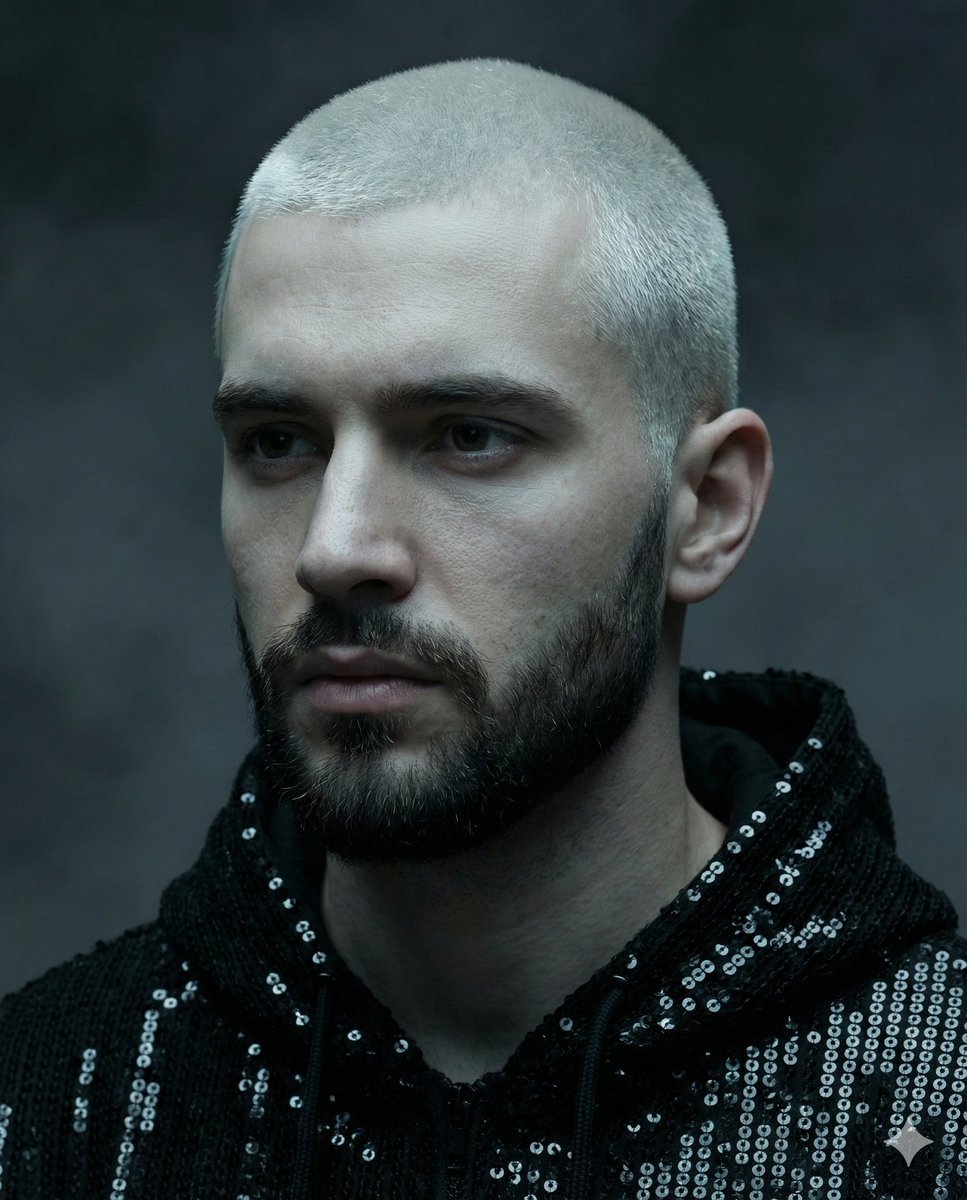
Hyper-realistic portrait of a young man with platinum buzz cut
Browse template categories
Minimal Pelican Riding Bicycle questions
How do I use the Minimal Pelican Riding Bicycle template?
Add your photo if the template asks for one, edit the prompt if you like — the template's model and format are already selected — and press Generate. Your version opens in PicX Studio.
Can I customize the Minimal Pelican Riding Bicycle template?
Yes. You can change the subject, setting, lighting, mood, format, and available model controls before creating your image.
Is the Minimal Pelican Riding Bicycle template free?
Opening and editing this template is free. Generating uses credits, shown on the Generate button when you are signed in.
Which AI model should I use?
Start with GPT Image 2, which is the model associated with this template. You can compare another compatible model for a different finish.
Looking for something else? Browse all templates.

Your photo, any look
Thousands of ready templates for every top image and video model, from one credit balance.