How do I use the Minimal SVG Pelican on Bicycle template?
Edit the prompt in the box under the preview — the template's model and format are already selected — and press Generate. Your version appears right on this page.
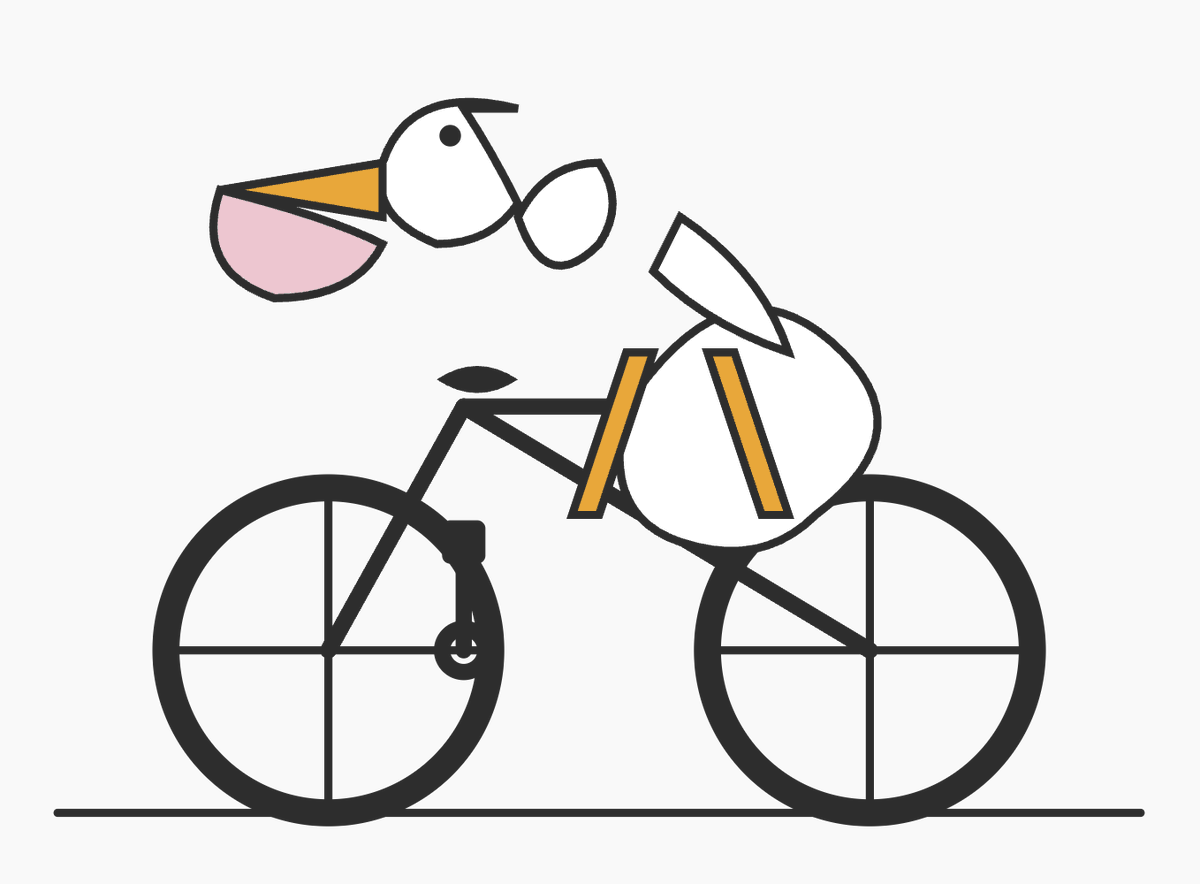
This generates a simple geometric vector-style pelican riding a bicycle, useful for SVG demo art, code-themed visuals, or playful minimalist illustrations.

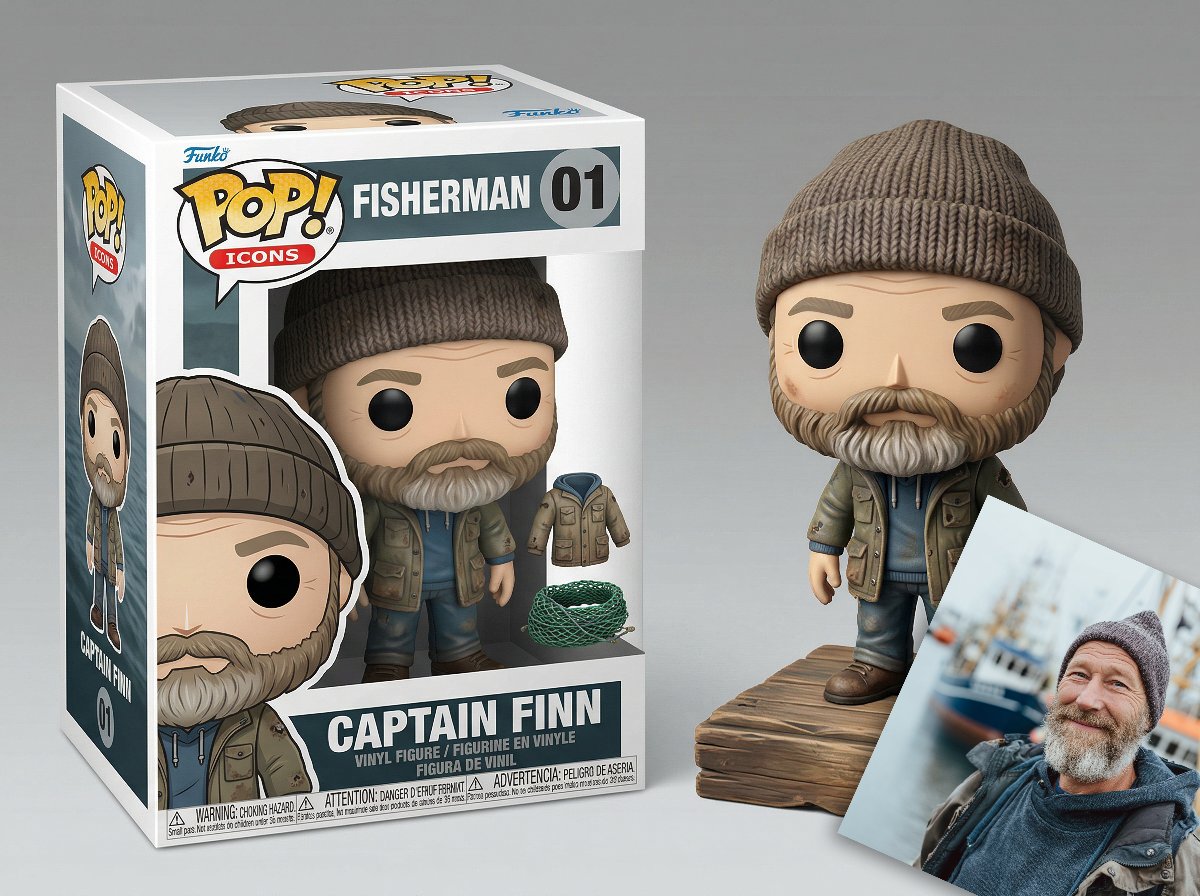
This template uses your photo — add one with the + button.
A minimalist flat vector illustration on a light gray background showing a stylized pelican riding a bicycle, composed from simple geometric SVG-like shapes with thick dark charcoal outlines and sparse details. The bicycle is shown in side view with 2 large wheels, each with a circular rim and a simple cross of 4 spokes, a black frame, seat, crank, and handlebars, resting on a single thin horizontal ground line near the bottom. The pelican is abstract and slightly awkward, built from clean outlined shapes: a white circular-oval body positioned over the bike, 2 narrow orange-yellow leg shapes hanging down toward the pedals, a white neck and head extending forward, 1 small black eye, a long triangular orange-yellow upper beak, and 1 large pale pink lower pouch. Add a separate white wing shape angled upward above the body. Keep the composition intentionally simple and a little imperfect, as if it were an SVG demo drawing generated from code in a code editor screenshot, but render only the artwork itself with no interface, no text, no shadows, and no extra scenery.
A minimalist flat vector illustration on a light gray background showing a stylized pelican riding a bicycle, composed from simple geometric SVG-like shapes with thick dark charcoal outlines and sparse details. The bicycle is shown in side view with 2 large wheels, each with a circular rim and a simple cross of 4 spokes, a black frame, seat, crank, and handlebars, resting on a single thin horizontal ground line near the bottom. The pelican is abstract and slightly awkward, built from clean outlined shapes: a white circular-oval body positioned over the bike, 2 narrow orange-yellow leg shapes hanging down toward the pedals, a white neck and head extending forward, 1 small black eye, a long triangular orange-yellow upper beak, and 1 large pale pink lower pouch. Add a separate white wing shape angled upward above the body. Keep the composition intentionally simple and a little imperfect, as if it were an SVG demo drawing generated from code in a code editor screenshot, but render only the artwork itself with no interface, no text, no shadows, and no extra scenery.
Edit the prompt in the box under the preview — the template's model and format are already selected — and press Generate. Your version appears right on this page.
Yes. You can change the subject, setting, lighting, mood, format, and available model controls before creating your image.
Opening and editing this template is free. Generating uses credits, shown on the Generate button when you are signed in.
Start with GPT Image 2, which is the model associated with this template. You can compare another compatible model for a different finish.
Follow a topic to a crawlable collection of related PicX Studio templates.