
Miniature Chibi Coffee Diorama
A detailed JSON prompt for Google Nano Banana 2 to create an ultra-detailed 3D render of a miniature café diorama.
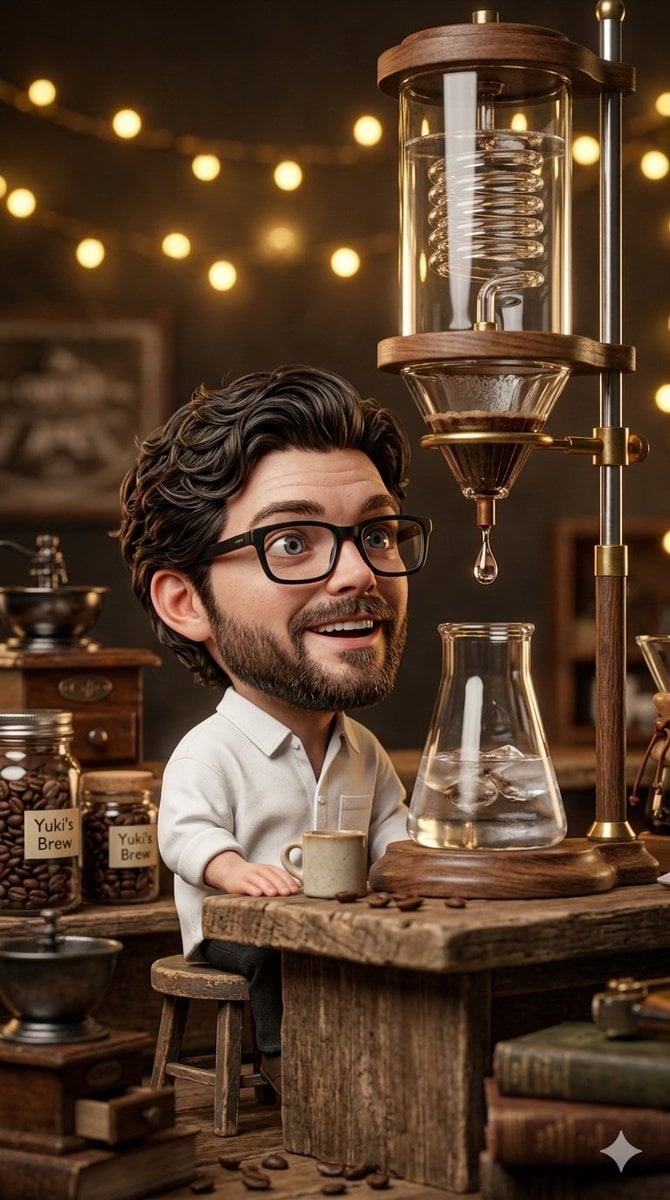
- Prompt included
- Model and format preset
- Premium template
The prompt behind this image
Copy the exact prompt behind Miniature Chibi Coffee Diorama, or open it in the studio and make it yours.
- Project Title
- Miniature Moments: The Coffee Chibi Diorama
- Scene › Setting › Location
- Vintage-Style Cozy Café (Miniature Diorama)
- Scene › Setting › Lighting
- Warm Ambient (Golden Glow, Soft Focus, Retro Décor)
- Scene › Setting › Atmosphere
- Cozy, Nostalgic, Detailed
- Scene › Main Subject › Character › Style
- Realistic Ultra-Detailed 3D Chibi Figure (Large Head, Small Body)
- Scene › Main Subject › Character › Features
- Identical Face to Reference: Curly dark hair, Short beard, Black rectangular glasses, Fair skin tone, Recognizable face shape and Excited Smile
- Scene › Main Subject › Character › Action
- Sitting on a Tiny Worn Wooden Stool, Looking Up with Excited Anticipation
- Scene › Main Subject › Character › Clothing
- Oversized White Cotton Shirt (Highly Realistic Fabric Texture)
- Scene › Main Subject › Apparatus › Item
- Miniature Cold Brew Coffee Machine
- Scene › Main Subject › Apparatus › Details
- Glass, Wood, Brass, and Metal Tower
- Scene › Main Subject › Apparatus › Mechanism
- Glass coils, dripper, collection flask, water reservoir with ice
- Scene › Main Subject › Apparatus › Process
- Slow Drip-by-Drip (Single Coffee Drop Captured Mid-Fall, Sharp Focus)
- Scene › Environment Details
- Rough wooden counter with coffee beans, Tiny ceramic mug with spoon, Background shelves with jars of coffee beans ('Yuki's Brew'), Vintage books, old coffee equipment, warm fairy lights, dim bokeh background
- Scene › Composition › Aspect Ratio
- 9:16 (Vertical Cinematic)
- Scene › Composition › Focus
- Sharp focus on the Chibi Boy’s face and the Falling Coffee Drop
- Scene › Composition › Depth Of Field
- Shallow, Soft Background Bokeh (Vintage Café Interior)
- Scene › Composition › Style
- Miniature Diorama Look, Photorealistic Materials, Handcrafted Feel
- Scene › Composition › Framing
- Cinematic Close-up capturing the connection between the Boy and the Drip
- Scene › Technical Specs › Rendering Style
- Ultra-Detailed 3D Render (Photorealistic Texture)
- Scene › Technical Specs › Textures
- Realistic Skin (Pores, Hair Strands), Fabric Weave, Aged Wood Grain, Glass Reflections and Liquid Transparency
- Scene › Technical Specs › Lighting Effects
- Soft Shadows, Subtle Reflections, Warm Golden Light Source
- Scene › Technical Specs › Equipment Feel
- Shot with 35mm lens, f/1.8 (Depth of Field), Miniature Scene Aesthetics
Raw JSON
{
  "project_title": "Miniature Moments: The Coffee Chibi Diorama",
  "scene": {
    "setting": {
      "location": "Vintage-Style Cozy Café (Miniature Diorama)",
      "lighting": "Warm Ambient (Golden Glow, Soft Focus, Retro Décor)",
      "atmosphere": "Cozy, Nostalgic, Detailed"
    },
    "main_subject": {
      "character": {
        "style": "Realistic Ultra-Detailed 3D Chibi Figure (Large Head, Small Body)",
        "features": "Identical Face to Reference: Curly dark hair, Short beard, Black rectangular glasses, Fair skin tone, Recognizable face shape and Excited Smile",
        "action": "Sitting on a Tiny Worn Wooden Stool, Looking Up with Excited Anticipation",
        "clothing": "Oversized White Cotton Shirt (Highly Realistic Fabric Texture)"
      },
      "apparatus": {
        "item": "Miniature Cold Brew Coffee Machine",
        "details": "Glass, Wood, Brass, and Metal Tower",
        "mechanism": "Glass coils, dripper, collection flask, water reservoir with ice",
        "process": "Slow Drip-by-Drip (Single Coffee Drop Captured Mid-Fall, Sharp Focus)"
      }
    },
    "environment_details": [
      "Rough wooden counter with coffee beans",
      "Tiny ceramic mug with spoon",
      "Background shelves with jars of coffee beans ('Yuki's Brew')",
      "Vintage books, old coffee equipment, warm fairy lights, dim bokeh background"
    ],
    "composition": {
      "aspect_ratio": "9:16 (Vertical Cinematic)",
      "focus": "Sharp focus on the Chibi Boy’s face and the Falling Coffee Drop",
      "depth_of_field": "Shallow, Soft Background Bokeh (Vintage Café Interior)",
      "style": "Miniature Diorama Look, Photorealistic Materials, Handcrafted Feel",
      "framing": "Cinematic Close-up capturing the connection between the Boy and the Drip"
    },
    "technical_specs": {
      "rendering_style": "Ultra-Detailed 3D Render (Photorealistic Texture)",
      "textures": "Realistic Skin (Pores, Hair Strands), Fabric Weave, Aged Wood Grain, Glass Reflections and Liquid Transparency",
      "lighting_effects": "Soft Shadows, Subtle Reflections, Warm Golden Light Source",
      "equipment_feel": "Shot with 35mm lens, f/1.8 (Depth of Field), Miniature Scene Aesthetics"
    }
  }
}How to use Miniature Chibi Coffee Diorama in 3 steps
- 1
Open
The prompt is already in the box next to the preview, with the template's model and format selected.
- 2…a portrait of your subject in softgolden-hour light, 85mm…
Personalize
Edit the subject and creative details for your destination.
- 3Generate
Generate
Press Generate — your image is created in PicX Studio, so you can compare it with the original and refine one variable at a time.
More like this
Templates with the same subject, style or setup. Open one to see its prompt.

Isometric Brand Store Diorama

Miniature Sick Day Diorama

Stylized Miniature 3D Diorama Craft

Cozy Isometric Bathroom Miniature Diorama
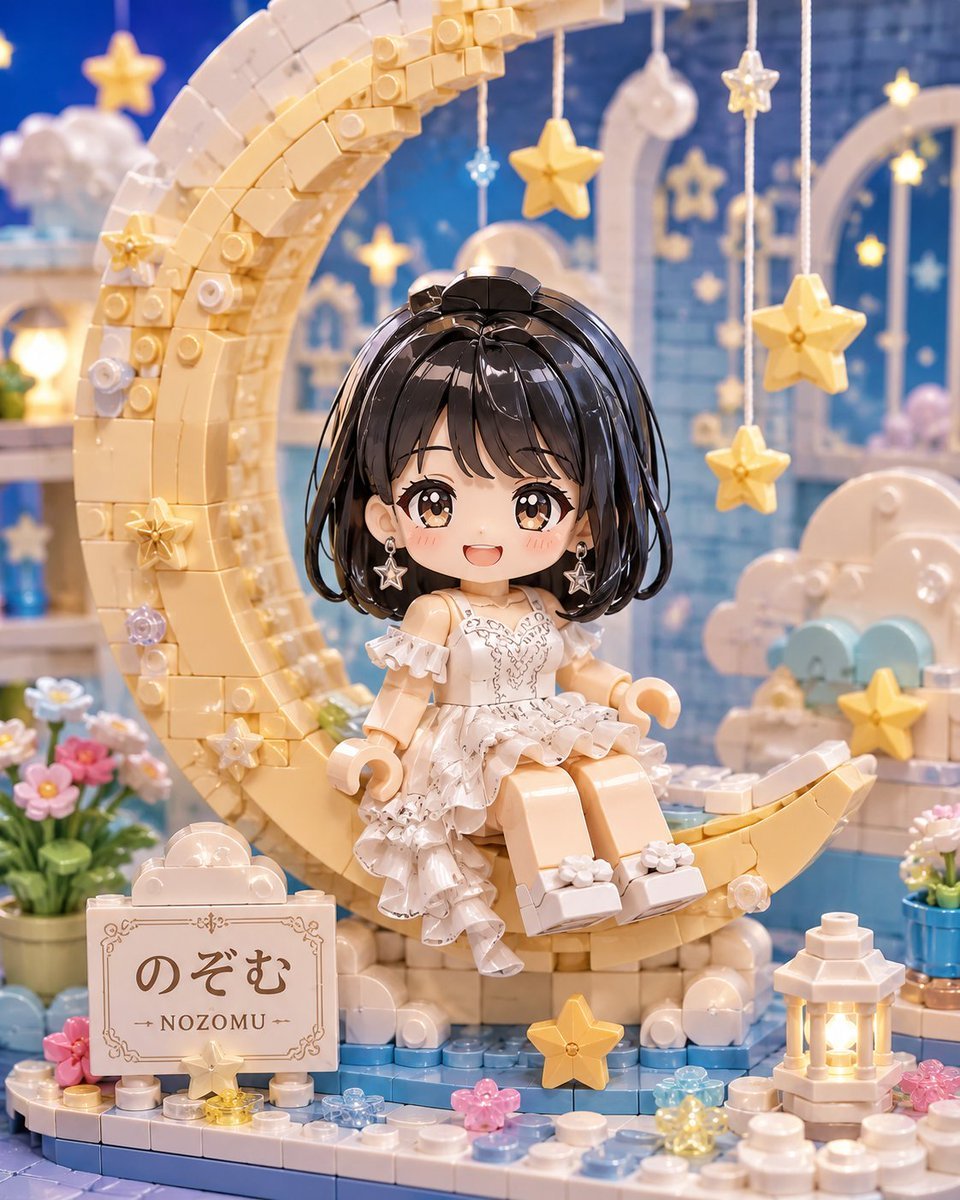
Kawaii Brick Moon Chibi Diorama

Paper Tunnel Book Architecture

Layered Paper Cut Forest Diorama

Cute Layered Paper Cut Chibi Girl

Soft Handcrafted Paper-Cut Layered Illustration
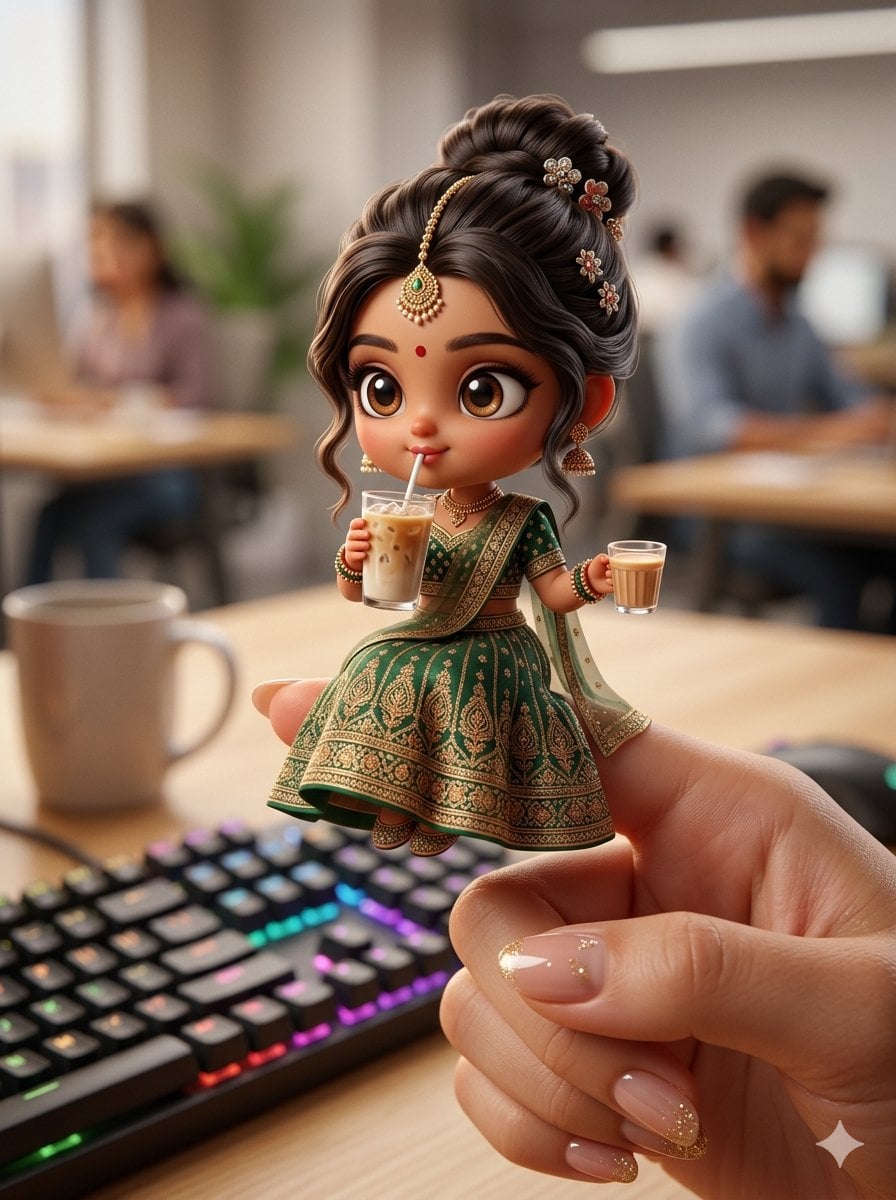
Chibi Doll 3D Miniature Scene
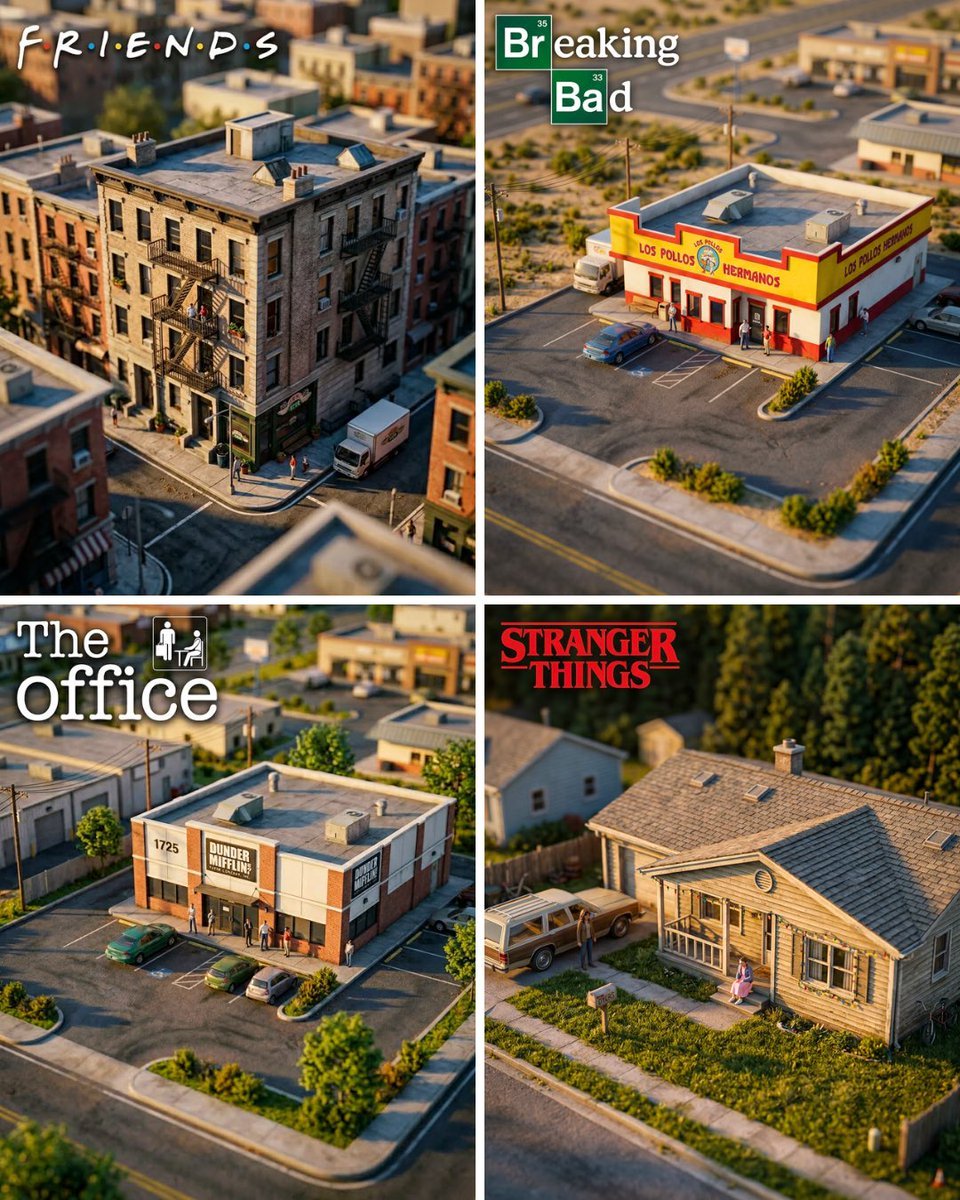
Hyper-Realistic Miniature Diorama Creator

Pixar-Style Chibi Café Morning Scene
Make it yours
Miniature Chibi Coffee Diorama works as-is. These are the safest ways to change it without losing the look.
Swap the setting
Keep the rest of the prompt and replace the location block. The current setting is “Vintage-Style Cozy Café (Miniature Diorama)”.
Swap the light
One lighting change is enough to compare takes. Current light: “Warm Ambient (Golden Glow, Soft Focus, Retro Décor)”.
Change one field
Copy a single group, rewrite it, and generate again so you can see what that field is doing.
| If the result… | Why | Fix |
|---|---|---|
| The result drifts from the preview | Too many fields changed at once. | Reuse Miniature Chibi Coffee Diorama as-is first, then change one group — subject, light, or setting. |
| Nano Banana 2 ignores part of the JSON | Some models flatten or skip nested keys. | Keep the same values and paste them as a short paragraph instead. |
More Nano Banana 2 templates
Other prompts made for Nano Banana 2.

Photorealistic Leaf Shaped Like a Dragon

K-Pop Idol Portrait Grid for Rapid Selection

Poetic Rain Forest Portrait During Golden Hour

Urban Street Portrait with Cartoon Inner Self Duo

Candid Nighttime Photo with Cat Prompt

High-Concept 3D Diorama Generation Prompt

Cinematic Futuristic Studio Portrait Template

Skincare Editorial Photography Collage Prompt

Hyper-Realistic Commercial Product Photography (Splash Effect)

Hyper-Realistic Nightclub Portrait Prompt
More image prompts
Fresh picks from across the catalog.

Subway Juice Drink Advertisement
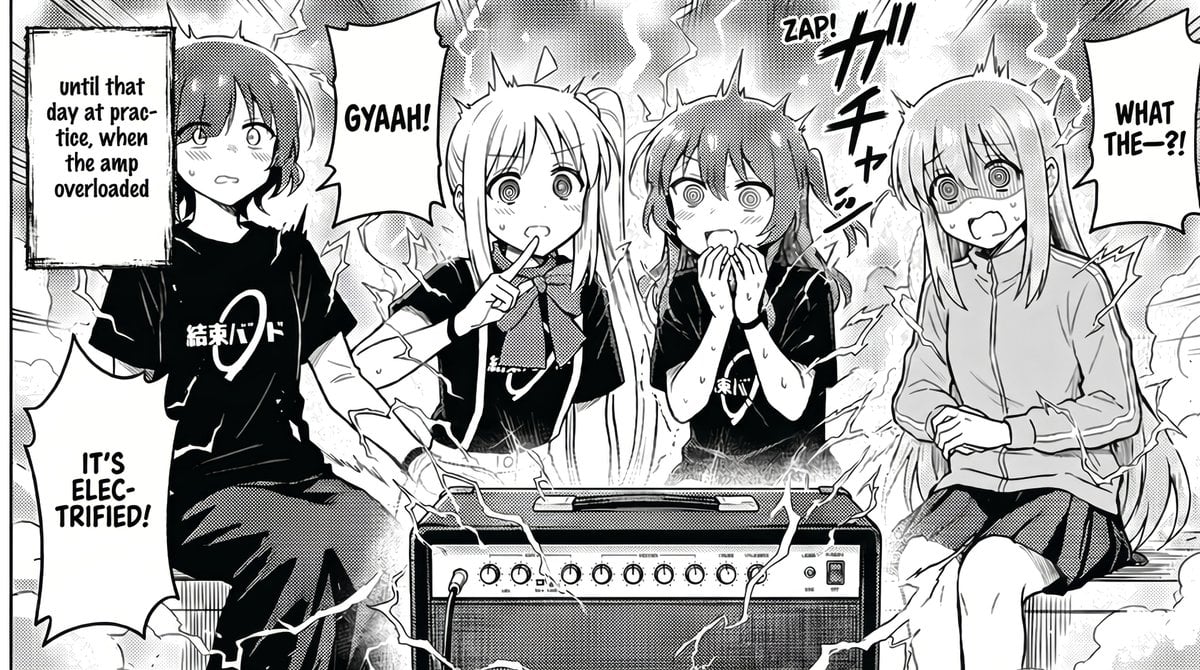
Manga Amp Shock Band Comic

Ultra-Realistic Beauty Editorial with Kiss Marks

Studio Fashion Portrait with High Contrast
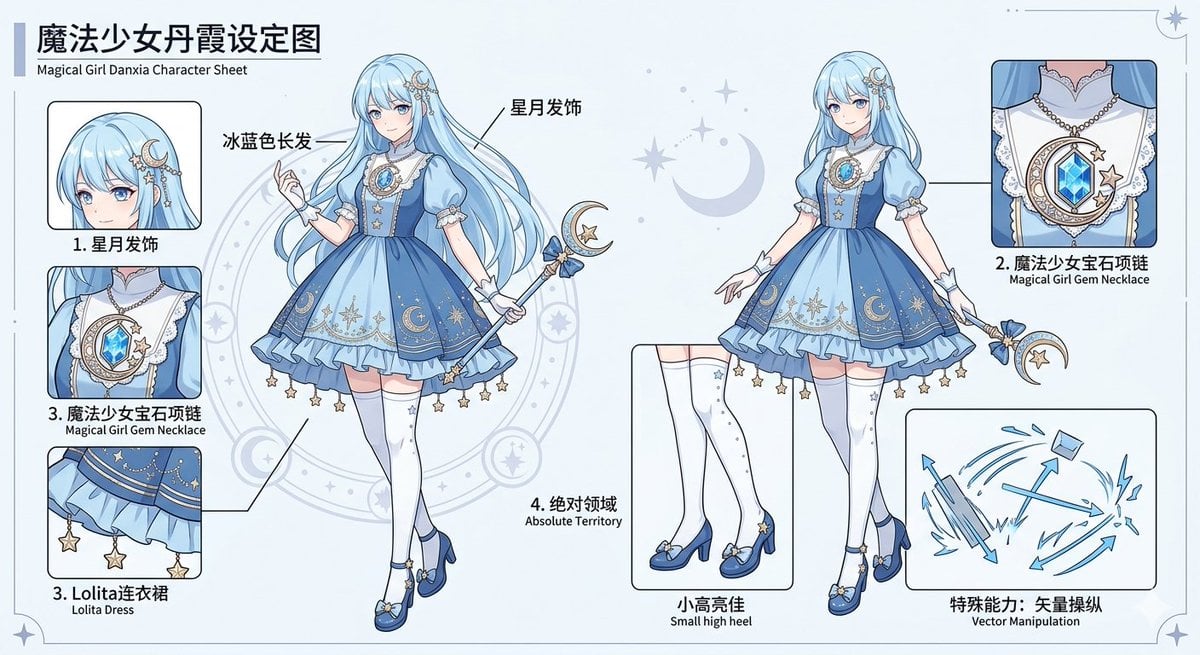
Magical Girl Character Sheet
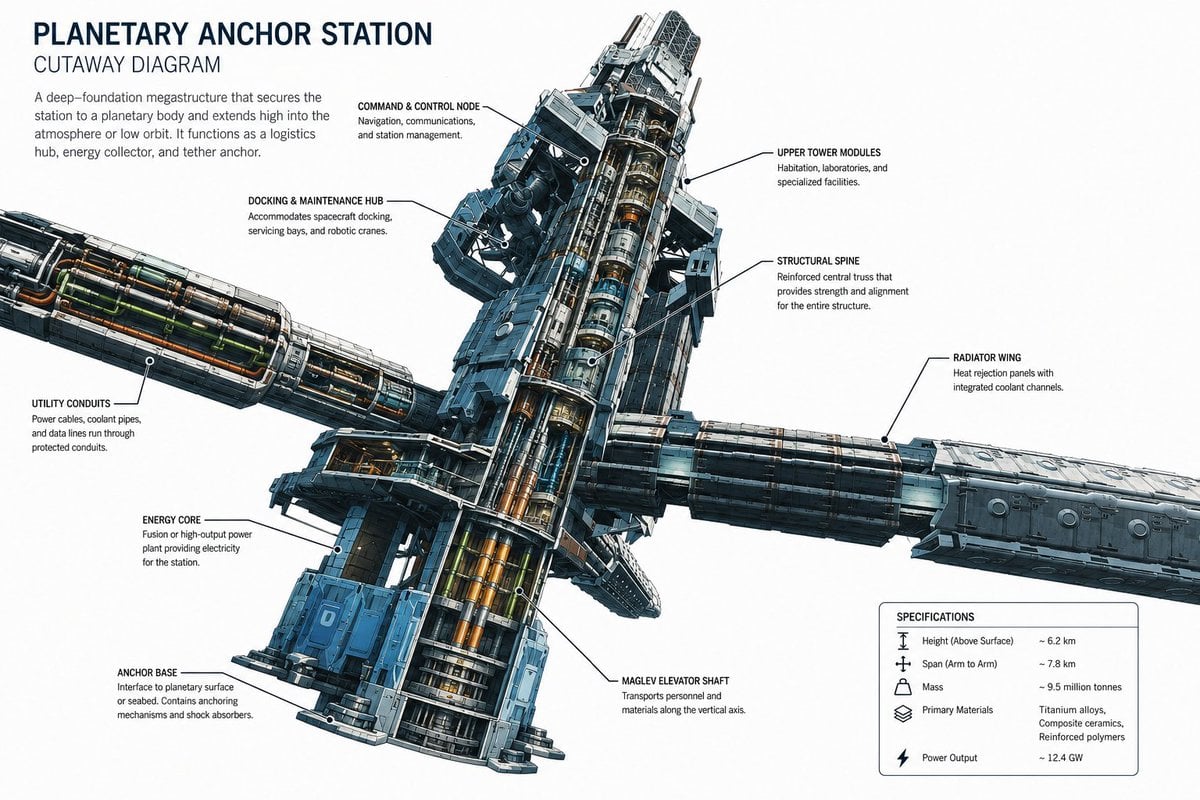
Planetary Anchor Station Cutaway

Generating 'Meme Hybrid' Beauties using Nano Banana Pro

untitled
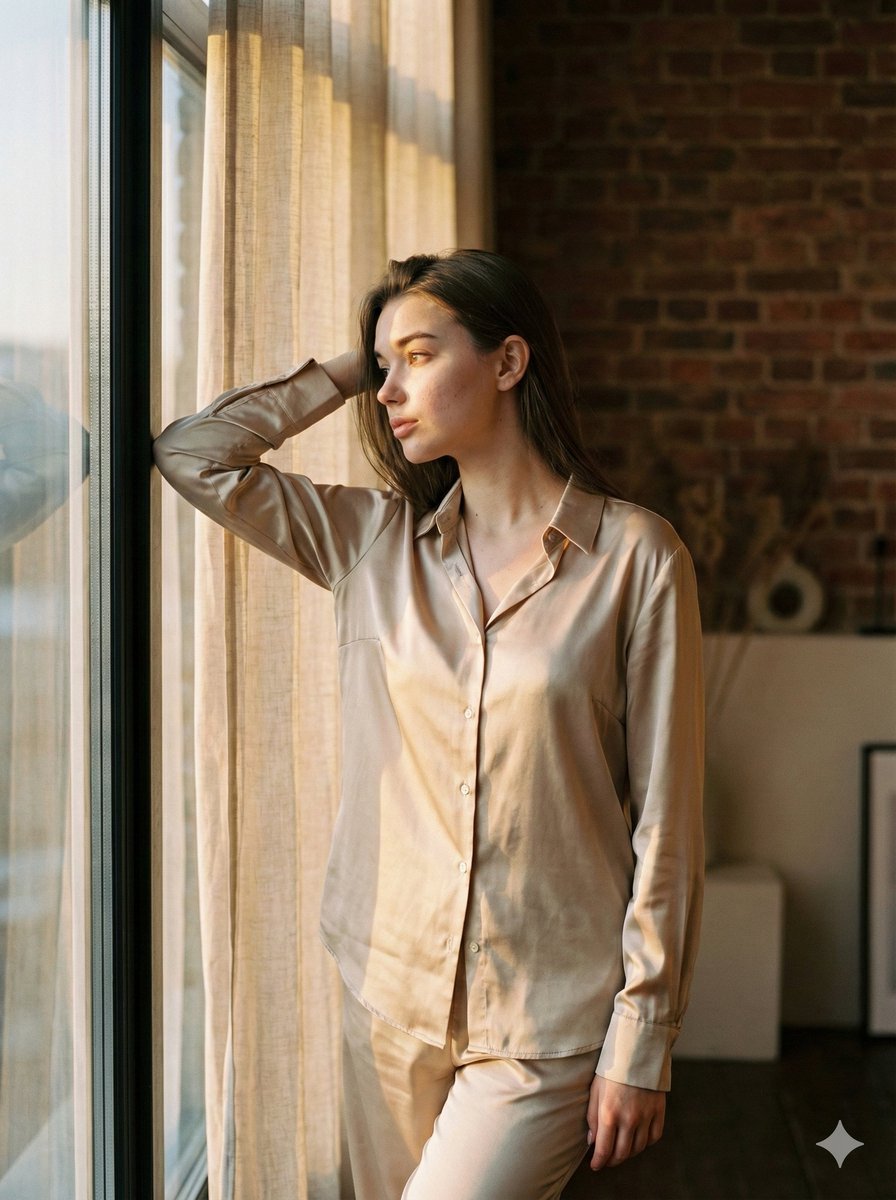
Golden Hour Loft Editorial Portrait JSON
Manga Street Racing Illustration
Browse template categories
Miniature Chibi Coffee Diorama questions
How do I use the Miniature Chibi Coffee Diorama template?
Add your photo if the template asks for one, edit the prompt if you like — the template's model and format are already selected — and press Generate. Your version opens in PicX Studio.
Can I customize the Miniature Chibi Coffee Diorama template?
Yes. You can change the subject, setting, lighting, mood, format, and available model controls before creating your image.
Is the Miniature Chibi Coffee Diorama template free?
Opening and editing this template is free. Generating uses credits, shown on the Generate button when you are signed in.
Which AI model should I use?
Start with Nano Banana 2, which is the model associated with this template. You can compare another compatible model for a different finish.
Looking for something else? Browse all templates.

Your photo, any look
Thousands of ready templates for every top image and video model, from one credit balance.