
Planetary Anchor Station Cutaway
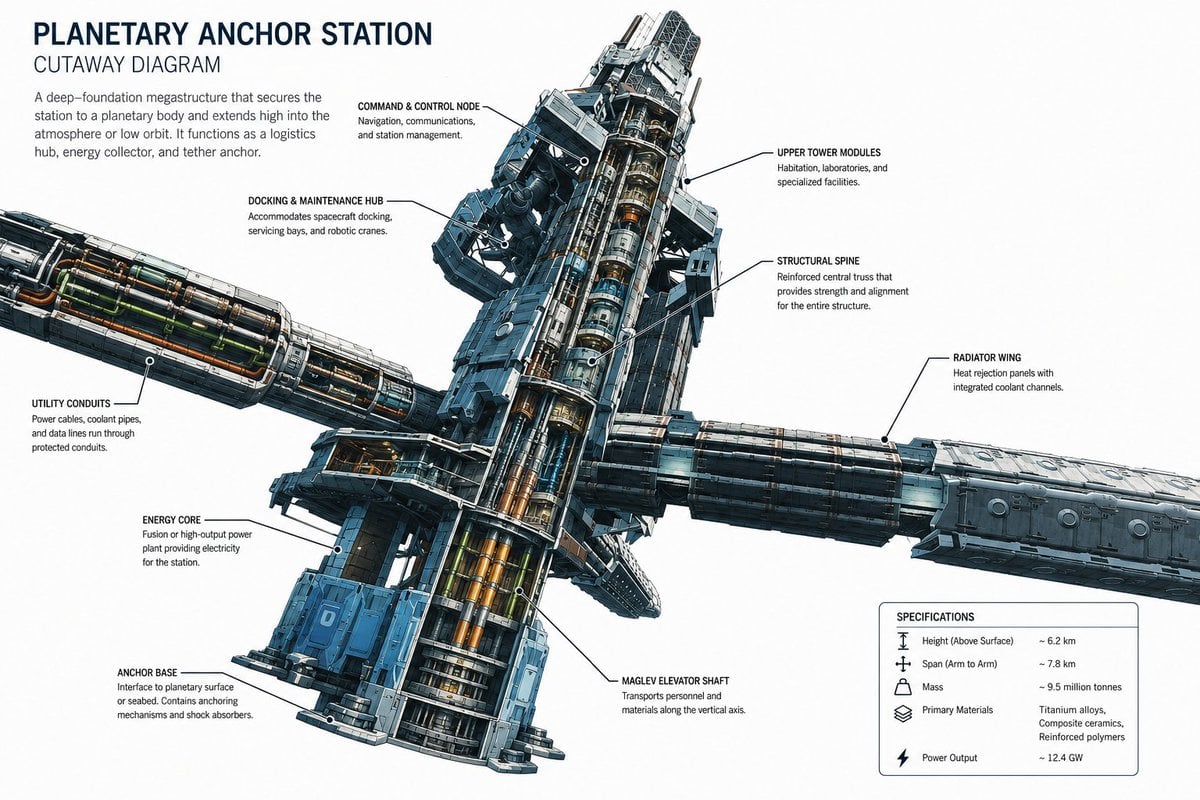
A detailed sci-fi engineering poster showing a labeled cutaway of a planetary anchor megastructure for worldbuilding or game concept art.
- Prompt included
- Model and format preset
- Free template
The prompt behind this image
Copy the exact prompt behind Planetary Anchor Station Cutaway, or open it in the studio and make it yours.
Goal: Create a clean sci-fi technical cutaway diagram of a massive No Man's Sky-inspired space megastructure labeled as {argument name="station name" default="PLANETARY ANCHOR STATION"}, showing a deep-foundation orbital tether/logistics hub in precise industrial detail. Canvas: Wide 3:2 landscape technical poster on a white background, high-resolution, with generous empty space for labels. Use a realistic hard-surface concept-art style with crisp black leader lines, small circular callout dots, thin technical typography, and subtle shadows under the structure. Main subject: A huge cross-sectioned vertical space station tilted diagonally from lower left to upper right, with two long horizontal arms extending left and right through the central tower. The structure is blue-gray, gunmetal, white, and dark steel, with exposed copper, orange, green, and black utility piping. The central tower is partially cut away to reveal stacked cylindrical machinery, conduits, elevator shafts, reactor sections, service decks, truss frames, and glowing industrial interiors. The left arm shows many exposed utility pipes inside segmented conduit housing. The right arm is a heavier rectangular radiator/armature with panel plating, circular ports, and mechanical seams. The lower end has a bulky blue anchor base with landing-foot-like supports and shock absorber details. Top-left text: Large bold uppercase title: {argument name="station name" default="PLANETARY ANCHOR STATION"}. Directly below it, smaller uppercase subtitle: {argument name="diagram subtitle" default="CUTAWAY DIAGRAM"}. Under the subtitle, add a short paragraph: {argument name="description text" default="A deep-foundation megastructure that secures the station to a planetary body and extends high into the atmosphere or low orbit. It functions as a logistics hub, energy collector, and tether anchor."} Callouts: Include exactly 9 labeled callouts with leader lines and small dot markers, using compact uppercase headings plus one short explanatory sentence each: 1. COMMAND & CONTROL NODE — Navigation, communications, and station management. 2. UPPER TOWER MODULES — Habitation, laboratories, and specialized facilities. 3. DOCKING & MAINTENANCE HUB — Accommodates spacecraft docking, servicing bays, and robotic cranes. 4. STRUCTURAL SPINE — Reinforced central truss that provides strength and alignment for the entire structure. 5. UTILITY CONDUITS — Power cables, coolant pipes, and data lines run through protected conduits. 6. RADIATOR WING — Heat rejection panels with integrated coolant channels. 7. ENERGY CORE — Fusion or high-output power plant providing electricity for the station. 8. ANCHOR BASE — Interface to planetary surface or seabed. Contains anchoring mechanisms and shock absorbers. 9. MAGLEV ELEVATOR SHAFT — Transports personnel and materials along the vertical axis. Specification box: Place a bordered white box in the lower-right corner titled SPECIFICATIONS. Include exactly 5 rows with small monochrome icons and values: Height (Above Surface) — {argument name="station height" default="~ 6.2 km"}; Span (Arm to Arm) — ~ 7.8 km; Mass — ~ 9.5 million tonnes; Primary Materials — Titanium alloys, Composite ceramics, Reinforced polymers; Power Output — ~ 12.4 GW. Visual style: Futuristic aerospace engineering diagram, photorealistic 3D model render mixed with infographic annotation, sharp panel lines, exposed mechanical innards, realistic scale, no people, no planets, no starfield, no watermark. Keep the background plain white and the typography clean, black, and highly legible.
How to use Planetary Anchor Station Cutaway in 3 steps
- 1Upload ImagePNG, JPG or paste
Add your photo
Upload the photo the template builds on. The prompt, model and format are already set.
- 2…a portrait of your subject in softgolden-hour light, 85mm…
Personalize
Edit the subject and creative details for your destination.
- 3Generate
Generate
Press Generate — your image is created in PicX Studio, so you can compare it with the original and refine one variable at a time.
More like this
Templates with the same subject, style or setup. Open one to see its prompt.
Planetary Survey Outpost Cutaway
Magnified Glass Building Cutaway

Clear, 45 top-down isometric miniature 3D cutaway diorama showing

PRIMARY STRUCTURE ANCHOR use the uploaded male 4x4 grid image suit

Use the reference as the primary anchor
Earth Cutaway Layer Infographic
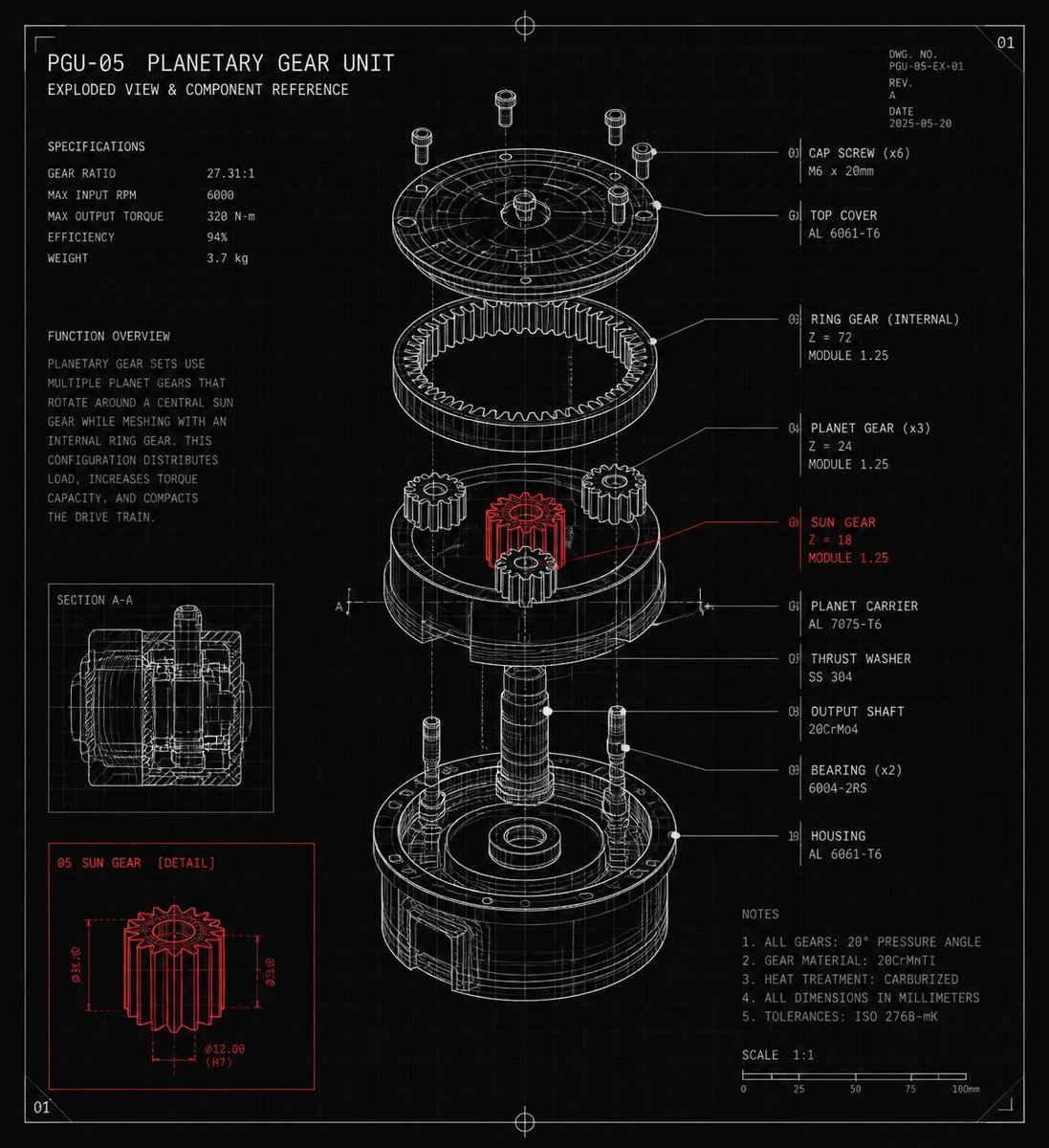
Planetary Gear Unit Blueprint
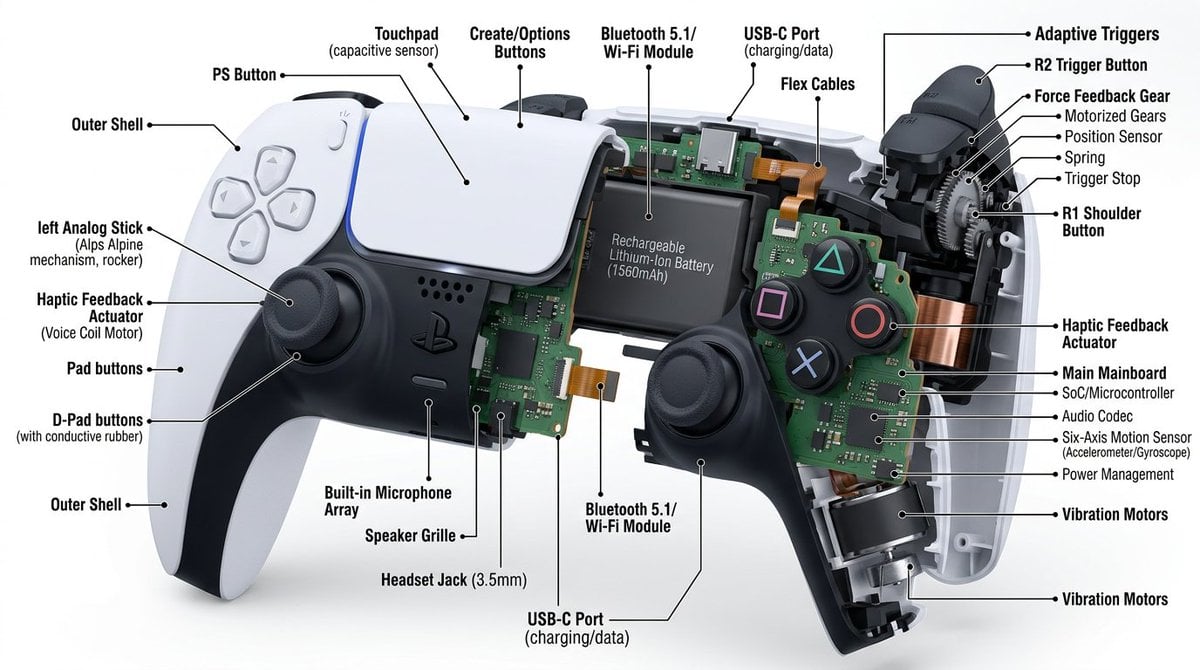
Technical Cutaway Diagram
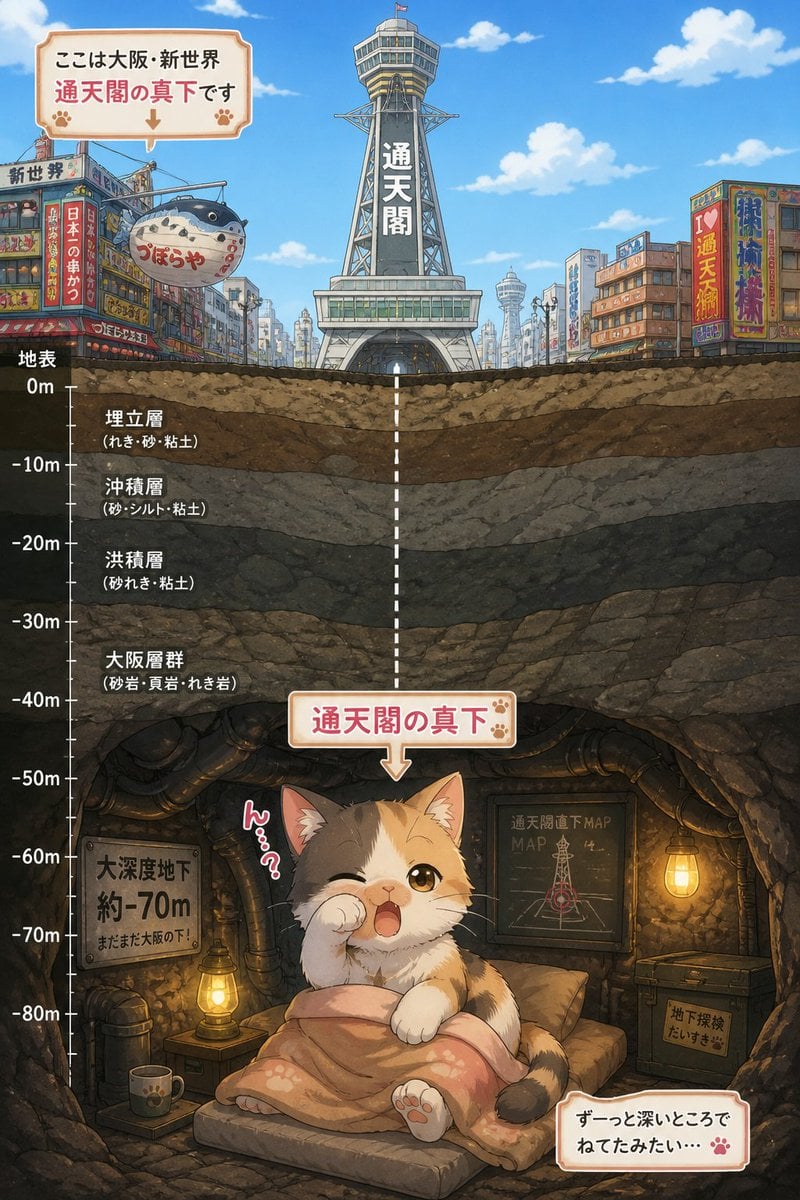
Kitten Under Tsutenkaku Cutaway
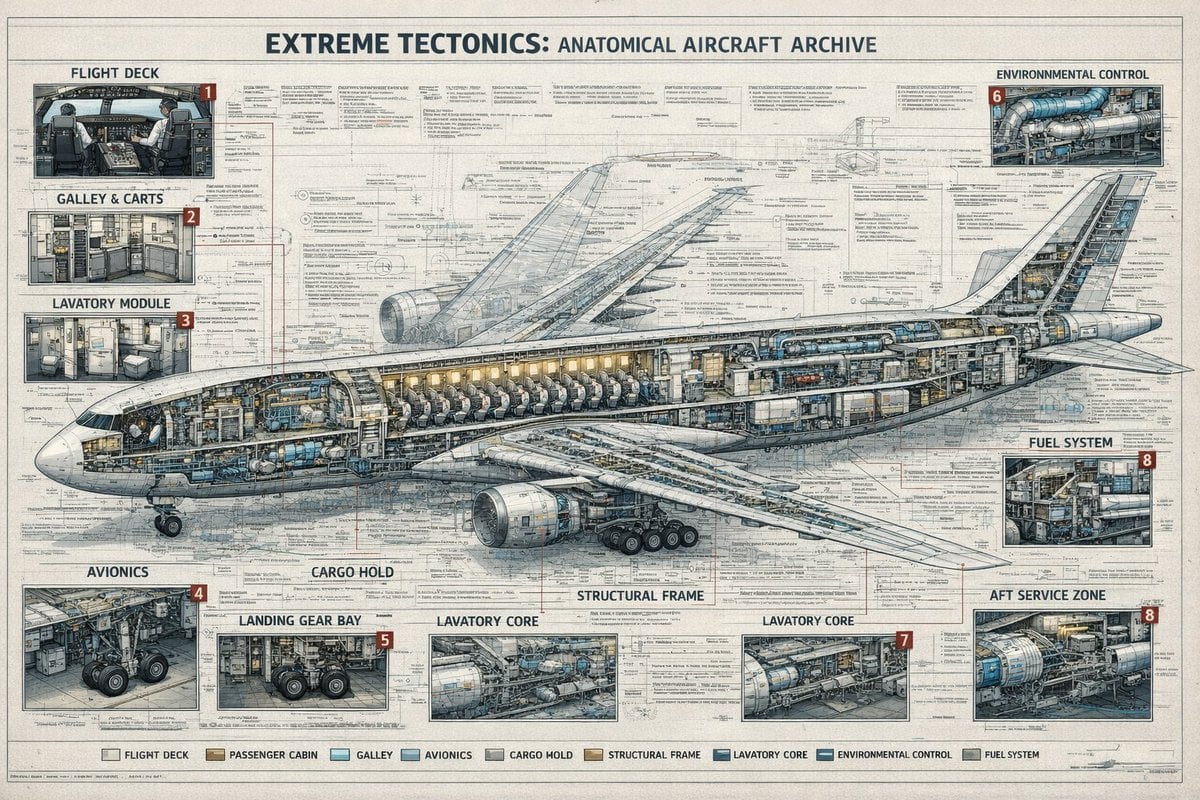
Aircraft Cutaway Archive Poster
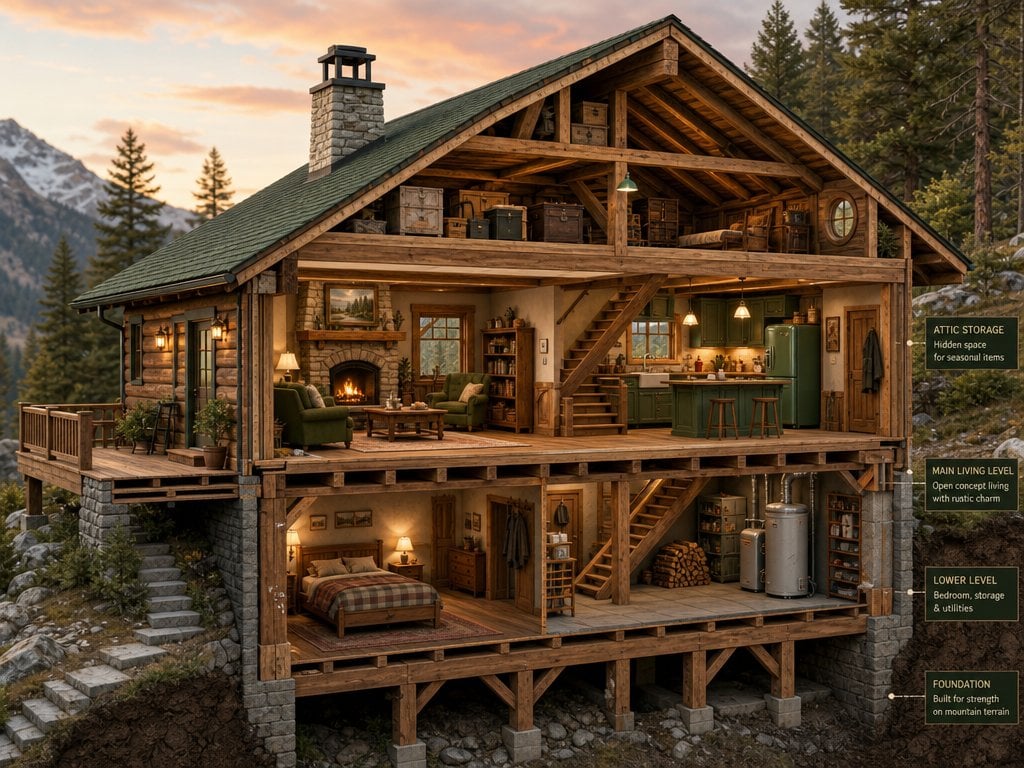
Cross-Section Cutaway Render
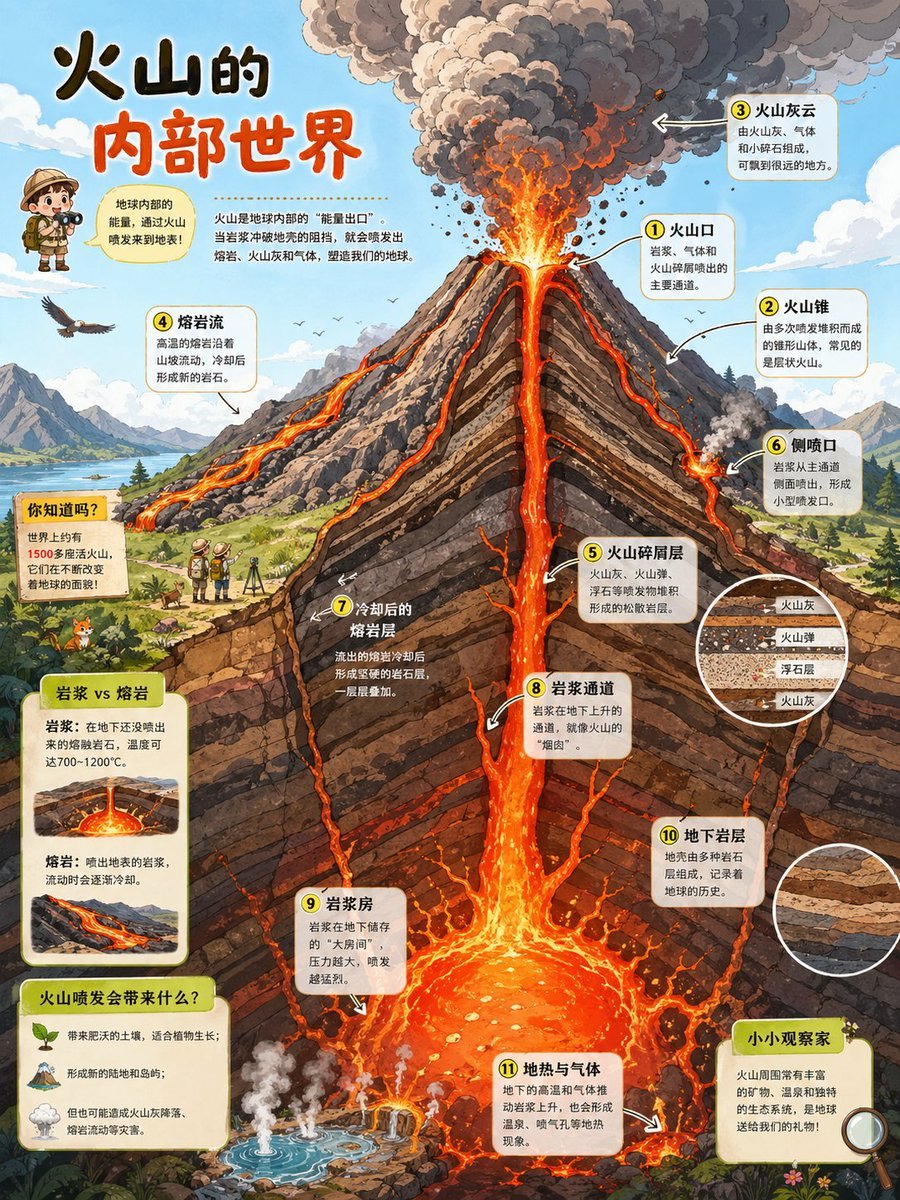
Volcano Cutaway Science Poster
Make it yours
Planetary Anchor Station Cutaway works as-is. These are the safest ways to change it without losing the look.
Change one field
Copy a single group, rewrite it, and generate again so you can see what that field is doing.
Keep the frame, change the subject
Hold the composition and light of Planetary Anchor Station Cutaway, then swap wardrobe, props or the person for a new take.
| If the result… | Why | Fix |
|---|---|---|
| The result drifts from the preview | Too many fields changed at once. | Reuse Planetary Anchor Station Cutaway as-is first, then change one group — subject, light, or setting. |
| The model over-stylizes the scene | The prose prompt leaves finish and camera underspecified. | Add one camera or lighting sentence and stay on GPT Image 2. |
More GPT Image 2 templates
Other prompts made for GPT Image 2.

Six VTuber Japanese Logo Sheet

Realistic Portrait of Woman and Deer

The Vista Modular Condo Poster

AI Model Routing Comparison Infographic

2.5D Anime Art Board

Isometric Productivity Desk Scene

New York Double Exposure Poster

Four-Panel AI Landscape Comparison

Japanese Tatami Lifestyle Magazine Cover

NESCAFÉ Coffee Map Poster
More image prompts
Fresh picks from across the catalog.

LLM Architecture Chat Screenshot
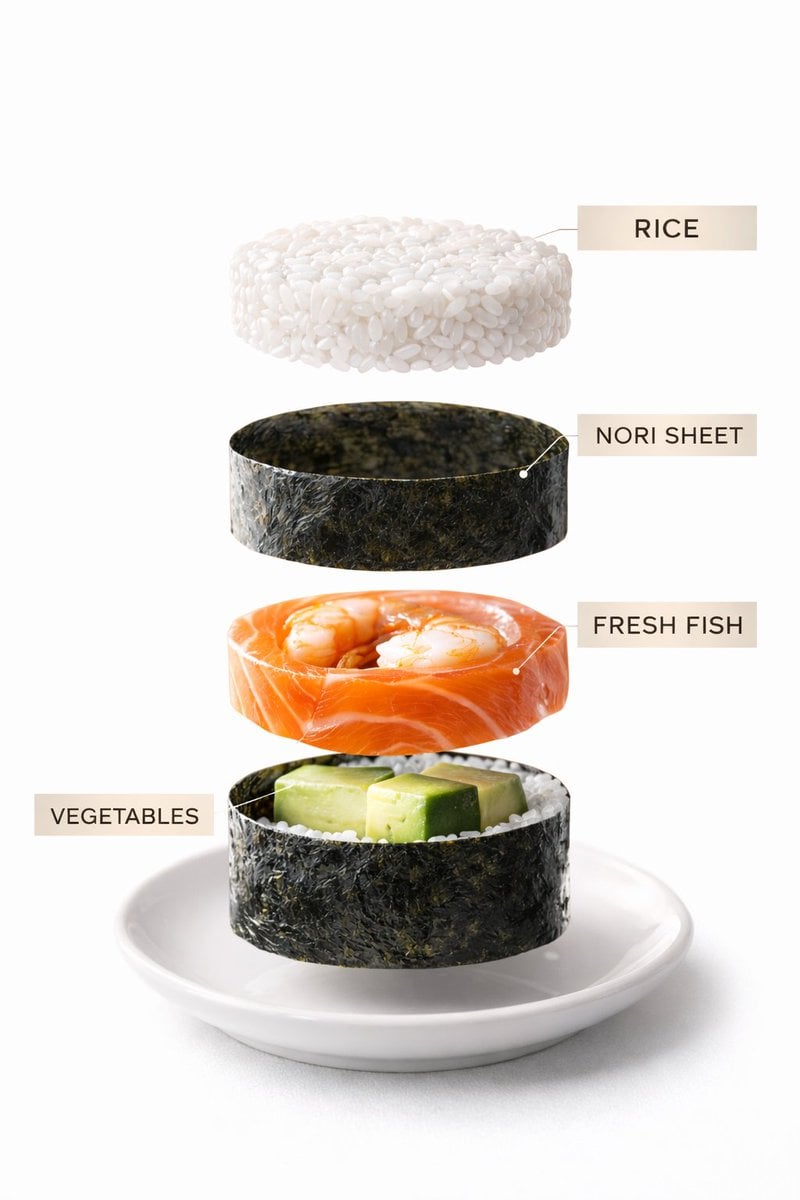
Sushi Commercial Photography and Exploded Diagram Prompt
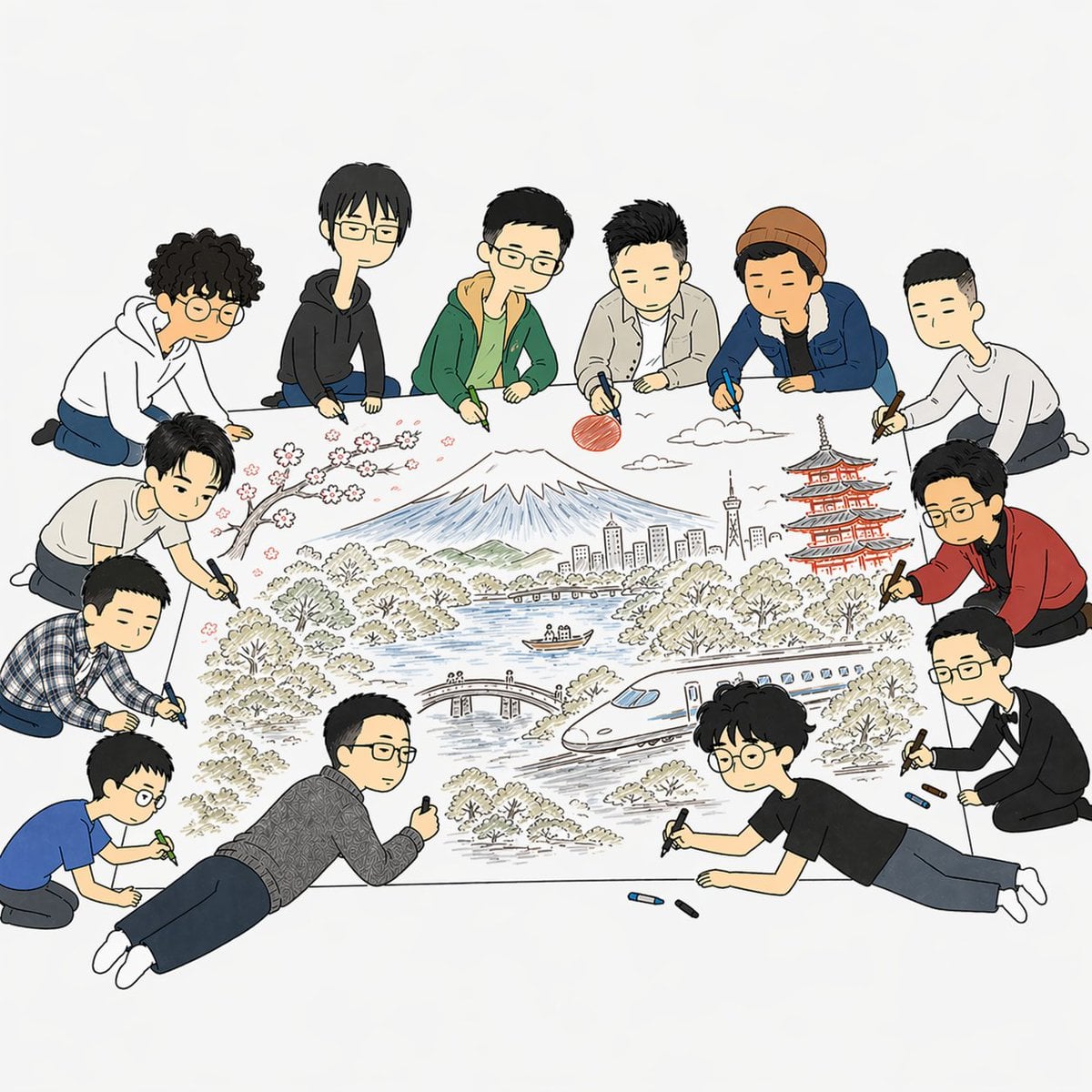
Team Drawing Japan Illustration

Neon Split Lighting Studio Portraits (Male and Female)

Psychic Woman in Underground Lab Cinematic Scene

Playful Office Chic Portrait
Image Style Transfer: Converting Photo to Seurat's Pointillism
Plush Chibi Soccer Mascot
Ultra-Realistic Artisan Chocolate Product Visuals

Cinematic Flash Editorial Couple Portrait in Paris
Browse template categories
Planetary Anchor Station Cutaway questions
How do I use the Planetary Anchor Station Cutaway template?
Add your photo if the template asks for one, edit the prompt if you like — the template's model and format are already selected — and press Generate. Your version opens in PicX Studio.
Can I customize the Planetary Anchor Station Cutaway template?
Yes. You can change the subject, setting, lighting, mood, format, and available model controls before creating your image.
Is the Planetary Anchor Station Cutaway template free?
Opening and editing this template is free. Generating uses credits, shown on the Generate button when you are signed in.
Which AI model should I use?
Start with GPT Image 2, which is the model associated with this template. You can compare another compatible model for a different finish.
Looking for something else? Browse all templates.

Your photo, any look
Thousands of ready templates for every top image and video model, from one credit balance.