
Aircraft Cutaway Archive Poster
A highly detailed engineering-style poster showing a commercial jet in cross-section with nine labeled system categories and multiple technical inset panels, ideal for generating premium infographic art.
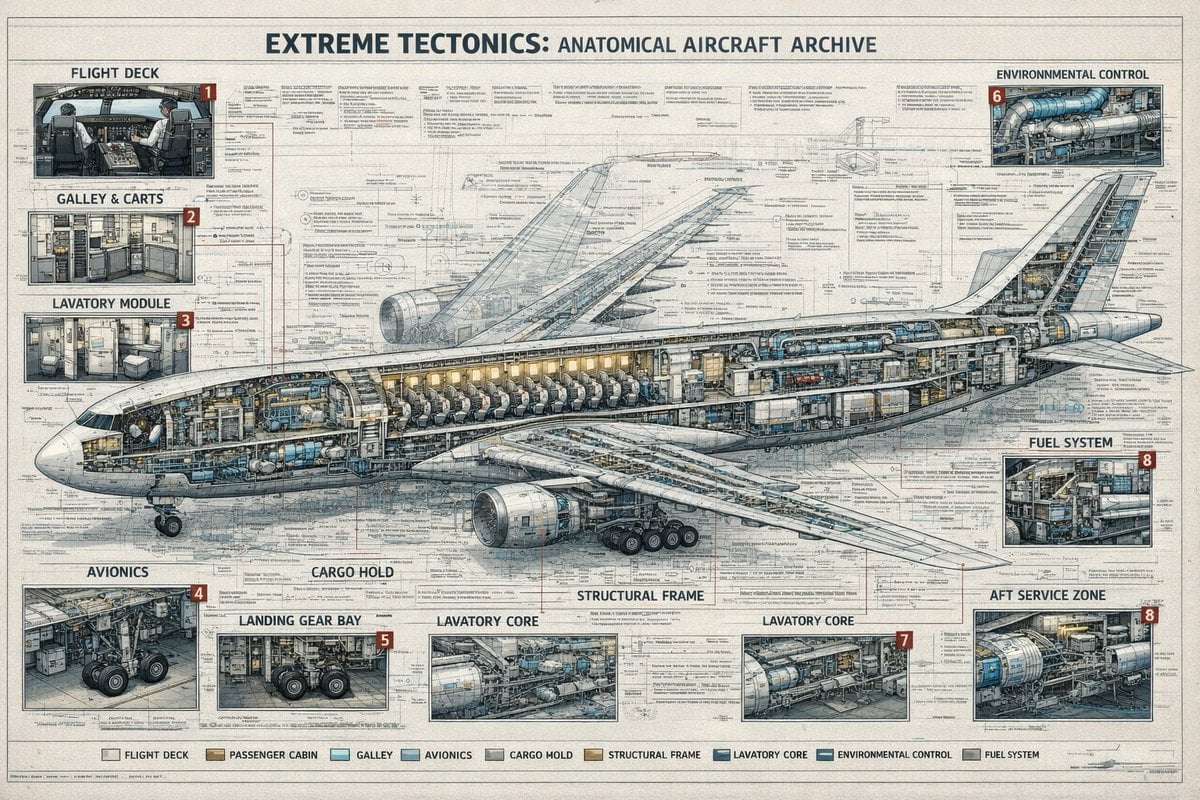
- Prompt included
- Model and format preset
- Free template
The prompt behind this image
Copy the exact prompt behind Aircraft Cutaway Archive Poster, or open it in the studio and make it yours.
- Type
- technical aircraft cutaway infographic poster
- Subject › Title
- {argument name="headline text" default="EXTREME TECTONICS: ANATOMICAL AIRCRAFT ARCHIVE"}
- Subject › Aircraft
- wide-body commercial passenger jet in side cutaway view, nose facing left, tail to the right, landing gear deployed, one large underwing engine visible, internal cabin and systems exposed
- Subject › Style
- ultra-detailed aerospace engineering blueprint mixed with architectural archive plate, precise cross-section drawing, dense annotation lines, clean readable microtext, muted ink-and-wash rendering, off-white aged paper texture, blue-gray graphite linework, subtle tan and steel accents
- Layout › Format
- single large landscape poster
- Layout › Background
- full-page engineering schematic with layered orthographic outlines, measurement marks, callout leaders, technical notes, and faint drafting grids
- Layout › Centerpiece
- one enormous airplane cross-section spanning nearly the full width of the page, showing cockpit, passenger seating rows, service compartments, internal ducts, cargo spaces, structural frame, and tail systems
- Layout › Sections › 0 › Title
- FLIGHT DECK
- Layout › Sections › 0 › Position
- top left
- Layout › Sections › 0 › Count
- 1
- Layout › Sections › 0 › Labels
- 1
- Layout › Sections › 0 › Description
- cockpit interior inset with pilots' seats, instrument panels, windows, and surrounding avionics
- Layout › Sections › 1 › Title
- GALLEY & CARTS
- Layout › Sections › 1 › Position
- upper left below flight deck
- Layout › Sections › 1 › Count
- 1
- Layout › Sections › 1 › Labels
- 2
- Layout › Sections › 1 › Description
- service galley inset with storage racks, ovens, trolleys, cabinets, and narrow aisle
- Layout › Sections › 2 › Title
- LAVATORY MODULE
- Layout › Sections › 2 › Position
- left middle below galley
- Layout › Sections › 2 › Count
- 1
- Layout › Sections › 2 › Labels
- 3
- Layout › Sections › 2 › Description
- small restroom inset with toilet, sink, wall panels, and door
- Layout › Sections › 3 › Title
- ENVIRONMENTAL CONTROL
- Layout › Sections › 3 › Position
- top right
Raw JSON
{"type":"technical aircraft cutaway infographic poster","subject":{"title":"{argument name=\"headline text\" default=\"EXTREME TECTONICS: ANATOMICAL AIRCRAFT ARCHIVE\"}","aircraft":"wide-body commercial passenger jet in side cutaway view, nose facing left, tail to the right, landing gear deployed, one large underwing engine visible, internal cabin and systems exposed","style":"ultra-detailed aerospace engineering blueprint mixed with architectural archive plate, precise cross-section drawing, dense annotation lines, clean readable microtext, muted ink-and-wash rendering, off-white aged paper texture, blue-gray graphite linework, subtle tan and steel accents"},"layout":{"format":"single large landscape poster","background":"full-page engineering schematic with layered orthographic outlines, measurement marks, callout leaders, technical notes, and faint drafting grids","centerpiece":"one enormous airplane cross-section spanning nearly the full width of the page, showing cockpit, passenger seating rows, service compartments, internal ducts, cargo spaces, structural frame, and tail systems","sections":[{"title":"FLIGHT DECK","position":"top left","count":1,"labels":["1"],"description":"cockpit interior inset with pilots' seats, instrument panels, windows, and surrounding avionics"},{"title":"GALLEY & CARTS","position":"upper left below flight deck","count":1,"labels":["2"],"description":"service galley inset with storage racks, ovens, trolleys, cabinets, and narrow aisle"},{"title":"LAVATORY MODULE","position":"left middle below galley","count":1,"labels":["3"],"description":"small restroom inset with toilet, sink, wall panels, and door"},{"title":"ENVIRONMENTAL CONTROL","position":"top right","count":1,"labels":["6"],"description":"mechanical systems inset with ducts, pipes, turbines, and cylindrical equipment"},{"title":"FUEL SYSTEM","position":"right middle","count":1,"labels":["8"],"description":"compact machinery inset showing tanks, pumps, and pipework"},{"title":"AVIONICS","position":"bottom left","count":1,"labels":["4"],"description":"electronics bay inset with wiring, cabinets, equipment racks, and landing gear nearby"},{"title":"LANDING GEAR BAY","position":"lower left-center","count":1,"labels":["5"],"description":"gear compartment inset focused on wheel assemblies, struts, and surrounding structure"},{"title":"LAVATORY CORE","position":"bottom center","count":2,"labels":["LAVATORY CORE","LAVATORY CORE"],"description":"2 separate service-core insets with exposed cylindrical tanks, ducting, and interior support systems; the right inset carries label number 7"},{"title":"AFT SERVICE ZONE","position":"bottom right","count":1,"labels":["8"],"description":"rear technical compartment inset with large blue cylindrical unit, pipes, service access, and structural framing"}],"additional_labels":[{"text":"CARGO HOLD","position":"lower center-left"},{"text":"STRUCTURAL FRAME","position":"lower center"}],"legend":{"position":"bottom center","count":9,"labels":["FLIGHT DECK","PASSENGER CABIN","GALLEY","AVIONICS","CARGO HOLD","STRUCTURAL FRAME","LAVATORY CORE","ENVIRONMENTAL CONTROL","FUEL SYSTEM"]}},"composition":{"camera":"orthographic side elevation","poster_margins":"thin border around the entire sheet","text_density":"very high, with many tiny notes, arrows, and part labels distributed across the page","lighting":"flat archival illustration lighting, not photographic, optimized for legibility","finish":"crisp 4K infographic print quality, no gibberish text, authentic typography, meticulous line precision"}}How to use Aircraft Cutaway Archive Poster in 3 steps
- 1Upload ImagePNG, JPG or paste
Add your photo
Upload the photo the template builds on. The prompt, model and format are already set.
- 2…a portrait of your subject in softgolden-hour light, 85mm…
Personalize
Edit the subject and creative details for your destination.
- 3Generate
Generate
Press Generate — your image is created in PicX Studio, so you can compare it with the original and refine one variable at a time.
More like this
Templates with the same subject, style or setup. Open one to see its prompt.

Gpt2 Infographic Edu Visual Biomimetic Skyray Aircraft Poster

Japan Travel Brochure Poster

Cartoon TV Show Poster Pack

Trendy Cafe Drink Promo Poster

Urban Fashion Editorial Collage Streetwear Poster

Premium Fashion Editorial Cover Layout System

Polo Ralph Lauren Luxury American Heritage Fashion Campaign

Monochrome Halftone Editorial Fashion Poster

Retro Mirror Luxury Fashion Campaign Poster

Luxury Fashion Campaign Typography Poster System

Premium Fashion Editorial Campaign Poster System

Ultra-Stylized High-Fashion Streetwear Poster
Make it yours
Aircraft Cutaway Archive Poster works as-is. These are the safest ways to change it without losing the look.
Swap the setting
Keep the rest of the prompt and replace the location block. The current setting is “full-page engineering schematic with layered orthographic outlines, measurement ”.
Swap the light
One lighting change is enough to compare takes. Current light: “flat archival illustration lighting, not photographic, optimized for legibility”.
Change one field
Copy a single group, rewrite it, and generate again so you can see what that field is doing.
| If the result… | Why | Fix |
|---|---|---|
| The result drifts from the preview | Too many fields changed at once. | Reuse Aircraft Cutaway Archive Poster as-is first, then change one group — subject, light, or setting. |
| GPT Image 2 ignores part of the JSON | Some models flatten or skip nested keys. | Keep the same values and paste them as a short paragraph instead. |
More GPT Image 2 templates
Other prompts made for GPT Image 2.

Six VTuber Japanese Logo Sheet

Realistic Portrait of Woman and Deer

The Vista Modular Condo Poster

AI Model Routing Comparison Infographic

2.5D Anime Art Board

Isometric Productivity Desk Scene

New York Double Exposure Poster

Four-Panel AI Landscape Comparison

Japanese Tatami Lifestyle Magazine Cover

NESCAFÉ Coffee Map Poster
More image prompts
Fresh picks from across the catalog.

Inuyasha Plush Toy Generation Prompt

Ultra-Realistic Cinematic Black and White Portrait

Faceless Anime Fashion Portrait
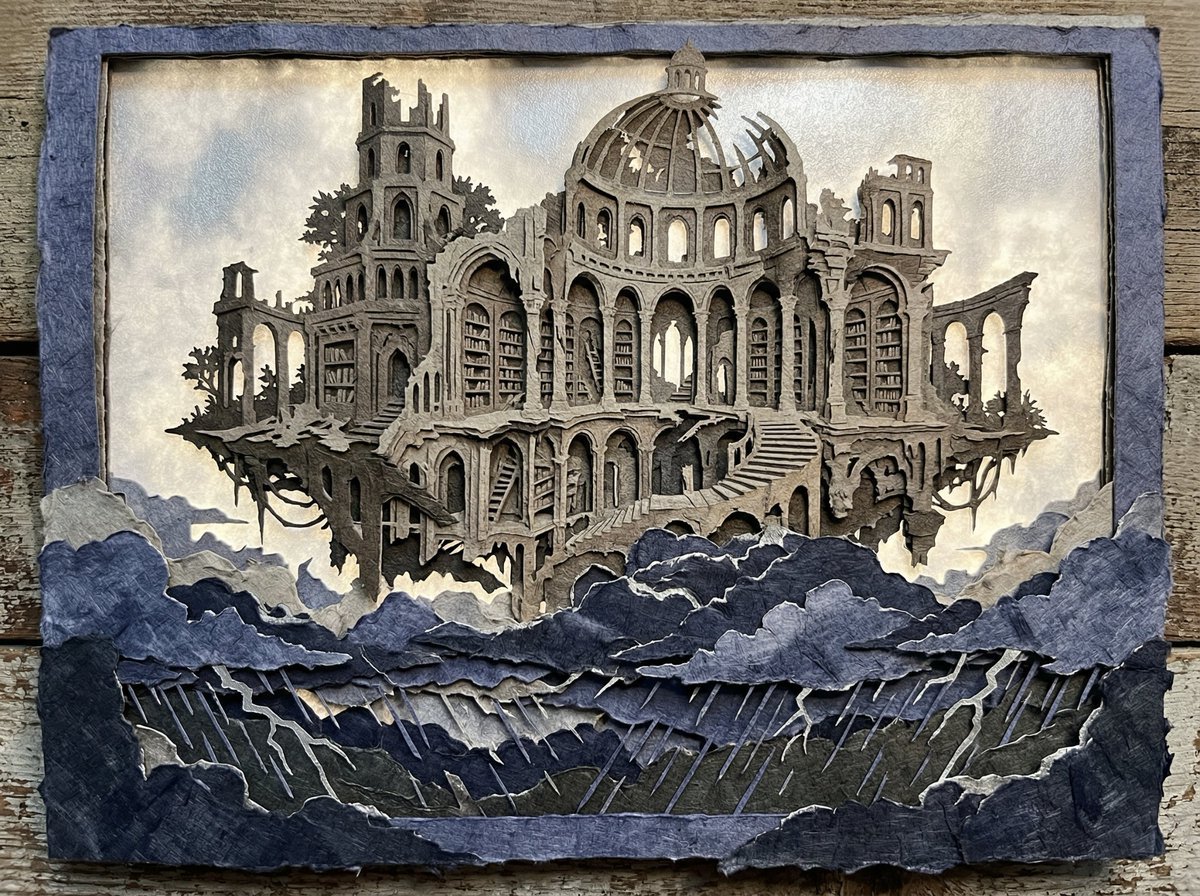
Intricate Paper Cut Silhouette of a Library
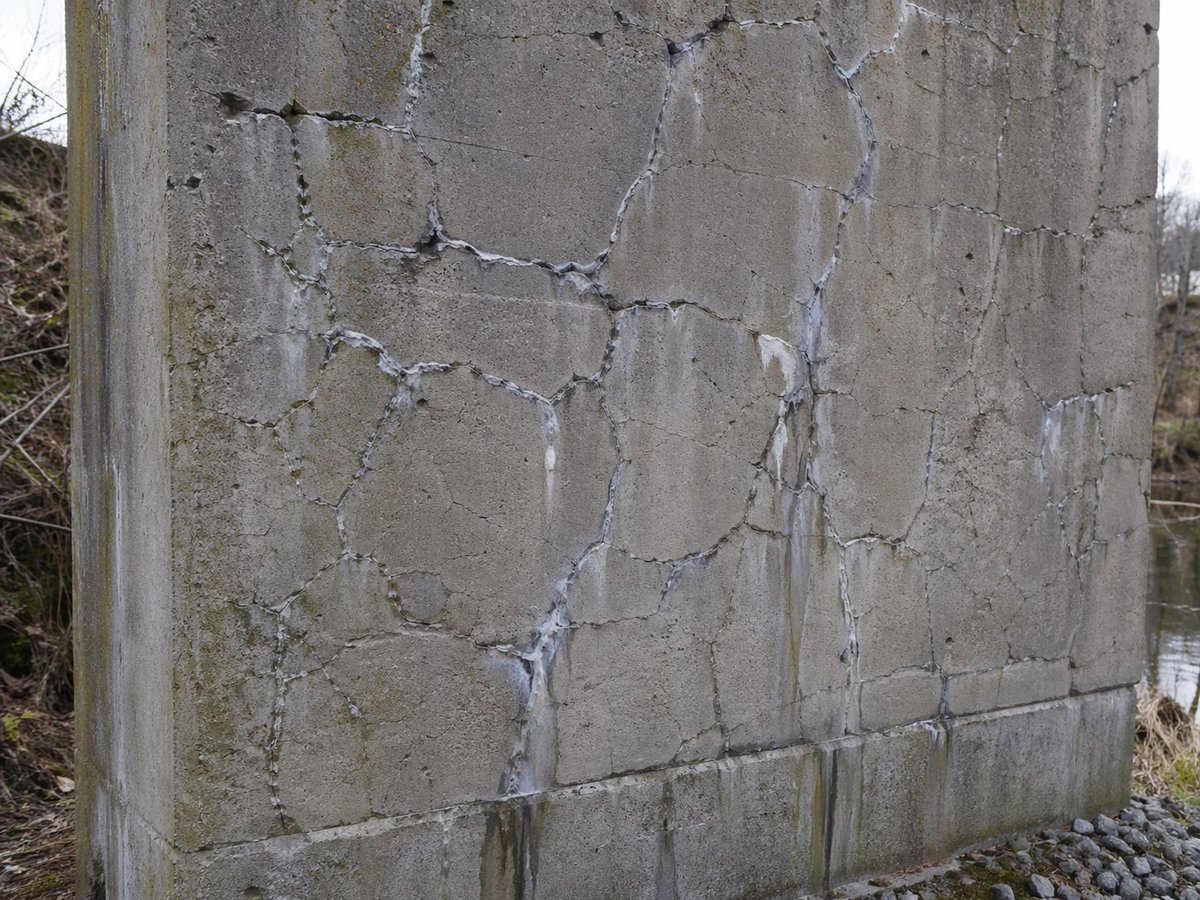
Concrete Wall with ASR Map Cracking

Strawberry Repair Cream Product Shot

Blue Adidas Streetwear Composite Portrait Prompt (Nano Banana Pro)
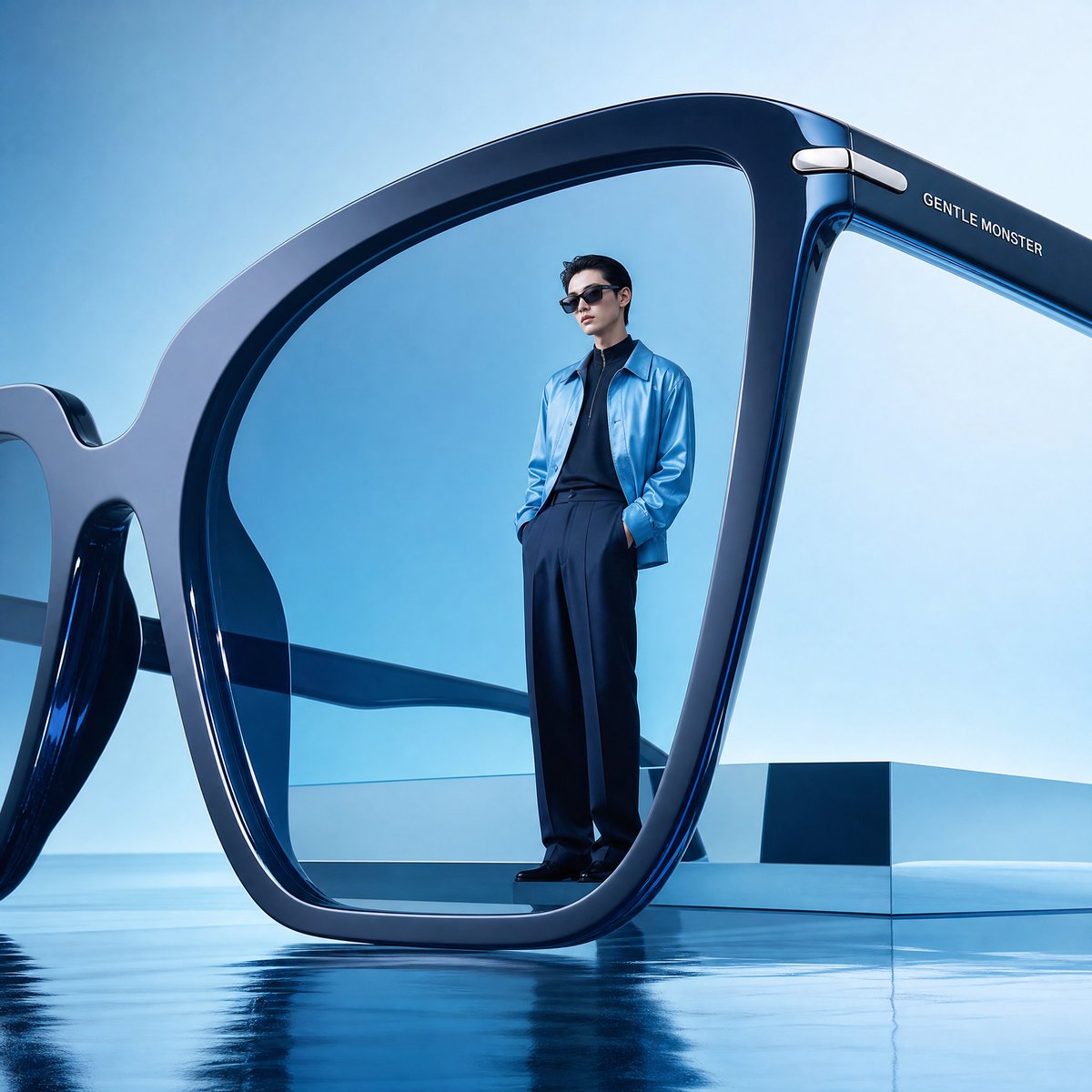
Futuristic Surreal Eyewear Advertisement
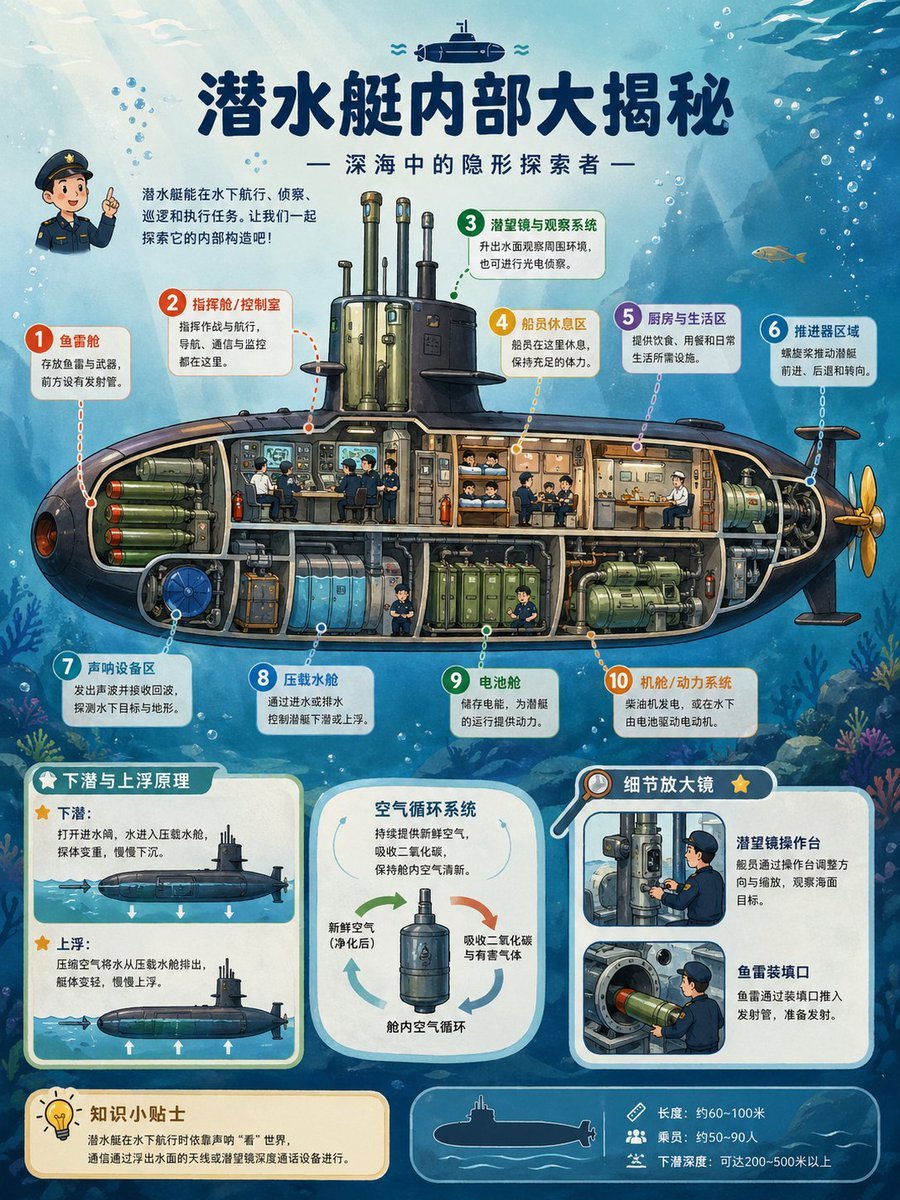
Submarine Cutaway Encyclopedia Poster

Shopping date scenario prompt
Browse template categories
Aircraft Cutaway Archive Poster questions
How do I use the Aircraft Cutaway Archive Poster template?
Add your photo if the template asks for one, edit the prompt if you like — the template's model and format are already selected — and press Generate. Your version opens in PicX Studio.
Can I customize the Aircraft Cutaway Archive Poster template?
Yes. You can change the subject, setting, lighting, mood, format, and available model controls before creating your image.
Is the Aircraft Cutaway Archive Poster template free?
Opening and editing this template is free. Generating uses credits, shown on the Generate button when you are signed in.
Which AI model should I use?
Start with GPT Image 2, which is the model associated with this template. You can compare another compatible model for a different finish.
Looking for something else? Browse all templates.

Your photo, any look
Thousands of ready templates for every top image and video model, from one credit balance.