How do I use the Intricate Paper Cut Silhouette of a Library template?
Choose the primary action to open PicX Studio with the available template settings. Review the model and format, personalize the creative direction, and generate when ready.
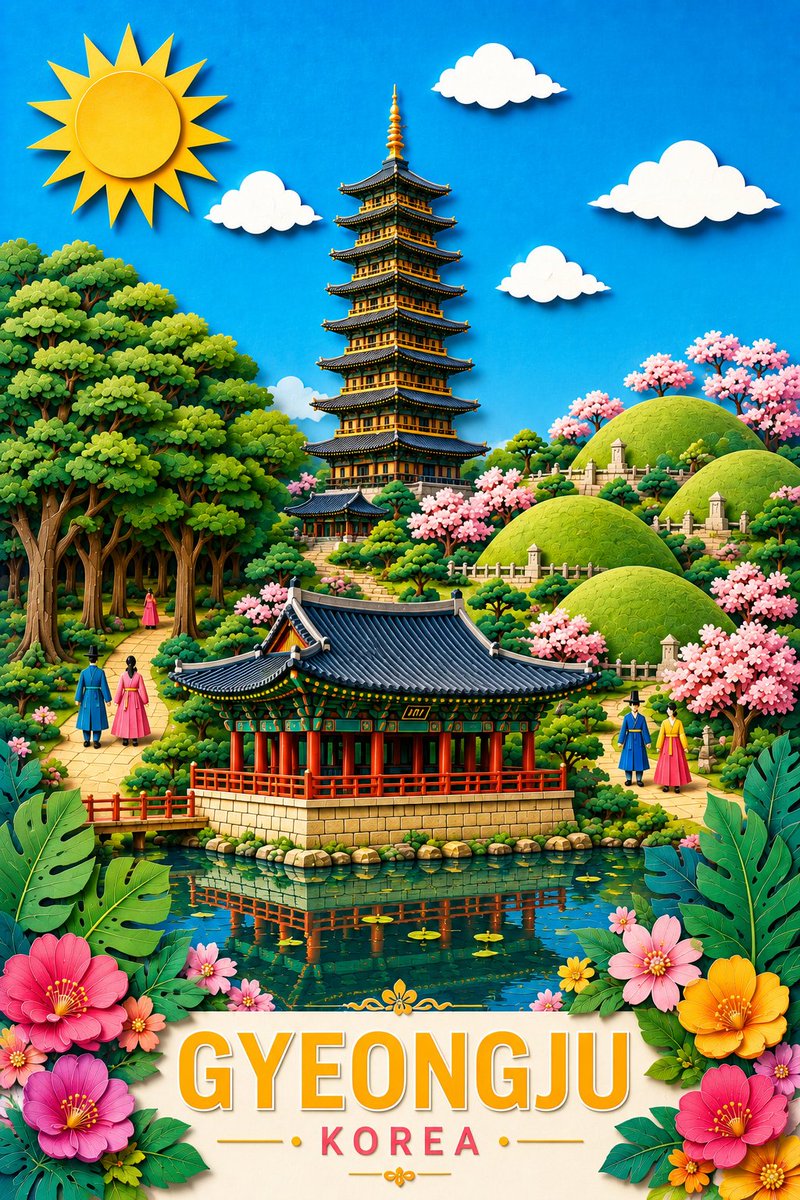
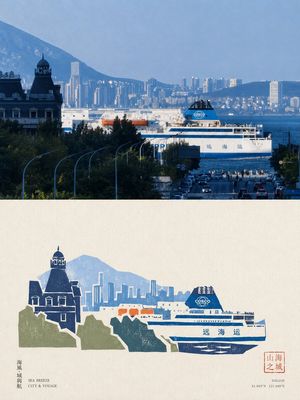
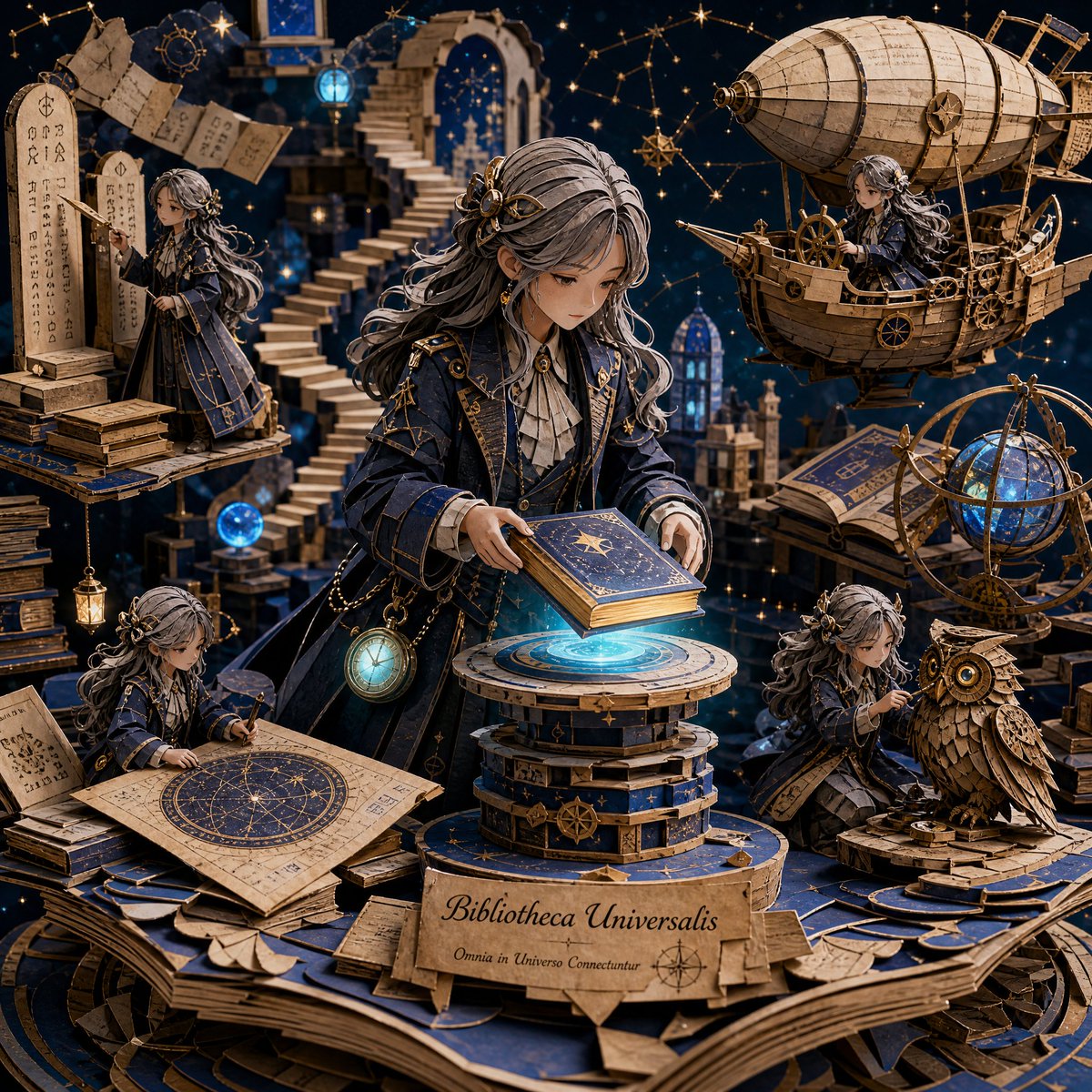
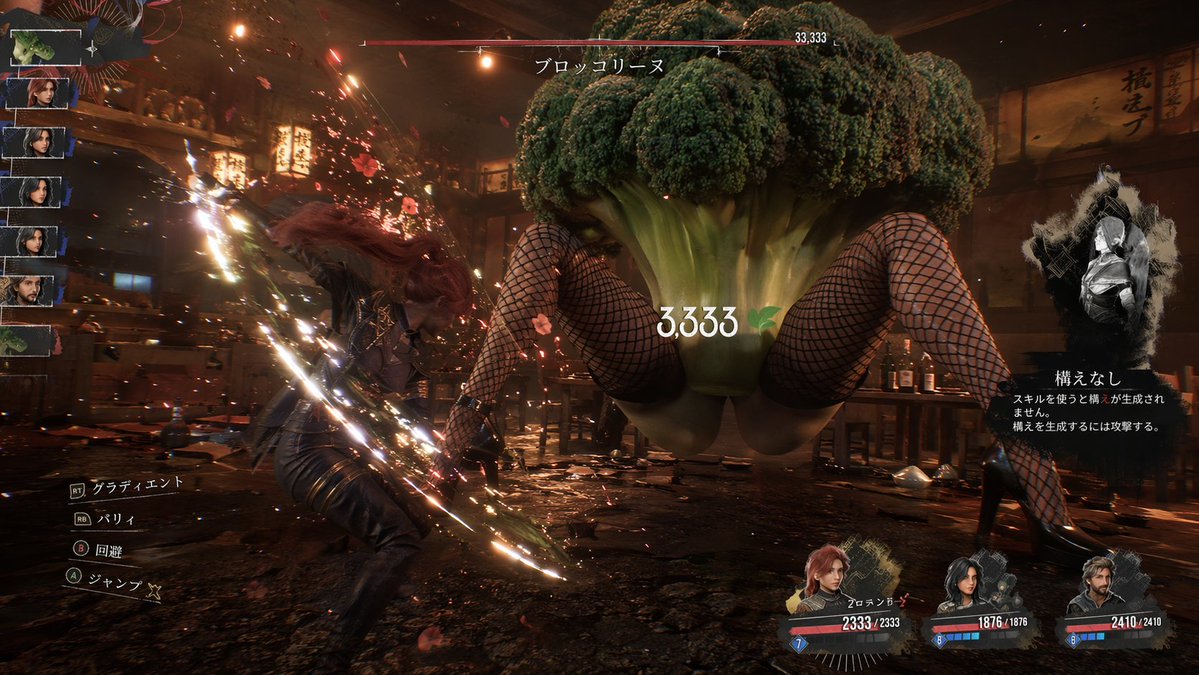
A detailed prompt for Nano Banana Pro describing an intricate, multi-layer paper cut silhouette of a crumbling ancient library floating above storm clouds, emph

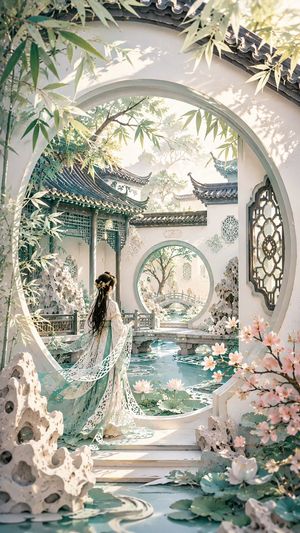
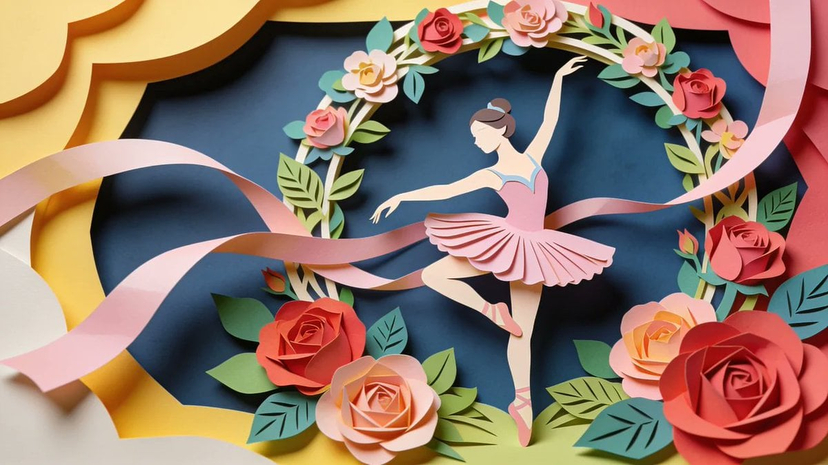
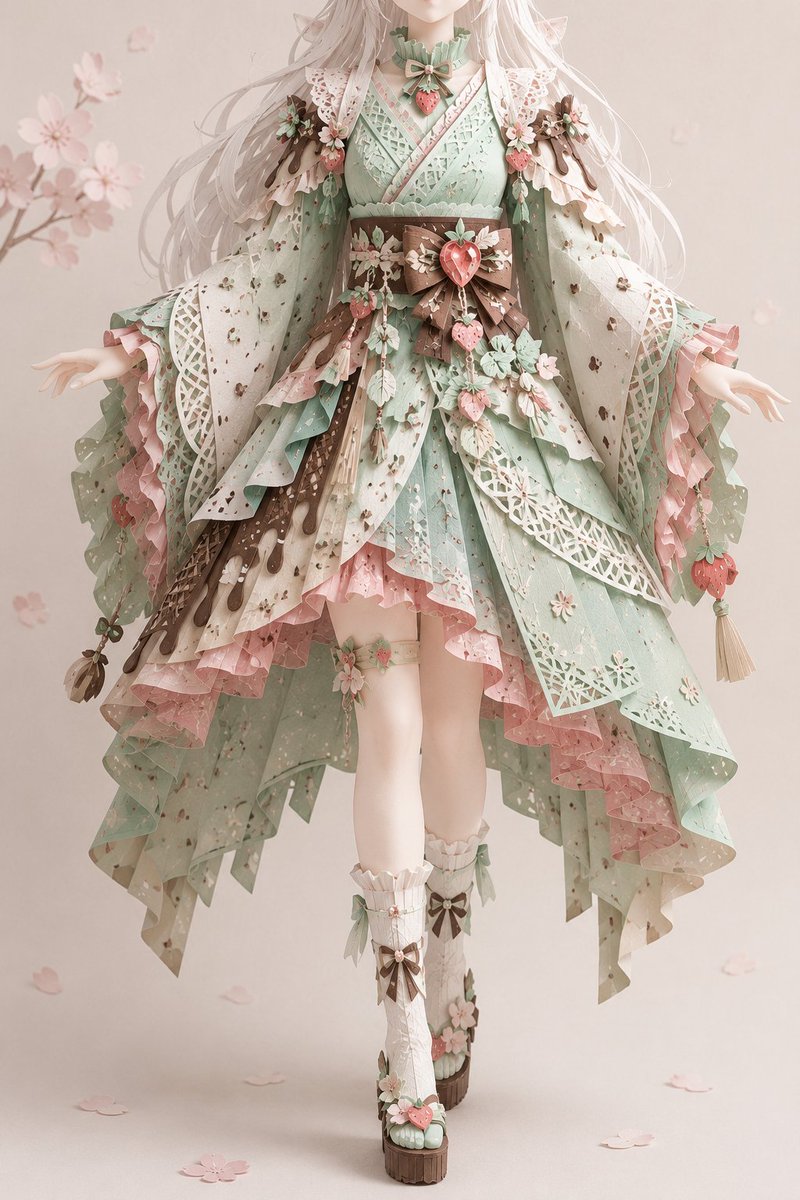
Intricate multi-layer paper cut silhouette of a crumbling ancient library floating above storm clouds, heavy handmade paper with visible fibers and rough cut edges casting subtle shadows between layers, muted indigo, sepia, and silver tones, soft backlighting creating depth, traditional folk art silhouette feel with surreal scale.
Choose the primary action to open PicX Studio with the available template settings. Review the model and format, personalize the creative direction, and generate when ready.
Yes. You can change the subject, setting, lighting, mood, format, and available model controls before creating your image.
This template is free to open and customize. Generation usage is shown in PicX Studio before you create.
Start with Nano Banana 2, which is the model associated with this template. You can compare another compatible model for a different finish.
© 2026 PicX Studio. All rights reserved.

Follow a topic to a crawlable collection of related PicX Studio templates.