
Chinese Silhouette Lantern Wallpaper
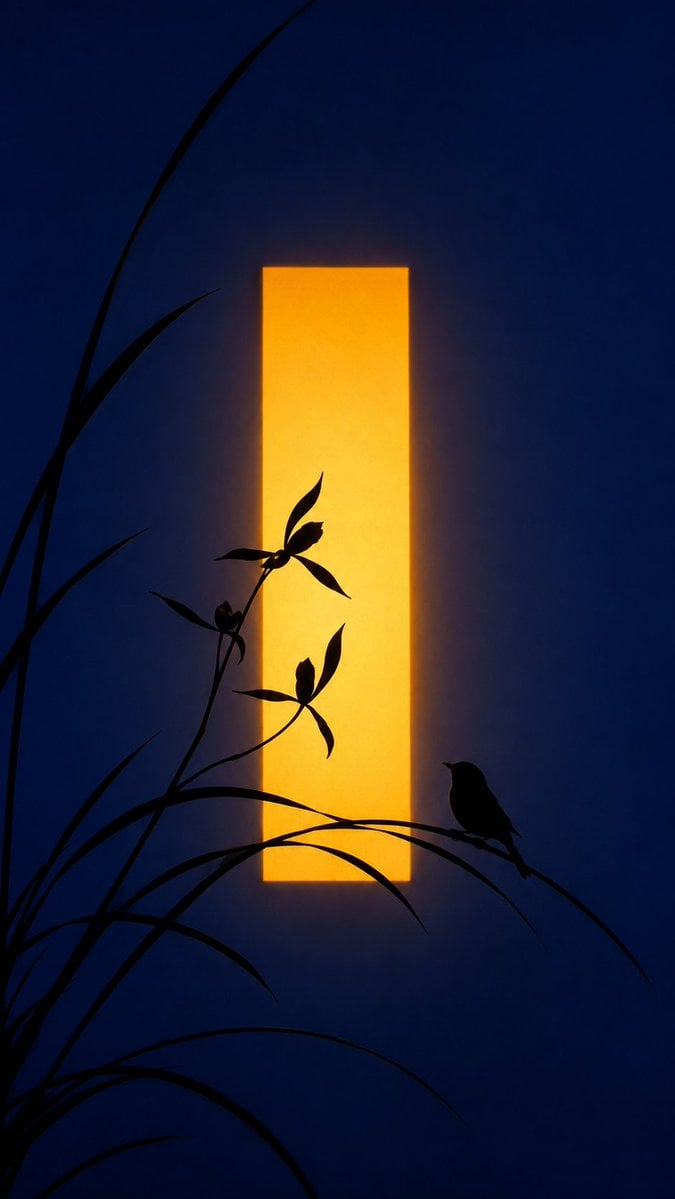
A vertical Chinese-inspired night wallpaper with orchid silhouettes, a perched bird, and a glowing golden window-like lantern.
- Prompt included
- Model and format preset
- Free template
The prompt behind this image
Copy the exact prompt behind Chinese Silhouette Lantern Wallpaper, or open it in the studio and make it yours.
Create a vertical Chinese aesthetic wallpaper in a minimalist poetic silhouette style. Use a 9:16 portrait canvas with a deep midnight navy-blue background, softly textured like a dim interior wall at night. In the exact center, place one tall, narrow, vertical glowing rectangle of warm golden-yellow light, like a paper lantern or illuminated window slit, with softly feathered amber bloom around its edges. In the foreground, render black ink-like silhouettes: slender orchid or wild grass stems rising from the lower left, with long arcing blade leaves crossing the bottom and sweeping upward; include exactly 3 small flower clusters on thin stems in front of the glowing rectangle, each with delicate pointed petals and leaves. On the lower right, place exactly 1 small bird silhouette perched on a curved grass blade, facing left toward the flowers and light. Composition should feel calm, elegant, and asymmetrical, inspired by traditional Chinese ink painting and moonlit garden imagery. Keep all foreground plants and the bird as pure black silhouettes with crisp edges, while the golden rectangle glows softly against the blue. No text, no border, no people, no extra animals, no watermark.
How to use Chinese Silhouette Lantern Wallpaper in 3 steps
- 1Upload ImagePNG, JPG or paste
Add your photo
Upload the photo the template builds on. The prompt, model and format are already set.
- 2…a portrait of your subject in softgolden-hour light, 85mm…
Personalize
Edit the subject and creative details for your destination.
- 3Generate
Generate
Press Generate — your image is created in PicX Studio, so you can compare it with the original and refine one variable at a time.
More like this
Templates with the same subject, style or setup. Open one to see its prompt.
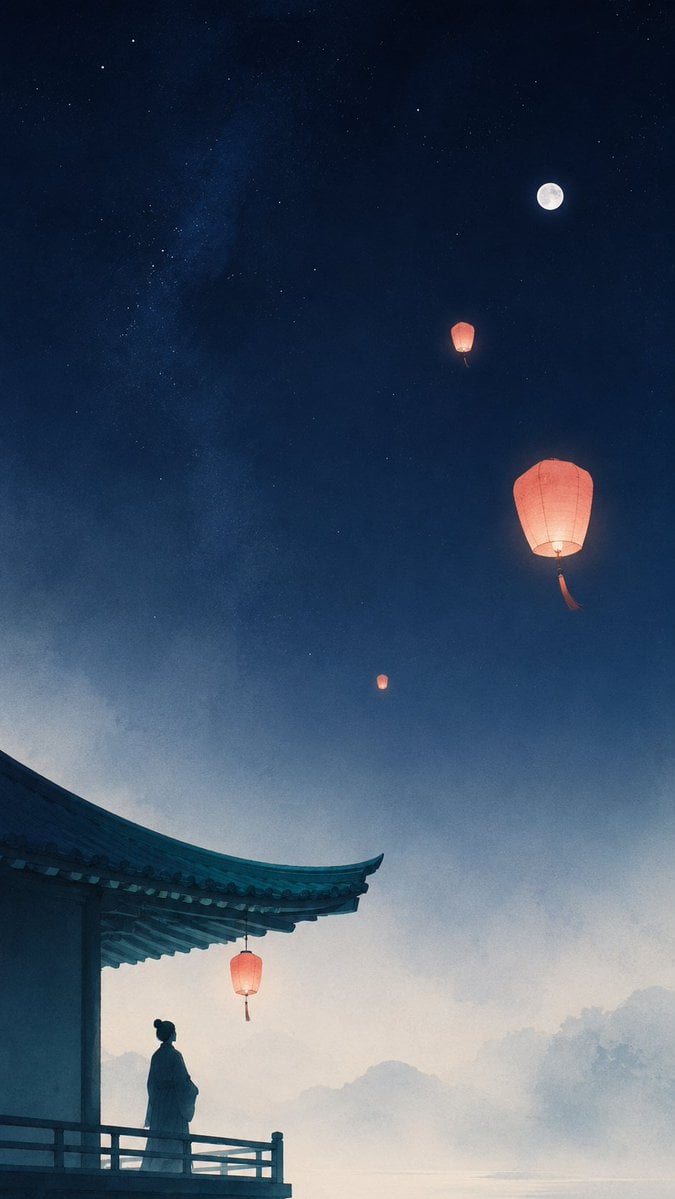
Oriental Zen Sky Lantern Aesthetic Wallpaper

敦煌纸雕飞天 — 3D Layered Paper Cutout

博物馆图鉴式汉服拆解图 — GPT-image-2
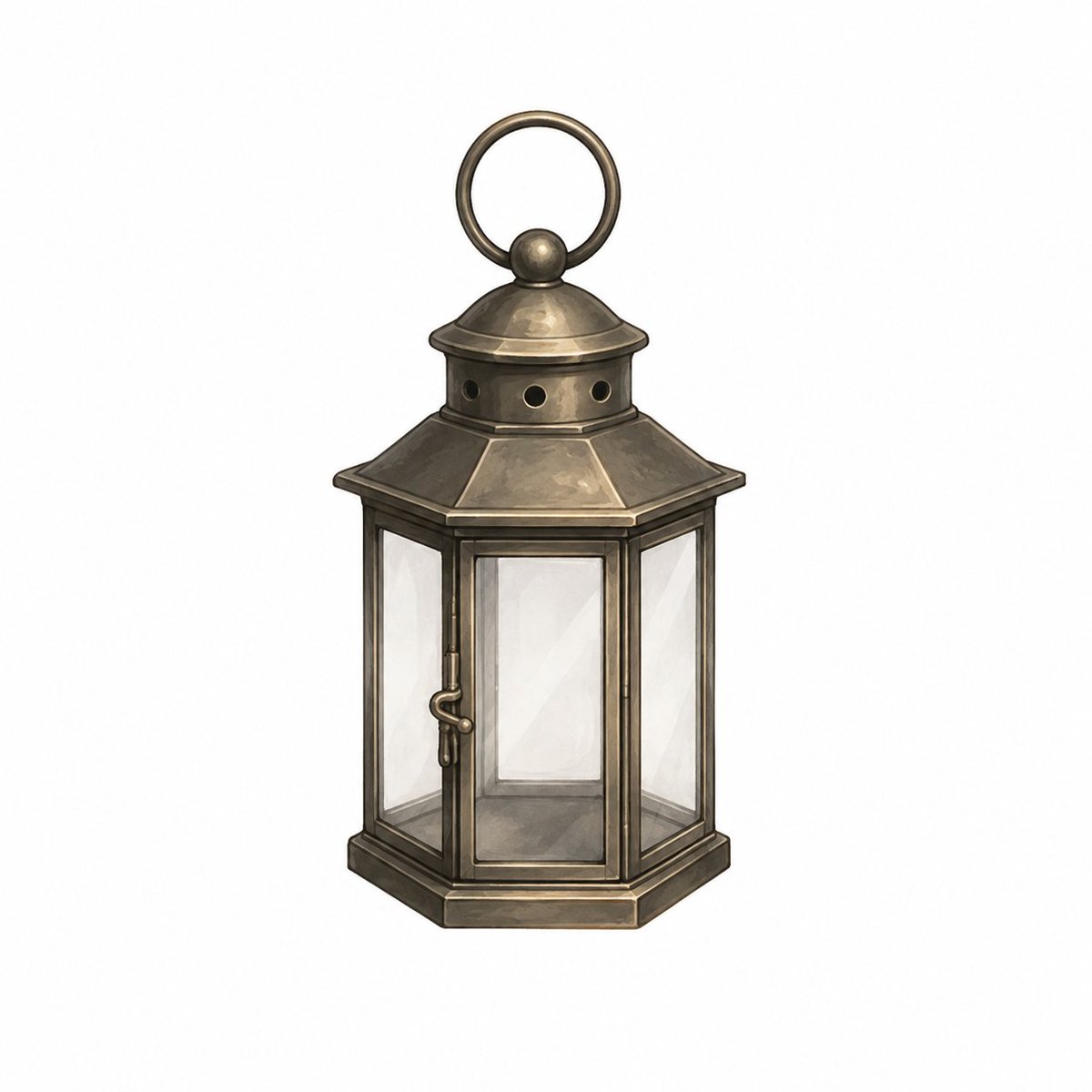
Vintage Brass Hanging Lantern

Dramatic Green Lantern Comic Portrait
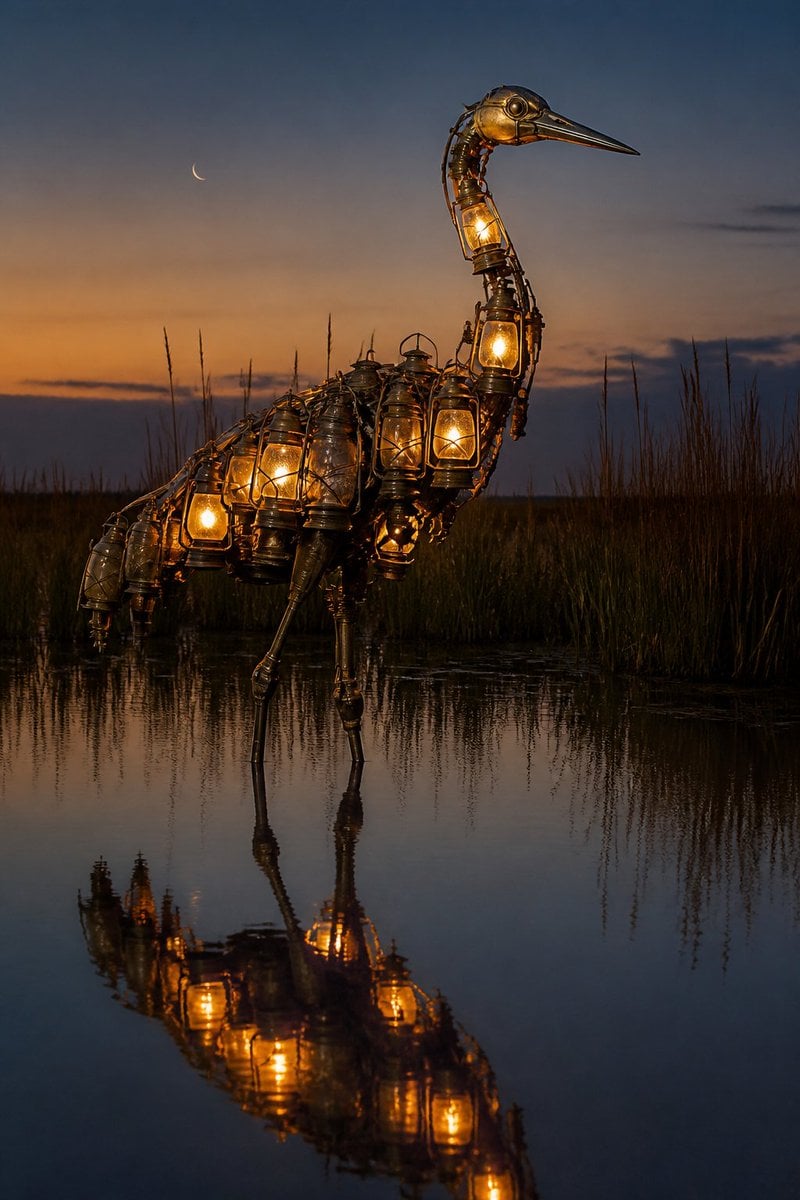
Photorealistic Lantern Crane at Dusk
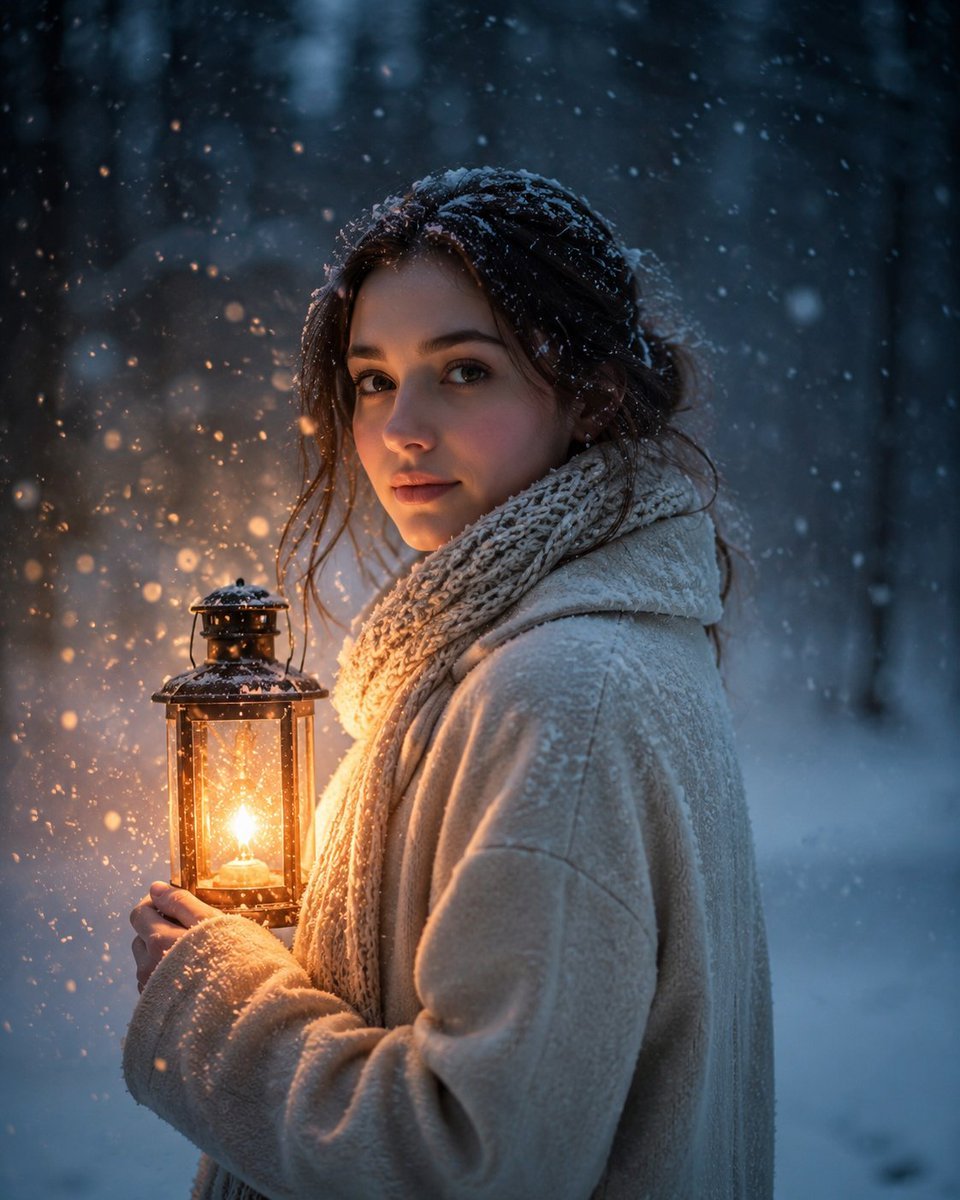
Lantern in the Winter Twilight Photography
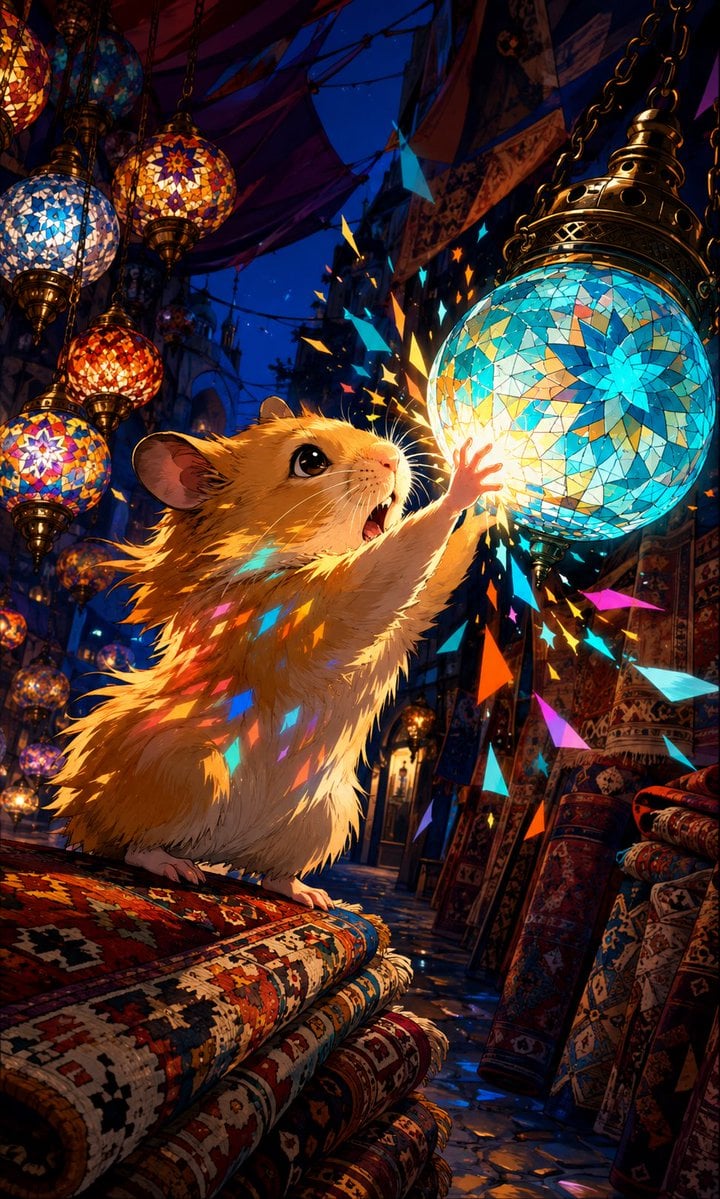
Hamster in Turkish Lantern Bazaar
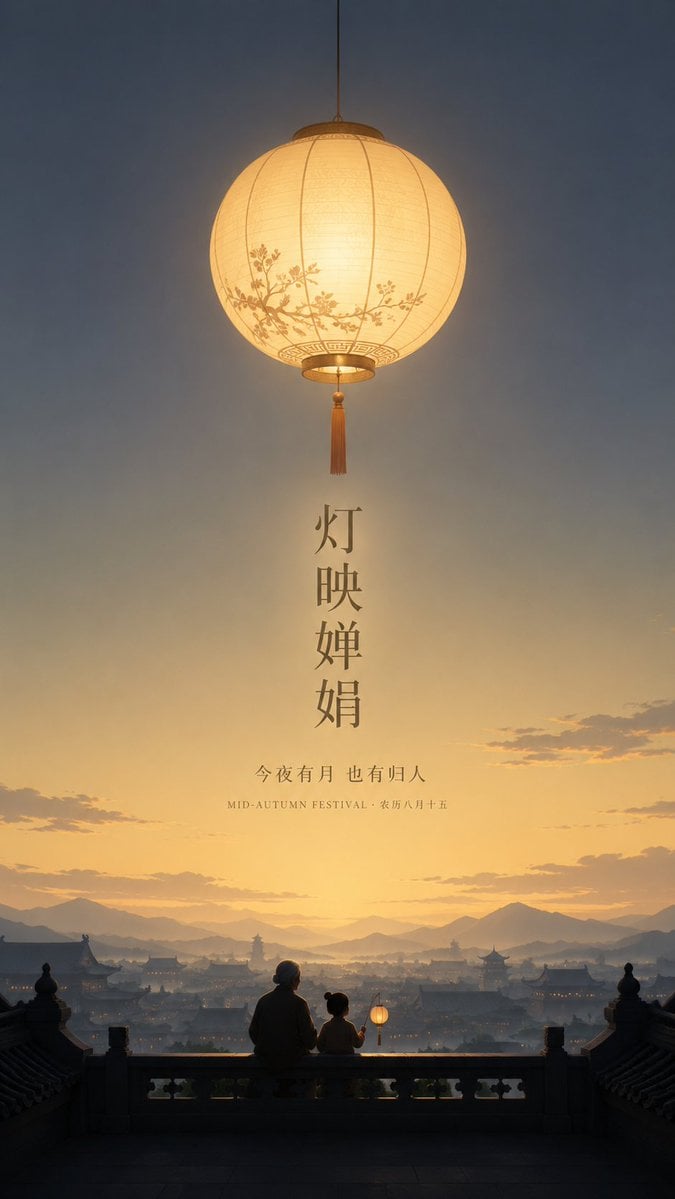
Serene Mid-Autumn Lantern Poster
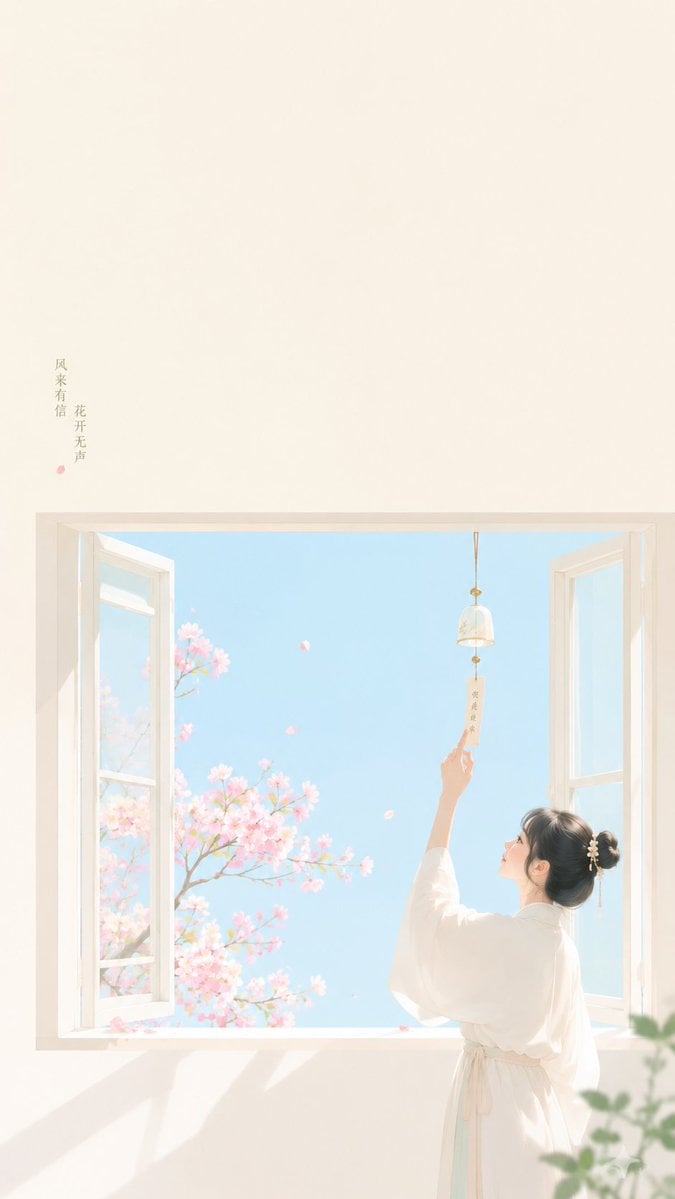
Zen Minimalist Aesthetic Wallpaper

Urban Silhouette Aesthetic Greeting
Oriental Zen Minimalist Goldfish Lantern Poster
Make it yours
Chinese Silhouette Lantern Wallpaper works as-is. These are the safest ways to change it without losing the look.
Change one field
Copy a single group, rewrite it, and generate again so you can see what that field is doing.
Keep the frame, change the subject
Hold the composition and light of Chinese Silhouette Lantern Wallpaper, then swap wardrobe, props or the person for a new take.
| If the result… | Why | Fix |
|---|---|---|
| The result drifts from the preview | Too many fields changed at once. | Reuse Chinese Silhouette Lantern Wallpaper as-is first, then change one group — subject, light, or setting. |
| The model over-stylizes the scene | The prose prompt leaves finish and camera underspecified. | Add one camera or lighting sentence and stay on GPT Image 2. |
More GPT Image 2 templates
Other prompts made for GPT Image 2.

Six VTuber Japanese Logo Sheet

Realistic Portrait of Woman and Deer

The Vista Modular Condo Poster

AI Model Routing Comparison Infographic

2.5D Anime Art Board

Isometric Productivity Desk Scene

New York Double Exposure Poster

Four-Panel AI Landscape Comparison

Japanese Tatami Lifestyle Magazine Cover

NESCAFÉ Coffee Map Poster
More image prompts
Fresh picks from across the catalog.

Minimalist Fashion Campaign Typography

Surreal Pepsi Pour Phone Composite

Conceptual Editorial Visual Prompt: Contained Human Aquarium
Macro Illustration of a Tiny Fairy on a Flower
Generic 'Make Something Like This' Prompt

Professional studio portrait of a woman
Clothing Item Cut-Out Sticker Prompt
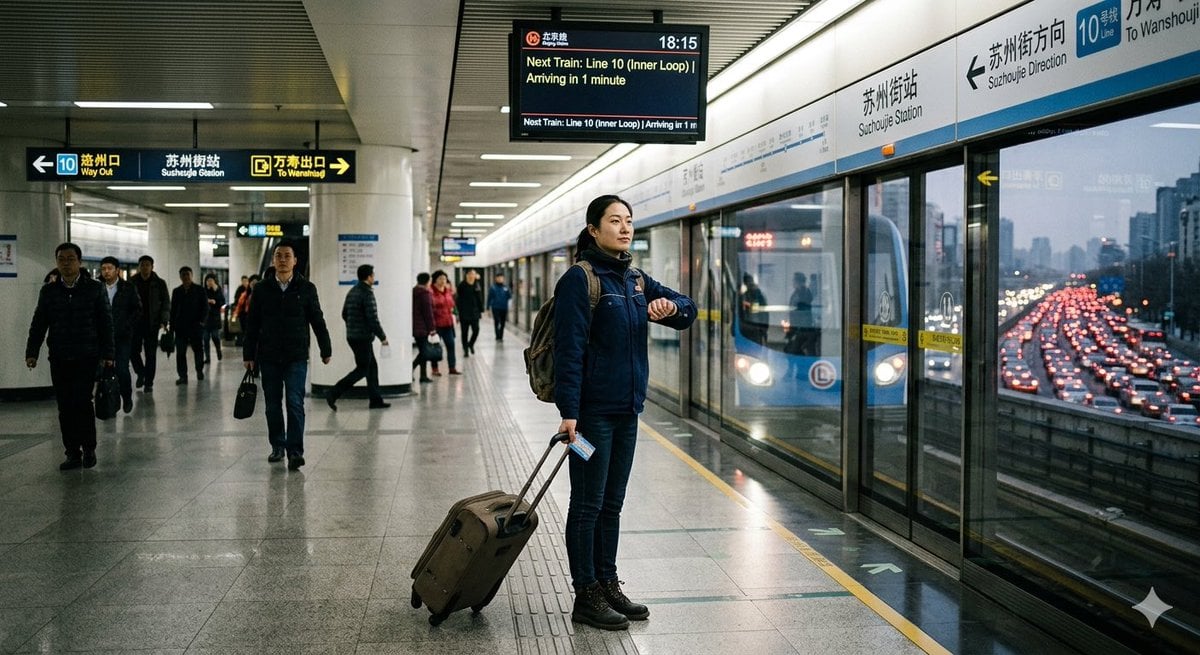
Rush Hour Subway vs Traffic
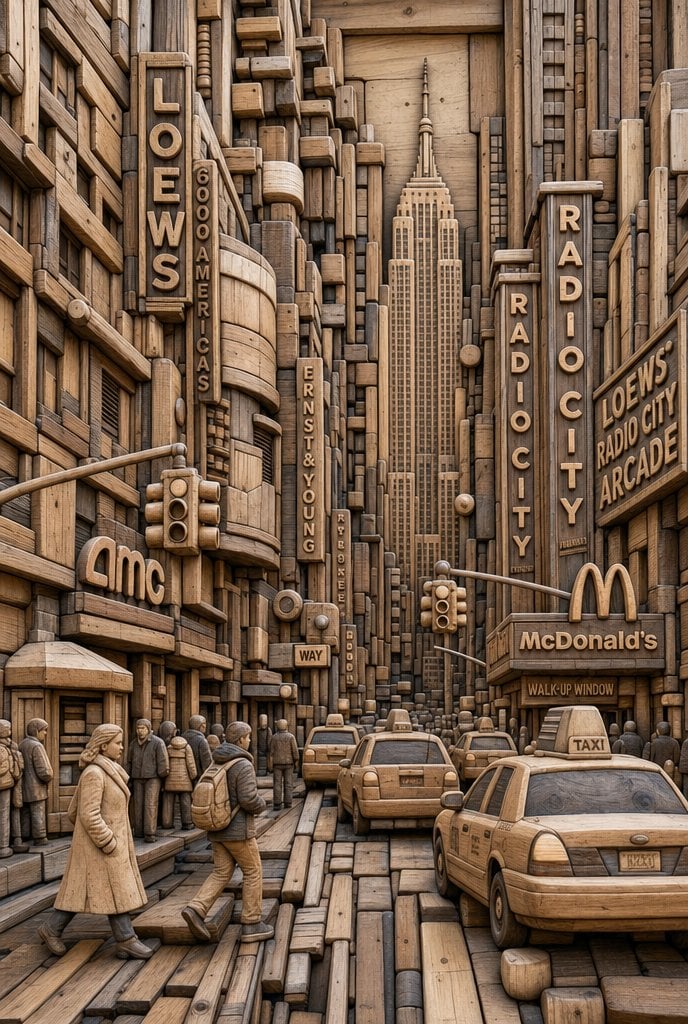
Carved Wood Block Relief
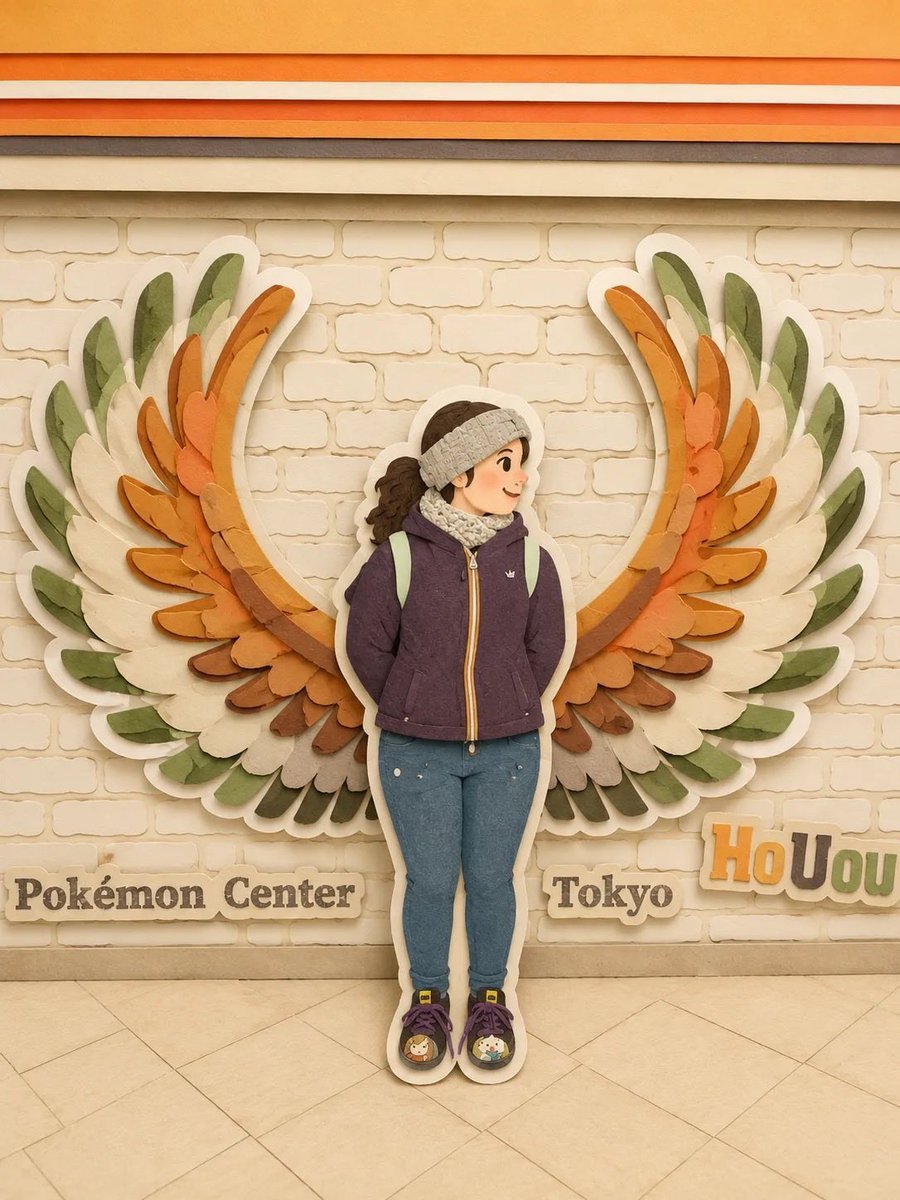
Japanese Paper Craft Art Scenes
Browse template categories
Chinese Silhouette Lantern Wallpaper questions
How do I use the Chinese Silhouette Lantern Wallpaper template?
Add your photo if the template asks for one, edit the prompt if you like — the template's model and format are already selected — and press Generate. Your version opens in PicX Studio.
Can I customize the Chinese Silhouette Lantern Wallpaper template?
Yes. You can change the subject, setting, lighting, mood, format, and available model controls before creating your image.
Is the Chinese Silhouette Lantern Wallpaper template free?
Opening and editing this template is free. Generating uses credits, shown on the Generate button when you are signed in.
Which AI model should I use?
Start with GPT Image 2, which is the model associated with this template. You can compare another compatible model for a different finish.
Looking for something else? Browse all templates.

Your photo, any look
Thousands of ready templates for every top image and video model, from one credit balance.